
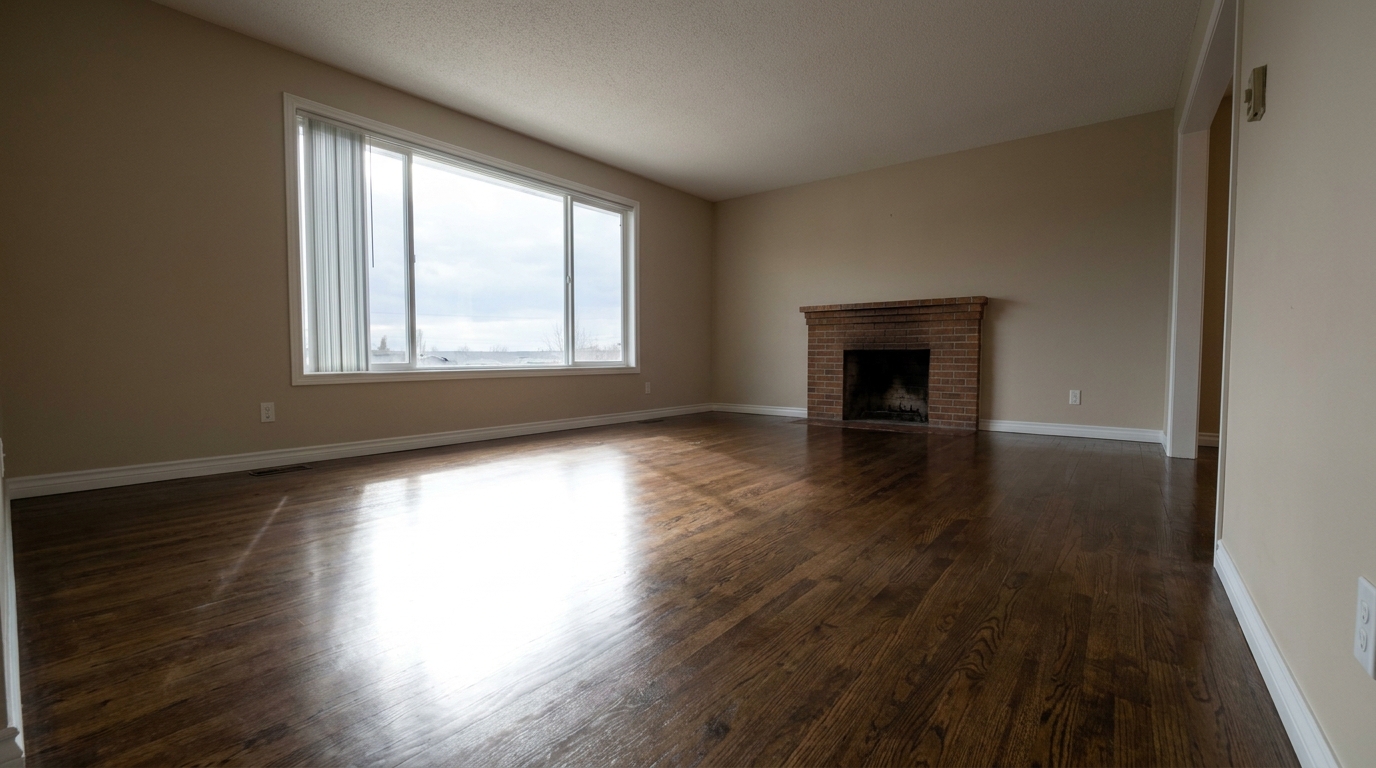
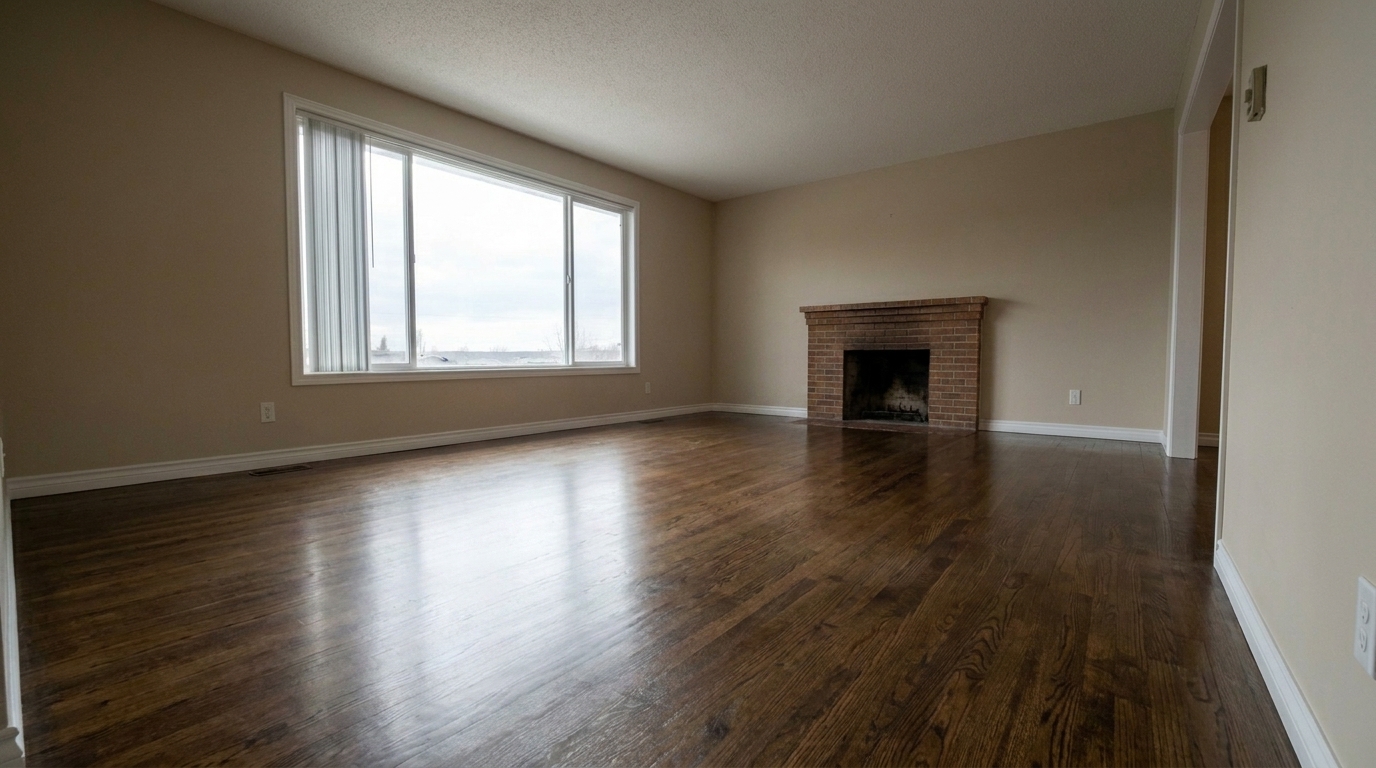

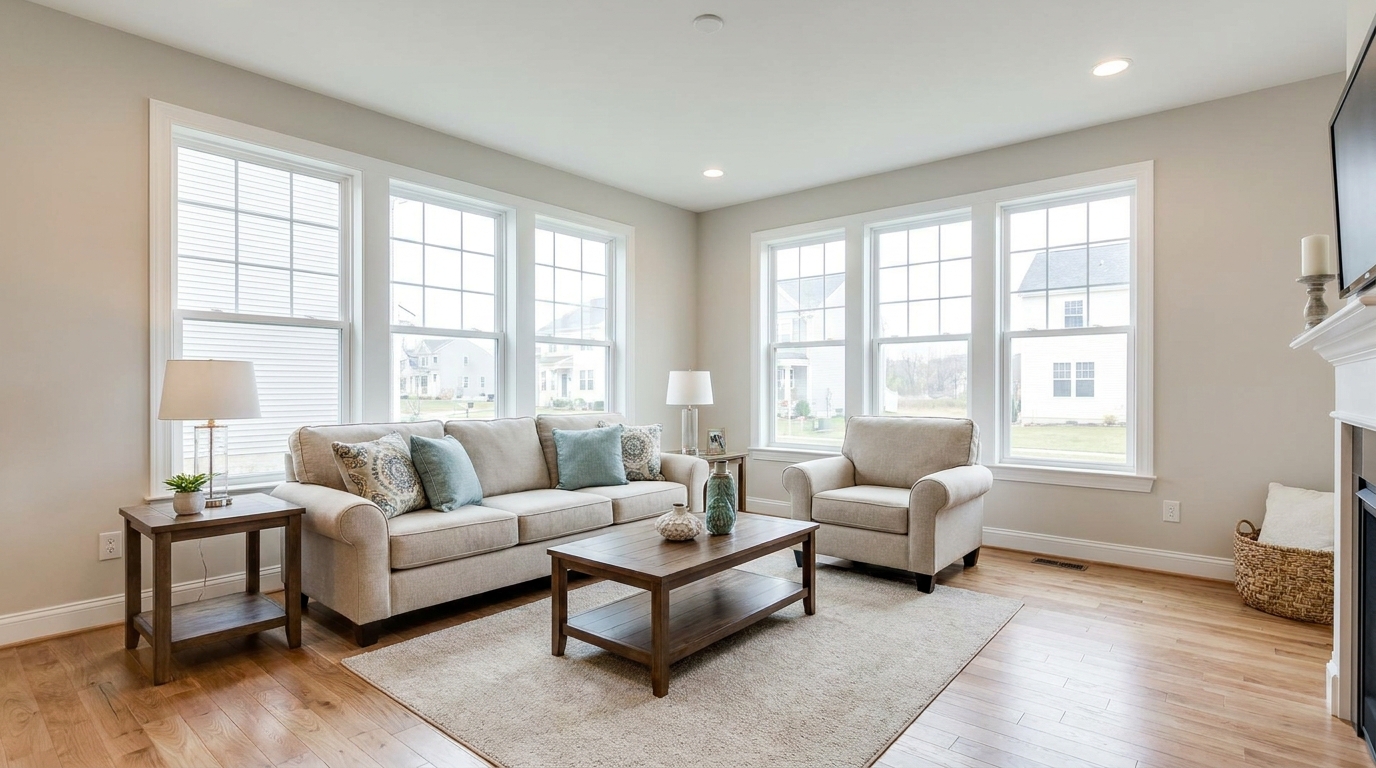
Polished Hardwood Living Room
Polished Hardwood Living Room updated with glare and reflection reduction styling.
Remove distracting light bounces from windows, polished floors, and screens. Restore natural textures and clarity to your real estate photos with AI.
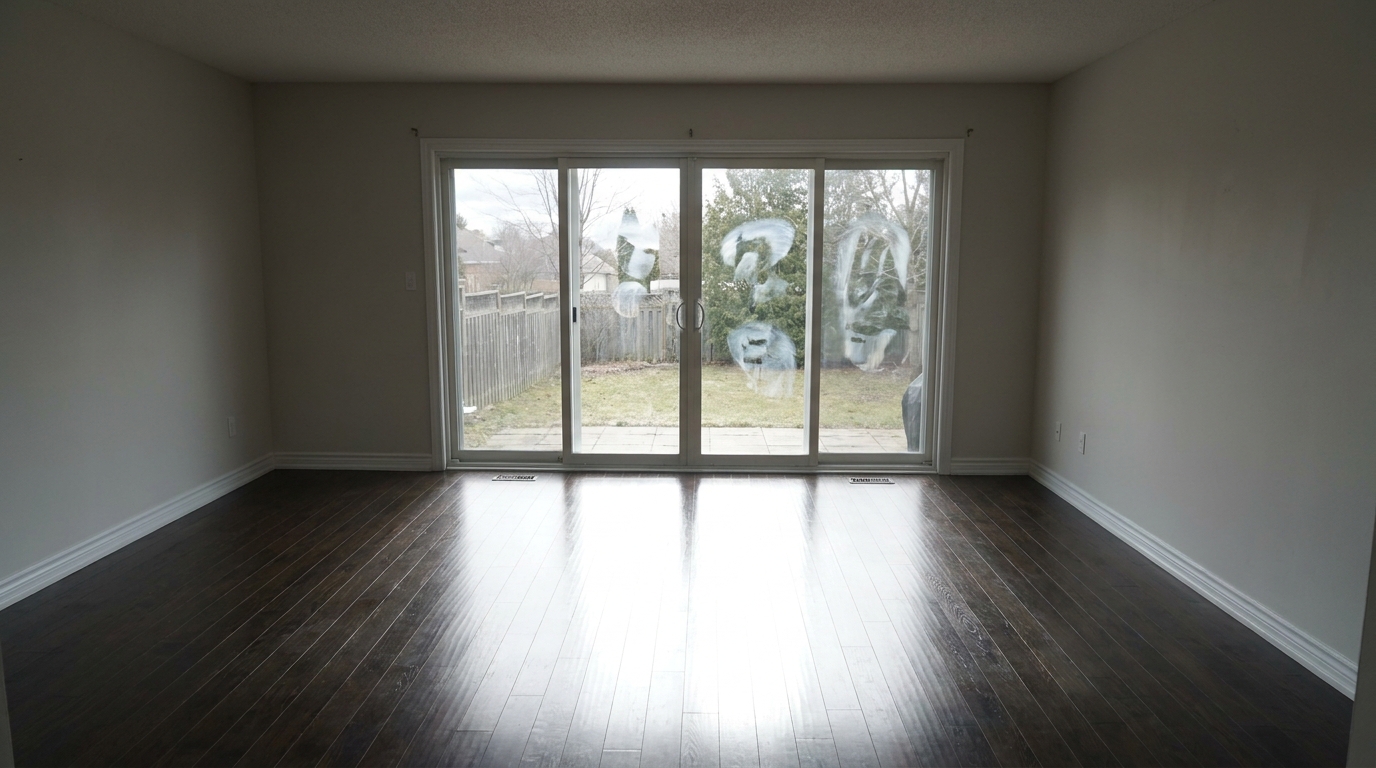
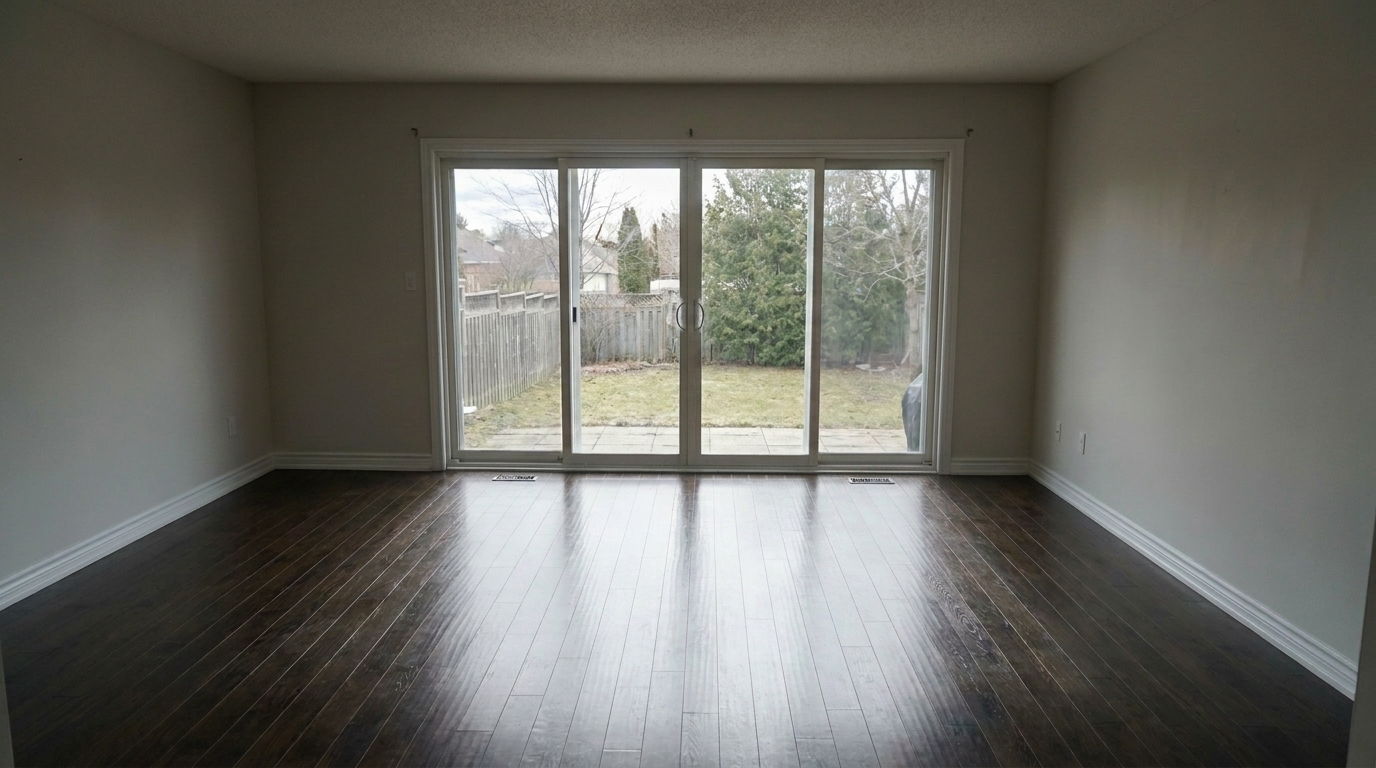
View real-world examples of polished floors, clear windows, and glare-free screens.
Polished Hardwood Living Room updated with glare and reflection reduction styling.
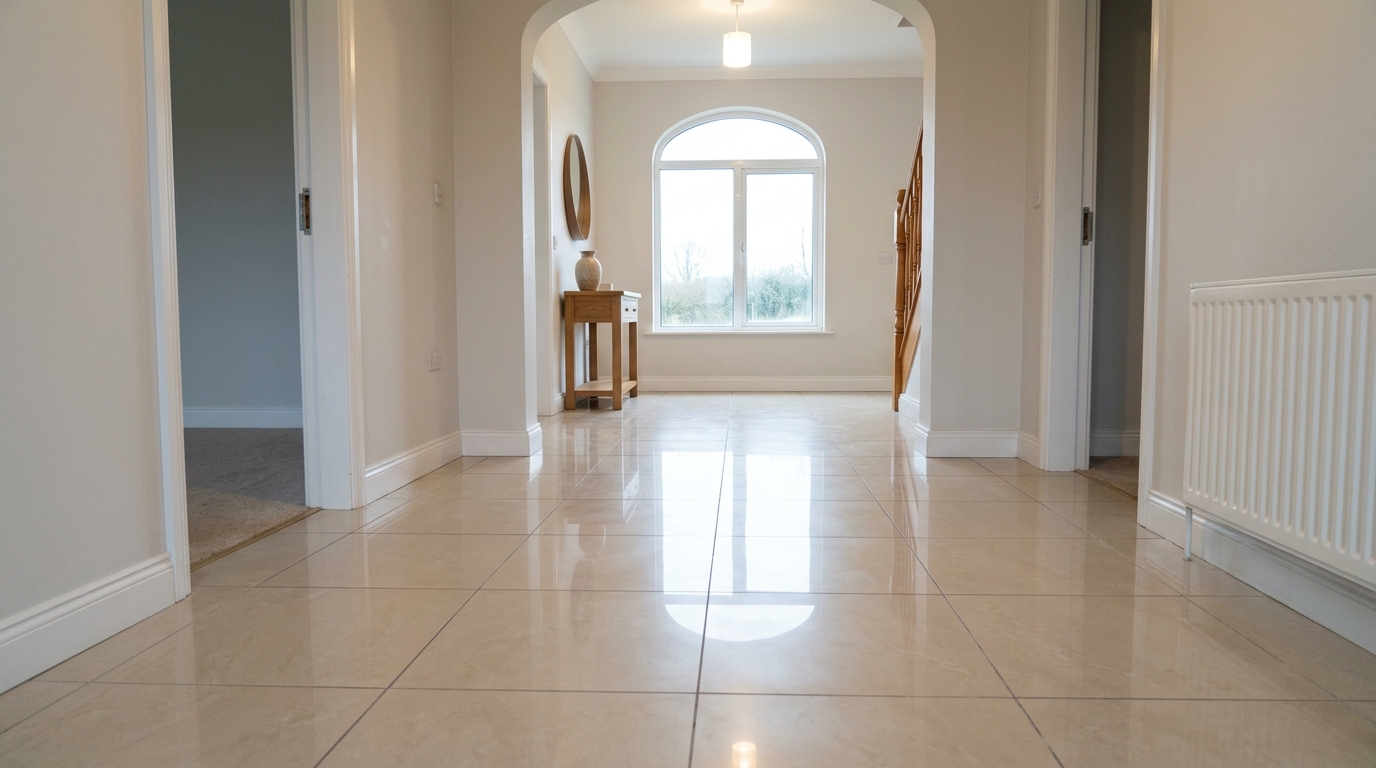
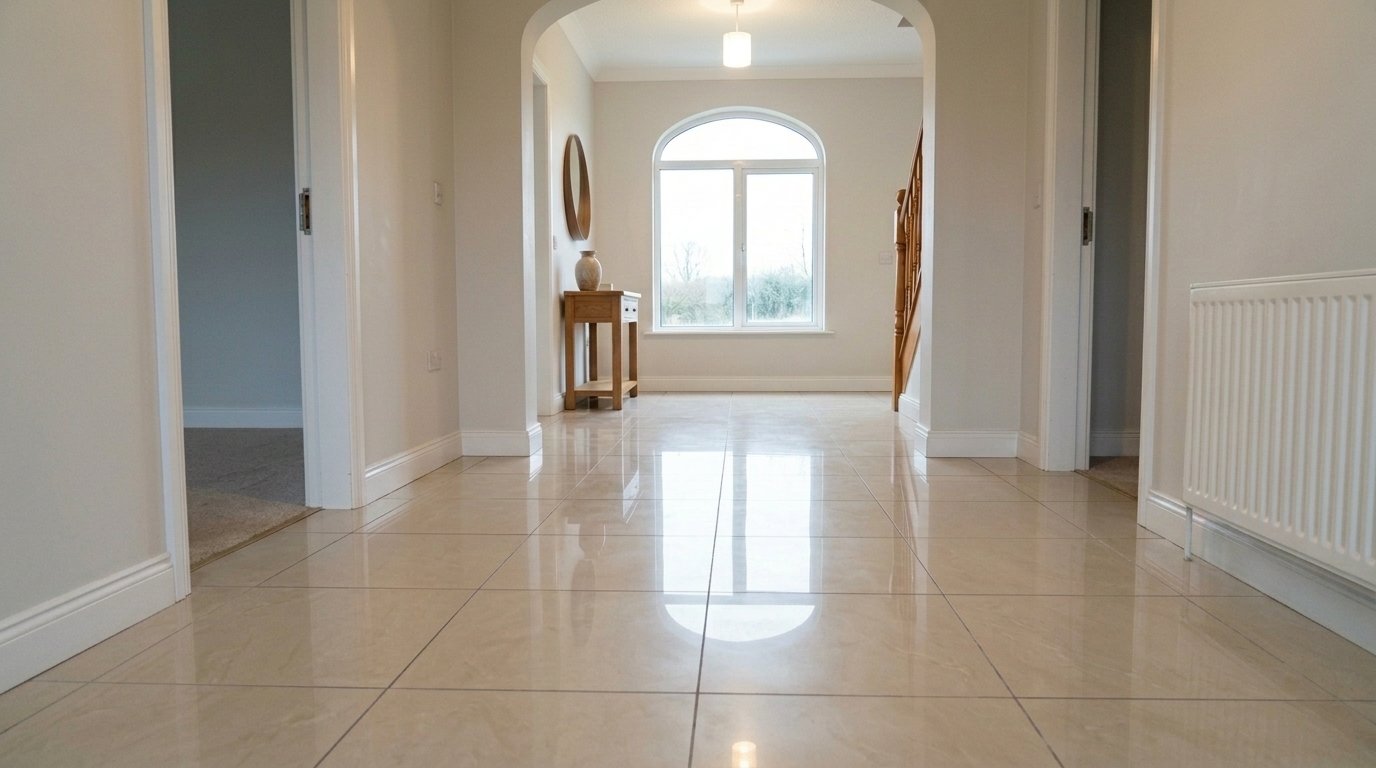
Reduce glare and distracting reflections in the same glossy tile floor hotspot.
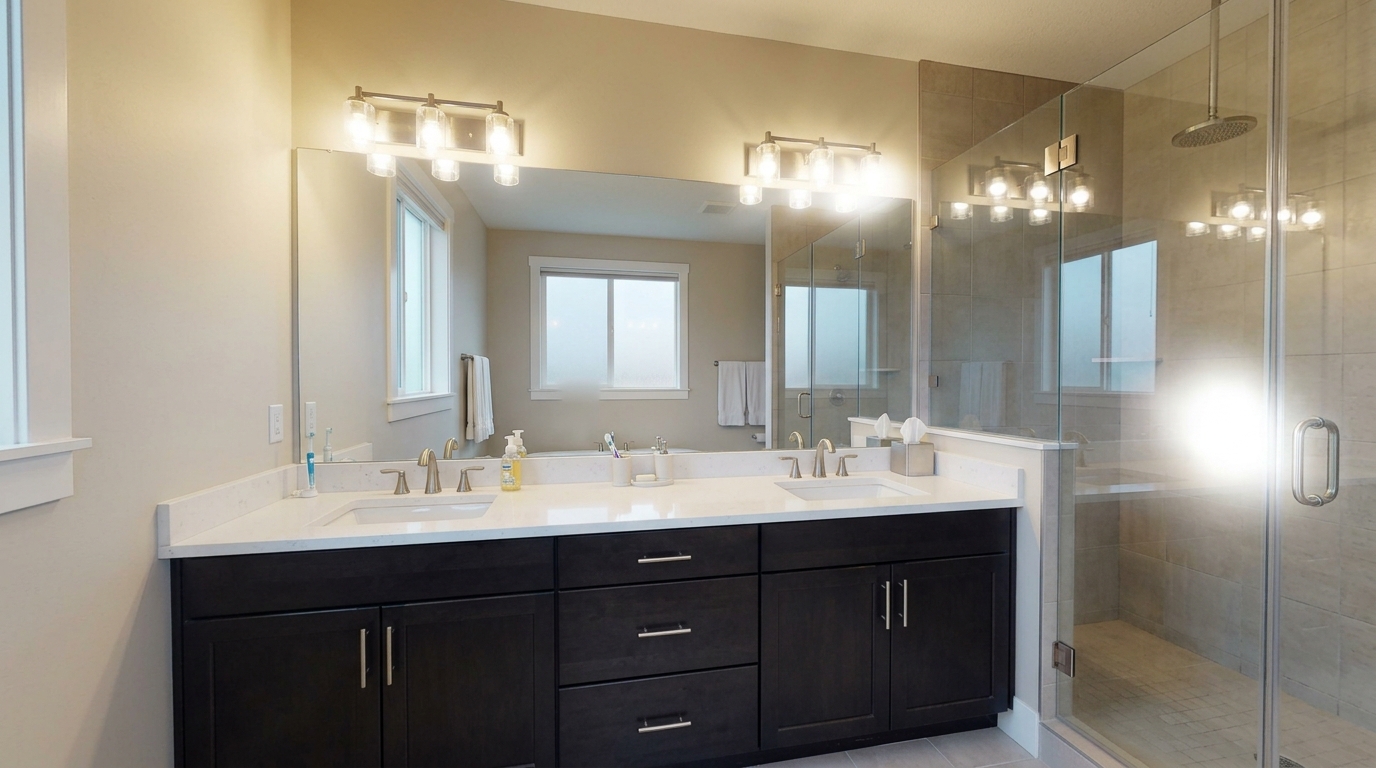
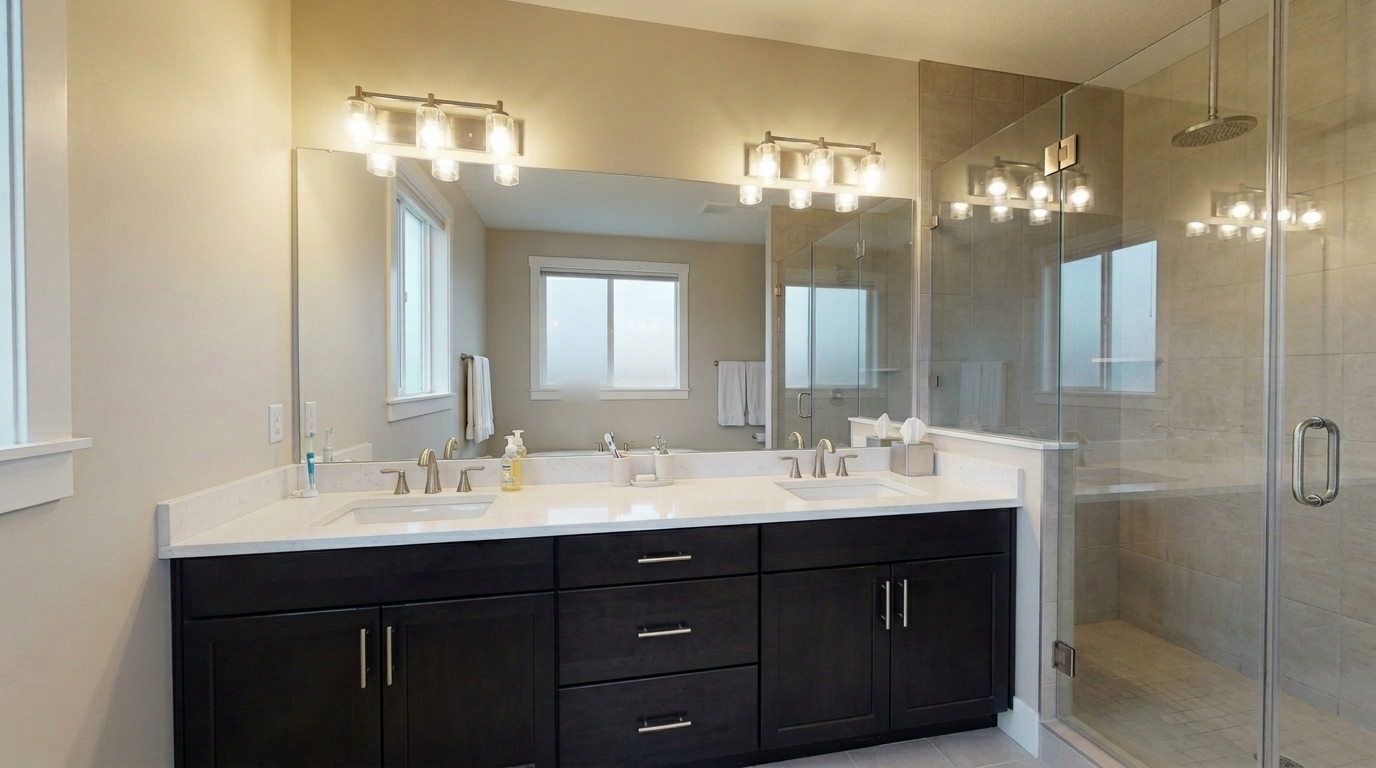
Reduce glare and distracting reflections in the same luxury bathroom mirror.
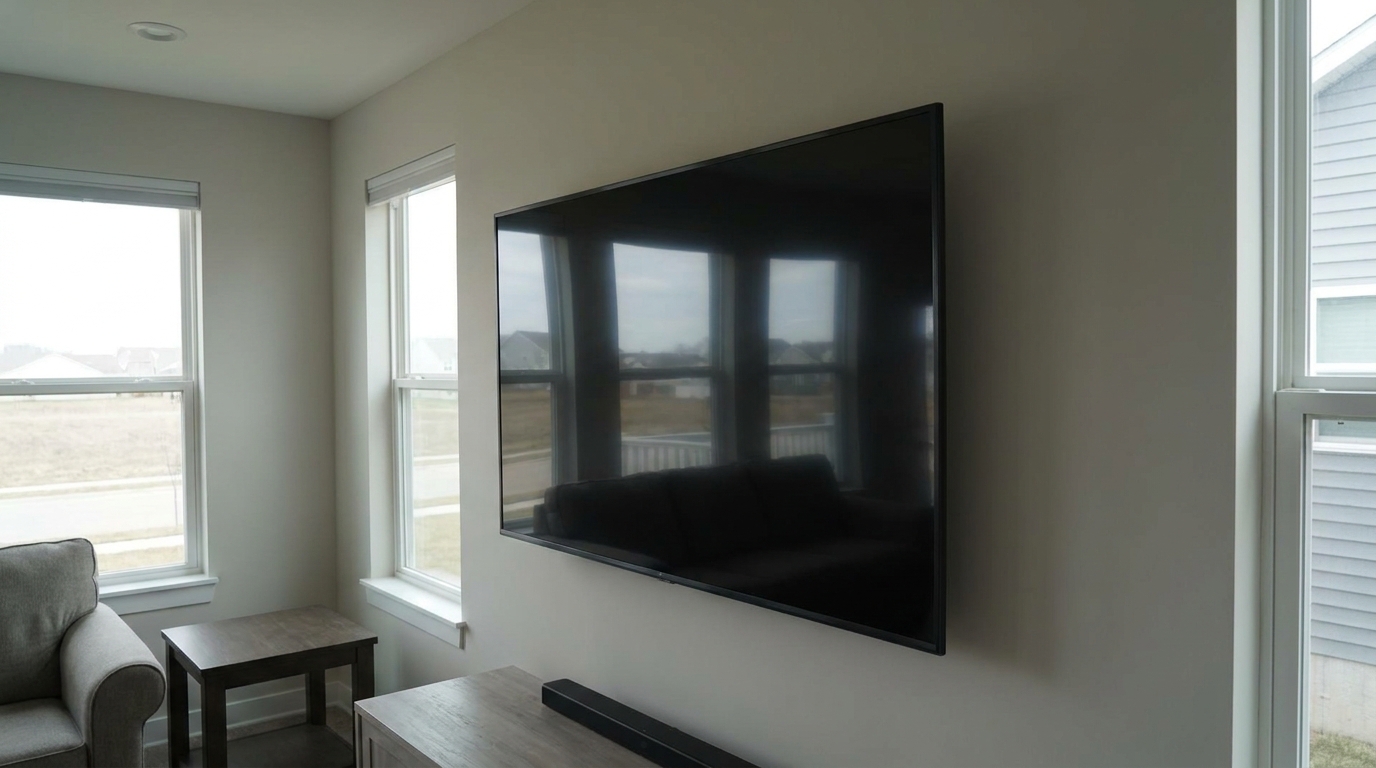
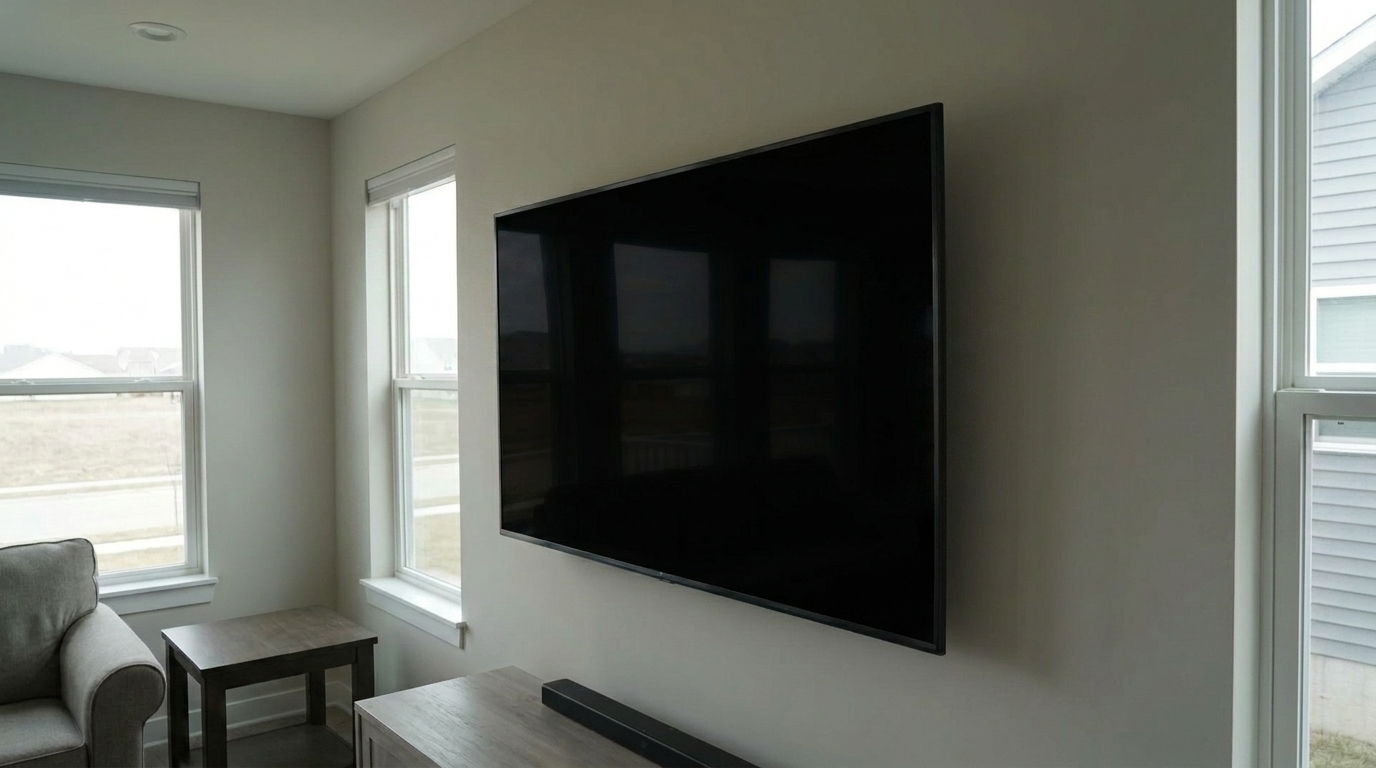
Living Room TV Screen updated with glare and reflection reduction styling.
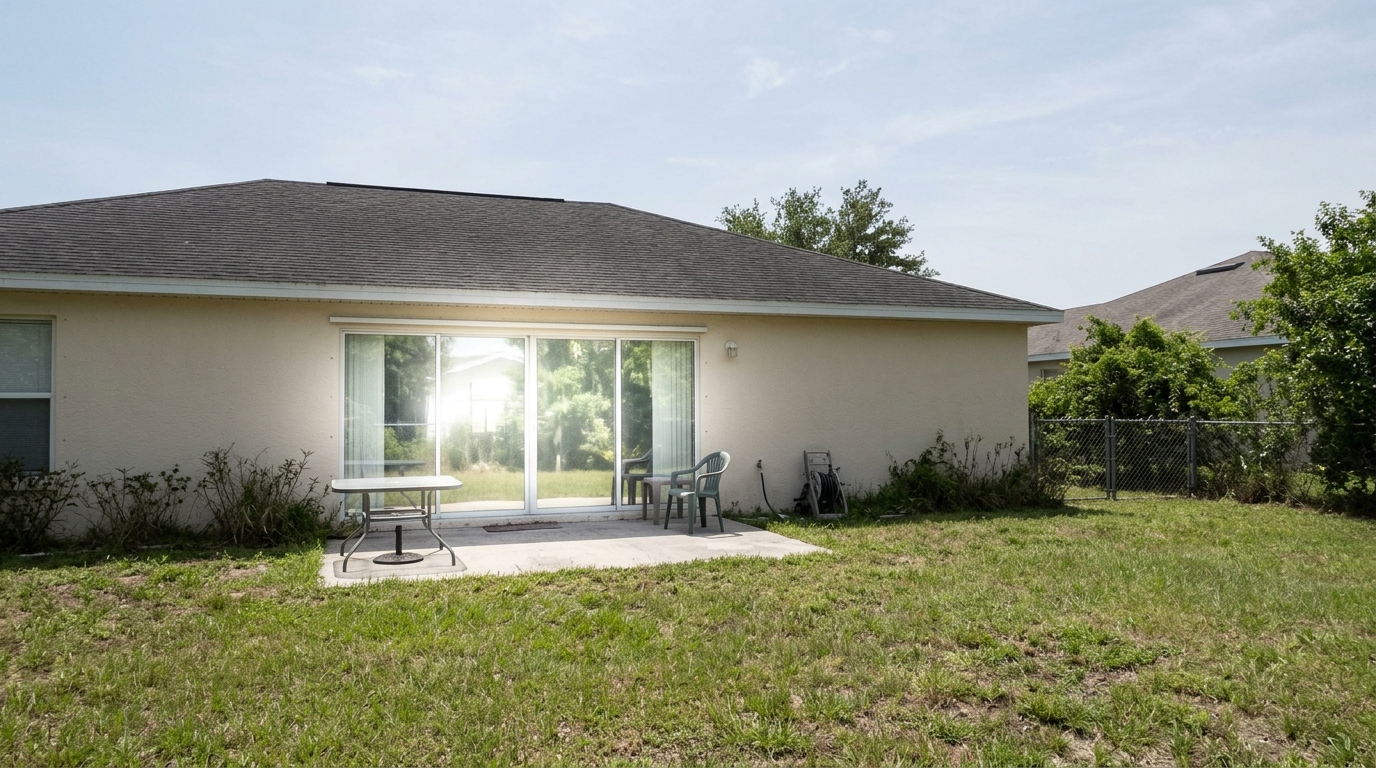
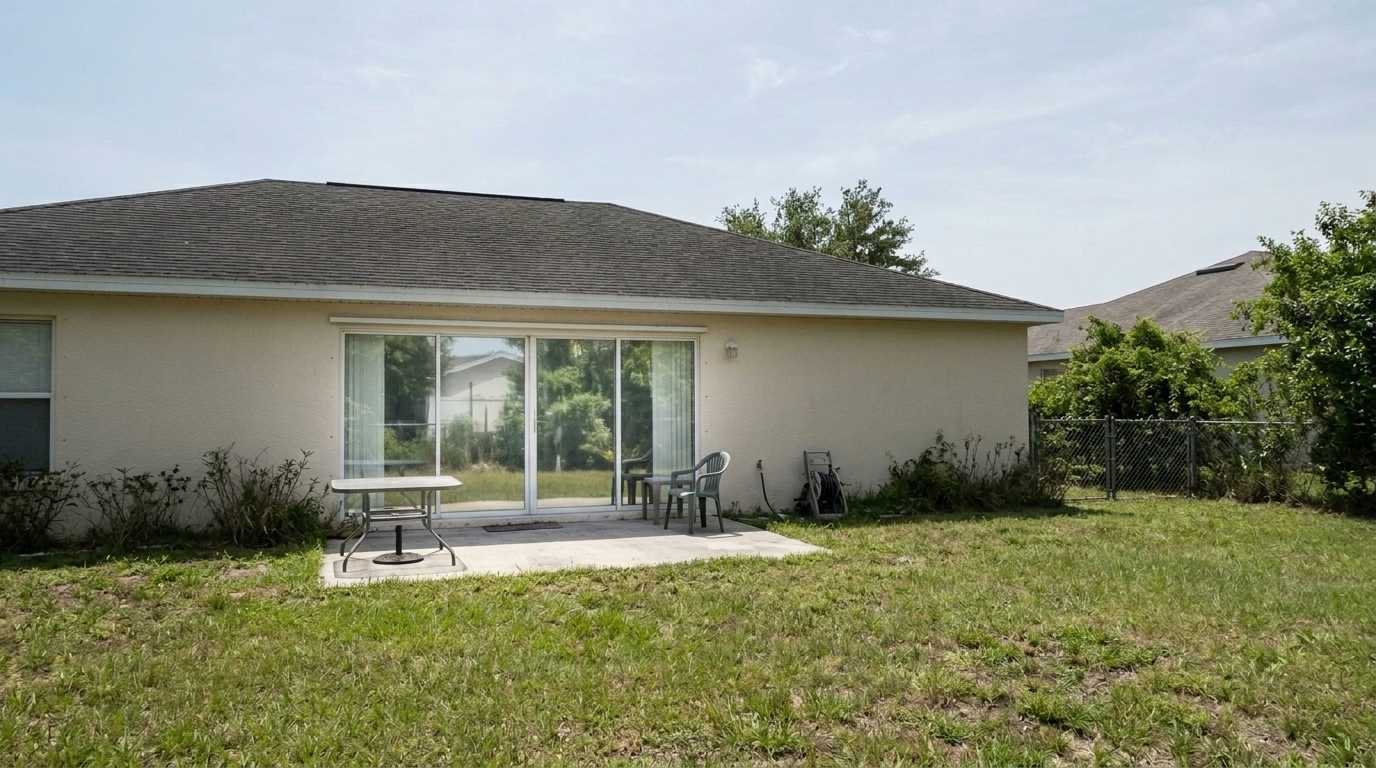
Reduce glare and distracting reflections in the same sunroom window panes.


Reduce glare and distracting reflections in the same commercial office conference table.
Discover how our AI intelligently targets and neutralizes distracting light bounces.
Neutralizes harsh outdoor light bouncing off window glass, revealing the view outside clearly.
Tames bright hot spots on hardwood, marble, or polished tile floors while preserving natural wood grain and stone textures.
Clears distracting room reflections from dark television screens, monitors, and glass picture frames.
Removes light artifacts without washing out or blurring the underlying material details and finishes.
Gently redistributes light around neutralized glare zones to maintain a natural, balanced exposure.
Intelligently identifies reflective materials so corrections are only applied where glare actually occurs.
See how clean, reflection-free surfaces elevate different spaces across your listings.
Remove blinding sun glare from polished hardwood floors and large glass patio doors.
InteriorsEliminate harsh light reflections on stainless steel appliances and glossy quartz countertops.
KitchensClear distracting mirror reflections and glare on glass shower enclosures or glazed tiles.
BathroomsRemove reflections from glass partitions, conference tables, and large presentation screens.
CommercialTame intense window glare to showcase both the interior space and the outdoor view simultaneously.
SunroomsReduce artificial light glare bouncing off exterior windows and wet poolside decking.
ExteriorsFollow three simple steps to eliminate harsh reflections and restore natural surface details.
Select and upload your real estate photo containing distracting glare, window reflections, or shiny floor hot spots.
Choose the Glare and Reflection Reduction preset to let the AI analyze and neutralize harsh light bounces.
Preview the clean, reflection-free result and download your high-resolution, listing-ready photo.
Source-backed context for why glare and reflection reduction edits matter inside image optimization workflows.
Glare and Reflection Reduction within Image Optimization evidence
Photos are one of the most valuable website features for home buyers; NAR's 2025 generational trends report says 83% of internet-using buyers rated photos as very useful. For Glare and Reflection Reduction pages, this supports showing how a focused Image Optimization edit can make the listing photo feel clearer, more polished, and easier for buyers to evaluate.
Source: NAR 2025Glare and Reflection Reduction within Image Optimization evidence
Zillow Research's 2025 prospective buyer report ranked high-resolution photos as the number two most important listing feature, selected by 26% of prospective buyers; floor plans ranked first at 33%. For Glare and Reflection Reduction pages, this supports showing how a focused Image Optimization edit can make the listing photo feel clearer, more polished, and easier for buyers to evaluate.
Source: Zillow 2025Glare and Reflection Reduction within Image Optimization evidence
Redfin reported that professionally photographed homes in the $400,000 range sold three weeks faster and for more than $10,000 relative to list price compared with amateur photos. Use this as supporting context, not as a guaranteed result. For Glare and Reflection Reduction pages, this supports showing how a focused Image Optimization edit can make the listing photo feel clearer, more polished, and easier for buyers to evaluate.
Source: RedfinLearn how to eliminate distracting light bounces and showcase the true quality of your property listings.
Harsh glare and distracting reflections can instantly cheapen an otherwise beautiful property photo. When sunlight bounces off polished hardwood floors, glossy countertops, or glass windows, it creates overexposed 'hot spots' that draw the eye away from the room's key features. Buyers end up focusing on the photographic defect rather than the spacious layout or premium materials. Neutralizing these reflections restores visual balance, allowing the true quality of the finishes to shine through.
Removing glare traditionally requires complex manual masking and exposure blending in advanced editing software. Our AI-powered preset automates this tedious process. When you upload an image, the algorithm analyzes the light sources and surface textures. It isolates the overexposed reflection zones—such as window glass, television screens, or polished tiles—and intelligently reconstructs the underlying details. The result is a clean, natural-looking surface that retains its realistic texture without looking flat or artificially painted.
To get the best results, it is important to choose the right tool for your specific photo issue. Use the Glare and Reflection Reduction preset when you have localized, highly distracting reflections on specific surfaces like glass, screens, or shiny floors, but the rest of the image's exposure is already correct. If your entire photo suffers from uneven lighting, choose Exposure Balancing. For a complete, one-click overhaul that handles perspective, noise, and light correction all at once, opt for the Full Correction Suite. Avoid using glare reduction as a general brightness tool; it is engineered specifically to target and soften specular highlights.
While our AI tool works wonders on existing photos, combining it with good shooting practices yields the ultimate listing presentation. When photographing interiors, try to position your camera at a slight angle to highly reflective surfaces like mirrors, TVs, and glass doors to minimize direct bounce-back. If shooting in bright daylight, utilize sheer blinds or shoot during times when the sun is not directly hitting the windows. Running your photos through our preset afterward will clean up any remaining minor reflections, delivering a flawless, high-end finish.
Compare specialized presets designed to polish, balance, and correct your property listings.
All-in-one correction for brighter, cleaner, listing-ready real estate photos.
Try This Tool →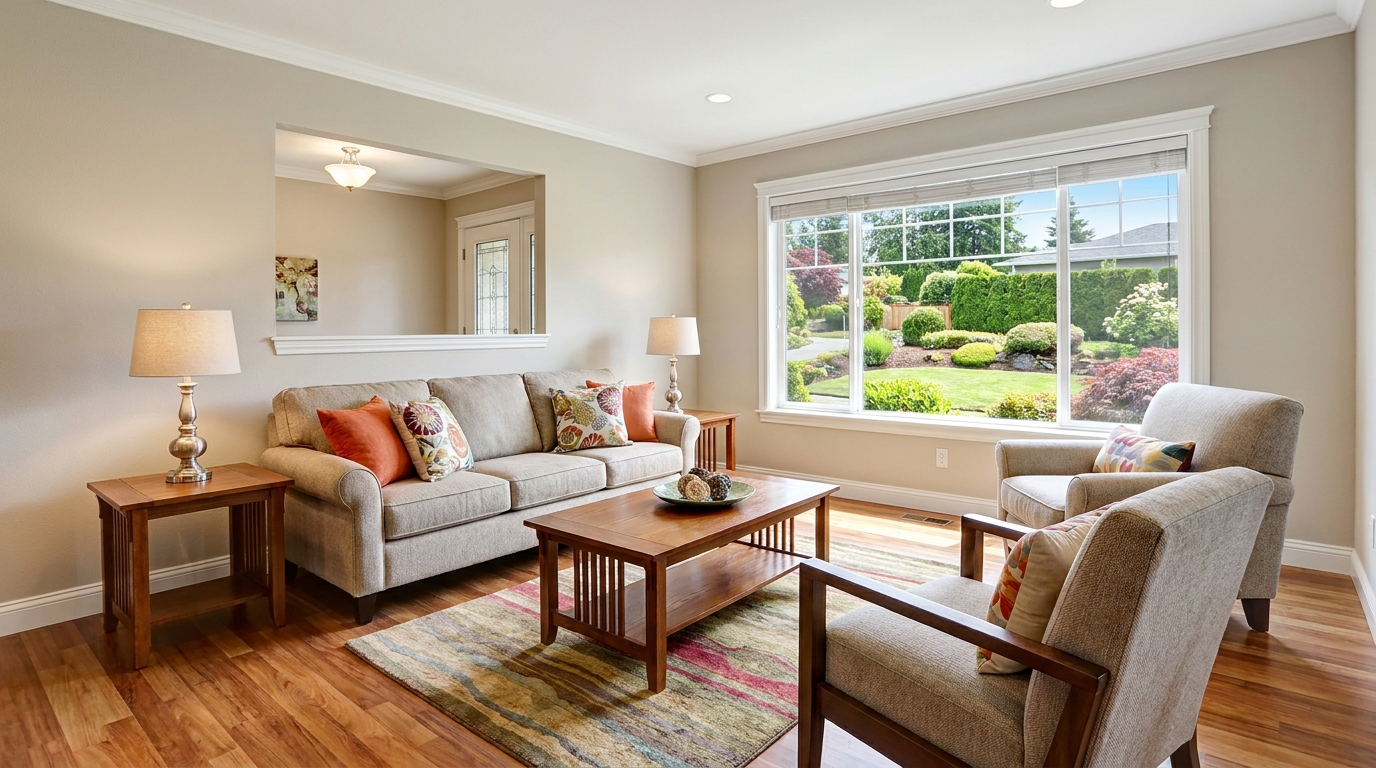
Everyday listing polish with balanced light, true color, and crisp natural detail.
Try This Tool →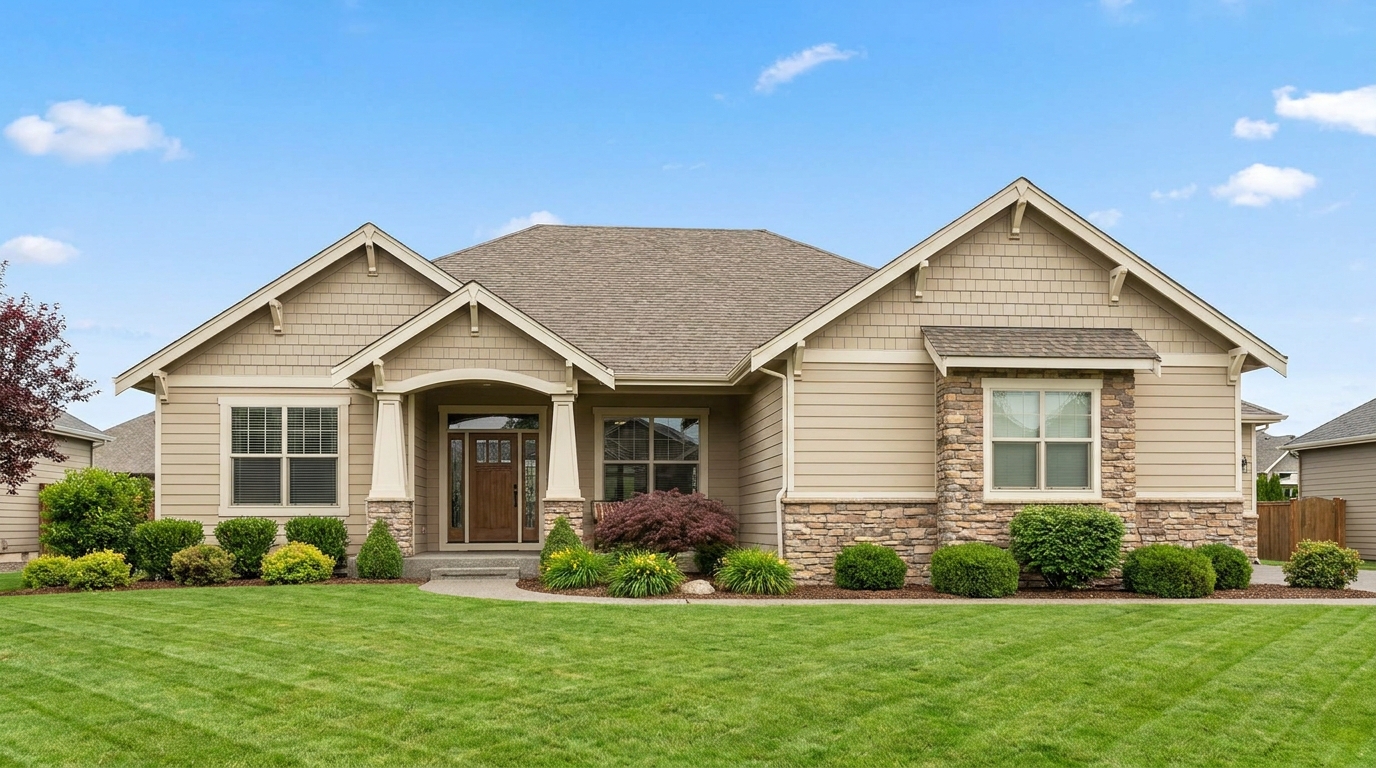
Clean MLS-ready enhancement that makes property photos brighter, sharper, and more consistent.
Try This Tool →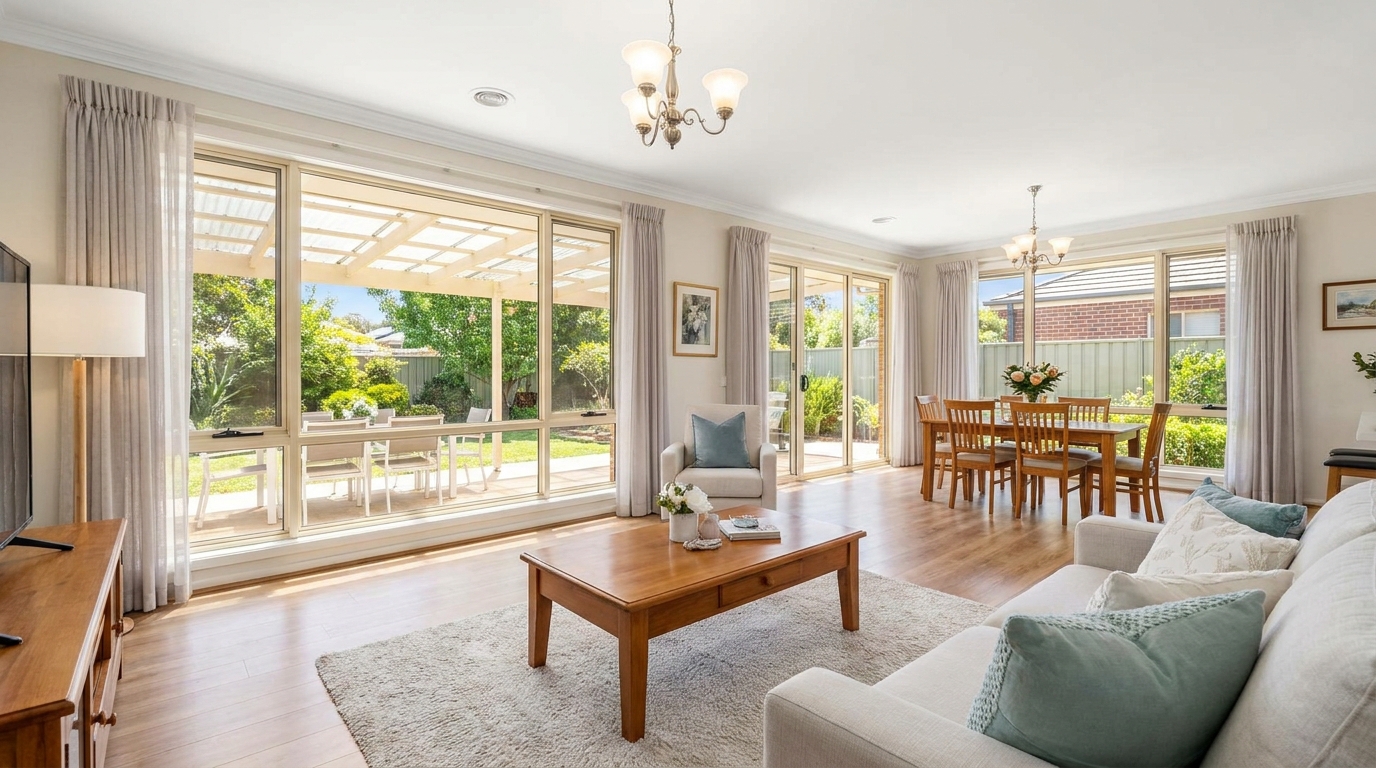
Smart single-exposure editing that recovers detail and delivers a naturally polished result.
Try This Tool →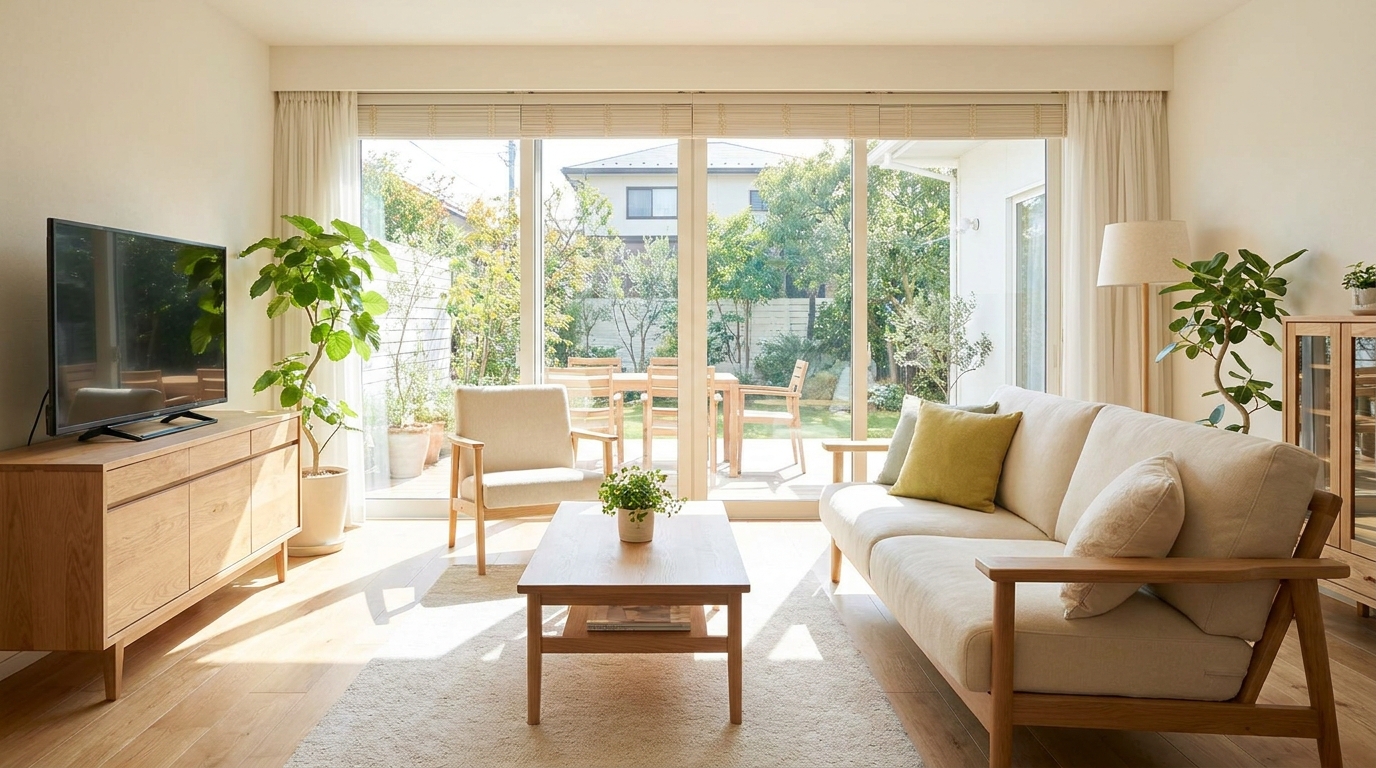
Scroll-stopping optimization for social-ready property photos with bright, clean visual appeal.
Try This Tool →
Even out bright and dark areas for a balanced, professional-looking image.
Try This Tool →Explore additional AI-powered presets to elevate your real estate marketing.
AI image-to-video generation for turning home, room, and property photos into more vivid presentation videos.
02AI exterior renovation for visualizing facade updates, curb appeal improvements, and home exterior remodel ideas.
03AI landscaping design for exploring outdoor concepts, curb appeal upgrades, planting ideas, and yard layout directions.
04AI virtual staging for furnishing empty rooms and creating listing-ready interiors for real estate marketing.
05Free AI image generation for turning text prompts into unlimited visual ideas for home design, interiors, landscaping, renovation
06AI object removal for cleaning up distracting items from room, home, and property photos.
Transform your property photos by removing harsh reflections and restoring natural textures in seconds.