
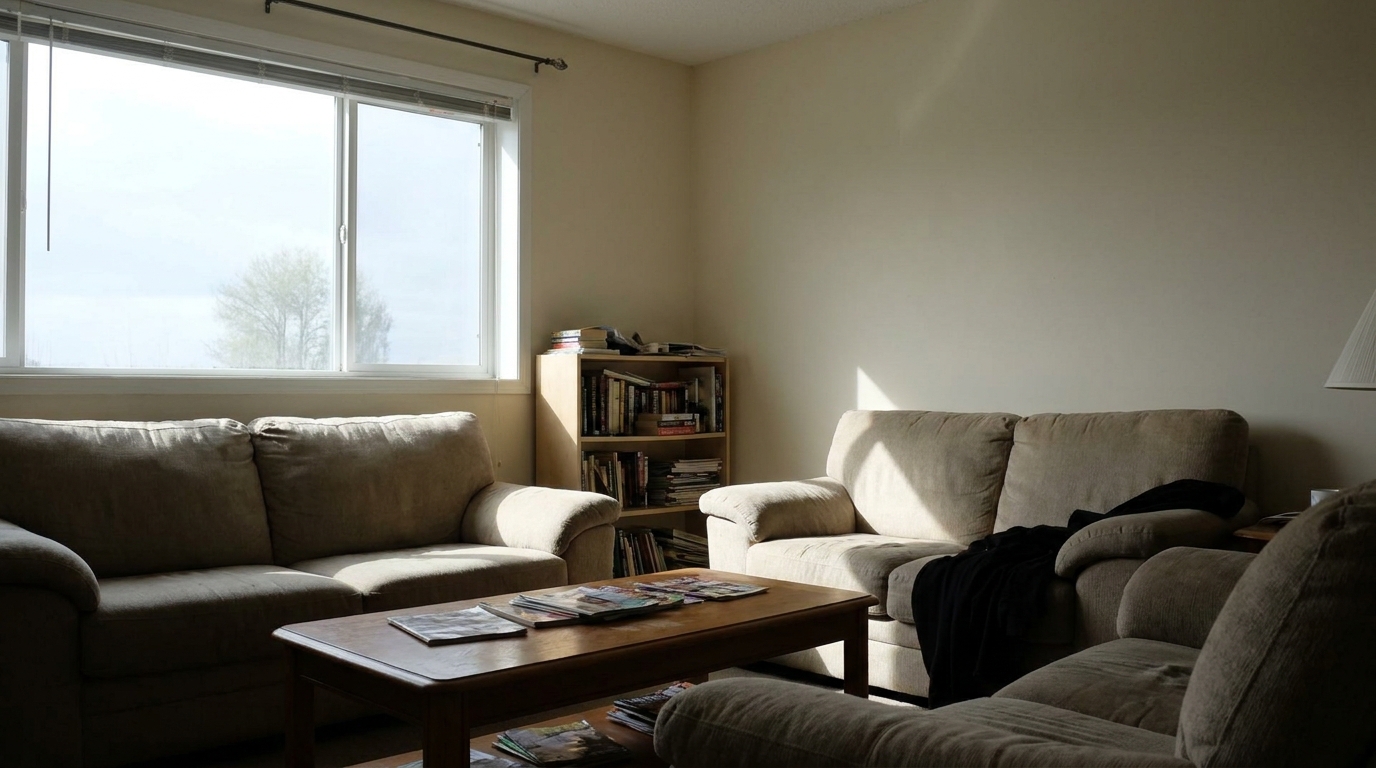
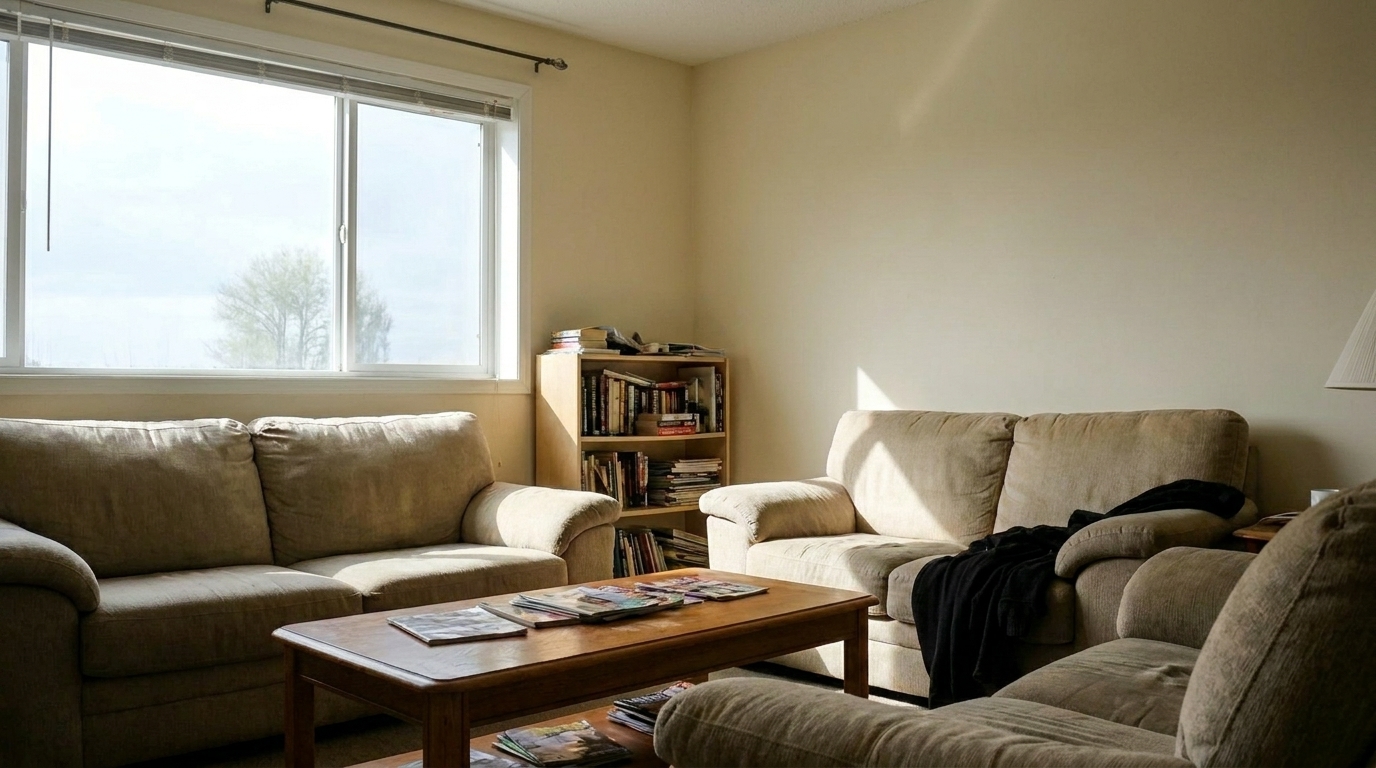

Backlit Living Room
Backlit Living Room updated with single exposure editing styling.
Transform flat, single-exposure property photos into vibrant, listing-ready assets. Automatically recover hidden shadow details, balance harsh highlights, and correct colors in seconds.
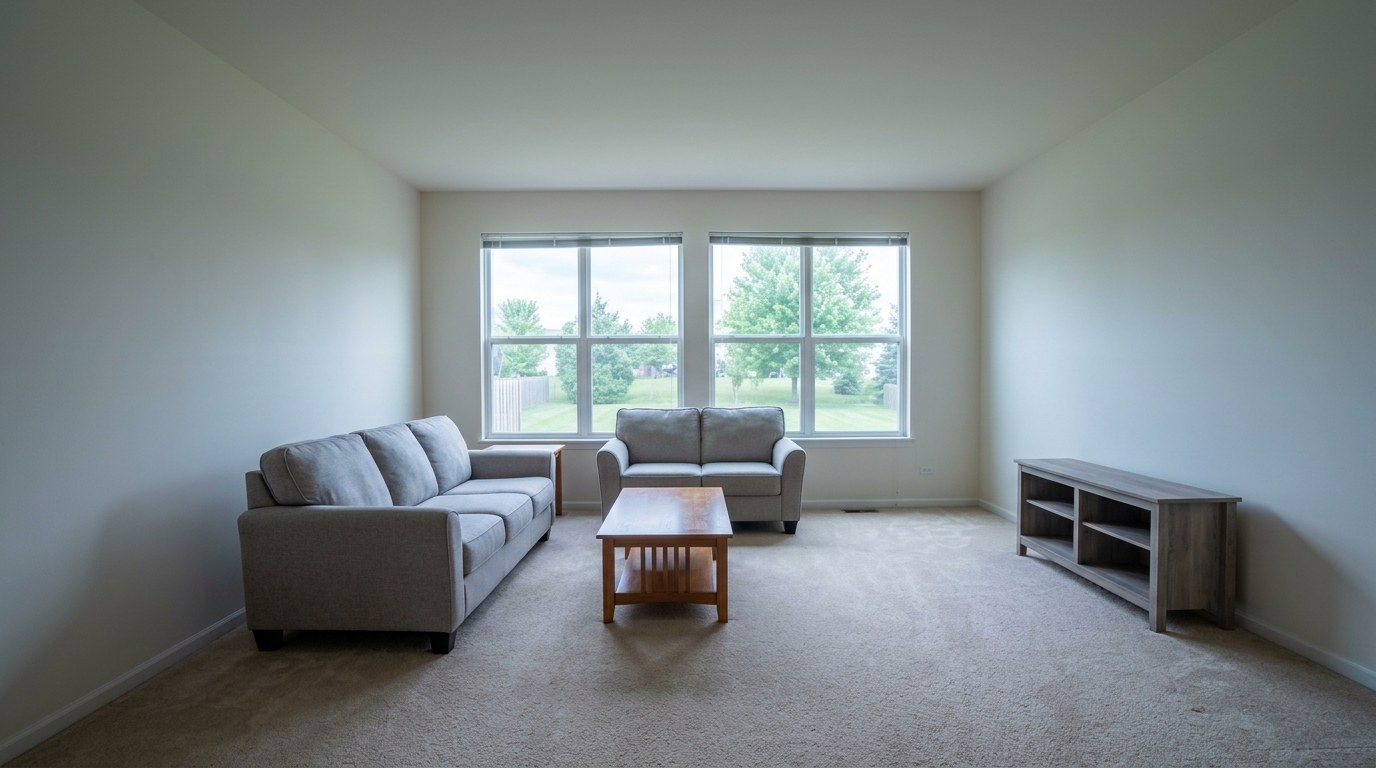
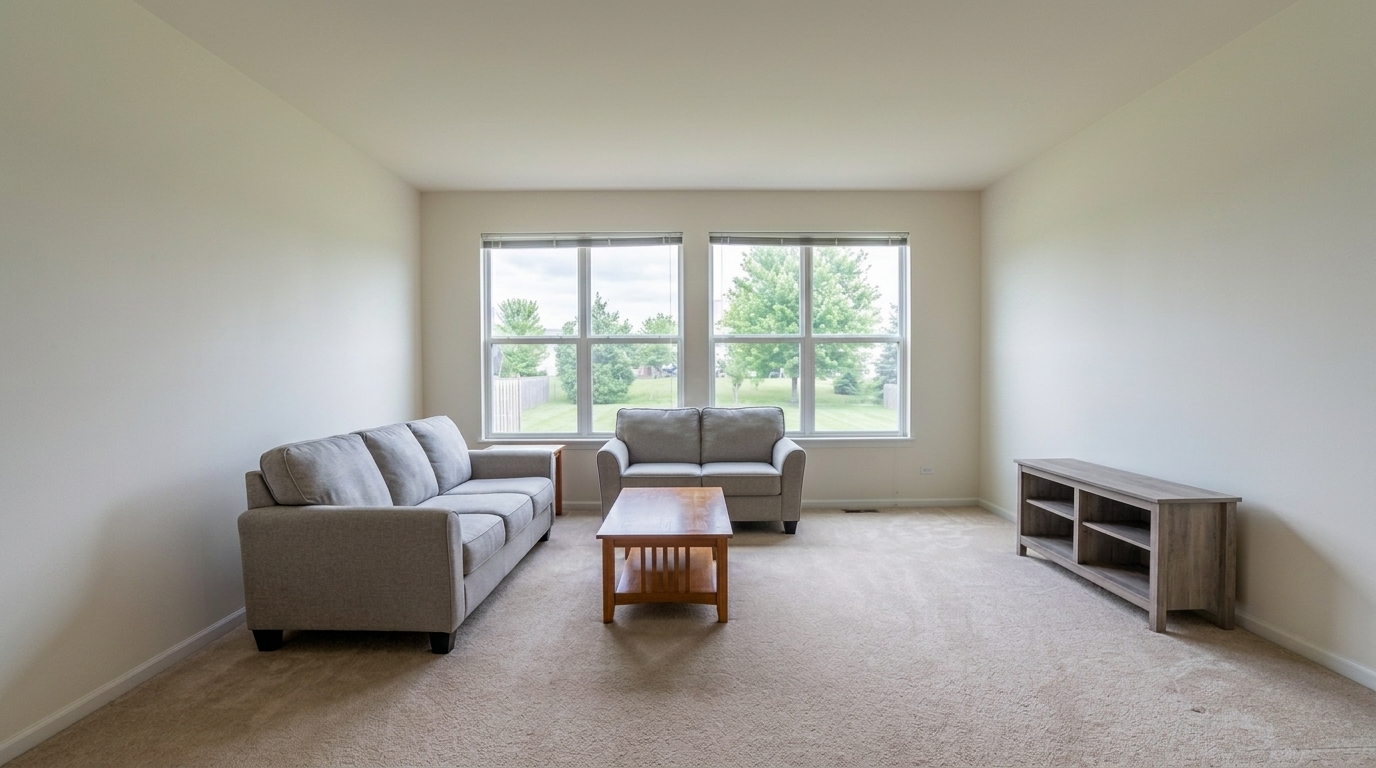
Browse real before-and-after examples showing how flat single-frame shots become bright, professional listings.
Backlit Living Room updated with single exposure editing styling.
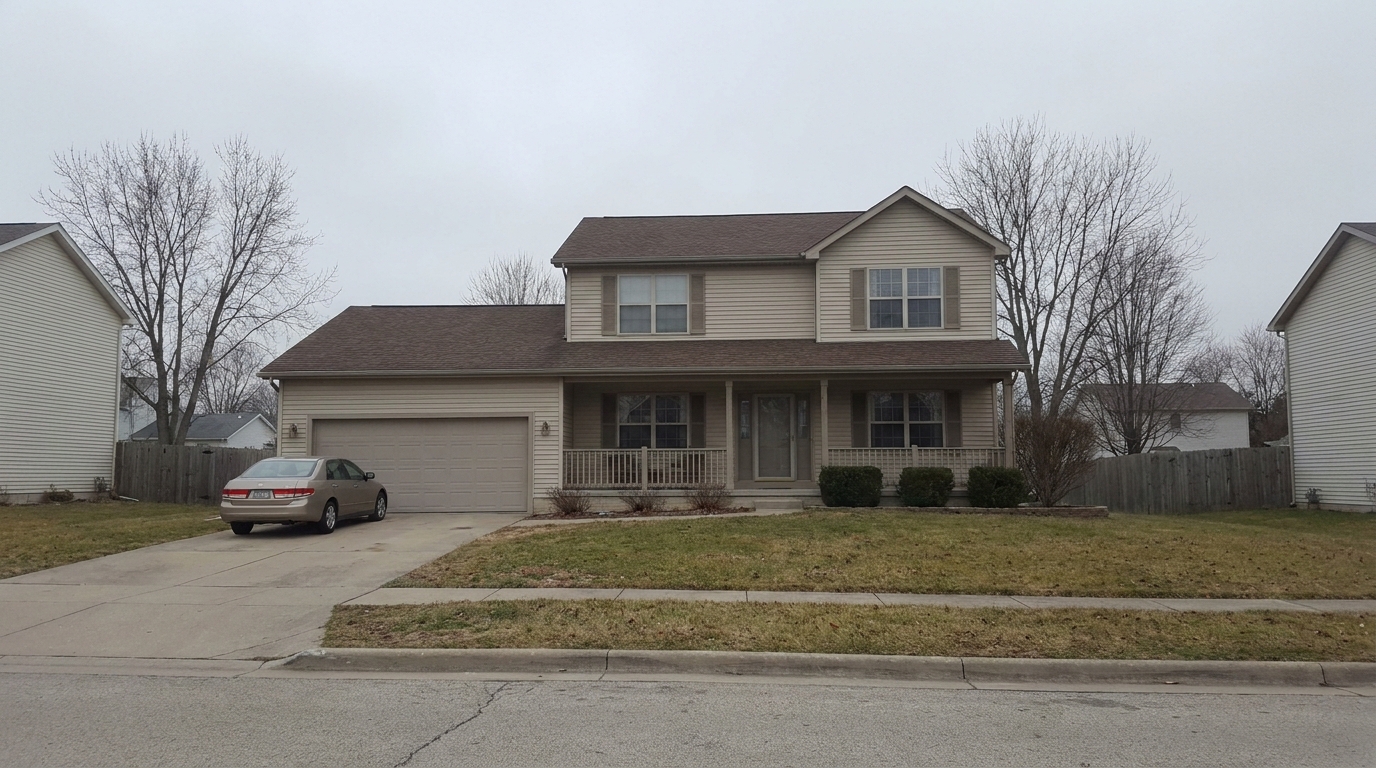
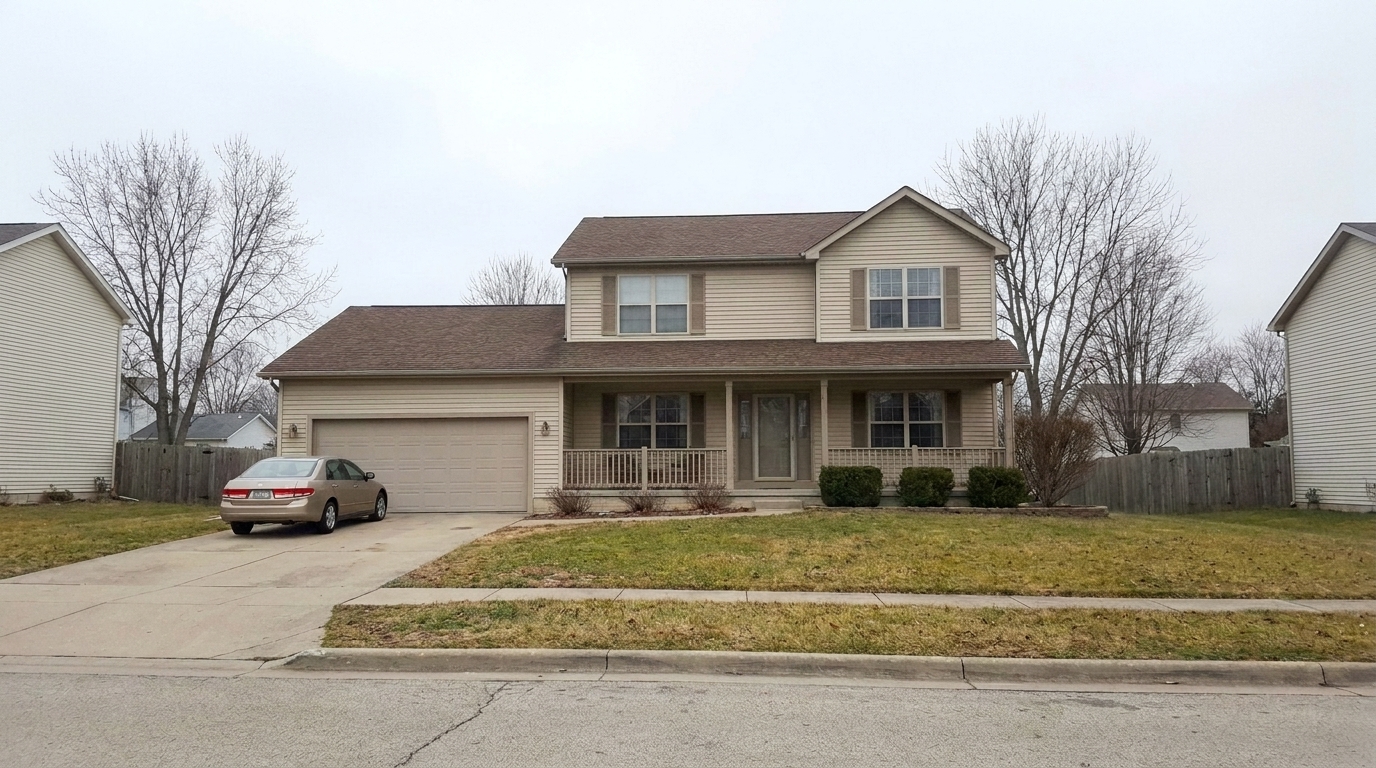
Overcast Exterior updated with single exposure editing styling.
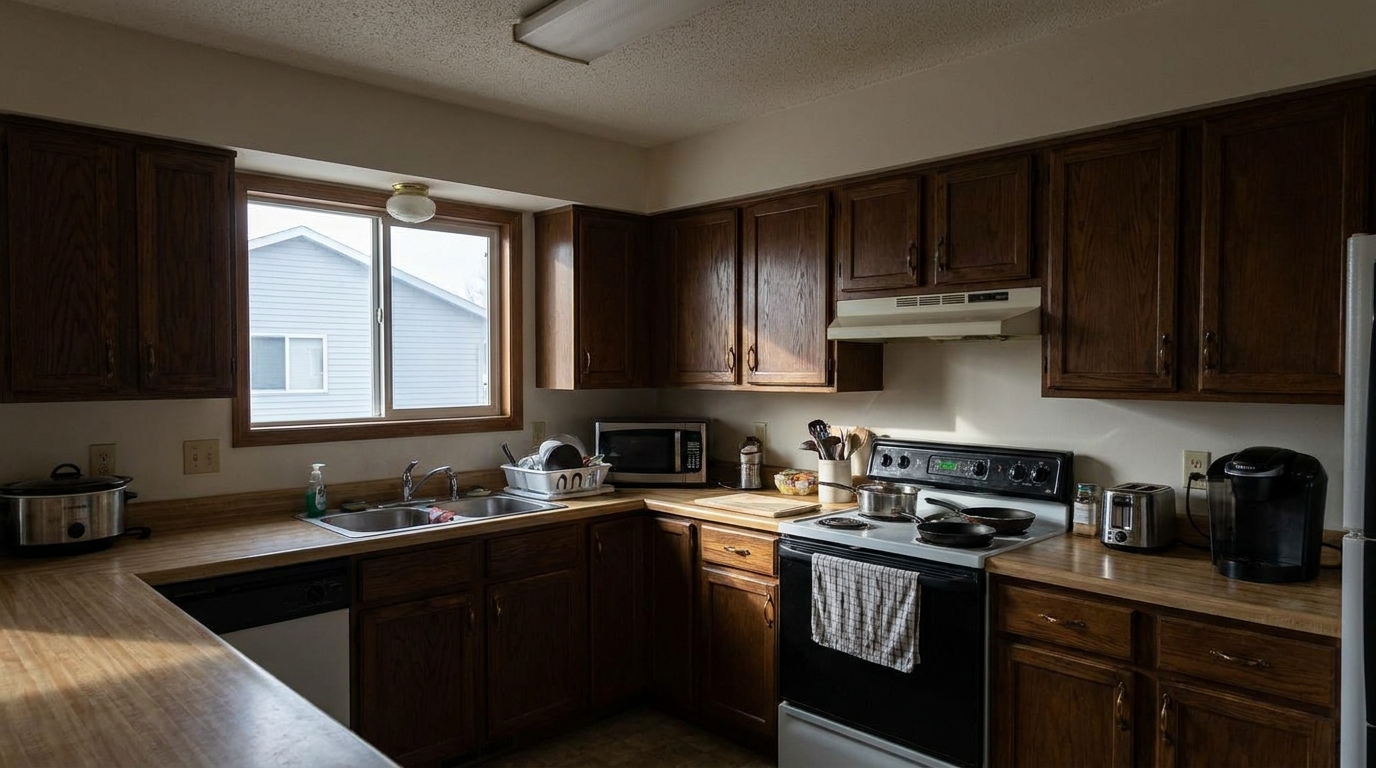
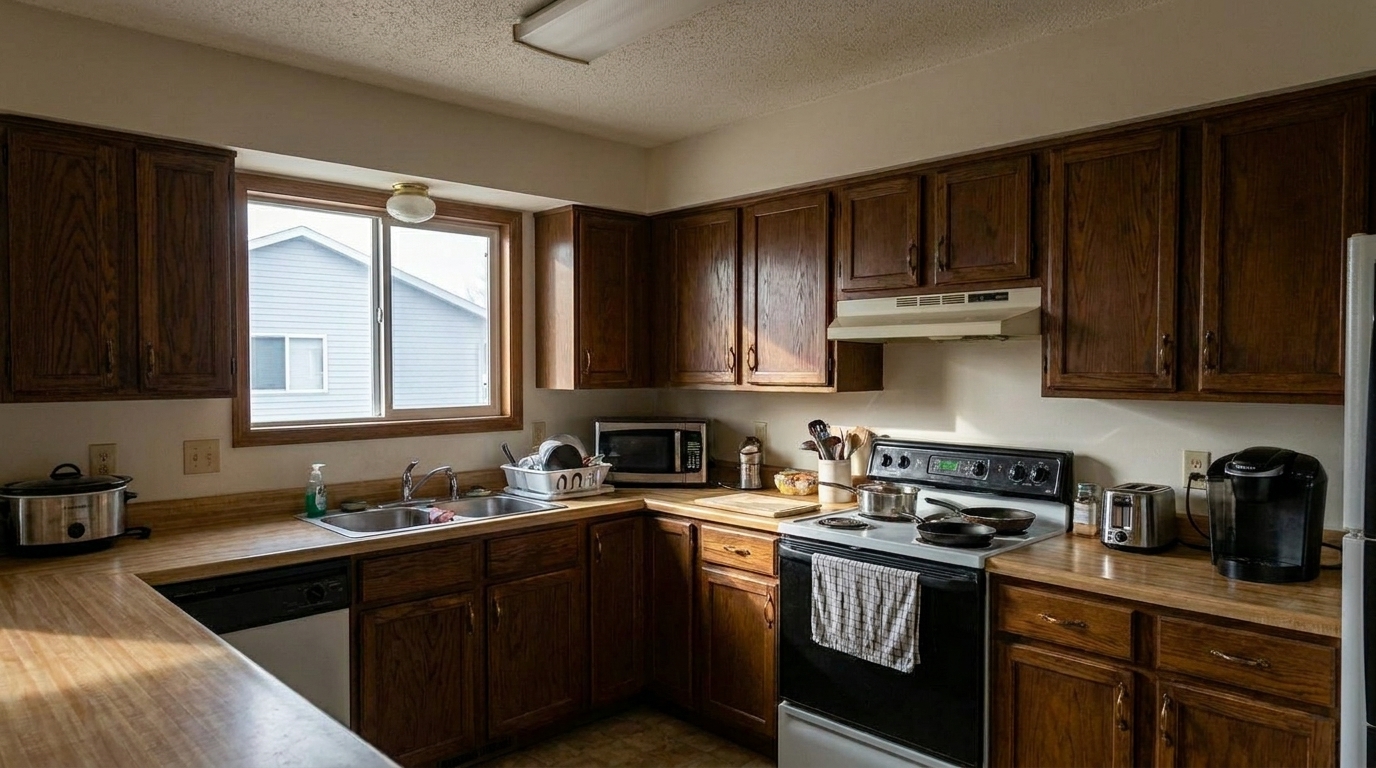
Dim Kitchen updated with single exposure editing styling.
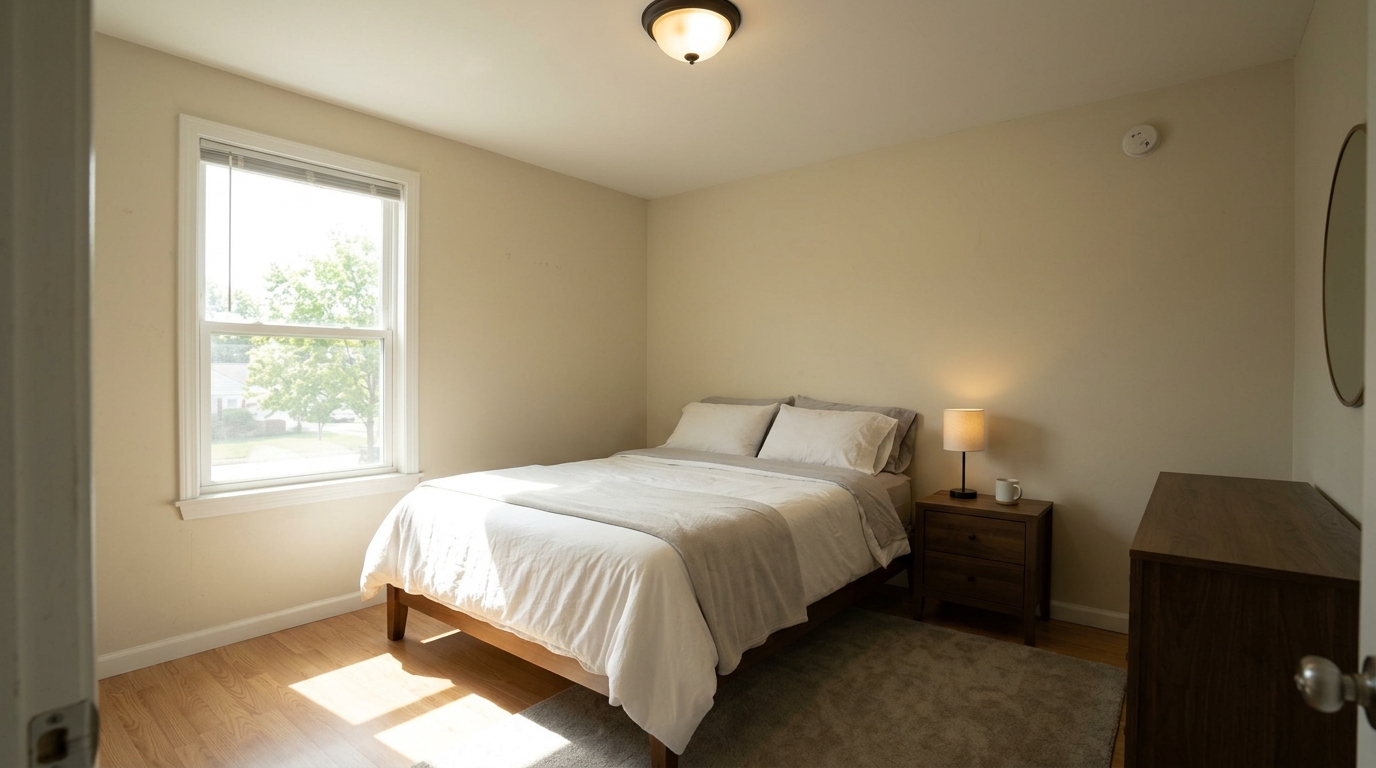
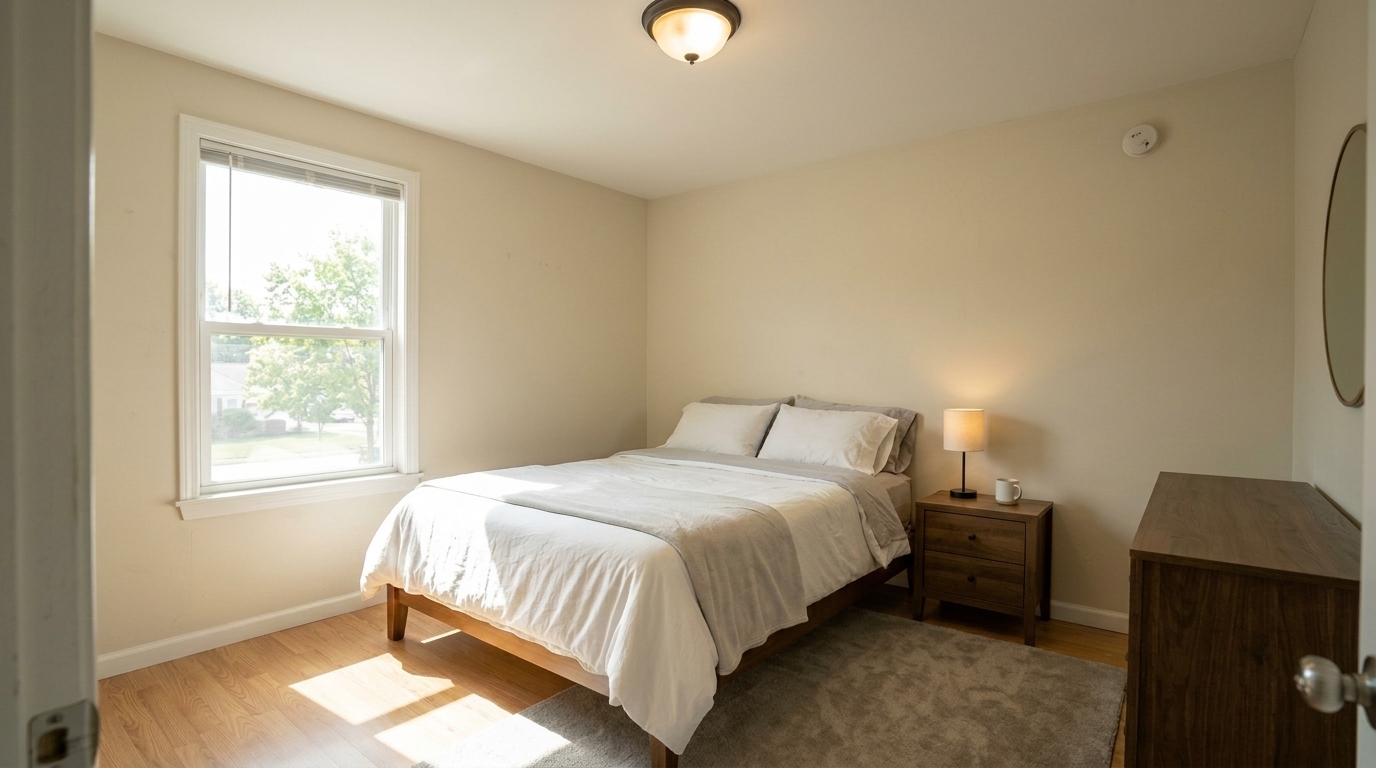
Recover the same clean bedroom single exposure by softening harsh sun patches, lifting recoverable shadows under the bed and.
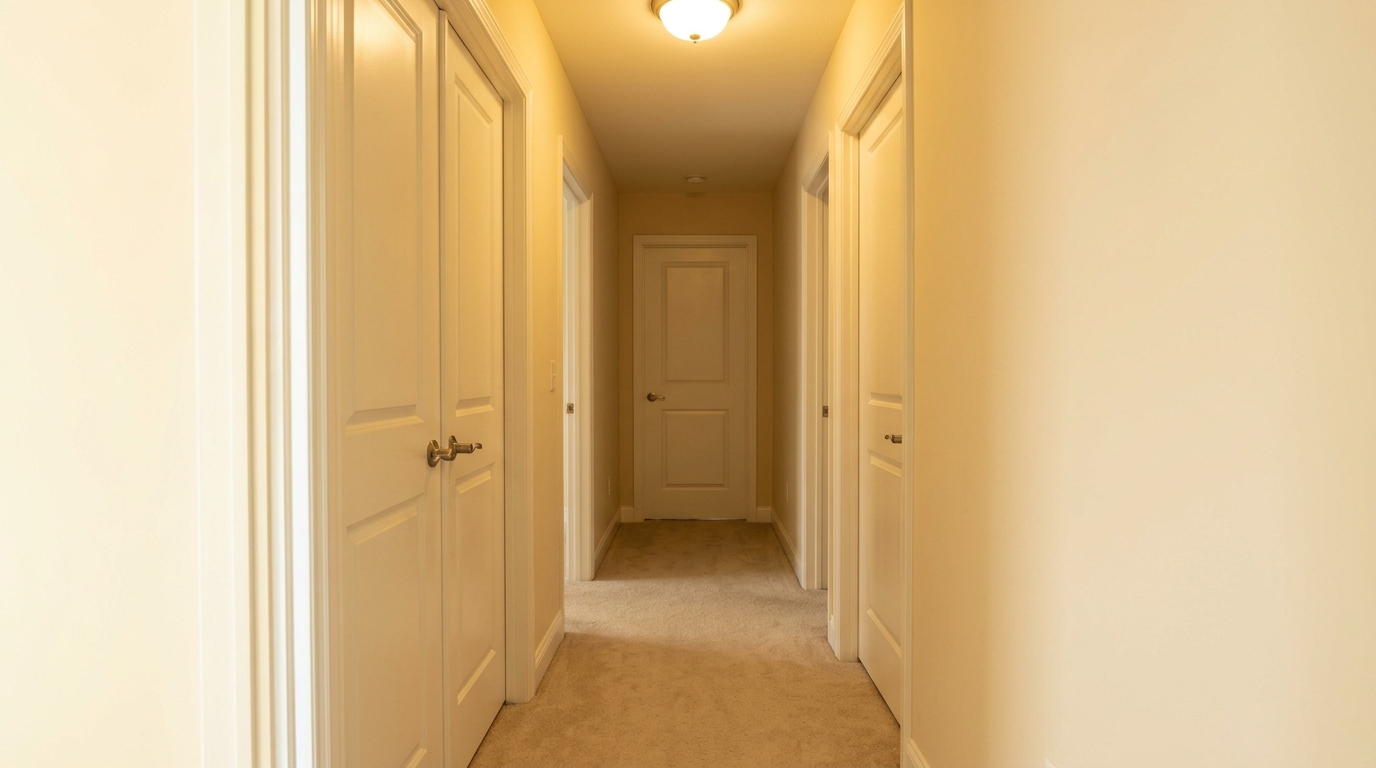
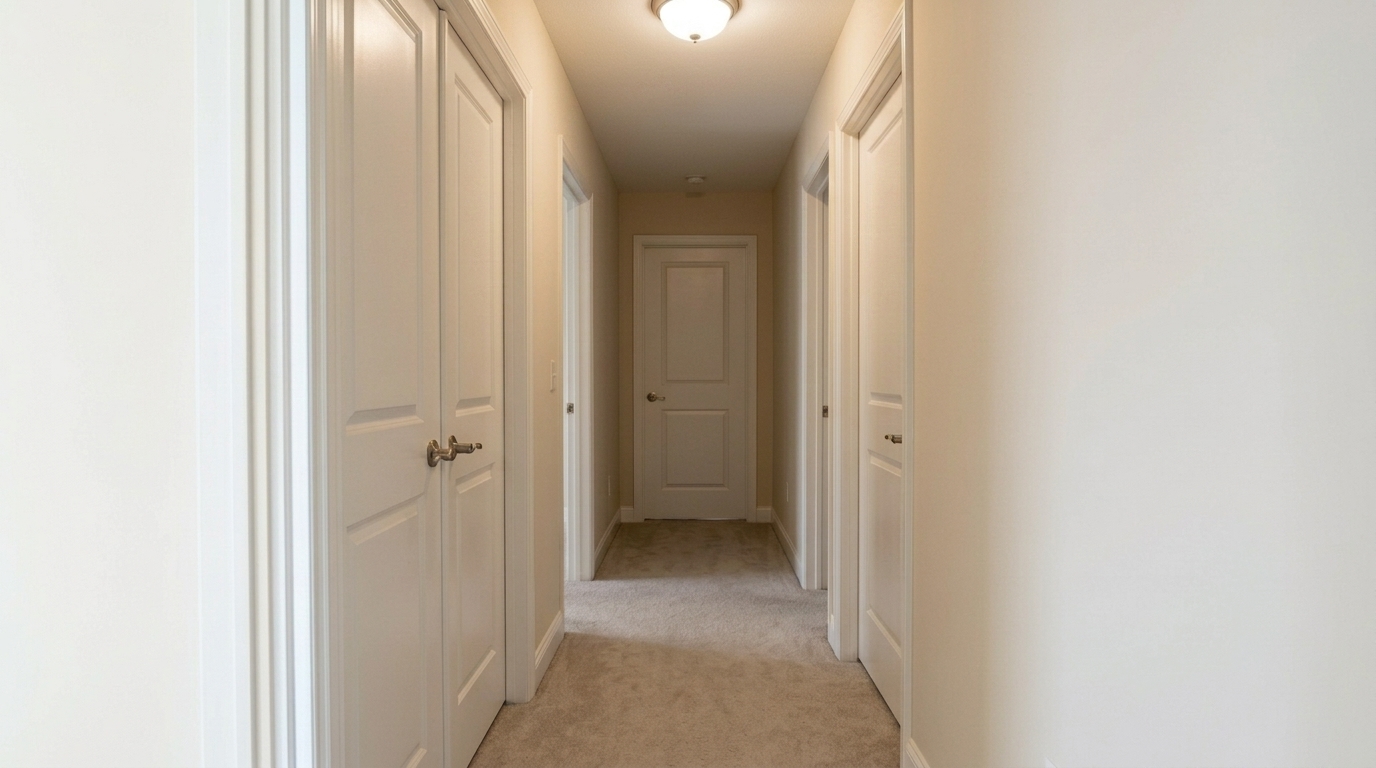
Correct the same clean hallway by neutralizing the yellow ceiling-light cast, lifting far-end shadows, reducing noise, and.
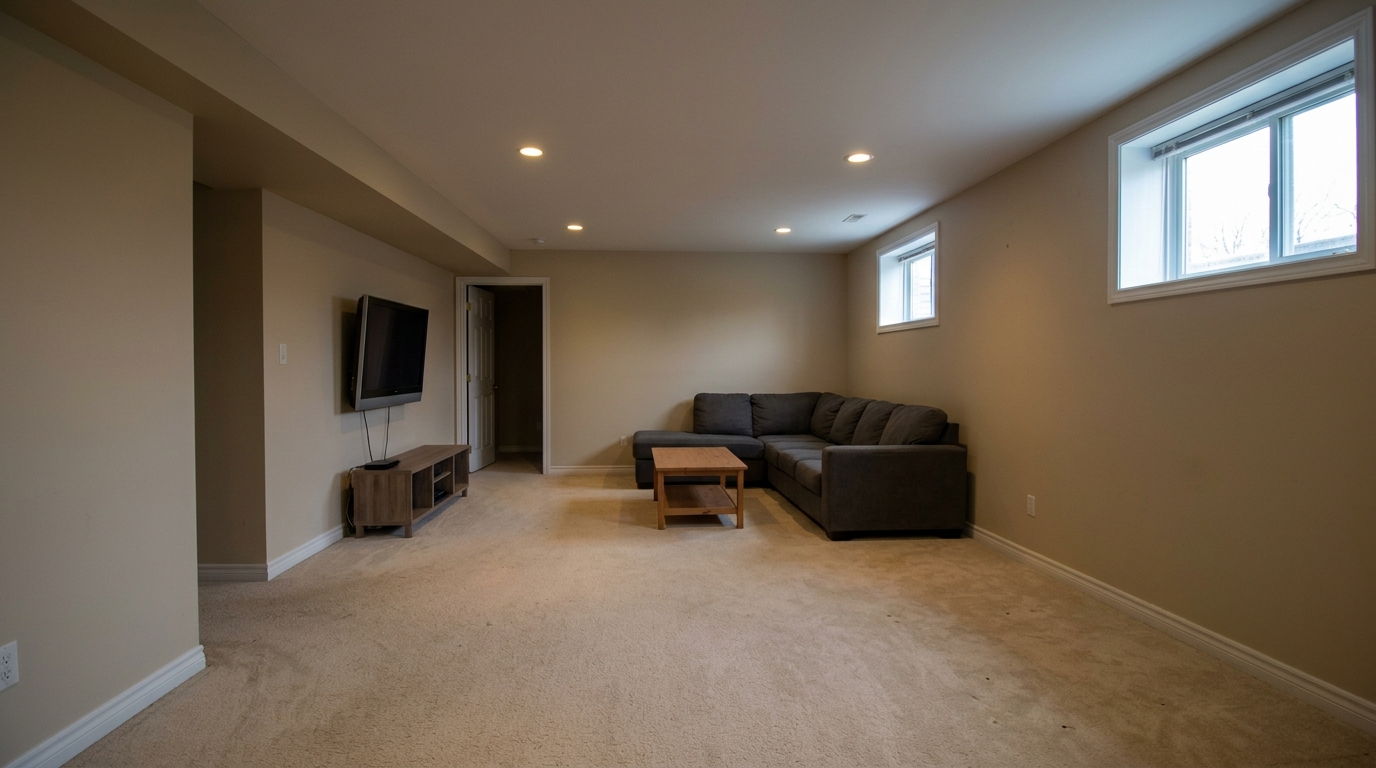
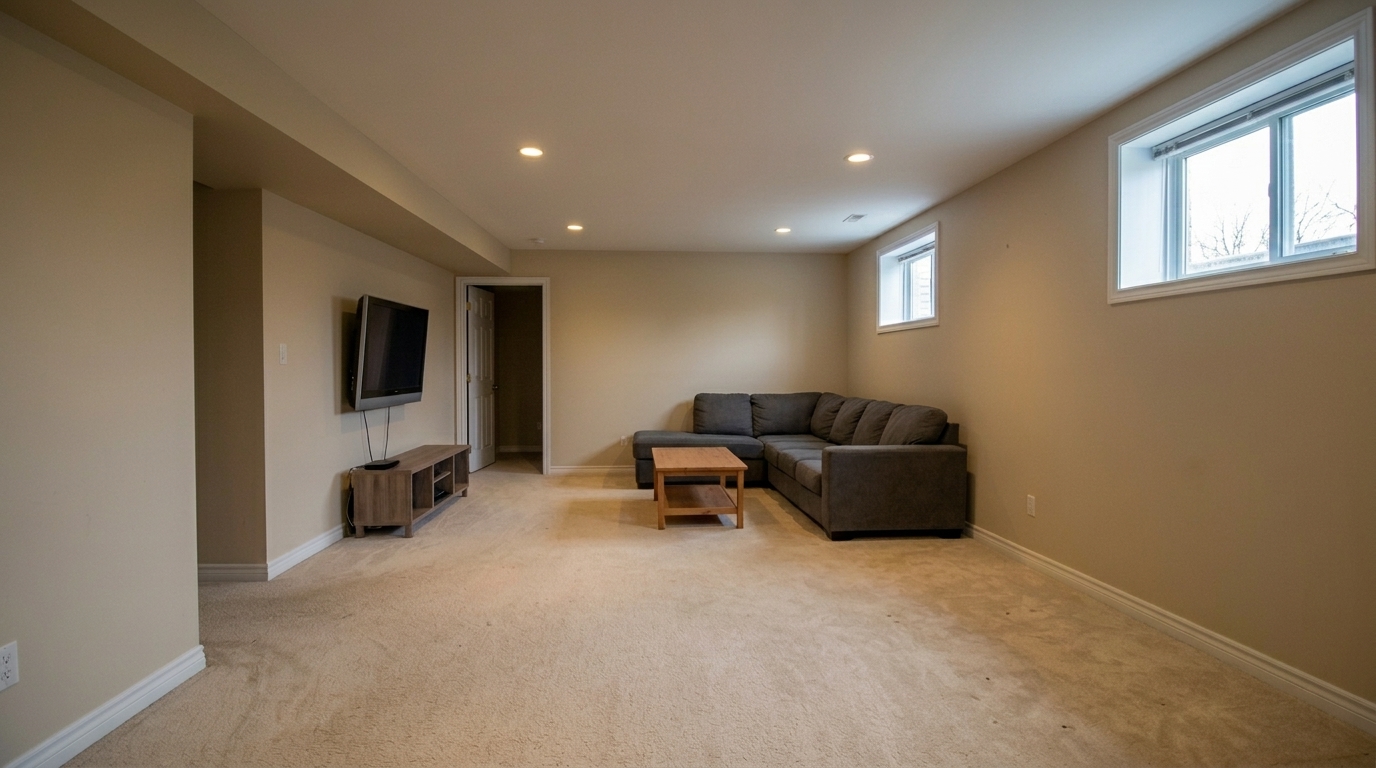
Recover the same finished basement family room by lifting dim shadows from small windows, balancing midtones, reducing muddy low.
Discover the advanced correction tools designed specifically to extract maximum detail from a single exposure.
Lifts dark, underexposed corners and rooms without introducing digital noise, grain, or artifacts.
Tames blown-out windows and bright light fixtures to reveal hidden exterior views and natural textures.
Detects and corrects mixed lighting sources, neutralizing yellow indoor bulbs and blue window light simultaneously.
Smooths out harsh transitions between bright and dark areas for a natural, evenly lit appearance across the frame.
Sharpens architectural lines, textures, and surfaces without creating artificial halos or over-processed edges.
Restores natural wood tones, clean wall colors, and realistic foliage hues for an inviting and authentic look.
See how real estate professionals and photographers use this preset to save time and rescue challenging shots.
Transform quick smartphone photos taken on-site into bright, professional-looking listing images instantly.
SpeedBrighten flat, gloomy exterior shots by boosting contrast and recovering natural colors in the sky and landscaping.
ExteriorsRescue rooms with large windows where the interior is too dark due to strong, direct backlighting.
InteriorsQuickly polish single-frame photos when there is no time or budget for a full HDR bracketed shoot.
EfficiencyEnhance standard rental photos efficiently to attract high-quality tenants on competitive listing platforms.
RentalsOptimize video screenshots or quick snapshots for eye-catching Instagram, Facebook, and TikTok posts.
Social MediaFollow three simple steps to balance light, recover details, and polish your real estate images.
Select and upload a standard JPG or RAW single-frame real estate photo that suffers from uneven lighting, dark shadows, or flat colors.
Our AI instantly analyzes the image histogram, lifts deep shadows, compresses harsh highlights, and corrects mixed white balance automatically.
Preview the polished, naturally bright result and download your high-resolution, professional image ready for the MLS or social media.
Source-backed context for why single exposure editing edits matter inside image optimization workflows.
Single Exposure Editing within Image Optimization evidence
Photos are one of the most valuable website features for home buyers; NAR's 2025 generational trends report says 83% of internet-using buyers rated photos as very useful. For Single Exposure Editing pages, this supports showing how a focused Image Optimization edit can make the listing photo feel clearer, more polished, and easier for buyers to evaluate.
Source: NAR 2025Single Exposure Editing within Image Optimization evidence
Zillow Research's 2025 prospective buyer report ranked high-resolution photos as the number two most important listing feature, selected by 26% of prospective buyers; floor plans ranked first at 33%. For Single Exposure Editing pages, this supports showing how a focused Image Optimization edit can make the listing photo feel clearer, more polished, and easier for buyers to evaluate.
Source: Zillow 2025Single Exposure Editing within Image Optimization evidence
Redfin reported that professionally photographed homes in the $400,000 range sold three weeks faster and for more than $10,000 relative to list price compared with amateur photos. Use this as supporting context, not as a guaranteed result. For Single Exposure Editing pages, this supports showing how a focused Image Optimization edit can make the listing photo feel clearer, more polished, and easier for buyers to evaluate.
Source: RedfinWhile multi-exposure HDR is the gold standard for luxury listings, single-exposure editing is the unsung hero of high-volume real estate marketing. Learn how to leverage this smart preset to save time and maintain a professional portfolio.
In fast-paced real estate markets, speed is everything. Single-exposure editing allows agents and photographers to capture a property quickly without carrying heavy tripods or managing complex bracketing workflows. By utilizing advanced AI shadow recovery and highlight compression, you can extract a surprising amount of dynamic range from a single JPG or RAW file, turning a flat, unusable shot into a bright, inviting listing photo in seconds.
Choosing the right editing path depends on your listing type, budget, and timeline. Use Single Exposure Editing when you have a fast turnaround, are shooting on a mobile device, or have moderately lit rooms that just need a professional polish. Avoid this option for high-end luxury listings with extreme contrast—such as dark rooms with intense direct sunlight streaming through massive windows—where a bracketed HDR workflow or our Full Correction Suite is required to capture the full range of light. Comparing this preset to our Exposure Balancing tool, Single Exposure Editing goes a step further by correcting mixed white balance and enhancing fine details, making it a more comprehensive single-click solution.
To get the absolute best results from this AI preset, try to capture your single-exposure shots with balanced lighting in mind. Avoid shooting directly into bright windows if possible, or use a moderate flash to fill in the shadows. Shooting in RAW format will also give the AI significantly more data to work with, allowing for deeper shadow recovery and cleaner highlight compression without introducing digital noise.
Maintaining a consistent brand across all your listings doesn't have to be expensive or time-consuming. By integrating single-exposure optimization into your daily workflow, you can ensure that even lower-priced rentals or quick pocket listings receive the same bright, clean, and professional look as your premier properties, boosting your brand authority and attracting more clients.
Compare our single-exposure editor with other tailored optimization tools to find the perfect match for your listing photos.
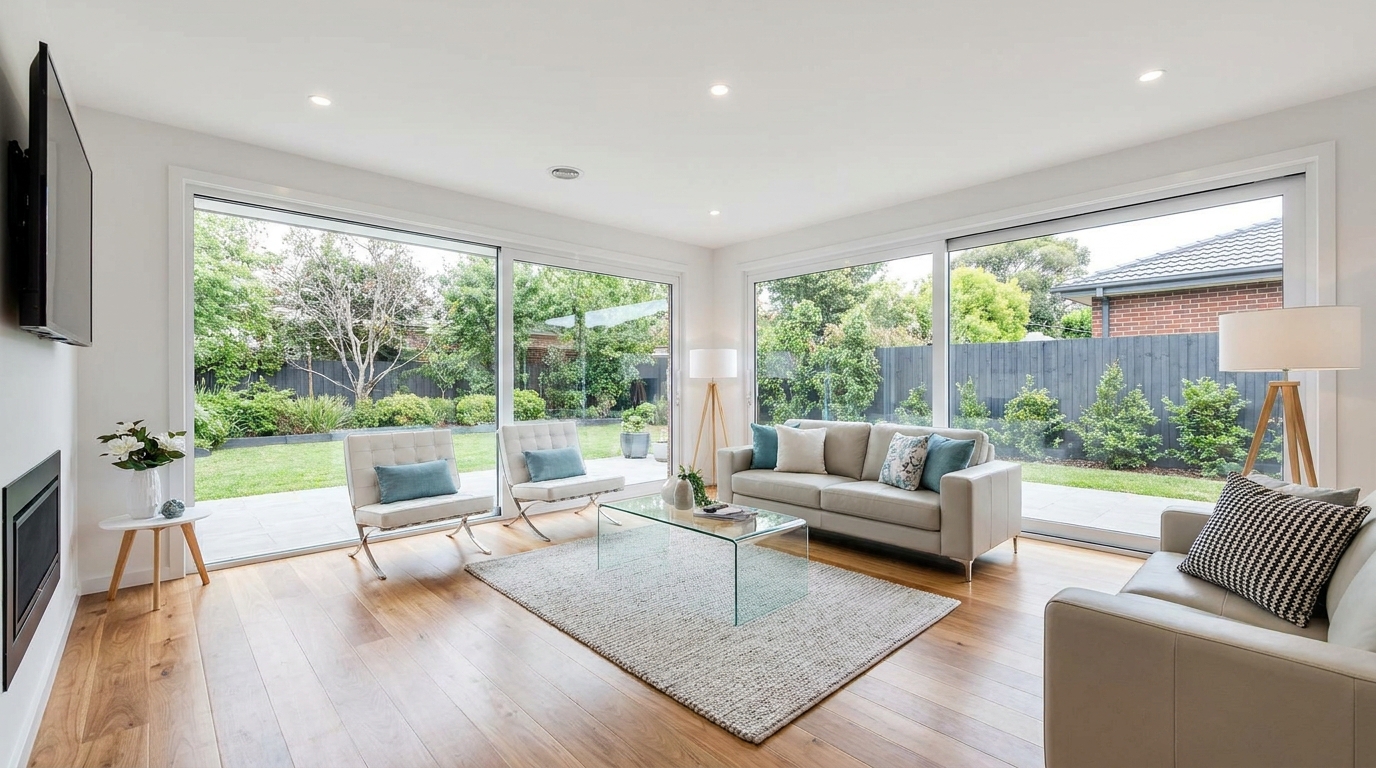
All-in-one correction for brighter, cleaner, listing-ready real estate photos.
Try This Tool →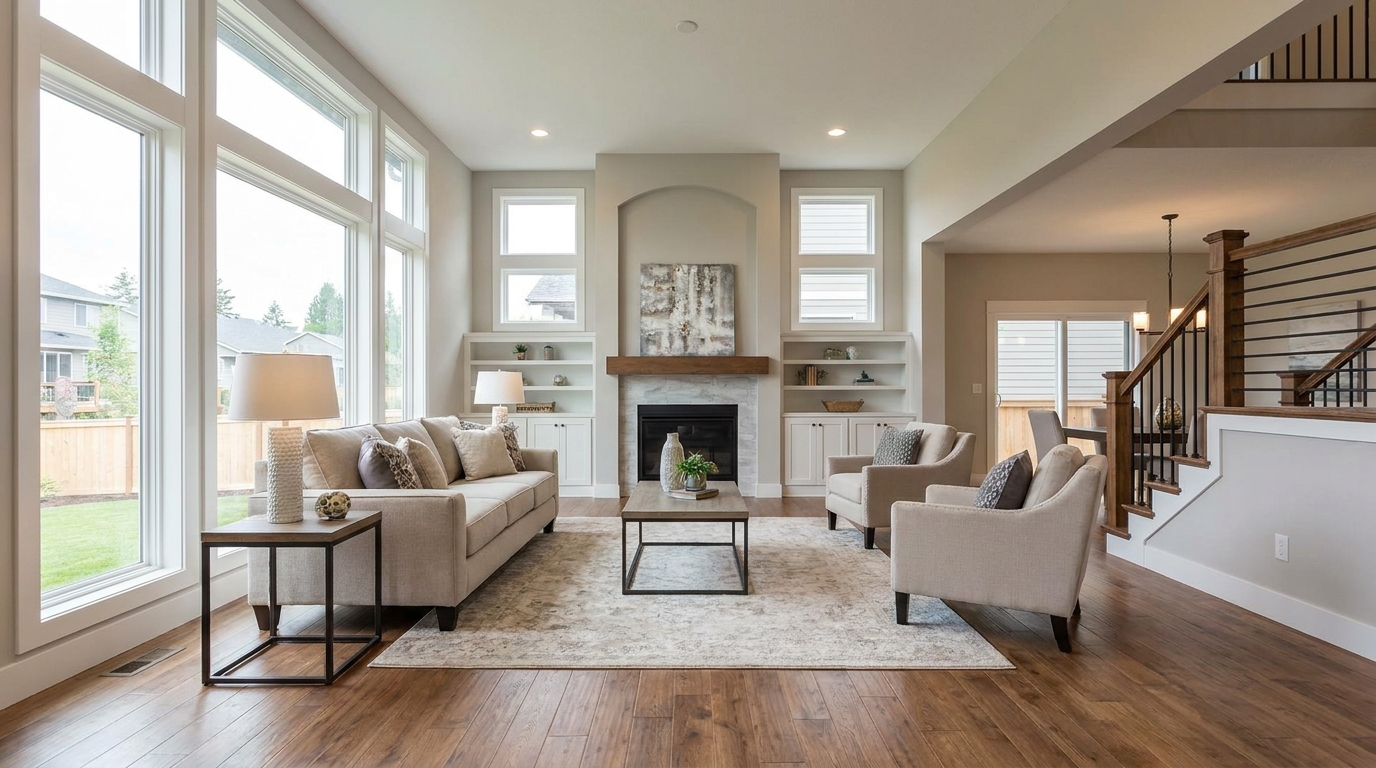
Everyday listing polish with balanced light, true color, and crisp natural detail.
Try This Tool →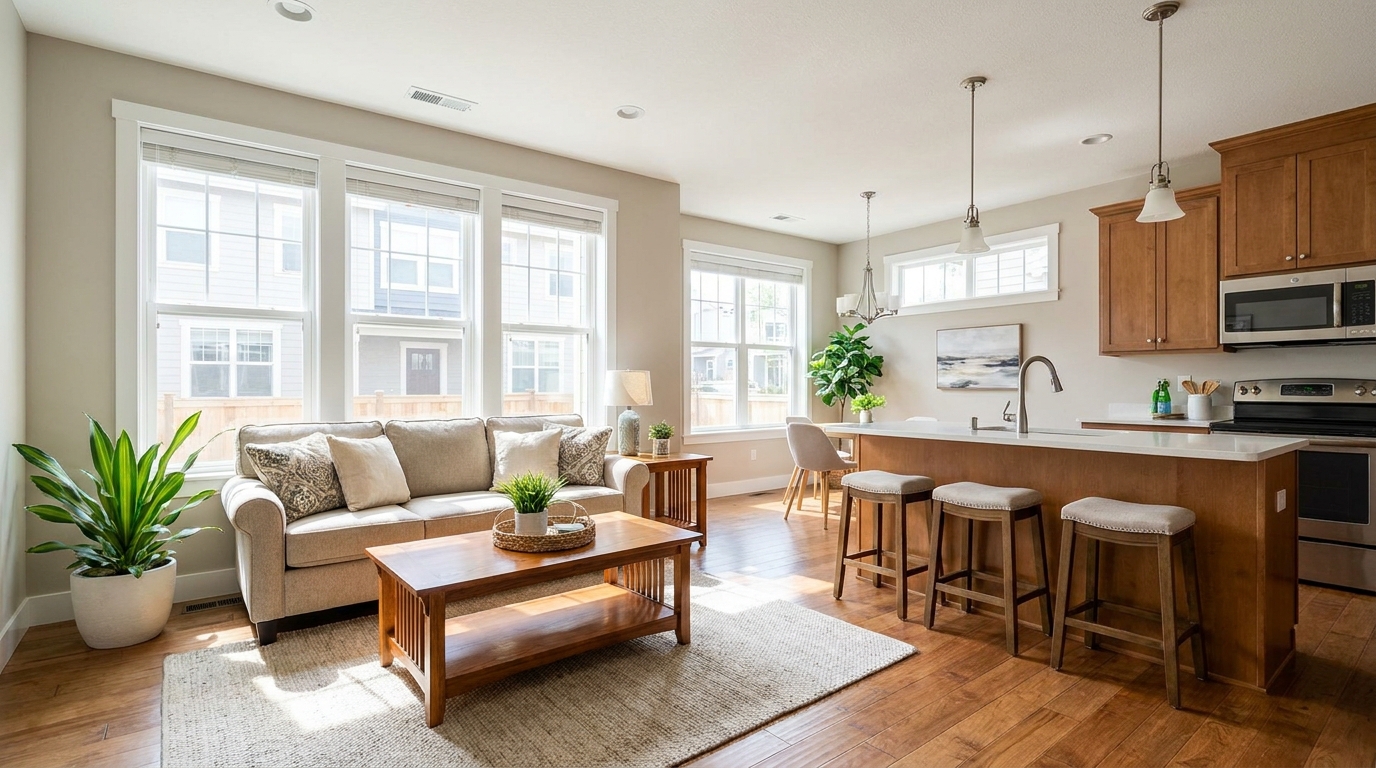
Clean MLS-ready enhancement that makes property photos brighter, sharper, and more consistent.
Try This Tool →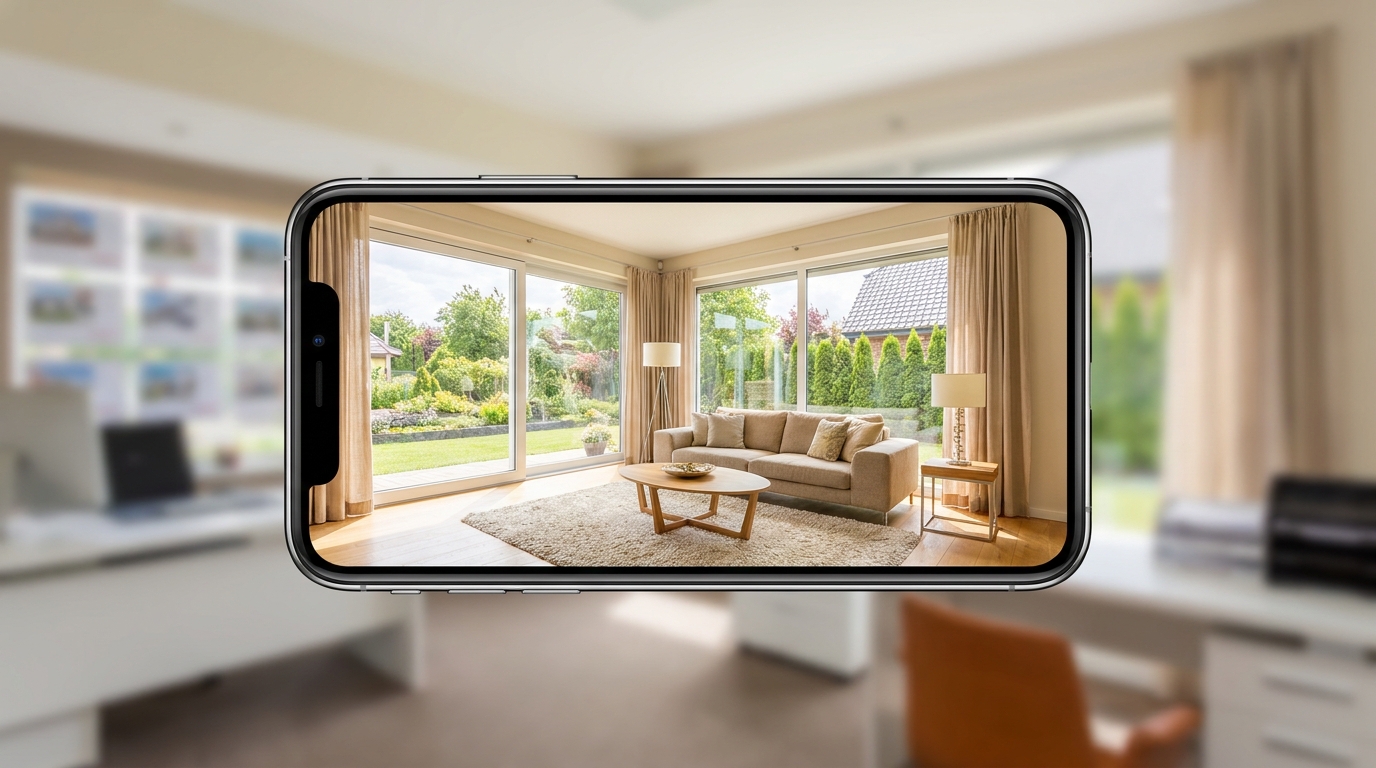
Scroll-stopping optimization for social-ready property photos with bright, clean visual appeal.
Try This Tool →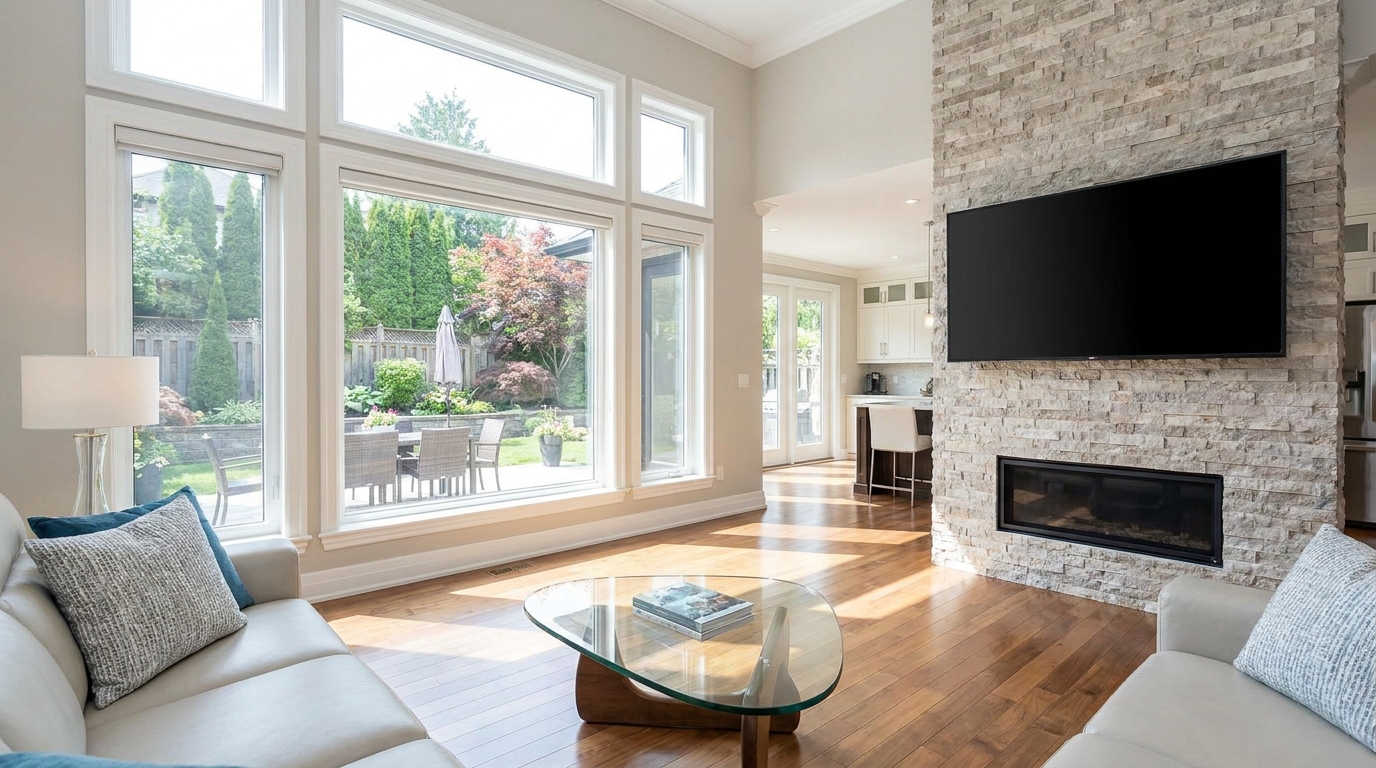
Minimize harsh reflections and distracting glare for a clearer, more premium presentation.
Try This Tool →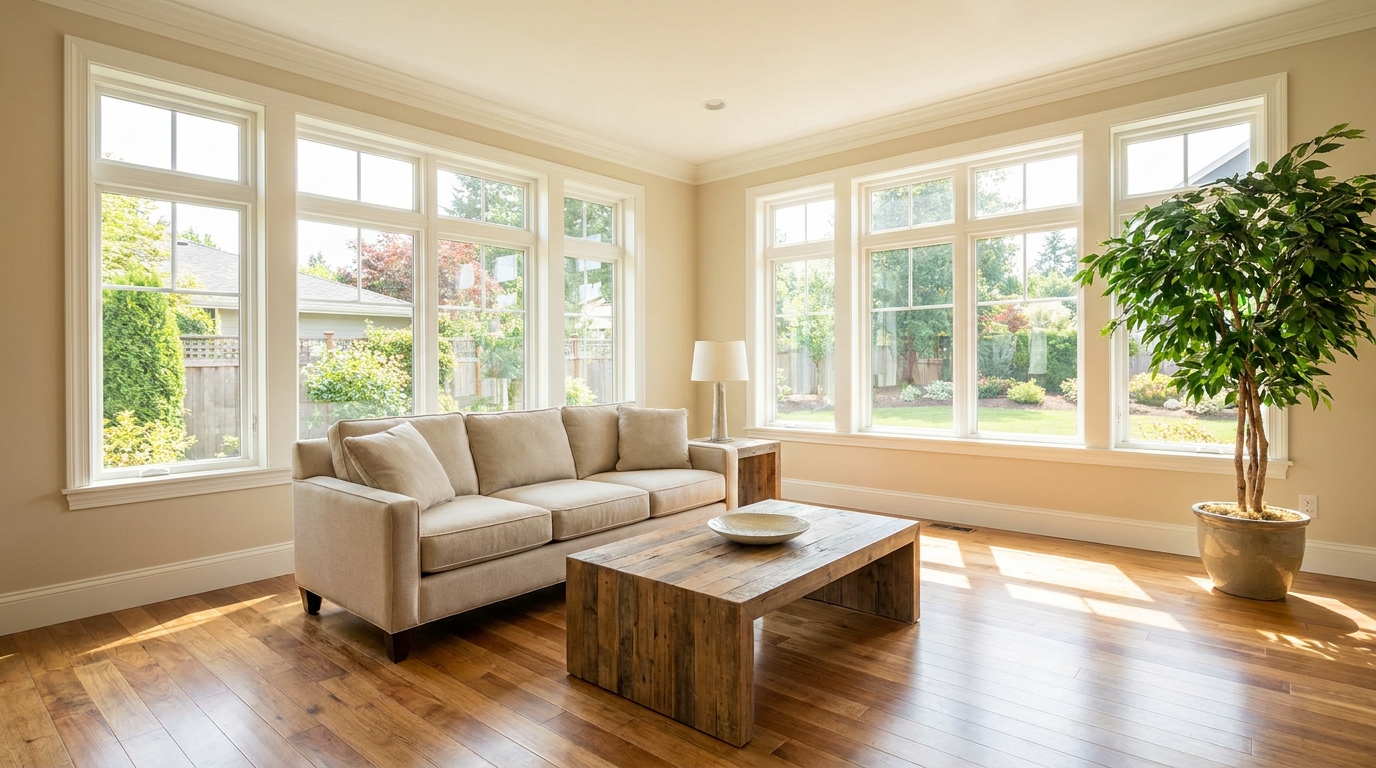
Even out bright and dark areas for a balanced, professional-looking image.
Try This Tool →Explore complementary presets and features to elevate your property marketing and listing presentation.
AI image-to-video generation for turning home, room, and property photos into more vivid presentation videos.
02AI exterior renovation for visualizing facade updates, curb appeal improvements, and home exterior remodel ideas.
03AI landscaping design for exploring outdoor concepts, curb appeal upgrades, planting ideas, and yard layout directions.
04AI virtual staging for furnishing empty rooms and creating listing-ready interiors for real estate marketing.
05Free AI image generation for turning text prompts into unlimited visual ideas for home design, interiors, landscaping, renovation
06AI object removal for cleaning up distracting items from room, home, and property photos.
Don't let poor lighting ruin a great listing. Use our AI-powered Single Exposure Editing preset to bring out the best in every photo.