
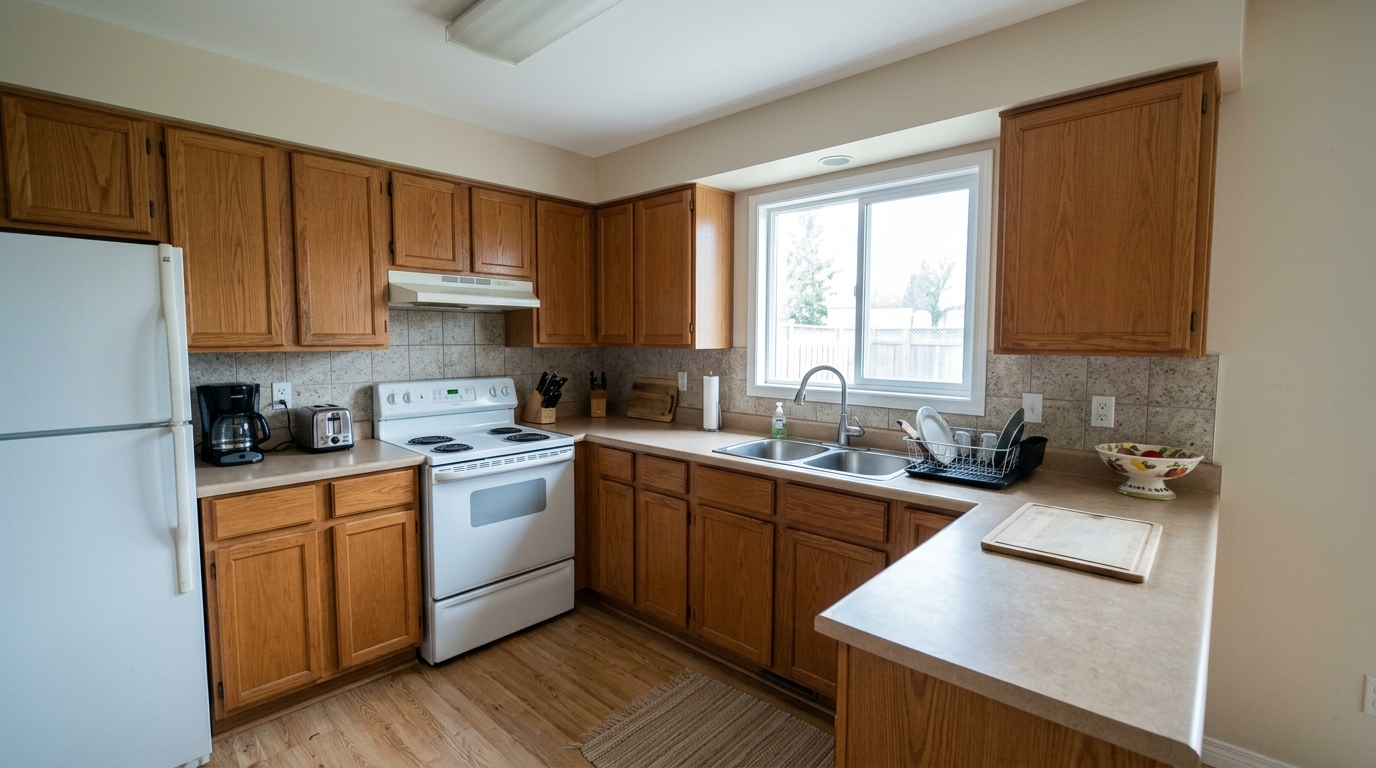
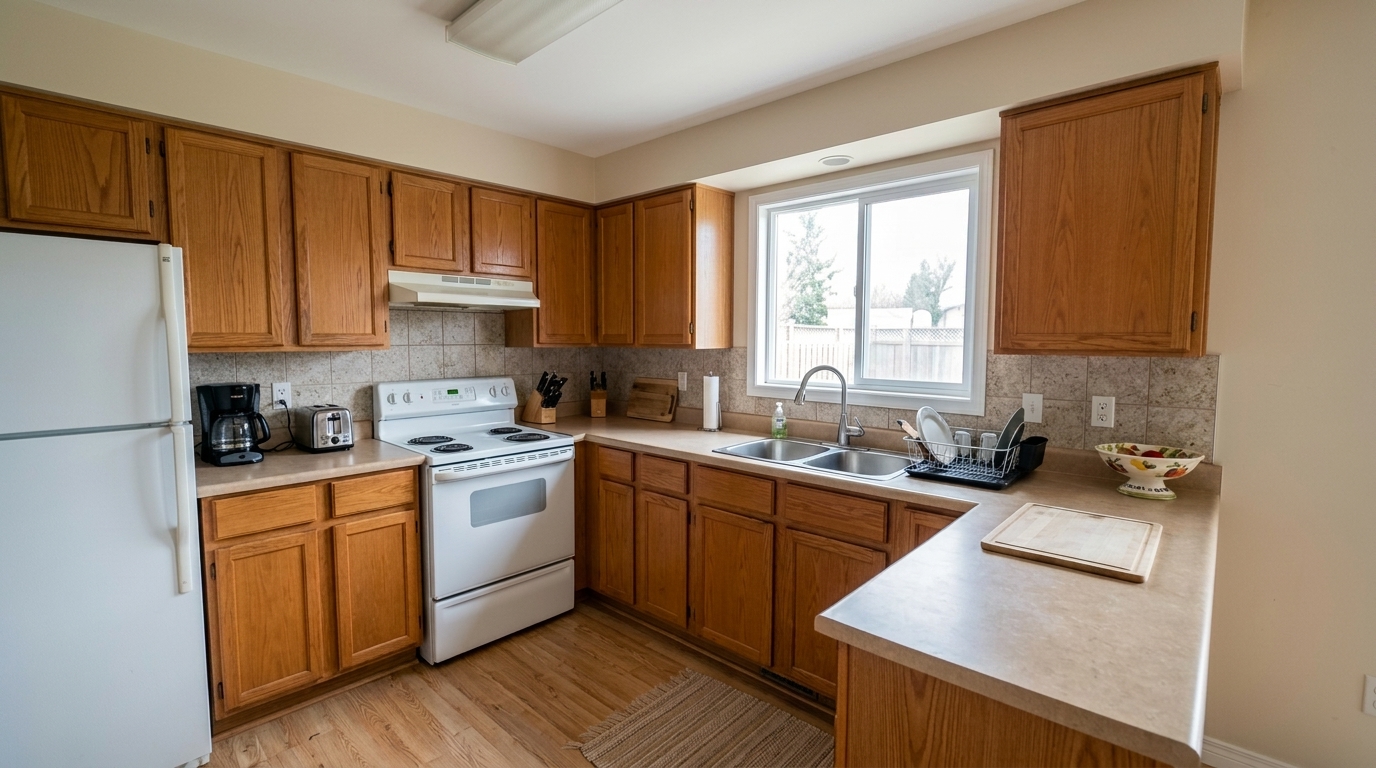

Tilted Kitchen Perspective
Make the MLS correction visibly obvious by straightening the same kitchen's leaning cabinet sides, window frames, backsplash.
Transform dark, distorted property photos into bright, sharp, and compliant MLS listings. Correct exposure, align perspectives, and balance colors instantly.
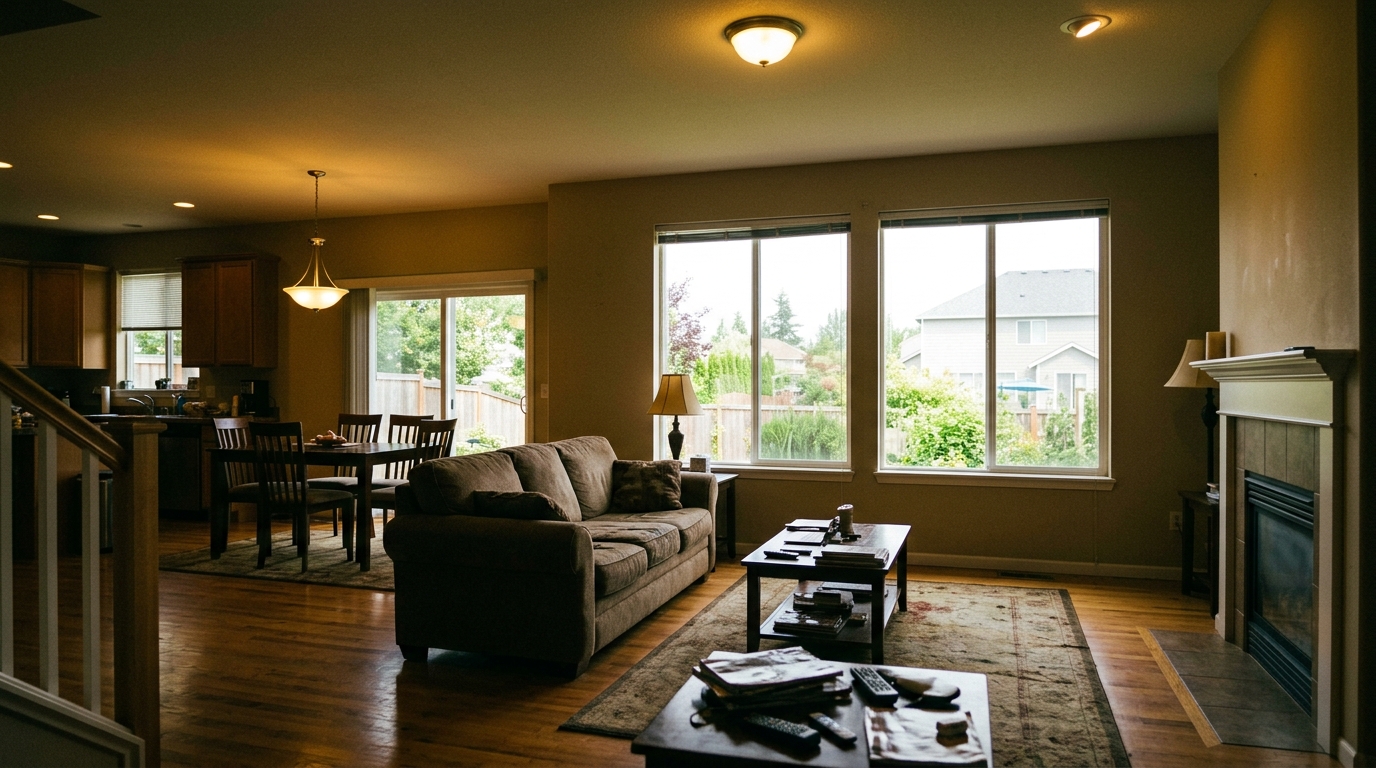
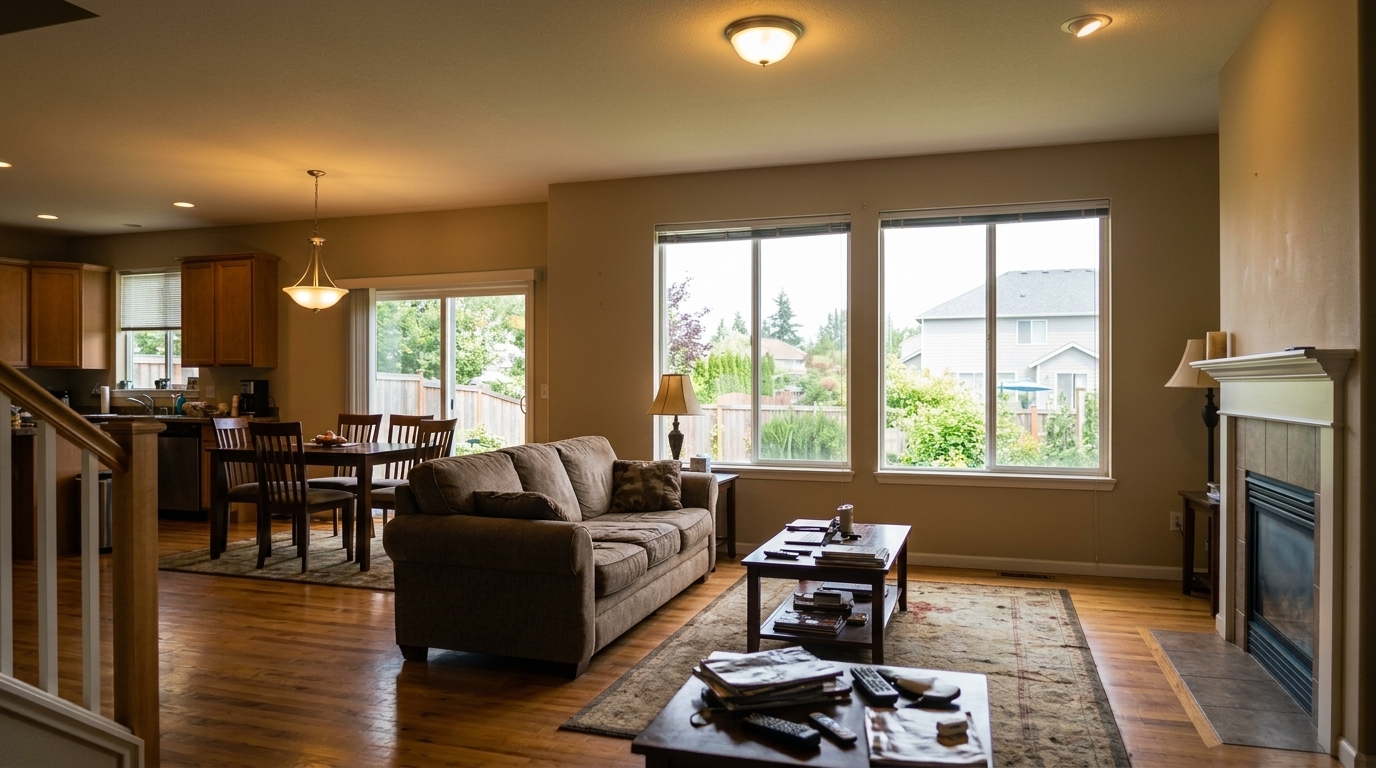
View real examples of exposure balancing, perspective correction, and color normalization.
Make the MLS correction visibly obvious by straightening the same kitchen's leaning cabinet sides, window frames, backsplash.
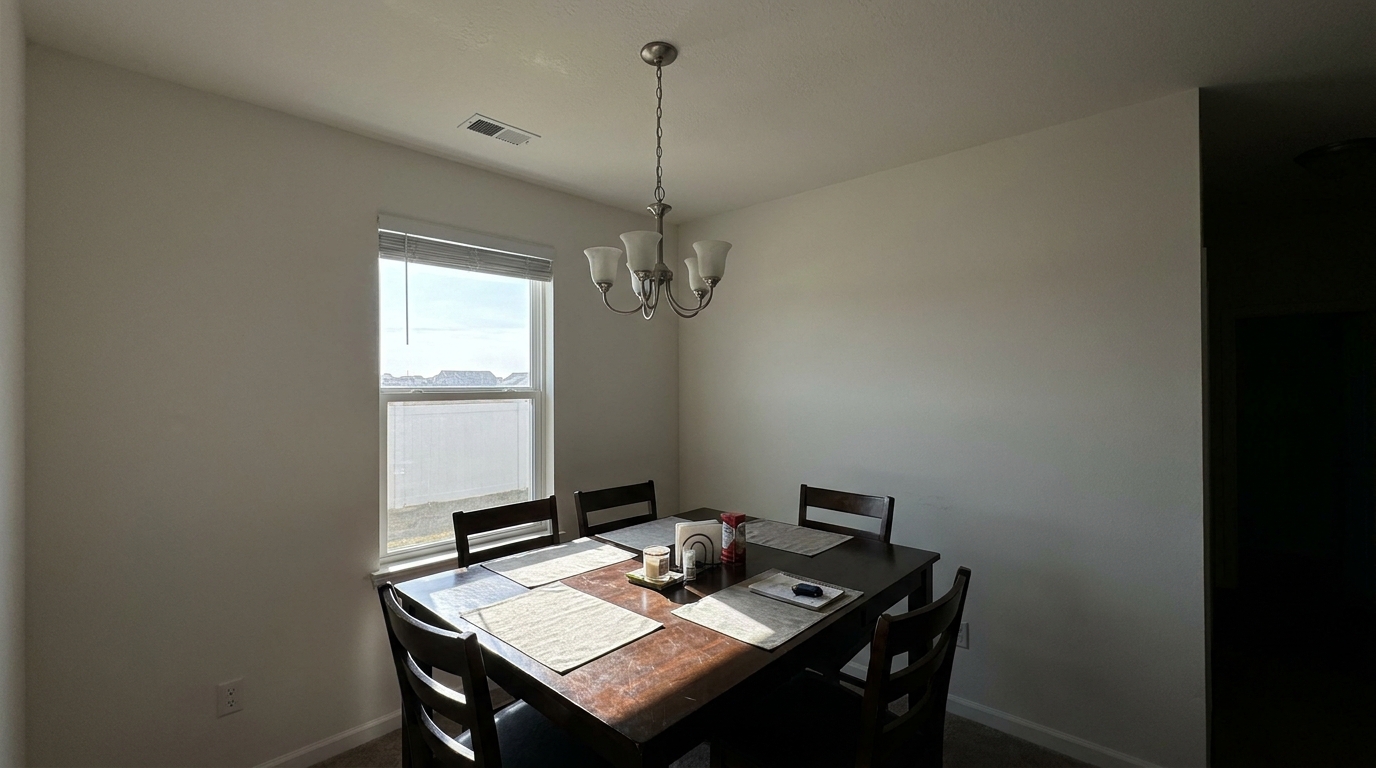
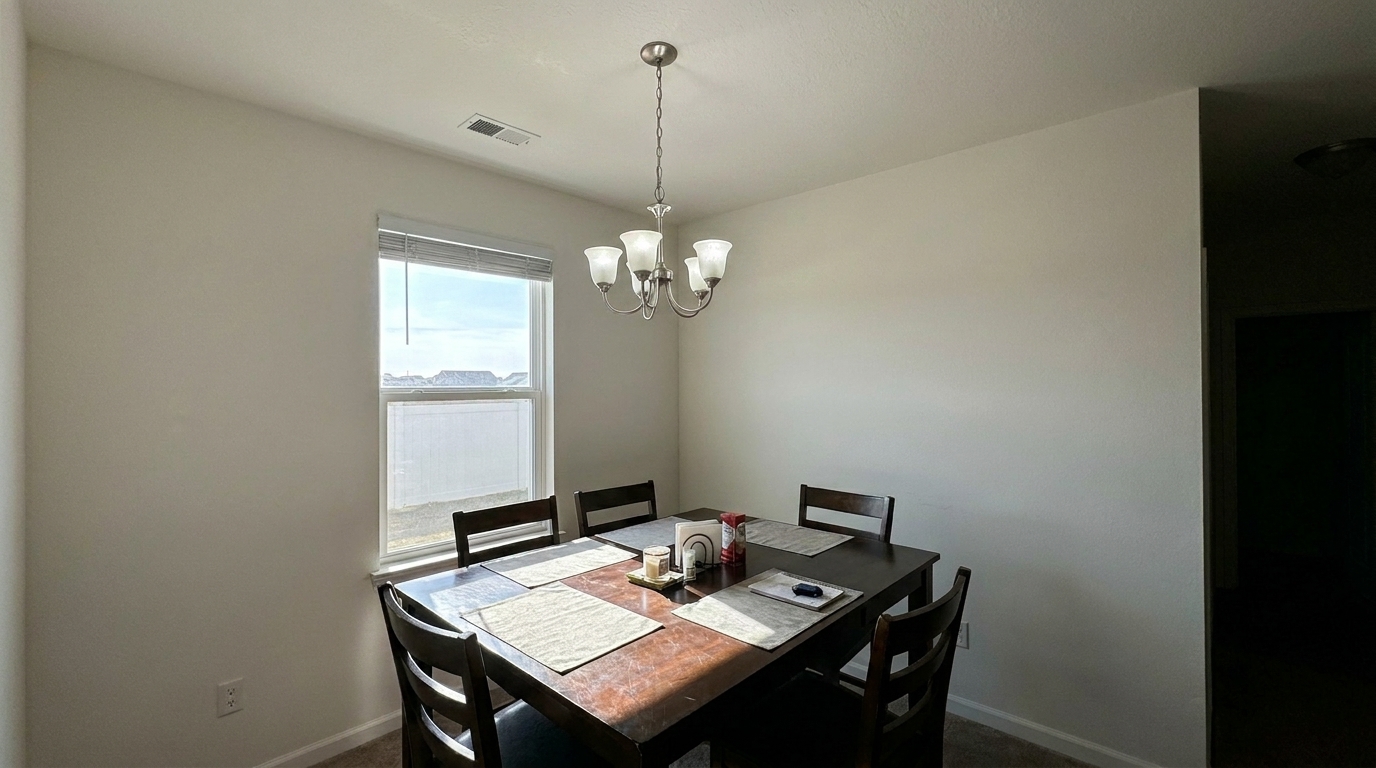
Shadowy Dining Room updated with mls photo enhancement styling.
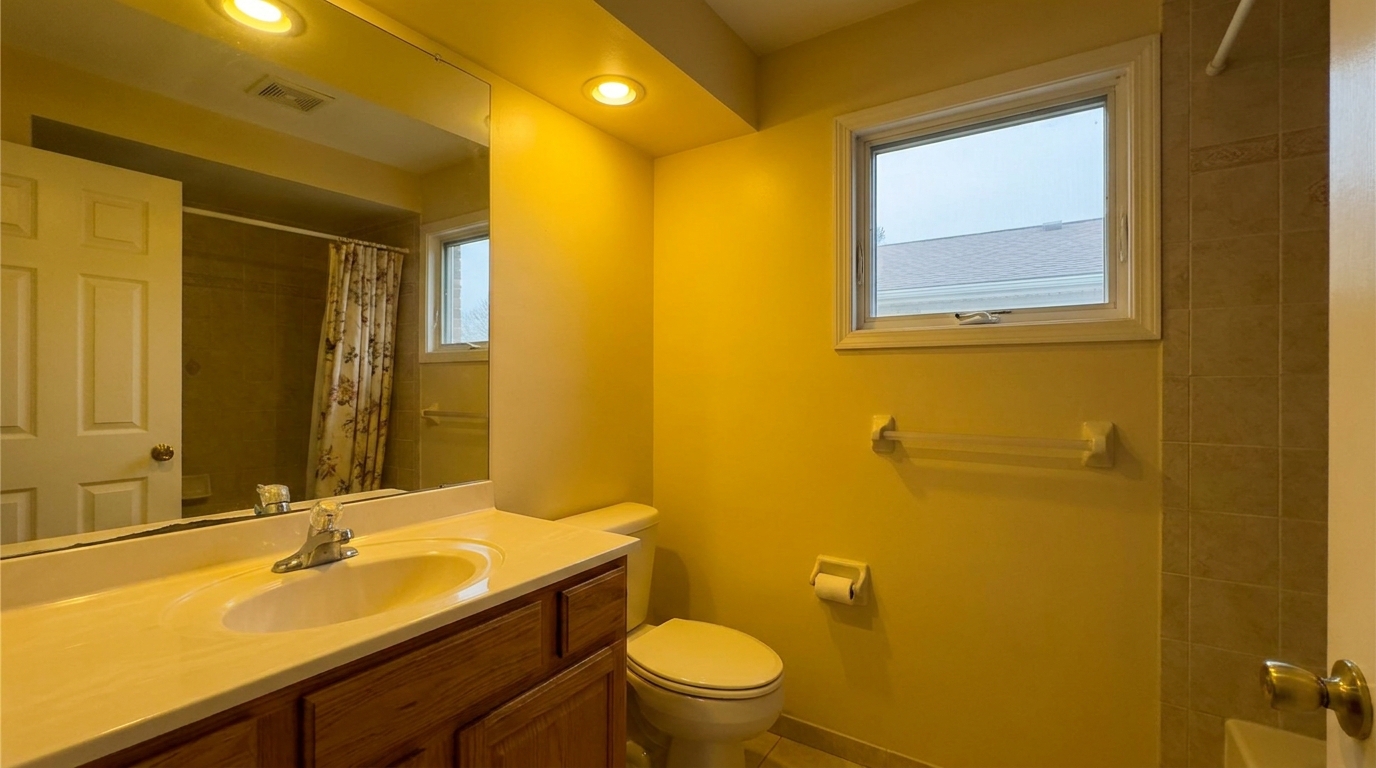
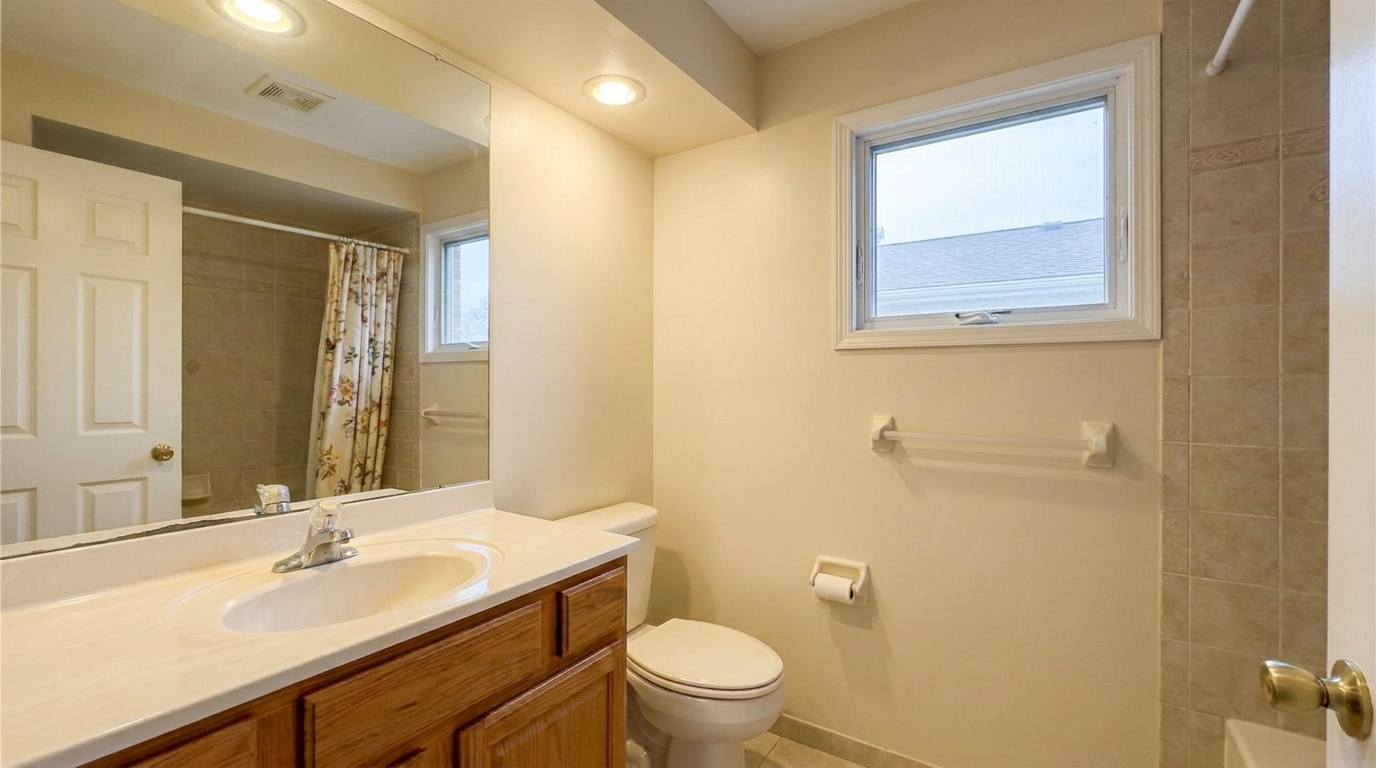
Yellow-Tinted Bathroom updated with mls photo enhancement styling.
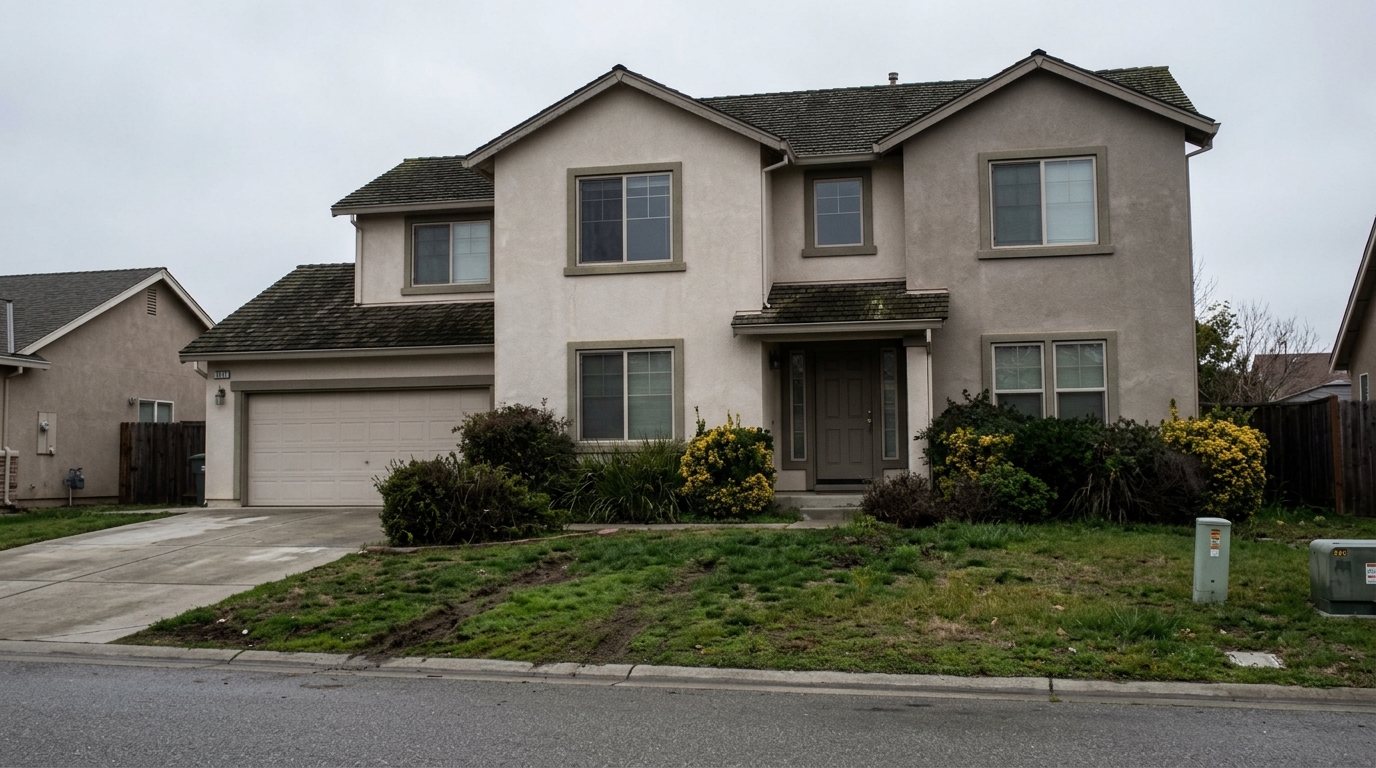
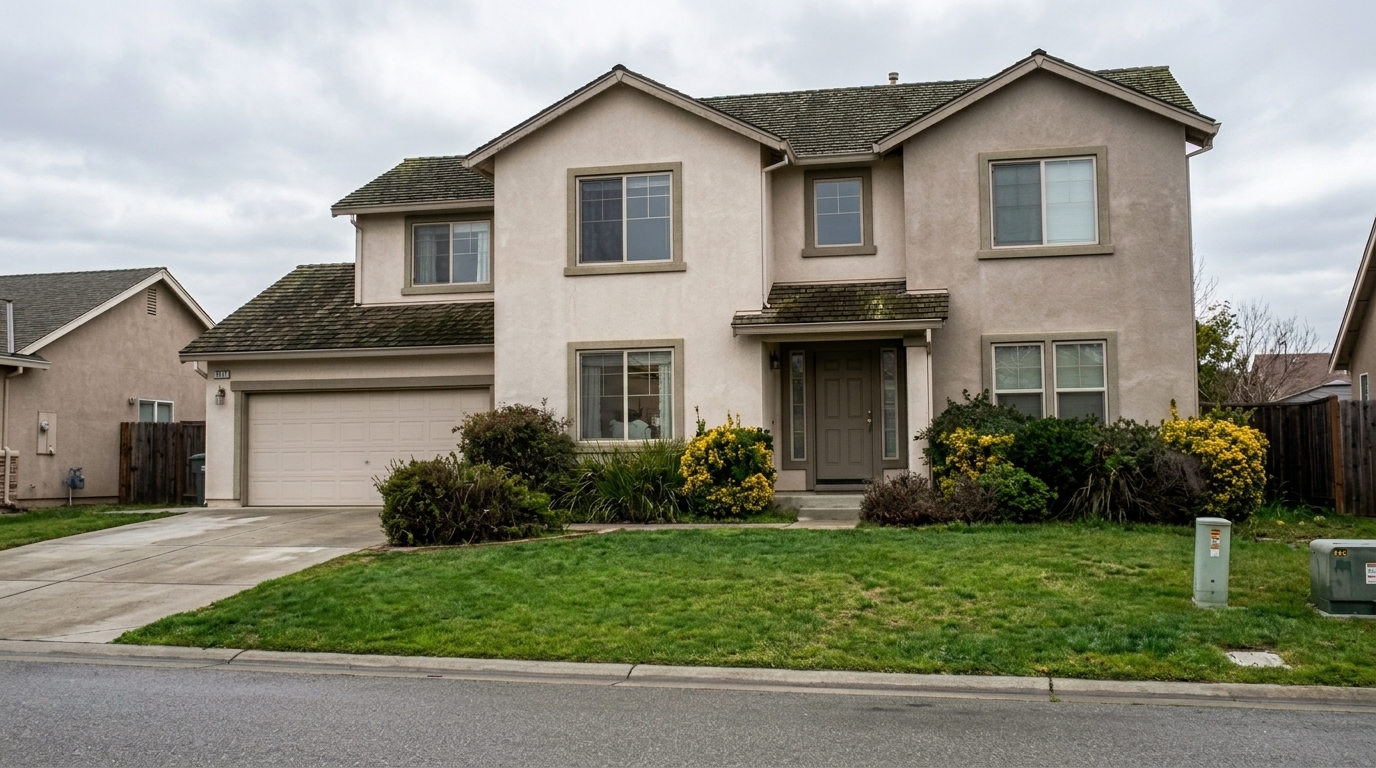
Straighten the same exterior facade so vertical walls, garage edges, window frames, roofline, driveway, and horizon read level.
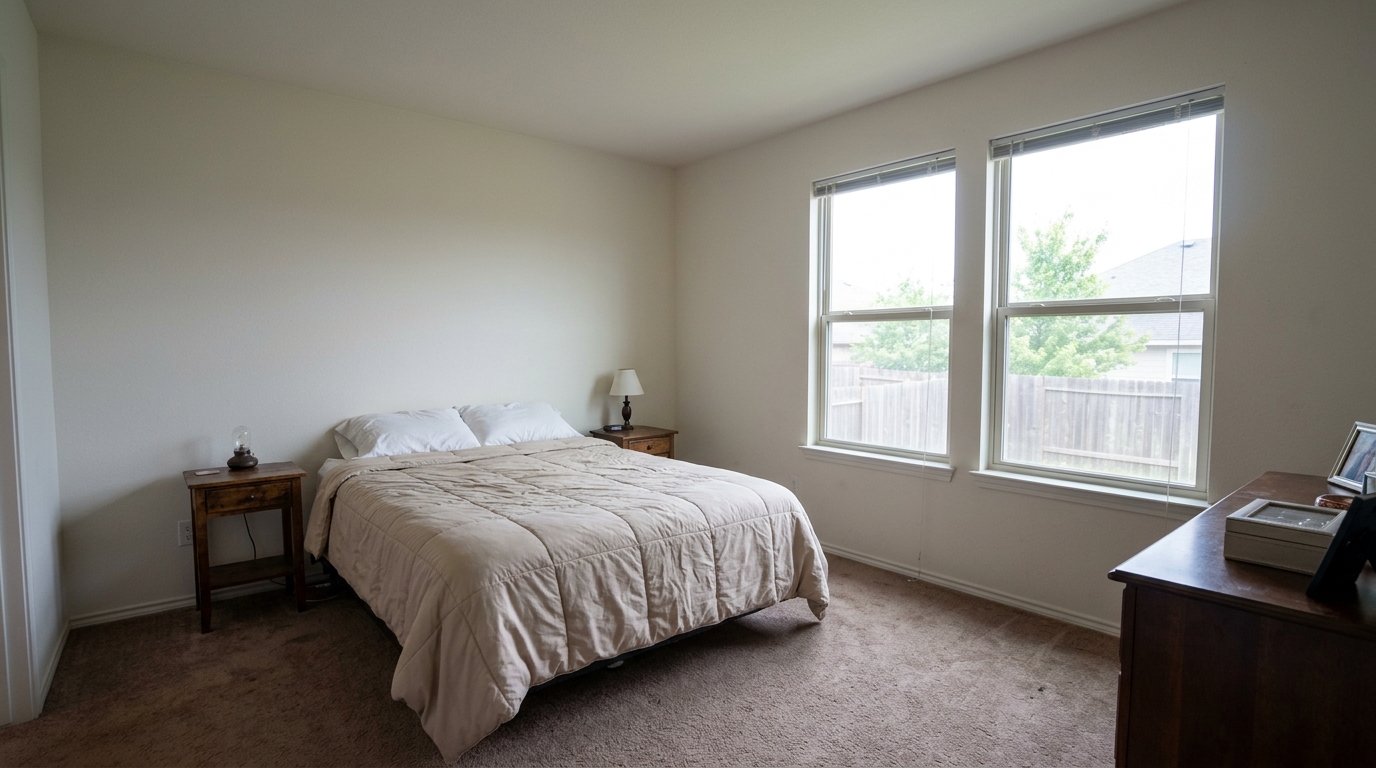
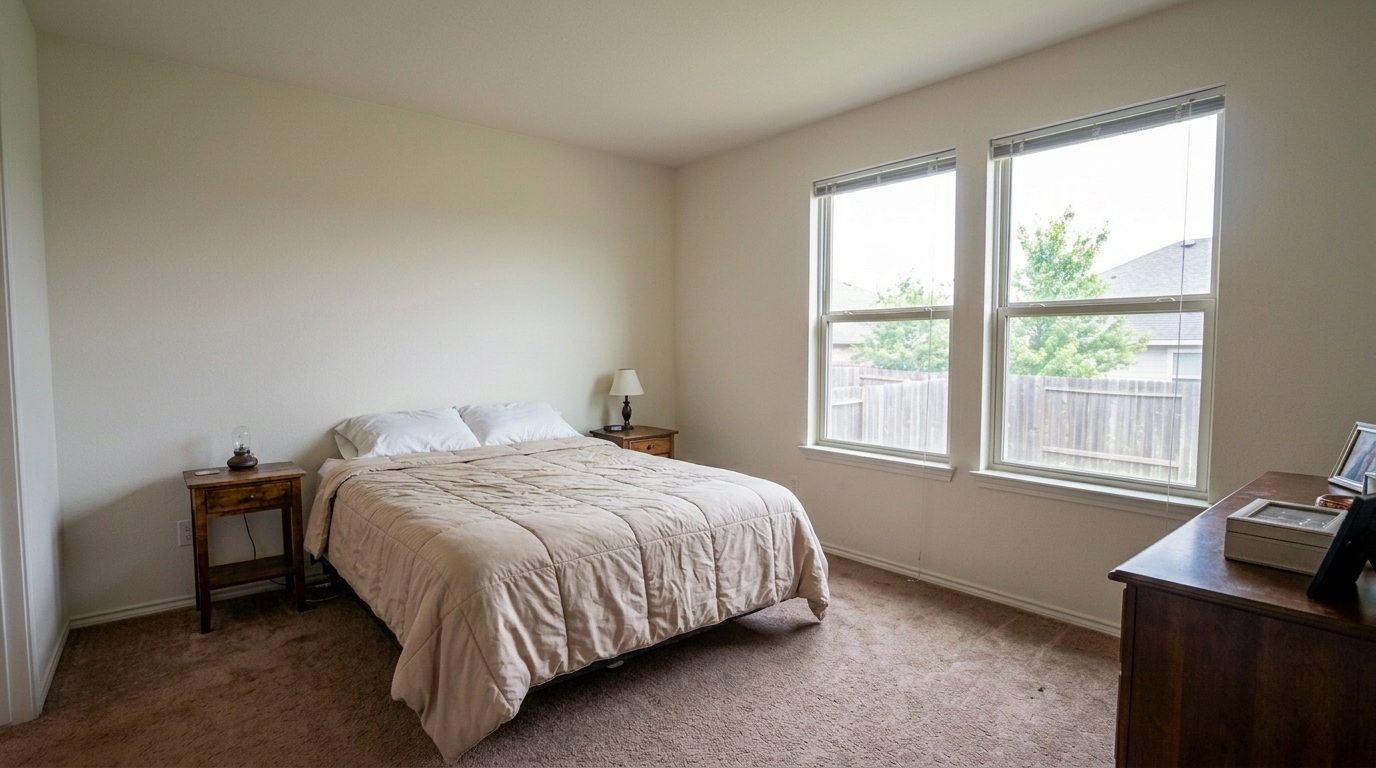
Recover the same bedroom window highlights so the glass no longer stays blank white, reveal soft believable exterior detail only.
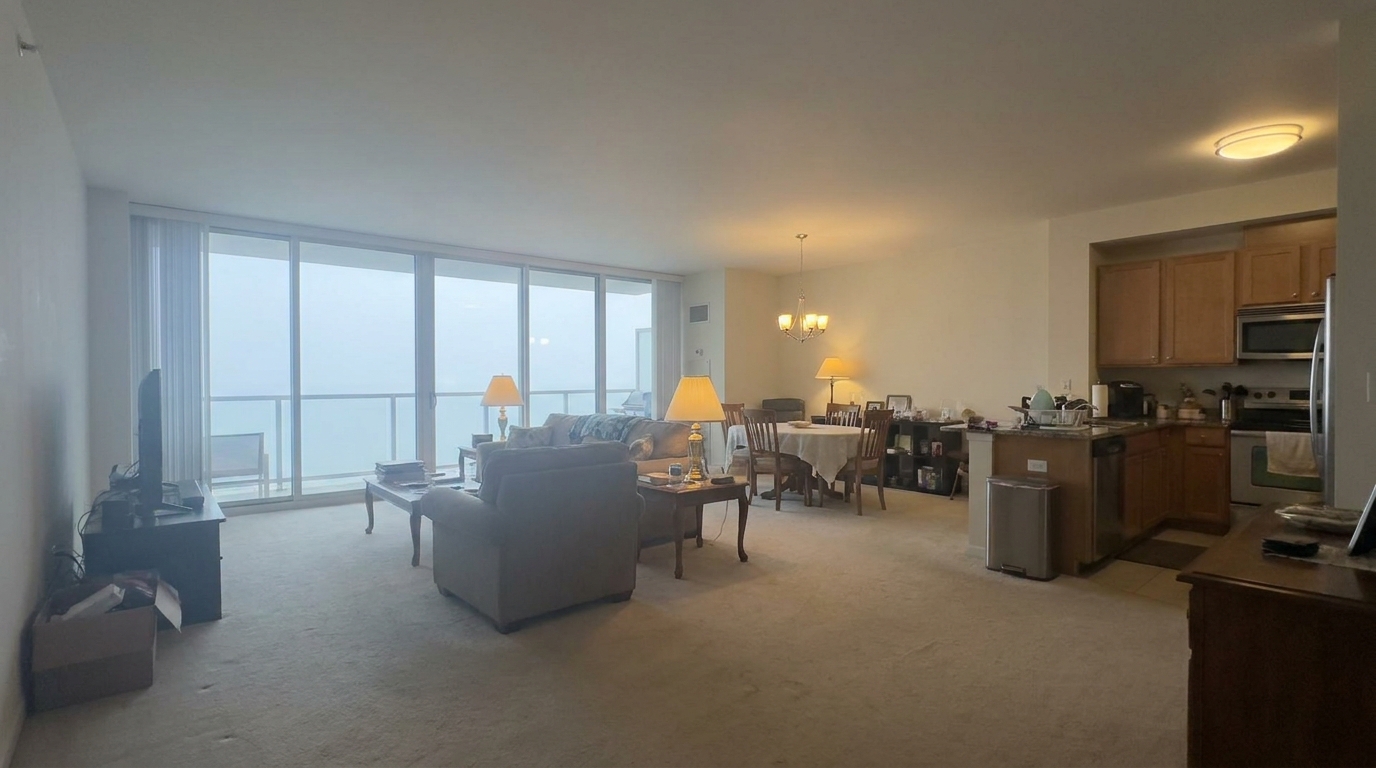
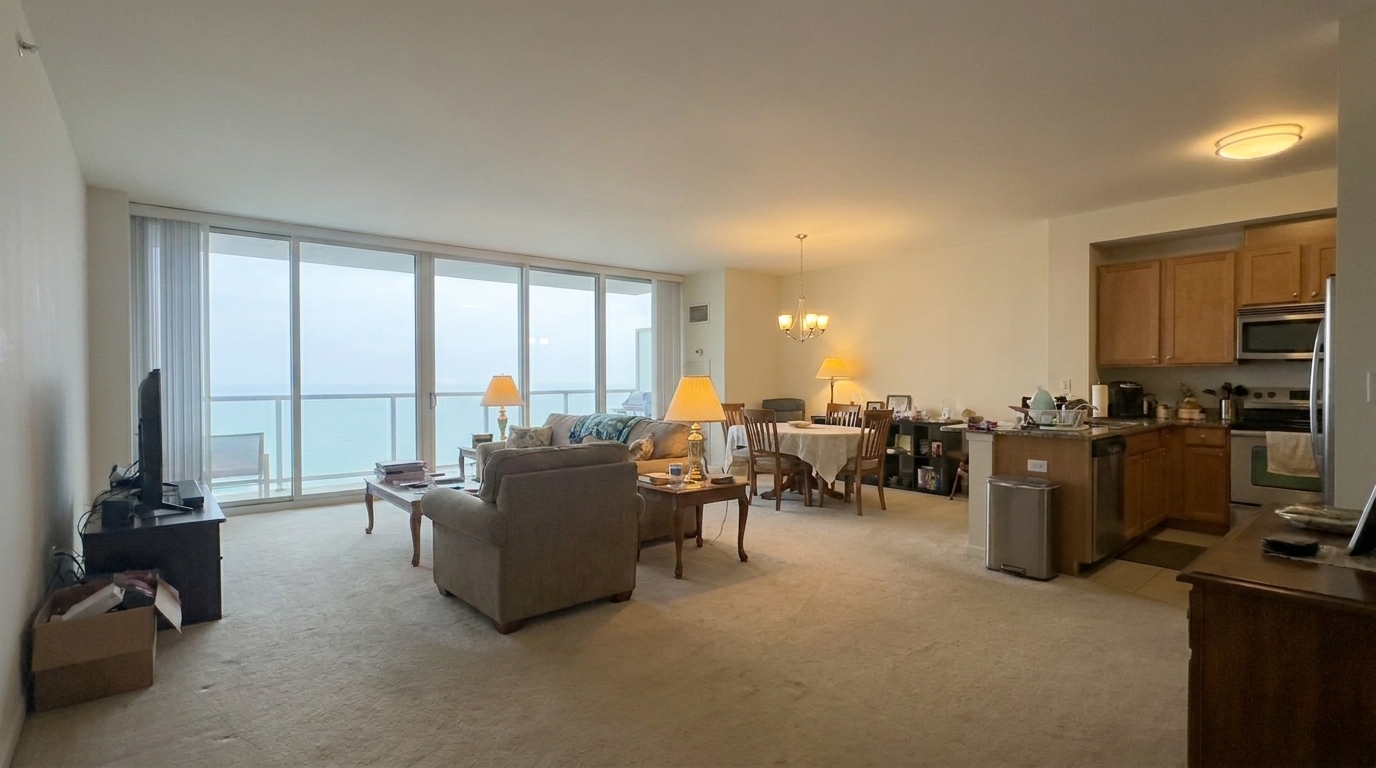
Hazy Open-Concept Living Area updated with mls photo enhancement styling.
Discover the automated adjustments that make your real estate photography stand out on any listing platform.
Instantly straightens vertical and horizontal lines, correcting the keystoning and wide-angle lens distortion common in interior photography.
Evens out harsh shadows and blown-out highlights, ensuring that both dark corners and bright window views are clearly visible.
Detects and corrects unnatural yellow, blue, or green color casts caused by mixed indoor lighting and outdoor daylight.
Enhances fine details, surface textures, and architectural lines without introducing artificial noise, halos, or artifacts.
Standardizes color tones and brightness levels across your entire photo set, creating a consistent and professional listing gallery.
Optimizes visual quality without altering, adding, or removing permanent physical structures, keeping your listings fully compliant with local regulations.
See how agents, photographers, and designers use MLS photo enhancement to win more buyers.
Real estate agents preparing everyday home photos for local MLS uploads to attract more online views.
AgentsEnhancing empty, unlit rooms to make them look bright, spacious, clean, and inviting to potential buyers.
MarketingBrightening flat, gloomy exterior and interior photos captured during cloudy or rainy weather conditions.
PhotographersBalancing rooms that suffer from a mix of warm incandescent lamps and cool natural window light.
EditingPhotographers and agencies requiring rapid, consistent batch processing for entire property photo sets.
PhotographersLandlords and property managers optimizing photos for long-term rentals or short-term vacation platforms.
LandlordsFollow these simple steps to optimize your property images for maximum listing appeal.
Drag and drop your raw or JPEG listing images directly into the optimizer. Our system securely processes high-resolution files from any camera or smartphone.
Select the MLS Photo Enhancement preset. The AI instantly analyzes the image to correct perspective, balance exposure, and normalize color temperatures.
Review the optimized, compliant, and bright property photos. Download them in high resolution, ready for immediate upload to your local MLS platform.
Source-backed context for why mls photo enhancement edits matter inside image optimization workflows.
MLS Photo Enhancement within Image Optimization evidence
Photos are one of the most valuable website features for home buyers; NAR's 2025 generational trends report says 83% of internet-using buyers rated photos as very useful. For MLS Photo Enhancement pages, this supports showing how a focused Image Optimization edit can make the listing photo feel clearer, more polished, and easier for buyers to evaluate.
Source: NAR 2025MLS Photo Enhancement within Image Optimization evidence
Zillow Research's 2025 prospective buyer report ranked high-resolution photos as the number two most important listing feature, selected by 26% of prospective buyers; floor plans ranked first at 33%. For MLS Photo Enhancement pages, this supports showing how a focused Image Optimization edit can make the listing photo feel clearer, more polished, and easier for buyers to evaluate.
Source: Zillow 2025MLS Photo Enhancement within Image Optimization evidence
Redfin reported that professionally photographed homes in the $400,000 range sold three weeks faster and for more than $10,000 relative to list price compared with amateur photos. Use this as supporting context, not as a guaranteed result. For MLS Photo Enhancement pages, this supports showing how a focused Image Optimization edit can make the listing photo feel clearer, more polished, and easier for buyers to evaluate.
Source: RedfinHigh-quality listing photos are the single most important factor in capturing buyer attention online. This guide explains how to use automated image optimization to create stunning, compliant MLS photos that drive showings.
In online real estate marketing, your first photo is your only handshake. Dark, distorted, or color-cast images cause buyers to scroll past. MLS Photo Enhancement solves this by automating the technical corrections that professional editors perform manually. By balancing exposure, correcting white balance, and straightening lines, you present the property in its best, most accurate light, which directly correlates with increased click-through rates and scheduled showings.
When optimizing your property photos, selecting the right tool is critical. Use the MLS Photo Enhancement preset for standard listing galleries where natural realism and strict compliance are required. If you have highly problematic photos with severe lens distortion, glare, or noise, opt for the Full Correction Suite. For quick, everyday polishes on well-lit shots, Real Estate Photo Editing is ideal. If you are working with a single, highly underexposed image where you need to recover deep shadow detail, choose Single Exposure Editing.
To achieve a professional look, consistency is key. Start by organizing your photos in the order of a physical walkthrough: exterior, entryway, living spaces, kitchen, bedrooms, and backyard. Upload the entire set to apply the MLS Photo Enhancement preset. This applies a uniform color and exposure baseline, preventing the jarring transition from a warm, yellow kitchen photo to a cold, blue living room photo. Review the aligned perspectives, make minor exposure tweaks if necessary, and export the high-resolution files.
This preset is best used for standard residential and commercial listings, vacant homes, and photos taken under mixed lighting or overcast skies. It is highly effective at correcting wide-angle lens distortion. However, you should avoid using this preset if you require virtual staging, physical object removal, or structural alterations, as these require specialized editing tools and may be subject to different disclosure rules. Always prioritize structural accuracy to maintain buyer trust.
Compare our specialized real estate photo presets to find the perfect balance of correction, exposure, and style for your listings.
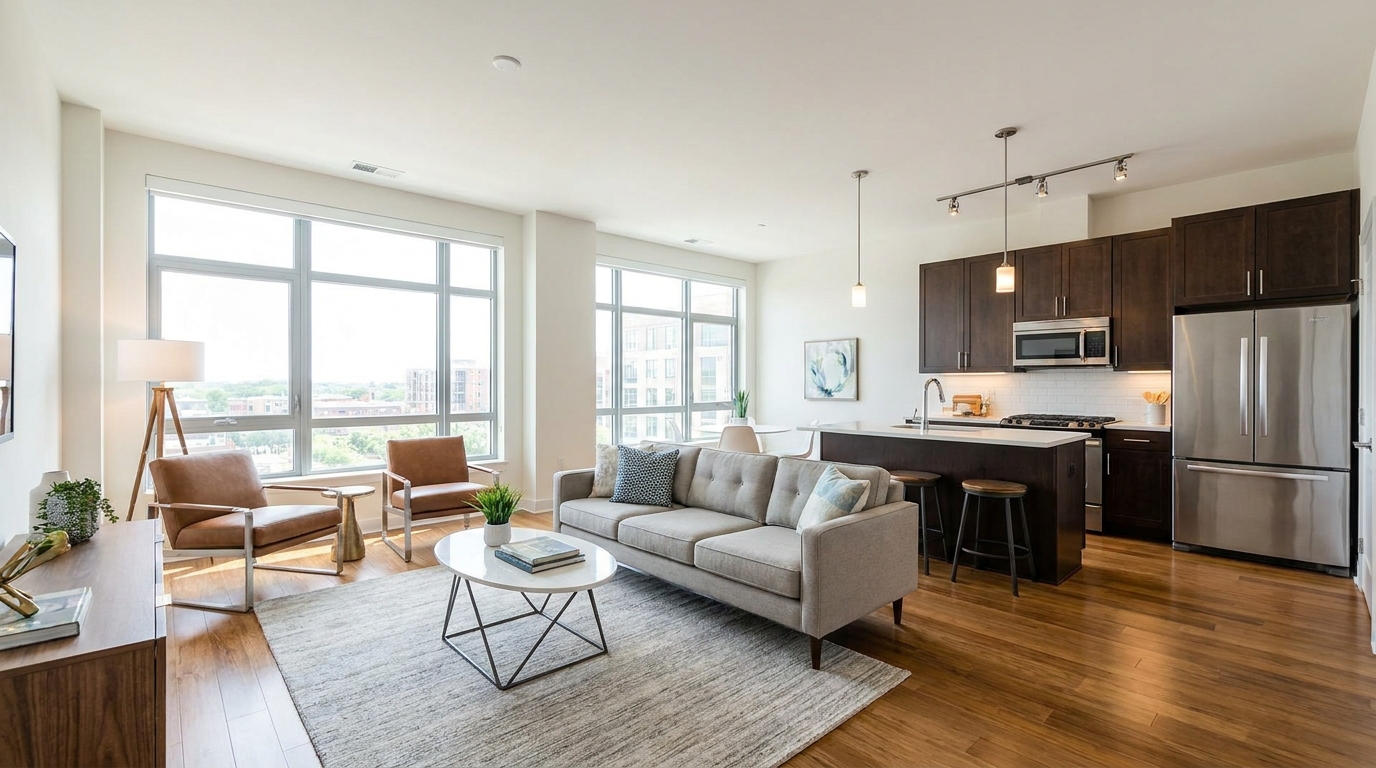
All-in-one correction for brighter, cleaner, listing-ready real estate photos.
Try This Tool →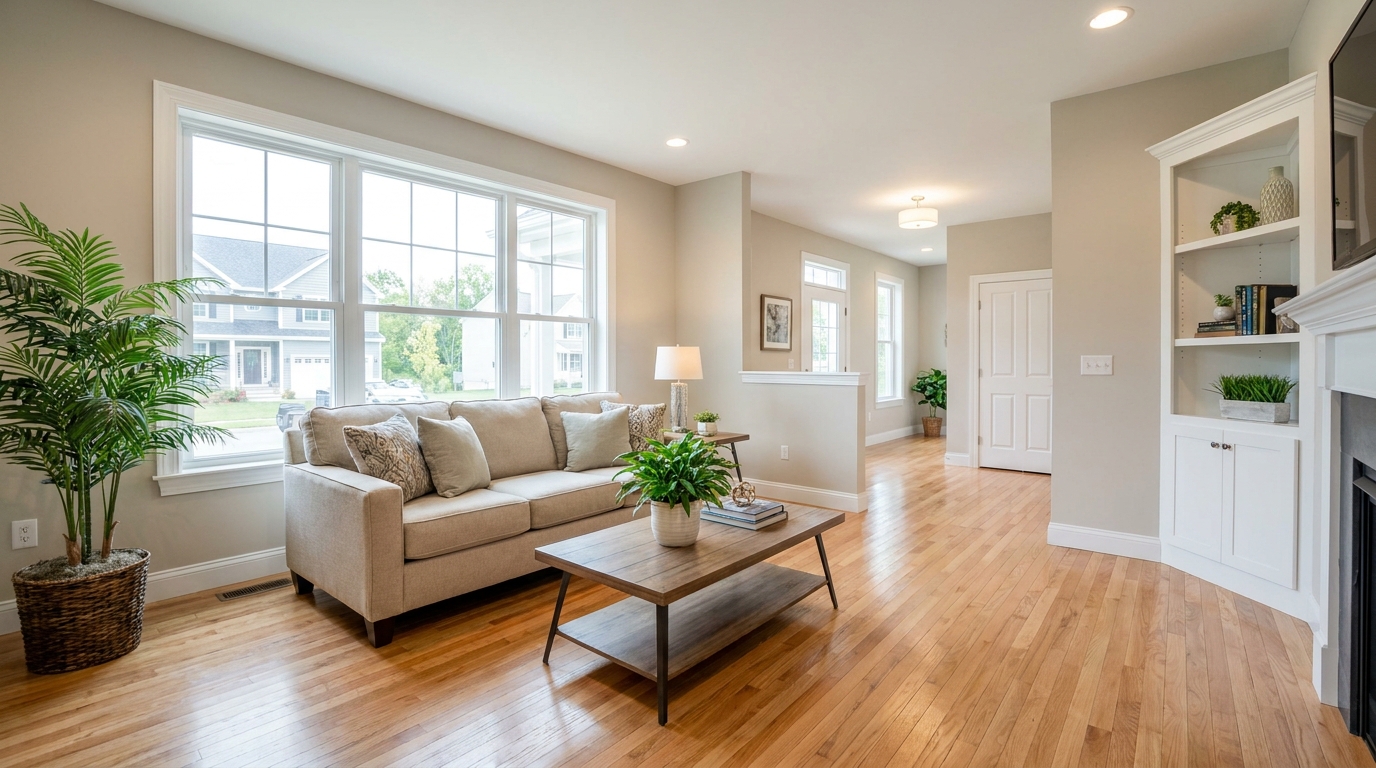
Everyday listing polish with balanced light, true color, and crisp natural detail.
Try This Tool →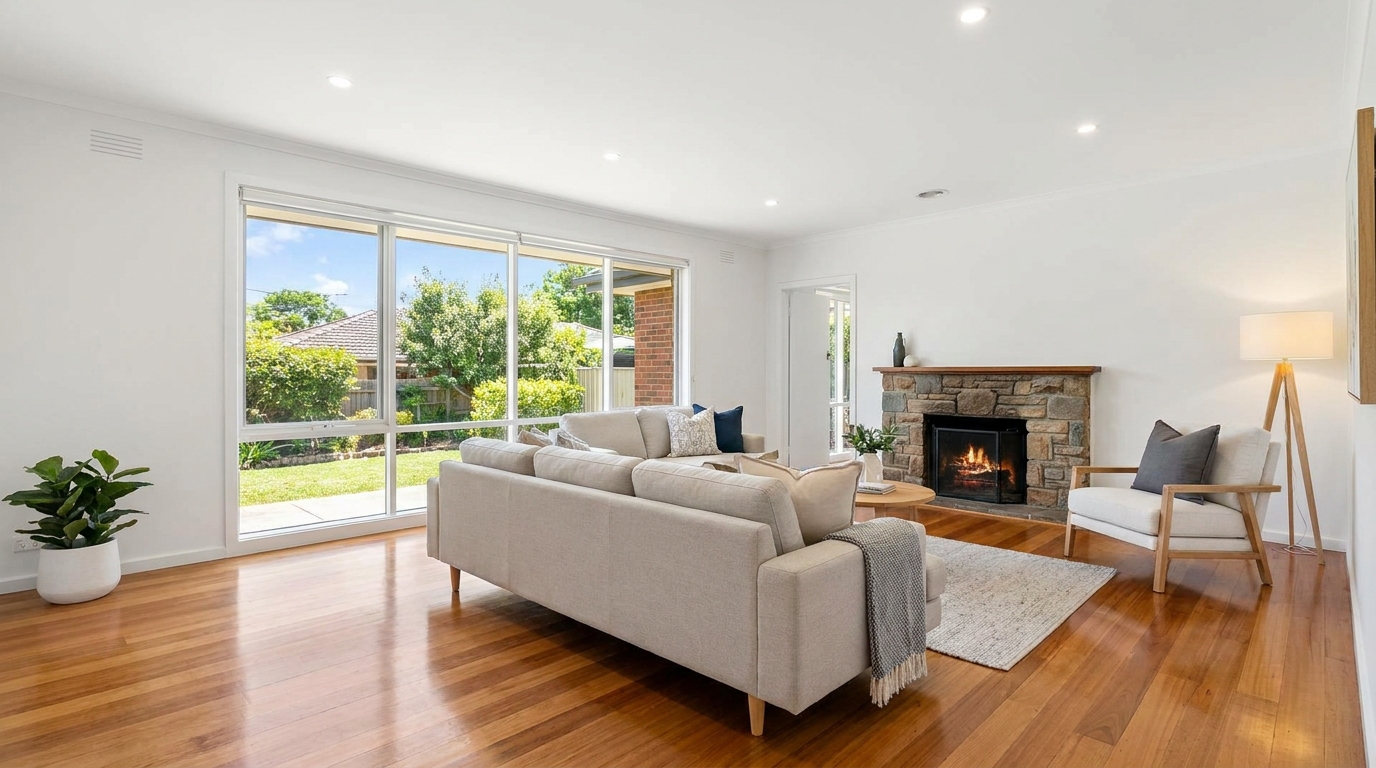
Smart single-exposure editing that recovers detail and delivers a naturally polished result.
Try This Tool →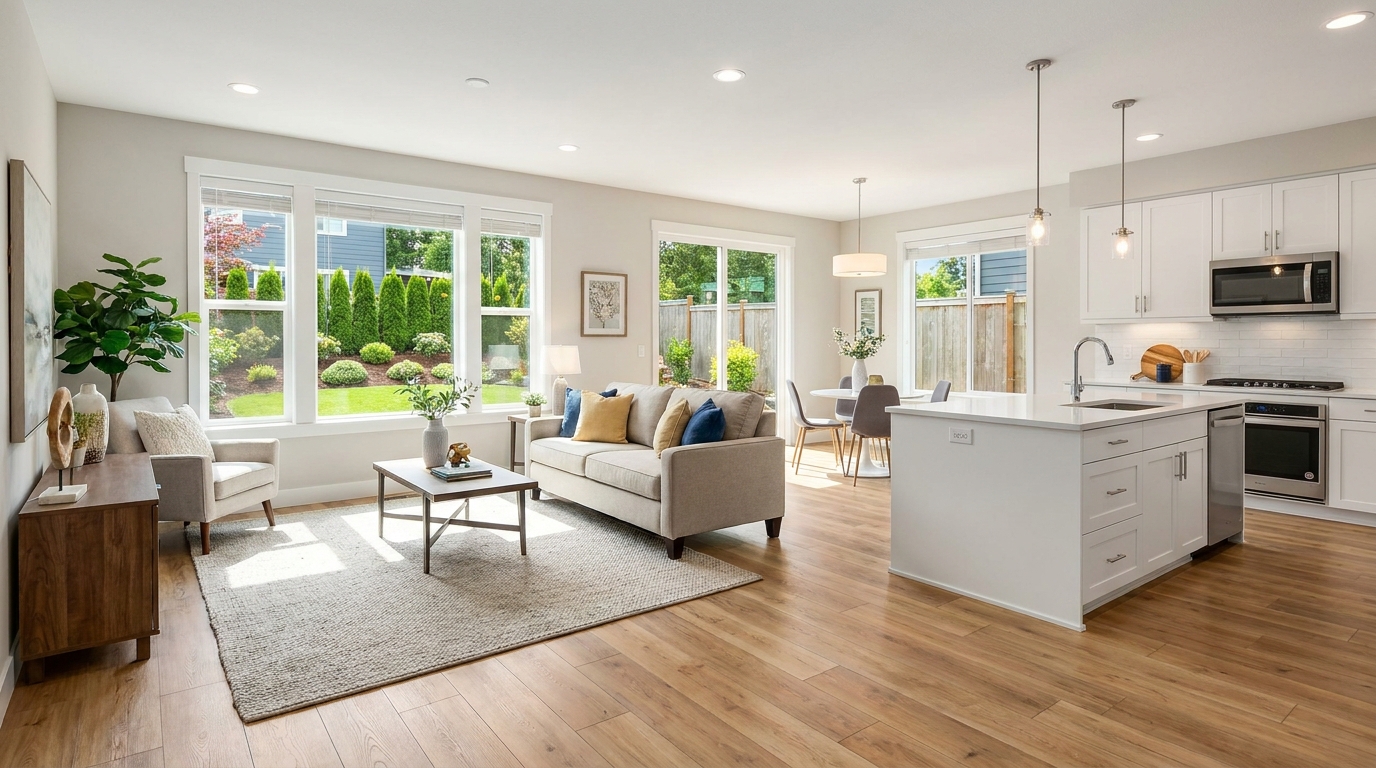
Scroll-stopping optimization for social-ready property photos with bright, clean visual appeal.
Try This Tool →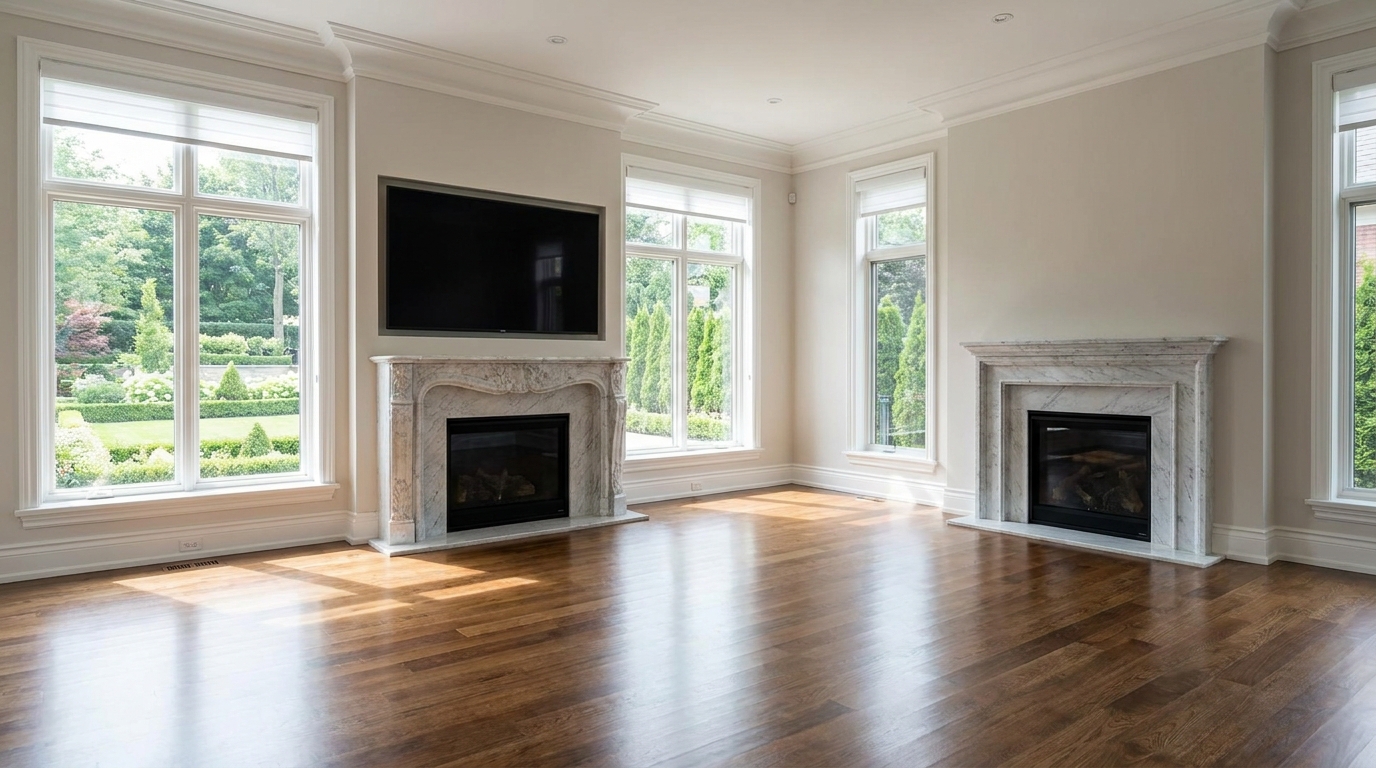
Minimize harsh reflections and distracting glare for a clearer, more premium presentation.
Try This Tool →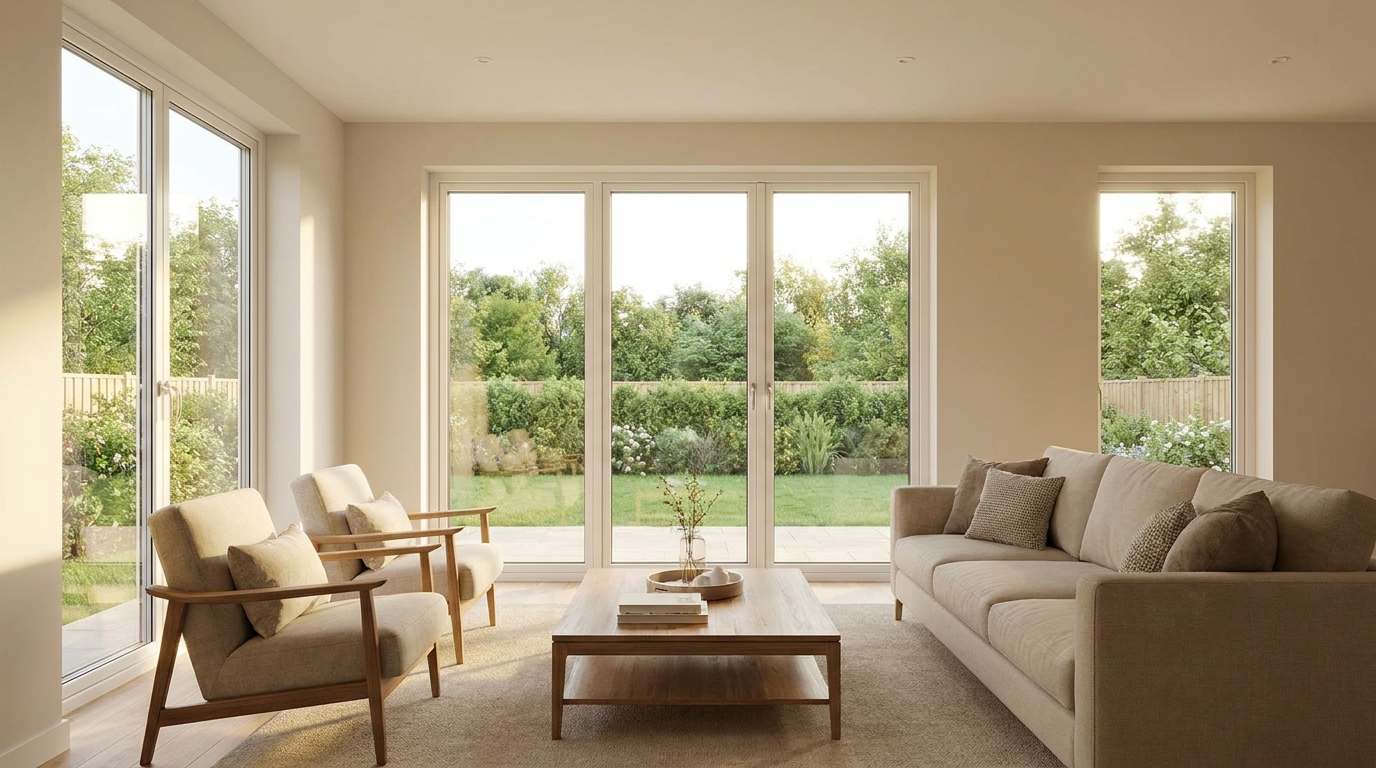
Even out bright and dark areas for a balanced, professional-looking image.
Try This Tool →Discover additional tools designed to elevate your interior, exterior, and lighting setups.
AI image-to-video generation for turning home, room, and property photos into more vivid presentation videos.
02AI exterior renovation for visualizing facade updates, curb appeal improvements, and home exterior remodel ideas.
03AI landscaping design for exploring outdoor concepts, curb appeal upgrades, planting ideas, and yard layout directions.
04AI virtual staging for furnishing empty rooms and creating listing-ready interiors for real estate marketing.
05Free AI image generation for turning text prompts into unlimited visual ideas for home design, interiors, landscaping, renovation
06AI object removal for cleaning up distracting items from room, home, and property photos.
Transform your property photos into bright, professional, and compliant marketing assets in seconds.