
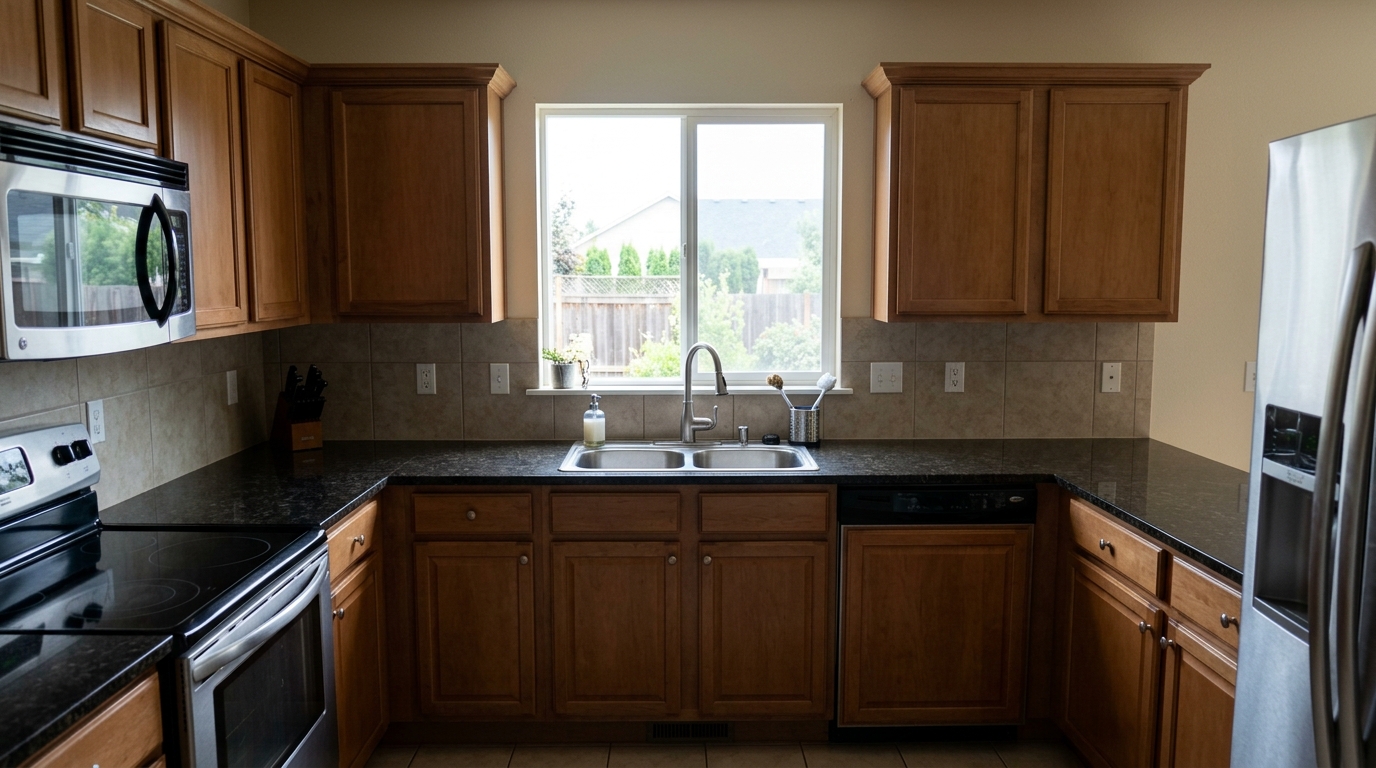
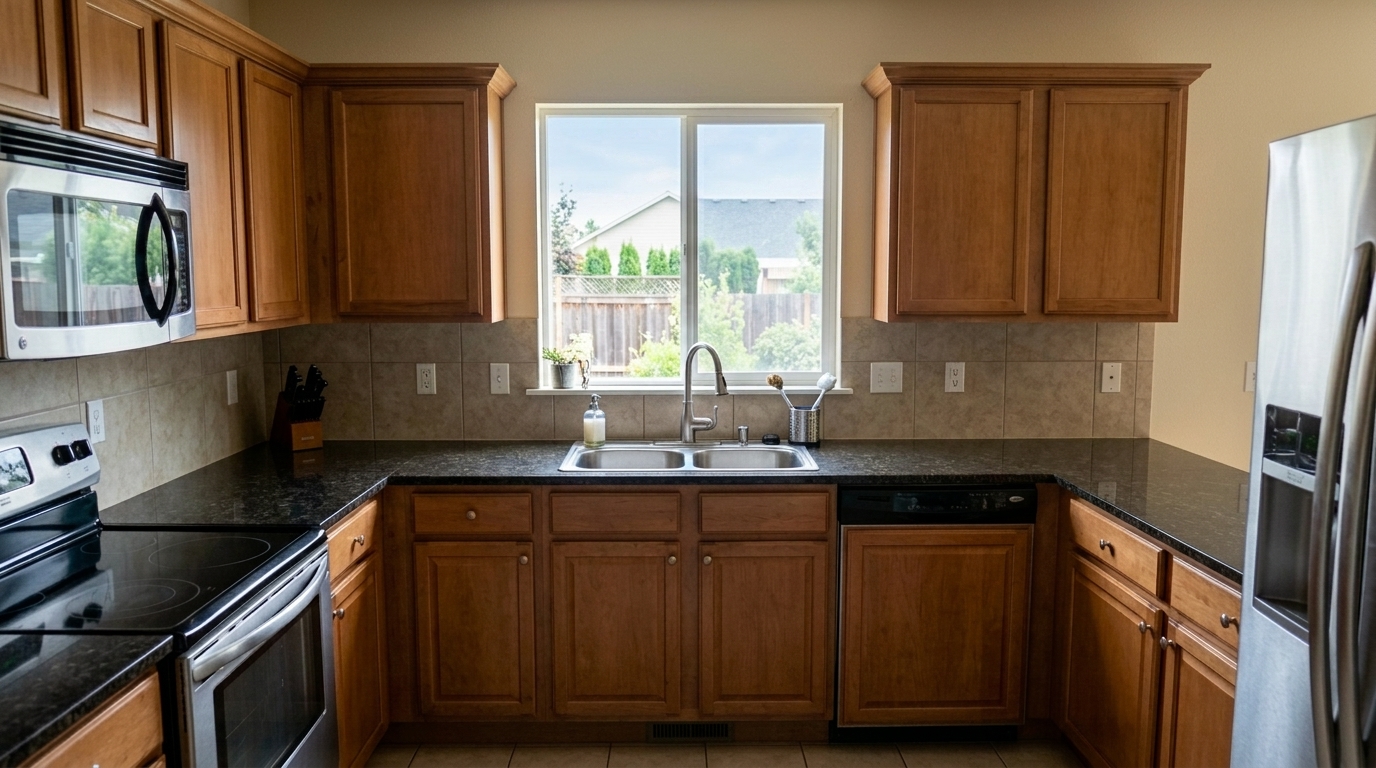

Kitchen Exposure Correction
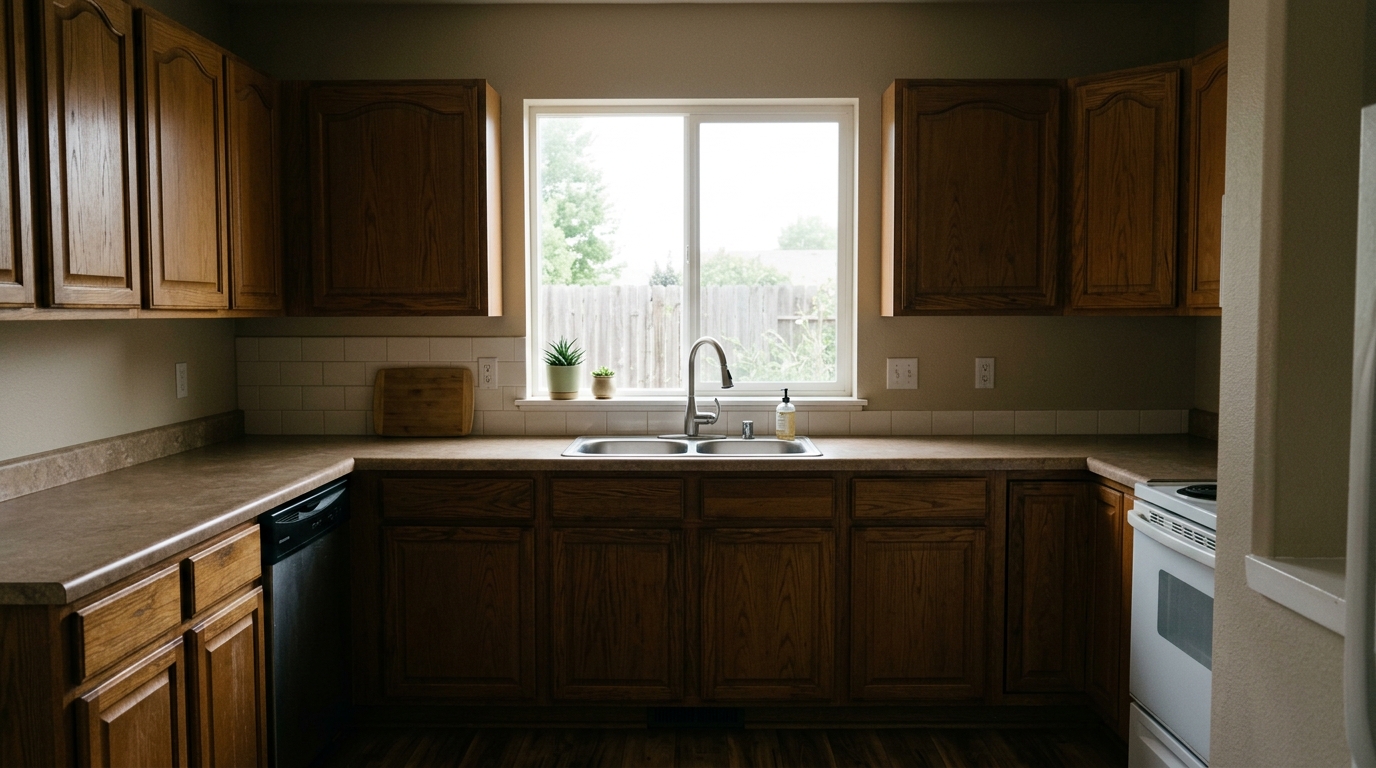
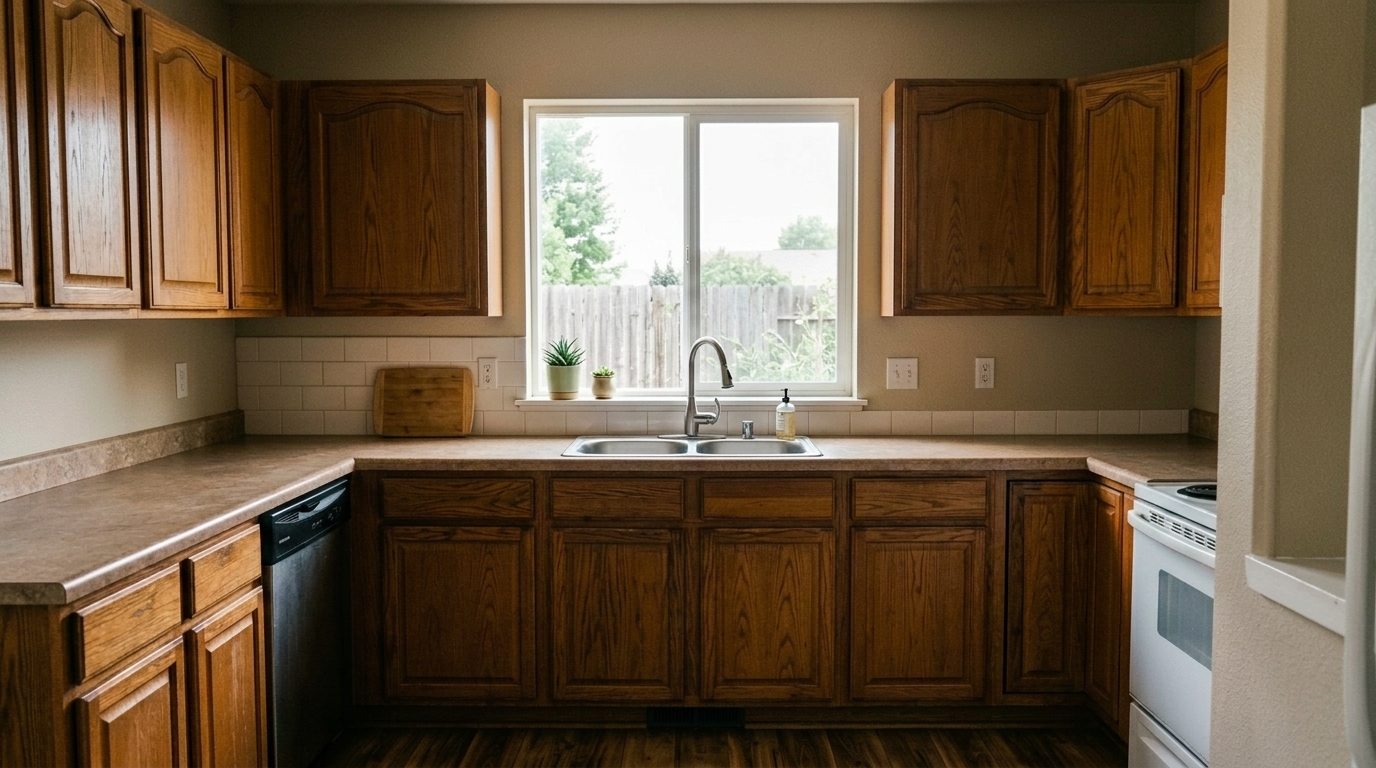
Balance the same kitchen exposure by lifting cabinet and counter shadows and recovering the bright window so it no longer stays.
Transform raw property photos into bright, balanced, and listing-ready images. Correct perspective, balance exposure, and restore true colors instantly.
Browse real examples of raw property photos transformed into bright, professional, and listing-ready assets.
Balance the same kitchen exposure by lifting cabinet and counter shadows and recovering the bright window so it no longer stays.
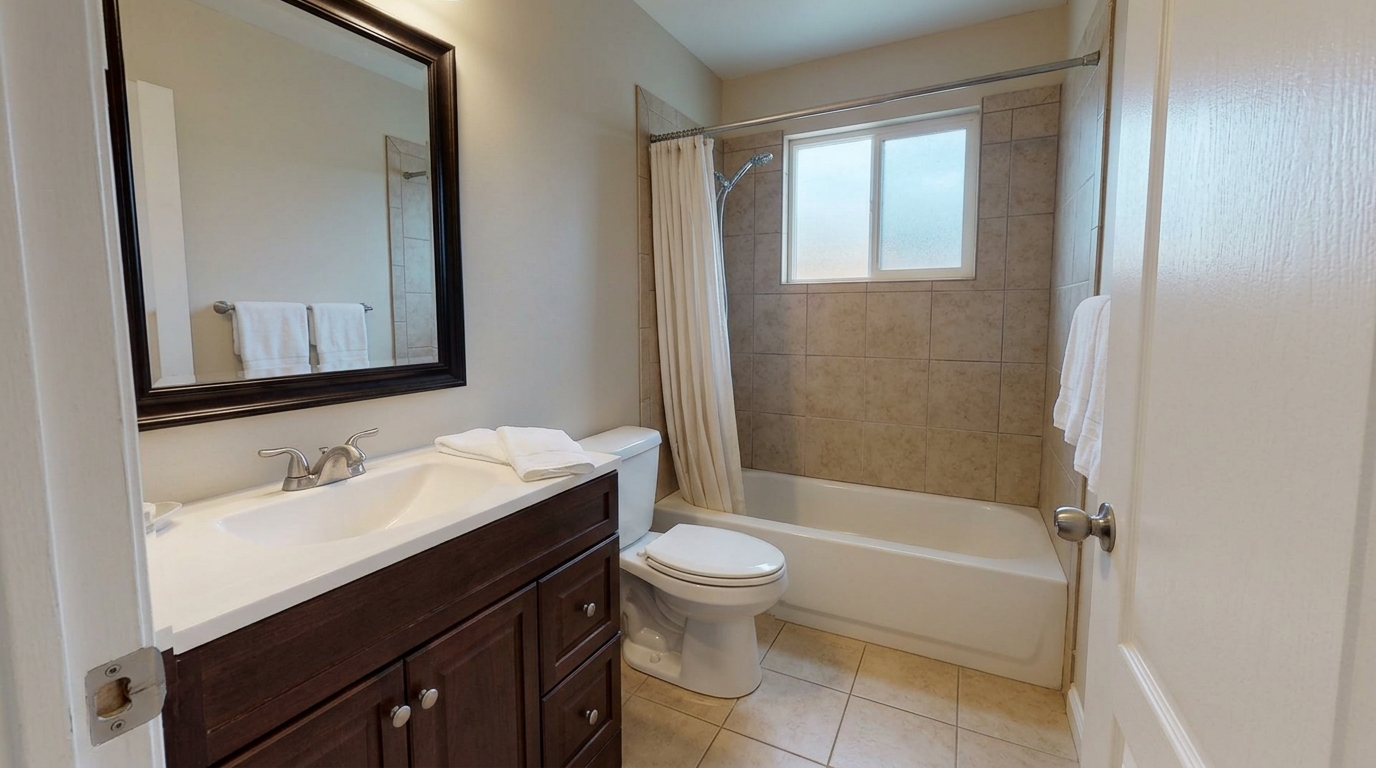
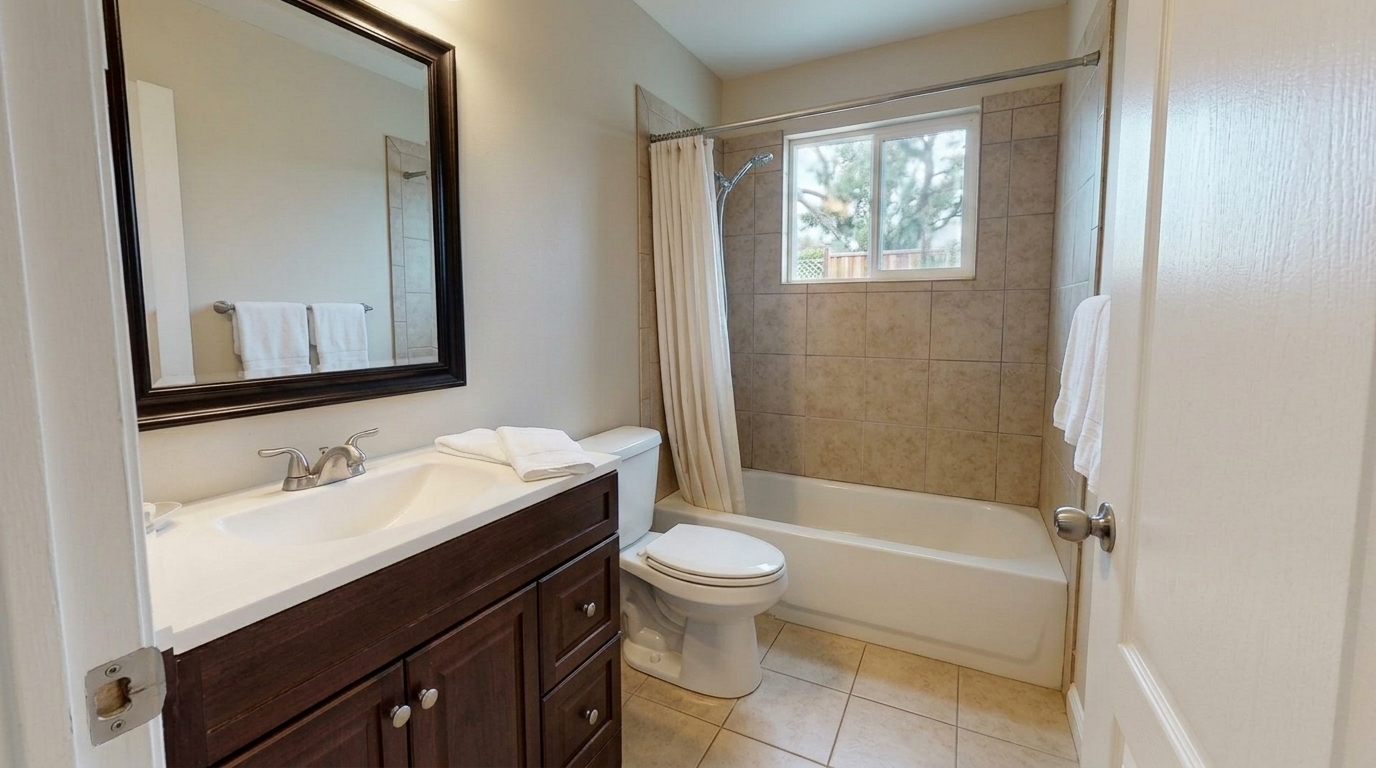
Straighten and polish the same bathroom from a pleasant listing-photo angle: make vanity, mirror, shower or tub frame, walls, and.
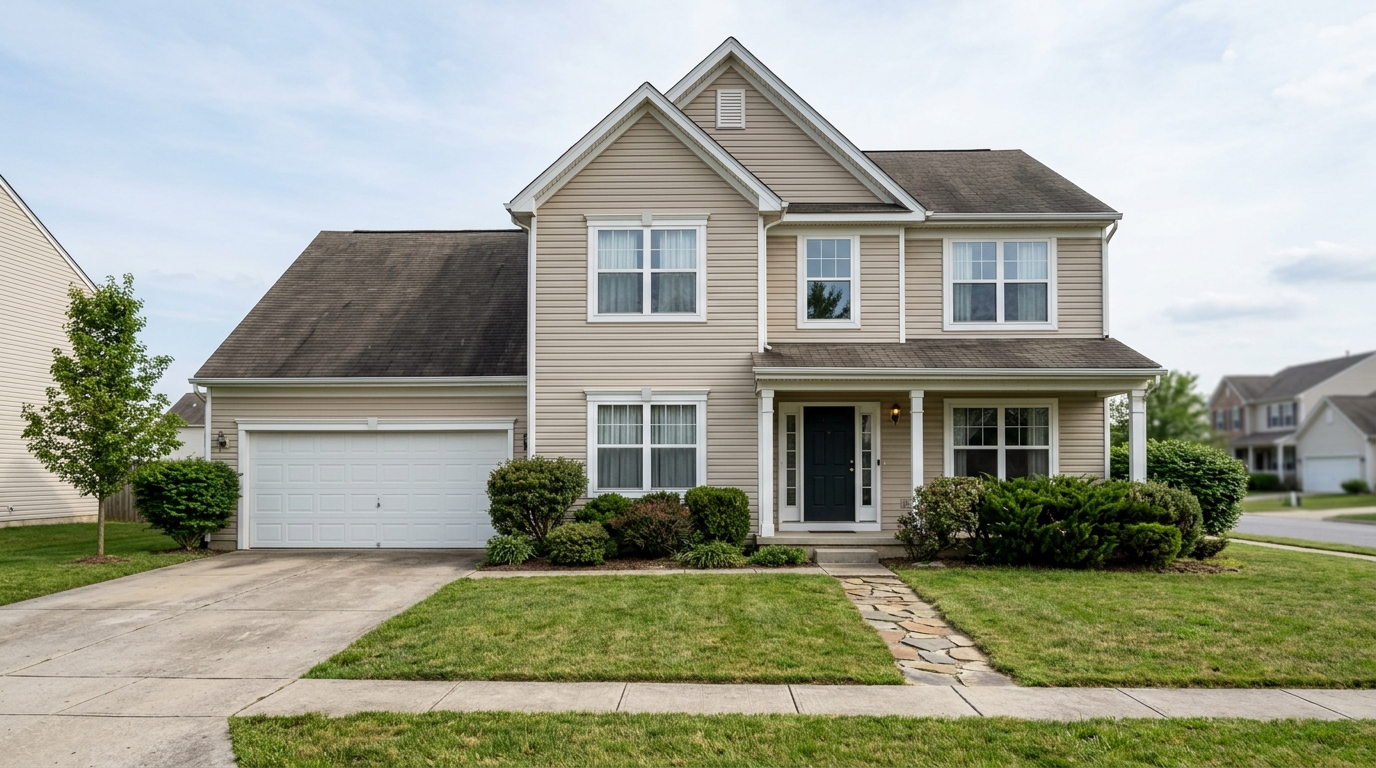
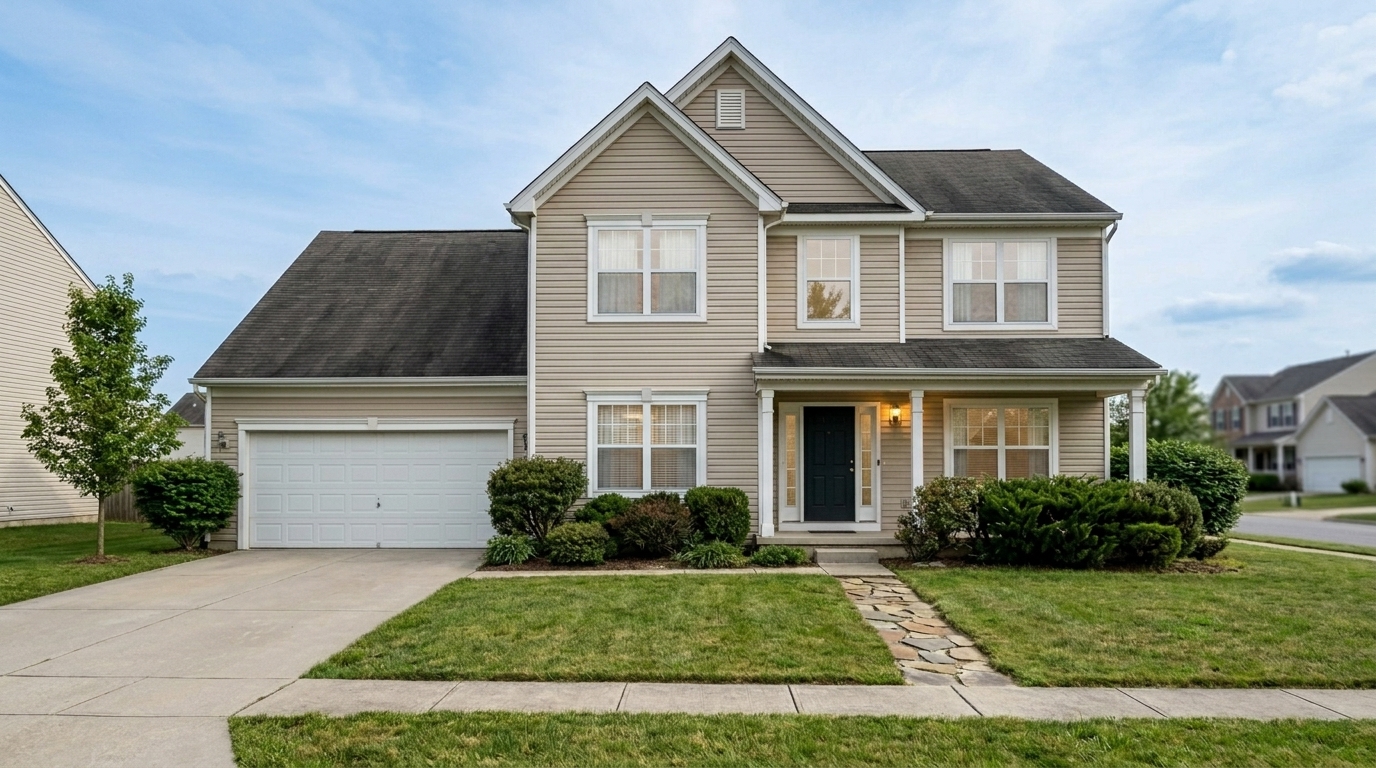
Neutralize the same exterior twilight color cast while preserving warm realistic porch light, clean siding, roof, driveway, lawn.
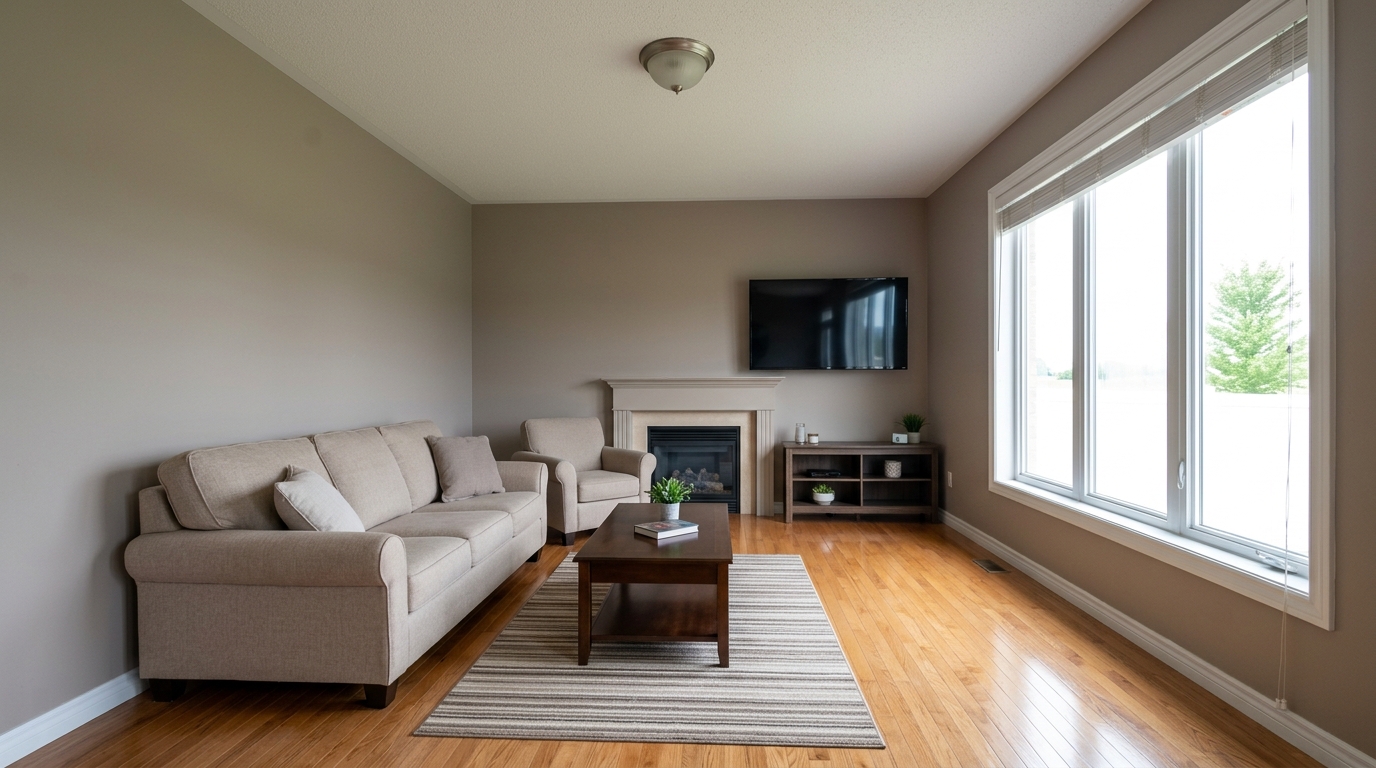
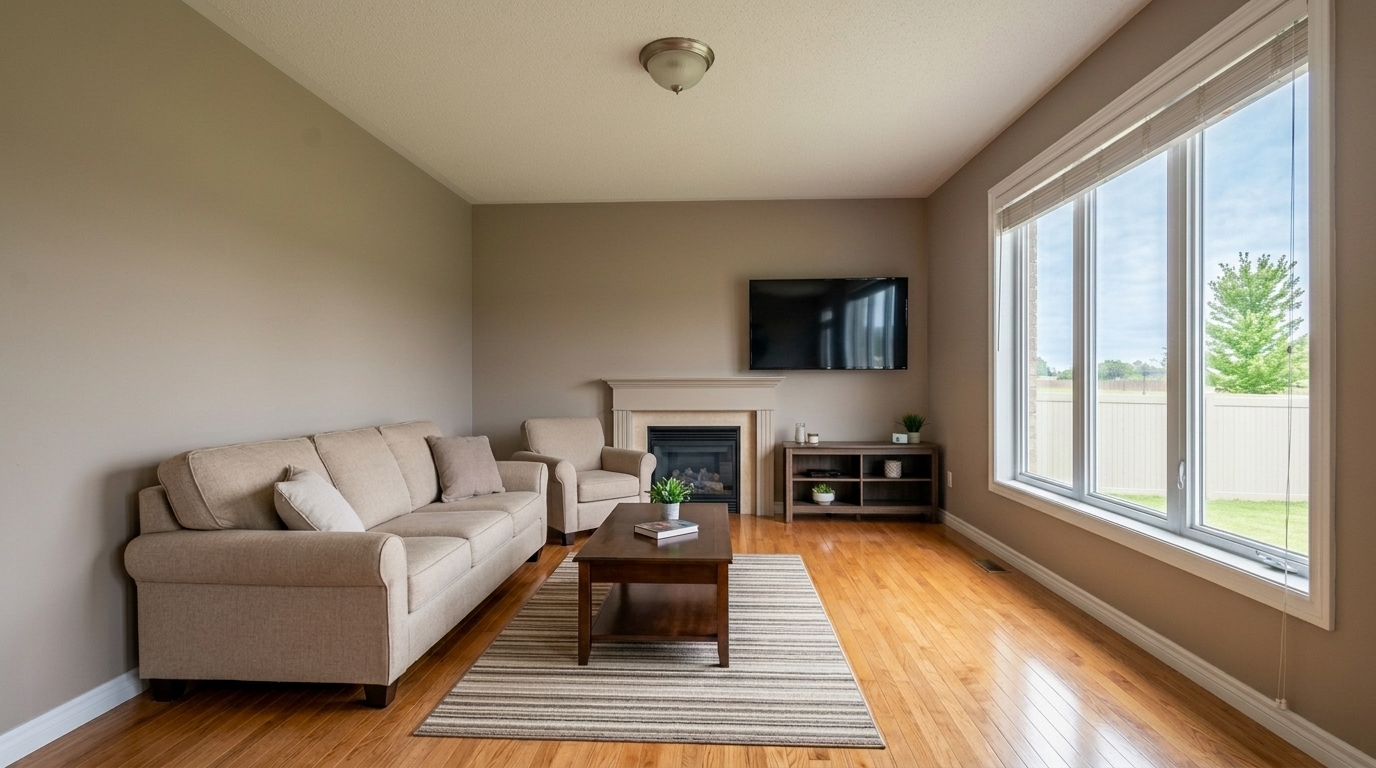
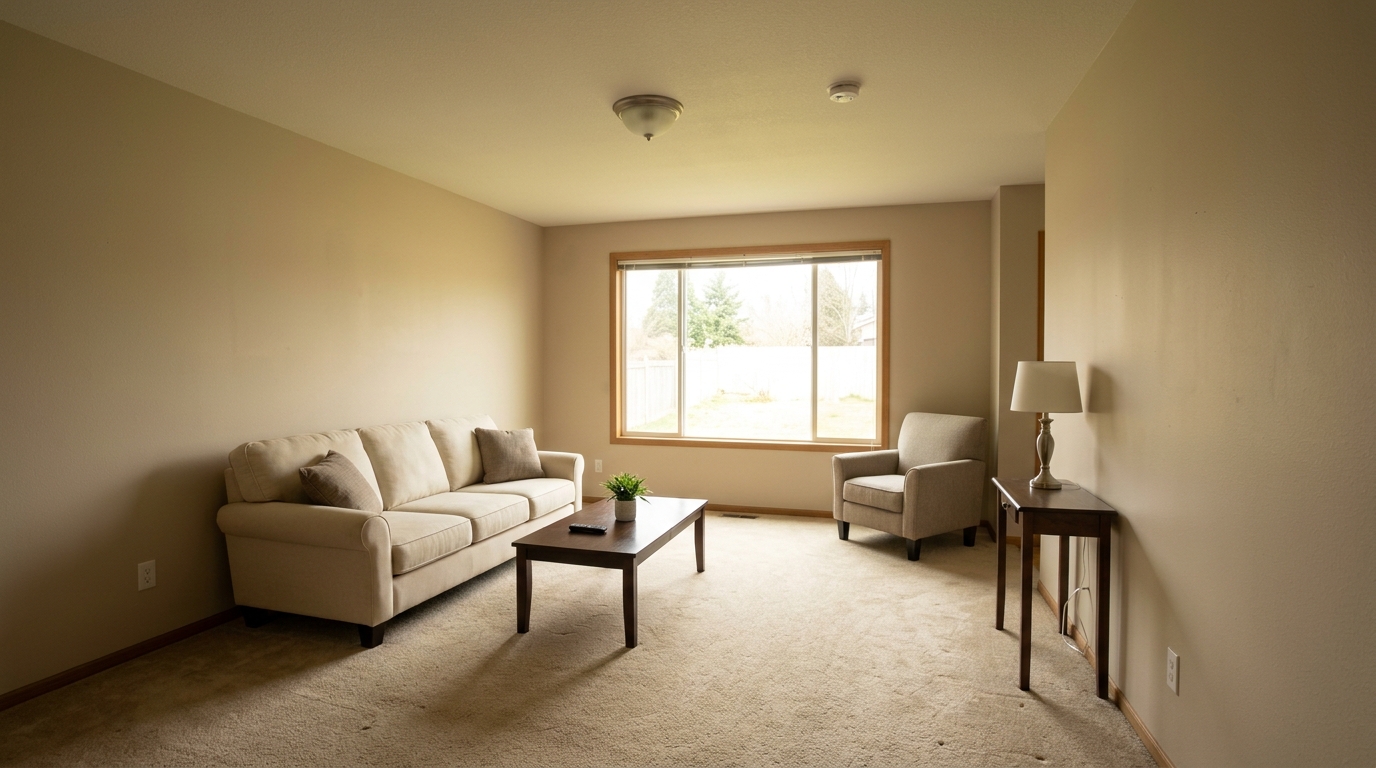
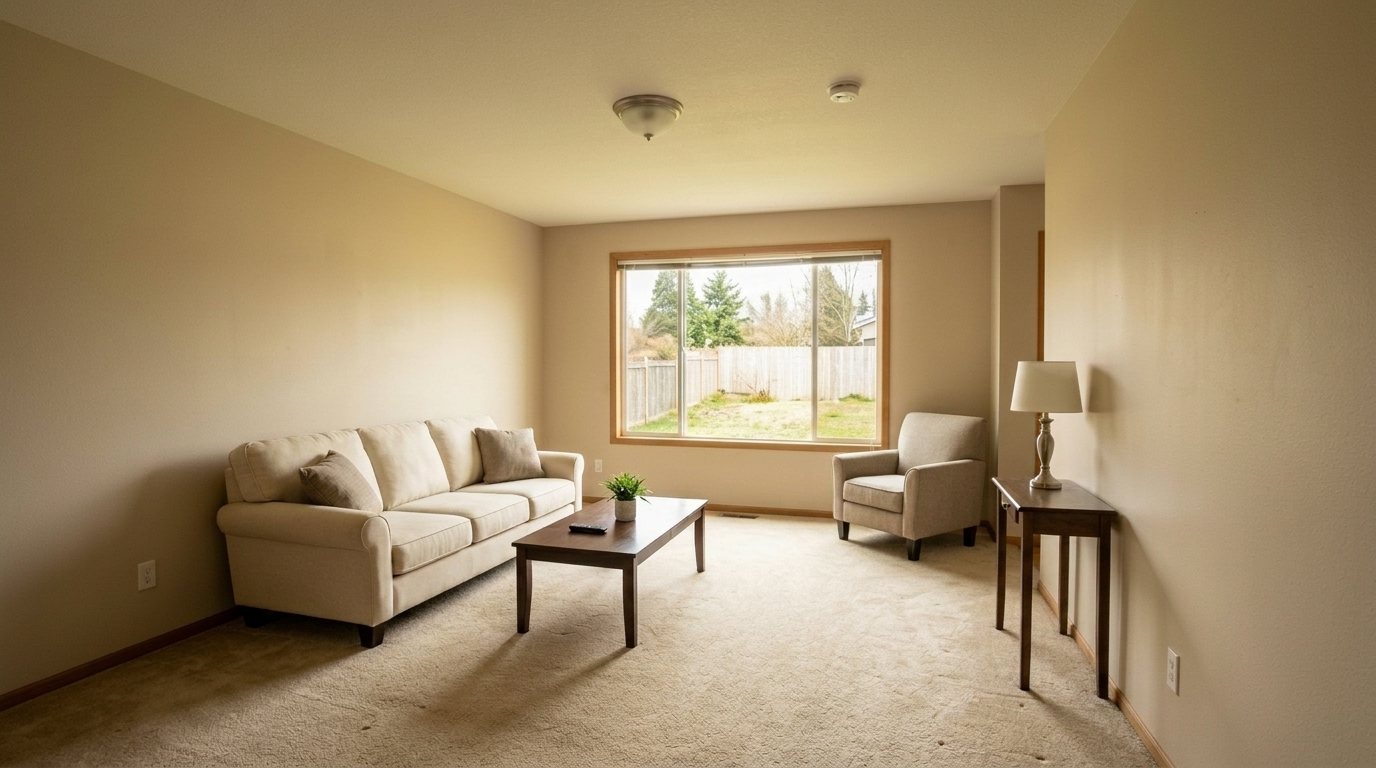
Living Room Glare Reduction updated with real estate photo editing styling.
Recover the same bedroom single exposure by lifting the underexposed interior and recovering the bright windows so they do not.
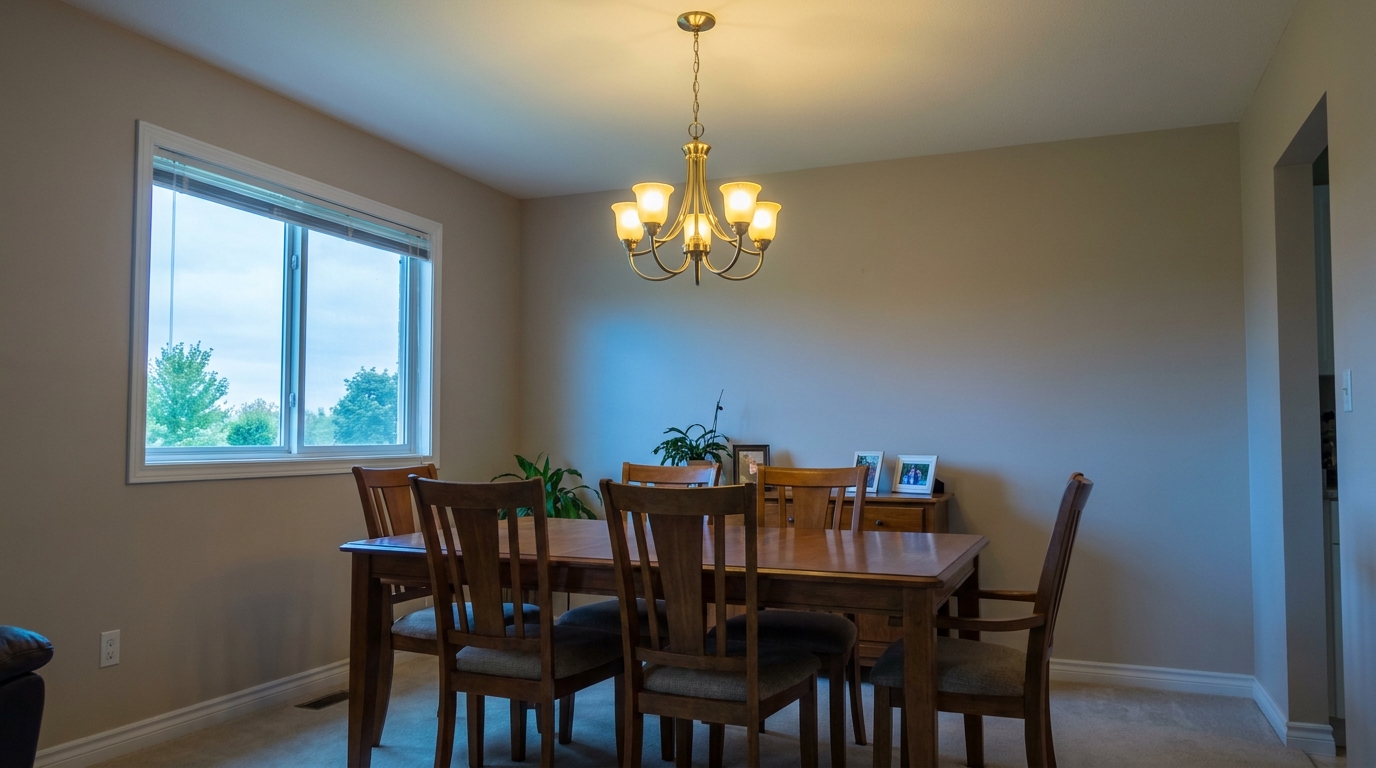
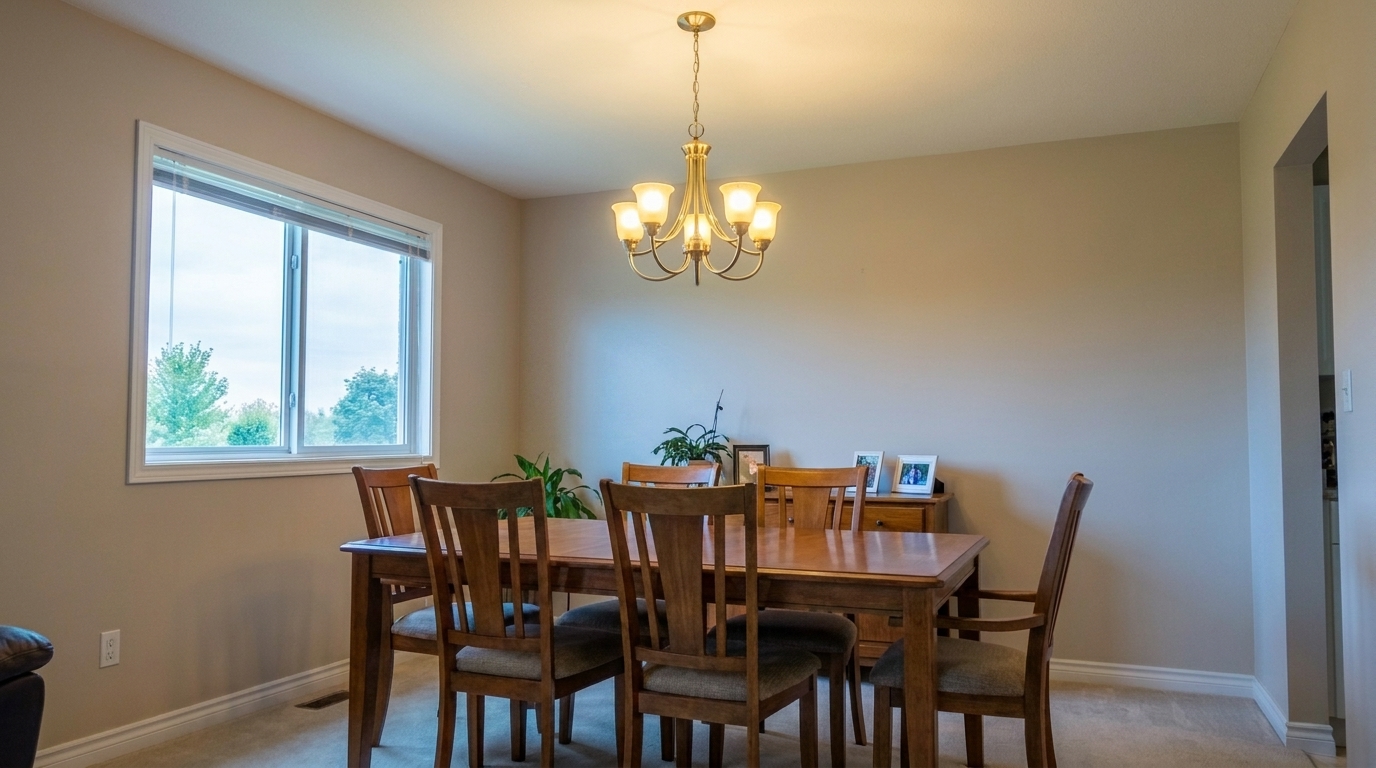
Dining Room Mixed Lighting updated with real estate photo editing styling.
Discover the advanced optimization tools designed to correct lighting, alignment, and color balance automatically.
Automatically straightens vertical and horizontal lines to eliminate wide-angle lens distortion and leaning walls.
Evens out harsh shadows and bright highlights without creating an artificial, over-processed HDR look.
Corrects white balance and color casts caused by mixed indoor lighting or overcast outdoor skies.
Minimizes distracting reflections on polished hardwood floors, windows, and stainless steel appliances.
Sharpens fine architectural details and textures while keeping the image clean and noise-free.
Optimizes file size and resolution to meet MLS guidelines while preserving maximum visual quality.
See how agents, photographers, and designers use our photo editing tools to elevate their property marketing.
Quickly polish everyday property photos to make them stand out on competitive listing platforms.
Real Estate AgentsRefine interior and exterior shots to showcase your design work with true-to-life colors and crisp details.
Interior DesignersStreamline post-processing workflows by batch-optimizing raw property images in seconds.
Real Estate PhotographersCreate scroll-stopping, bright, and vibrant property posts for Instagram, Facebook, and LinkedIn.
Marketing TeamsElevate vacation rental or long-term lease listings to attract high-quality tenants faster.
Property ManagersDocument before-and-after transformations with consistent lighting and perfect perspective alignment.
HomeownersFollow these three simple steps to optimize your property images and make them stand out on any listing platform.
Drag and drop your raw or unedited real estate photo directly into the Idealhouse editor.
Select the Real Estate Photo Editing preset to automatically balance exposure, correct perspective, and calibrate colors.
Save your optimized, high-resolution photo instantly, fully prepared for MLS, social media, or print marketing.
Source-backed context for why real estate photo editing edits matter inside image optimization workflows.
Real Estate Photo Editing within Image Optimization evidence
Photos are one of the most valuable website features for home buyers; NAR's 2025 generational trends report says 83% of internet-using buyers rated photos as very useful. For Real Estate Photo Editing pages, this supports showing how a focused Image Optimization edit can make the listing photo feel clearer, more polished, and easier for buyers to evaluate.
Source: NAR 2025Real Estate Photo Editing within Image Optimization evidence
Zillow Research's 2025 prospective buyer report ranked high-resolution photos as the number two most important listing feature, selected by 26% of prospective buyers; floor plans ranked first at 33%. For Real Estate Photo Editing pages, this supports showing how a focused Image Optimization edit can make the listing photo feel clearer, more polished, and easier for buyers to evaluate.
Source: Zillow 2025Real Estate Photo Editing within Image Optimization evidence
Redfin reported that professionally photographed homes in the $400,000 range sold three weeks faster and for more than $10,000 relative to list price compared with amateur photos. Use this as supporting context, not as a guaranteed result. For Real Estate Photo Editing pages, this supports showing how a focused Image Optimization edit can make the listing photo feel clearer, more polished, and easier for buyers to evaluate.
Source: RedfinLearn how to transform raw property photos into professional, listing-ready assets that capture buyer attention and drive inquiries.
Achieving professional-grade real estate photos starts with a structured optimization workflow. When you upload an image, our tool first analyzes the geometric structure to correct perspective distortion and straighten vertical lines. Next, it evaluates the histogram to balance exposure, lifting dark shadows in corners while pulling down blown-out highlights near windows. Finally, it calibrates the white balance to eliminate unnatural yellow or blue color casts caused by mixed indoor lighting. This automated sequence ensures your photos look clean, spacious, and inviting without requiring hours of manual editing.
Selecting the right preset depends on your specific listing needs and the quality of your source image. The Real Estate Photo Editing preset is your go-to for everyday listing polish, offering balanced light, true color, and crisp details. If you have severe perspective issues or complex lighting, the Full Correction Suite provides a more comprehensive structural pass. For quick, standard uploads where speed is key, the MLS Photo Enhancement preset delivers a clean, compliant look. If you are working with a single, poorly exposed shot, choose Single Exposure Editing to recover hidden shadow and highlight details.
Use the Real Estate Photo Editing preset when you have standard listing photos that suffer from minor exposure imbalances, leaning walls, or dull colors. It is perfect for quickly preparing a batch of photos for an active MLS listing. However, you should avoid using this preset if your photo requires heavy physical modifications, such as virtual staging, removing large permanent fixtures, or changing architectural elements. For those tasks, specialized staging or object removal tools are required to maintain listing accuracy and compliance.
To get the best results from your edited photos, consider where they will be published. For MLS platforms, consistency is key; apply the preset across all interior and exterior photos to ensure a cohesive walkthrough experience. For social media platforms like Instagram or Facebook, you may want a slightly more vibrant look. You can pair this preset with our Social Media Photo Optimization tool to boost contrast and saturation slightly, making the property pop in busy feeds while still maintaining a professional and realistic representation of the home.
Choose the perfect preset to polish your property listings, from quick MLS enhancements to complete correction suites.
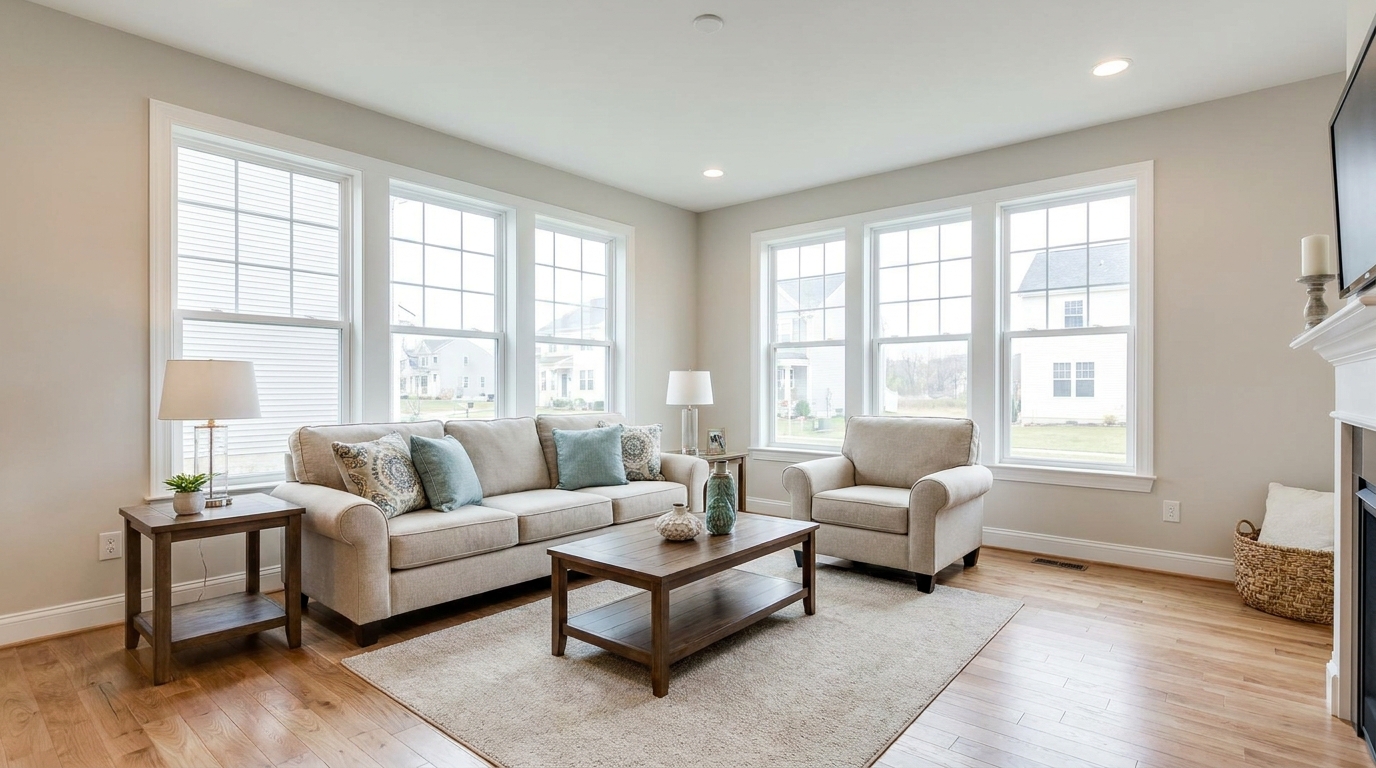
All-in-one correction for brighter, cleaner, listing-ready real estate photos.
Try This Tool →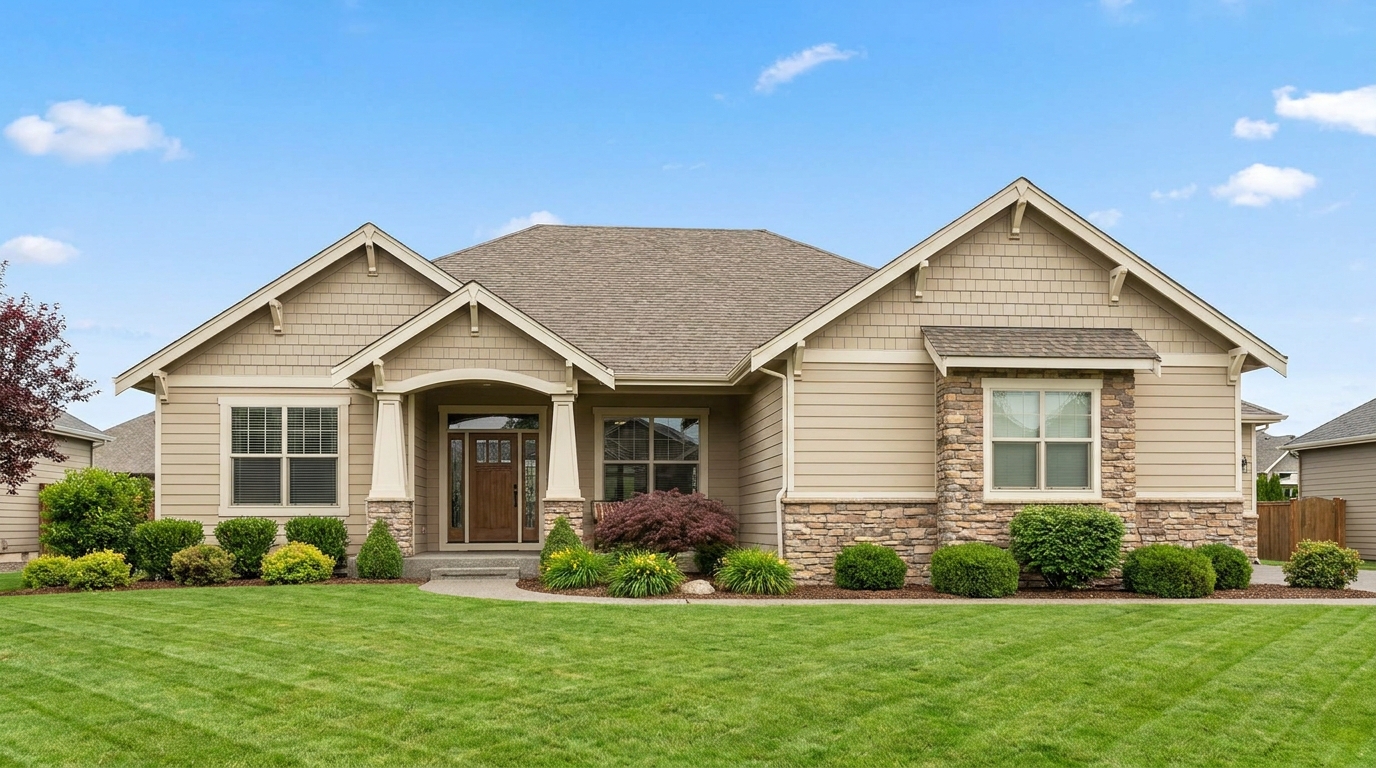
Clean MLS-ready enhancement that makes property photos brighter, sharper, and more consistent.
Try This Tool →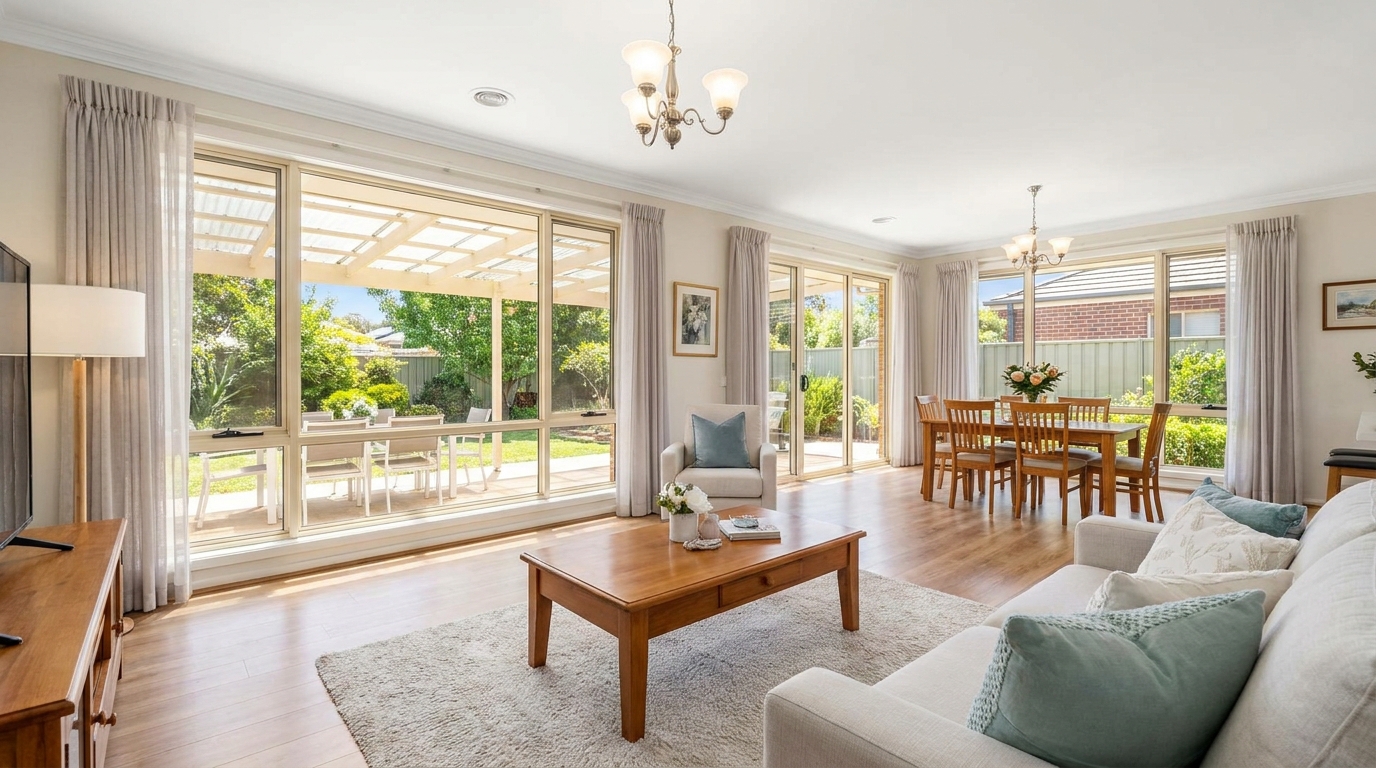
Smart single-exposure editing that recovers detail and delivers a naturally polished result.
Try This Tool →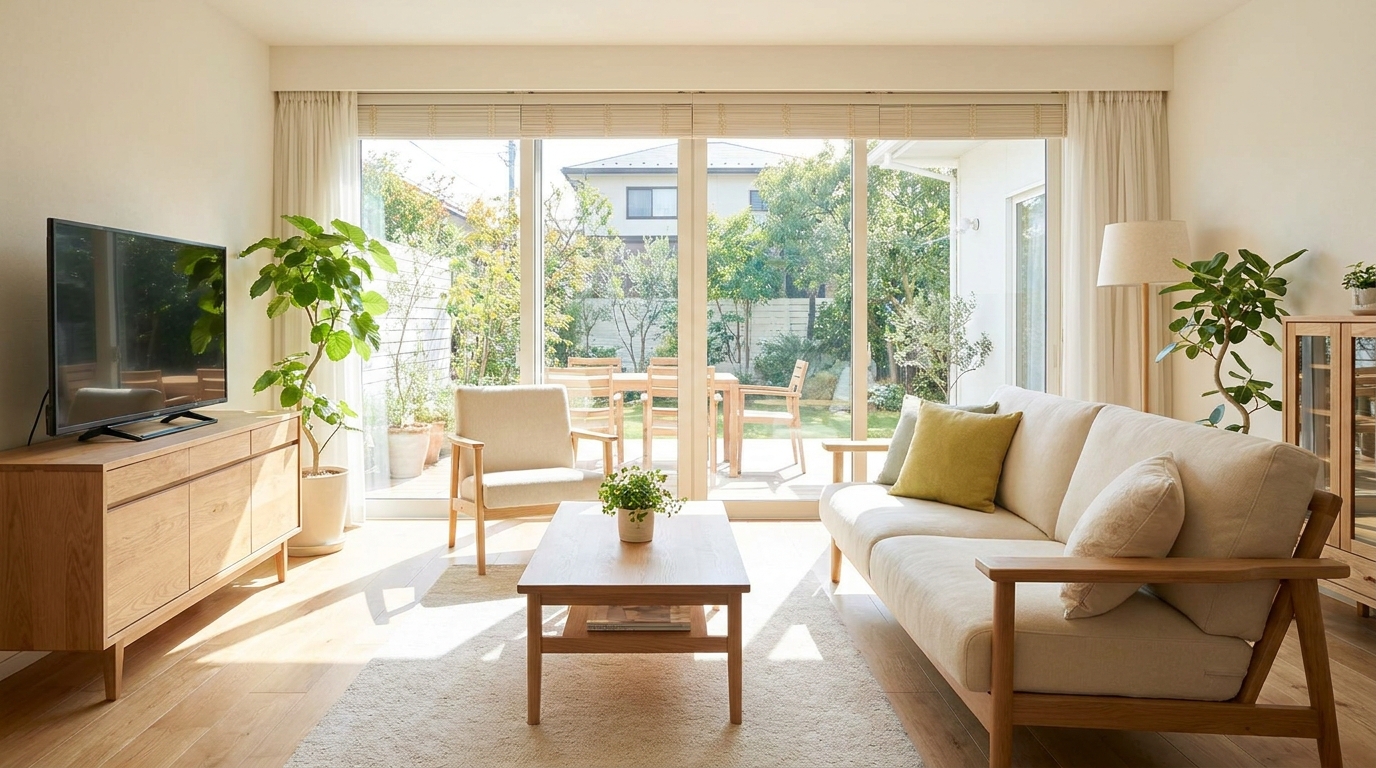
Scroll-stopping optimization for social-ready property photos with bright, clean visual appeal.
Try This Tool →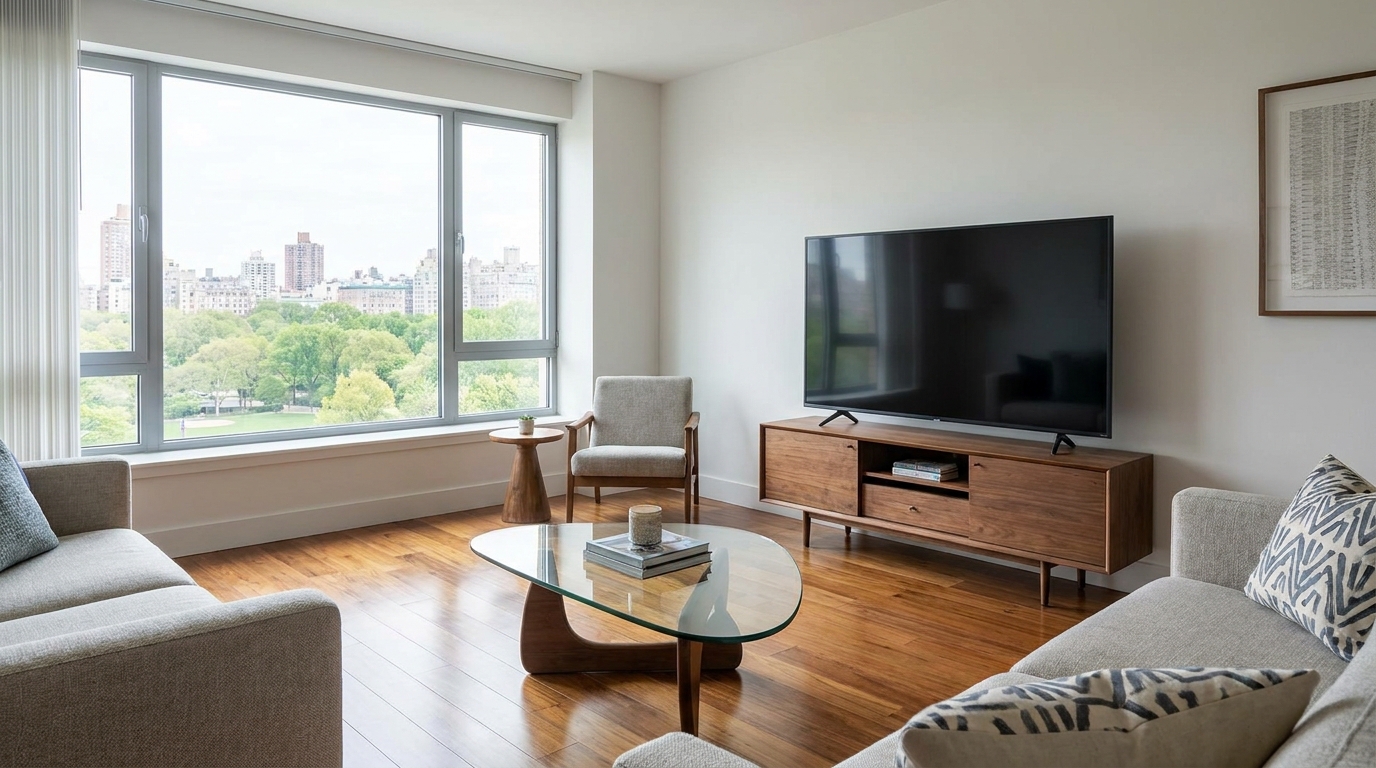
Minimize harsh reflections and distracting glare for a clearer, more premium presentation.
Try This Tool →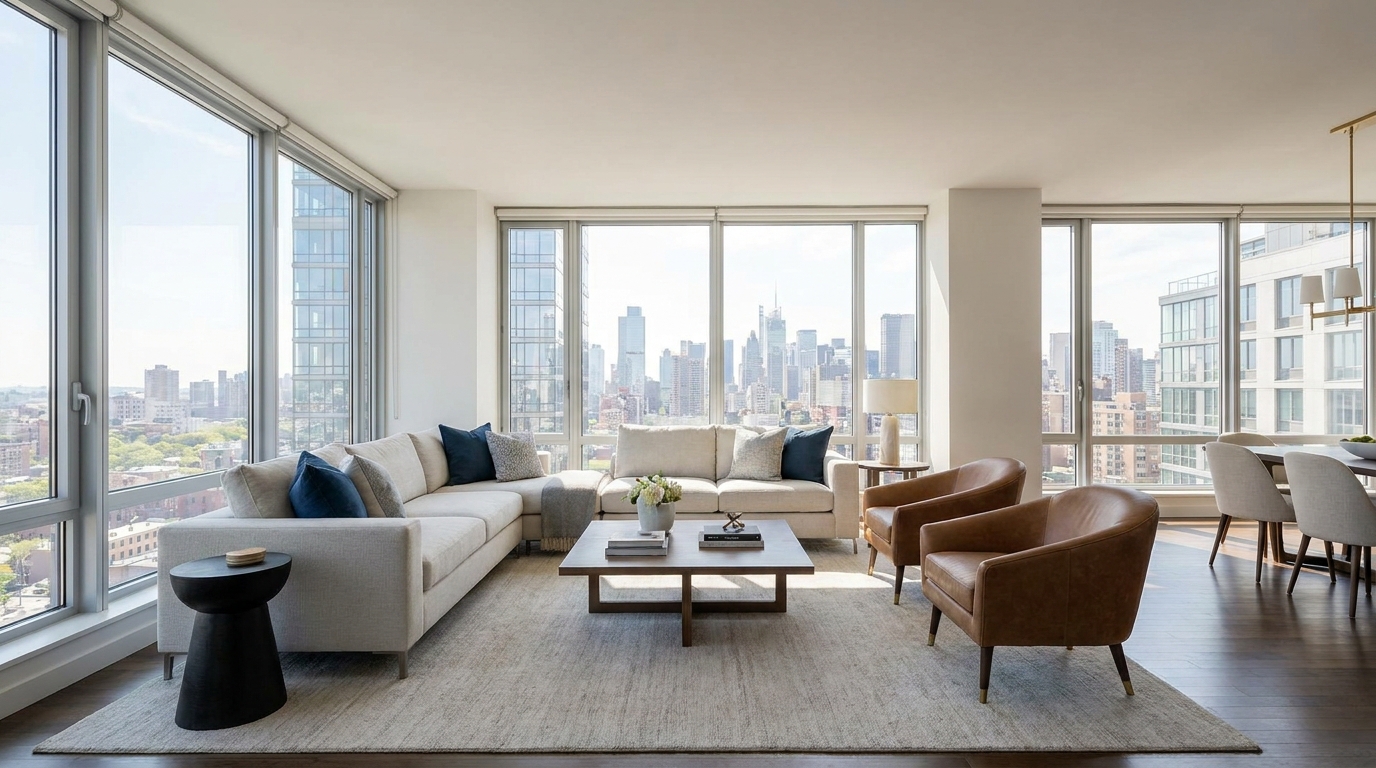
Even out bright and dark areas for a balanced, professional-looking image.
Try This Tool →Explore adjacent presets and features to further elevate your interior, exterior, and lighting workflows.
AI image-to-video generation for turning home, room, and property photos into more vivid presentation videos.
02AI exterior renovation for visualizing facade updates, curb appeal improvements, and home exterior remodel ideas.
03AI landscaping design for exploring outdoor concepts, curb appeal upgrades, planting ideas, and yard layout directions.
04AI virtual staging for furnishing empty rooms and creating listing-ready interiors for real estate marketing.
05Free AI image generation for turning text prompts into unlimited visual ideas for home design, interiors, landscaping, renovation
06AI object removal for cleaning up distracting items from room, home, and property photos.
Transform your raw photos into bright, professional, and listing-ready images in seconds. Start optimizing your real estate photos now.