
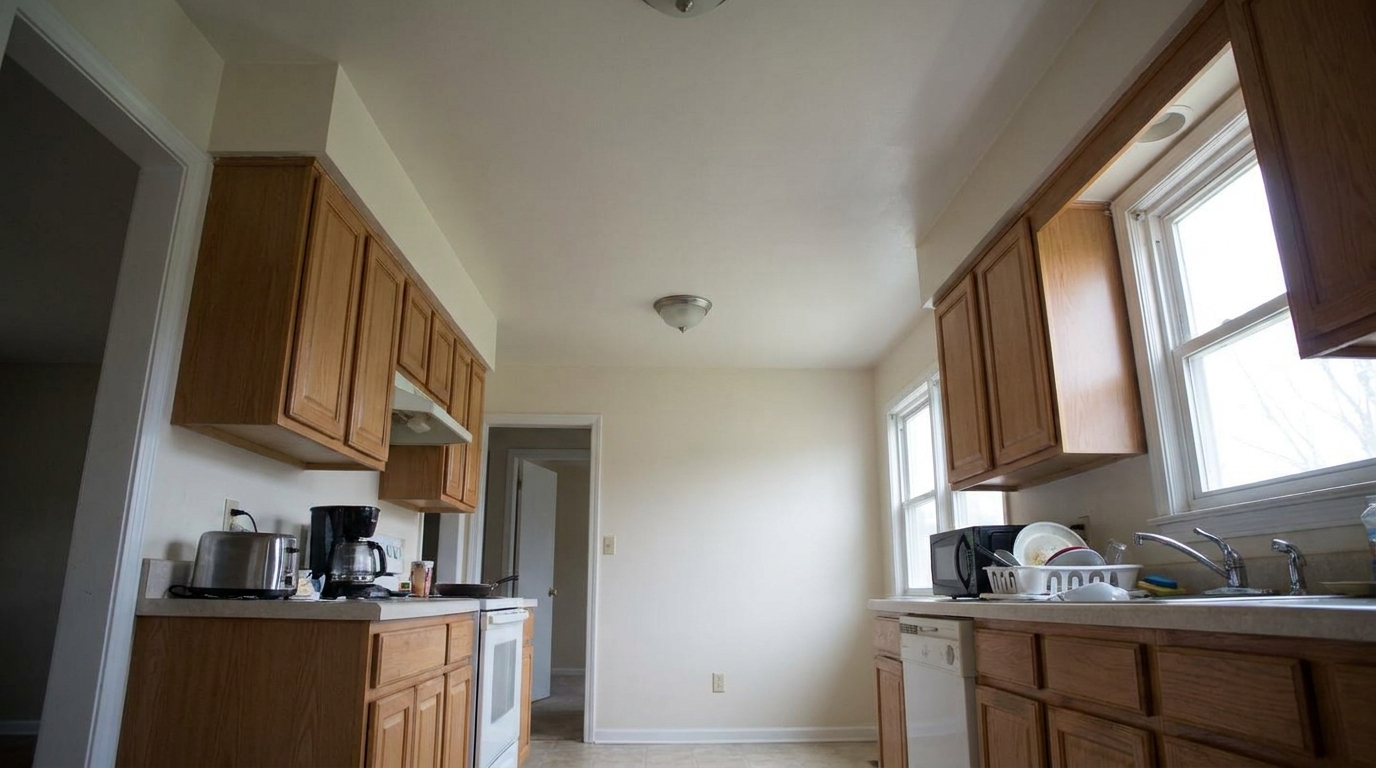
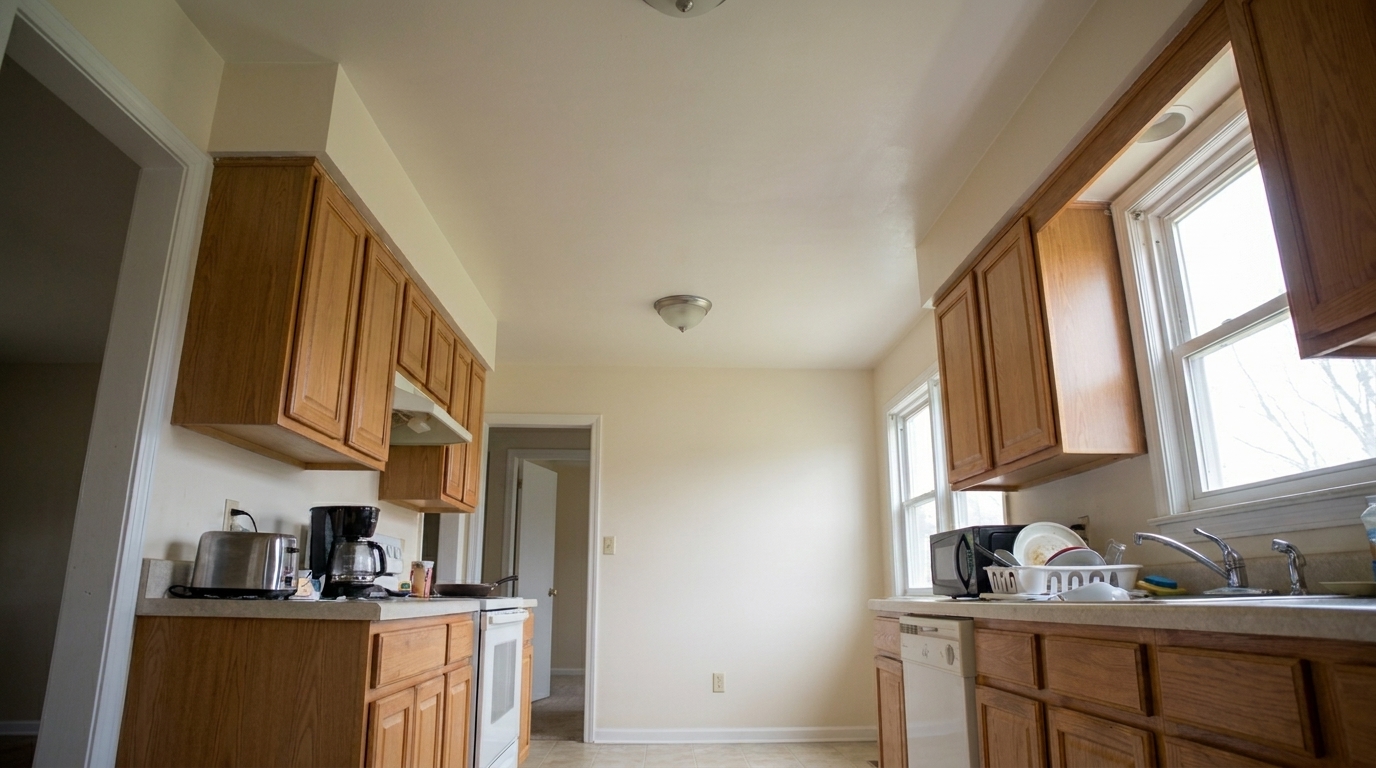

Kitchen Lens Distortion
Kitchen Lens Distortion updated with full correction suite styling.
Transform raw property photos into polished, listing-ready assets. Correct perspective, balance exposure, and reduce glare in a single click while preserving architectural integrity.
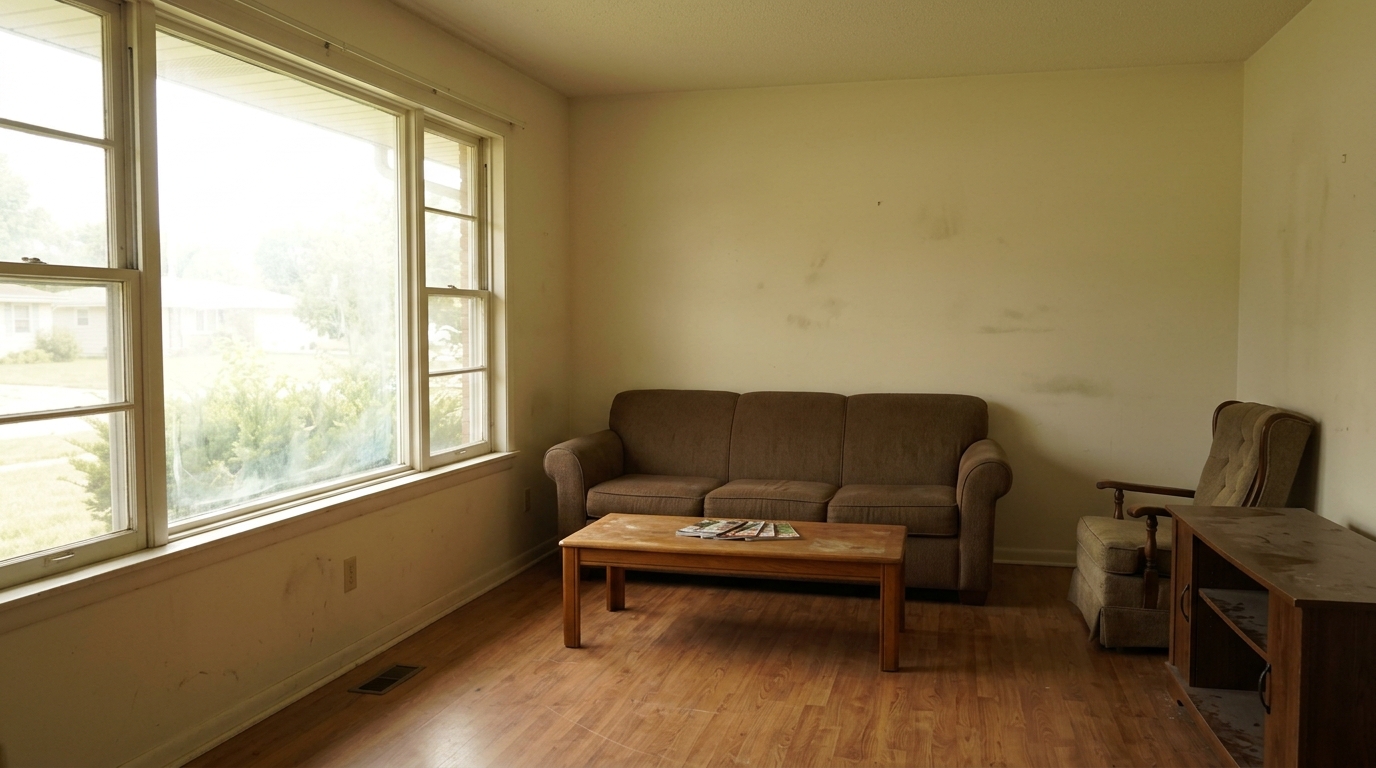
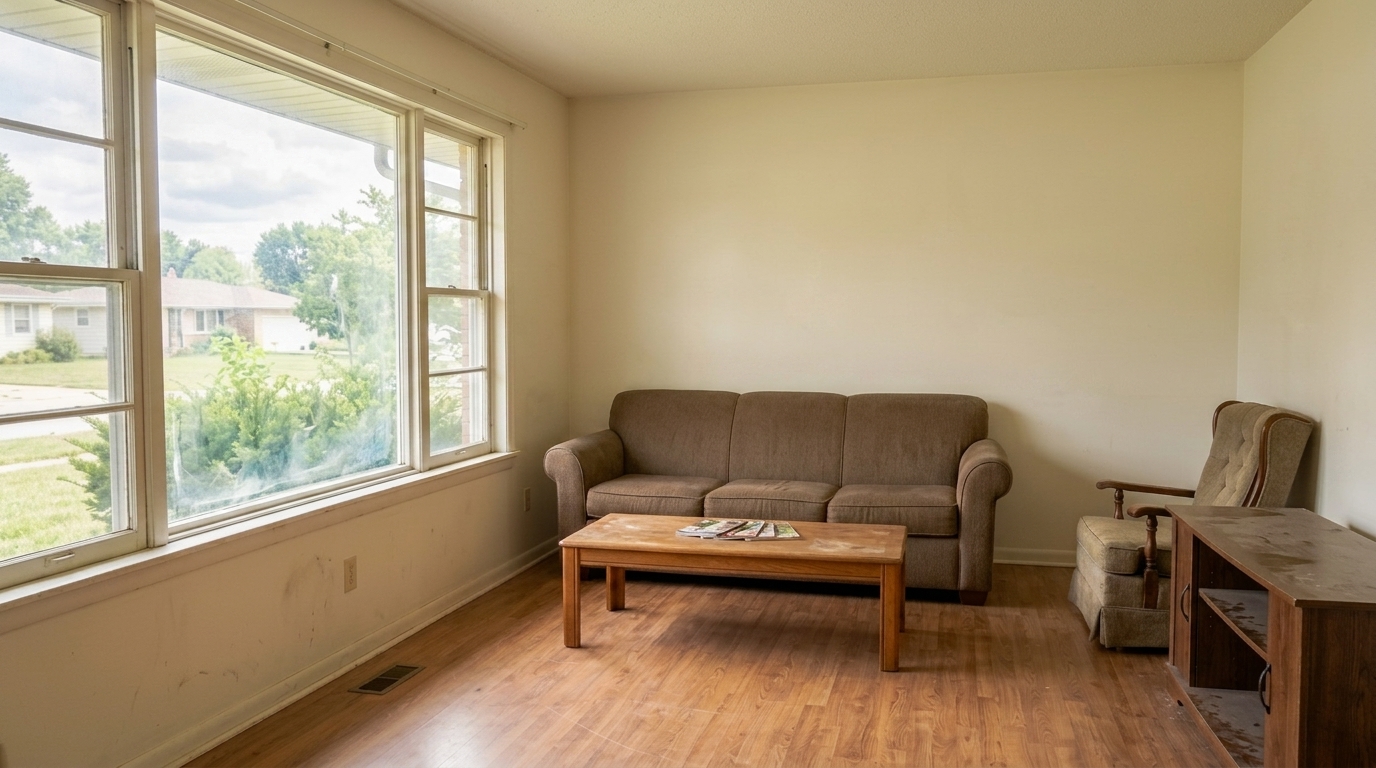
Compare raw property photos with their fully optimized, listing-ready counterparts.
Kitchen Lens Distortion updated with full correction suite styling.
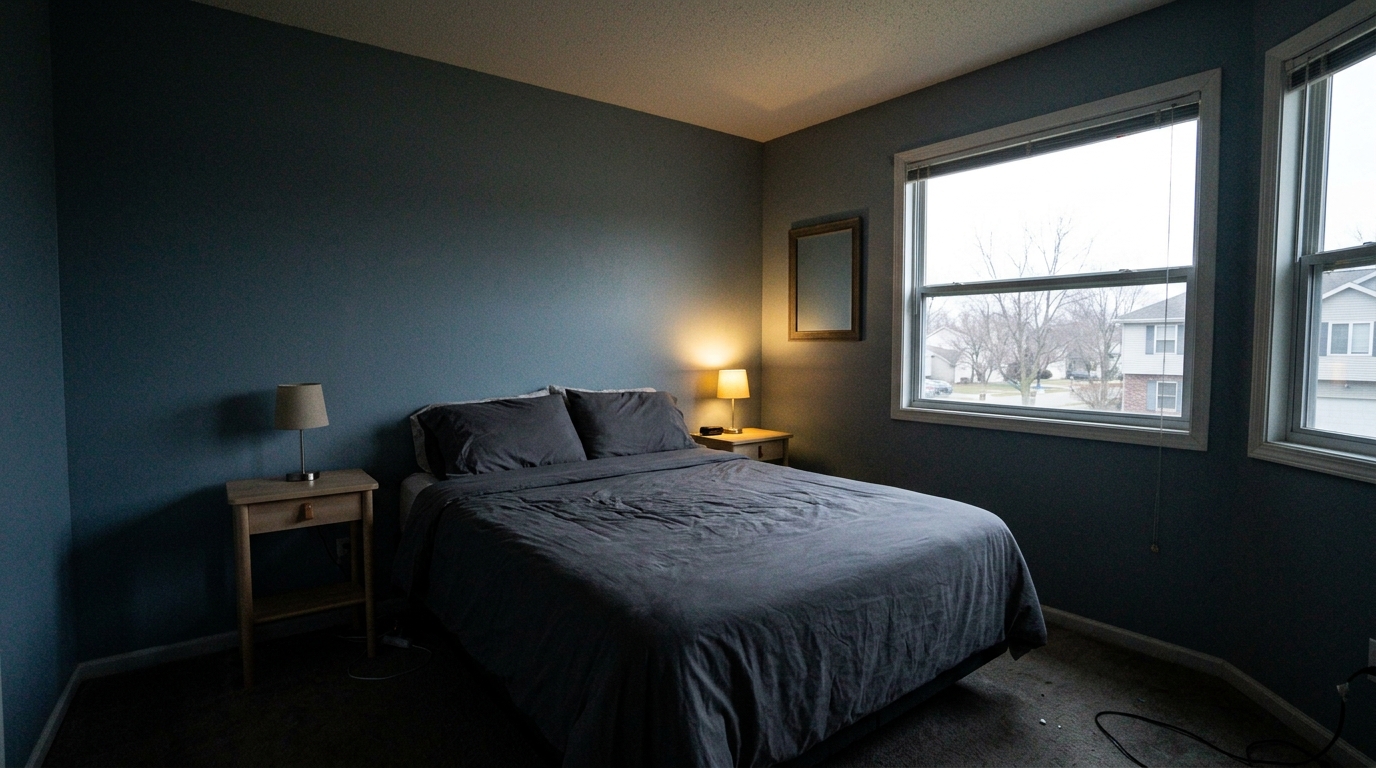
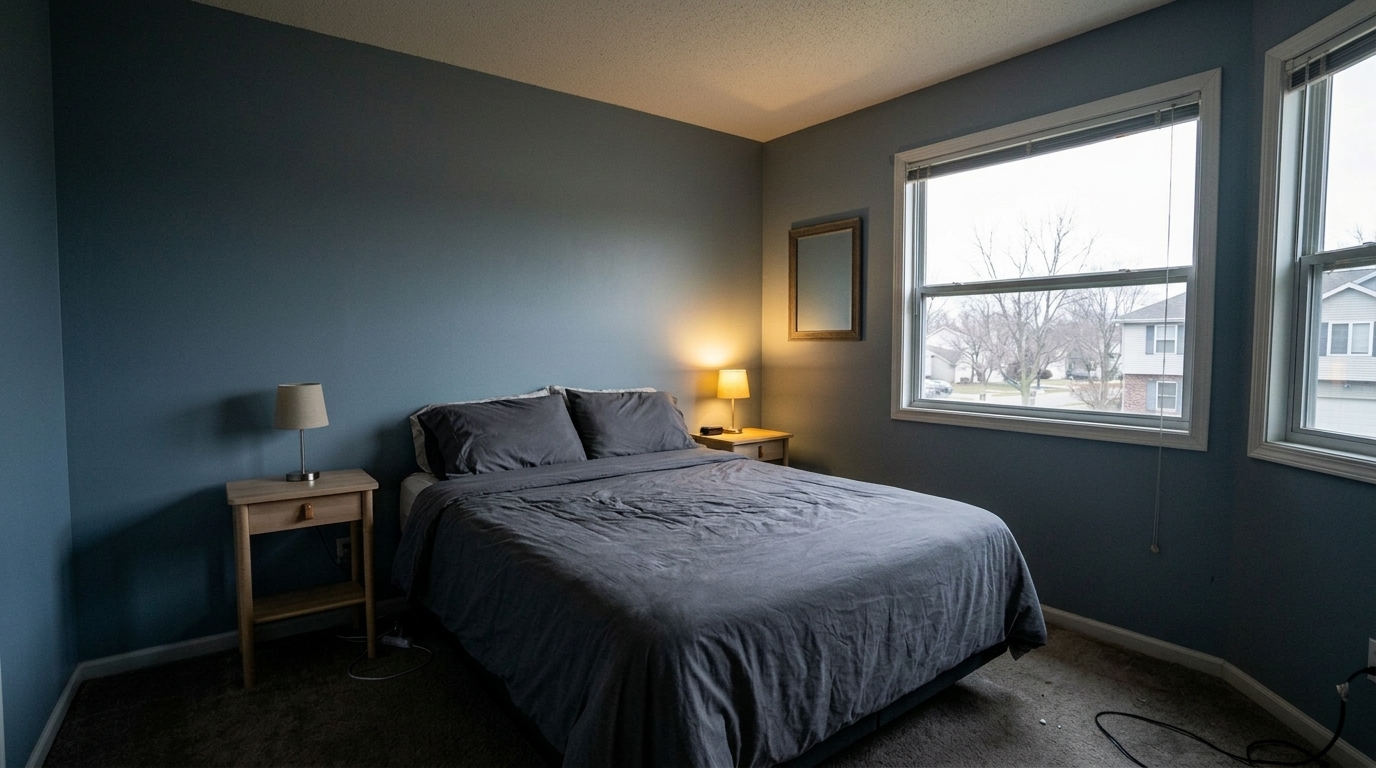
Dark Bedroom Shadows updated with full correction suite styling.
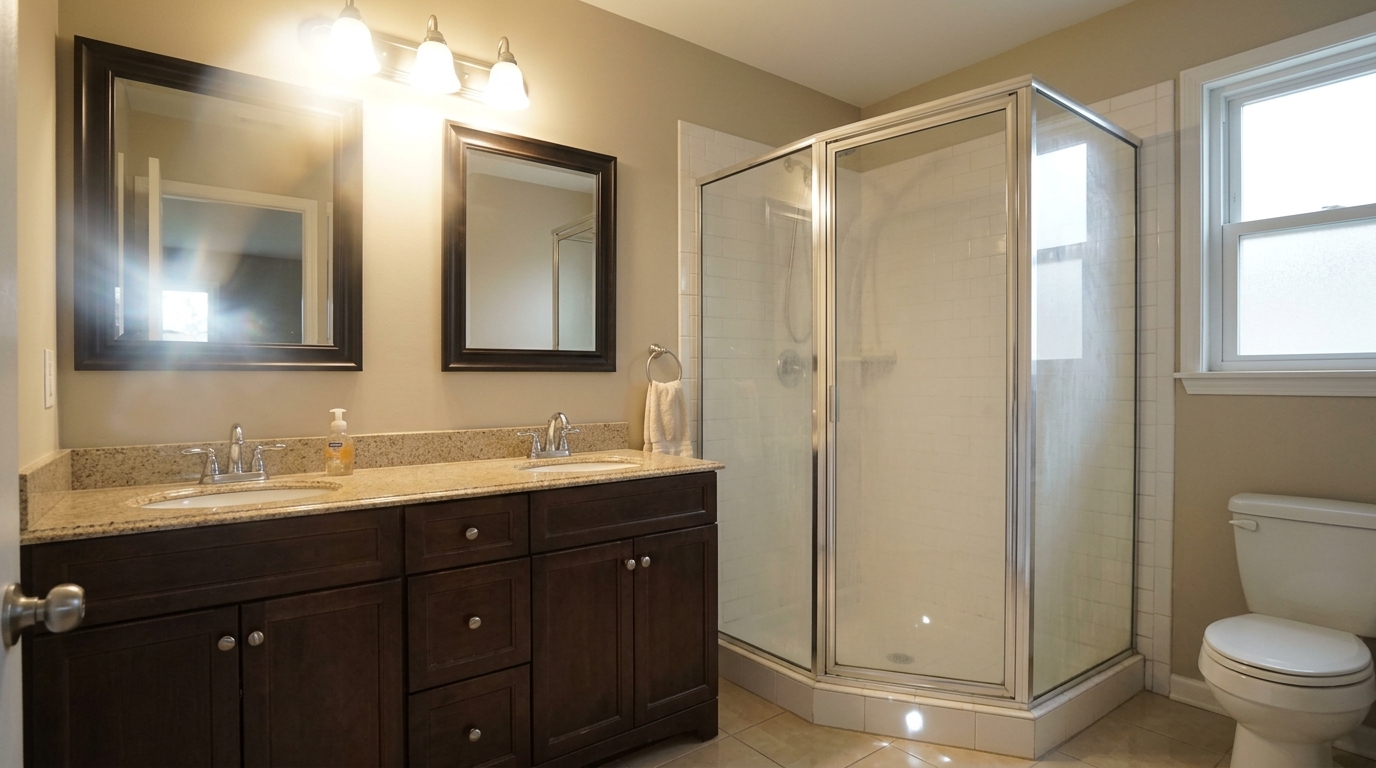
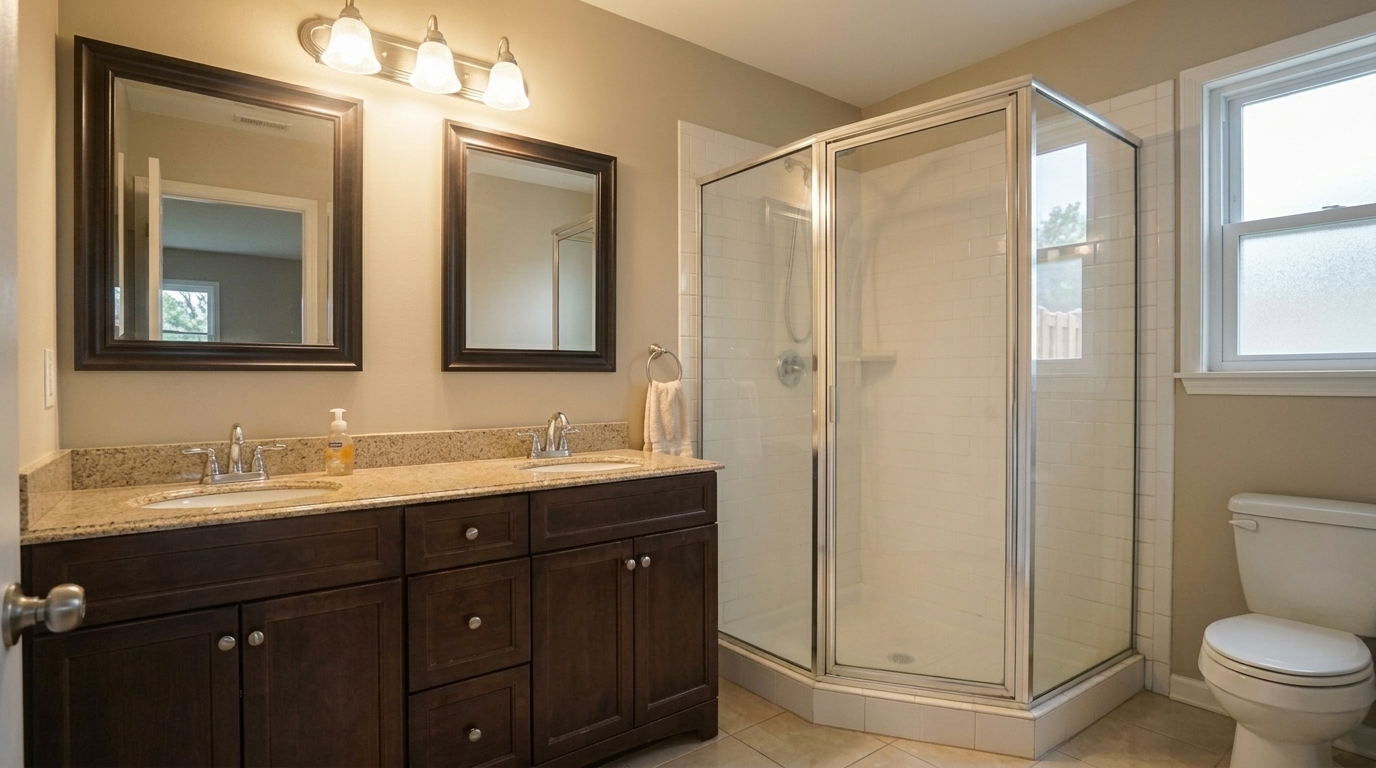
Correct the same bathroom with a full visible glare-reduction pass, not a simple mirror wipe: reduce the large vanity-light bloom.
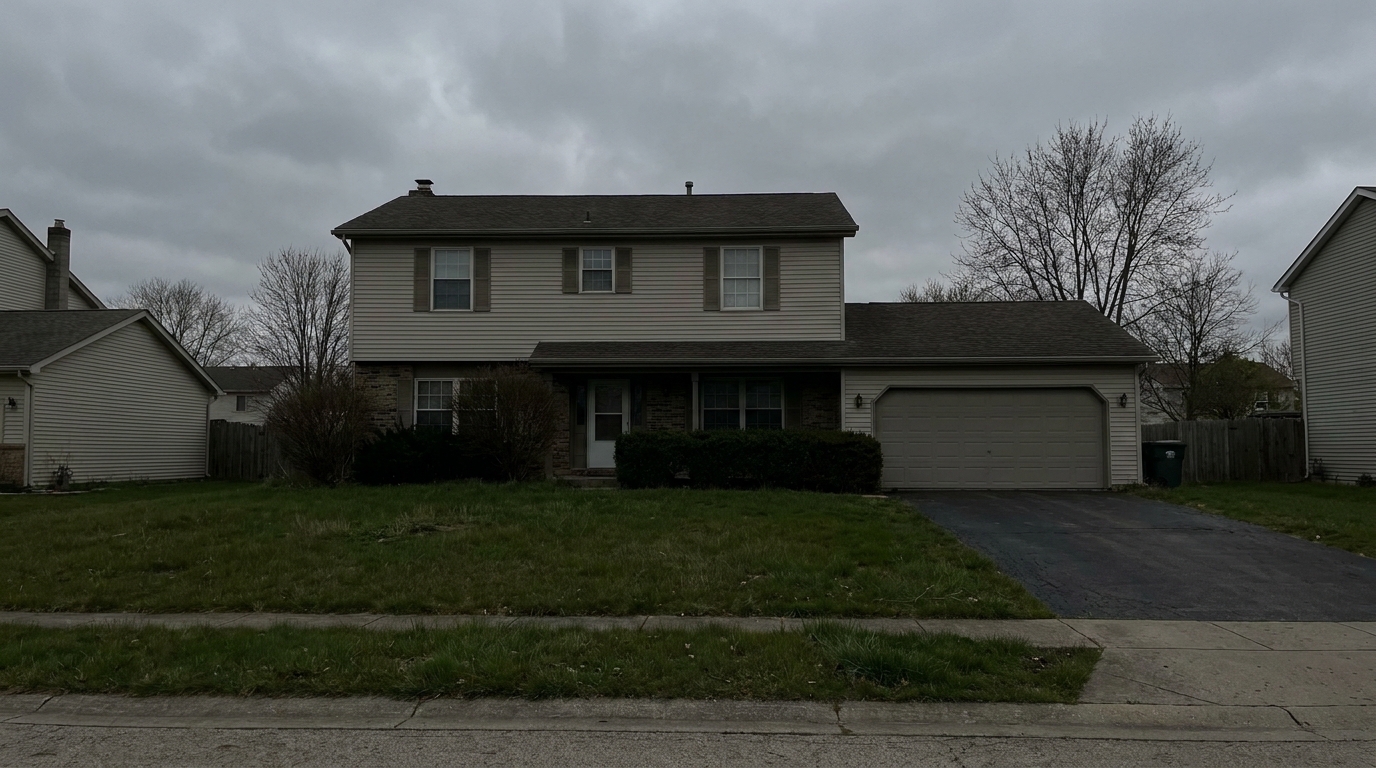
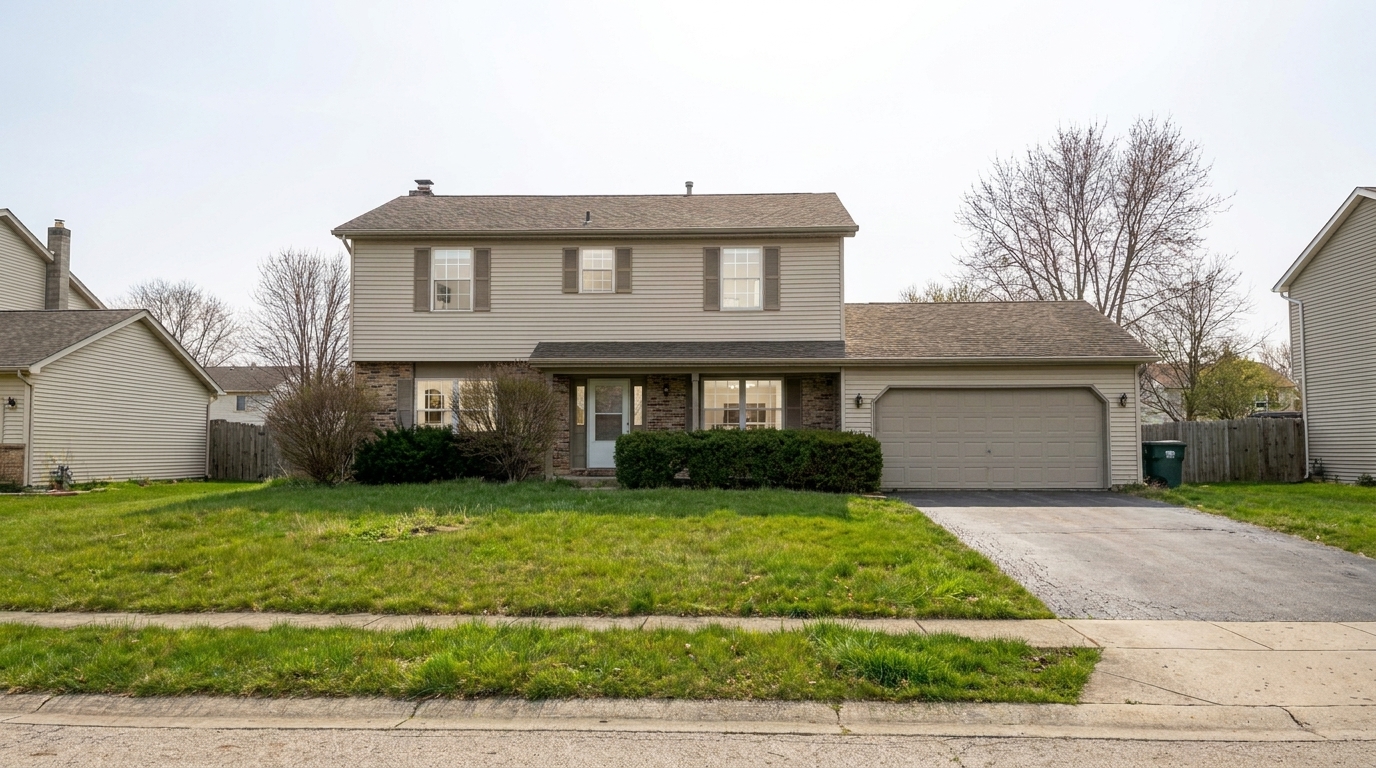
Overcast Exterior Flatness updated with full correction suite styling.
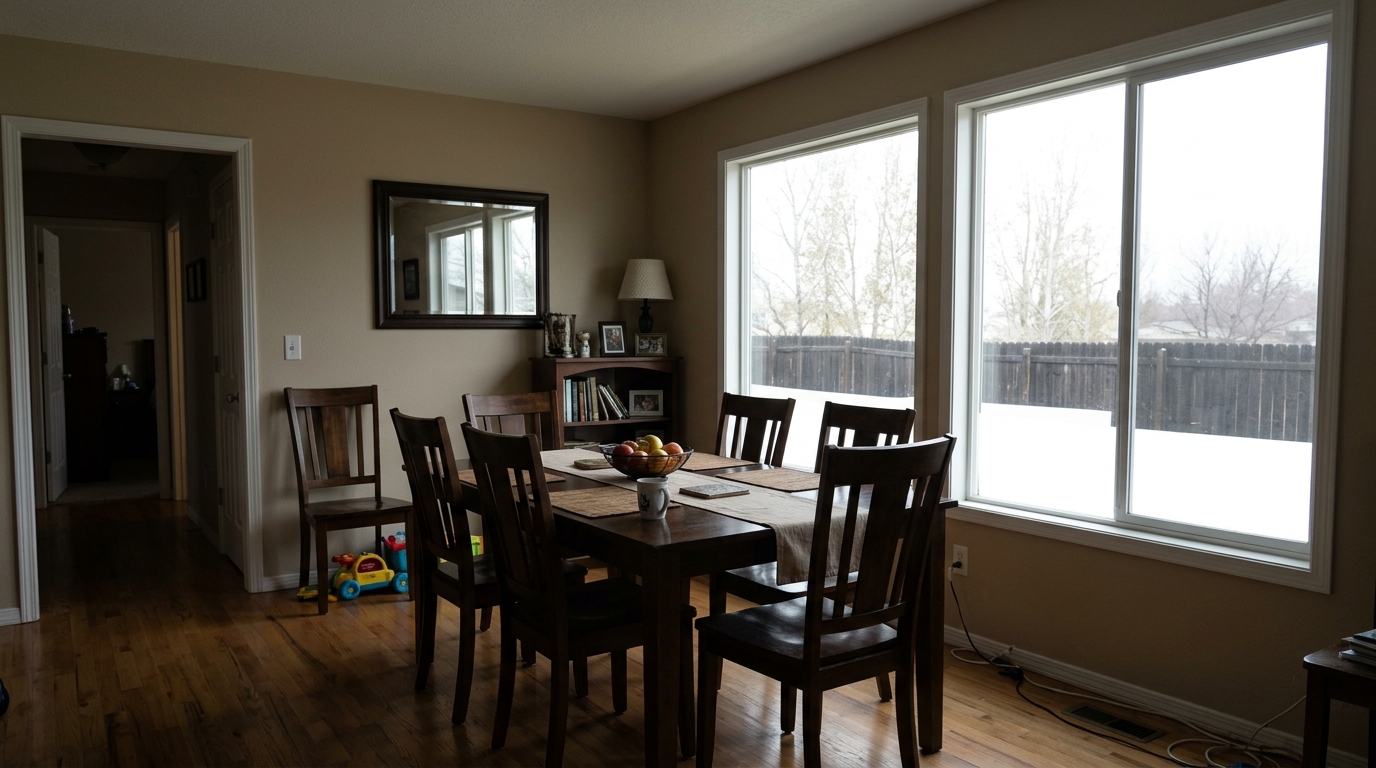
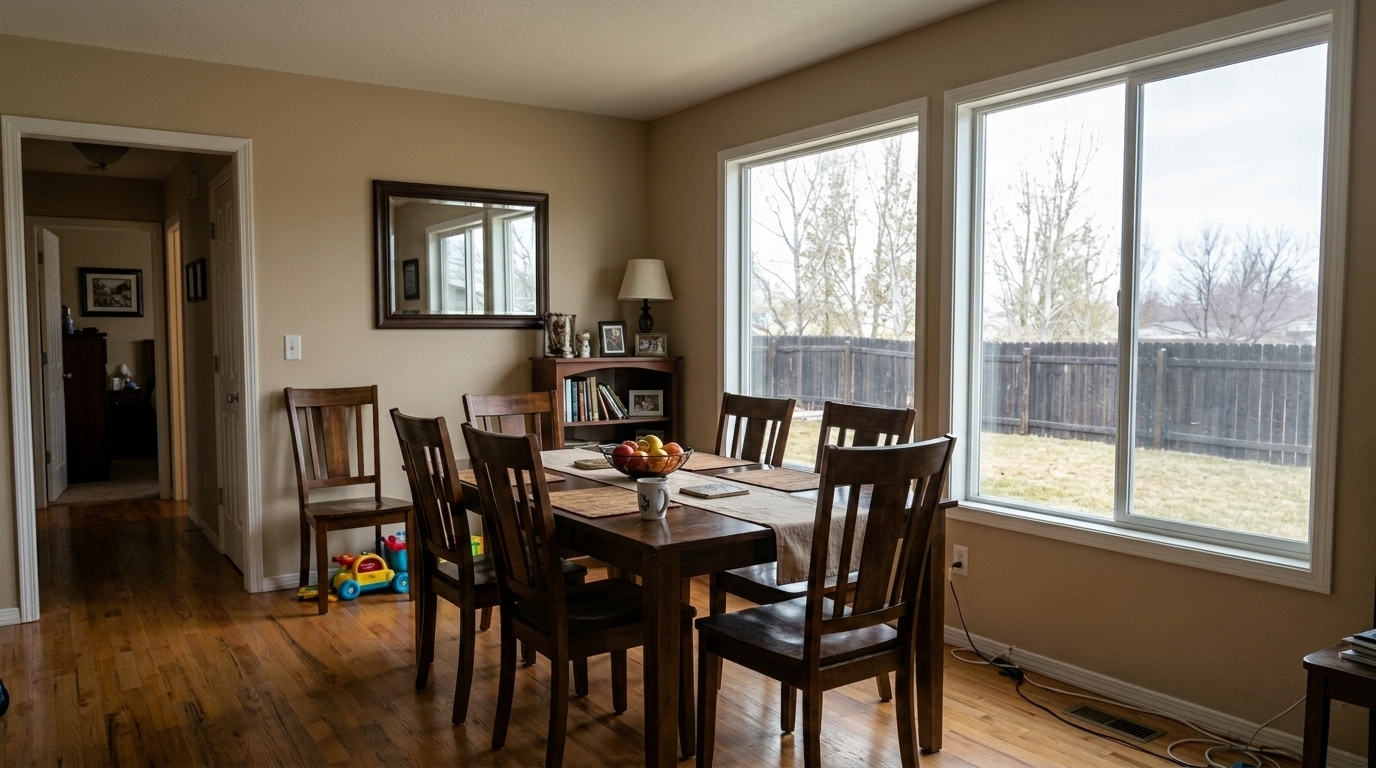
Recover the same dining room window highlights so the glass no longer stays blank white, reveal soft believable exterior detail.
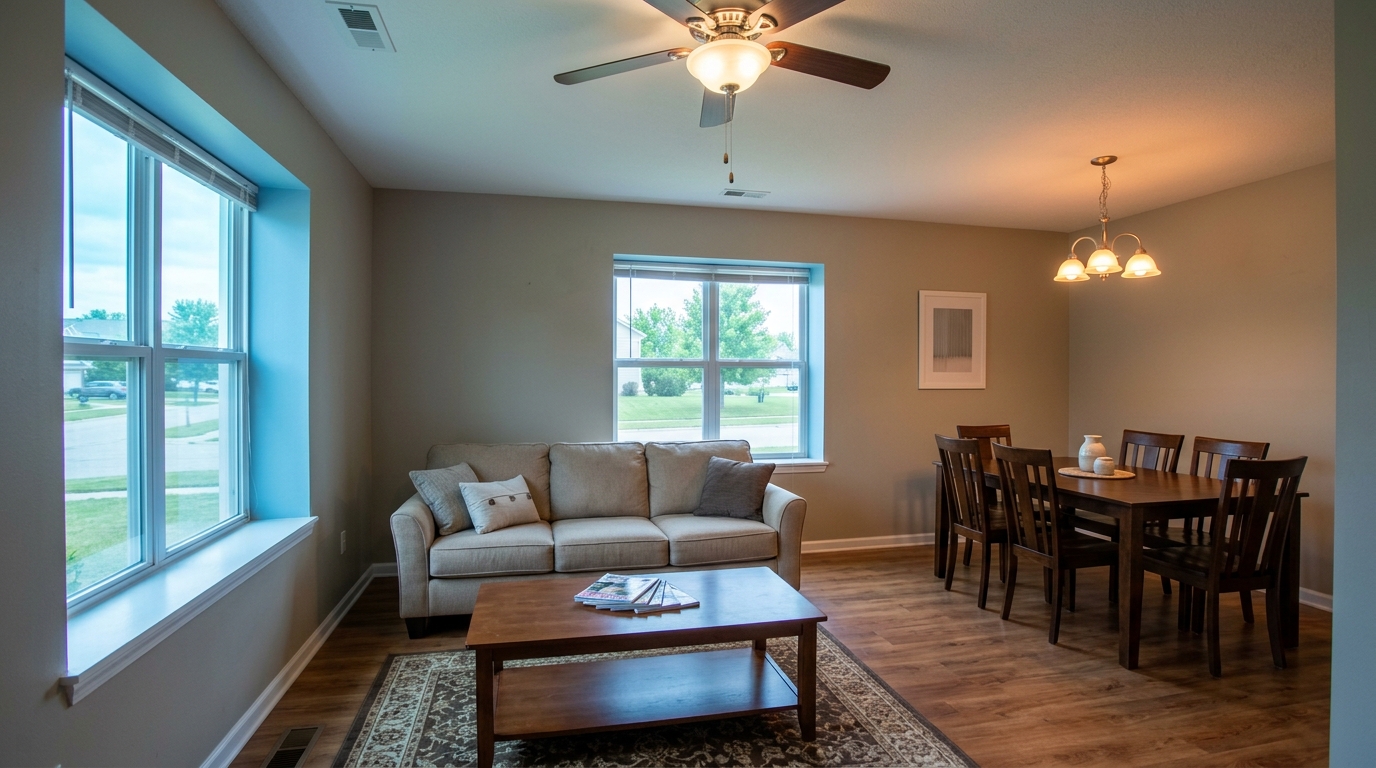
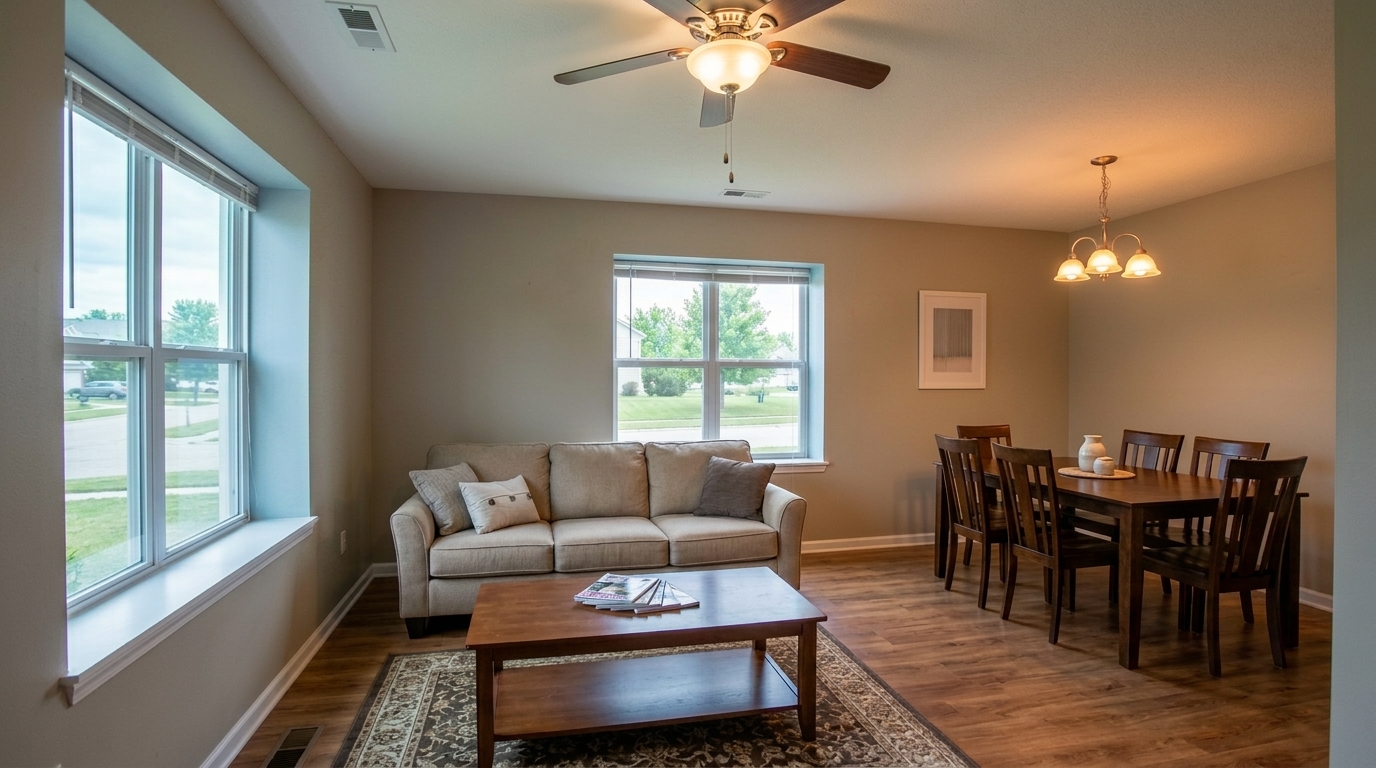
Neutralize the same open-concept room's blue daylight and orange artificial-light color cast, balance exposure, reduce noise, and.
Discover the advanced optimization tools built into our all-in-one correction suite.
Automatically straightens tilted vertical and horizontal lines to correct wide-angle lens distortion and restore natural architectural proportions.
Evens out harsh highlights and deep shadows, ensuring dark corners are brightened and bright windows are perfectly balanced.
Minimizes distracting reflections on glass windows, polished hardwood floors, countertops, and television screens for a cleaner look.
Cleans up low-light grain and digital noise while enhancing fine details and textures without introducing artificial artifacts.
Guarantees that windows, doors, walls, and structural layouts remain completely unchanged, ensuring honest and compliant representation.
Corrects unnatural color casts caused by mixed indoor lighting, restoring true-to-life tones to walls, furniture, and flooring.
See how different professionals leverage the Full Correction Suite to elevate their property marketing.
Quickly transform quick smartphone photos into bright, professional, MLS-compliant listing images.
Listing SpeedBatch-process base corrections like perspective alignment and exposure balancing to streamline your editing workflow.
Workflow EfficiencyShowcase true-to-life colors, textures, and materials in your portfolio without distracting glare or color casts.
Portfolio PolishEnhance rental listing photos to attract high-quality tenants and increase click-through rates on rental platforms.
Rental MarketingPolish office, retail, or industrial space presentations by correcting wide-angle distortions and balancing harsh fluorescent lighting.
Commercial ListingsPrepare high-quality, inviting photos for For Sale By Owner listings without investing in expensive camera gear.
DIY SellingFollow three simple steps to transform raw real estate images into professional, market-ready listings.
Select and upload your raw or unedited real estate image directly to the Idealhouse Photo Enhancer platform.
Select the Full Correction Suite preset to automatically trigger perspective alignment, exposure balancing, and glare reduction.
Preview the optimized, structurally preserved image and download the high-resolution file ready for MLS or social media.
Source-backed context for why full correction suite edits matter inside image optimization workflows.
Full Correction Suite within Image Optimization evidence
Photos are one of the most valuable website features for home buyers; NAR's 2025 generational trends report says 83% of internet-using buyers rated photos as very useful. For Full Correction Suite pages, this supports showing how a focused Image Optimization edit can make the listing photo feel clearer, more polished, and easier for buyers to evaluate.
Source: NAR 2025Full Correction Suite within Image Optimization evidence
Zillow Research's 2025 prospective buyer report ranked high-resolution photos as the number two most important listing feature, selected by 26% of prospective buyers; floor plans ranked first at 33%. For Full Correction Suite pages, this supports showing how a focused Image Optimization edit can make the listing photo feel clearer, more polished, and easier for buyers to evaluate.
Source: Zillow 2025Full Correction Suite within Image Optimization evidence
Redfin reported that professionally photographed homes in the $400,000 range sold three weeks faster and for more than $10,000 relative to list price compared with amateur photos. Use this as supporting context, not as a guaranteed result. For Full Correction Suite pages, this supports showing how a focused Image Optimization edit can make the listing photo feel clearer, more polished, and easier for buyers to evaluate.
Source: RedfinA comprehensive guide to using the Full Correction Suite to streamline your property marketing workflow and achieve professional-grade listing photos.
Implementing the Full Correction Suite into your real estate marketing workflow is straightforward. Start by gathering your raw or unedited property photos. Upload them to the platform and apply the suite. The system automatically analyzes the image to correct perspective distortion, balance uneven lighting, and reduce distracting reflections. This automated process replaces hours of manual editing in complex software, allowing you to go from raw upload to a polished, MLS-ready asset in seconds. It is ideal for high-volume agents and photographers who need consistent, high-quality results fast.
When deciding on your editing strategy, it is important to compare the Full Correction Suite with adjacent presets. Use the Full Correction Suite when your photo suffers from multiple issues simultaneously—such as tilted lines, uneven lighting, and glare. If your photo only has a single issue, specialized presets may be more appropriate. For example, use Glare and Reflection Reduction if you only need to clean up window reflections, or Exposure Balancing if the perspective is already perfect but the lighting is uneven. For quick, everyday social media posts, the Social Media Photo Optimization preset offers a more vibrant, scroll-stopping finish, whereas the Full Correction Suite focuses on realistic, natural accuracy.
One of the biggest challenges in AI-assisted real estate editing is maintaining truth in advertising. MLS guidelines strictly prohibit altering the physical characteristics of a property. The Full Correction Suite is engineered with these constraints in mind. It corrects photographic defects—like lens distortion, poor lighting, and sensor noise—without modifying the physical structure. Windows, doors, walls, and fixtures are preserved exactly as they exist in reality. This ensures your listings remain fully compliant with local real estate board regulations while still looking their absolute best.
While the Full Correction Suite is highly versatile, there are scenarios where you should avoid it. Do not use this suite on photos that have already been professionally edited and color-graded, as stacking corrections can lead to over-processing and digital artifacts. Additionally, if you are looking to create highly stylized, dramatic, or artistic marketing imagery rather than a realistic representation of the physical space, a specialized creative preset or manual editing workflow would be a better fit.
Choose the perfect preset to refine exposure, reduce glare, or apply a complete correction suite to your property photos.
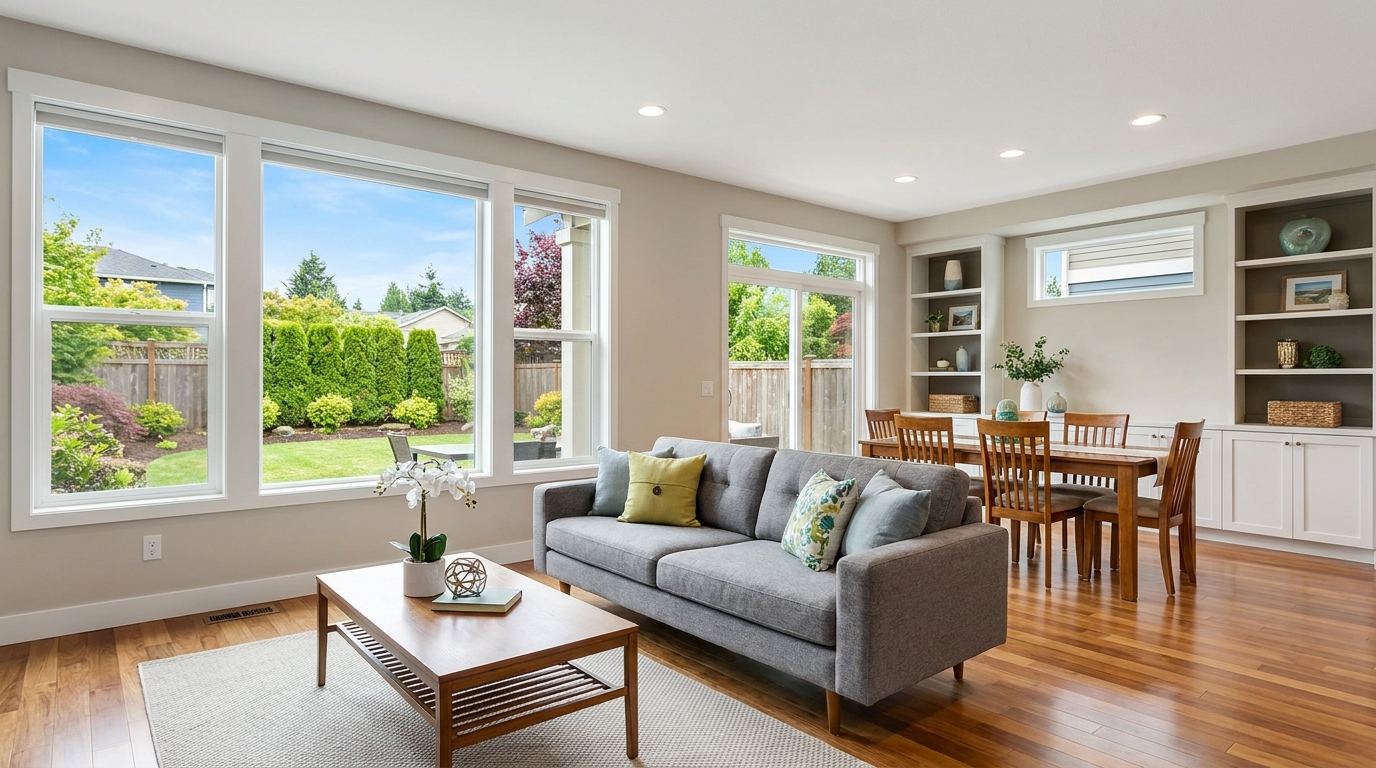
Everyday listing polish with balanced light, true color, and crisp natural detail.
Try This Tool →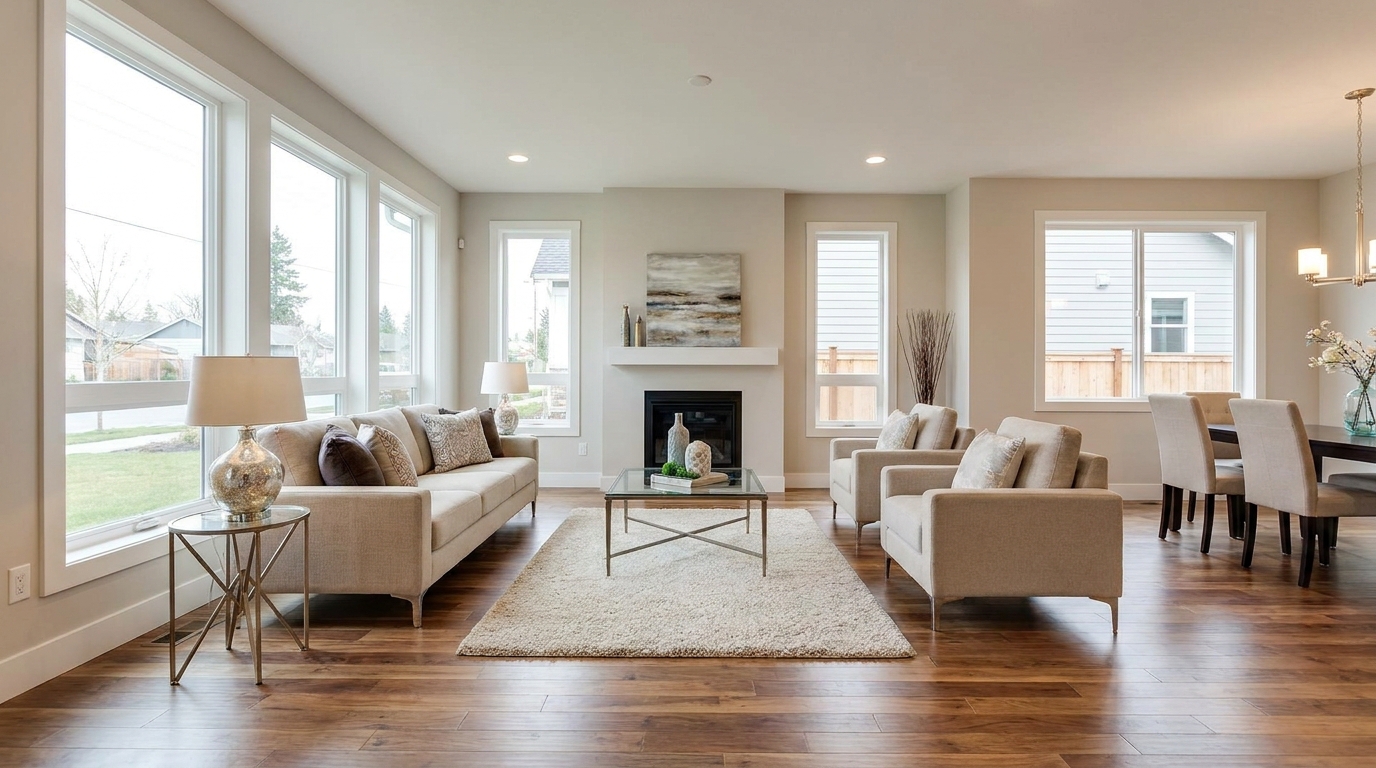
Clean MLS-ready enhancement that makes property photos brighter, sharper, and more consistent.
Try This Tool →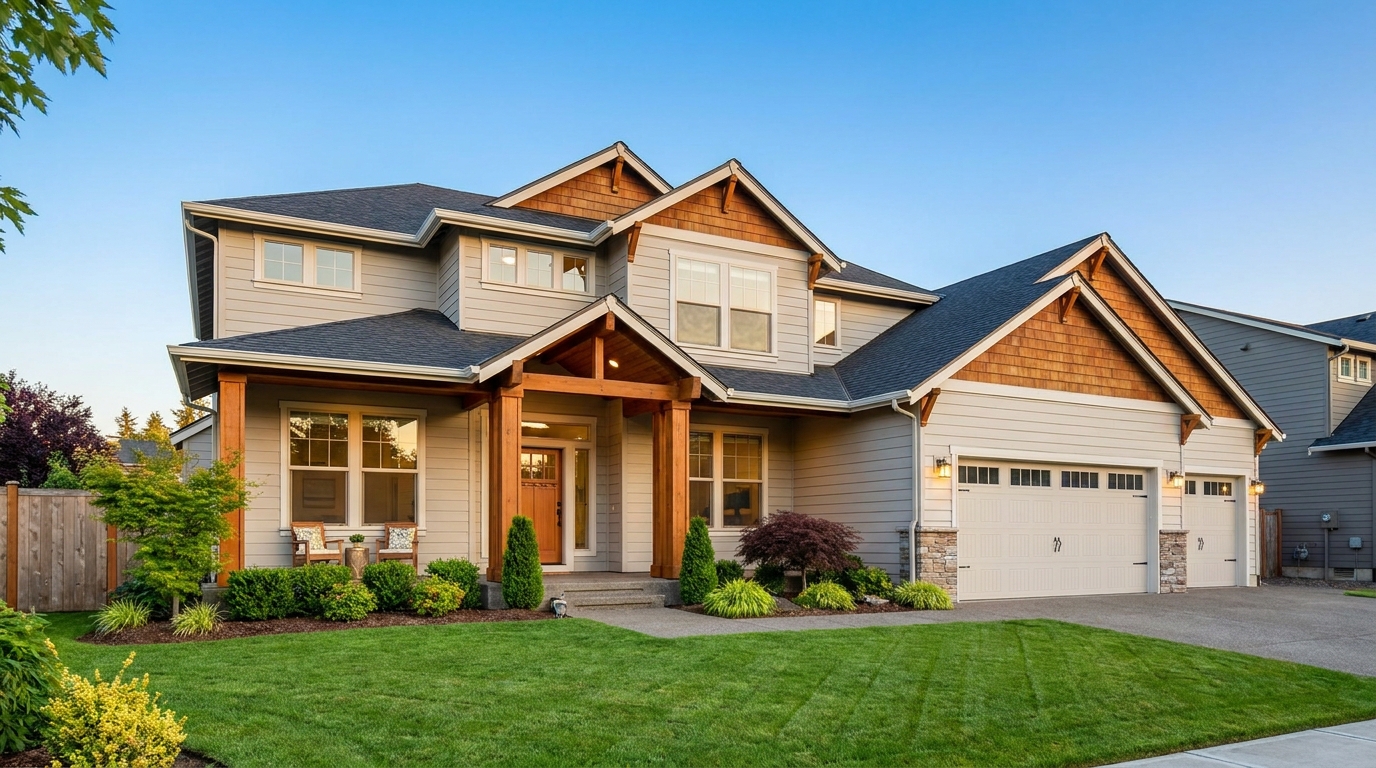
Smart single-exposure editing that recovers detail and delivers a naturally polished result.
Try This Tool →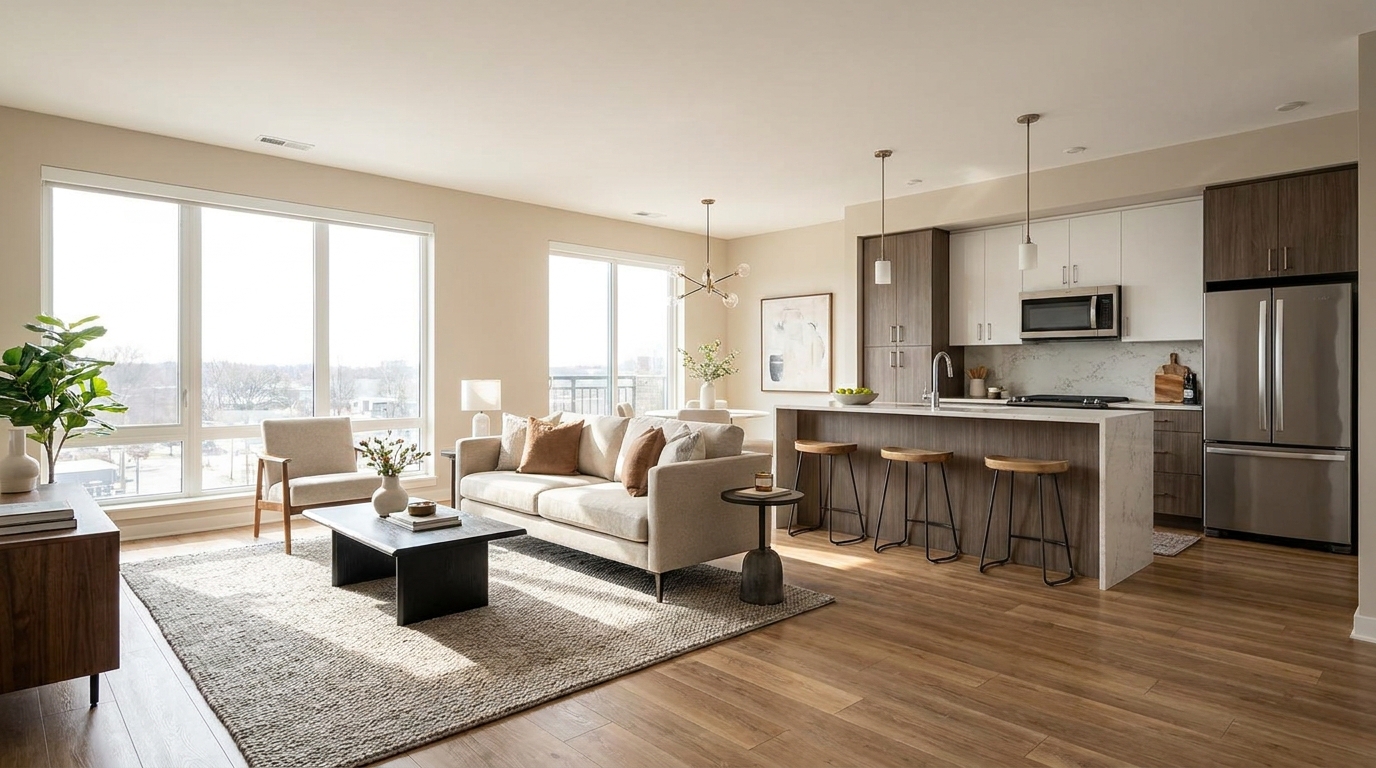
Scroll-stopping optimization for social-ready property photos with bright, clean visual appeal.
Try This Tool →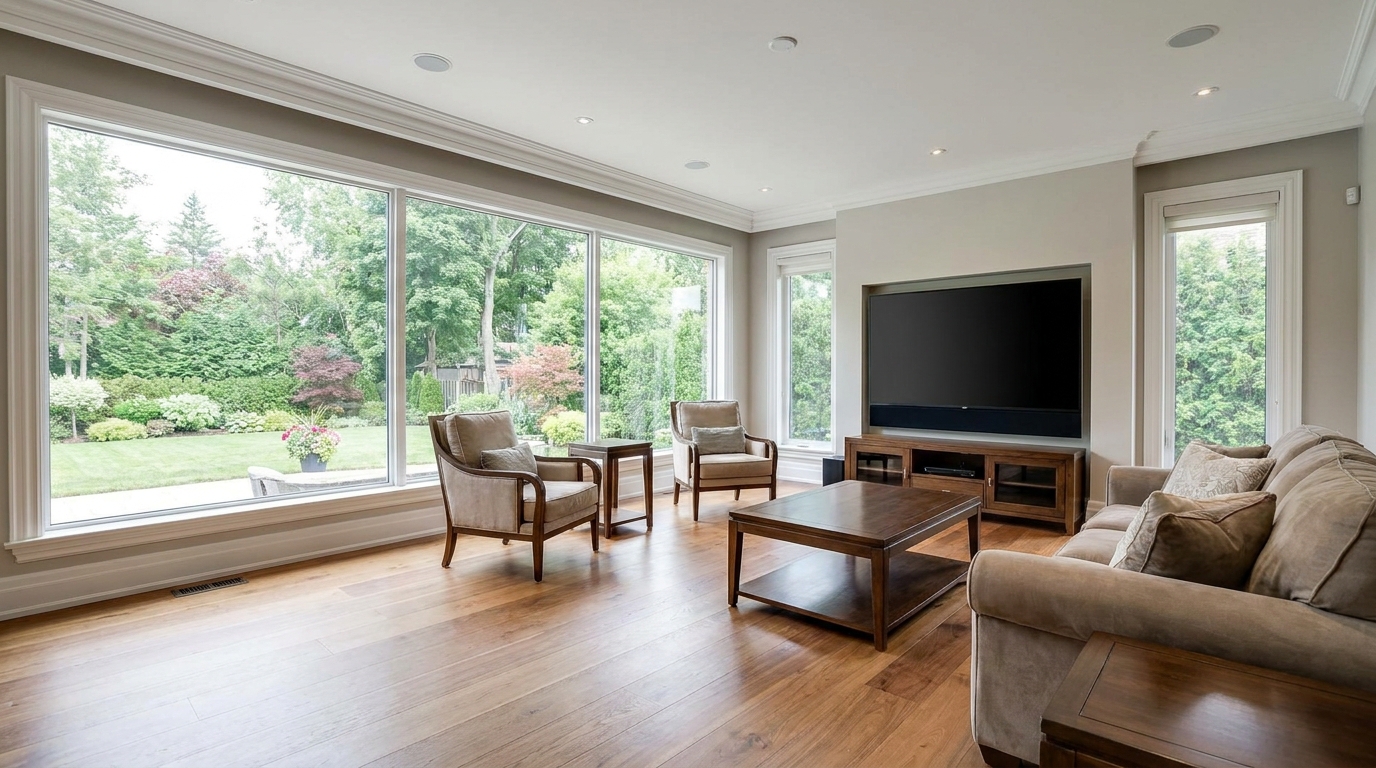
Minimize harsh reflections and distracting glare for a clearer, more premium presentation.
Try This Tool →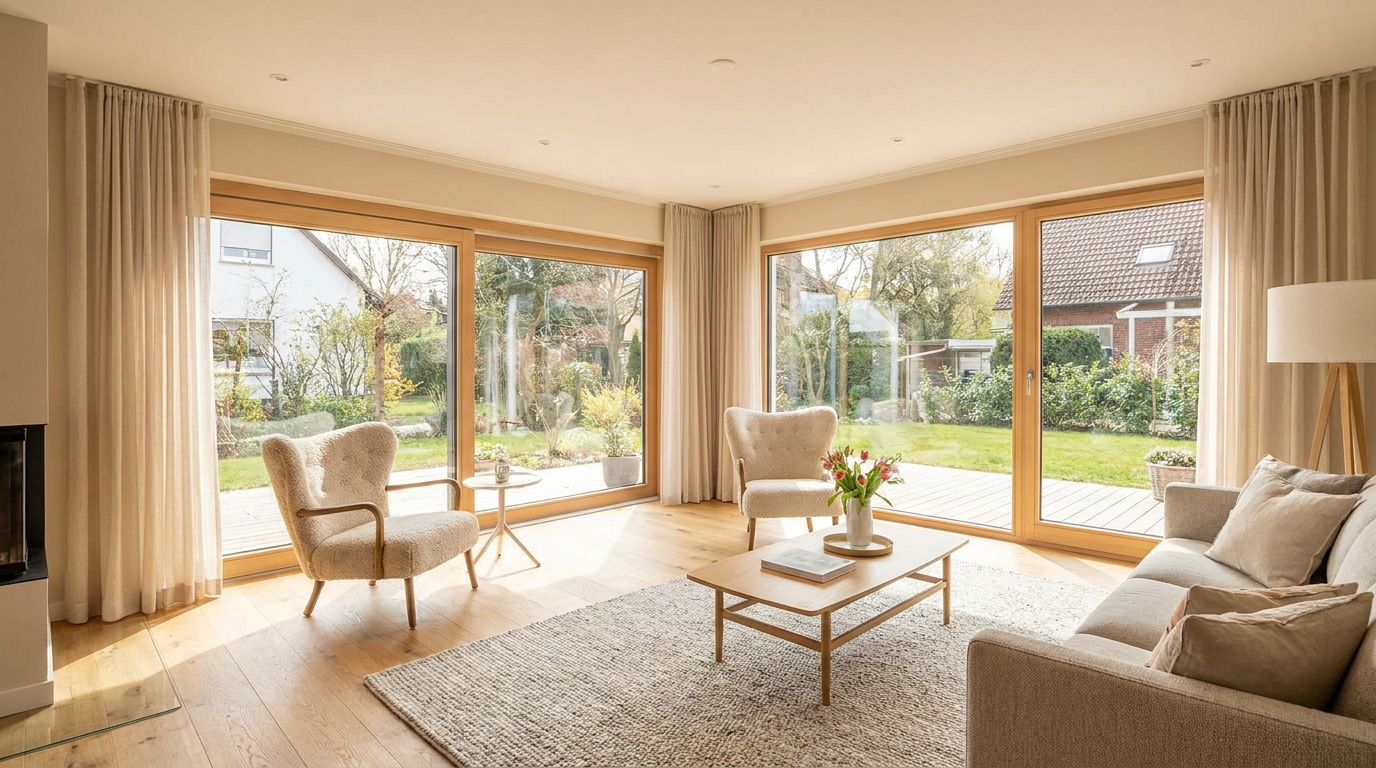
Even out bright and dark areas for a balanced, professional-looking image.
Try This Tool →Discover additional specialized presets to elevate your interior, exterior, and lighting workflows.
AI image-to-video generation for turning home, room, and property photos into more vivid presentation videos.
02AI exterior renovation for visualizing facade updates, curb appeal improvements, and home exterior remodel ideas.
03AI landscaping design for exploring outdoor concepts, curb appeal upgrades, planting ideas, and yard layout directions.
04AI virtual staging for furnishing empty rooms and creating listing-ready interiors for real estate marketing.
05Free AI image generation for turning text prompts into unlimited visual ideas for home design, interiors, landscaping, renovation
06AI object removal for cleaning up distracting items from room, home, and property photos.
Try the Full Correction Suite for free and transform your raw real estate photos into bright, professional, and market-ready assets in seconds.