
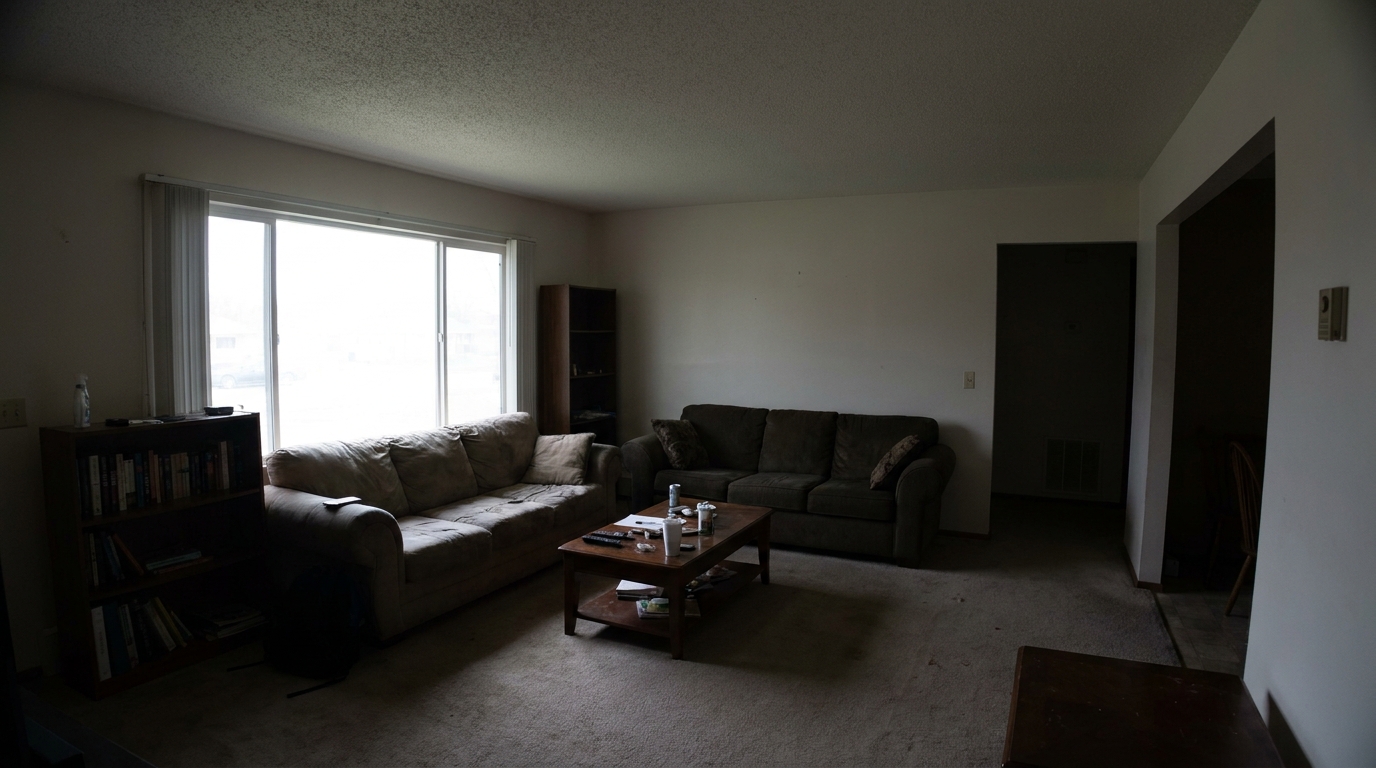
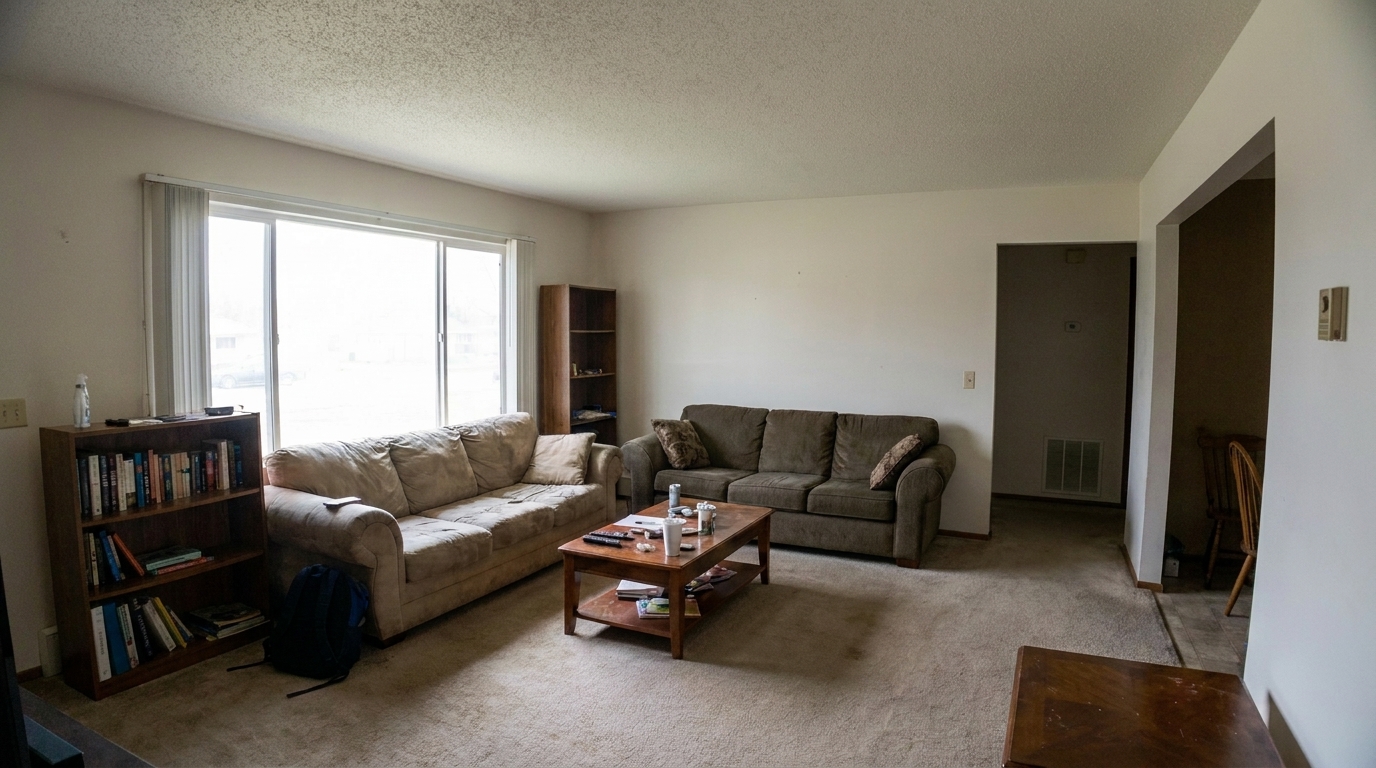

Dim Living Room
Dim Living Room updated with full correction suite styling.
Transform dark, distorted, or dull property photos into bright, professional listings. Balance exposure, correct perspective, and reduce glare instantly.
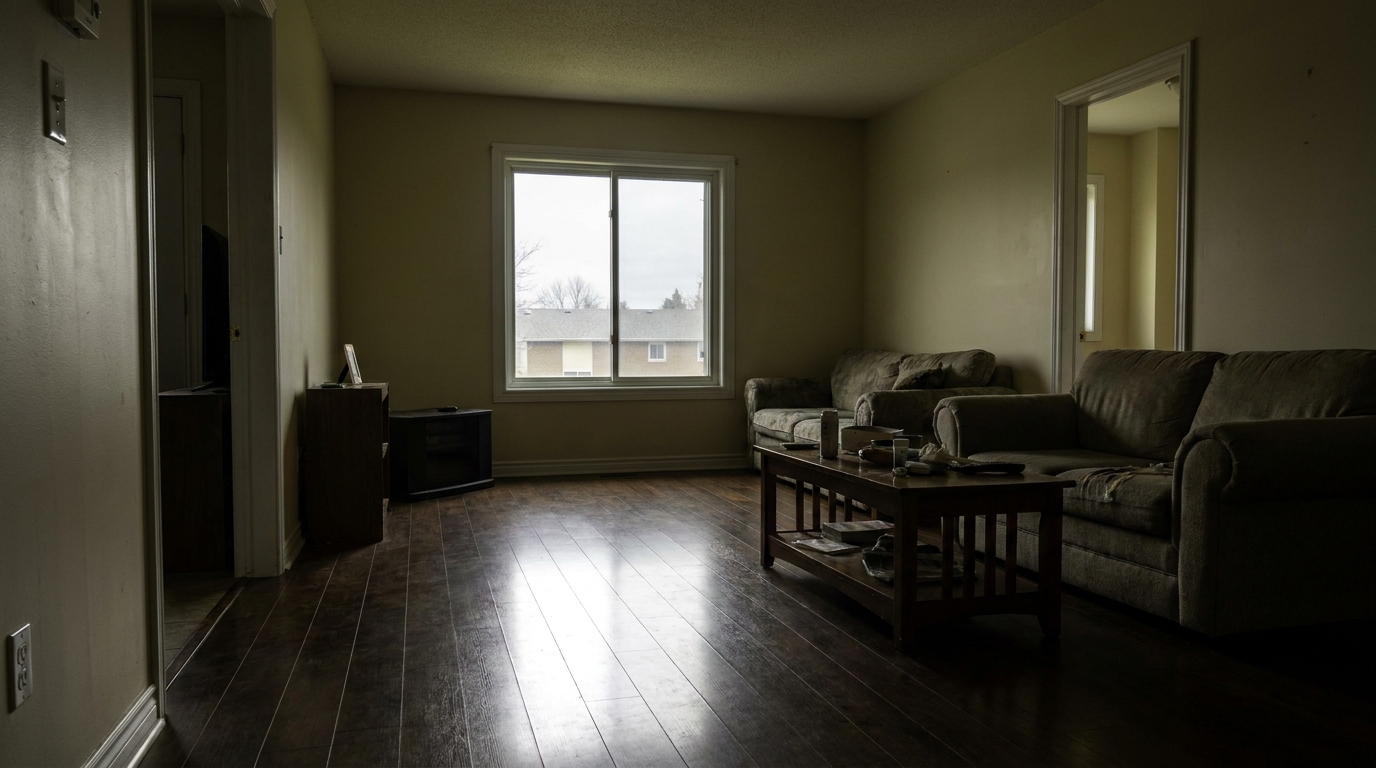
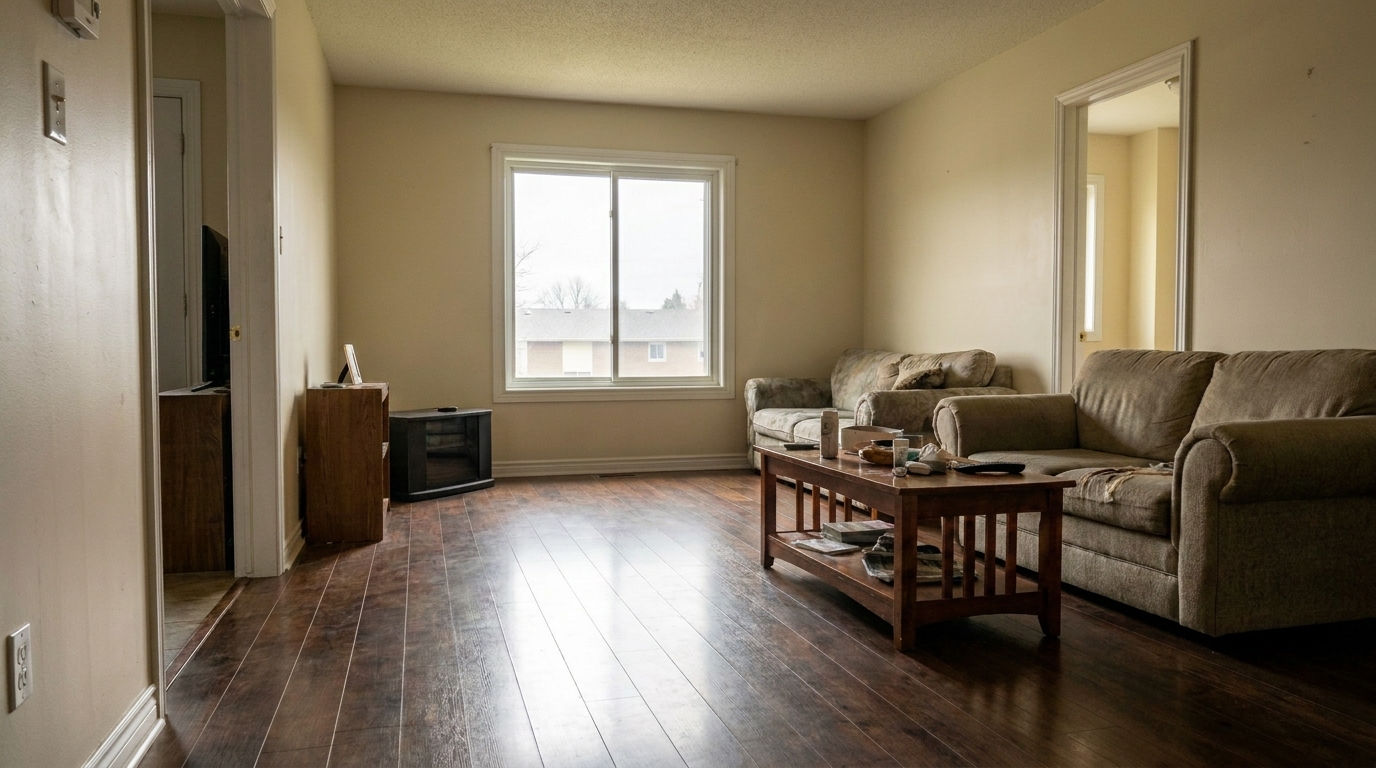
Compare raw property photos with our polished, listing-ready results.
Dim Living Room updated with full correction suite styling.
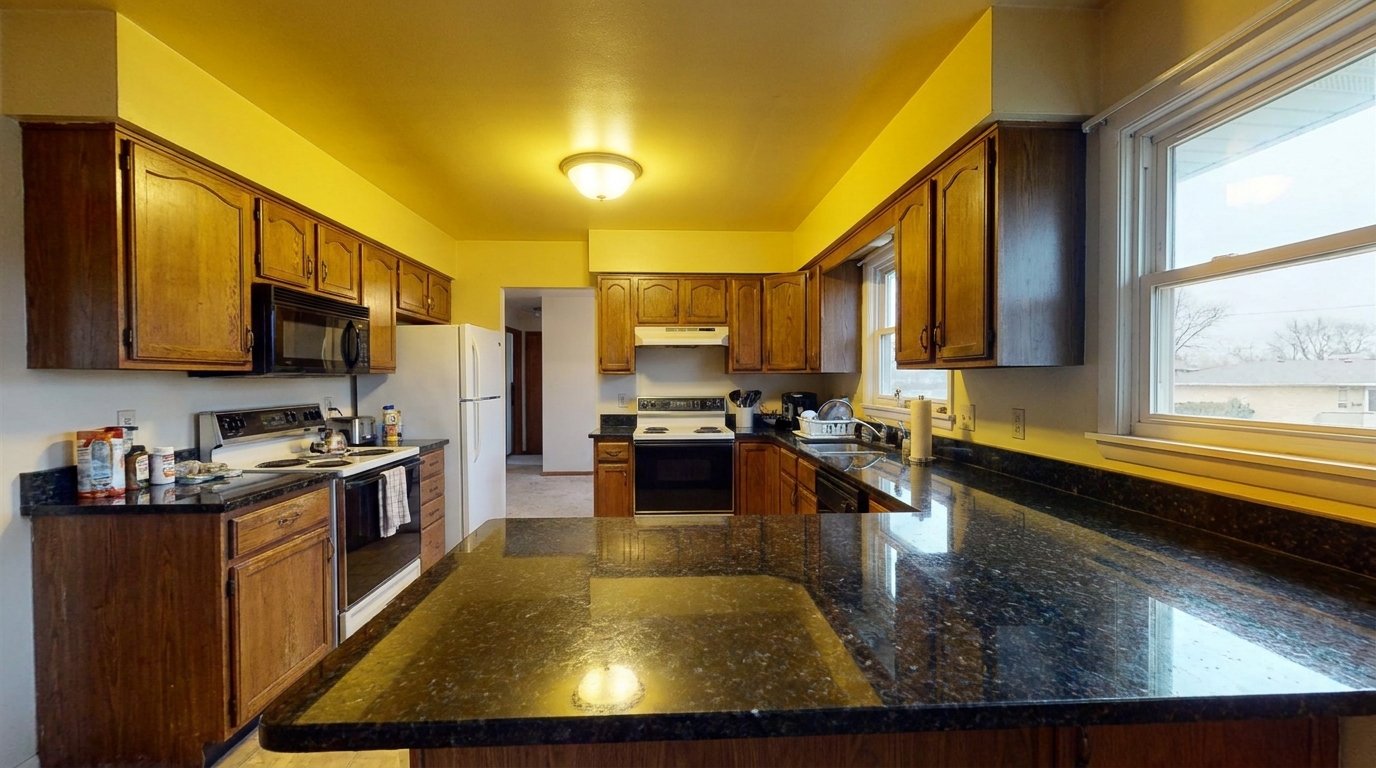
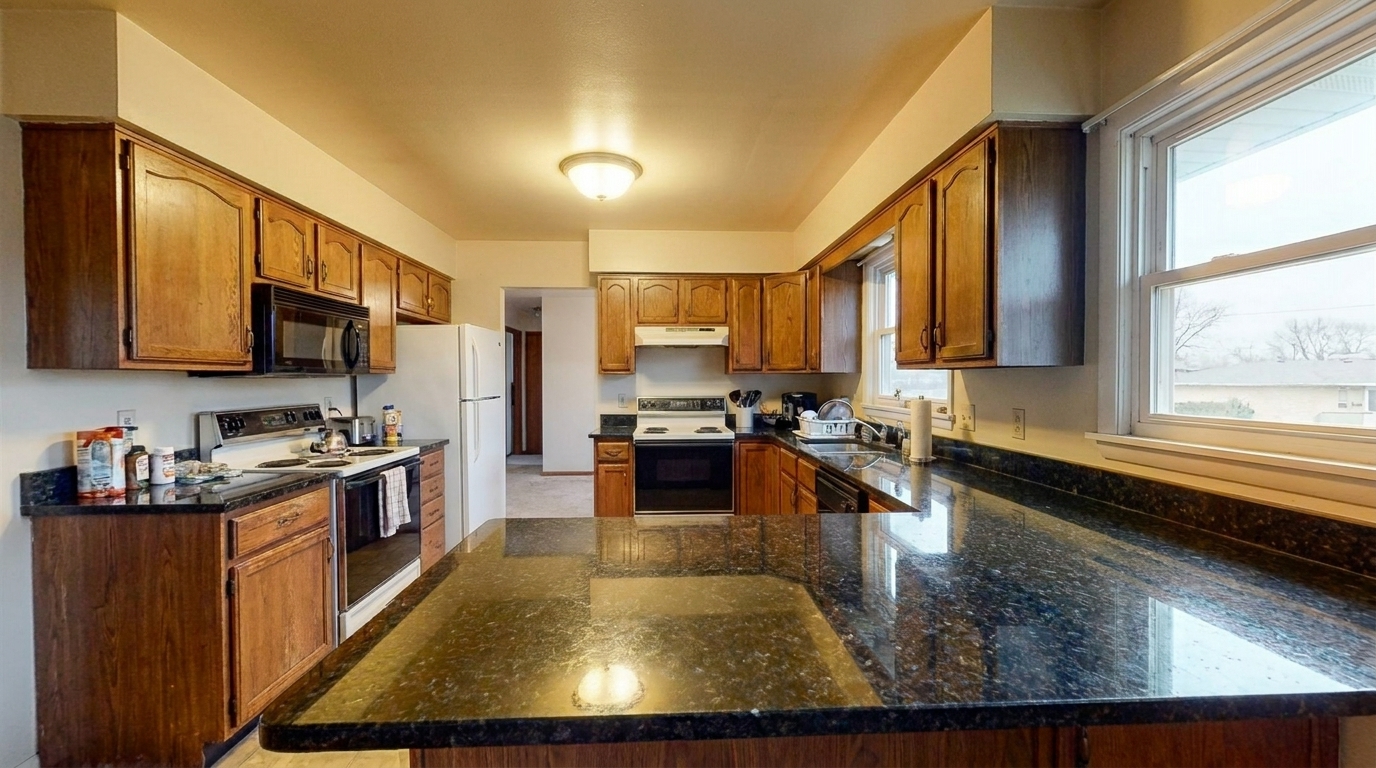
Yellow-Cast Kitchen updated with real estate photo editing styling.
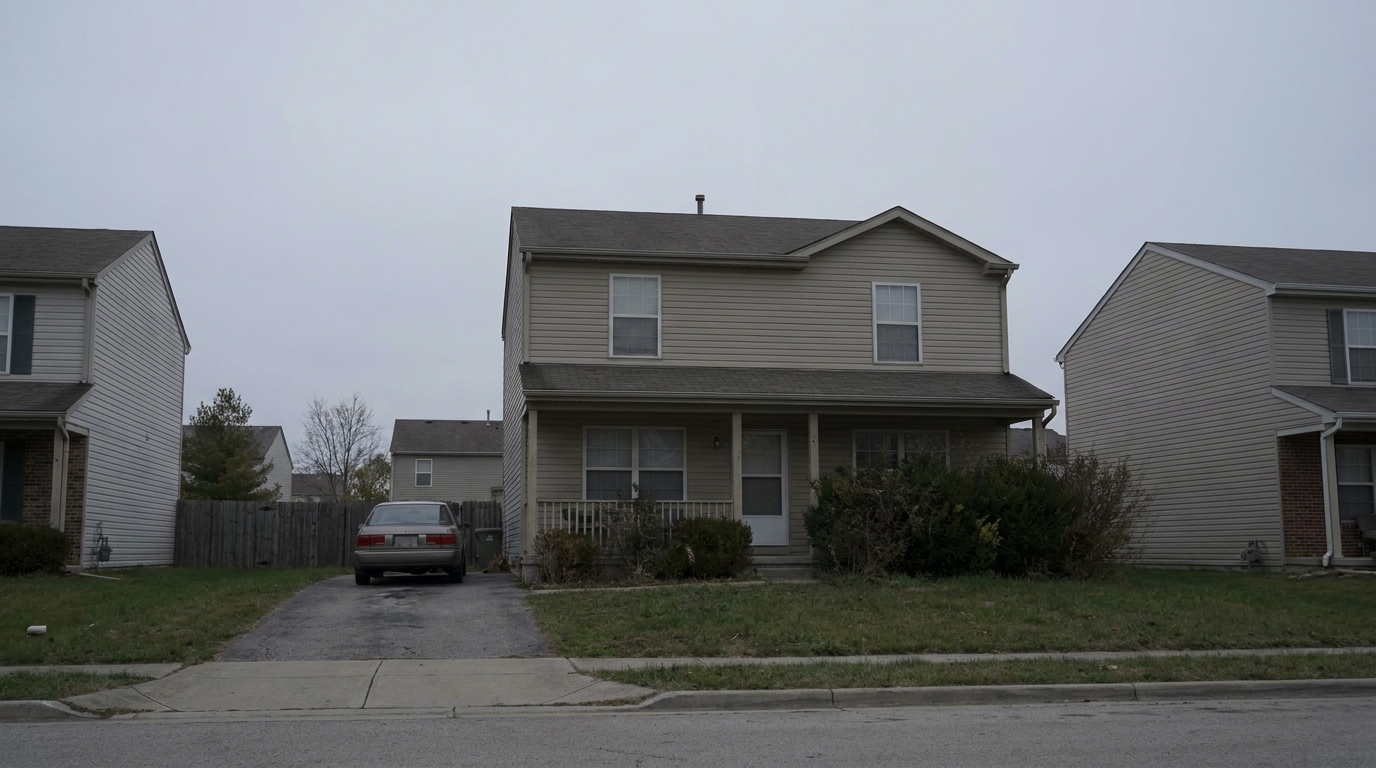
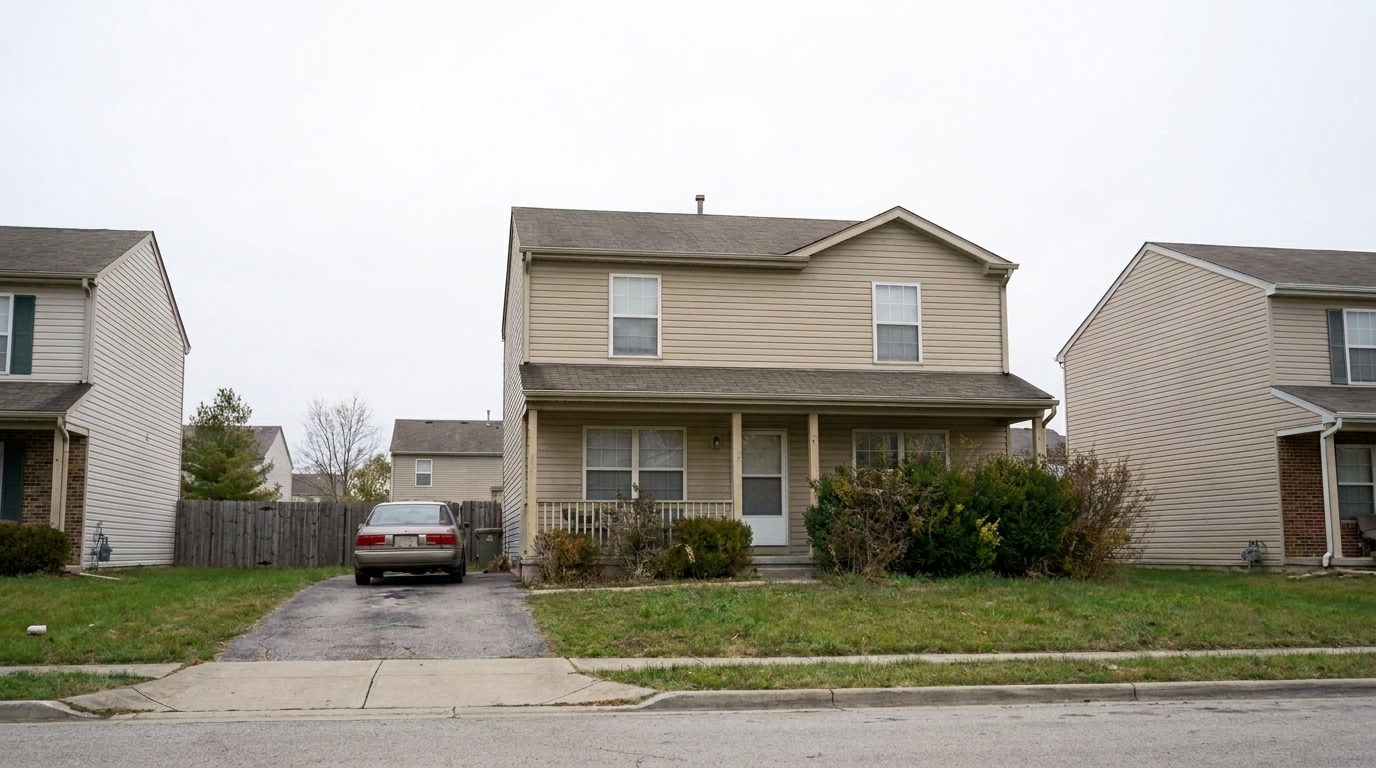
Dull Exterior Facade updated with single exposure editing styling.
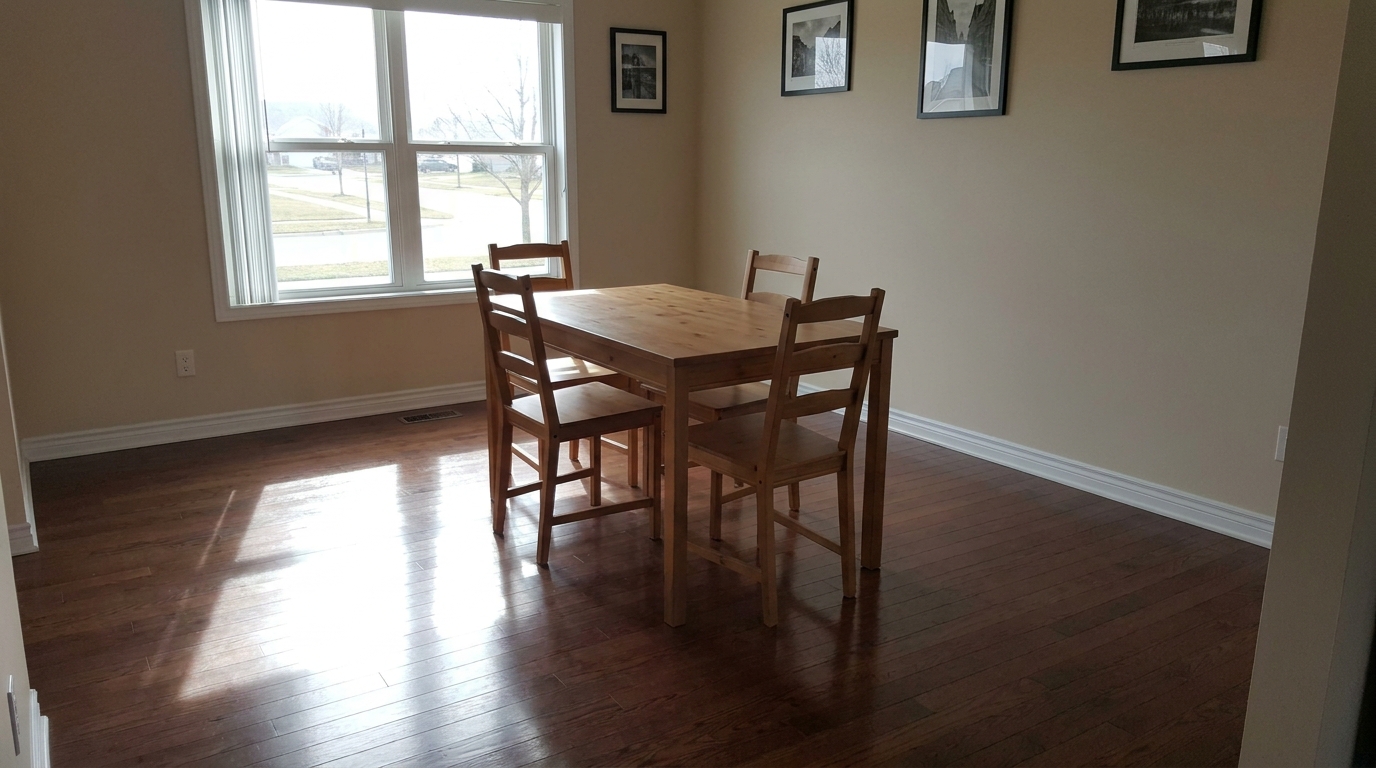
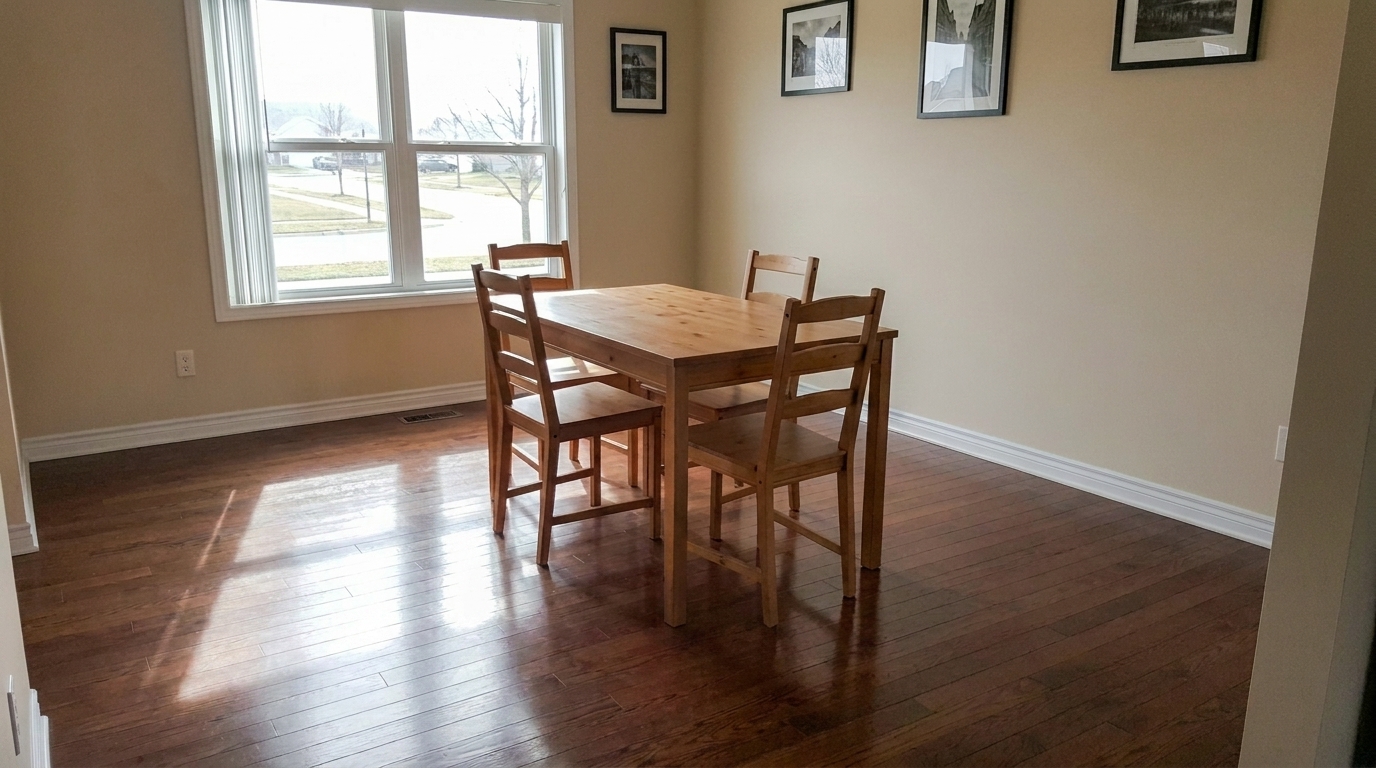
Reflective Dining Area updated with social media photo optimization styling.
Advanced AI tools designed specifically for real estate photography standards.
Automatically balances harsh highlights and deep shadows to reveal hidden property details without overexposure.
Straightens converging vertical lines and corrects lens distortion for structurally accurate architectural photos.
Minimizes distracting light reflections on polished hardwood floors, marble countertops, and glass windows.
Corrects yellow or blue color casts caused by mixed indoor lighting and natural window light.
Enhances clarity and crispness without introducing artificial noise or violating MLS guidelines.
Optimizes image quality while strictly preserving the original layout, walls, doors, and windows.
See how different real estate professionals use our optimization tools.
Perfect for real estate agents needing quick, professional-grade photos that meet strict MLS standards.
Real Estate AgentsCreate bright, high-contrast, scroll-stopping property images optimized for Instagram and Facebook feeds.
Social MediaSalvage dark or poorly lit photos taken on mobile devices or without professional lighting setups.
HomeownersHelp interior designers and staging professionals showcase their work with true-to-life colors and textures.
DesignersStreamline workflows for real estate photographers who need consistent, rapid correction across entire property shoots.
PhotographersMake vacation rentals and long-term listings stand out on platforms like Airbnb with inviting, bright interiors.
Property ManagersEnhance your listing images in three simple, automated steps.
Select and upload your raw or unedited real estate images in standard formats like JPEG, PNG, or HEIC.
Select from specialized presets like Full Correction Suite, MLS Photo Enhancement, or Exposure Balancing based on your listing needs.
Let the AI process exposure, perspective, and color in seconds, then download your polished, high-resolution photos.
Source-backed context for why image optimization can strengthen real estate listing presentation and buyer evaluation.
Image Optimization evidence
Photos are one of the most valuable website features for home buyers; NAR's 2025 generational trends report says 83% of internet-using buyers rated photos as very useful. For Image Optimization pages, this supports explaining why that enhancement category can influence listing presentation, buyer confidence, and perceived property readiness.
Source: NAR 2025Image Optimization evidence
Zillow Research's 2025 prospective buyer report ranked high-resolution photos as the number two most important listing feature, selected by 26% of prospective buyers; floor plans ranked first at 33%. For Image Optimization pages, this supports explaining why that enhancement category can influence listing presentation, buyer confidence, and perceived property readiness.
Source: Zillow 2025Image Optimization evidence
Redfin reported that professionally photographed homes in the $400,000 range sold three weeks faster and for more than $10,000 relative to list price compared with amateur photos. Use this as supporting context, not as a guaranteed result. For Image Optimization pages, this supports explaining why that enhancement category can influence listing presentation, buyer confidence, and perceived property readiness.
Source: RedfinLearn how to choose the right optimization workflow to elevate your property listings, maintain MLS compliance, and save hours on manual editing.
Selecting the correct optimization preset depends on your source photo quality and target platform. For standard, well-lit shots that just need a professional polish, use 'MLS Photo Enhancement' to ensure quick, compliant results. If your photos suffer from skewed angles, harsh window glare, or complex lighting, choose the 'Full Correction Suite' to apply advanced perspective and reflection fixes. For mobile phone photos or single-exposure shots with deep shadows, 'Single Exposure Editing' is best for recovering lost detail. Avoid using heavy correction suites on already-edited professional HDR files, as this can lead to over-processing and unnatural artifacts.
When optimizing real estate photos, maintaining truthfulness is critical. MLS guidelines strictly prohibit altering physical characteristics of a property, such as removing power lines, changing wall positions, or adding windows. Our optimization tools are engineered to respect these boundaries. They only adjust photographic elements—like exposure, white balance, and lens distortion—ensuring your listings look their absolute best while remaining 100% accurate to the physical space.
One of the biggest hurdles in real estate photography is mixed lighting—such as warm incandescent indoor bulbs clashing with cool, blue natural light from windows. This often results in unnatural color casts that make spaces look uninviting. Our intelligent white balance feature analyzes these light sources independently, neutralizing harsh yellow and blue tones to deliver a clean, cohesive, and color-accurate image that reflects how the human eye naturally perceives the room.
MLS portals require clean, realistic, and highly informative photos that accurately represent the property layout. Social media platforms like Instagram and Facebook, however, reward high-contrast, vibrant, and scroll-stopping visuals. Use our 'Social Media Photo Optimization' preset to boost clarity and color pop for social feeds, but stick to 'MLS Photo Enhancement' or 'Real Estate Photo Editing' for the official listing to maintain a professional, trustworthy presentation.
Select the perfect correction style to polish your real estate listings.
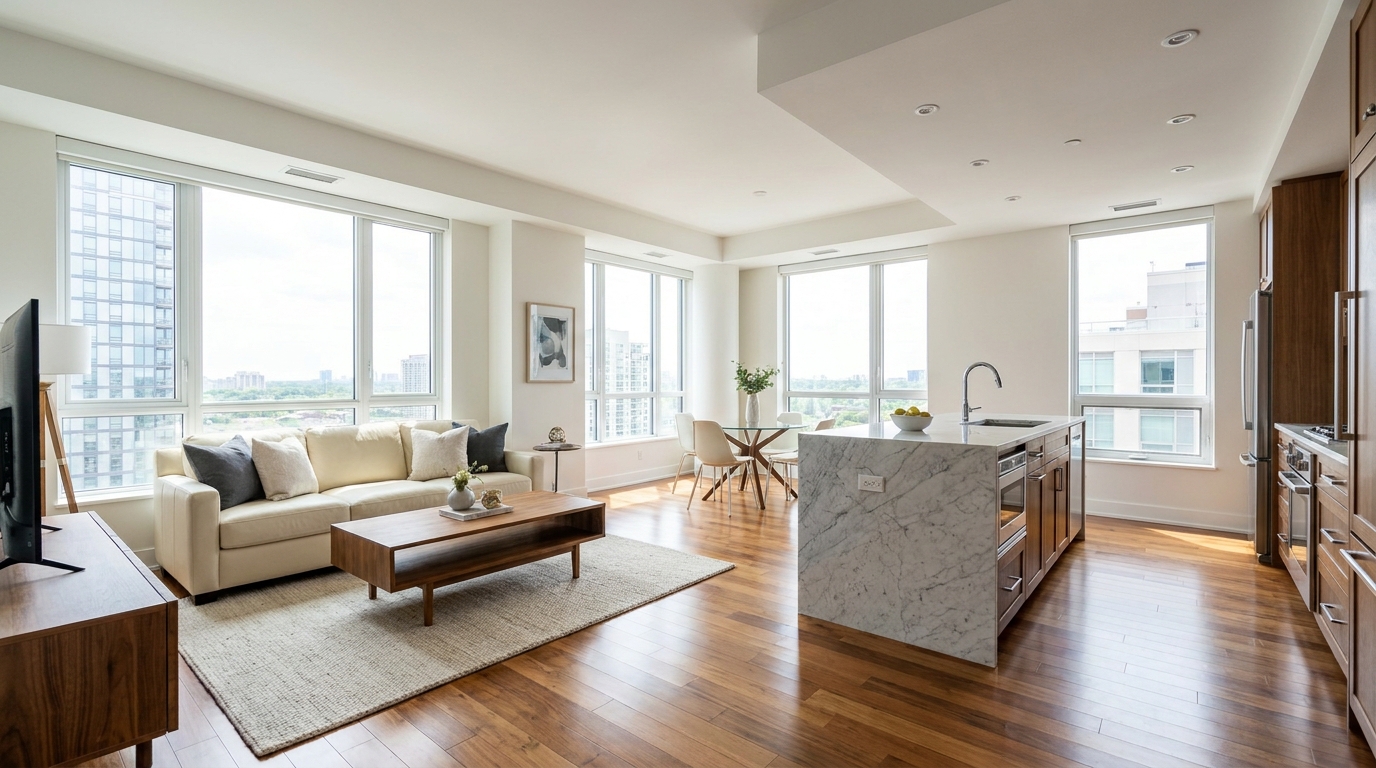
All-in-one correction for brighter, cleaner, listing-ready real estate photos.
Try This Tool →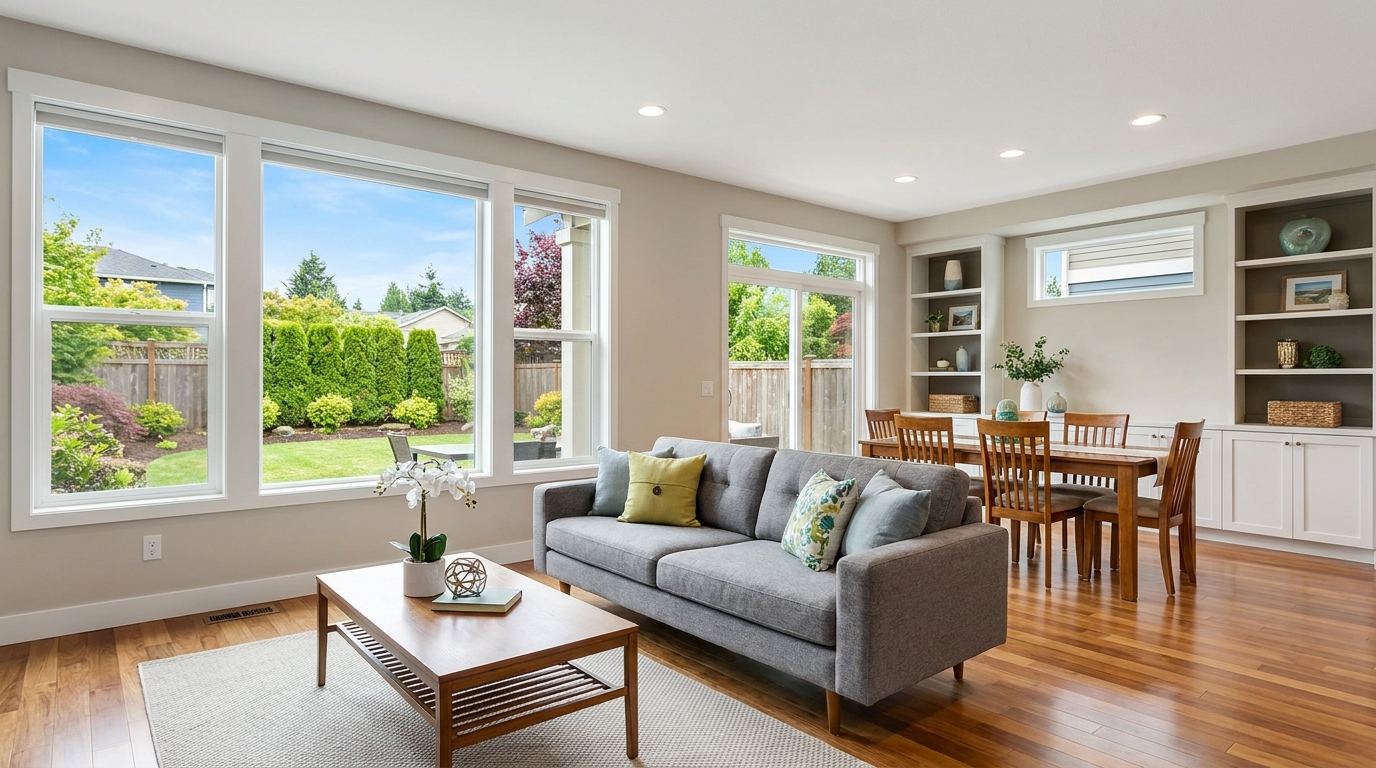
Everyday listing polish with balanced light, true color, and crisp natural detail.
Try This Tool →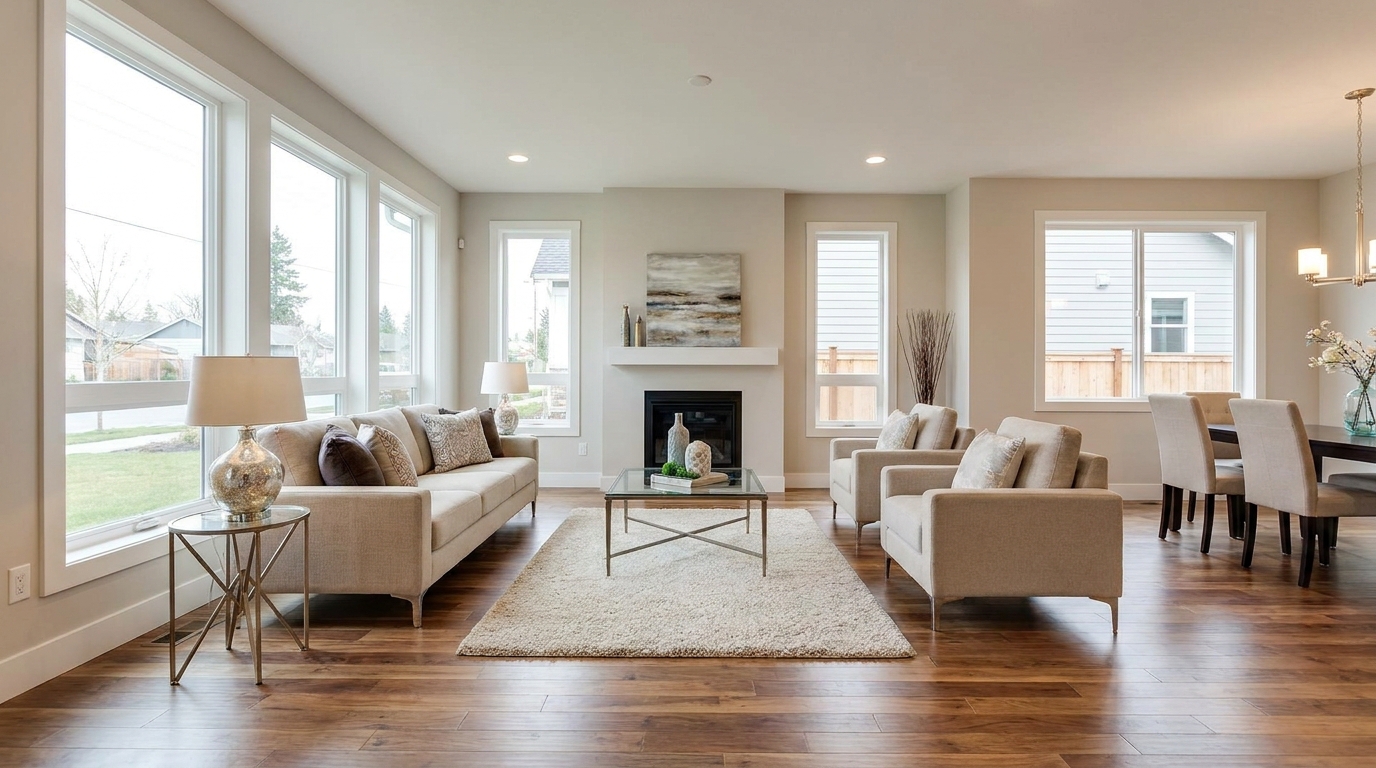
Clean MLS-ready enhancement that makes property photos brighter, sharper, and more consistent.
Try This Tool →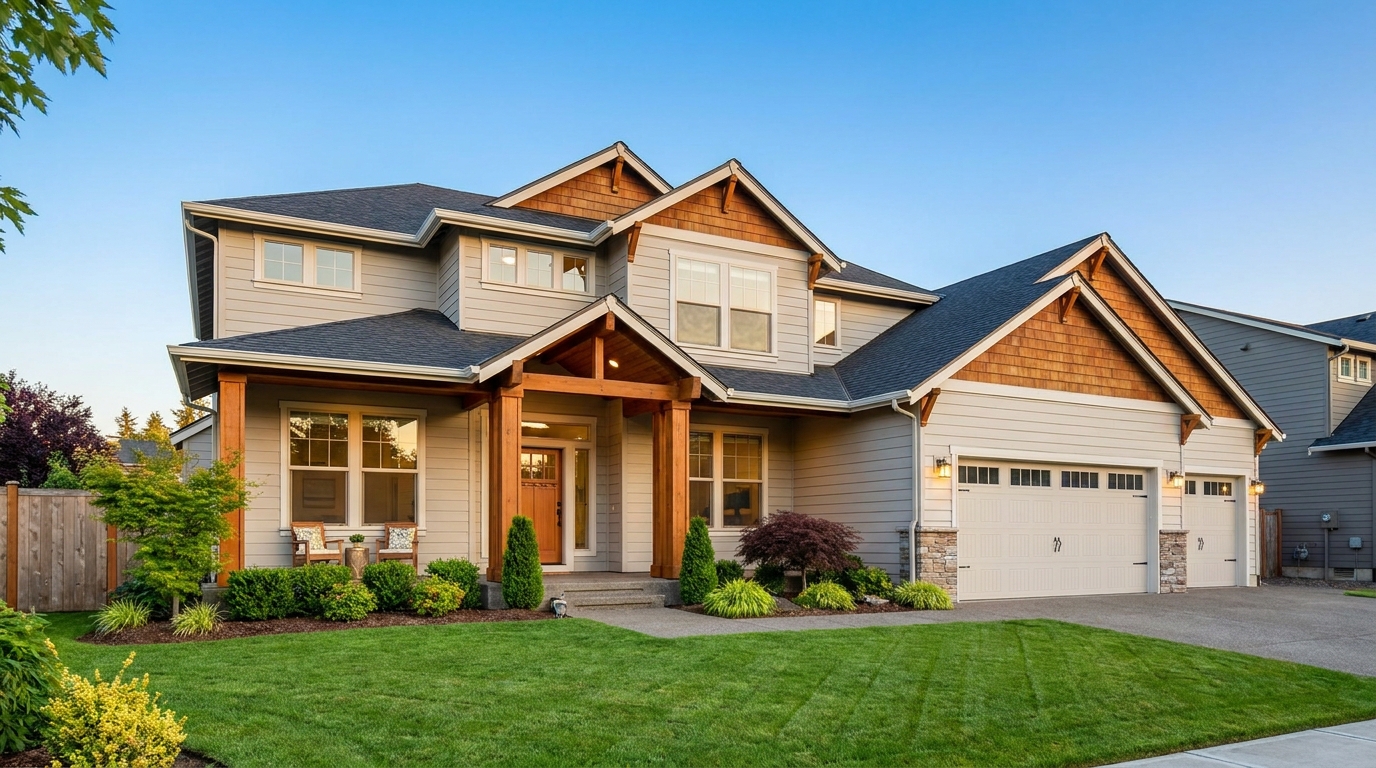
Smart single-exposure editing that recovers detail and delivers a naturally polished result.
Try This Tool →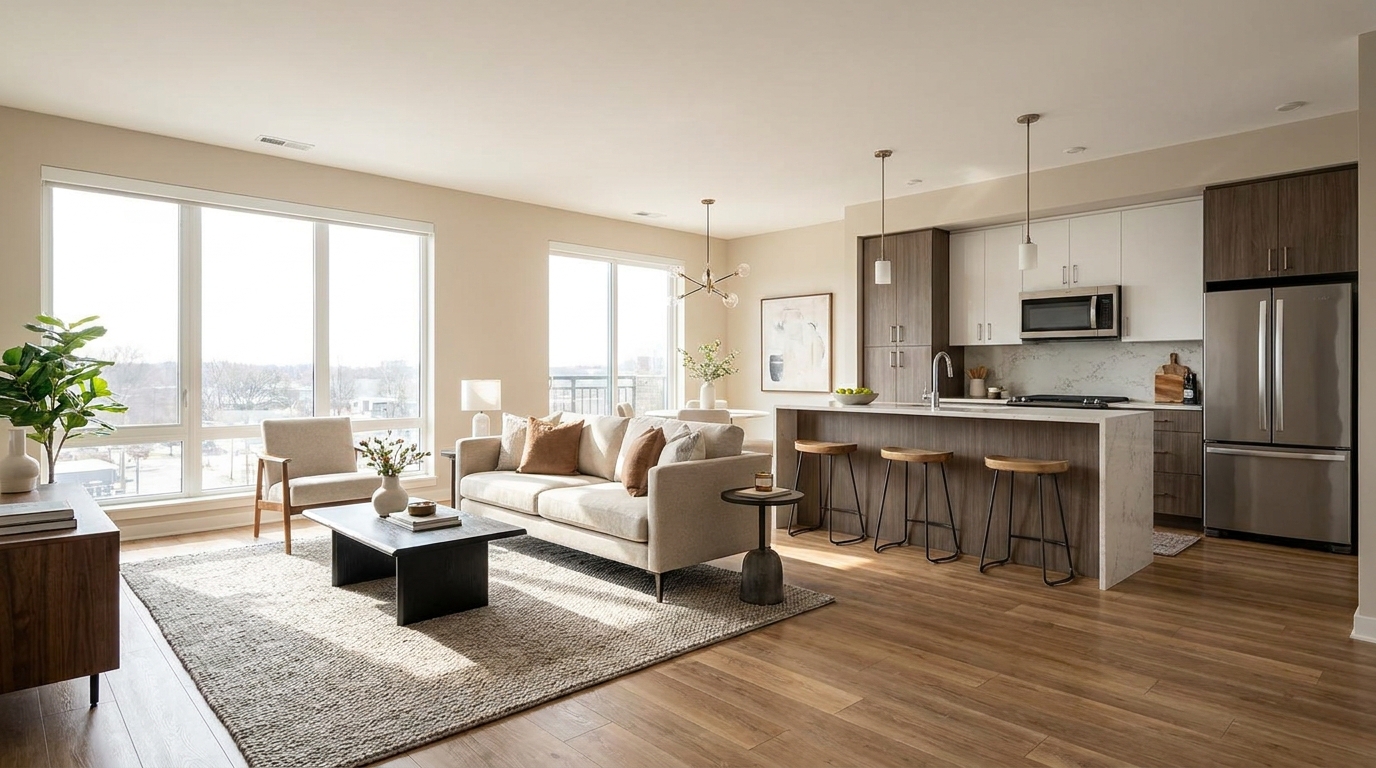
Scroll-stopping optimization for social-ready property photos with bright, clean visual appeal.
Try This Tool →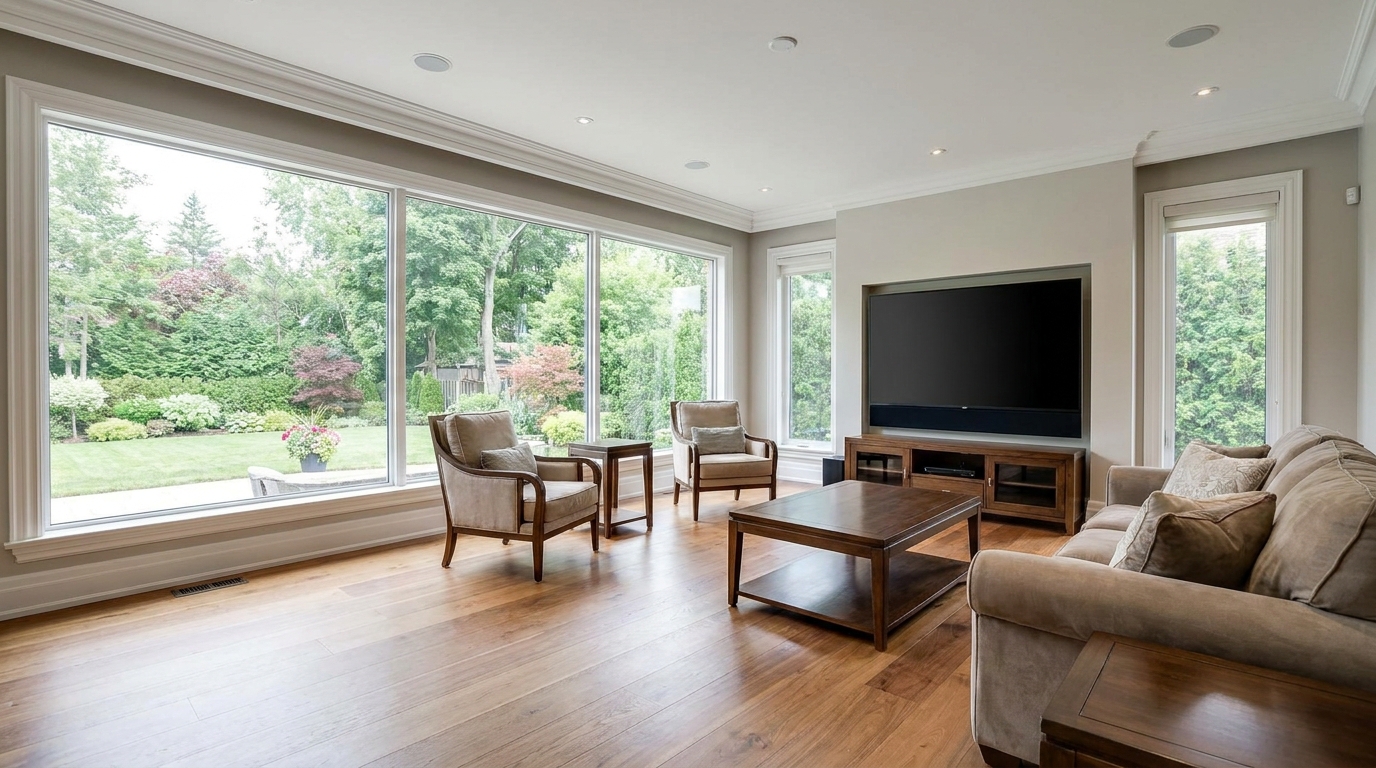
Minimize harsh reflections and distracting glare for a clearer, more premium presentation.
Try This Tool →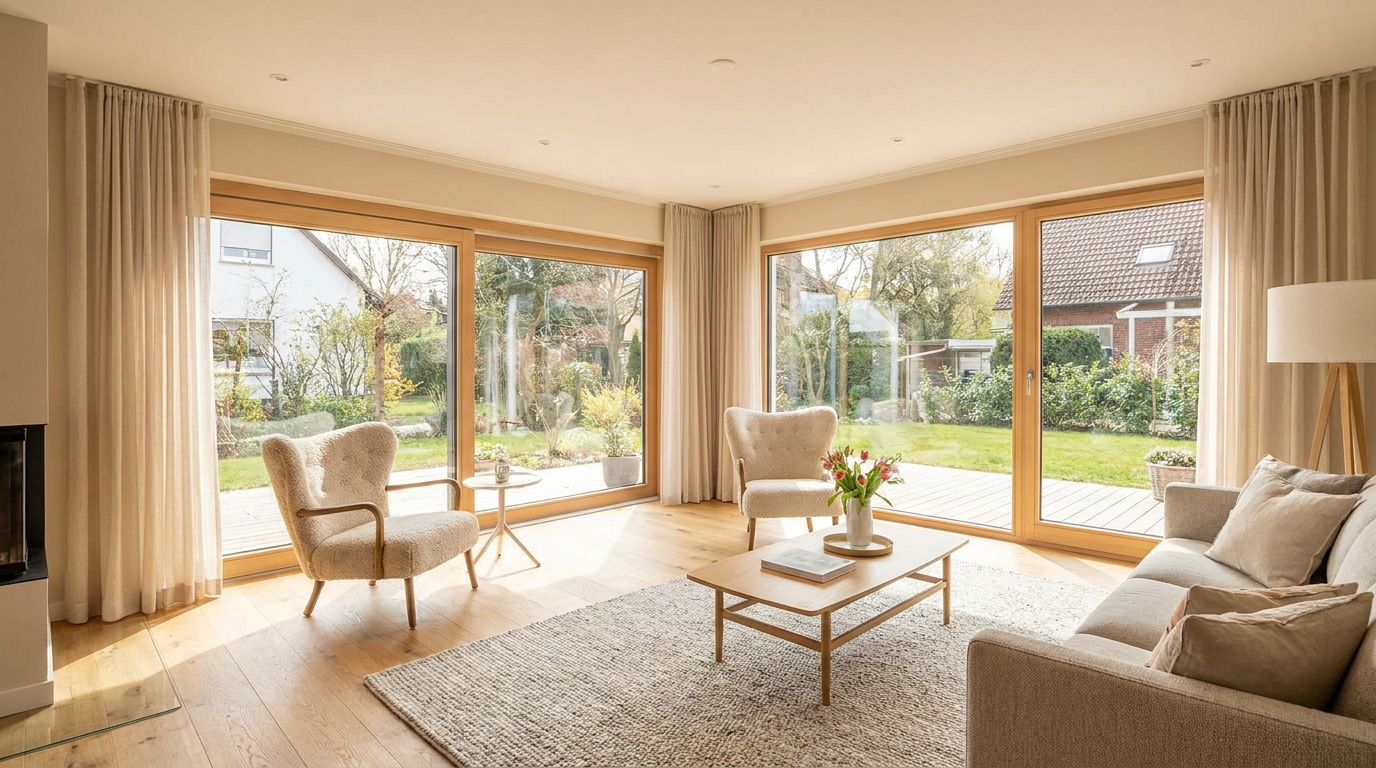
Even out bright and dark areas for a balanced, professional-looking image.
Try This Tool →Discover additional presets to elevate your property presentation.
AI image-to-video generation for turning home, room, and property photos into more vivid presentation videos.
02AI exterior renovation for visualizing facade updates, curb appeal improvements, and home exterior remodel ideas.
03AI landscaping design for exploring outdoor concepts, curb appeal upgrades, planting ideas, and yard layout directions.
04AI virtual staging for furnishing empty rooms and creating listing-ready interiors for real estate marketing.
05Free AI image generation for turning text prompts into unlimited visual ideas for home design, interiors, landscaping, renovation
06AI object removal for cleaning up distracting items from room, home, and property photos.
Transform your raw real estate images into bright, professional, listing-ready photos in seconds. Try our AI-powered image optimization tools for free.