
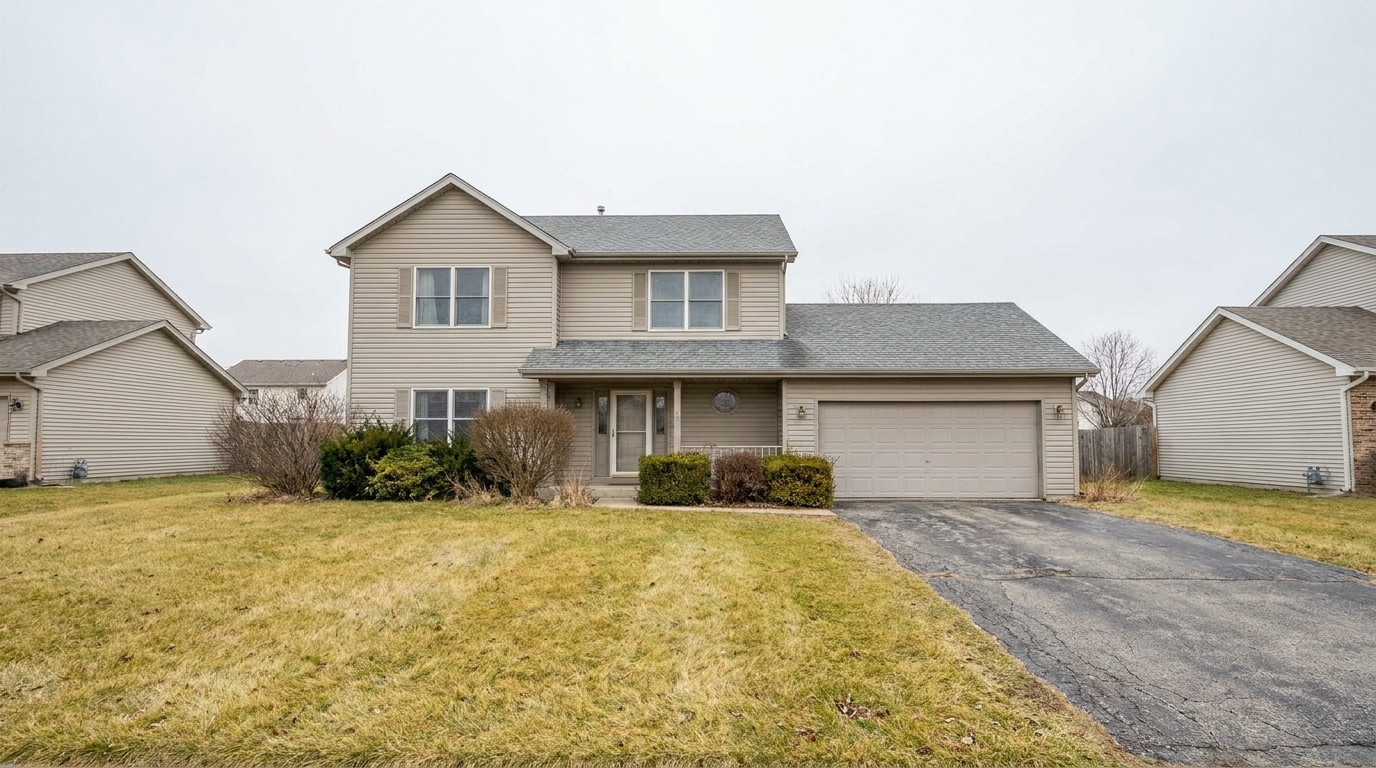
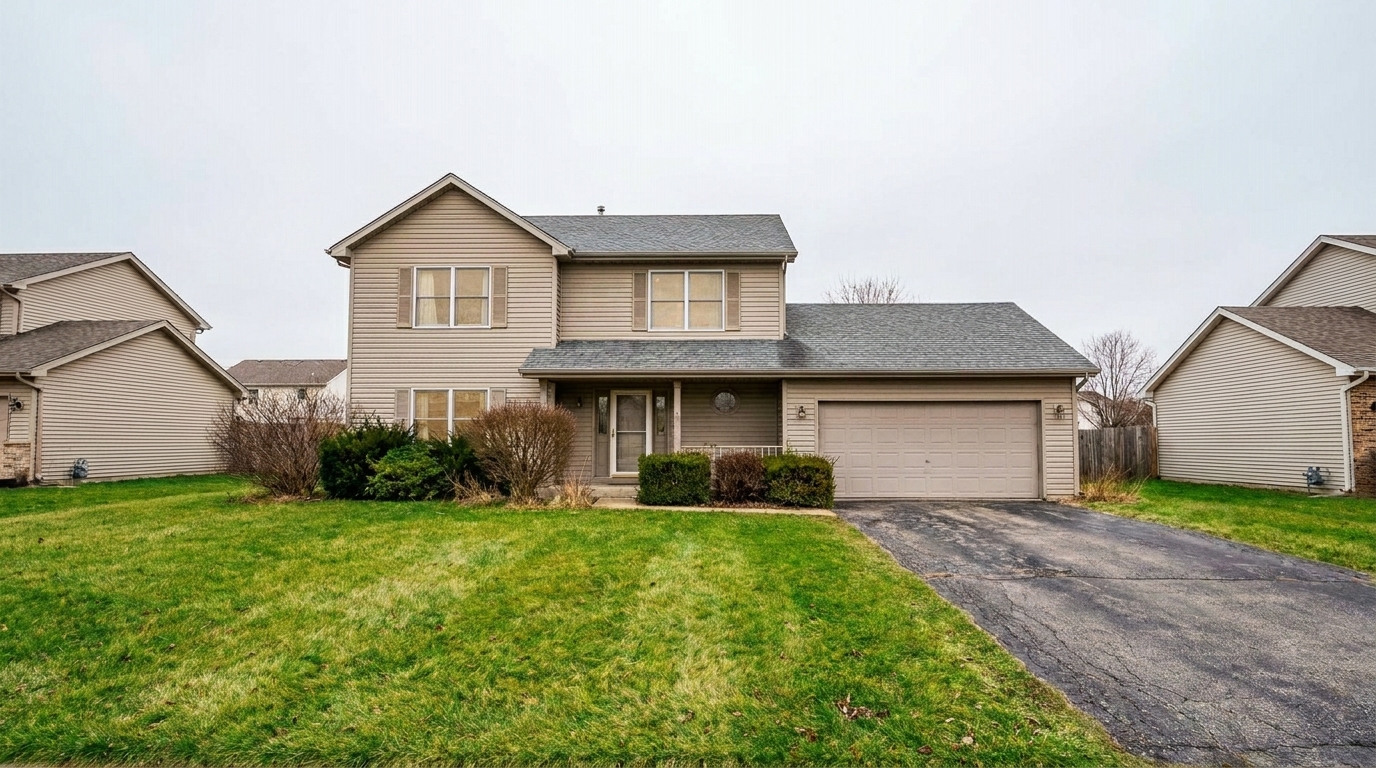

Dull Suburban Front Yard
Boost natural vibrance in the same suburban front yard so grass, shrubs, siding, trim, and walkway edges feel fresher and more.
Gently enrich colors to make your real estate listings stand out. Enhance dull tones naturally without the risk of artificial oversaturation.
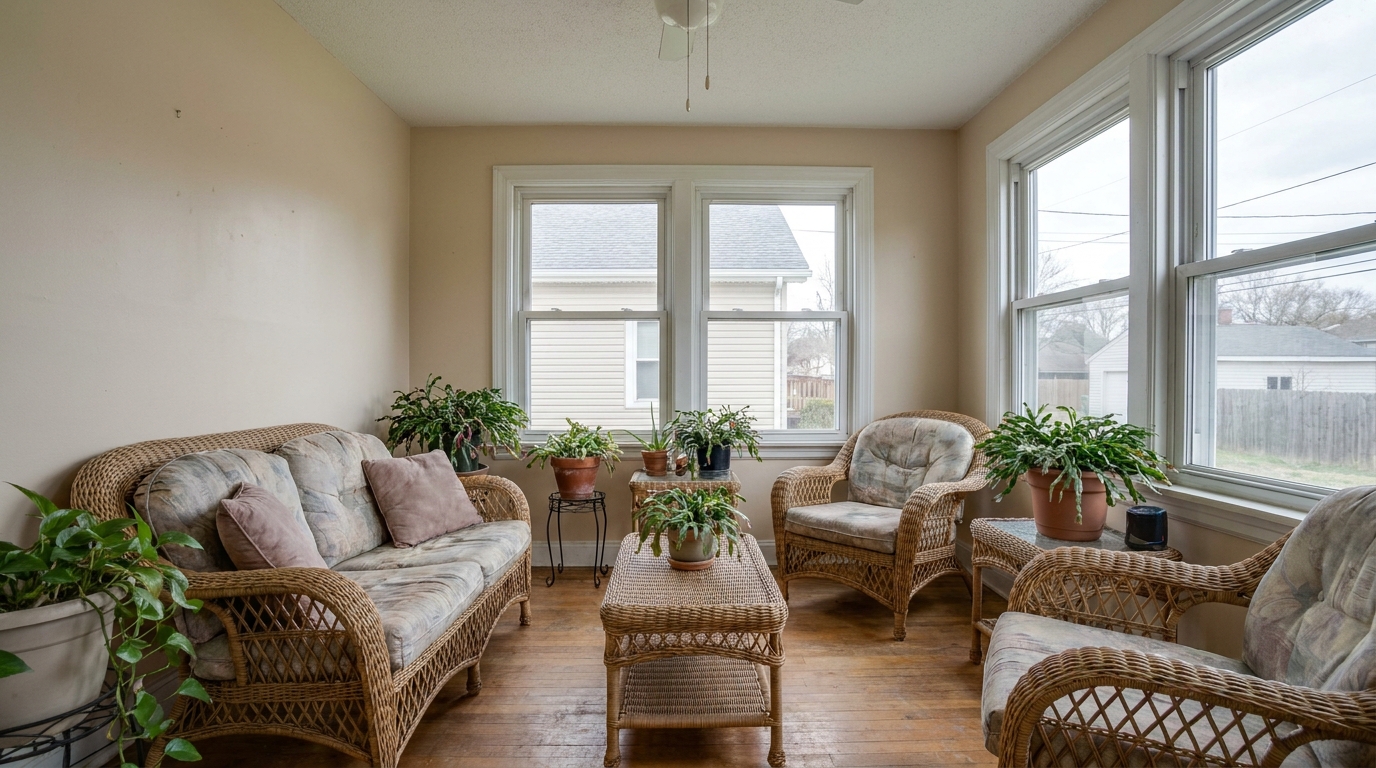
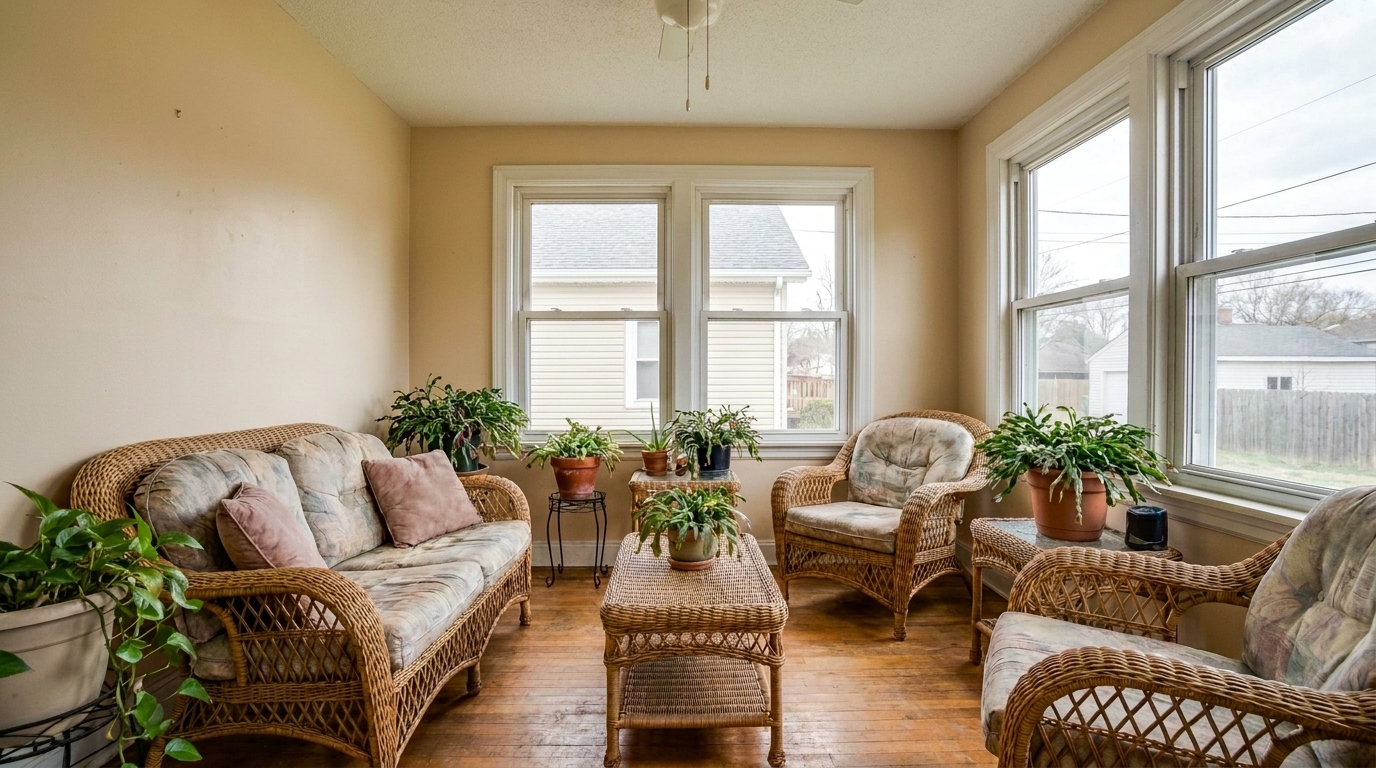
Compare original flat photos with our vibrant, professionally enhanced results.
Boost natural vibrance in the same suburban front yard so grass, shrubs, siding, trim, and walkway edges feel fresher and more.
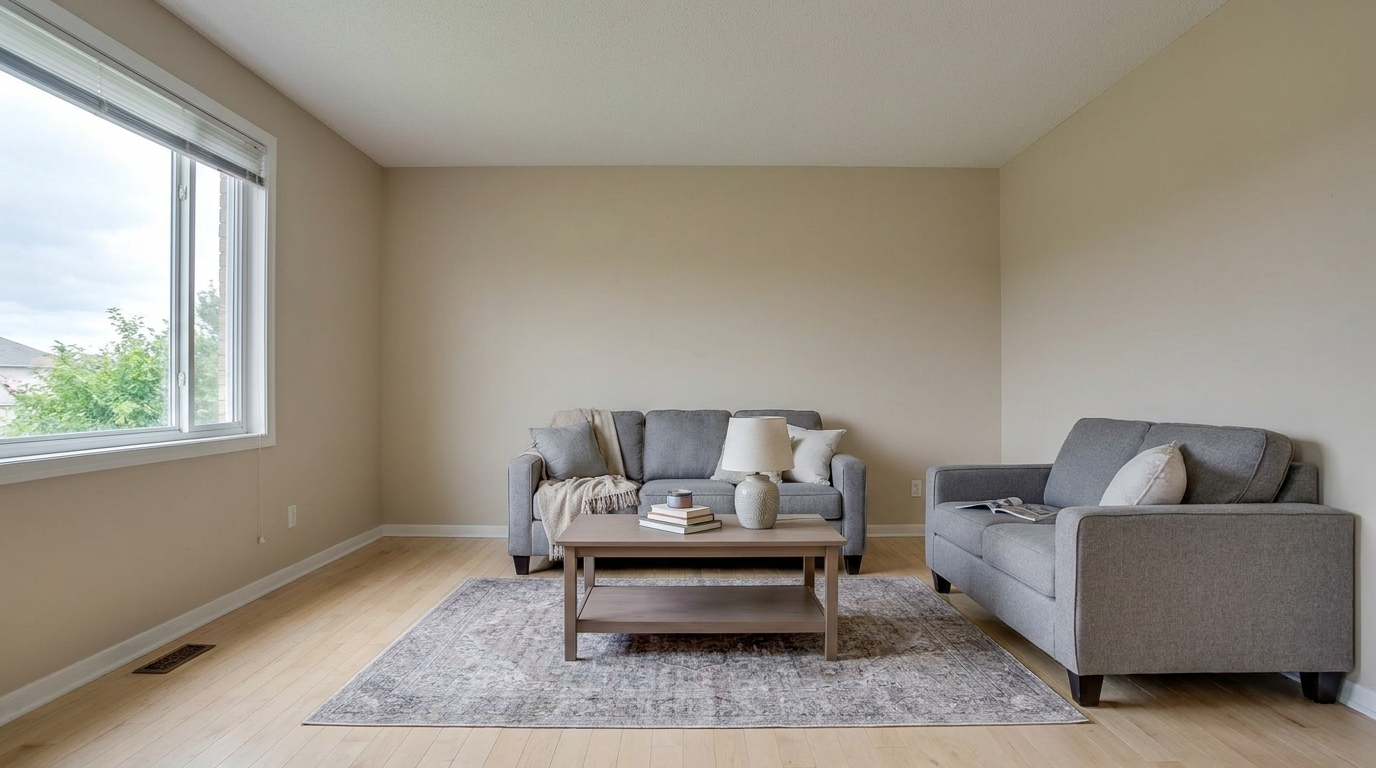
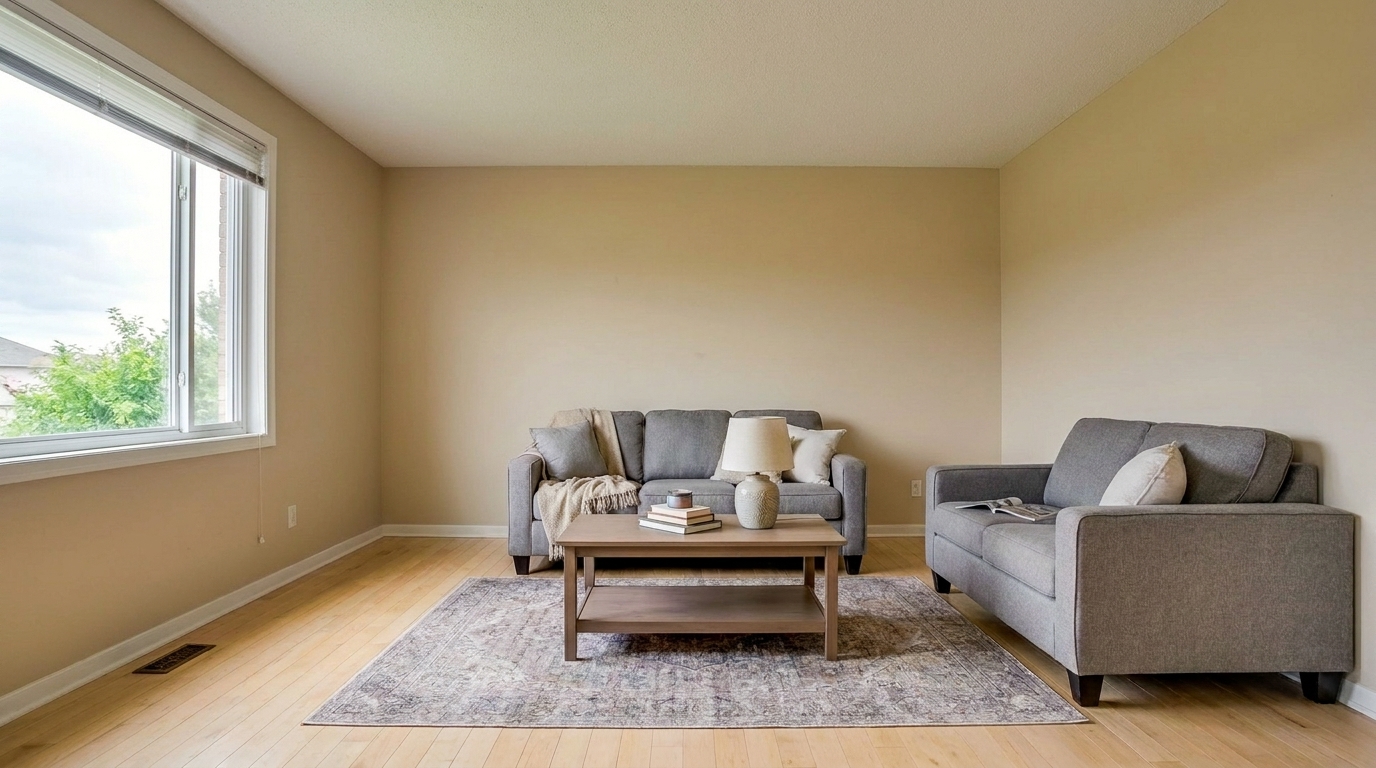
Selectively enrich the same living room by restoring subtle warmth in wood floors, sofa fabric, cushions, wall tone, and decor.
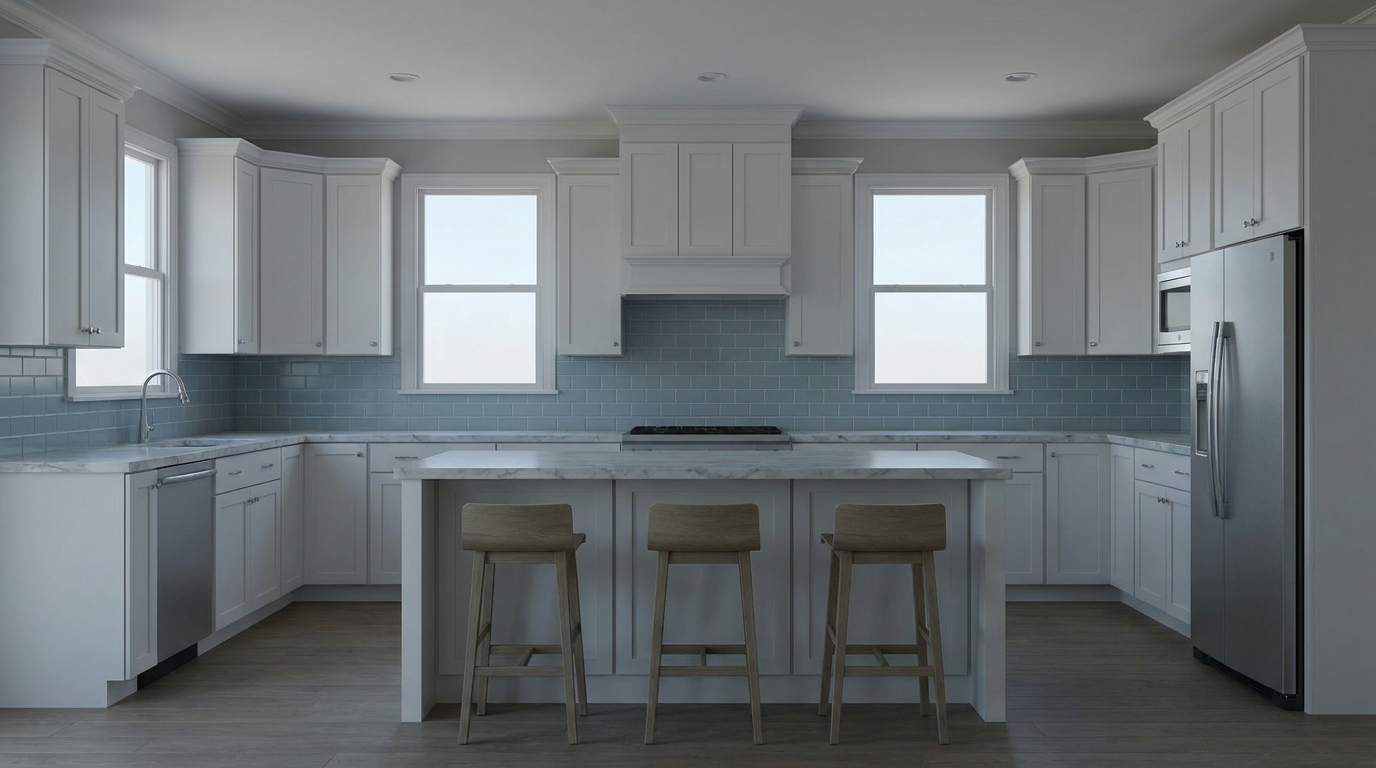
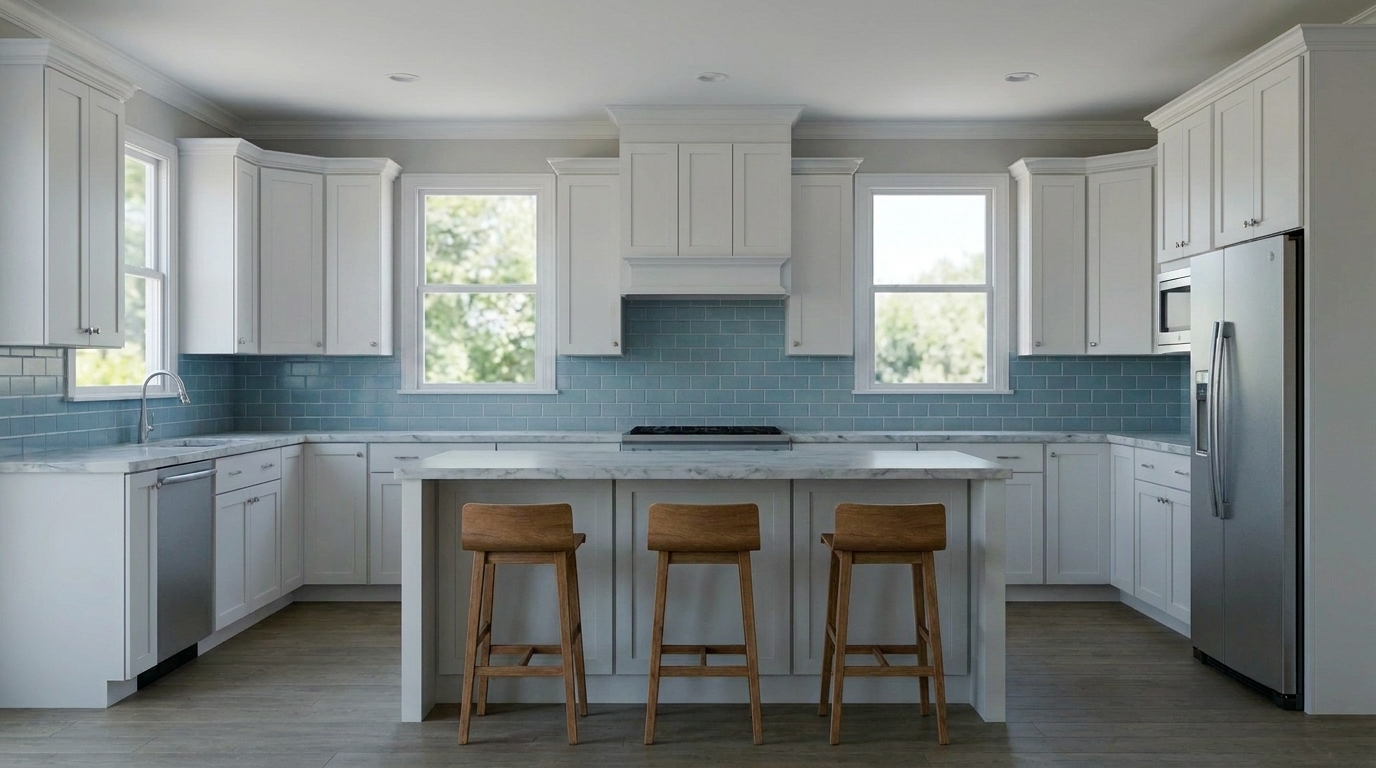
Selectively enrich the same kitchen by restoring natural warmth to wood barstools, subtle color in the backsplash, and realistic.
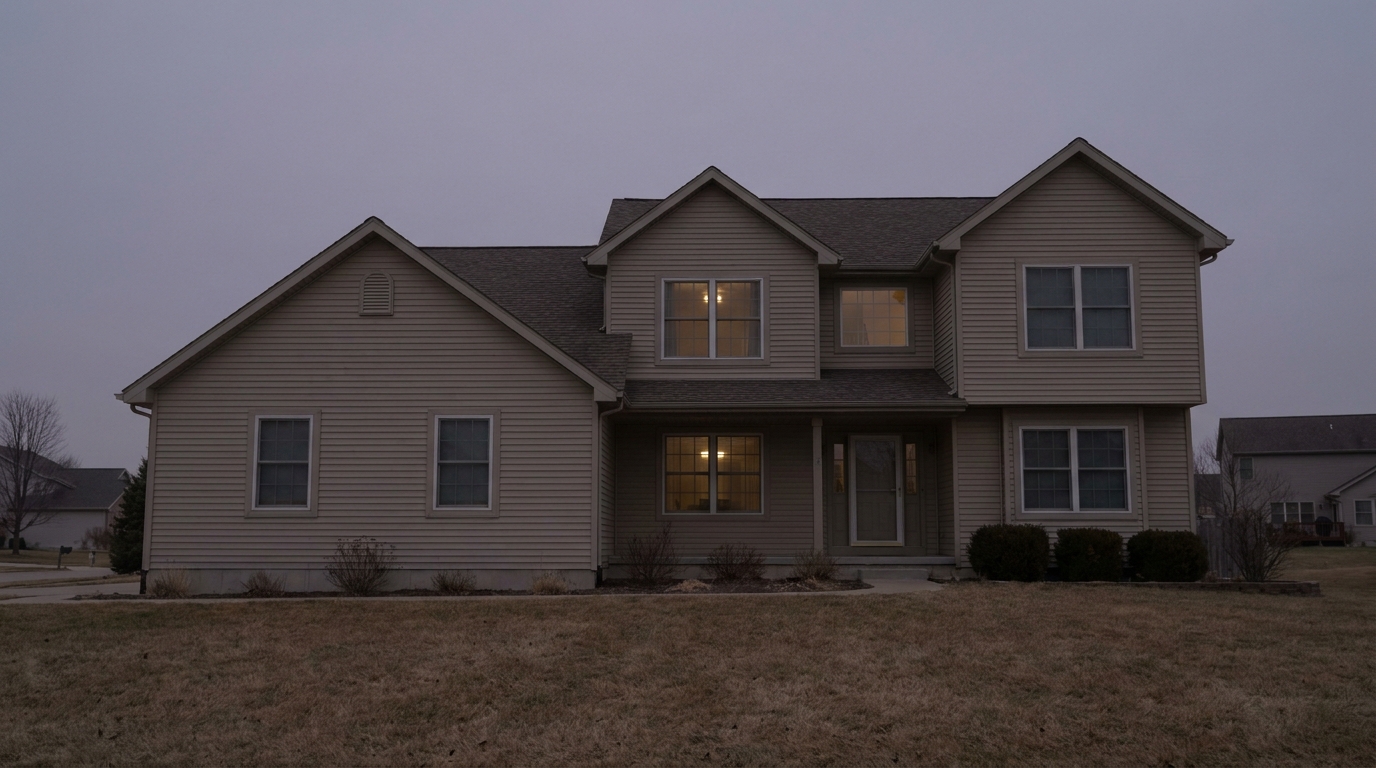
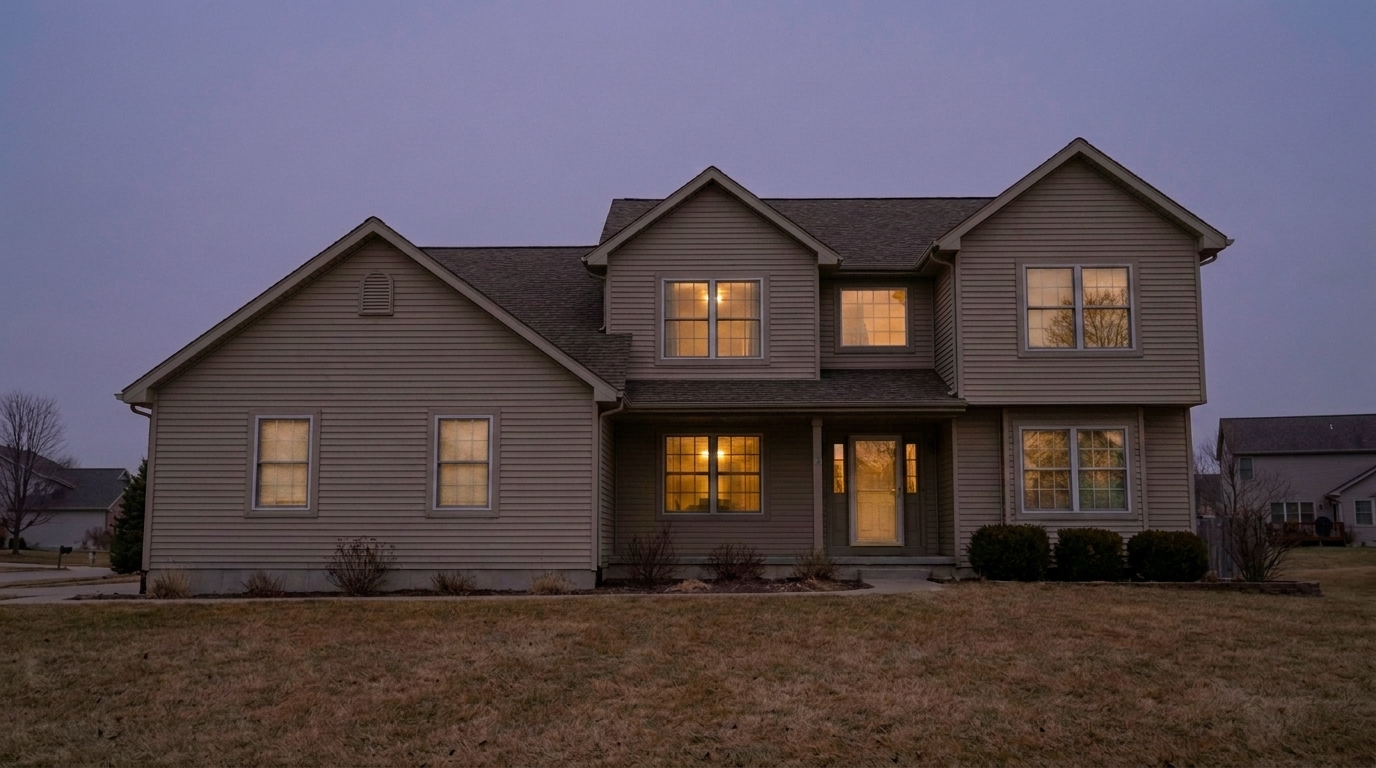
Boost the same twilight exterior with restrained vibrance: deepen the existing dusk purple/blue-gray sky slightly, enrich siding.
Discover how our AI balances saturation and vibrance to deliver natural, eye-catching results.
Intelligently targets and enriches only the muted, under-saturated midtones in your photo while protecting already-vibrant areas from color clipping.
Ensures essential real estate materials like hardwood floors, brickwork, and stone countertops maintain their authentic, realistic colors without shifting orange or red.
Automatically detects lawns, landscaping, and skies to apply a healthy, lush boost that makes exterior property photos look exceptionally inviting.
Enhances color richness and depth without introducing digital noise, artifacts, or artificial haze to your high-resolution images.
Apply the same consistent vibrance and saturation boost across your entire listing photo set to maintain a cohesive, professional look.
Automatically balances micro-contrast alongside color saturation to keep textures, fabrics, and architectural details looking sharp and dimensional.
See how different property types and lighting conditions benefit from a subtle color lift.
Transform dull, gray-day exterior photos into warm, inviting listings with vibrant lawns and skies.
ExteriorsBring life to neutral-colored rooms, highlighting subtle accents in rugs, cushions, and artwork.
InteriorsMake empty rooms with bare walls feel warmer, friendlier, and more visually engaging to online browsers.
Virtual StagingAmplify the rich, warm oranges and purples of sunset or sunrise shots without blowing out the highlights.
TwilightMake landscaping, gardens, and backyard pools look exceptionally healthy, clean, and appealing.
LandscapingEnsure office spaces and retail listings look energetic, clean, and professionally styled.
CommercialFollow these simple steps to enrich the colors of your property listings.
Drag and drop your interior or exterior property photos directly into the editor. We support high-resolution JPEGs, PNGs, and raw formats.
Select the preset. Our AI instantly analyzes the color profile of your image, identifying muted midtones and applying a balanced, natural color lift.
Preview the enhanced colors and download your high-resolution, vibrant photo. Your listing is now optimized to stand out on MLS and social media.
Source-backed context for why vibrance & saturation boost edits matter inside lighting, color & exposure workflows.
Vibrance & Saturation Boost within Lighting, Color & Exposure evidence
Photos are one of the most valuable website features for home buyers; NAR's 2025 generational trends report says 83% of internet-using buyers rated photos as very useful. For Vibrance & Saturation Boost pages, this supports showing how a focused Lighting, Color & Exposure edit can make the listing photo feel clearer, more polished, and easier for buyers to evaluate.
Source: NAR 2025Vibrance & Saturation Boost within Lighting, Color & Exposure evidence
Zillow Research's 2025 prospective buyer report ranked high-resolution photos as the number two most important listing feature, selected by 26% of prospective buyers; floor plans ranked first at 33%. For Vibrance & Saturation Boost pages, this supports showing how a focused Lighting, Color & Exposure edit can make the listing photo feel clearer, more polished, and easier for buyers to evaluate.
Source: Zillow 2025Vibrance & Saturation Boost within Lighting, Color & Exposure evidence
Redfin reported that professionally photographed homes in the $400,000 range sold three weeks faster and for more than $10,000 relative to list price compared with amateur photos. Use this as supporting context, not as a guaranteed result. For Vibrance & Saturation Boost pages, this supports showing how a focused Lighting, Color & Exposure edit can make the listing photo feel clearer, more polished, and easier for buyers to evaluate.
Source: RedfinColor is one of the first things home buyers notice when browsing listings online. Muted, flat photos often get scrolled past, while overly saturated photos look fake and untrustworthy. This guide helps you strike the perfect balance.
Human eyes are naturally drawn to warm, rich, and clean colors. In real estate, a lush green lawn, a crisp blue pool, or a warm wooden floor can evoke feelings of comfort and luxury. However, cameras often capture raw scenes with a flat color profile, especially under overcast skies or mixed indoor lighting. Gently boosting the vibrance helps recreate the warmth and life of the physical space as you would experience it in person, significantly increasing click-through rates on listing portals.
To get the best results, follow this professional editing sequence. First, correct any major exposure issues using our Brightness Enhancer or Balance Highlight Shadow presets. Second, resolve any unnatural color casts (such as green fluorescent lighting or yellow tungsten casts). Once your exposure and white balance are clean, apply the Vibrance & Saturation Boost as a finishing touch. This ensures you are enriching true, accurate colors rather than amplifying bad lighting tints.
Choose the Vibrance & Saturation Boost when your photo is well-exposed and has accurate white balance, but simply looks flat, dull, or uninspiring. If your photo has uneven lighting, use Exposure Balancing instead. If you want to introduce a specific stylistic warmth to an interior, choose Cozy Warm Interior Editing. Avoid using the Vibrance Boost on photos that already have highly saturated elements, such as bright neon walls or intense colored LED lighting, as this can lead to color clipping and a loss of texture detail.
The biggest mistake in real estate photo editing is global oversaturation. When grass looks radioactive green and blue skies look like cartoons, buyers immediately lose trust in the listing. Our preset solves this by prioritizing vibrance over saturation. It selectively lifts the quietest colors in the image while leaving already-saturated tones alone. This keeps your photos looking professionally shot and edited, maintaining the crucial balance between eye-catching appeal and realistic representation.
Compare the vibrance boost with other professional exposure and color correction tools.
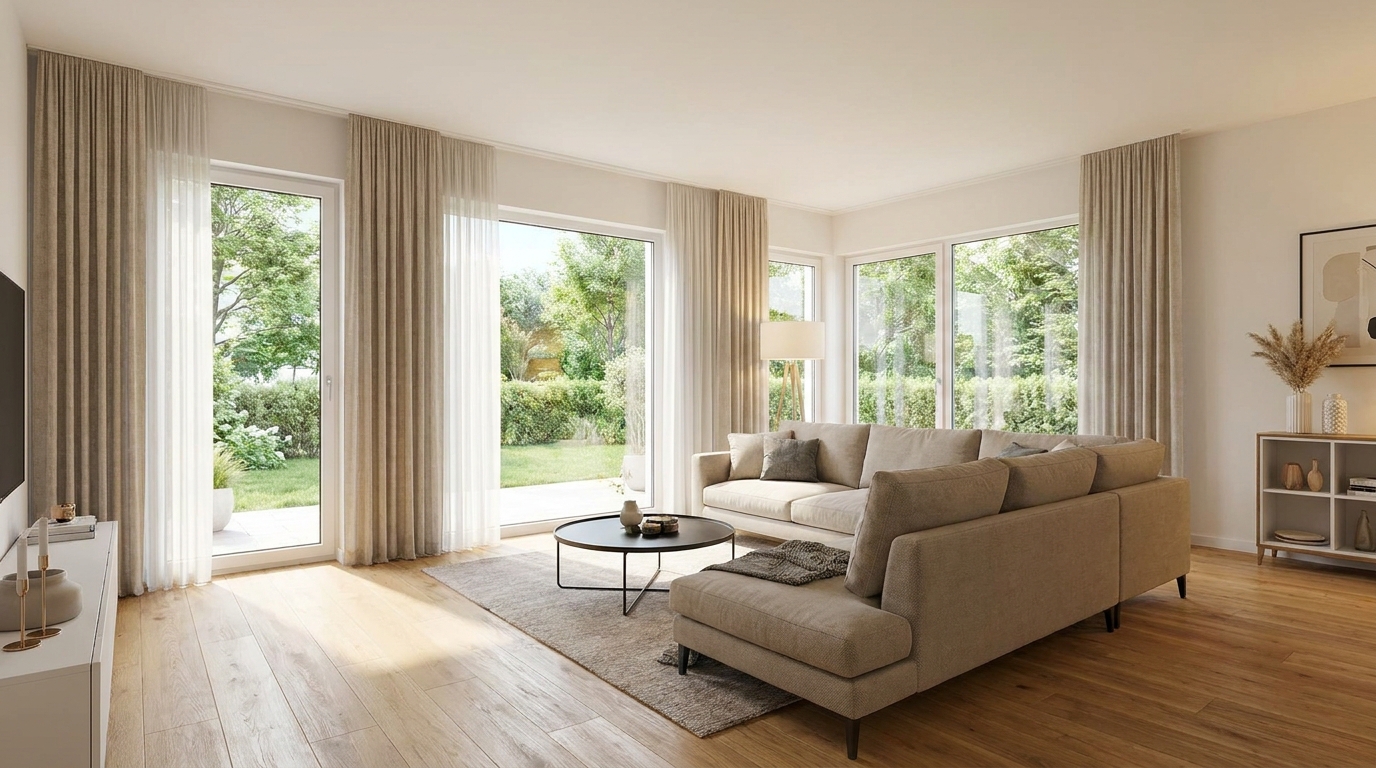
Recover highlight and shadow detail for a more balanced, high-end image.
Try This Tool →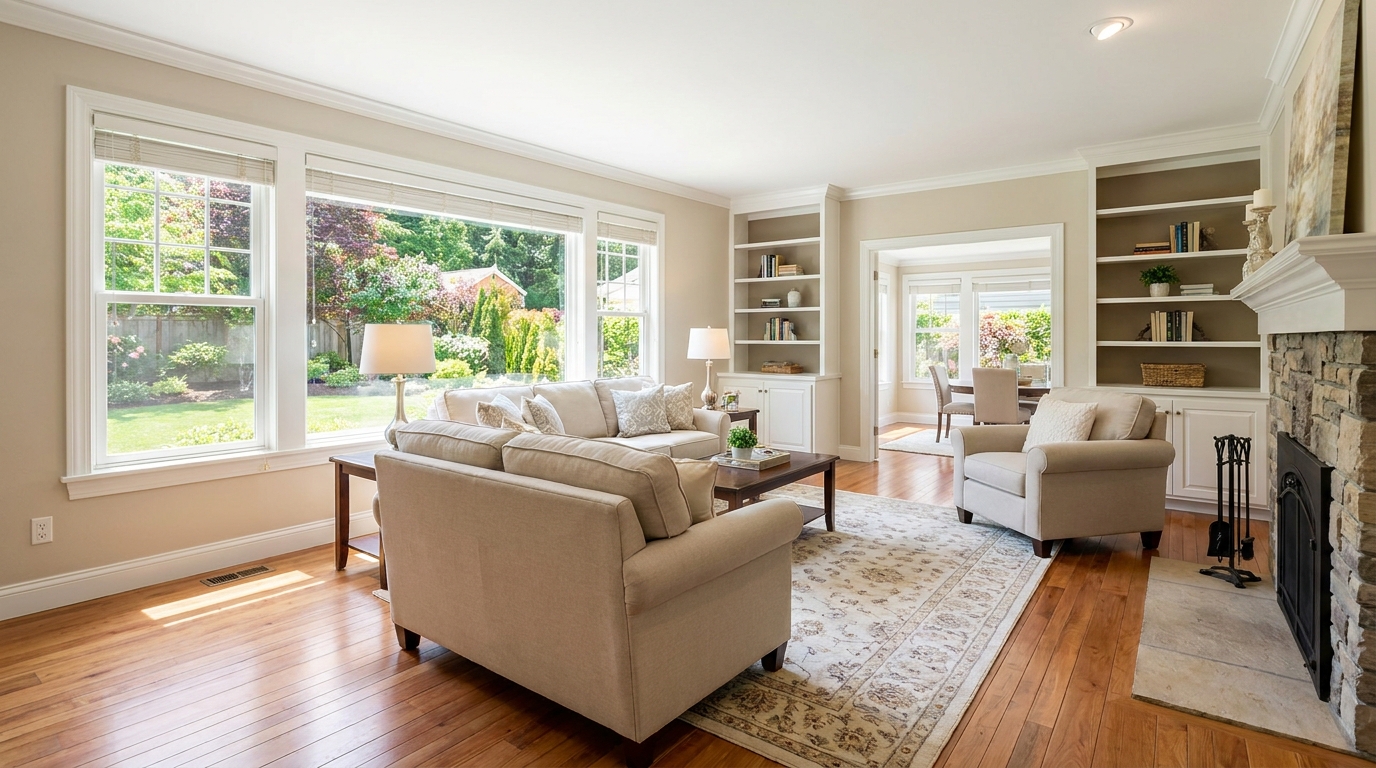
Brighten dim rooms while keeping materials and light natural.
Try This Tool →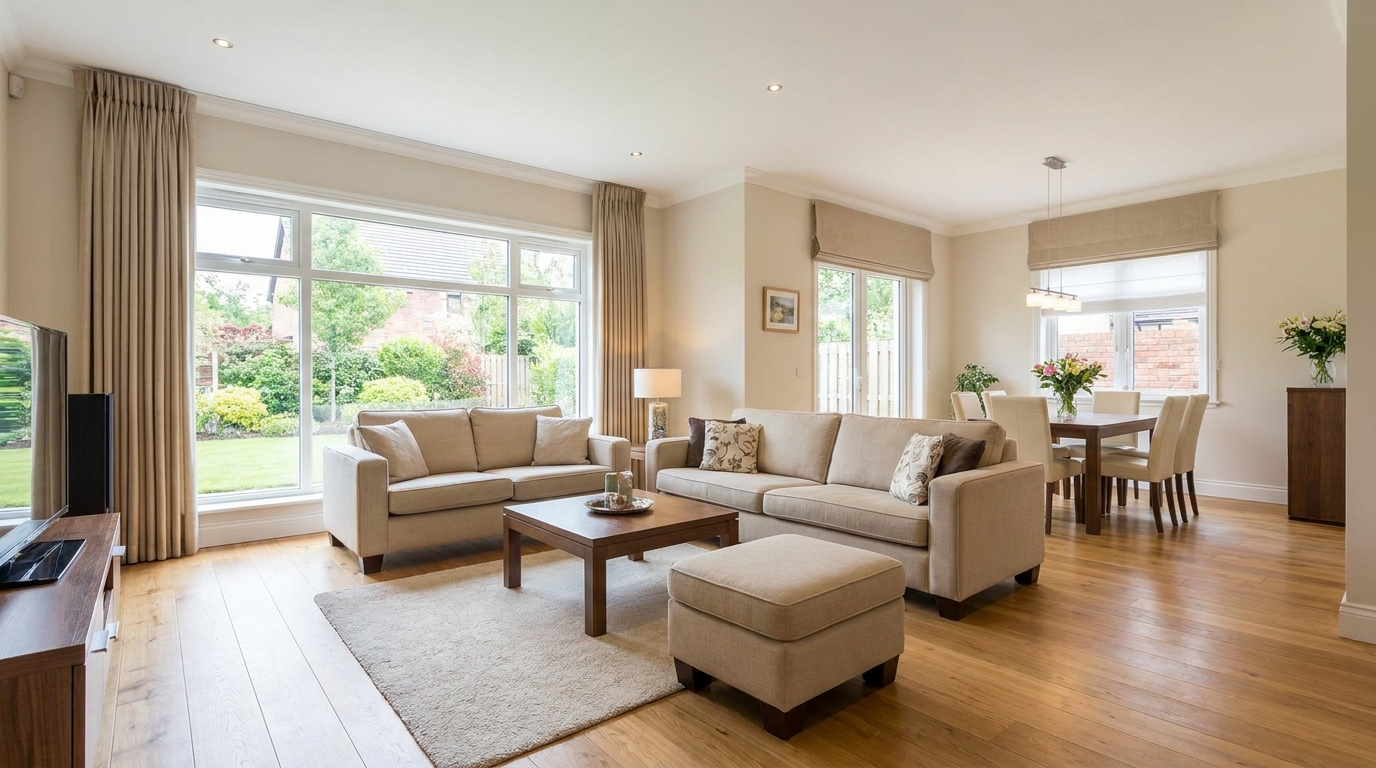
Lift overall exposure so listings feel cleaner, brighter, and easier to browse.
Try This Tool →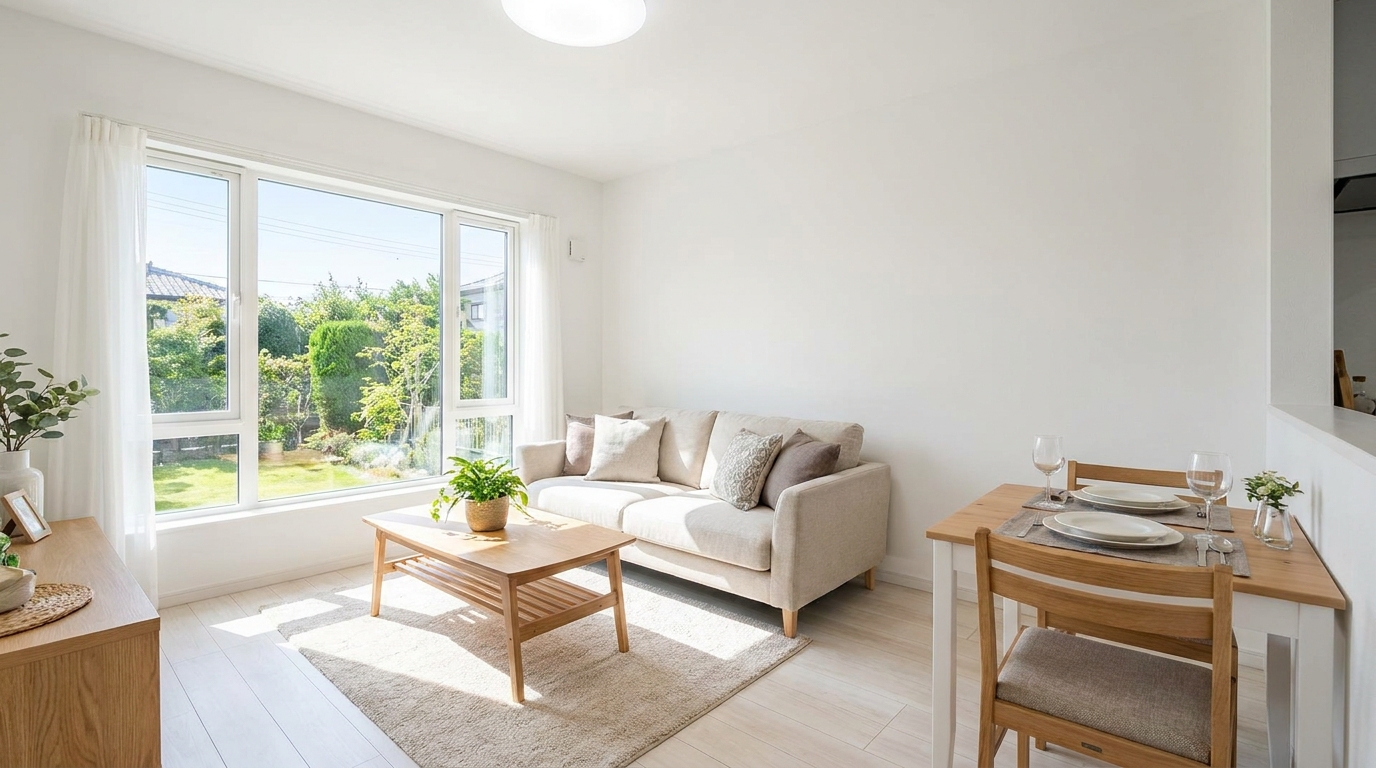
Add clean overall brightness for a fresher, more marketable photo.
Try This Tool →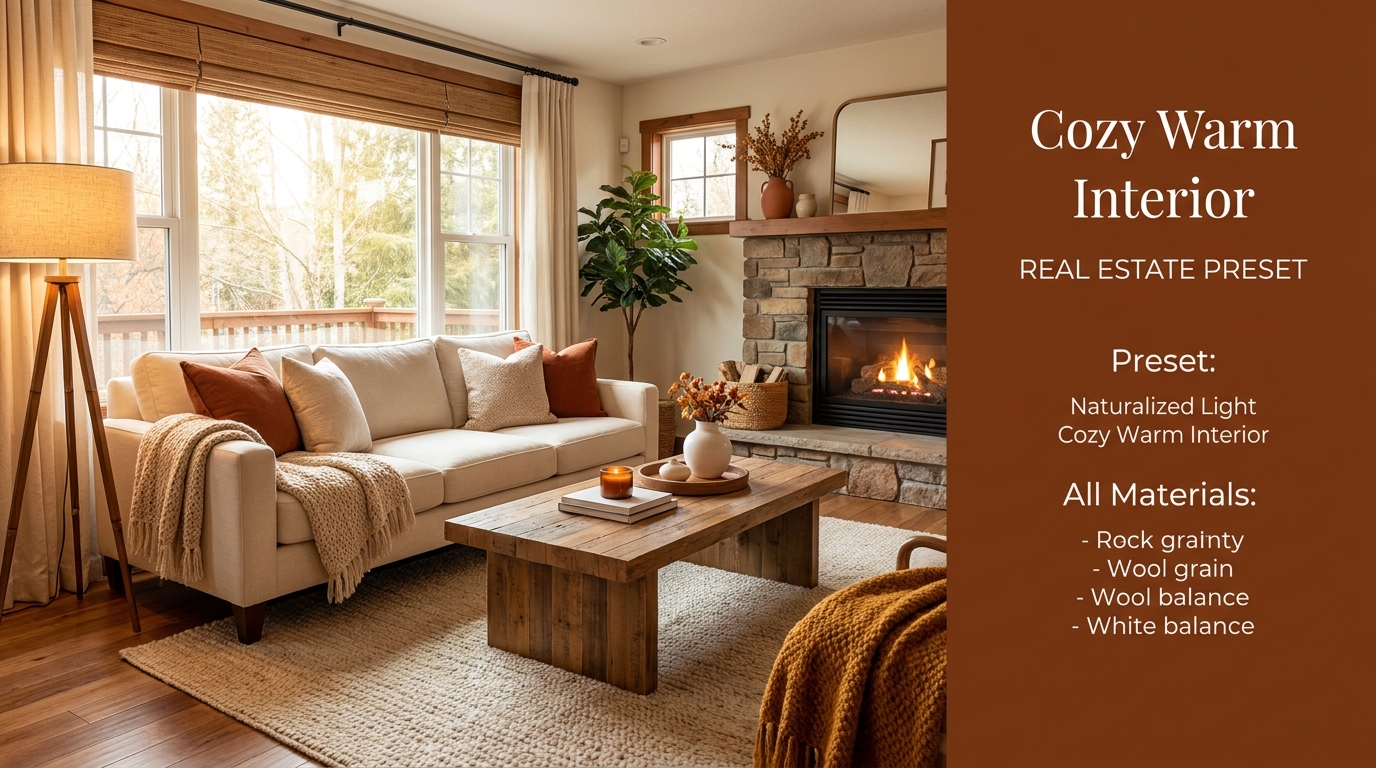
Introduce warm, welcoming tones that make interiors feel more inviting.
Try This Tool →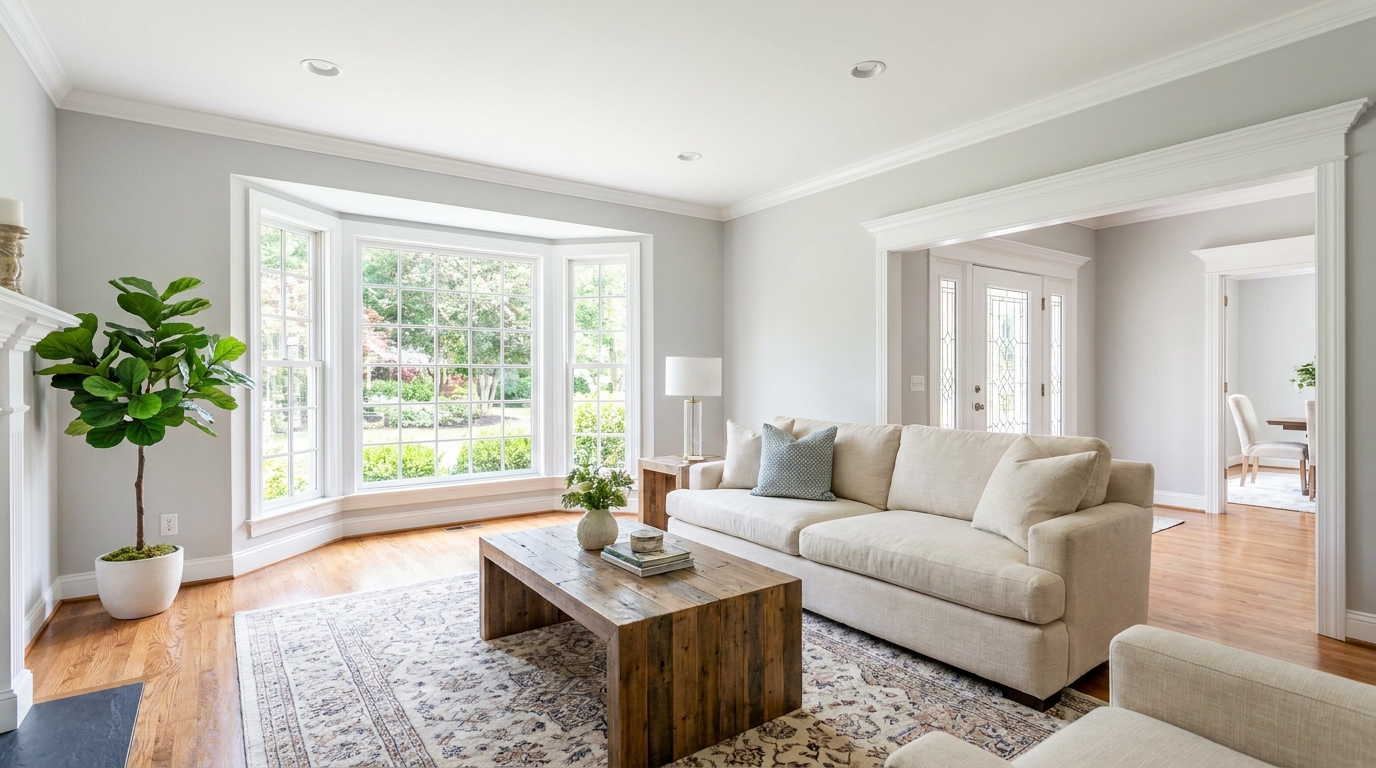
Increase brightness without washing out color, texture, or depth.
Try This Tool →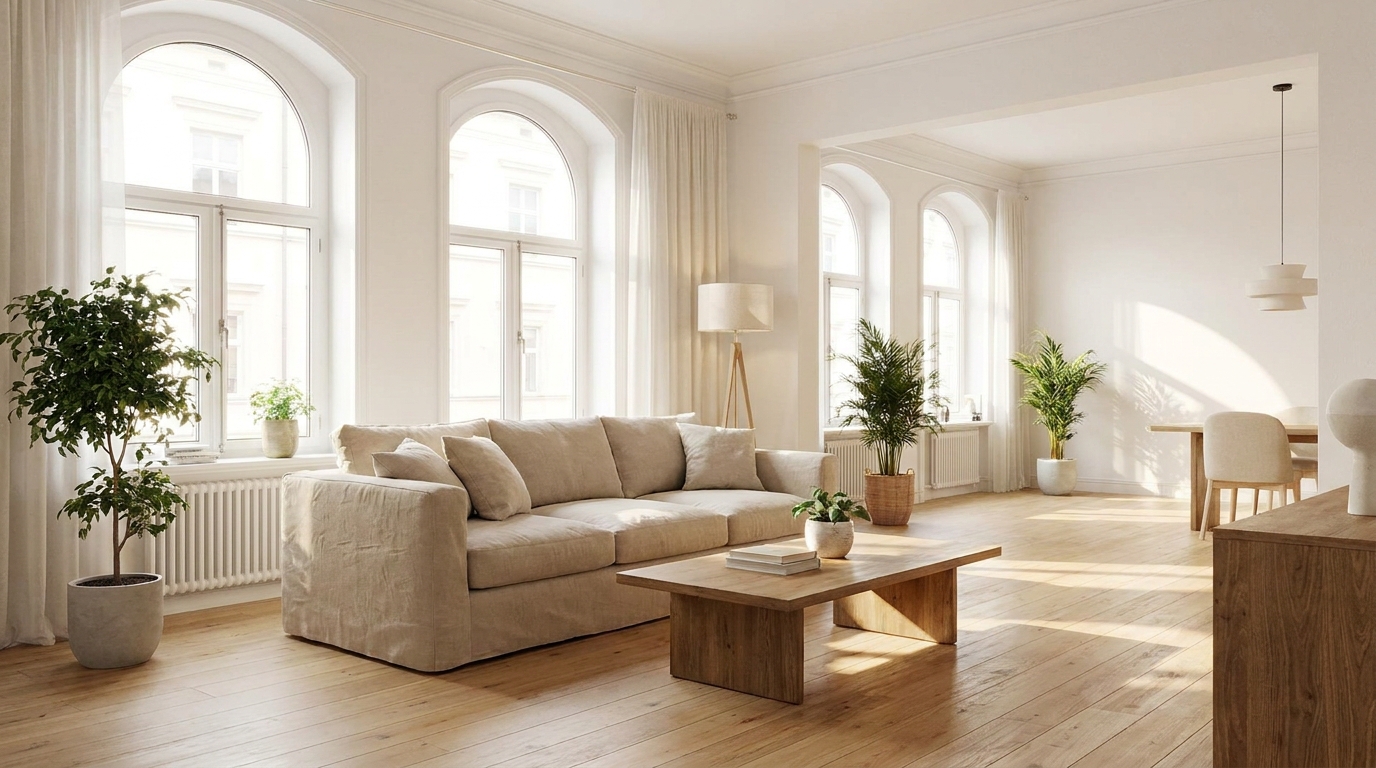
Create an airy natural-light feel that opens up the room beautifully.
Try This Tool →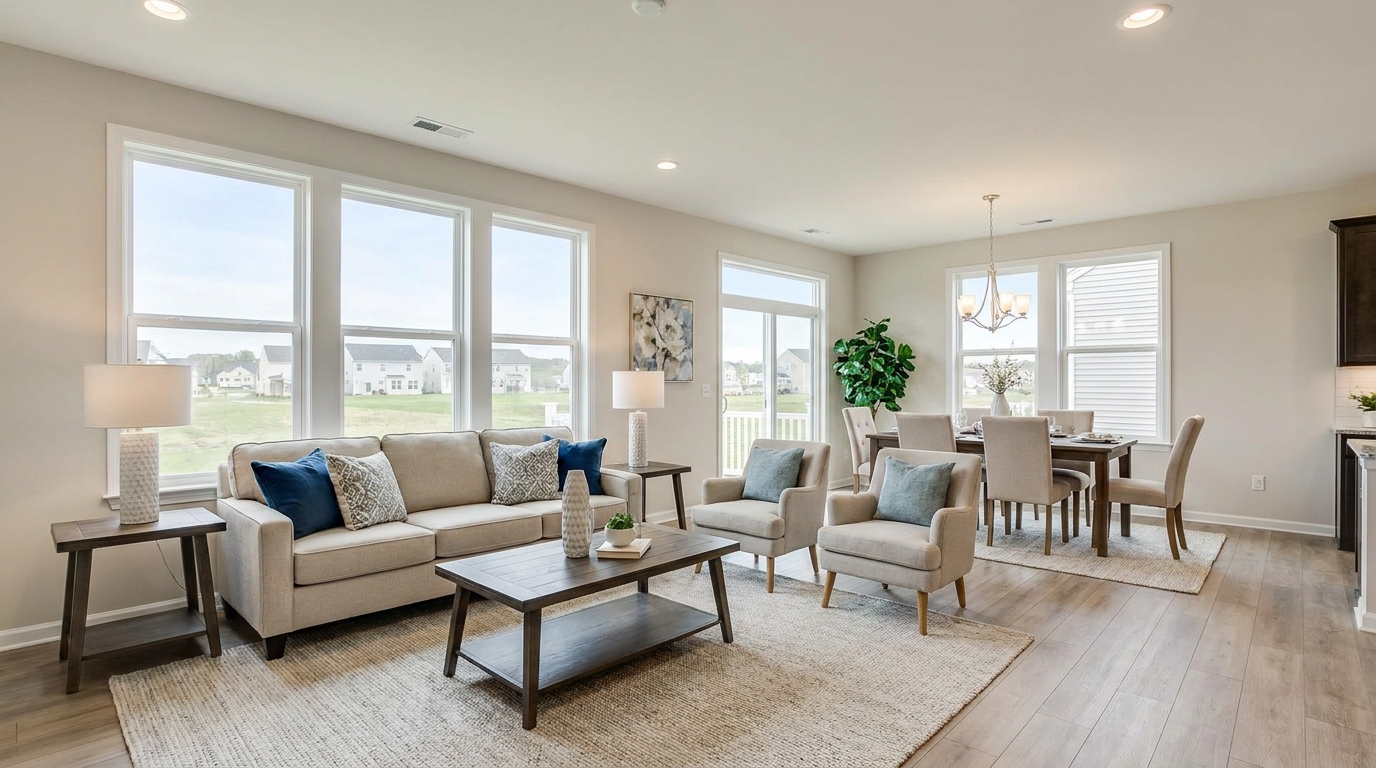
Smooth out uneven exposure for a bright, polished, professionally balanced look.
Try This Tool →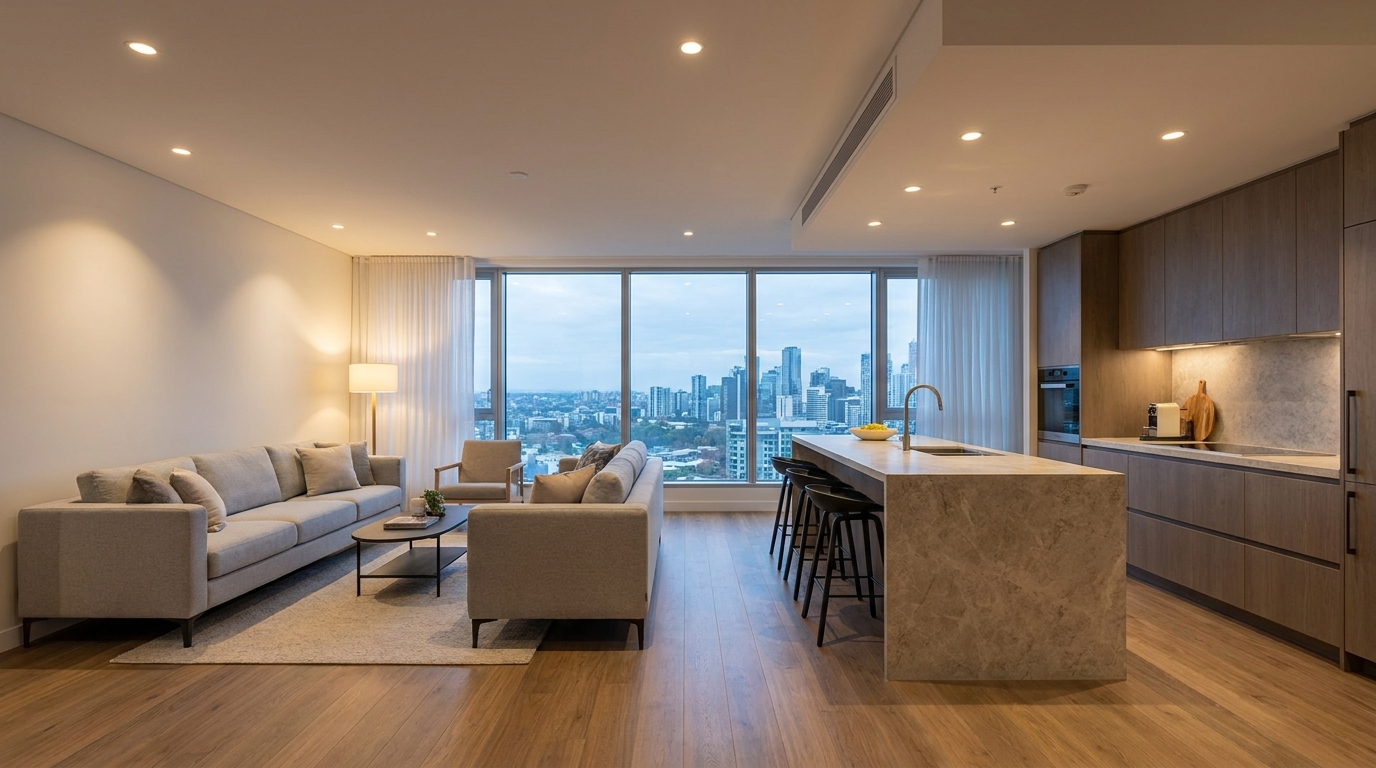
Correct mixed color temperatures for a cleaner, more cohesive image.
Try This Tool →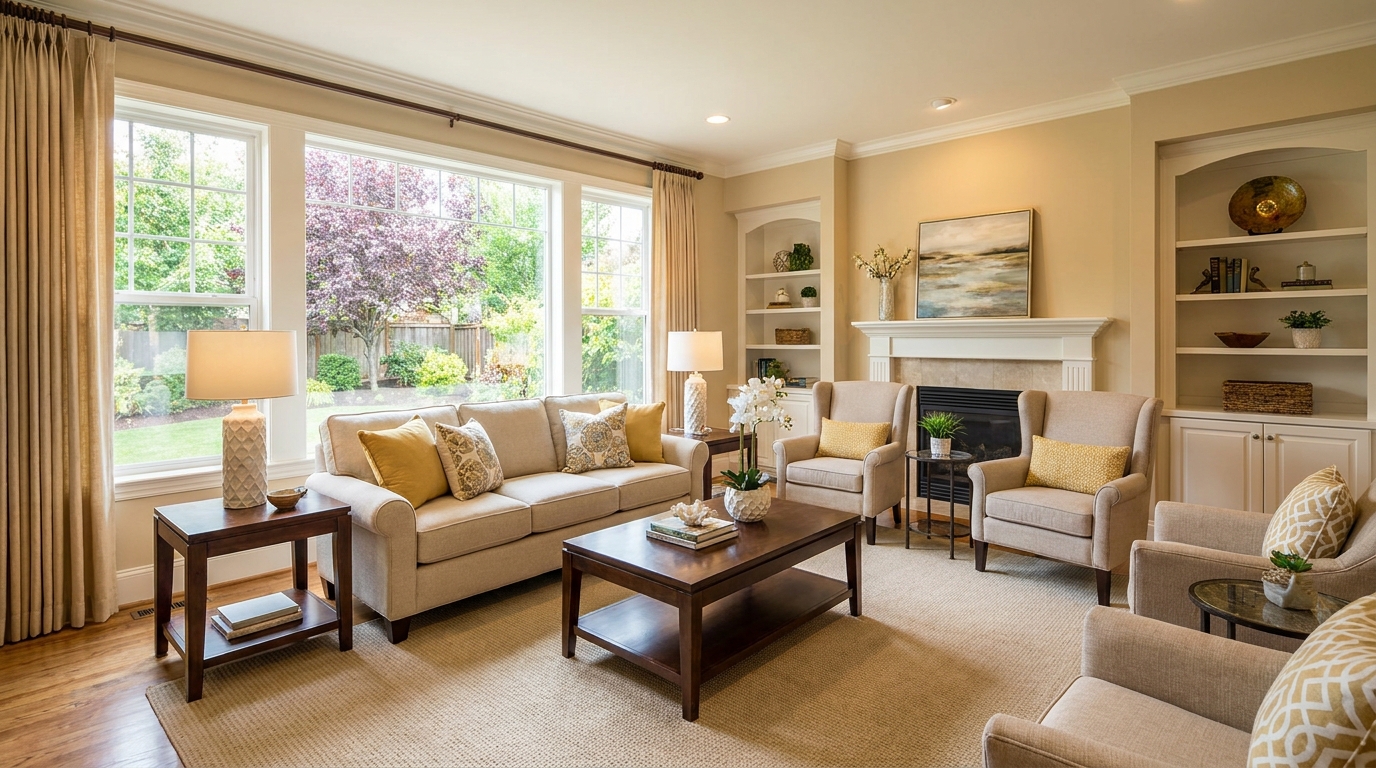
Restore depth and separation to flat photos with natural-looking contrast.
Try This Tool →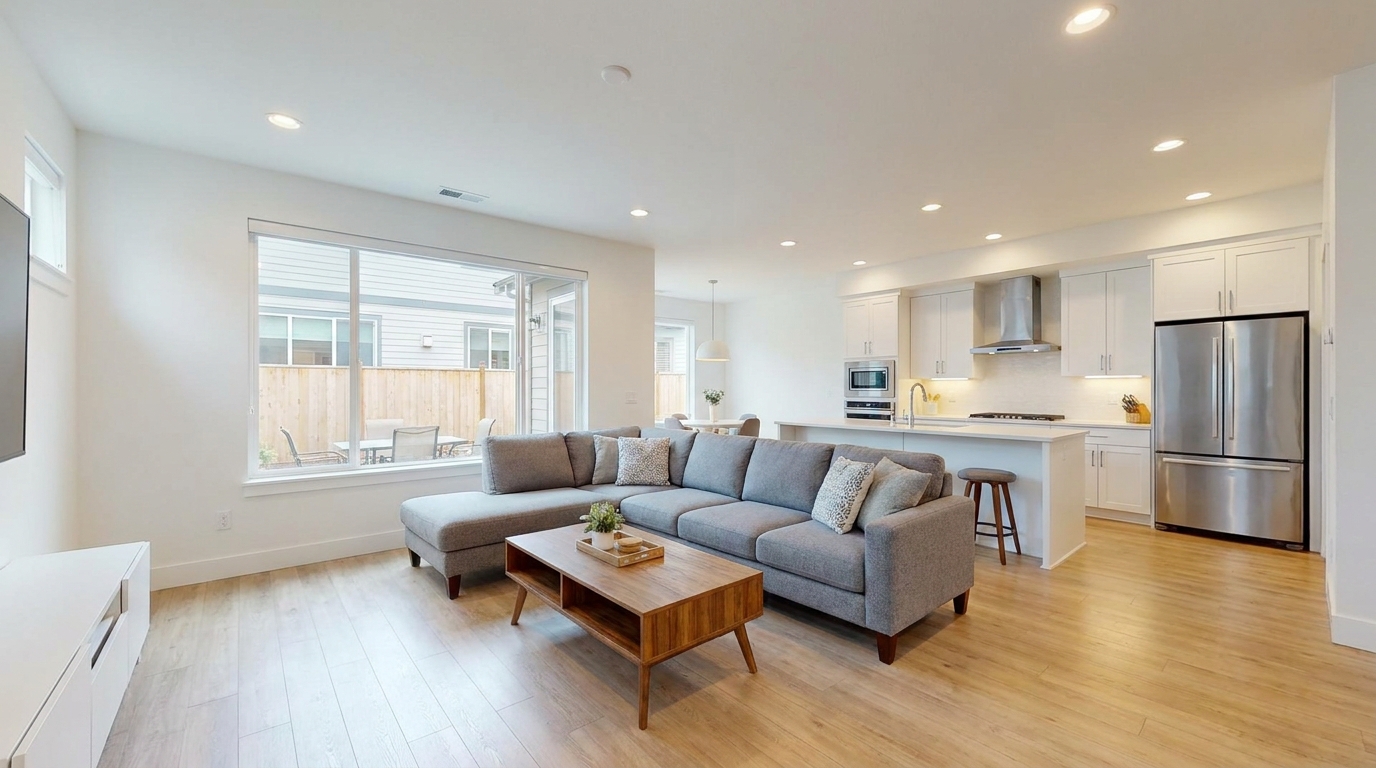
Neutralize green fluorescent casts for cleaner, more attractive indoor color.
Try This Tool →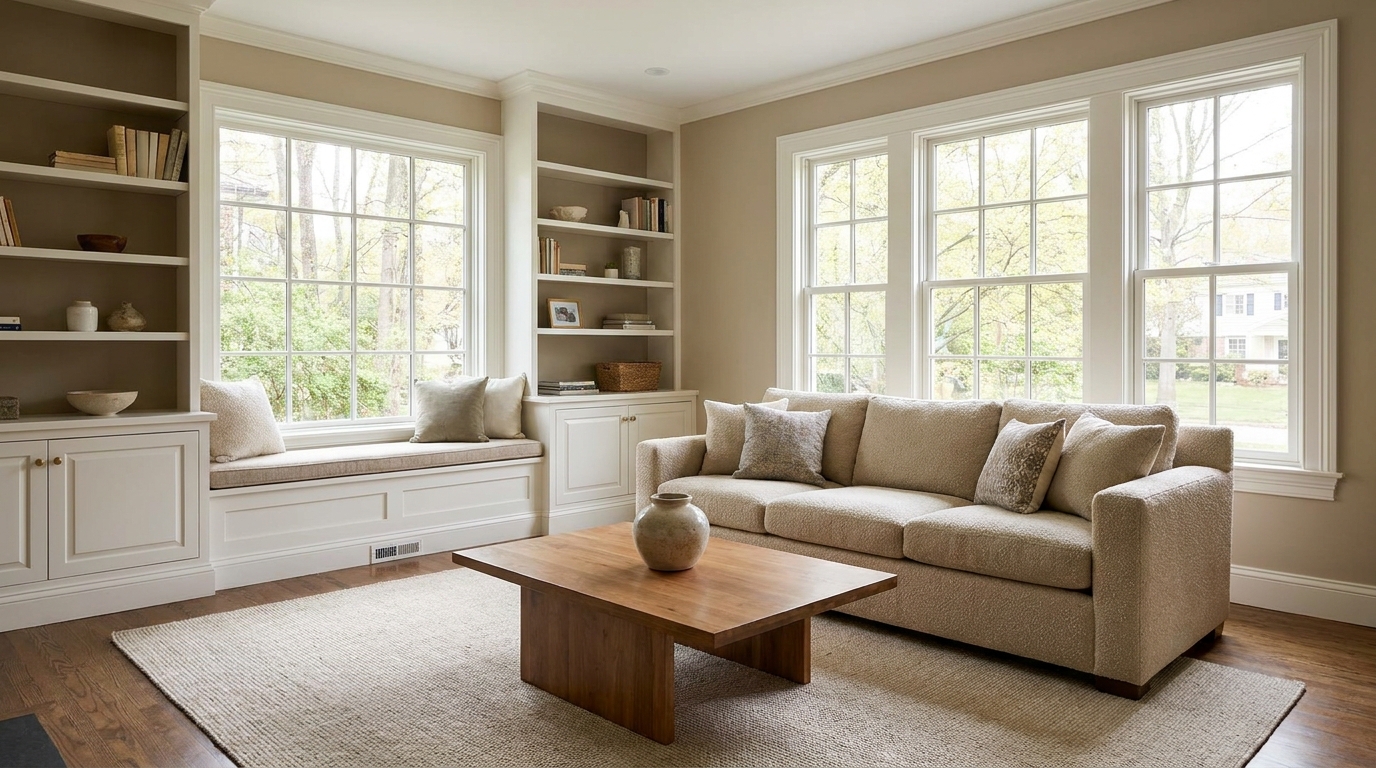
Lift dark images with natural brightness and clearer visible detail.
Try This Tool →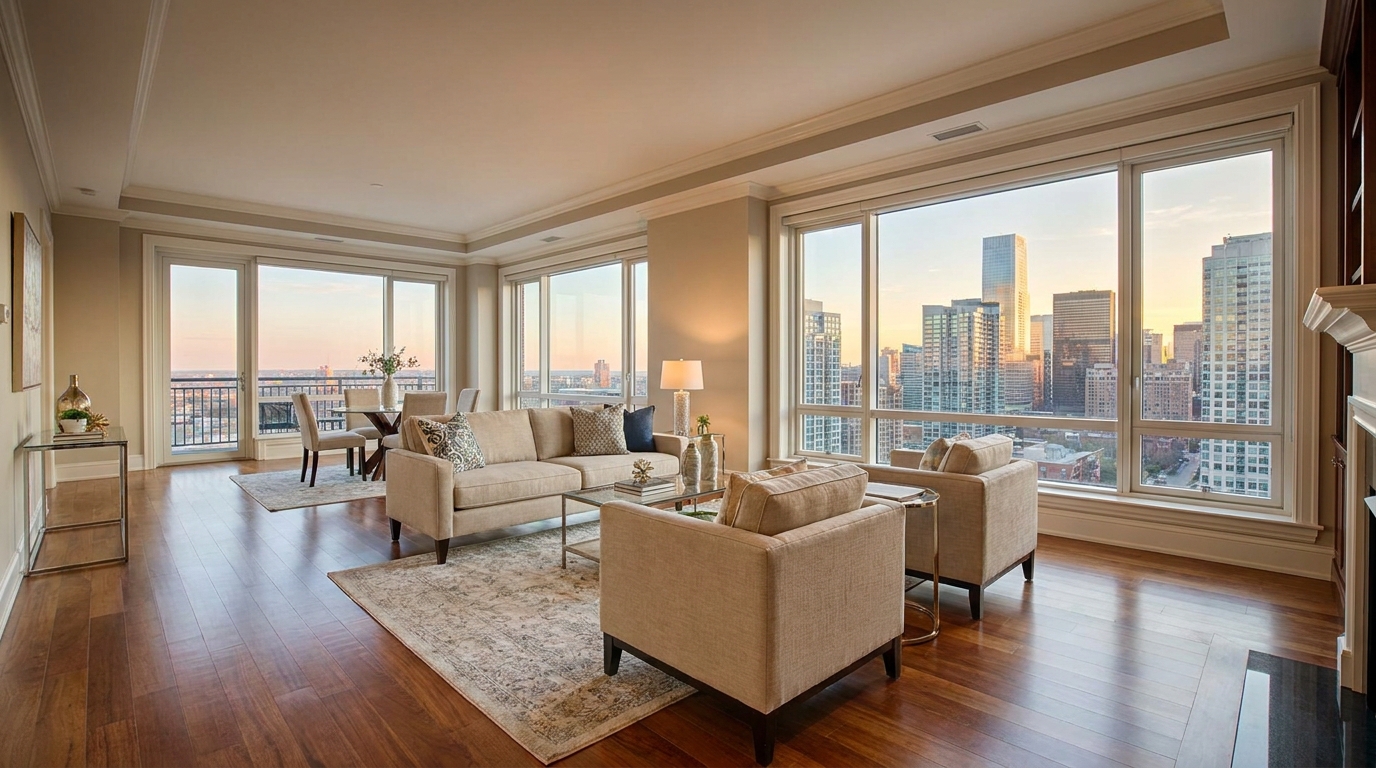
Add depth and definition for images that feel sharper and more dimensional.
Try This Tool →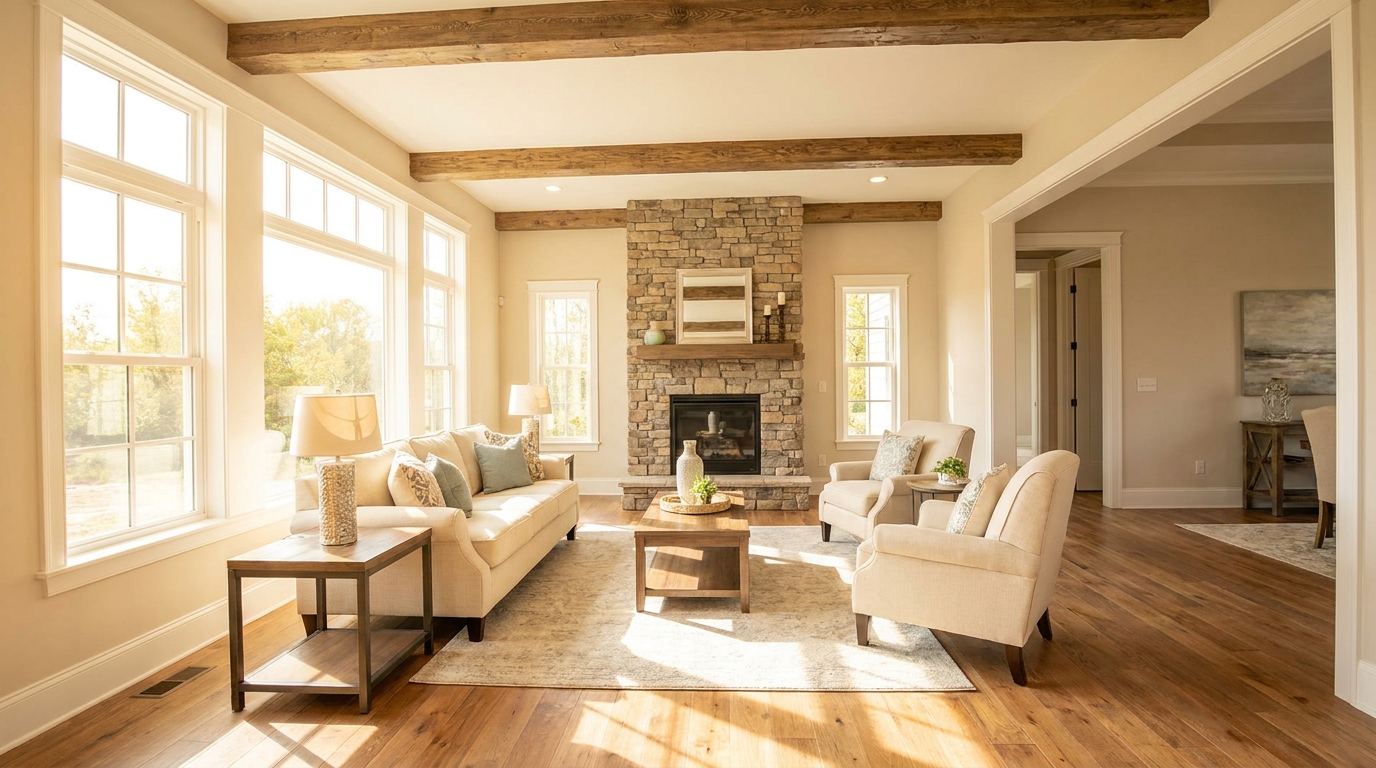
Make listing photos brighter and more open without losing realism.
Try This Tool →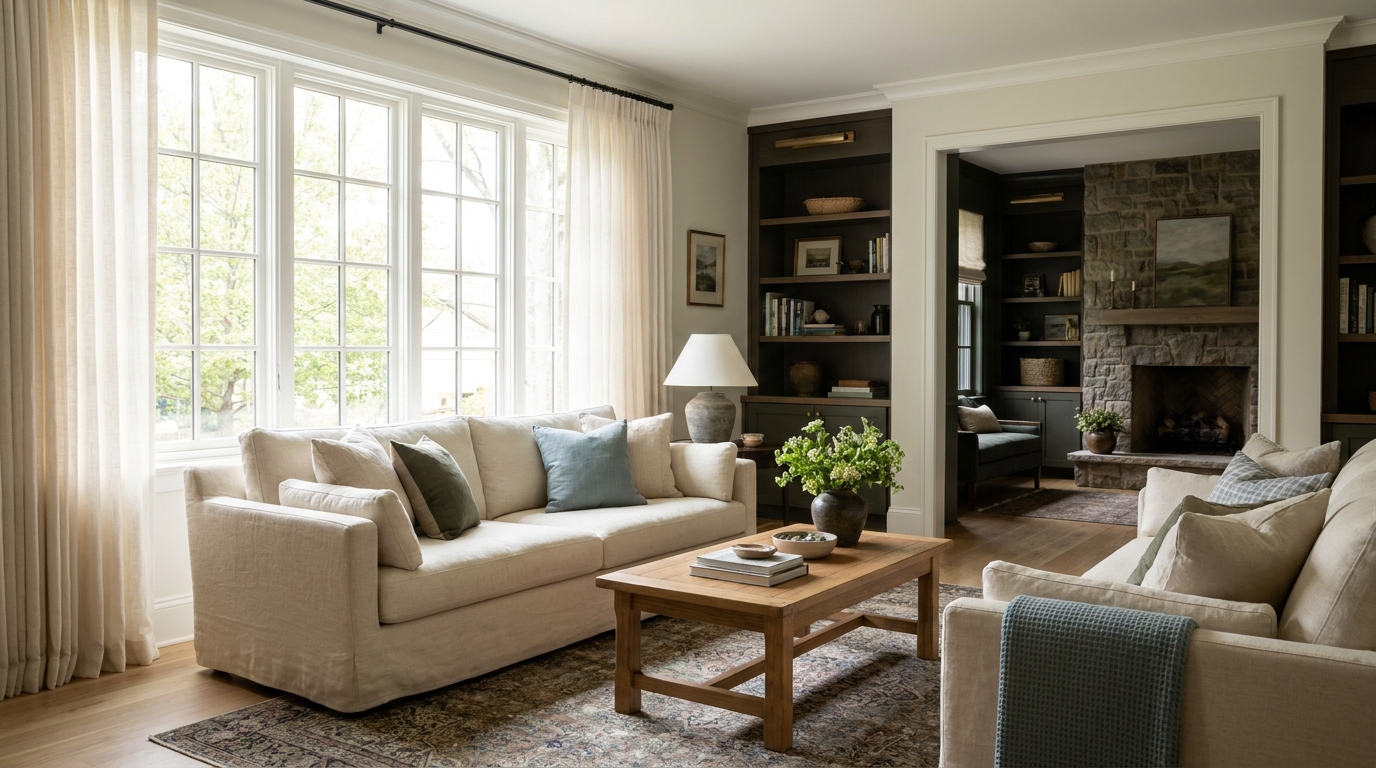
Balance dark corners and bright areas for smoother, more natural interiors.
Try This Tool →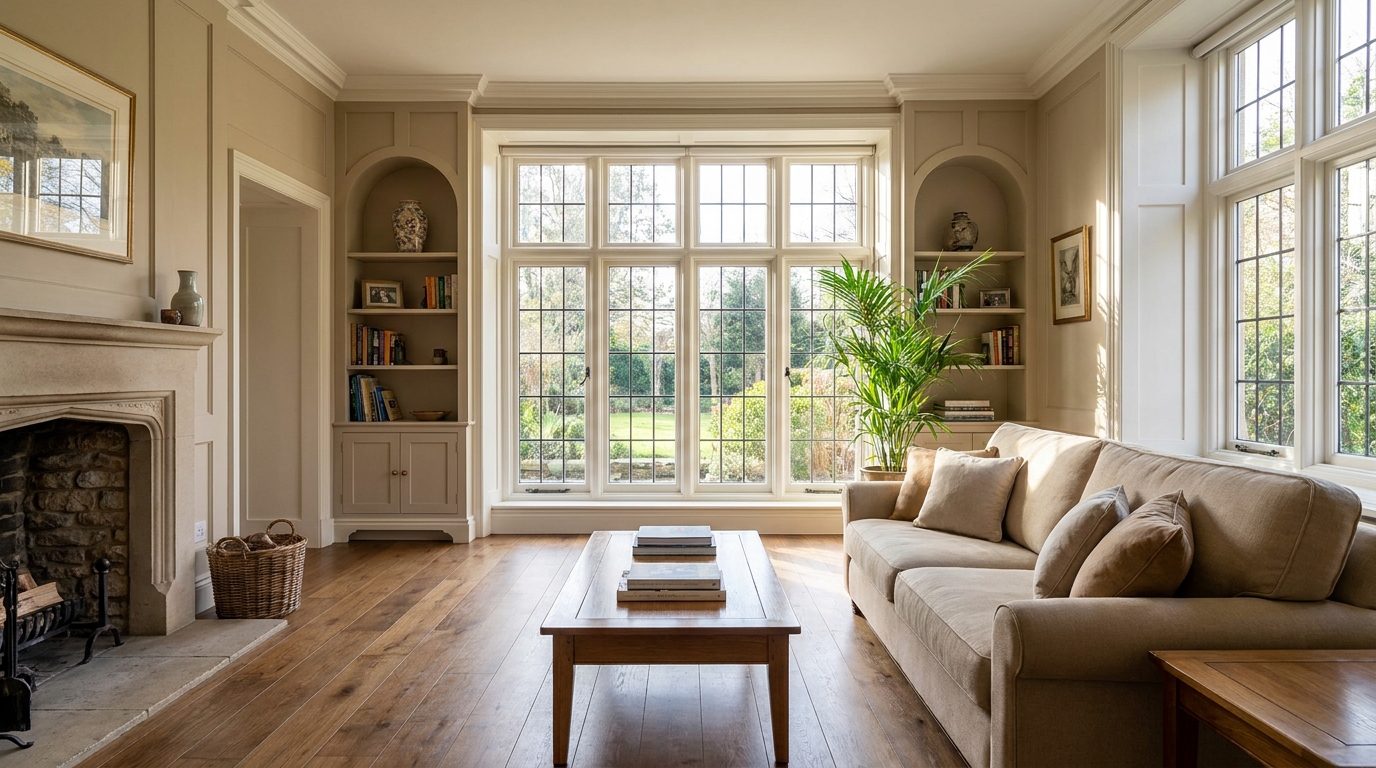
Reveal shadow detail while keeping contrast realistic and clean.
Try This Tool →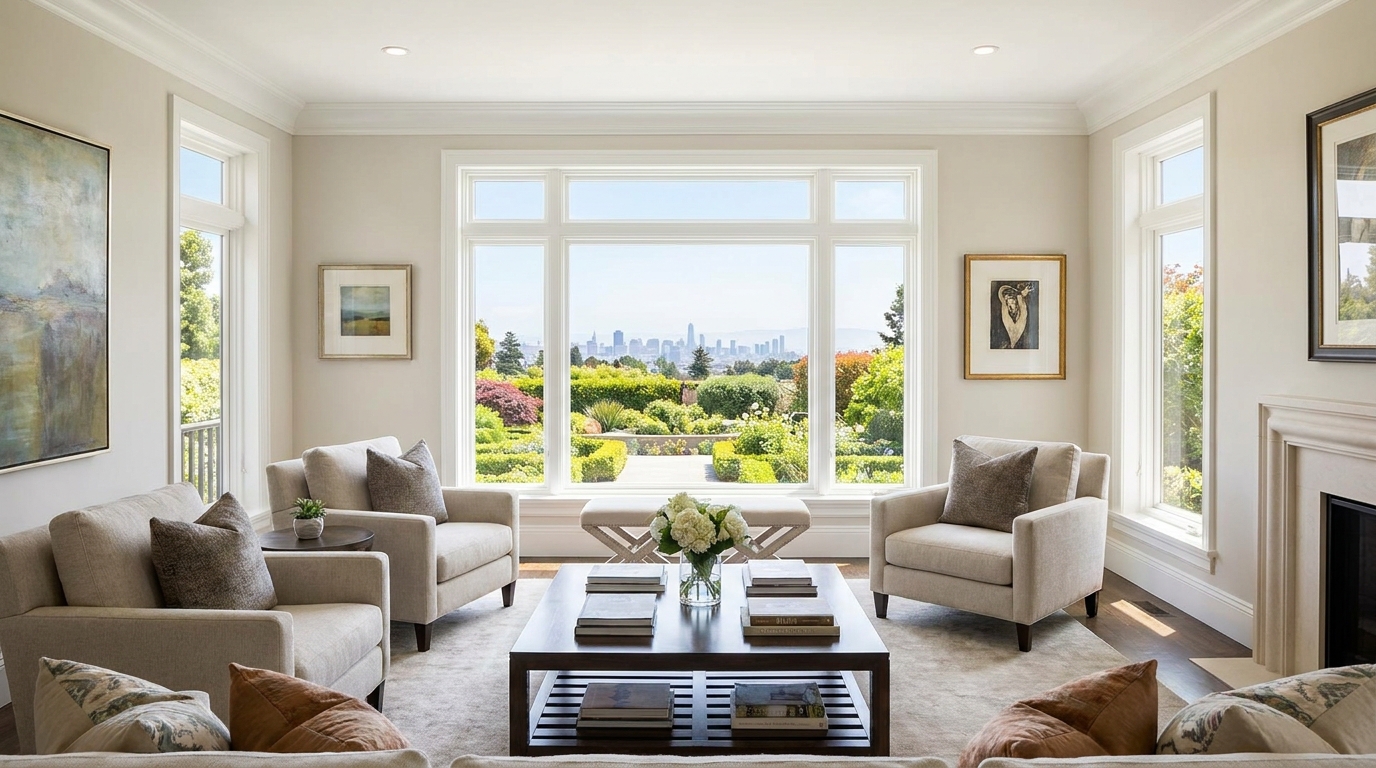
Recover blown window areas for brighter rooms with believable exterior views.
Try This Tool →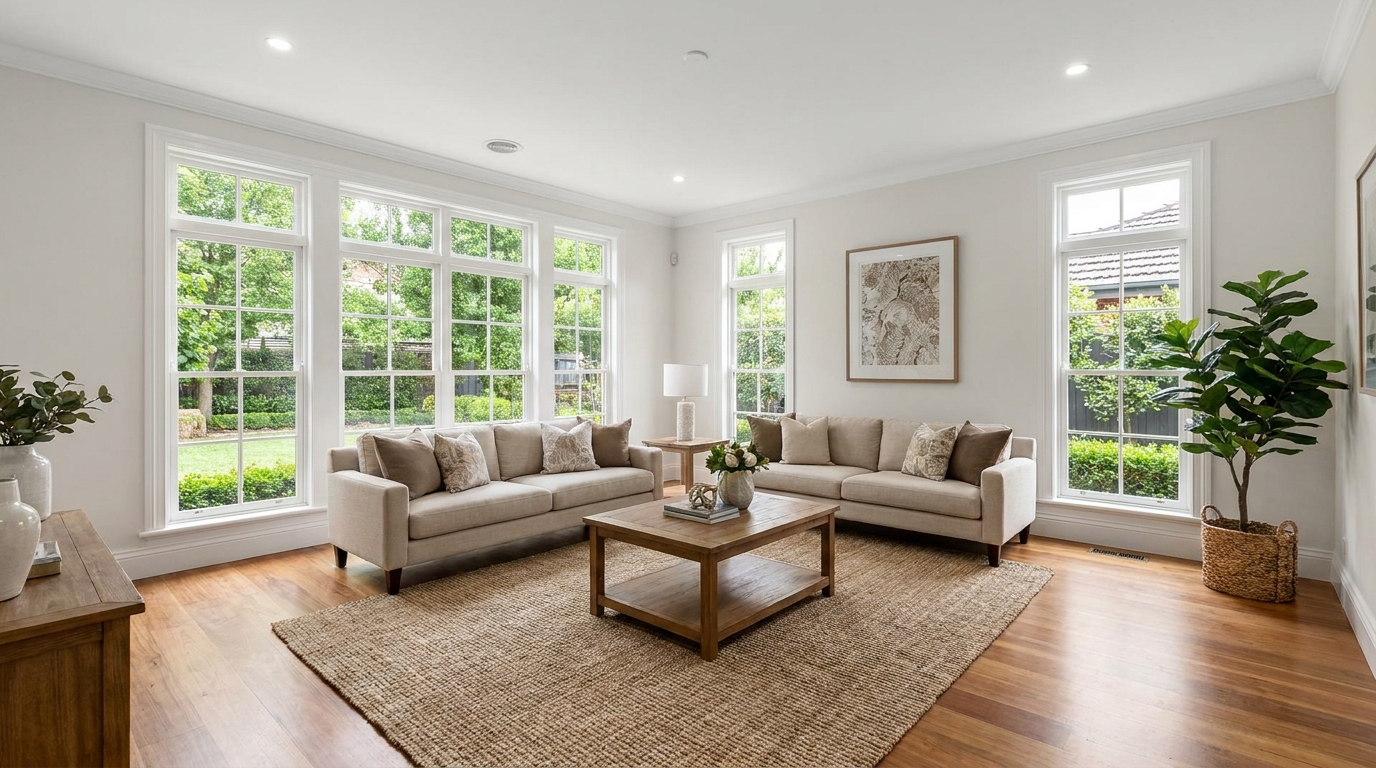
Neutralize color issues for truer tones, cleaner whites, and a polished finish.
Try This Tool →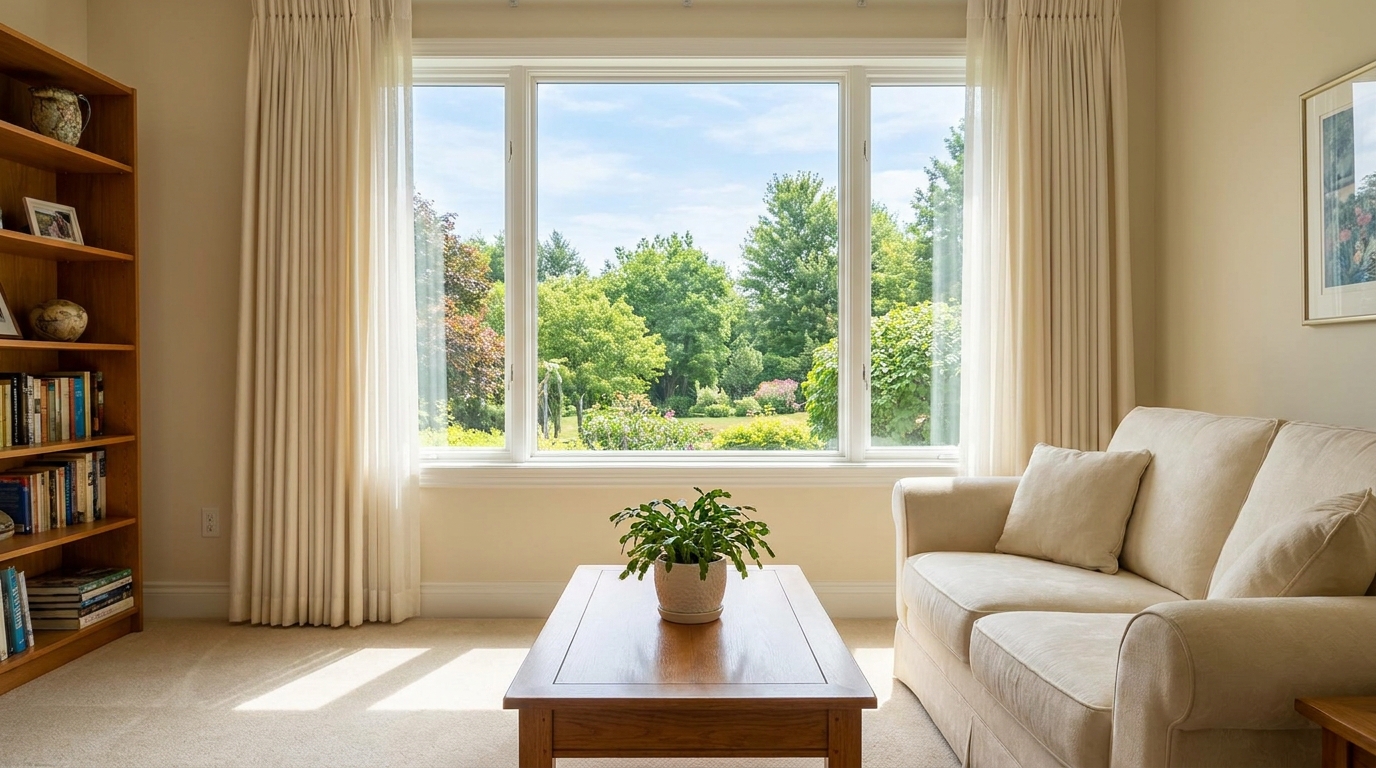
Bring back bright-area detail for a smoother, more controlled exposure.
Try This Tool →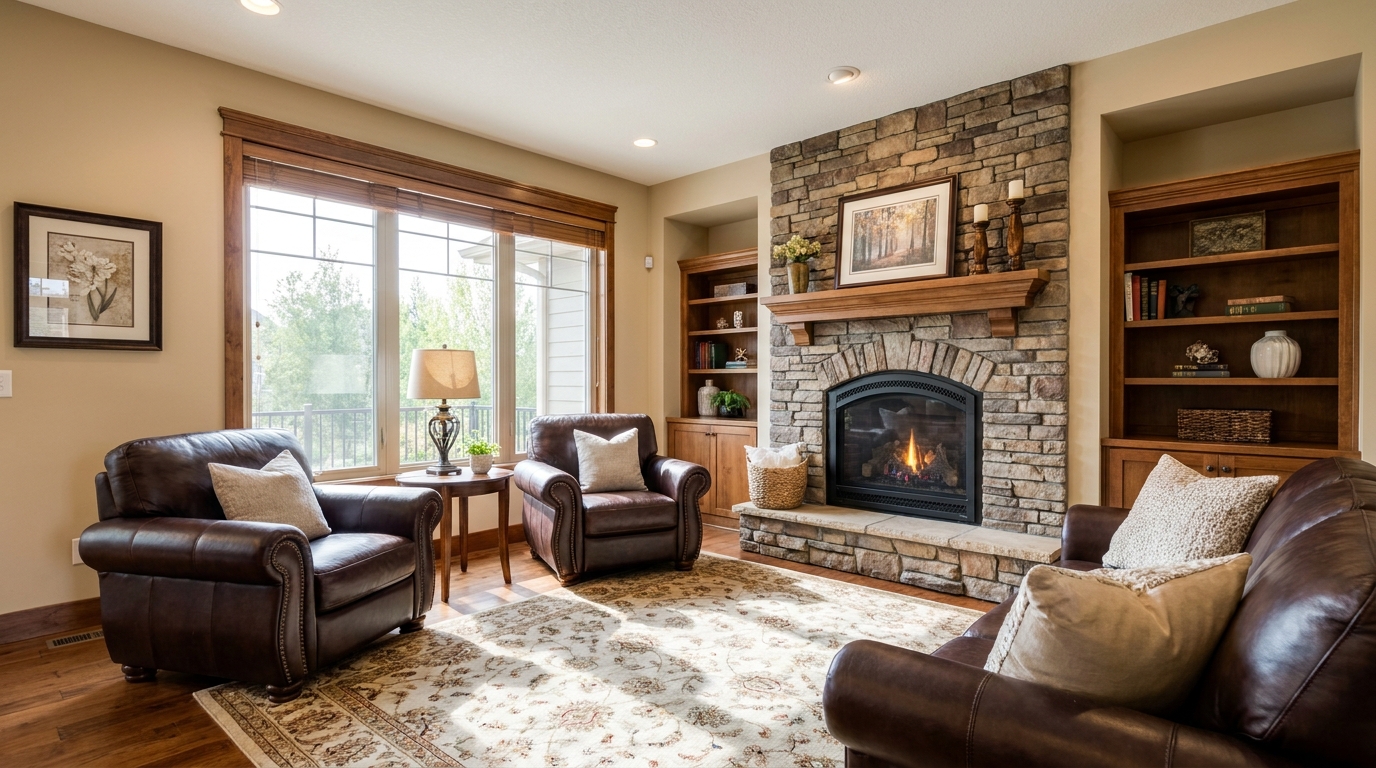
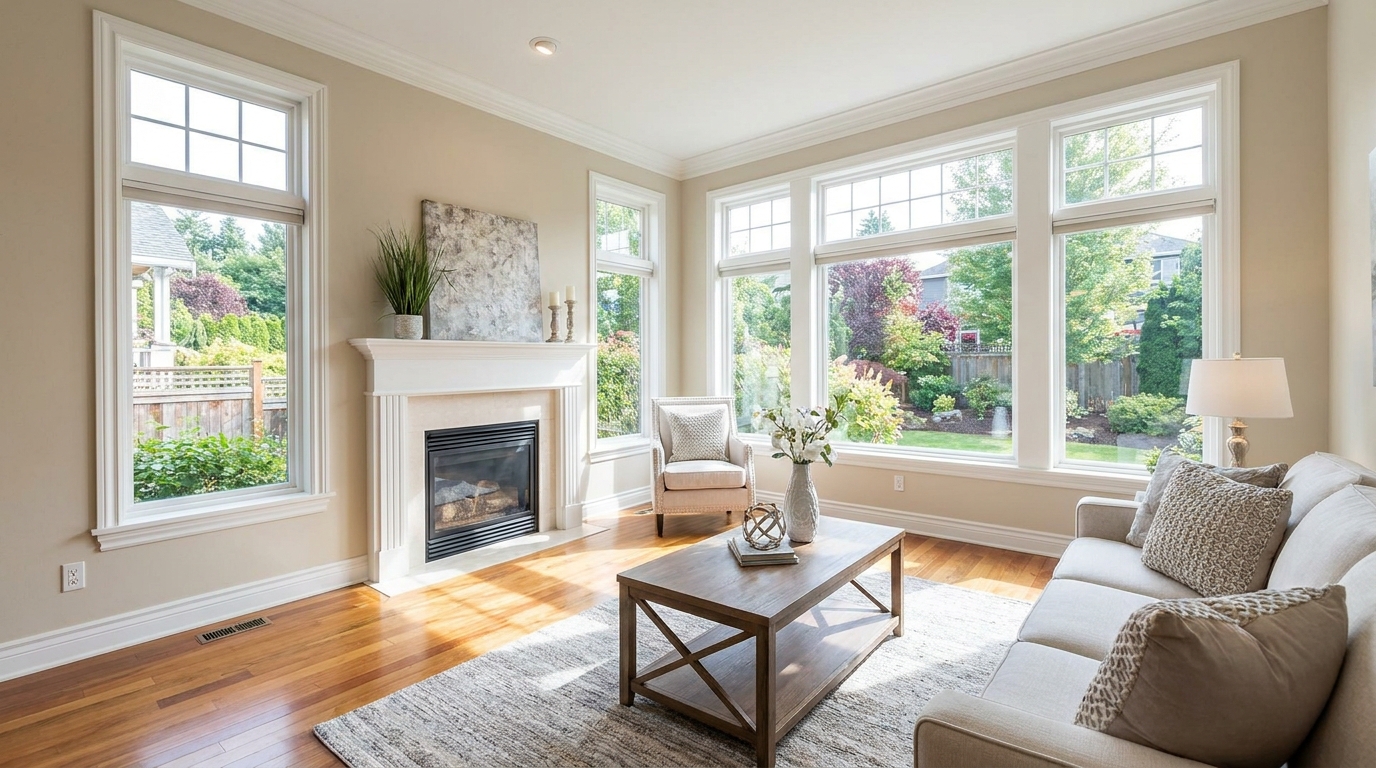
Soften harsh highlights to create a more even, natural-looking image.
Try This Tool →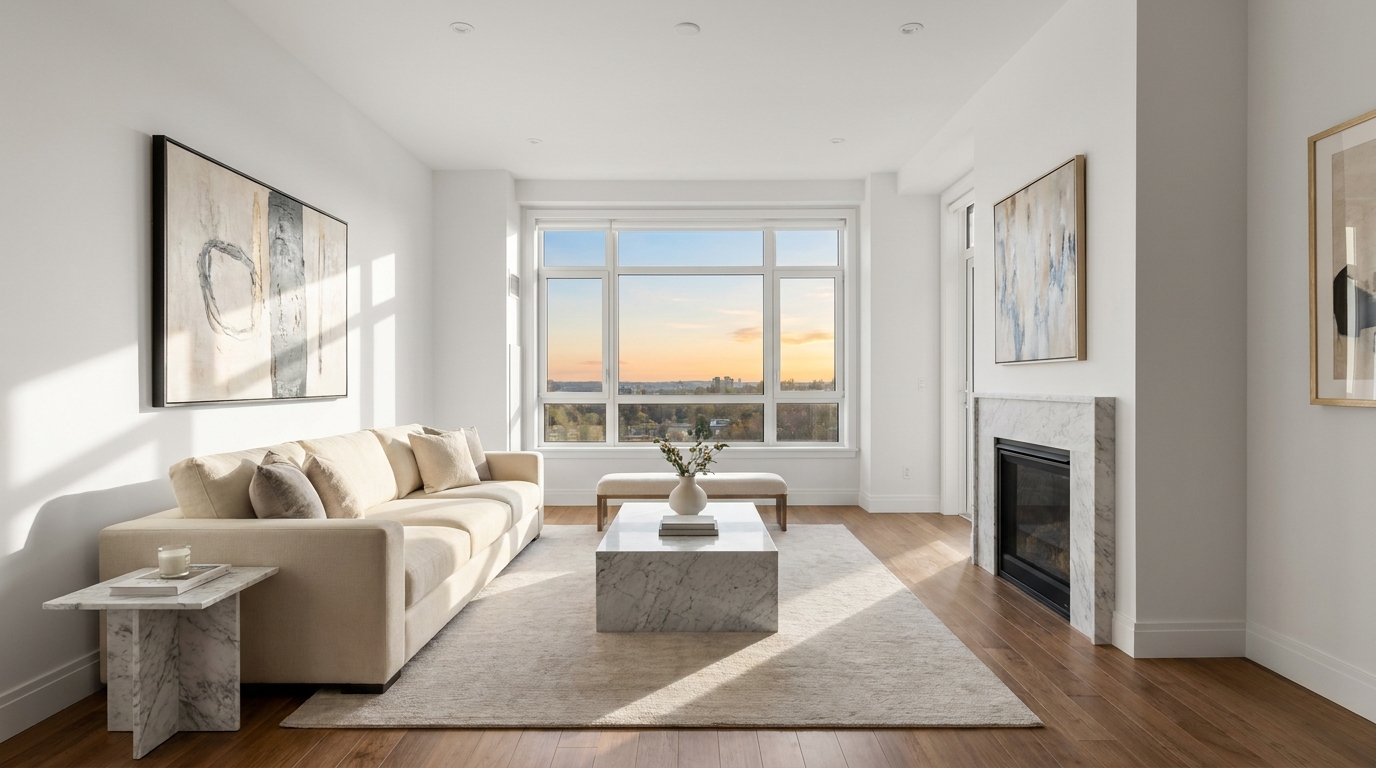
Remove unwanted tints so surfaces and whites look accurate and consistent.
Try This Tool →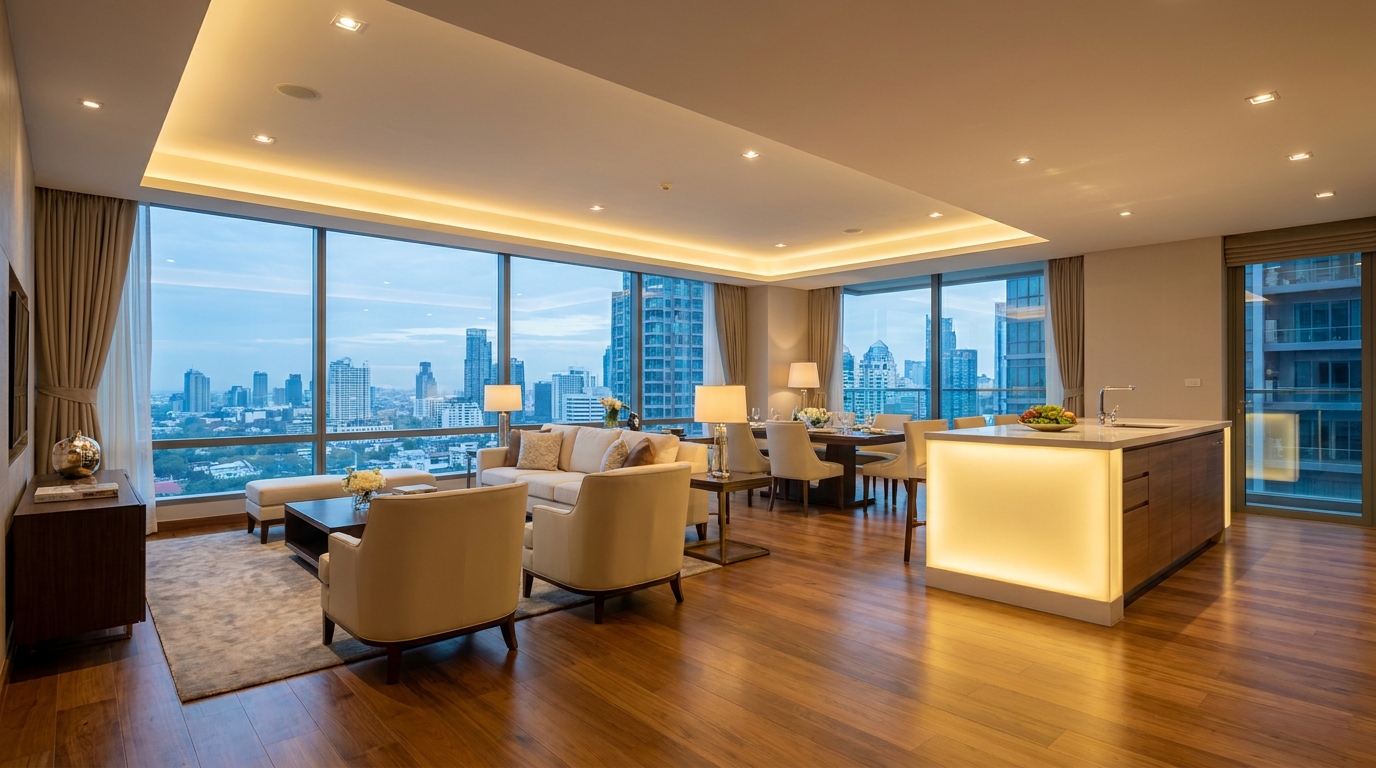
Blend warm and cool light sources into one natural, cohesive scene.
Try This Tool →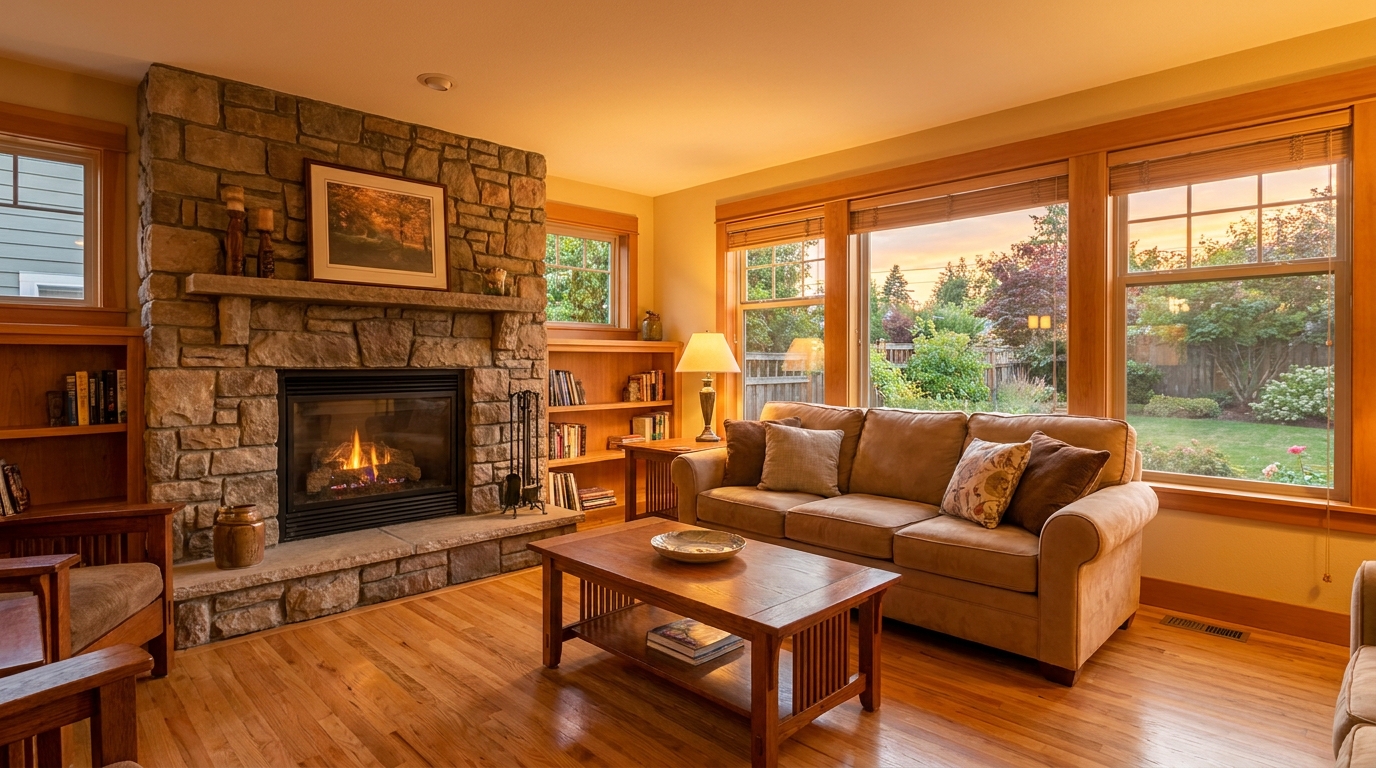
Add tasteful warmth for a friendlier, more inviting presentation.
Try This Tool →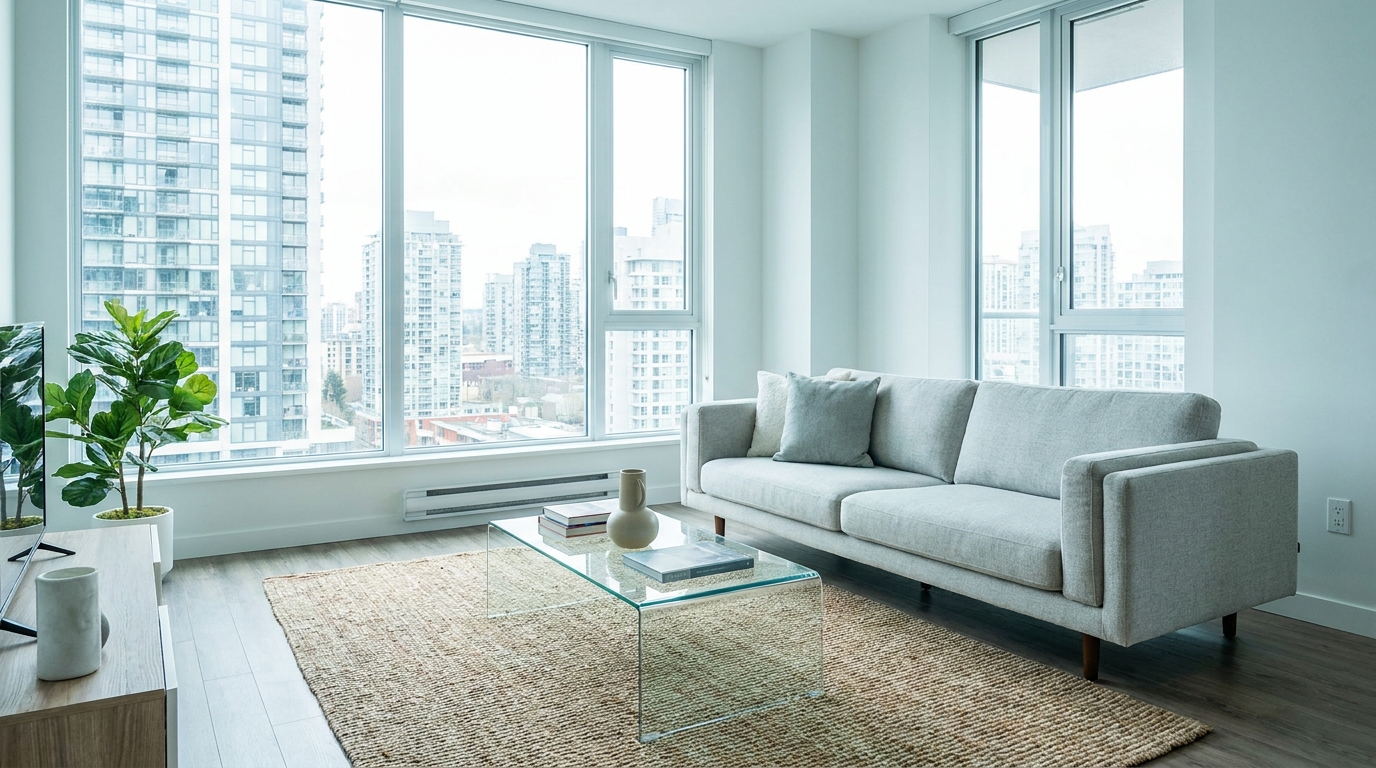
Introduce crisp, modern cool tones without making the image feel cold.
Try This Tool →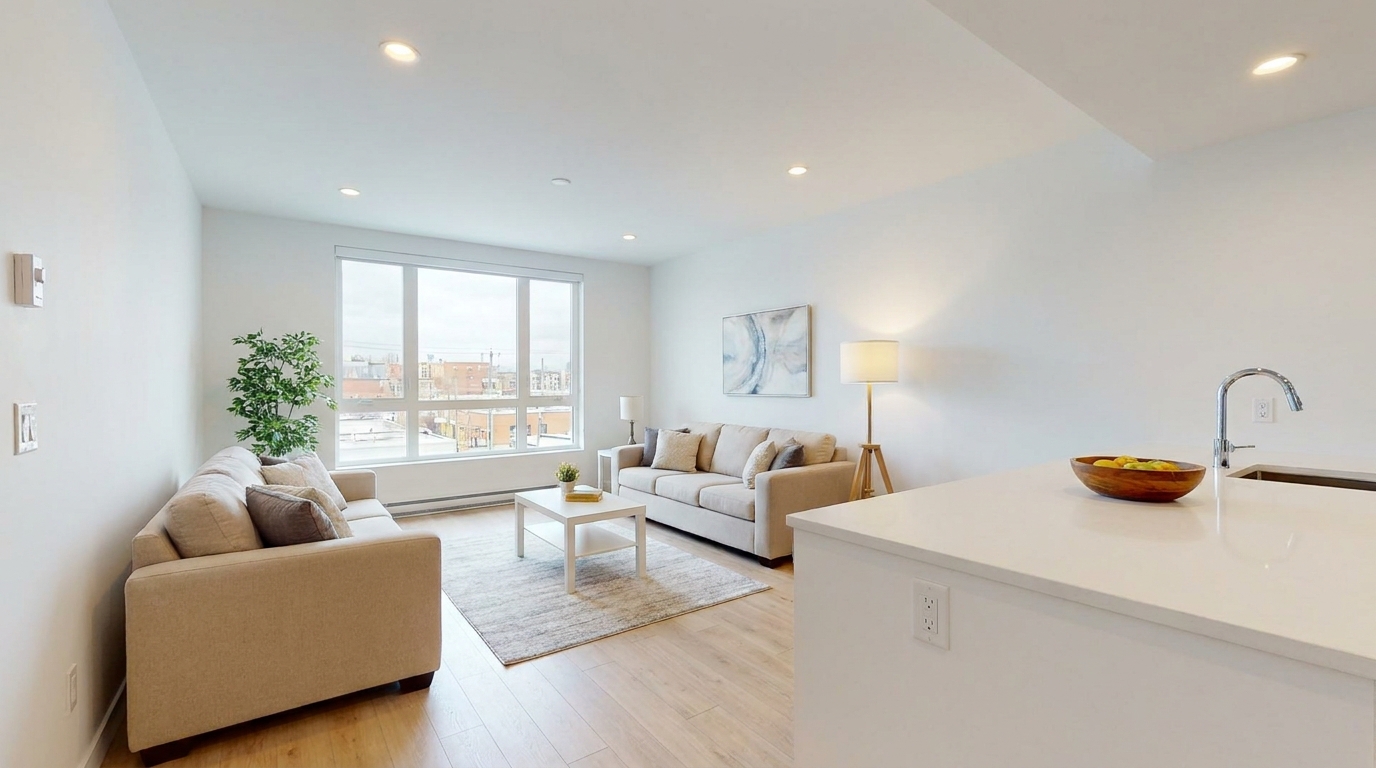
Correct white balance for interiors that feel clean, natural, and professionally edited.
Try This Tool →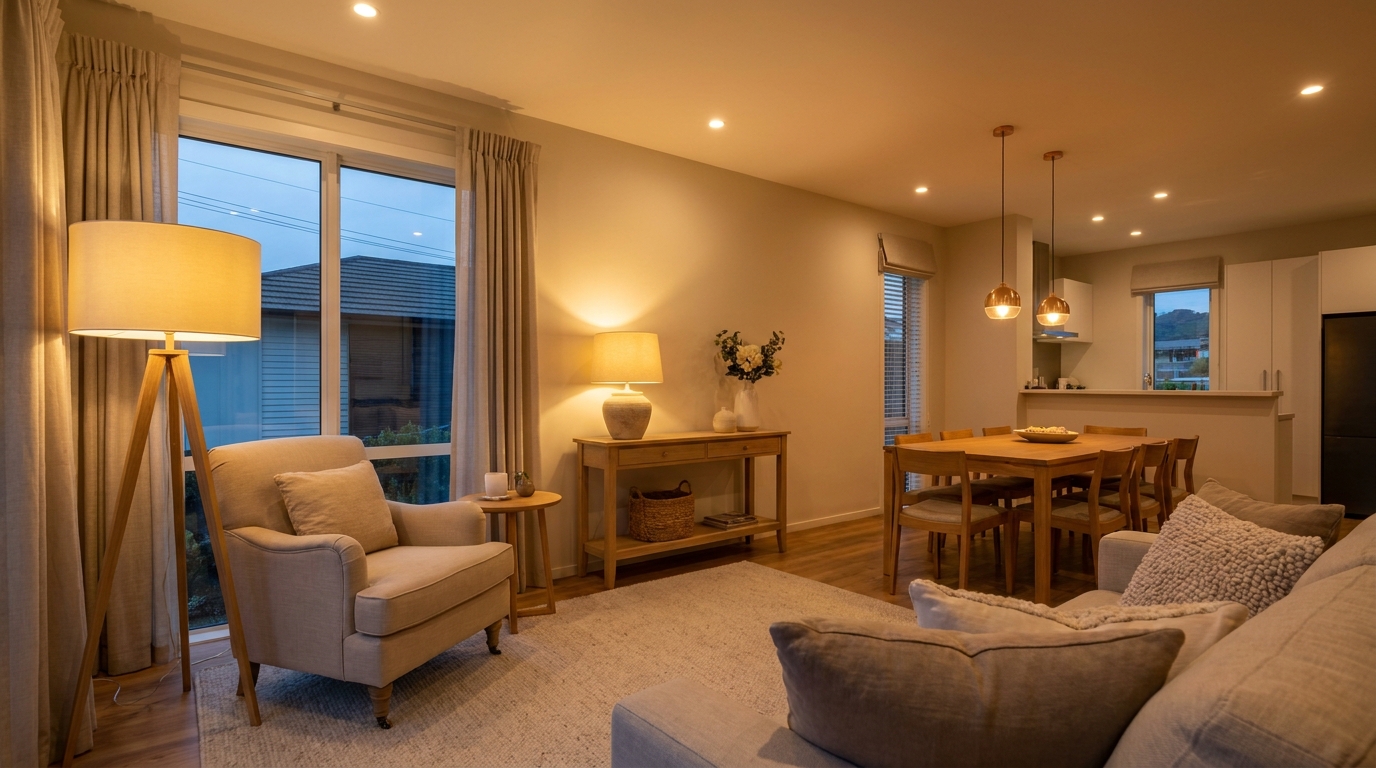
Add realistic lamp and fixture glow to make rooms feel warmer and more welcoming.
Try This Tool →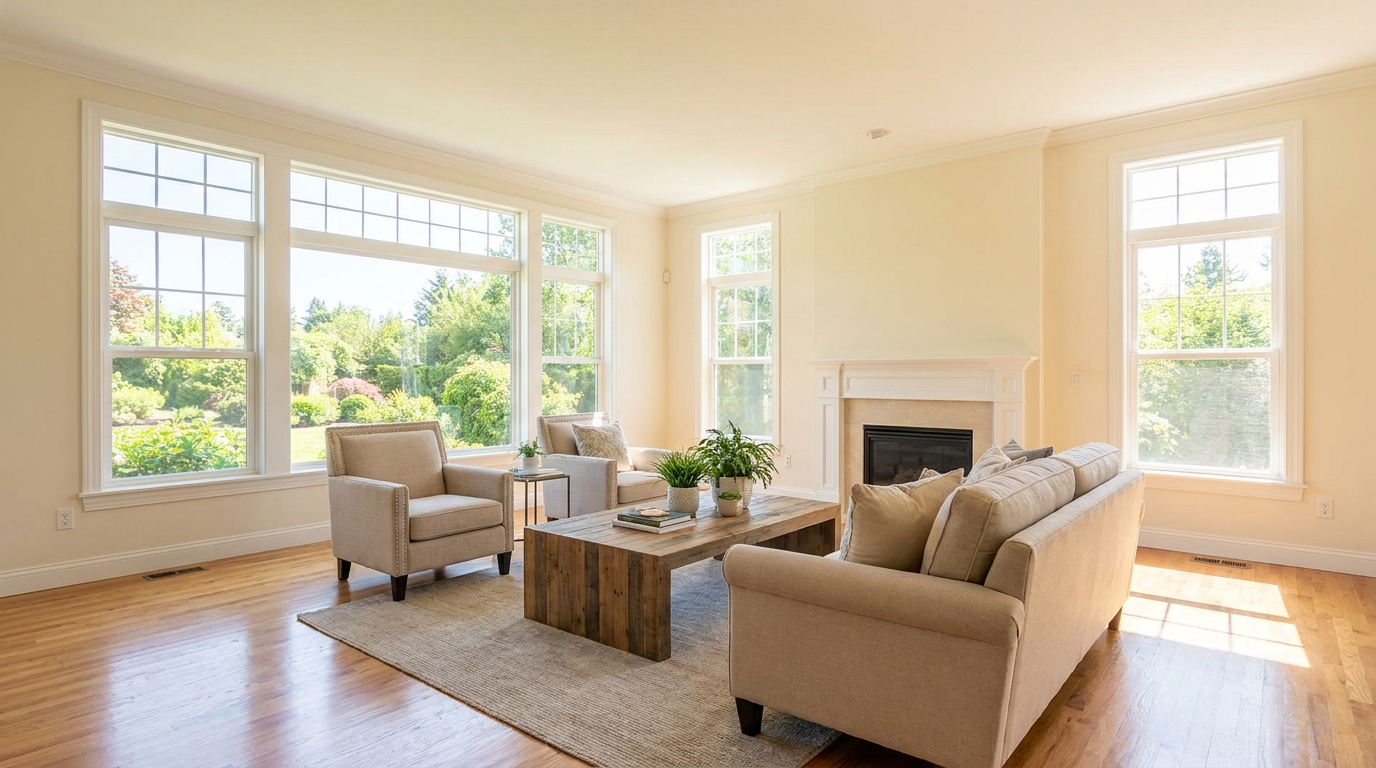
Boost daylight presence for spaces that feel bright, airy, and open.
Try This Tool →Explore additional AI tools designed to optimize your property listings.
AI image-to-video generation for turning home, room, and property photos into more vivid presentation videos.
02AI exterior renovation for visualizing facade updates, curb appeal improvements, and home exterior remodel ideas.
03AI landscaping design for exploring outdoor concepts, curb appeal upgrades, planting ideas, and yard layout directions.
04AI virtual staging for furnishing empty rooms and creating listing-ready interiors for real estate marketing.
05Free AI image generation for turning text prompts into unlimited visual ideas for home design, interiors, landscaping, renovation
06AI object removal for cleaning up distracting items from room, home, and property photos.
Transform flat, dull property photos into vibrant, eye-catching listings. Try our AI-powered Vibrance & Saturation Boost today.