
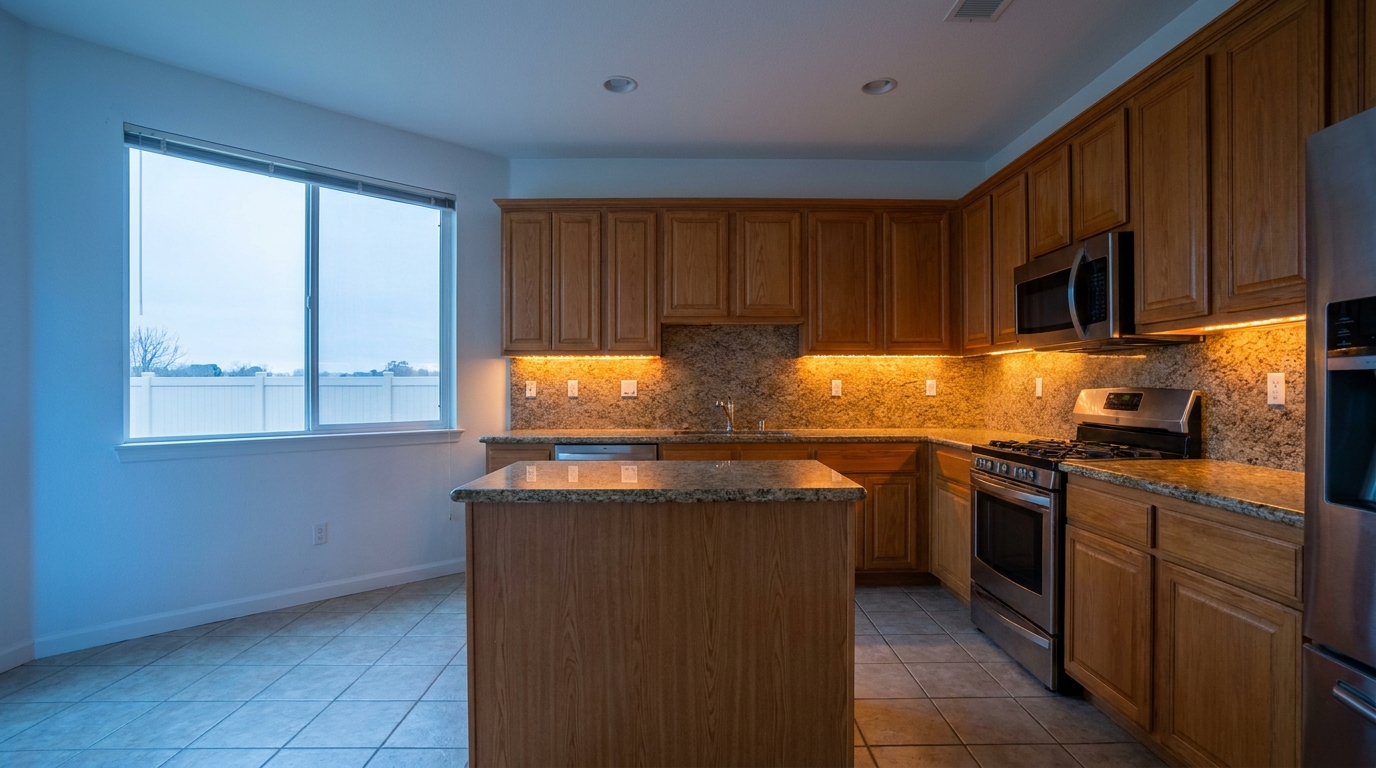
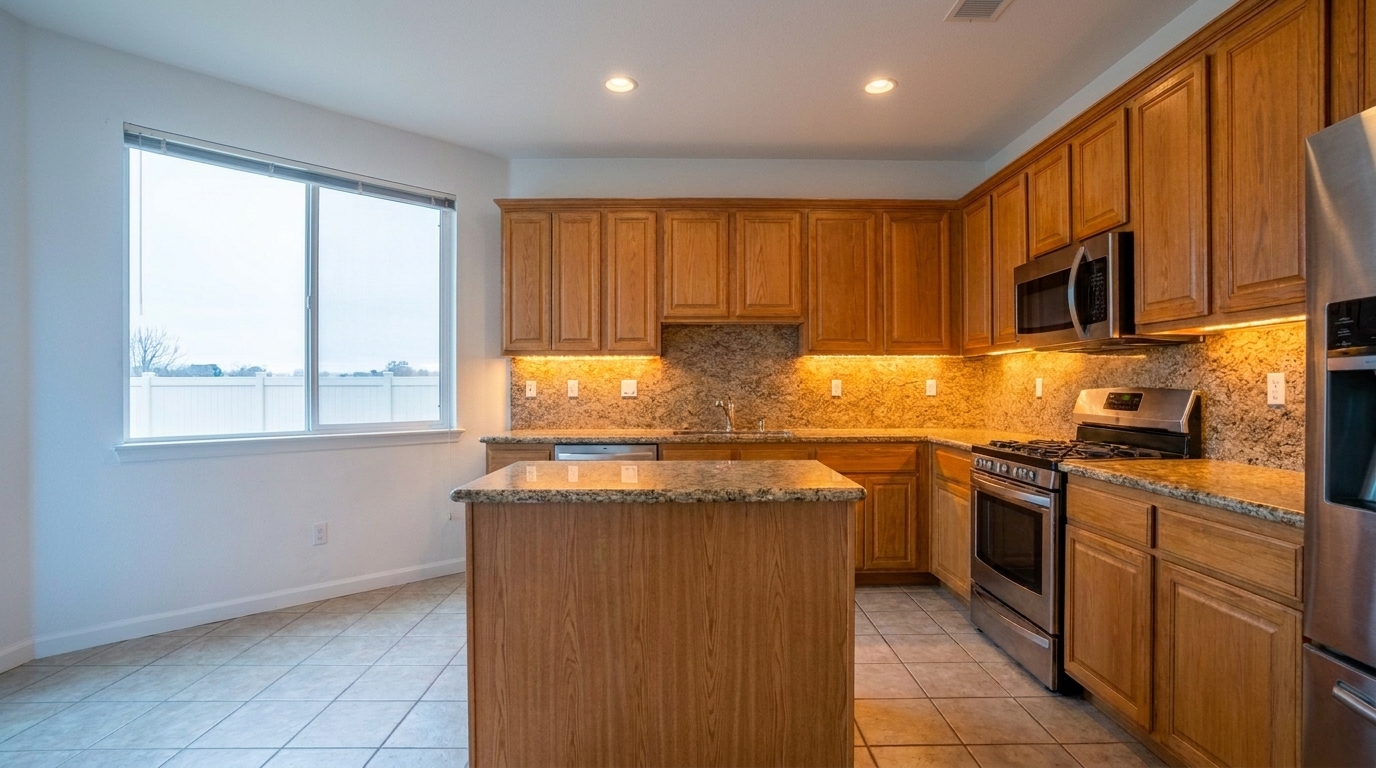

Kitchen with Mixed LED and Window Light
Kitchen with Mixed LED and Window Light updated with mixed lighting fix styling.
Neutralize conflicting warm and cool light sources in your property photos. Create clean, cohesive, and professionally balanced real estate listings instantly.
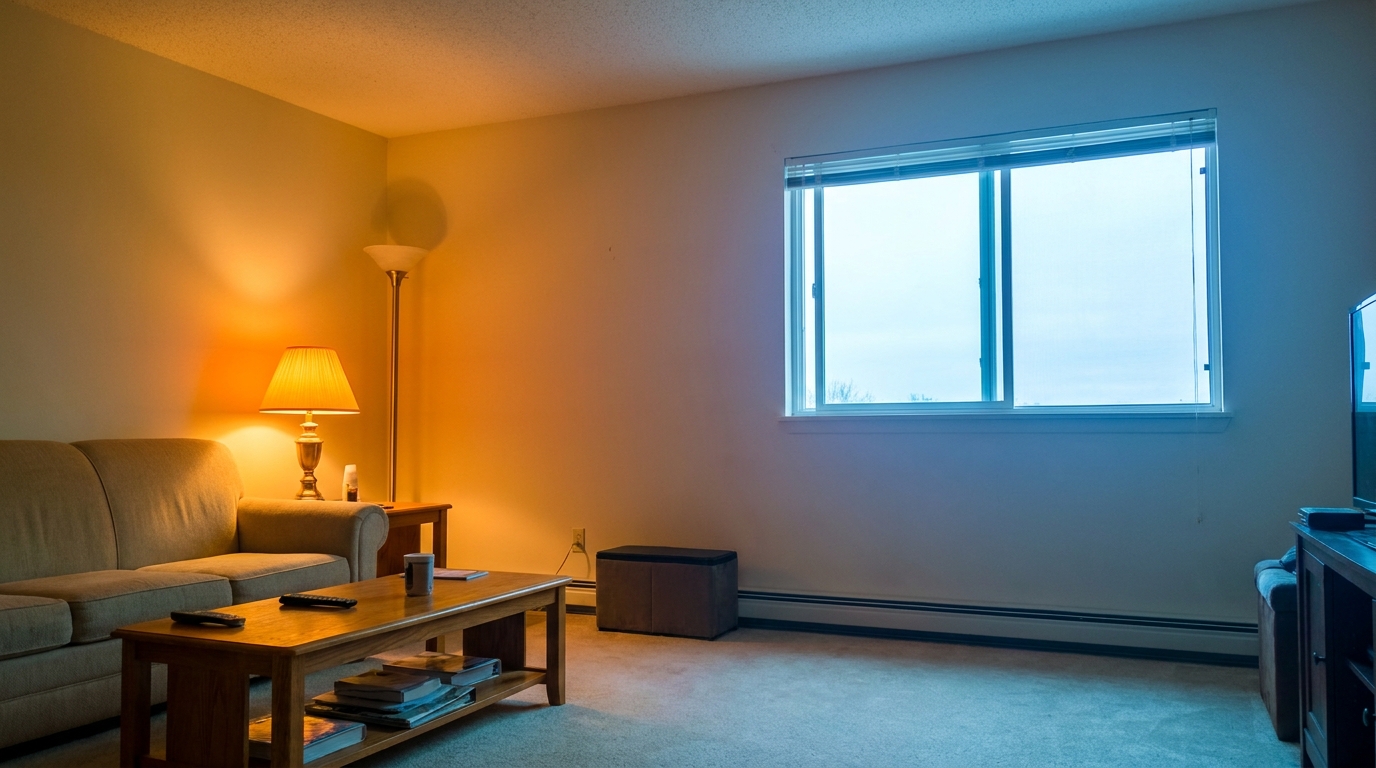
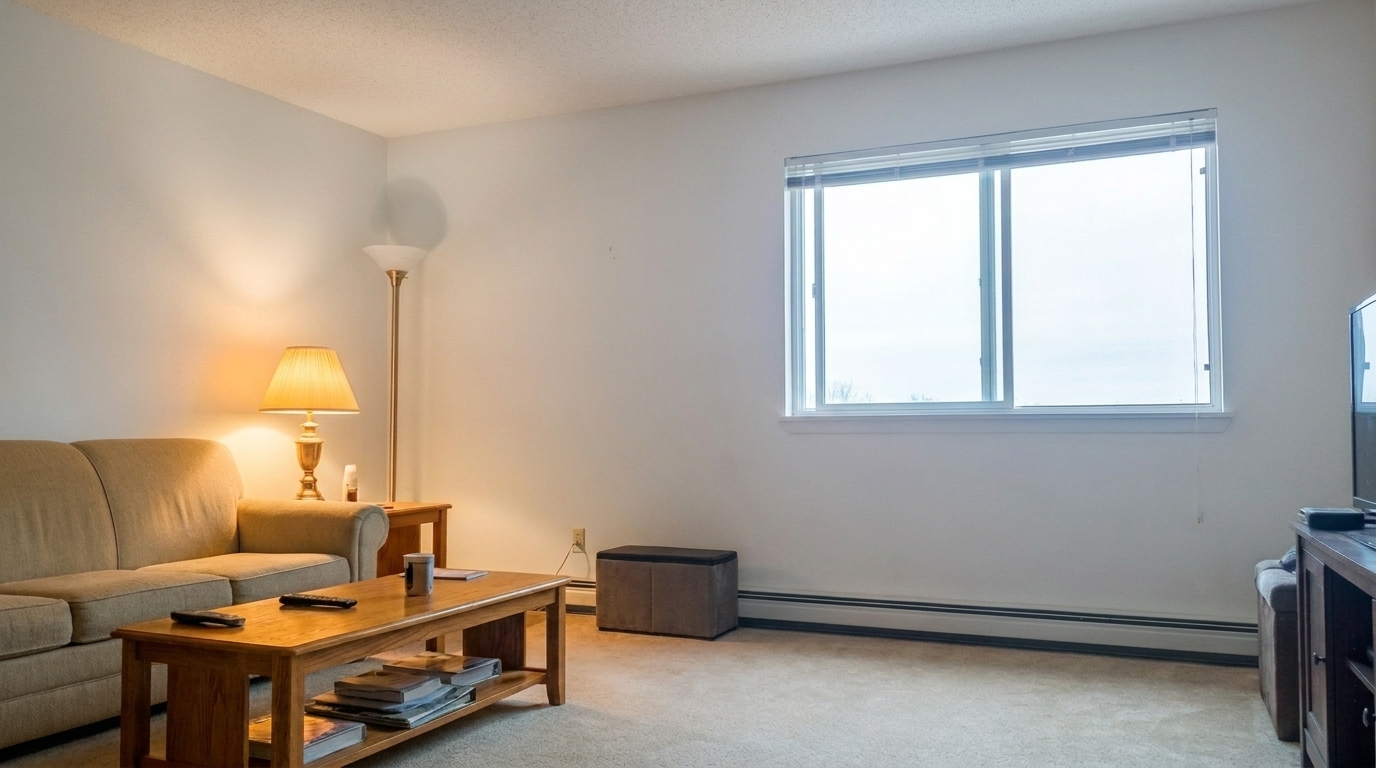
See how balancing warm tungsten and cool daylight elevates property presentation.
Kitchen with Mixed LED and Window Light updated with mixed lighting fix styling.
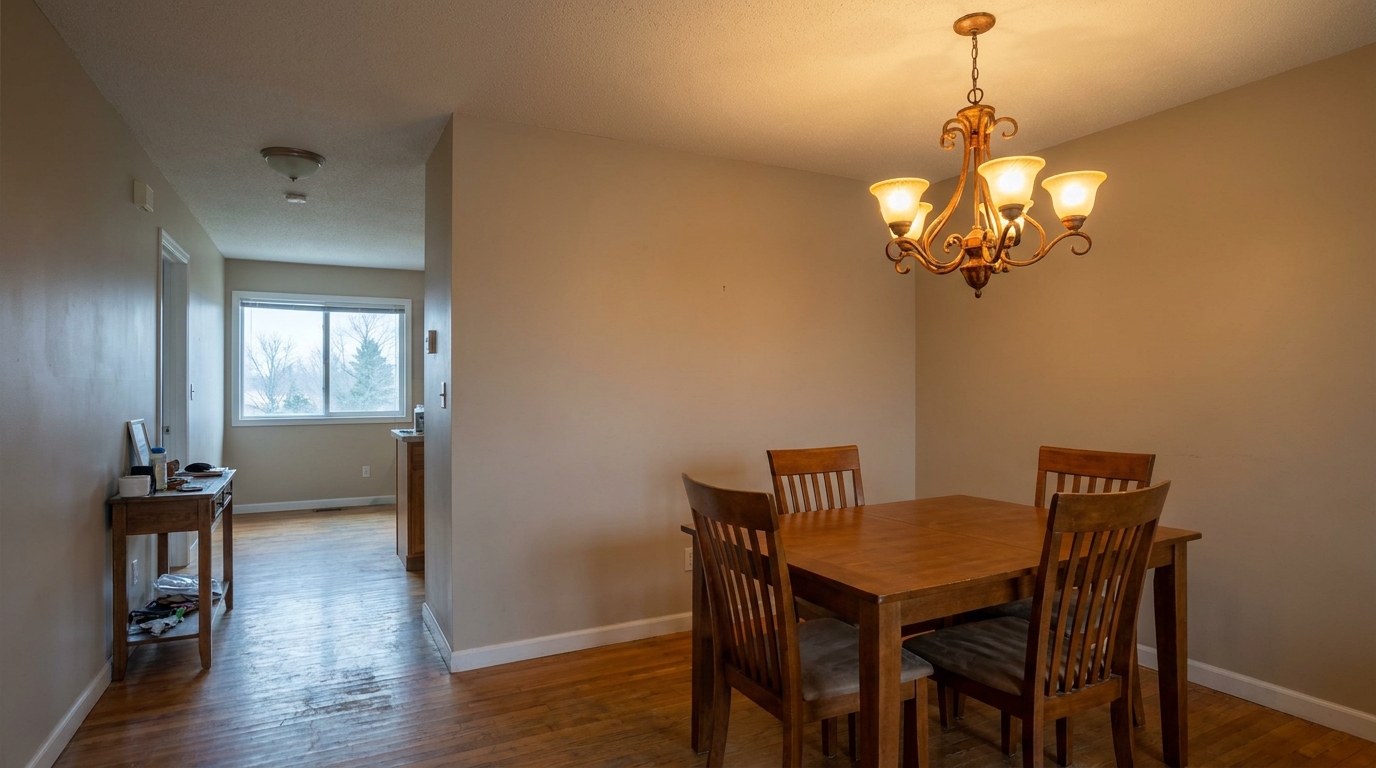
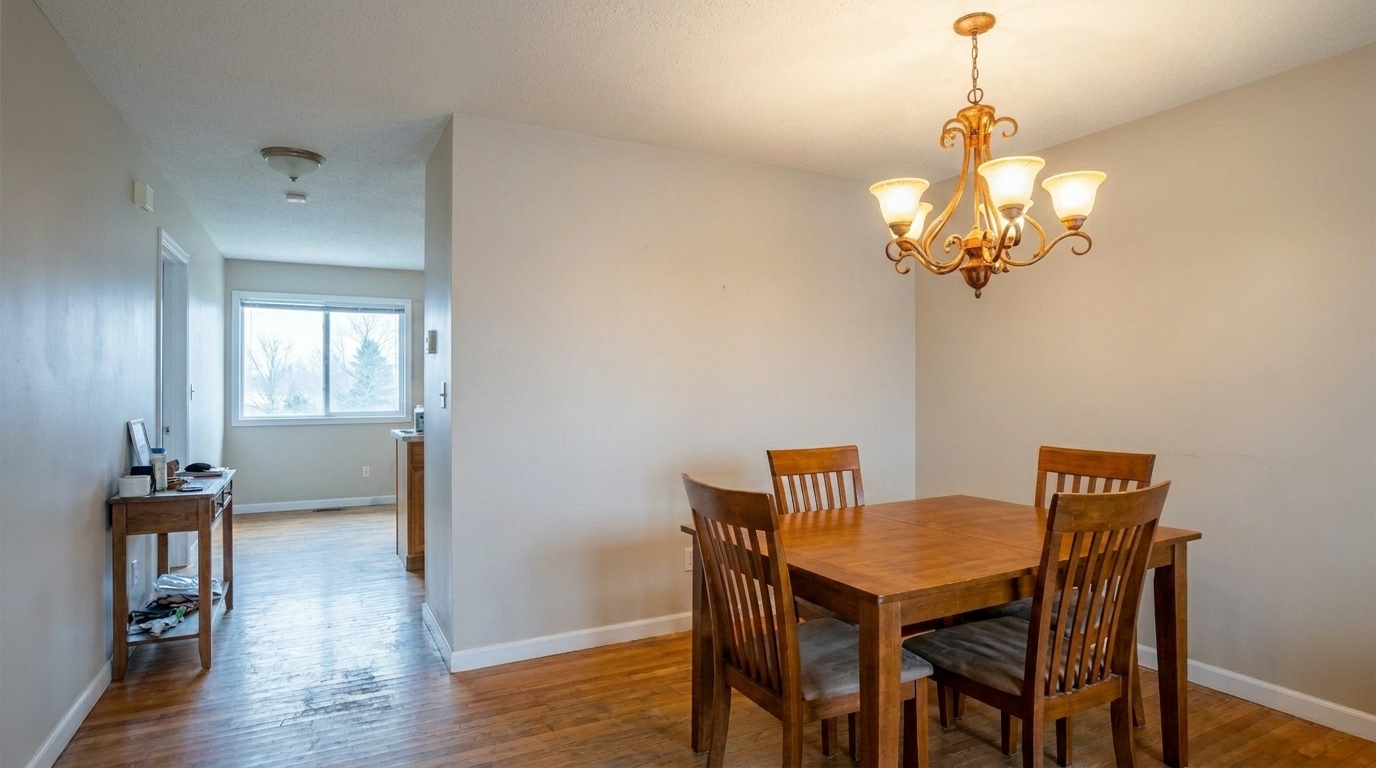
Open-Concept Dining Room updated with mixed lighting fix styling.
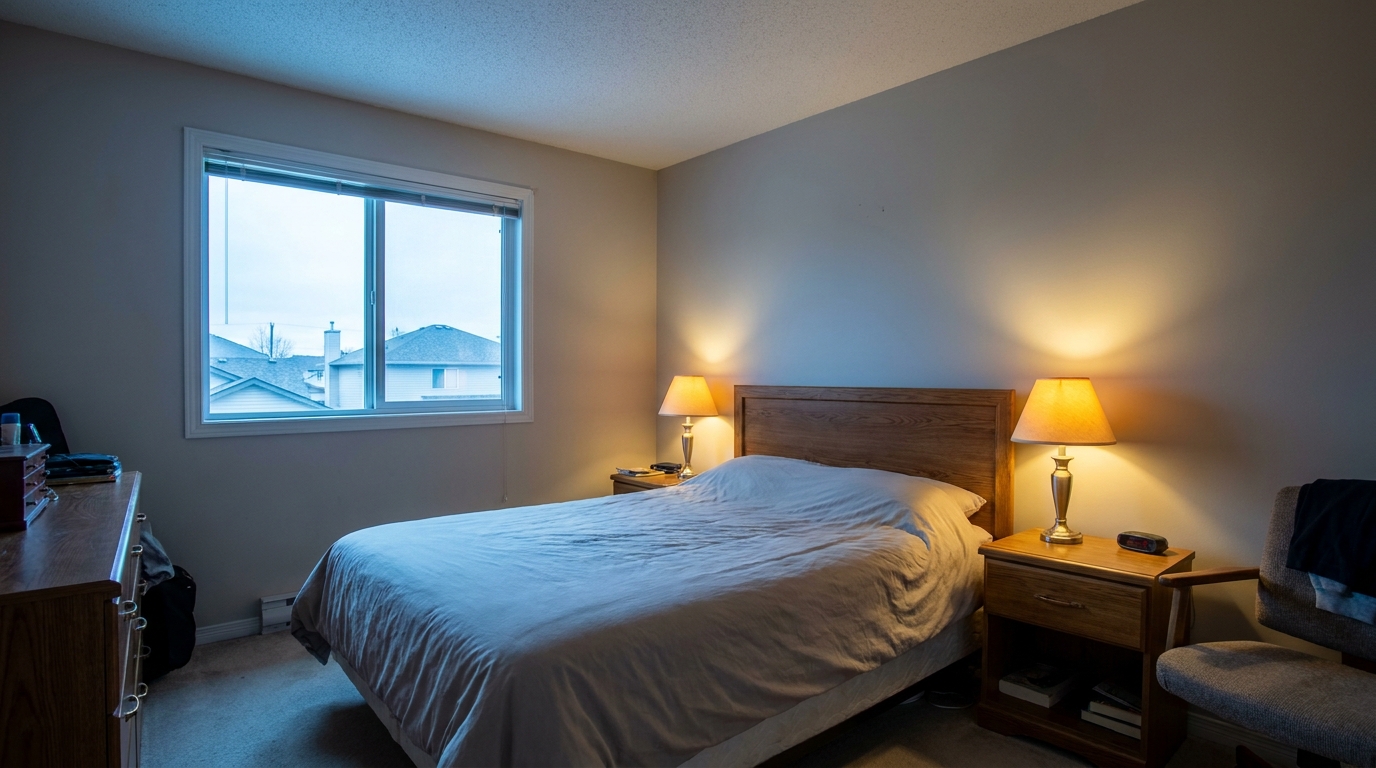
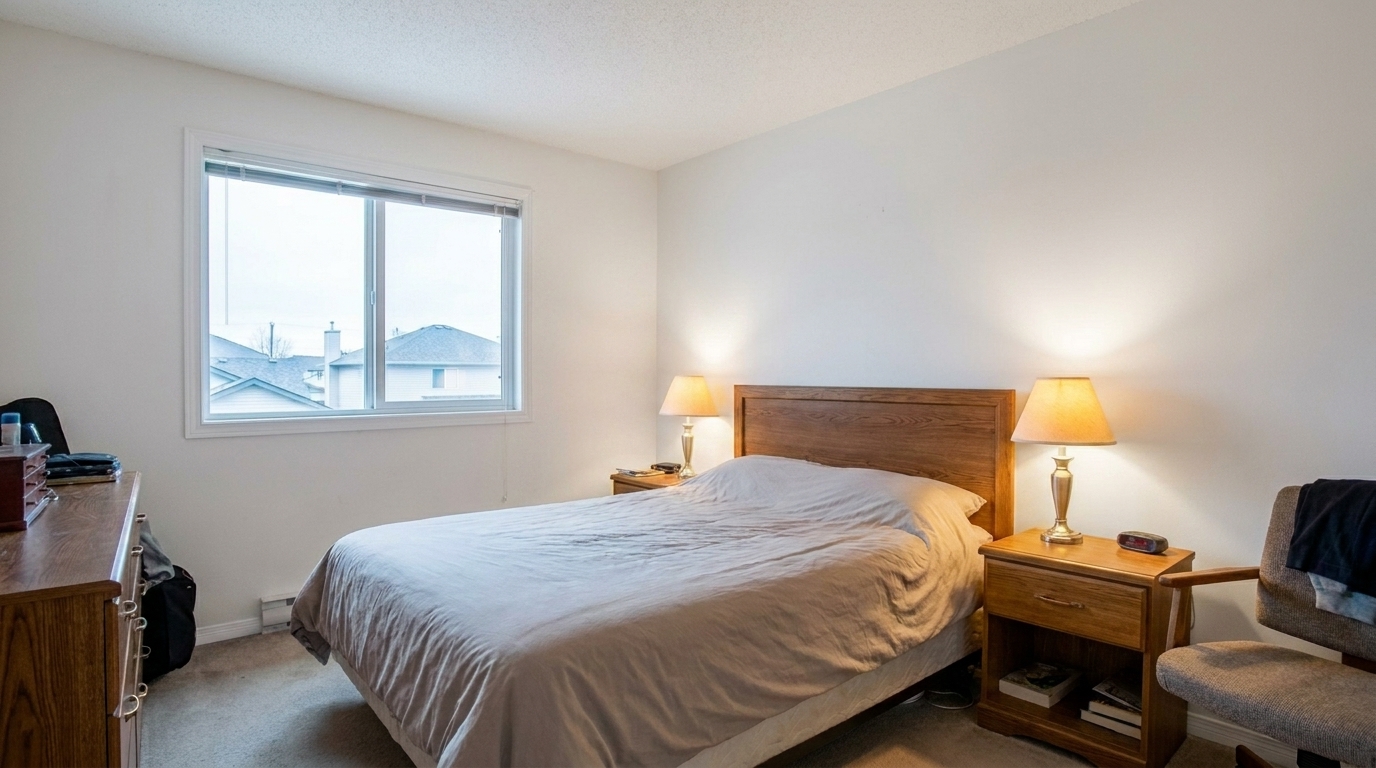
Bedroom with Bedside Lamps and Daylight updated with mixed lighting fix styling.
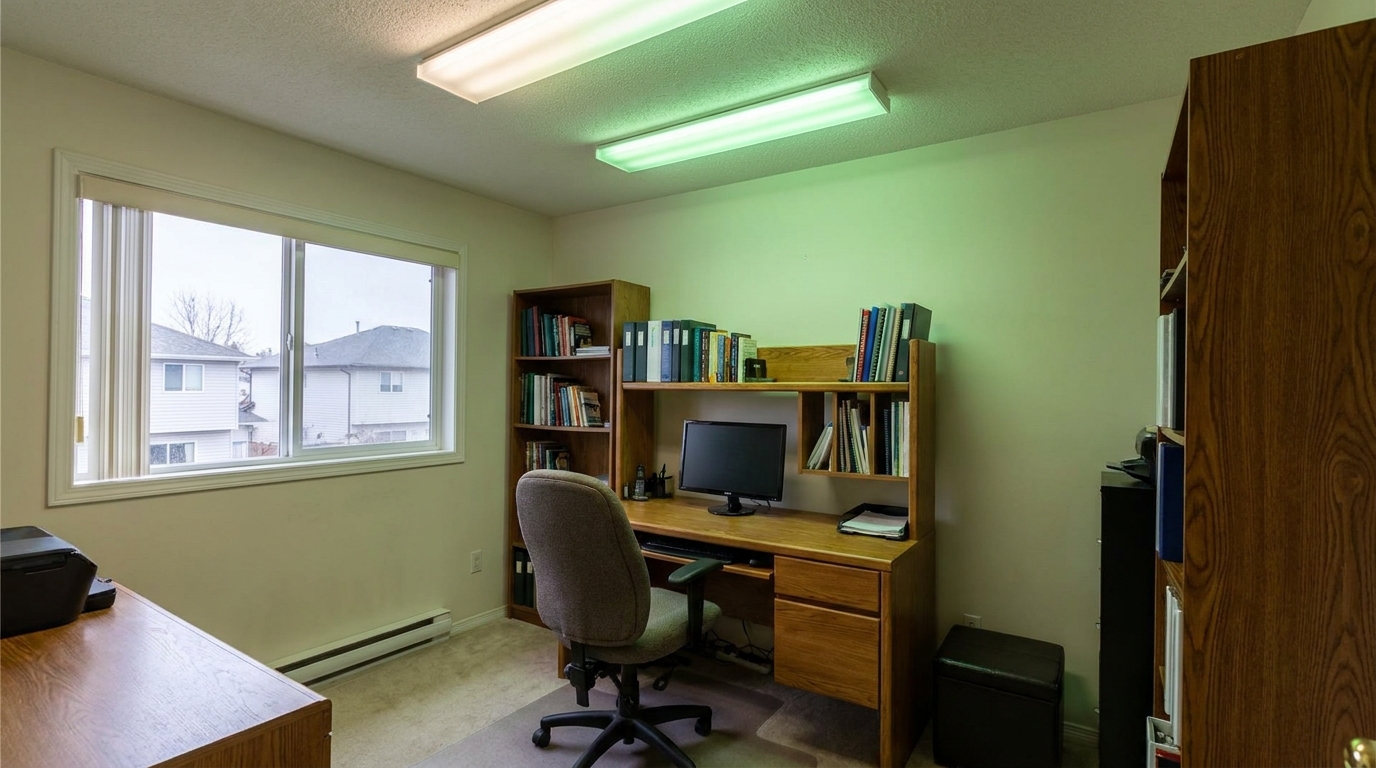
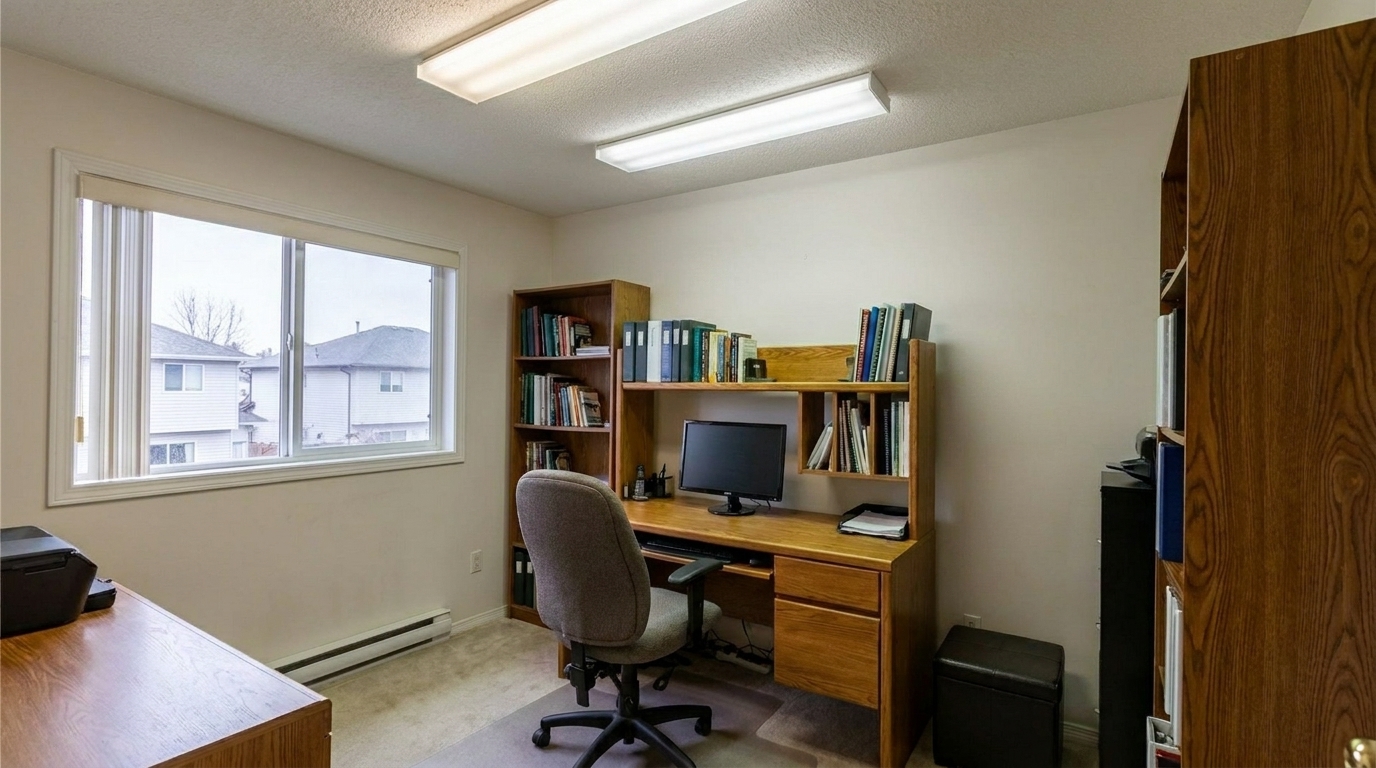
Office with Fluorescent and Window Mix updated with mixed lighting fix styling.
Engineered specifically to handle complex indoor lighting environments without losing natural details.
Simultaneously targets and neutralizes warm tungsten and cool daylight casts in a single frame.
Intelligently identifies and locks true white surfaces, preventing them from shifting blue or orange.
Preserves the natural tones of wood, stone, and fabrics without global color-cast flattening.
Corrects color temperatures in specific zones of the room without affecting areas that are already balanced.
Balances exposure and color without introducing haze, noise, or washed-out highlights.
Instantly processes complex lighting environments, saving hours of manual brushwork and masking.
Perfect for real estate listings, interior designs, and professional property presentations.
Perfect for kitchens where warm under-cabinet LED lights clash with cool daylight from windows.
InteriorsIdeal for large spaces where warm ceiling fixtures mix with natural light from sliding doors.
Real EstateCorrects uneven lighting caused by mismatched bulb temperatures in vanity fixtures.
InteriorsBalances the deep blue exterior twilight visible through windows with warm indoor lamps.
TwilightNeutralizes greenish fluorescent tube lighting when mixed with natural daylight.
CommercialEnsures product and material colors look accurate under complex spotlighting setups.
PortfolioFollow these three simple steps to neutralize conflicting light sources and balance your photo.
Select and upload your interior or property photo that suffers from conflicting warm and cool light sources.
Our AI automatically analyzes the scene, identifies conflicting color temperatures, and balances them seamlessly.
Save your newly corrected, color-accurate photo, ready for your real estate listing or design portfolio.
Source-backed context for why mixed lighting fix edits matter inside lighting, color & exposure workflows.
Mixed Lighting Fix within Lighting, Color & Exposure evidence
Photos are one of the most valuable website features for home buyers; NAR's 2025 generational trends report says 83% of internet-using buyers rated photos as very useful. For Mixed Lighting Fix pages, this supports showing how a focused Lighting, Color & Exposure edit can make the listing photo feel clearer, more polished, and easier for buyers to evaluate.
Source: NAR 2025Mixed Lighting Fix within Lighting, Color & Exposure evidence
Zillow Research's 2025 prospective buyer report ranked high-resolution photos as the number two most important listing feature, selected by 26% of prospective buyers; floor plans ranked first at 33%. For Mixed Lighting Fix pages, this supports showing how a focused Lighting, Color & Exposure edit can make the listing photo feel clearer, more polished, and easier for buyers to evaluate.
Source: Zillow 2025Mixed Lighting Fix within Lighting, Color & Exposure evidence
Redfin reported that professionally photographed homes in the $400,000 range sold three weeks faster and for more than $10,000 relative to list price compared with amateur photos. Use this as supporting context, not as a guaranteed result. For Mixed Lighting Fix pages, this supports showing how a focused Lighting, Color & Exposure edit can make the listing photo feel clearer, more polished, and easier for buyers to evaluate.
Source: RedfinMixed lighting is one of the most challenging obstacles in real estate photography, often requiring hours of manual brushwork. Here is how to master color temperature correction efficiently.
Cameras struggle when forced to interpret multiple light sources simultaneously. A room with warm incandescent lamps (2700K) and bright daylight streaming through a window (5500K) forces the camera to choose one white balance, leaving the rest of the room with either a harsh orange or a cold blue cast. This mixed lighting distracts buyers and misrepresents the actual colors of paint, flooring, and furniture.
To achieve the best results, start with a well-exposed photo. Upload your image to the Idealhouse Photo Enhancer and apply the Mixed Lighting Fix preset. The AI will automatically segment the image, identifying light sources and their corresponding casts. It neutralizes the conflicting temperatures across walls and floors while maintaining a natural, subtle warmth from the light fixtures themselves, ensuring the home still feels inviting.
Use the Mixed Lighting Fix when you have distinct zones of warm and cool light in a single room. If your entire image has a uniform yellow or blue tint, use the 'Color Cast Removal' or 'White Balance Fix Interior Photo' presets instead. For scenes dominated entirely by green fluorescent tubes, the 'Fluorescent Light Color Fix' is your best option. Avoid using the Mixed Lighting Fix on creative twilight shots where you intentionally want to preserve a strong contrast between deep blue skies and bright orange interior lights.
A common mistake in color correction is over-processing, which can desaturate natural materials like hardwood floors, stone fireplaces, and leather furniture, making them look gray and lifeless. Our preset is calibrated to protect these organic tones, neutralizing the ambient color casts on neutral surfaces like drywall and ceilings while preserving the rich, authentic textures of the home's finishes.
Discover specialized presets designed to balance highlights, shadows, and color temperatures.
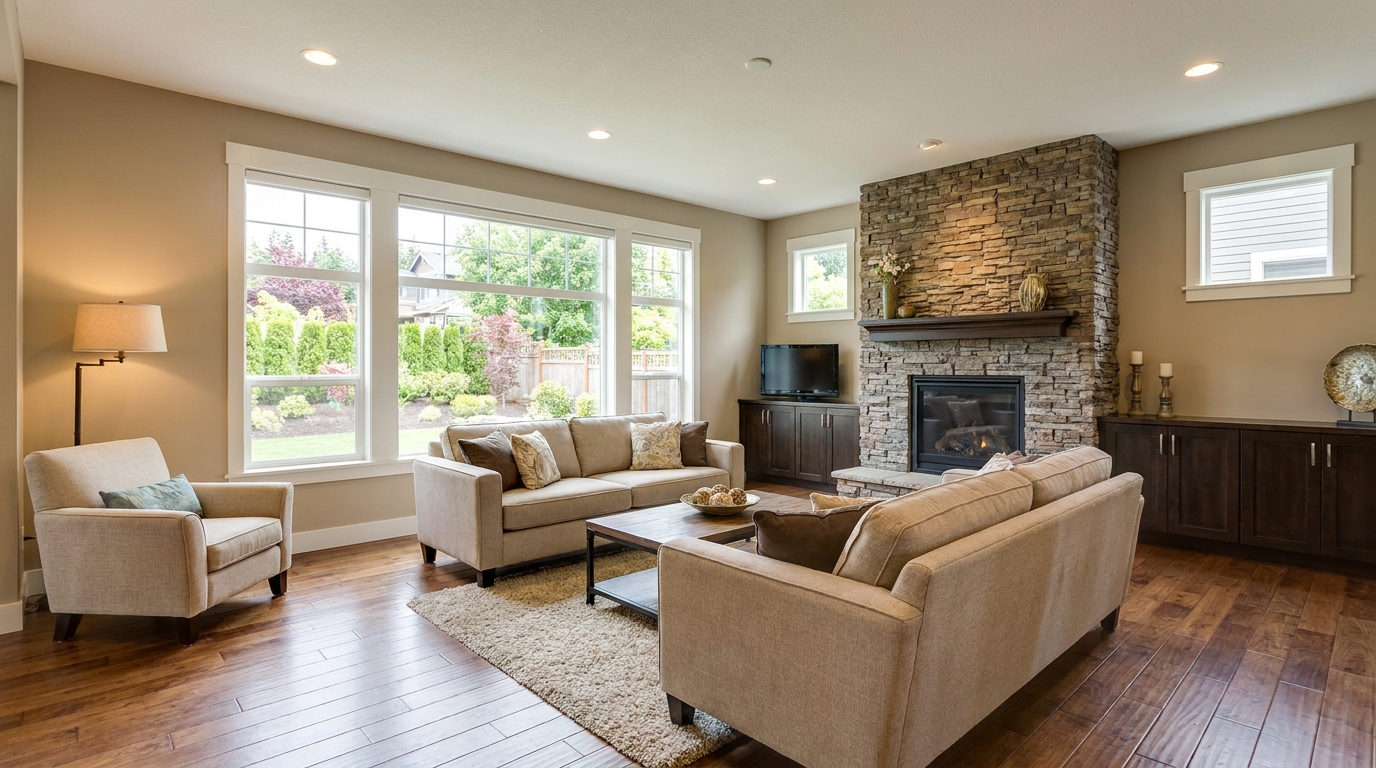
Recover highlight and shadow detail for a more balanced, high-end image.
Try This Tool →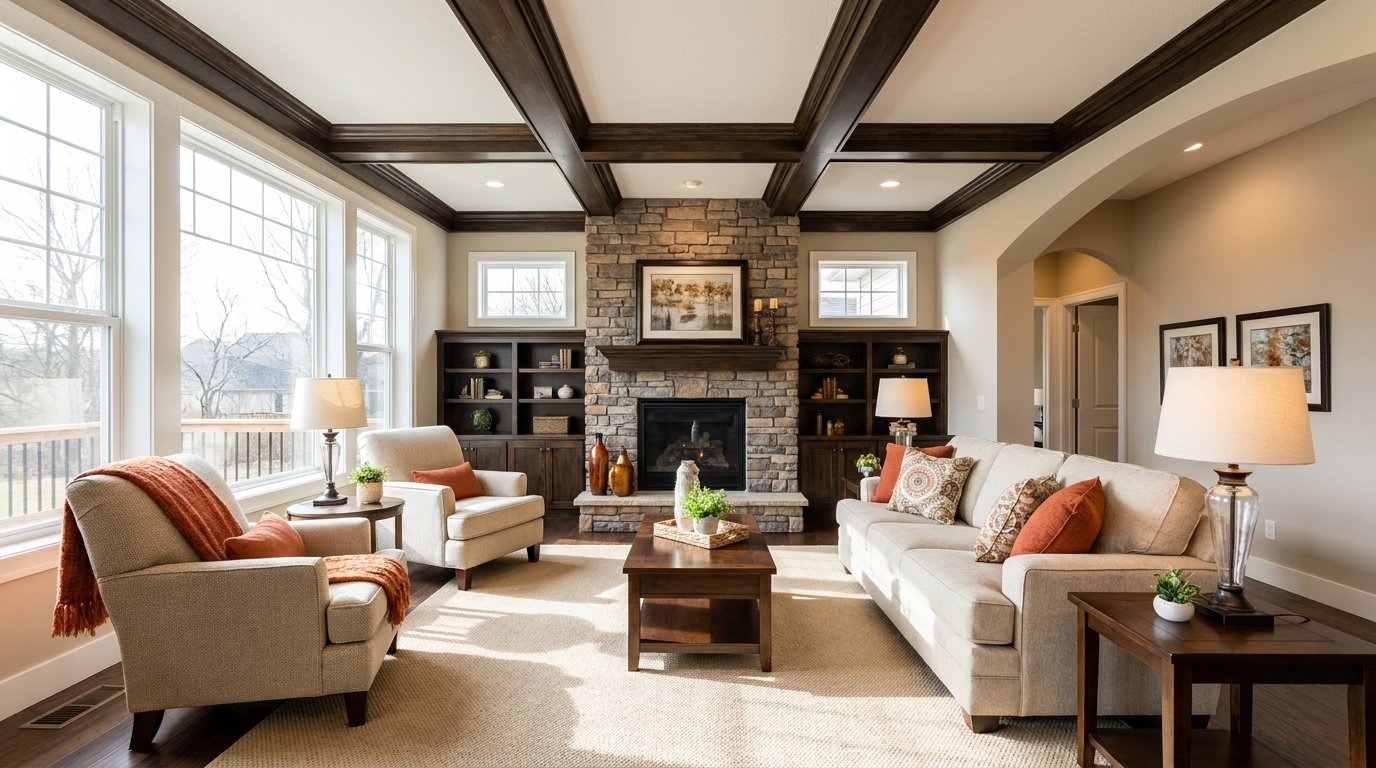
Brighten dim rooms while keeping materials and light natural.
Try This Tool →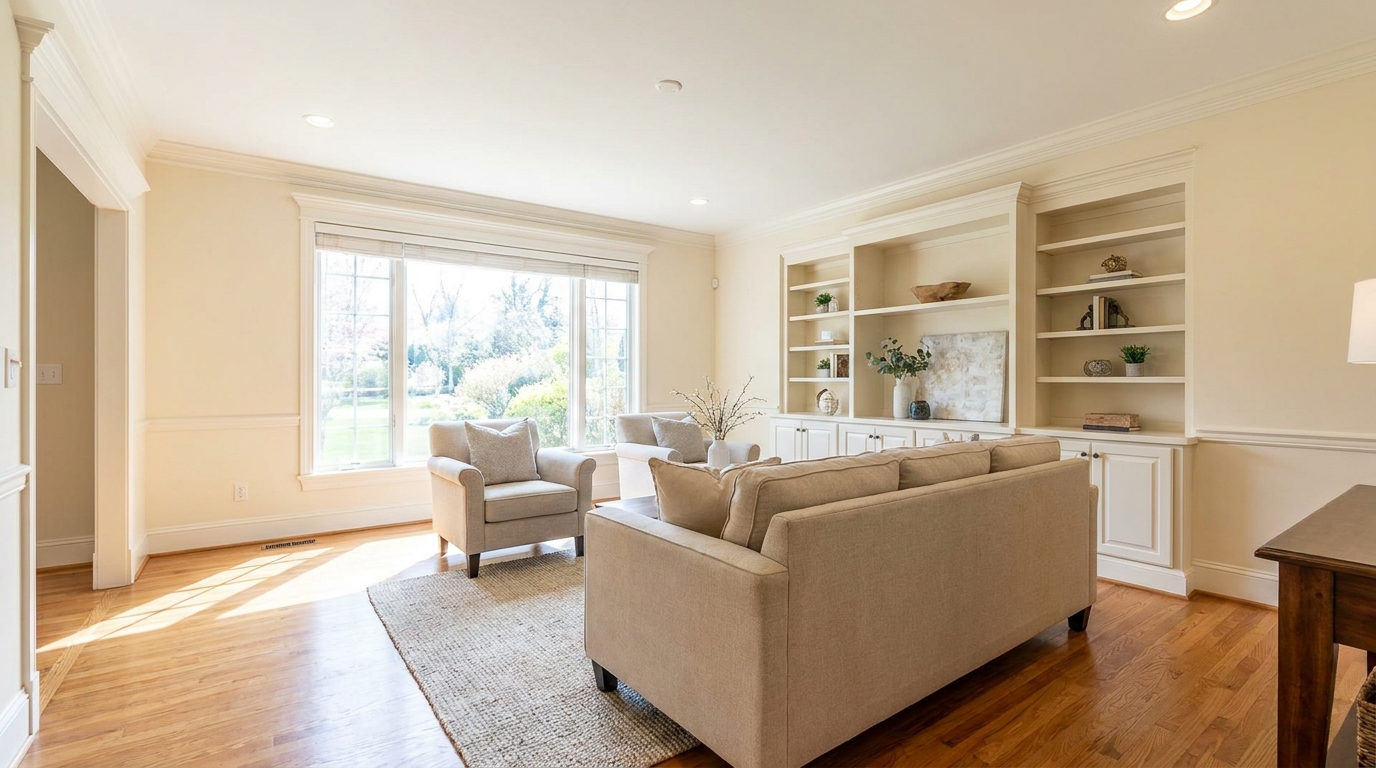
Lift overall exposure so listings feel cleaner, brighter, and easier to browse.
Try This Tool →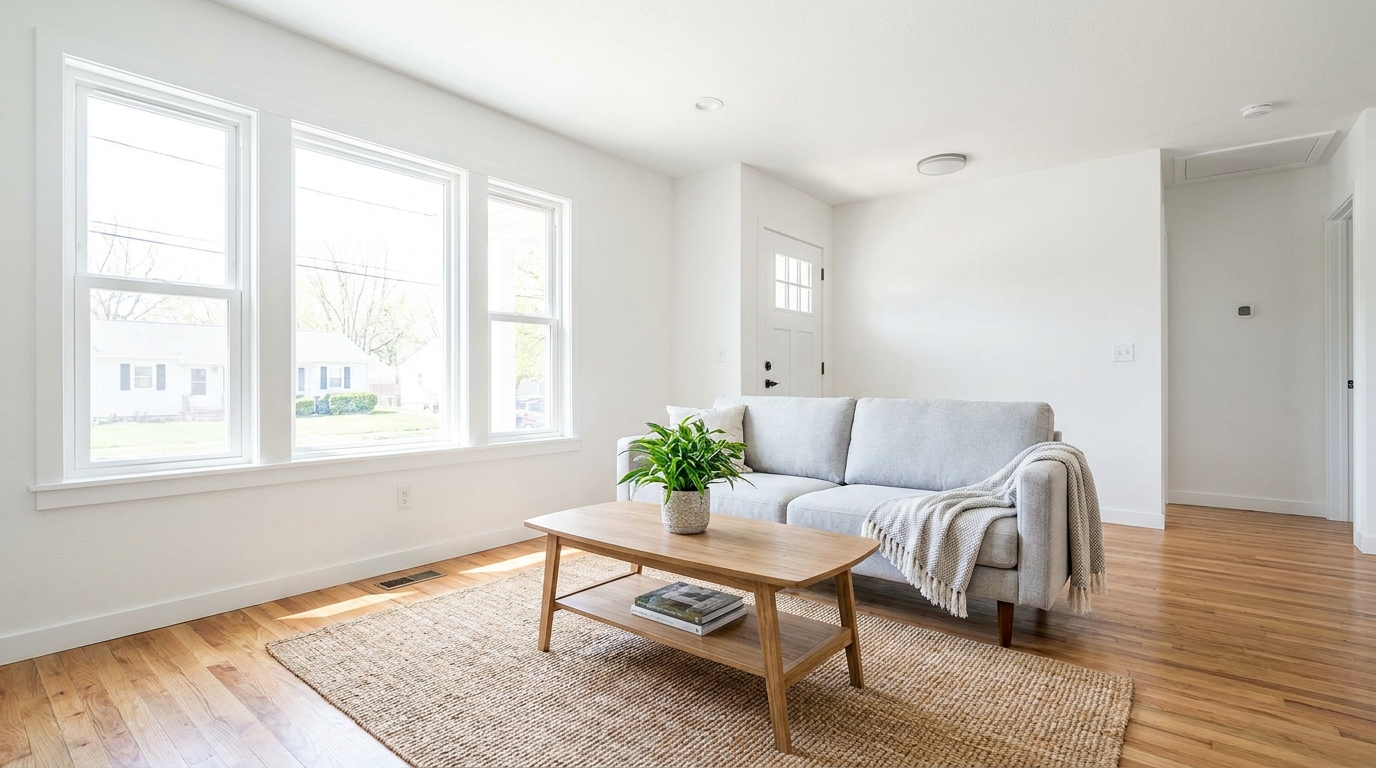
Add clean overall brightness for a fresher, more marketable photo.
Try This Tool →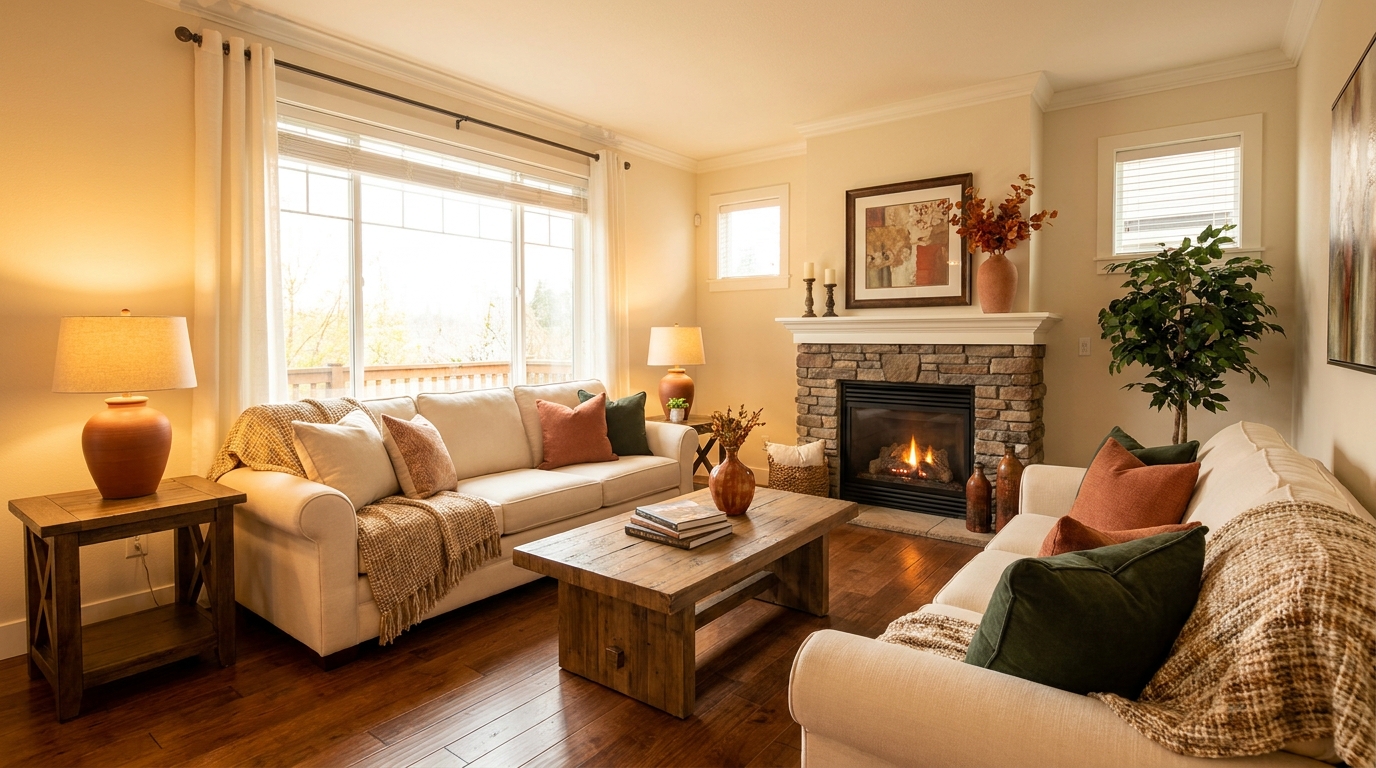
Introduce warm, welcoming tones that make interiors feel more inviting.
Try This Tool →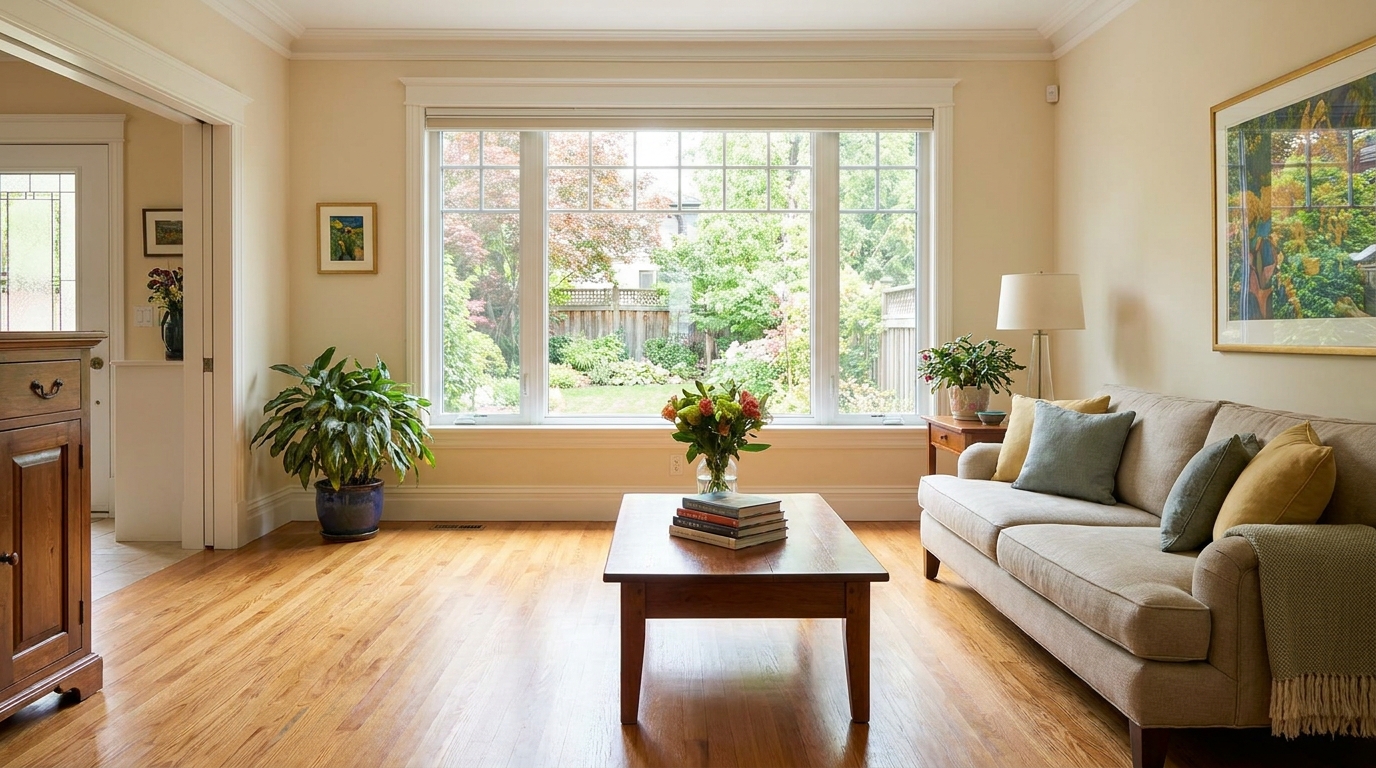
Increase brightness without washing out color, texture, or depth.
Try This Tool →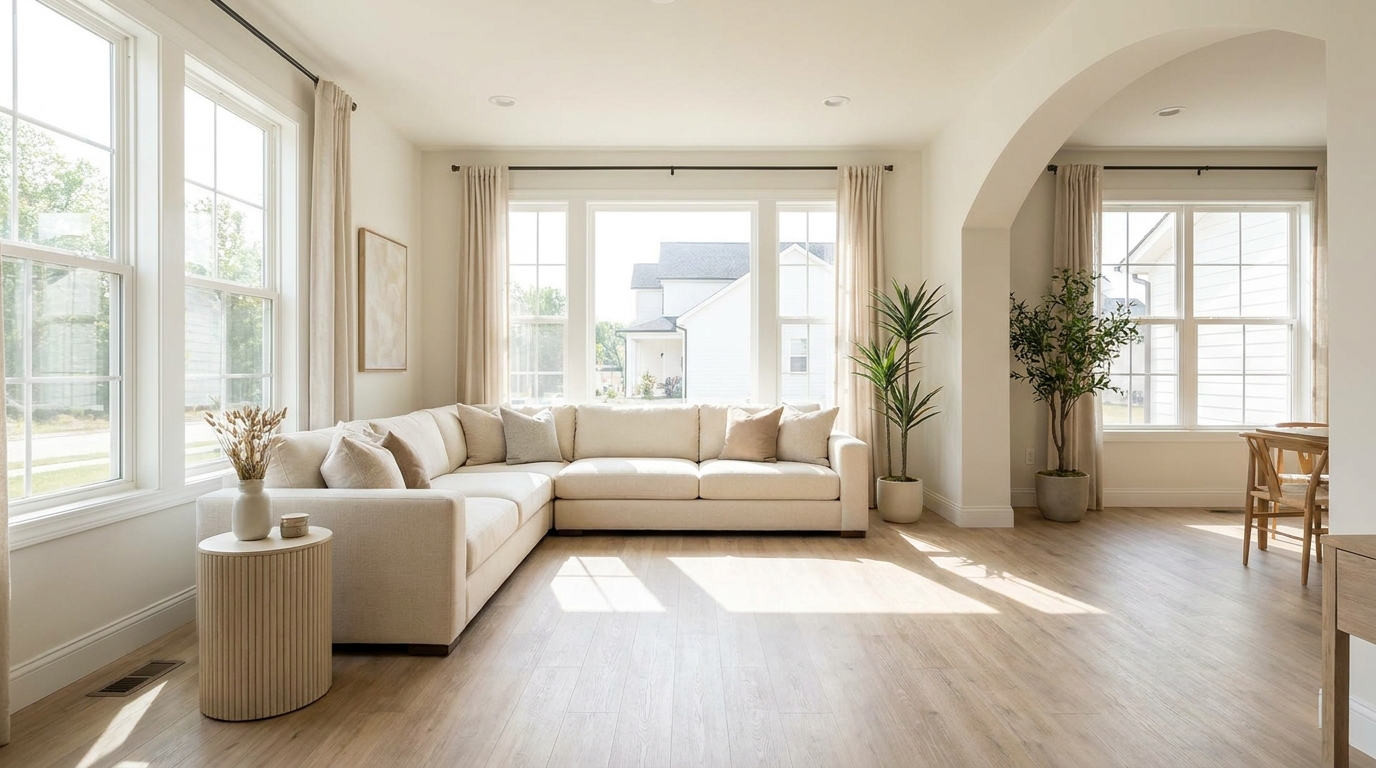
Create an airy natural-light feel that opens up the room beautifully.
Try This Tool →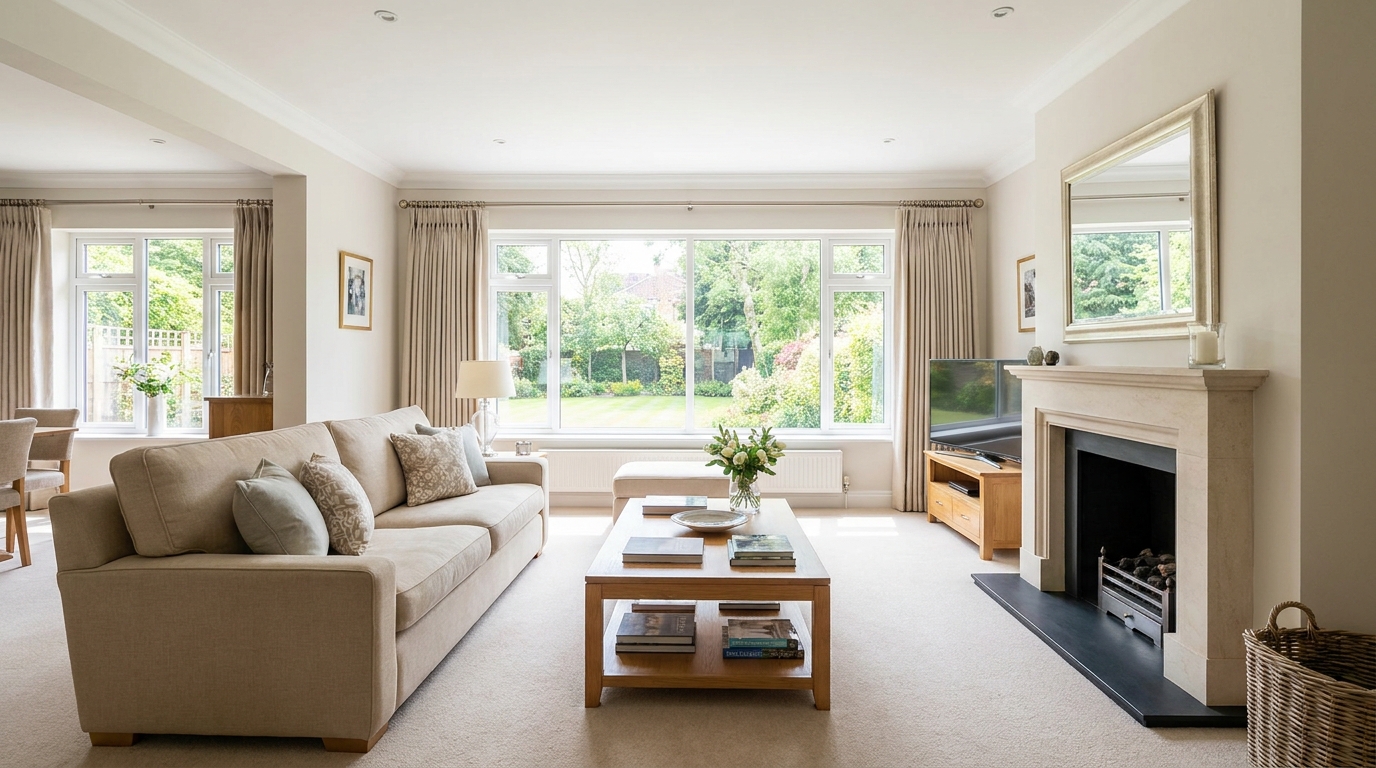
Smooth out uneven exposure for a bright, polished, professionally balanced look.
Try This Tool →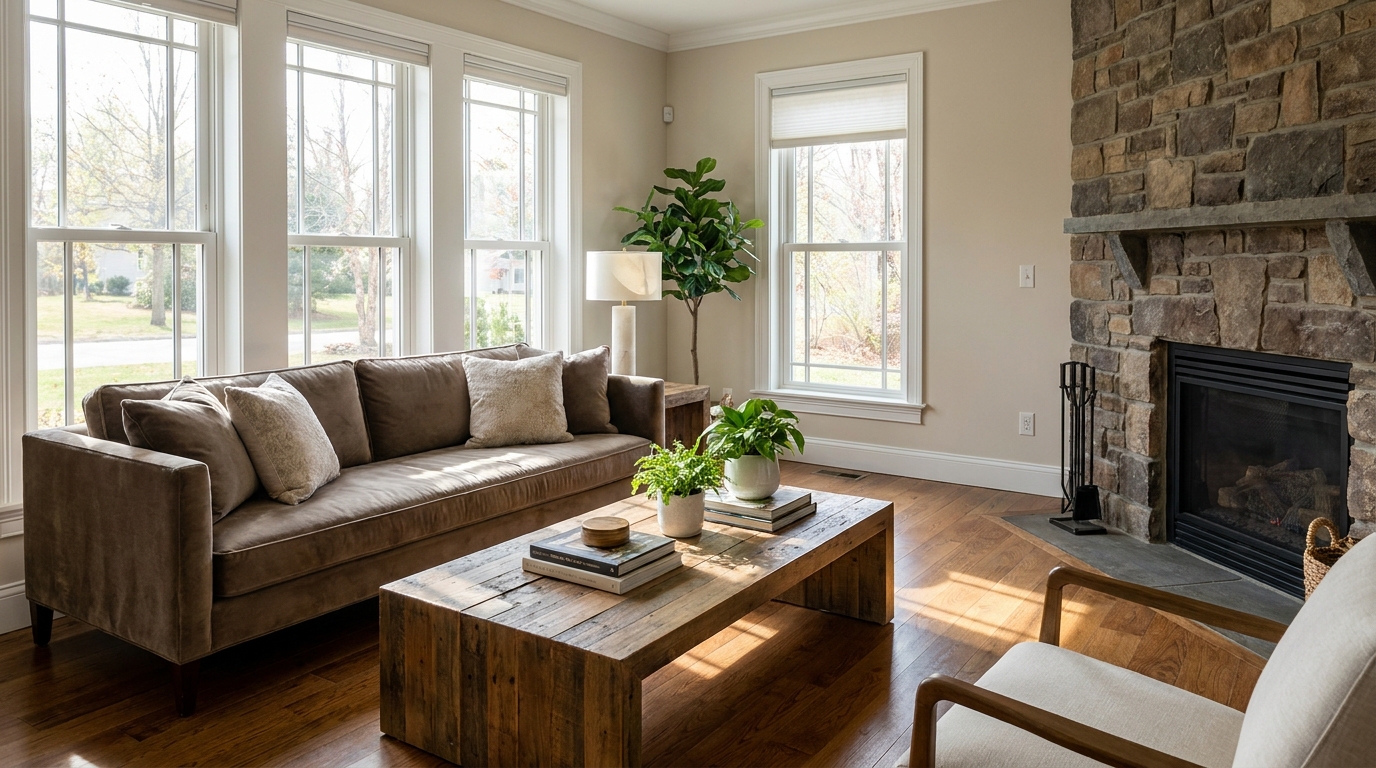
Restore depth and separation to flat photos with natural-looking contrast.
Try This Tool →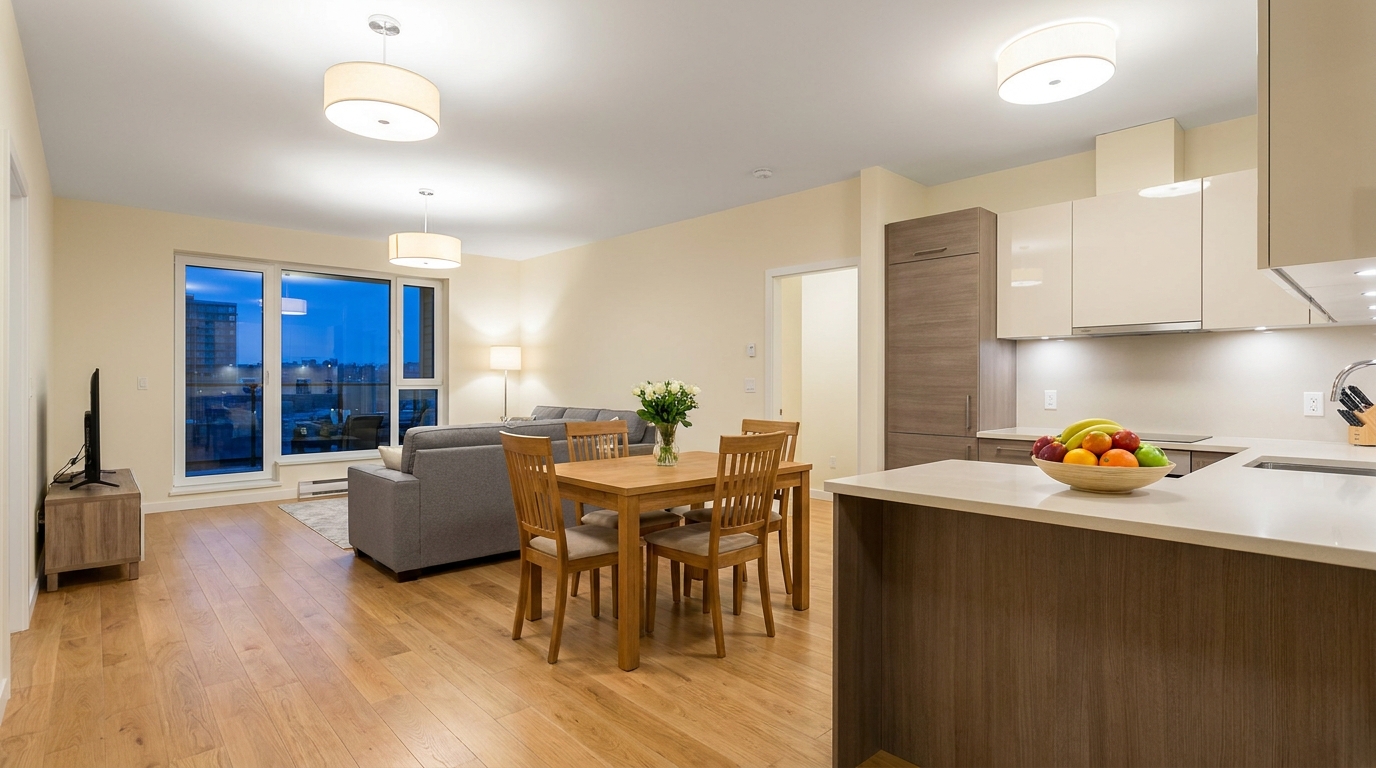
Neutralize green fluorescent casts for cleaner, more attractive indoor color.
Try This Tool →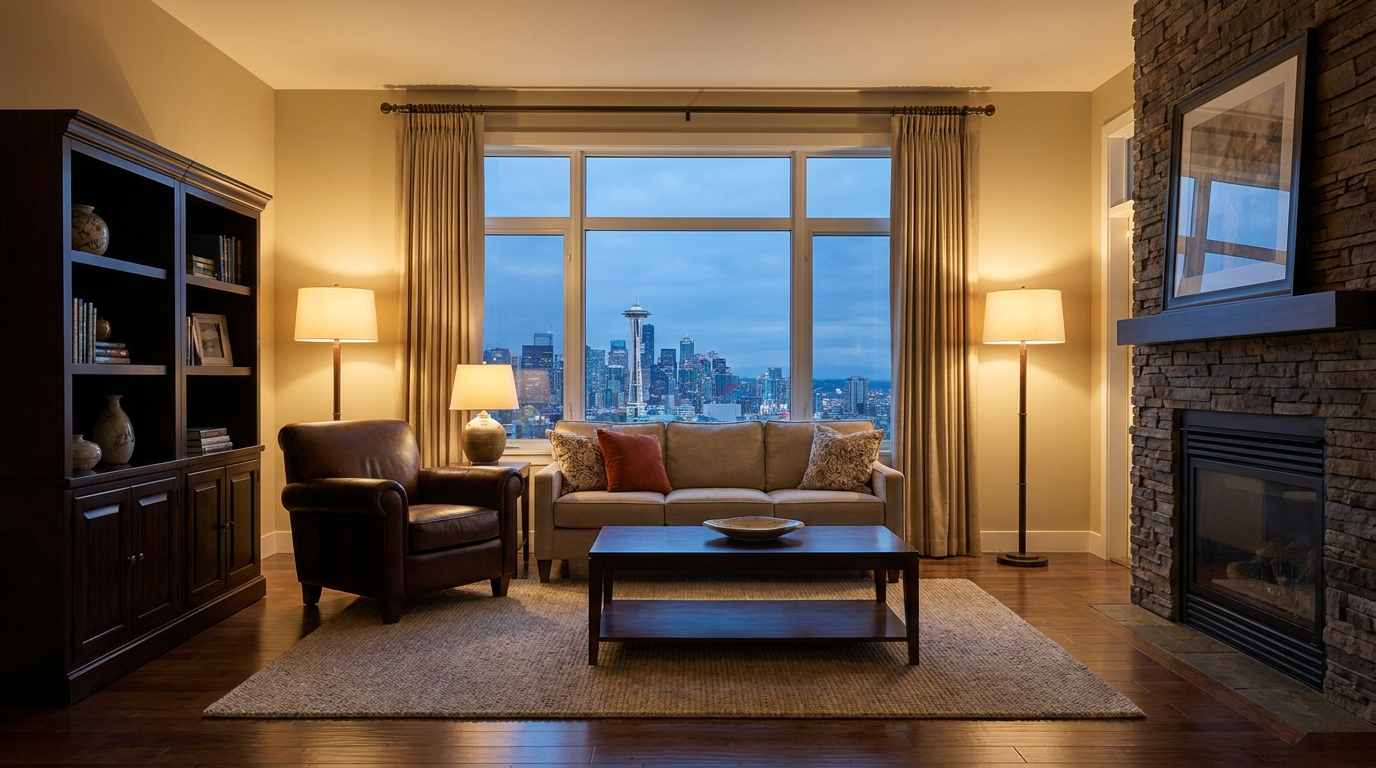
Lift dark images with natural brightness and clearer visible detail.
Try This Tool →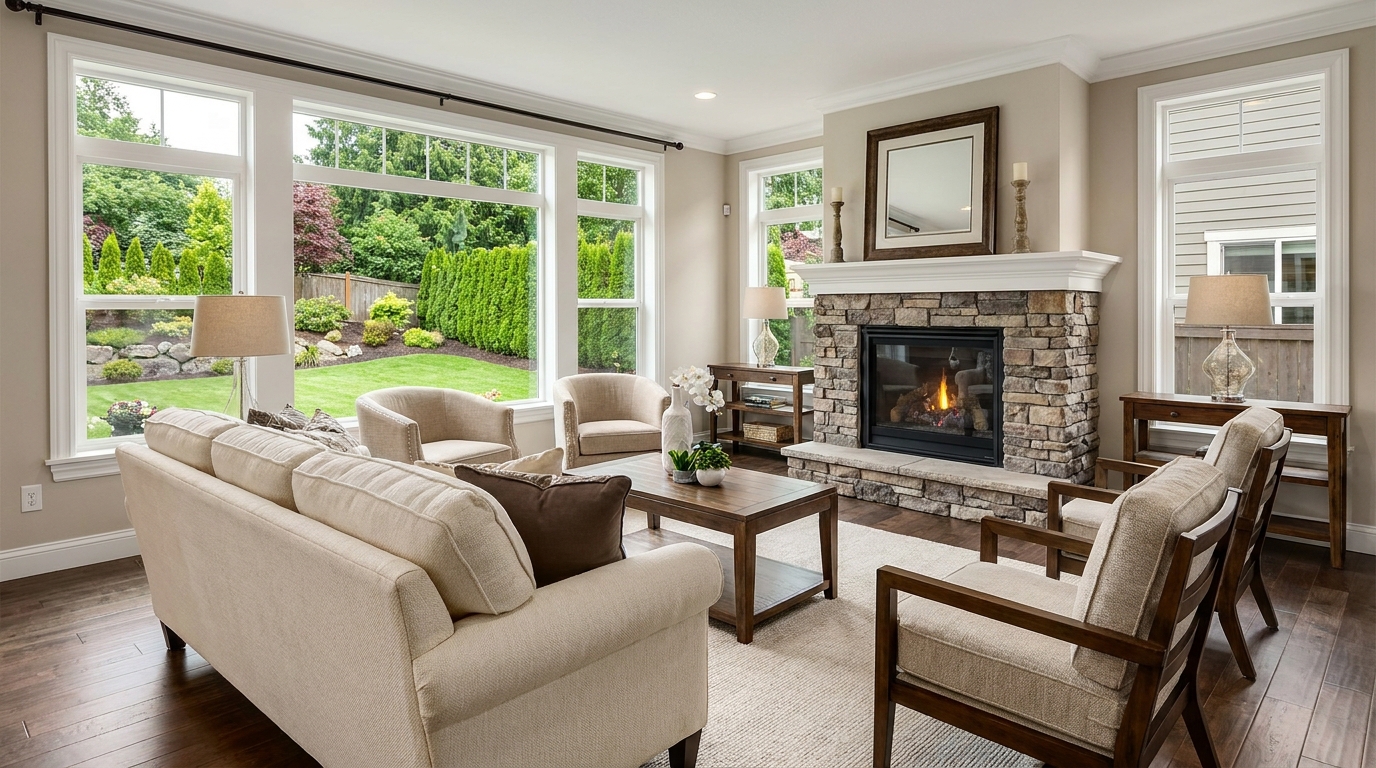
Add depth and definition for images that feel sharper and more dimensional.
Try This Tool →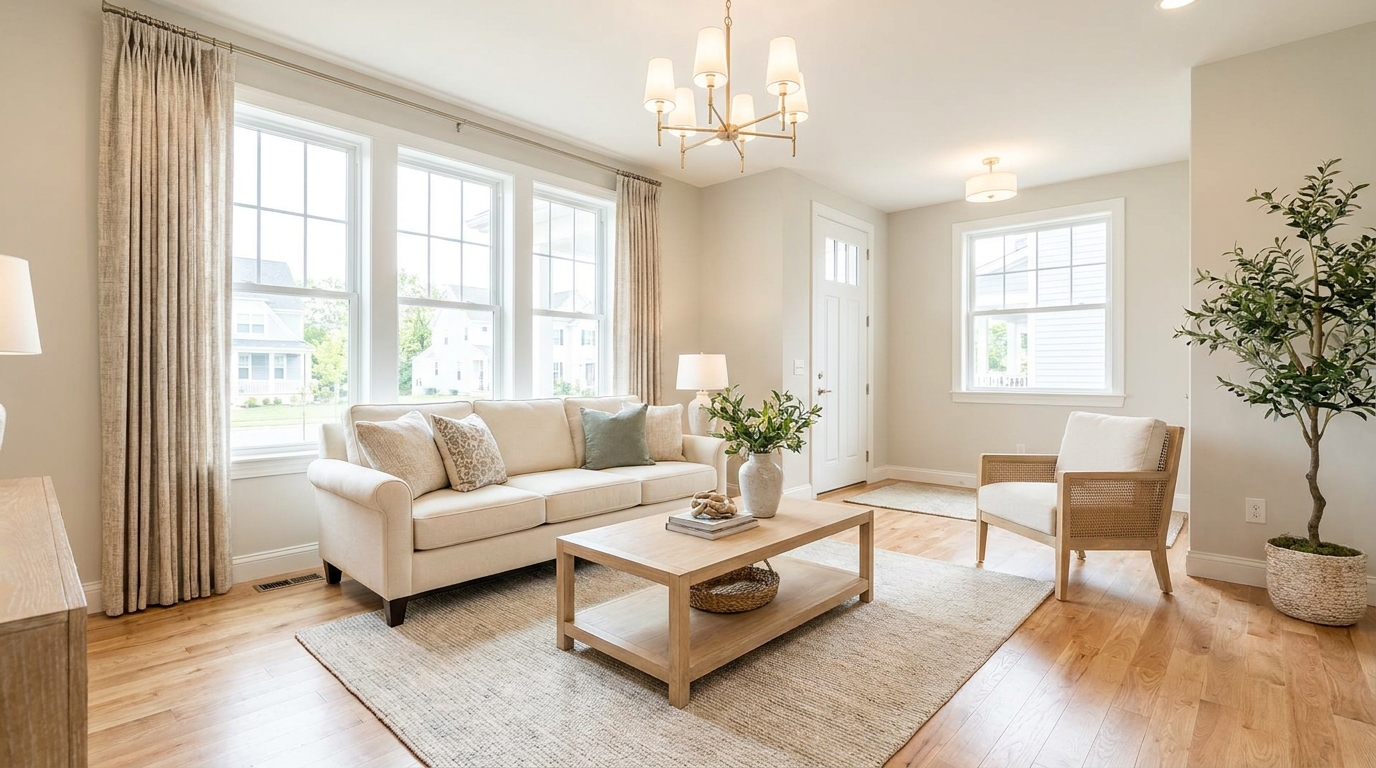
Make listing photos brighter and more open without losing realism.
Try This Tool →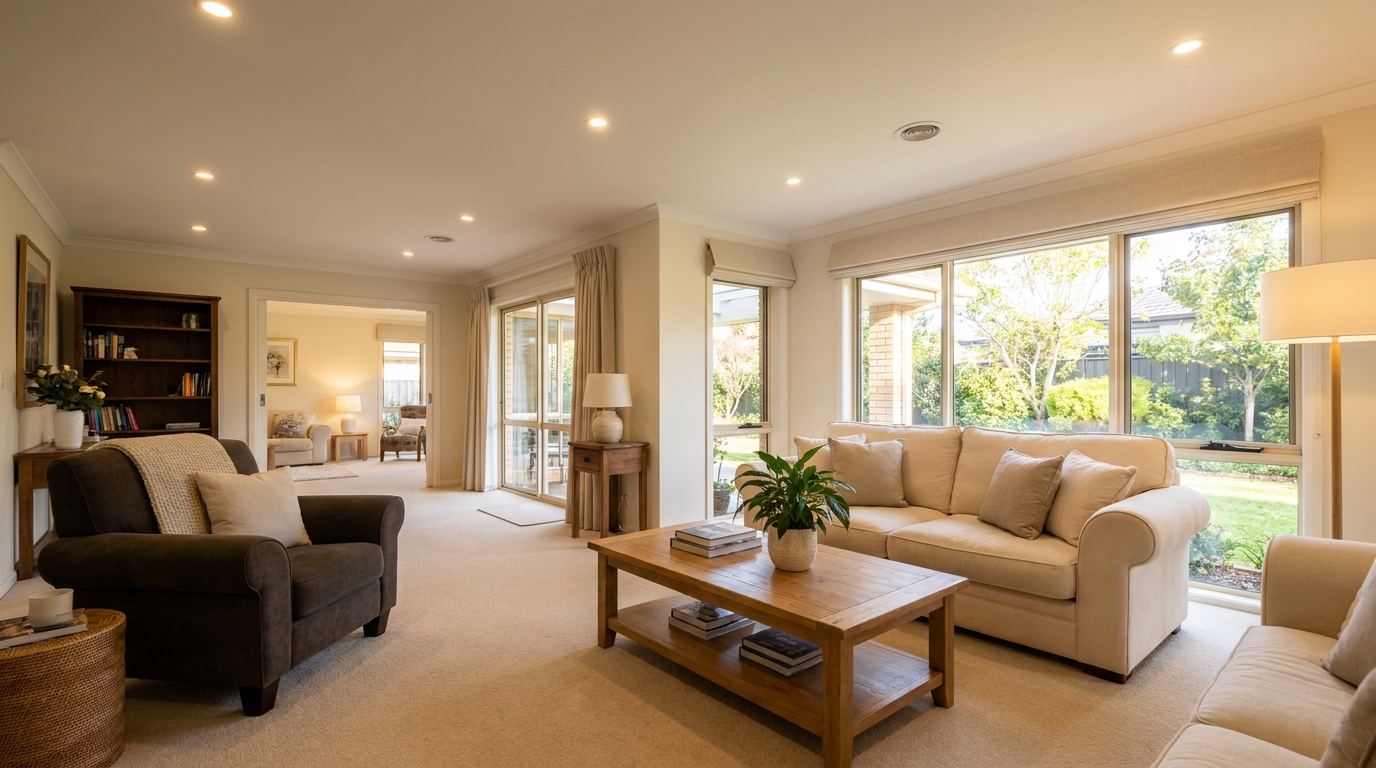
Balance dark corners and bright areas for smoother, more natural interiors.
Try This Tool →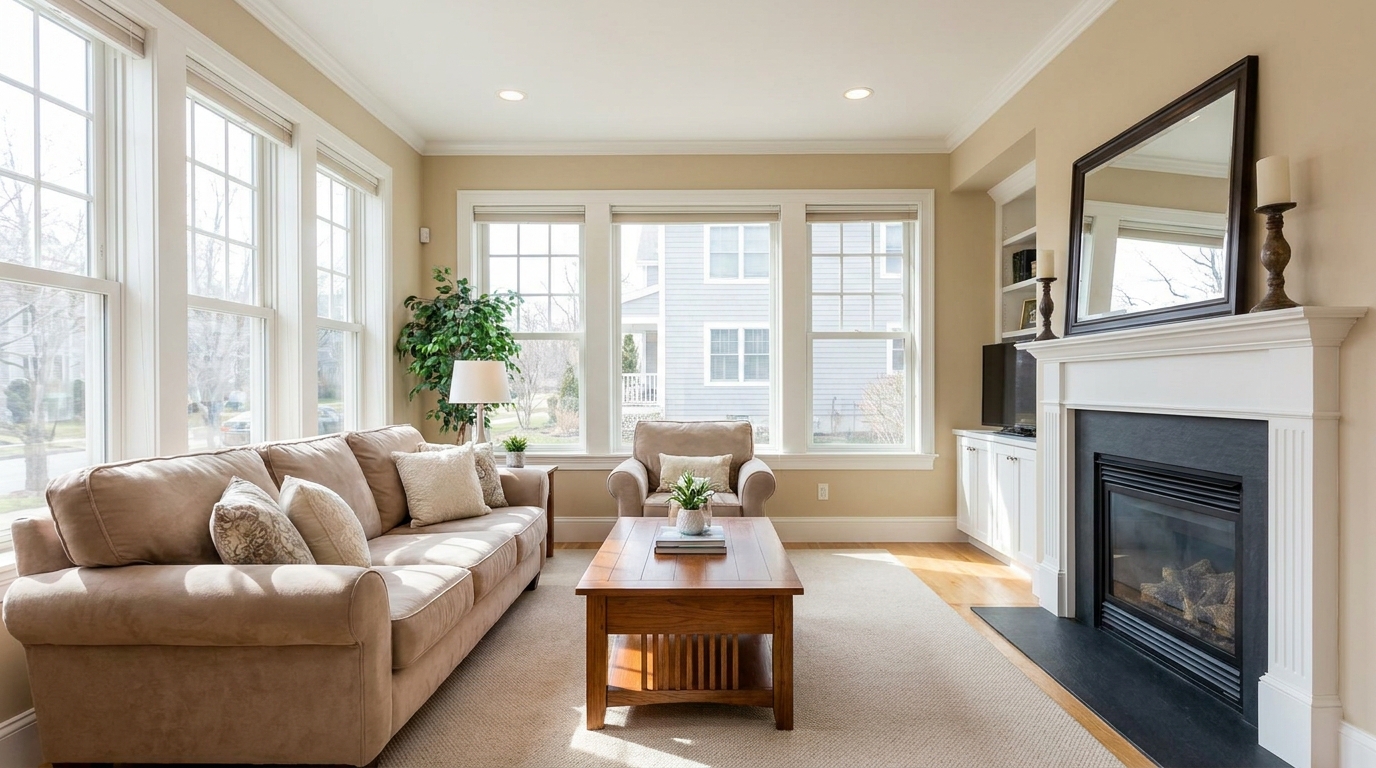
Reveal shadow detail while keeping contrast realistic and clean.
Try This Tool →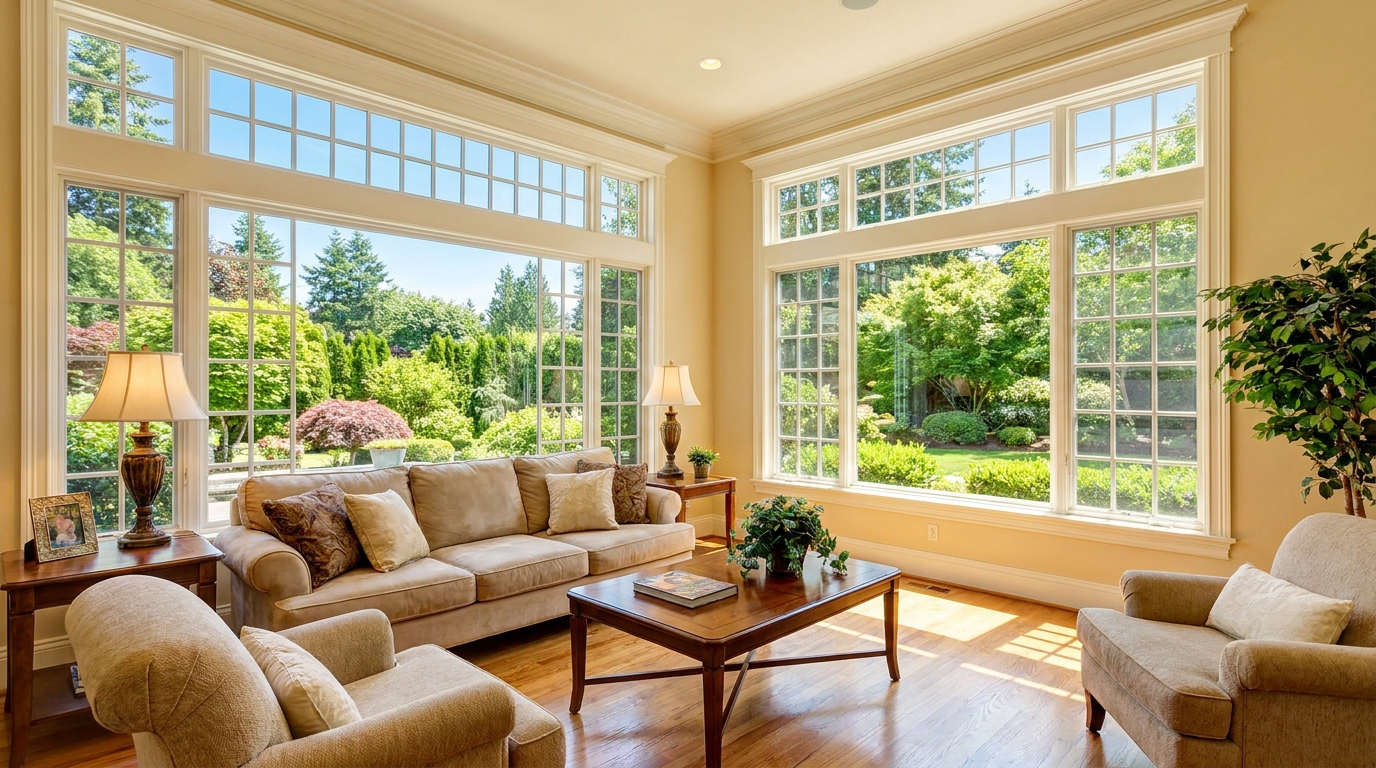
Recover blown window areas for brighter rooms with believable exterior views.
Try This Tool →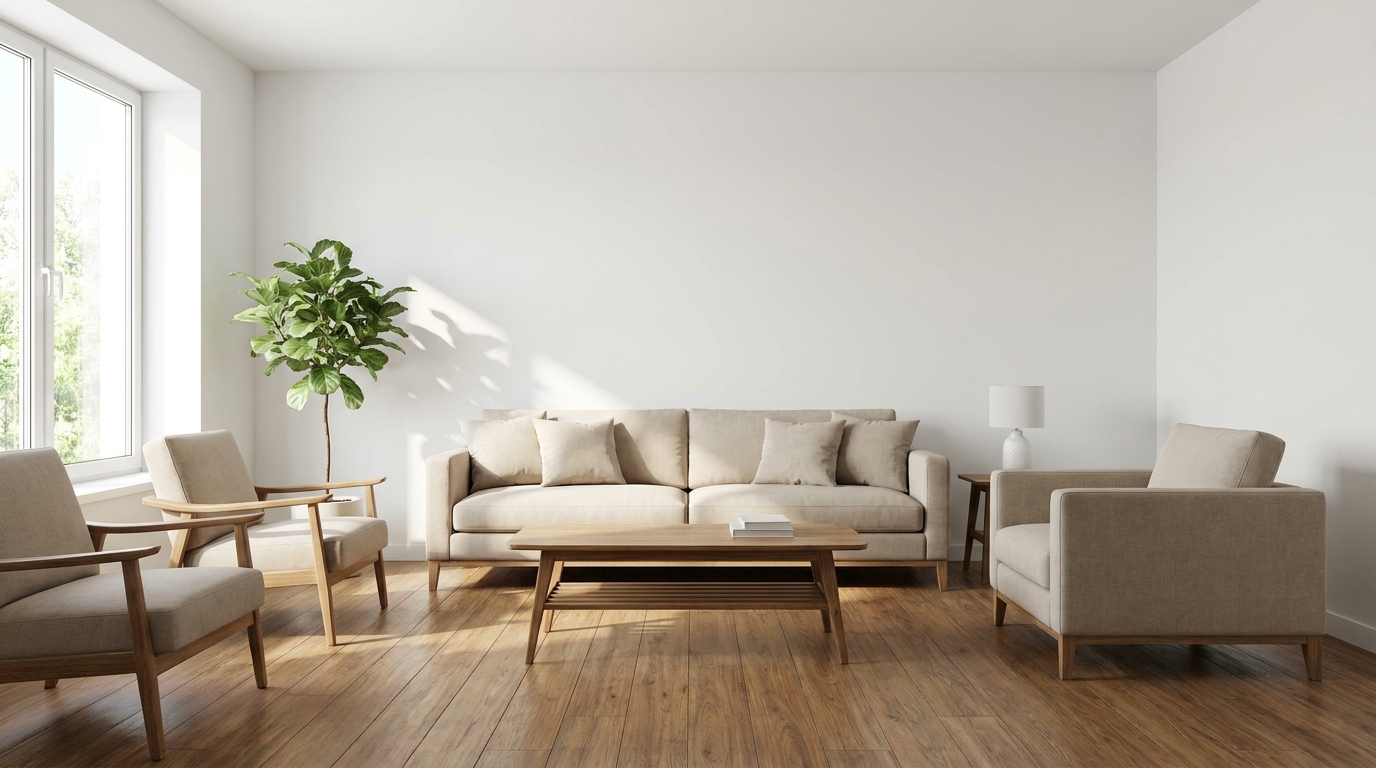
Neutralize color issues for truer tones, cleaner whites, and a polished finish.
Try This Tool →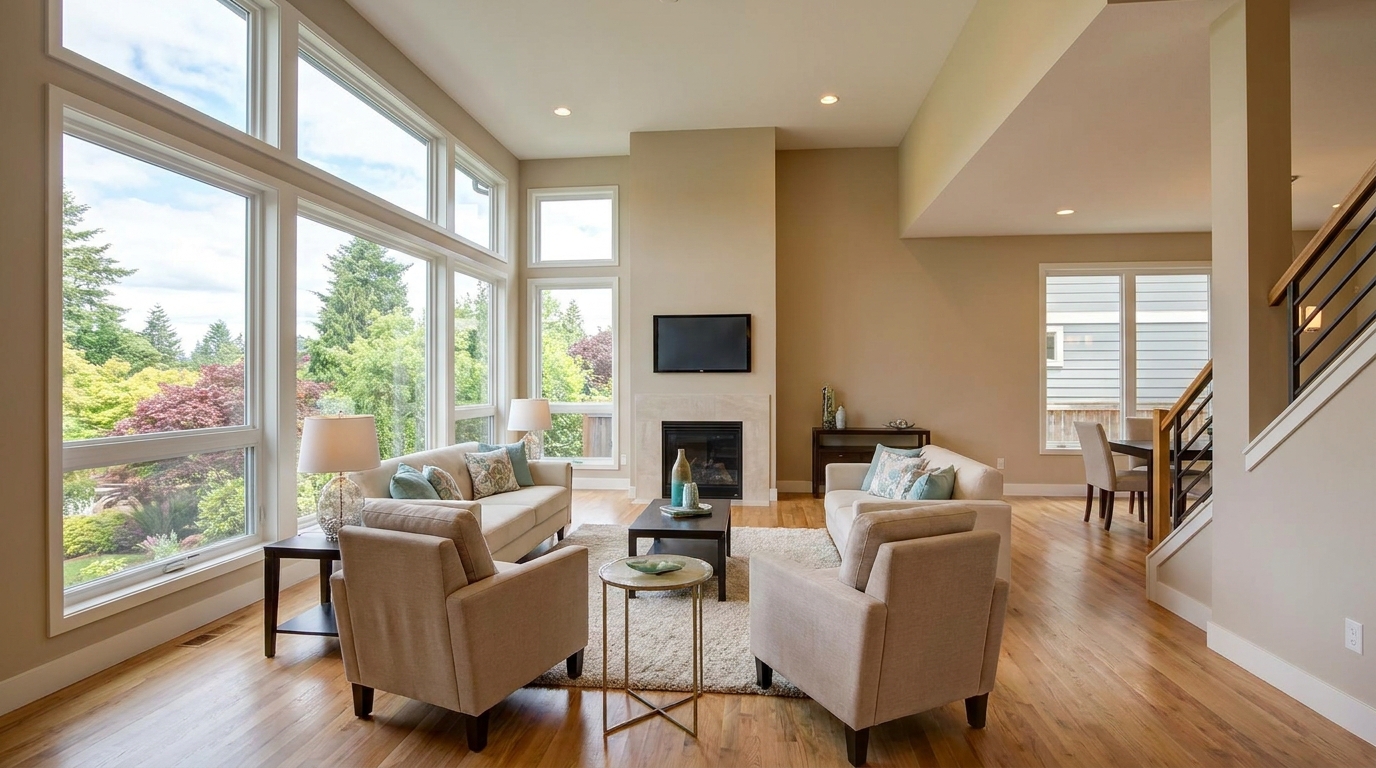
Bring back bright-area detail for a smoother, more controlled exposure.
Try This Tool →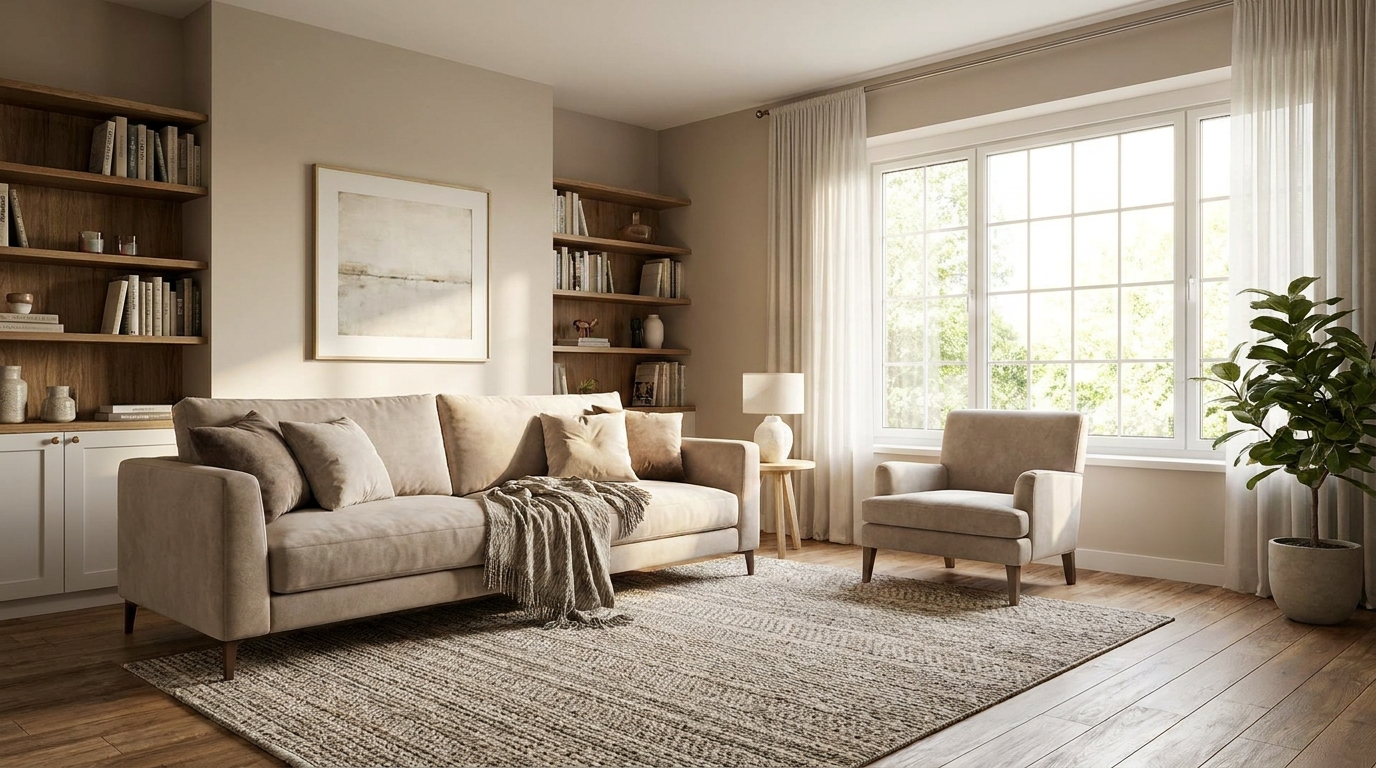
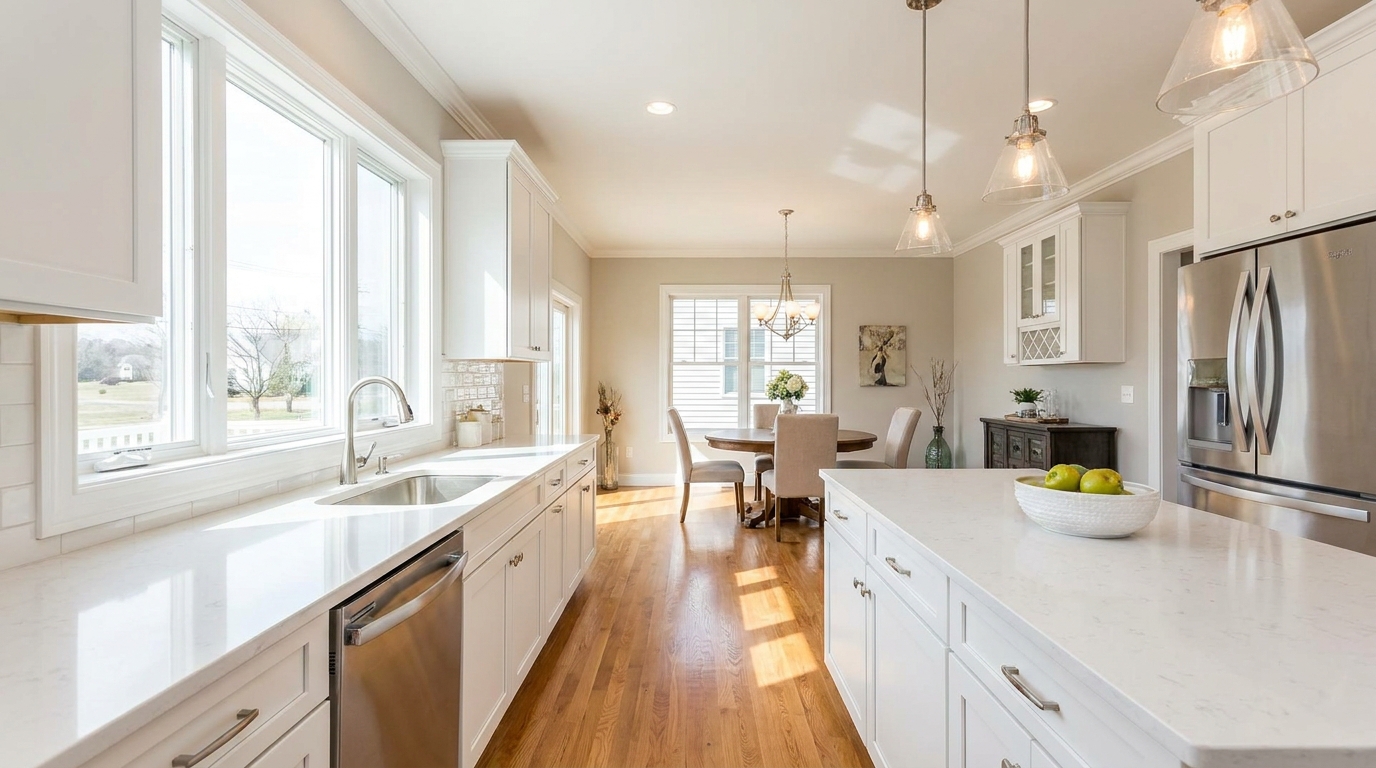
Soften harsh highlights to create a more even, natural-looking image.
Try This Tool →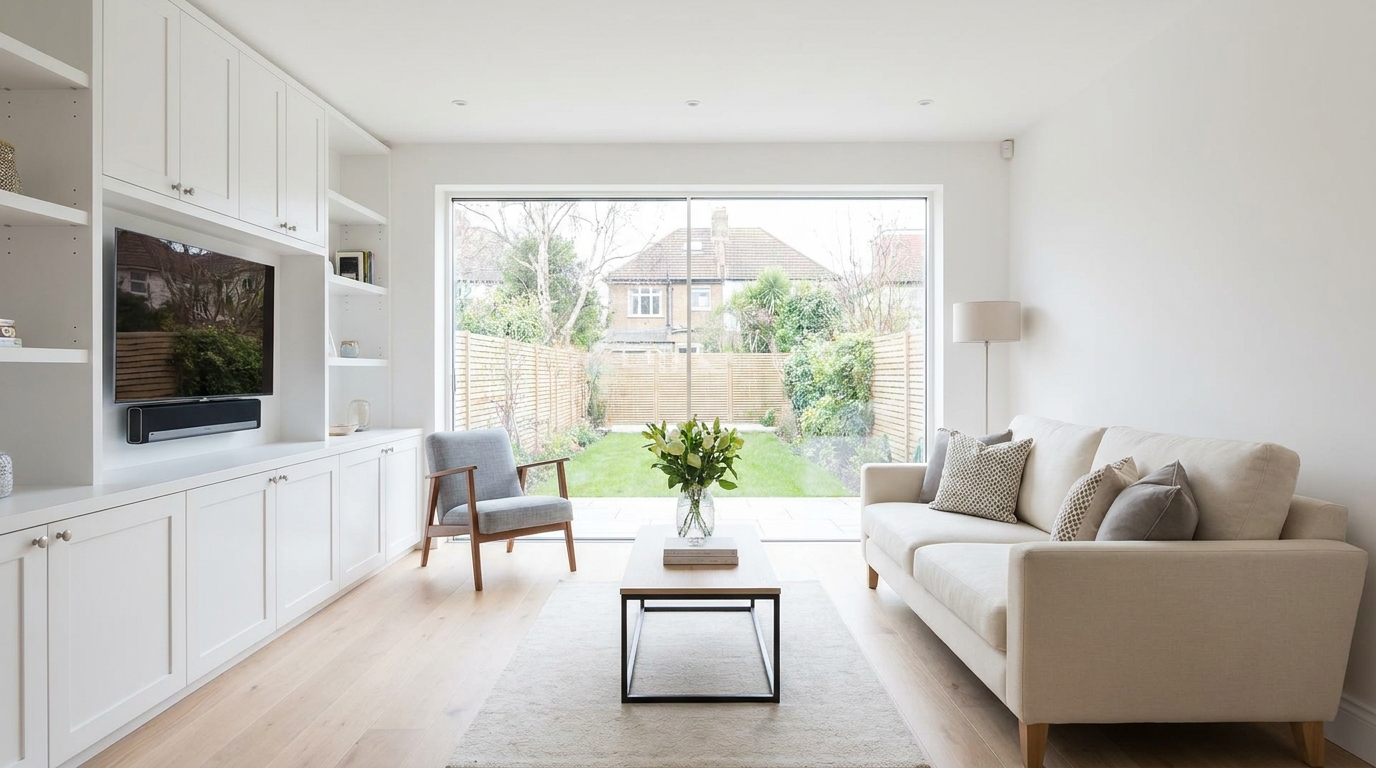
Remove unwanted tints so surfaces and whites look accurate and consistent.
Try This Tool →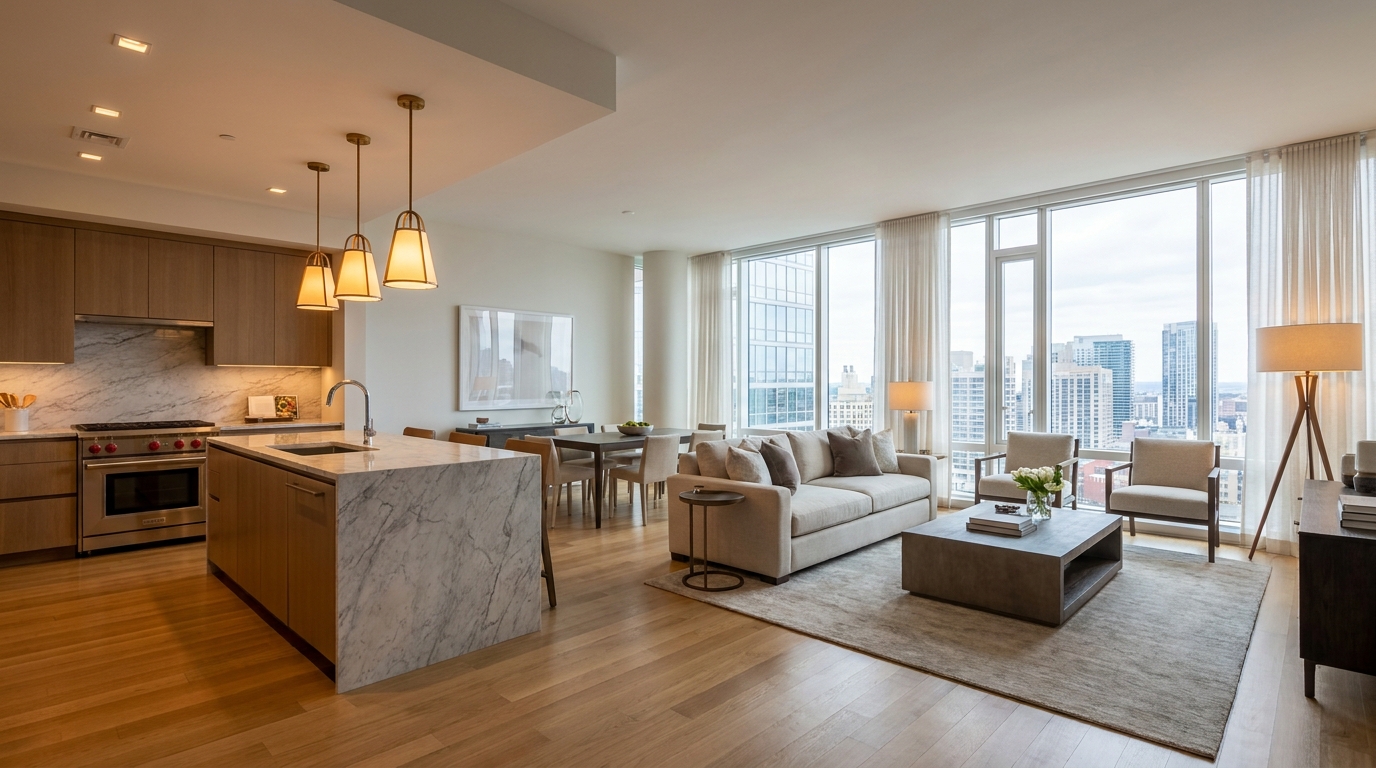
Blend warm and cool light sources into one natural, cohesive scene.
Try This Tool →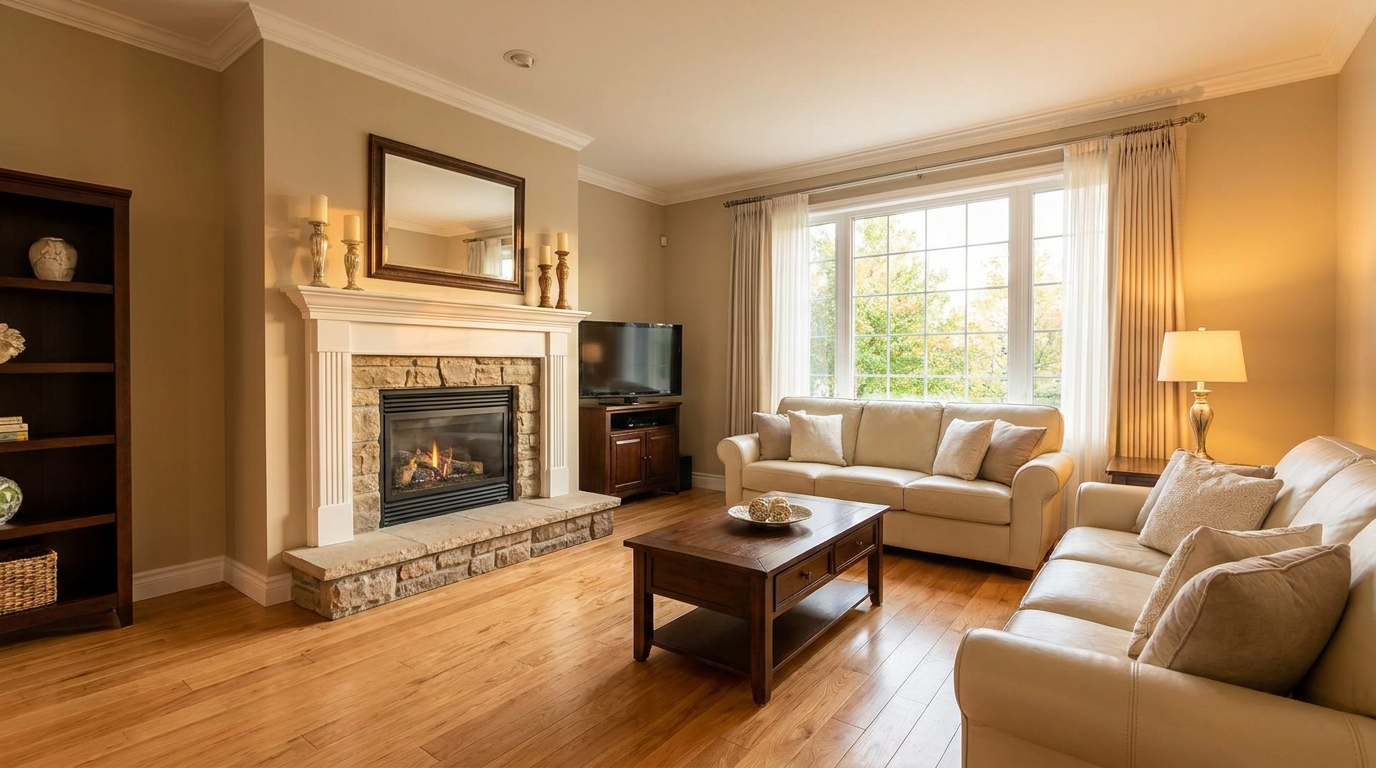
Add tasteful warmth for a friendlier, more inviting presentation.
Try This Tool →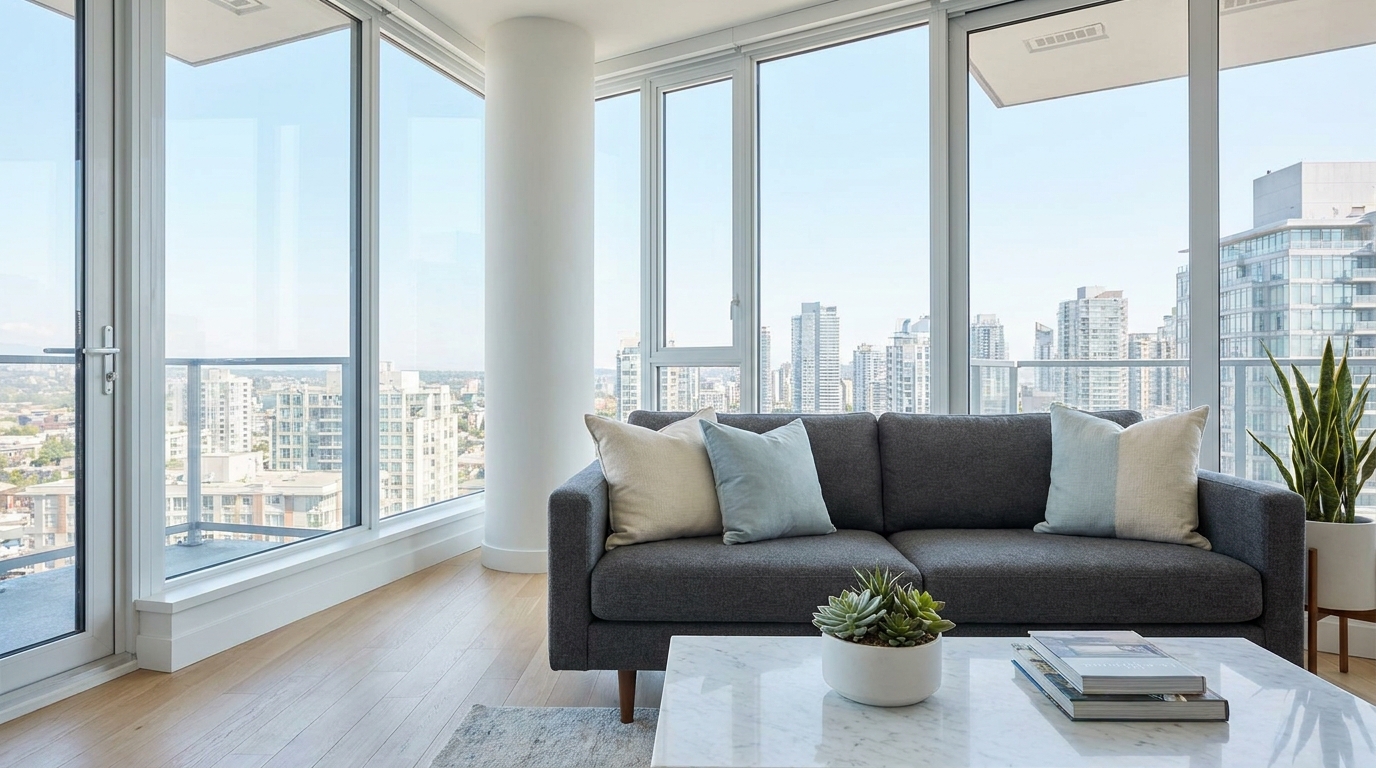
Introduce crisp, modern cool tones without making the image feel cold.
Try This Tool →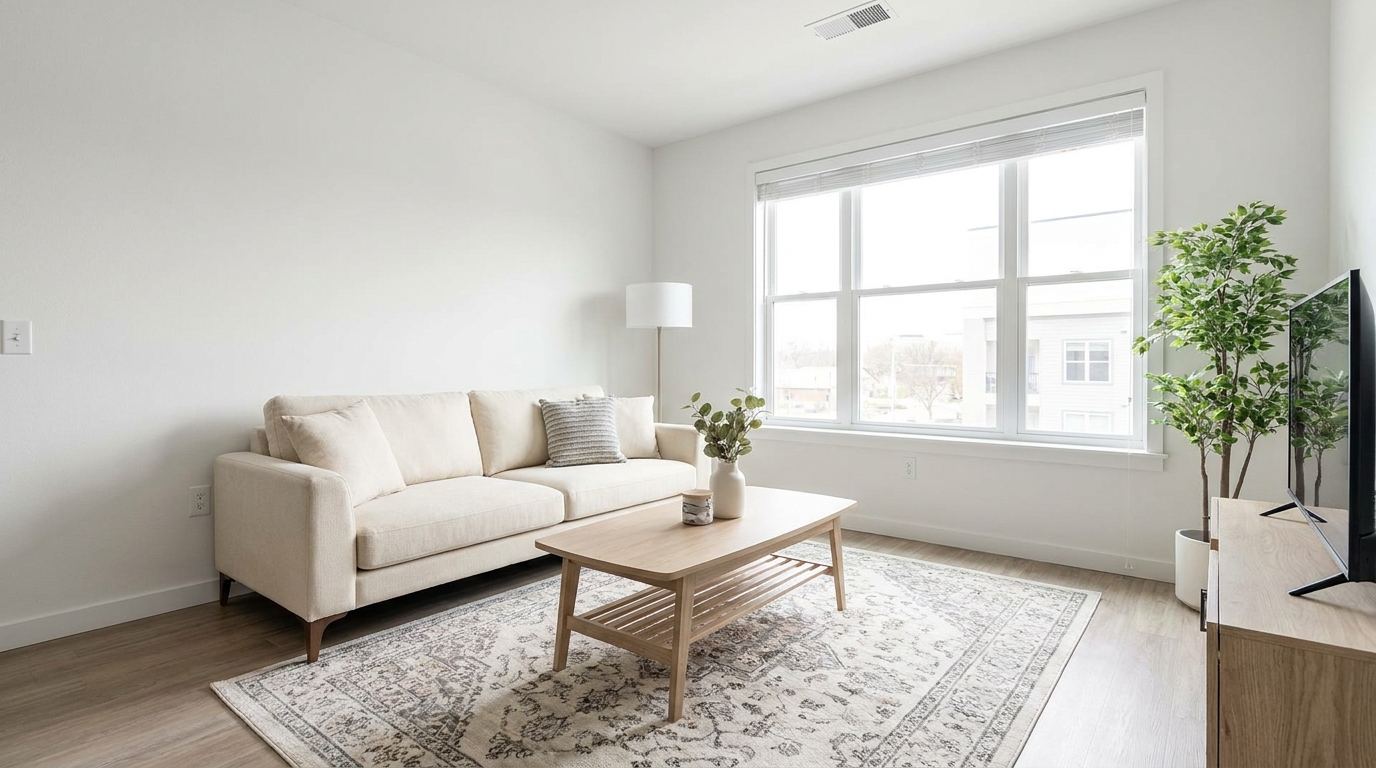
Correct white balance for interiors that feel clean, natural, and professionally edited.
Try This Tool →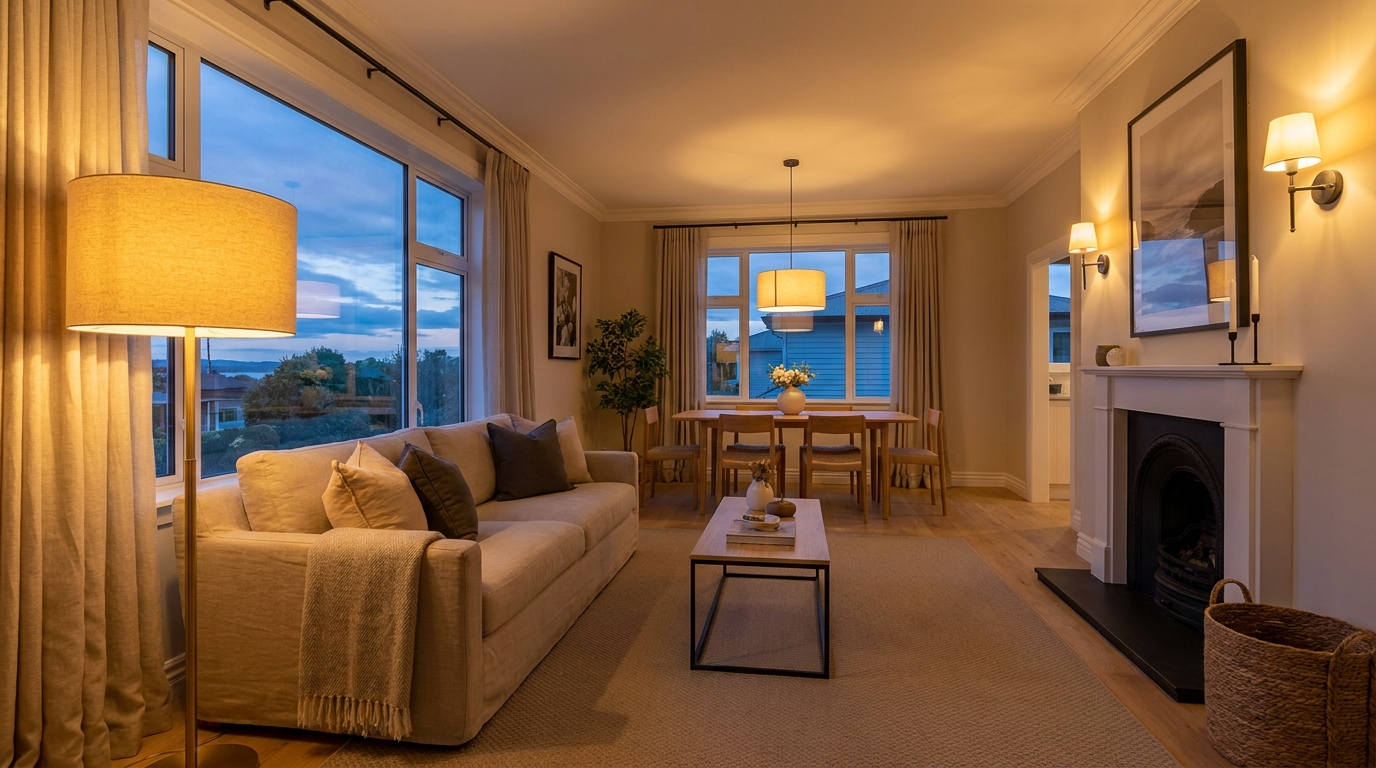
Add realistic lamp and fixture glow to make rooms feel warmer and more welcoming.
Try This Tool →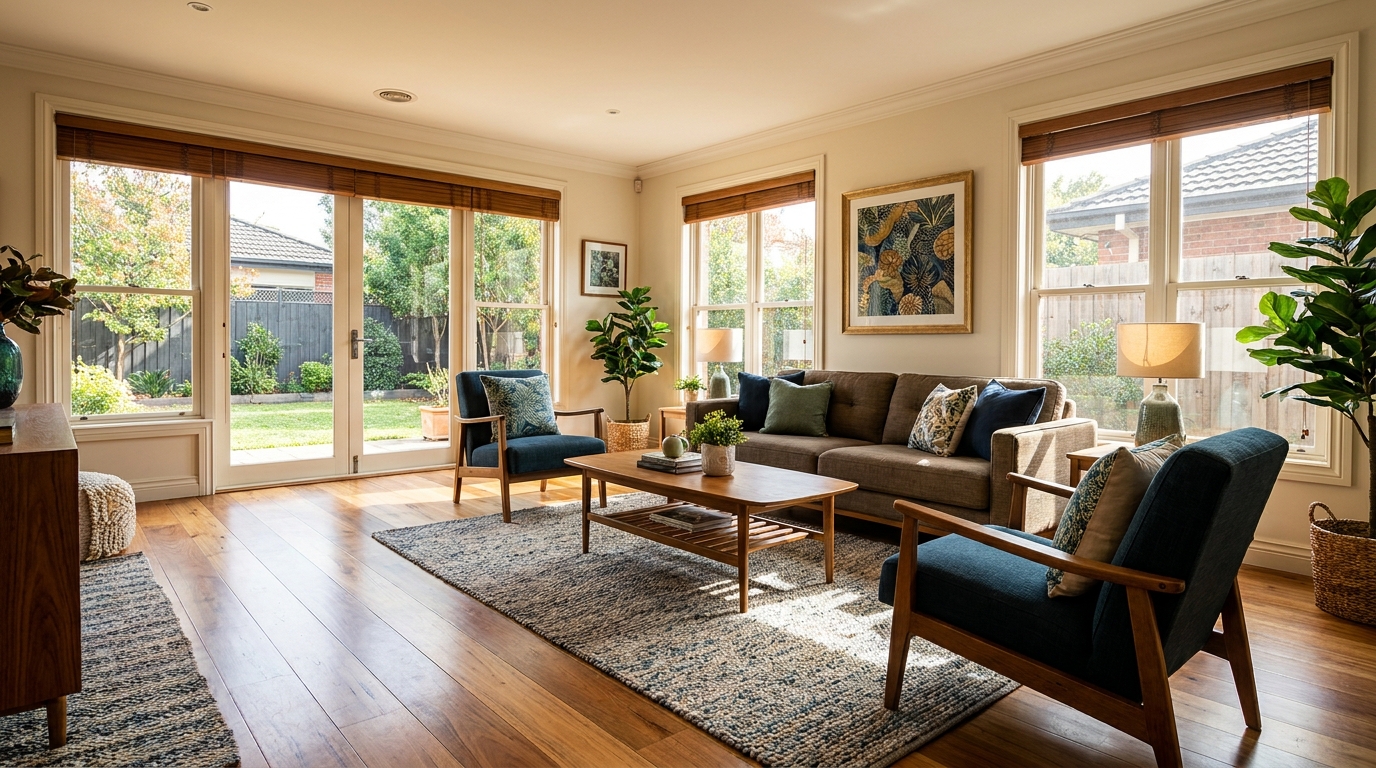
Gently enrich color for more eye-catching photos without oversaturation.
Try This Tool →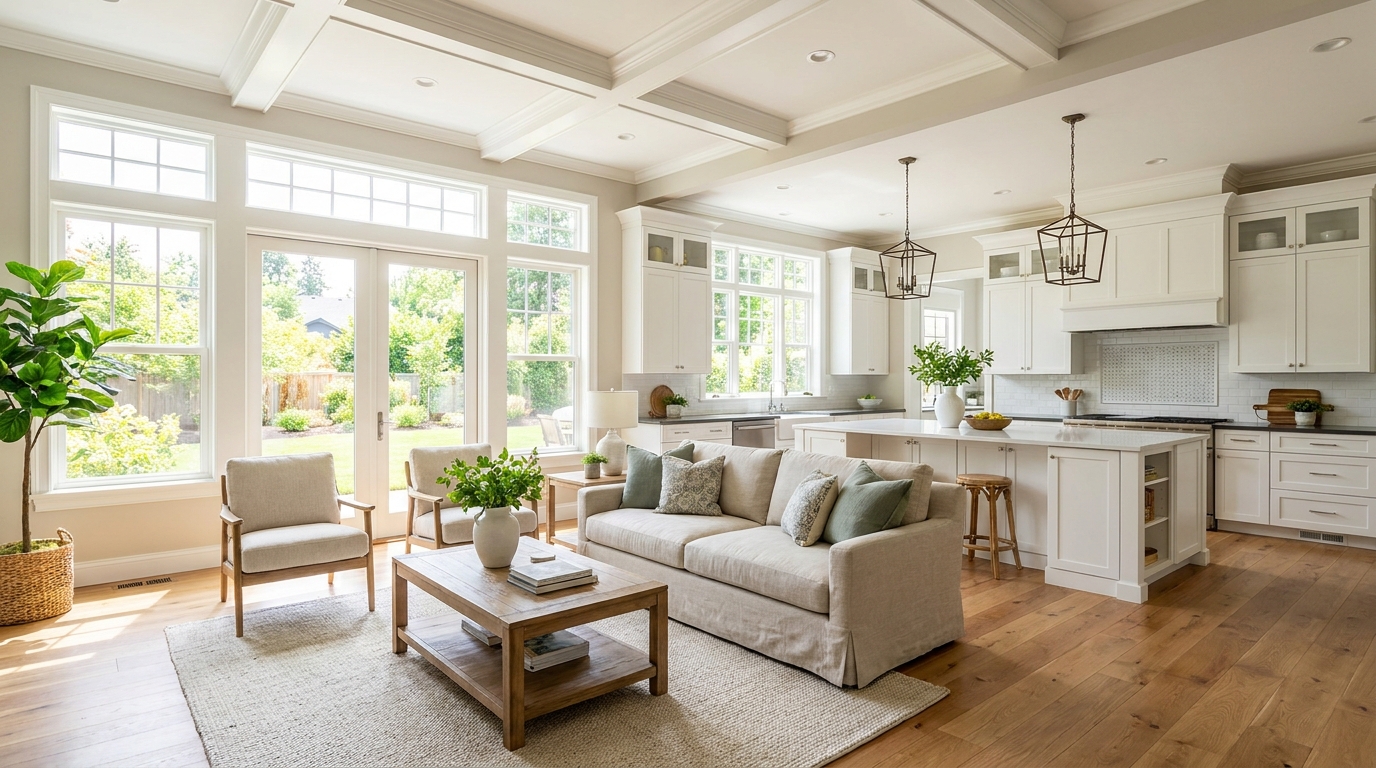
Boost daylight presence for spaces that feel bright, airy, and open.
Try This Tool →Explore adjacent tools to polish your interior and exterior property photos.
AI image-to-video generation for turning home, room, and property photos into more vivid presentation videos.
02AI exterior renovation for visualizing facade updates, curb appeal improvements, and home exterior remodel ideas.
03AI landscaping design for exploring outdoor concepts, curb appeal upgrades, planting ideas, and yard layout directions.
04AI virtual staging for furnishing empty rooms and creating listing-ready interiors for real estate marketing.
05Free AI image generation for turning text prompts into unlimited visual ideas for home design, interiors, landscaping, renovation
06AI object removal for cleaning up distracting items from room, home, and property photos.
Neutralize conflicting light sources and deliver clean, professional, color-accurate listings in seconds.