
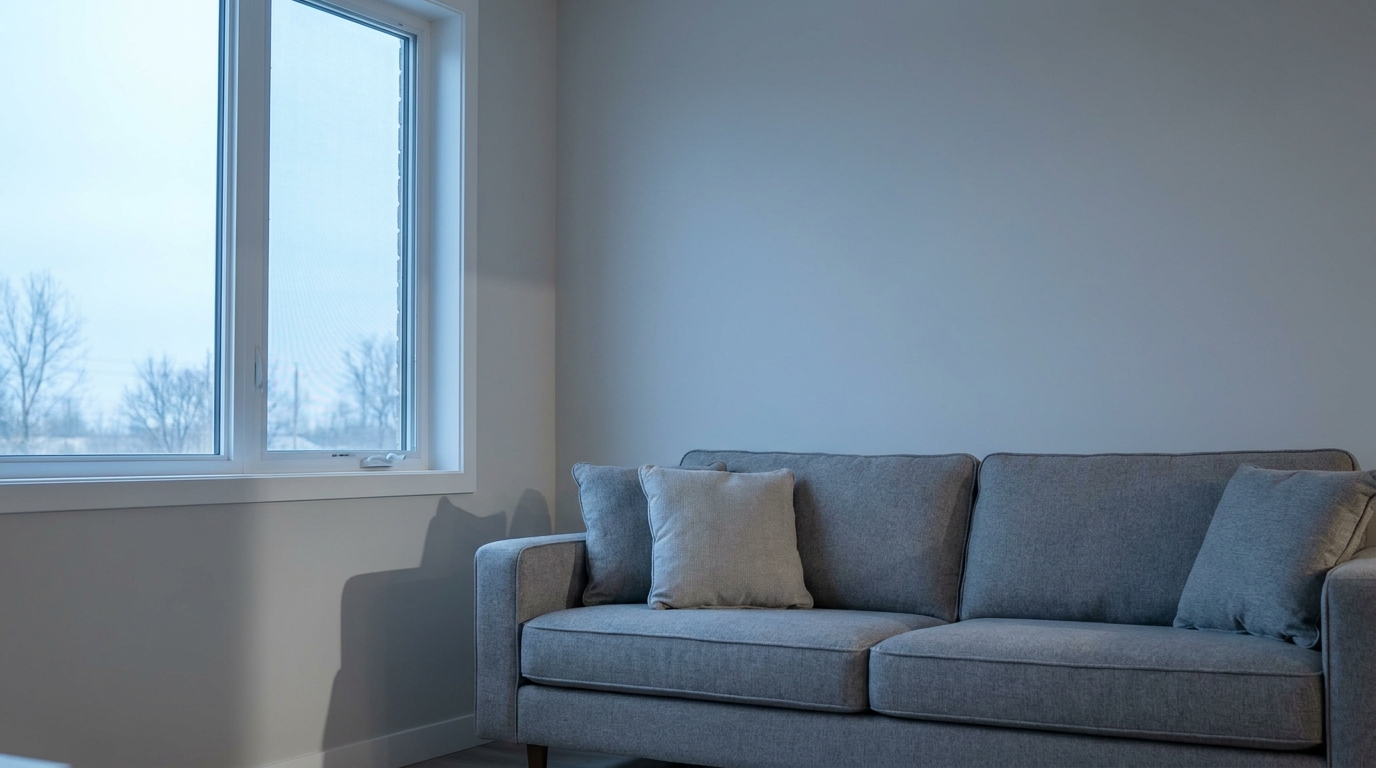
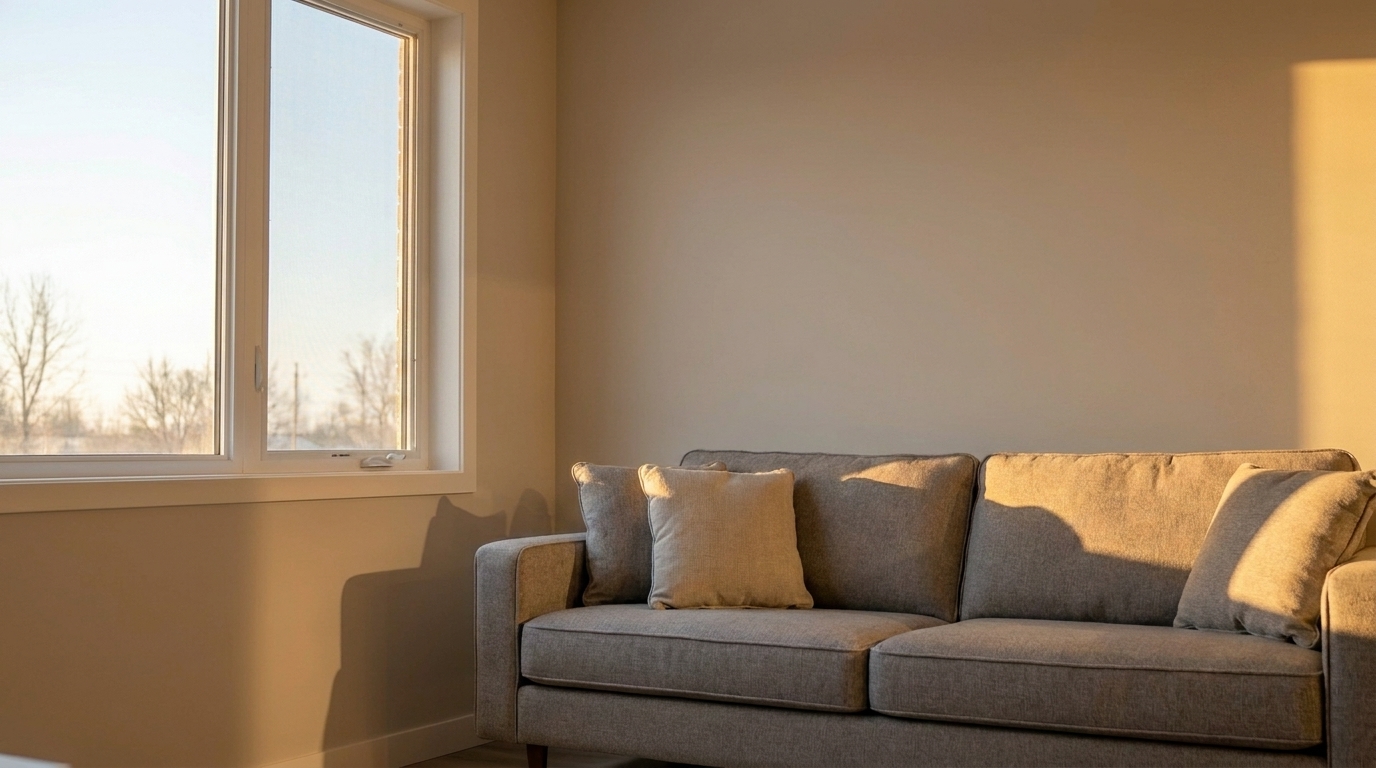

Sterile Modern Living Room
Sterile Modern Living Room updated with cozy warm interior editing styling.
Transform cold, sterile room photos into welcoming, market-ready spaces. Infuse natural warmth and balanced lighting while preserving realistic material textures.
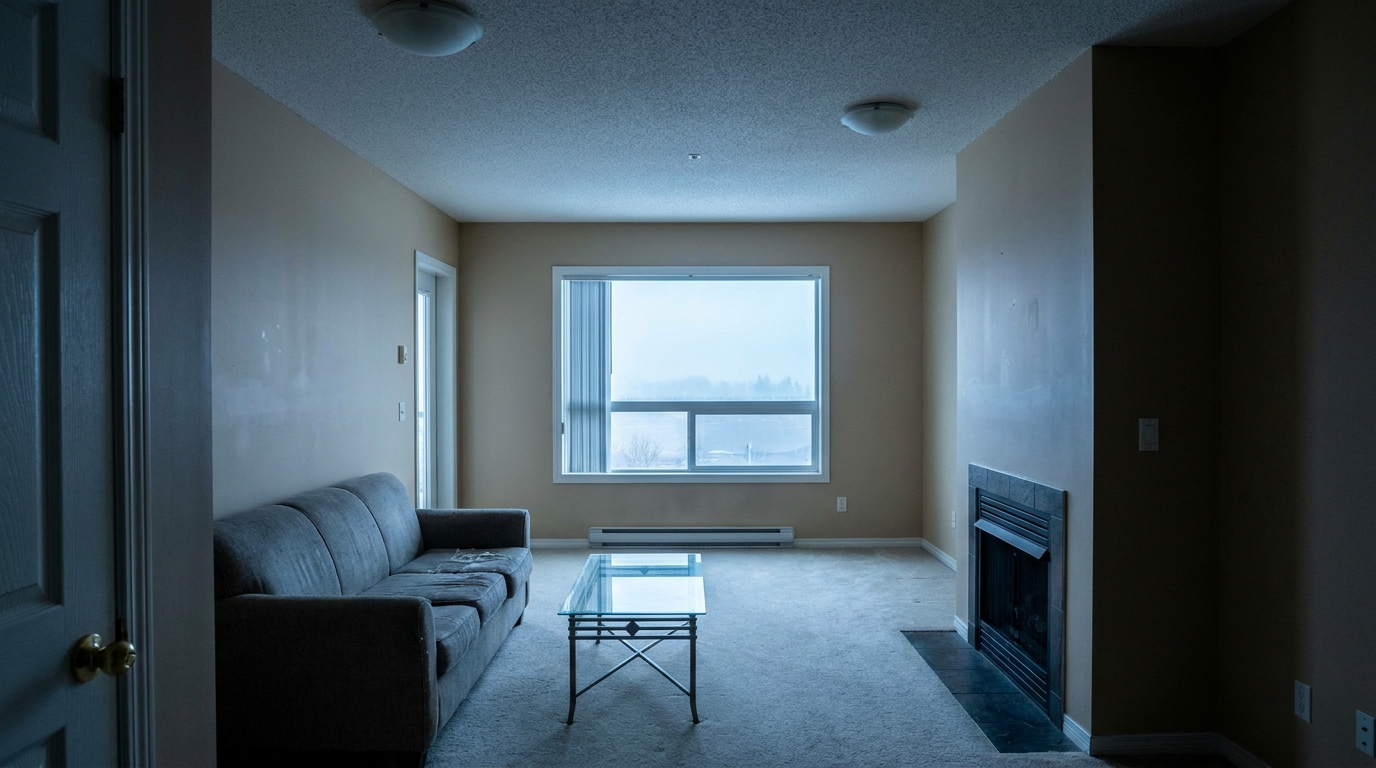
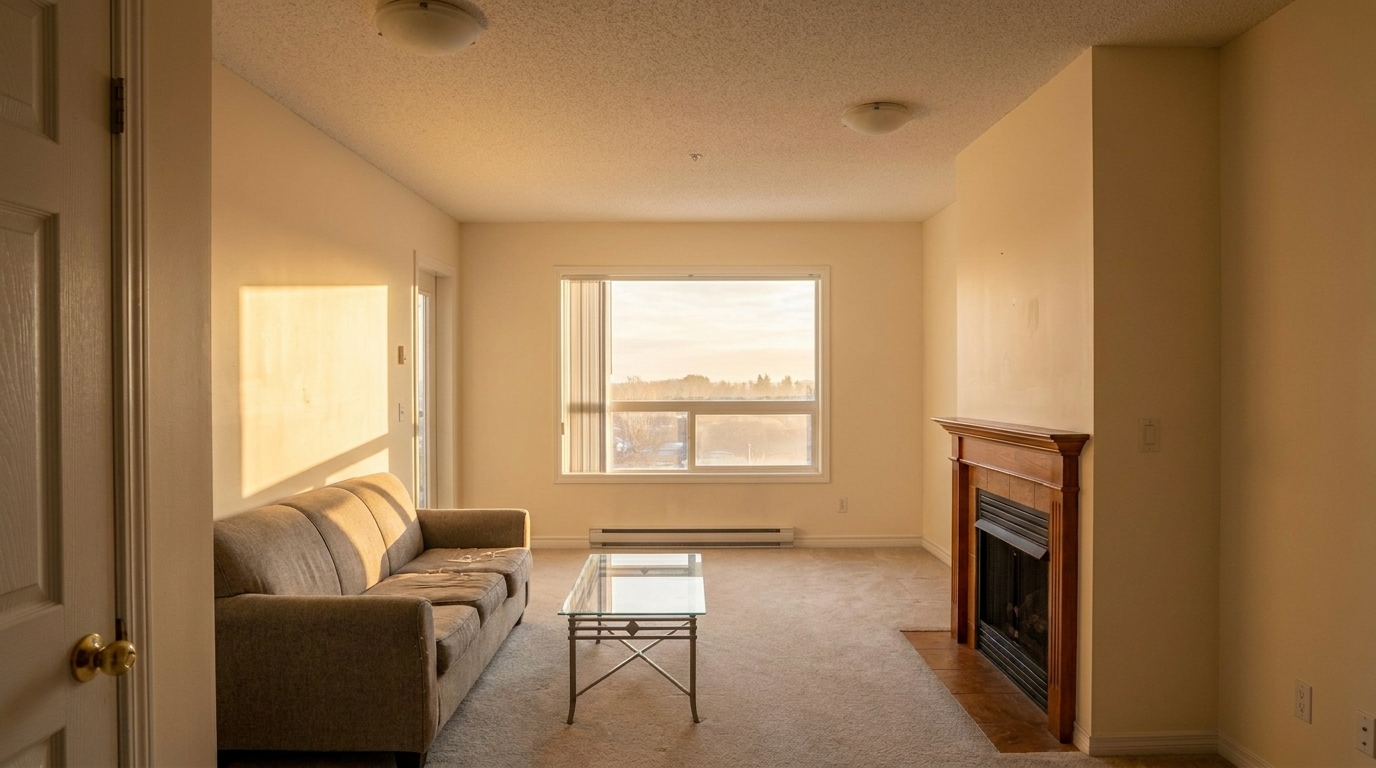
Browse real examples of cold, flat interior photos transformed into cozy, inviting listings.
Sterile Modern Living Room updated with cozy warm interior editing styling.
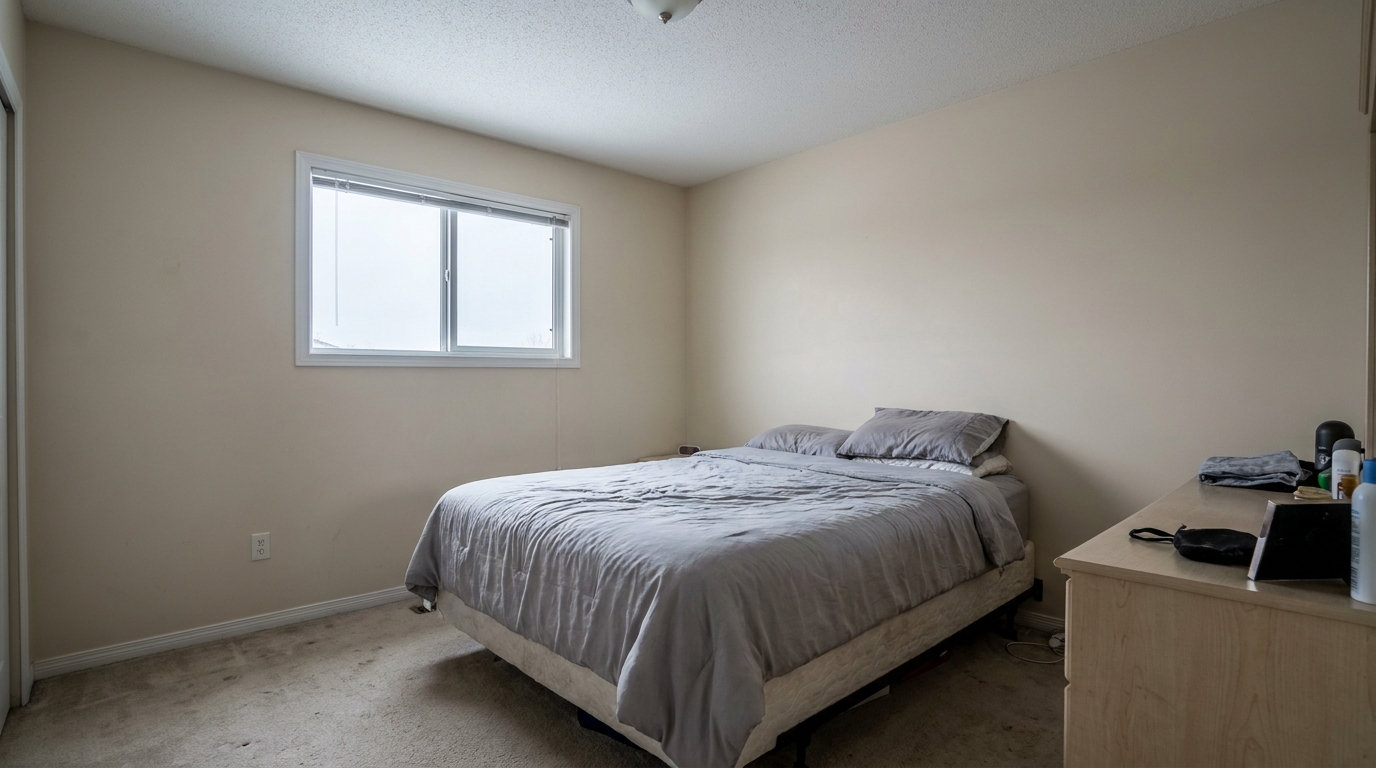
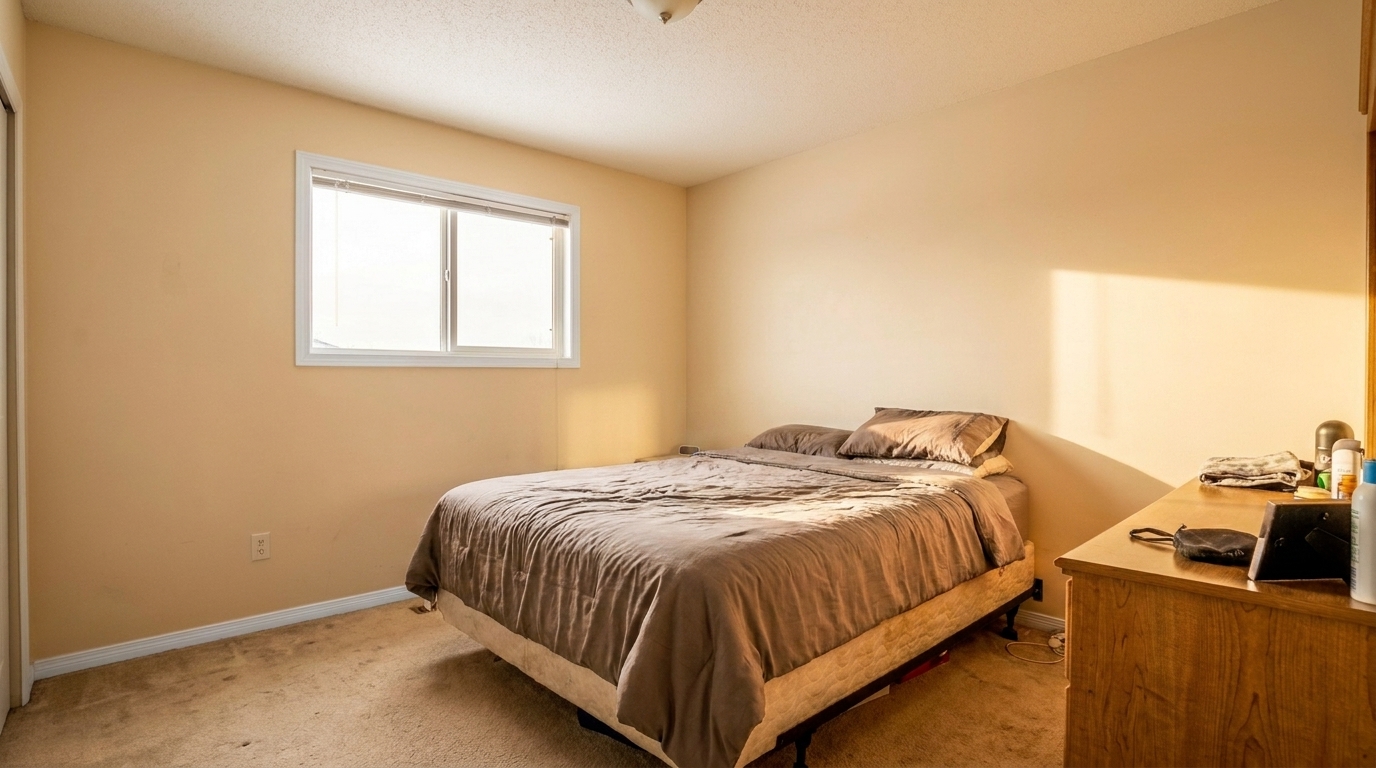
Dim Master Bedroom updated with cozy warm interior editing styling.
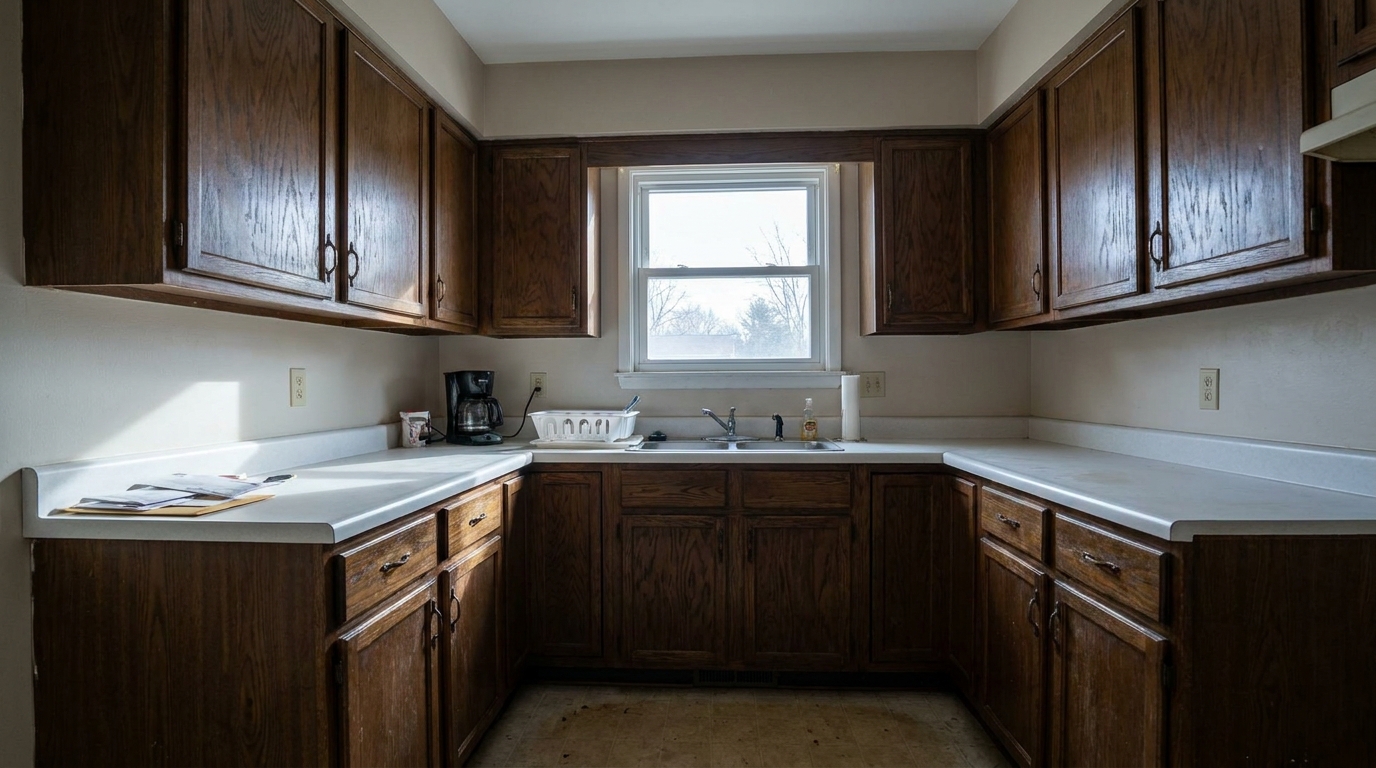
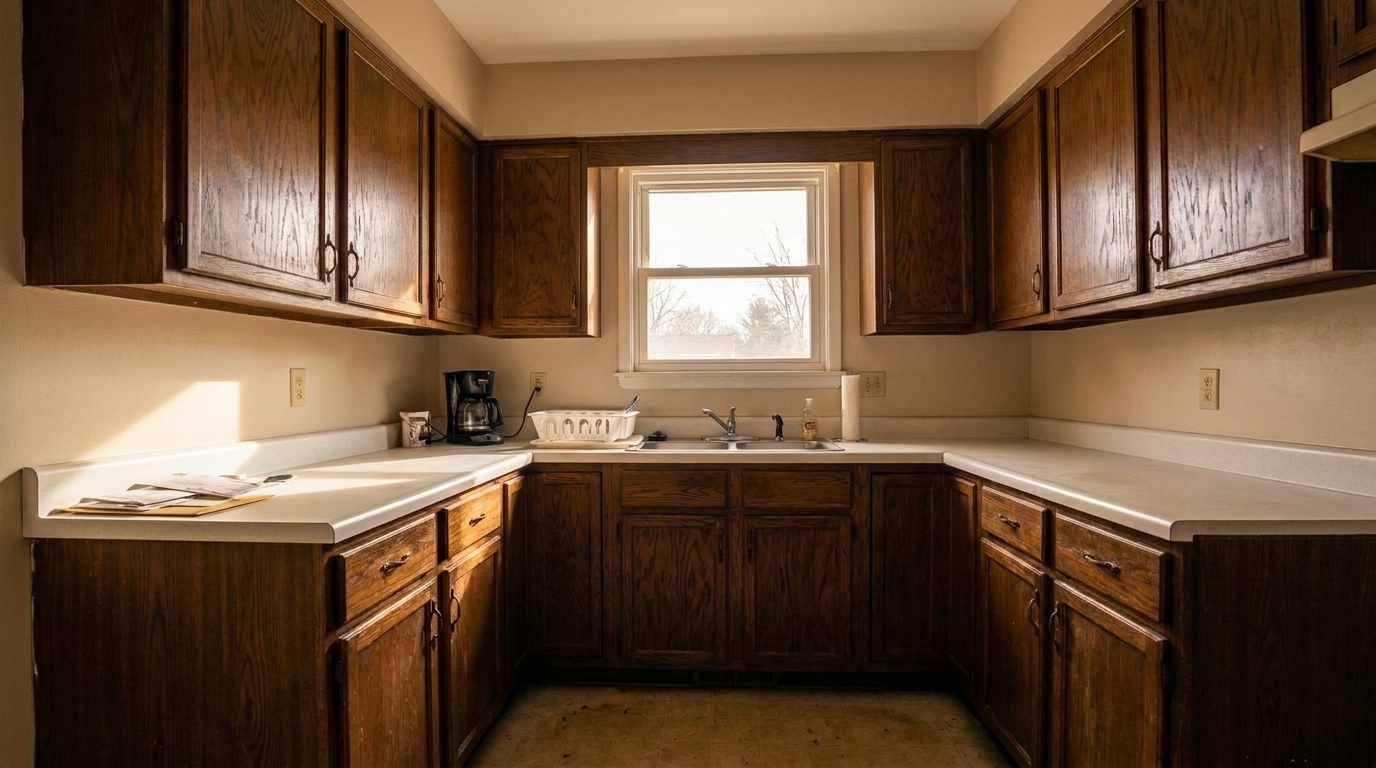
North-Facing Kitchen updated with cozy warm interior editing styling.
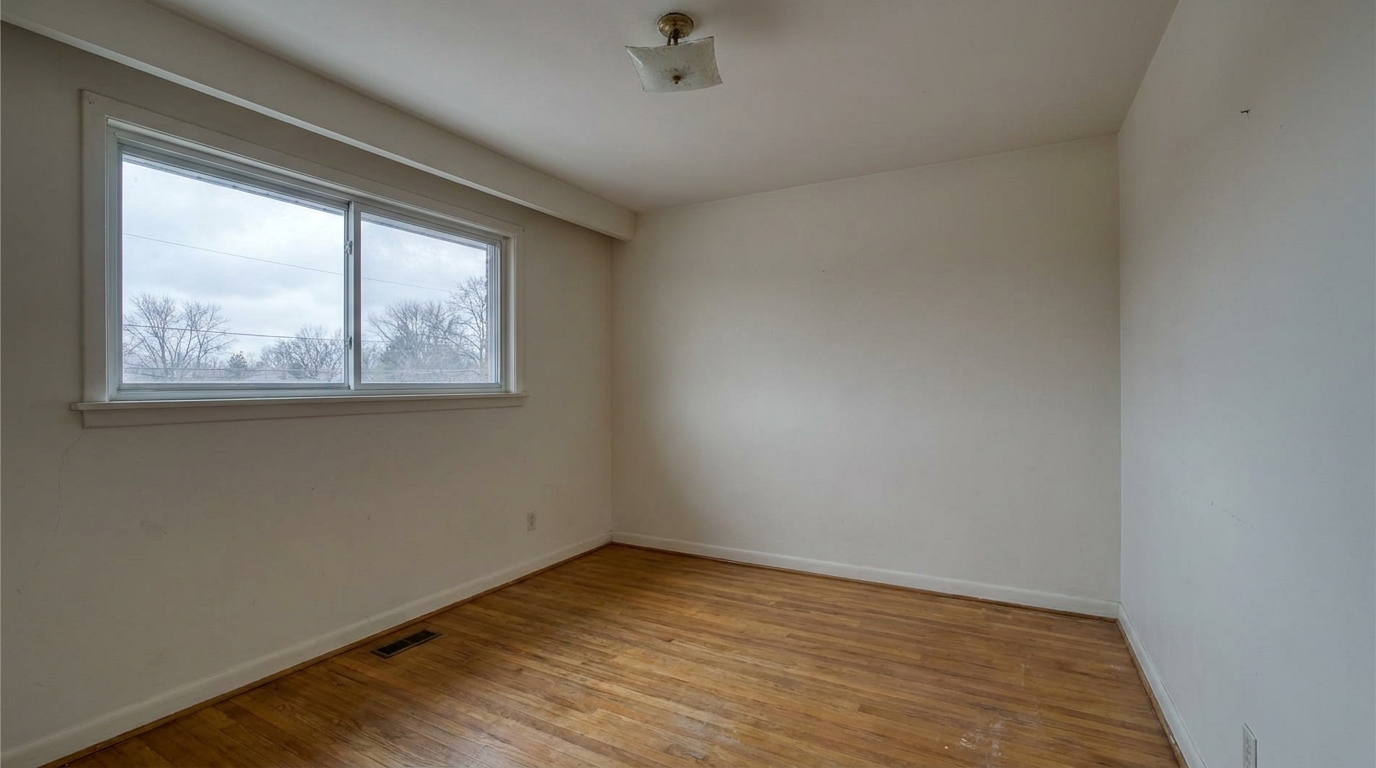
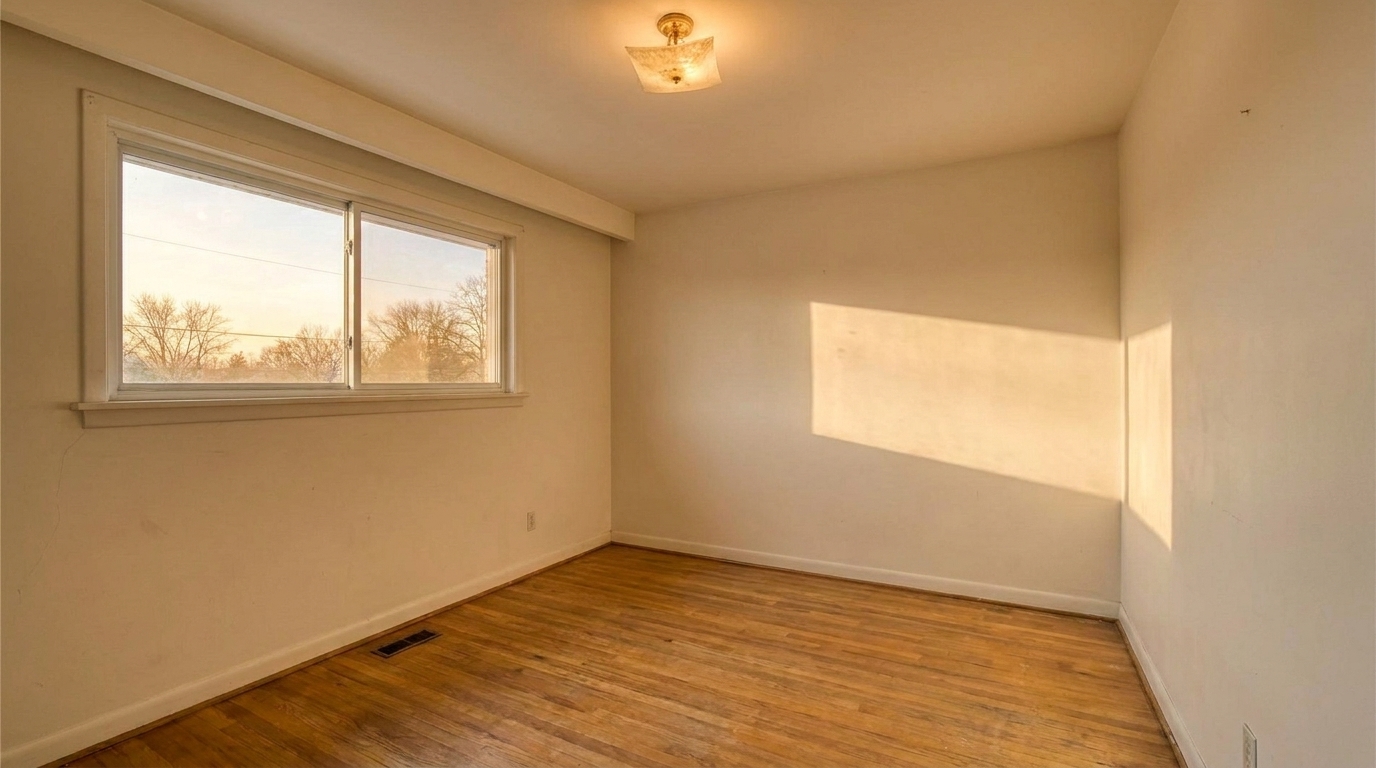
Vacant Dining Area updated with cozy warm interior editing styling.
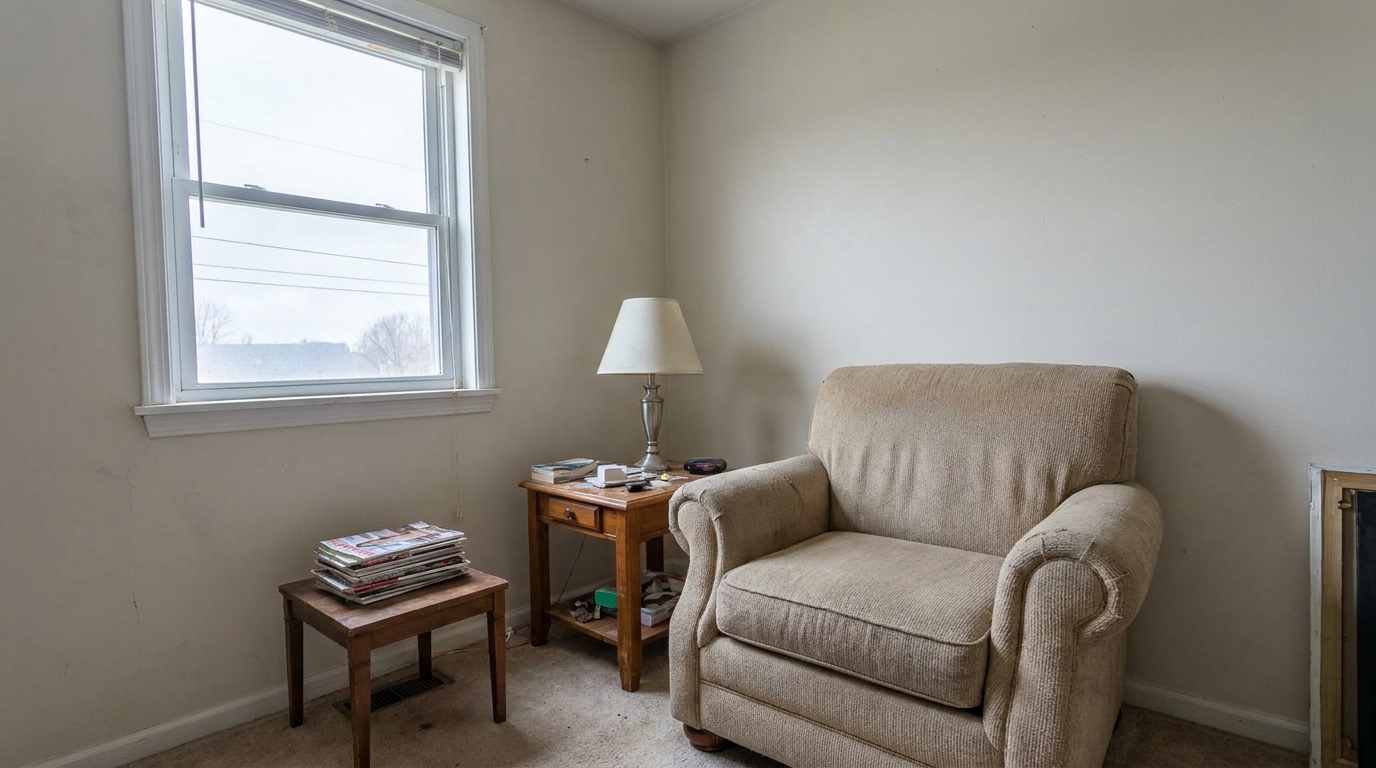
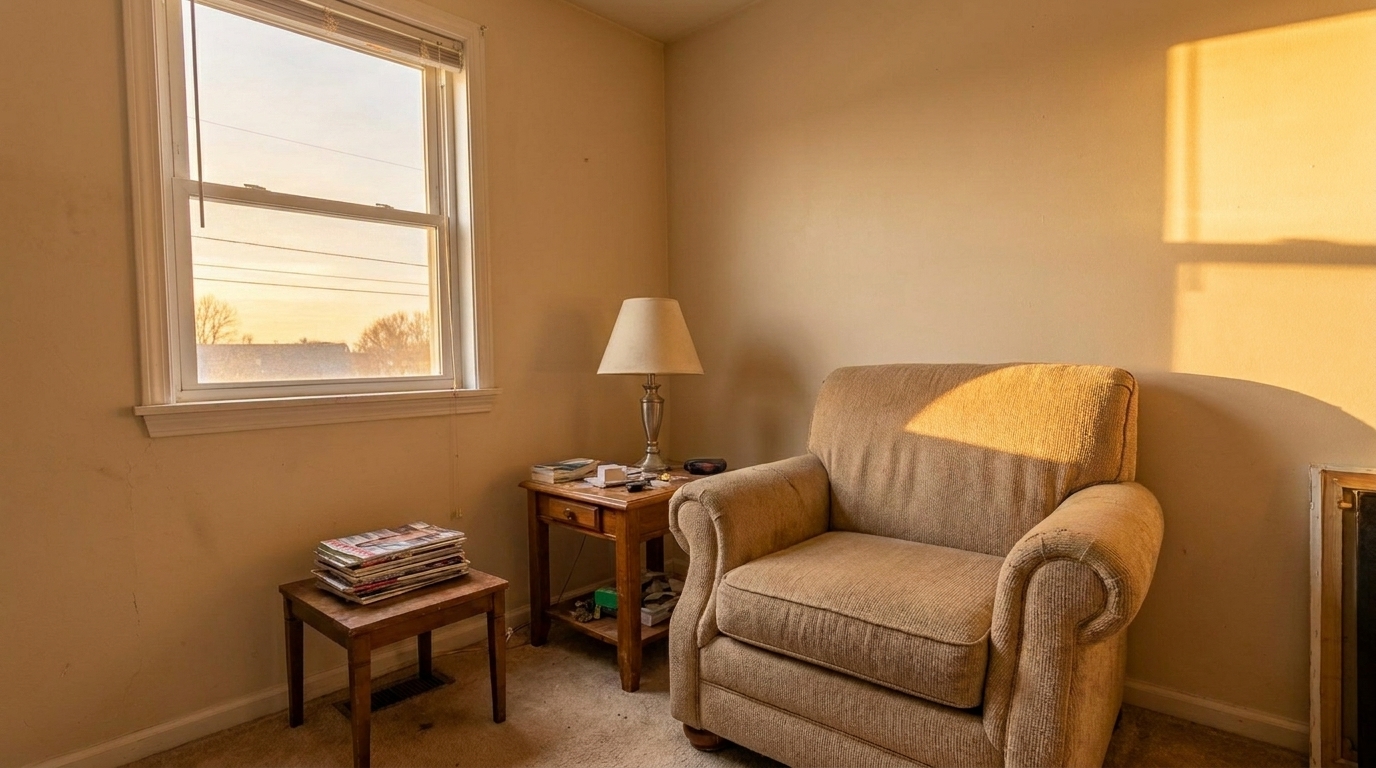
Cozy Reading Nook updated with cozy warm interior editing styling.
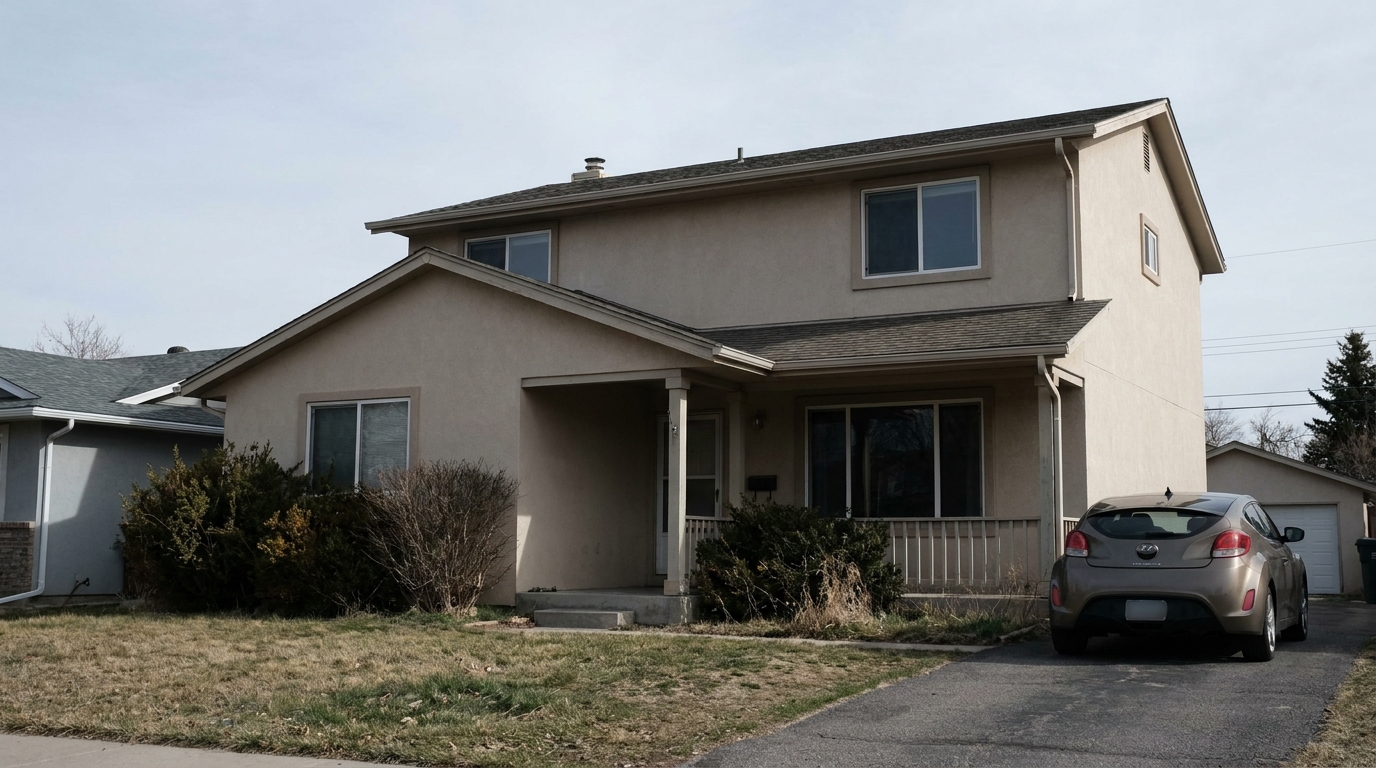
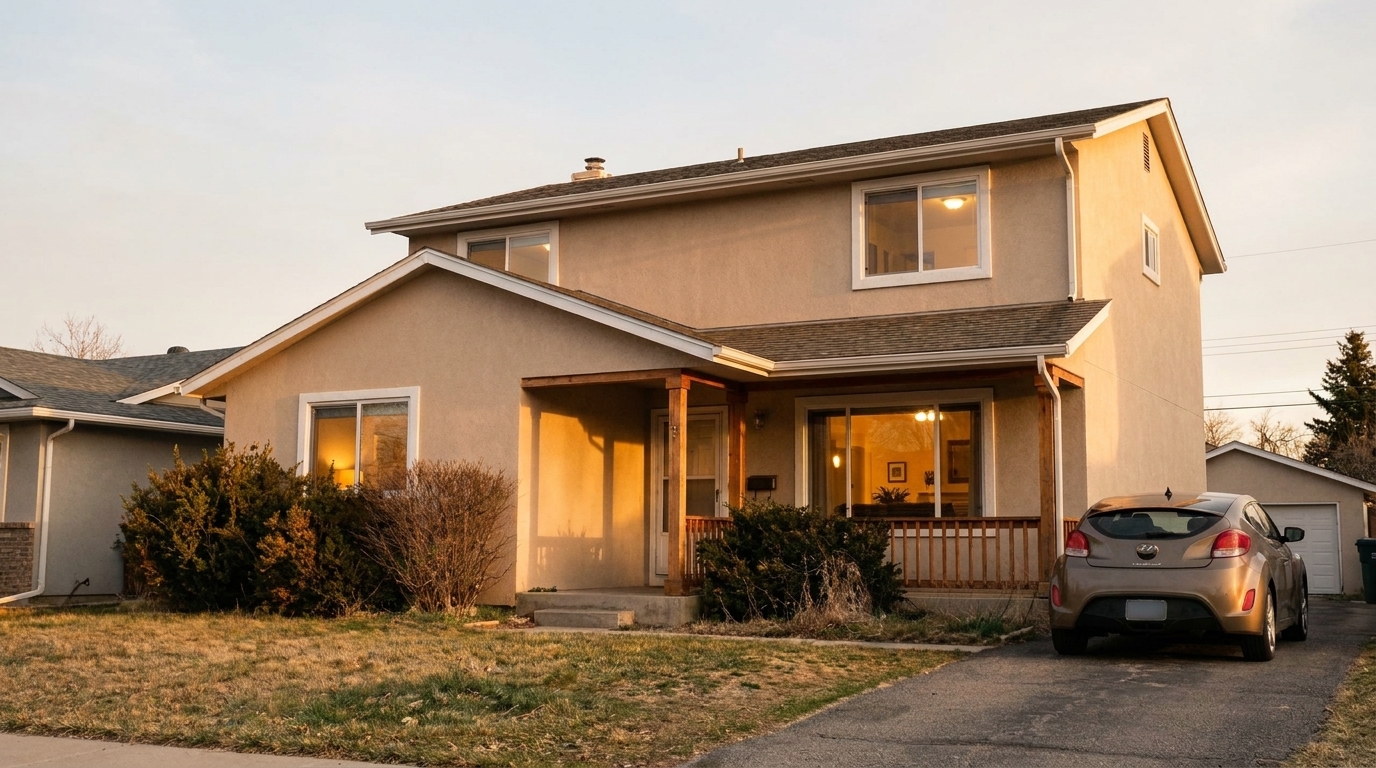
Open-Concept Family Room updated with cozy warm interior editing styling.
Discover the advanced editing features designed to make interior spaces feel like home.
Gently warms up cool, sterile lighting without introducing unnatural orange color casts, keeping the atmosphere believable.
Ensures wood grains, fabrics, and stone surfaces retain their realistic tactile details and depth during the warming process.
Brightens darker corners of the room while maintaining natural shadow depth, preventing a flat or washed-out look.
Protects white walls, ceilings, and trim from turning yellow, keeping them crisp and clean while warming the ambient light.
Blends existing lamp and window light into a cohesive, inviting glow that mimics professional multi-flash photography.
Delivers crisp, print-ready, and MLS-compliant images optimized for digital listings and high-end property brochures.
See how real estate agents and designers use warm tones to connect with buyers.
Transform modern spaces with concrete, metal, or glass accents into cozy, livable family areas that buyers can picture themselves in.
Real Estate ListingsCompensate for flat, blue-tinted natural light coming through windows on cloudy days by injecting a warm, sunny feel.
Property PhotographyAdd a layer of emotional warmth to vacant properties, making empty rooms feel less hollow and more welcoming.
Virtual StagingCreate a relaxing, peaceful sanctuary vibe in master suites and guest bedrooms that appeals directly to home buyers.
Real Estate ListingsEnhance the heart of the home with warm, appetizing light that highlights natural wood cabinets and stone countertops.
Interior DesignHelp interior designers showcase their work with the exact cozy, high-end mood they intended for their clients.
Design PortfoliosEnhance your real estate photos with inviting warmth in three simple steps.
Select and upload your real estate or interior design photo to the Idealhouse platform. We support high-resolution JPG, PNG, and WebP formats.
Choose the Cozy Warm Interior Editing preset. Our AI instantly analyzes the room's lighting, warming up cold tones while protecting natural material textures.
Review the natural lighting transitions and download your polished, market-ready photo. Your image is now ready for the MLS, social media, or print portfolios.
Source-backed context for why cozy warm interior editing edits matter inside lighting, color & exposure workflows.
Cozy Warm Interior Editing within Lighting, Color & Exposure evidence
Photos are one of the most valuable website features for home buyers; NAR's 2025 generational trends report says 83% of internet-using buyers rated photos as very useful. For Cozy Warm Interior Editing pages, this supports showing how a focused Lighting, Color & Exposure edit can make the listing photo feel clearer, more polished, and easier for buyers to evaluate.
Source: NAR 2025Cozy Warm Interior Editing within Lighting, Color & Exposure evidence
Zillow Research's 2025 prospective buyer report ranked high-resolution photos as the number two most important listing feature, selected by 26% of prospective buyers; floor plans ranked first at 33%. For Cozy Warm Interior Editing pages, this supports showing how a focused Lighting, Color & Exposure edit can make the listing photo feel clearer, more polished, and easier for buyers to evaluate.
Source: Zillow 2025Cozy Warm Interior Editing within Lighting, Color & Exposure evidence
Redfin reported that professionally photographed homes in the $400,000 range sold three weeks faster and for more than $10,000 relative to list price compared with amateur photos. Use this as supporting context, not as a guaranteed result. For Cozy Warm Interior Editing pages, this supports showing how a focused Lighting, Color & Exposure edit can make the listing photo feel clearer, more polished, and easier for buyers to evaluate.
Source: RedfinCreating an emotional connection is key to real estate marketing. Learn how to use warm tones to make buyers fall in love with your listings.
Human beings associate warm lighting with comfort, security, and home. When buyers browse listings online, photos with a warm, inviting glow stand out against cold, sterile, or blue-tinted images. By applying cozy warm interior editing, you evoke an immediate emotional response, making spaces like living rooms, bedrooms, and kitchens feel lived-in and welcoming. This subtle shift can increase click-through rates on listing portals and encourage buyers to schedule in-person viewings.
To get the best results, start with a clean, well-composed photo. Upload your image to Idealhouse and apply the Cozy Warm Interior Editing preset. The AI will automatically analyze the light sources, warming up cool shadows and balancing the exposure. If the room has existing light fixtures, consider using our Turn On Lights tool in tandem to add a realistic glow to lamps and chandeliers. Finally, review the white trim and walls to ensure they remain crisp before exporting your high-resolution, MLS-ready image.
Selecting the right preset depends on your property's style and the existing lighting. Use Cozy Warm Interior Editing when you want to create an emotional, inviting atmosphere in family homes, bedrooms, or rustic spaces. It is best used when the original photo feels cold or sterile due to overcast weather. However, do not use it for ultra-modern, industrial, or minimalist properties where crisp, clean, cool tones are expected; in those cases, a Cool Tone Enhancement or a simple White Balance Fix Interior Photo is better. If your primary issue is a lack of light rather than a cold mood, choose Brighten Dark Interior Photo or Enhance Natural Light Interior to lift the exposure without shifting the color temperature. For a pure color correction without the emotional mood shift, stick to Color Correction or Color Cast Removal.
While warmth is generally inviting, there are scenarios where it should be avoided or used sparingly. Ultra-modern homes featuring concrete, steel, and minimalist design often look best with crisp, cool, or neutral tones that emphasize clean lines and industrial aesthetics. Additionally, if a room has highly saturated warm colors already—such as bright red walls or heavy orange wood paneling—applying a warm preset can lead to oversaturation. Always evaluate the architectural style and existing color palette of the room before applying a global warm tone.
Compare our cozy warm editing with other professional exposure and color correction tools.
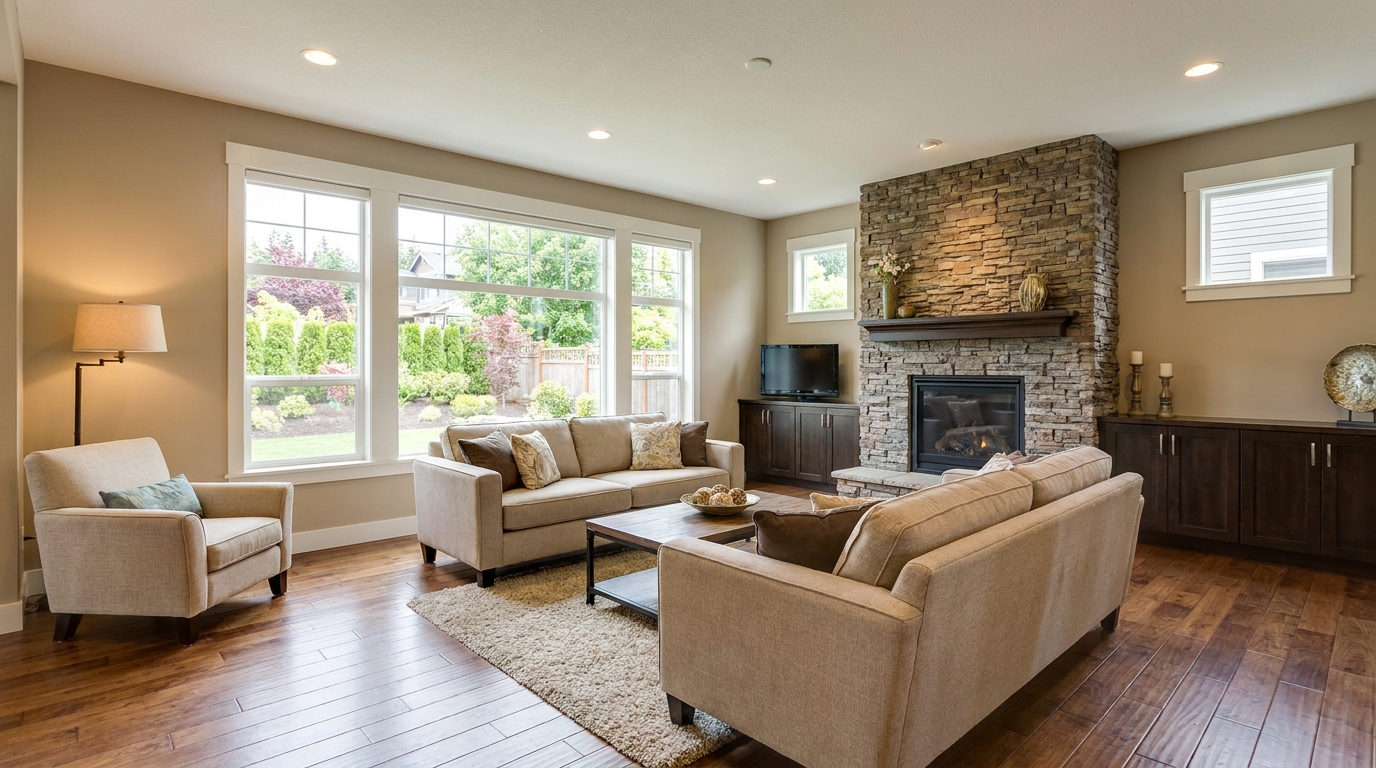
Recover highlight and shadow detail for a more balanced, high-end image.
Try This Tool →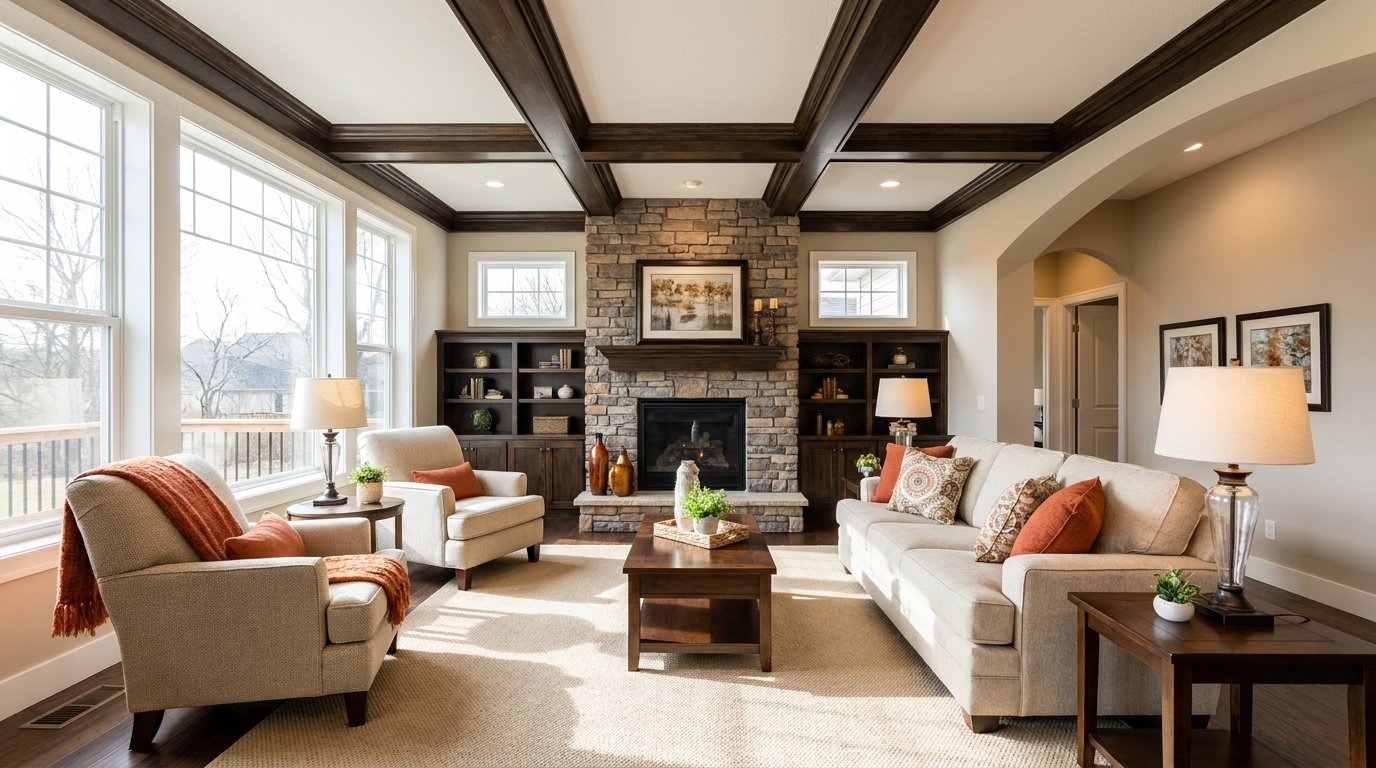
Brighten dim rooms while keeping materials and light natural.
Try This Tool →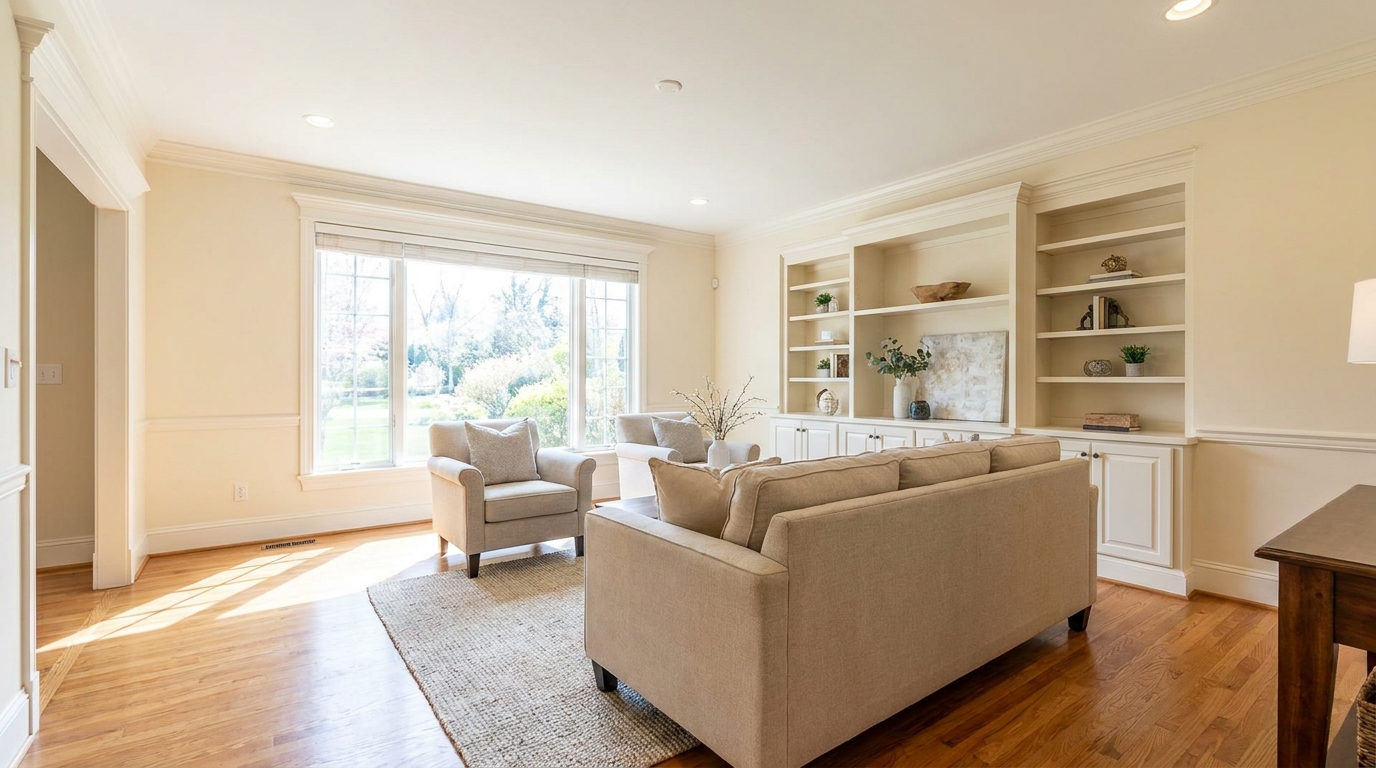
Lift overall exposure so listings feel cleaner, brighter, and easier to browse.
Try This Tool →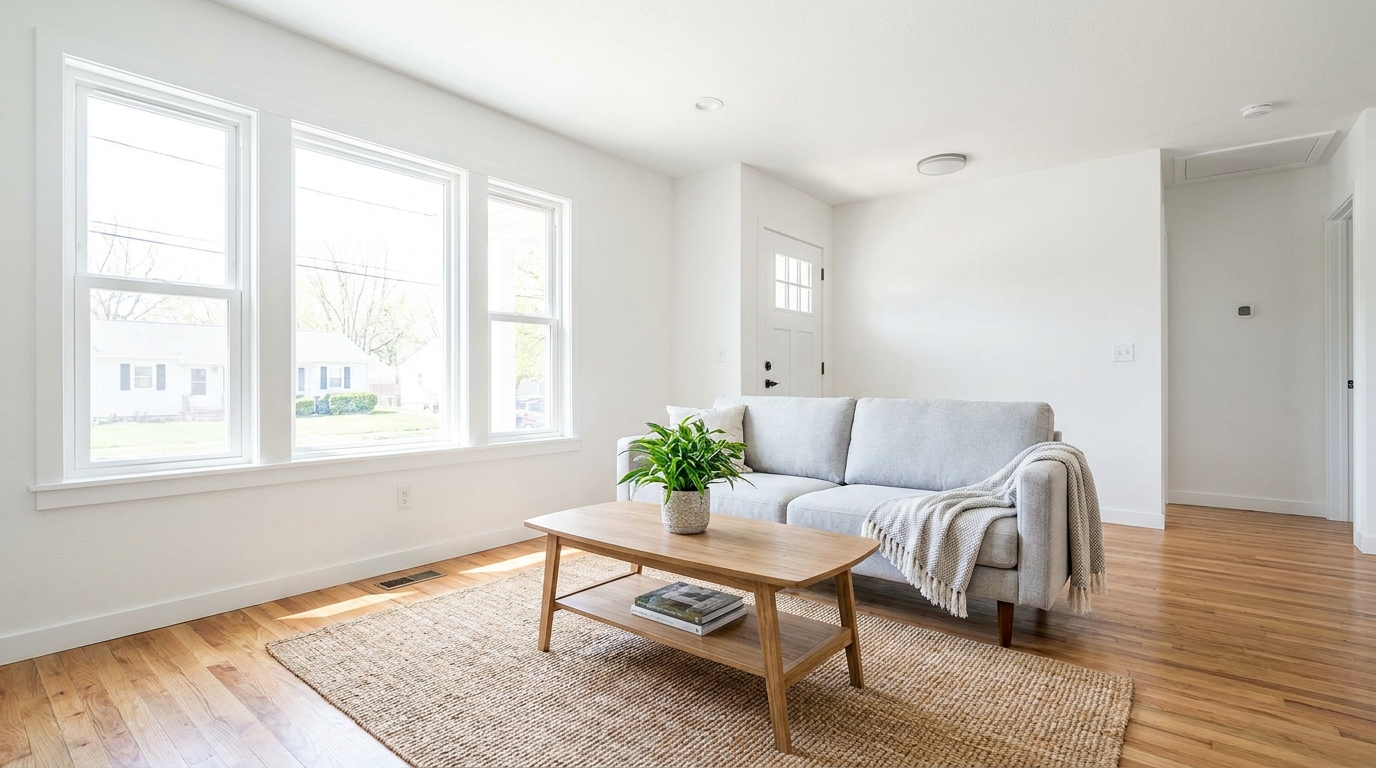
Add clean overall brightness for a fresher, more marketable photo.
Try This Tool →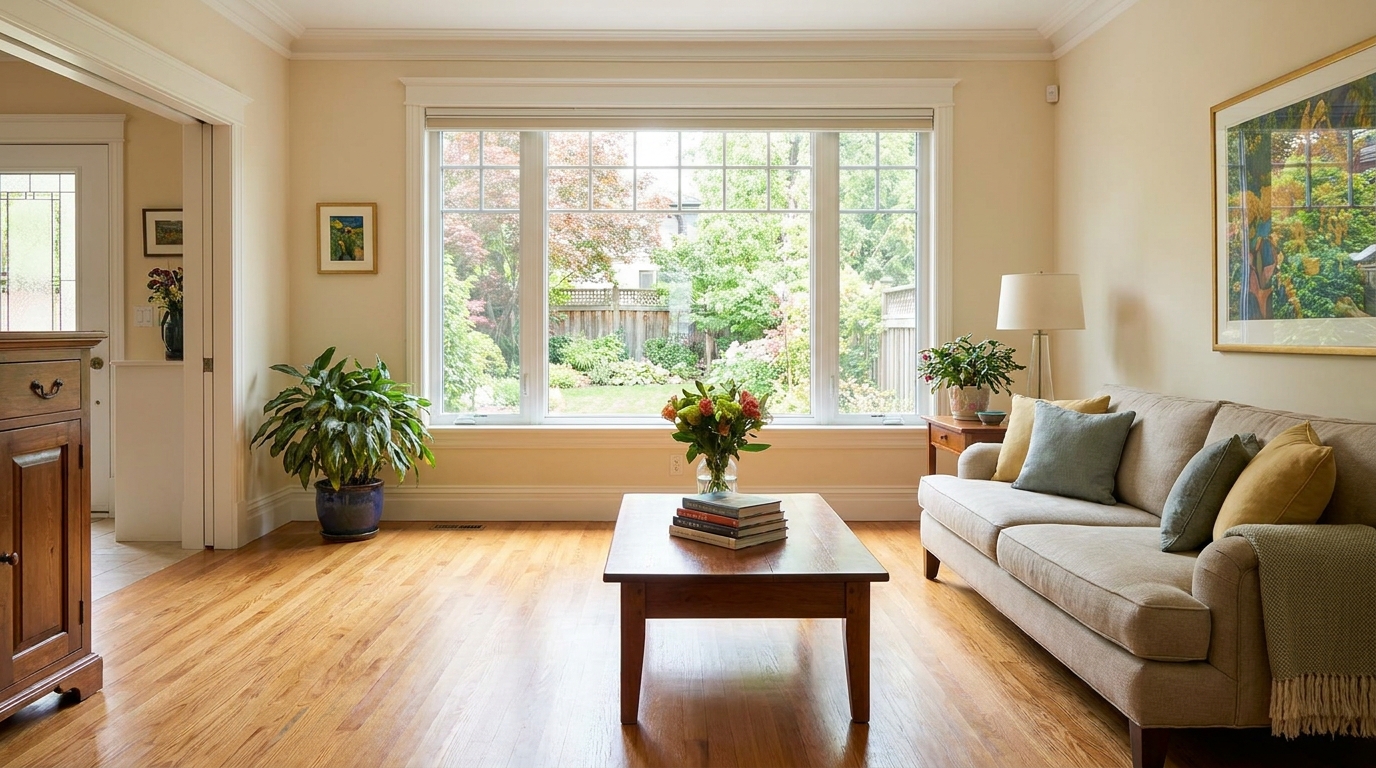
Increase brightness without washing out color, texture, or depth.
Try This Tool →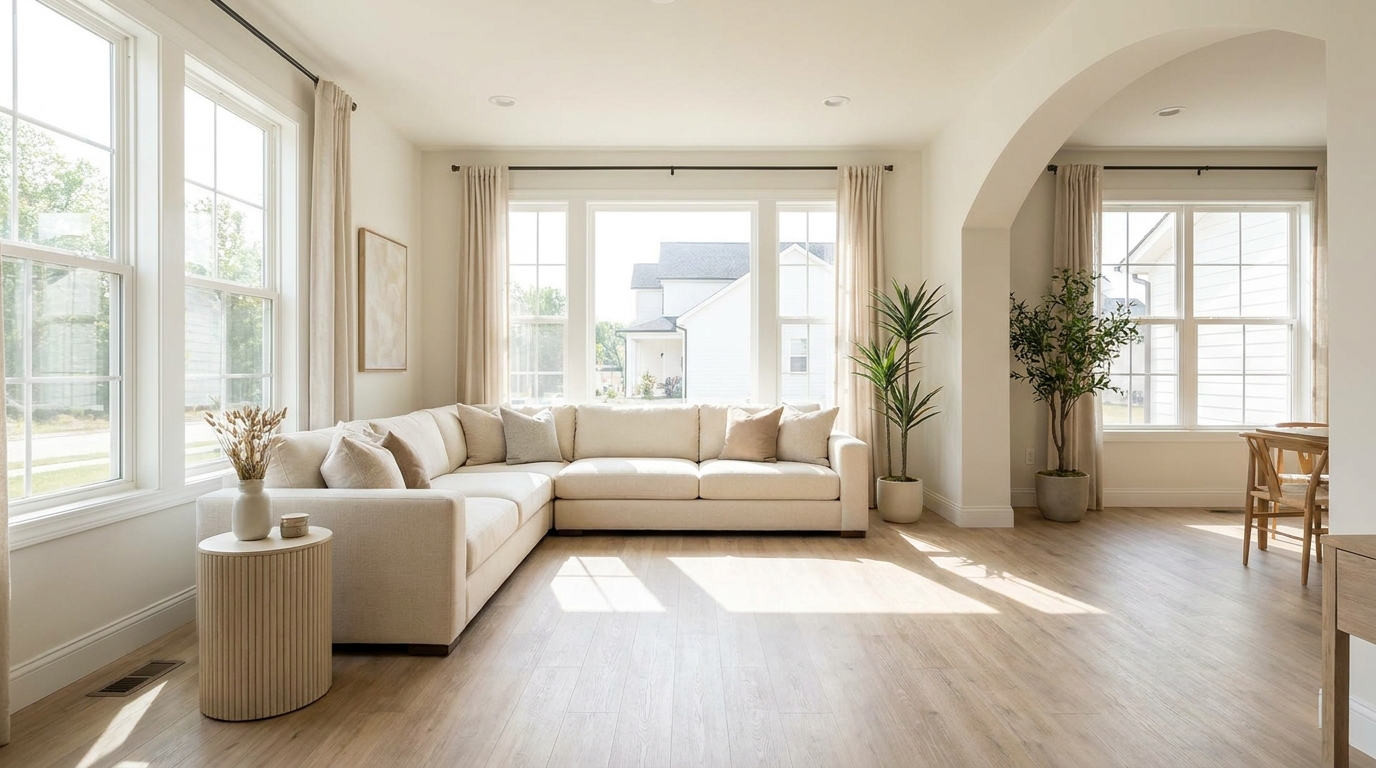
Create an airy natural-light feel that opens up the room beautifully.
Try This Tool →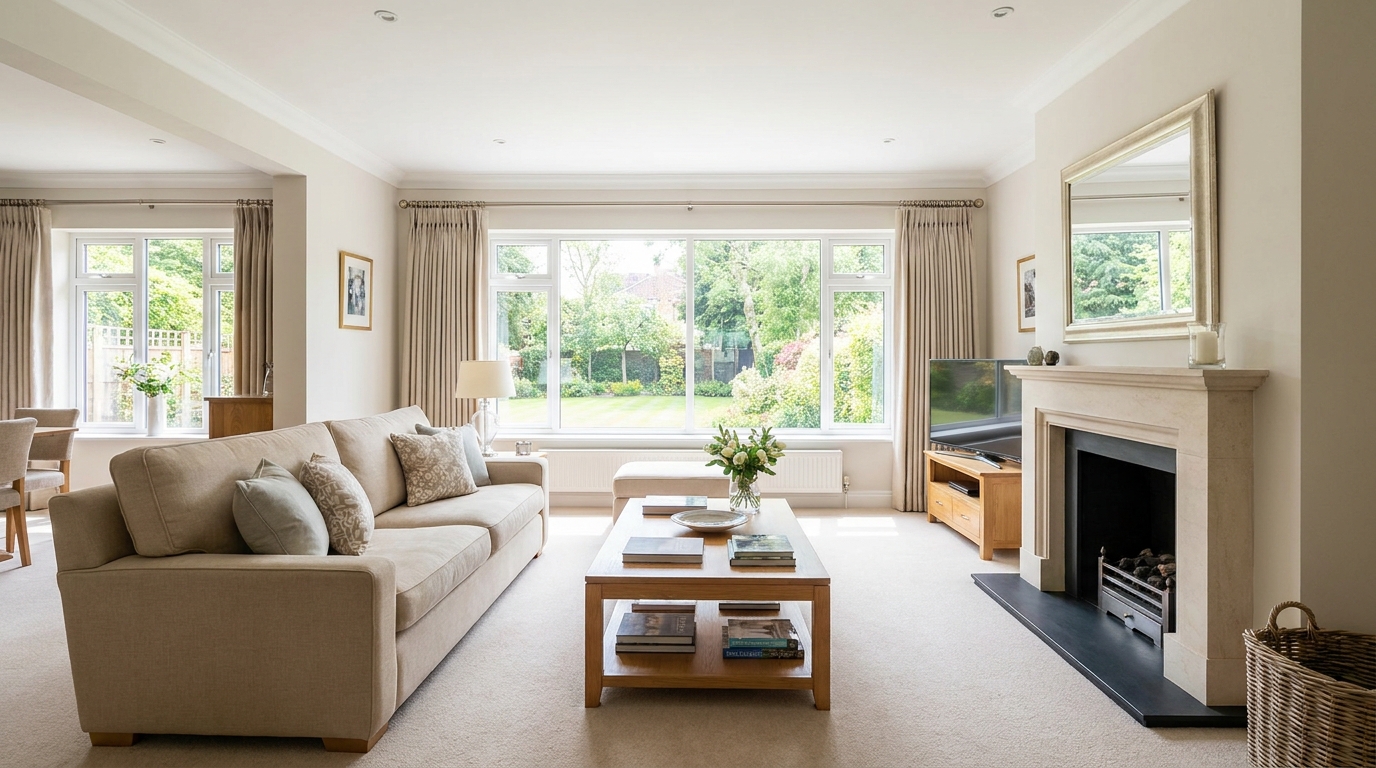
Smooth out uneven exposure for a bright, polished, professionally balanced look.
Try This Tool →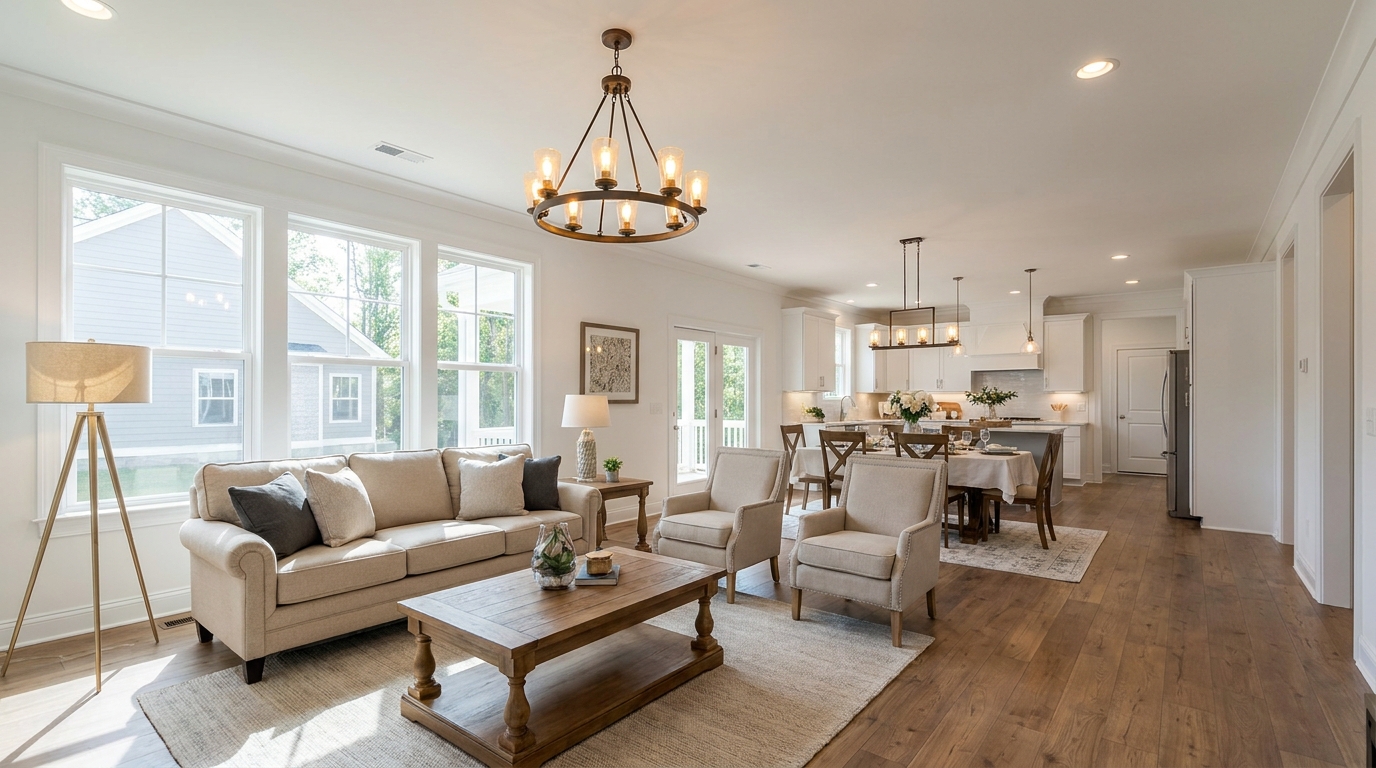
Correct mixed color temperatures for a cleaner, more cohesive image.
Try This Tool →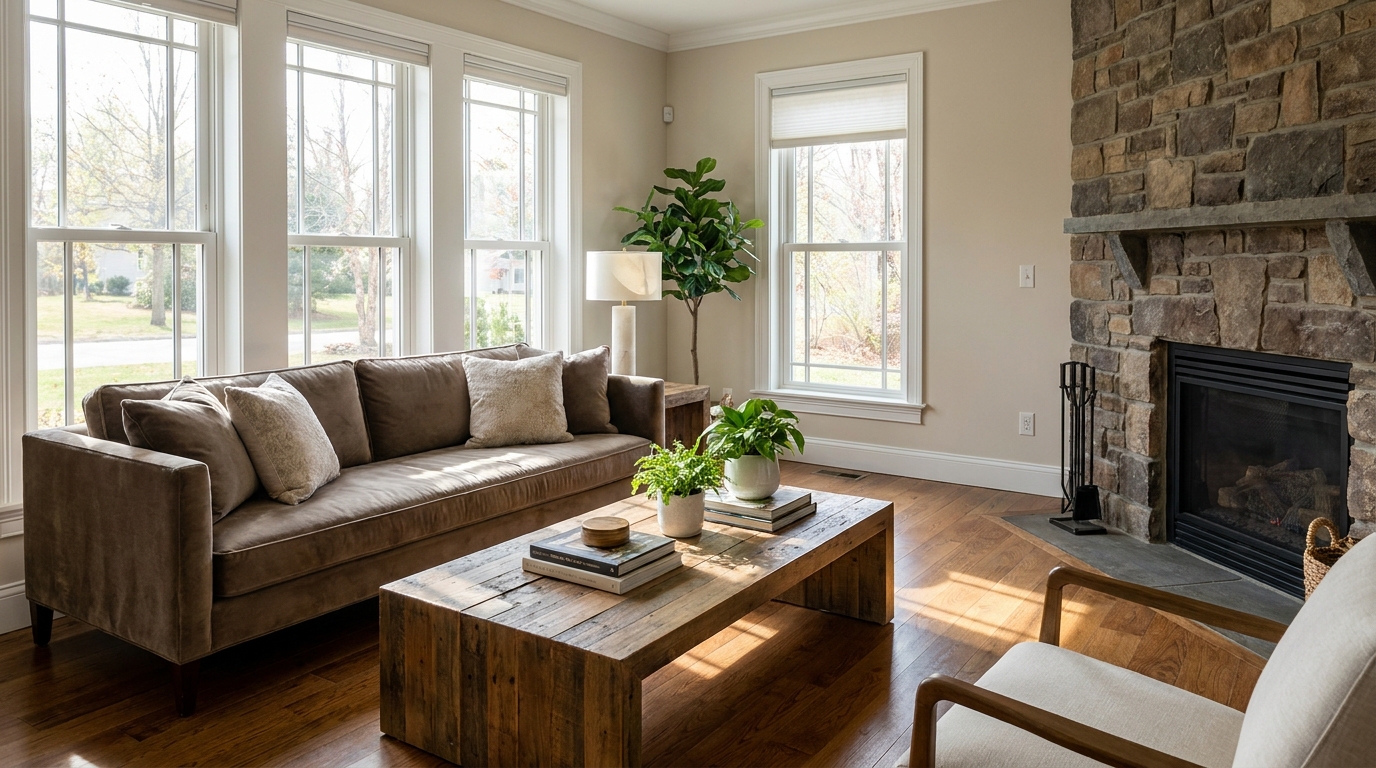
Restore depth and separation to flat photos with natural-looking contrast.
Try This Tool →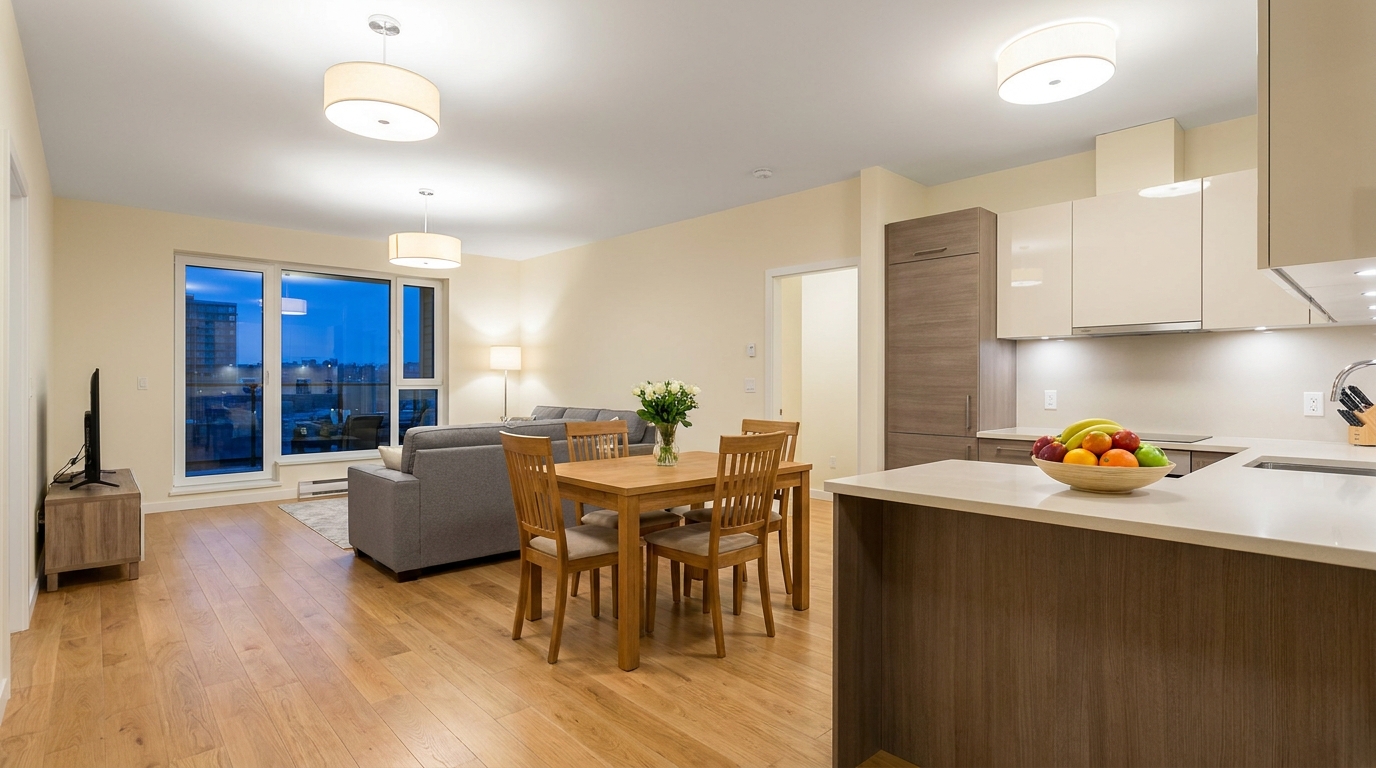
Neutralize green fluorescent casts for cleaner, more attractive indoor color.
Try This Tool →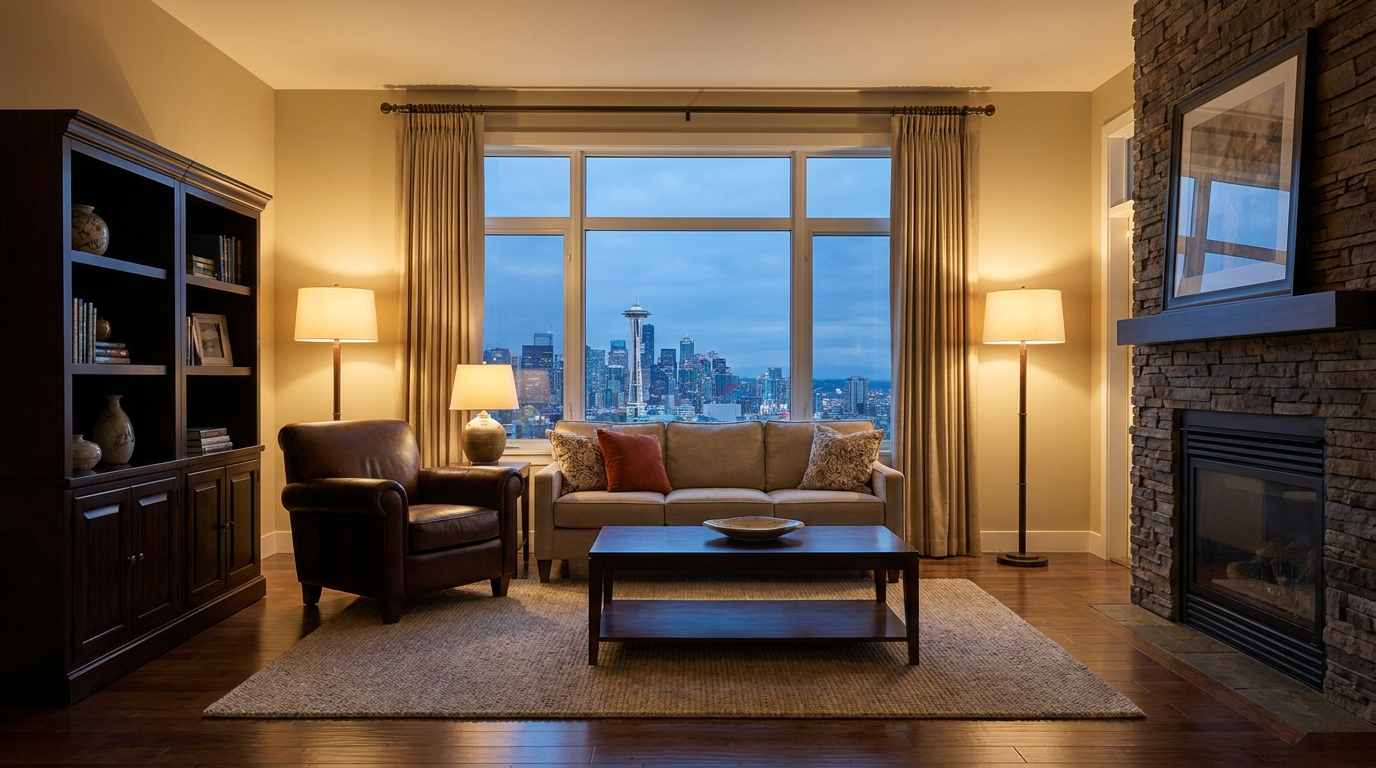
Lift dark images with natural brightness and clearer visible detail.
Try This Tool →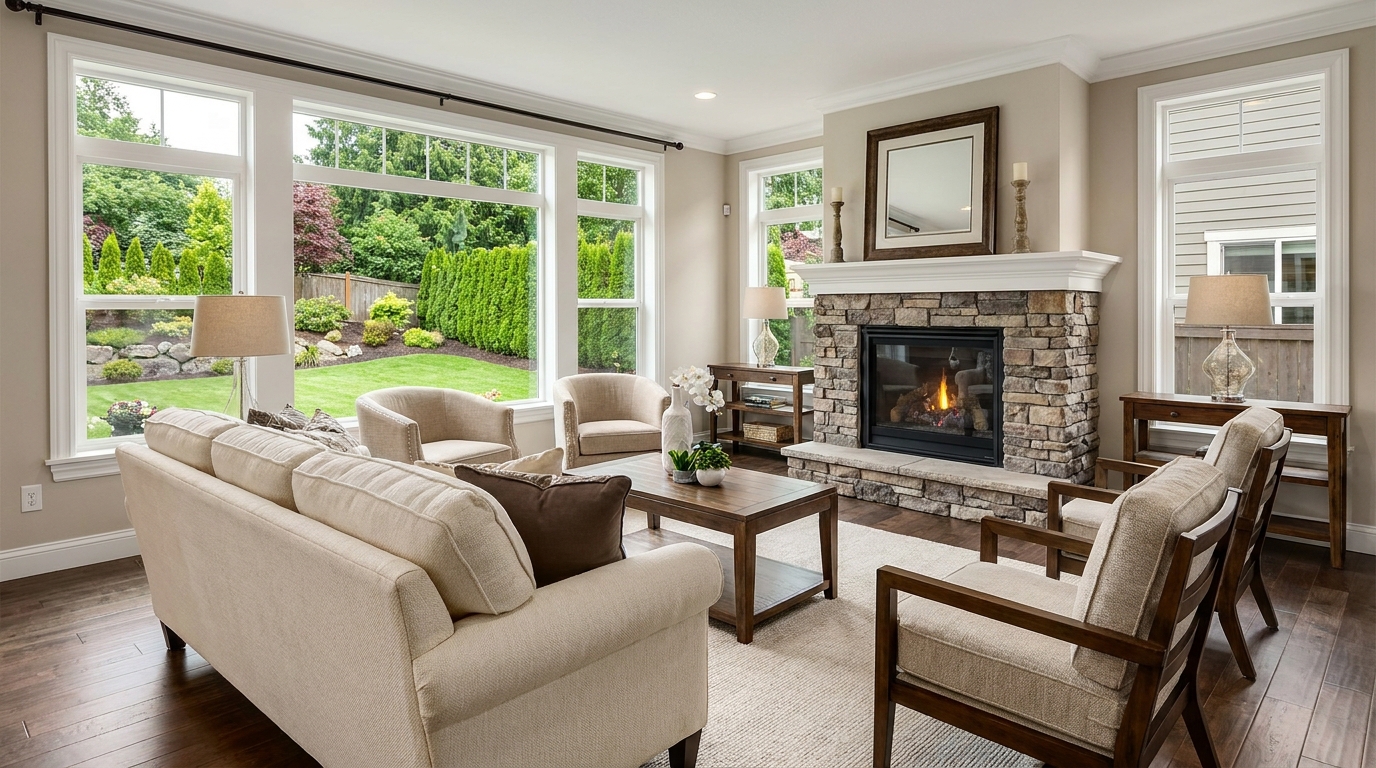
Add depth and definition for images that feel sharper and more dimensional.
Try This Tool →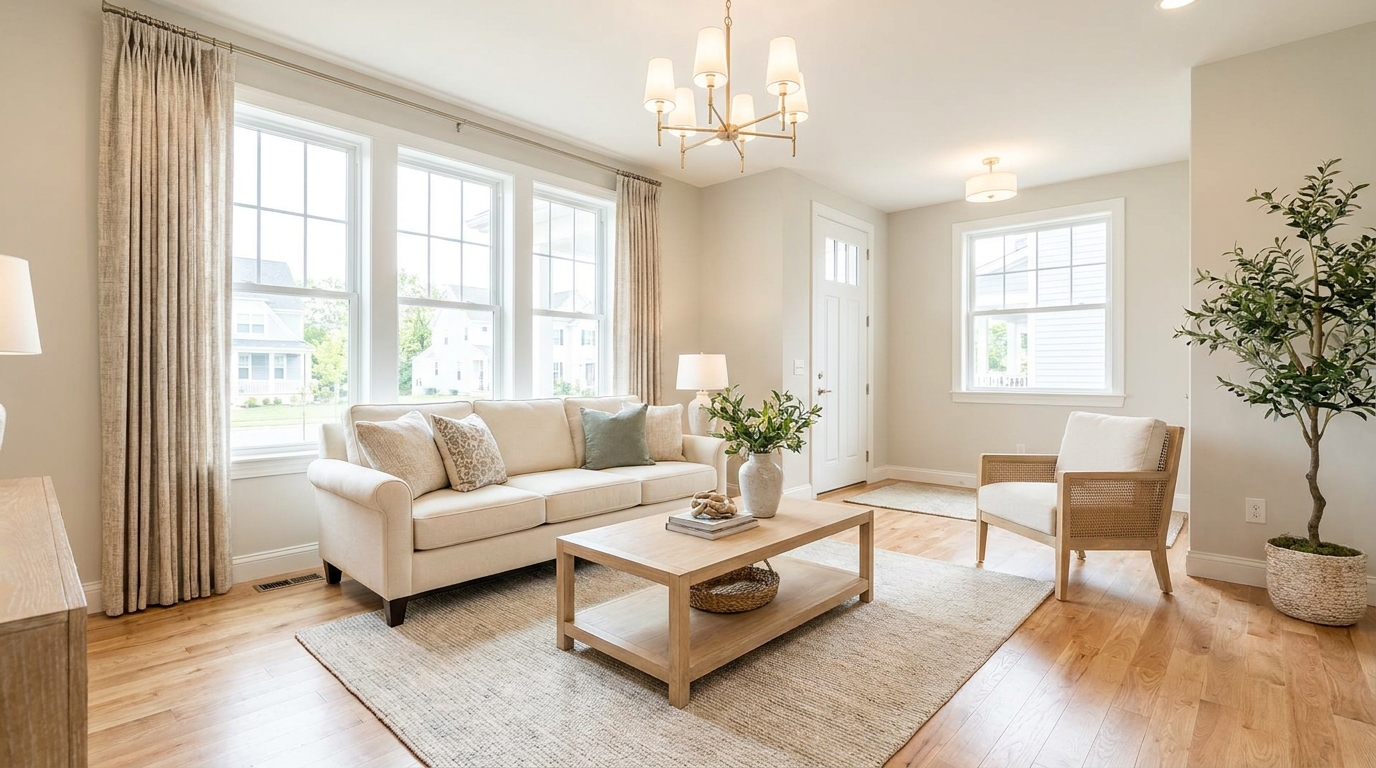
Make listing photos brighter and more open without losing realism.
Try This Tool →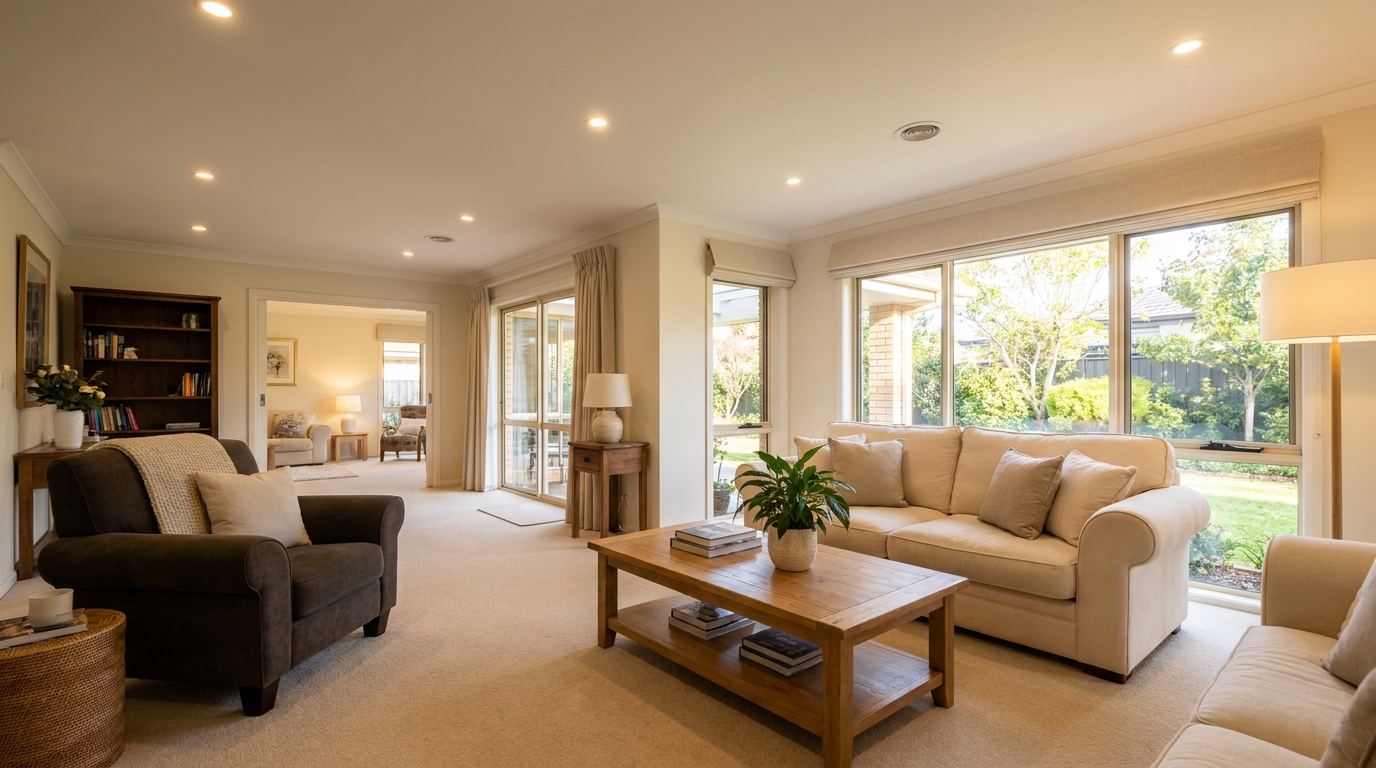
Balance dark corners and bright areas for smoother, more natural interiors.
Try This Tool →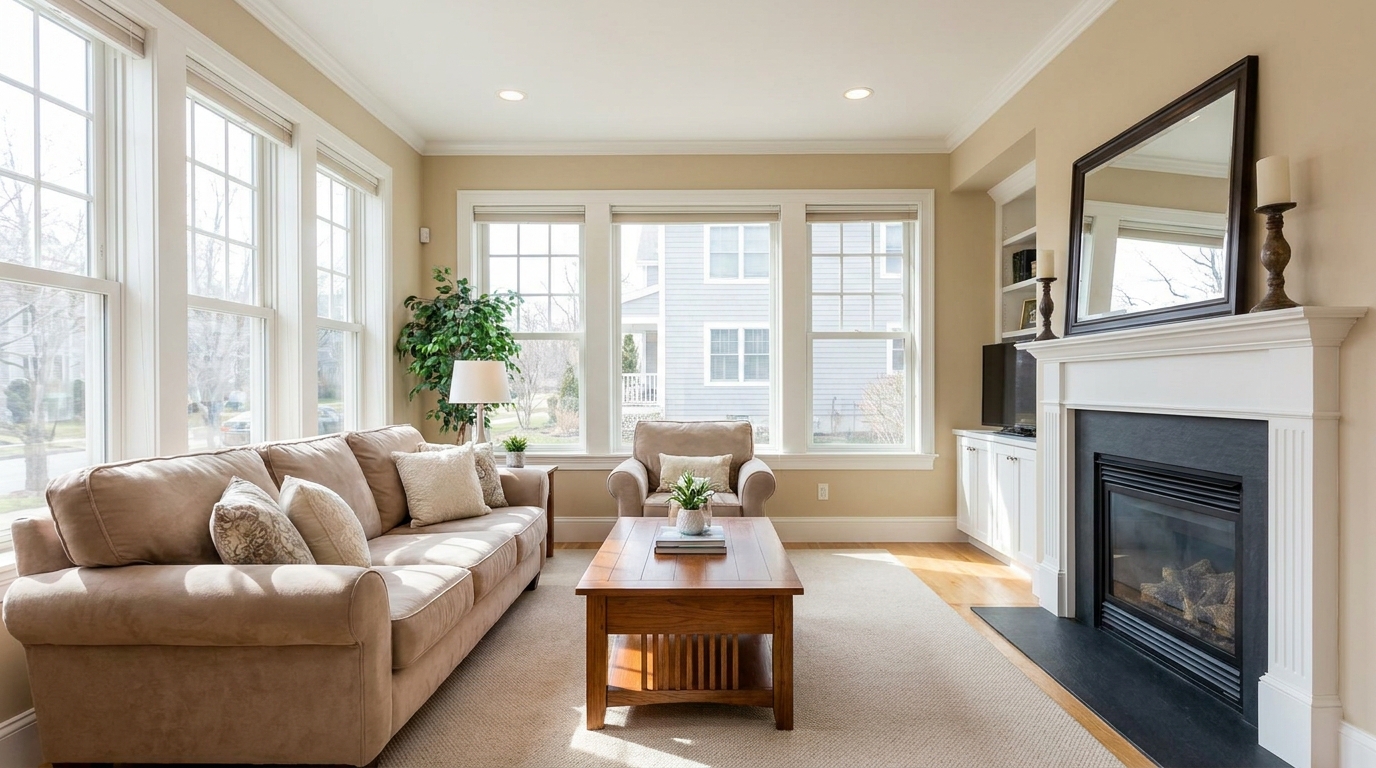
Reveal shadow detail while keeping contrast realistic and clean.
Try This Tool →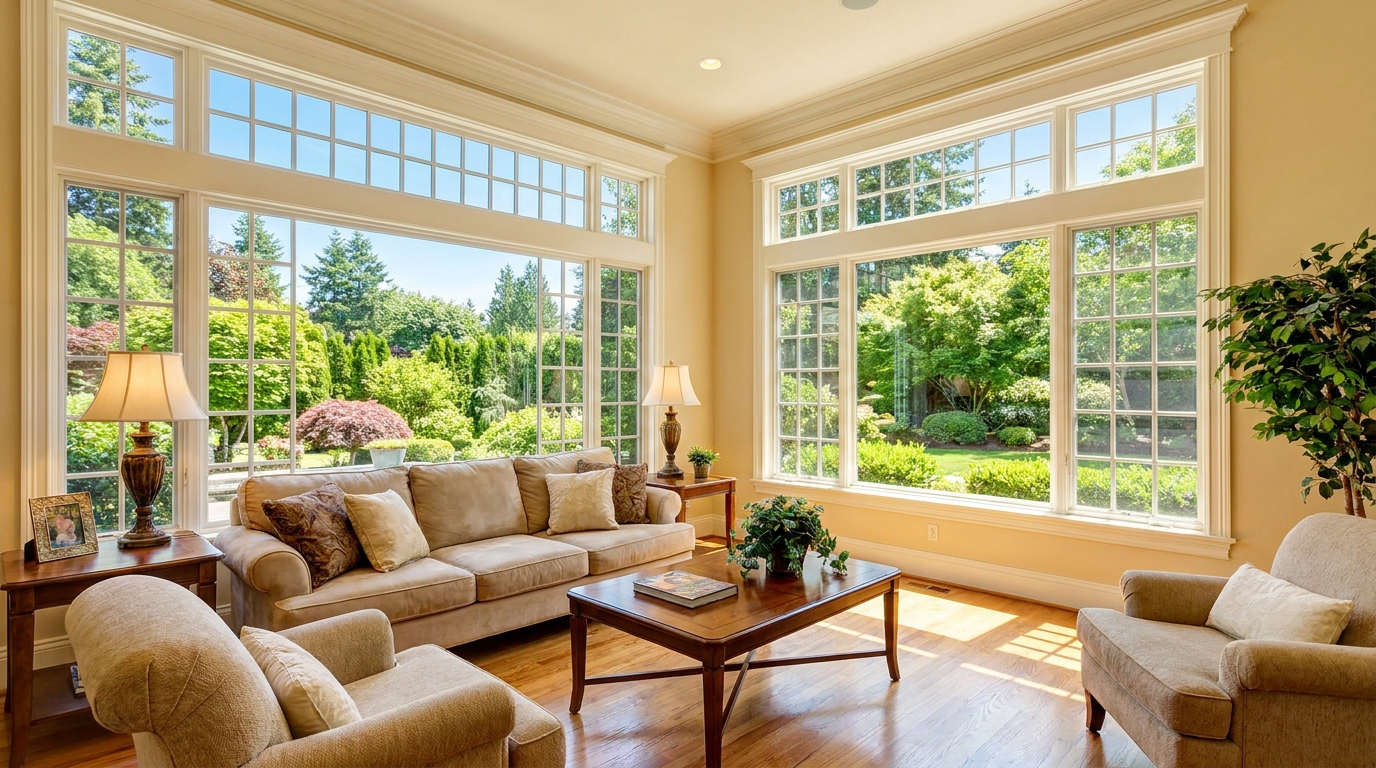
Recover blown window areas for brighter rooms with believable exterior views.
Try This Tool →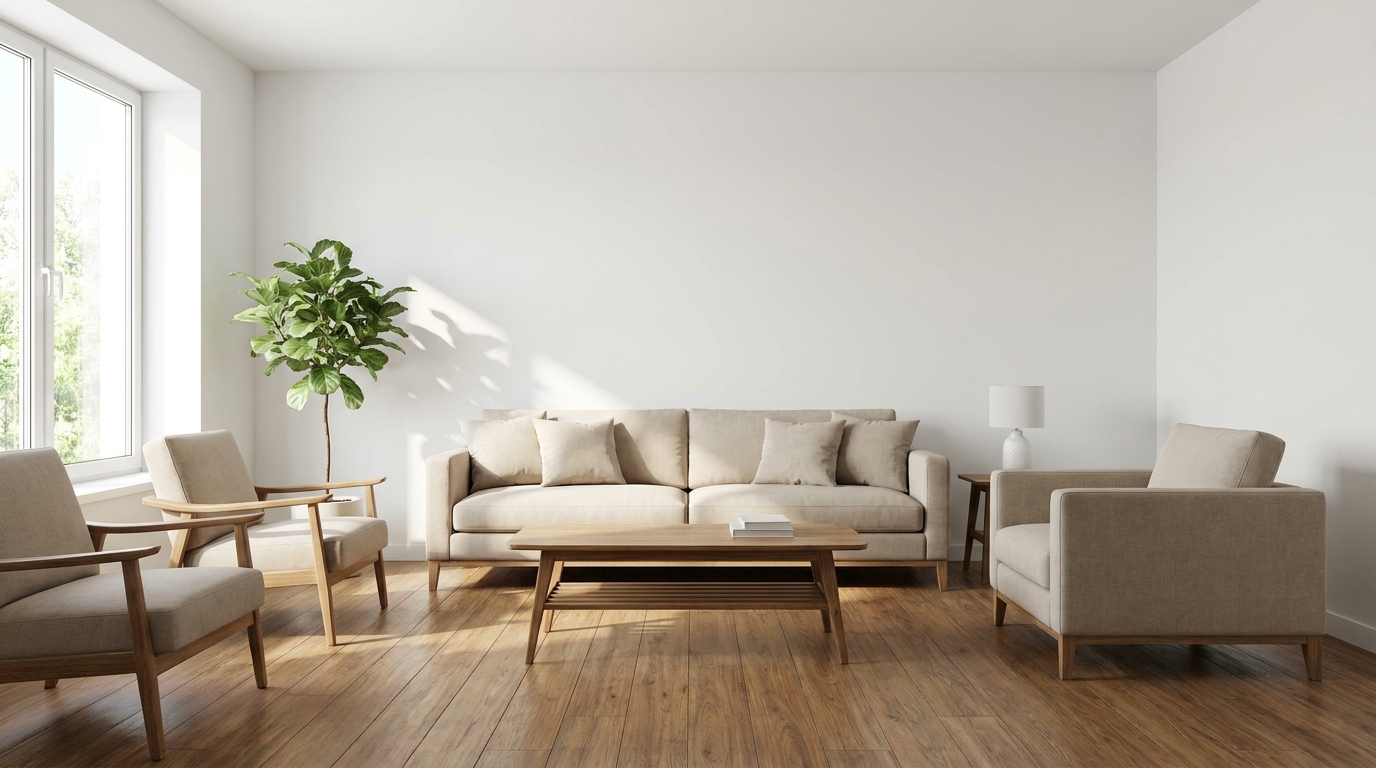
Neutralize color issues for truer tones, cleaner whites, and a polished finish.
Try This Tool →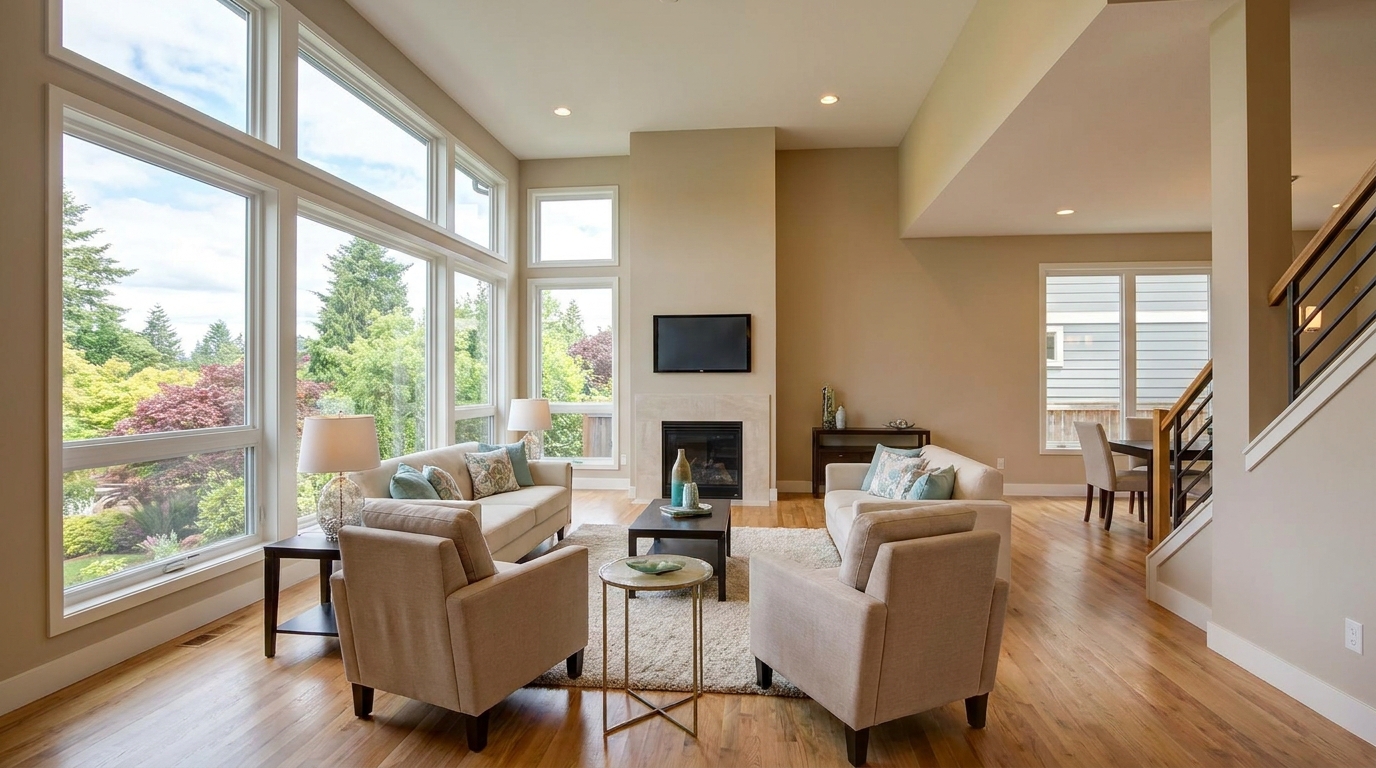
Bring back bright-area detail for a smoother, more controlled exposure.
Try This Tool →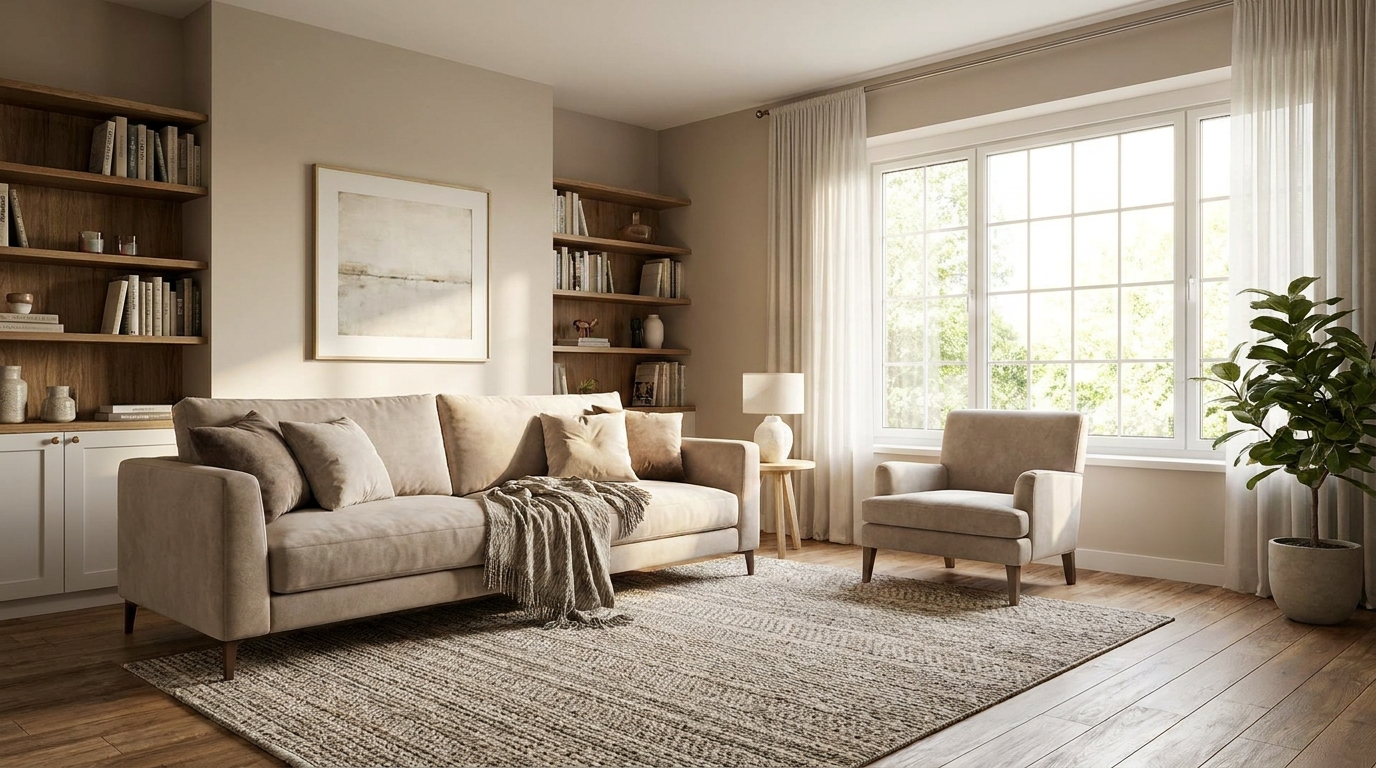
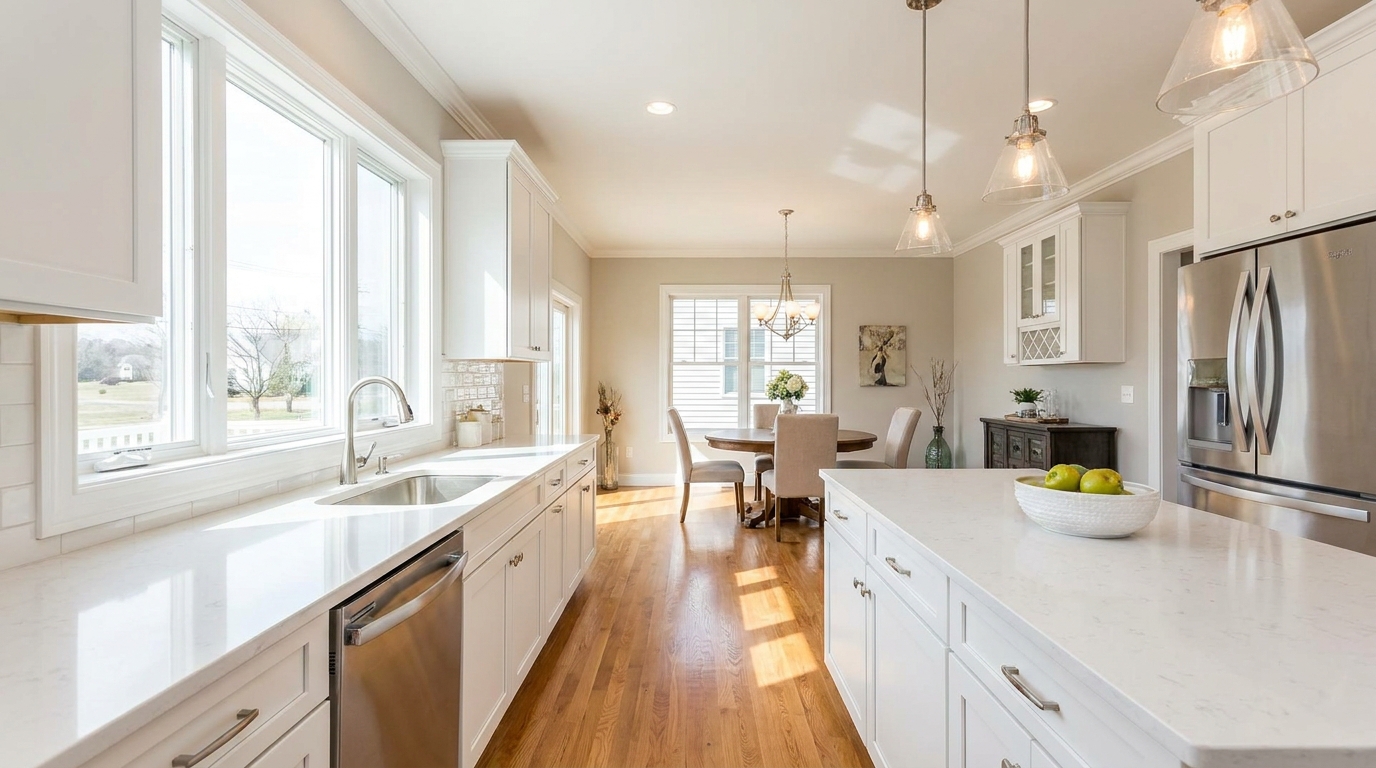
Soften harsh highlights to create a more even, natural-looking image.
Try This Tool →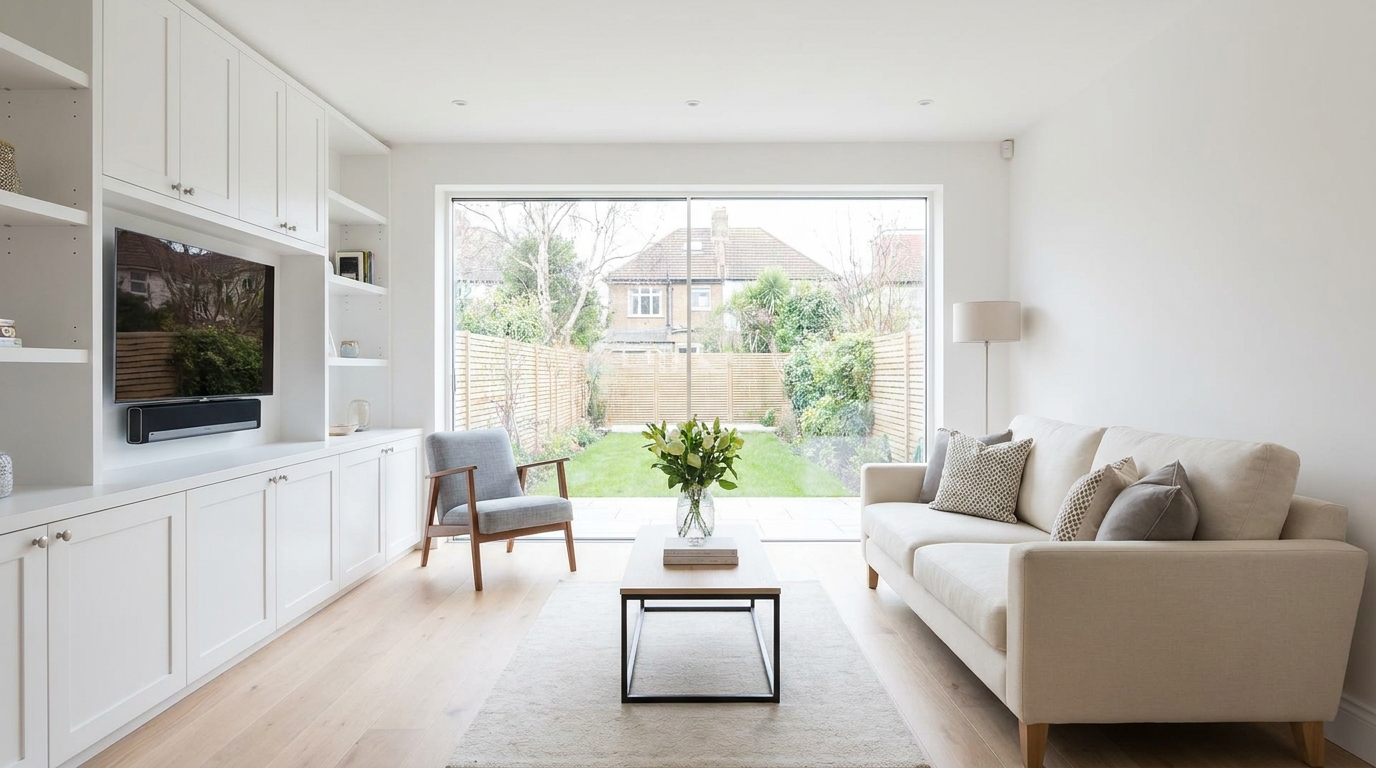
Remove unwanted tints so surfaces and whites look accurate and consistent.
Try This Tool →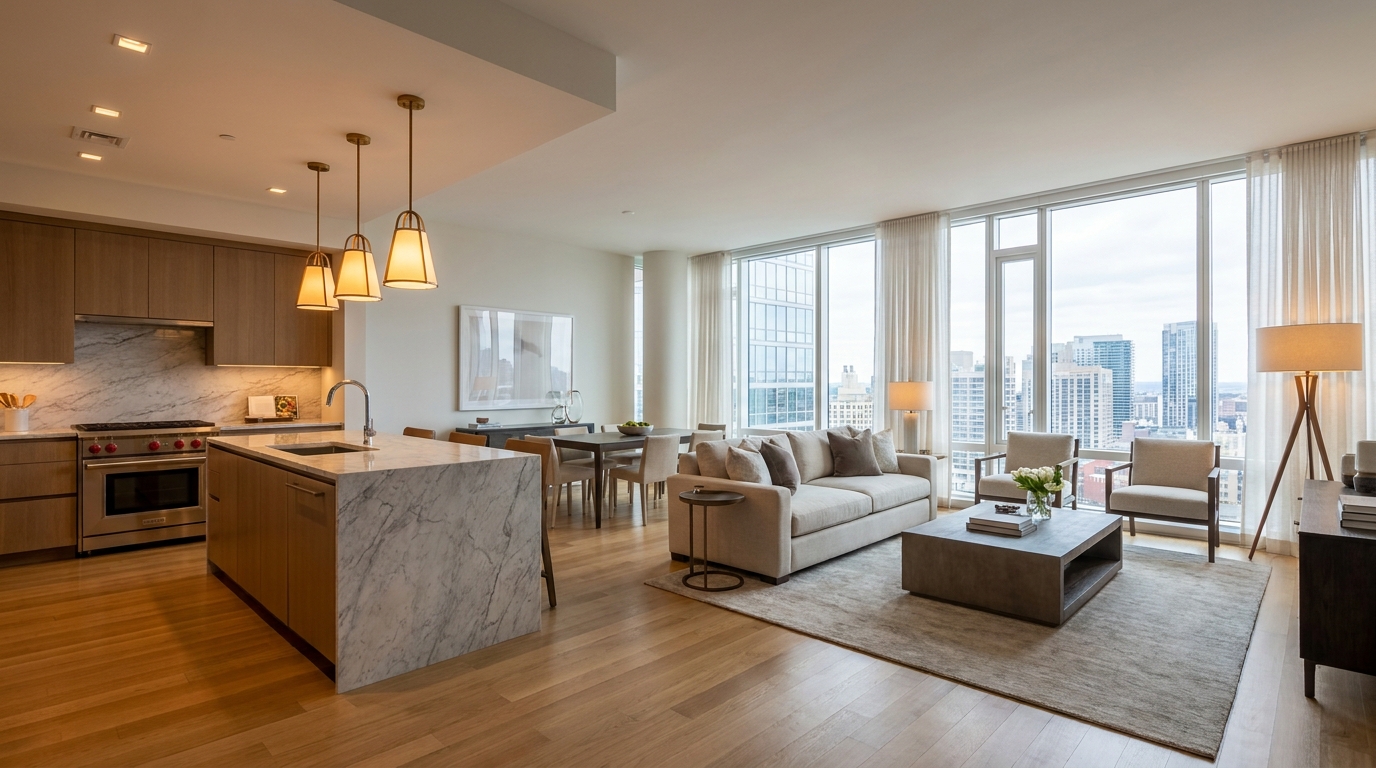
Blend warm and cool light sources into one natural, cohesive scene.
Try This Tool →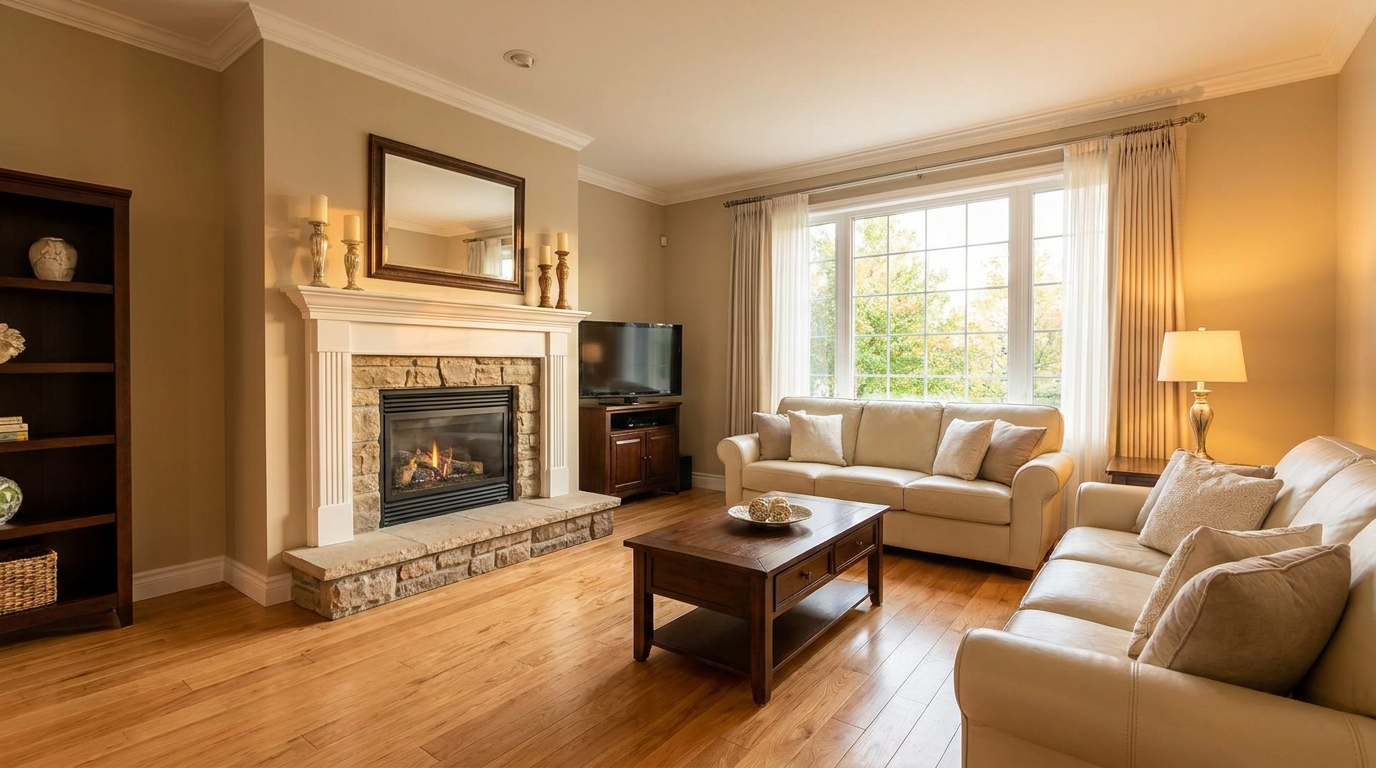
Add tasteful warmth for a friendlier, more inviting presentation.
Try This Tool →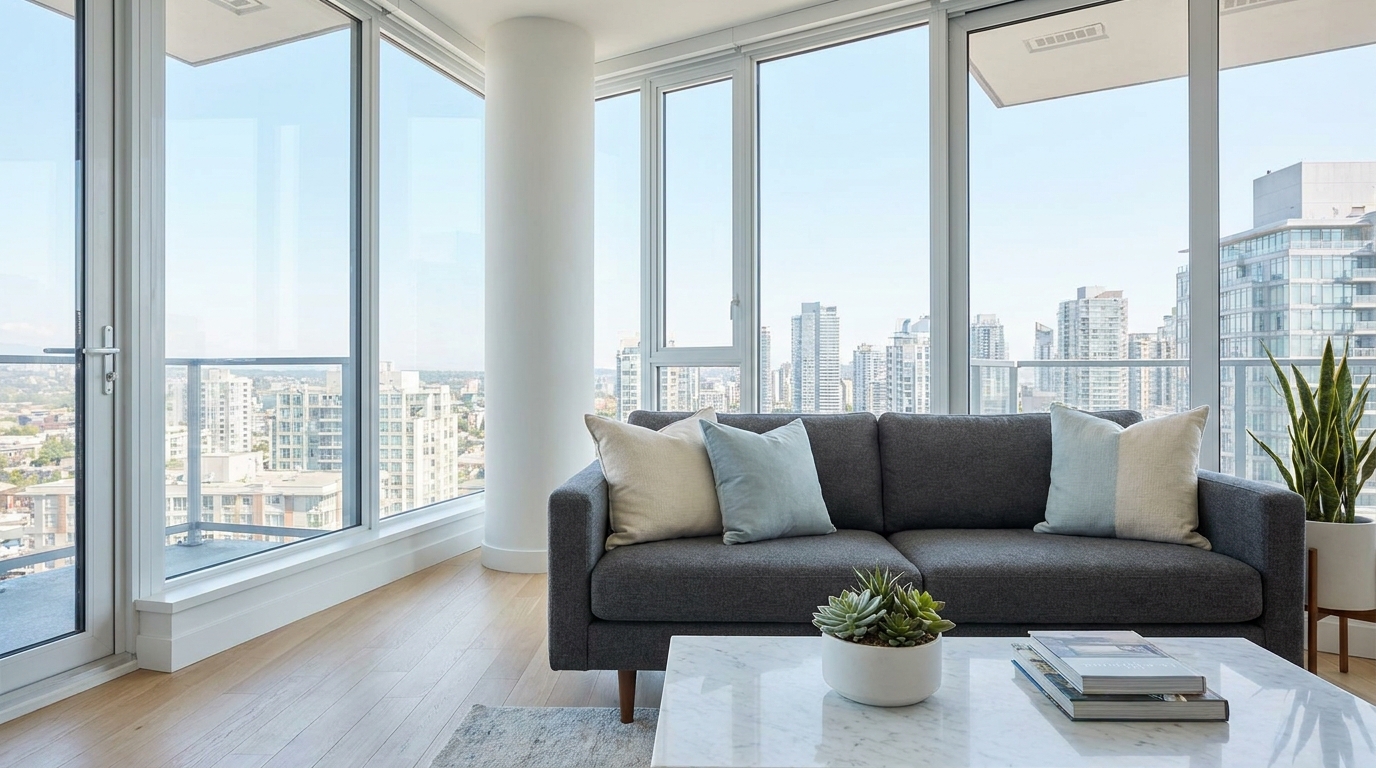
Introduce crisp, modern cool tones without making the image feel cold.
Try This Tool →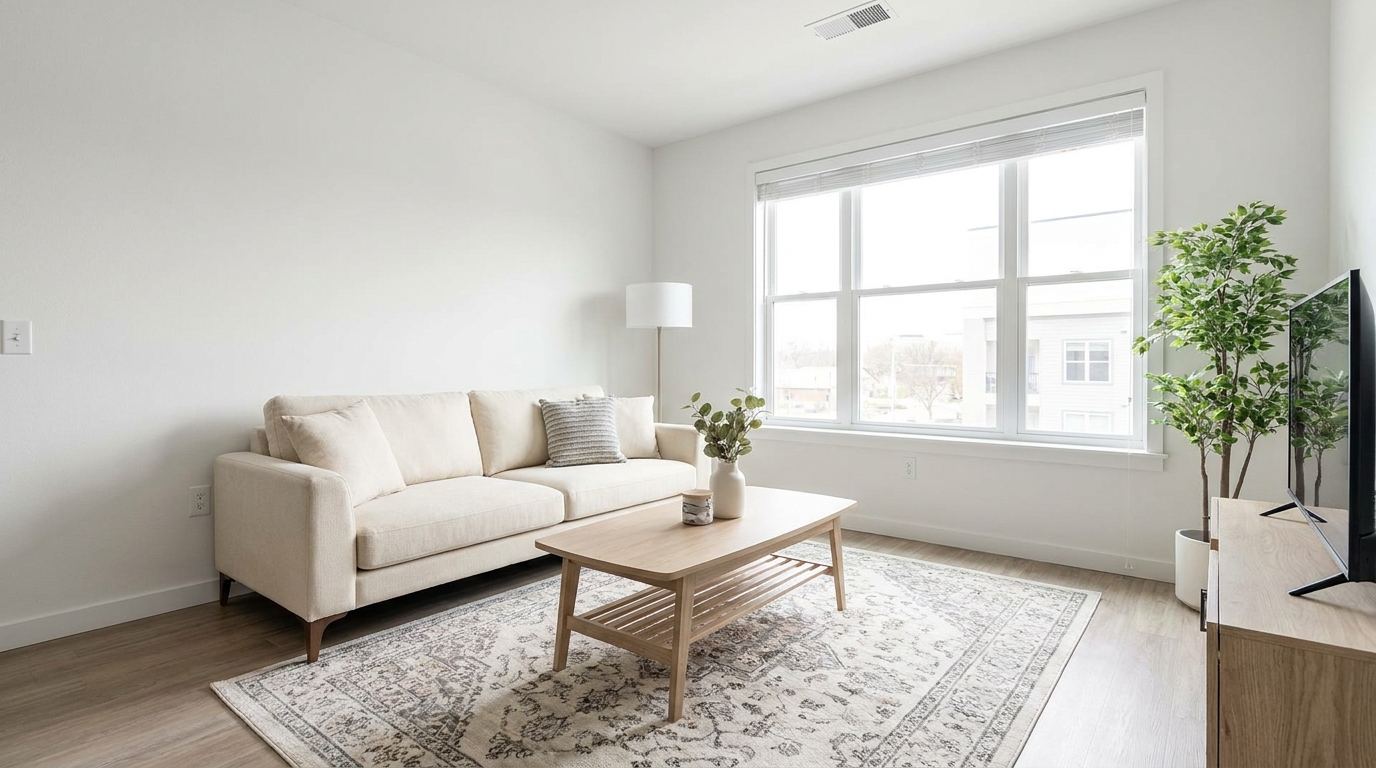
Correct white balance for interiors that feel clean, natural, and professionally edited.
Try This Tool →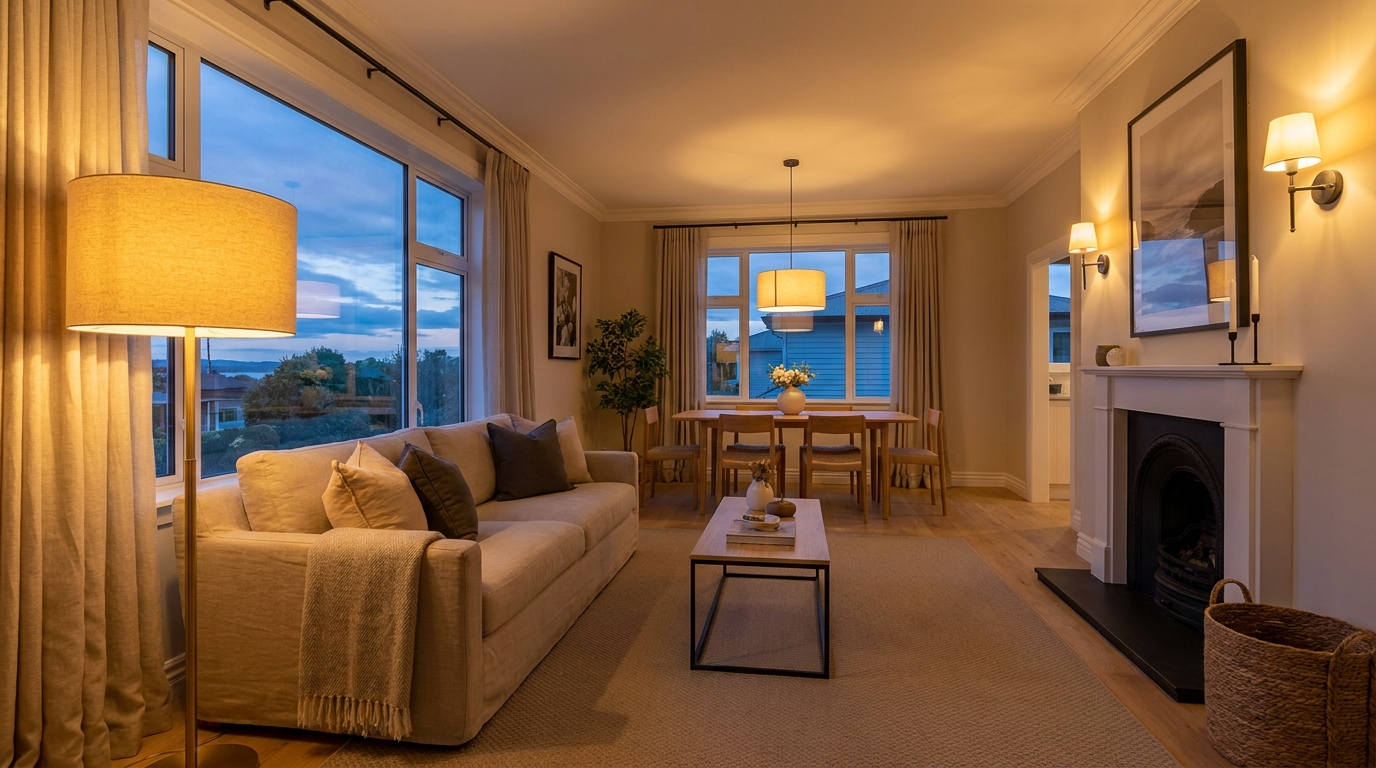
Add realistic lamp and fixture glow to make rooms feel warmer and more welcoming.
Try This Tool →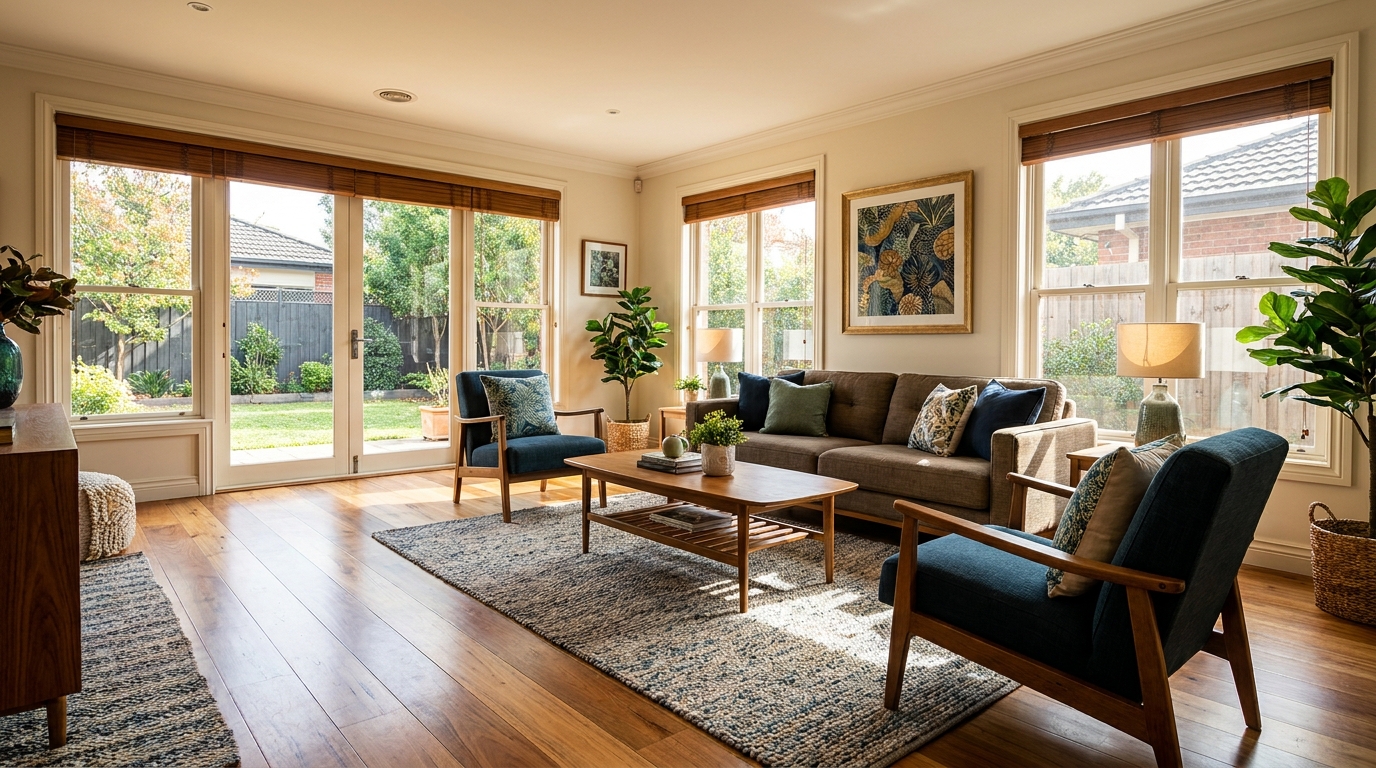
Gently enrich color for more eye-catching photos without oversaturation.
Try This Tool →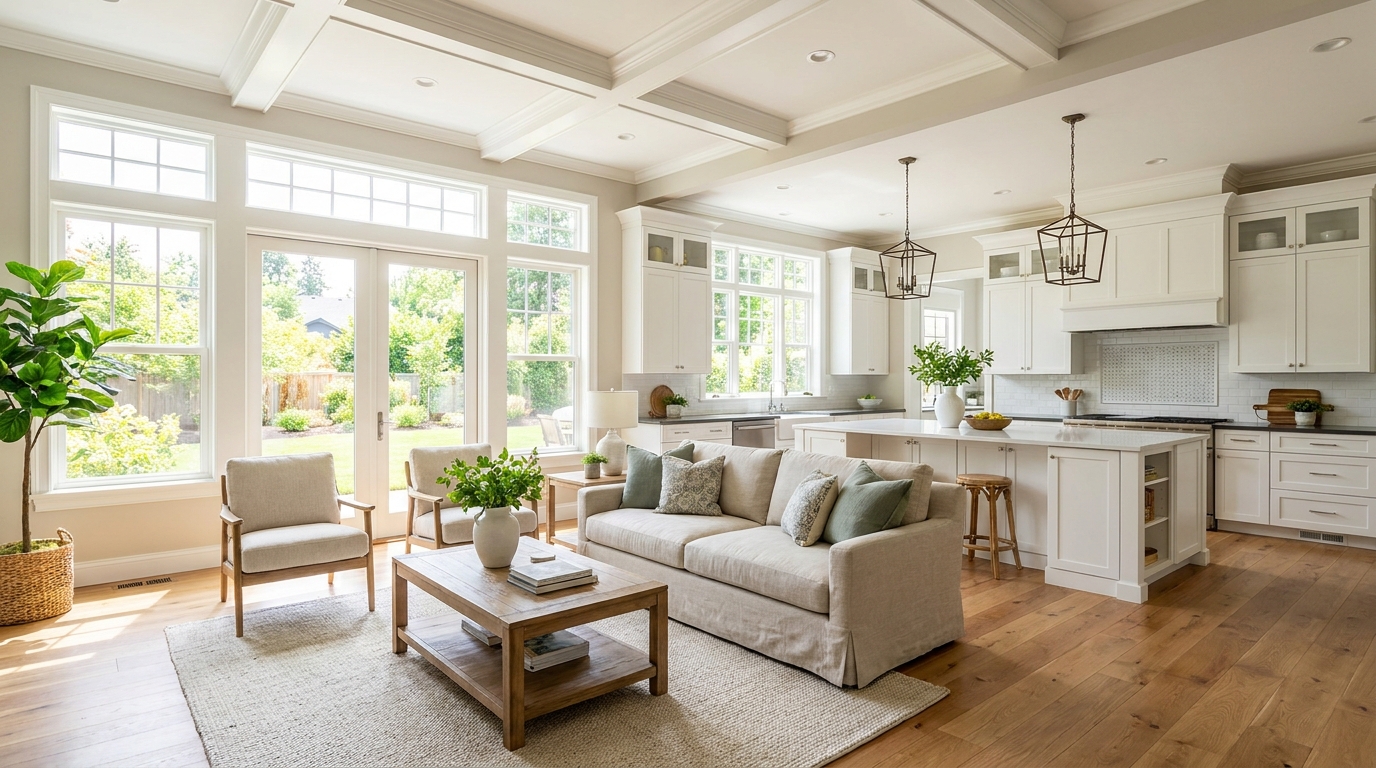
Boost daylight presence for spaces that feel bright, airy, and open.
Try This Tool →Discover additional AI-powered tools to optimize your property listings.
AI image-to-video generation for turning home, room, and property photos into more vivid presentation videos.
02AI exterior renovation for visualizing facade updates, curb appeal improvements, and home exterior remodel ideas.
03AI landscaping design for exploring outdoor concepts, curb appeal upgrades, planting ideas, and yard layout directions.
04AI virtual staging for furnishing empty rooms and creating listing-ready interiors for real estate marketing.
05Free AI image generation for turning text prompts into unlimited visual ideas for home design, interiors, landscaping, renovation
06AI object removal for cleaning up distracting items from room, home, and property photos.
Transform cold, uninviting room photos into warm, cozy spaces that capture buyers' attention. Start editing with Idealhouse today.