
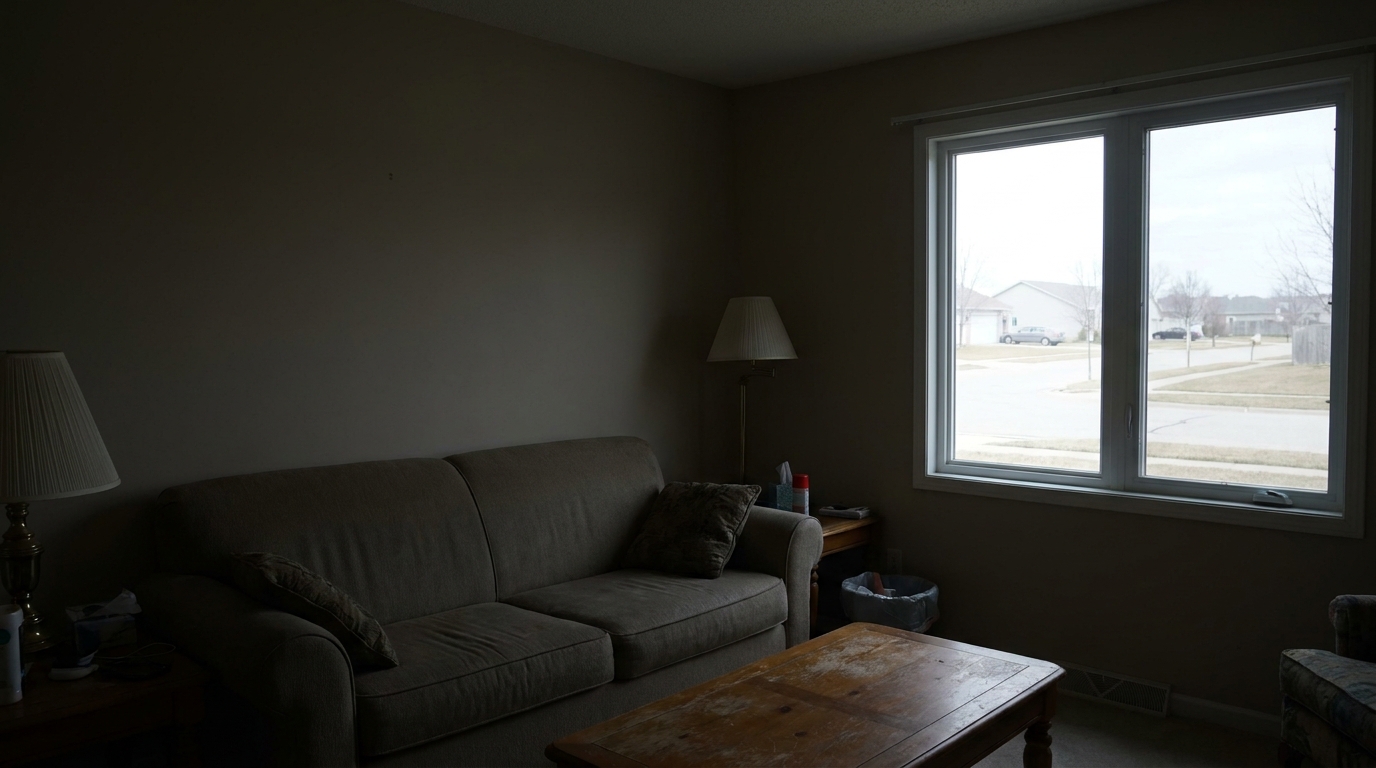
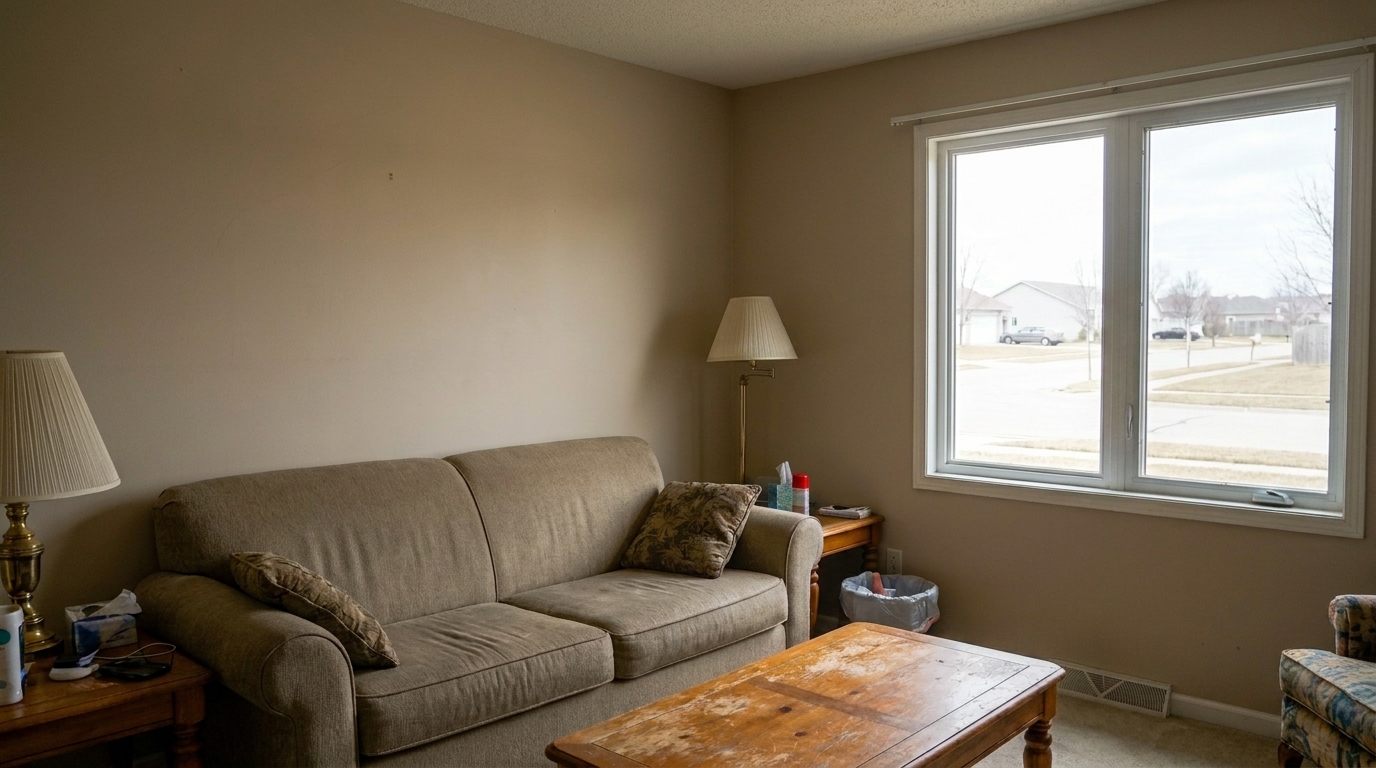

Backlit Living Room
Backlit Living Room updated with lift dark shadows real estate styling.
Reveal hidden architectural and interior details in deep shadow zones. Maintain realistic contrast and natural lighting without muddy gray tones.
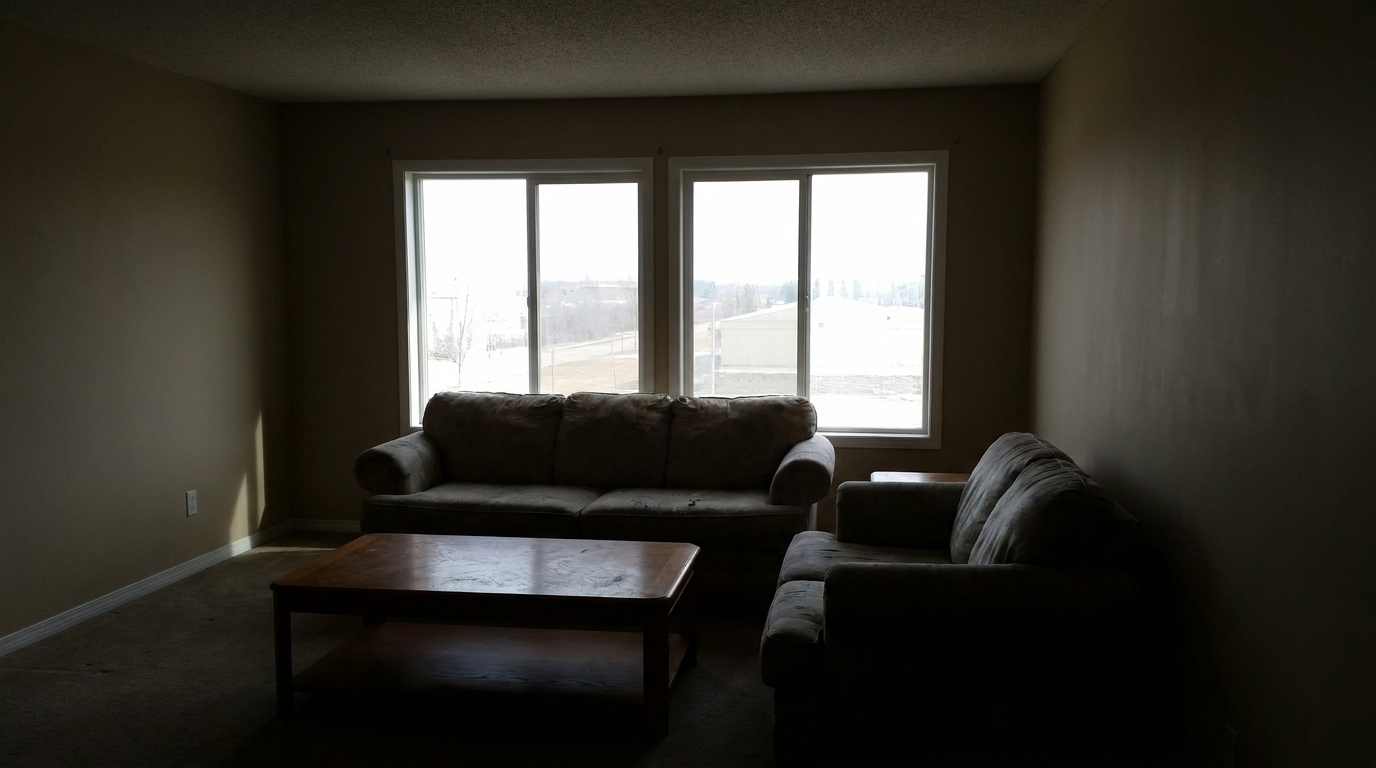
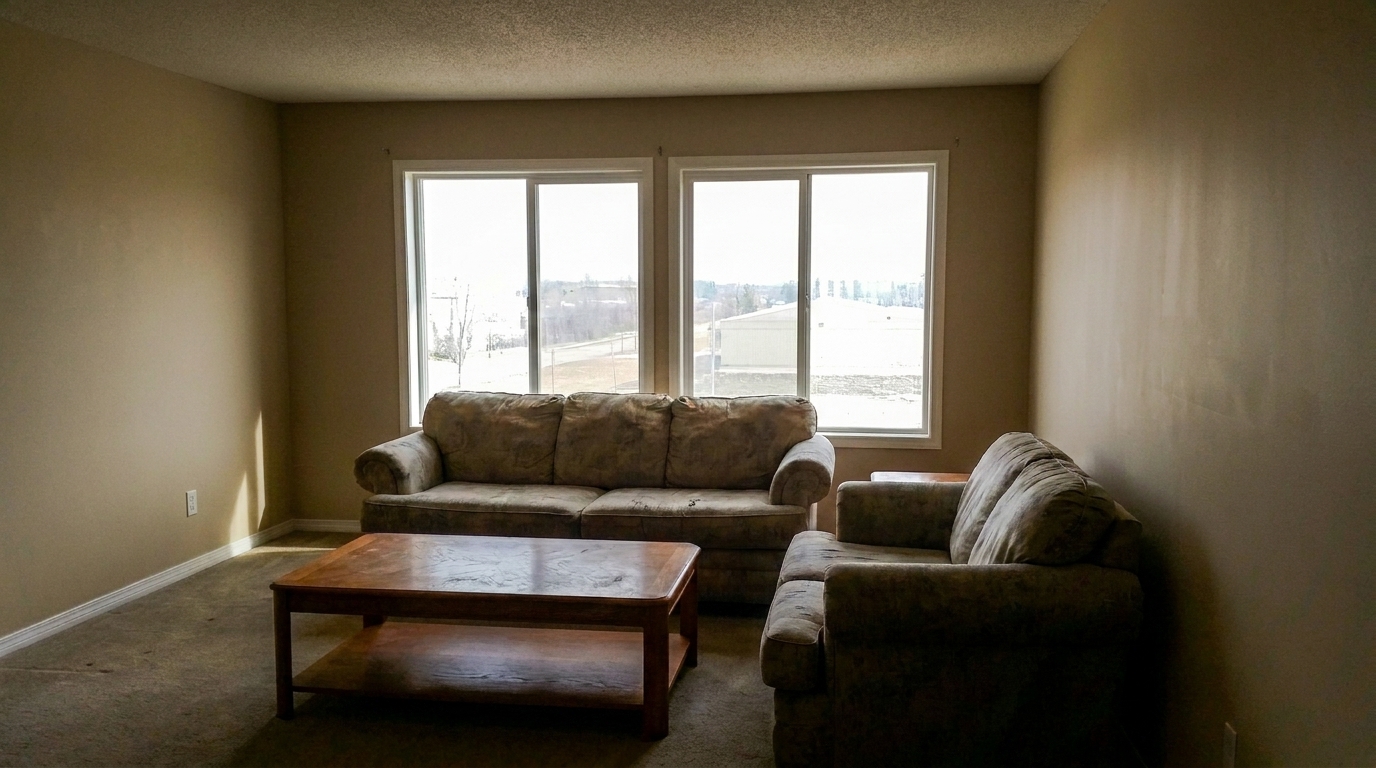
Browse before-and-after results of dark interiors and shaded exteriors.
Backlit Living Room updated with lift dark shadows real estate styling.
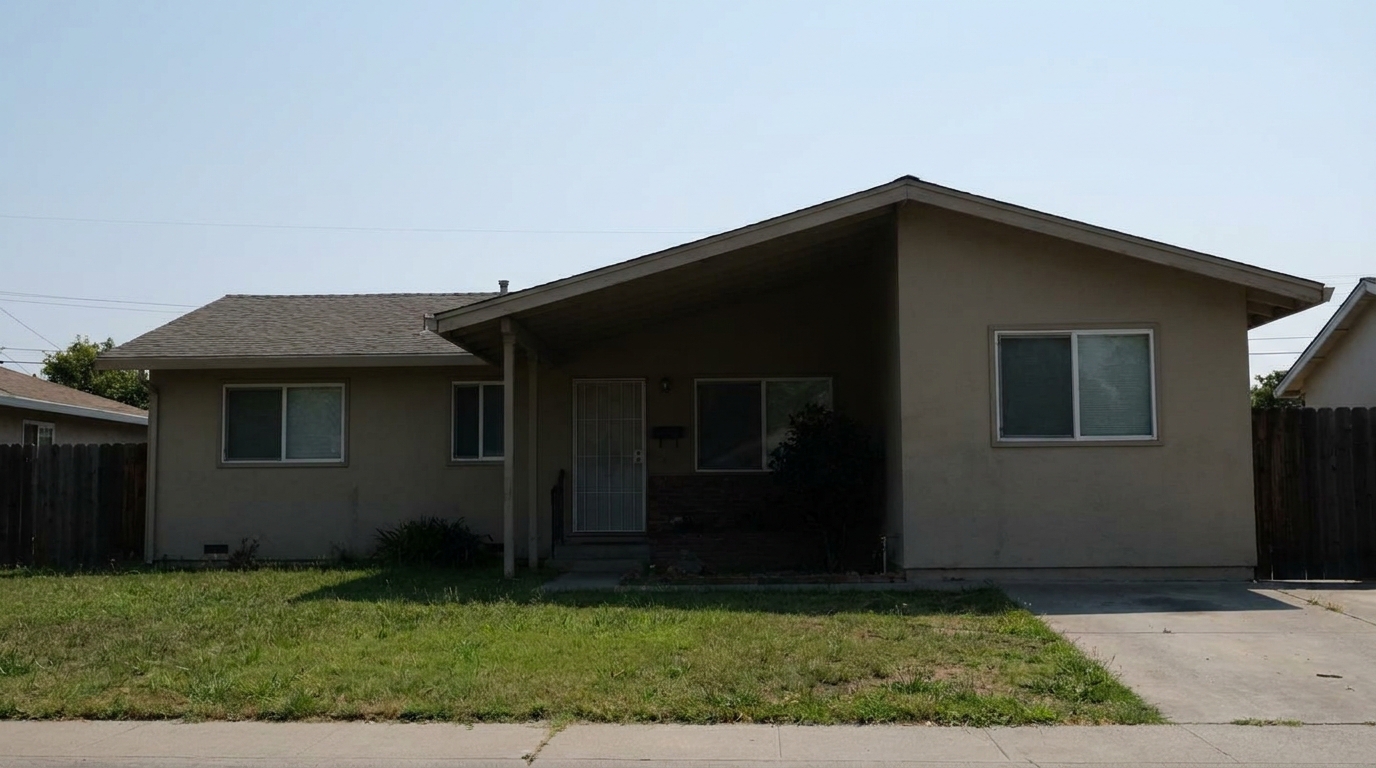
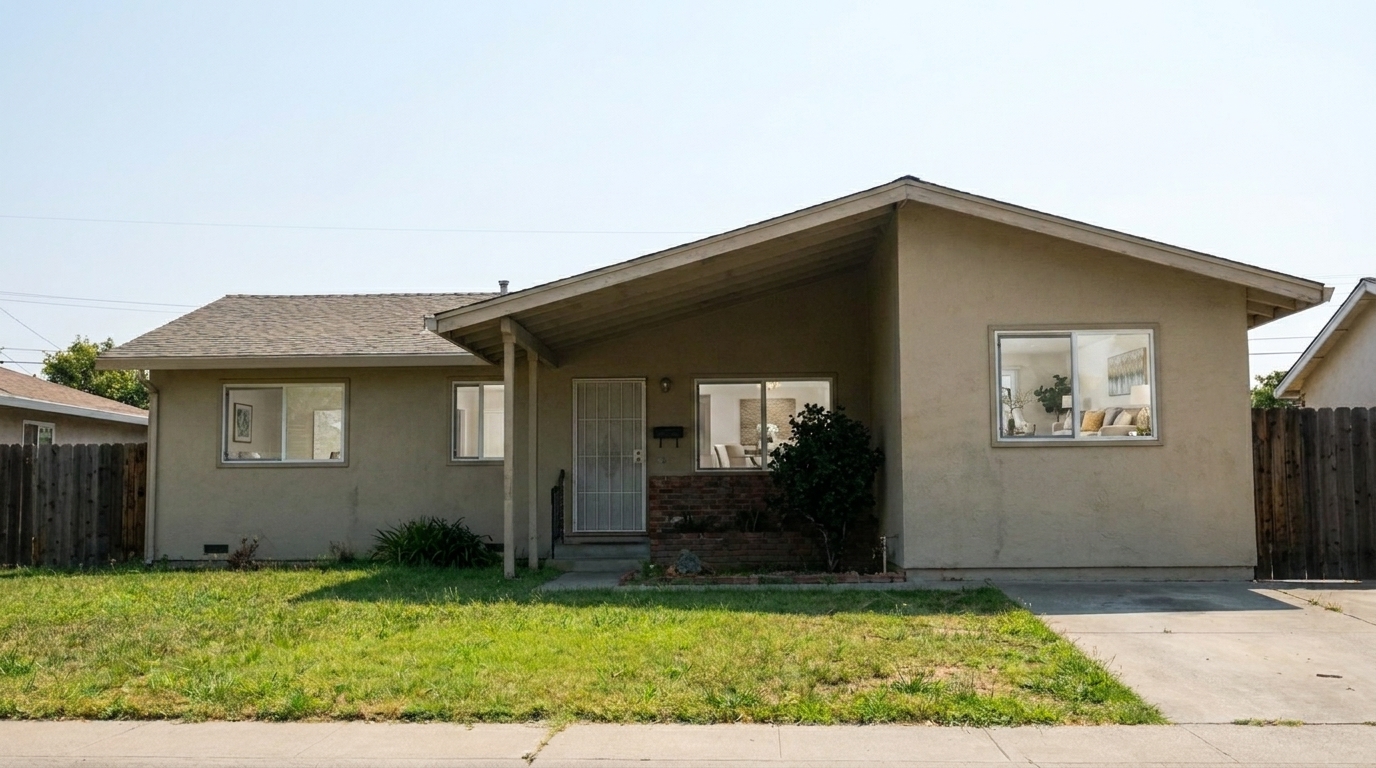
Shaded Front Porch updated with lift dark shadows real estate styling.
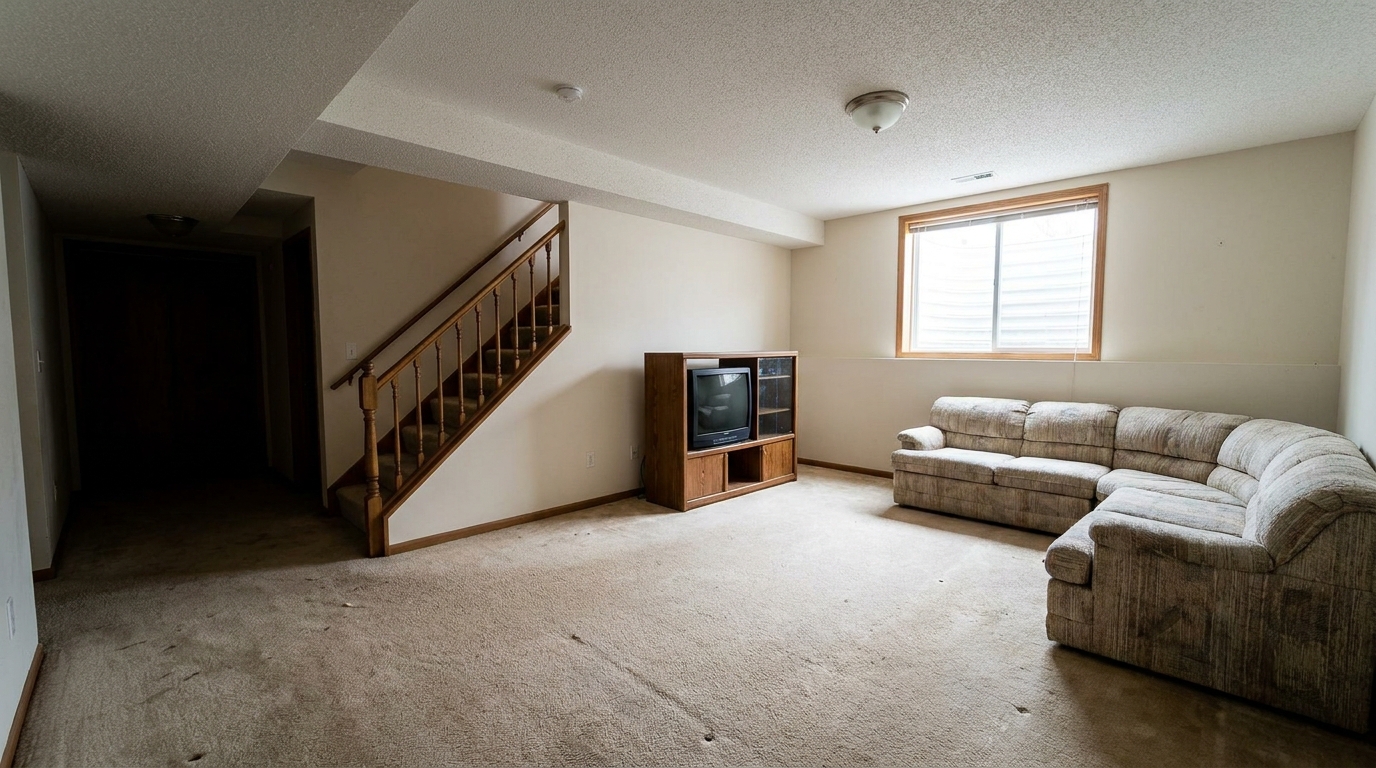
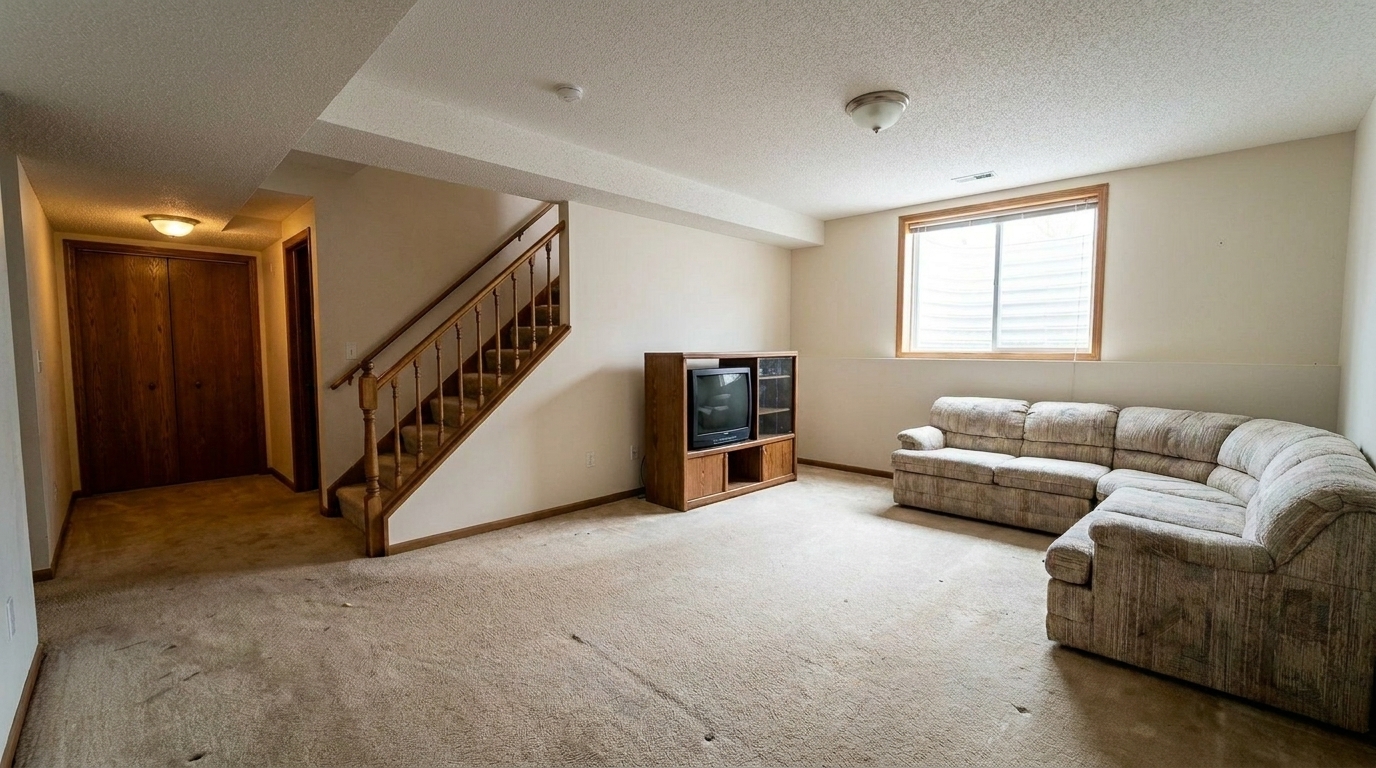
Dim Finished Basement updated with lift dark shadows real estate styling.
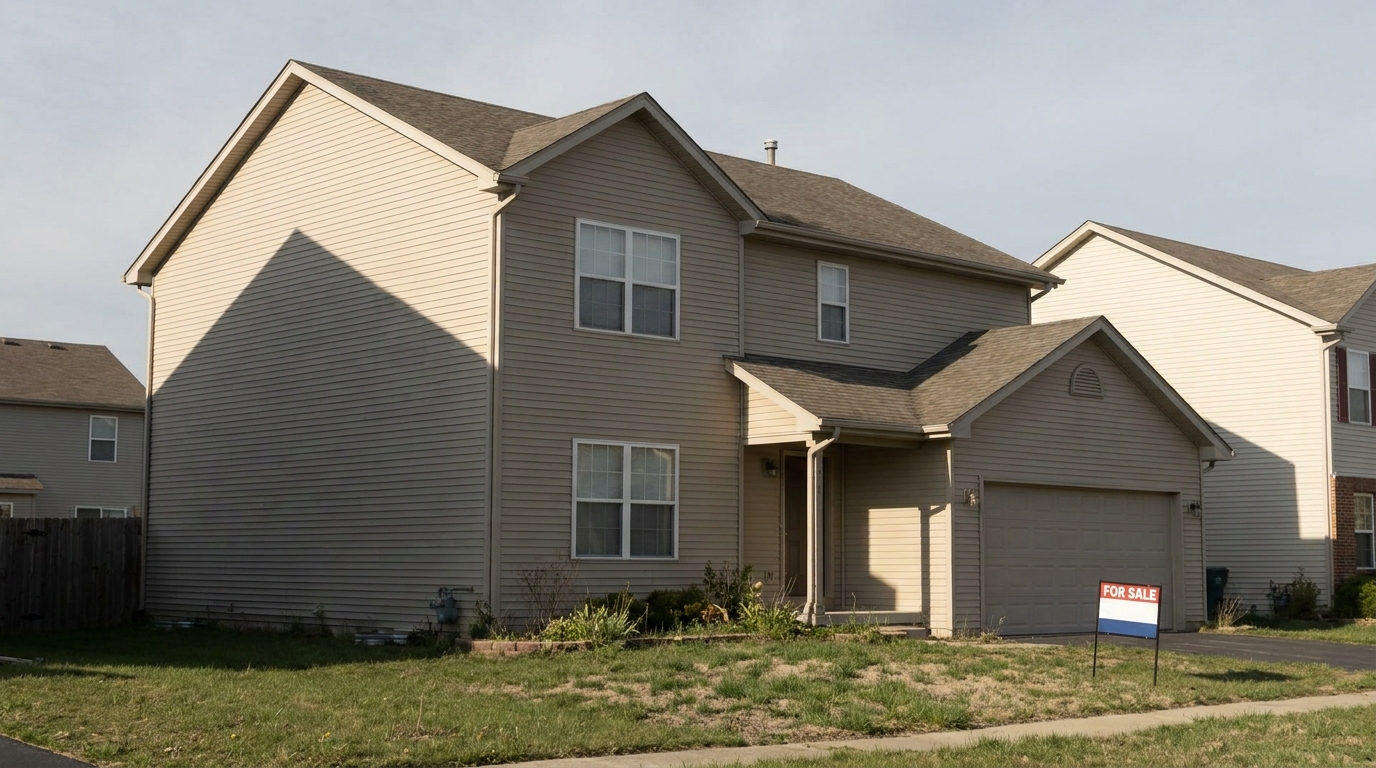
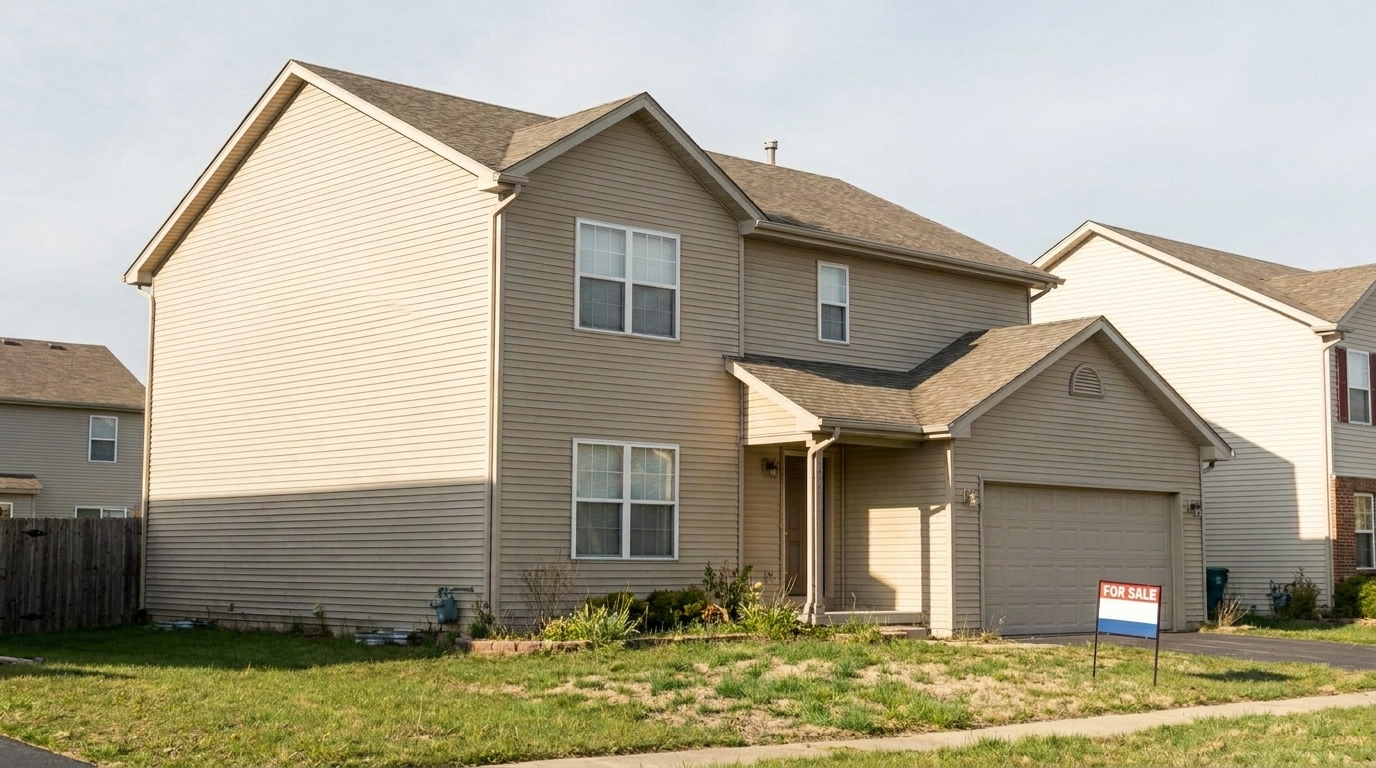
Late Afternoon Exterior updated with lift dark shadows real estate styling.
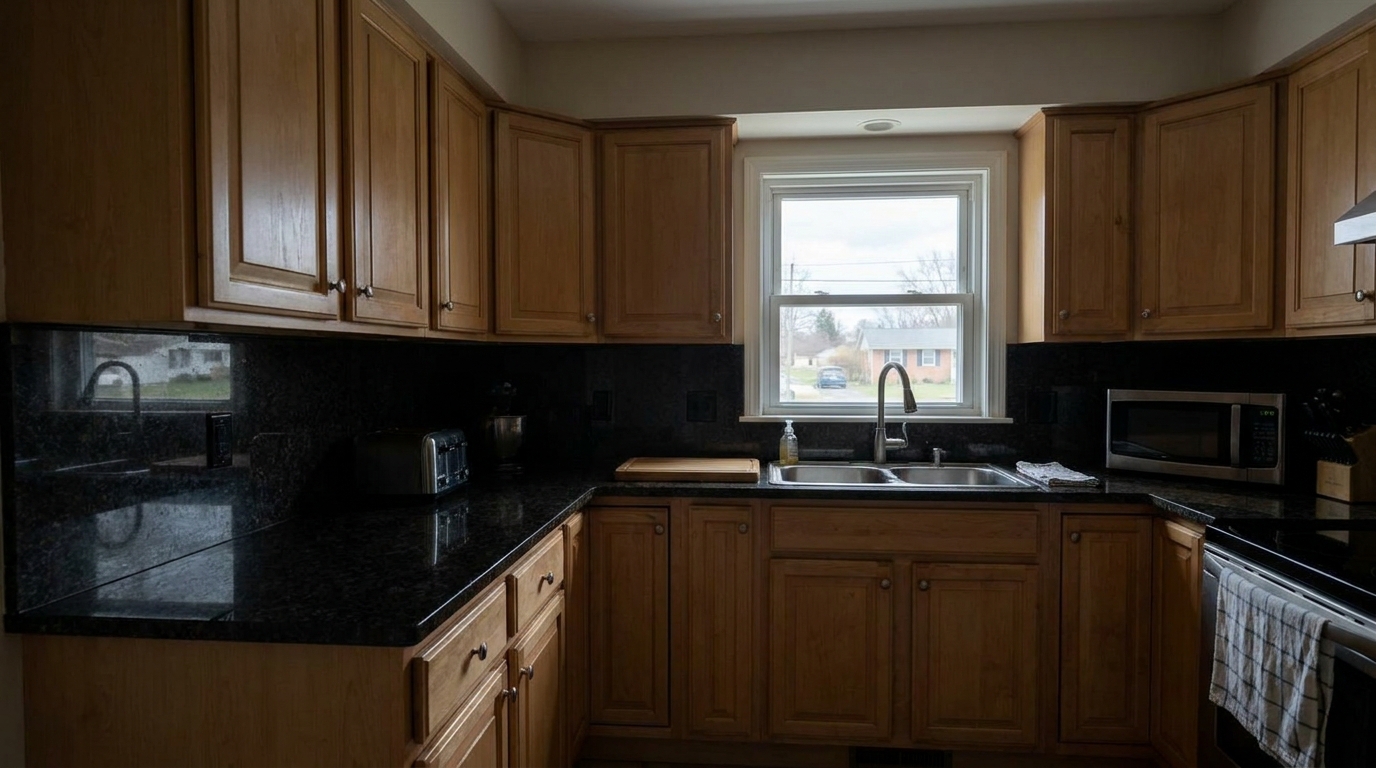
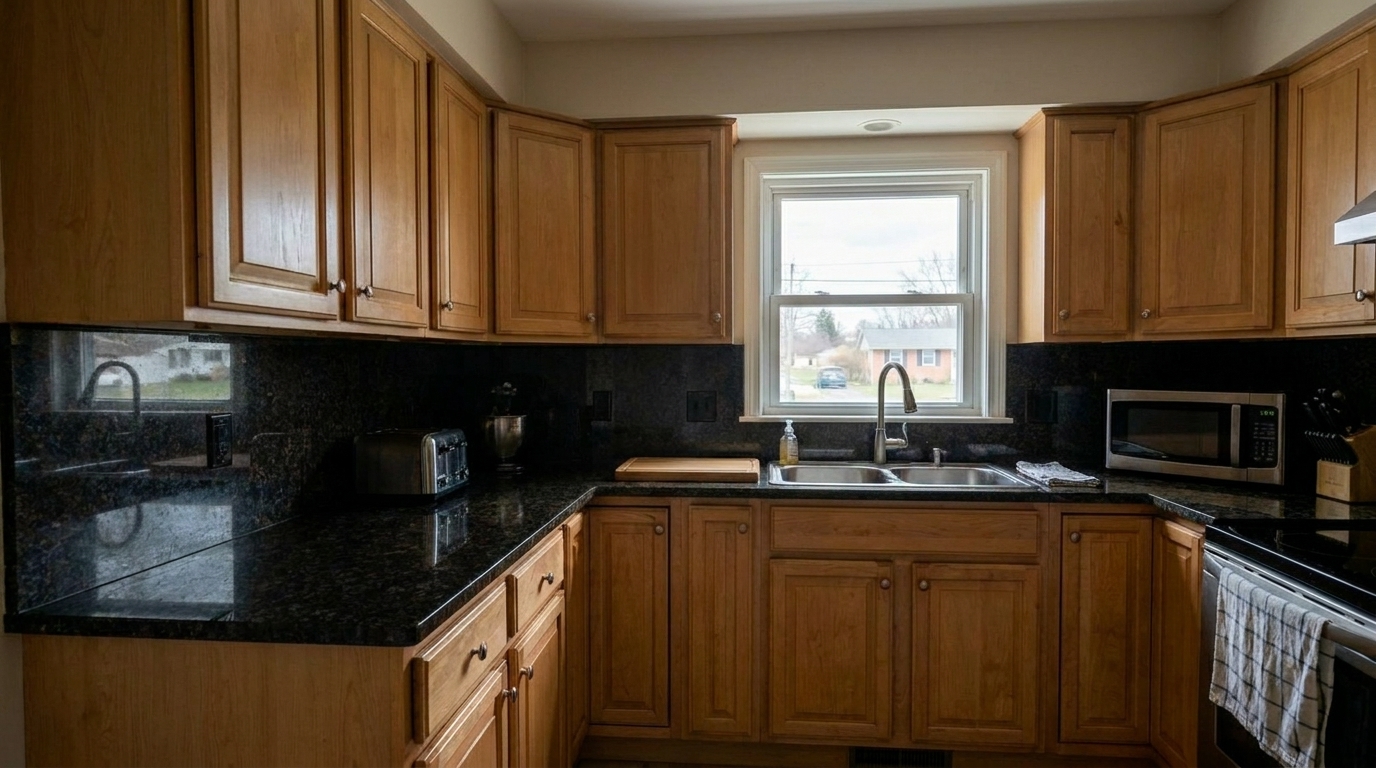
Kitchen Countertop Shadows updated with lift dark shadows real estate styling.
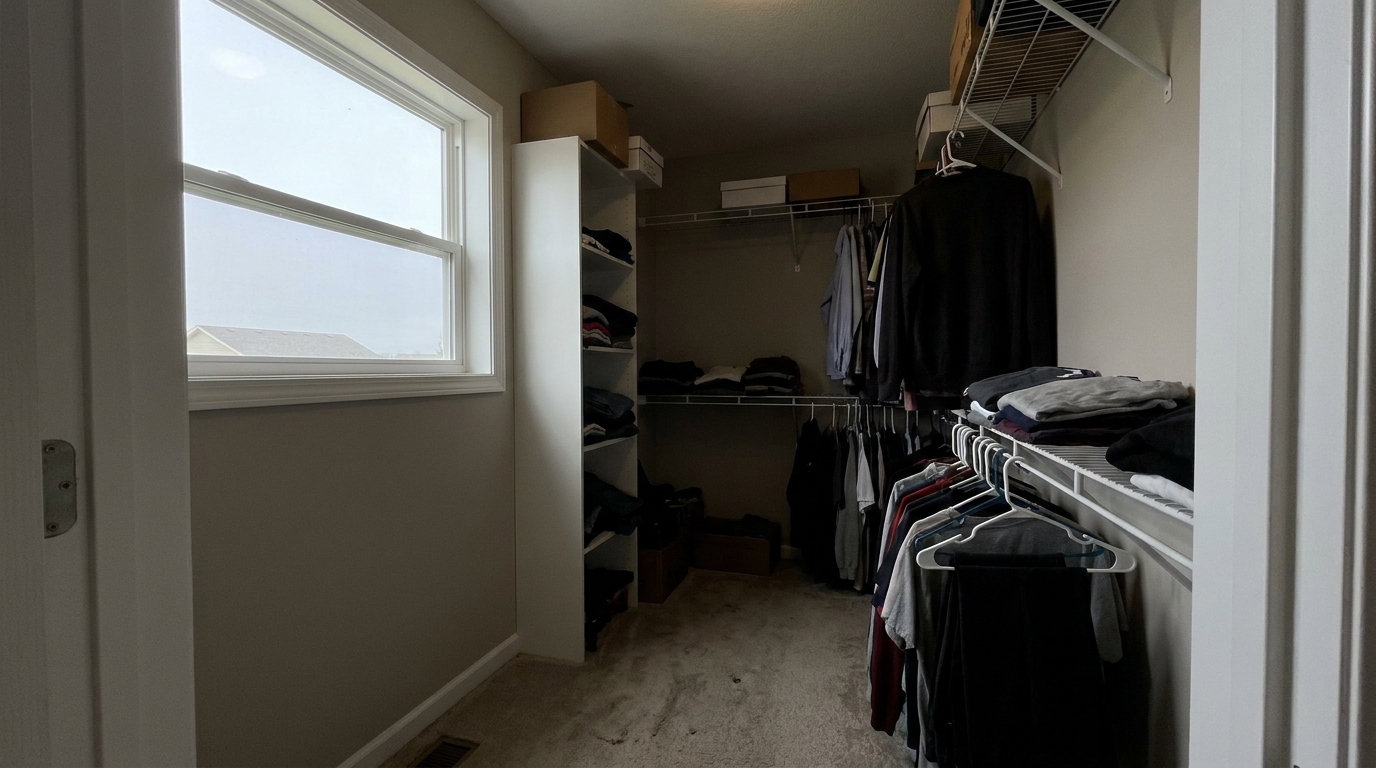
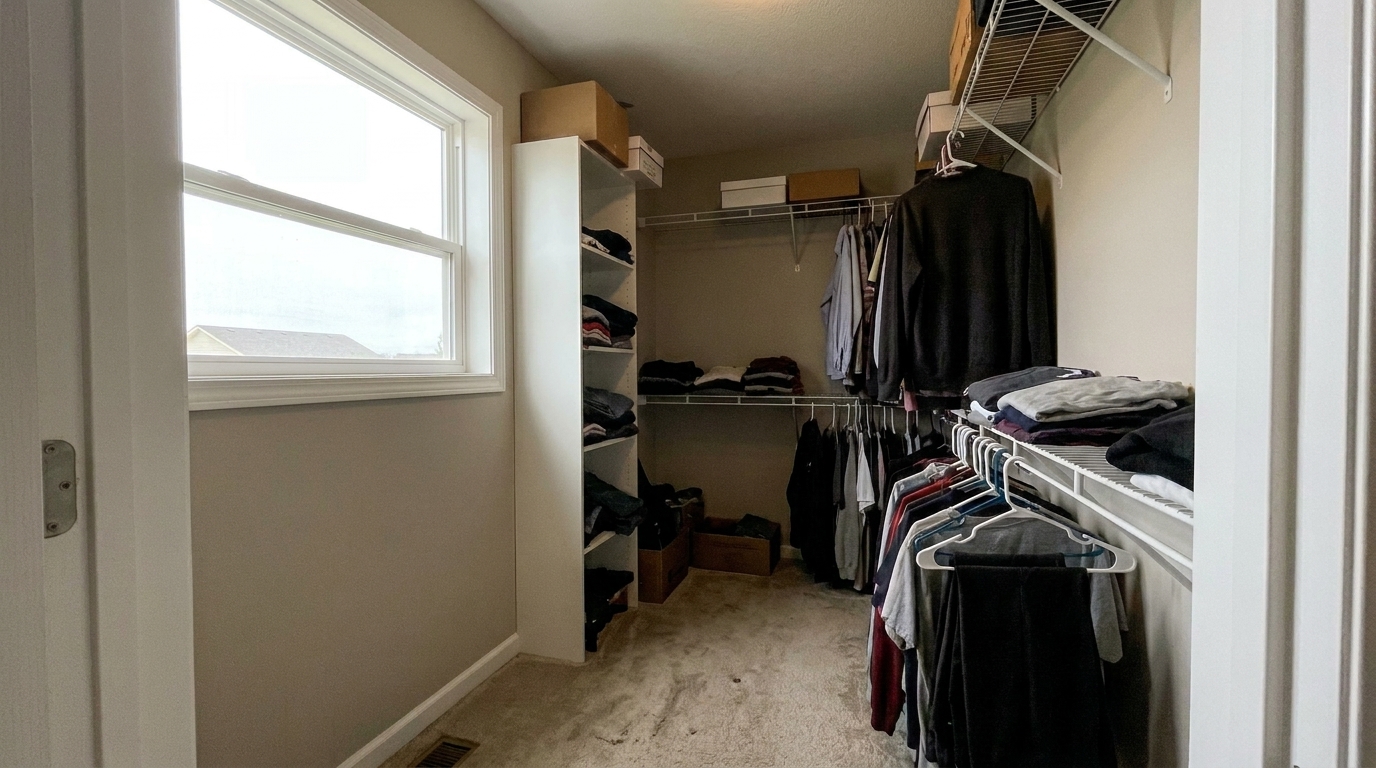
Deep Walk-In Closet updated with lift dark shadows real estate styling.
Discover how our AI balances deep shadows while maintaining natural contrast.
Isolates and lifts only the darkest zones of the image, ensuring that midtones and highlights remain perfectly untouched.
Prevents the flat, washed-out look common in standard HDR edits by maintaining natural black points and realistic depth.
Automatically cleans up the grain and digital noise that often appear when dark, underexposed areas are brightened.
Ensures that wood grains, paint colors, and fabrics in shadow zones retain their true, vibrant tones without turning muddy or gray.
Prevents halos, glowing edges, and unnatural transitions along high-contrast boundaries like window frames and rooflines.
Apply the shadow lift preset across an entire property shoot simultaneously to maintain a consistent, professional exposure style.
See how real estate professionals use shadow lifting to improve listing photos.
Reveal wall textures and furniture details when strong sunlight from windows forces the interior walls into deep shadow.
InteriorsBrighten front doors and entryways that are obscured by heavy roof overhangs or large trees in exterior shots.
ExteriorsOpen up finished basement family rooms and recreation spaces, making them feel warm, welcoming, and spacious.
InteriorsBalance exterior photos when one side of the home is completely blocked from direct sunlight, showing off siding and landscaping.
ExteriorsIlluminate dark countertop workspaces to highlight premium granite, quartz, or custom tile backsplash details.
InteriorsMake storage areas, walk-in closets, and pantries look clean, open, and fully visible to prospective buyers.
InteriorsFollow these three simple steps to reveal hidden details in your property photos.
Select and upload your real estate photo containing dark corners, backlit rooms, or heavy exterior shadows into the Idealhouse Photo Enhancer.
Our AI automatically analyzes the tonal range of your image, targeting only the deepest shadow zones to reveal hidden details without affecting bright areas.
Review the instantly enhanced photo showing clear, natural details in previously dark areas, then export the high-resolution file for your MLS listing.
Source-backed context for why lift dark shadows real estate edits matter inside lighting, color & exposure workflows.
Lift Dark Shadows Real Estate within Lighting, Color & Exposure evidence
Photos are one of the most valuable website features for home buyers; NAR's 2025 generational trends report says 83% of internet-using buyers rated photos as very useful. For Lift Dark Shadows Real Estate pages, this supports showing how a focused Lighting, Color & Exposure edit can make the listing photo feel clearer, more polished, and easier for buyers to evaluate.
Source: NAR 2025Lift Dark Shadows Real Estate within Lighting, Color & Exposure evidence
Zillow Research's 2025 prospective buyer report ranked high-resolution photos as the number two most important listing feature, selected by 26% of prospective buyers; floor plans ranked first at 33%. For Lift Dark Shadows Real Estate pages, this supports showing how a focused Lighting, Color & Exposure edit can make the listing photo feel clearer, more polished, and easier for buyers to evaluate.
Source: Zillow 2025Lift Dark Shadows Real Estate within Lighting, Color & Exposure evidence
Redfin reported that professionally photographed homes in the $400,000 range sold three weeks faster and for more than $10,000 relative to list price compared with amateur photos. Use this as supporting context, not as a guaranteed result. For Lift Dark Shadows Real Estate pages, this supports showing how a focused Lighting, Color & Exposure edit can make the listing photo feel clearer, more polished, and easier for buyers to evaluate.
Source: RedfinMaster the art of balancing light and shadow in property photography to create inviting, high-converting listings that stand out on the MLS.
Real estate photography often battles extreme dynamic range. When a camera exposes for bright windows or sunny skies, interior details and shaded exterior walls inevitably fall into deep shadow. Simply boosting overall exposure washes out the highlights and ruins the view. Targeted shadow recovery isolates the darkest tonal zones, lifting them to reveal crucial selling points—like premium hardwood floors, stone fireplaces, or intricate cabinetry—without sacrificing the natural depth and contrast that makes a room feel real.
To achieve professional results, start by uploading your high-resolution property photos. Apply the 'Lift Dark Shadows' preset to instantly open up dark corners and shaded areas. If the room is overall very dim, you might combine this with a subtle brightness boost. For spaces with mixed light sources, ensure your white balance is corrected first so the lifted shadows don't reveal unwanted yellow or blue color casts. Finally, review the high-contrast edges to ensure a seamless, halo-free transition before exporting for MLS.
Choosing the right preset depends on your specific photo defect. Use 'Lift Dark Shadows Real Estate' when your overall exposure is good but specific areas (like corners, under-cabinets, or shaded porches) are too dark to see. If the entire room is underexposed, opt for 'Brighten Dark Interior Photo' instead. For high-contrast scenes with both blown-out windows and dark corners, use 'Balance Highlight Shadow Real Estate' to compress the dynamic range. Avoid using the shadow lift on flat, low-contrast photos; instead, use 'Flat Photo Contrast Fix' to restore depth.
Shadow recovery is essential for revealing selling features, but over-recovering can ruin an image. Use shadow lifting to make small rooms feel larger, open up dark hallways, and show off premium finishes in shaded areas. Do not attempt to completely eliminate shadows; doing so flattens the image, removes three-dimensional depth, and makes the property look artificial or computer-generated. Retaining soft, natural shadows under furniture and in architectural recesses is crucial for maintaining a believable, high-end aesthetic.
Compare the shadow lift tool with other lighting and exposure balancing presets.
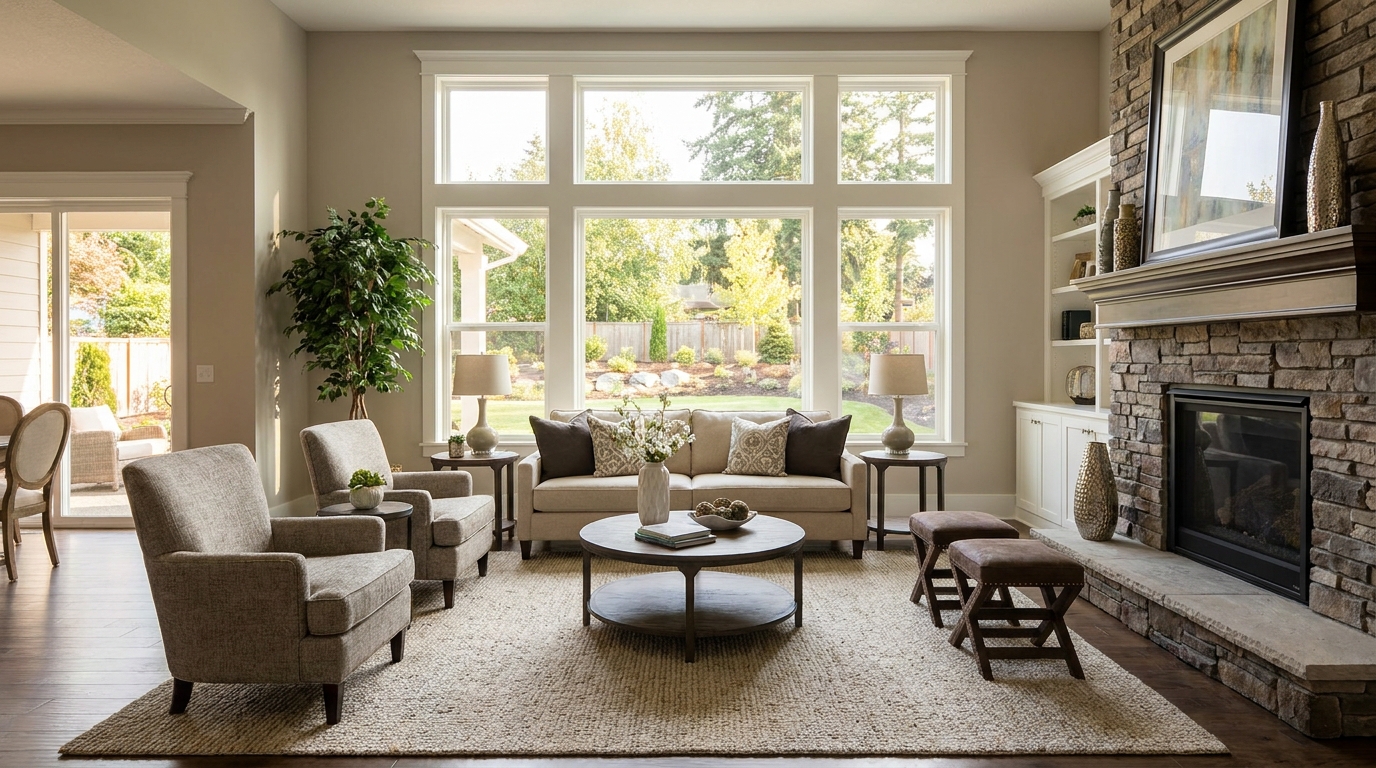
Recover highlight and shadow detail for a more balanced, high-end image.
Try This Tool →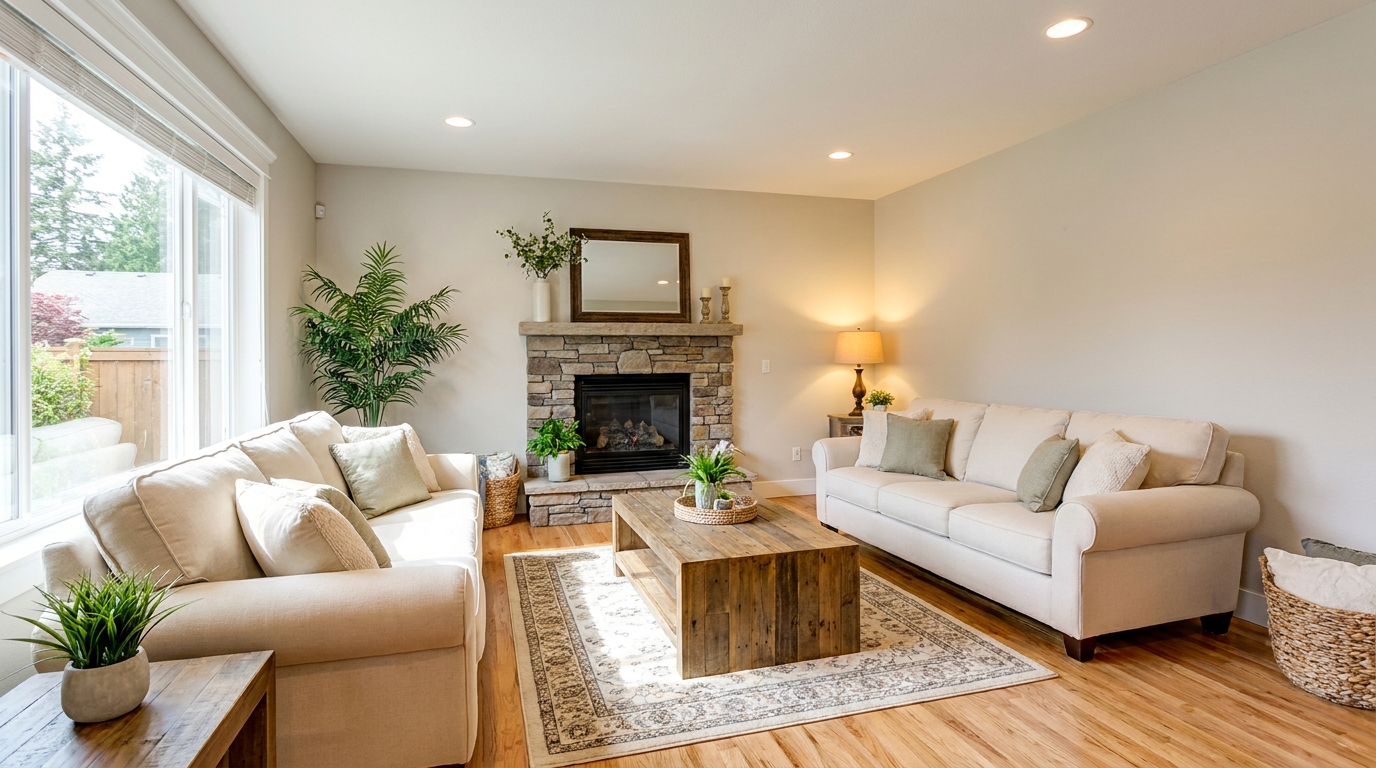
Brighten dim rooms while keeping materials and light natural.
Try This Tool →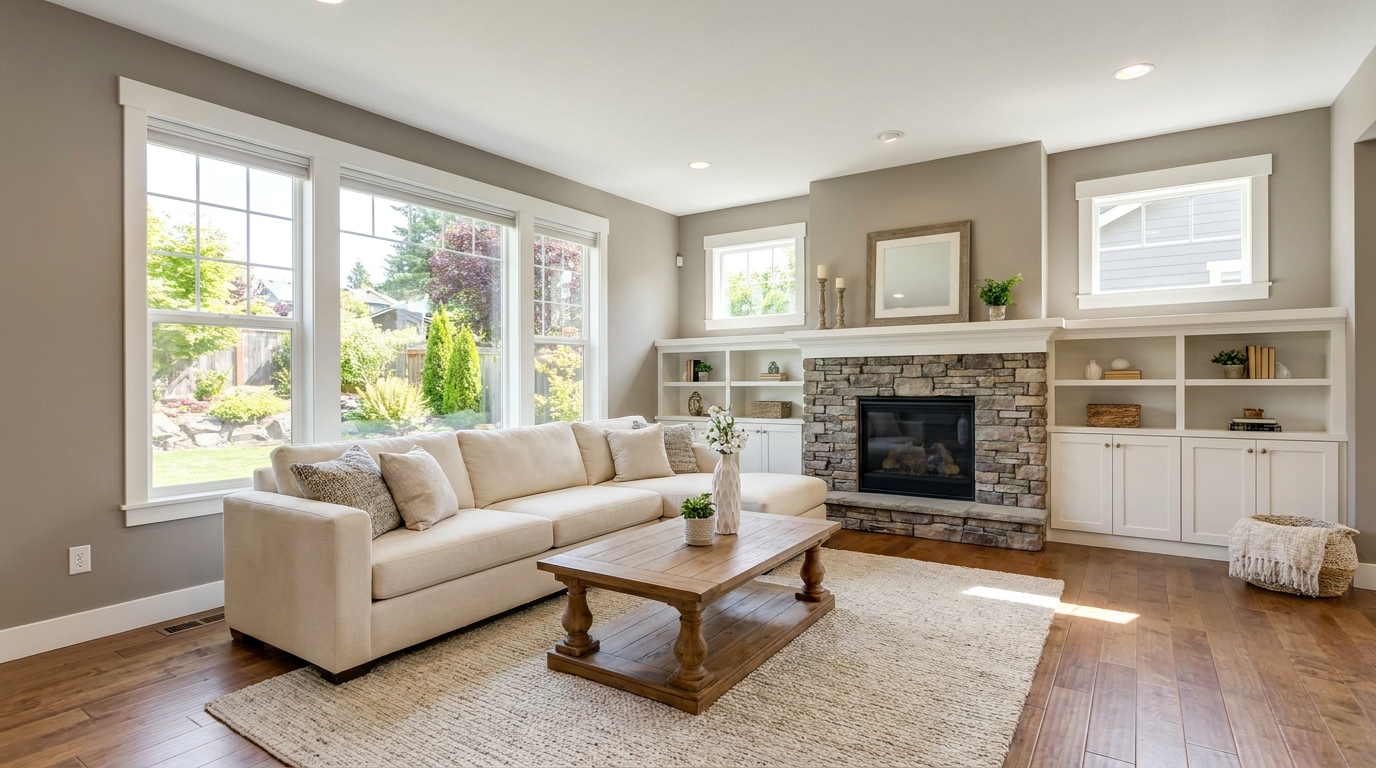
Lift overall exposure so listings feel cleaner, brighter, and easier to browse.
Try This Tool →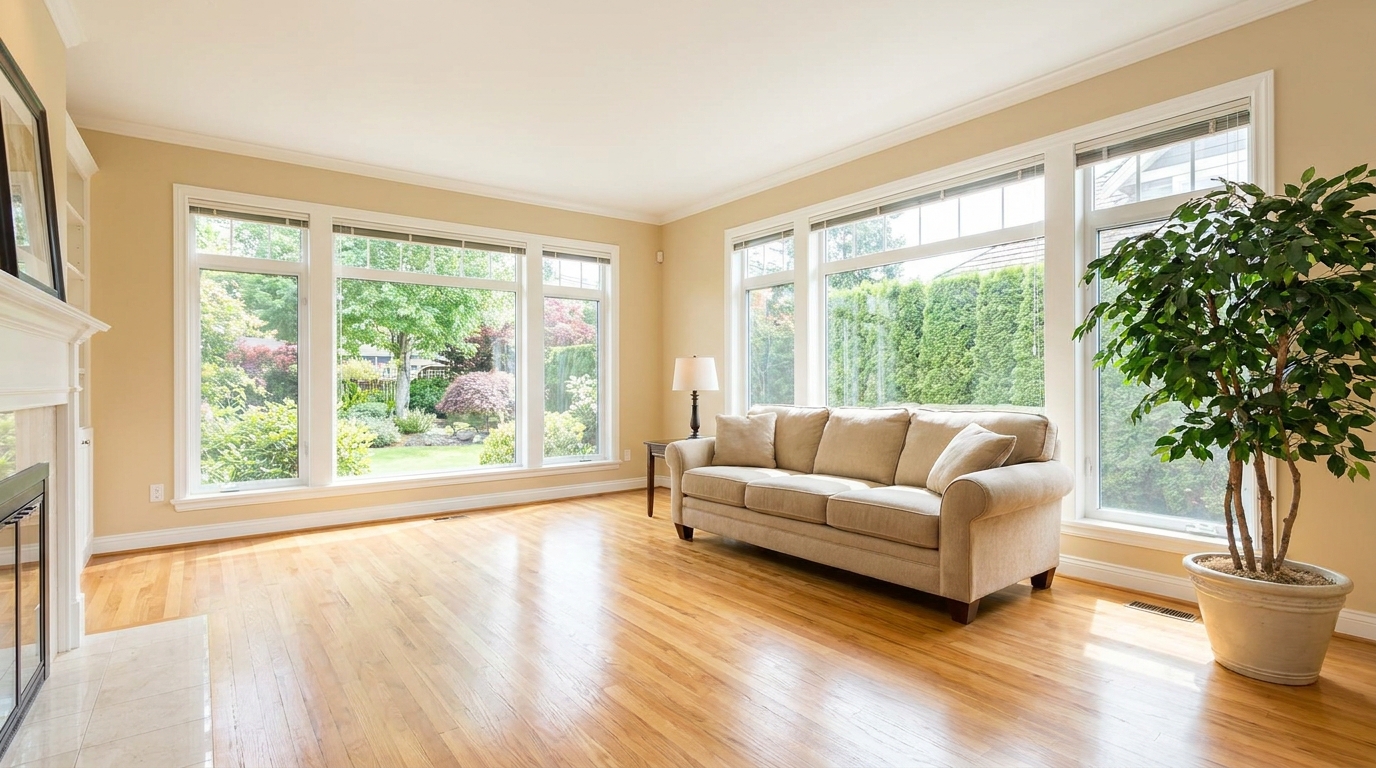
Add clean overall brightness for a fresher, more marketable photo.
Try This Tool →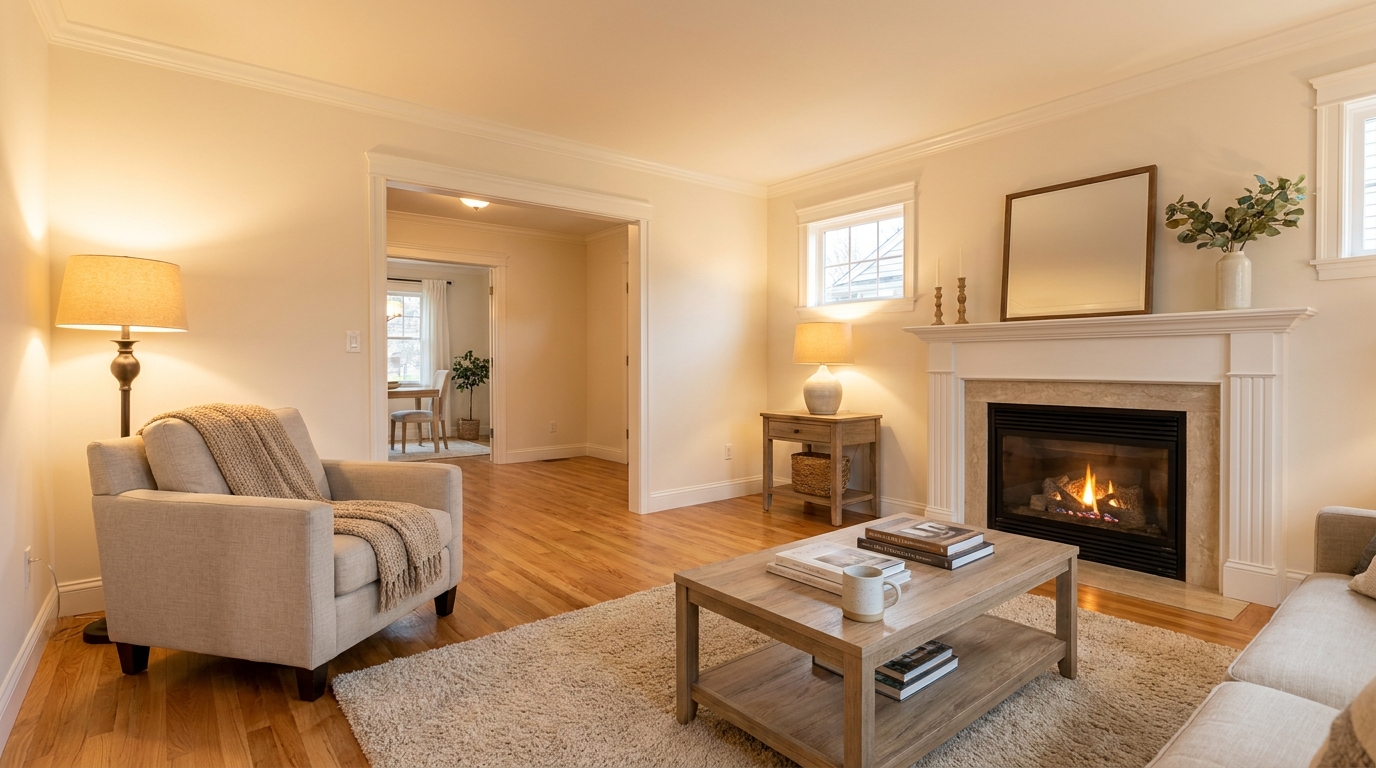
Introduce warm, welcoming tones that make interiors feel more inviting.
Try This Tool →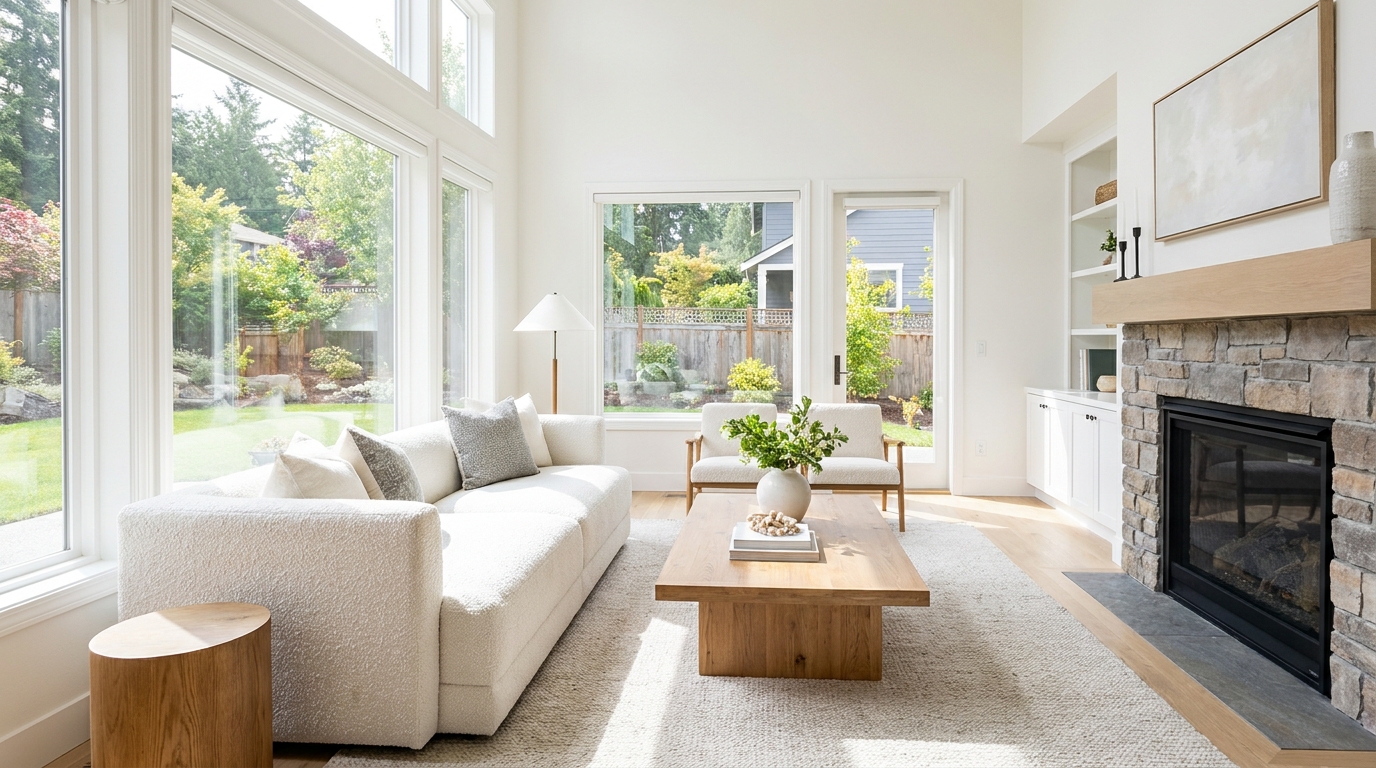
Increase brightness without washing out color, texture, or depth.
Try This Tool →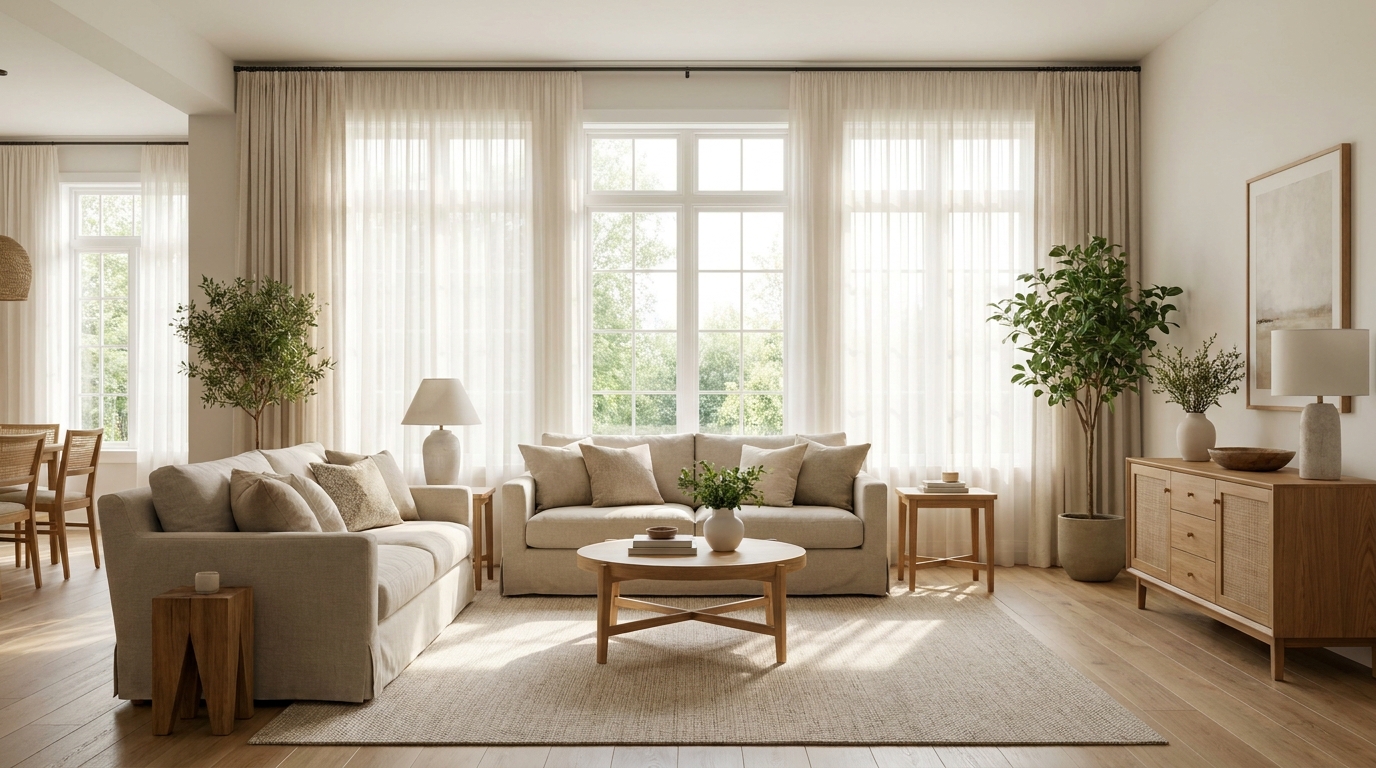
Create an airy natural-light feel that opens up the room beautifully.
Try This Tool →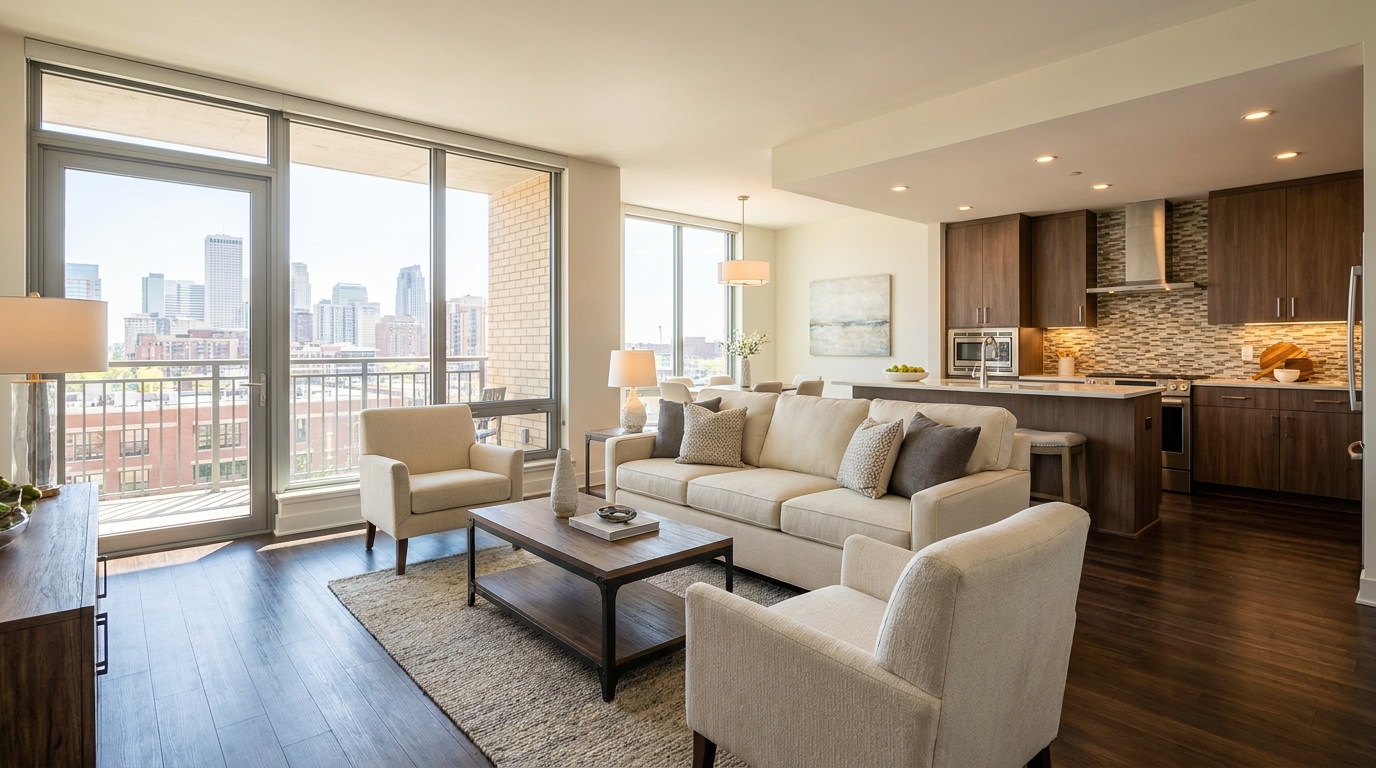
Smooth out uneven exposure for a bright, polished, professionally balanced look.
Try This Tool →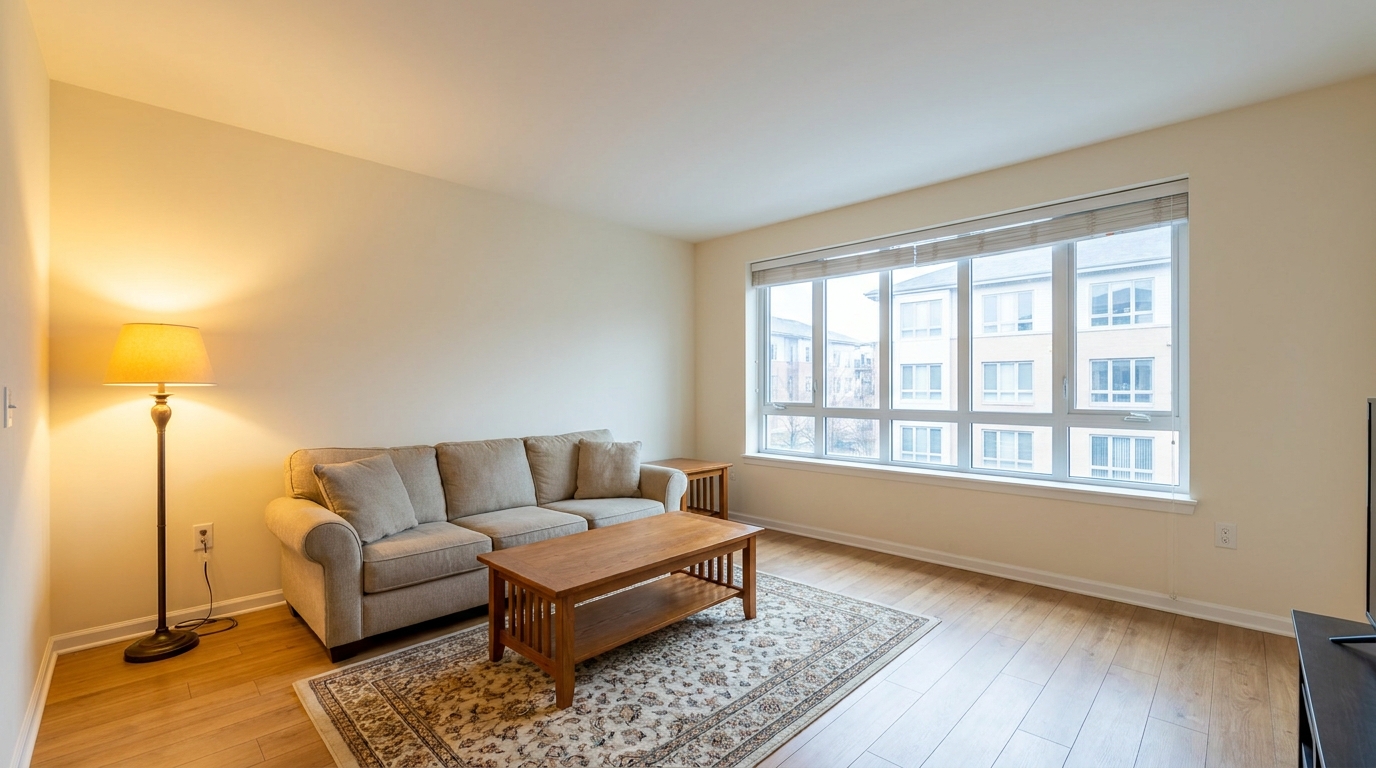
Correct mixed color temperatures for a cleaner, more cohesive image.
Try This Tool →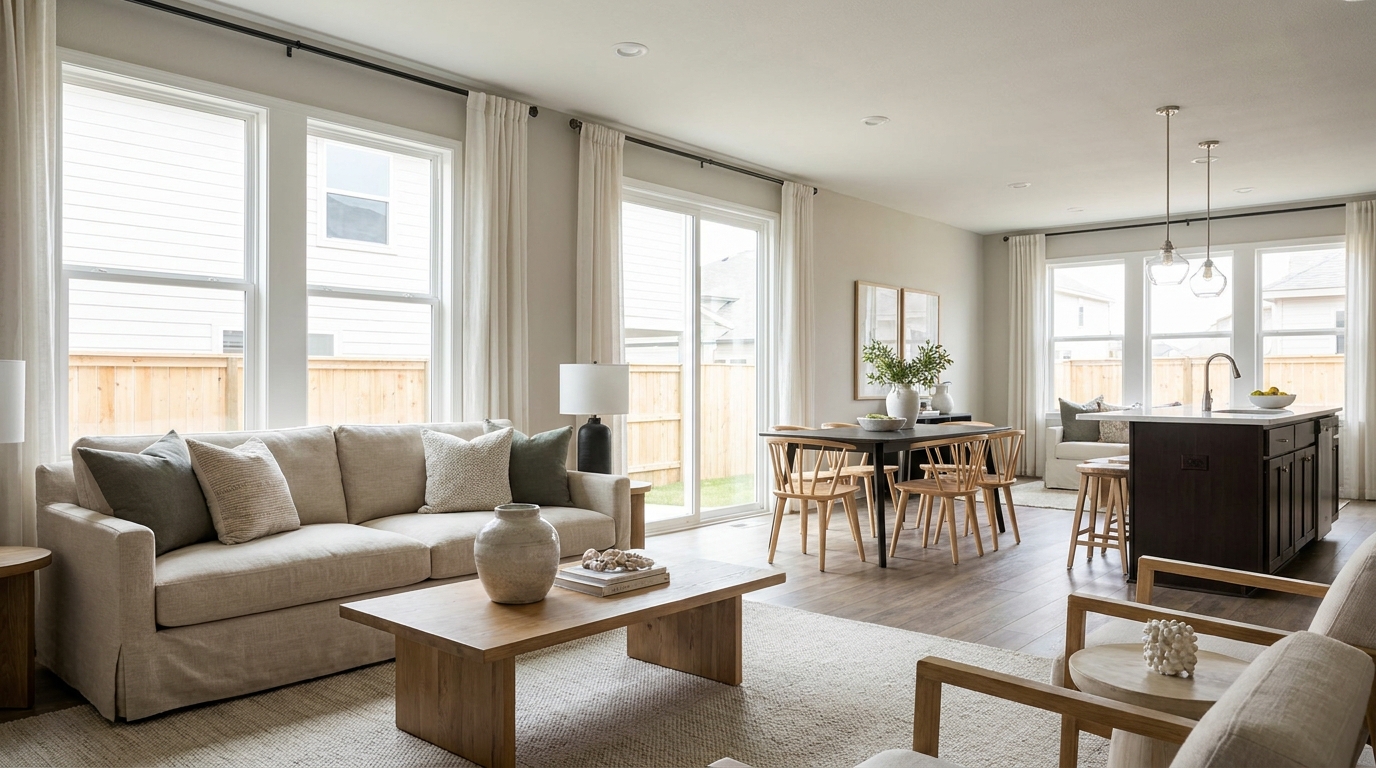
Restore depth and separation to flat photos with natural-looking contrast.
Try This Tool →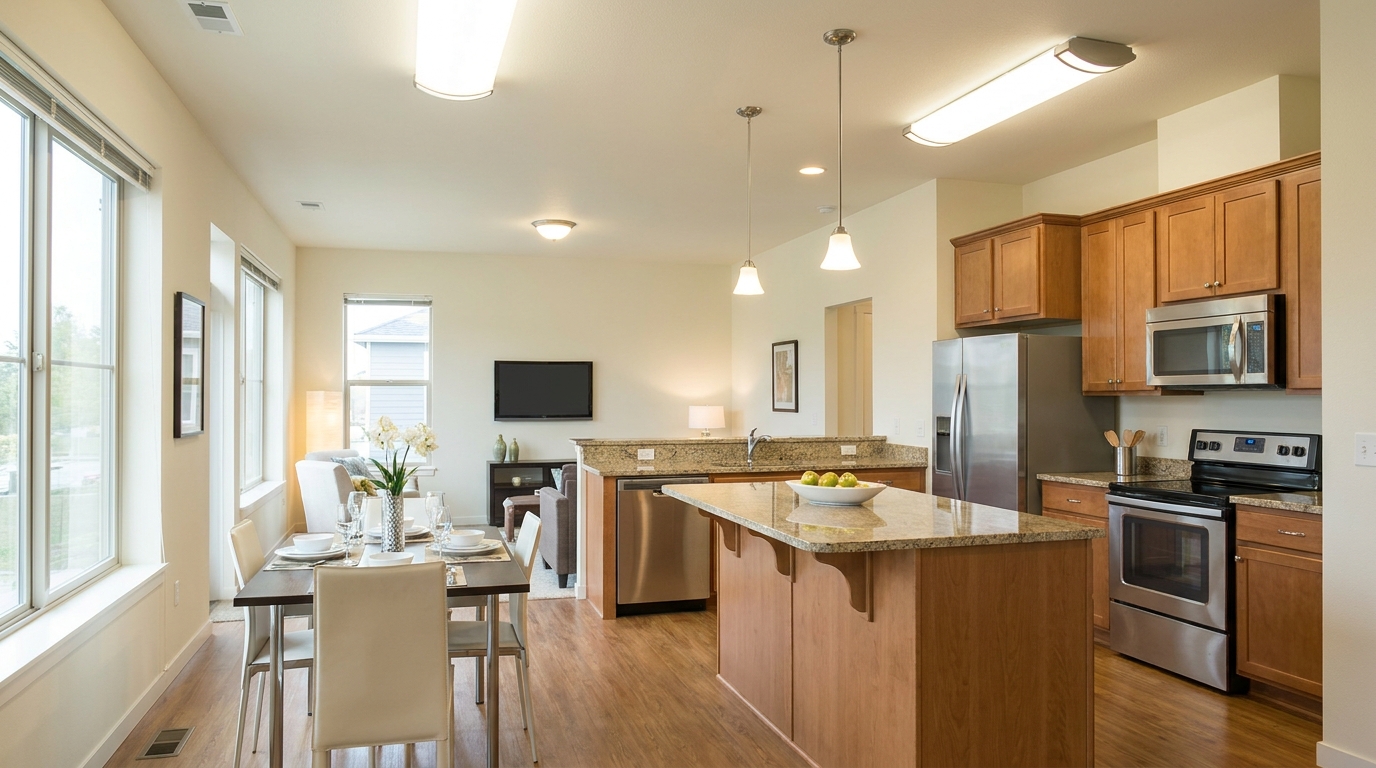
Neutralize green fluorescent casts for cleaner, more attractive indoor color.
Try This Tool →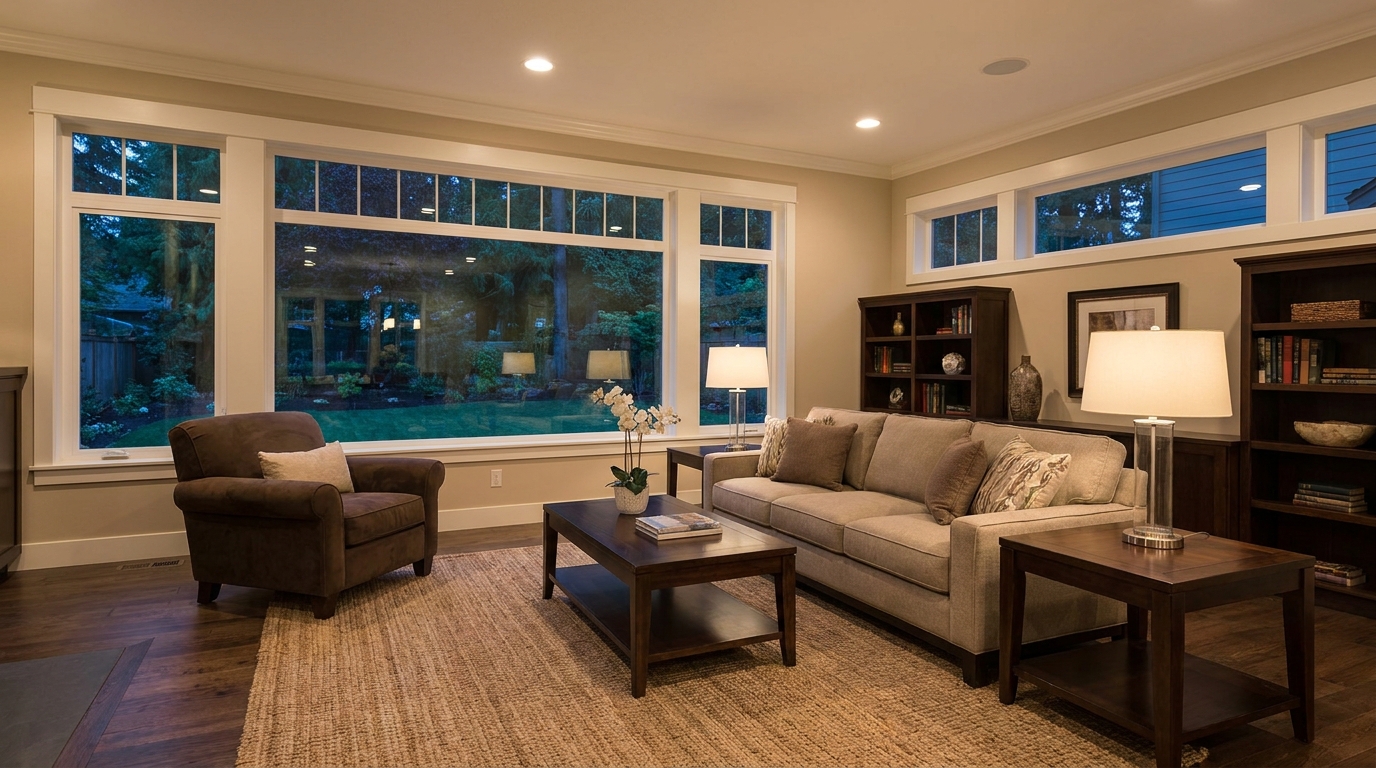
Lift dark images with natural brightness and clearer visible detail.
Try This Tool →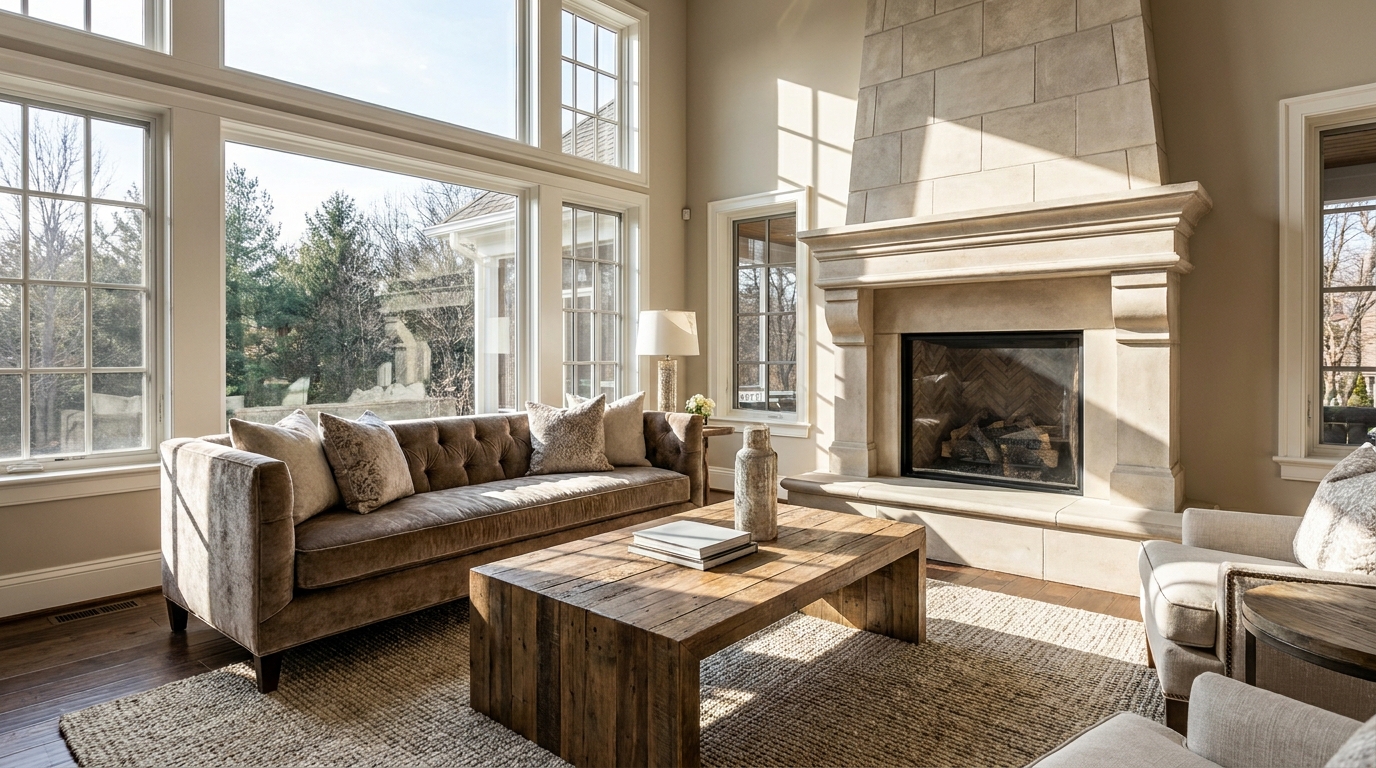
Add depth and definition for images that feel sharper and more dimensional.
Try This Tool →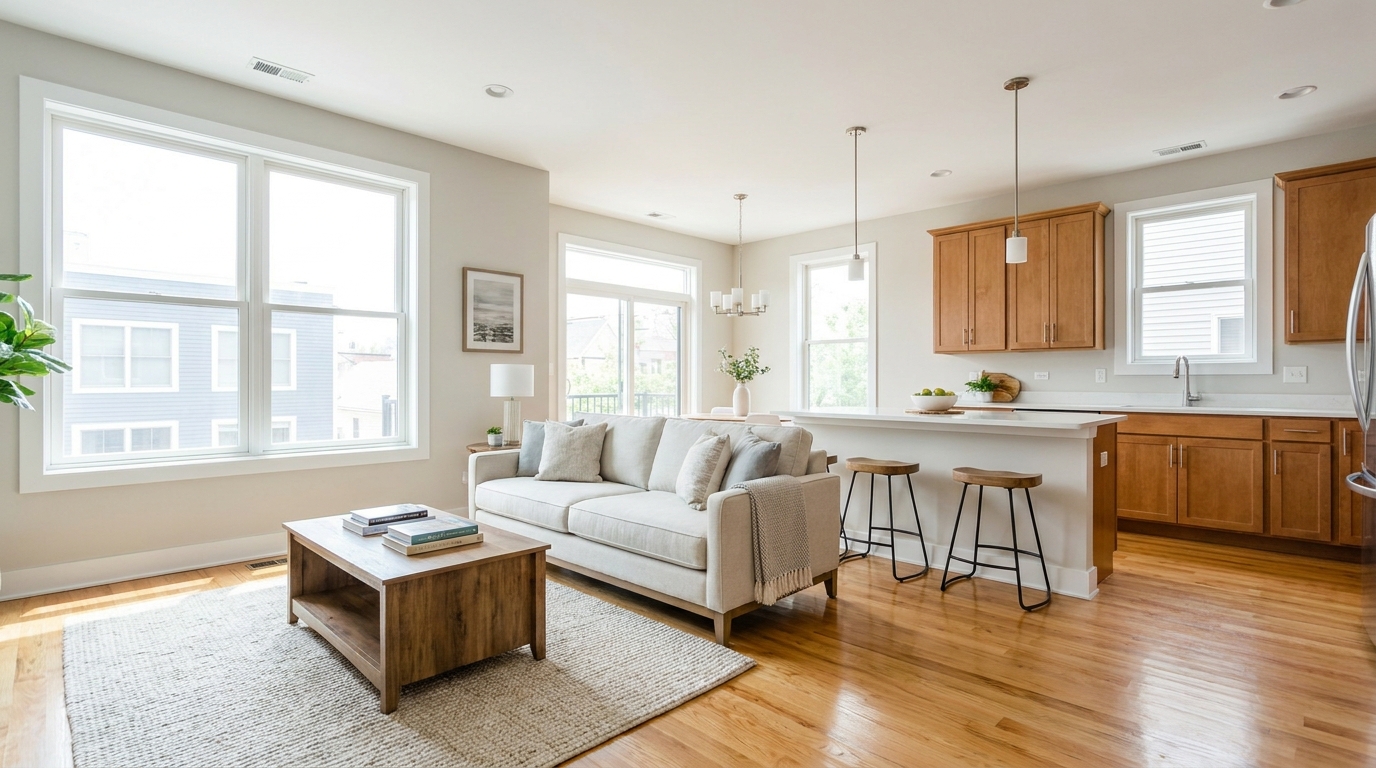
Make listing photos brighter and more open without losing realism.
Try This Tool →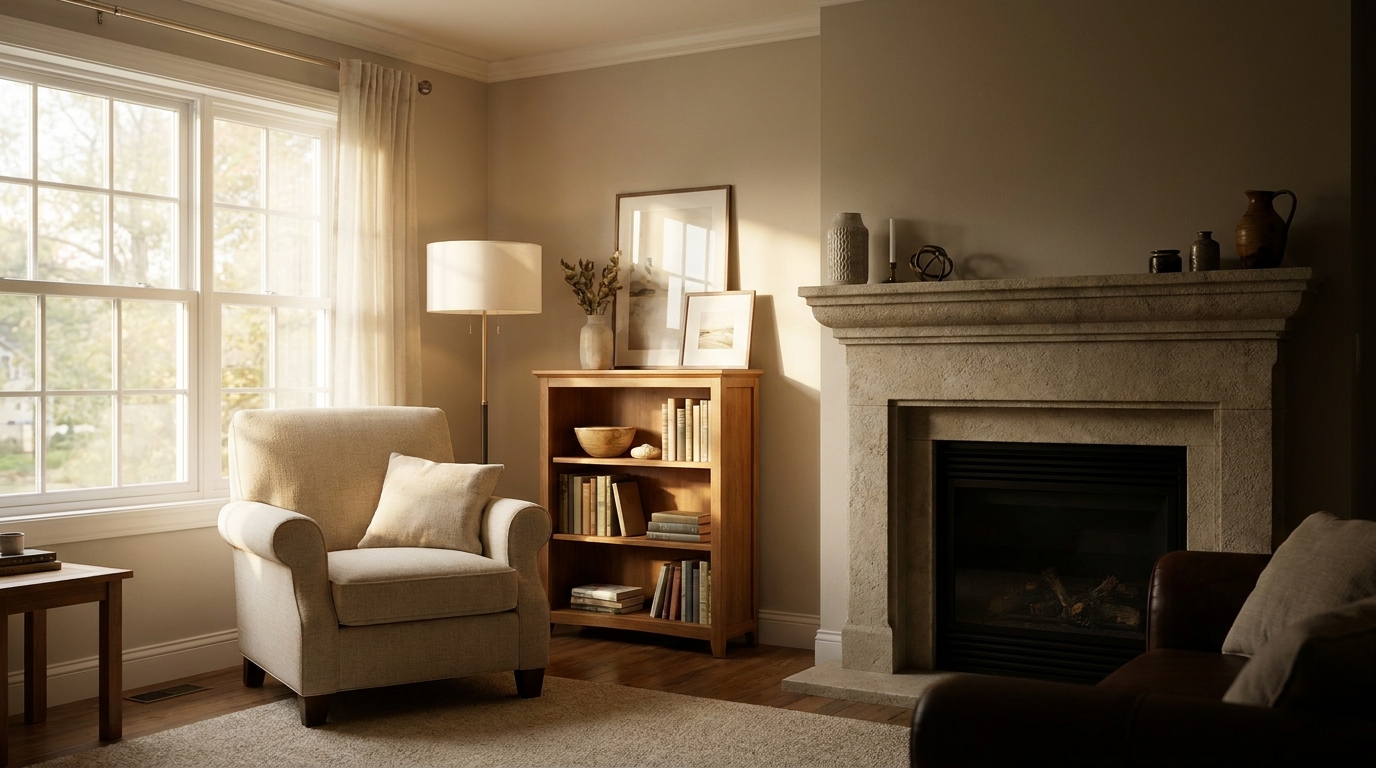
Balance dark corners and bright areas for smoother, more natural interiors.
Try This Tool →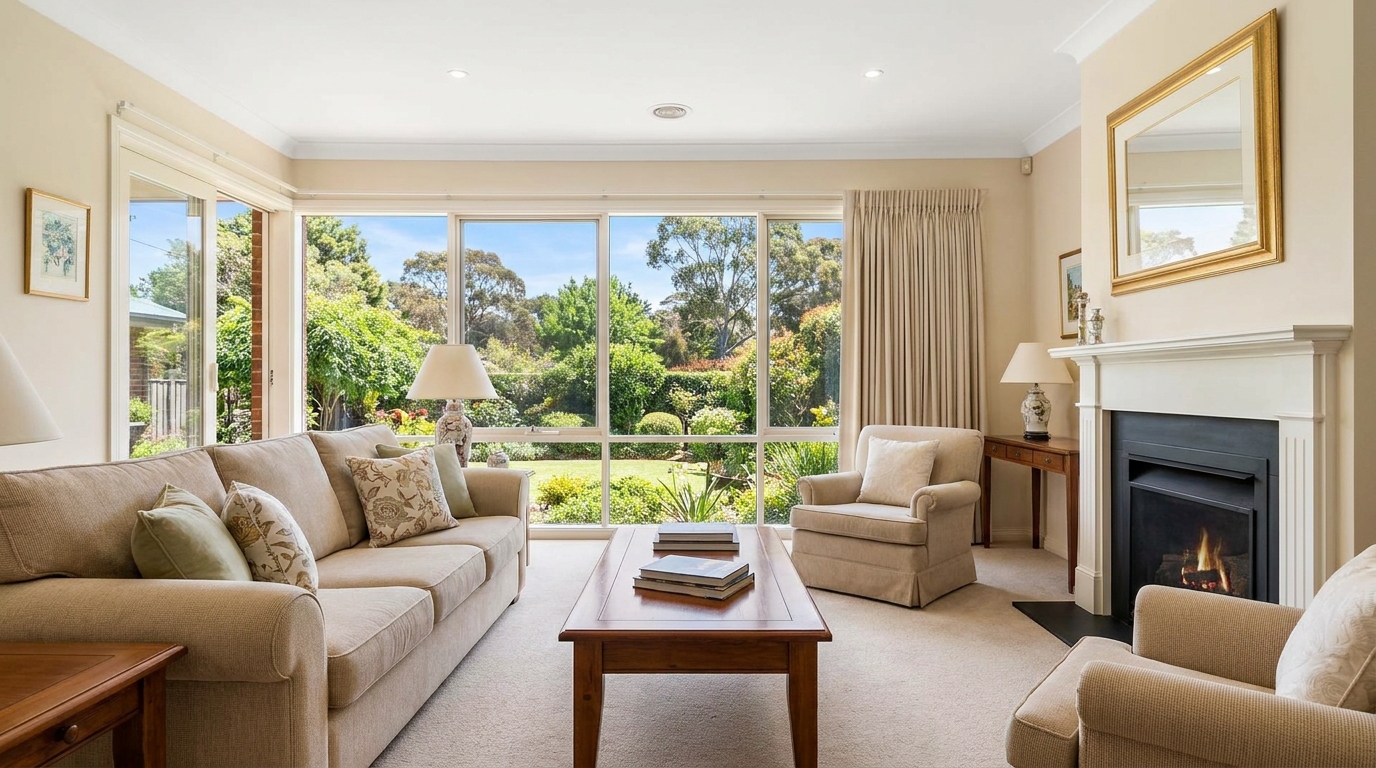
Recover blown window areas for brighter rooms with believable exterior views.
Try This Tool →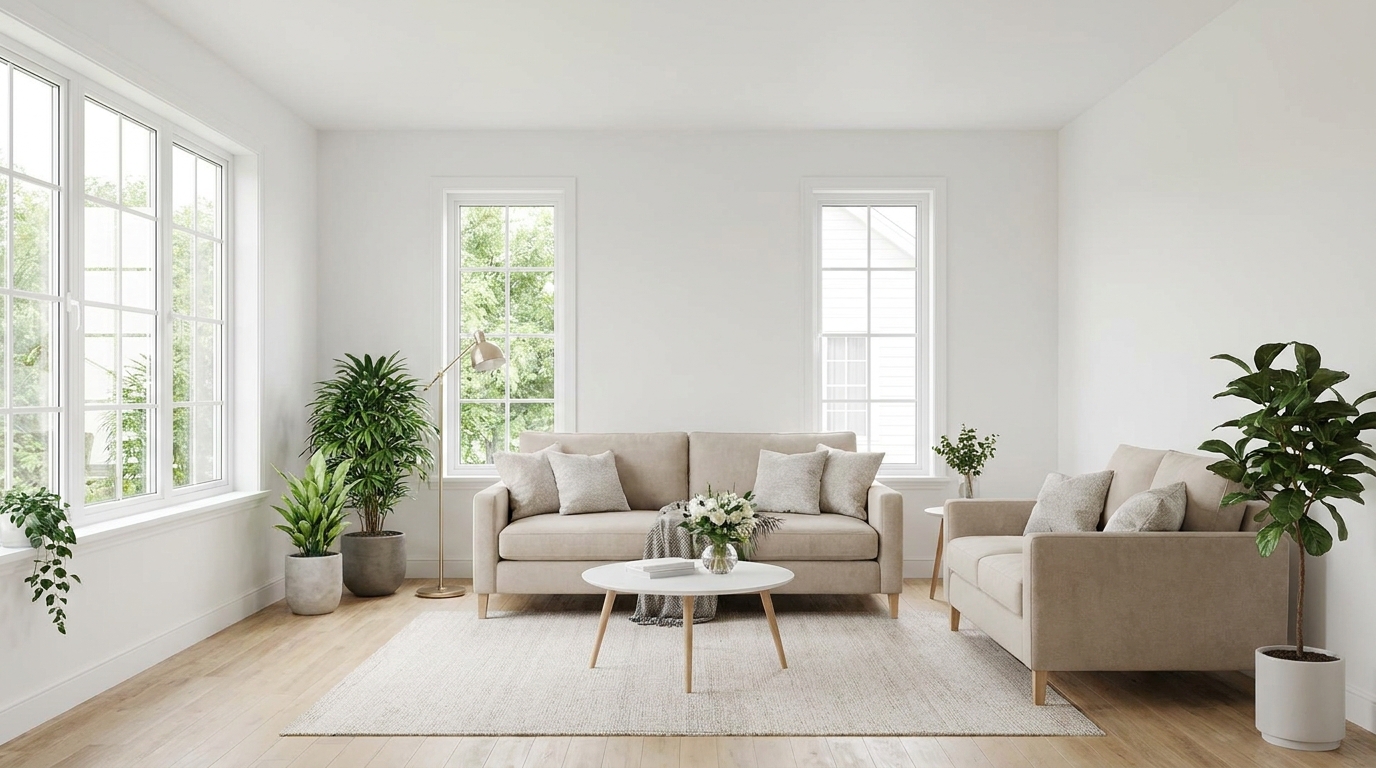
Neutralize color issues for truer tones, cleaner whites, and a polished finish.
Try This Tool →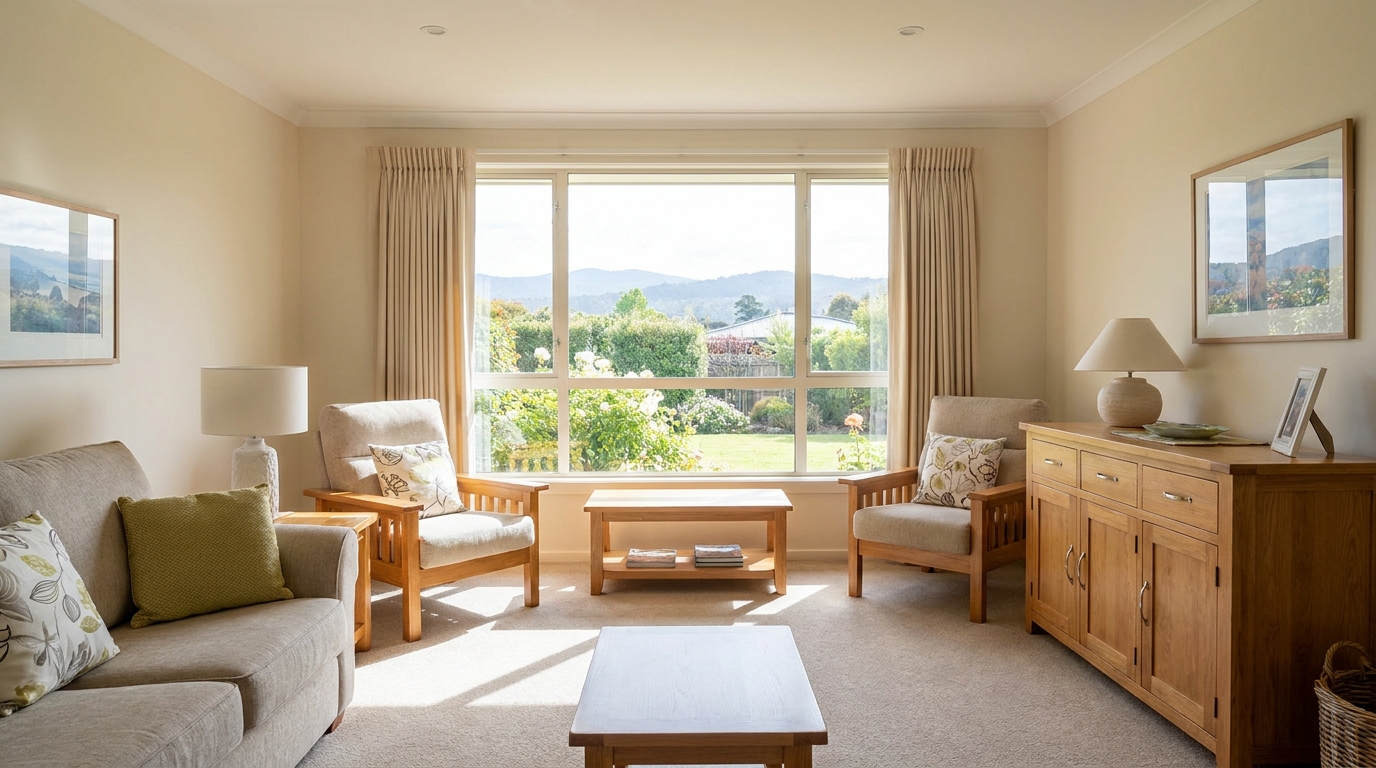
Bring back bright-area detail for a smoother, more controlled exposure.
Try This Tool →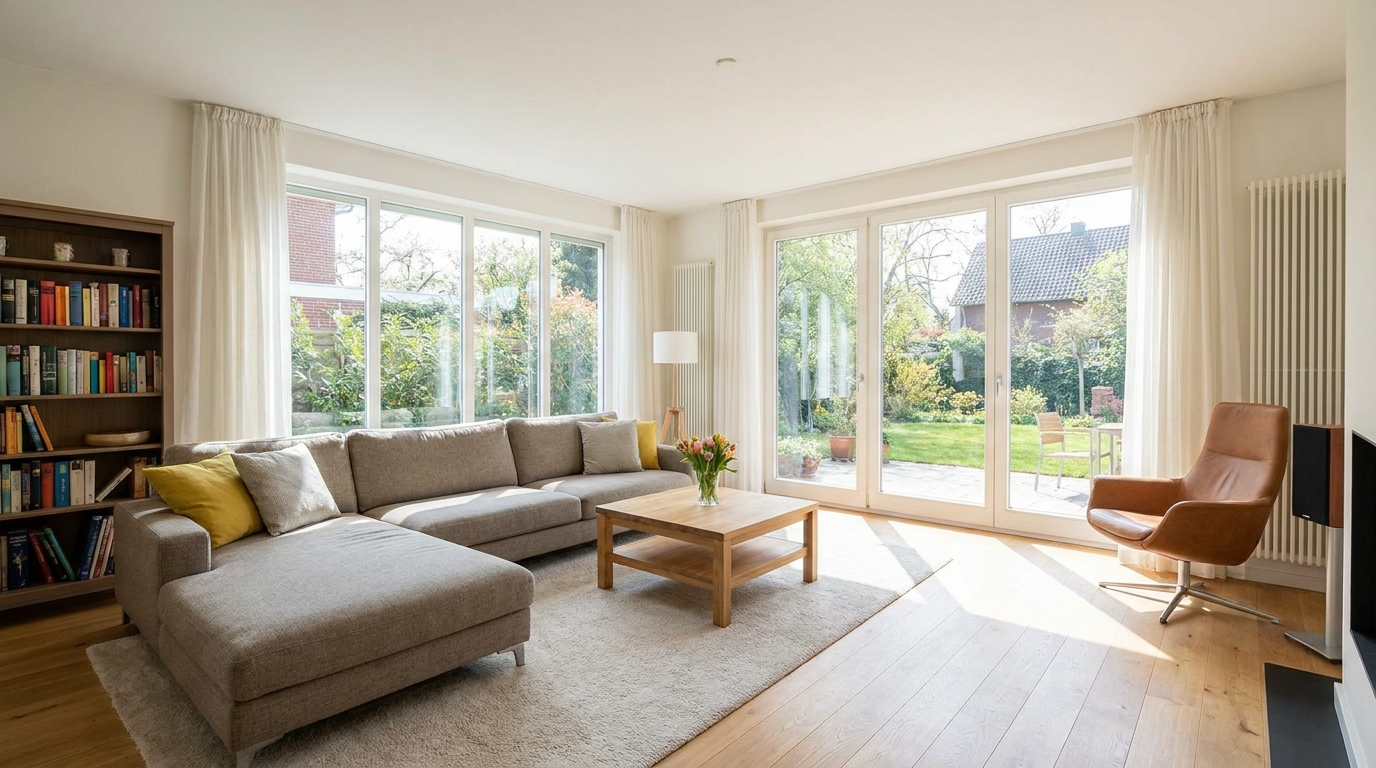
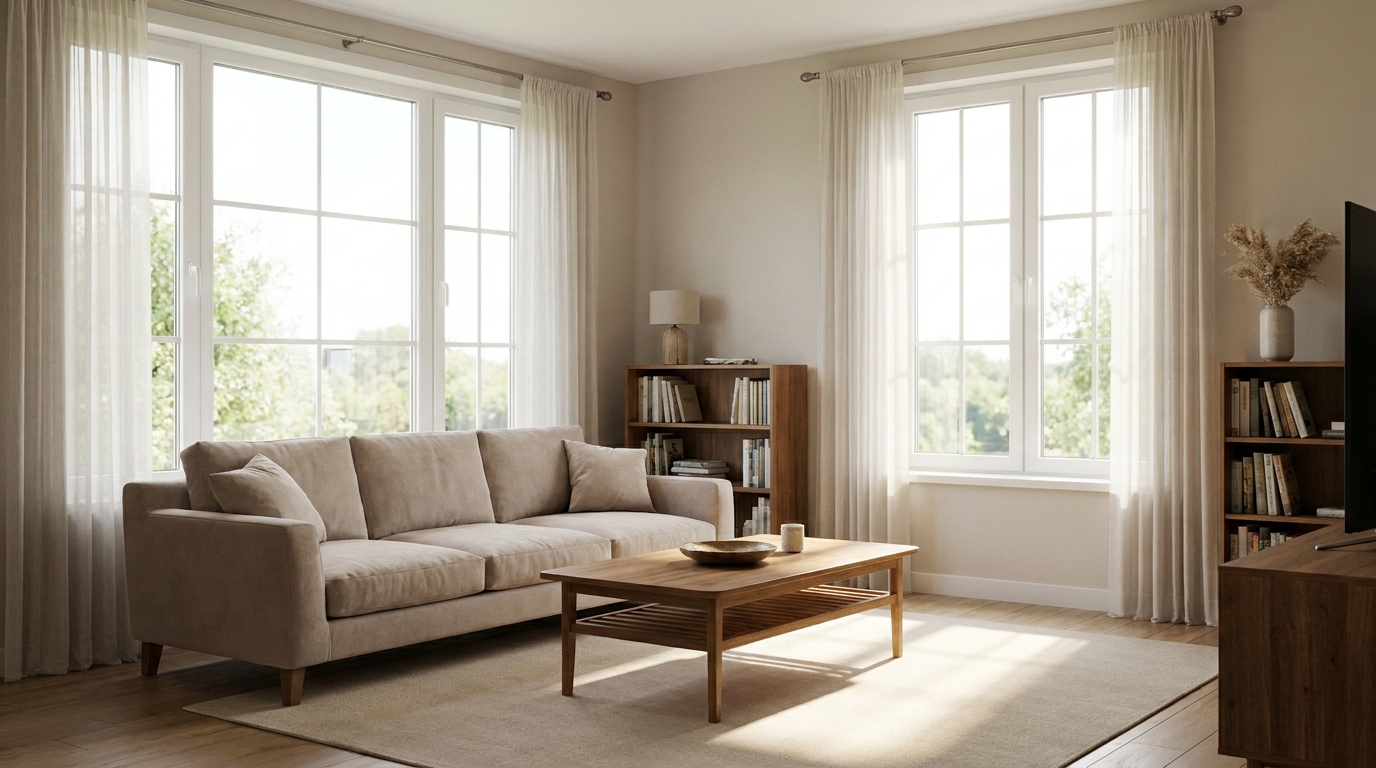
Soften harsh highlights to create a more even, natural-looking image.
Try This Tool →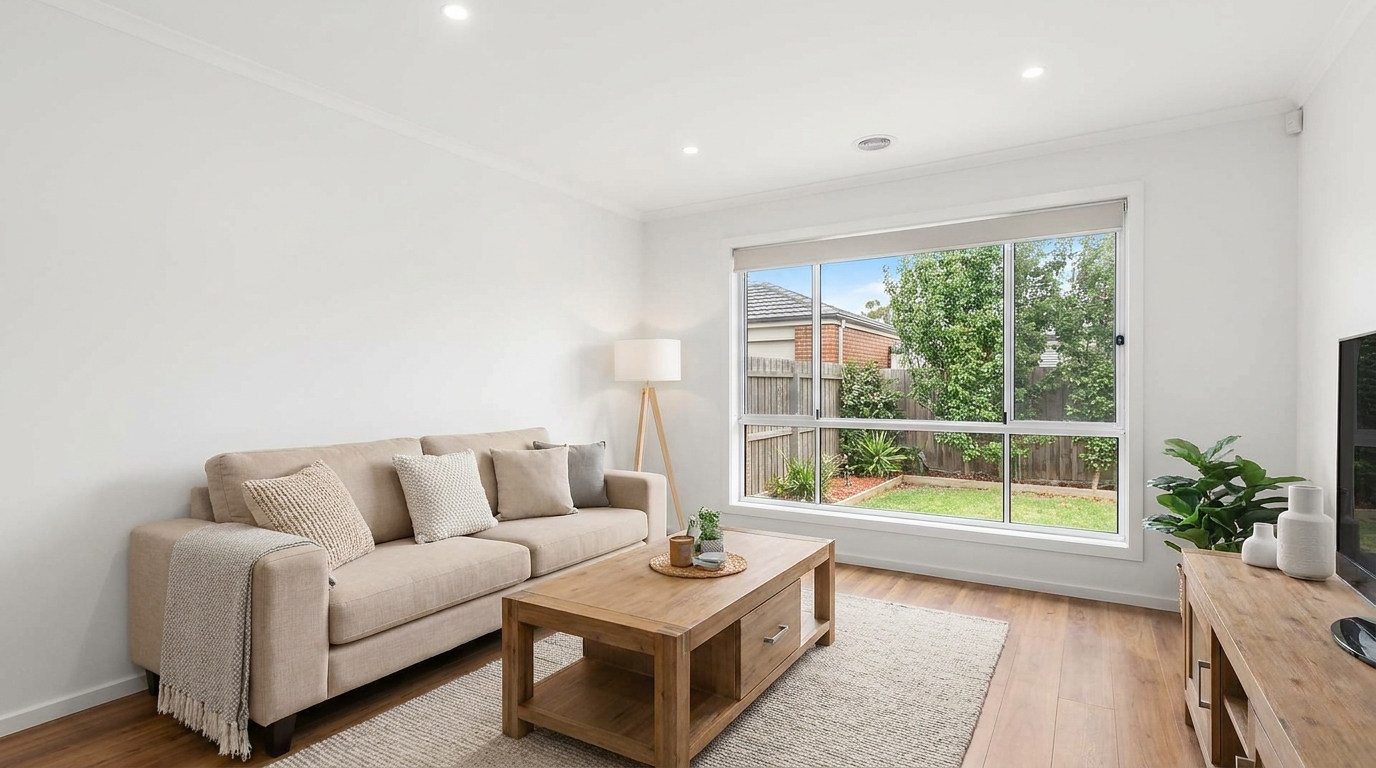
Remove unwanted tints so surfaces and whites look accurate and consistent.
Try This Tool →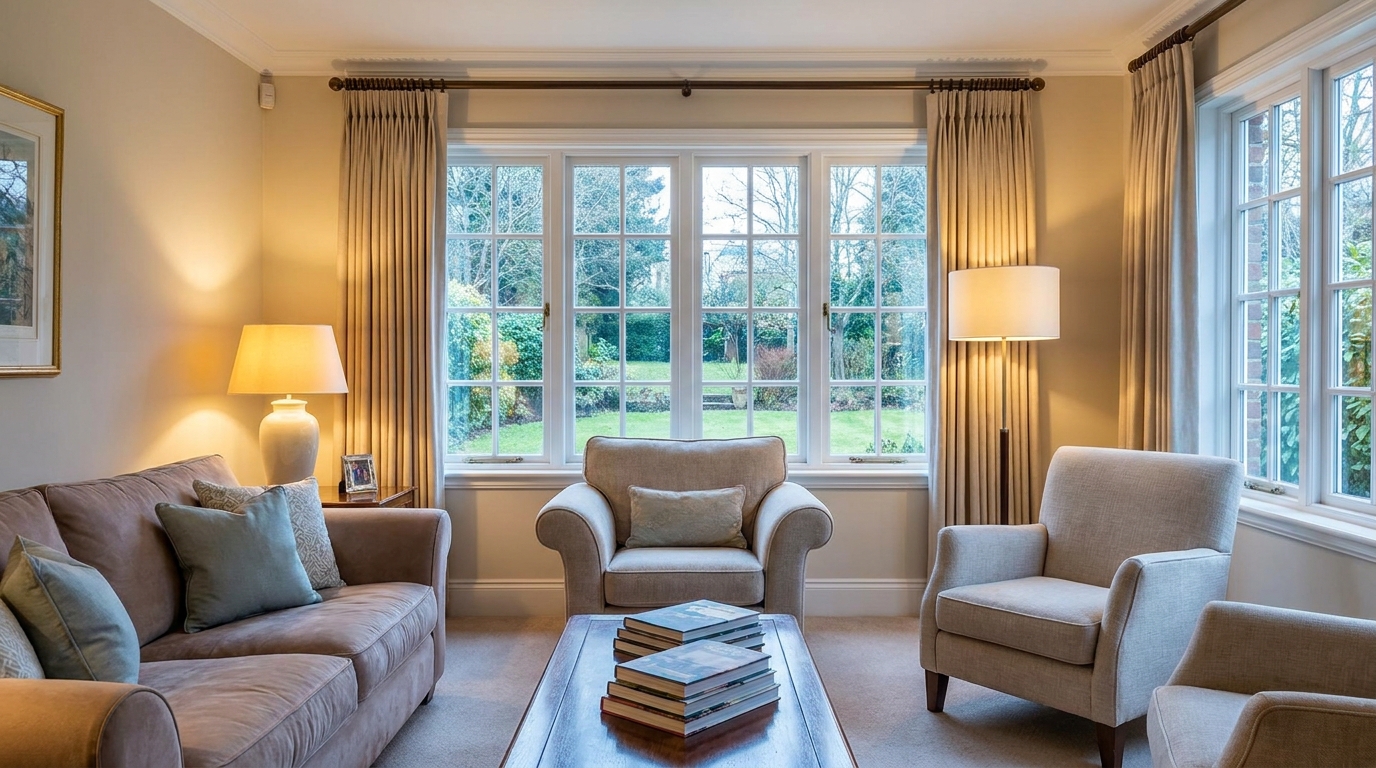
Blend warm and cool light sources into one natural, cohesive scene.
Try This Tool →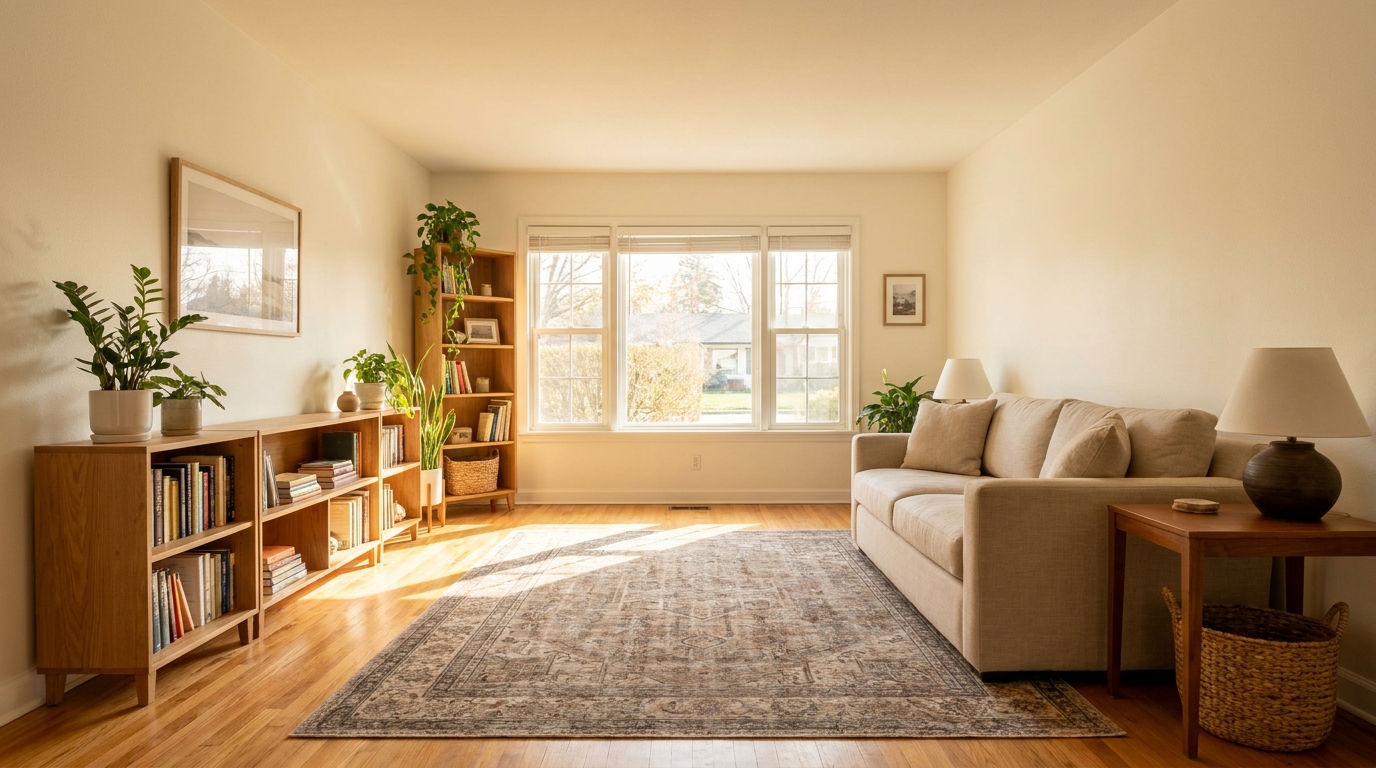
Add tasteful warmth for a friendlier, more inviting presentation.
Try This Tool →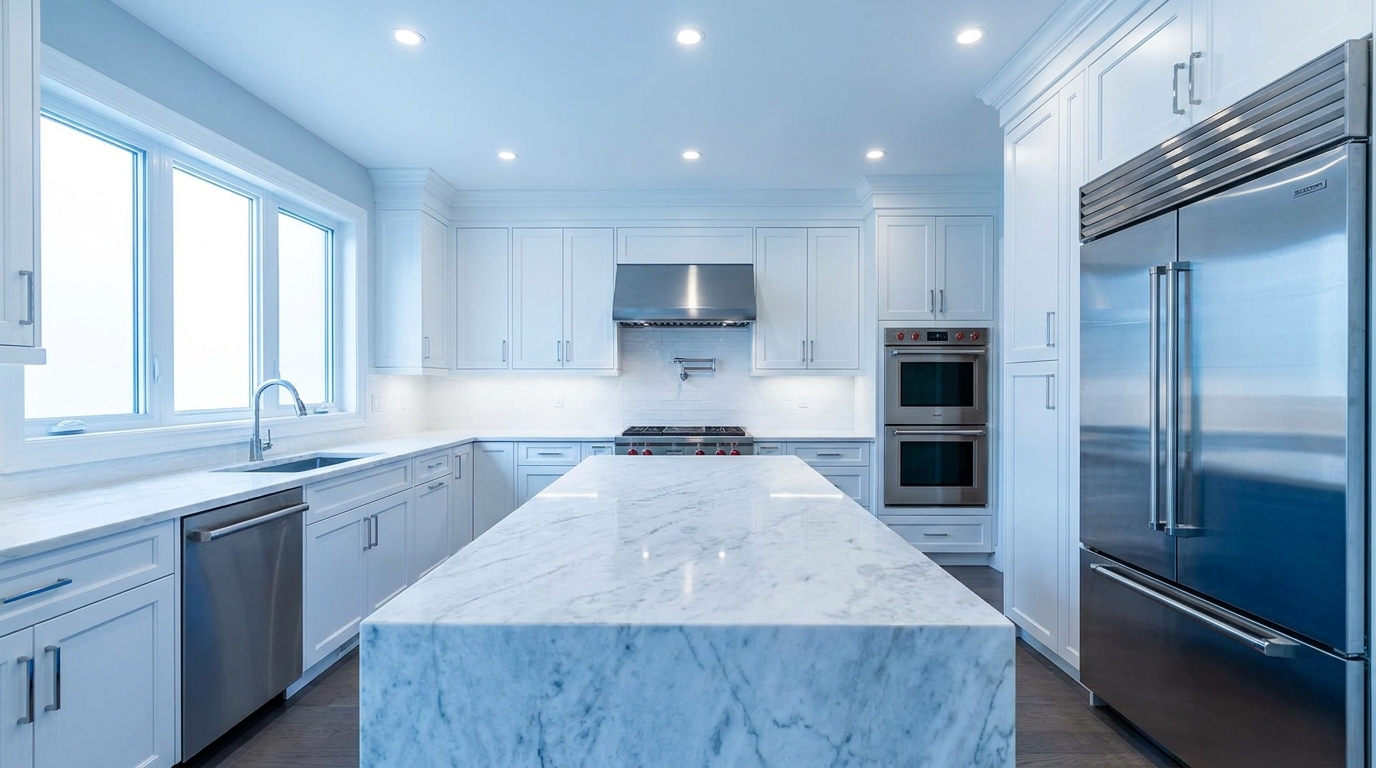
Introduce crisp, modern cool tones without making the image feel cold.
Try This Tool →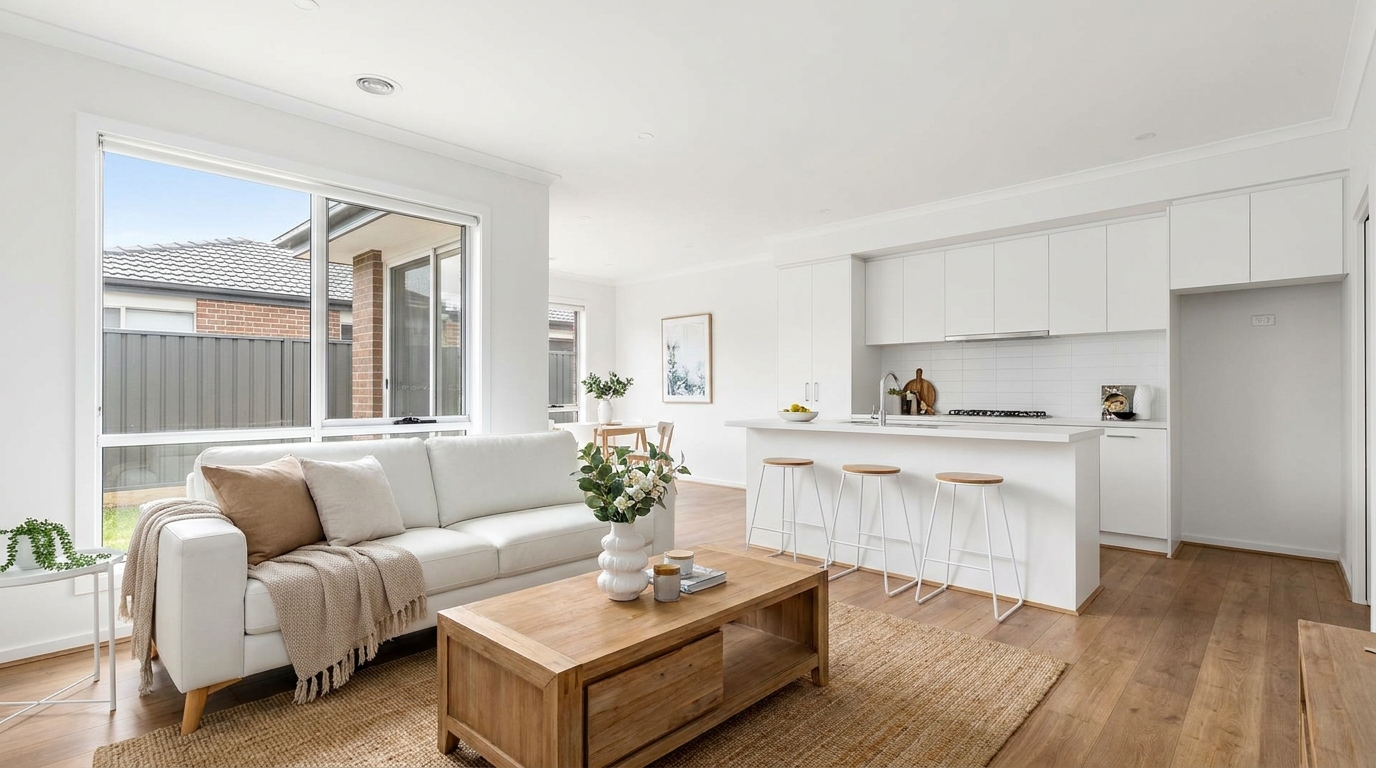
Correct white balance for interiors that feel clean, natural, and professionally edited.
Try This Tool →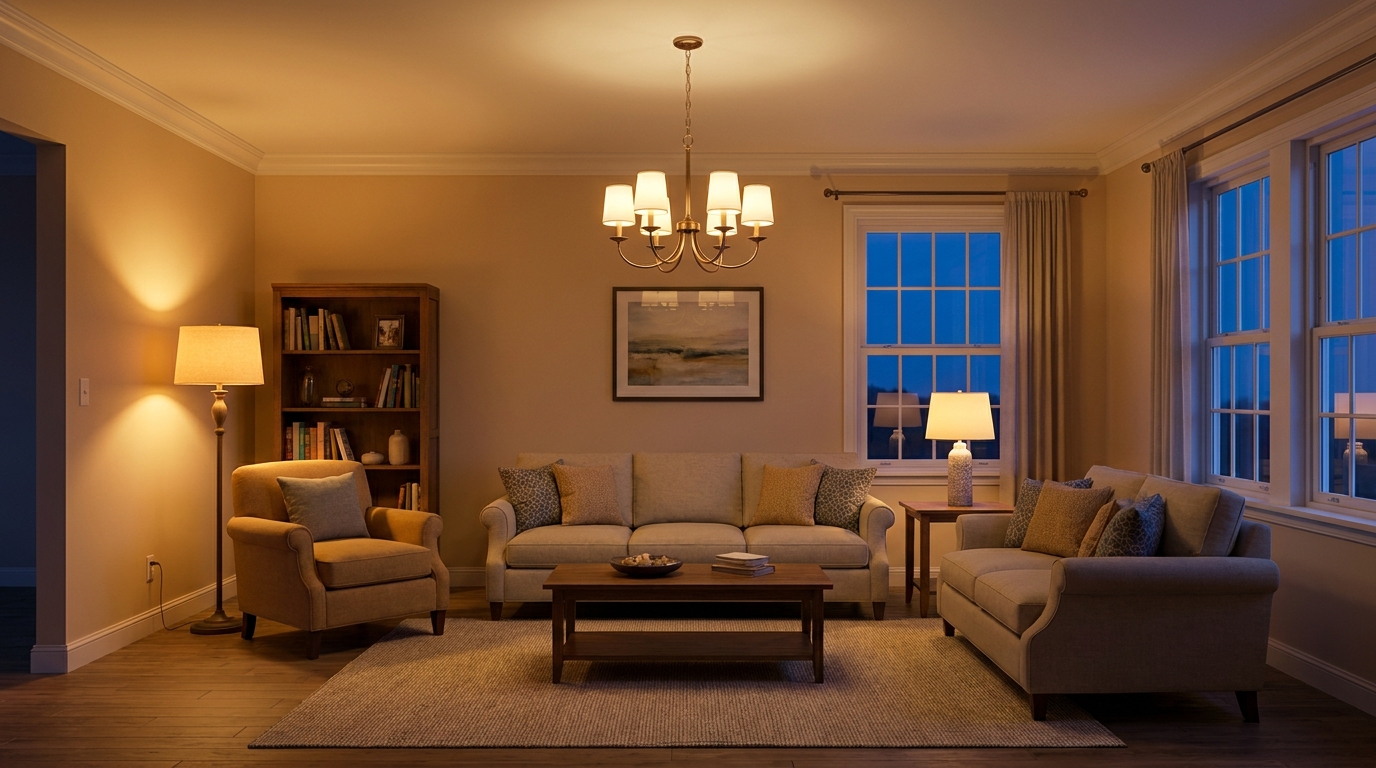
Add realistic lamp and fixture glow to make rooms feel warmer and more welcoming.
Try This Tool →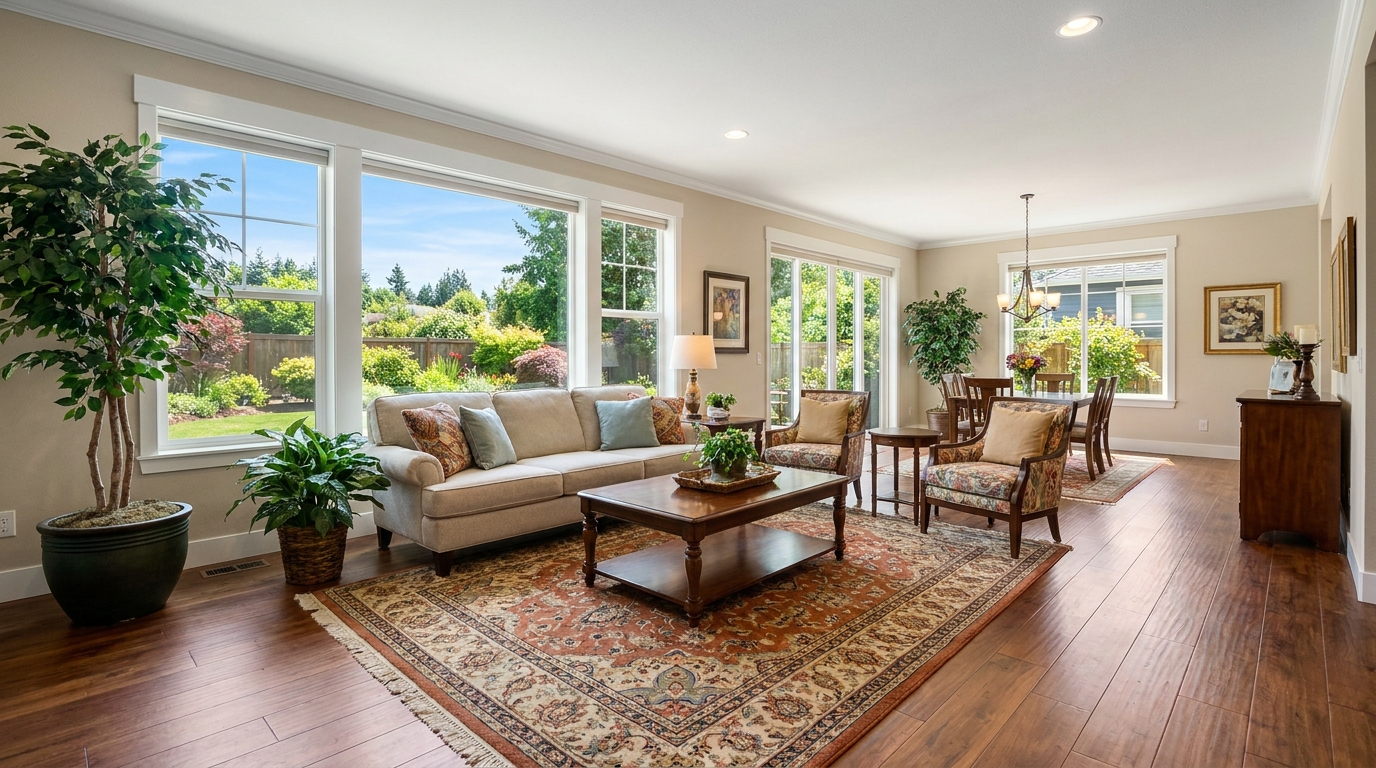
Gently enrich color for more eye-catching photos without oversaturation.
Try This Tool →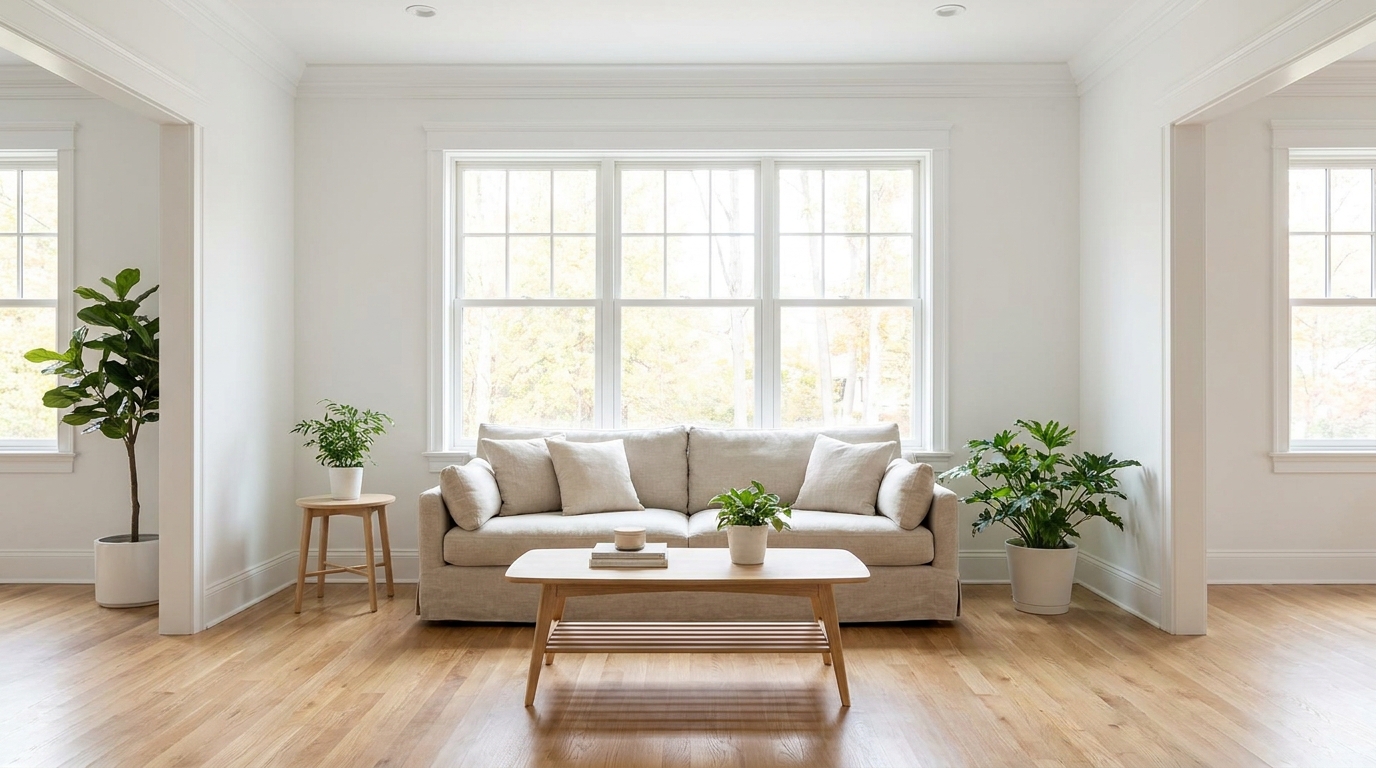
Boost daylight presence for spaces that feel bright, airy, and open.
Try This Tool →Explore other specialized tools to perfect your property listing presentation.
AI image-to-video generation for turning home, room, and property photos into more vivid presentation videos.
02AI exterior renovation for visualizing facade updates, curb appeal improvements, and home exterior remodel ideas.
03AI landscaping design for exploring outdoor concepts, curb appeal upgrades, planting ideas, and yard layout directions.
04AI virtual staging for furnishing empty rooms and creating listing-ready interiors for real estate marketing.
05Free AI image generation for turning text prompts into unlimited visual ideas for home design, interiors, landscaping, renovation
06AI object removal for cleaning up distracting items from room, home, and property photos.
Don't let heavy shadows hide your property's best features. Use Idealhouse's AI-powered Photo Enhancer to instantly reveal clean, natural detail in every corner.