
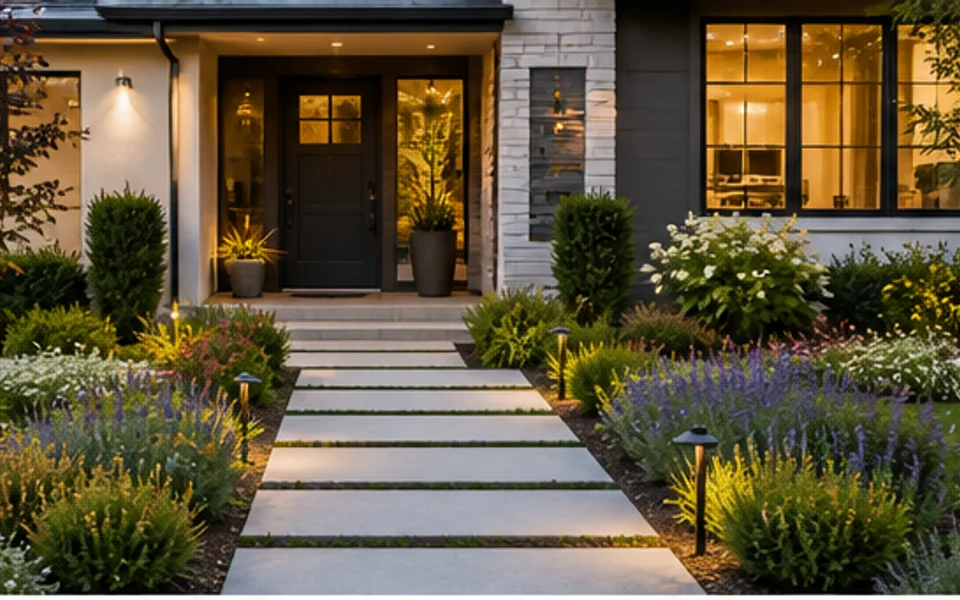
Front yard curb appeal
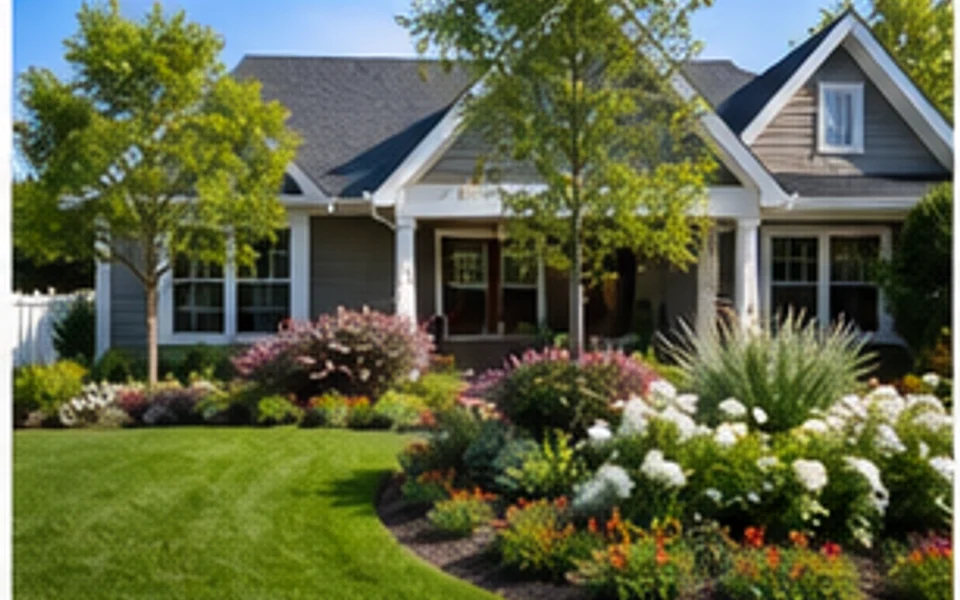
Set a front-yard direction with planting beds, a cleaner path, and a more welcoming entry.

Upload an outdoor photo, choose landscaping parameters, and generate yard, garden, patio, curb appeal, and outdoor living ideas in the same Ideal House tool workflow.
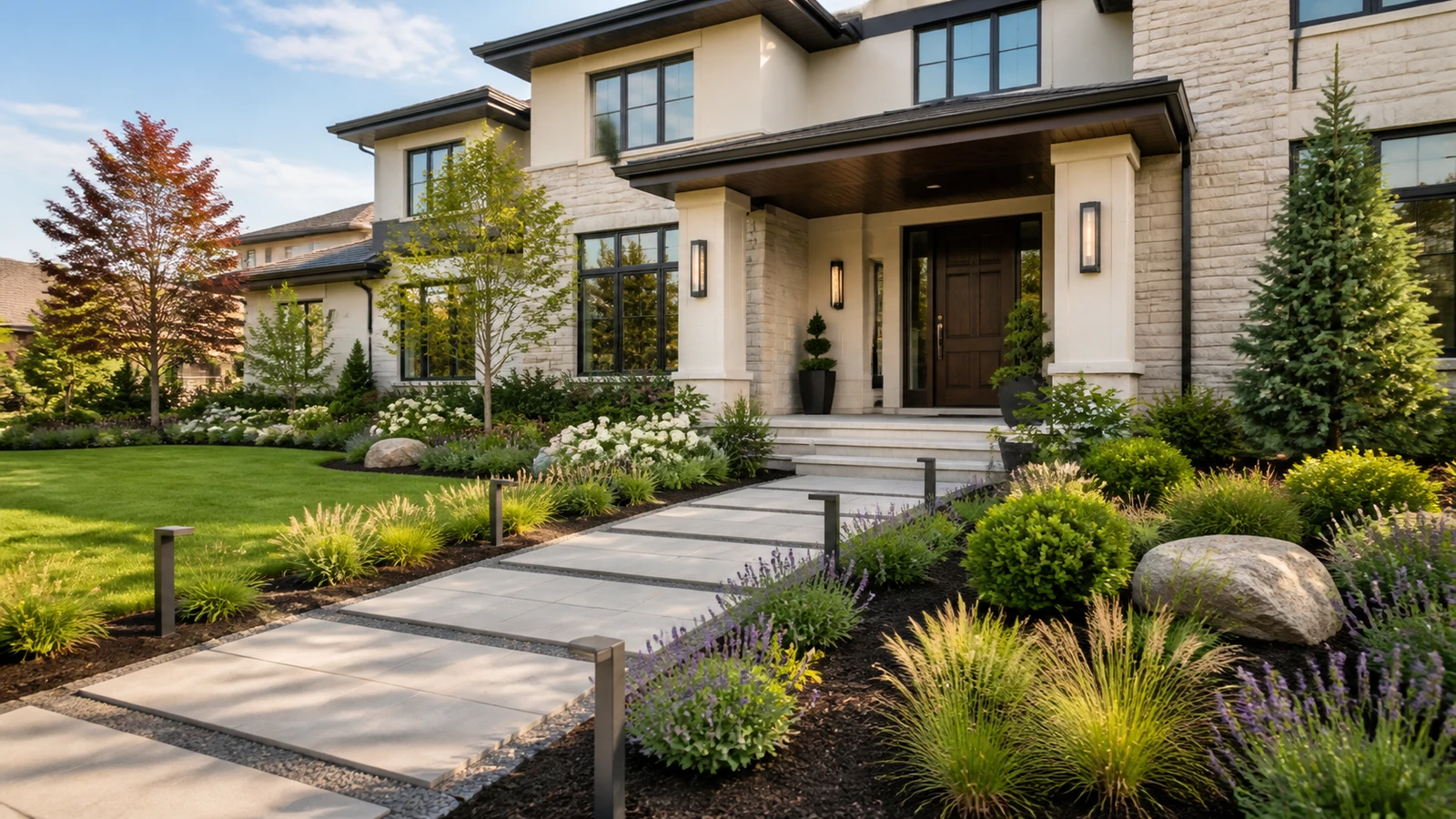
Pick an idea to set the Landscaping parameters, then upload your own outdoor photo and generate.
Set a front-yard direction with planting beds, a cleaner path, and a more welcoming entry.
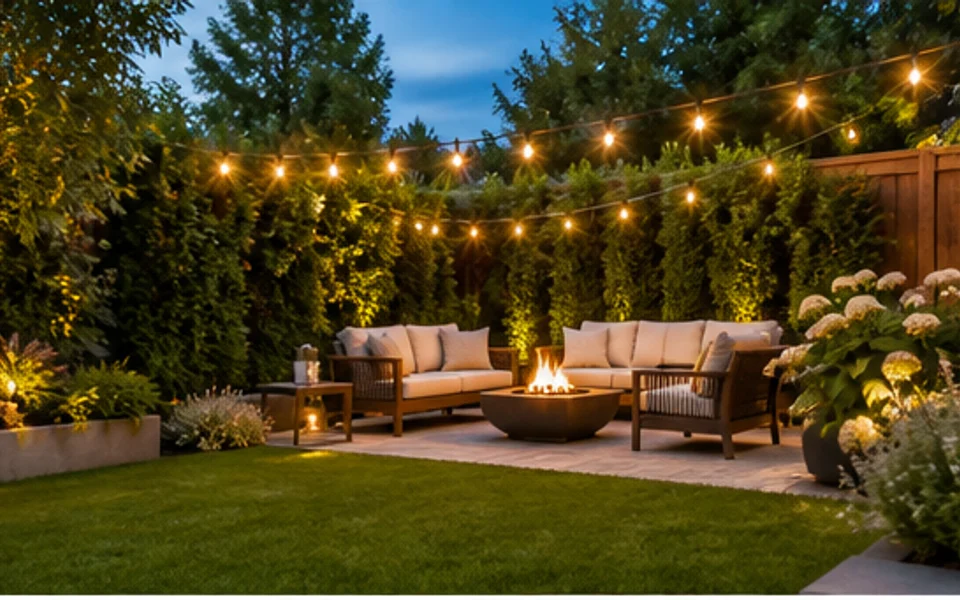
Set backyard parameters for lawn, seating, lighting, and relaxed family use.
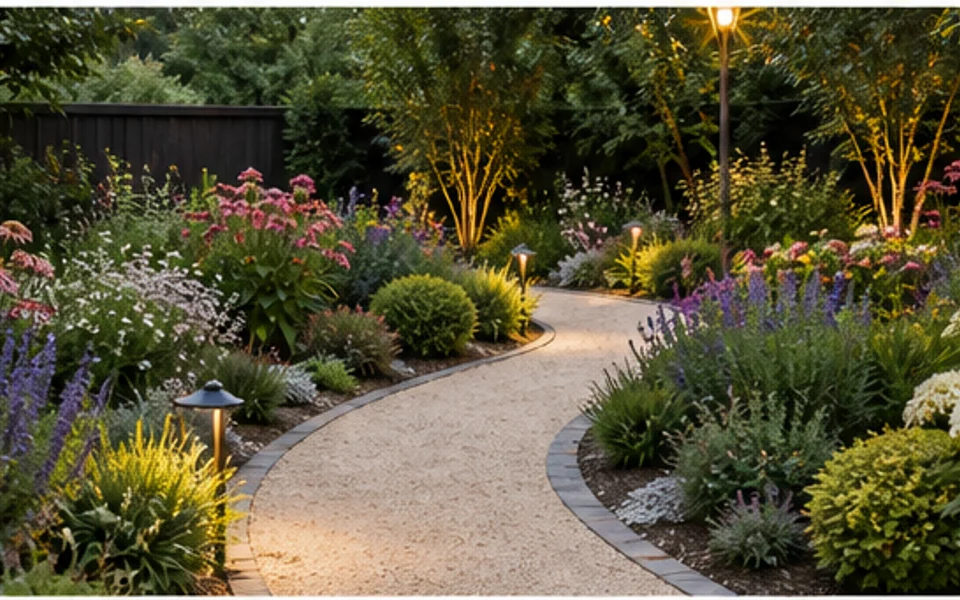
Set garden parameters for planting beds, softer borders, and low-maintenance greenery.
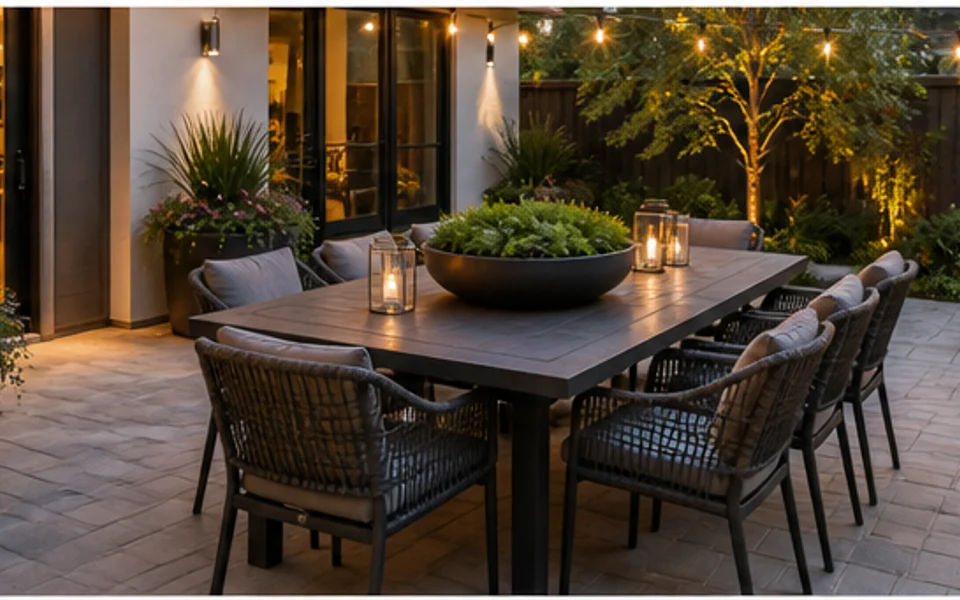
Set patio parameters for outdoor furniture, dining, lighting, and hardscape ideas.
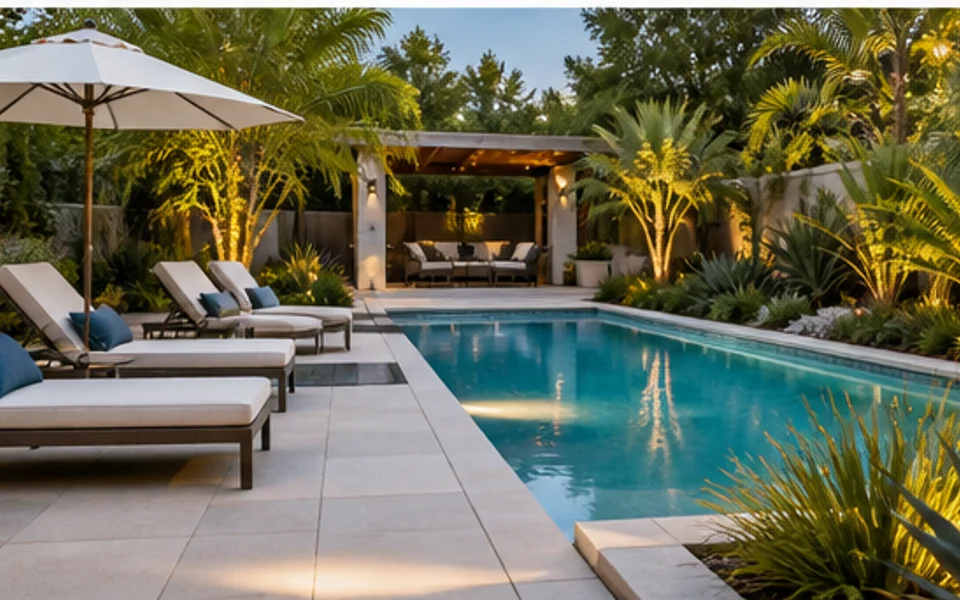
Set pool-area parameters for cleaner planting, lounge furniture, path lighting, and resort-style edges.
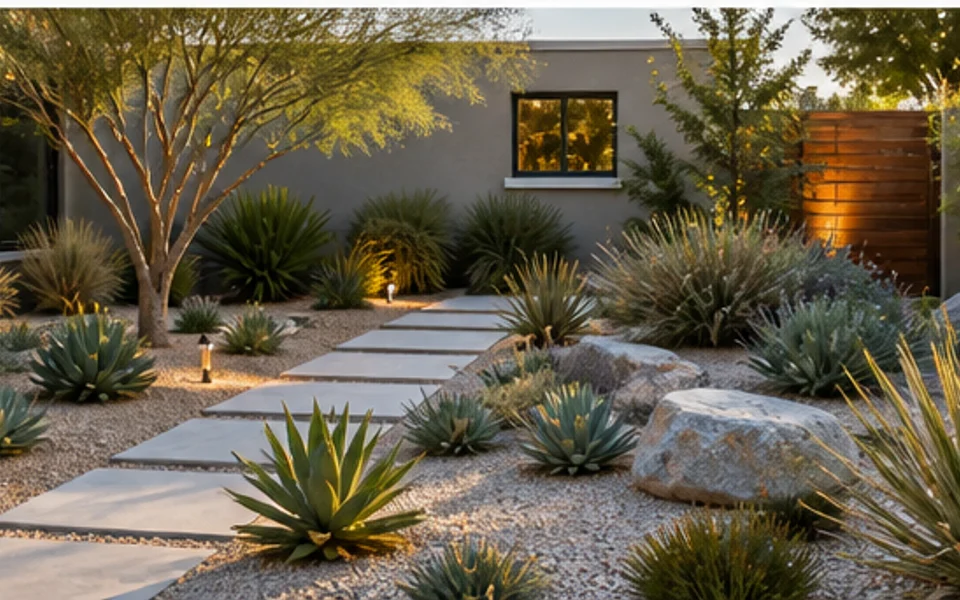
Set a practical yard direction with resilient planting, open circulation, and easier upkeep.
Use this workflow to compare yard, garden, patio, and outdoor living ideas before planning your next update.
Start from a real yard, garden, patio, or exterior photo so ideas stay grounded in the existing space.
Choose space type, intended use, garden style, and elements instead of relying only on a text prompt.
Generate several outdoor directions for front yards, backyards, gardens, patios, and pool areas.
Use generated previews to align with family, clients, landscapers, or contractors before detailed planning.
Compare light refreshes, planting changes, hardscape ideas, seating zones, and outdoor lighting concepts.
Use outputs as visual previews, then verify drainage, irrigation, materials, code, and plant suitability separately.
Start from the main tool when you want one place for yards, gardens, patios, front entries, and outdoor living zones.
Explore curb appeal, planting beds, walkways, and entry-adjacent landscape ideas.
Curb appealCompare outdoor living zones for seating, family time, hosting, fire pits, lawns, and privacy.
BackyardPreview planting, borders, pathways, patio furniture, dining, lighting, and compact outdoor layouts.
Outdoor ideasUse an existing outdoor photo to keep house context, fixed boundaries, and site proportions visible.
Photo basedTest poolside seating, lighting, planting edges, and circulation before choosing materials.
Pool areaCompare simpler planting, durable hardscape, and cleaner layouts for easier long-term upkeep.
MaintenanceThe main workflow is built around a real outdoor photo and a small set of practical design parameters.
Start with a clear photo of the yard, garden, patio, or exterior area you want to redesign.
Describe the style, outdoor use, planting mood, or hardscape idea you want the AI to explore.
Review several design previews, save the strongest direction, and regenerate when you need another option.
Use these tips to compare outdoor layouts, planting, paths, and seating before changing your yard.
Use a bright photo that shows the whole zone you want to redesign. If the yard has multiple areas, generate each zone separately so the selected parameters map to a clear visual target.
Start by choosing space type, intended use, style, and elements. These parameters make the first generation more predictable, then you can refine with notes about materials, planting mood, or features to keep.
AI landscape images are useful for direction and discussion, not construction drawings. Confirm drainage, slope, irrigation, structural work, permits, and plant choices with local professionals when needed.
Explore focused landscaping workflows for gardens, backyards, patios, and photo-based outdoor redesigns.
Explore free and focused ways to test yard, garden, patio, and backyard design ideas before you commit to a full project.
Try This Tool →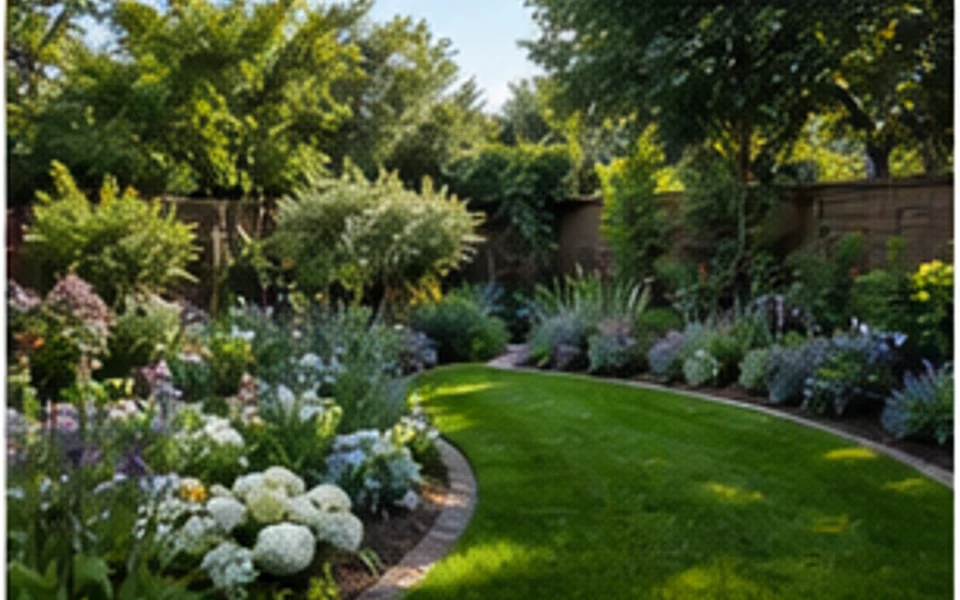
Explore focused garden design workflows for planting beds, borders, paths, small gardens, and photo-based outdoor makeovers.
Try This Tool →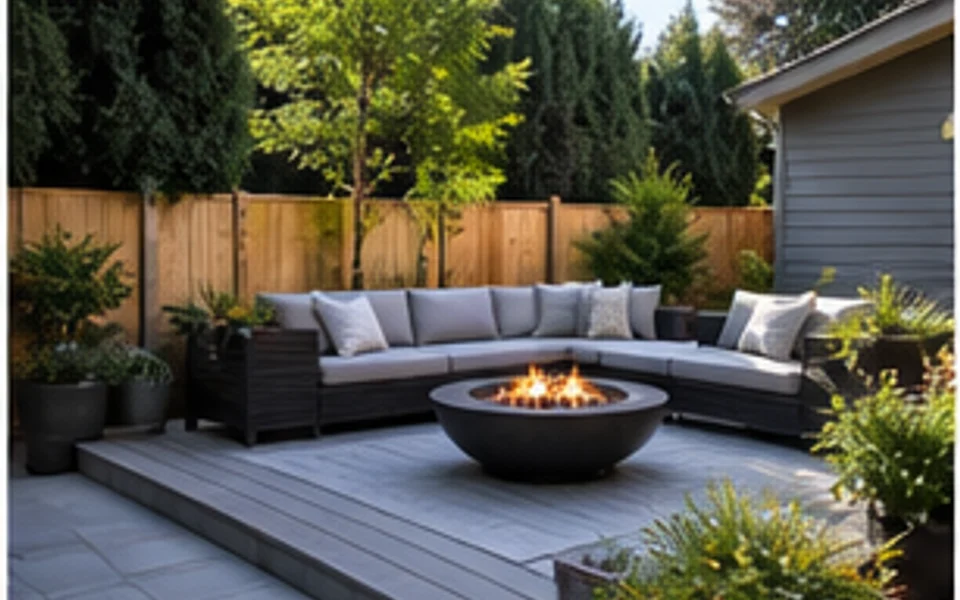
Explore backyard design workflows for patios, lawns, seating zones, fire pits, privacy, and outdoor living ideas.
Try This Tool →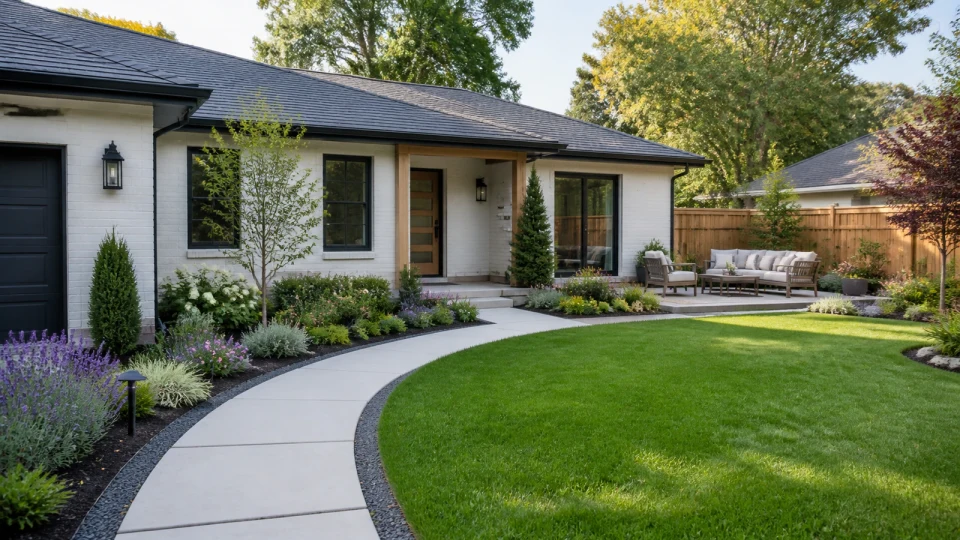
Explore photo-based landscaping workflows that turn yard, garden, patio, and exterior images into visual redesign ideas.
Try This Tool →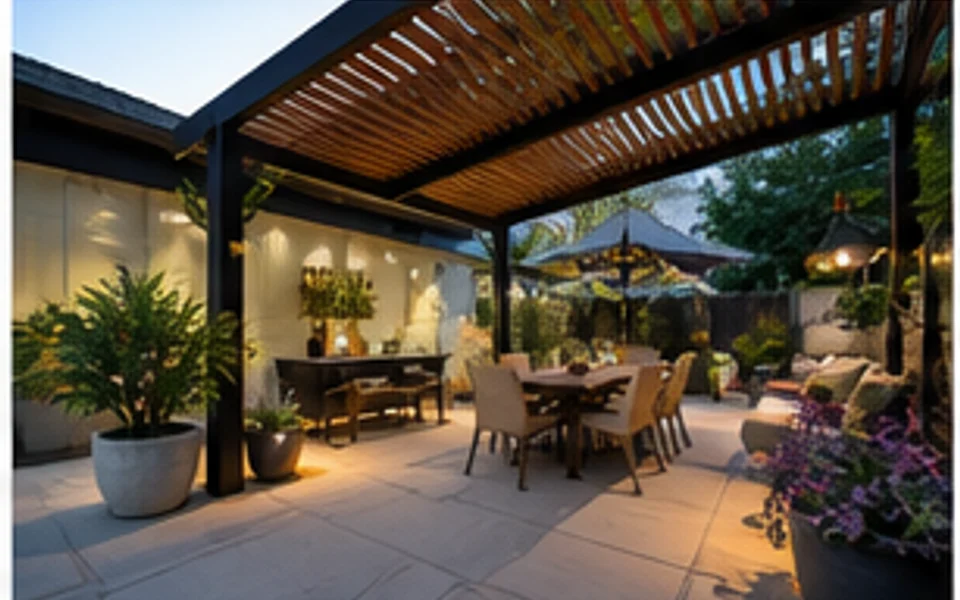
Explore patio design workflows for seating layouts, pavers, planters, lighting, dining zones, and small outdoor spaces.
Try This Tool →Use these tools when the landscaping project connects to exterior renovation, image quality, or prompt-based ideation.
Preview facade, entry, siding, and curb appeal changes that connect to the landscape direction.
02Improve source photos before using them as outdoor design references or project presentation images.
03Generate broader outdoor moodboard ideas from prompts when you do not have a source photo yet.
04Upscale a finished outdoor preview when you need a clearer image for sharing or project discussion.
05Stage listing photos when the outdoor update is part of a broader property presentation workflow.
06Continue inside the home when landscape changes need to match entry, living, or renovation concepts.
Upload a real photo in Ideal House Landscaping and generate visual ideas for the yard, garden, patio, or outdoor zone you want to improve.