
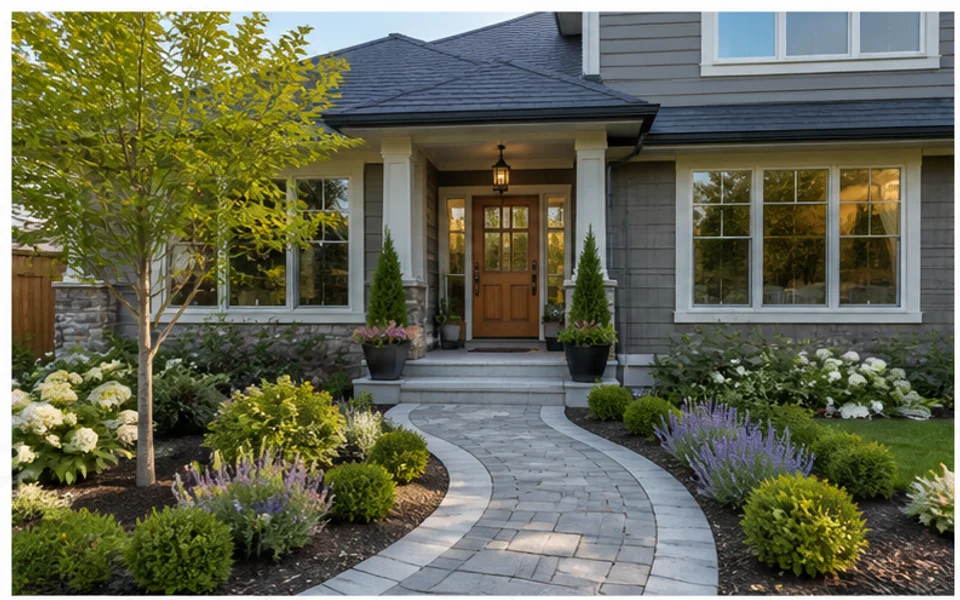
Yard photo to landscape preview
Keep the home and yard context while exploring new planting, lawn, and path ideas.
Start with a real outdoor photo, then generate landscape design previews that fit the space you already have. Ideal House helps you compare yard, garden, path, patio, and planting ideas visually.
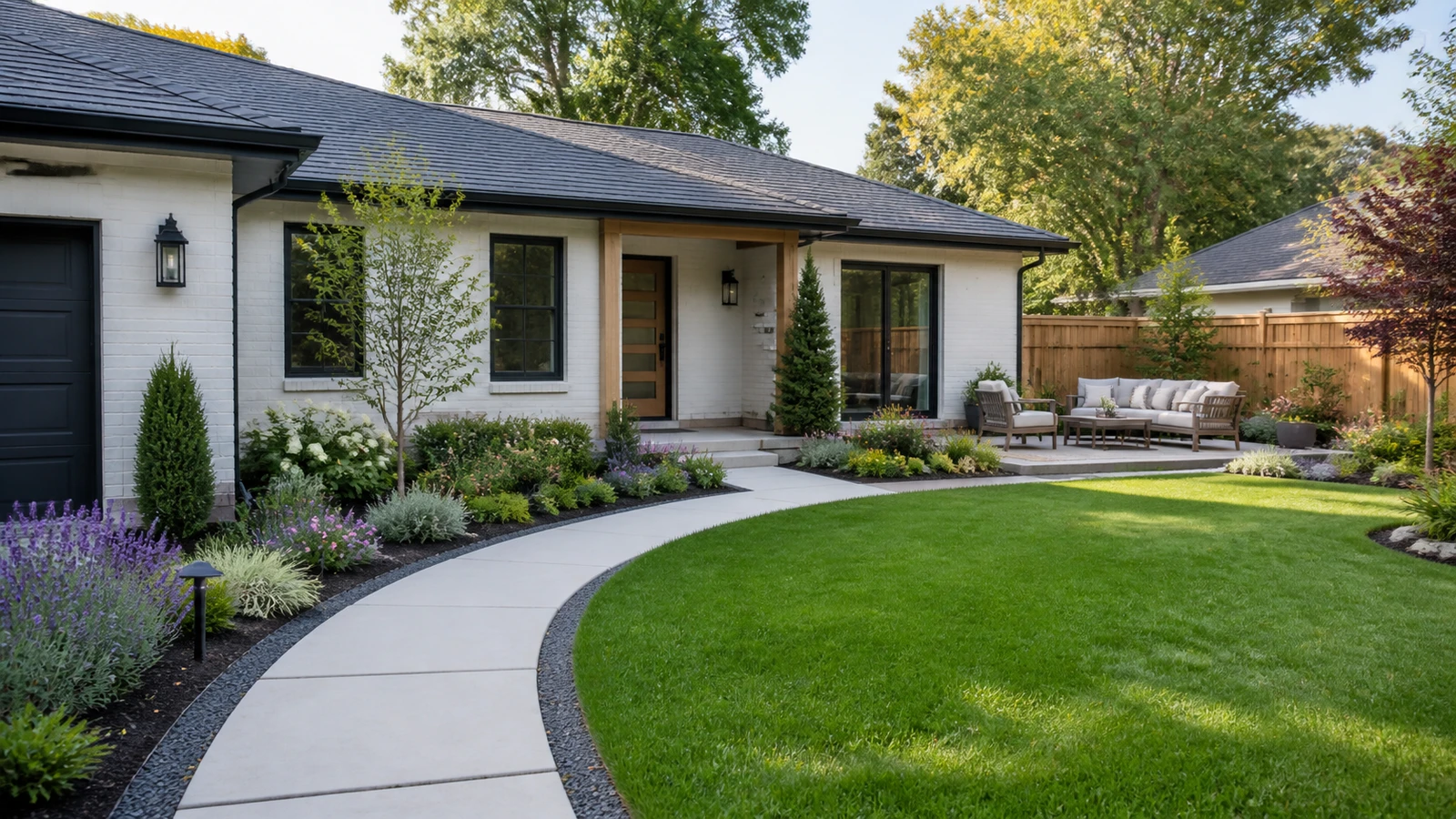
A real photo gives the AI context about house style, boundaries, scale, and the area you want to change.
Keep the home and yard context while exploring new planting, lawn, and path ideas.
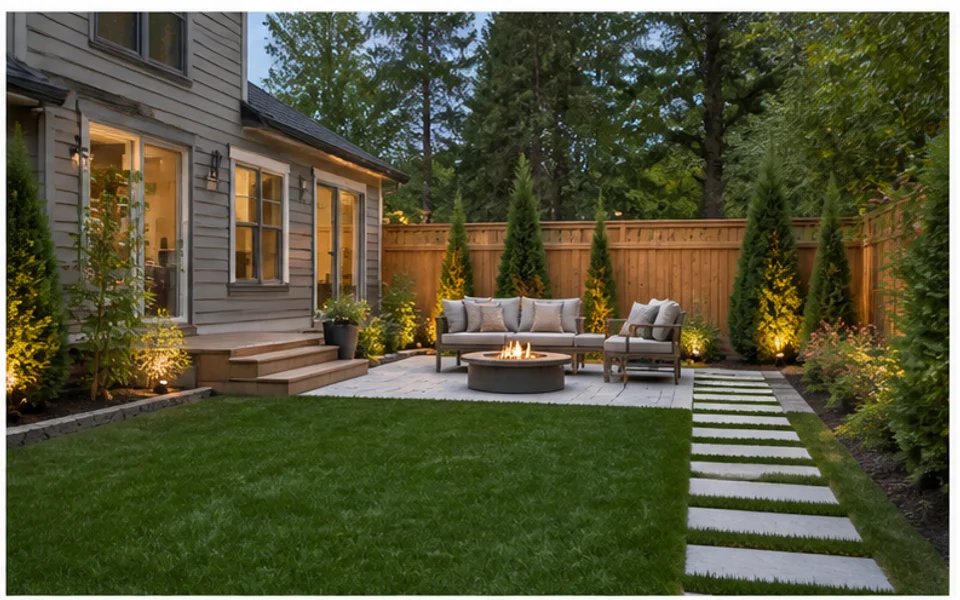
Use the existing beds and boundaries as the base for a different garden direction.
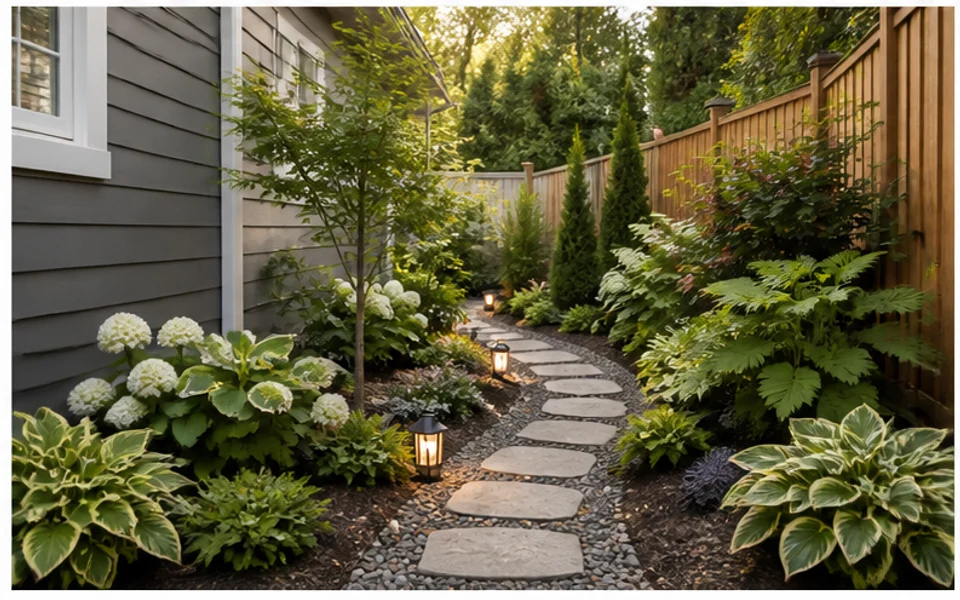
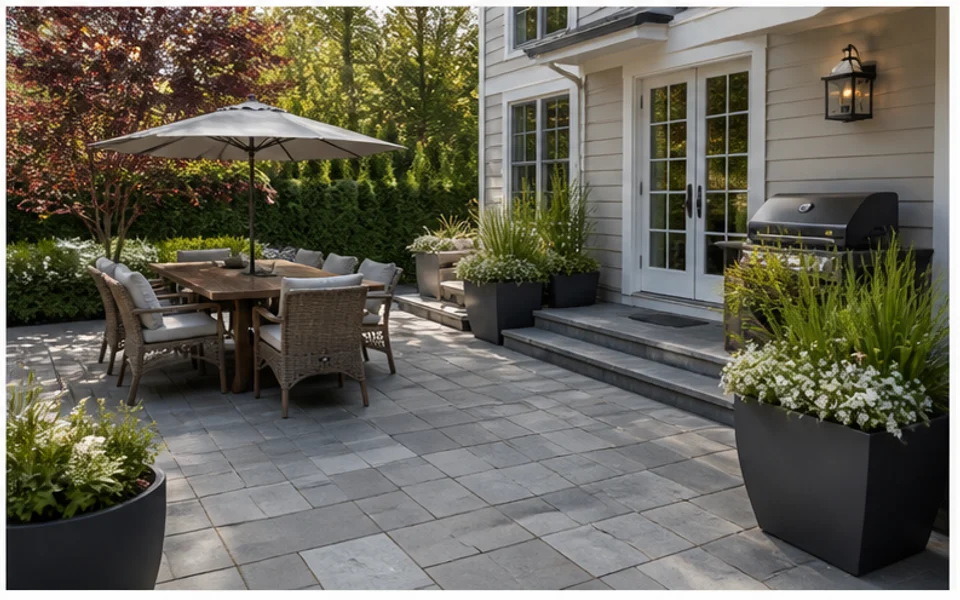
Preview furniture, pavers, planters, lighting, and dining zones from the current photo.
Generate entry, walkway, planting, and facade-adjacent landscape ideas from a street view.
Photo-based generation is useful when the existing structure, view, and proportions matter.
The AI can respond to the house, fence, lawn, patio, planting beds, and existing outdoor boundaries.
It is easier to compare design directions when every preview starts from the same original photo.
A photo-based preview makes it easier for family, clients, or contractors to understand the intended change.
Ask to keep the driveway, pool, deck, or tree while changing the parts that need redesign.
Compare light refreshes with larger transformations before deciding how much of the yard to change.
Once a visual direction works, you can research materials, plants, budget, and professional requirements.
Use an existing outdoor image when context and comparison matter.
Use one source image to compare multiple outdoor directions clearly.
ComparisonAsk the AI to retain fences, trees, pools, driveways, or the house facade.
ControlTurn a favorite preview into a clearer visual brief for next-step planning.
BriefThe best results usually come from a straight, bright photo with enough surrounding context.
Start with a clear photo of the yard, garden, patio, or exterior area you want to redesign.
Describe the style, outdoor use, planting mood, or hardscape idea you want the AI to explore.
Review several design previews, save the strongest direction, and regenerate when you need another option.
Use these tips to turn your outdoor photo into clearer landscape ideas before planning changes.
Take the photo during daylight, step back enough to show the full area, and avoid heavy obstructions. If the yard is split into separate zones, generate each zone separately so the AI has a clear design target.
From-photo generation works best when your prompt names fixed elements. Keep the fence, existing tree, pool, driveway, deck, or house facade if those should remain. Then describe the areas that can change.
A strong generated result is a conversation starter. Use it to explain style, zones, and priorities, then verify measurements, grading, drainage, materials, and plant choices with the right local professional.
Explore photo-based landscaping workflows that turn yard, garden, patio, and exterior images into visual redesign ideas.
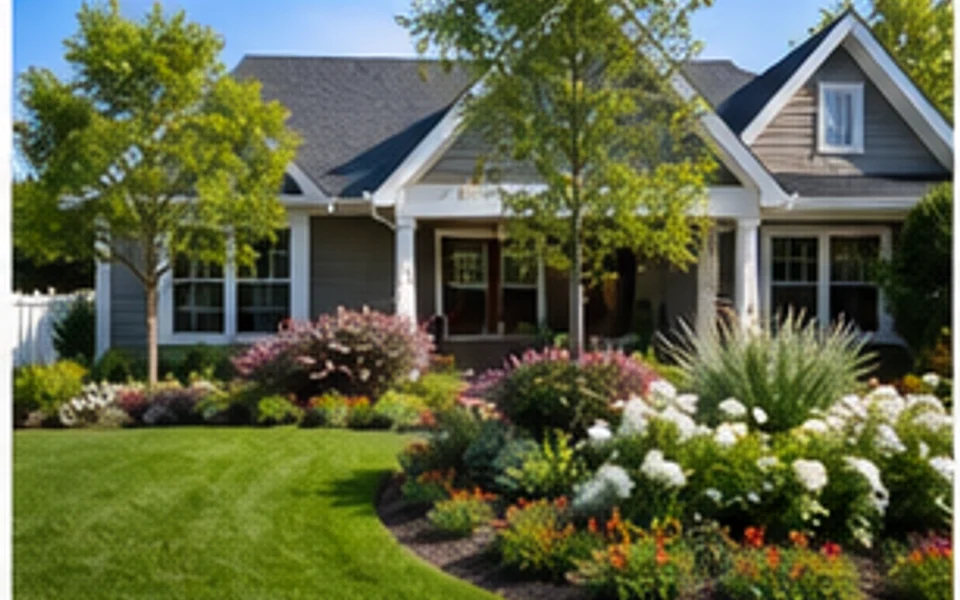
Explore free and focused ways to test yard, garden, patio, and backyard design ideas before you commit to a full project.
Try This Tool →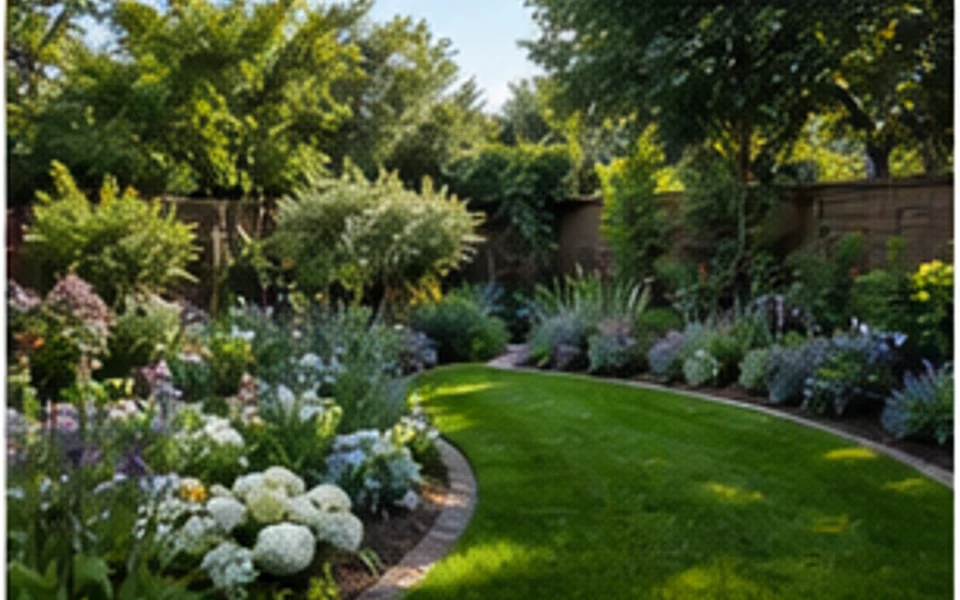
Explore focused garden design workflows for planting beds, borders, paths, small gardens, and photo-based outdoor makeovers.
Try This Tool →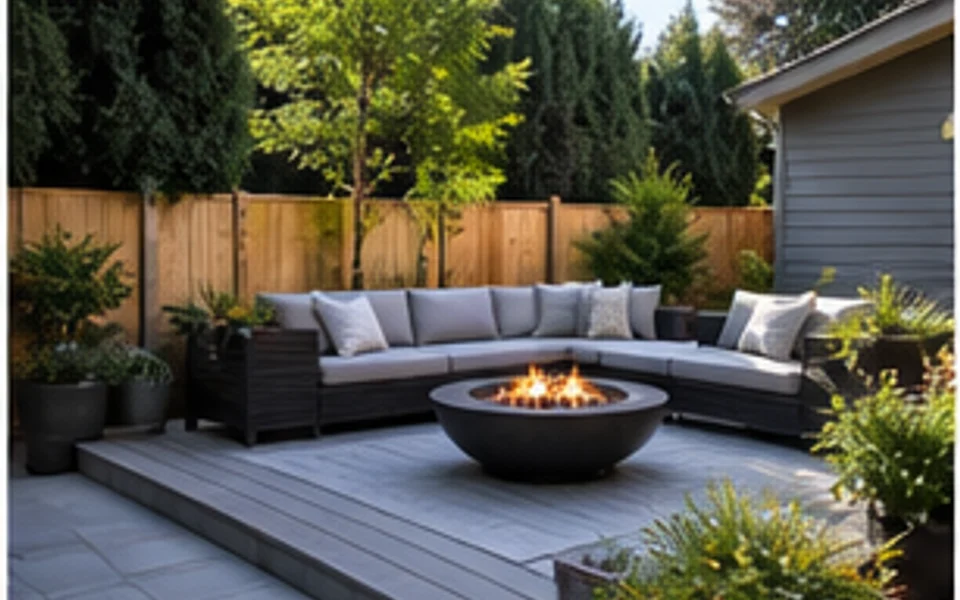
Explore backyard design workflows for patios, lawns, seating zones, fire pits, privacy, and outdoor living ideas.
Try This Tool →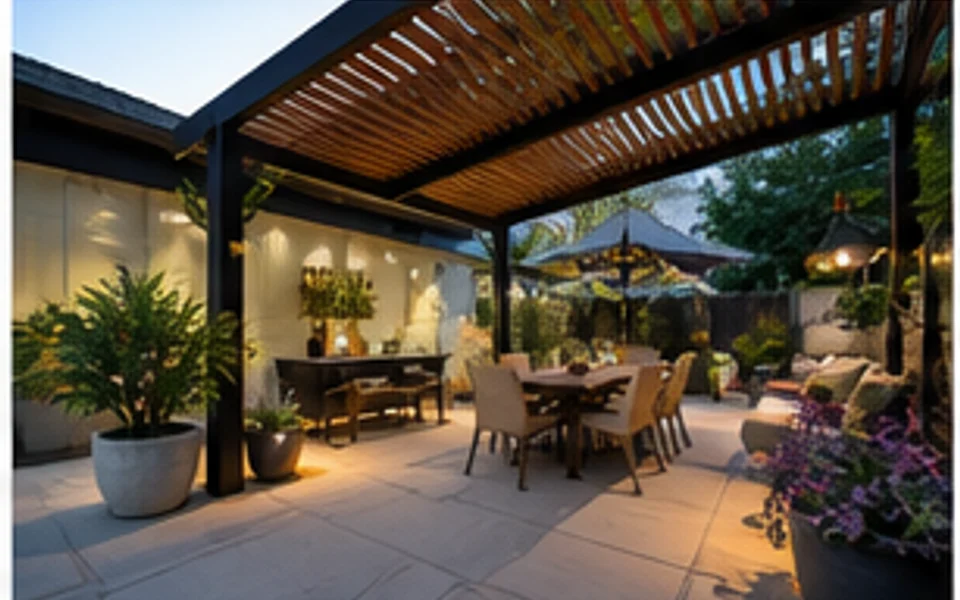
Explore patio design workflows for seating layouts, pavers, planters, lighting, dining zones, and small outdoor spaces.
Try This Tool →Use related tools when the source photo needs improvement or the outdoor idea affects the exterior.
Preview facade, entry, siding, and curb appeal changes that connect to the landscape direction.
02Improve source photos before using them as outdoor design references or project presentation images.
03Generate broader outdoor moodboard ideas from prompts when you do not have a source photo yet.
04Upscale a finished outdoor preview when you need a clearer image for sharing or project discussion.
05Stage listing photos when the outdoor update is part of a broader property presentation workflow.
06Continue inside the home when landscape changes need to match entry, living, or renovation concepts.
Upload your outdoor photo, choose the options that fit your space, and generate landscape ideas you can compare.