
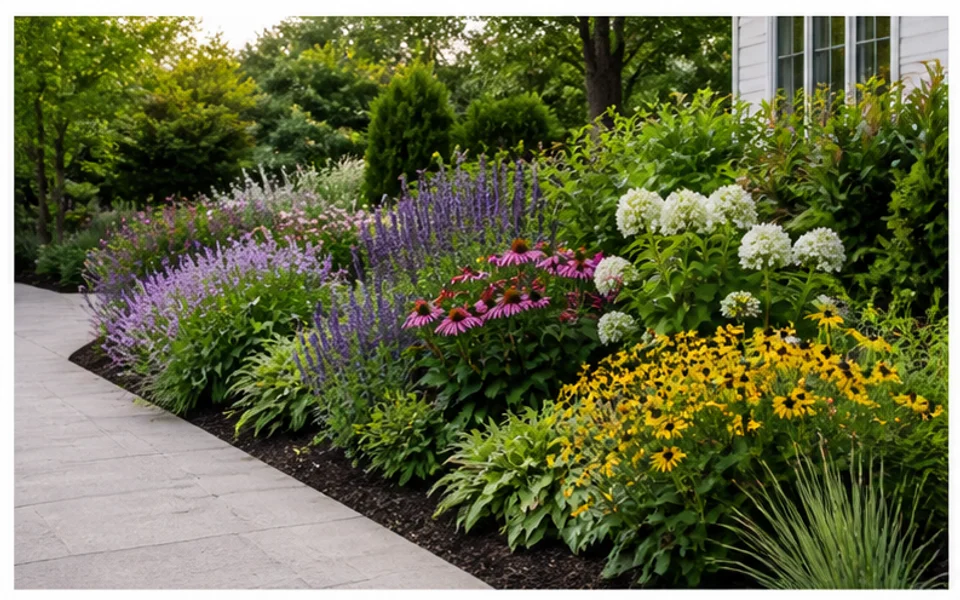
Layered planting beds
Preview shrubs, flowers, groundcover, and border structure around the existing garden shape.
Turn a real garden photo into planting, pathway, bed, border, and small outdoor makeover ideas. Use Ideal House to compare garden directions before you make changes outside.
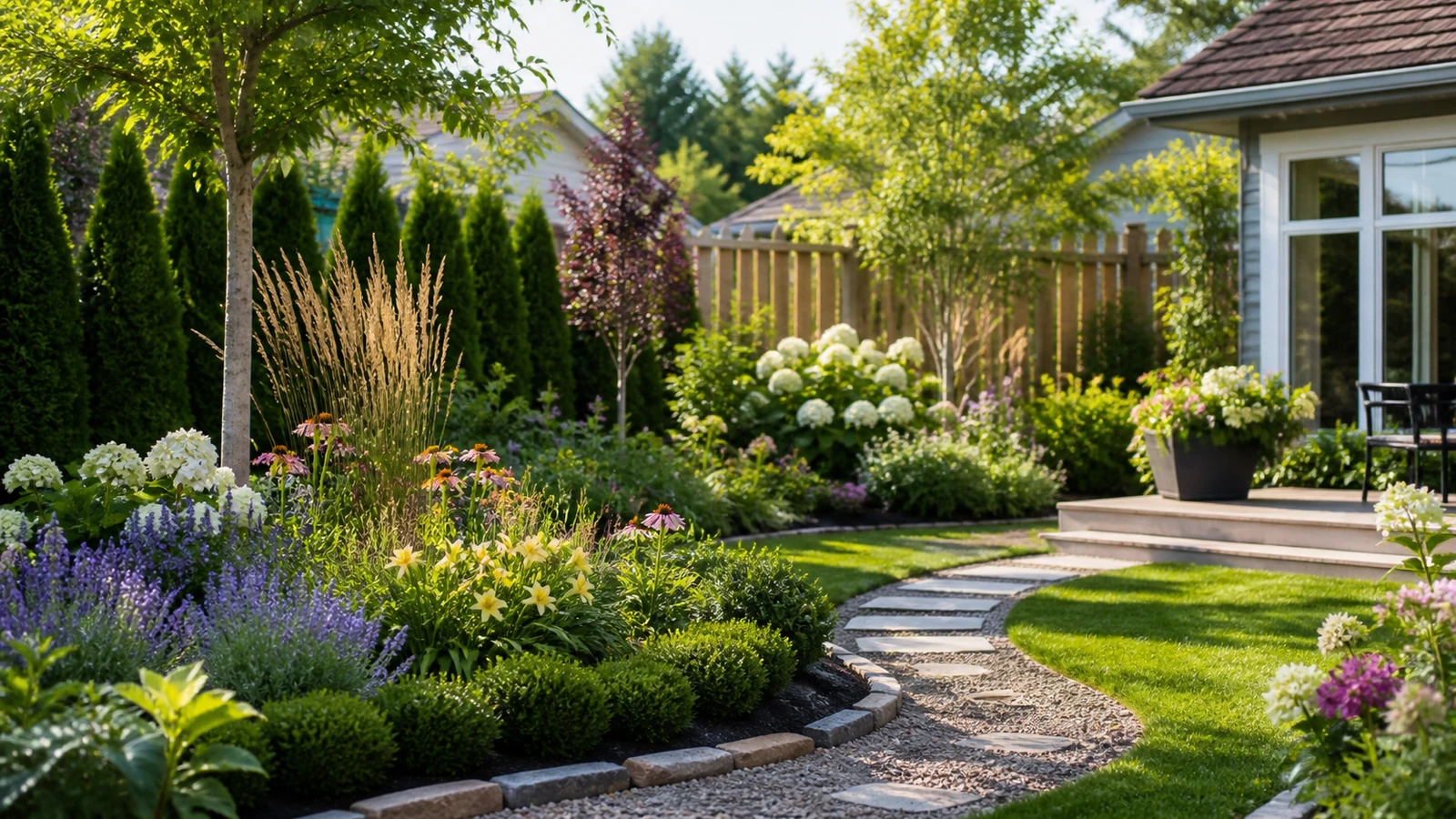
Use it when planting, paths, and garden structure matter more than a full-property redesign.
Preview shrubs, flowers, groundcover, and border structure around the existing garden shape.
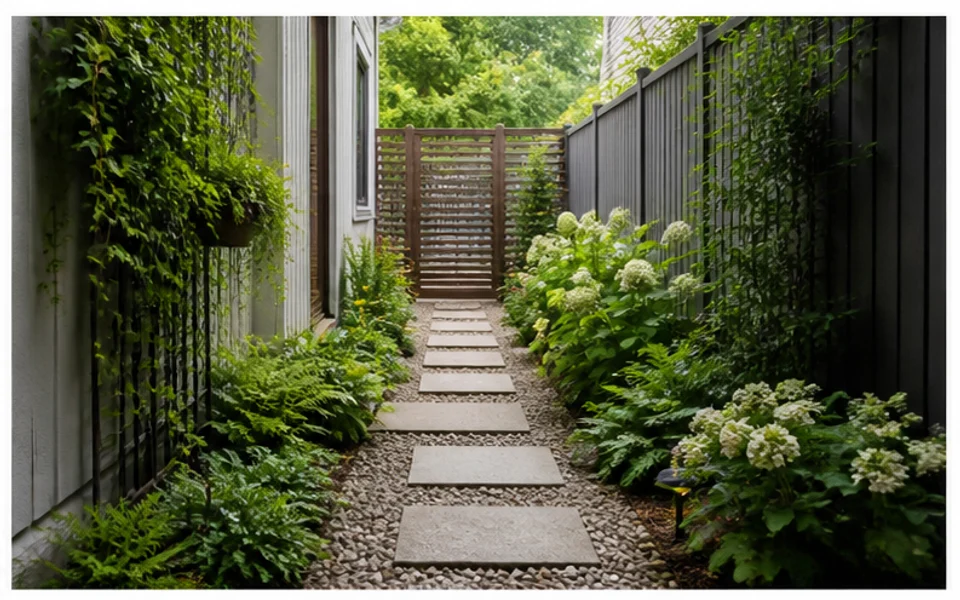
Explore gravel, stepping stones, curved paths, edging, and planting transitions.
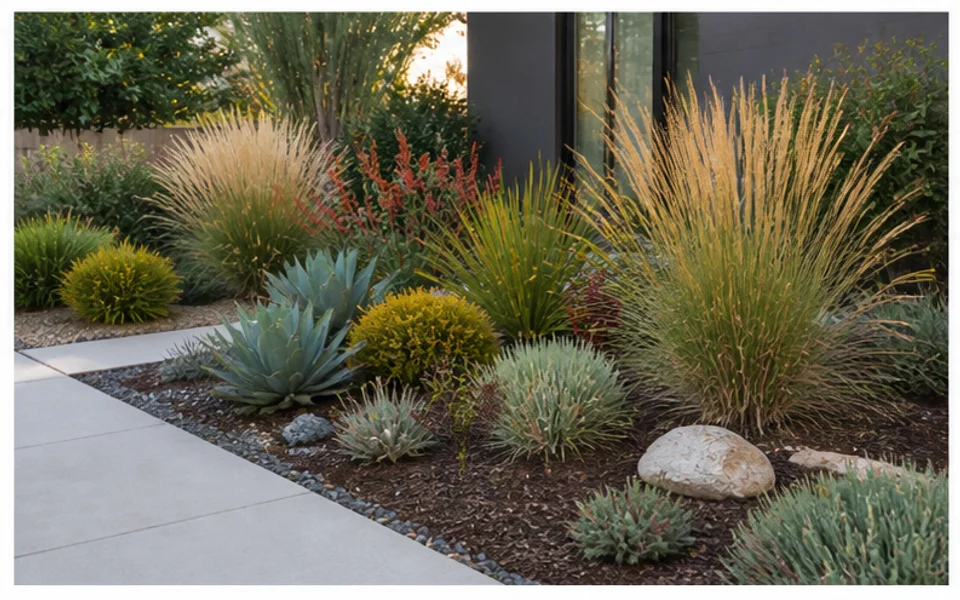
Turn tight outdoor areas into more intentional spaces with greenery and usable circulation.
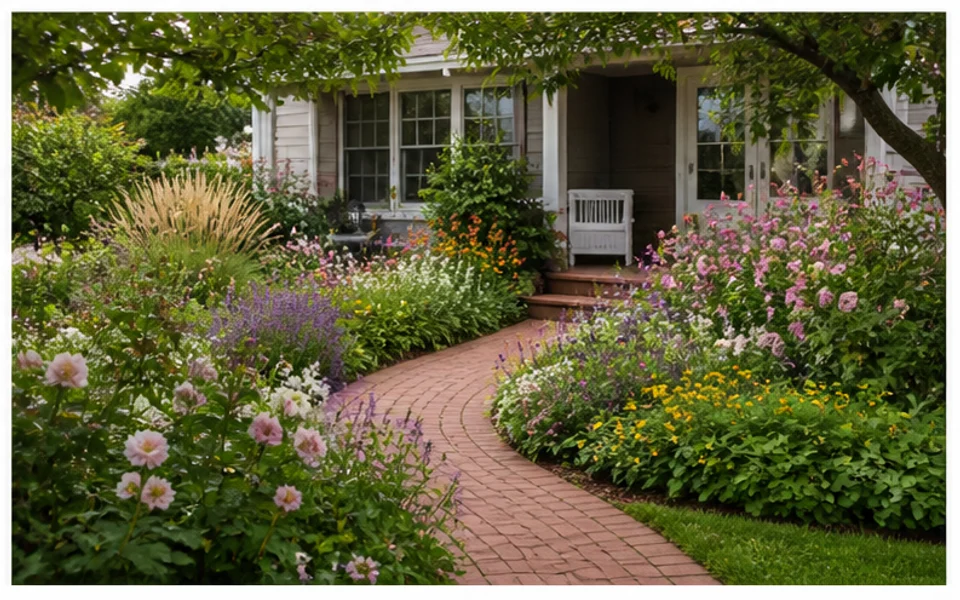
Test benches, compact seating, planters, shade, and softer planting around a quiet zone.
Use this workflow to compare planting layouts, garden borders, paths, and small-space ideas before changing your yard.
Compare lush, structured, cottage, modern, native-inspired, or low-maintenance garden directions.
Visualize where planting areas, edging, and transitions could make the garden feel more finished.
Explore how a walkway, stepping-stone path, or curved route changes the way the garden is used.
Generate ideas for narrow side gardens, compact patios, townhouse gardens, and small yards.
Use previews to choose the visual direction before researching climate, soil, water, and care needs.
Share garden visuals with family, clients, contractors, or landscapers before finalizing details.
Focus on planting, pathways, and compact outdoor areas where visual structure matters.
Explore better use of compact outdoor areas without losing the original boundaries.
Small spaceCompare visual plant massing before choosing climate-appropriate species.
PlantingSee whether paths, edging, and garden beds should be formal, curved, or relaxed.
LayoutThe more clearly your photo shows beds, boundaries, and paths, the easier it is to generate useful garden concepts.
Start with a clear photo of the yard, garden, patio, or exterior area you want to redesign.
Describe the style, outdoor use, planting mood, or hardscape idea you want the AI to explore.
Review several design previews, save the strongest direction, and regenerate when you need another option.
Use these tips to compare planting layouts, garden borders, paths, and small-space ideas before changing your yard.
A lush garden preview can be inspiring, but the best option is the one you can maintain. Compare designs by watering needs, trimming, seasonal cleanup, and whether the garden should look formal, relaxed, or resilient.
Ask the AI to explore bed shapes, paths, seating corners, and plant massing before worrying about exact plant names. Once the visual direction is clear, a local nursery or landscape professional can help translate it into region-appropriate planting.
If your garden needs grading, irrigation, drainage, retaining walls, tree work, or detailed planting plans, use the AI preview as a brief. It can clarify taste and scope, but it should not replace site-specific professional guidance.
Explore focused garden design workflows for planting beds, borders, paths, small gardens, and photo-based outdoor makeovers.
Explore free and focused ways to test yard, garden, patio, and backyard design ideas before you commit to a full project.
Try This Tool →
Explore backyard design workflows for patios, lawns, seating zones, fire pits, privacy, and outdoor living ideas.
Try This Tool →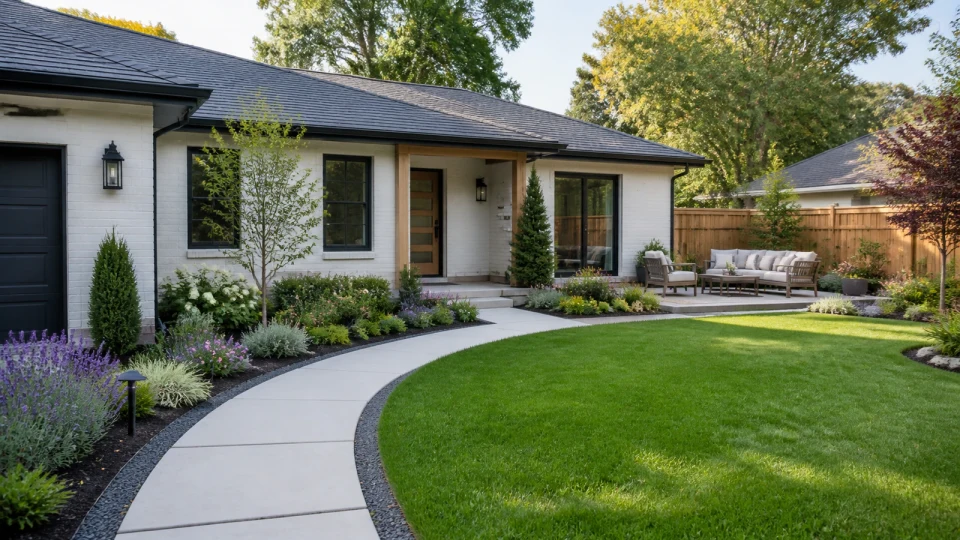
Explore photo-based landscaping workflows that turn yard, garden, patio, and exterior images into visual redesign ideas.
Try This Tool →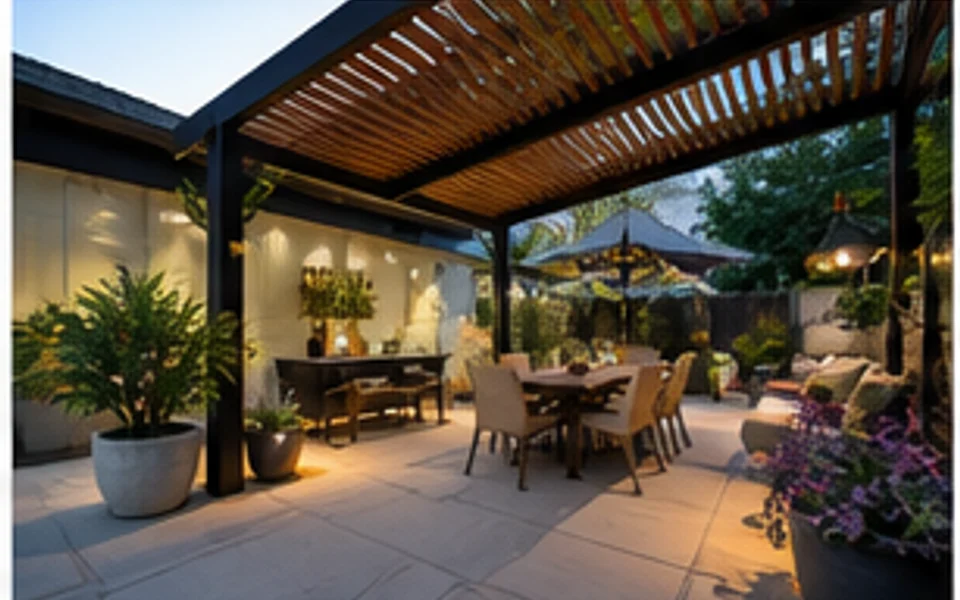
Explore patio design workflows for seating layouts, pavers, planters, lighting, dining zones, and small outdoor spaces.
Try This Tool →Use related tools when the garden idea connects to exterior renovation, photo quality, or replacement edits.
Preview facade, entry, siding, and curb appeal changes that connect to the landscape direction.
02Improve source photos before using them as outdoor design references or project presentation images.
03Generate broader outdoor moodboard ideas from prompts when you do not have a source photo yet.
04Upscale a finished outdoor preview when you need a clearer image for sharing or project discussion.
05Stage listing photos when the outdoor update is part of a broader property presentation workflow.
06Continue inside the home when landscape changes need to match entry, living, or renovation concepts.
Upload your outdoor photo, choose the options that fit your space, and generate landscape ideas you can compare.