
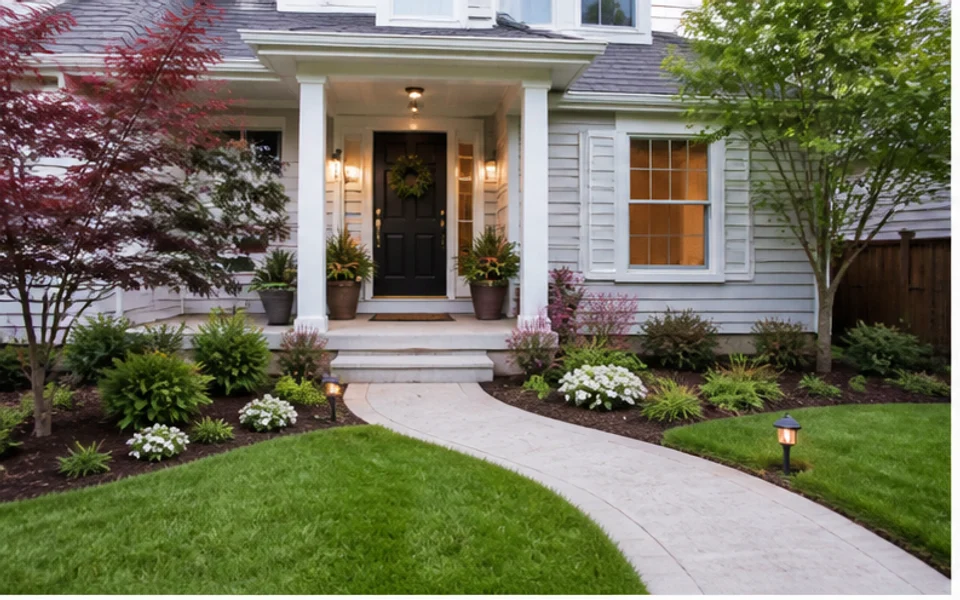
Front yard curb appeal
Preview cleaner planting beds, a clearer walkway, and a more welcoming entry view.
Upload an outdoor photo and explore landscape design ideas before committing to a project. Ideal House helps you test garden, yard, patio, and curb appeal directions with simple AI design options.
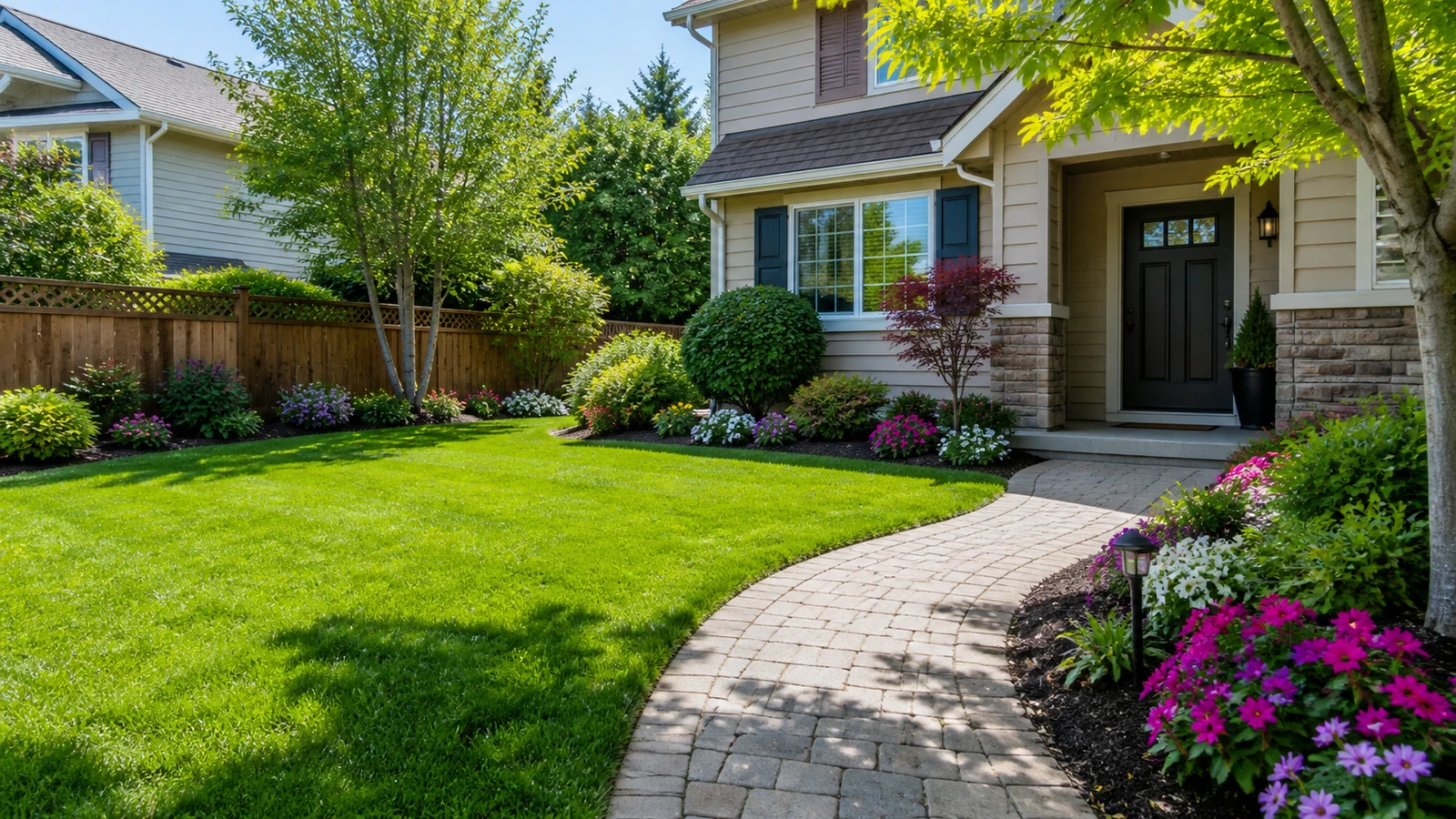
Use the first generation pass to understand the broad direction before narrowing materials, planting, and layout.
Preview cleaner planting beds, a clearer walkway, and a more welcoming entry view.
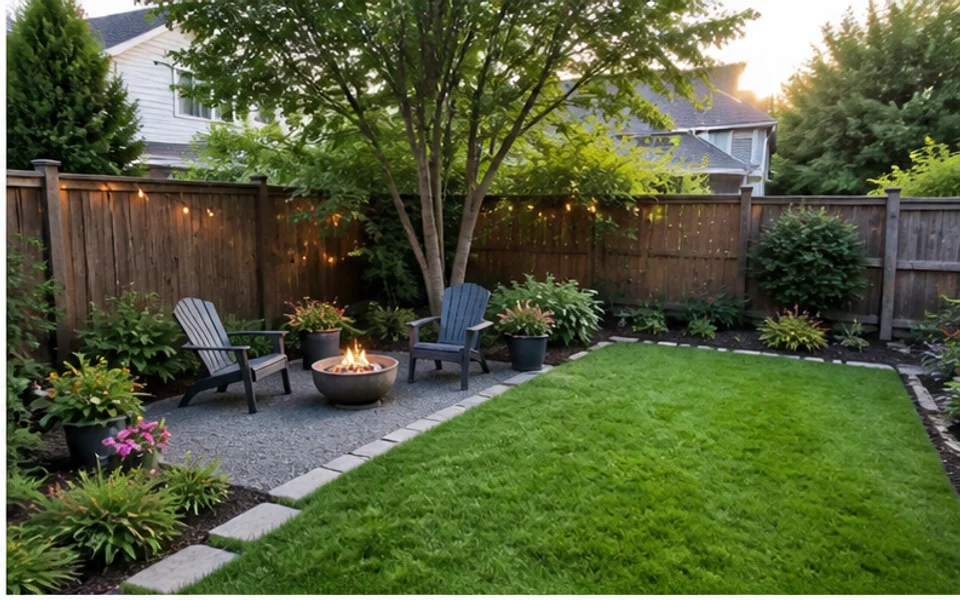
Explore lawn, seating, and planting improvements without changing every part of the yard.
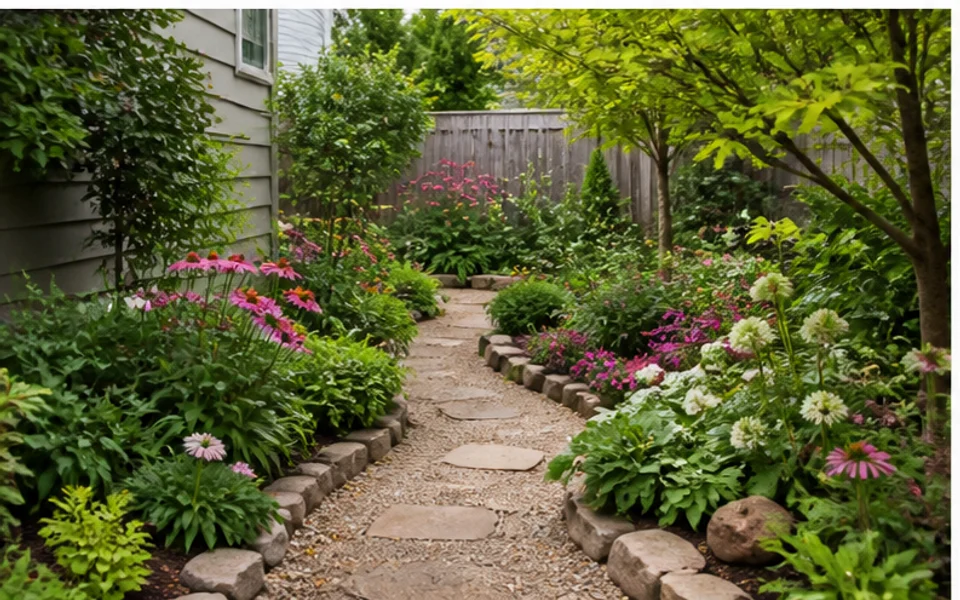
Test flower beds, borders, paths, and greenery for compact outdoor spaces.
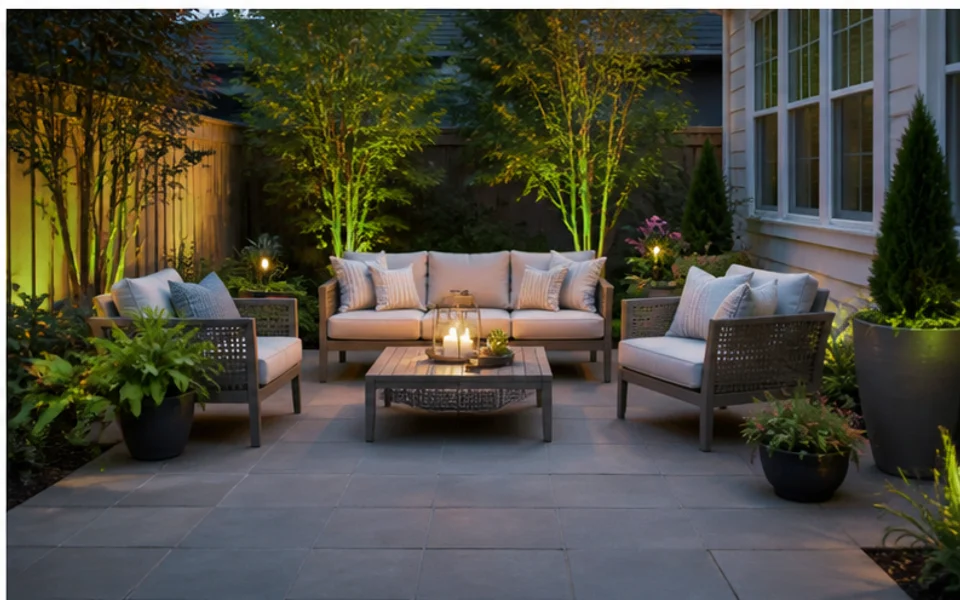
Try a first patio layout with seating, planters, hardscape, and lighting ideas.
Use free AI landscape design as a fast way to choose a direction, not as a final construction plan.
Generate several outdoor directions before investing in detailed plans, materials, or contractor estimates.
Work from an existing yard or garden photo so the ideas stay grounded in the real space.
Compare modern, natural, low-maintenance, lush, or family-friendly directions quickly.
Start with free previews, then upgrade only when you need more credits, sharper exports, or additional design options.
Use visual options to talk through budget, scope, and priorities with family or project partners.
Treat outputs as design previews; verify construction, drainage, irrigation, and plant suitability separately.
Start with low-risk visual exploration before deciding whether the project needs more detail.
Quickly see whether the outdoor area should feel more structured, lush, modern, or low-maintenance.
Free trialBring a visual direction into early conversations before pricing materials or contractor work.
PlanningCompare options with family members before choosing the direction to refine.
DecisionA clearer input photo and a focused prompt usually produce more useful first-round ideas.
Start with a clear photo of the yard, garden, patio, or exterior area you want to redesign.
Describe the style, outdoor use, planting mood, or hardscape idea you want the AI to explore.
Review several design previews, save the strongest direction, and regenerate when you need another option.
Use these tips to explore free landscape design ideas before planning your next outdoor update.
A free first pass is strongest when you ask for a broad direction: low-maintenance front yard, cozy backyard seating, cottage garden, modern patio, or drought-tolerant planting. Once one version feels close, regenerate with more specific notes about materials, plants, colors, or zones.
Use the previews to decide whether the yard should feel more open, lush, structured, modern, or family-focused. Do not use a generated image alone to decide grading, irrigation, retaining walls, permits, or exact plant spacing.
When you find a direction you like, upload the same outdoor photo and keep refining the design. You can compare new ideas without starting from scratch.
Explore free and focused ways to test yard, garden, patio, and backyard design ideas before you commit to a full project.
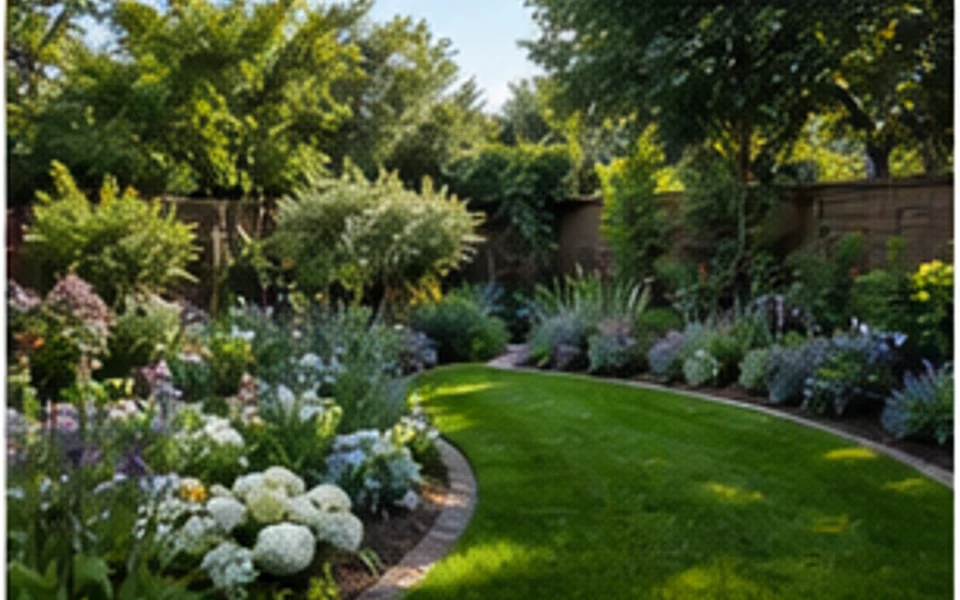
Explore focused garden design workflows for planting beds, borders, paths, small gardens, and photo-based outdoor makeovers.
Try This Tool →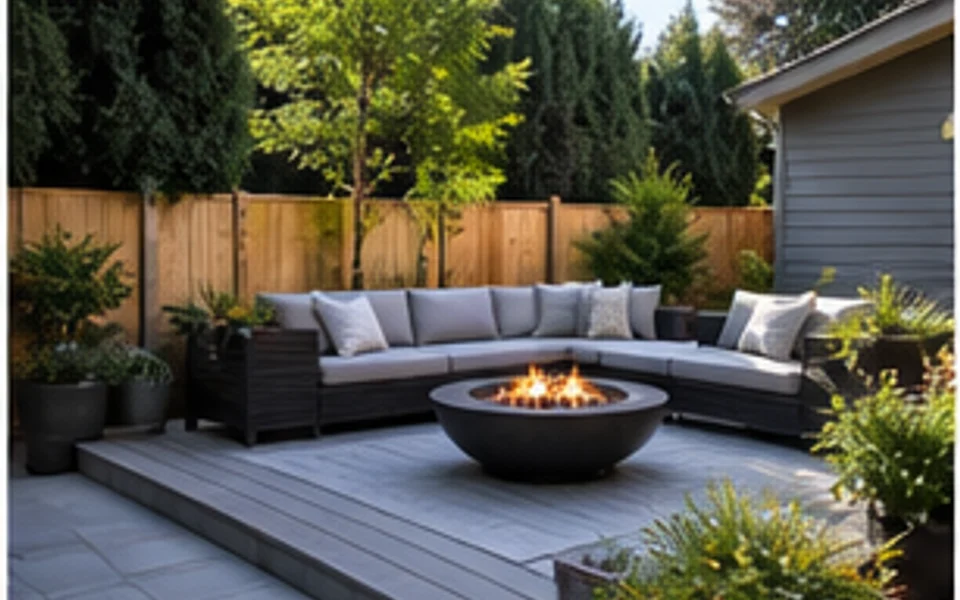
Explore backyard design workflows for patios, lawns, seating zones, fire pits, privacy, and outdoor living ideas.
Try This Tool →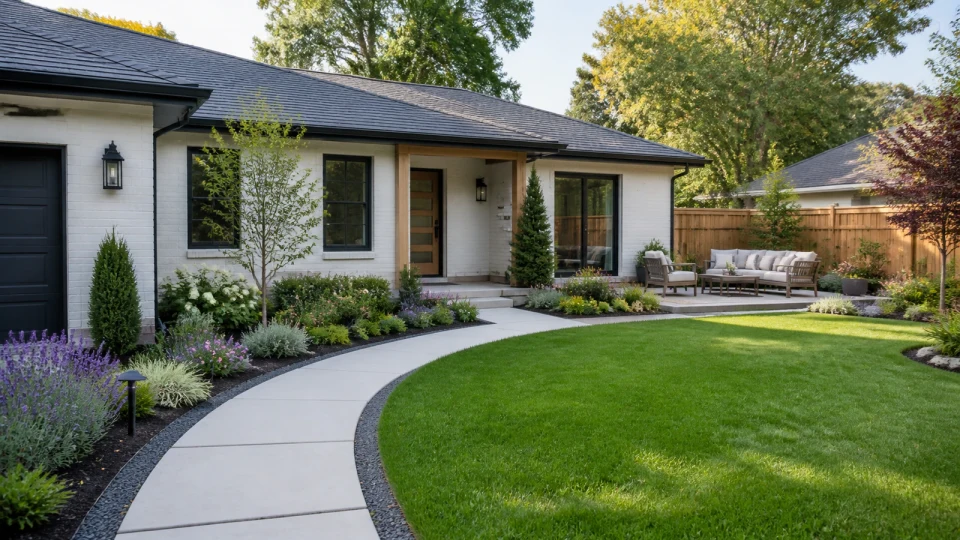
Explore photo-based landscaping workflows that turn yard, garden, patio, and exterior images into visual redesign ideas.
Try This Tool →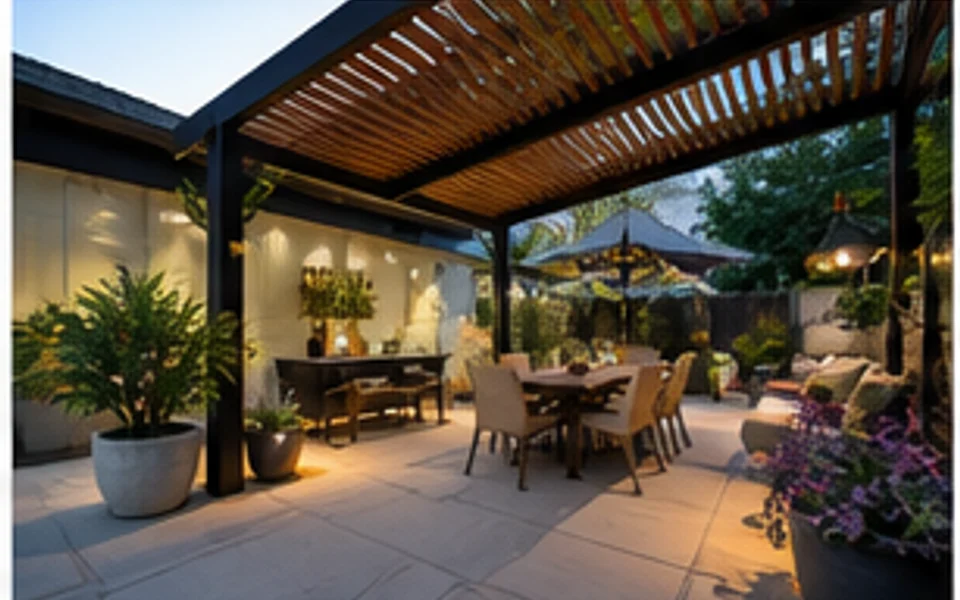
Explore patio design workflows for seating layouts, pavers, planters, lighting, dining zones, and small outdoor spaces.
Try This Tool →Use related Ideal House tools when the landscape idea touches exterior renovation, image polish, or broader home planning.
Preview facade, entry, siding, and curb appeal changes that connect to the landscape direction.
02Improve source photos before using them as outdoor design references or project presentation images.
03Generate broader outdoor moodboard ideas from prompts when you do not have a source photo yet.
04Upscale a finished outdoor preview when you need a clearer image for sharing or project discussion.
05Stage listing photos when the outdoor update is part of a broader property presentation workflow.
06Continue inside the home when landscape changes need to match entry, living, or renovation concepts.
Upload your outdoor photo, choose the options that fit your space, and generate landscape ideas you can compare.