
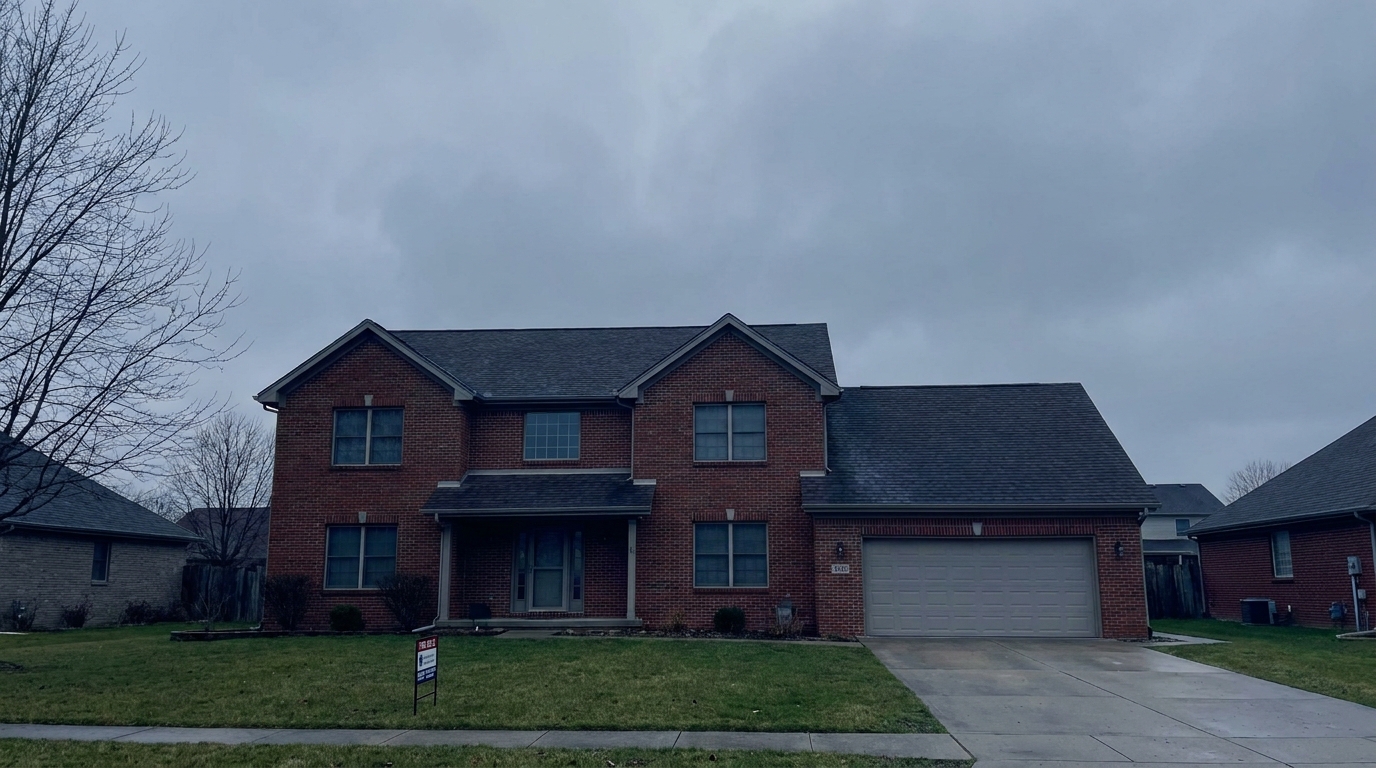
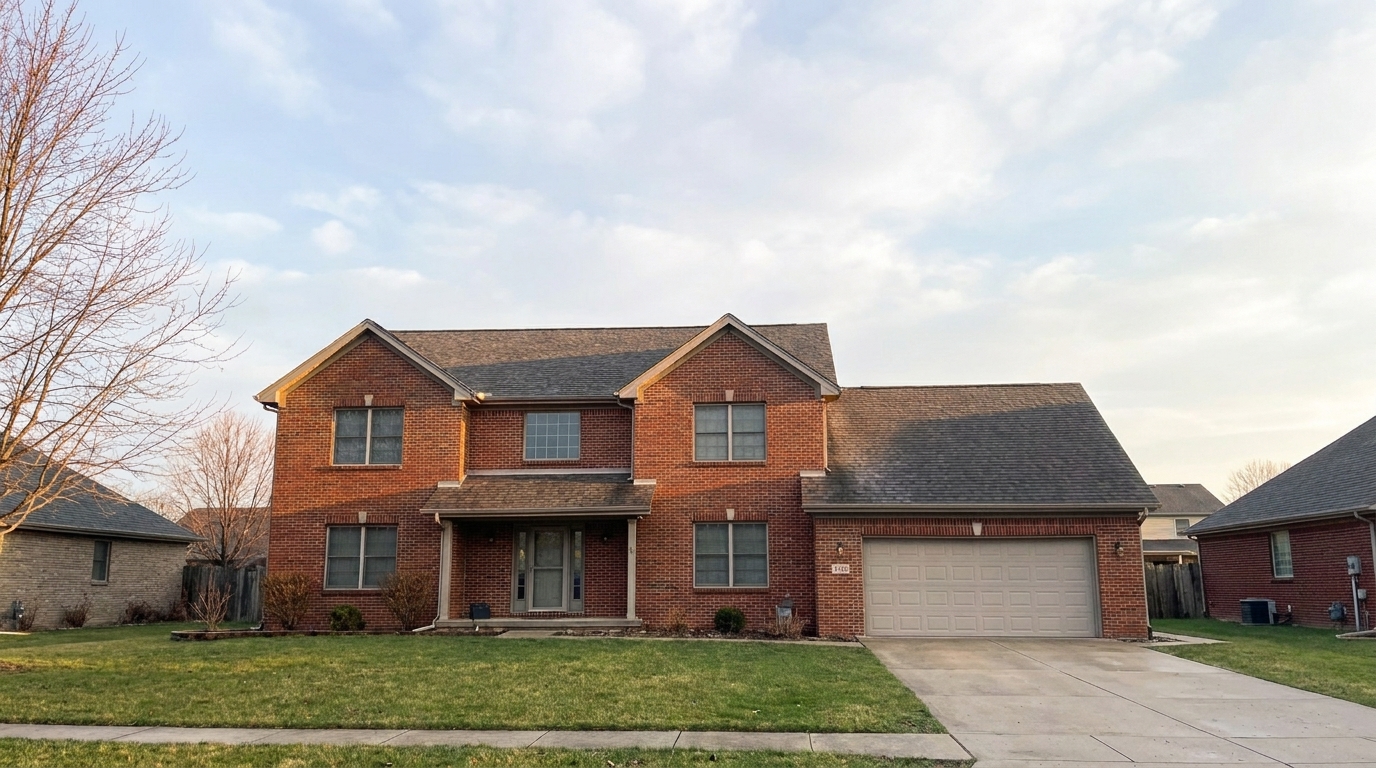

Suburban Two-Story
Suburban Two-Story updated with fix gray sky real estate styling.
Turn flat, overcast backdrops into bright, natural daylight scenes. Enhance curb appeal and make your property listings stand out with seamless AI sky replacement.
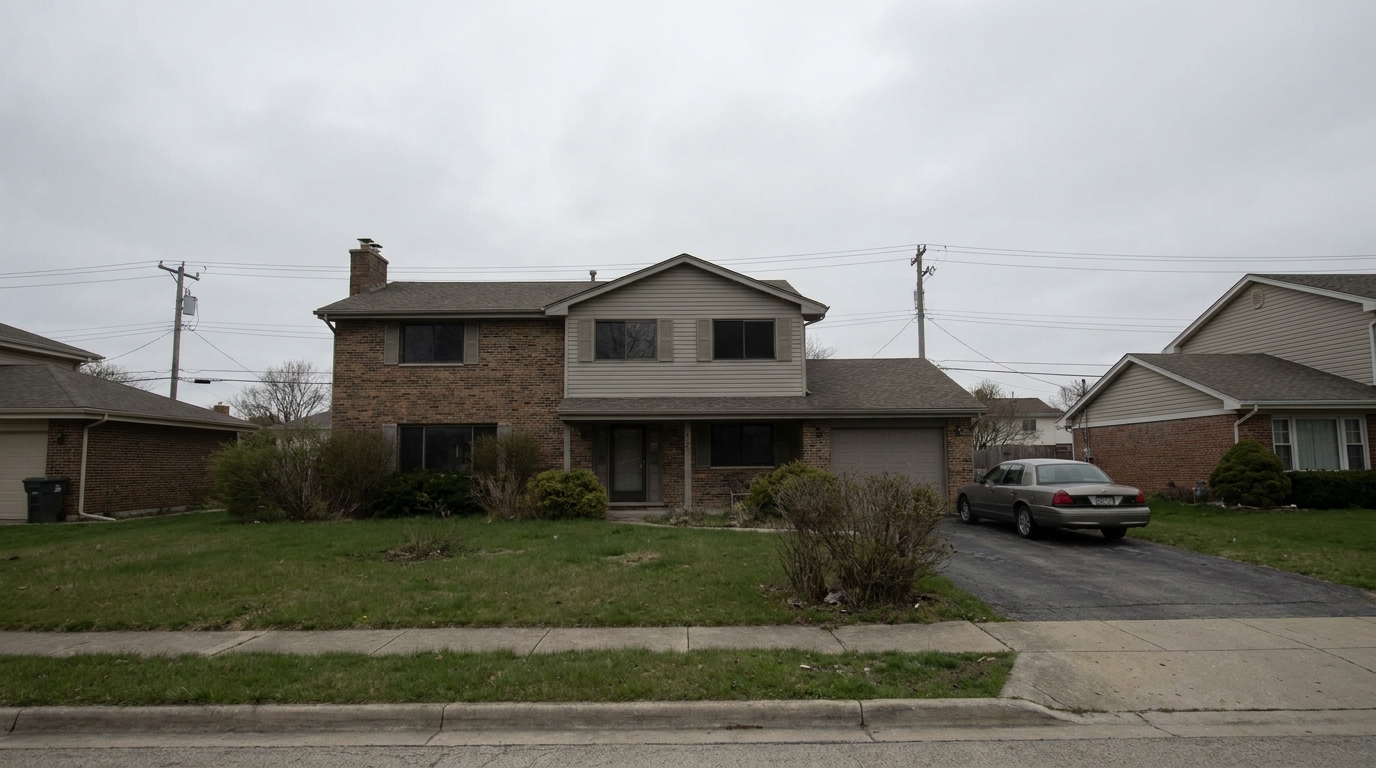
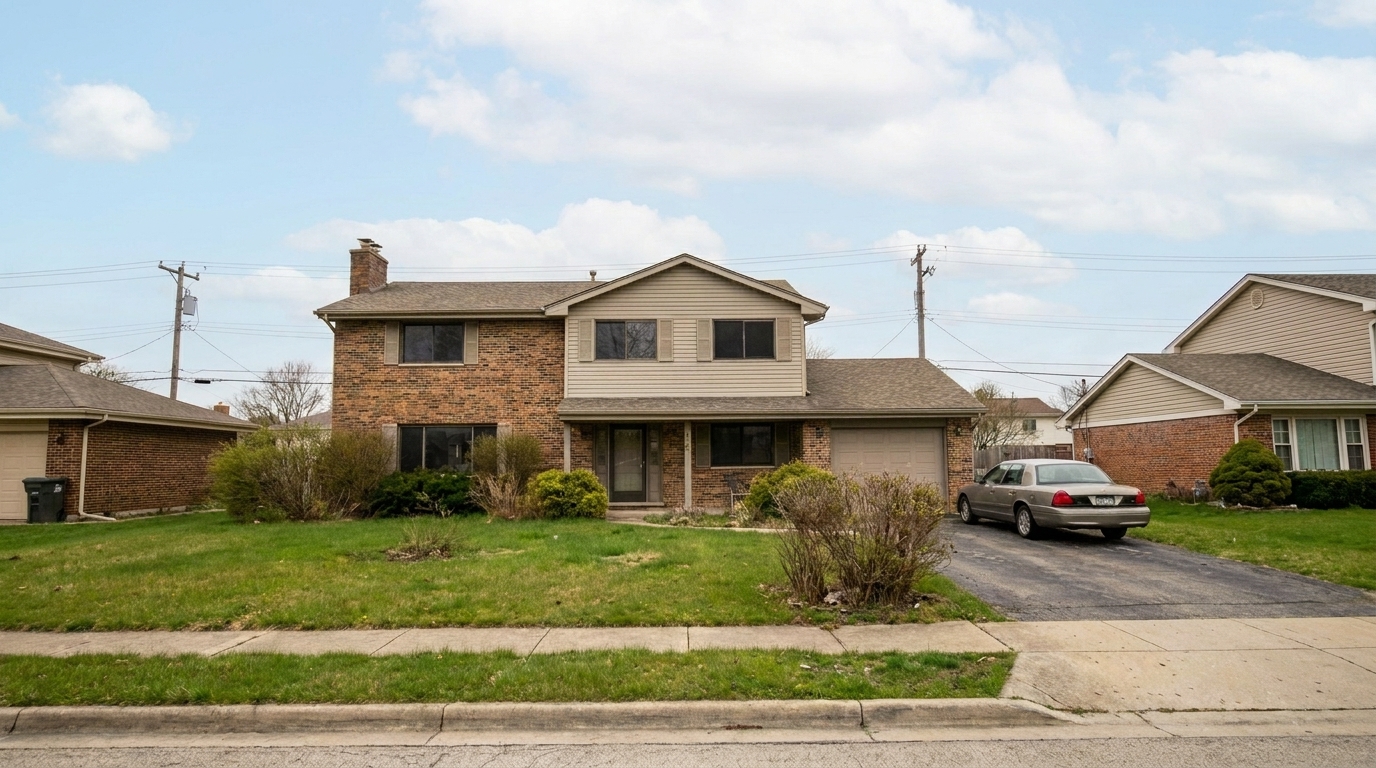
Compare before-and-after examples of overcast properties saved by our intelligent sky replacement.
Suburban Two-Story updated with fix gray sky real estate styling.
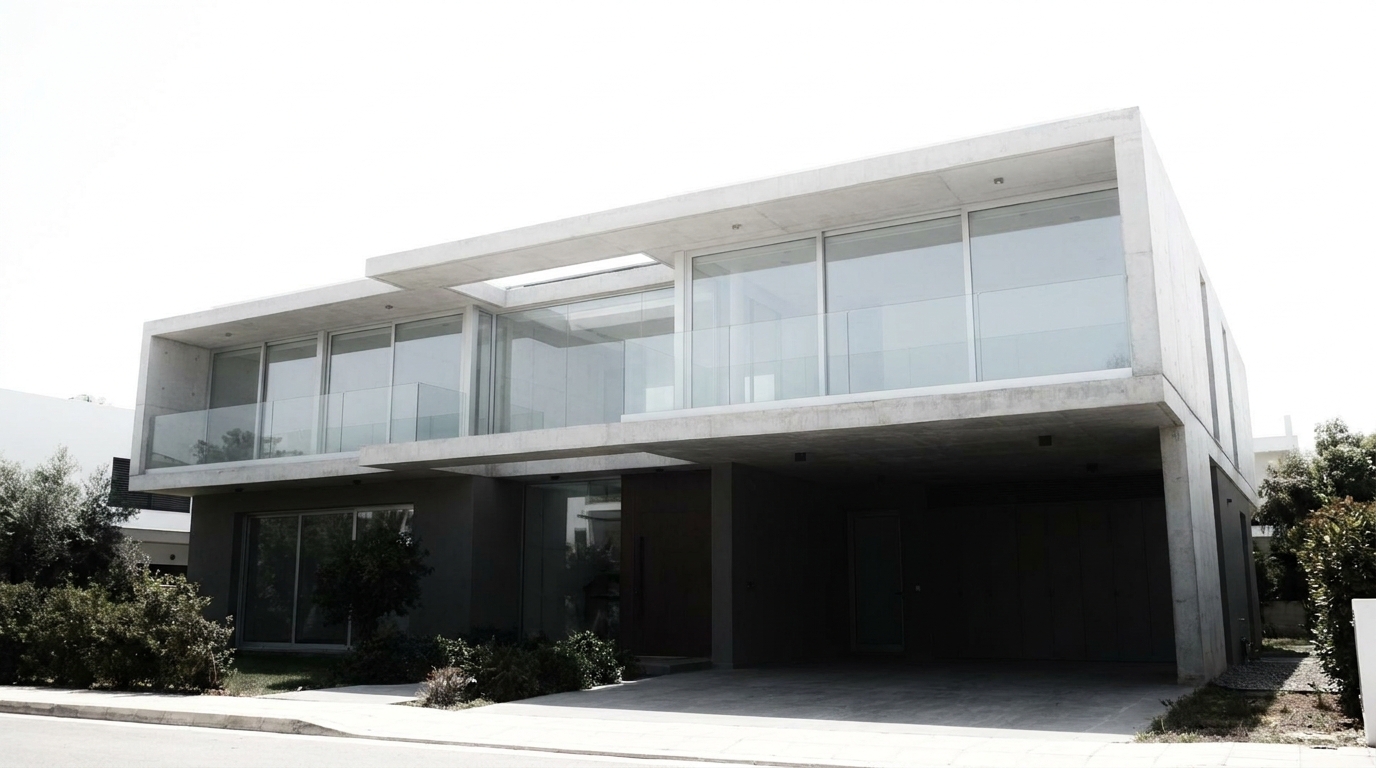
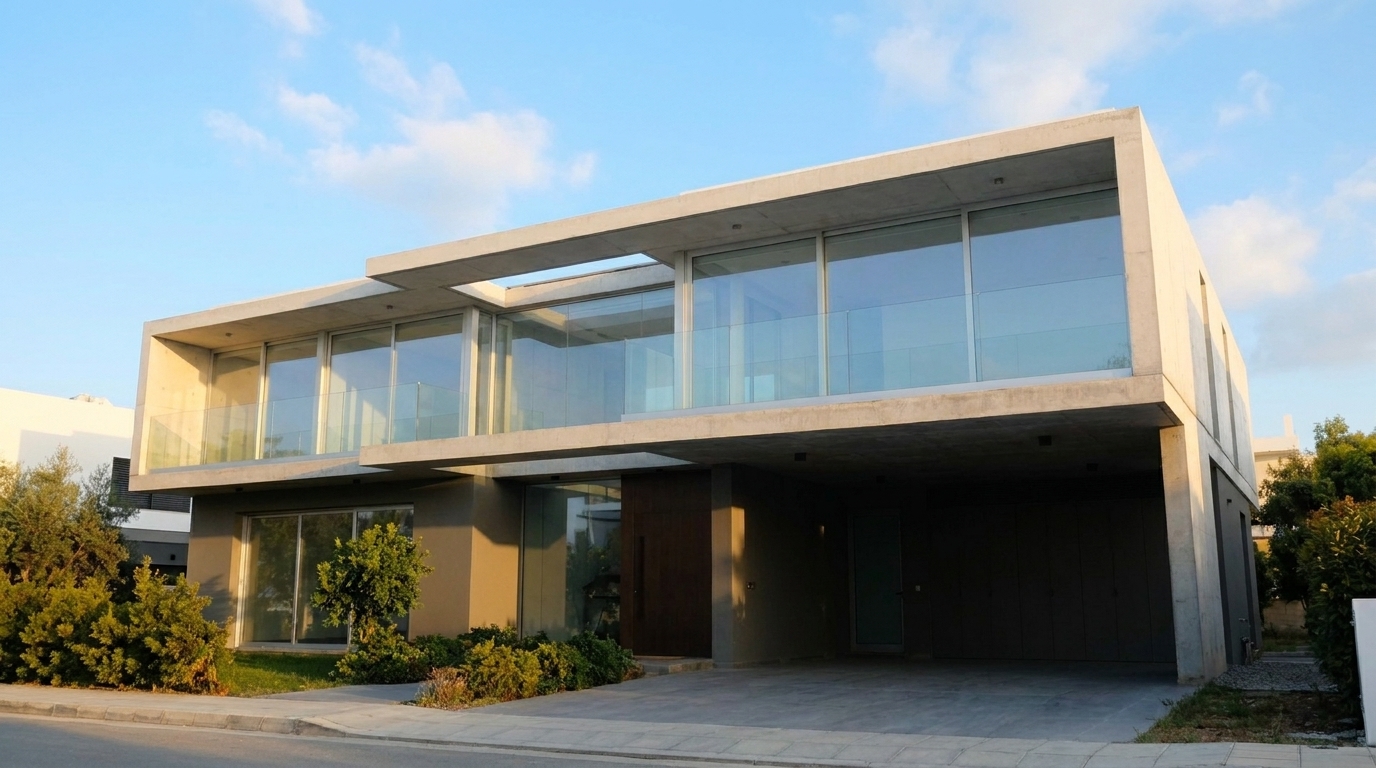
Modern Minimalist Villa updated with fix gray sky real estate styling.
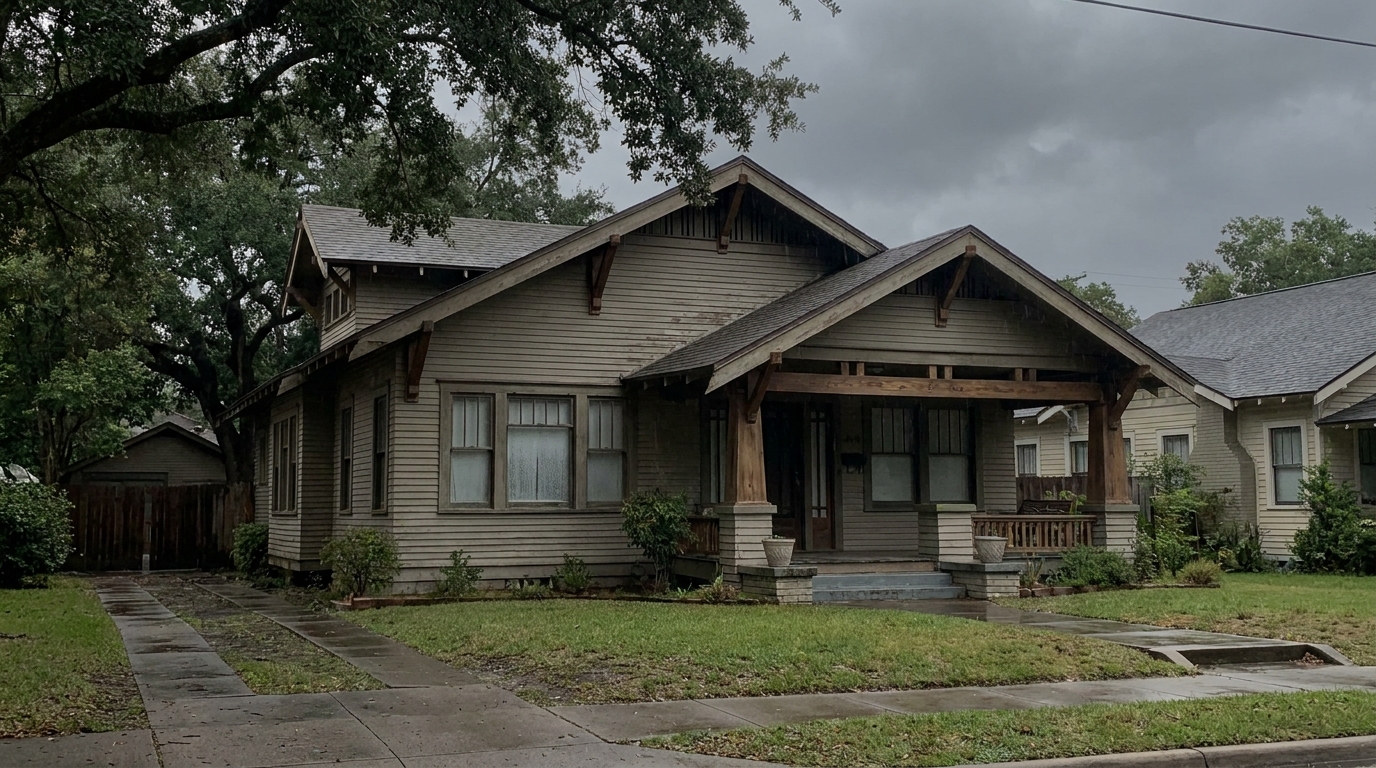
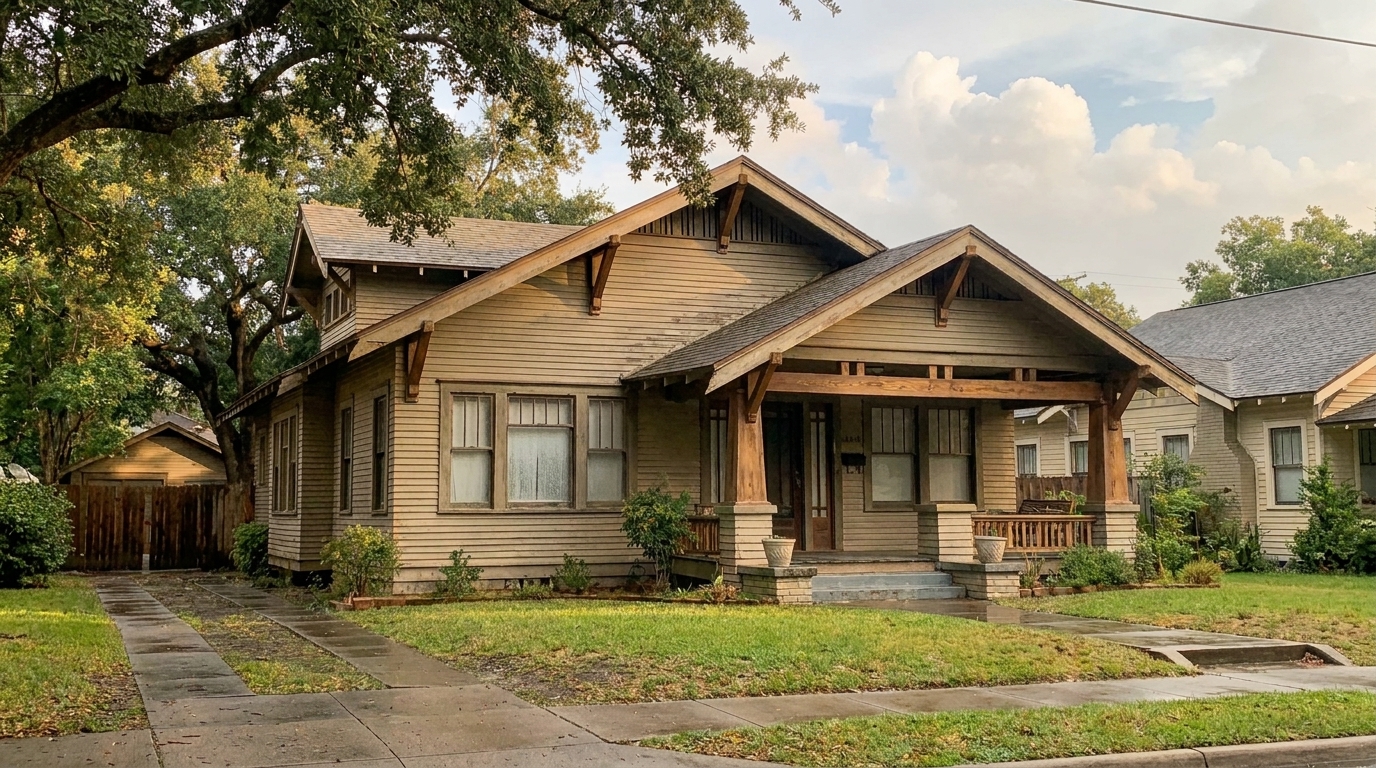
Classic Craftsman House updated with fix gray sky real estate styling.
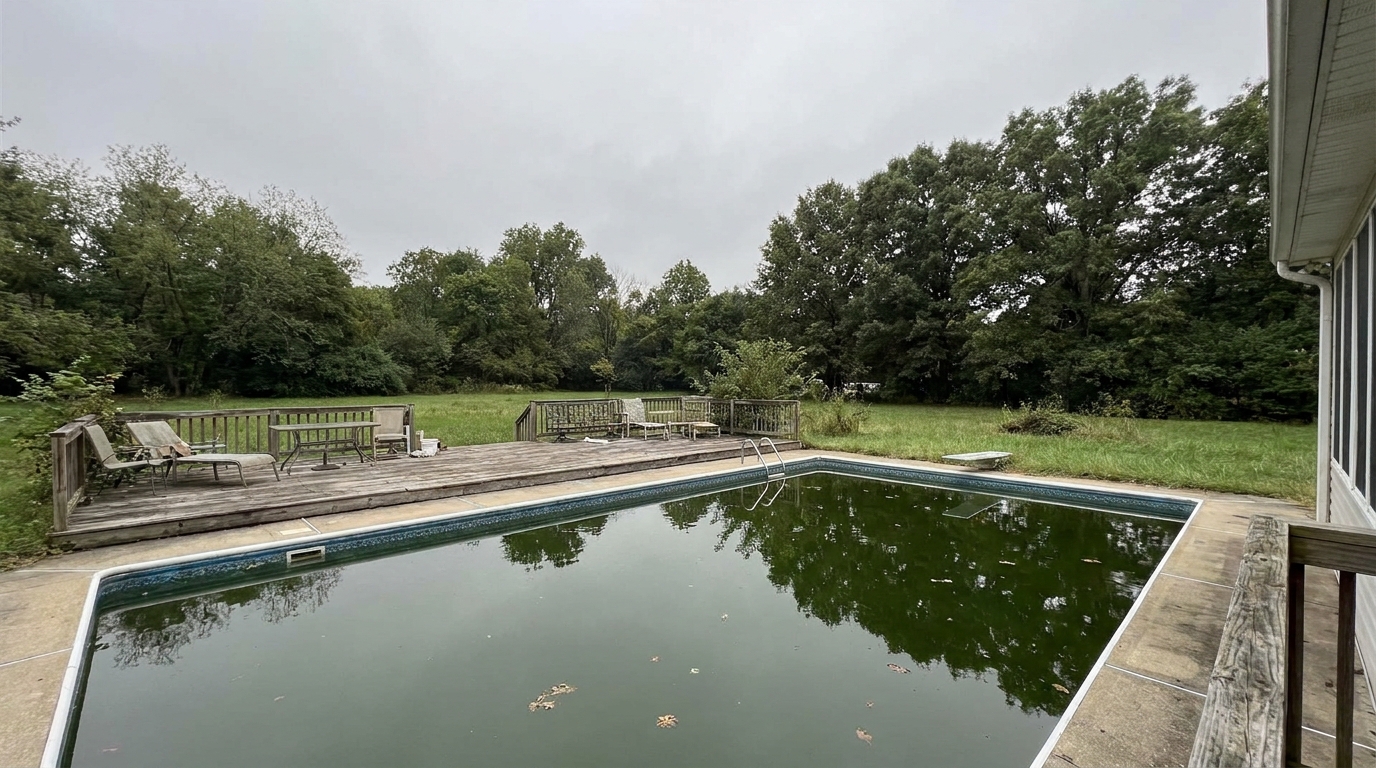
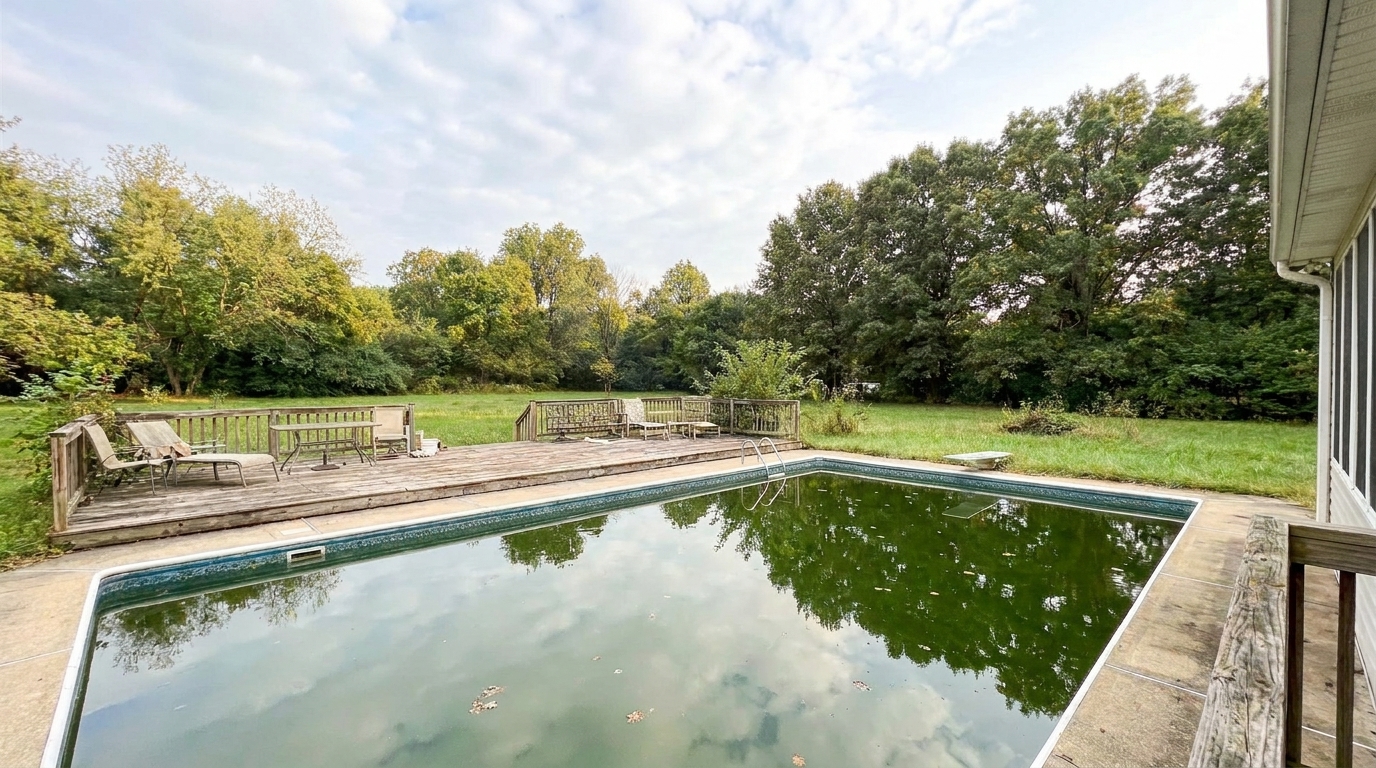
Luxury Estate with Pool updated with fix gray sky real estate styling.
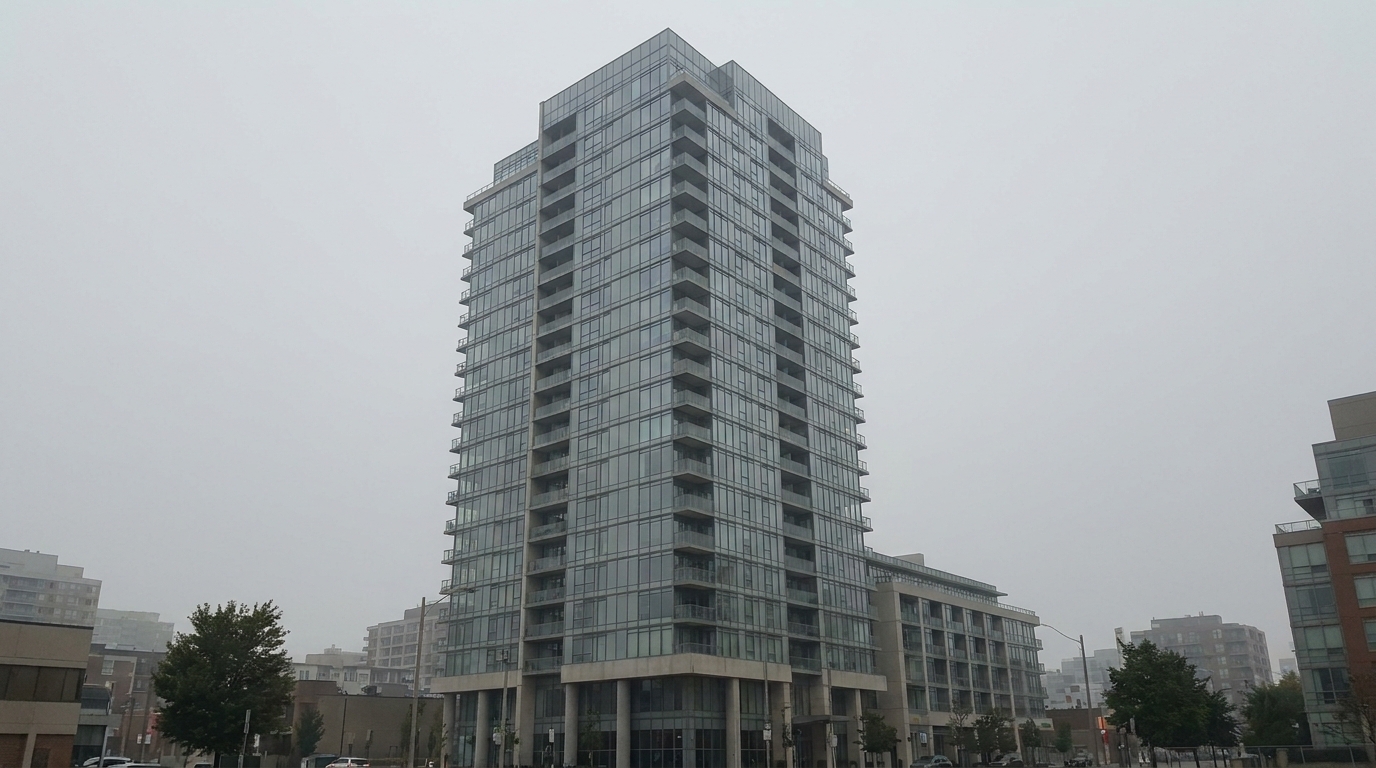
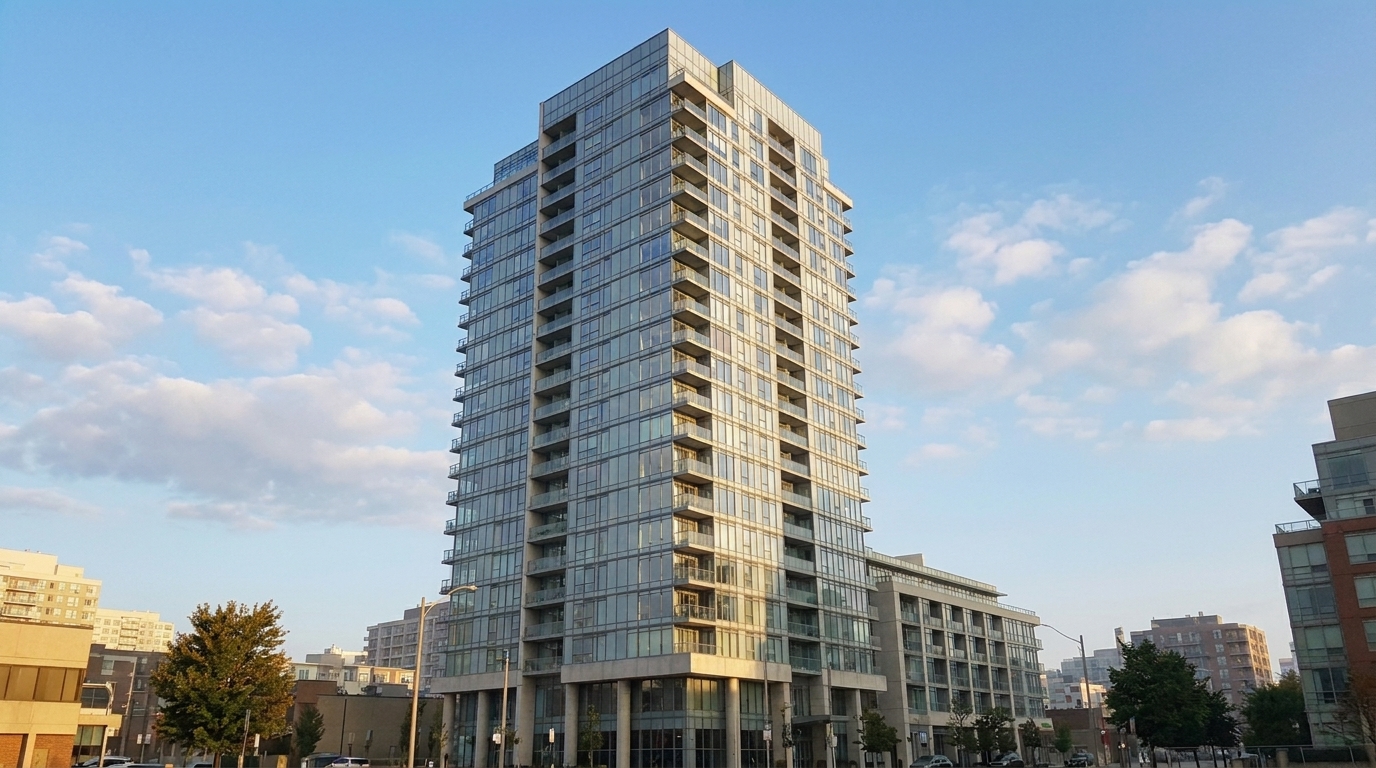
Urban High-Rise Condo updated with fix gray sky real estate styling.
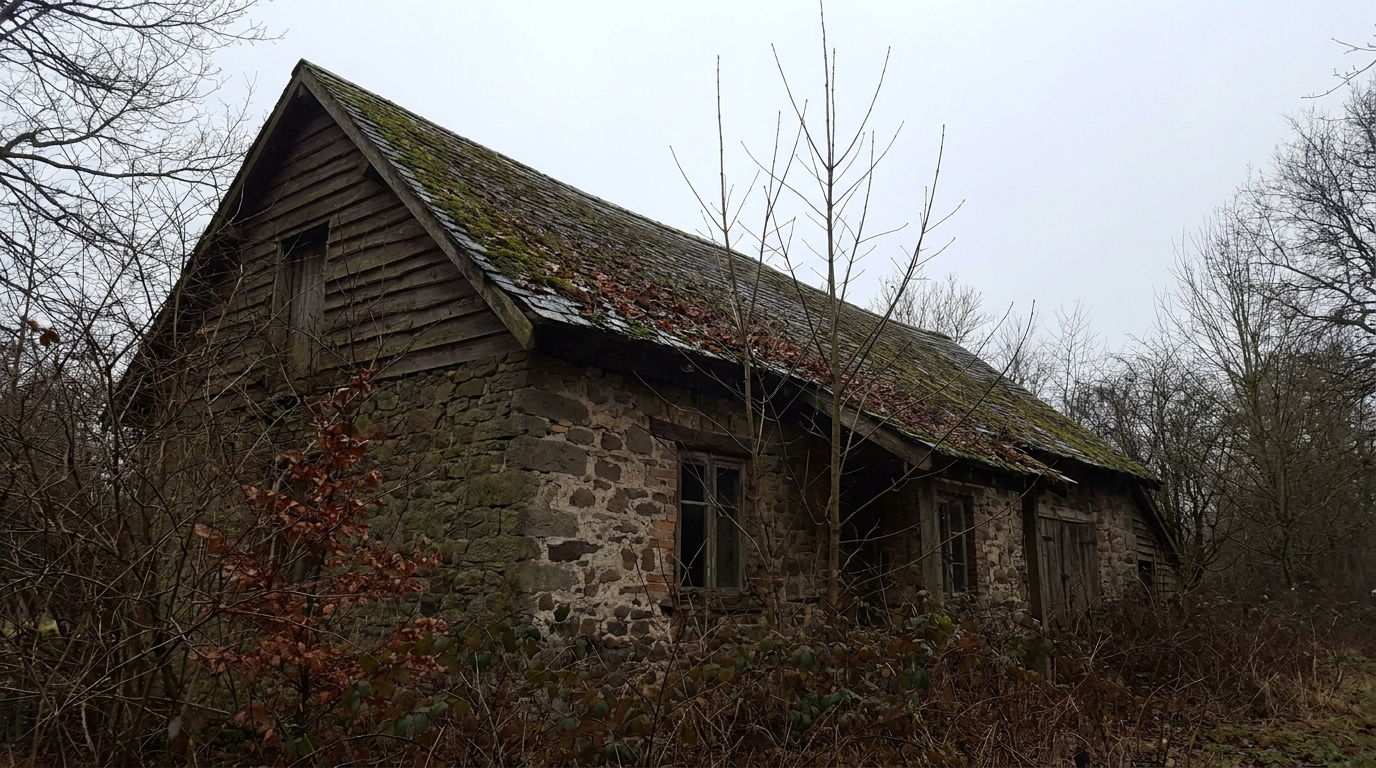
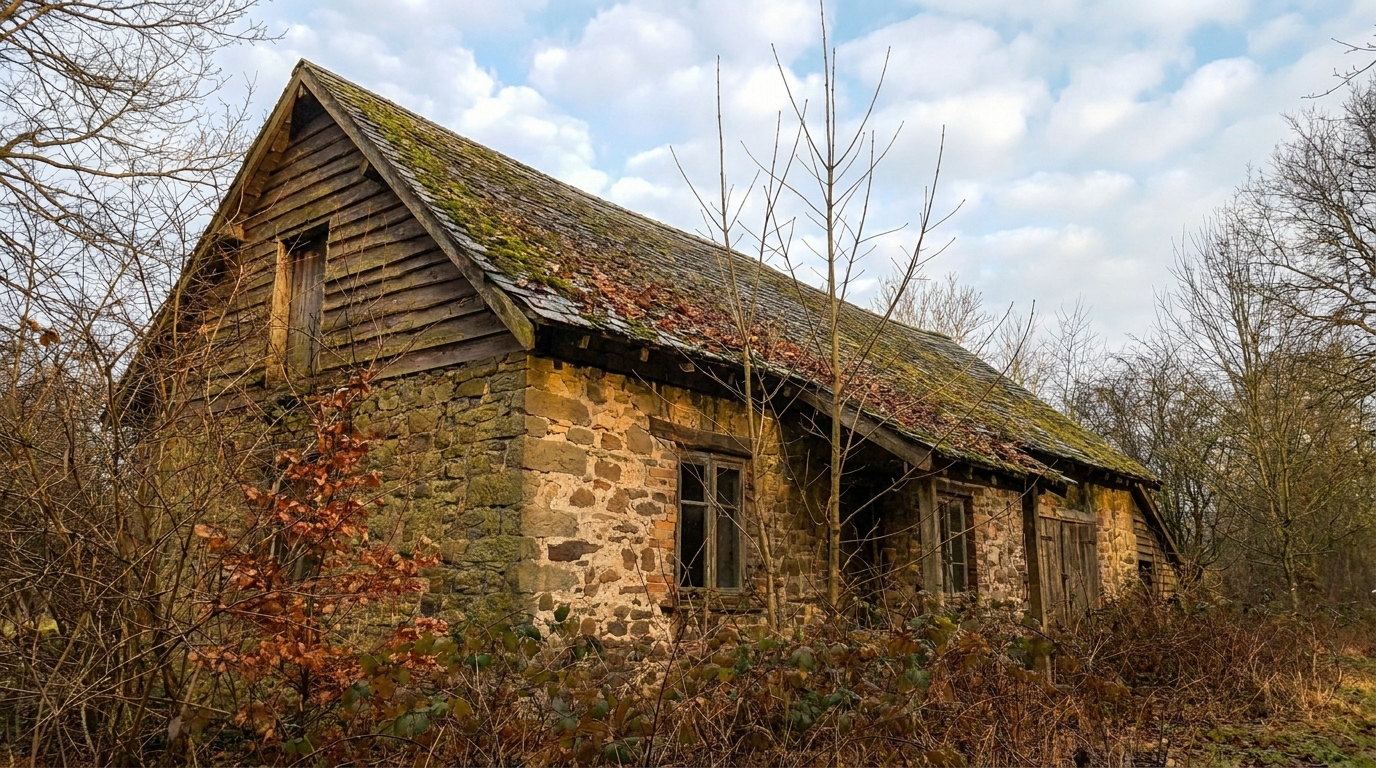
Cozy Country Cottage updated with fix gray sky real estate styling.
Discover the intelligent tools that ensure your sky replacements look completely natural and professional.
Automatically detects complex rooflines, chimneys, and tree branches to create a seamless, natural transition between the property and the new sky.
Adjusts the color temperature and lighting of the home's facade to match the warm, bright tones of the newly applied daylight sky.
Neutralizes cold, blue-gray color casts on lawns, driveways, and exterior walls, restoring natural warmth and vibrancy to the entire scene.
Access a curated selection of realistic, non-distracting daylight skies designed specifically to meet MLS standards and buyer preferences.
Eliminates the need for tedious manual brushing by instantly isolating the sky area, even around intricate architectural details.
Restores lost depth and soft shadow definition to the property, making the exterior look three-dimensional and visually engaging.
See how different industries use our gray sky fixer to save listings and elevate property marketing.
Save listings when tight marketing deadlines force you to shoot on cloudy, gloomy, or rainy days.
PhotographersBoost click-through rates on search portals by replacing depressing gray thumbnails with bright, inviting daylight photos.
Real Estate AgentsTransform cold, flat winter exterior shots into warm, welcoming scenes that attract buyers year-round.
Property MarketersStreamline your post-processing workflow by replacing skies in bulk with consistent, professional results.
Editing TeamsPresent office buildings, retail spaces, and multi-family complexes under clean, professional daylight skies.
Commercial BrokersMake vacation rentals and long-term listings look sunny and aspirational to maximize booking rates.
Property OwnersTransform dull, overcast exterior shots into vibrant, daylight-filled marketing photos in seconds.
Drag and drop your exterior property photo into the editor. Our tool supports high-resolution JPG, PNG, and WebP formats directly from your camera or phone.
Select the 'Fix Gray Sky Real Estate' preset. The AI will instantly detect the horizon, mask out the gloomy sky, and replace it with a bright, natural daylight backdrop.
Fine-tune the ambient warmth and brightness to perfectly match the new sky, then export your high-definition, marketing-ready listing image.
Source-backed context for why fix gray sky real estate edits matter inside sky replacement workflows.
Fix Gray Sky Real Estate within Sky Replacement evidence
Photos are one of the most valuable website features for home buyers; NAR's 2025 generational trends report says 83% of internet-using buyers rated photos as very useful. For Fix Gray Sky Real Estate pages, this supports showing how a focused Sky Replacement edit can make the listing photo feel clearer, more polished, and easier for buyers to evaluate.
Source: NAR 2025Fix Gray Sky Real Estate within Sky Replacement evidence
Zillow Research's 2025 prospective buyer report ranked high-resolution photos as the number two most important listing feature, selected by 26% of prospective buyers; floor plans ranked first at 33%. For Fix Gray Sky Real Estate pages, this supports showing how a focused Sky Replacement edit can make the listing photo feel clearer, more polished, and easier for buyers to evaluate.
Source: Zillow 2025Fix Gray Sky Real Estate within Sky Replacement evidence
Redfin reported that professionally photographed homes in the $400,000 range sold three weeks faster and for more than $10,000 relative to list price compared with amateur photos. Use this as supporting context, not as a guaranteed result. For Fix Gray Sky Real Estate pages, this supports showing how a focused Sky Replacement edit can make the listing photo feel clearer, more polished, and easier for buyers to evaluate.
Source: RedfinWeather is the one variable real estate professionals cannot control. An overcast sky can make even the most luxurious property look cold, uninviting, and flat. This guide covers how to implement seamless sky corrections that maintain absolute realism while maximizing listing engagement.
To achieve a flawless sky replacement, start with a well-exposed exterior photo. Even on cloudy days, try to capture as much detail in the shadows as possible. Once uploaded, apply the 'Fix Gray Sky' preset. The AI will automatically isolate the sky and apply a natural daylight replacement. To finalize the image, use the ambient adjustment sliders to match the warmth of the home's siding, brick, or concrete to the new daylight source. This step is crucial for ground-level realism, as a bright sky paired with a dark, cold house is a dead giveaway of a poor edit.
When editing real estate exteriors, selecting the right sky style depends on the property type and target audience. The 'Fix Gray Sky' preset is your reliable, everyday workhorse. It replaces flat gray with a natural, bright daylight sky that looks highly realistic and complies with strict MLS guidelines. In contrast, sibling presets like 'Blue Sky / Clear Sky' offer a completely cloudless, vibrant backdrop best for tropical or coastal properties. 'Golden Hour Sky' and 'Sunset Sky' introduce dramatic, warm emotions that are perfect for luxury hero shots but may feel too stylized for standard secondary listing photos. For everyday residential listings, a natural daylight fix is always the safest and most effective choice.
Sky replacement is highly recommended for overcast shoot days, winter listings, and properties where a bright sky significantly boosts curb appeal. However, there are times to avoid it. Do not use sky replacement to hide permanent environmental factors, such as nearby power lines, commercial buildings, or undesirable views. Additionally, avoid using highly dramatic, colorful sunset skies for standard daytime MLS photos, as this can create unrealistic expectations and confuse potential buyers during physical showings. Keep the edits focused on correcting the weather, not misrepresenting the property's actual surroundings.
First impressions on digital real estate portals are made in milliseconds. Listings with bright, warm, and sunny exterior thumbnails consistently receive higher click-through rates than those with dark, gloomy backdrops. A clear daylight sky subconsciously signals warmth, safety, and optimism to potential buyers. By correcting flat gray skies, you aren't just editing a photo—you are ensuring your listing competes effectively on crowded search pages, driving more inquiries and physical showings.
Choose from a variety of sky presets to match the perfect mood for your property listing.
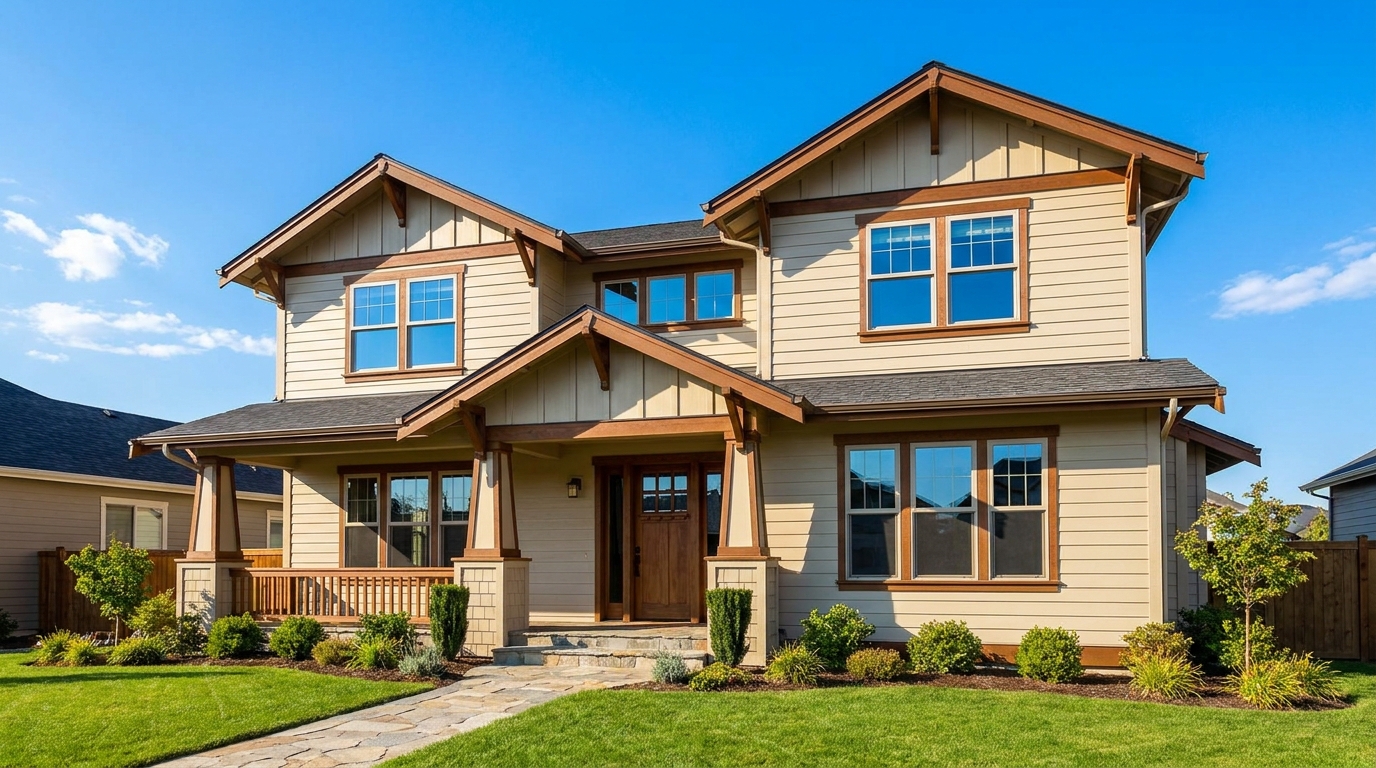
Replace dull skies with a clean blue backdrop that instantly boosts curb appeal.
Try This Tool →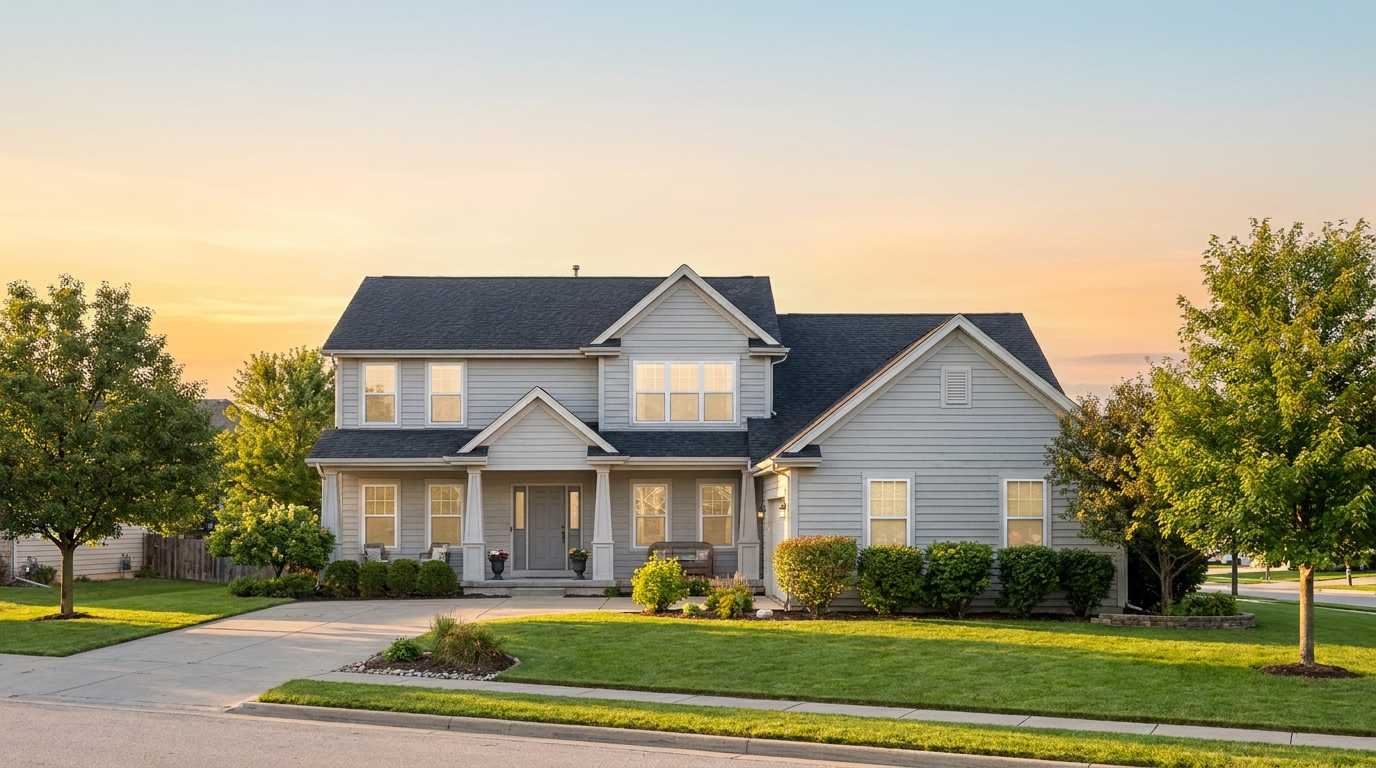
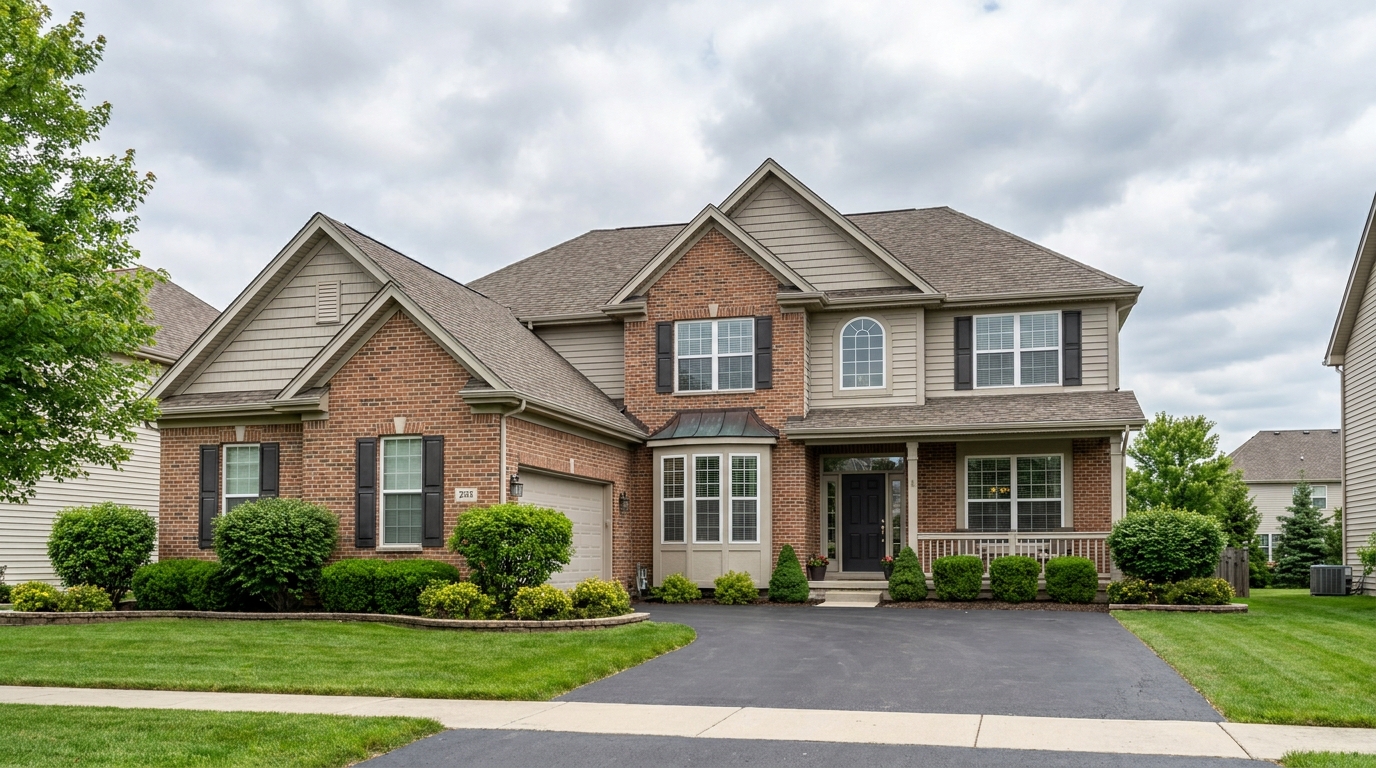
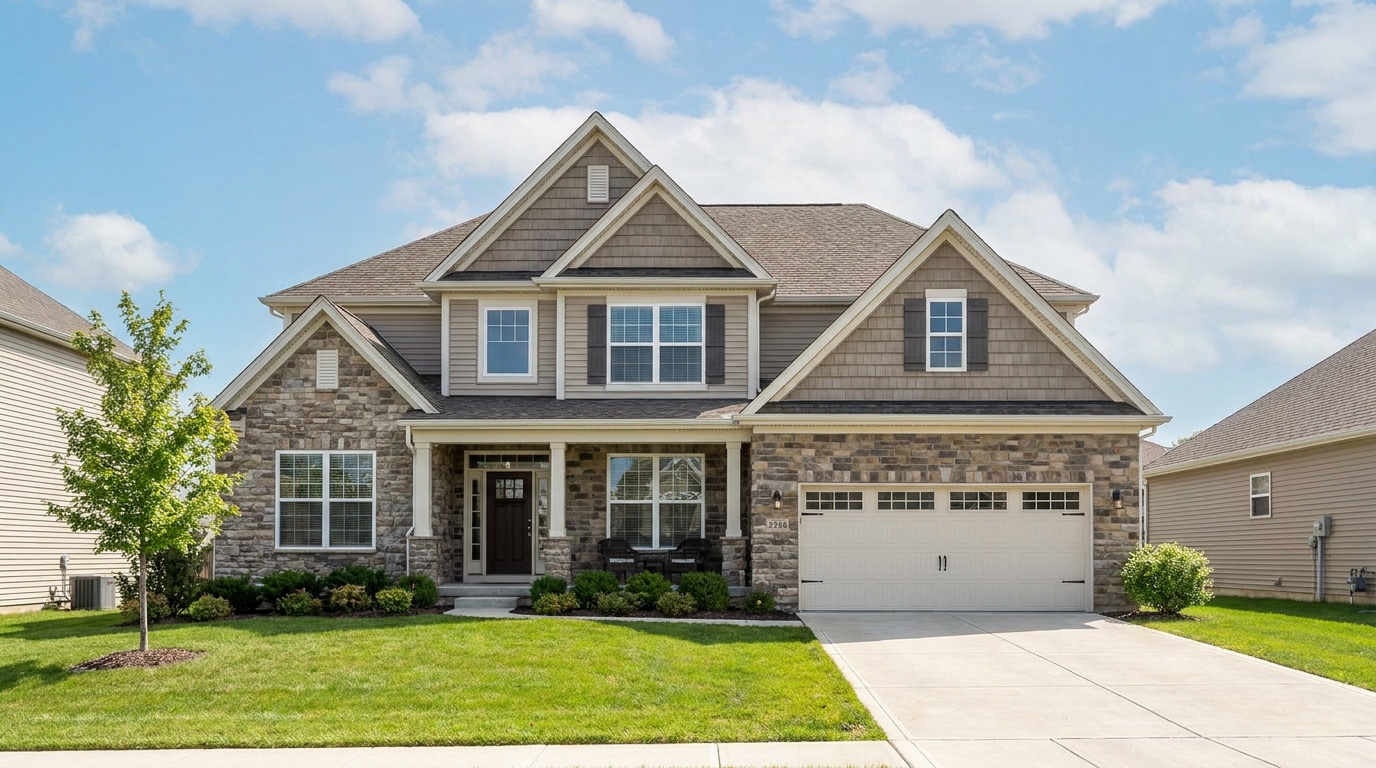
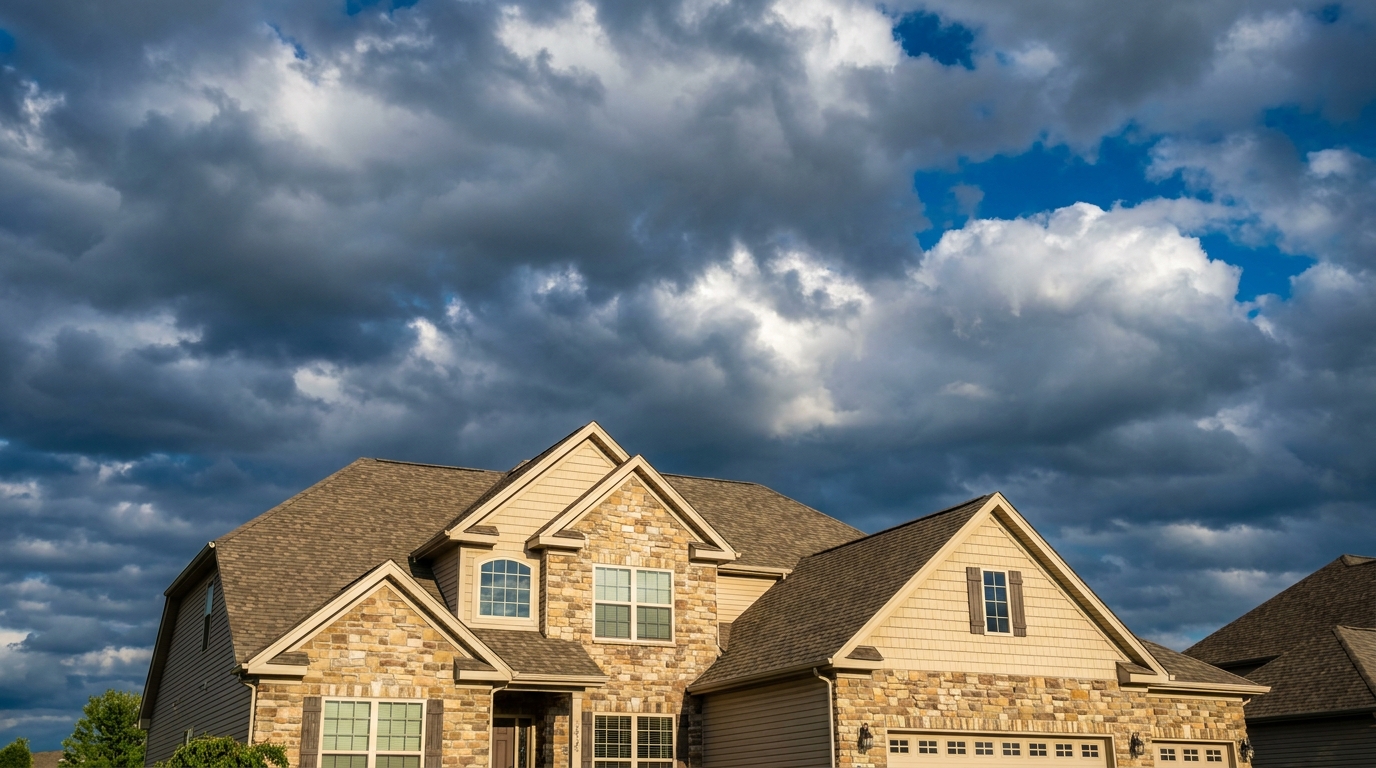
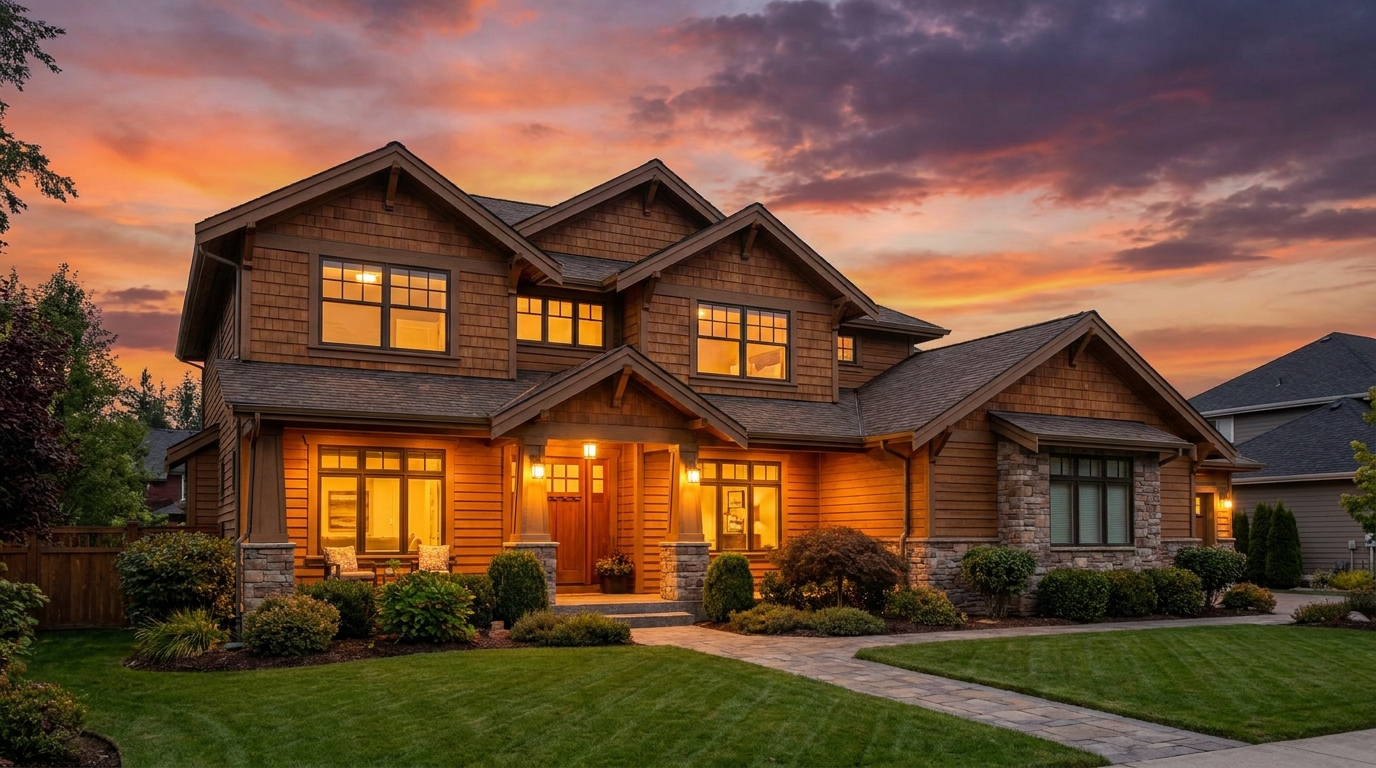
Warm sunset color that adds emotion, richness, and standout listing appeal.
Try This Tool →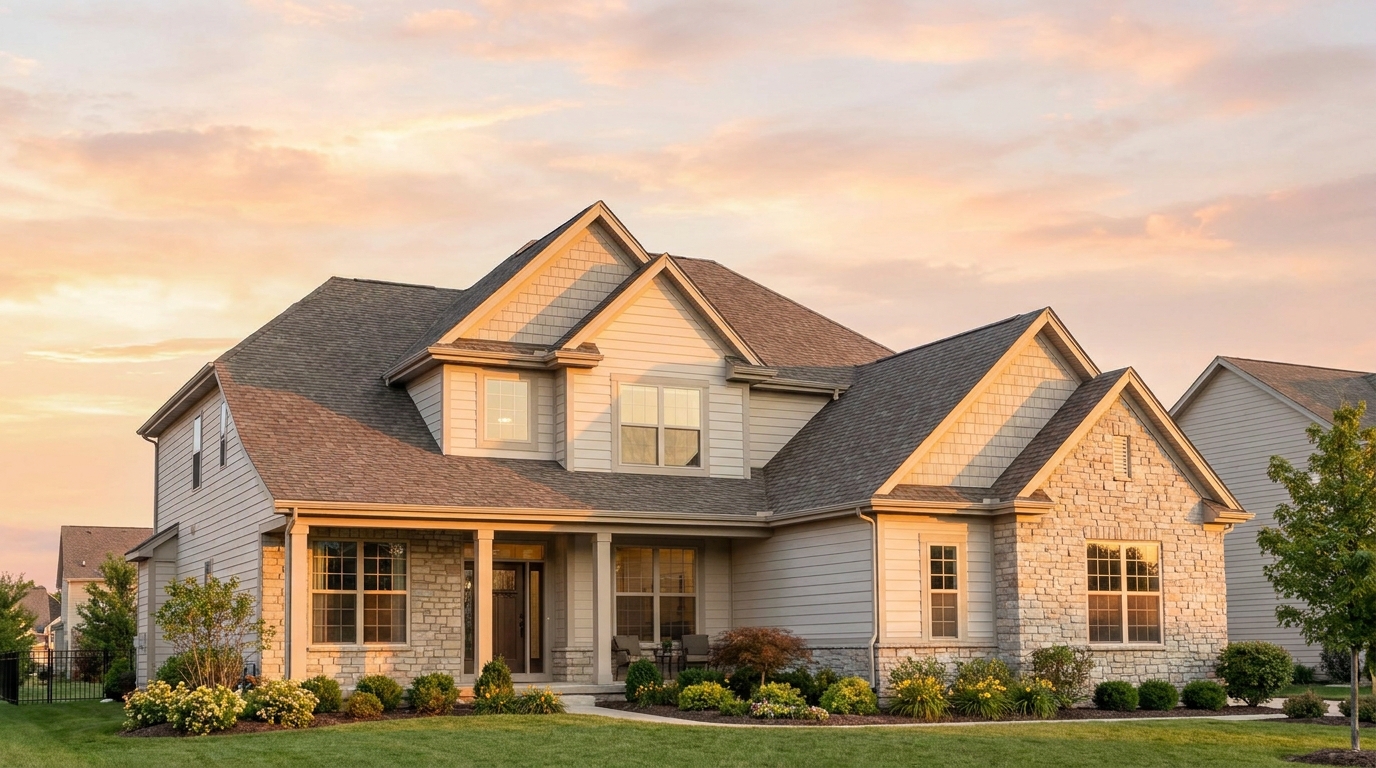
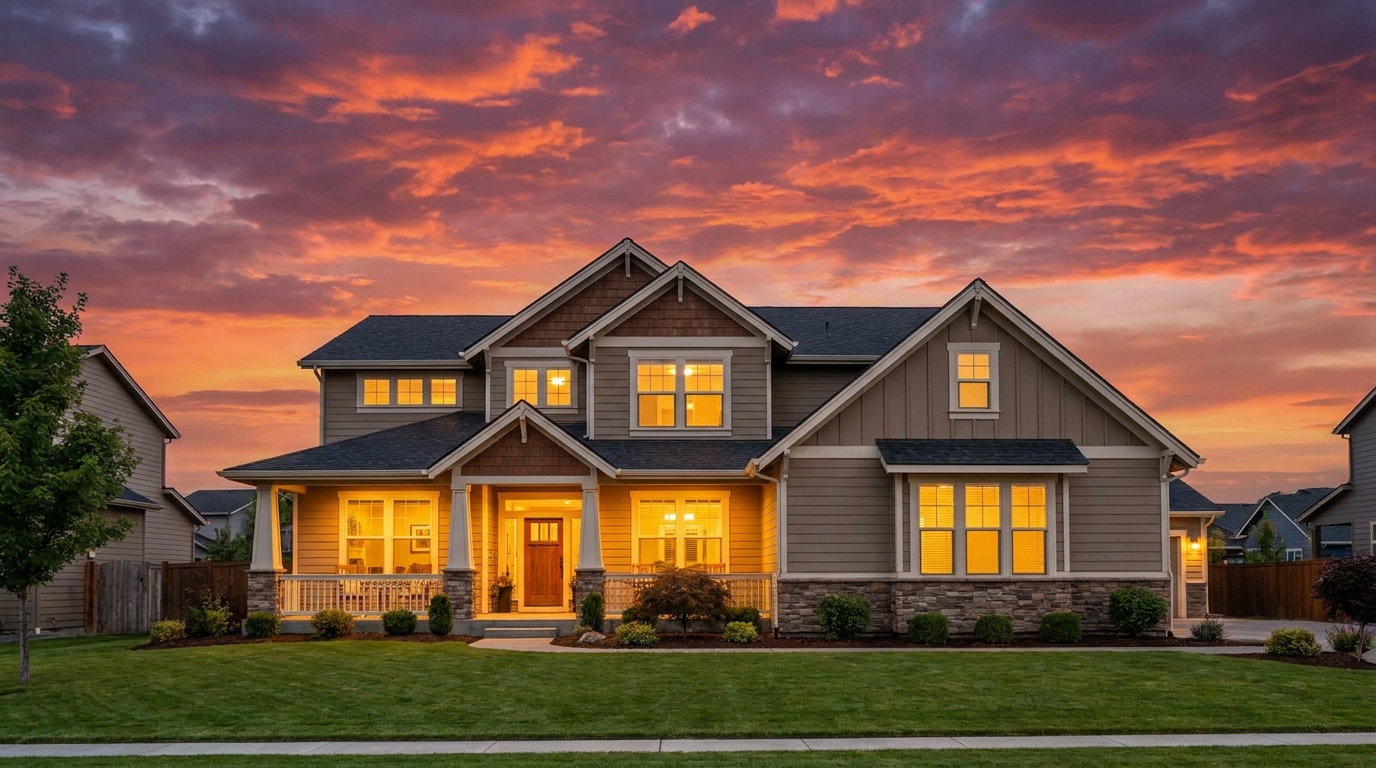
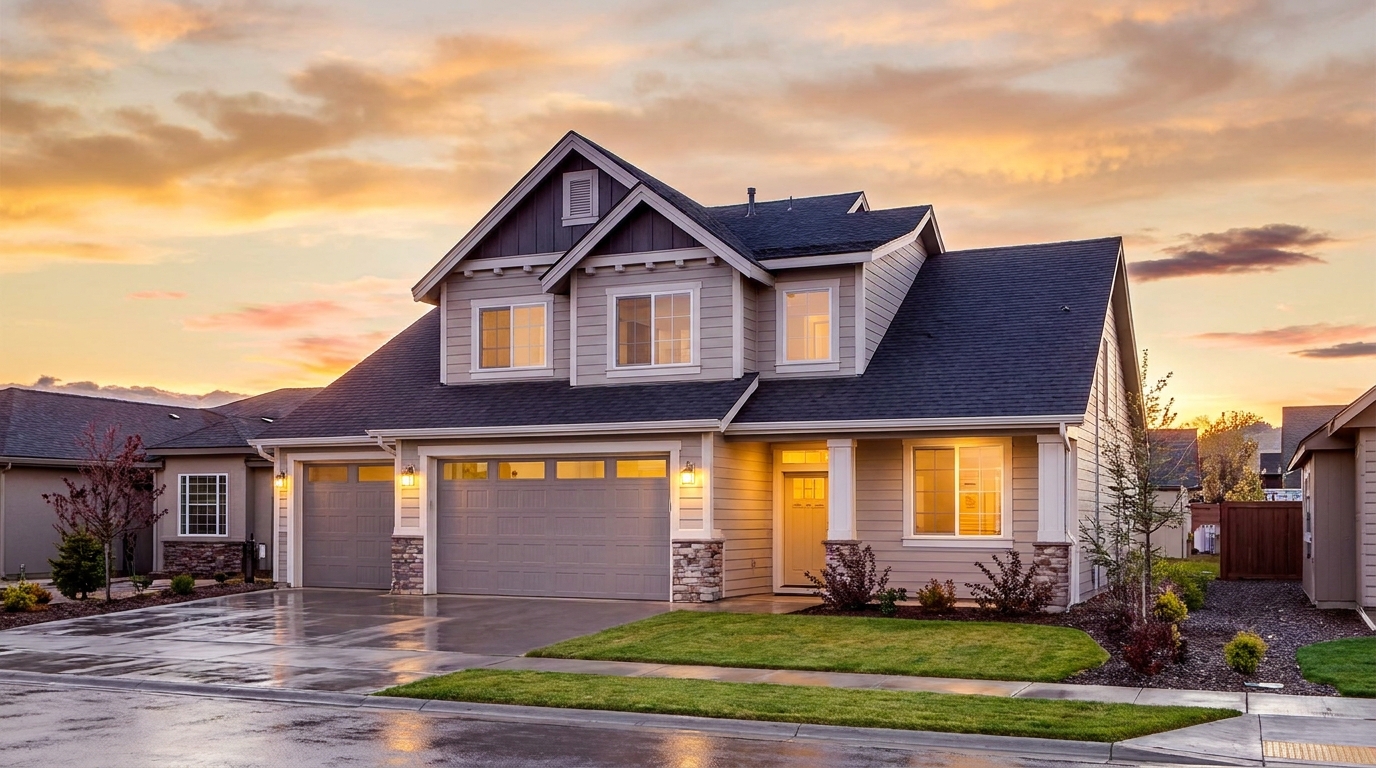
Premium sunset grading with refined warmth and upscale visual appeal.
Try This Tool →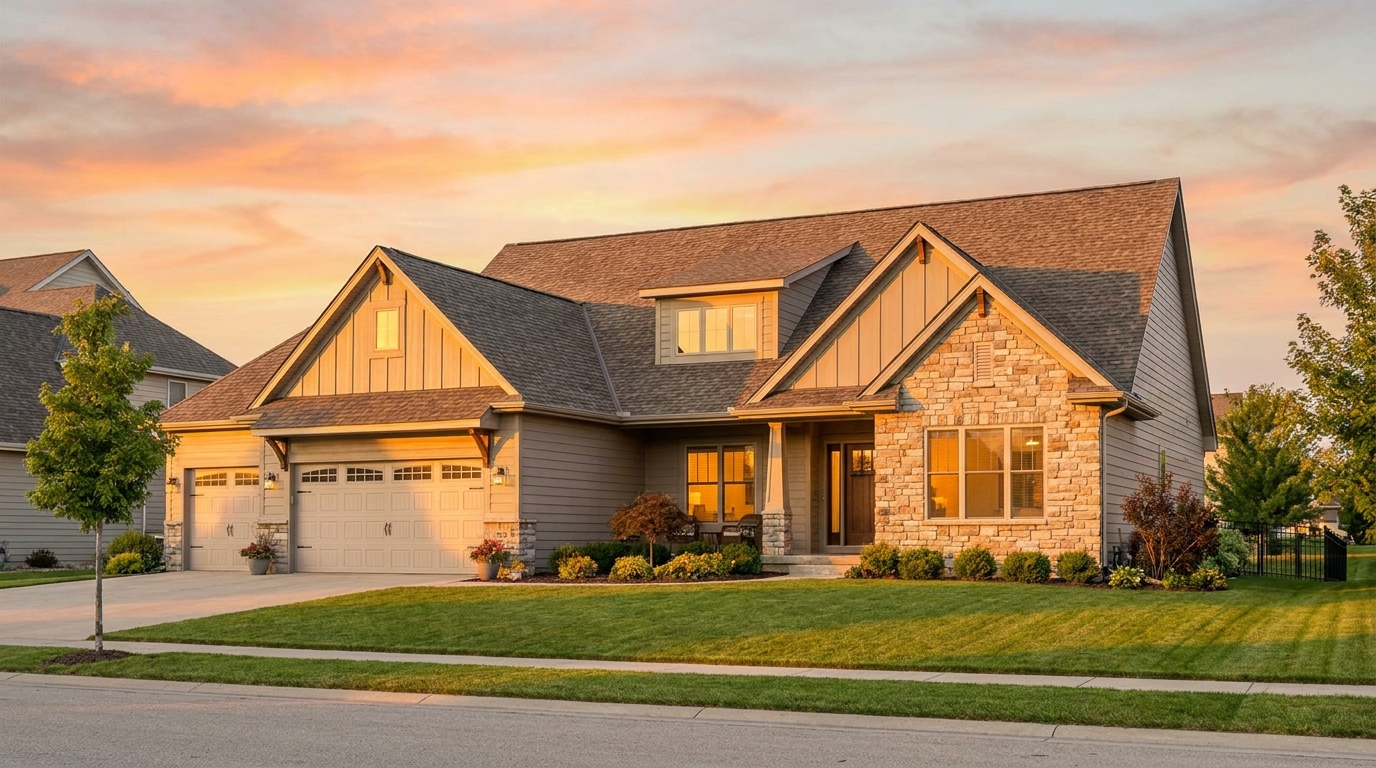
Add golden-hour light and warmth for a polished, high-converting exterior look.
Try This Tool →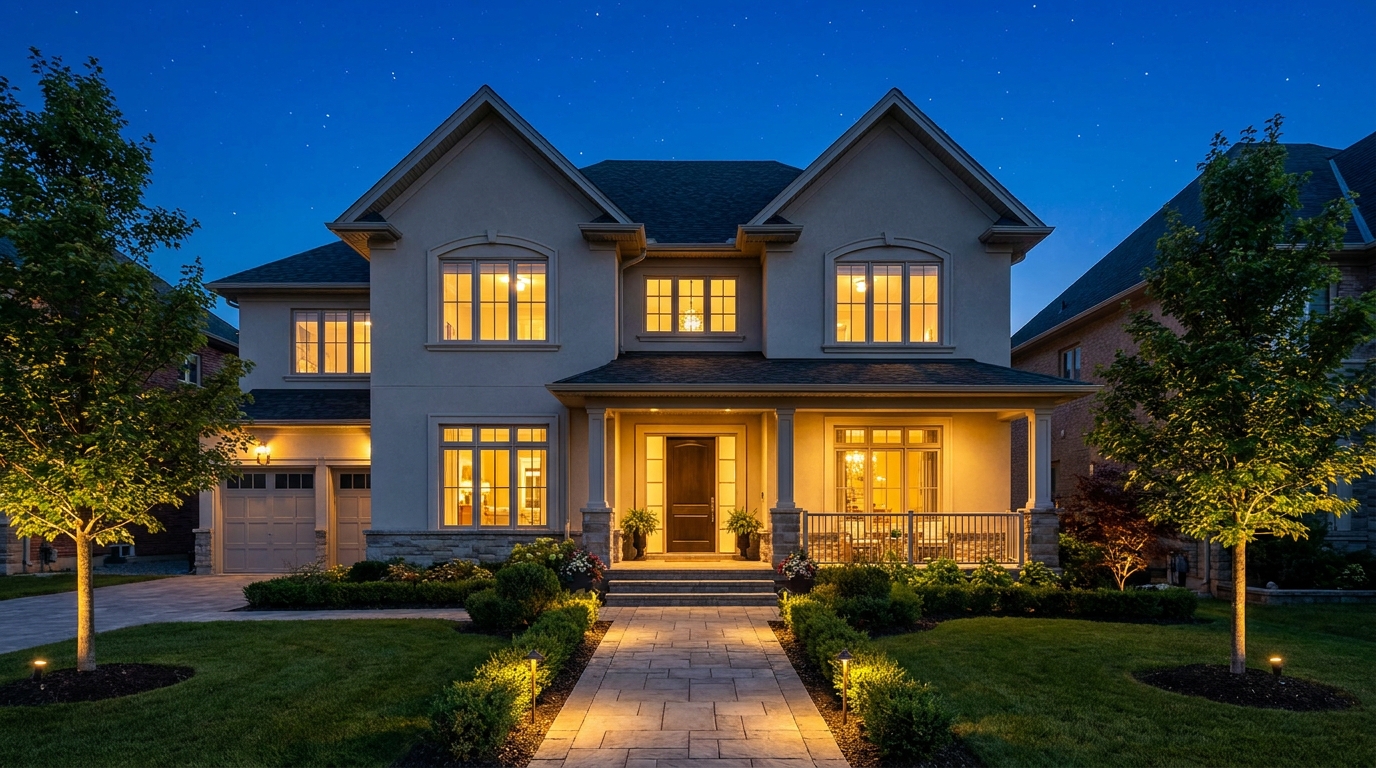
Transform the sky into a refined evening backdrop with elegant nighttime mood.
Try This Tool →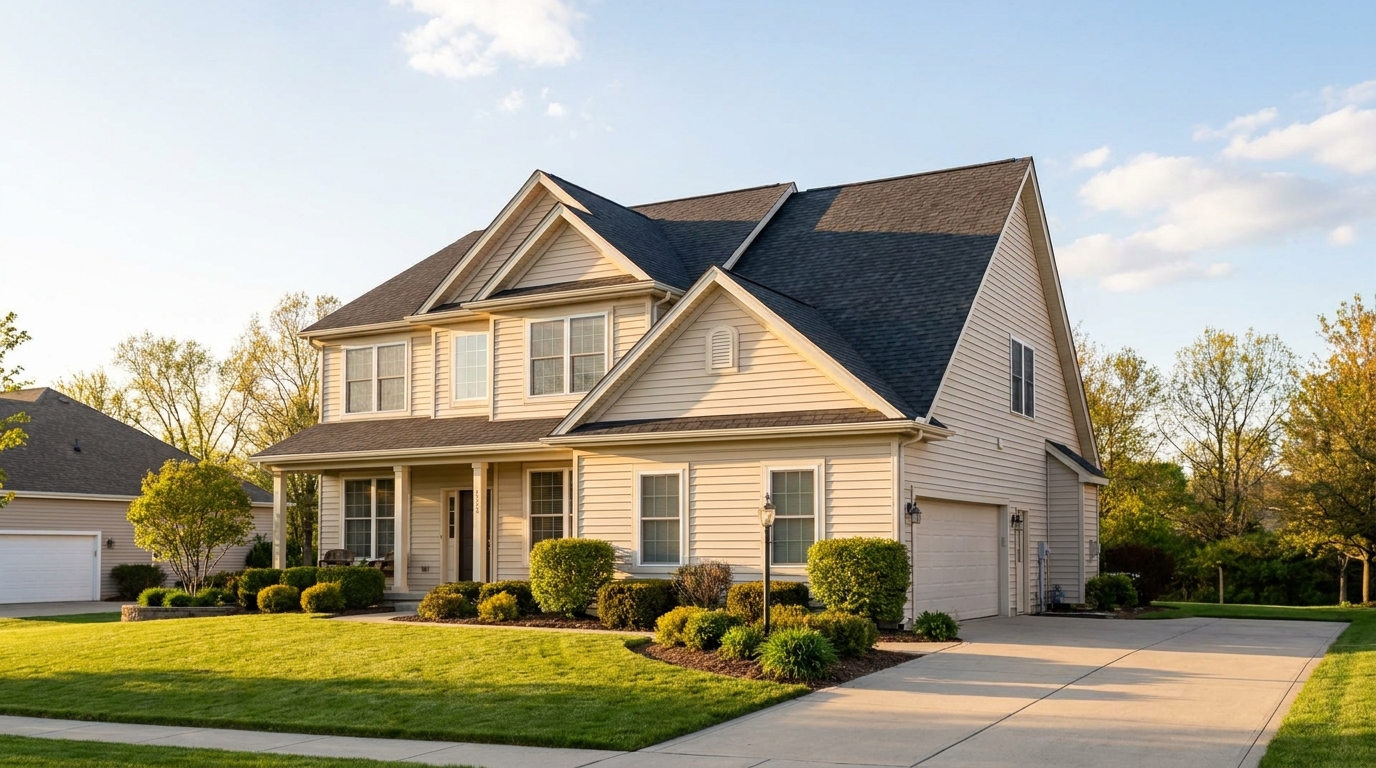
Natural-looking sky swaps that make exterior photos brighter, cleaner, and more appealing.
Try This Tool →Discover additional AI tools designed to elevate your interior and exterior property listings.
AI image-to-video generation for turning home, room, and property photos into more vivid presentation videos.
02AI exterior renovation for visualizing facade updates, curb appeal improvements, and home exterior remodel ideas.
03AI landscaping design for exploring outdoor concepts, curb appeal upgrades, planting ideas, and yard layout directions.
04AI virtual staging for furnishing empty rooms and creating listing-ready interiors for real estate marketing.
05Free AI image generation for turning text prompts into unlimited visual ideas for home design, interiors, landscaping, renovation
06AI object removal for cleaning up distracting items from room, home, and property photos.
Don't let gloomy weather hold back your real estate marketing. Transform flat, overcast exterior photos into bright, daylight-filled listings that capture buyer attention instantly.