
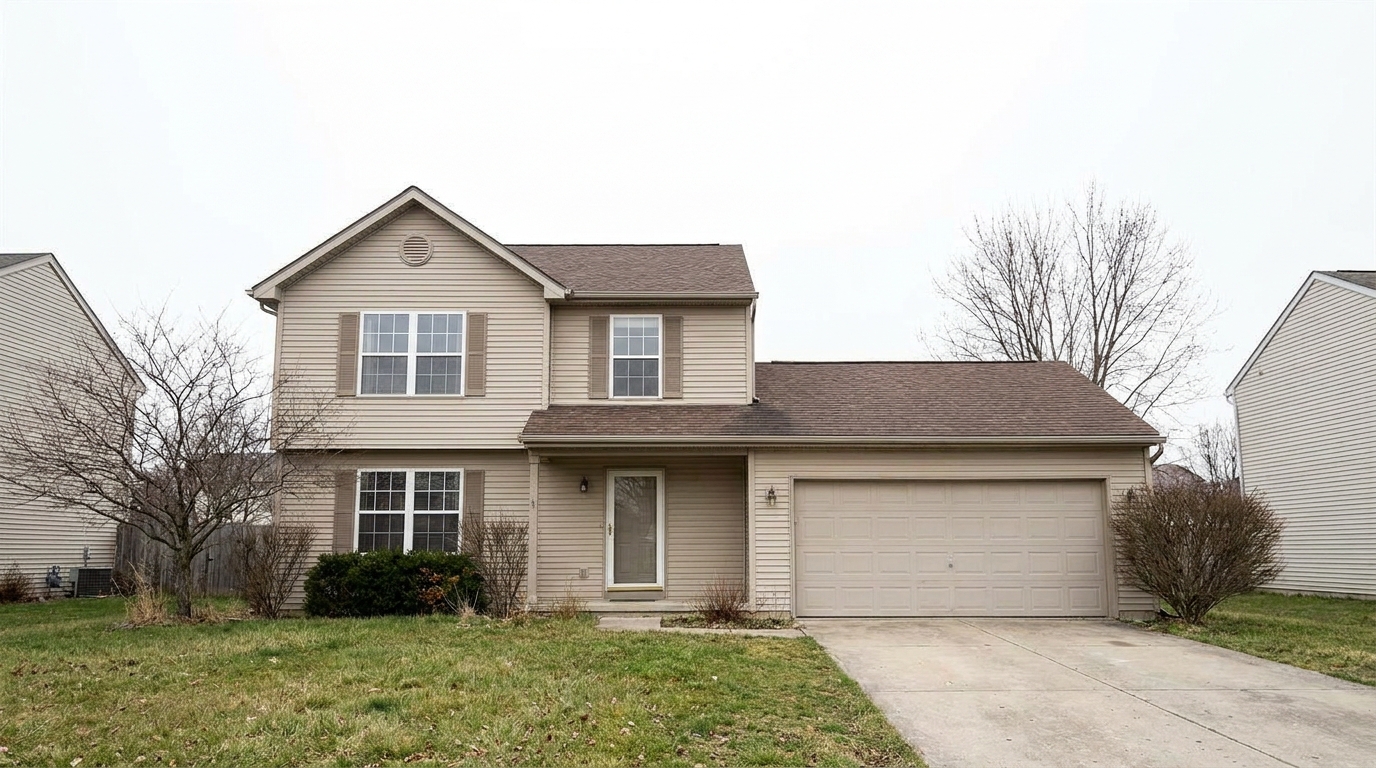
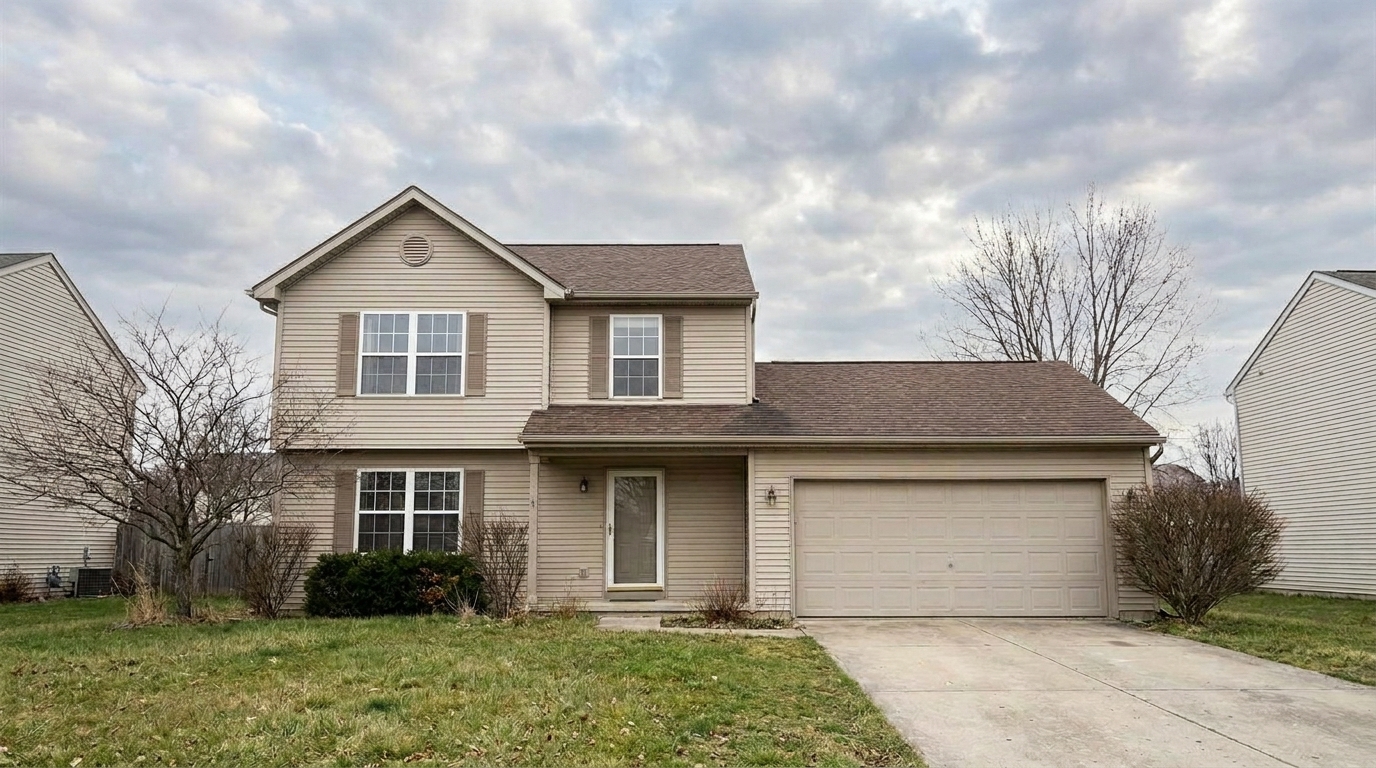

Suburban Home with Blown-Out Sky
Suburban Home with Blown-Out Sky updated with cloudy sky styling.
Transform flat, overexposed, or boring skies into soft, natural cloudy backdrops. Maintain realistic ambient lighting and crisp rooflines automatically.
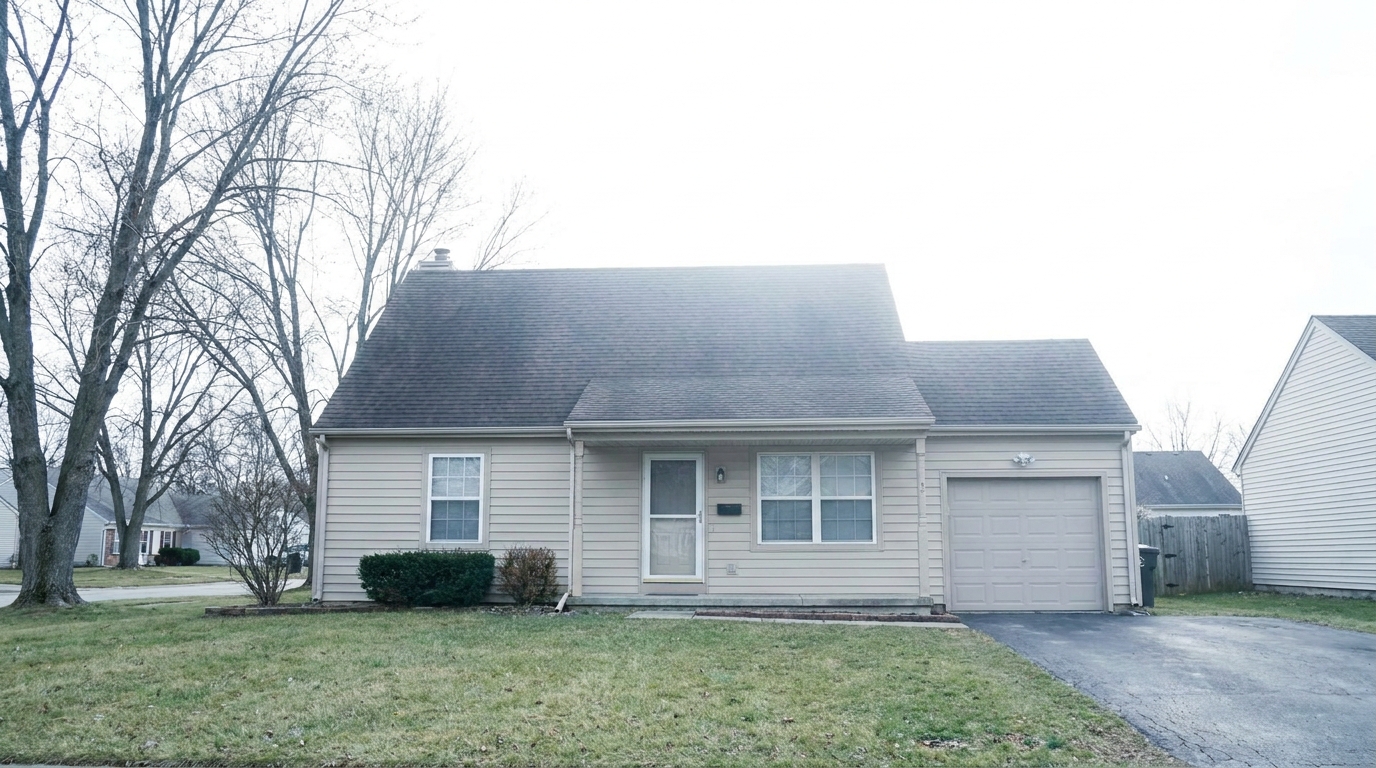
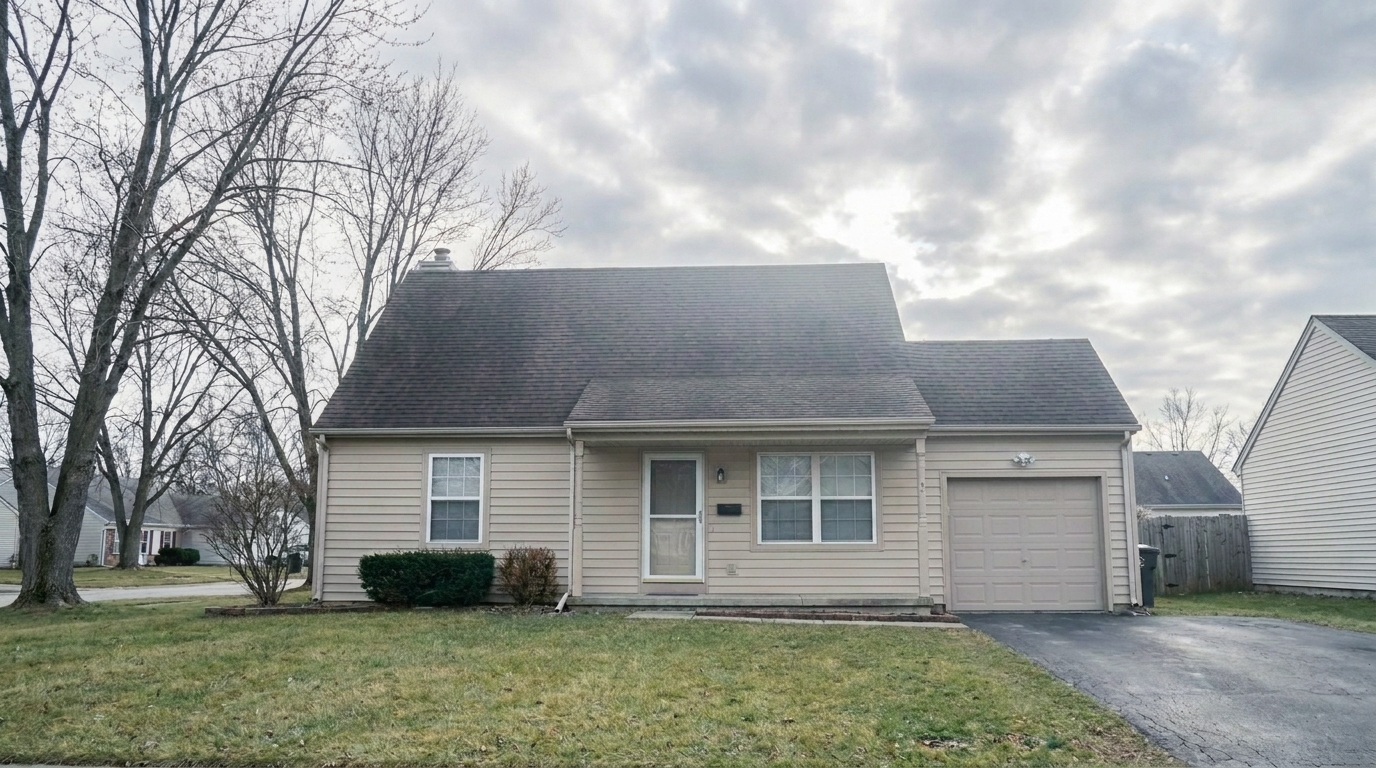
Browse real-world transformations showing the difference a balanced, textured sky makes.
Suburban Home with Blown-Out Sky updated with cloudy sky styling.
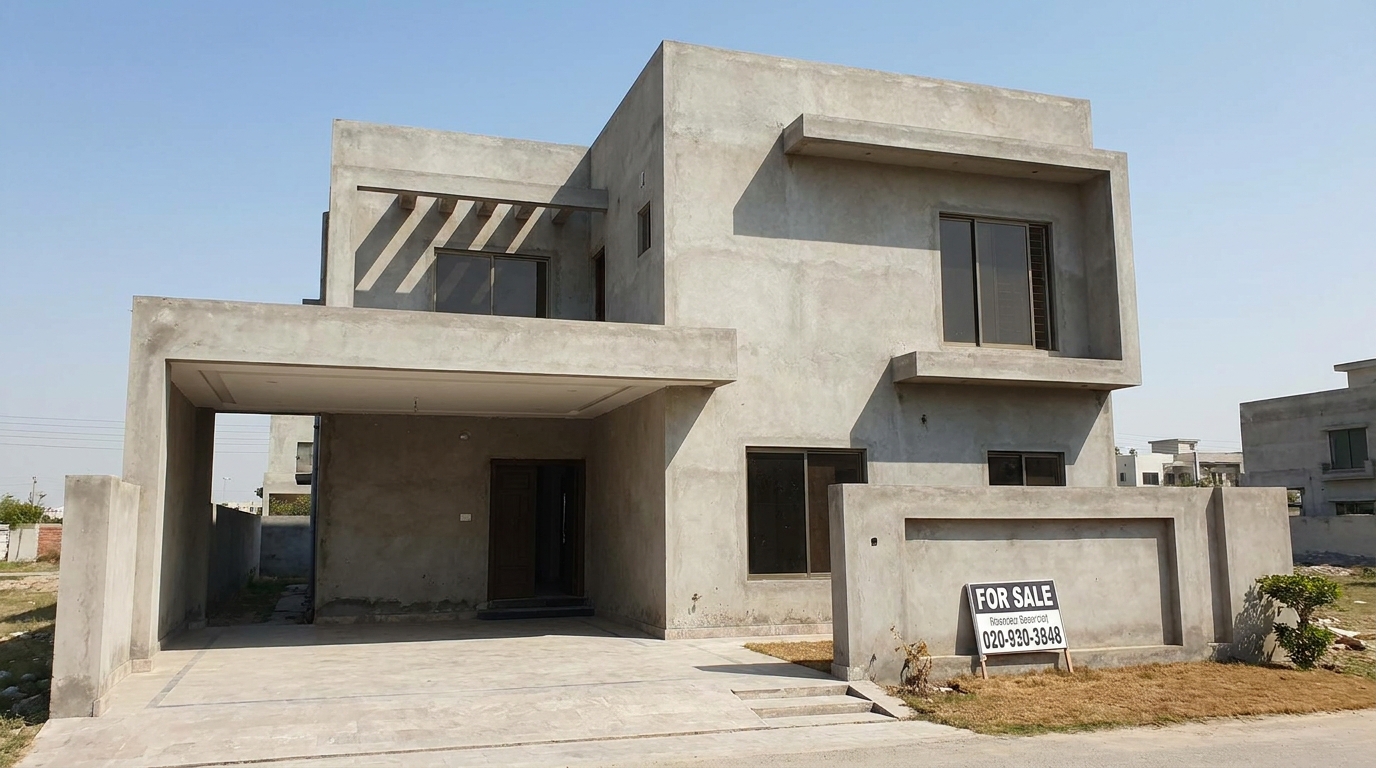
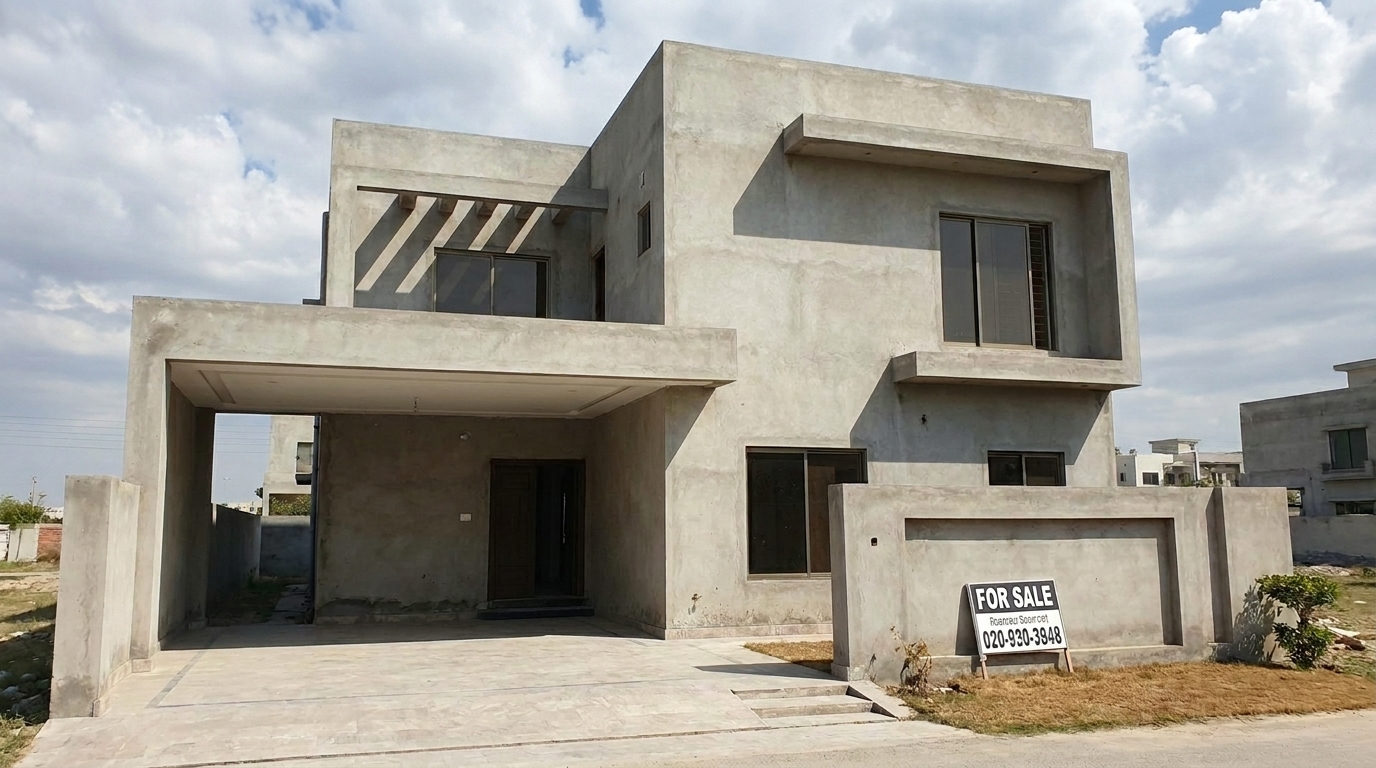
Modern Villa with Harsh Midday Glare updated with cloudy sky styling.
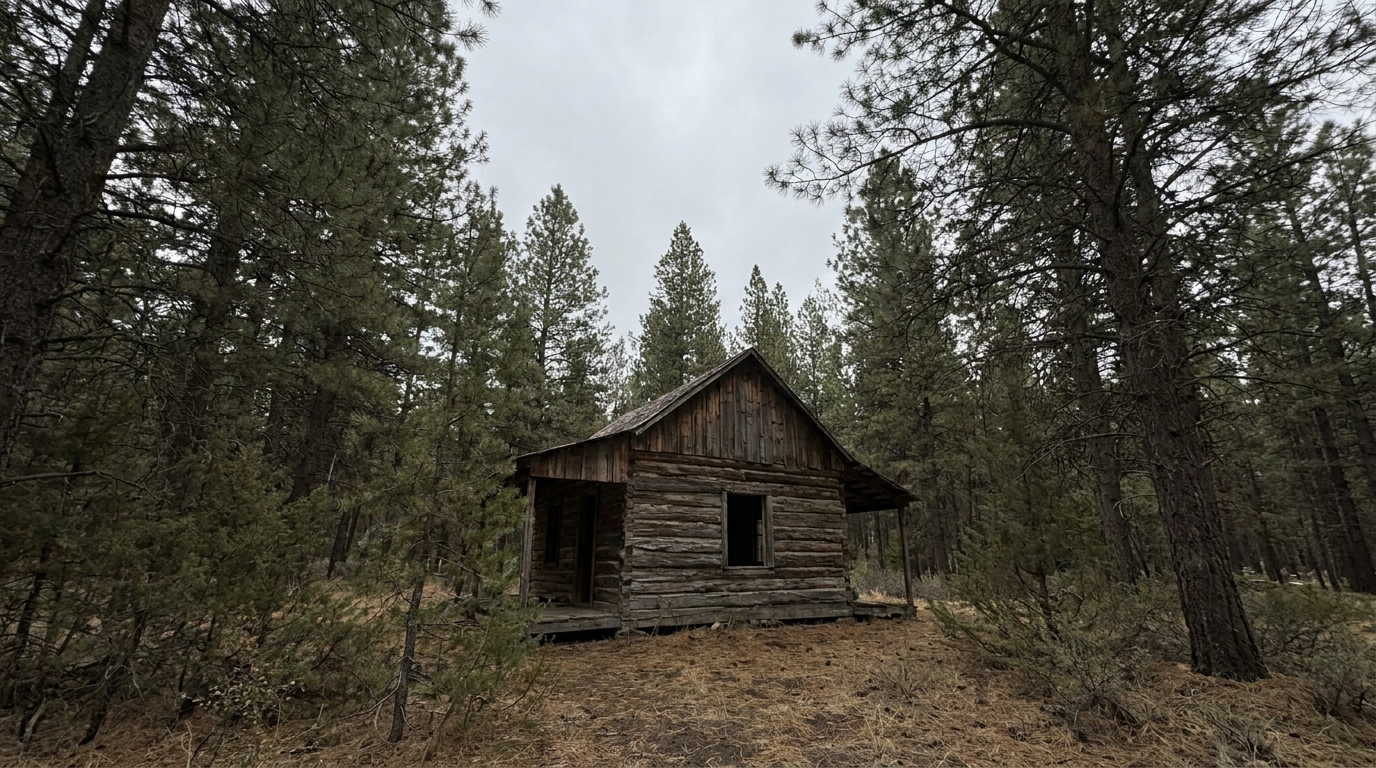
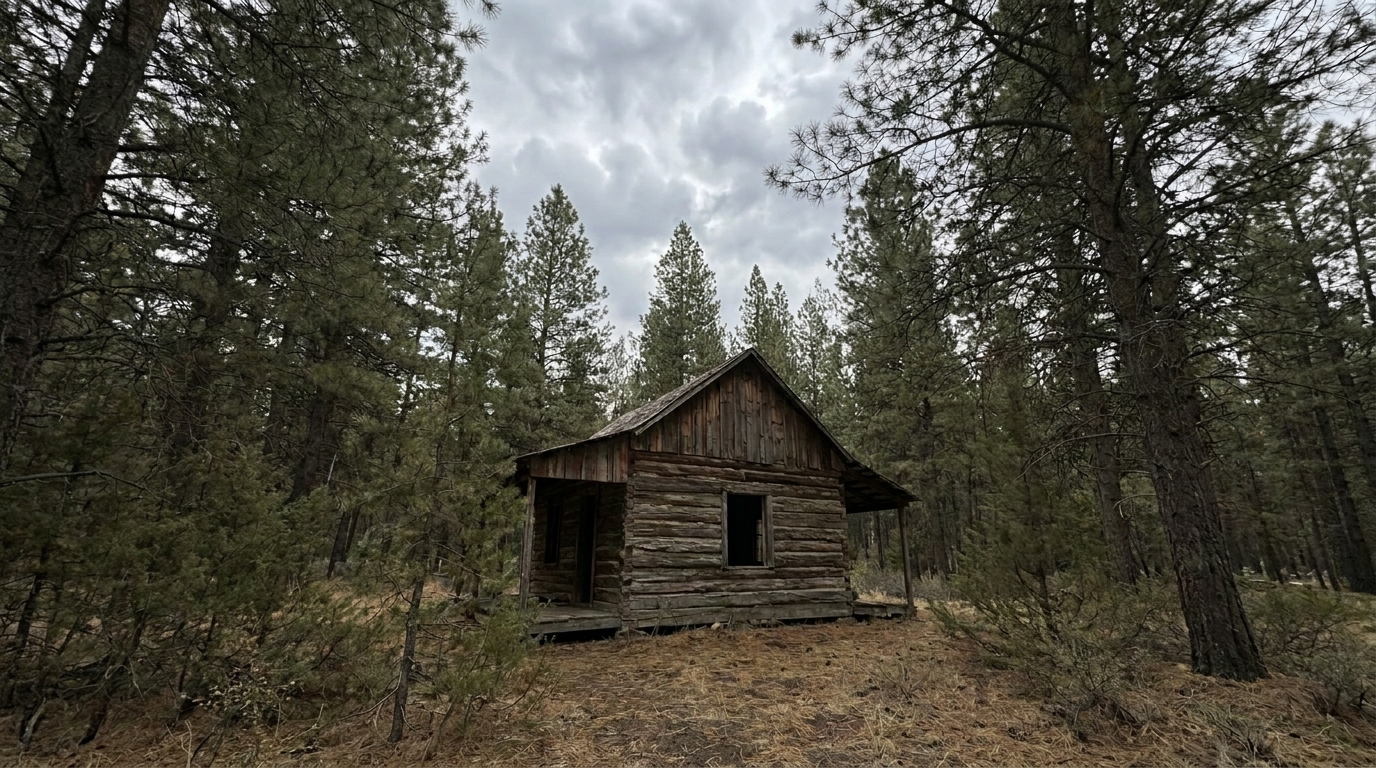
Woodland Cabin with Dull Gray Sky updated with cloudy sky styling.
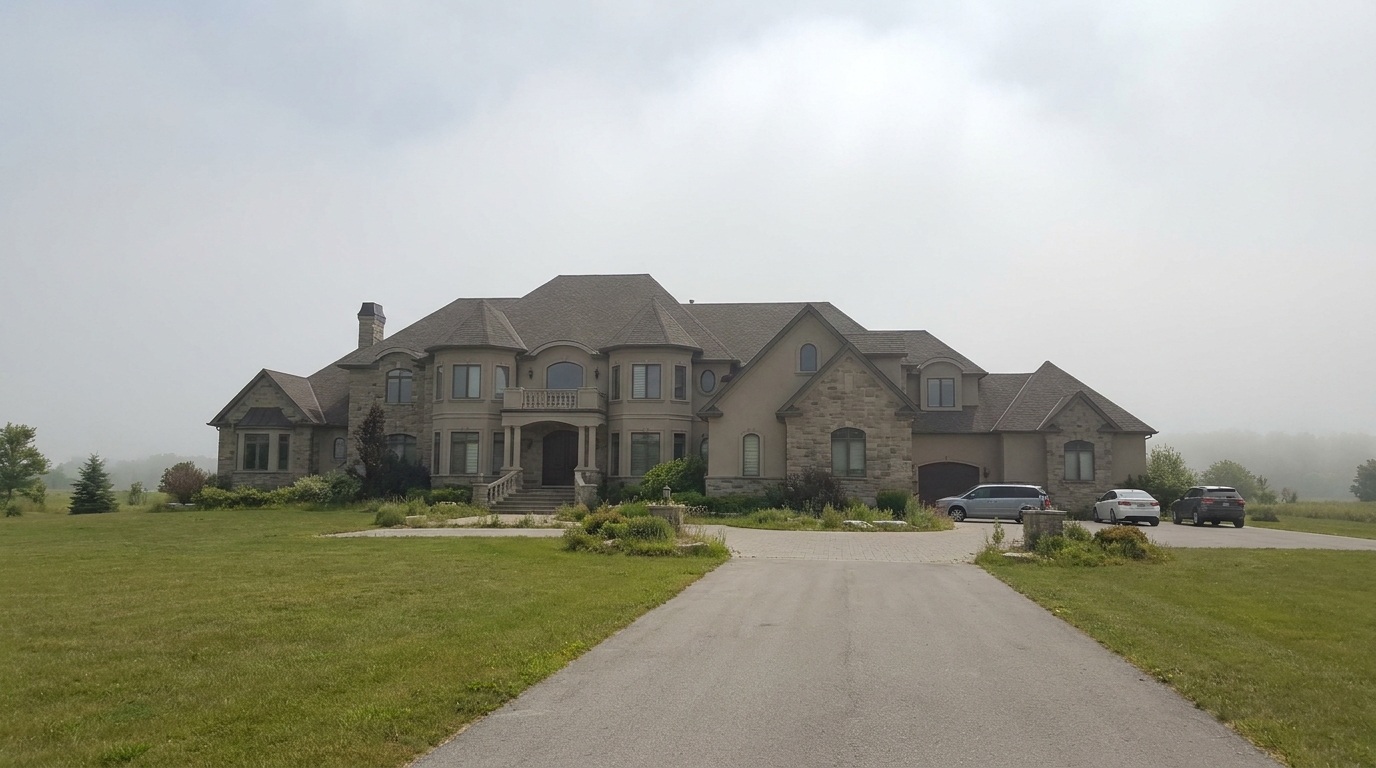
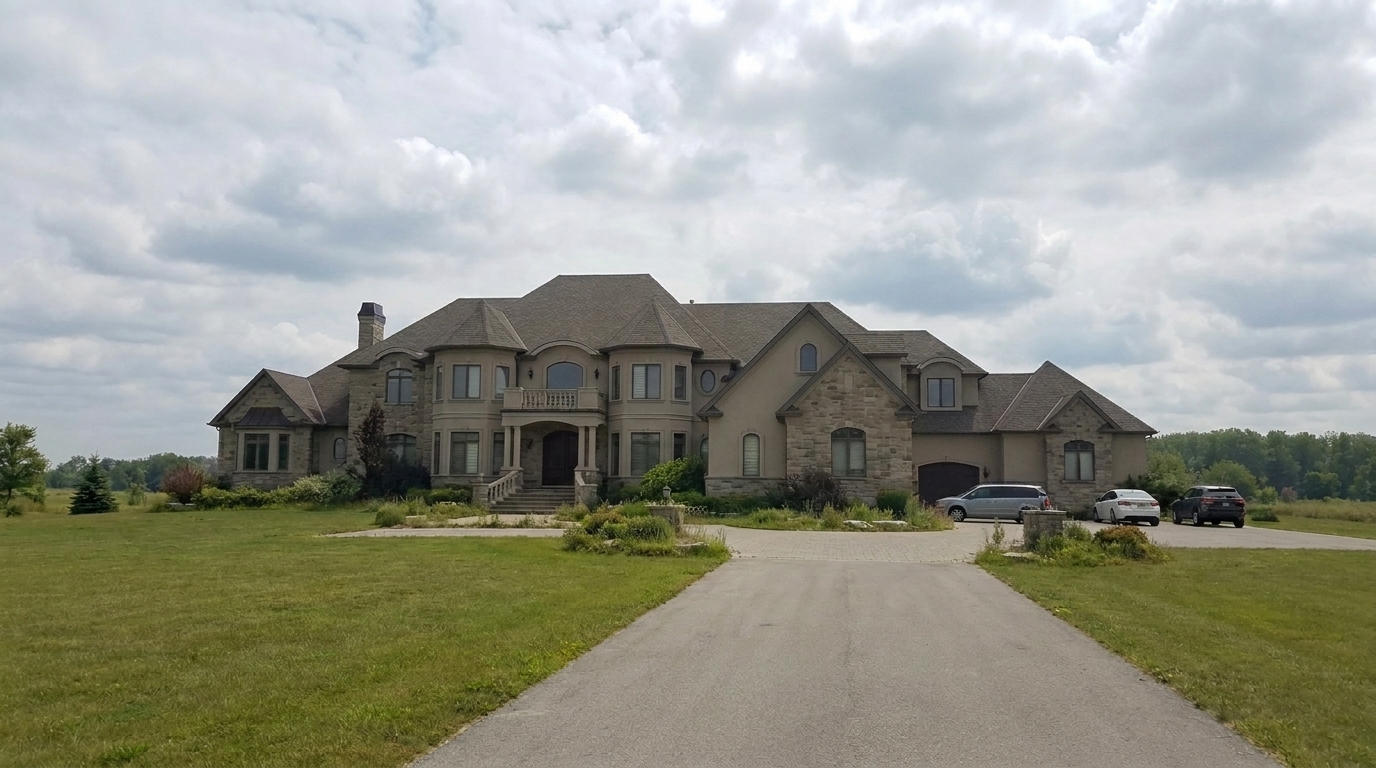
Luxury Estate with Hazy Horizon updated with cloudy sky styling.
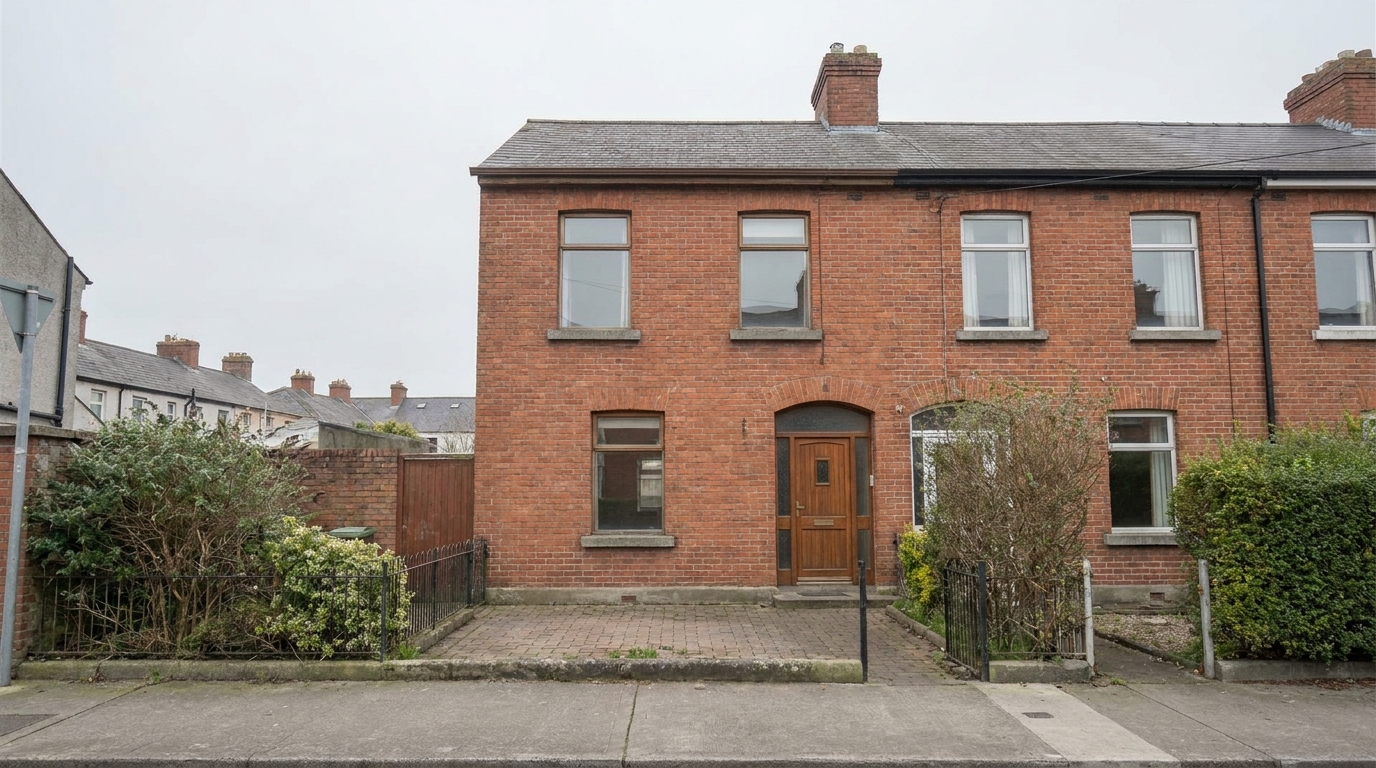
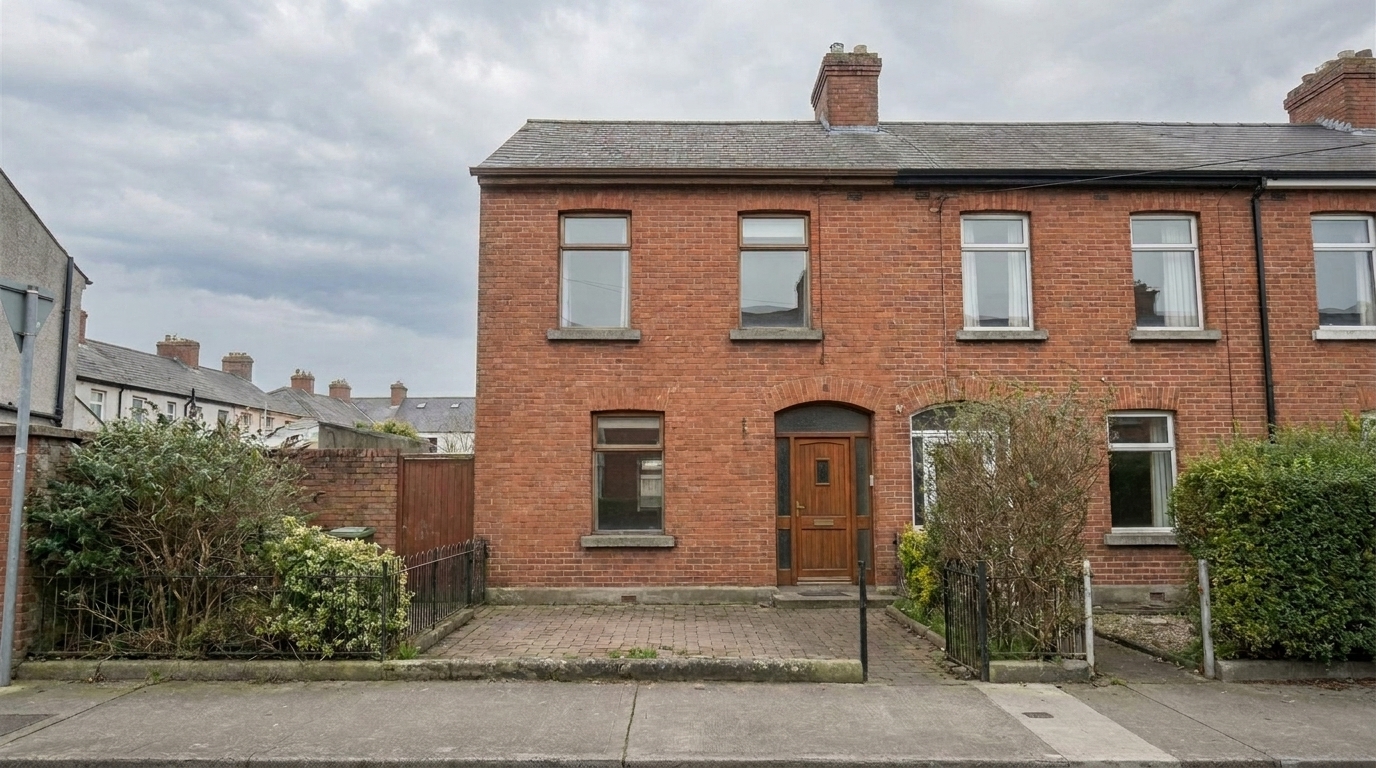
Brick Townhouse with Overcast Sky updated with cloudy sky styling.
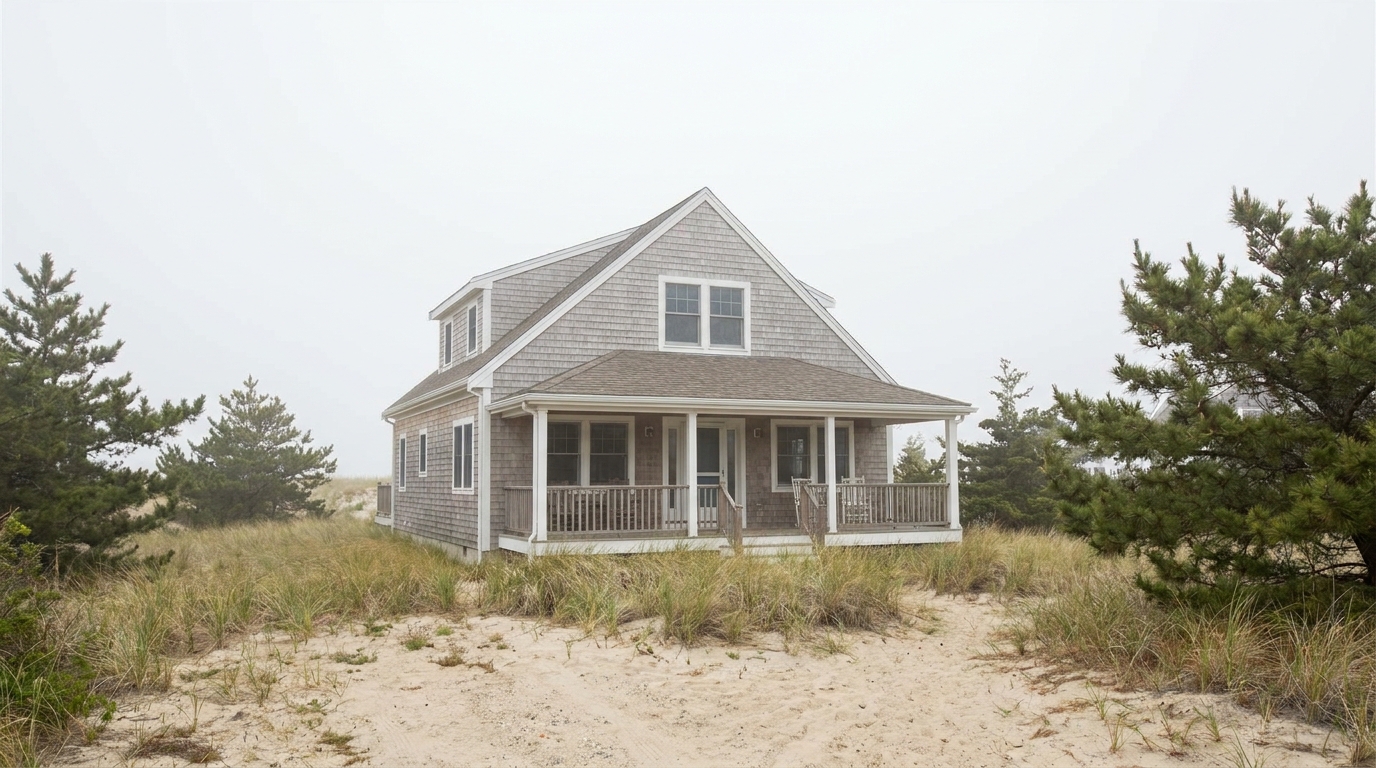
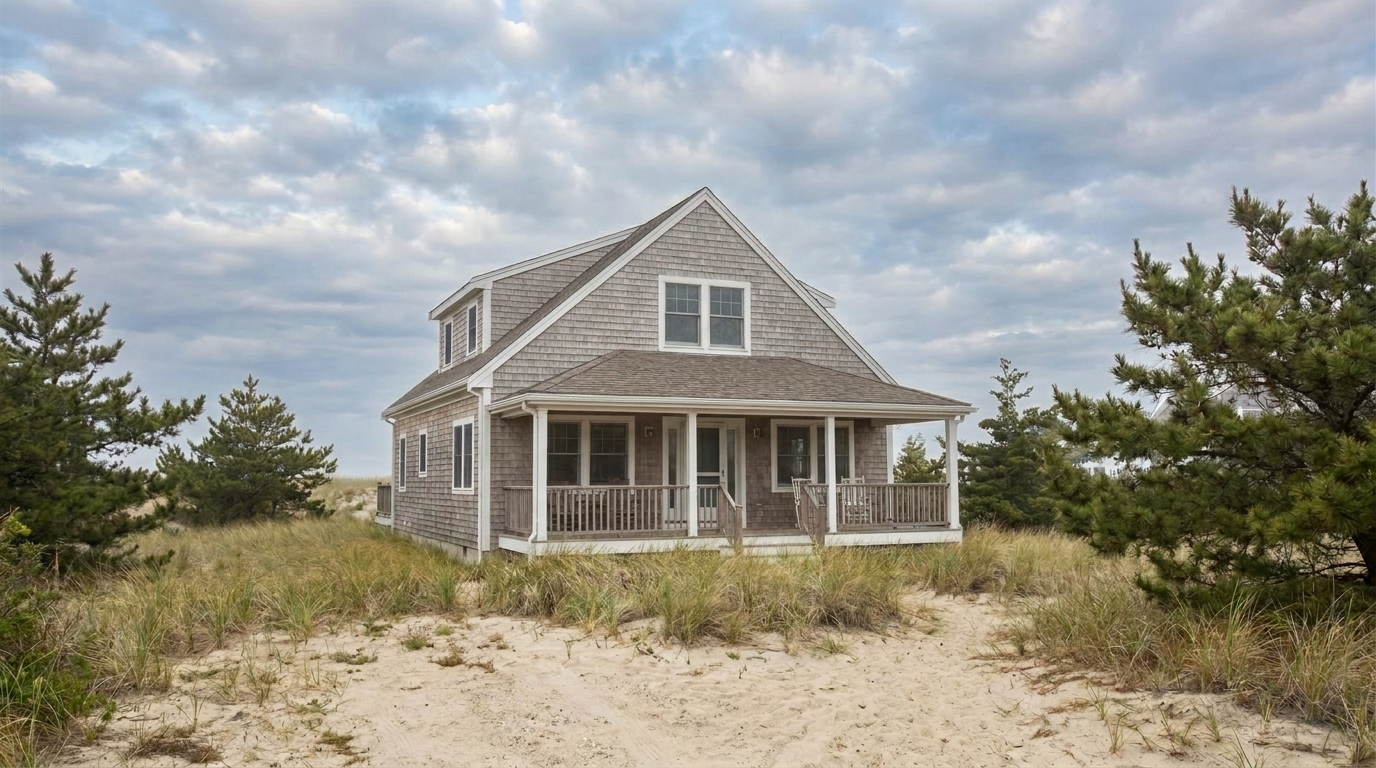
Coastal Property with Mist updated with cloudy sky styling.
Discover how our AI maintains perfect lighting harmony and razor-sharp roofline edges.
Automatically maps complex rooflines, chimneys, and trees to ensure a seamless sky transition without manual masking.
Adjusts the color temperature and brightness of the home's facade to match the soft, diffused light of a cloudy sky.
Eliminates the artificial white glow or halo effect often found around roof edges in low-quality sky swaps.
Uses high-resolution, realistic cloud patterns instead of repetitive, synthetic-looking digital overlays.
Softens harsh shadows on the ground and walls to replicate a true overcast or partly cloudy day.
Preserves the original image quality and sharpness, delivering crisp details suitable for both MLS listings and print media.
See how professional photographers and agents use soft cloud cover to enhance specific property types.
Best for properties photographed under intense, direct sunlight that creates distracting, high-contrast shadows.
Lighting CorrectionPerfect for replacing flat, featureless white or gray skies with textured, natural clouds while keeping the home bright.
Weather CorrectionIdeal for contemporary designs where a soft, diffused sky highlights clean lines without competing with the architecture.
Property TypeExcellent for homes with complex foliage, as the AI seamlessly blends clouds behind intricate branches.
Complex ScenesGreat for cottage-style or rustic homes where a soft, cloudy backdrop enhances the warm, inviting aesthetic.
AtmosphereHelps photographers maintain a consistent, natural daylight style across an entire listing portfolio.
Professional UseSwap out dull skies for soft, realistic clouds in three simple steps.
Select and upload a high-resolution exterior image of your property with a dull, flat, or overexposed sky.
Choose the Cloudy Sky preset from the Sky Replacement menu to automatically detect the horizon and roofline.
Preview the seamless blend and natural ambient lighting adjustments, then export your marketing-ready photo.
Source-backed context for why cloudy sky edits matter inside sky replacement workflows.
Cloudy Sky within Sky Replacement evidence
Photos are one of the most valuable website features for home buyers; NAR's 2025 generational trends report says 83% of internet-using buyers rated photos as very useful. For Cloudy Sky pages, this supports showing how a focused Sky Replacement edit can make the listing photo feel clearer, more polished, and easier for buyers to evaluate.
Source: NAR 2025Cloudy Sky within Sky Replacement evidence
Zillow Research's 2025 prospective buyer report ranked high-resolution photos as the number two most important listing feature, selected by 26% of prospective buyers; floor plans ranked first at 33%. For Cloudy Sky pages, this supports showing how a focused Sky Replacement edit can make the listing photo feel clearer, more polished, and easier for buyers to evaluate.
Source: Zillow 2025Cloudy Sky within Sky Replacement evidence
Redfin reported that professionally photographed homes in the $400,000 range sold three weeks faster and for more than $10,000 relative to list price compared with amateur photos. Use this as supporting context, not as a guaranteed result. For Cloudy Sky pages, this supports showing how a focused Sky Replacement edit can make the listing photo feel clearer, more polished, and easier for buyers to evaluate.
Source: RedfinA sky can make or break an exterior real estate photo. While clear blue skies are popular, a natural cloudy sky offers a sophisticated, realistic alternative that enhances curb appeal without looking artificial.
Choosing the right sky replacement depends heavily on the property's style and the existing lighting. The Cloudy Sky preset is ideal when you want to avoid the hyper-saturated, artificial look that sometimes accompanies clear blue sky swaps. It is particularly effective for modern architectural homes, rustic properties, or listings photographed on naturally overcast days. By introducing soft cloud textures, you add depth and visual interest to the background without drawing attention away from the home itself. Conversely, avoid using this preset if the listing specifically requires a high-energy, sunny summer vibe, where our Clear Blue Sky preset would be a better fit.
To achieve the best results, start with a high-quality exterior photo. Upload the image to the Idealhouse Photo Enhancer and select the Cloudy Sky preset. The AI will automatically analyze the horizon, mask out the old sky, and apply the new cloud texture. Once the sky is replaced, use the ambient lighting slider to fine-tune how the soft light interacts with the home's facade. For a cohesive look, ensure that any visible reflections in windows or water features match the new, diffused sky. Finally, export the image in high resolution for your MLS listing.
When deciding between presets, compare the overall mood you want to project. Sibling presets like 'Partly Cloudy' offer a brighter, sunnier daylight feel with minimal cloud wisps, making them great for standard suburban homes. 'Dramatic Clouds' adds high-contrast, heavy cloud formations that create a bold, artistic impact—best reserved for luxury estates or dramatic architectural showcases. The 'Cloudy Sky' preset sits perfectly in the middle, offering soft, balanced, and realistic daylight diffusion. It provides enough texture to eliminate flat, boring skies while maintaining a neutral, professional, and highly marketable aesthetic.
One of the biggest challenges in sky replacement is dealing with complex foreground elements like power lines, tree branches, or intricate roof trim. Our AI-powered detection engine handles these obstructions automatically, eliminating the need for tedious manual masking in Photoshop. However, for the absolute cleanest results, try to use source photos where the contrast between the roofline and the original sky is relatively clear. If you encounter extremely fine details like thin antennas or distant foliage, the AI's edge-feathering technology will ensure a soft, natural transition that prevents harsh, jagged edges.
Compare the cloudy sky preset with other atmospheric options to find the perfect lighting for your property.
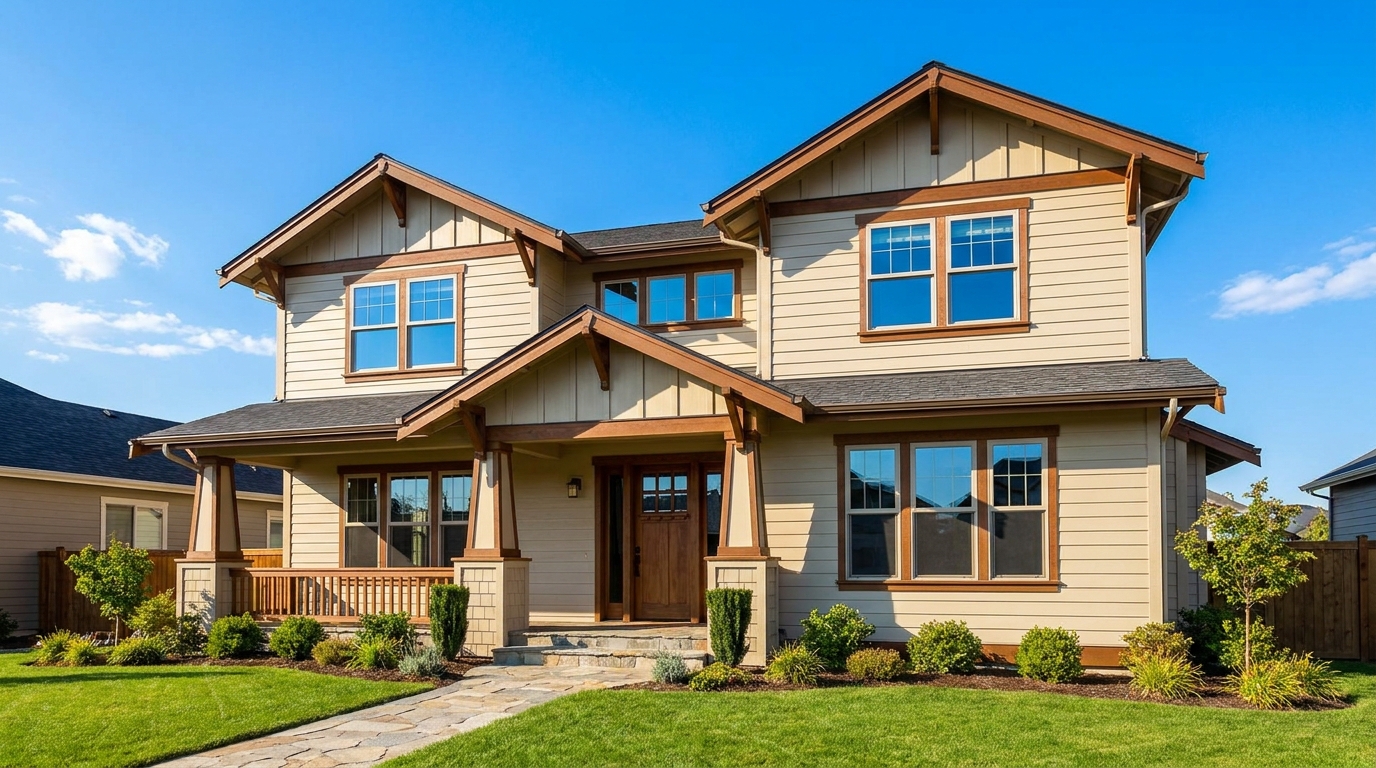
Replace dull skies with a clean blue backdrop that instantly boosts curb appeal.
Try This Tool →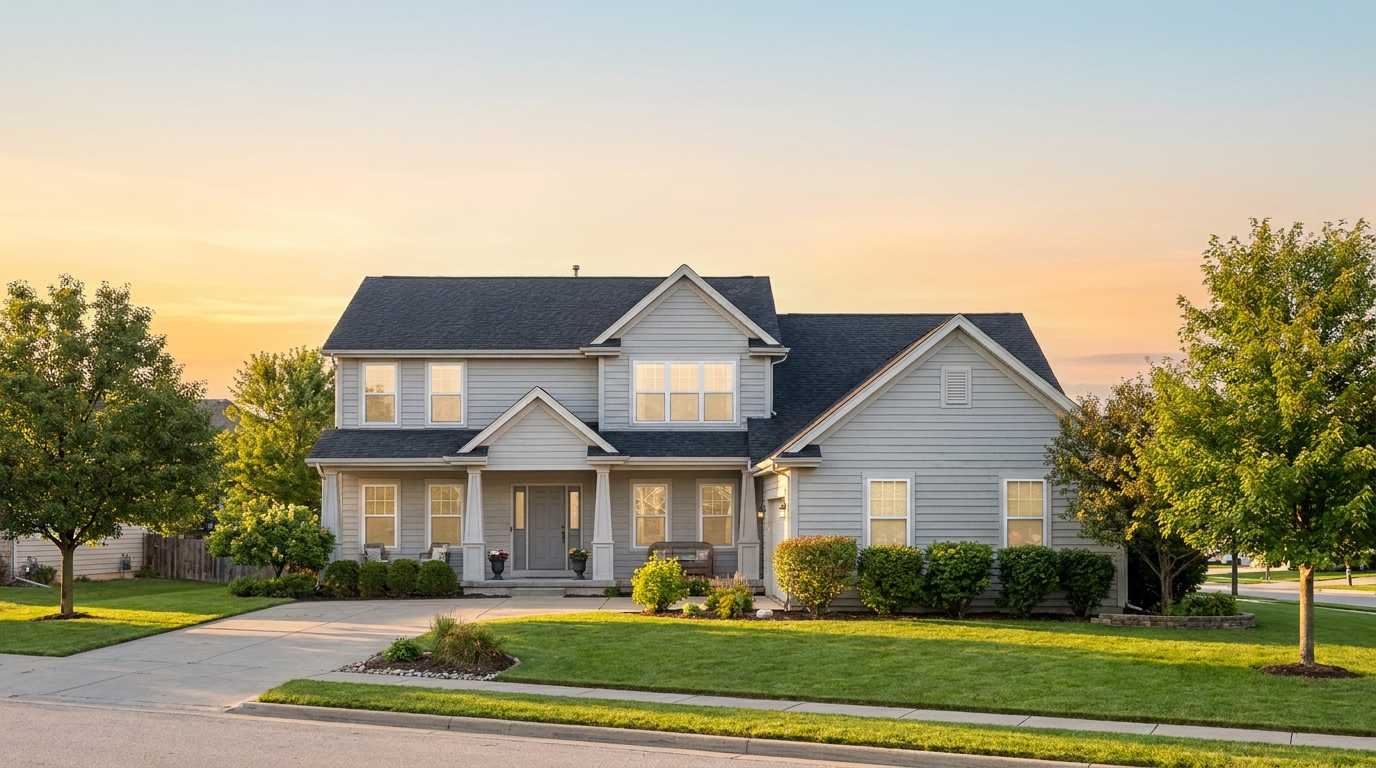
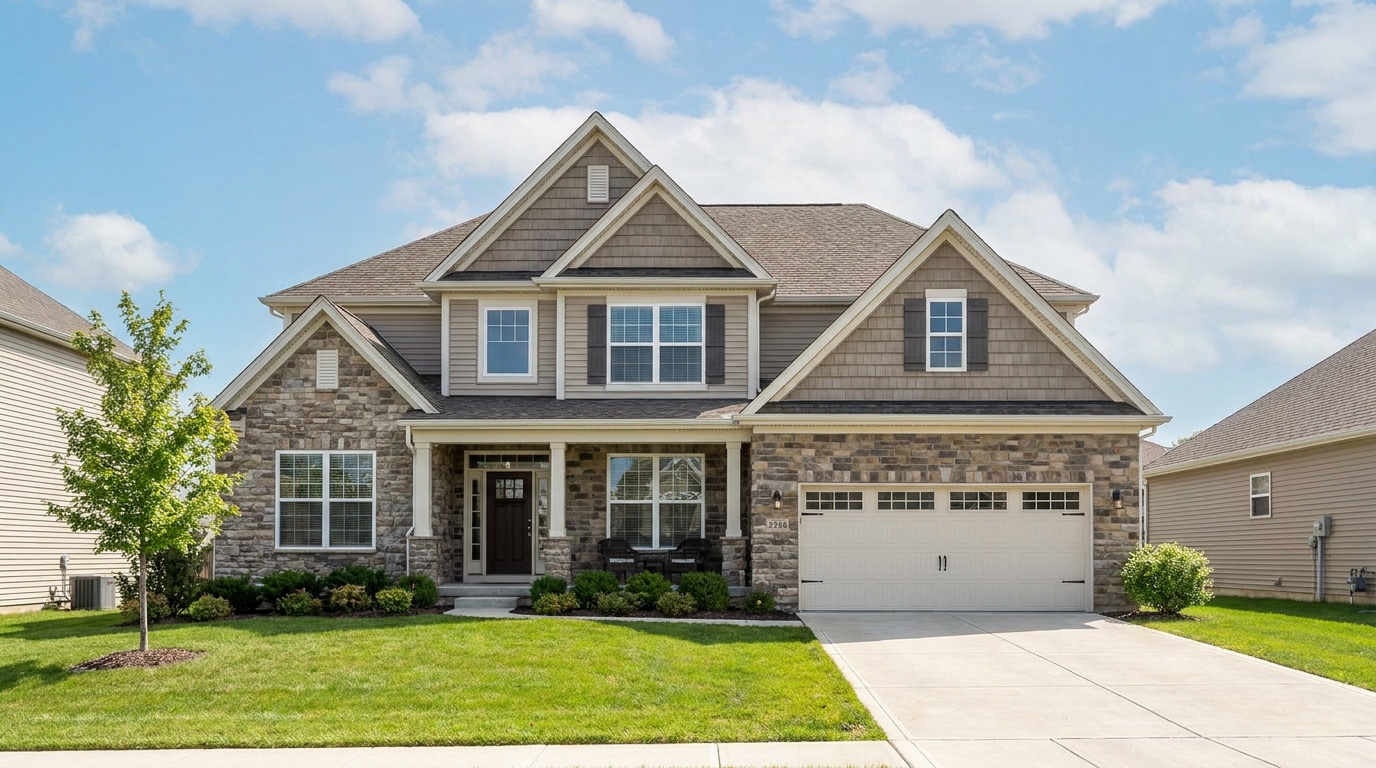

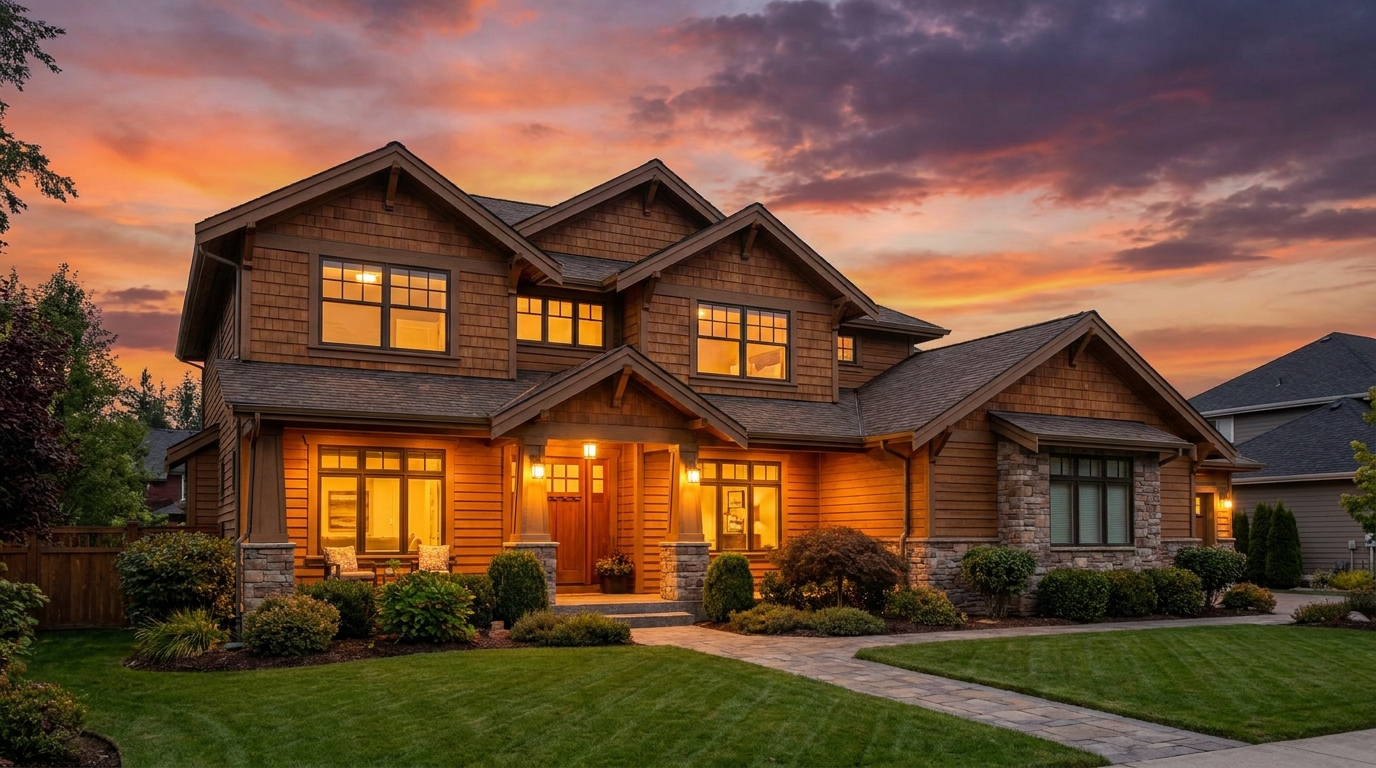
Warm sunset color that adds emotion, richness, and standout listing appeal.
Try This Tool →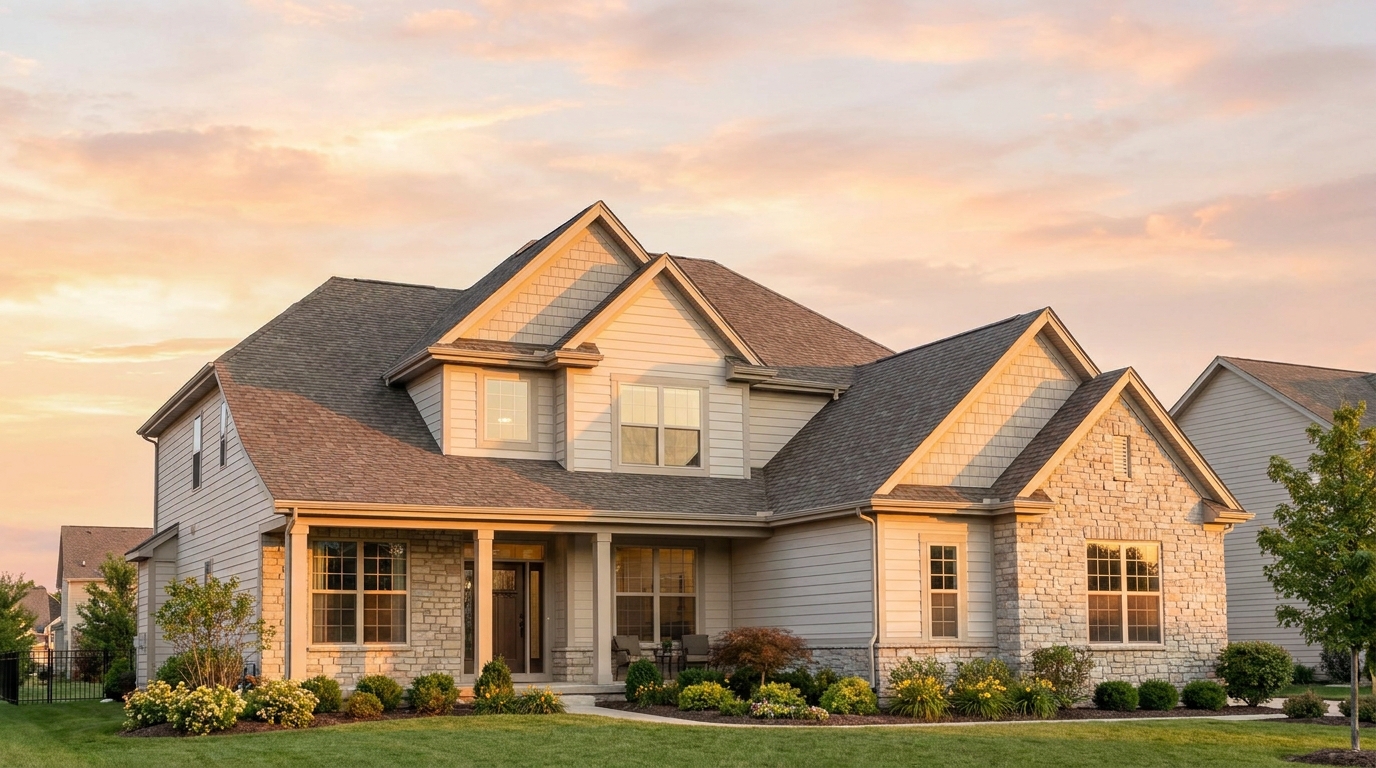
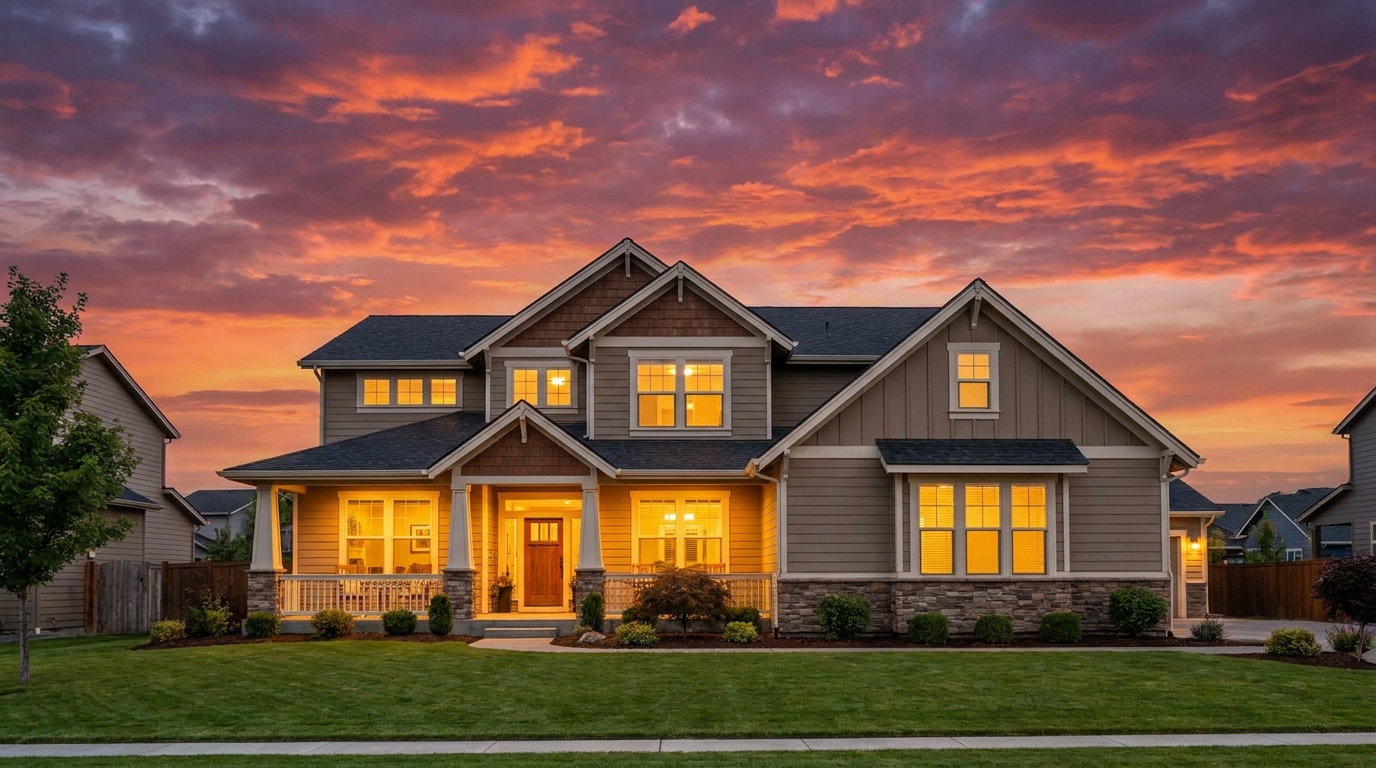
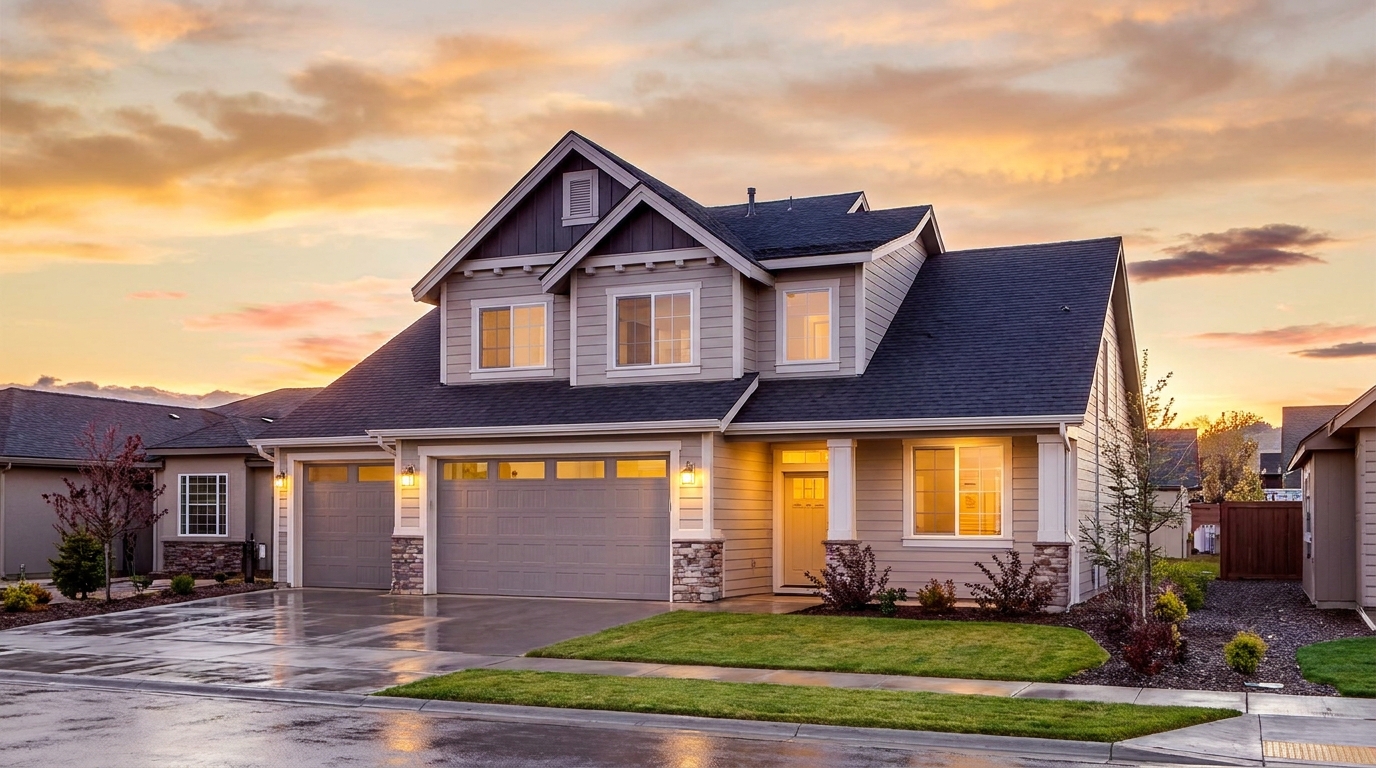
Premium sunset grading with refined warmth and upscale visual appeal.
Try This Tool →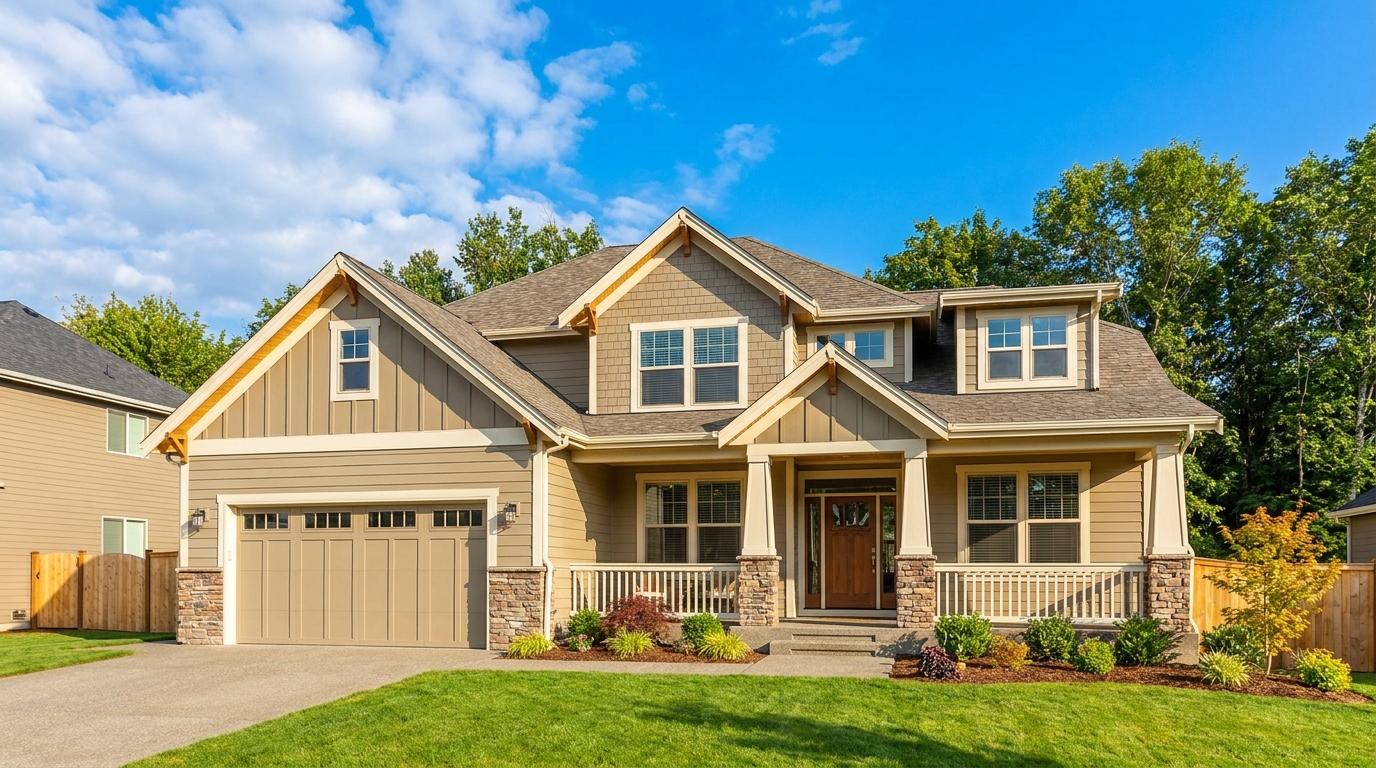
Turn flat gray skies into clean daylight scenes that feel brighter and more marketable.
Try This Tool →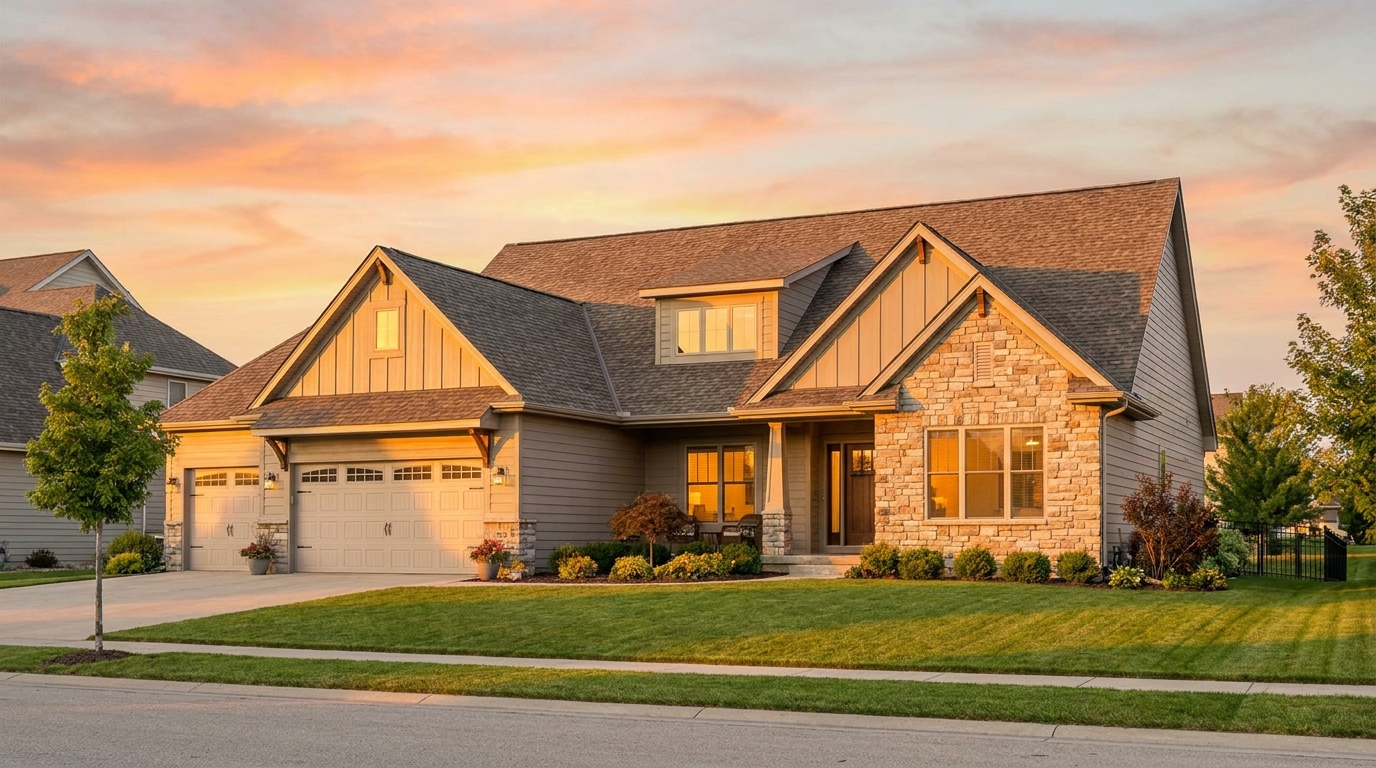
Add golden-hour light and warmth for a polished, high-converting exterior look.
Try This Tool →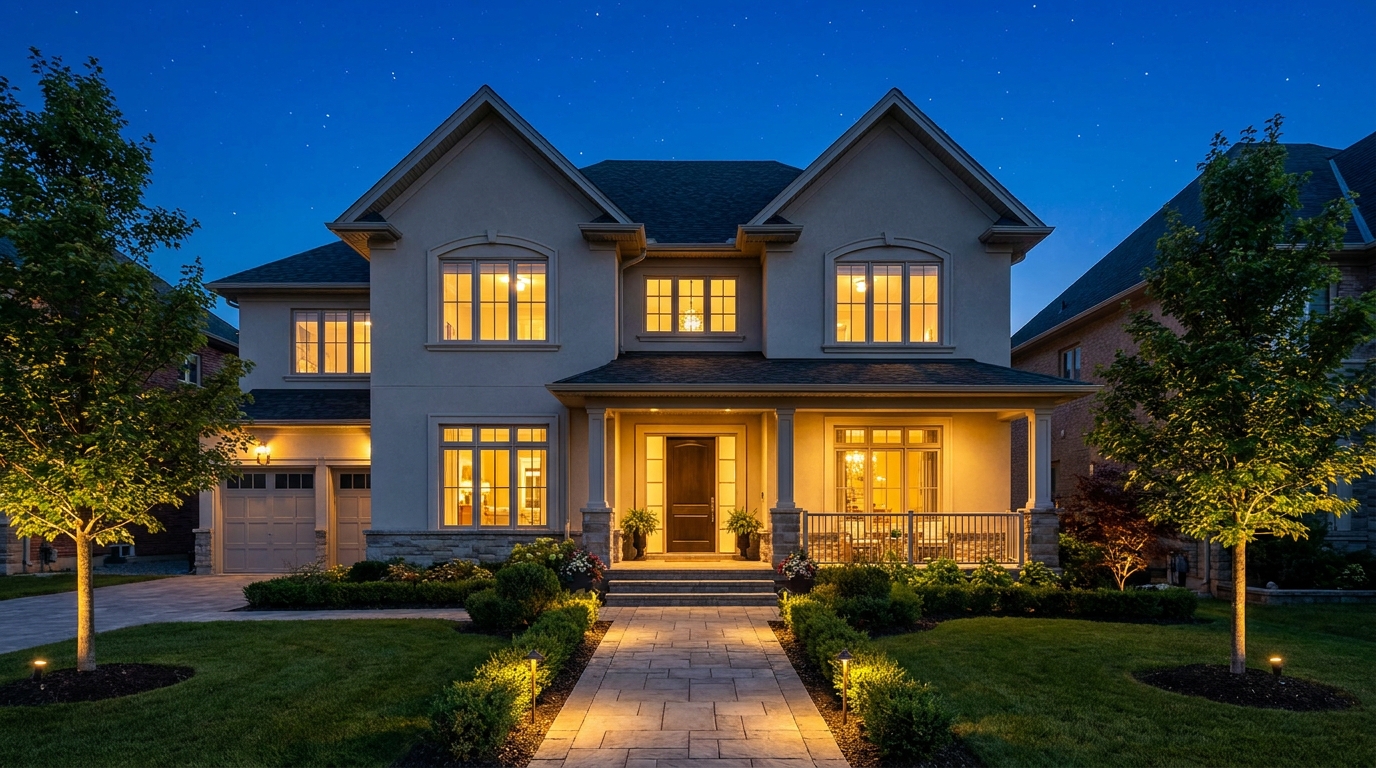
Transform the sky into a refined evening backdrop with elegant nighttime mood.
Try This Tool →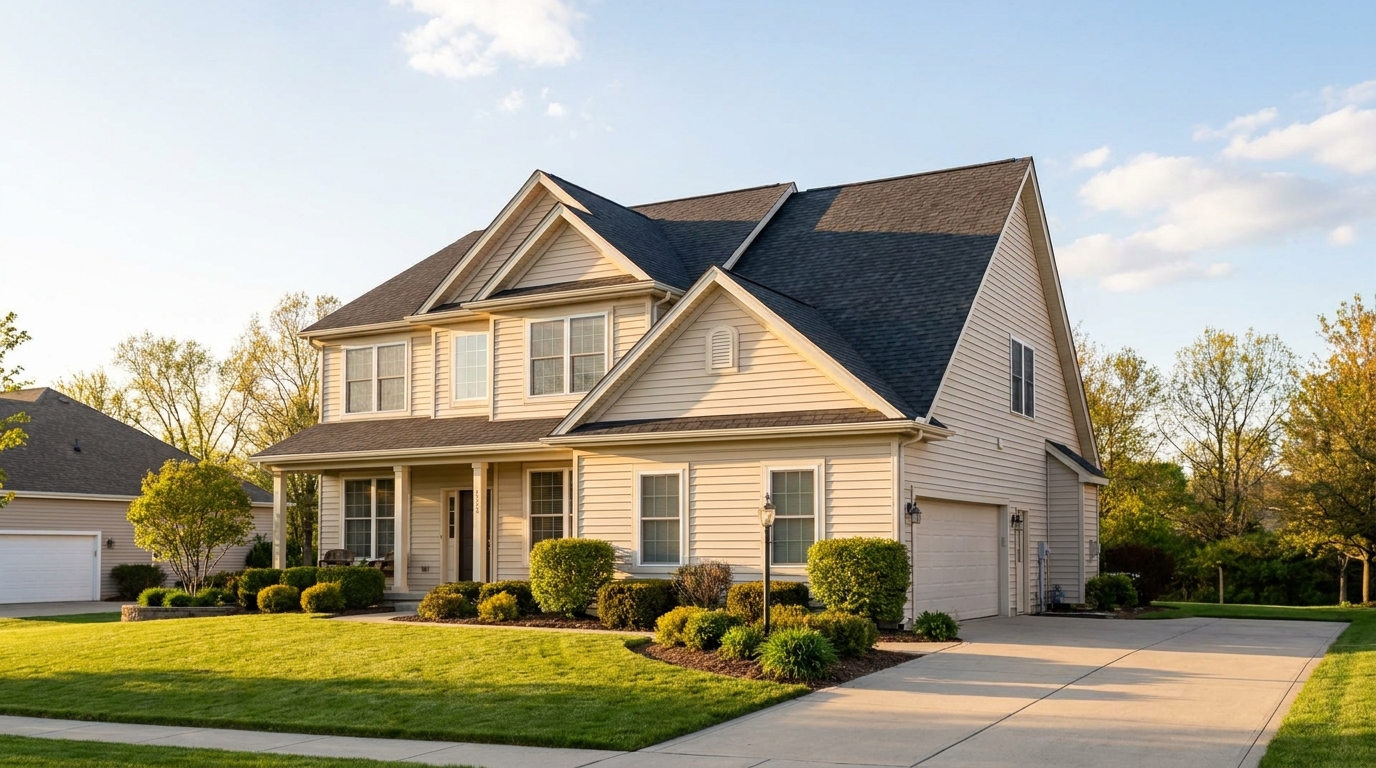
Natural-looking sky swaps that make exterior photos brighter, cleaner, and more appealing.
Try This Tool →Explore additional presets designed to elevate your real estate marketing assets.
AI image-to-video generation for turning home, room, and property photos into more vivid presentation videos.
02AI exterior renovation for visualizing facade updates, curb appeal improvements, and home exterior remodel ideas.
03AI landscaping design for exploring outdoor concepts, curb appeal upgrades, planting ideas, and yard layout directions.
04AI virtual staging for furnishing empty rooms and creating listing-ready interiors for real estate marketing.
05Free AI image generation for turning text prompts into unlimited visual ideas for home design, interiors, landscaping, renovation
06AI object removal for cleaning up distracting items from room, home, and property photos.
Don't let a dull, washed-out sky ruin your listing's first impression. Use our AI-powered Cloudy Sky preset to add natural depth, realistic lighting, and professional curb appeal to your photos in seconds.