
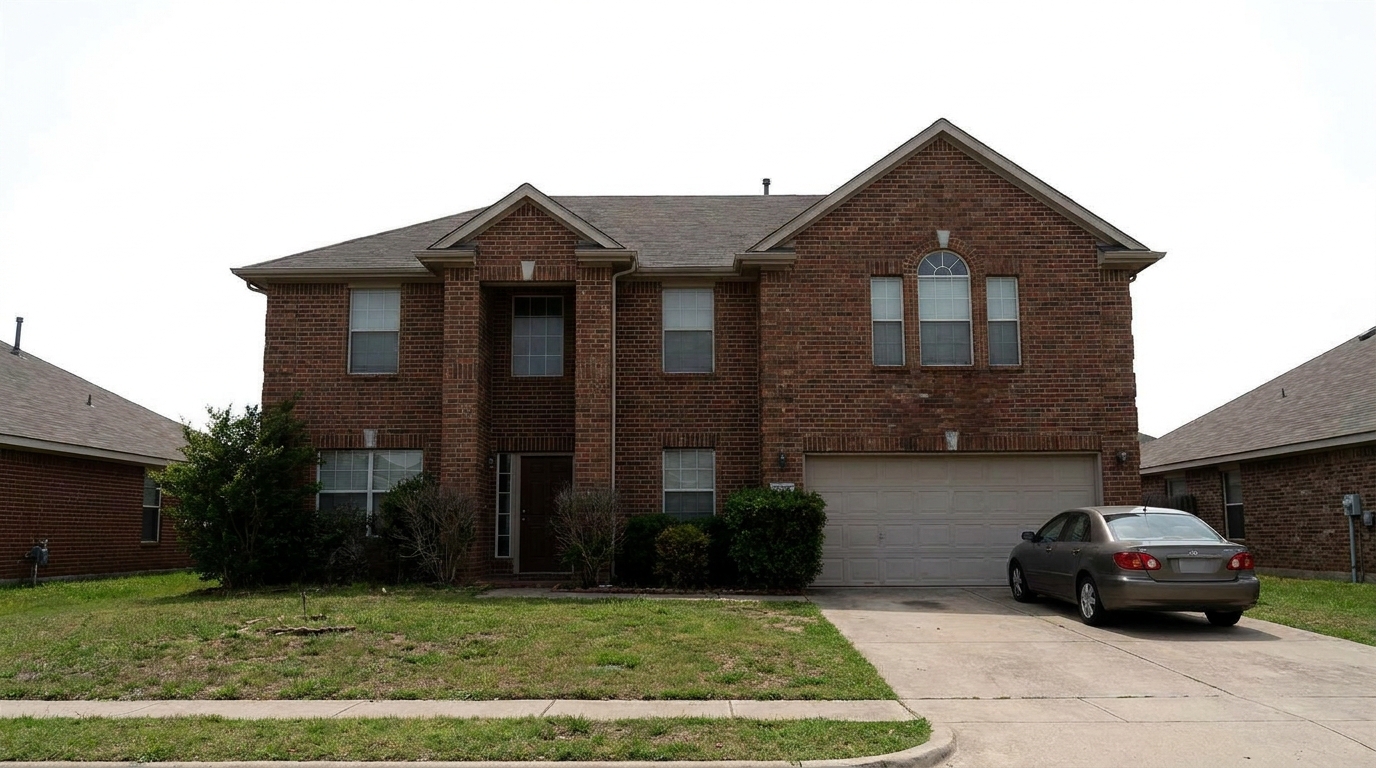
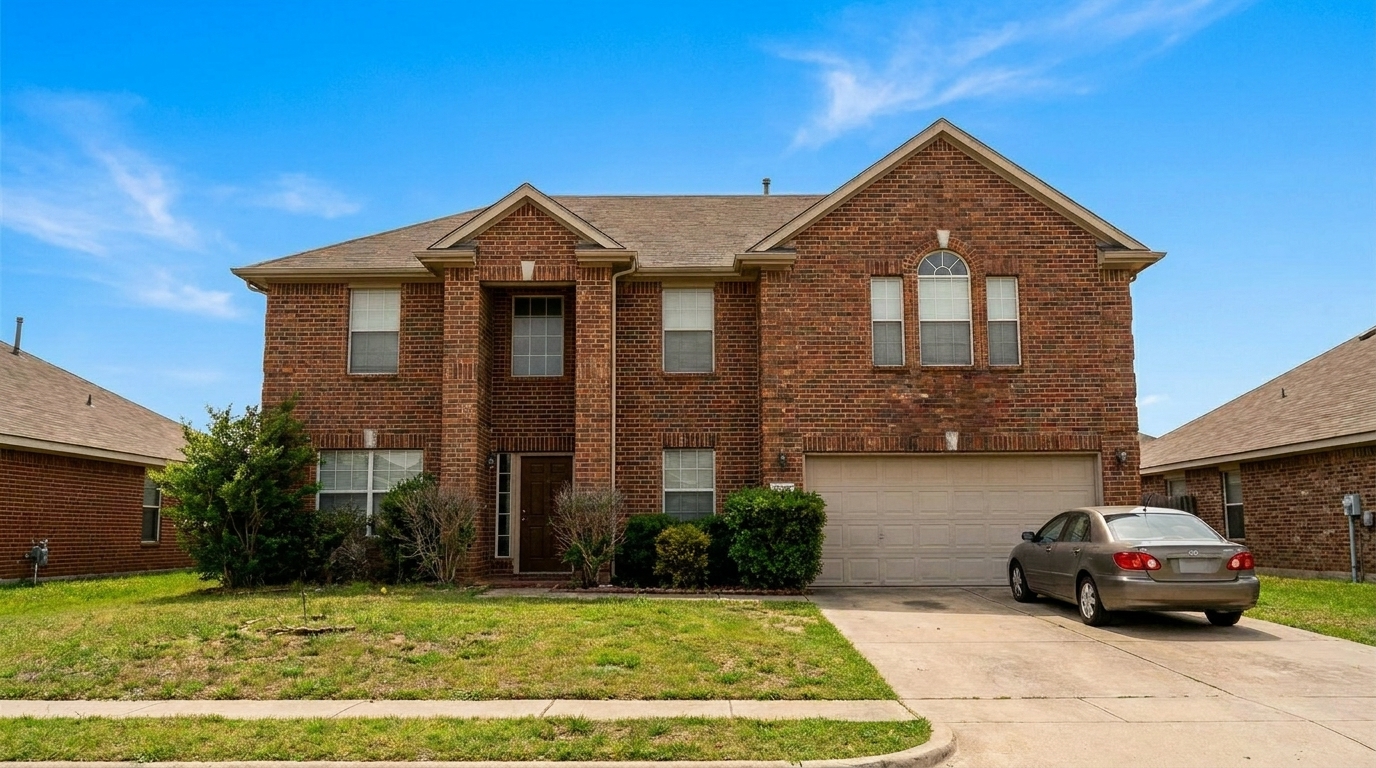

Overcast Suburban Exterior
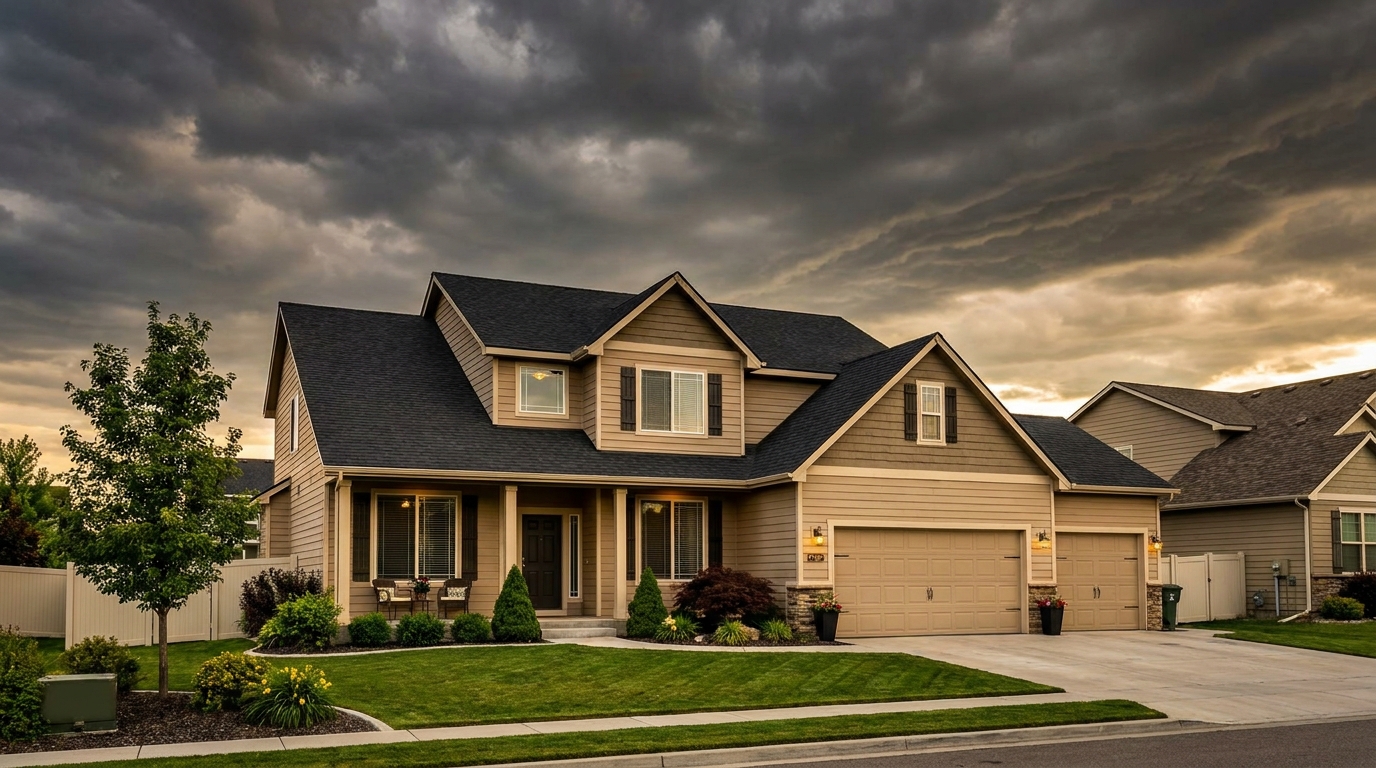
Overcast Suburban Exterior updated with blue sky / clear sky styling.
Transform overcast, gloomy property photos into bright, sunny listings. Instantly swap dull gray backdrops for a vibrant blue sky that maximizes curb appeal.
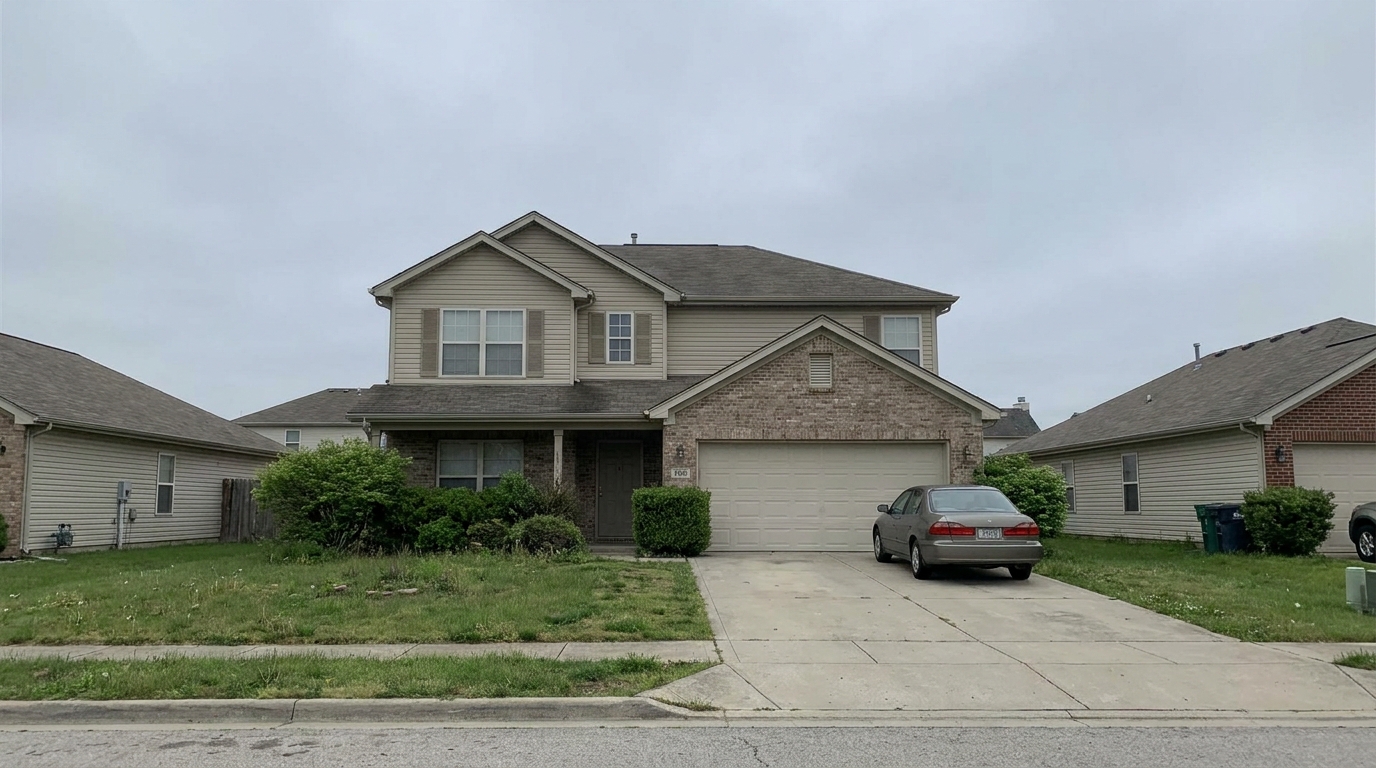
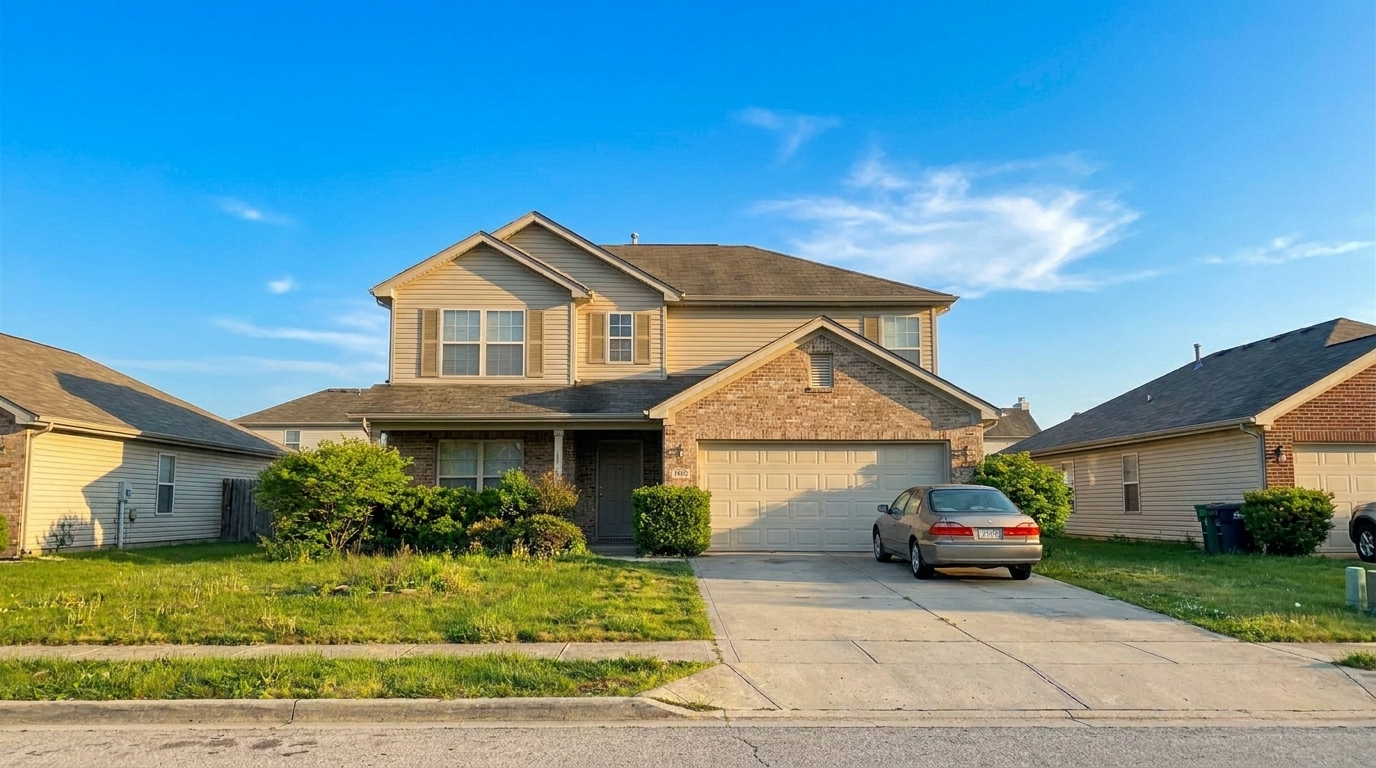
Browse real before-and-after examples of properties enhanced with our clear sky preset.
Overcast Suburban Exterior updated with blue sky / clear sky styling.
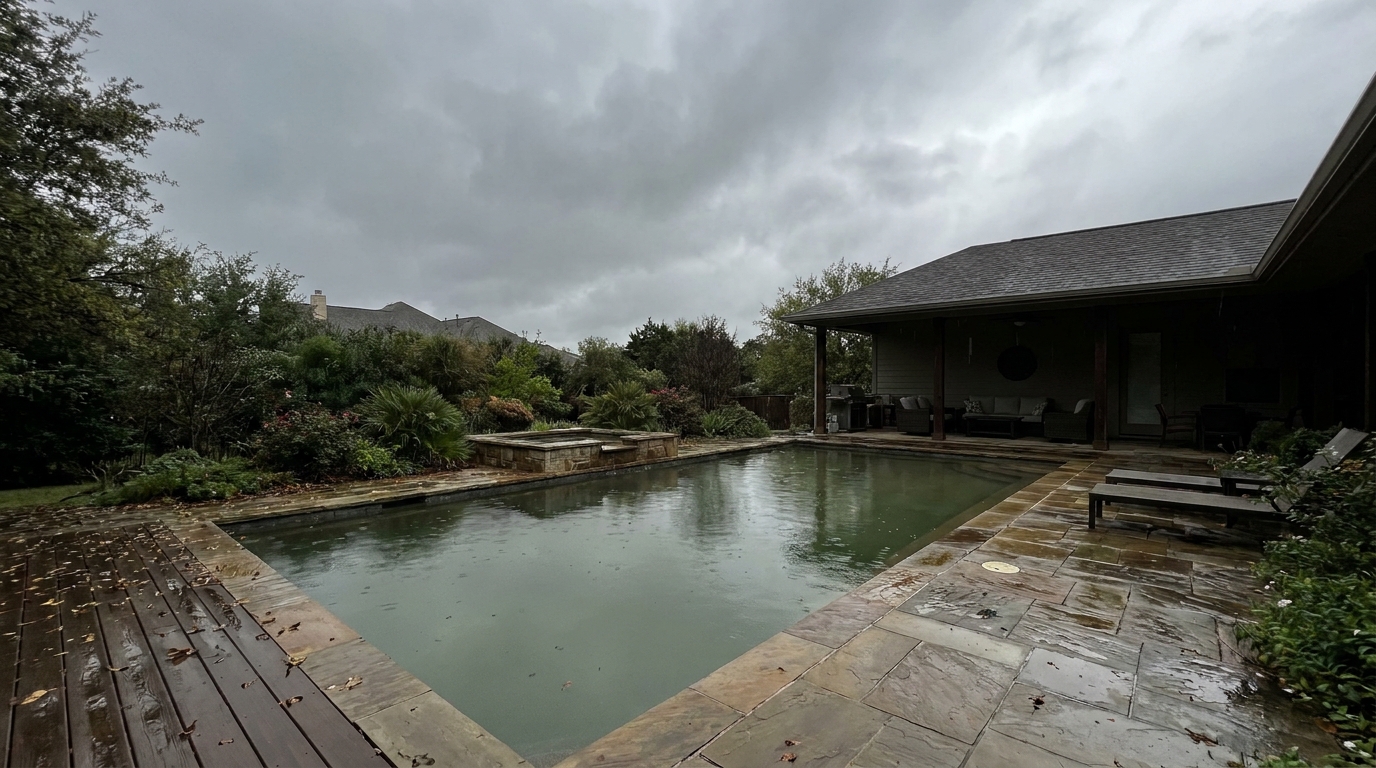
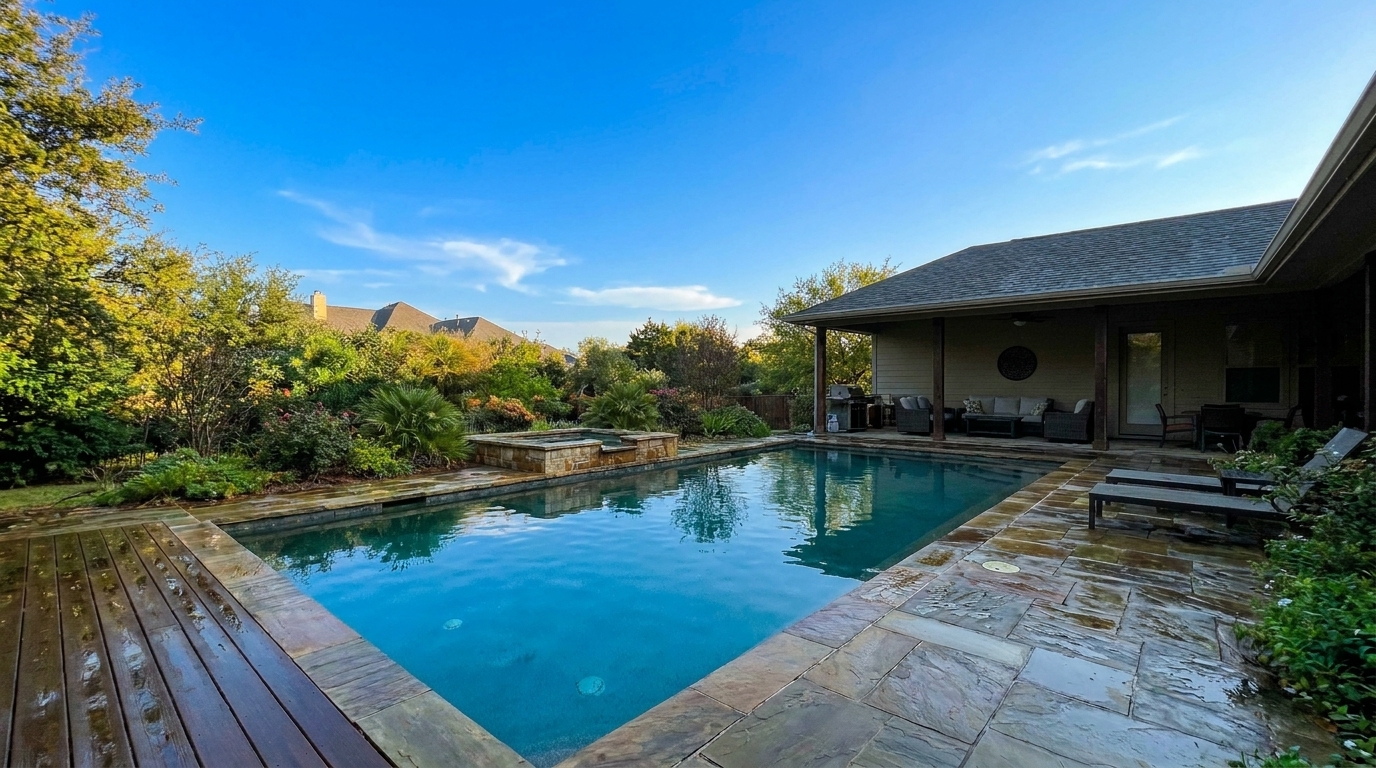
Gloomy Backyard Pool updated with blue sky / clear sky styling.
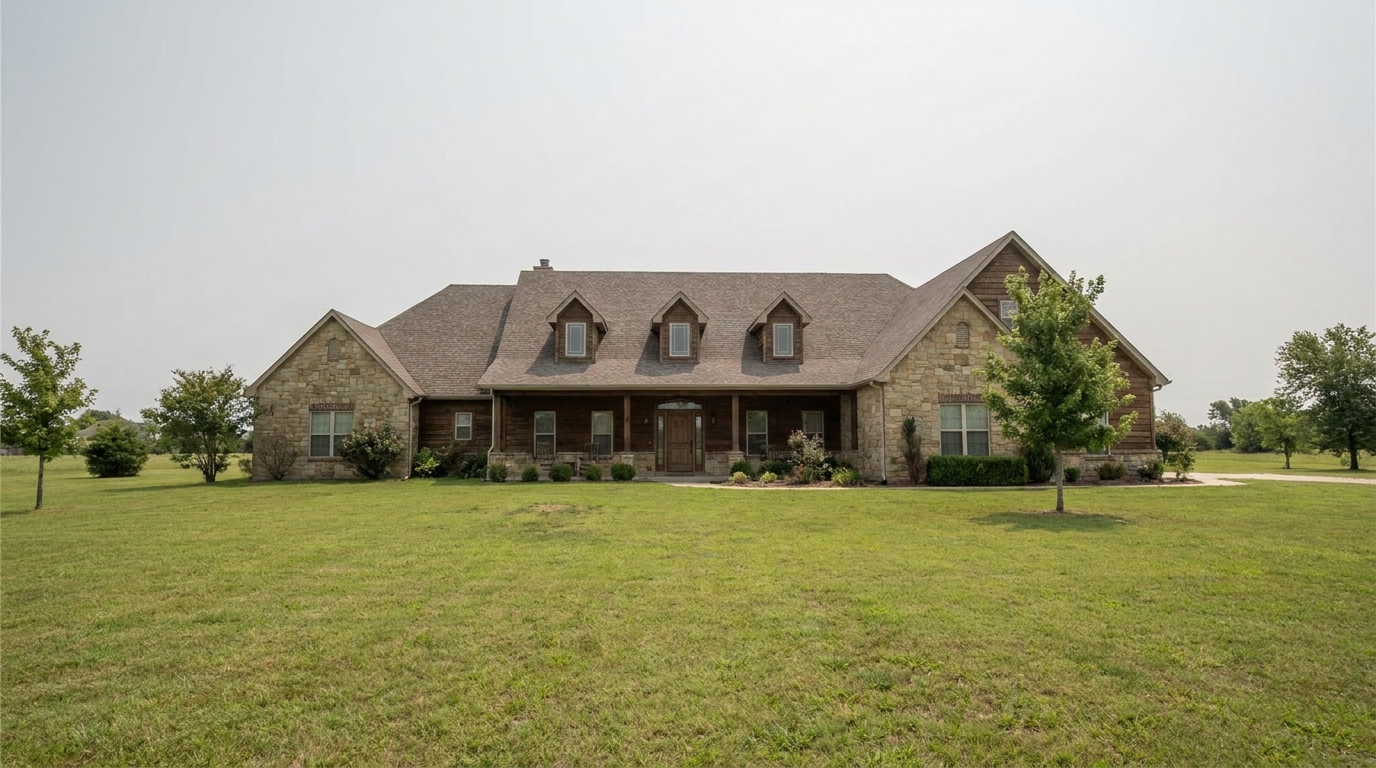
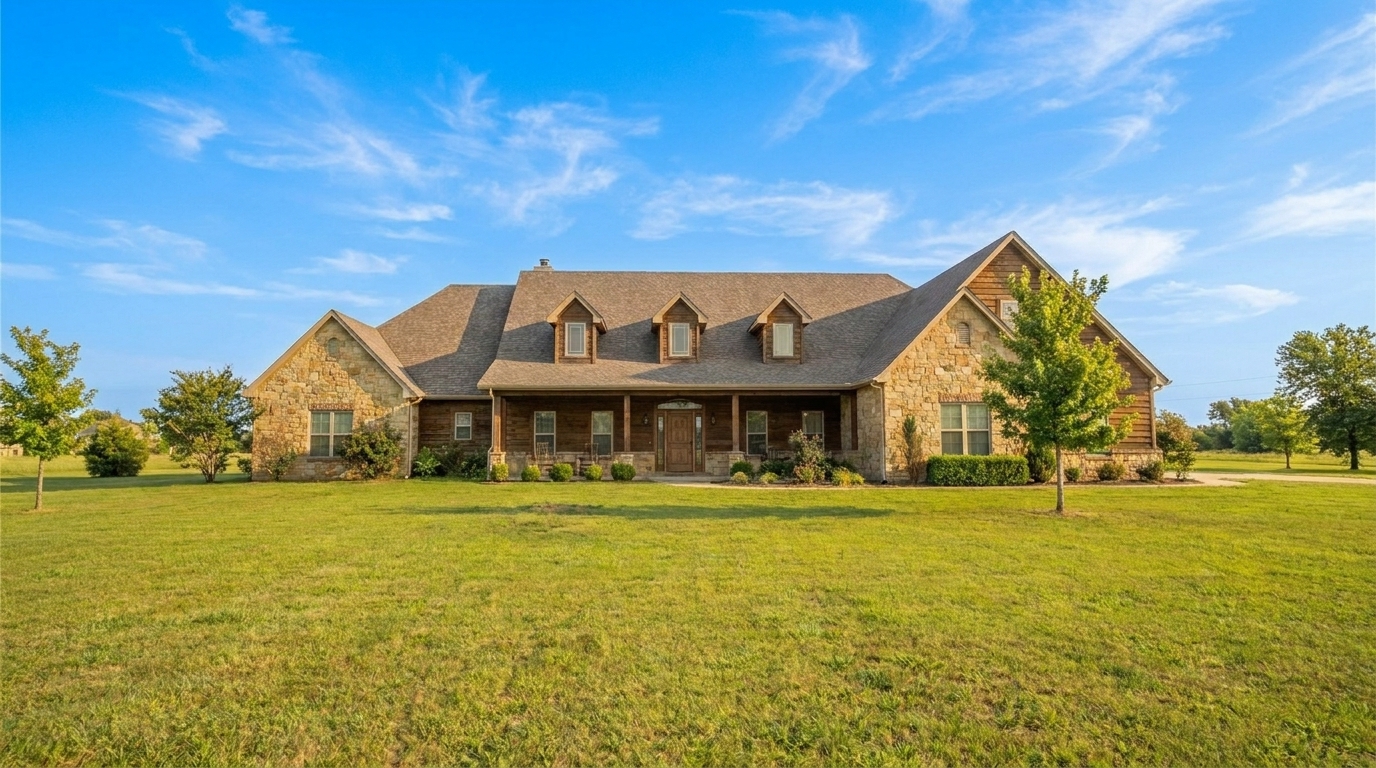
Hazy Country Estate updated with blue sky / clear sky styling.
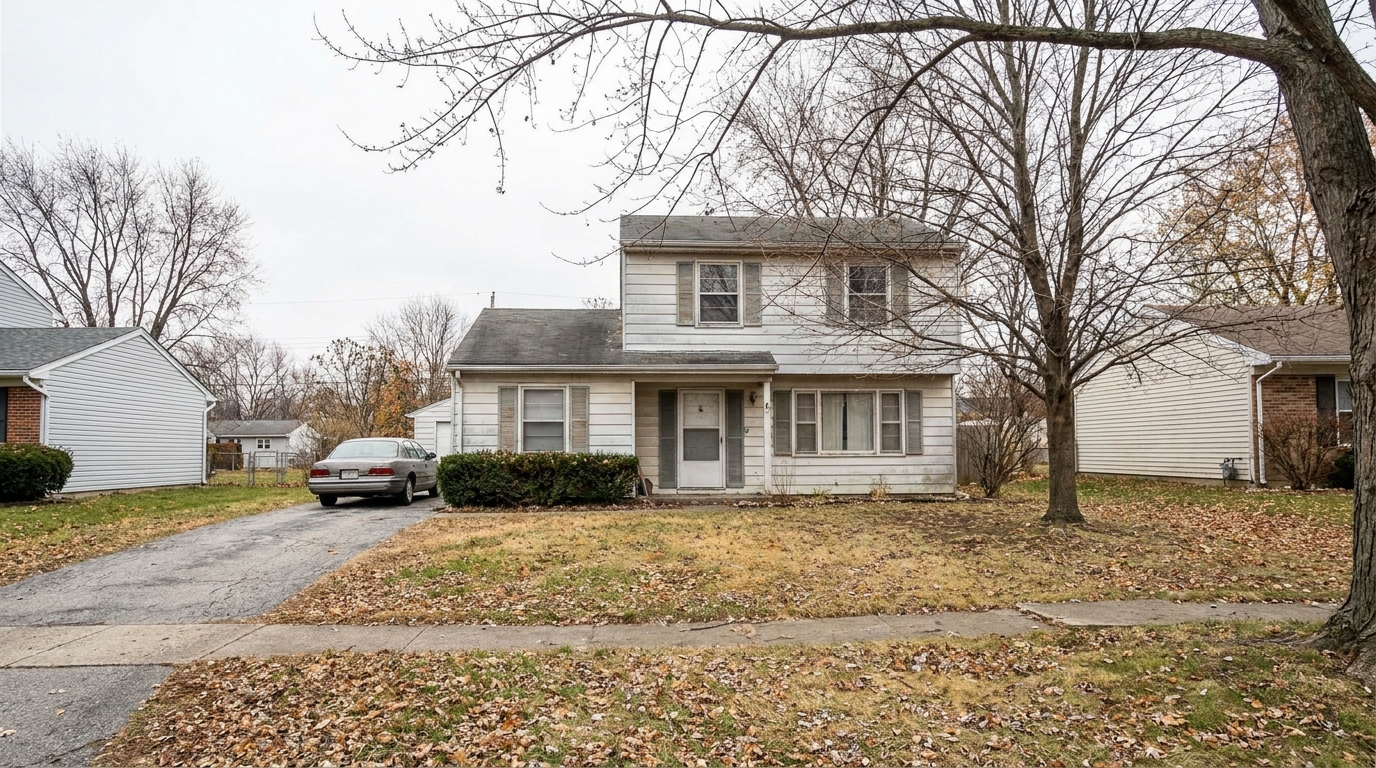
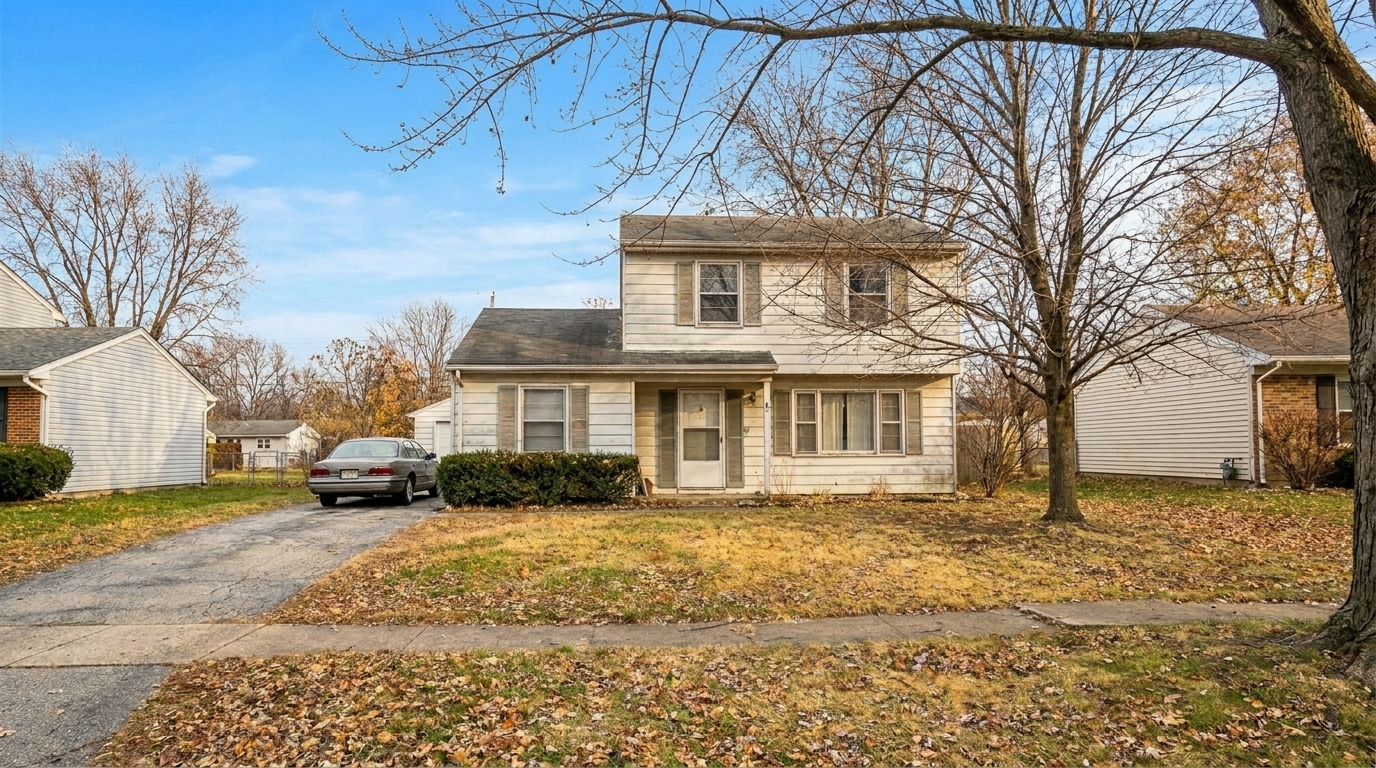
Chilly Winter Listing updated with blue sky / clear sky styling.
Discover the advanced features that make our blue sky replacement look completely natural and professional.
Automatically traces complex rooflines, chimneys, and tree branches for a seamless sky transition without manual masking.
Adjusts the overall warmth and brightness of the property to match the sunny, clear sky backdrop naturally.
Avoids overly saturated, artificial blues, delivering a realistic daylight tone that looks authentic and professional.
Preserves the crisp details of your original photo, ensuring sharp listing images for digital portals and print.
Intelligently handles window reflections and transparent glass railings to keep the sky replacement believable.
Swaps the sky in seconds, eliminating the need for tedious manual editing in complex software.
See how real estate professionals and photographers use clear skies to elevate different property types.
Turn a gloomy, gray-sky shoot into a bright, inviting summer afternoon listing that attracts more buyers.
Curb AppealFix overexposed, white skies that wash out the architectural details of the home's roofline.
Photo CorrectionEnhance the primary hero shot of suburban homes to capture more clicks on digital real estate portals.
MarketingMake empty land listings look more appealing by framing them against a beautiful, clear blue sky.
Land ListingsPresent office buildings and retail spaces in the best possible daylight to attract premium tenants.
CommercialCreate eye-catching, vibrant exterior posts that stand out in crowded real estate feeds.
Social MediaGet a perfect, sunny backdrop for your property listing in three simple steps.
Select and upload a front exterior, backyard, or street-view photo featuring a dull, overcast, or blown-out sky.
Select the Blue Sky / Clear Sky preset to automatically detect the horizon and replace the gray backdrop with a sunny sky.
Save your high-resolution, brightened listing photo with perfectly matched ambient lighting ready for MLS.
Source-backed context for why blue sky / clear sky edits matter inside sky replacement workflows.
Blue Sky / Clear Sky within Sky Replacement evidence
Photos are one of the most valuable website features for home buyers; NAR's 2025 generational trends report says 83% of internet-using buyers rated photos as very useful. For Blue Sky / Clear Sky pages, this supports showing how a focused Sky Replacement edit can make the listing photo feel clearer, more polished, and easier for buyers to evaluate.
Source: NAR 2025Blue Sky / Clear Sky within Sky Replacement evidence
Zillow Research's 2025 prospective buyer report ranked high-resolution photos as the number two most important listing feature, selected by 26% of prospective buyers; floor plans ranked first at 33%. For Blue Sky / Clear Sky pages, this supports showing how a focused Sky Replacement edit can make the listing photo feel clearer, more polished, and easier for buyers to evaluate.
Source: Zillow 2025Blue Sky / Clear Sky within Sky Replacement evidence
Redfin reported that professionally photographed homes in the $400,000 range sold three weeks faster and for more than $10,000 relative to list price compared with amateur photos. Use this as supporting context, not as a guaranteed result. For Blue Sky / Clear Sky pages, this supports showing how a focused Sky Replacement edit can make the listing photo feel clearer, more polished, and easier for buyers to evaluate.
Source: RedfinLearn how to leverage clear blue skies to maximize your property's online appeal and drive more buyer inquiries.
First impressions are critical in real estate, and the primary exterior photo is often the deciding factor for whether a buyer clicks on a listing. A dull, gray, or overcast sky can make even the most beautiful home look uninviting and cold. By replacing gloomy backdrops with a vibrant, clear blue sky, you instantly inject warmth, optimism, and energy into the photo. This simple enhancement significantly boosts curb appeal, helping your listings stand out on competitive MLS platforms and social media feeds.
To achieve the most realistic results, start with a well-exposed photo of the property. While our AI is highly capable of adjusting ambient light, starting with a photo that isn't excessively dark helps maintain natural shadow details. Upload your image to the Idealhouse Photo Enhancer, select the Blue Sky / Clear Sky preset, and let the AI process the image. Once completed, review the horizon lines and the warmth of the facade. If the property has a pool or large windows, ensure the reflections look consistent with the new sunny sky before downloading.
Selecting the right sky preset depends on the property type and your marketing goals. The Blue Sky / Clear Sky preset is the ultimate everyday choice—it is best for standard residential listings, commercial properties, and vacant land where you want to present a clean, honest, and bright daylight view. Use it when you want to maximize clarity and show the home exactly as it would look on a perfect spring afternoon. In contrast, choose the Sunset or Golden Hour presets for luxury properties or high-end homes where you want to evoke emotion, drama, and an aspirational lifestyle. Avoid the Blue Sky preset if you are specifically trying to create a cozy, high-end twilight mood, as a bright daylight sky will conflict with warm interior lighting.
The most common mistake in sky replacement is choosing a sky that is too saturated or bright for the rest of the scene. If the house was photographed in heavy rain with wet driveways, a perfectly clear blue sky might look out of place without further editing. Ensure that the ground, foliage, and shadows look believable under a sunny sky. Additionally, avoid using the exact same sky pattern across all your listings; vary your choices using our Partly Cloudy or Cloudy presets to maintain a unique, authentic look for each property in your portfolio.
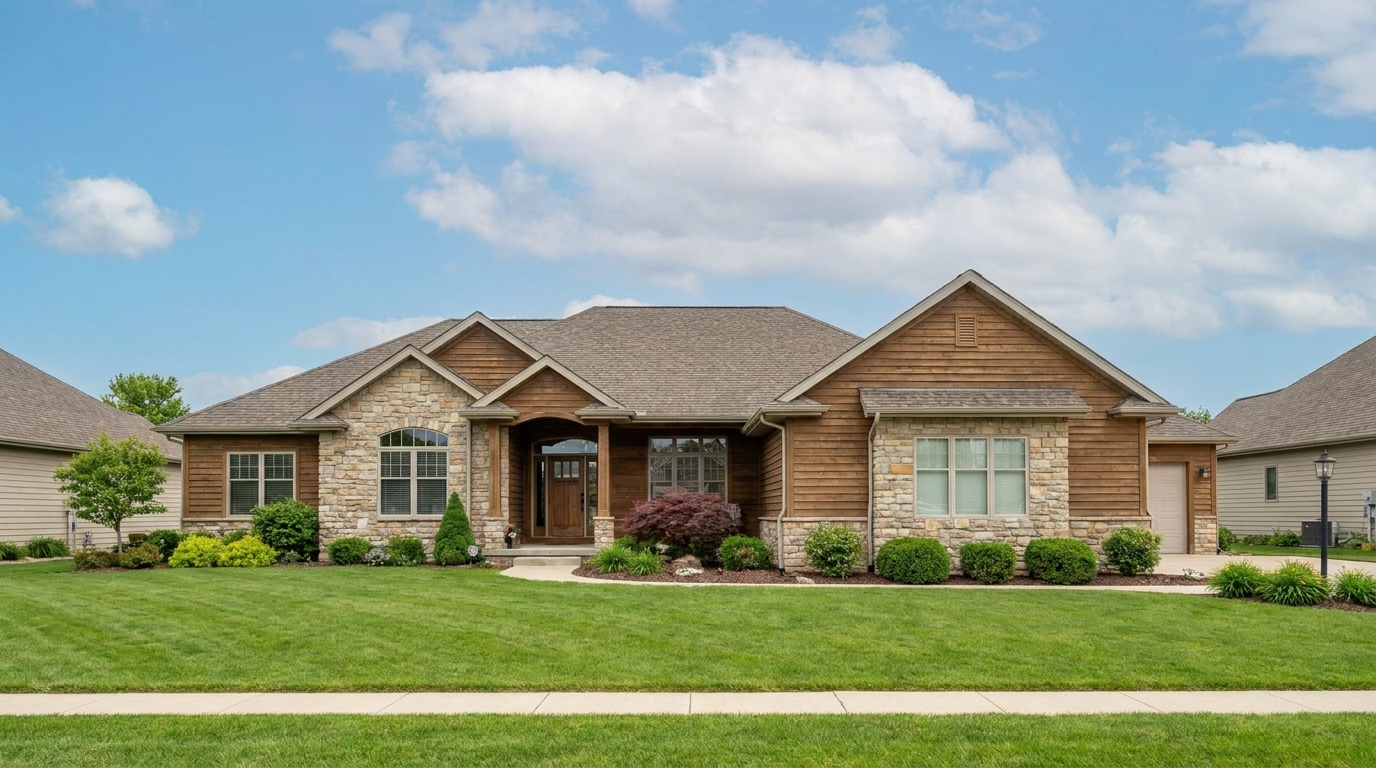
Compare our clear blue sky preset with sunset, golden hour, and dramatic cloud options to find the perfect mood for your listing.
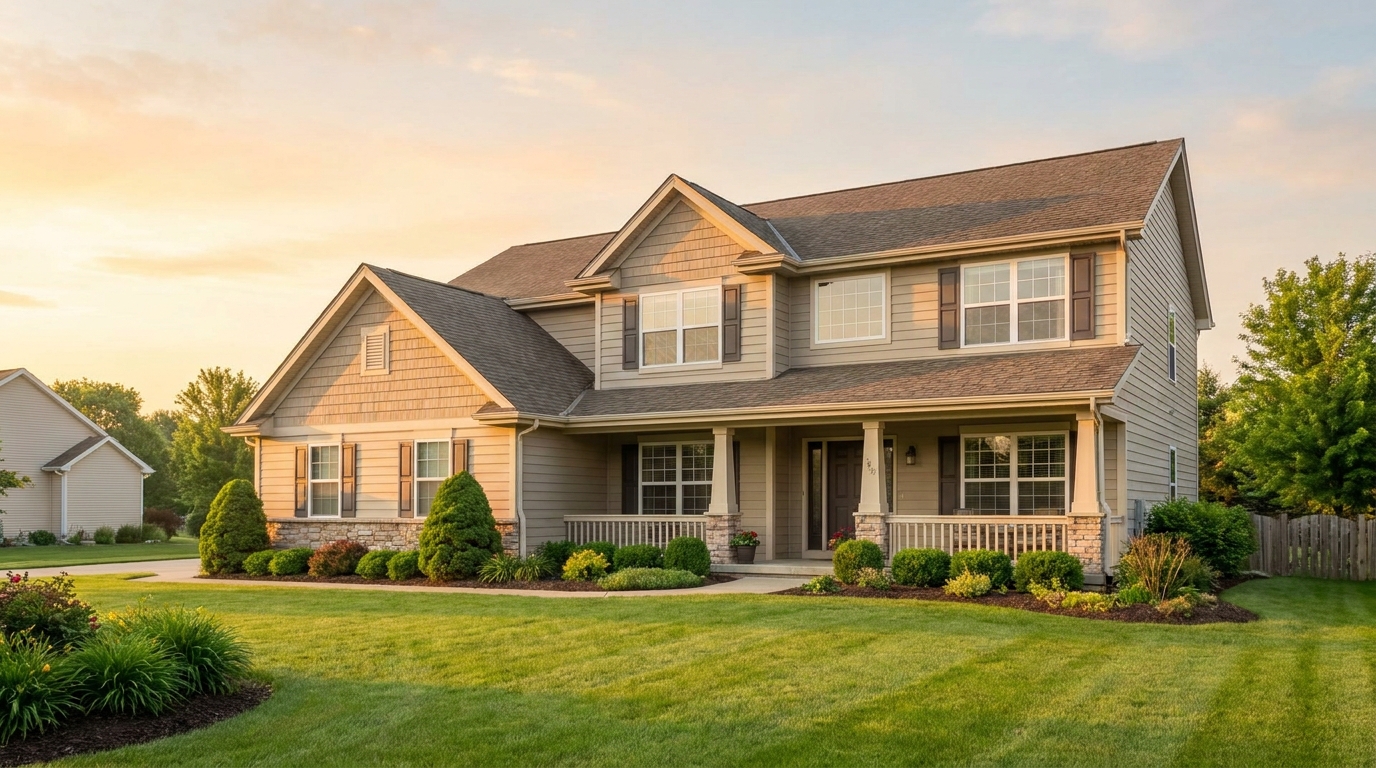
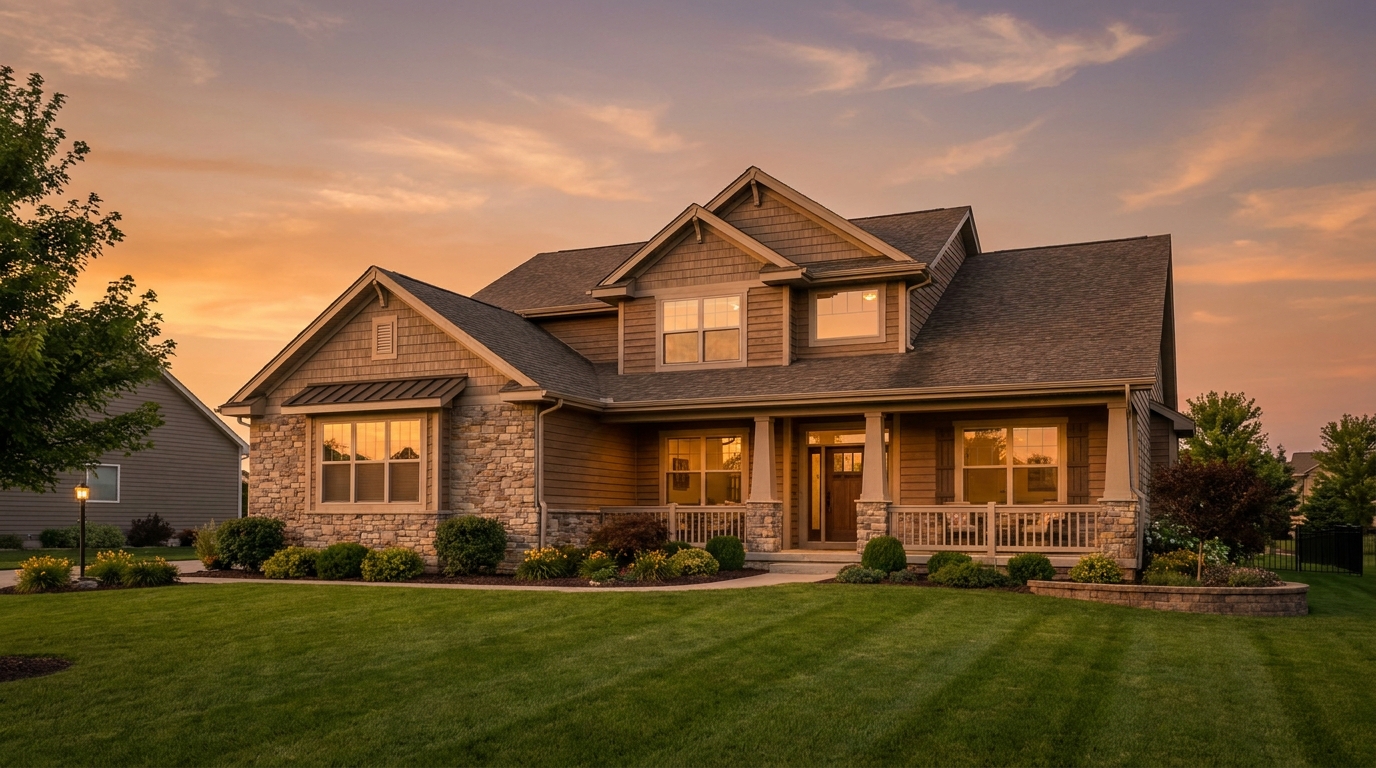
Warm sunset color that adds emotion, richness, and standout listing appeal.
Try This Tool →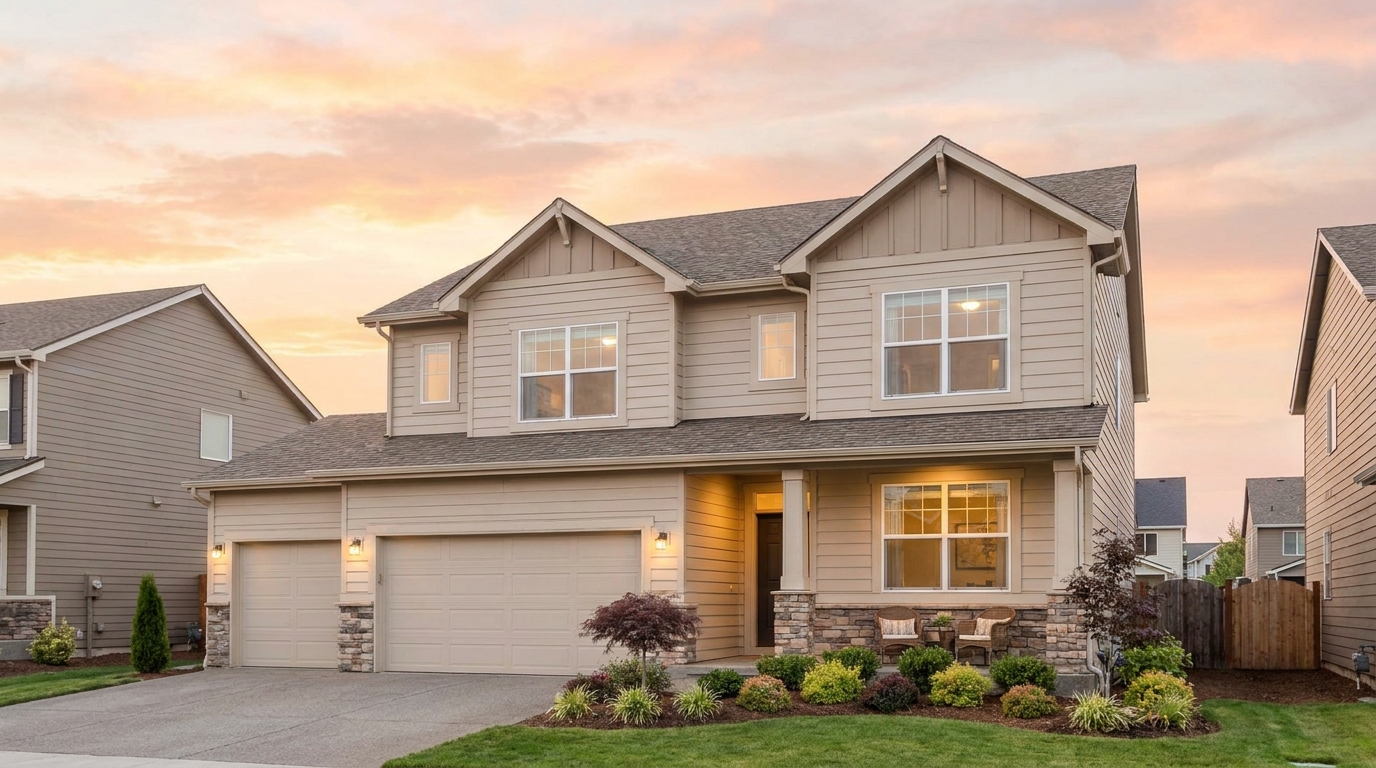
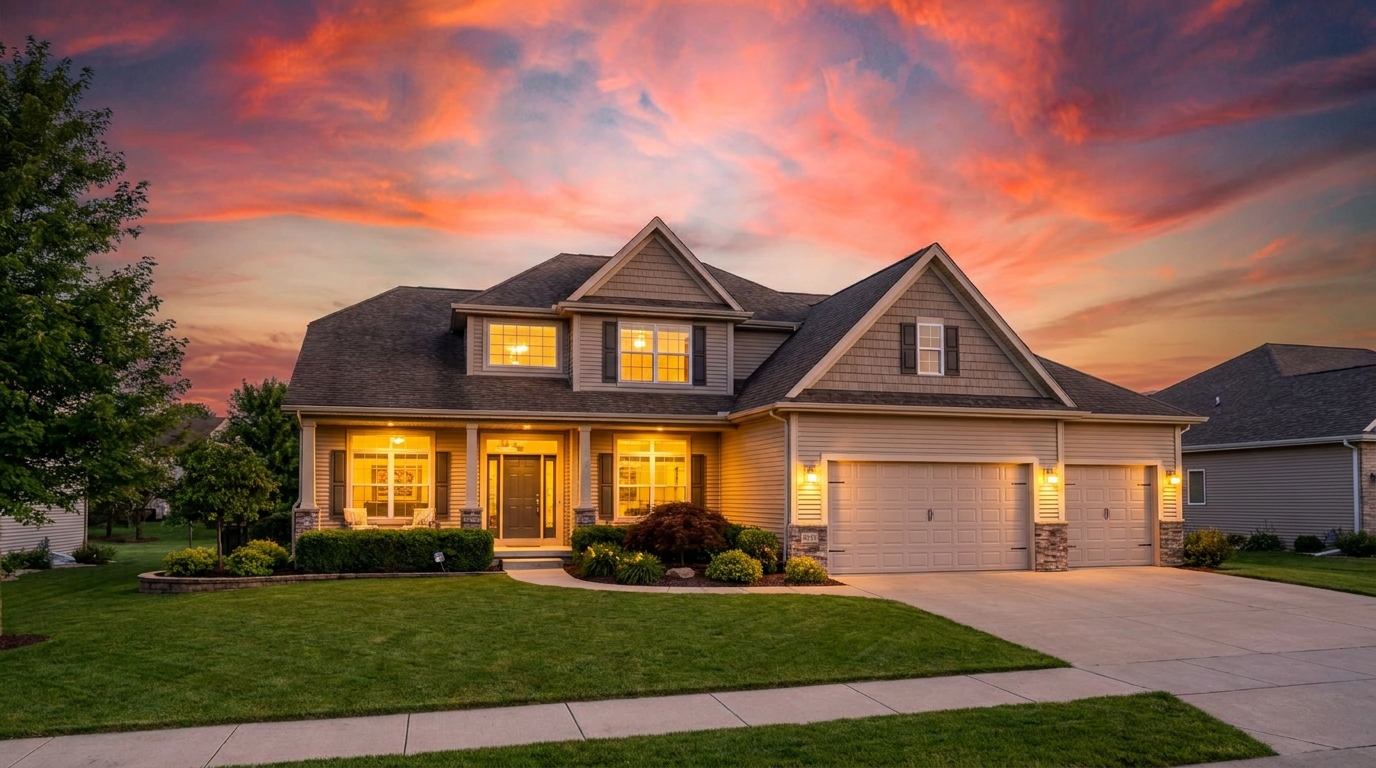
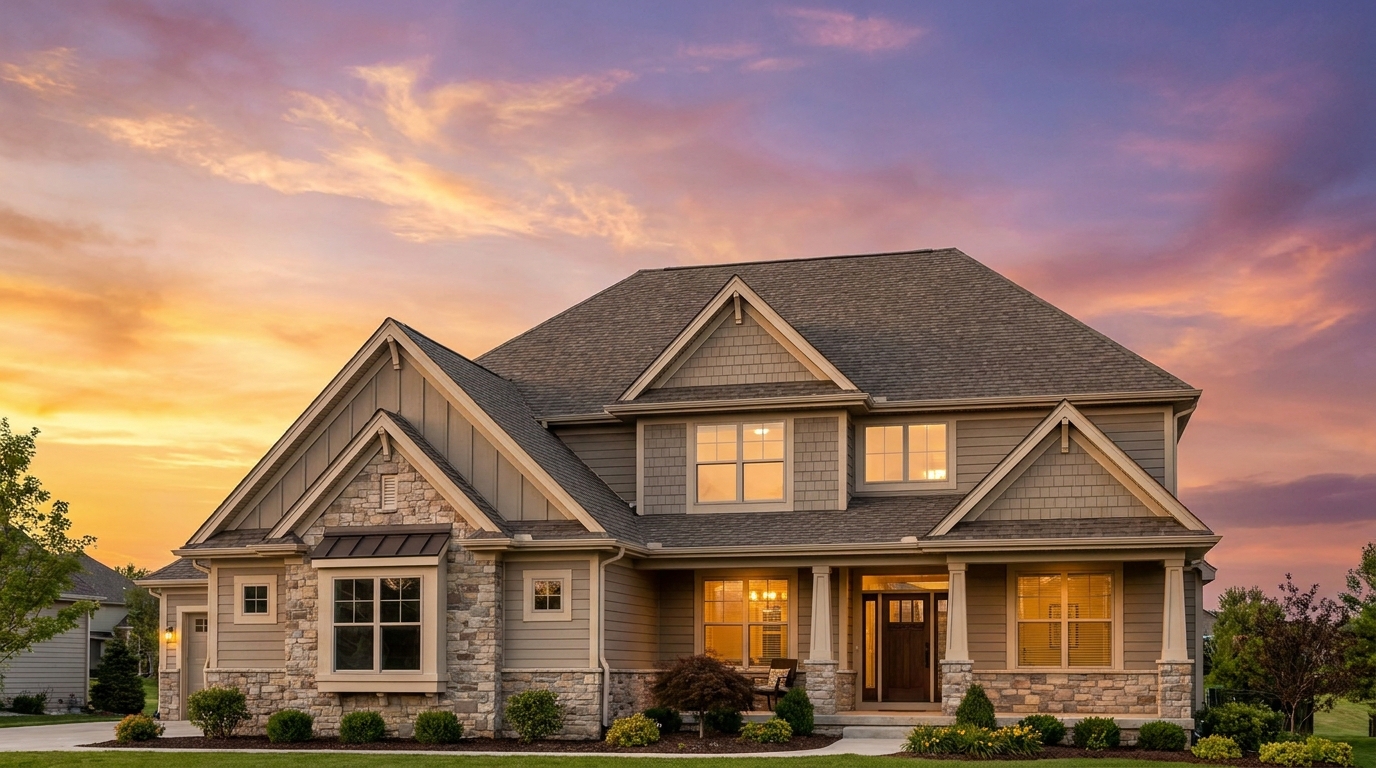
Premium sunset grading with refined warmth and upscale visual appeal.
Try This Tool →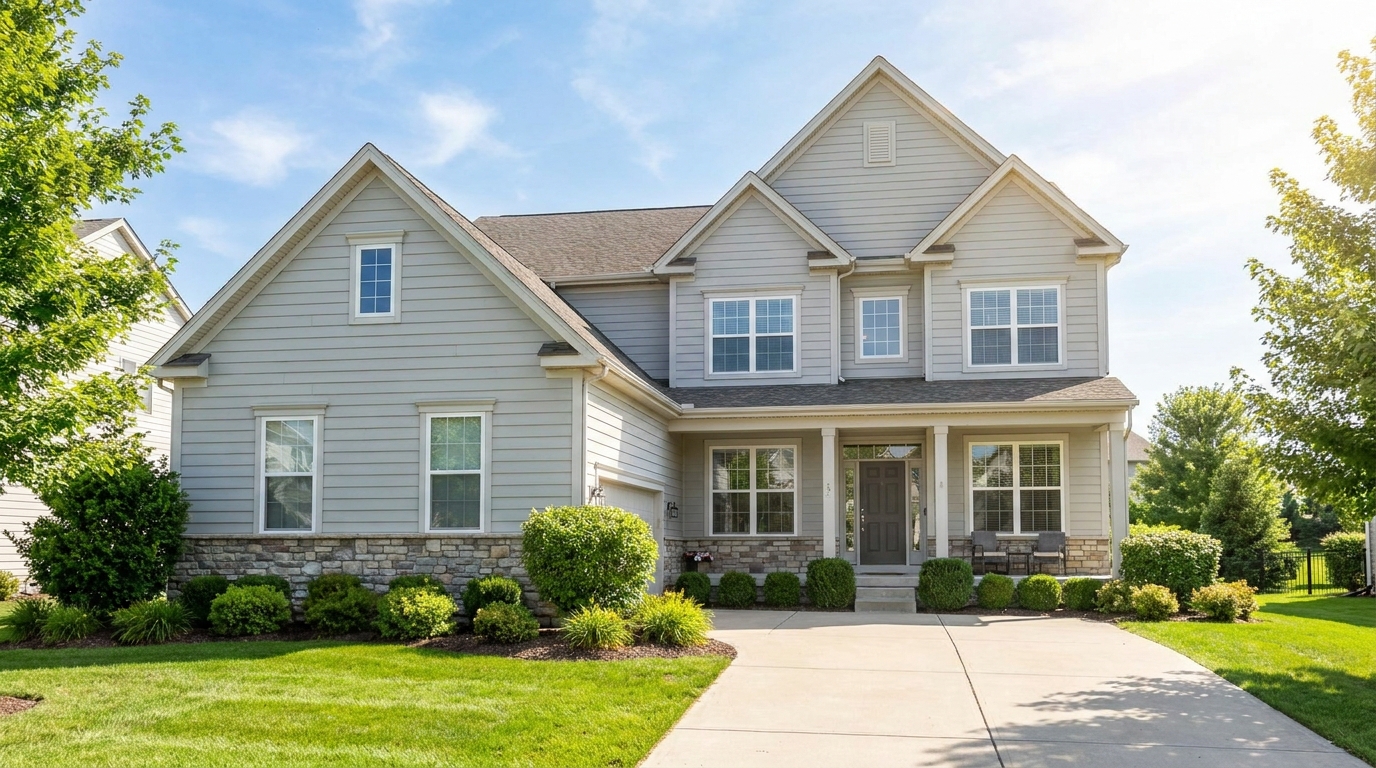
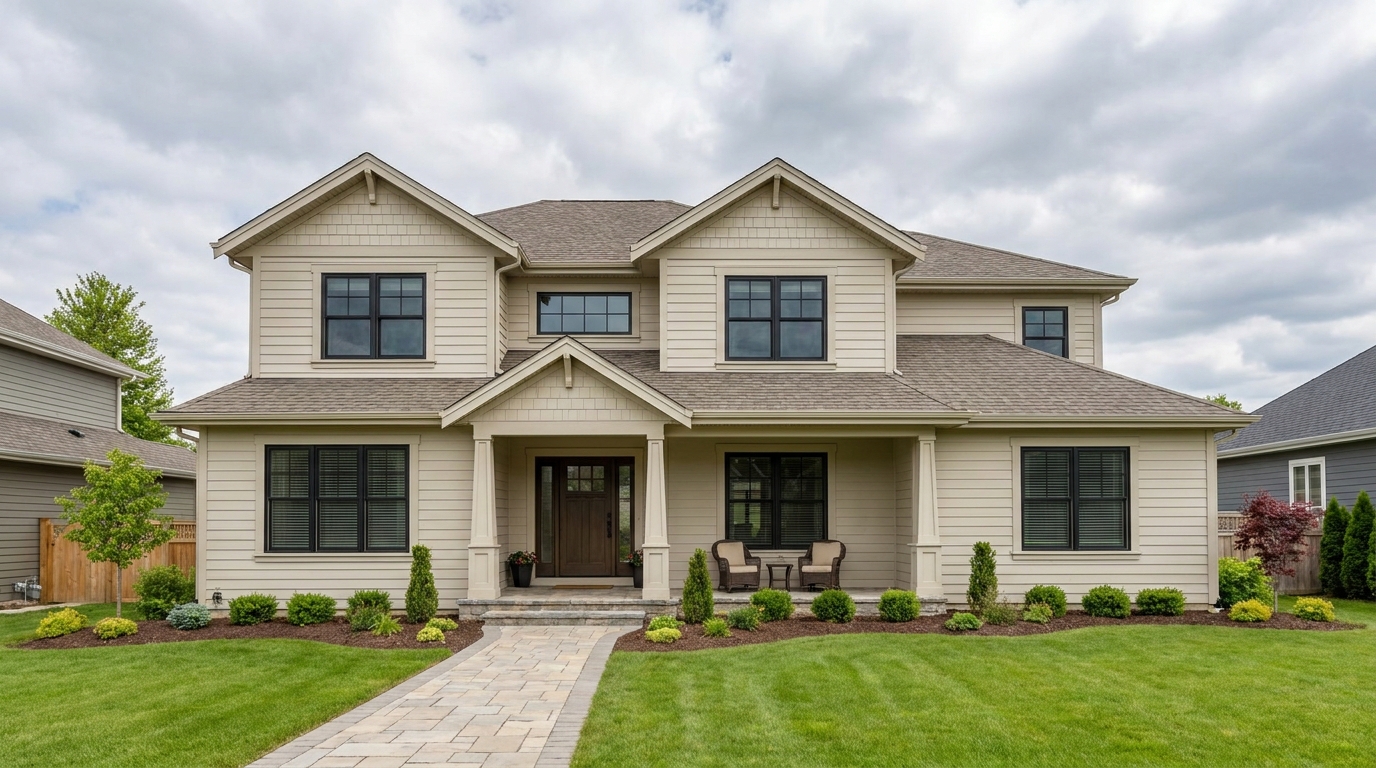
Turn flat gray skies into clean daylight scenes that feel brighter and more marketable.
Try This Tool →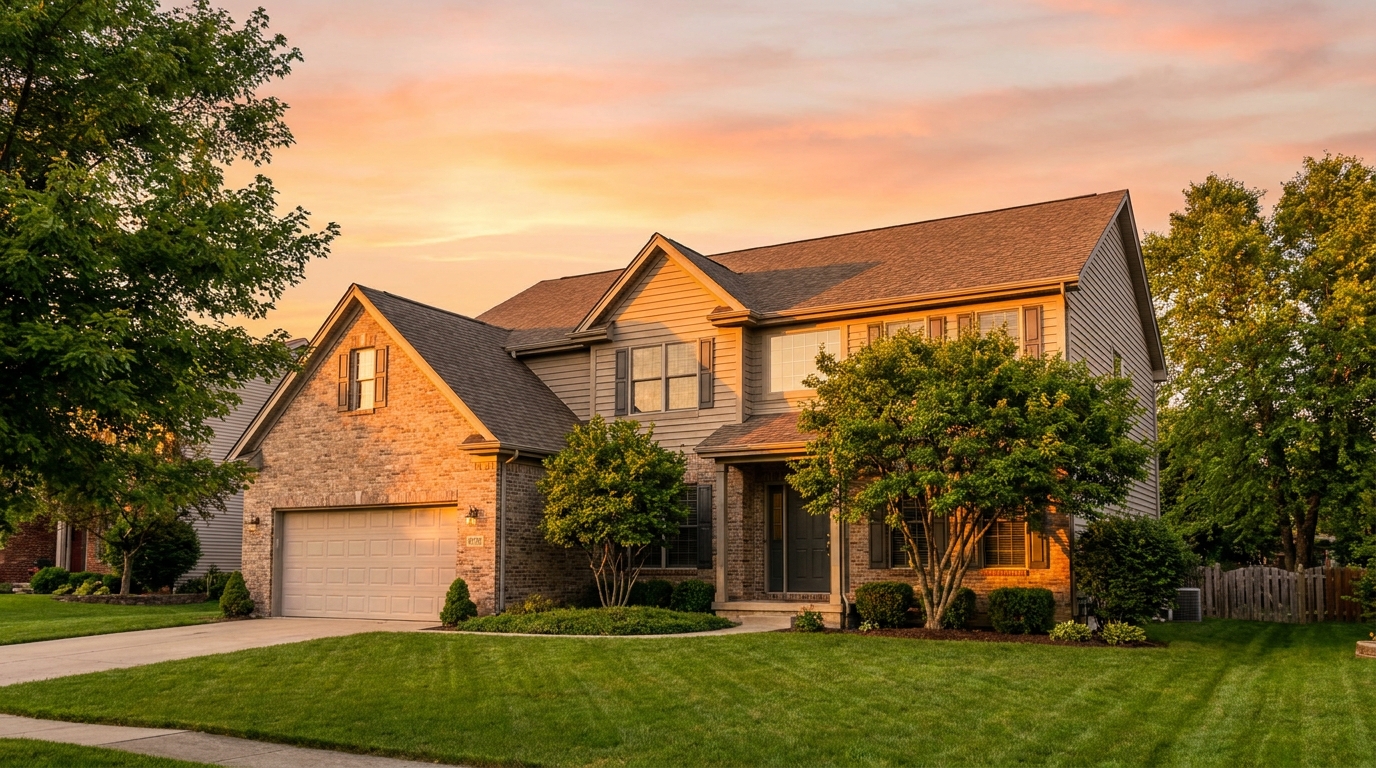
Add golden-hour light and warmth for a polished, high-converting exterior look.
Try This Tool →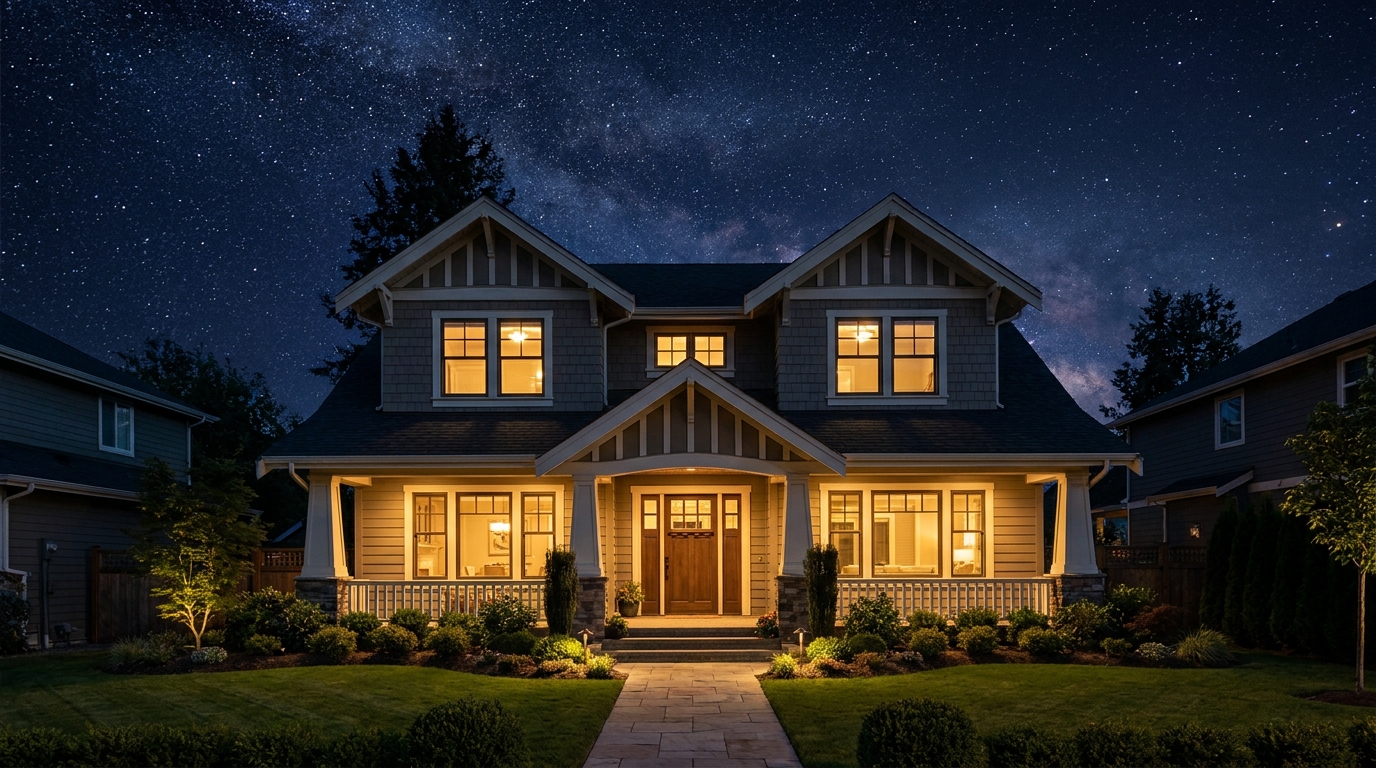
Transform the sky into a refined evening backdrop with elegant nighttime mood.
Try This Tool →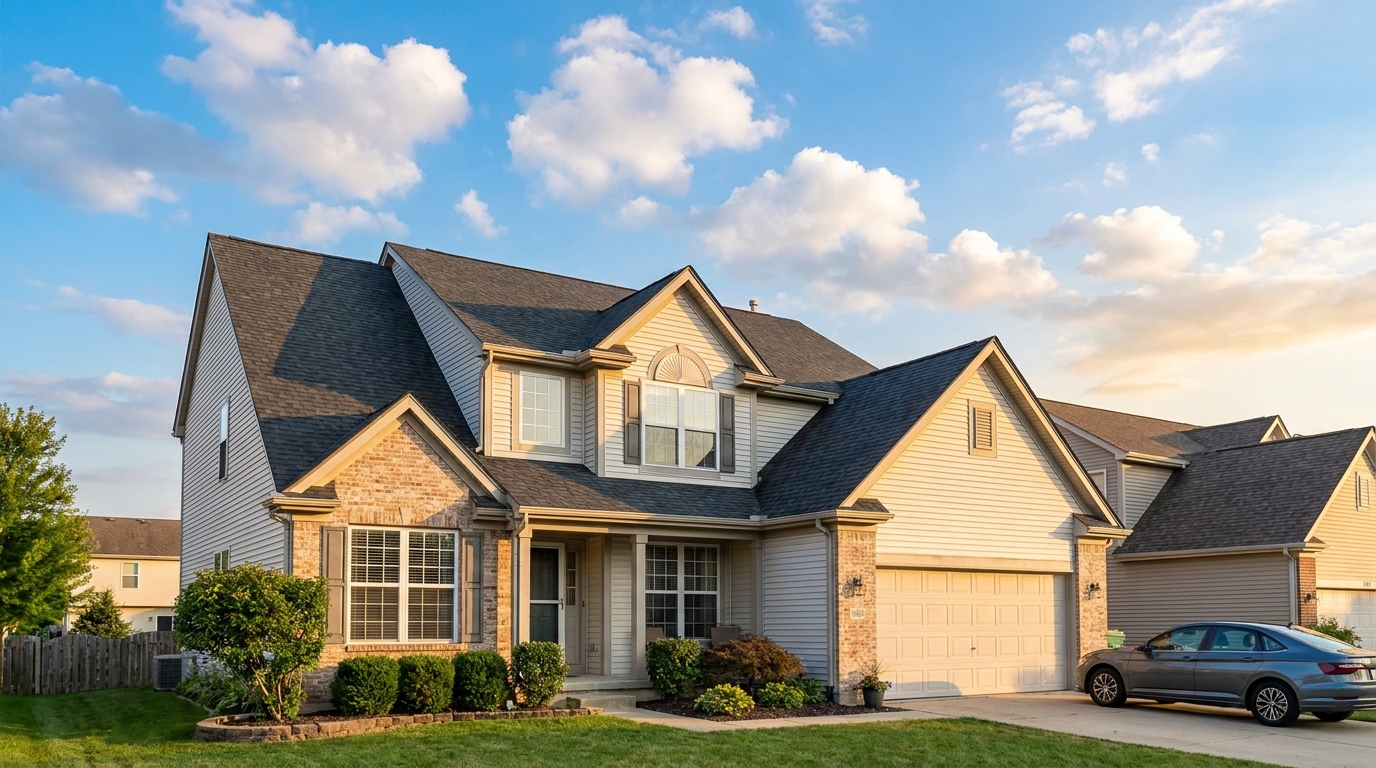
Natural-looking sky swaps that make exterior photos brighter, cleaner, and more appealing.
Try This Tool →Explore additional presets designed to polish your interior and exterior property marketing.
AI image-to-video generation for turning home, room, and property photos into more vivid presentation videos.
02AI exterior renovation for visualizing facade updates, curb appeal improvements, and home exterior remodel ideas.
03AI landscaping design for exploring outdoor concepts, curb appeal upgrades, planting ideas, and yard layout directions.
04AI virtual staging for furnishing empty rooms and creating listing-ready interiors for real estate marketing.
05Free AI image generation for turning text prompts into unlimited visual ideas for home design, interiors, landscaping, renovation
06AI object removal for cleaning up distracting items from room, home, and property photos.
Don't let bad weather ruin your property photos. Use our AI-powered Blue Sky preset to swap out gloomy skies and boost your curb appeal today.