
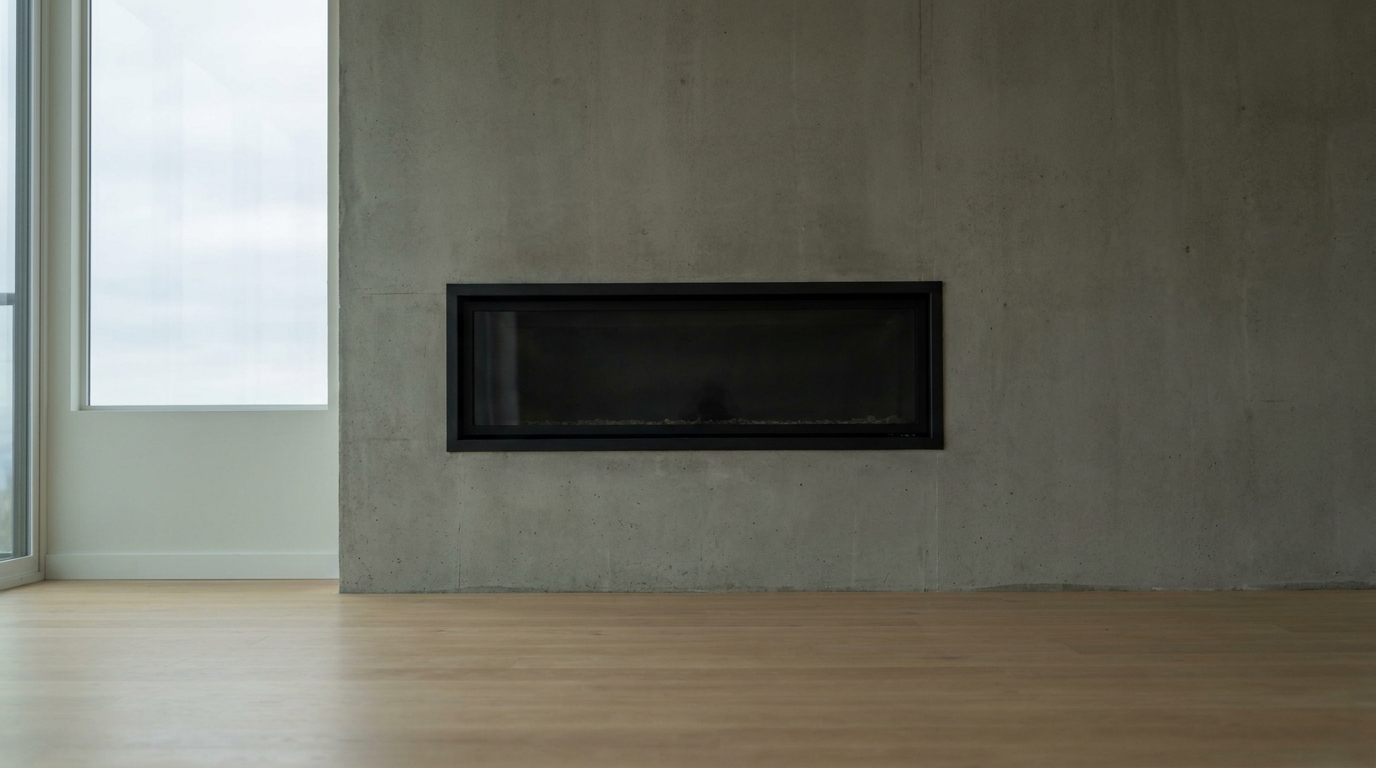
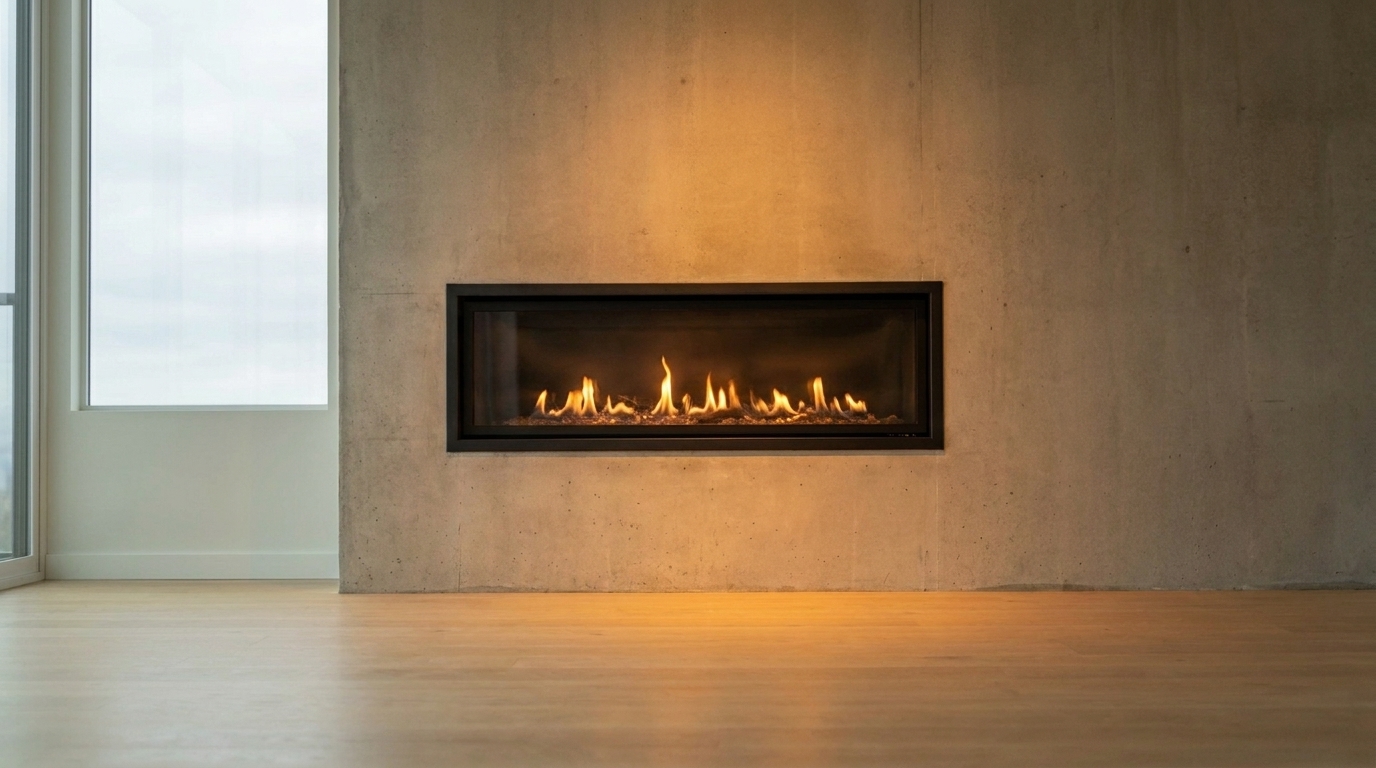

Modern Linear Fireplace
Modern Linear Fireplace updated with add fire to fireplace styling.
Transform cold, empty hearths into warm, inviting focal points. Use AI-powered presets to enhance your real estate listing photos with cozy, natural flames.
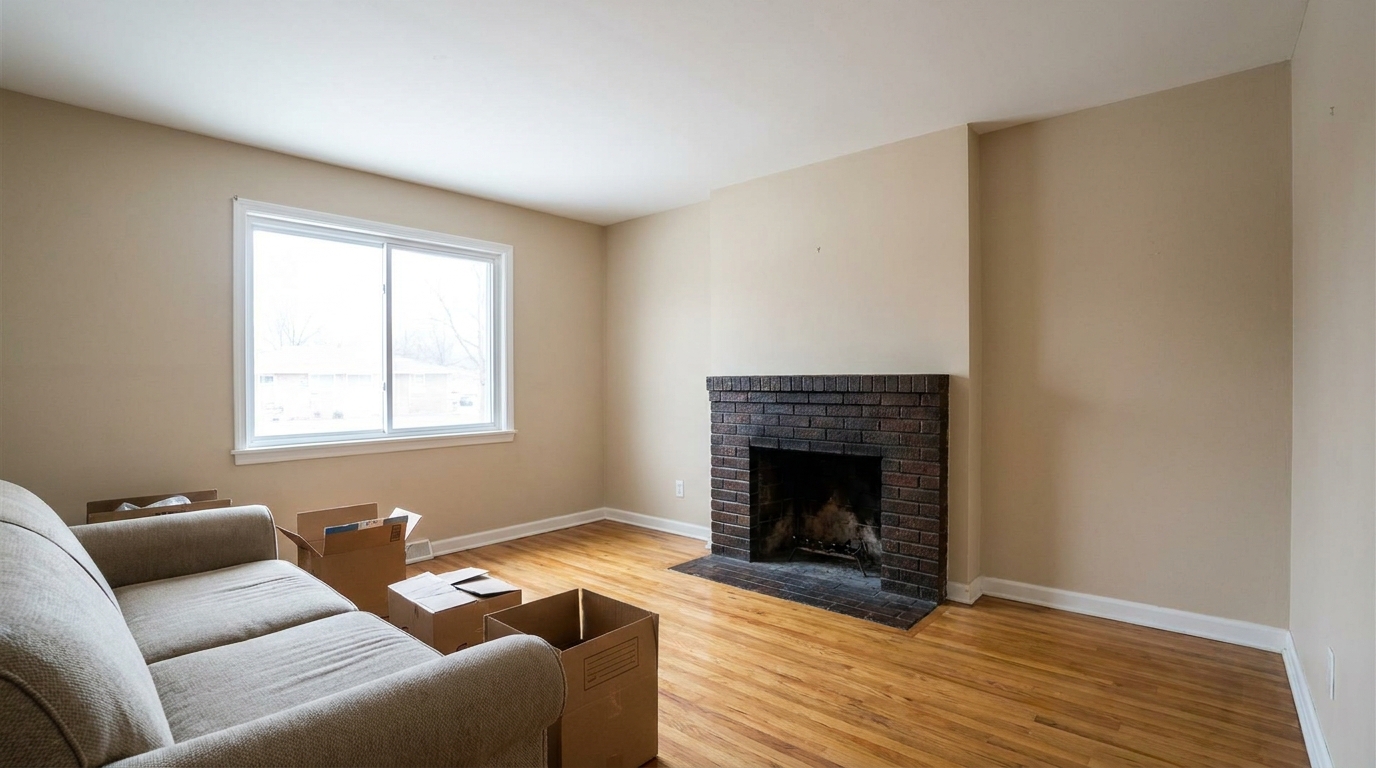
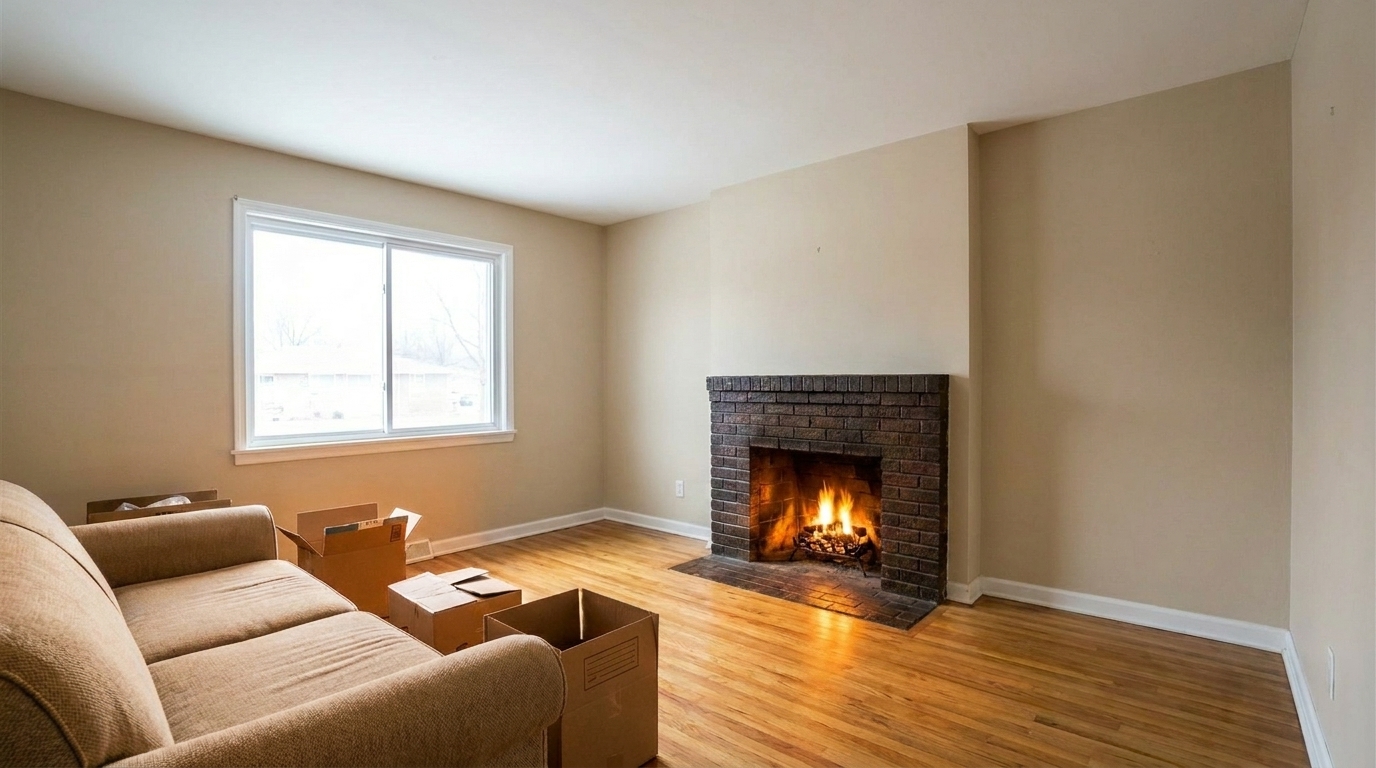
Compare empty, cold hearths with our warm, realistically enhanced listing photos.
Modern Linear Fireplace updated with add fire to fireplace styling.
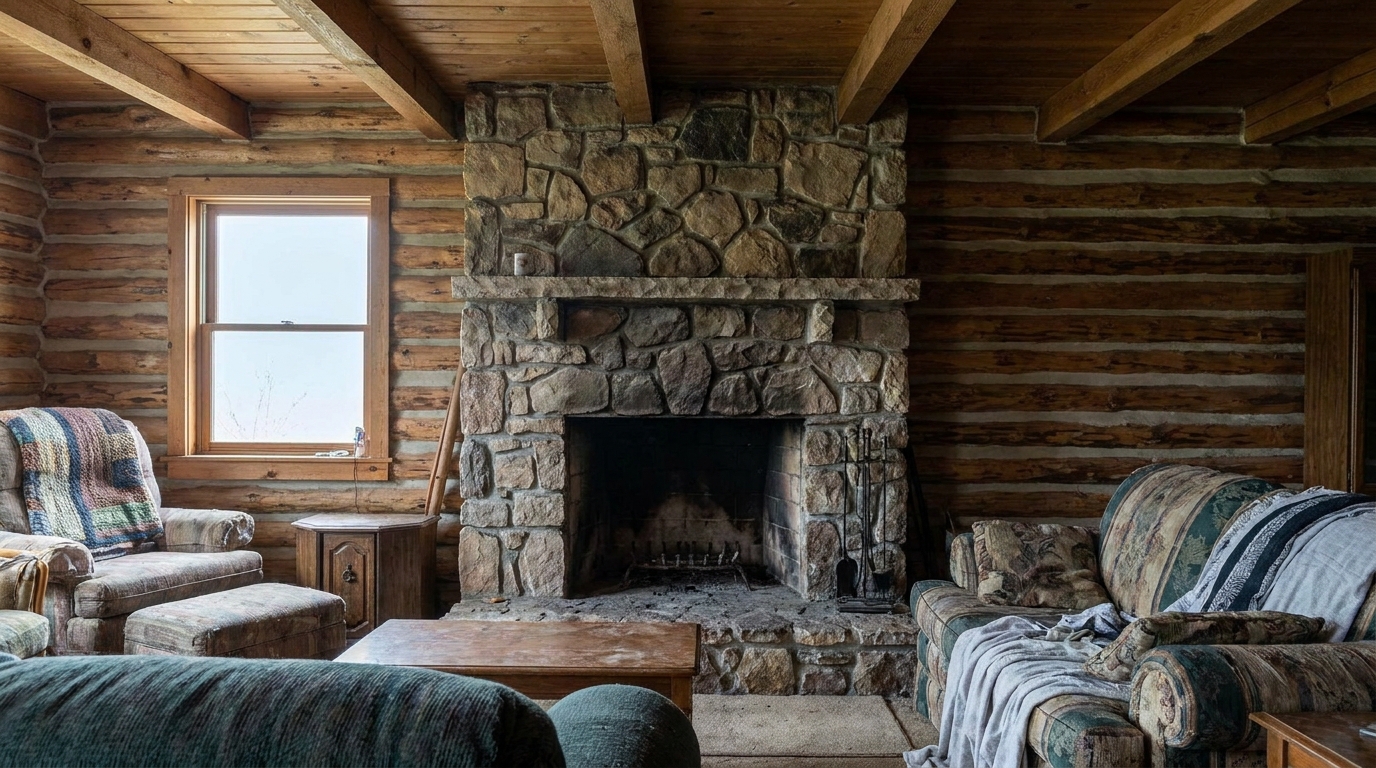
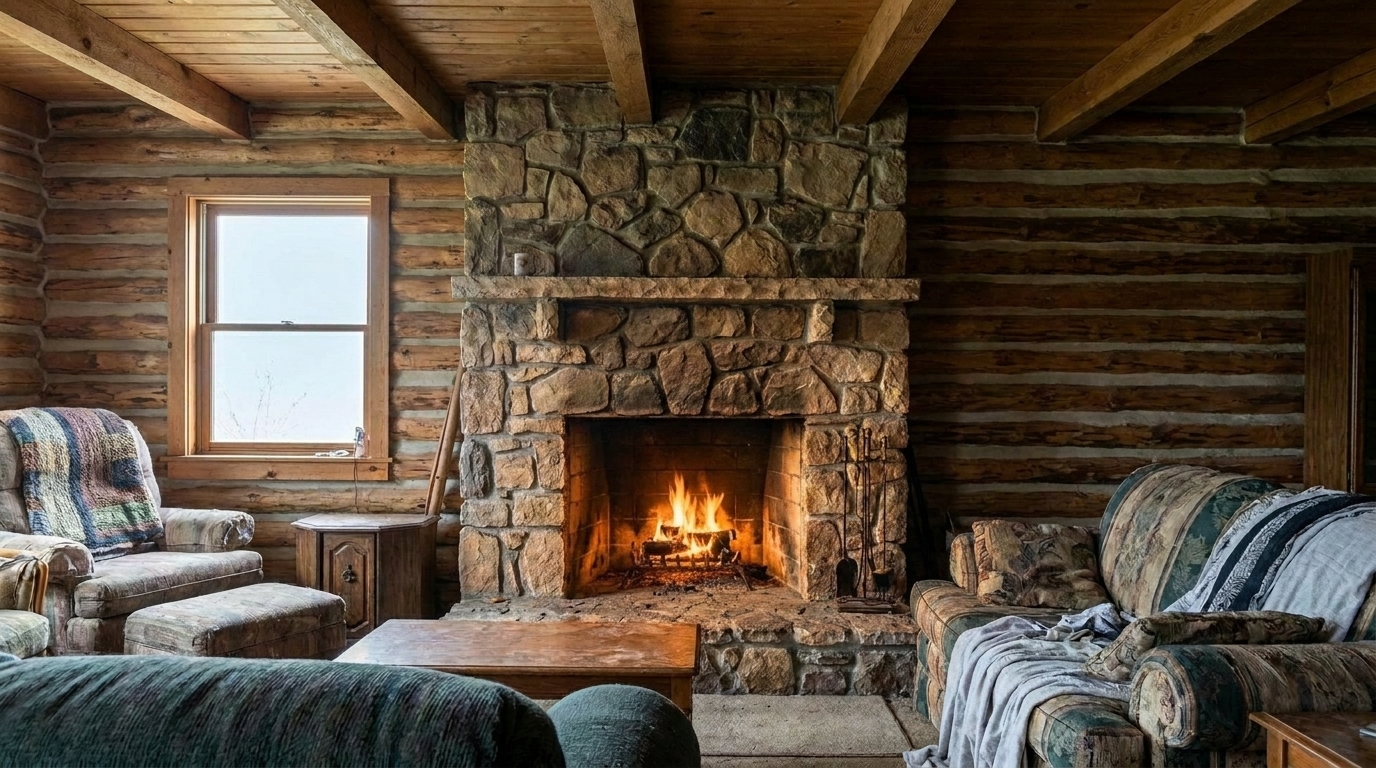
Stone Hearth Living Room updated with bright marketing fire styling.
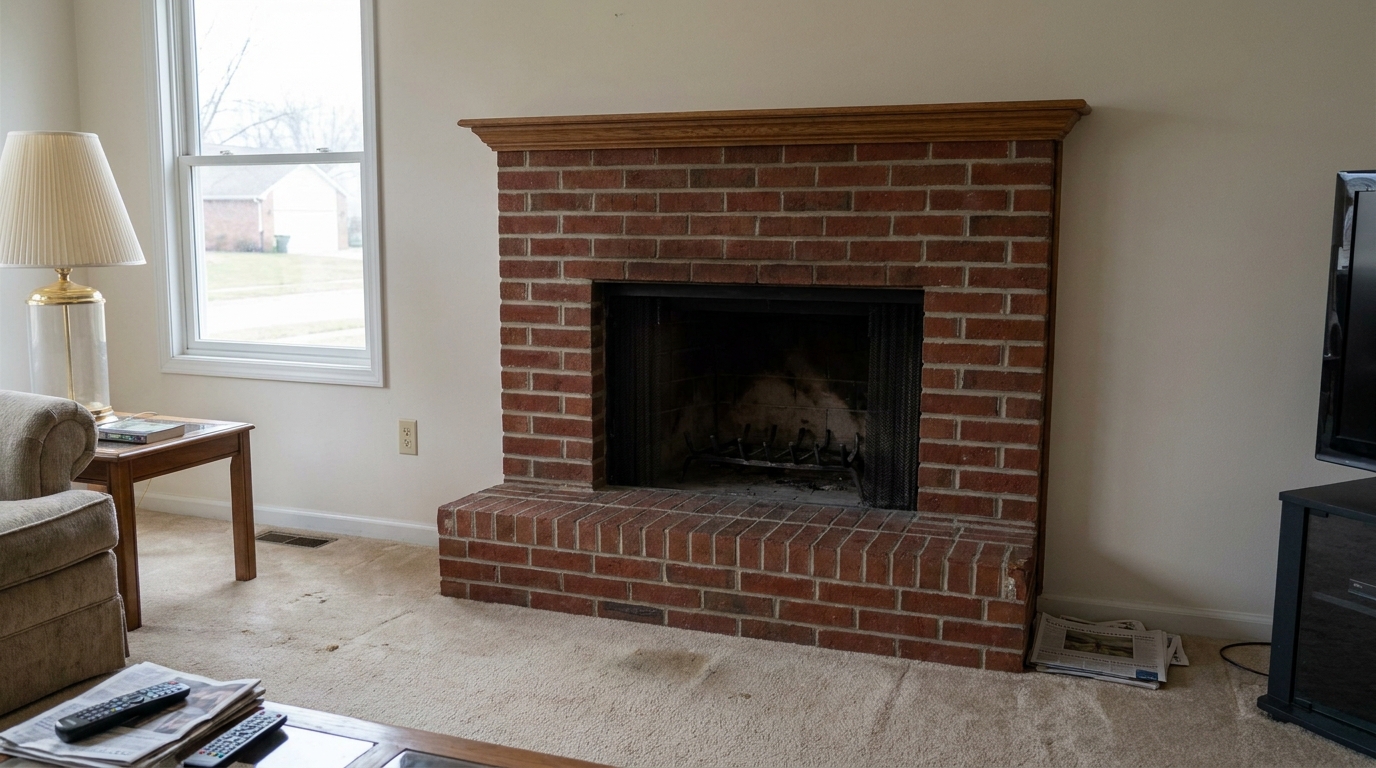
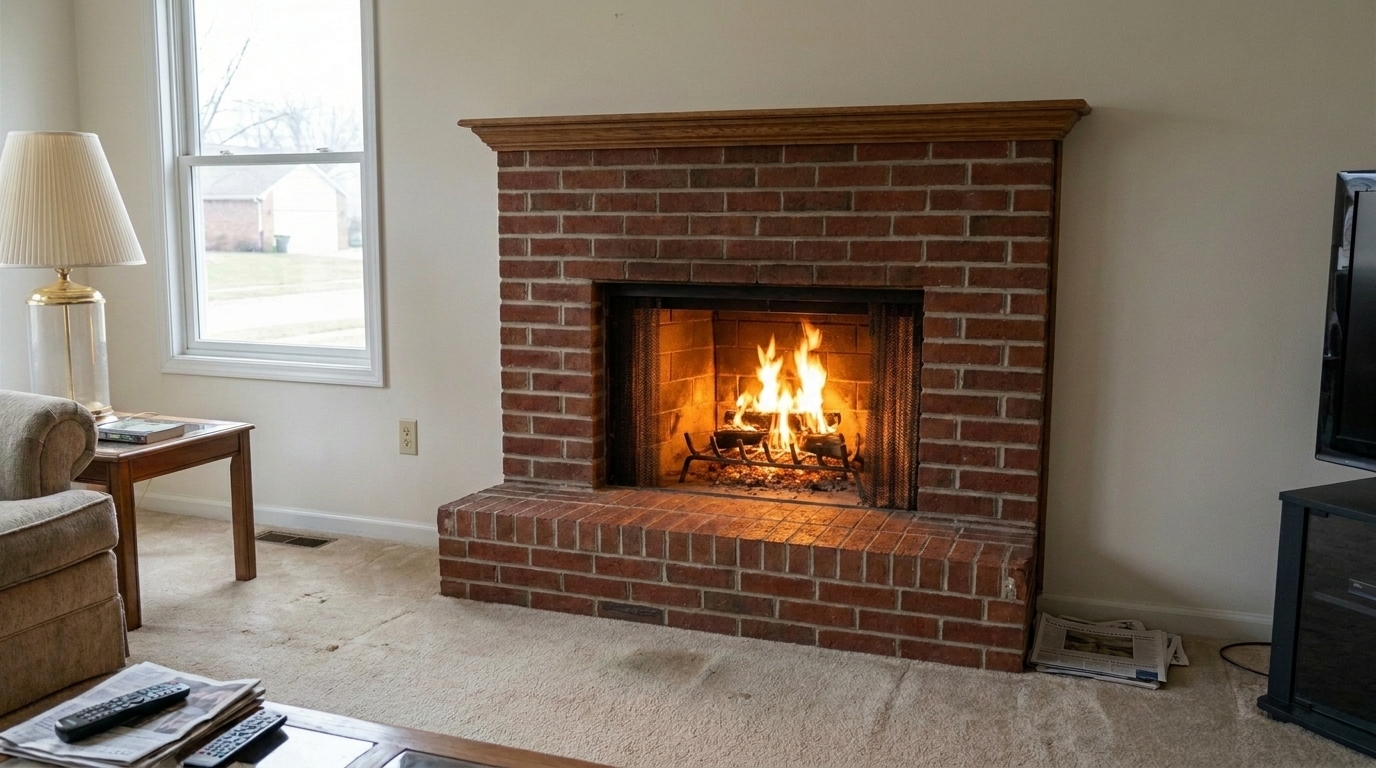
Suburban Brick Fireplace updated with modern clean fire styling.
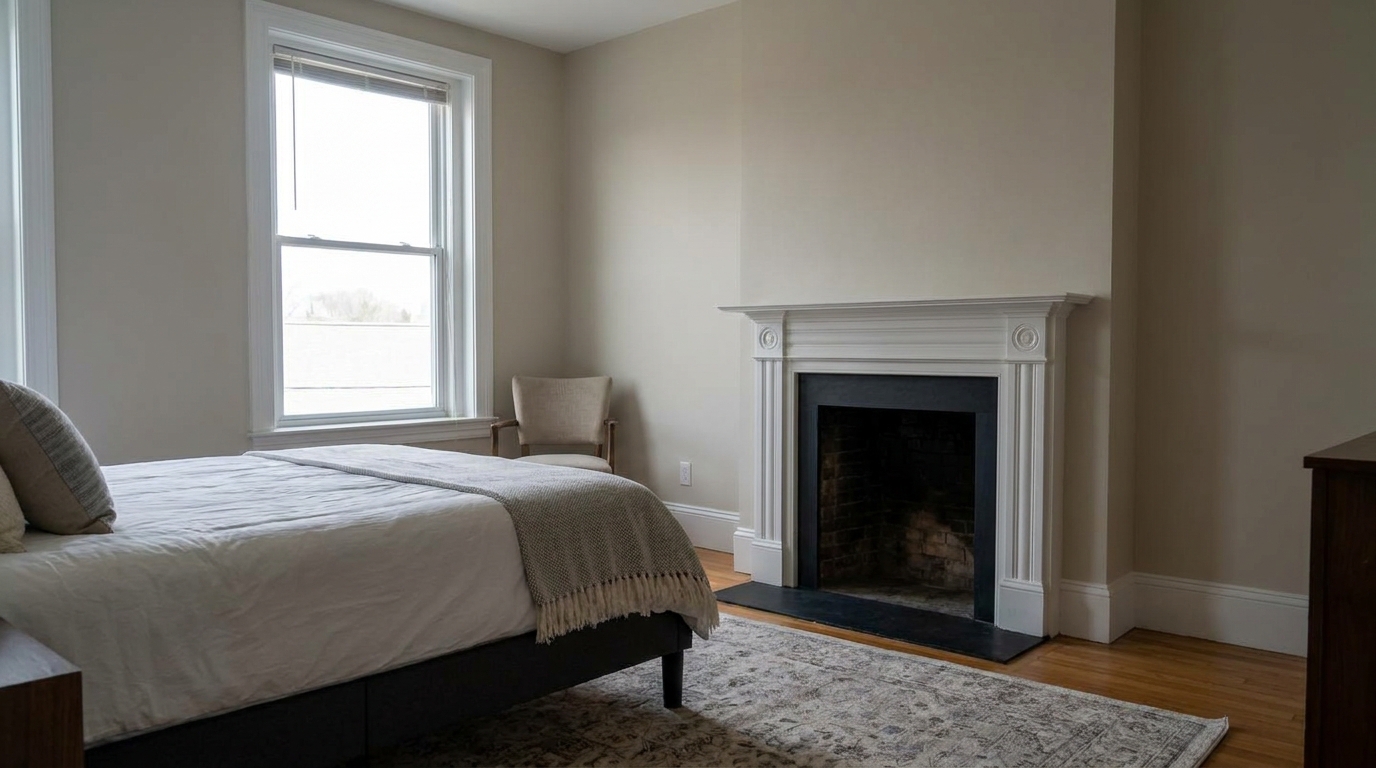
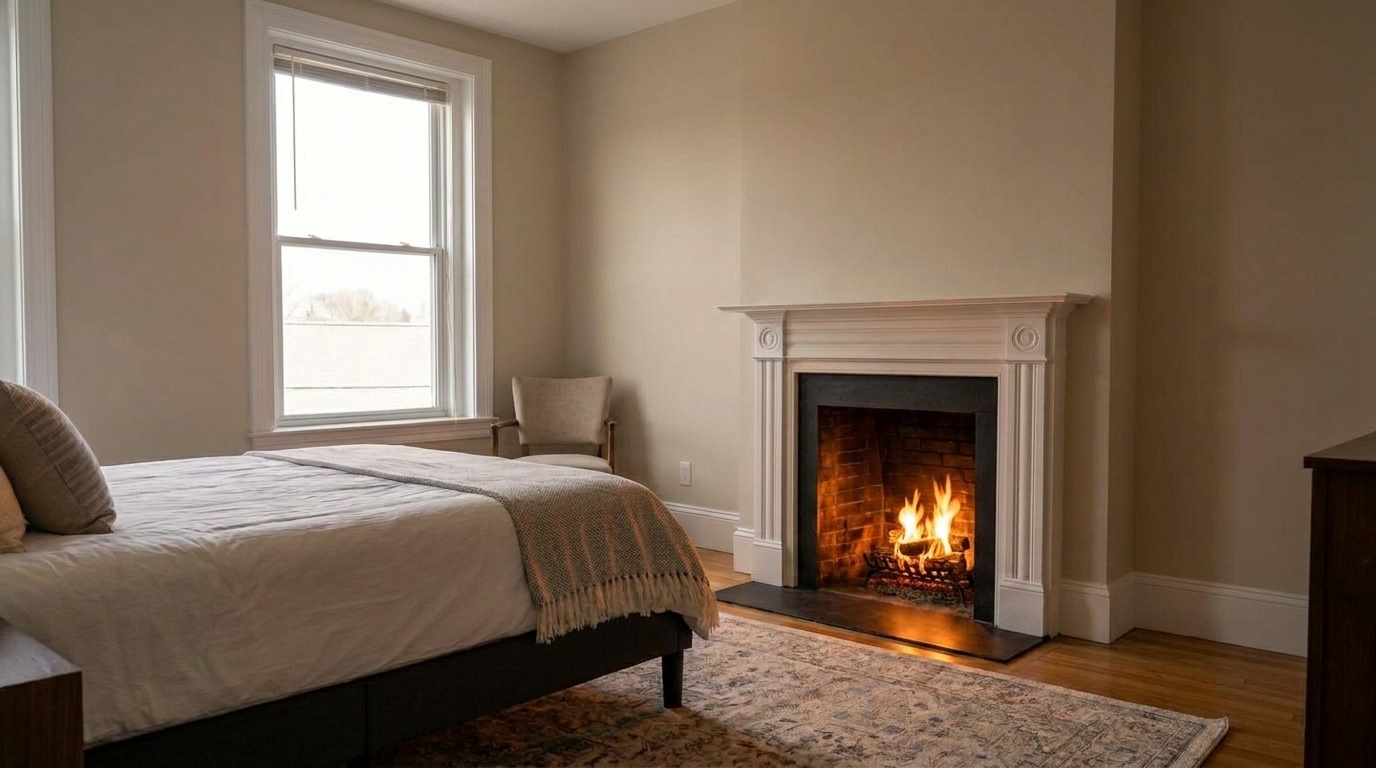
Master Bedroom Hearth updated with subtle natural fire styling.
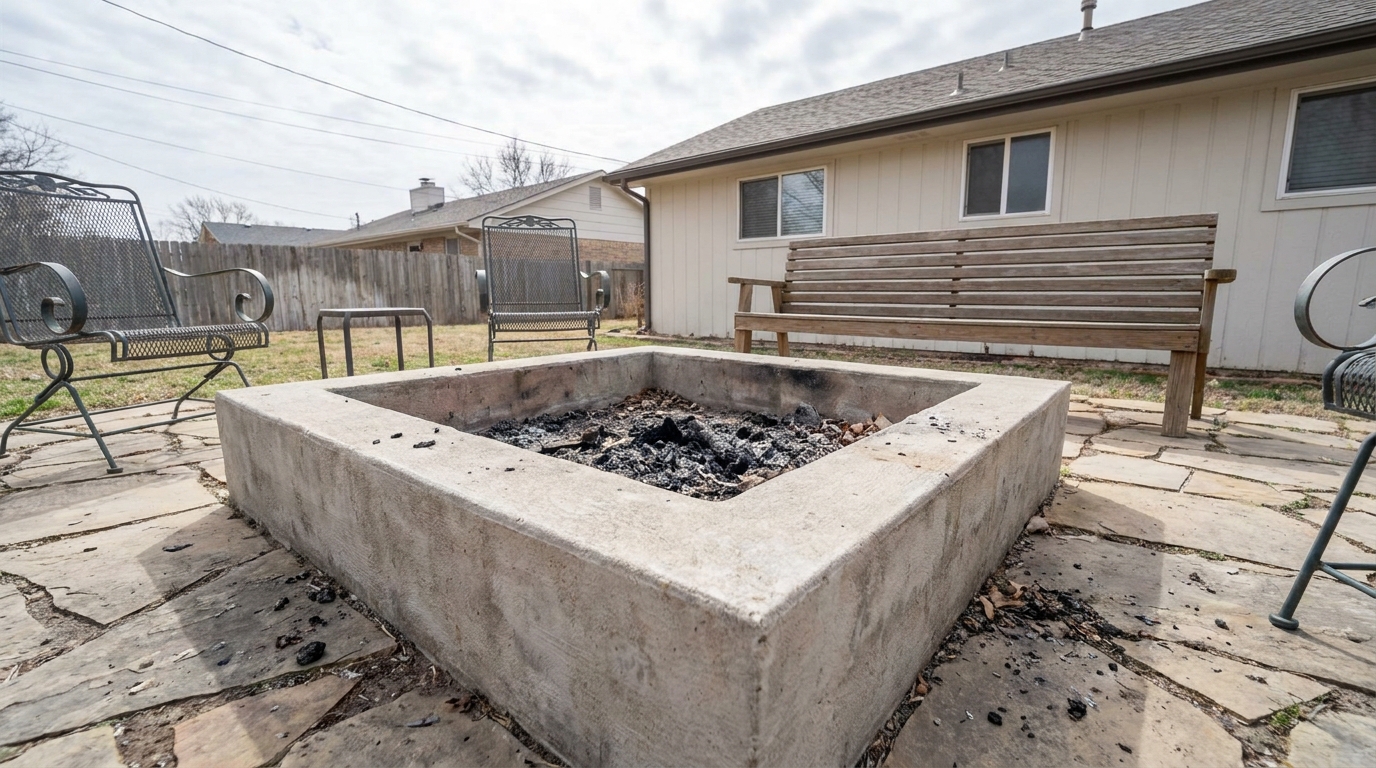
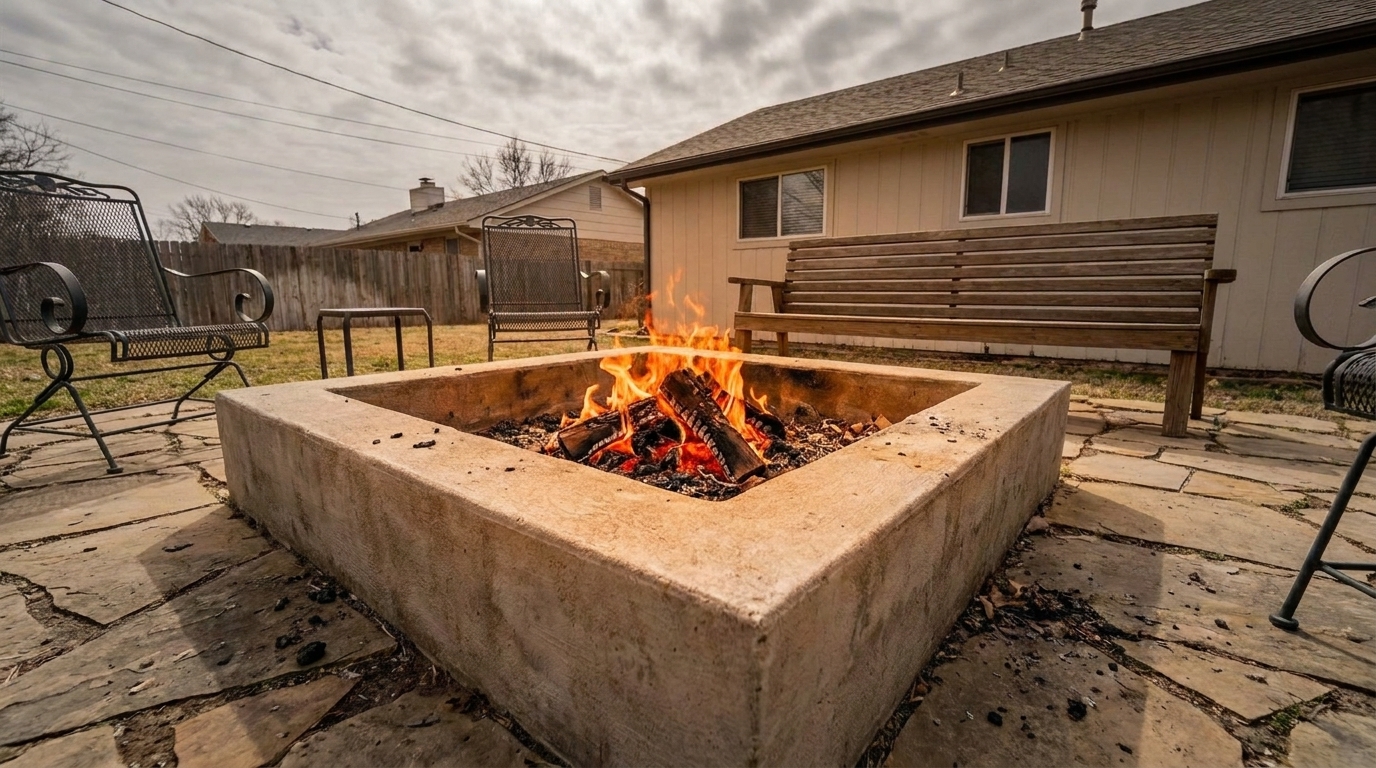
Outdoor Patio Fire Pit updated with traditional cozy fire styling.
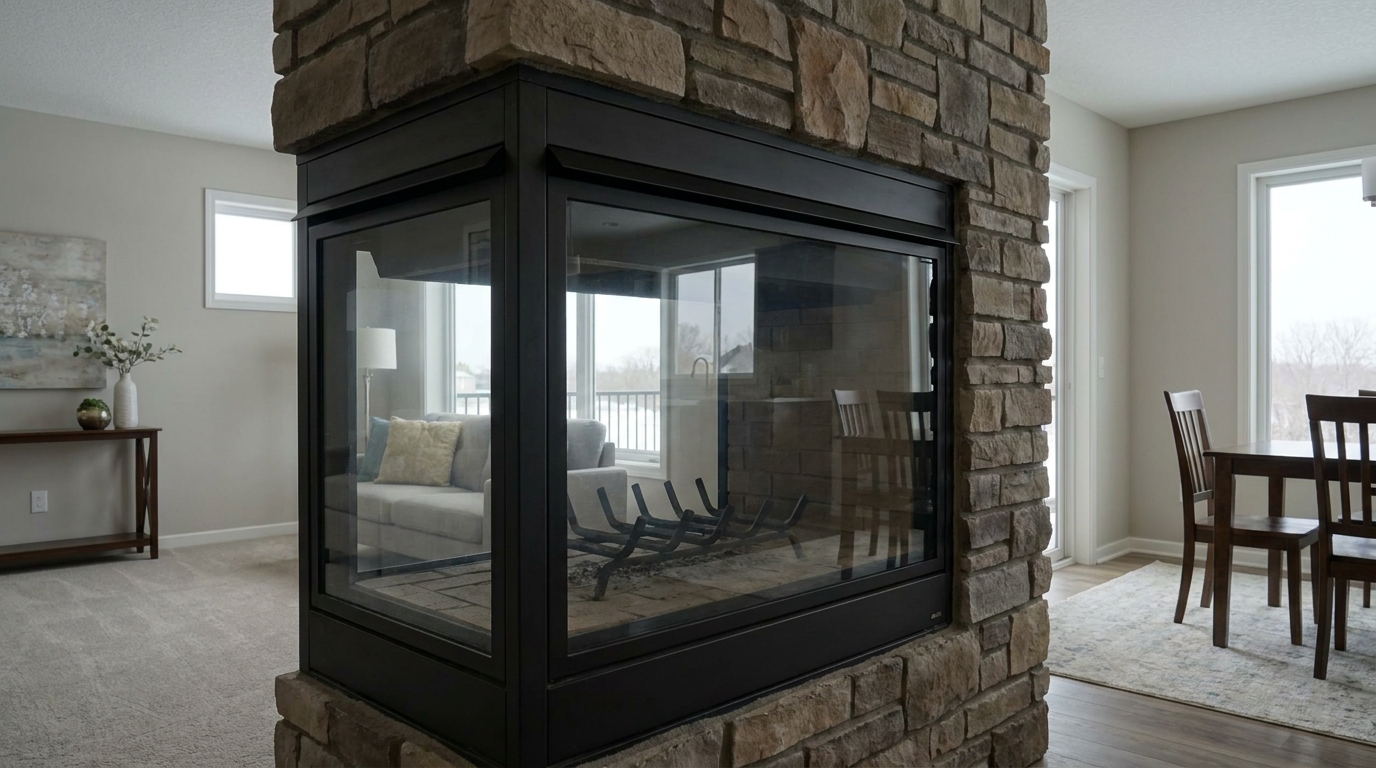
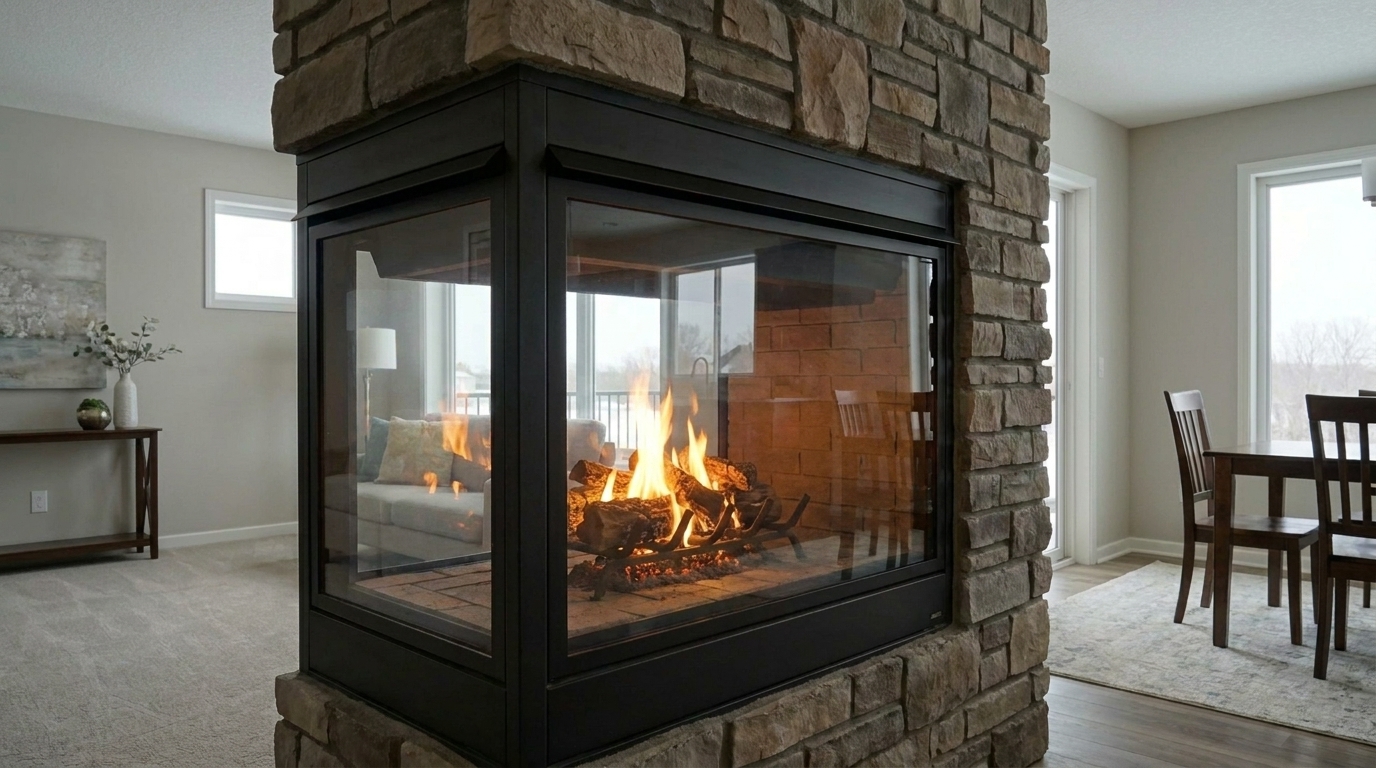
Luxury Lounge Fireplace updated with vibrant showcase fire styling.
Discover how our AI technology seamlessly integrates realistic flames and warm ambient light.
AI automatically detects the hearth boundaries to place realistic, perfectly scaled flames inside the fireplace.
Simulates natural warm light radiating from the fire, subtly illuminating the surrounding mantel, hearth, and floor.
Offers multiple flame styles from sleek, minimal linear flames for modern homes to roaring wood fires for rustic cabins.
Ensures the fire sits naturally behind fireplace screens, grates, or glass panels with realistic depth perception.
Renders crisp, high-resolution flame details that look completely authentic even when zoomed in on large displays.
Eliminates the need for complex manual masking, layering, or Photoshop skills, delivering results in seconds.
See how different real estate listings benefit from tailored virtual fireplace staging.
Enhance high-end modern lounges with sleek, clean flames that highlight premium architectural finishes.
Luxury ListingsAdd traditional wood-burning warmth to family rooms, making them feel instantly comfortable and lived-in.
ResidentialBring life and emotional appeal to empty, virtually staged properties by lighting up cold, dark hearths.
Virtual StagingCreate a festive, welcoming atmosphere for listings active during autumn and winter selling seasons.
Seasonal ListingsApply subtle, natural flames to backyard fire pits or outdoor fireplaces to showcase evening entertainment potential.
Outdoor SpacesWarm up hotel lobbies, restaurant hearths, or apartment clubhouse photos to attract patrons and residents.
CommercialFollow these simple steps to bring warmth and life to your interior property images.
Select and upload a high-quality interior photo featuring an empty, cold, or unlit fireplace.
Choose from our curated presets, such as Modern Clean, Traditional Cozy, or Bright Marketing, to match the room's aesthetic.
Let the AI seamlessly render realistic flames and ambient glow, then download your warm, inviting listing photo.
Source-backed context for why fire in fireplace can strengthen real estate listing presentation and buyer evaluation.
Fire in Fireplace evidence
Photos are one of the most valuable website features for home buyers; NAR's 2025 generational trends report says 83% of internet-using buyers rated photos as very useful. For Fire in Fireplace pages, this supports explaining why that enhancement category can influence listing presentation, buyer confidence, and perceived property readiness.
Source: NAR 2025Fire in Fireplace evidence
Zillow Research's 2025 prospective buyer report ranked high-resolution photos as the number two most important listing feature, selected by 26% of prospective buyers; floor plans ranked first at 33%. For Fire in Fireplace pages, this supports explaining why that enhancement category can influence listing presentation, buyer confidence, and perceived property readiness.
Source: Zillow 2025Fire in Fireplace evidence
Redfin reported that professionally photographed homes in the $400,000 range sold three weeks faster and for more than $10,000 relative to list price compared with amateur photos. Use this as supporting context, not as a guaranteed result. For Fire in Fireplace pages, this supports explaining why that enhancement category can influence listing presentation, buyer confidence, and perceived property readiness.
Source: RedfinLearn how to leverage AI-powered fireplace enhancements to elevate your real estate listings, create emotional connections with buyers, and choose the perfect flame style for every home.
In real estate marketing, emotional connection drives buyer interest. An empty, cold fireplace can make an otherwise beautiful living room feel sterile and uninviting. By adding a realistic virtual fire, you instantly inject warmth, comfort, and a sense of 'home' into the listing. This simple visual cue helps buyers picture themselves relaxing by the hearth, significantly increasing the time they spend viewing your listing online.
Matching the flame style to the home's architecture is crucial for maintaining authenticity. For contemporary homes with linear gas fireplaces, choose the Modern Clean Fire preset, which features sleek, controlled flames. For classic brick or stone hearths in suburban homes, the Traditional Cozy Fire or Subtle Natural Fire presets provide a believable, lived-in feel. If you are preparing photos for high-impact online thumbnails, the Bright Marketing Fire or Vibrant Showcase Fire presets offer fuller, brighter flames that grab attention on busy search portals.
To achieve the most realistic results, integrate the fireplace enhancer as the final step in your interior photo editing workflow. First, apply basic exposure, color correction, and vertical alignment. Once the overall room lighting is balanced, upload the photo to the Fire in Fireplace tool. The AI will analyze the corrected exposure to cast a perfectly matched warm glow. Avoid using this tool on extremely overexposed or blurry photos, as the AI may struggle to detect the hearth boundaries and render natural-looking light reflections.
Virtual fireplace enhancement is ideal for vacant homes, properties listed during colder seasons, or listings where lighting a physical fire during the shoot was impractical or unsafe. However, you should avoid using it if the fireplace is non-functional or strictly decorative, as this could mislead buyers. Additionally, avoid choosing overly dramatic, roaring flames for small, intimate bedrooms; instead, opt for a subtle, gentle burn to keep the scene believable and balanced.
Select from our curated AI presets to match the architectural style and mood of your property.
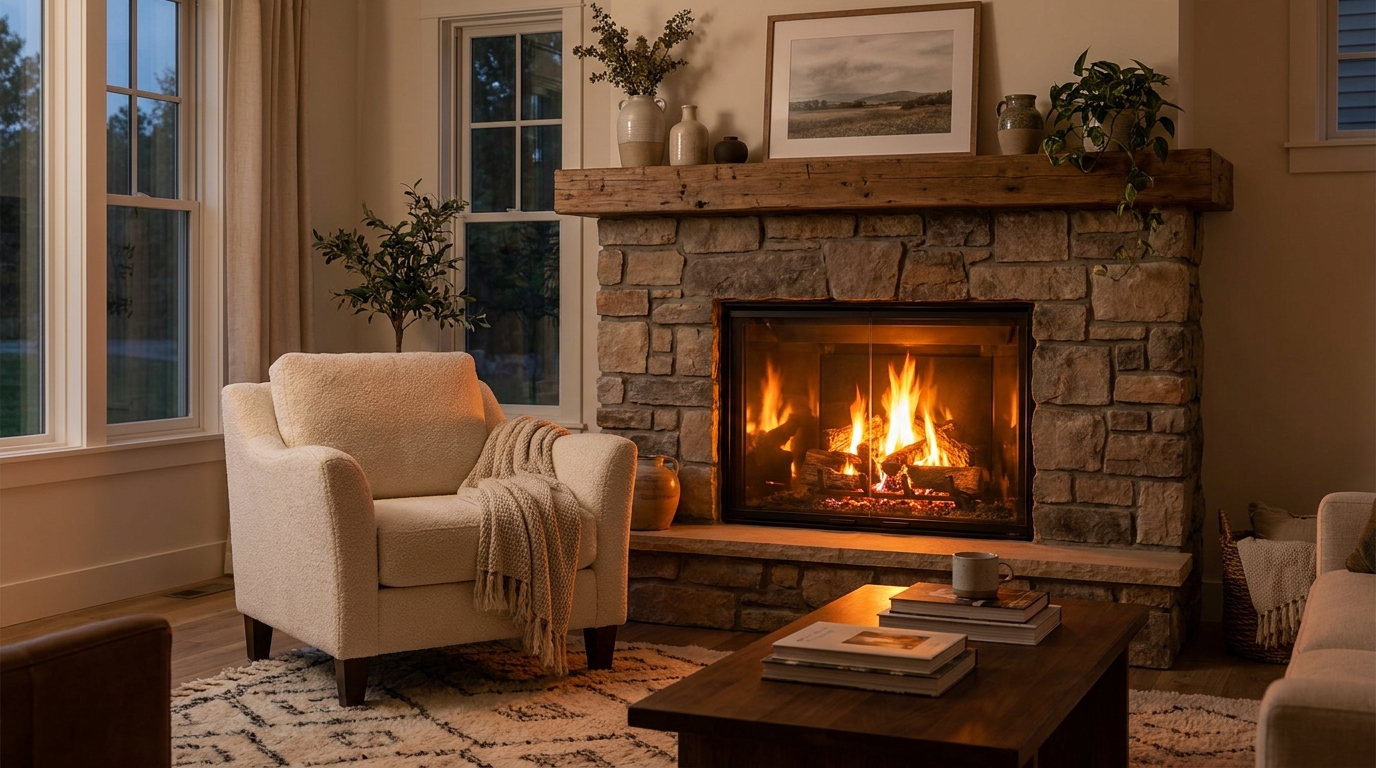
Add realistic fireplace flames for instant warmth, atmosphere, and comfort.
Try This Tool →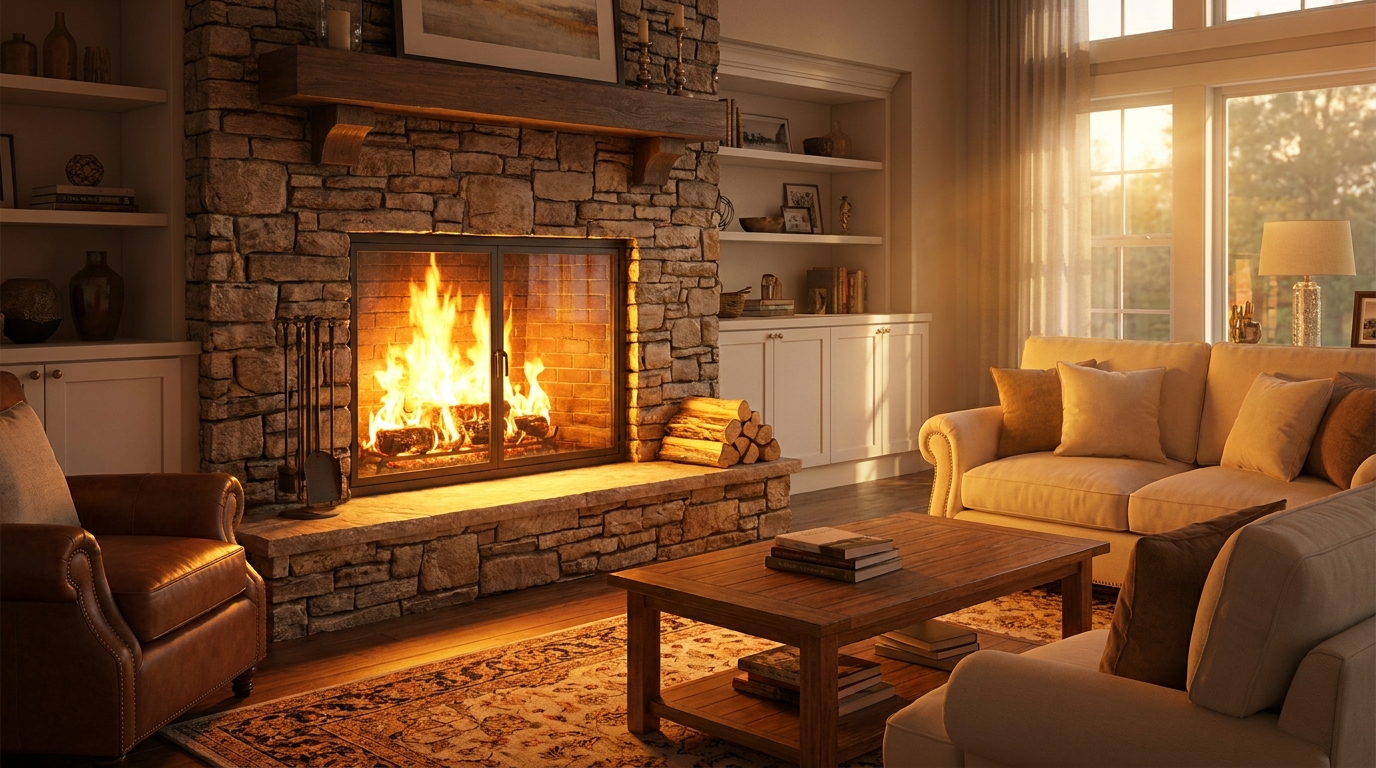
A fuller, brighter fire that adds energy and cozy visual impact.
Try This Tool →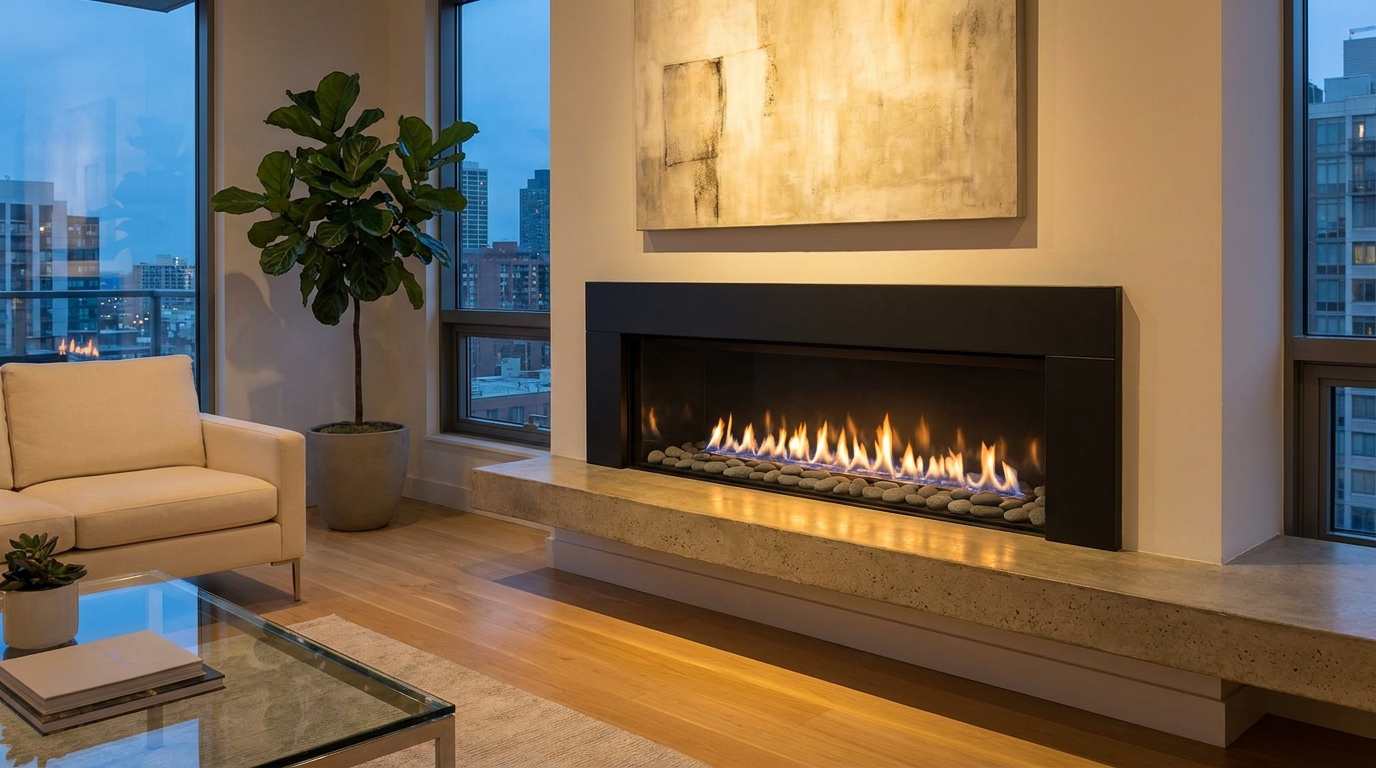
Sleek, refined flames that suit modern interiors and upscale listing styles.
Try This Tool →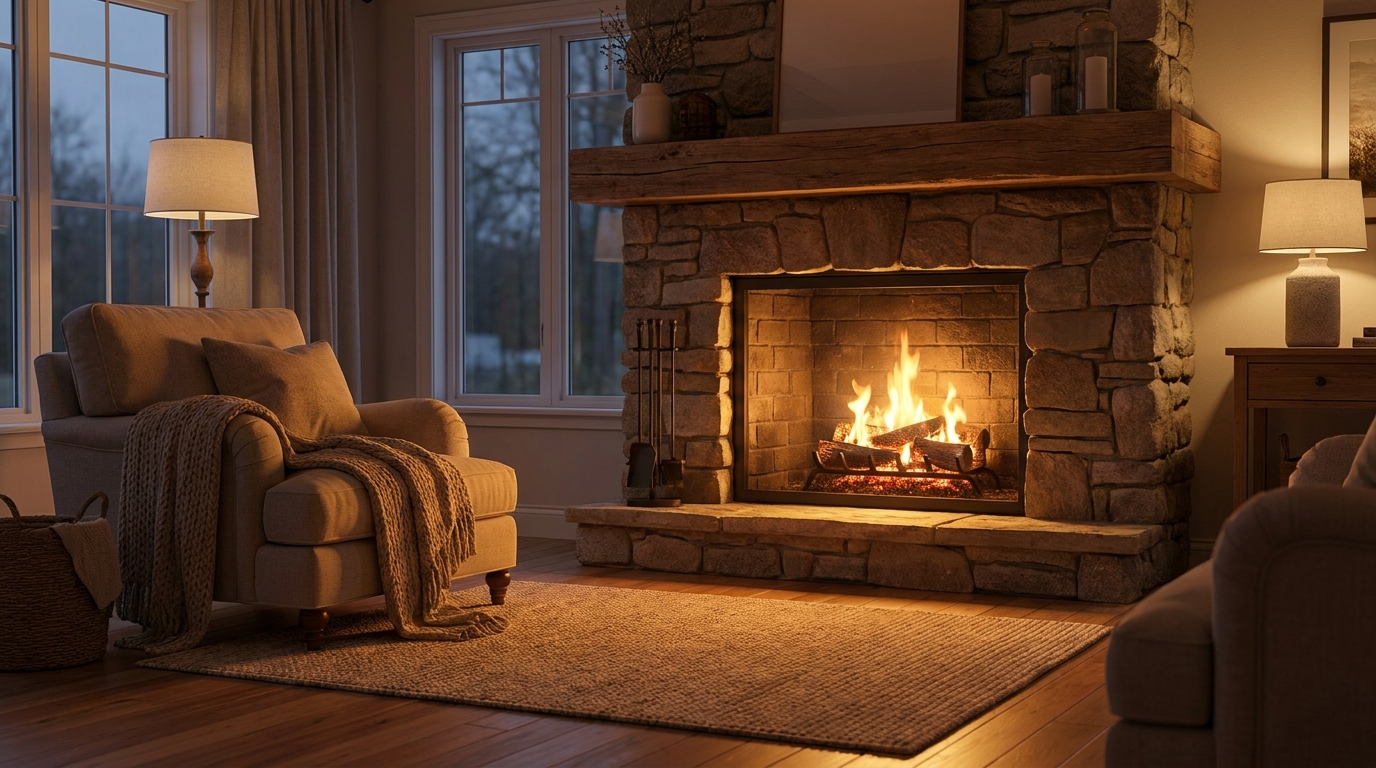
Gentle natural flames for understated warmth that feels believable and calm.
Try This Tool →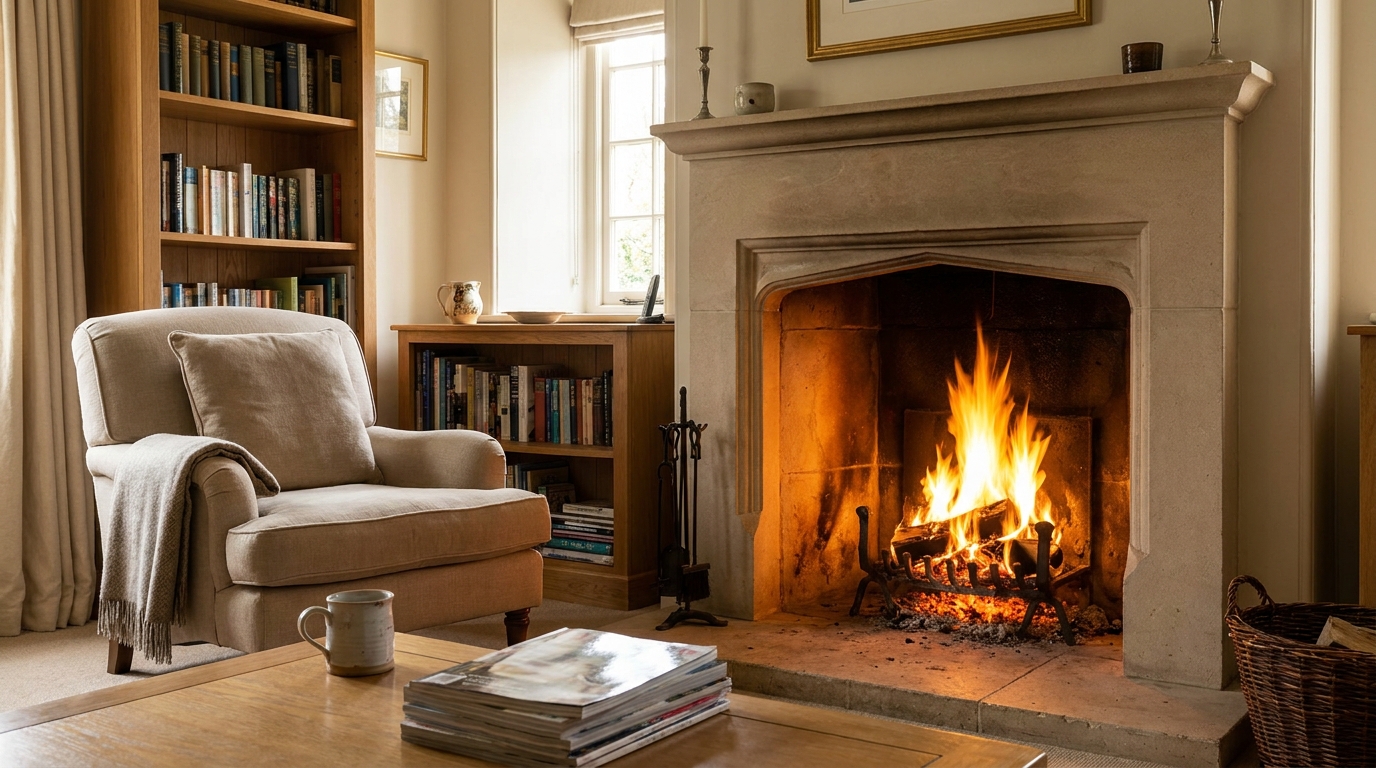
Classic fireplace warmth that makes the room feel comfortable and lived-in.
Try This Tool →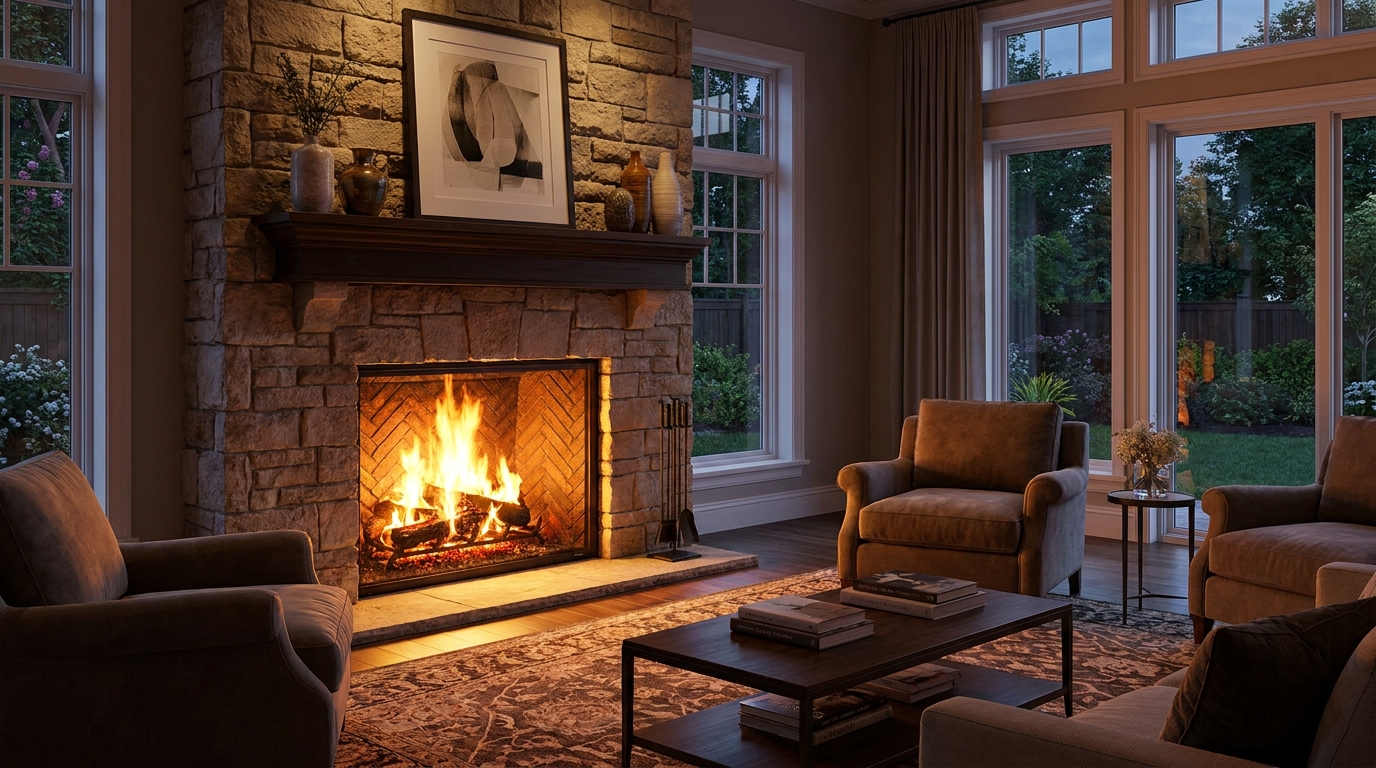
Statement fireplace styling with brighter flames and premium visual warmth.
Try This Tool →Discover additional AI tools designed to elevate your interior and exterior property listings.
AI image-to-video generation for turning home, room, and property photos into more vivid presentation videos.
02AI exterior renovation for visualizing facade updates, curb appeal improvements, and home exterior remodel ideas.
03AI landscaping design for exploring outdoor concepts, curb appeal upgrades, planting ideas, and yard layout directions.
04AI virtual staging for furnishing empty rooms and creating listing-ready interiors for real estate marketing.
05Free AI image generation for turning text prompts into unlimited visual ideas for home design, interiors, landscaping, renovation
06AI object removal for cleaning up distracting items from room, home, and property photos.
Don't let cold, empty fireplaces dull your property photos. Use Idealhouse's AI Fireplace Enhancer to add realistic, inviting flames in seconds.