
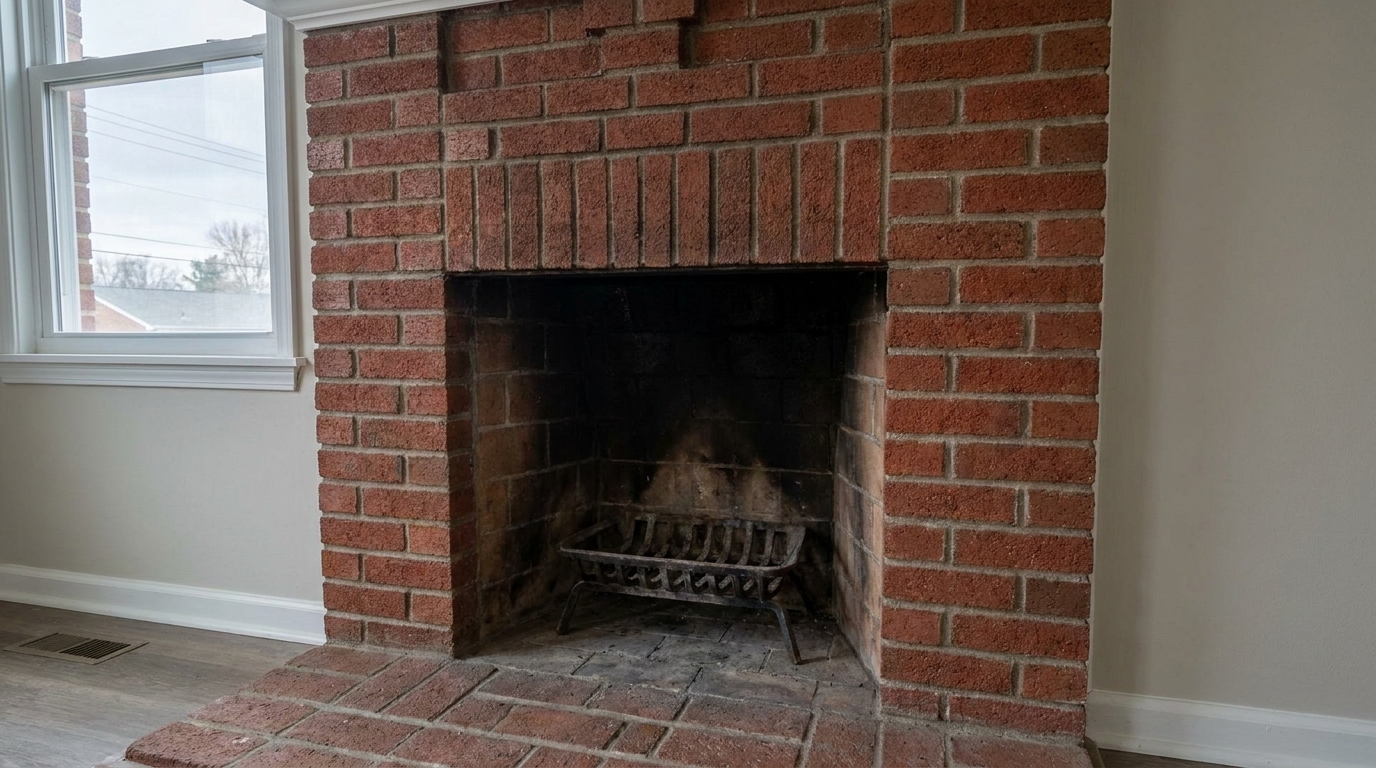
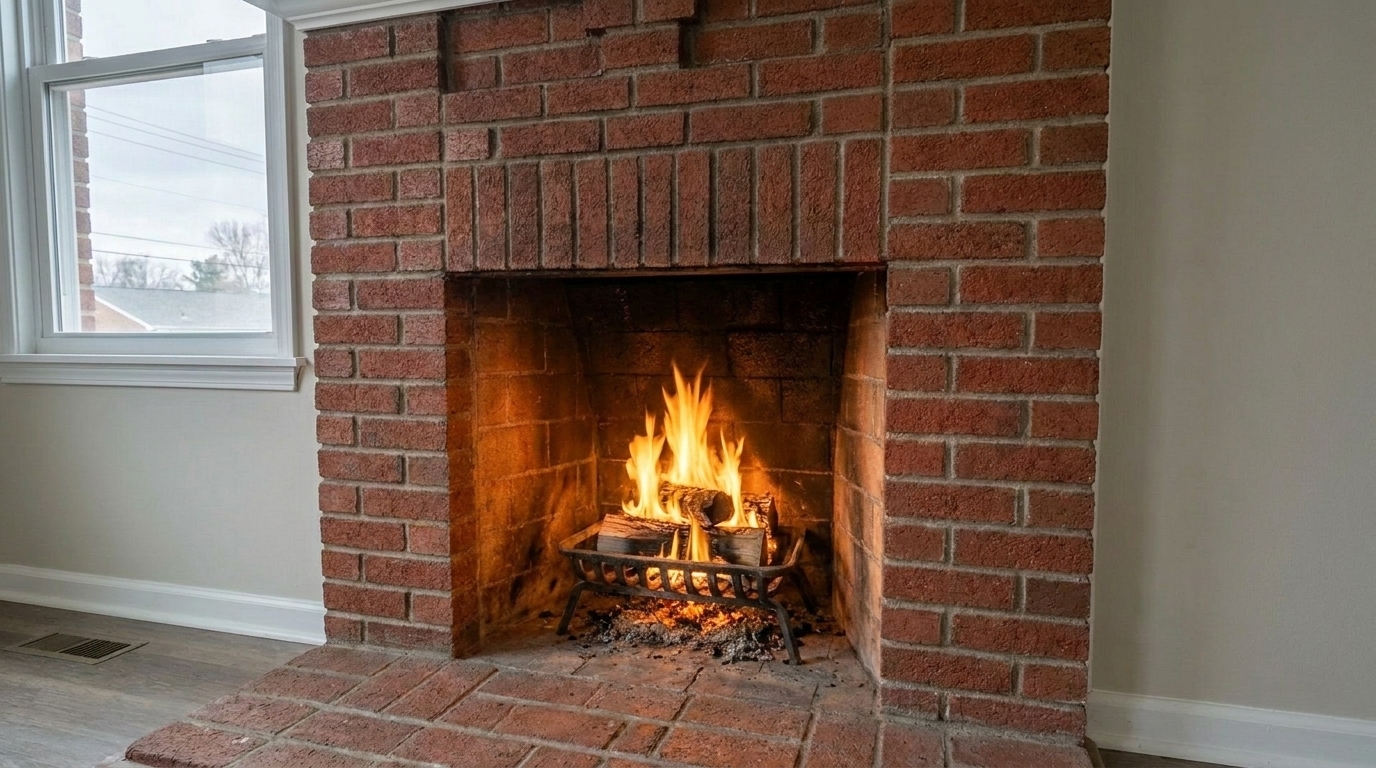

Empty Brick Hearth
Empty Brick Hearth updated with traditional cozy fire styling.
Transform cold, empty hearths into warm, inviting focal points. Enhance your real estate listings with realistic yellow-orange flames and natural ambient light.
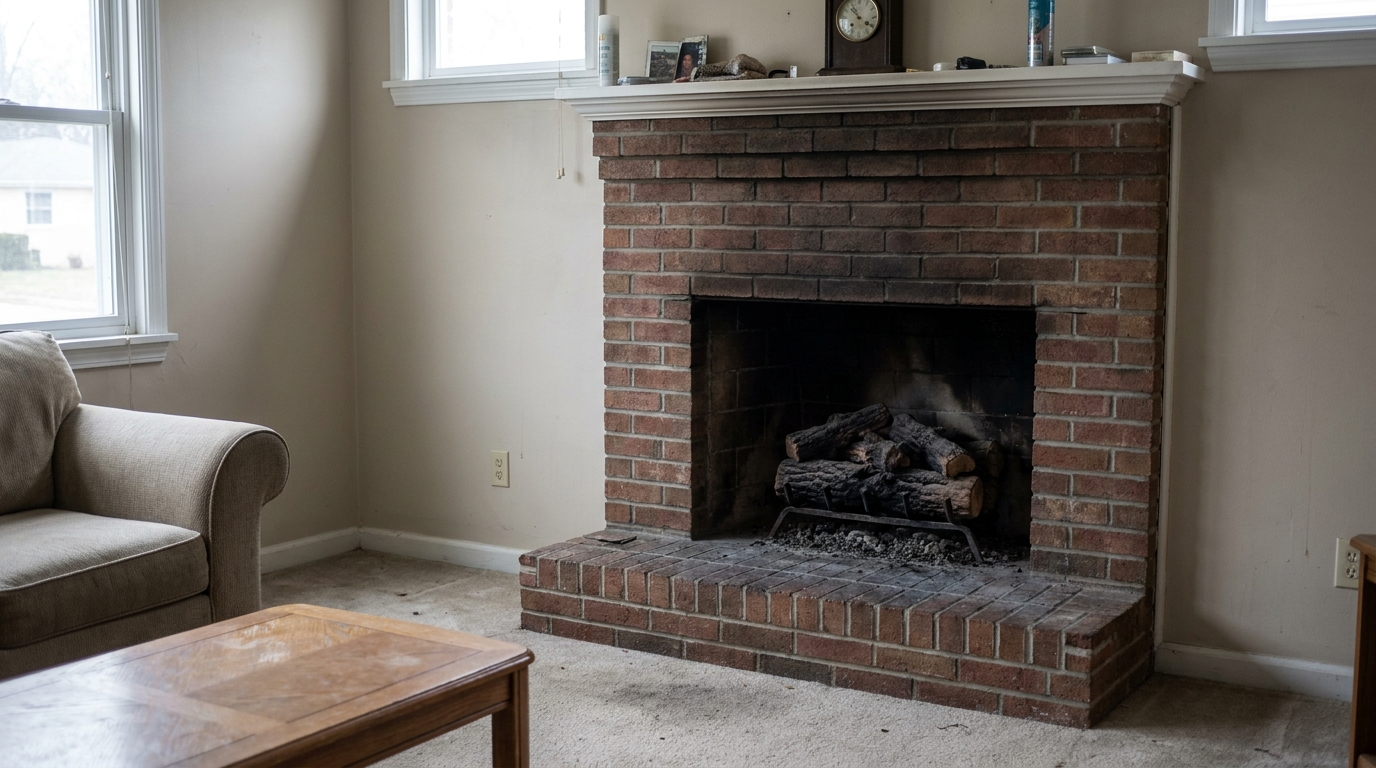
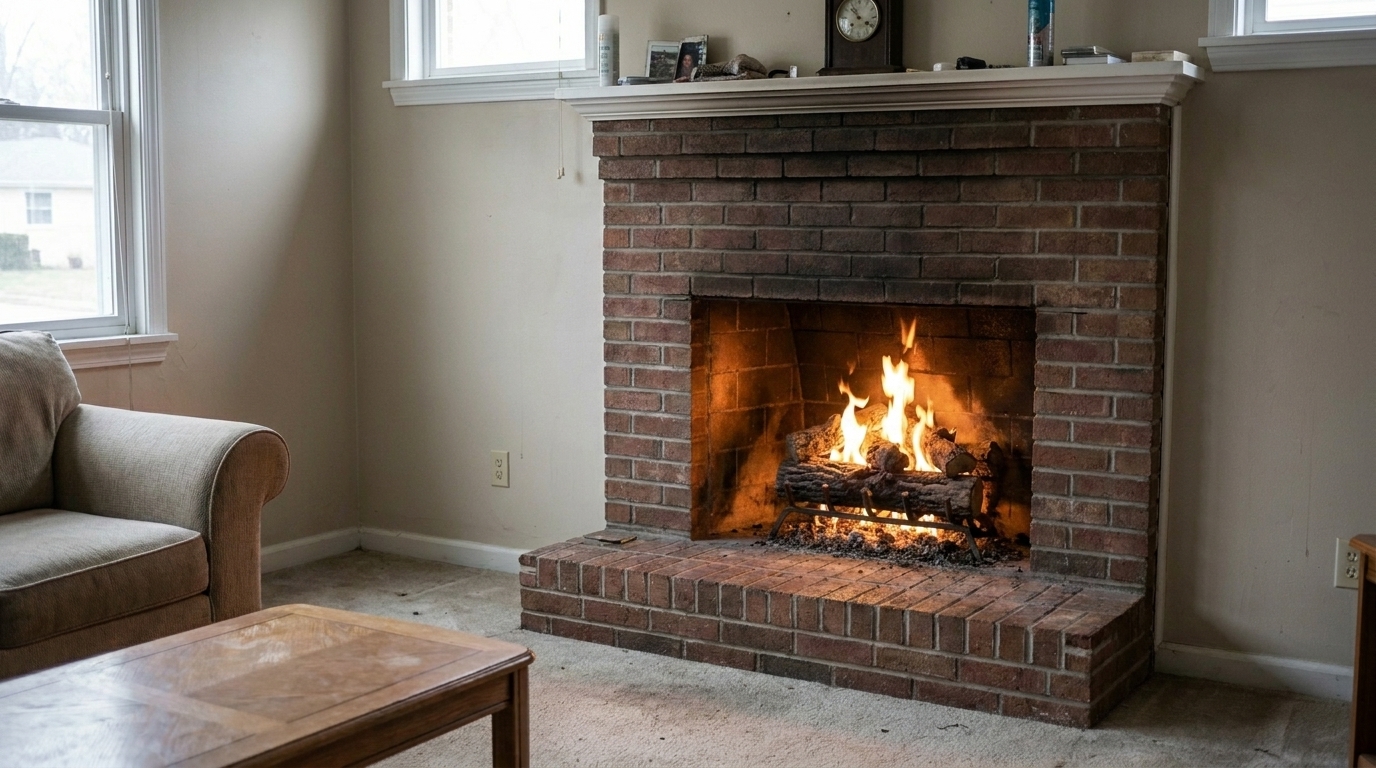
Browse real examples of empty fireplaces transformed with warm, inviting flames.
Empty Brick Hearth updated with traditional cozy fire styling.
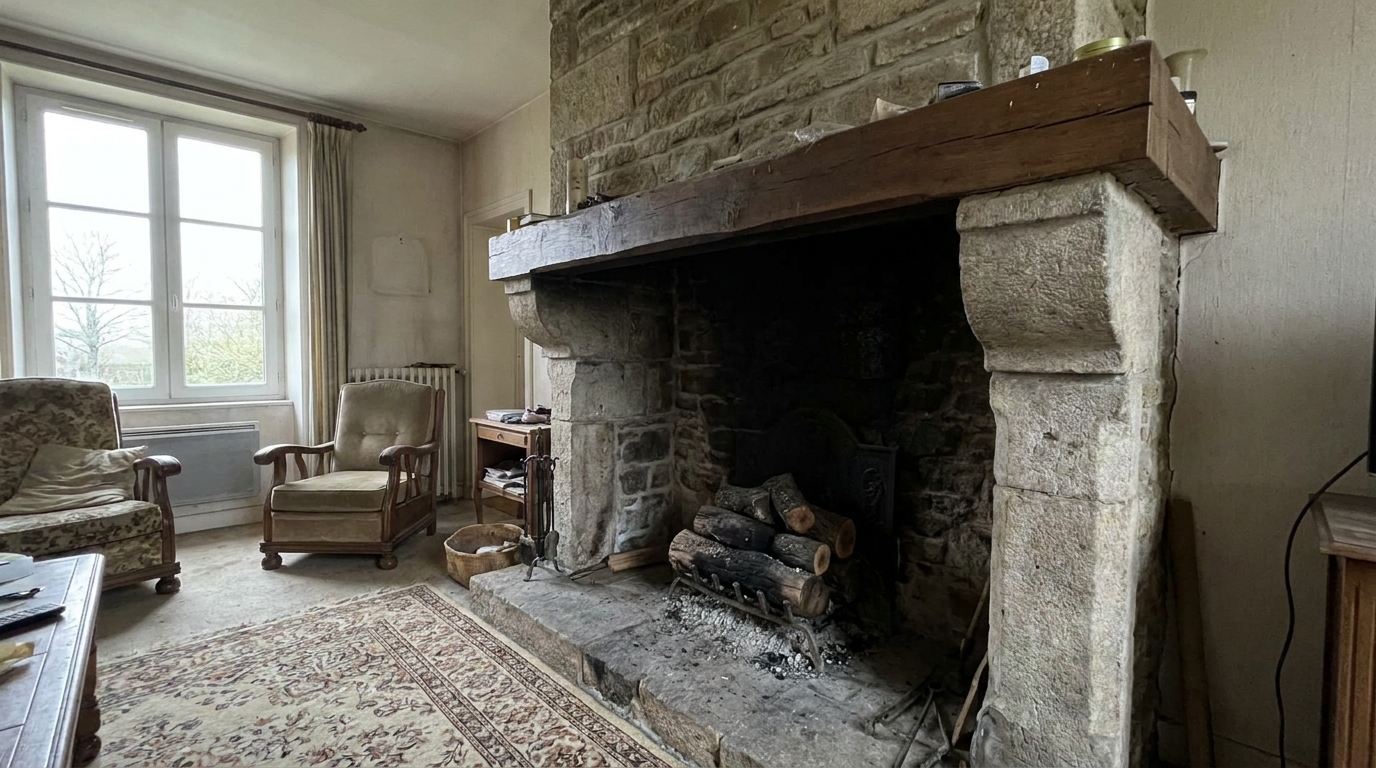
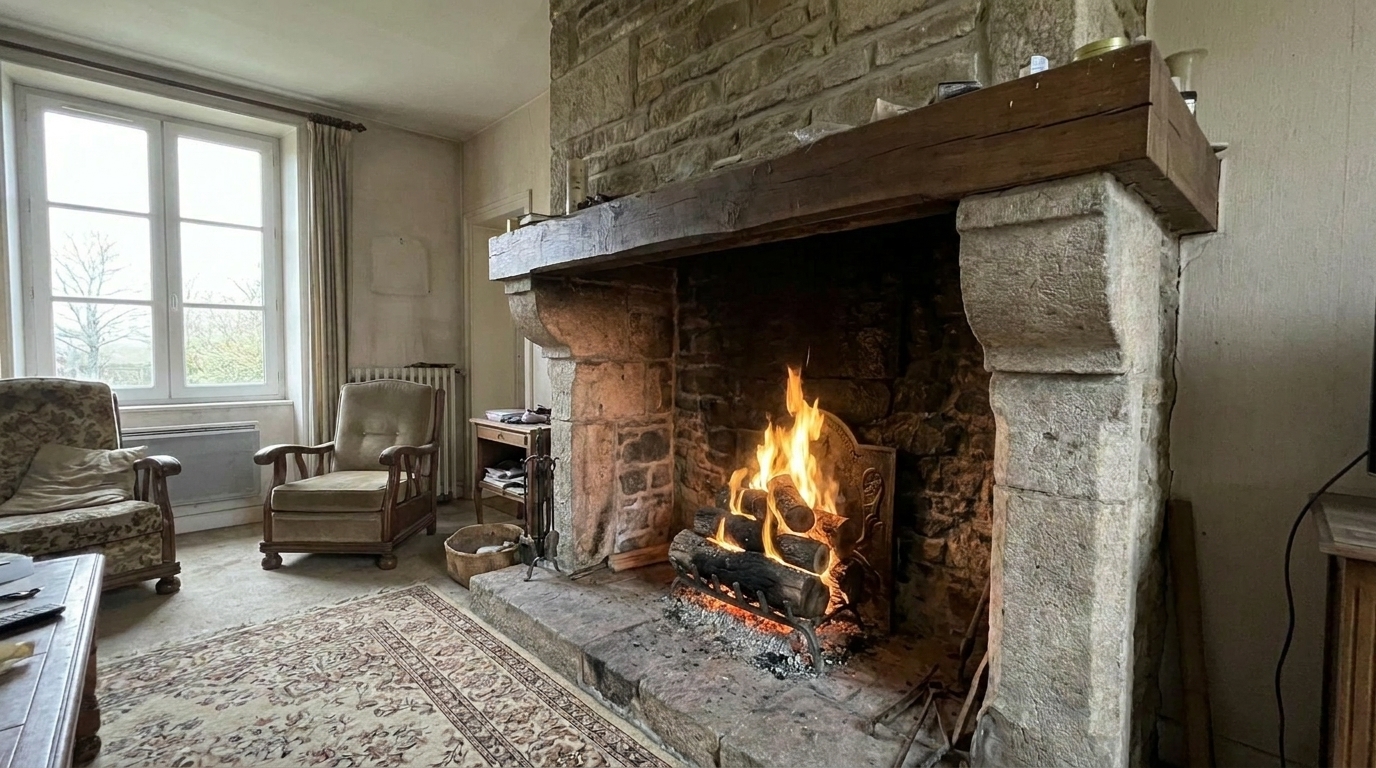
Unlit Stone Fireplace updated with traditional cozy fire styling.
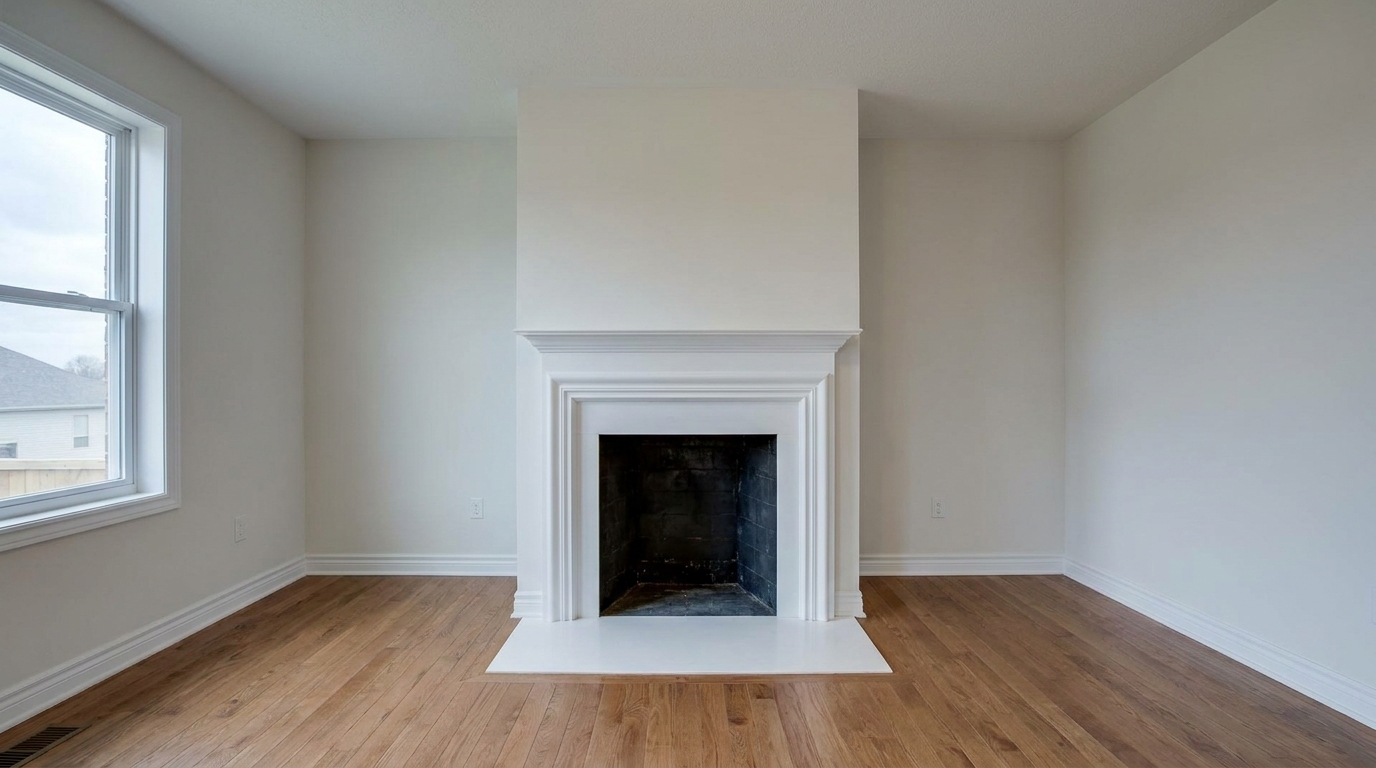
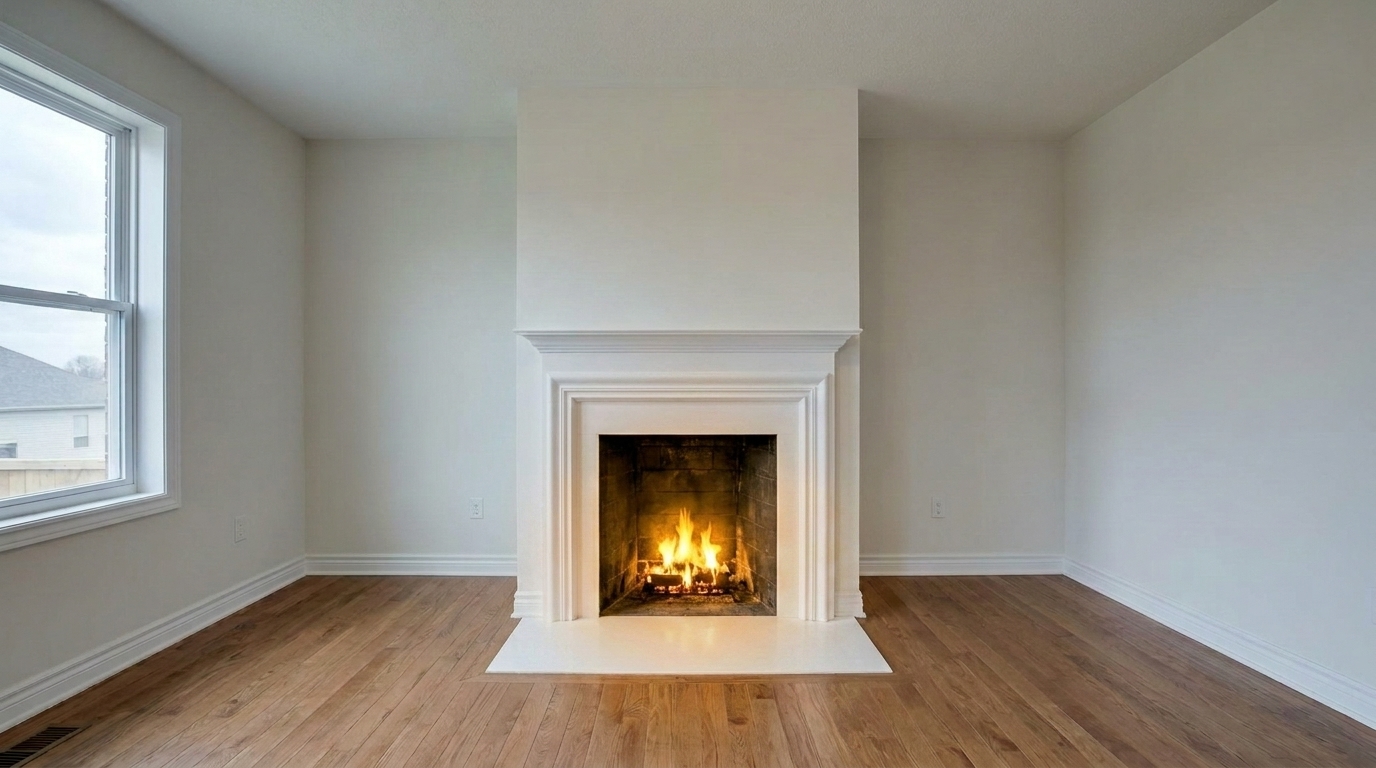
Vacant Living Room Hearth updated with traditional cozy fire styling.
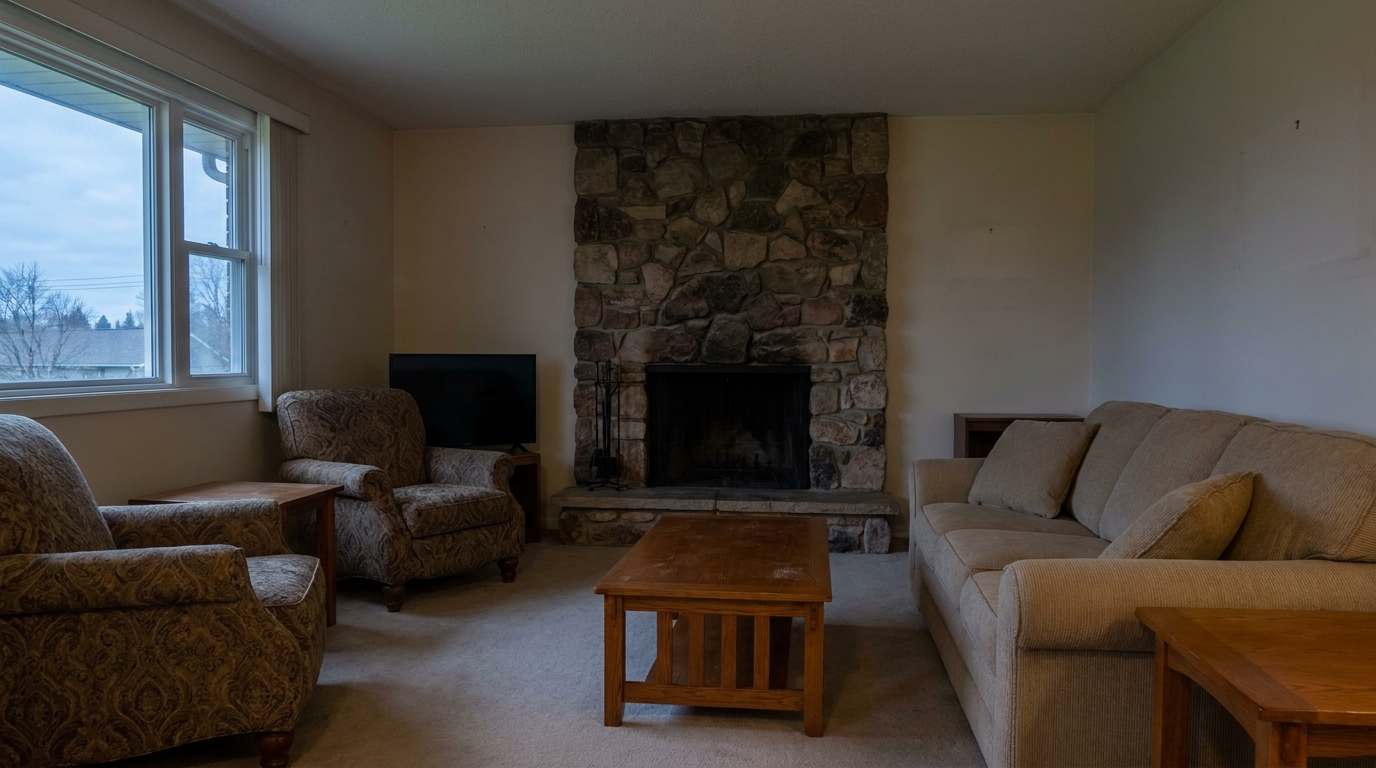
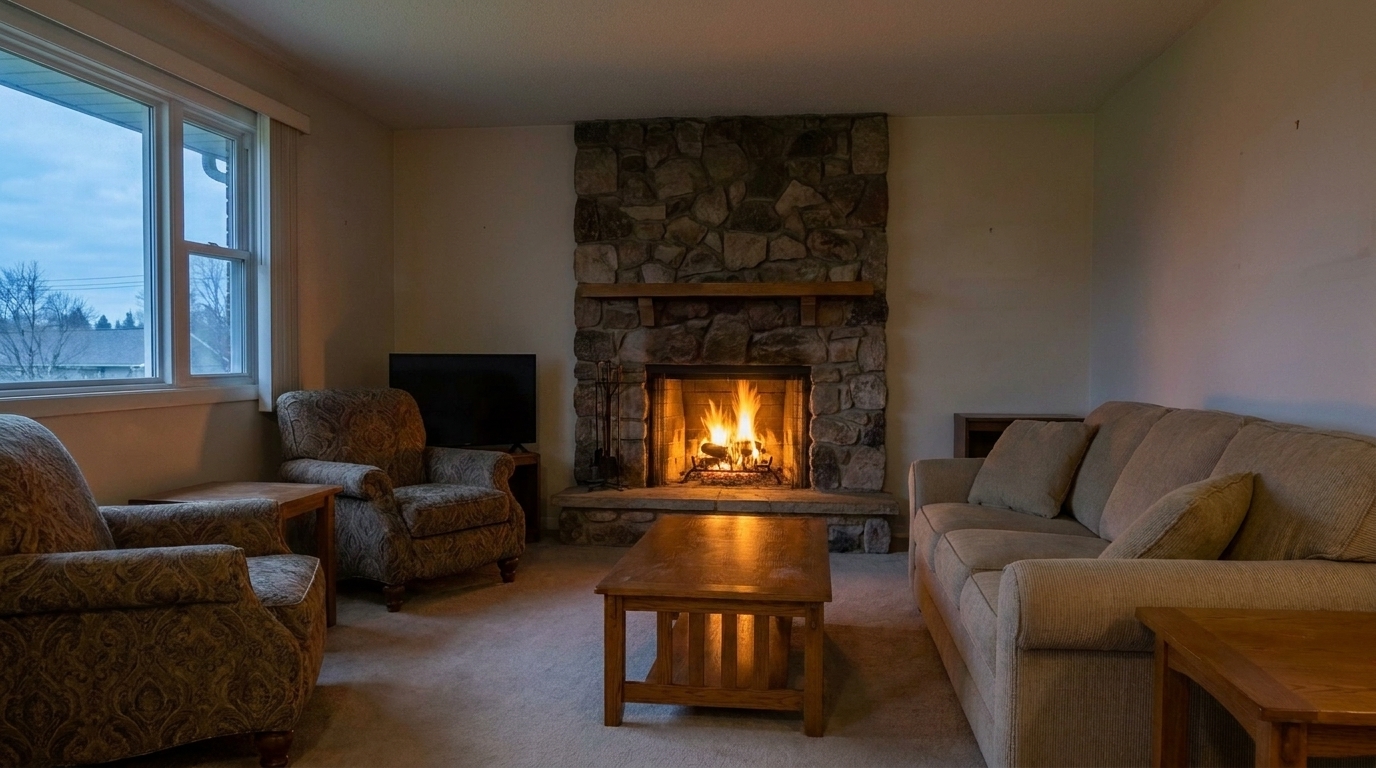
Twilight Living Room Fireplace updated with traditional cozy fire styling.
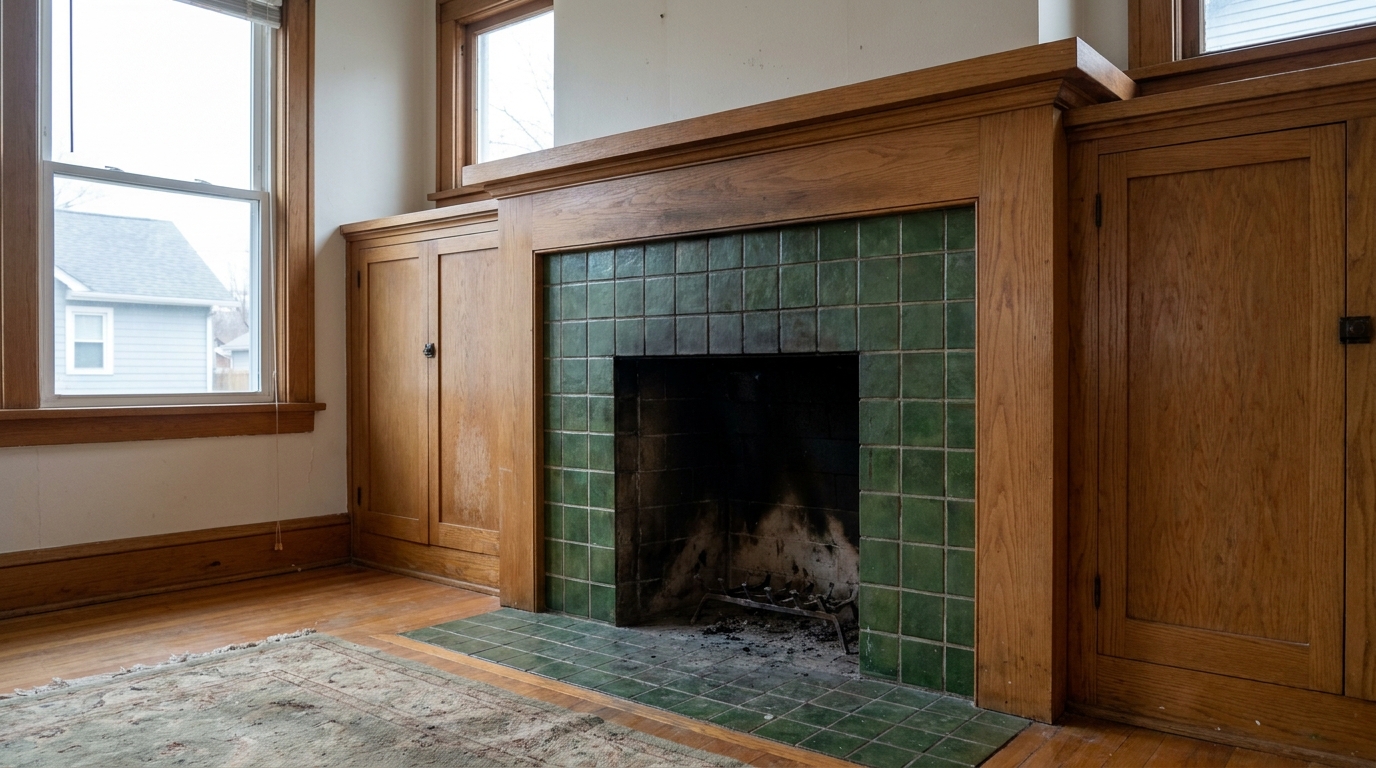
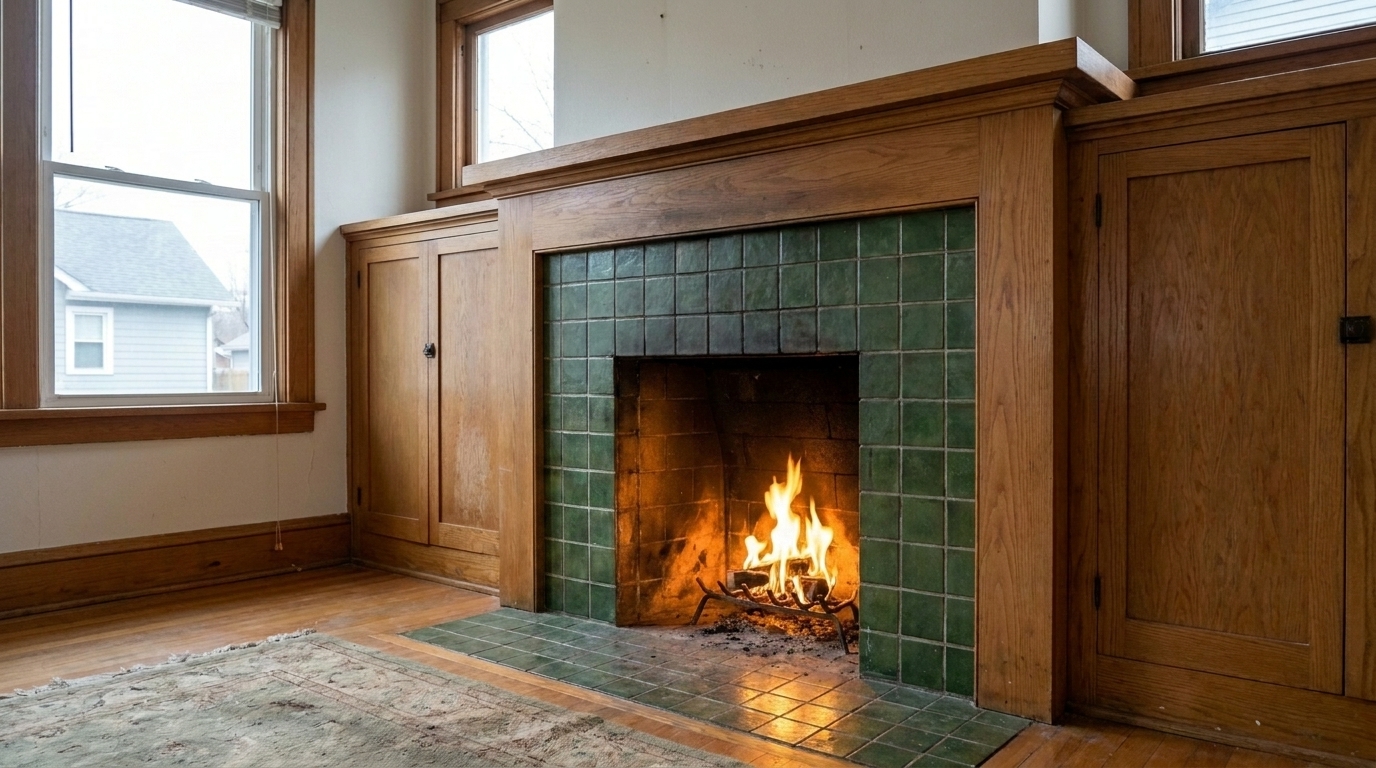
Craftsman Tiled Fireplace updated with traditional cozy fire styling.
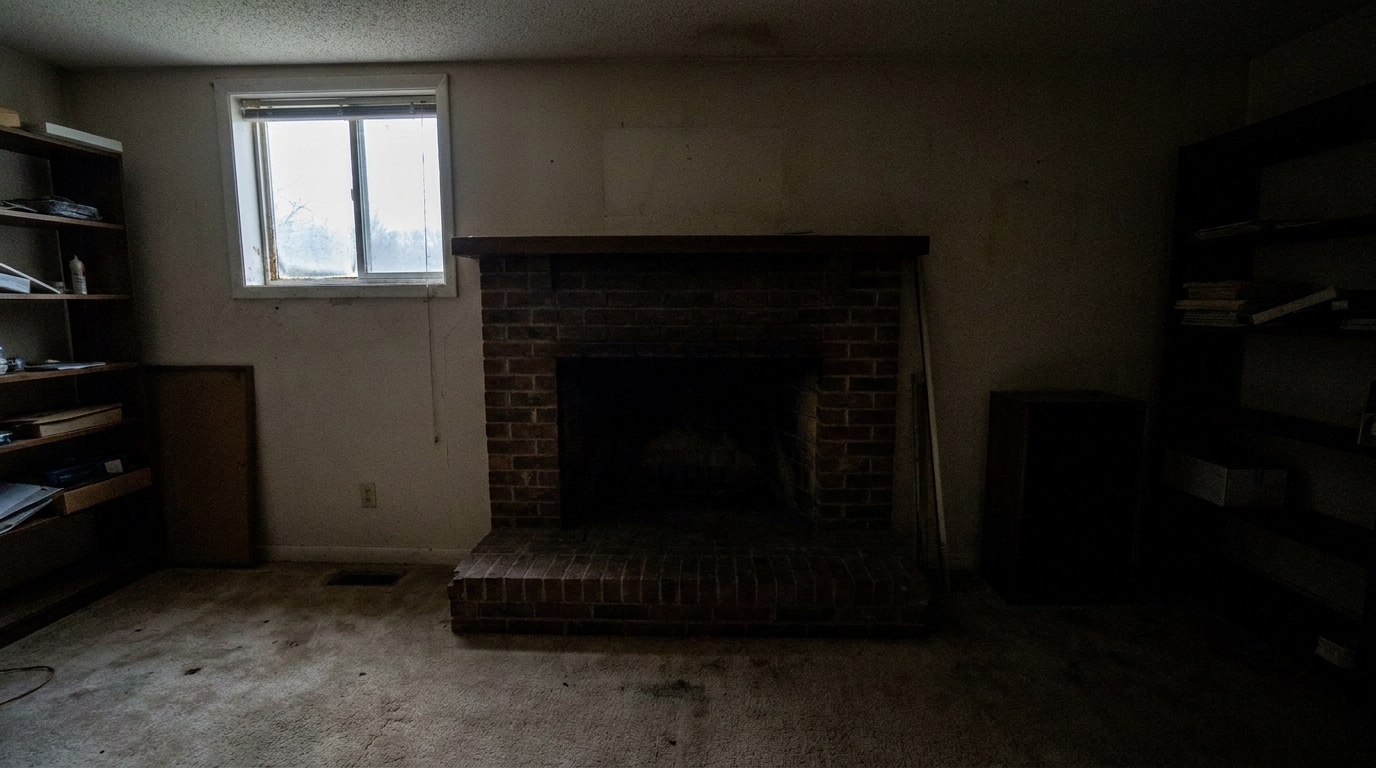
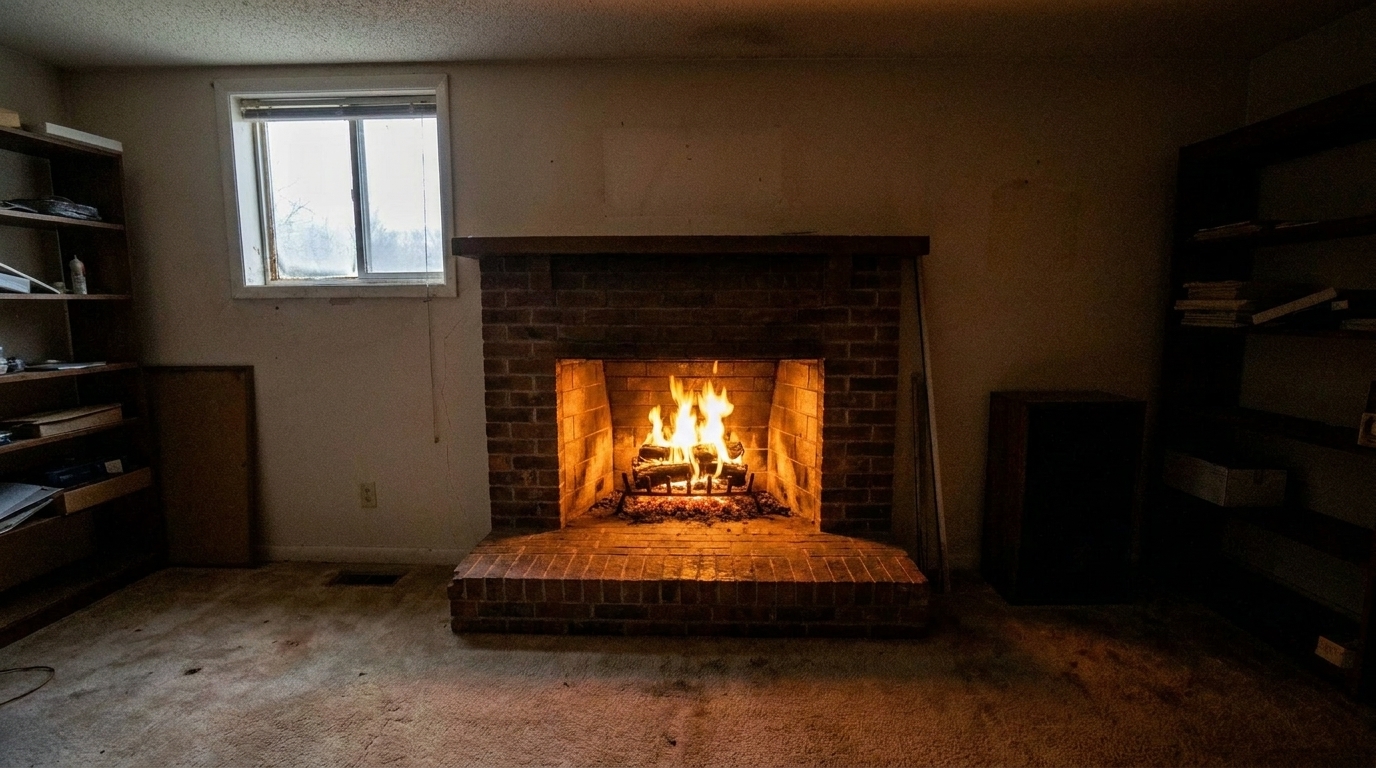
Basement Den Fireplace updated with traditional cozy fire styling.
Discover the advanced features that make our traditional cozy fire preset look completely natural.
Generates natural, flickering flames with classic coloration that mimics a real wood-burning fire.
Automatically identifies the boundaries of the fireplace opening, ensuring the fire sits perfectly inside the grate.
Casts a soft, warm light onto the surrounding mantel, hearth, and nearby furniture for a believable 3D effect.
Adds vibrant fire without introducing hazy smoke or reducing the overall crispness of your interior photo.
Adjusts the height and volume of the flames to match the scale of the fireplace, avoiding an artificial, oversized look.
Uses advanced opacity and edge-feathering to merge the digital fire naturally with existing logs or coal beds.
See how real estate professionals and designers use this preset to create a lived-in atmosphere.
Perfect for traditional brick or stone fireplaces in family living rooms to emphasize comfort.
Residential ListingsAdds a touch of virtual staging to empty properties, making cold rooms feel instantly lived-in and welcoming.
Virtual StagingEnhances seasonal listings by highlighting cozy indoor features during colder months.
Seasonal SalesElevates vacation rental photos by showcasing a warm, crackling hearth that appeals to travelers.
Vacation RentalsCreates eye-catching, high-engagement posts for Instagram and Facebook to draw buyers to the listing.
Social MarketingProvides high-resolution warmth that stands out on physical flyers and luxury property booklets.
Print MediaFollow three simple steps to virtually light any fireplace and elevate your listing's appeal.
Select and upload a high-quality photo of your living room or lounge featuring an empty or unlit fireplace.
Choose the Traditional Cozy Fire preset to automatically detect the hearth and overlay realistic yellow-orange flames.
Save your warm, inviting listing photo in high resolution, ready to attract buyers on MLS and social media.
Source-backed context for why traditional cozy fire edits matter inside fire in fireplace workflows.
Traditional Cozy Fire within Fire in Fireplace evidence
Photos are one of the most valuable website features for home buyers; NAR's 2025 generational trends report says 83% of internet-using buyers rated photos as very useful. For Traditional Cozy Fire pages, this supports showing how a focused Fire in Fireplace edit can make the listing photo feel clearer, more polished, and easier for buyers to evaluate.
Source: NAR 2025Traditional Cozy Fire within Fire in Fireplace evidence
Zillow Research's 2025 prospective buyer report ranked high-resolution photos as the number two most important listing feature, selected by 26% of prospective buyers; floor plans ranked first at 33%. For Traditional Cozy Fire pages, this supports showing how a focused Fire in Fireplace edit can make the listing photo feel clearer, more polished, and easier for buyers to evaluate.
Source: Zillow 2025Traditional Cozy Fire within Fire in Fireplace evidence
Redfin reported that professionally photographed homes in the $400,000 range sold three weeks faster and for more than $10,000 relative to list price compared with amateur photos. Use this as supporting context, not as a guaranteed result. For Traditional Cozy Fire pages, this supports showing how a focused Fire in Fireplace edit can make the listing photo feel clearer, more polished, and easier for buyers to evaluate.
Source: RedfinA fireplace is often the heart of a home, but a cold, dark hearth can make an otherwise beautiful room feel empty and uninviting. Adding a virtual fire is a highly effective way to inject emotional warmth and visual interest into your property listings.
Fireplaces are major selling points, but an empty, cold hearth can make a room feel sterile and uninviting. Adding a traditional cozy fire introduces immediate emotional warmth, helping potential buyers visualize themselves relaxing in the space. This simple visual cue transforms a physical room into a home, which can significantly increase engagement on listing portals where buyers make split-second decisions based on the primary photo.
Choosing the right fireplace style is crucial for maintaining design consistency. The Traditional Cozy Fire preset is designed specifically for classic, rustic, or transitional homes featuring brick, stone, or wood-mantel fireplaces. It generates warm yellow-orange flames that mimic a natural wood fire. If you are staging a sleek, contemporary home with a linear glass fireplace, the Modern Clean Fire preset offers a more refined, minimalist flame. For high-impact marketing where you need maximum visual pop, the Bright Marketing Fire or Vibrant Showcase Fire presets provide fuller, more energetic flames. If you want the absolute minimum intervention, the Subtle Natural Fire offers a gentle, understated glow.
To achieve the most realistic results, start with a clean, high-resolution photo of the room. Ensure the fireplace is free of clutter, though having physical logs or a grate inside helps the AI anchor the flames naturally. Apply the Traditional Cozy Fire preset and observe how the ambient light interacts with the surrounding hearth. If the room is already very bright, you may want to slightly lower the room's overall exposure or use our Interior Enhancement tool first to create a more dramatic, cozy contrast that makes the fire truly pop.
While a cozy fire enhances almost any living room, there are times when you should avoid it. Do not use this preset if the fireplace is visibly damaged, blocked, or clearly non-functional, as this can mislead buyers. Additionally, avoid adding fire to extremely bright, sun-drenched midday photos where a burning fireplace would feel unnatural or out of place. Save the cozy fire effect for twilight shots, overcast days, or cozy interior angles where indoor lighting is already active.
Use Traditional Cozy Fire when the uploaded photo already has a strong composition and needs a focused Fire in Fireplace adjustment rather than a broad redesign. Do not use it to hide major property defects or change permanent architectural facts. In the workflow, start with exposure and perspective quality, apply the preset, then compare the result with the original at full size before publishing. Compare it with sibling presets such as Add Fire To Fireplace, Bright Marketing Fire, Modern Clean Fire when deciding whether the listing needs this exact edit or a different visual priority.
Compare different flame styles to find the perfect match for your property's interior design.
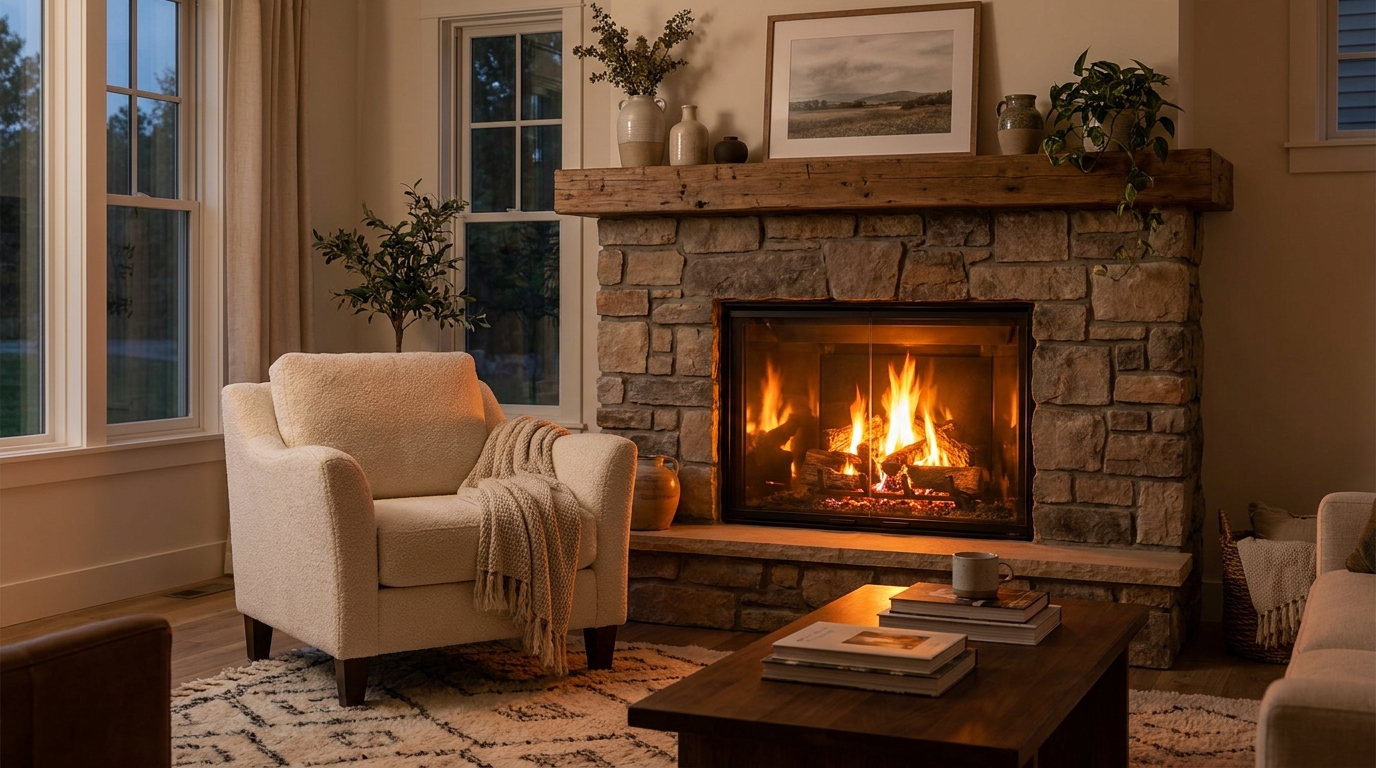
Add realistic fireplace flames for instant warmth, atmosphere, and comfort.
Try This Tool →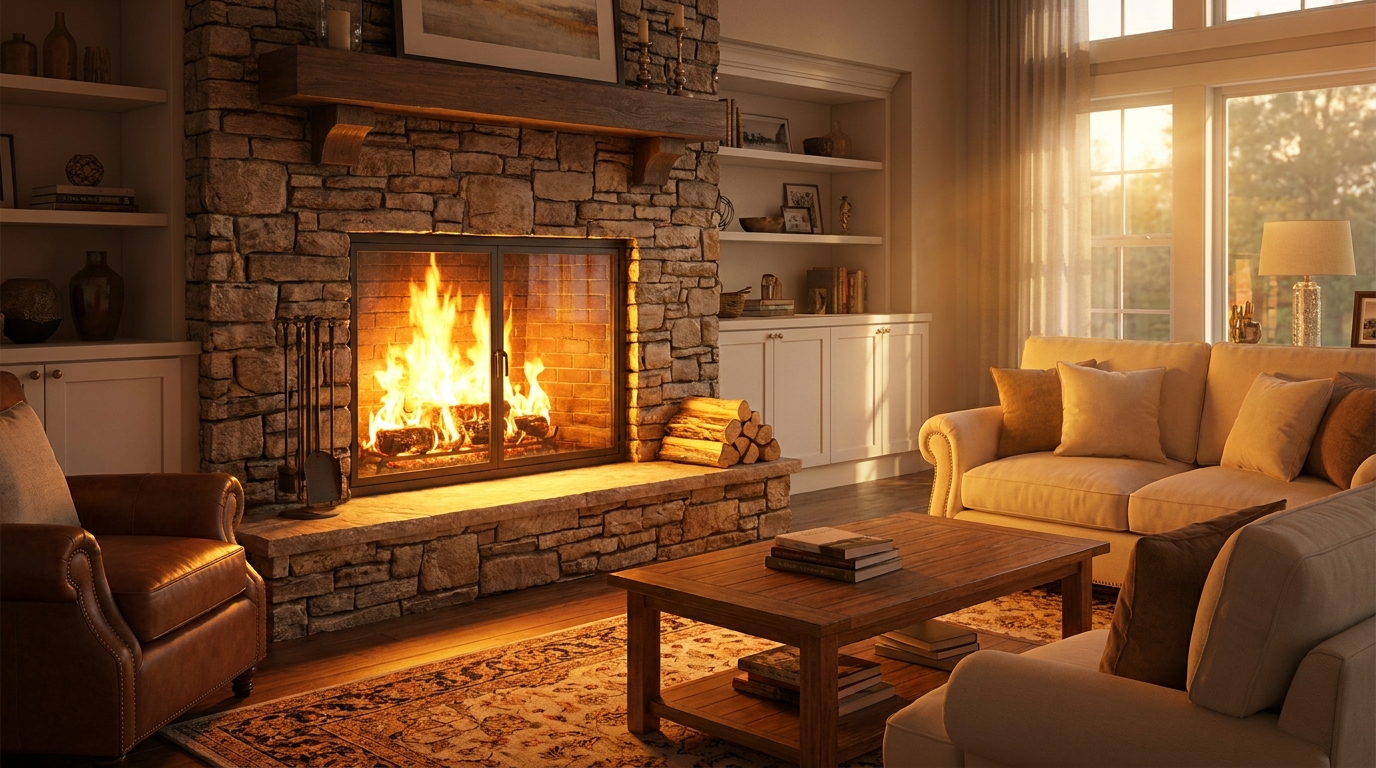
A fuller, brighter fire that adds energy and cozy visual impact.
Try This Tool →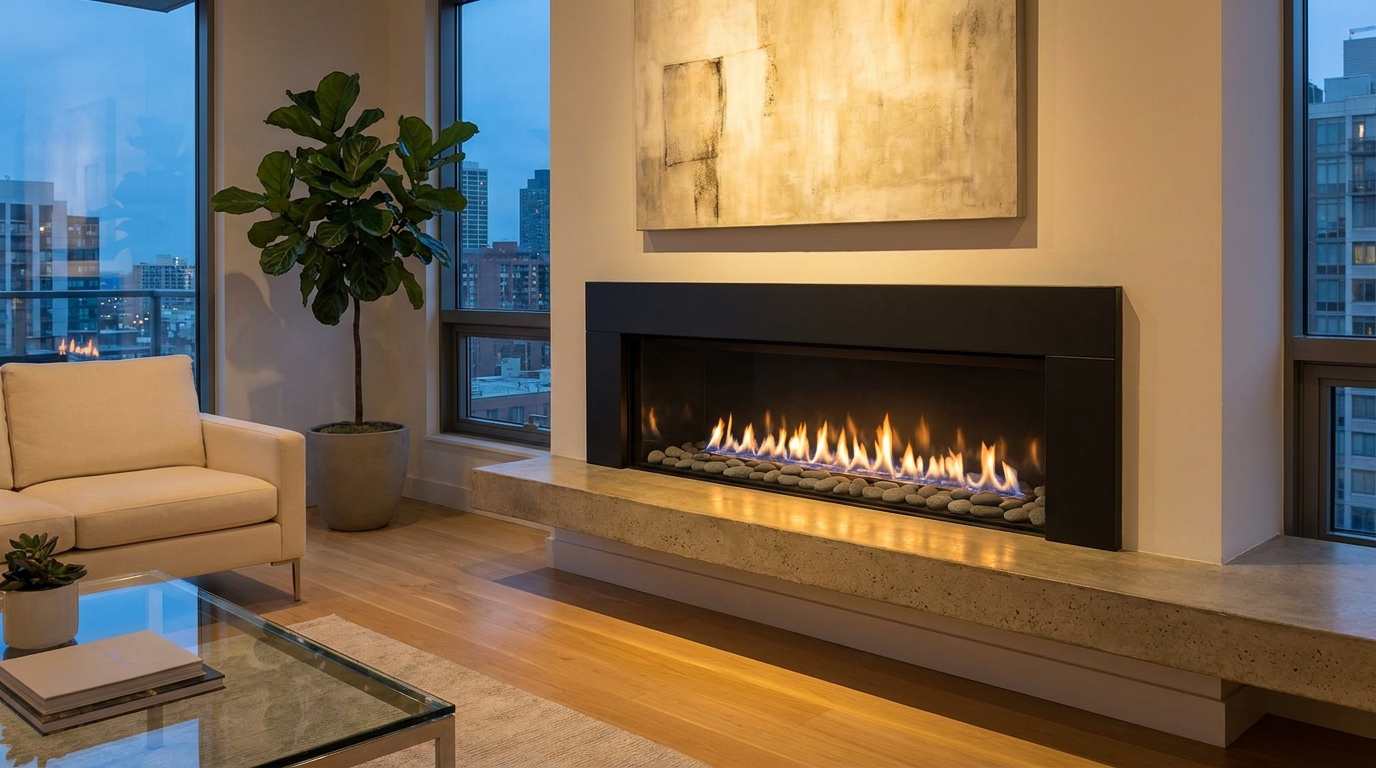
Sleek, refined flames that suit modern interiors and upscale listing styles.
Try This Tool →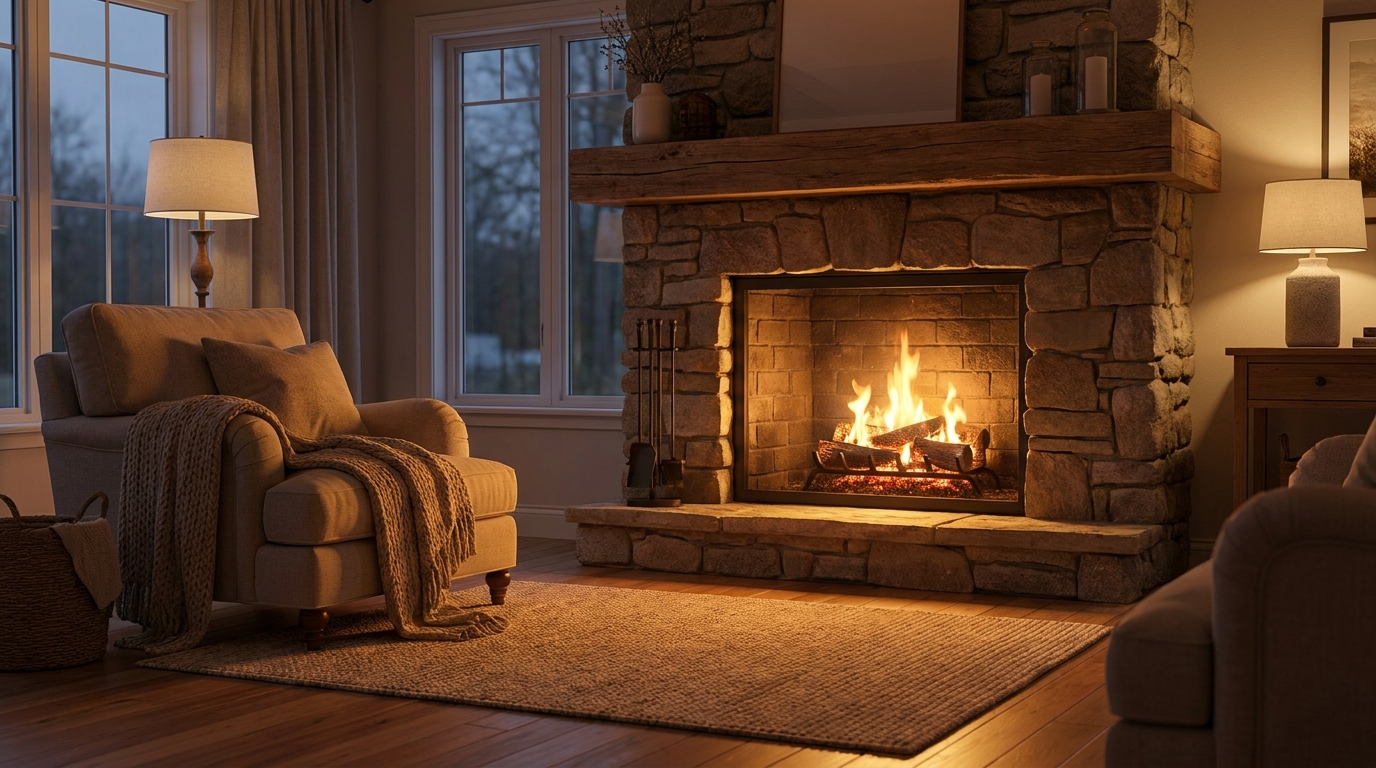
Gentle natural flames for understated warmth that feels believable and calm.
Try This Tool →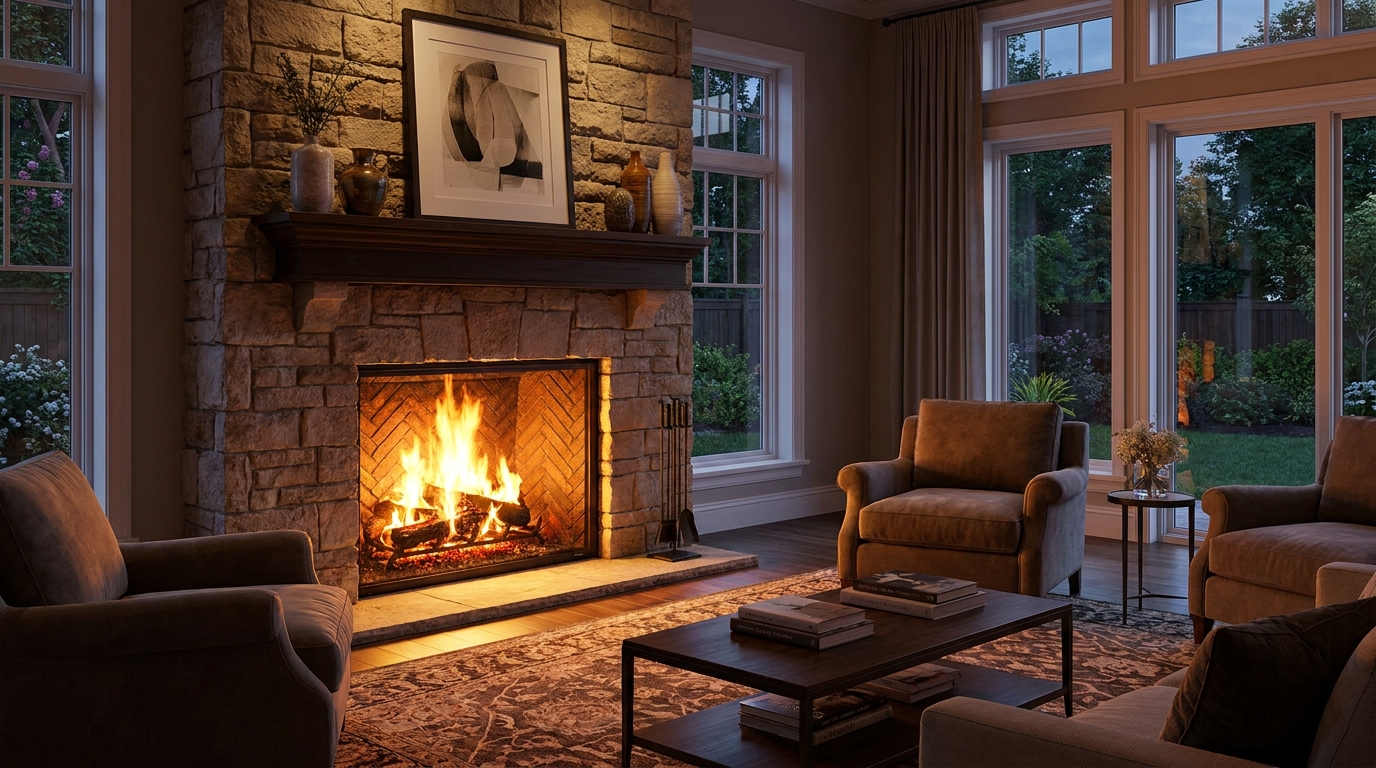
Statement fireplace styling with brighter flames and premium visual warmth.
Try This Tool →Explore other AI-powered tools to optimize your interior and exterior property photos.
AI image-to-video generation for turning home, room, and property photos into more vivid presentation videos.
02AI exterior renovation for visualizing facade updates, curb appeal improvements, and home exterior remodel ideas.
03AI landscaping design for exploring outdoor concepts, curb appeal upgrades, planting ideas, and yard layout directions.
04AI virtual staging for furnishing empty rooms and creating listing-ready interiors for real estate marketing.
05Free AI image generation for turning text prompts into unlimited visual ideas for home design, interiors, landscaping, renovation
06AI object removal for cleaning up distracting items from room, home, and property photos.
Don't let cold, empty fireplaces dull your photos. Use our Traditional Cozy Fire preset to instantly add realistic warmth and attract more buyers today.