
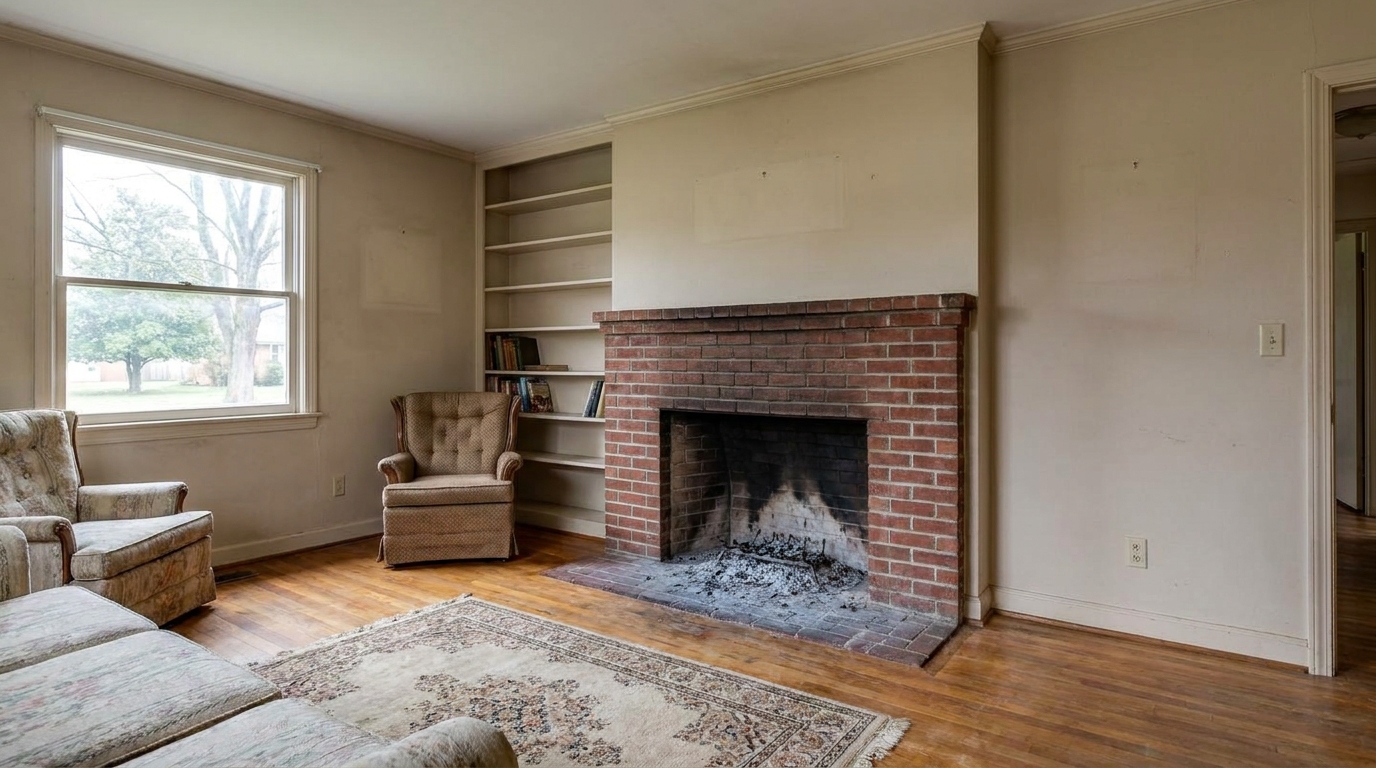
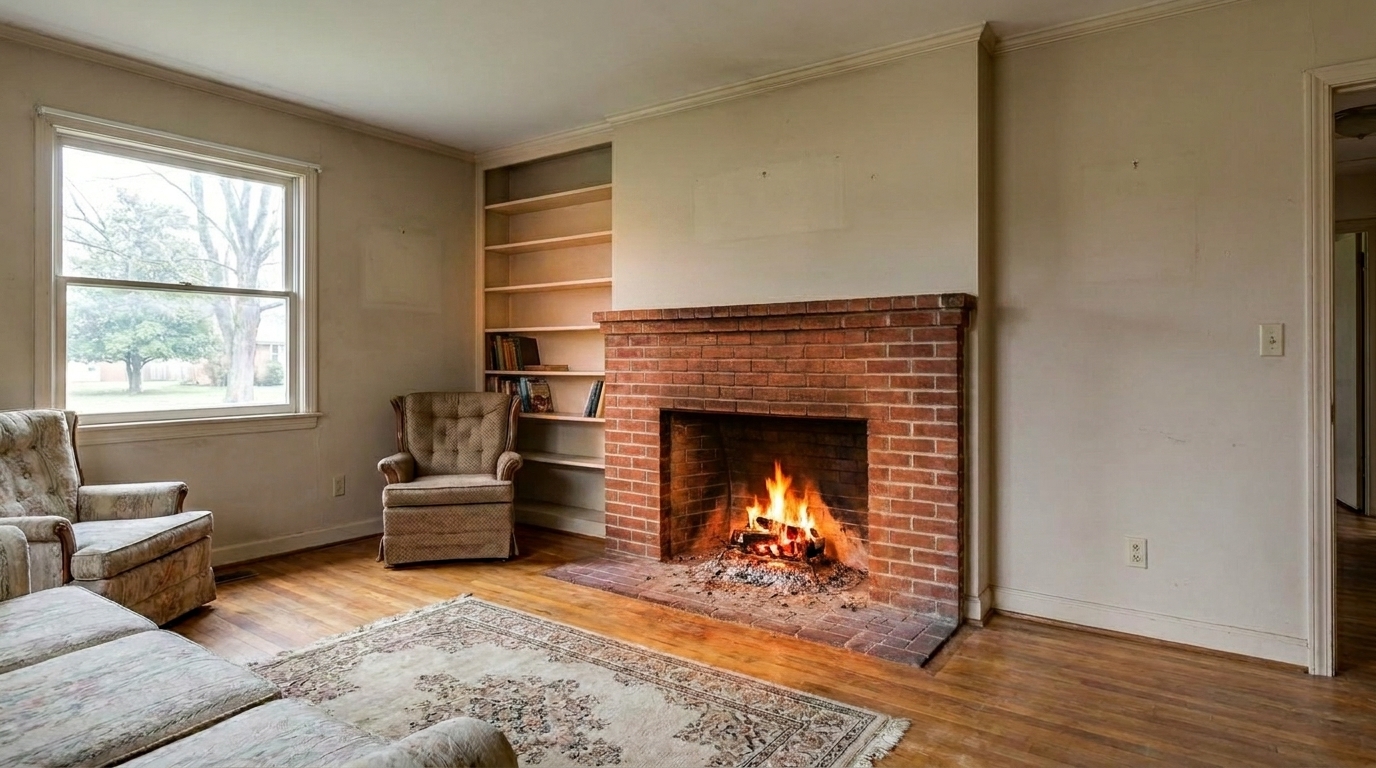

Traditional Brick Fireplace
Traditional Brick Fireplace updated with add fire to fireplace styling.
Transform cold, empty hearths into warm, inviting focal points. Enhance your real estate listings with natural-looking virtual flames.
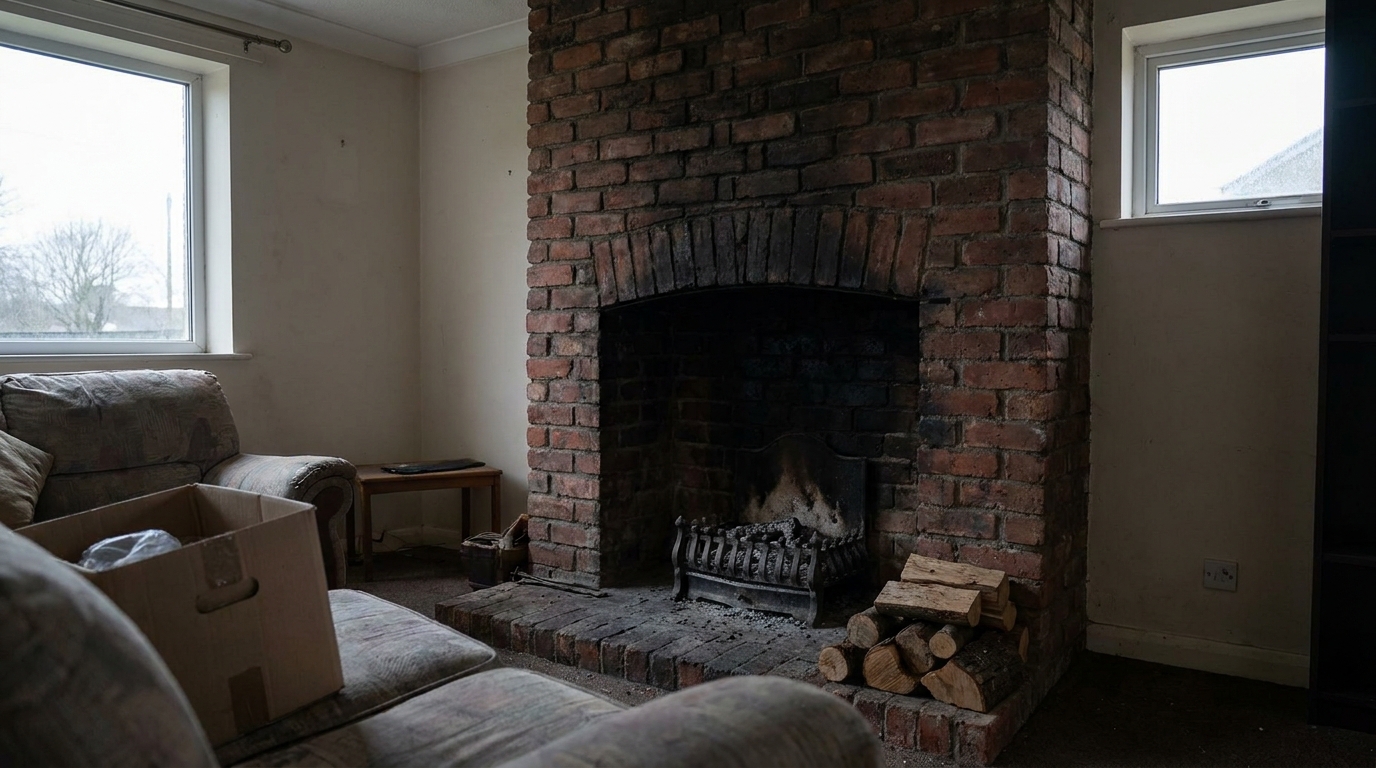
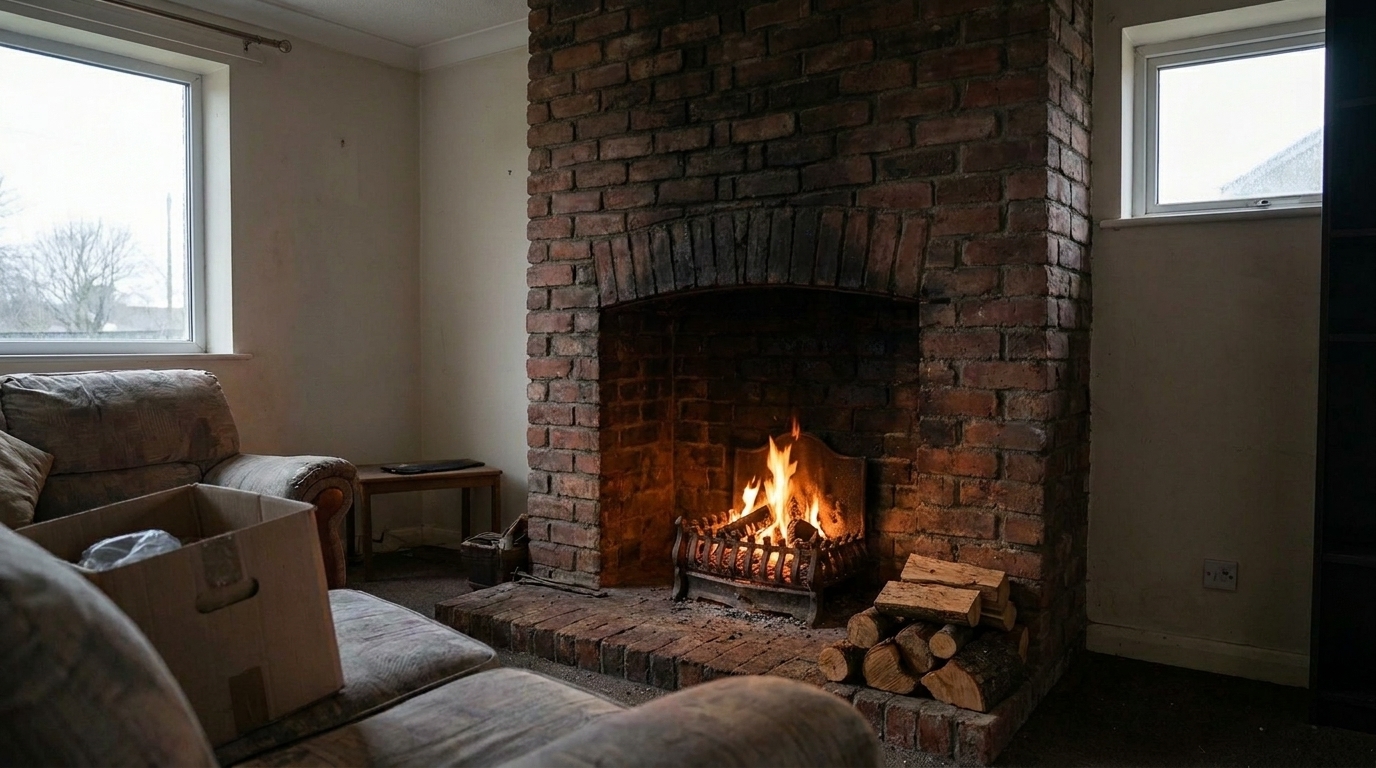
See how adding realistic flames completely changes the mood of a room.
Traditional Brick Fireplace updated with add fire to fireplace styling.
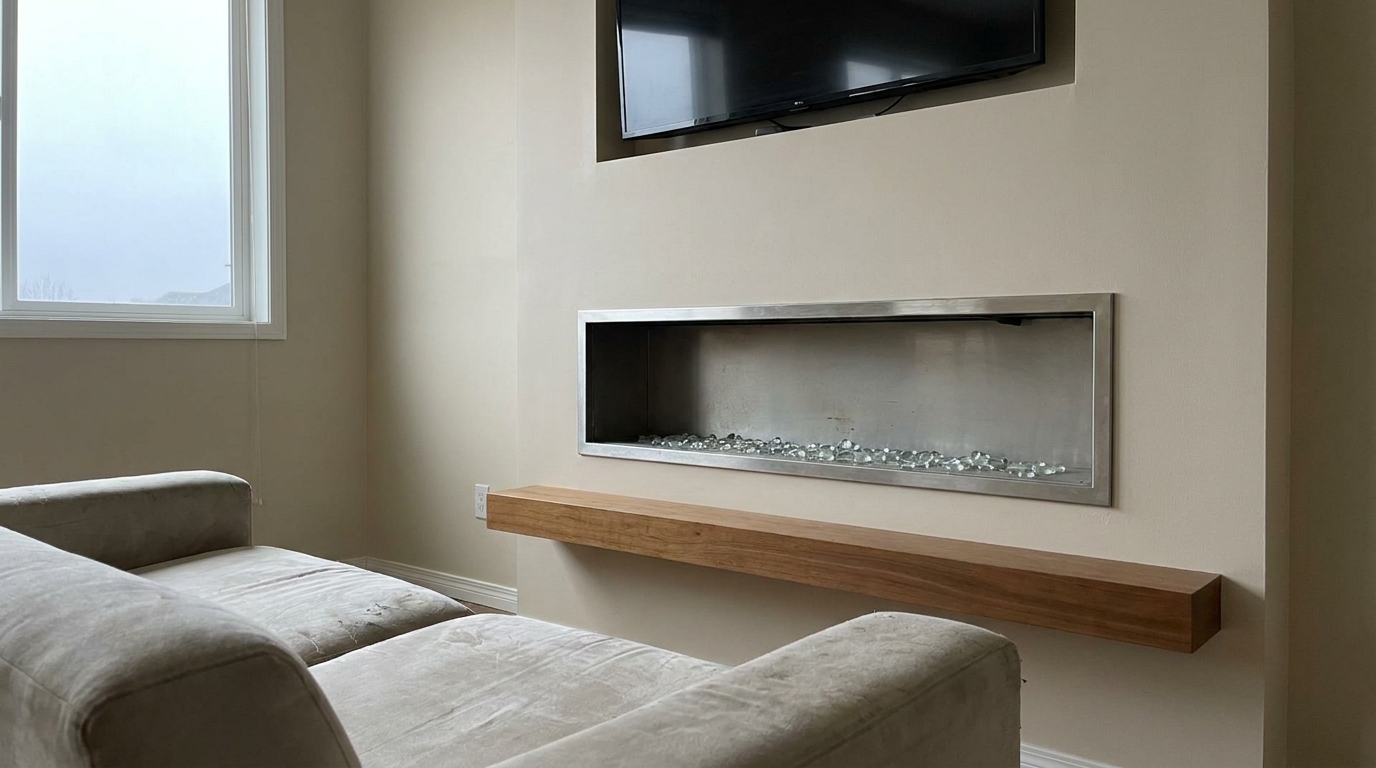
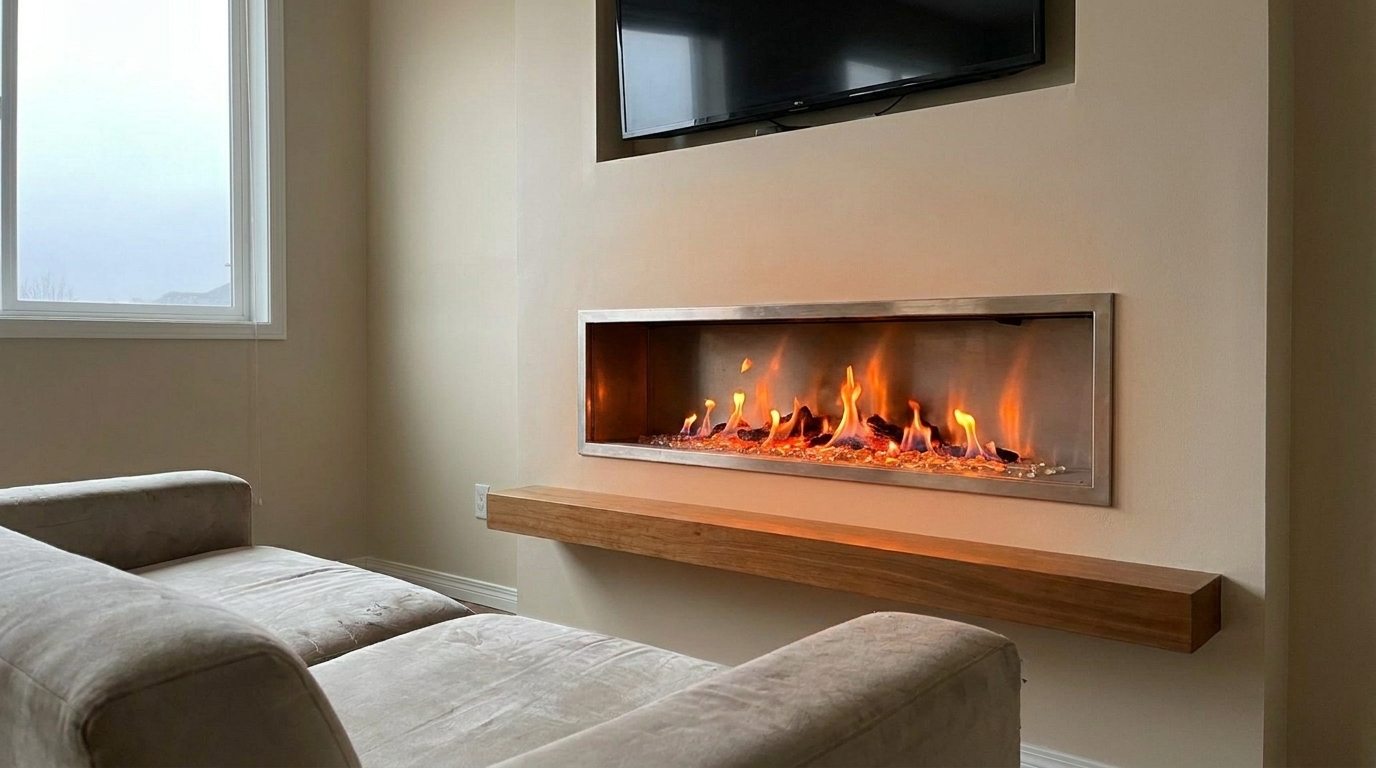
Modern Linear Fireplace updated with add fire to fireplace styling.
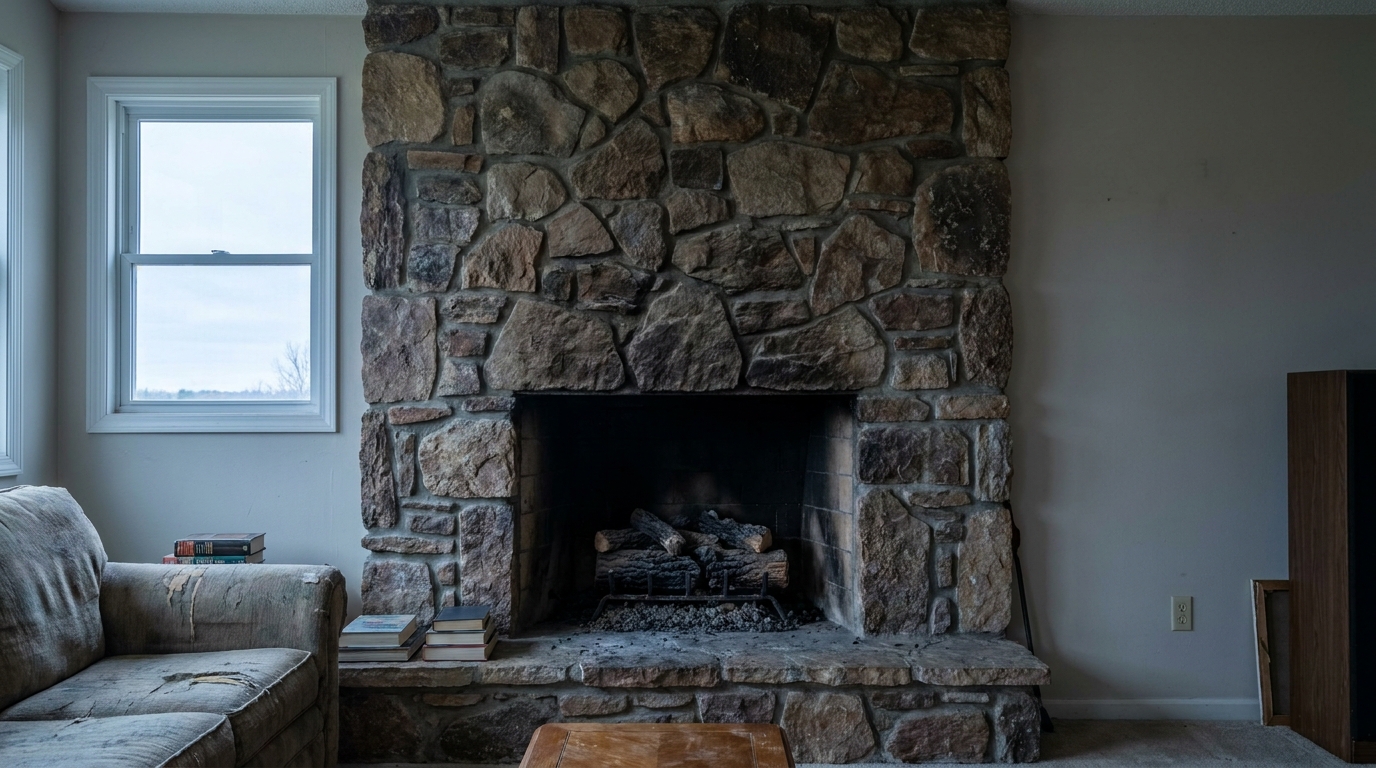
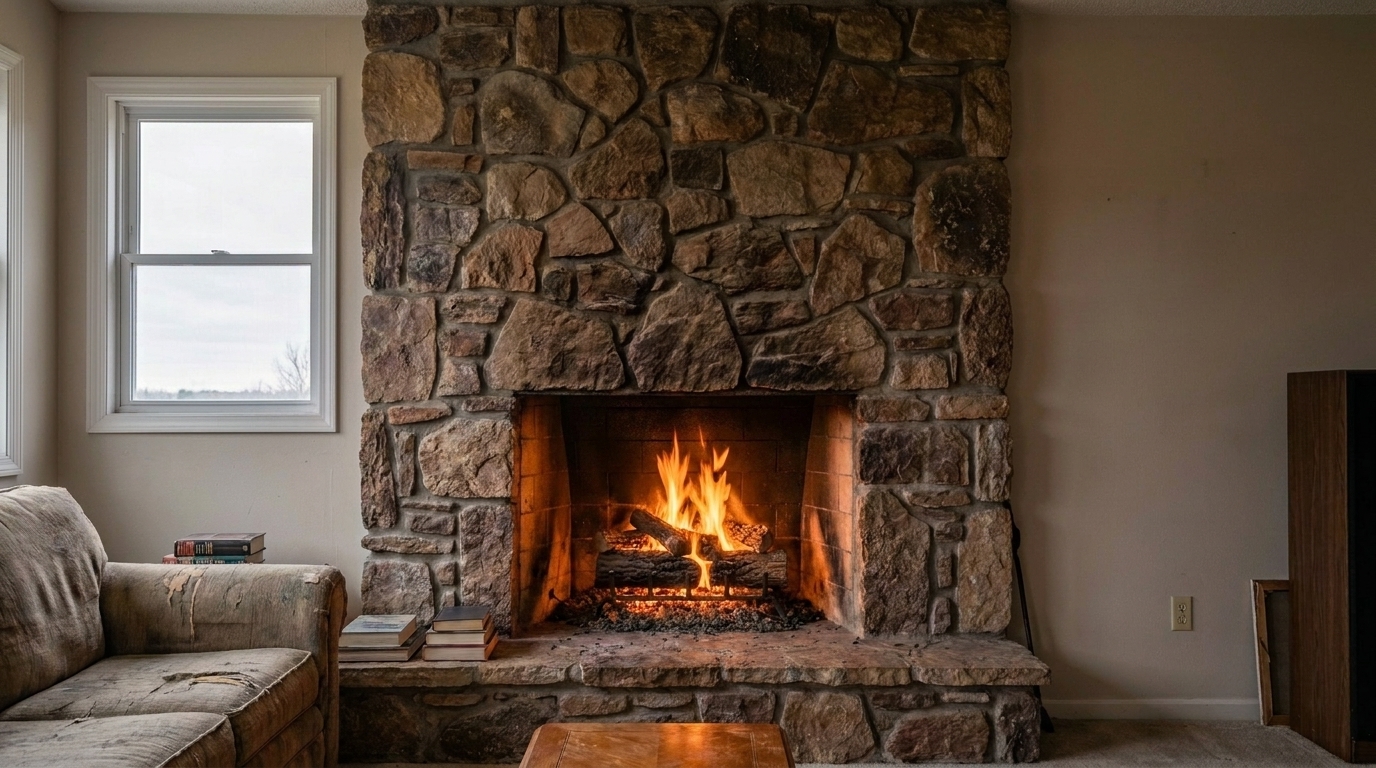
Rustic Stone Hearth updated with add fire to fireplace styling.
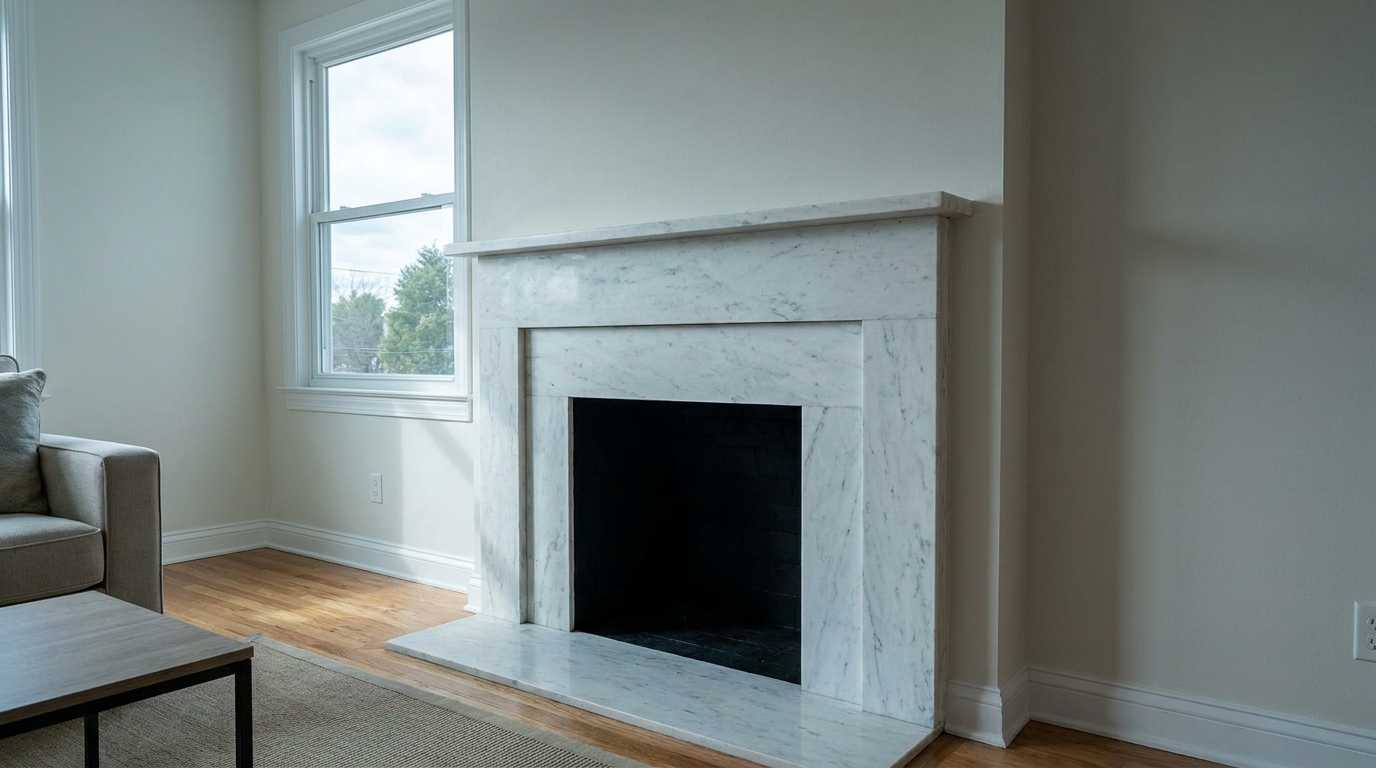
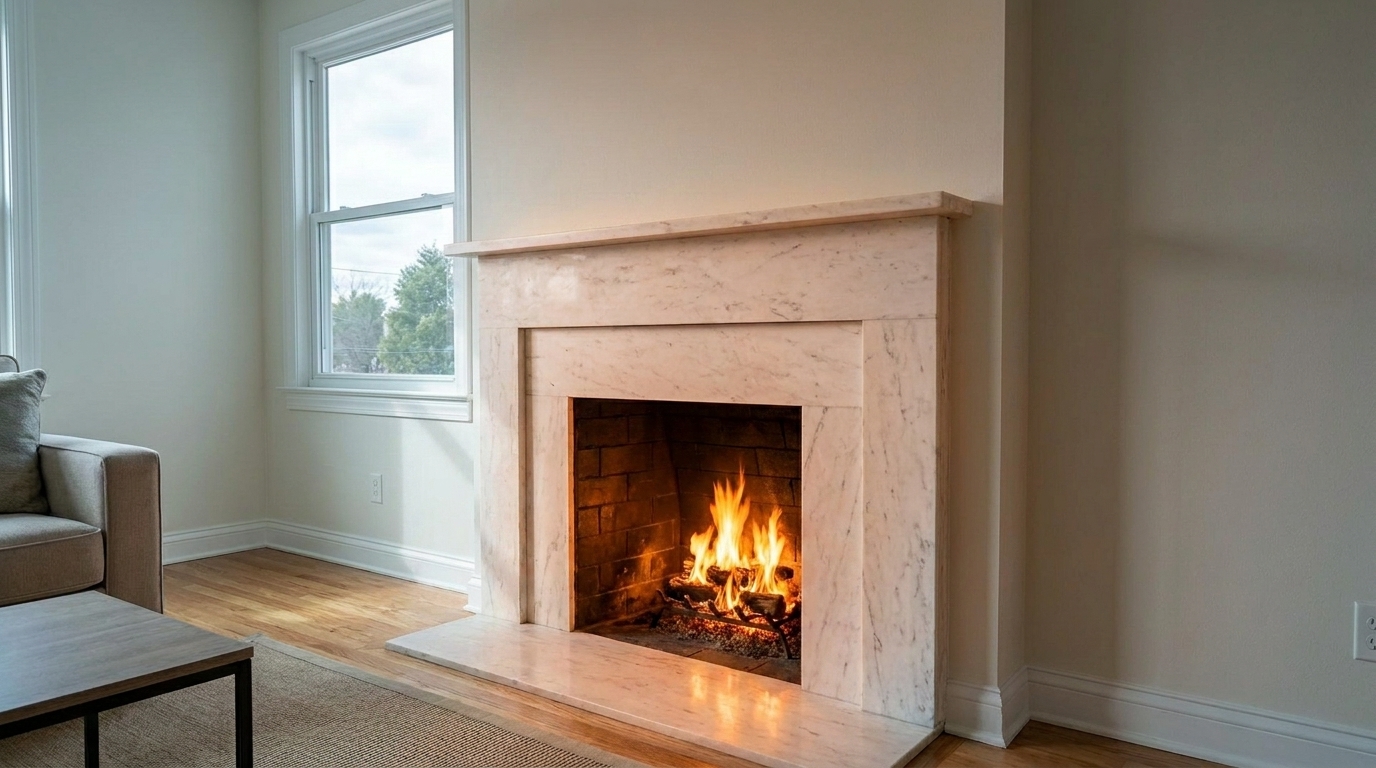
White Marble Mantel updated with add fire to fireplace styling.
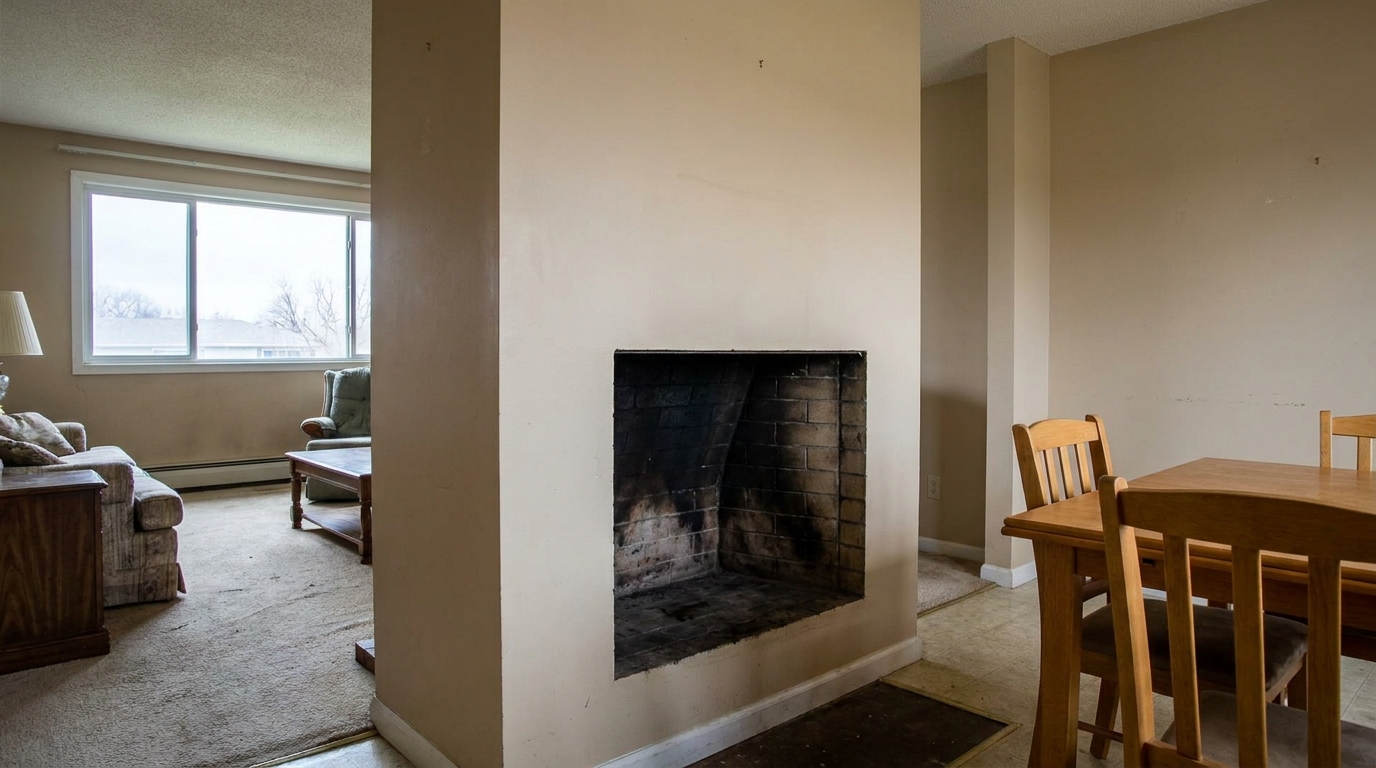
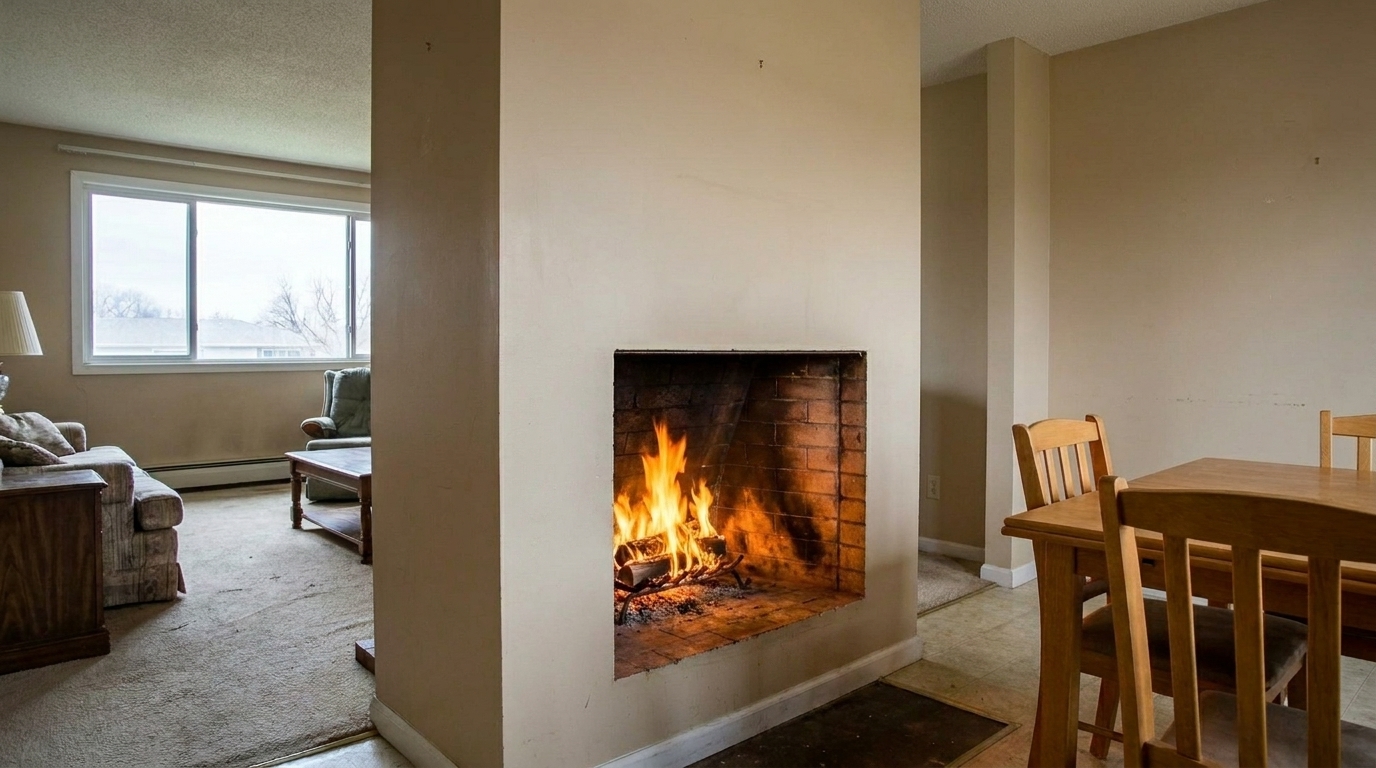
Double-Sided Fireplace updated with add fire to fireplace styling.
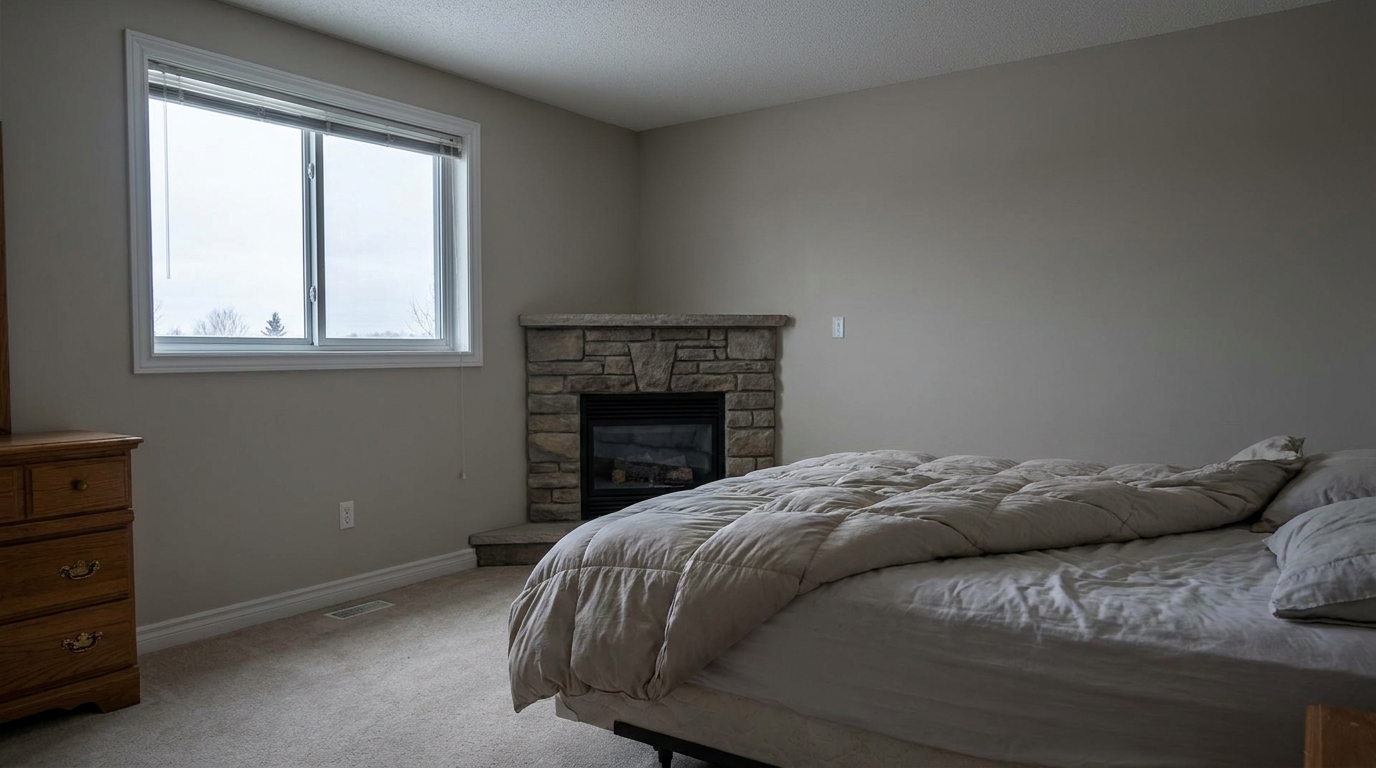
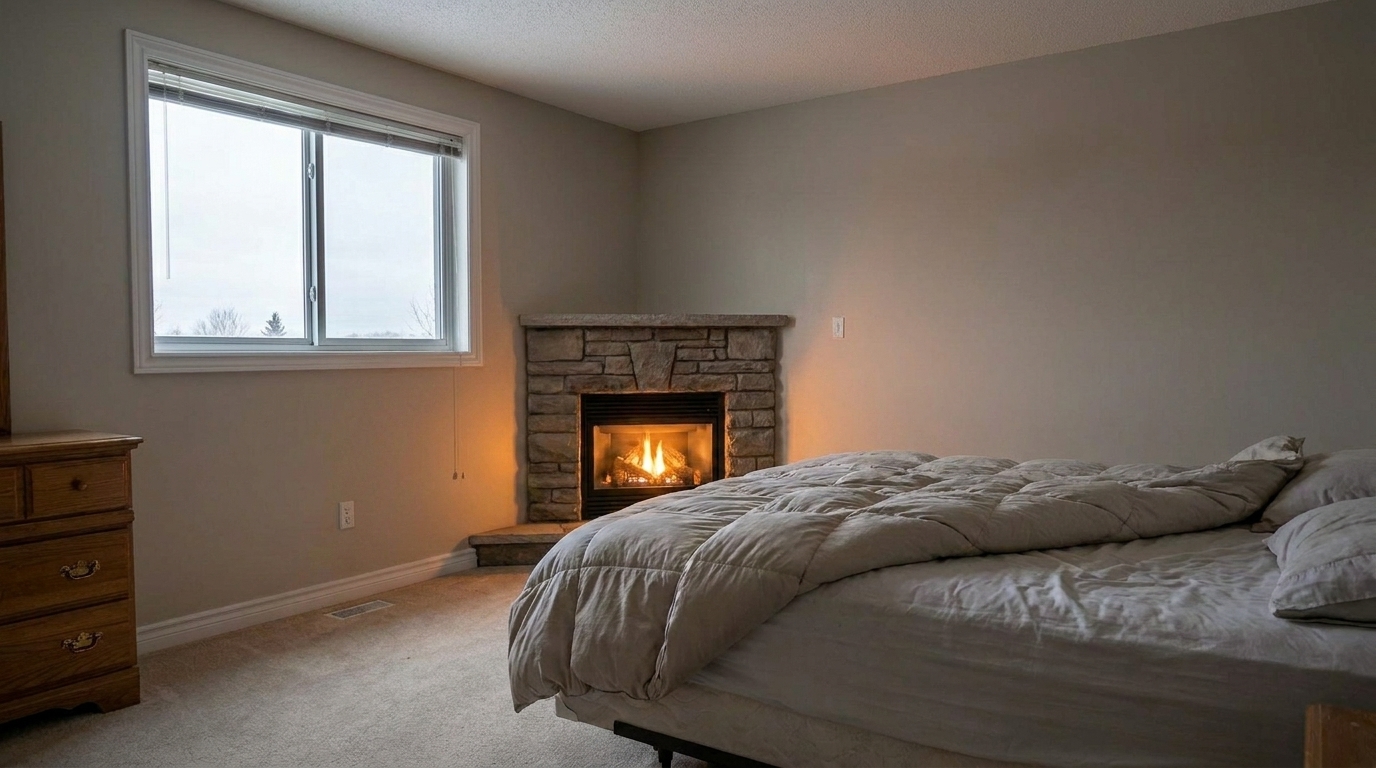
Bedroom Corner Fireplace updated with add fire to fireplace styling.
Discover how our AI tool seamlessly blends natural flames with your interior lighting.
Automatically identifies the boundaries of the fireplace opening for precise flame placement.
Casts a soft, warm light onto the surrounding mantel, floor, and furniture for realistic integration.
Adjusts the height and volume of the virtual fire to perfectly match the size of the hearth.
Blends flames seamlessly with existing logs, coal beds, or modern glass media.
Ensures the yellow-orange hues of the fire complement the room's existing white balance.
Preserves the crisp details of your original photo while rendering ultra-sharp flame textures.
Create cozy, high-converting property photos tailored for every marketing channel.
Make empty, staged, or cold-looking living rooms feel instantly warm and lived-in.
Real EstateHighlight cozy indoor features during cold-weather selling seasons to attract buyers.
SeasonalElevate high-end hearths with elegant, clean-burning flames that match upscale interiors.
PremiumCreate eye-catching, high-contrast interior shots that stand out in busy social feeds.
Social MediaEnsure double-page spreads of main living areas look premium and inviting.
PrintComplete your digital staging process by adding the final touch of warmth to empty rooms.
StagingInsert warm, realistic flames into any hearth in three simple steps.
Select and upload an interior real estate photo featuring an empty or cold fireplace.
Choose the 'Add Fire To Fireplace' preset to automatically detect the hearth and apply realistic flames.
Save your enhanced, warm, and inviting listing photo in high resolution, ready for marketing.
Source-backed context for why add fire to fireplace edits matter inside fire in fireplace workflows.
Add Fire To Fireplace within Fire in Fireplace evidence
Photos are one of the most valuable website features for home buyers; NAR's 2025 generational trends report says 83% of internet-using buyers rated photos as very useful. For Add Fire To Fireplace pages, this supports showing how a focused Fire in Fireplace edit can make the listing photo feel clearer, more polished, and easier for buyers to evaluate.
Source: NAR 2025Add Fire To Fireplace within Fire in Fireplace evidence
Zillow Research's 2025 prospective buyer report ranked high-resolution photos as the number two most important listing feature, selected by 26% of prospective buyers; floor plans ranked first at 33%. For Add Fire To Fireplace pages, this supports showing how a focused Fire in Fireplace edit can make the listing photo feel clearer, more polished, and easier for buyers to evaluate.
Source: Zillow 2025Add Fire To Fireplace within Fire in Fireplace evidence
Redfin reported that professionally photographed homes in the $400,000 range sold three weeks faster and for more than $10,000 relative to list price compared with amateur photos. Use this as supporting context, not as a guaranteed result. For Add Fire To Fireplace pages, this supports showing how a focused Fire in Fireplace edit can make the listing photo feel clearer, more polished, and easier for buyers to evaluate.
Source: RedfinAdding a virtual fire is one of the fastest ways to elevate interior real estate photos, turning a cold room into an emotional, inviting space.
An empty fireplace often acts as a dark, hollow void in listing photos, drawing the eye to a cold and uninviting spot. By adding realistic flames, you instantly establish a focal point that communicates comfort, luxury, and home. This emotional connection helps potential buyers visualize themselves relaxing in the space, which can significantly increase engagement on digital listing platforms.
To achieve the most realistic results, start with a high-resolution, well-exposed interior photo. Ensure the fireplace opening is clearly visible and not completely obstructed by solid objects. Once you apply the 'Add Fire To Fireplace' preset, the AI will analyze the hearth's geometry, place the flames, and generate a subtle ambient glow on nearby surfaces. For the best outcome, ensure the room's overall lighting matches the warm, cozy atmosphere of the fire.
Selecting the right preset depends entirely on the property's style and existing lighting. Use the standard 'Add Fire To Fireplace' preset for a balanced, universally appealing flame that fits almost any traditional or transitional home. If you are marketing a high-end contemporary home with a sleek linear fireplace, choose 'Modern Clean Fire' for refined, minimalist flames. For dark rooms or twilight shots that need an energetic boost, 'Bright Marketing Fire' or 'Vibrant Showcase Fire' will deliver the necessary visual impact. If the room is already bright and airy, 'Subtle Natural Fire' offers an understated, highly believable glow.
While virtual fire enhances most living spaces, there are times when it should be avoided. Do not add flames to fireplaces in rooms flooded with harsh, direct midday sunlight, as a burning fire looks unnatural under bright daylight. Additionally, avoid using this preset if the fireplace is physically damaged, dirty, or cluttered with non-decorative items, as the added fire will only draw attention to those defects. Always ensure the flame style matches the physical fireplace type (e.g., do not put a roaring log fire into a modern gas-only unit).
Choose the perfect flame intensity and style to match your room's unique aesthetic.
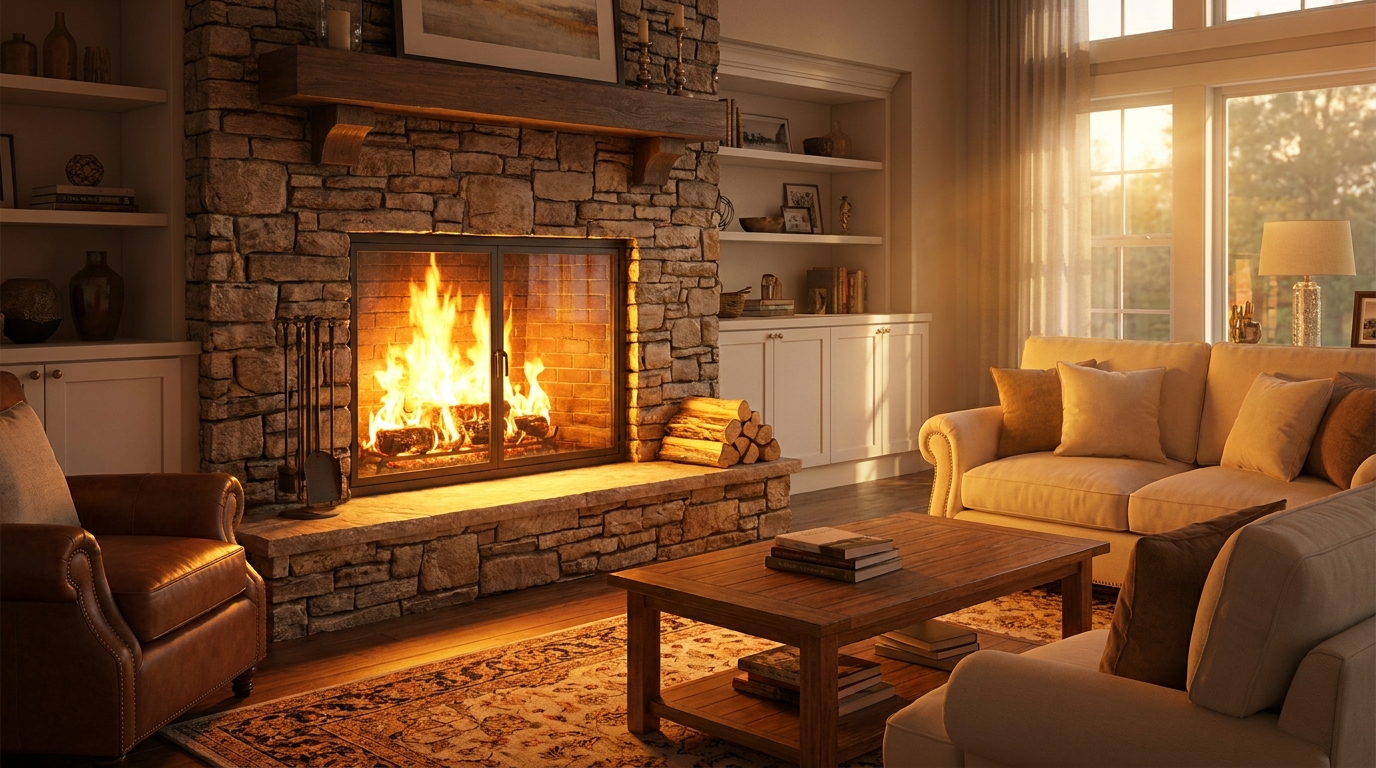
A fuller, brighter fire that adds energy and cozy visual impact.
Try This Tool →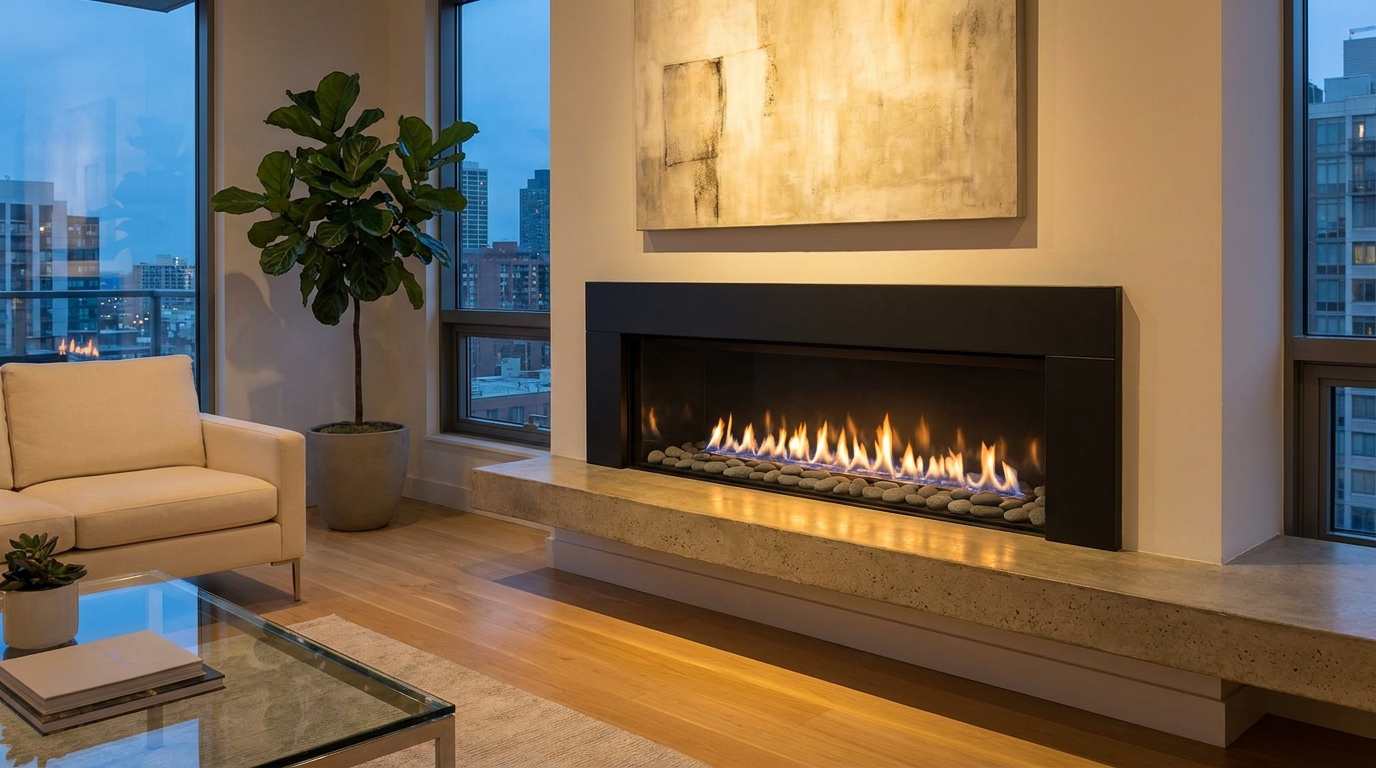
Sleek, refined flames that suit modern interiors and upscale listing styles.
Try This Tool →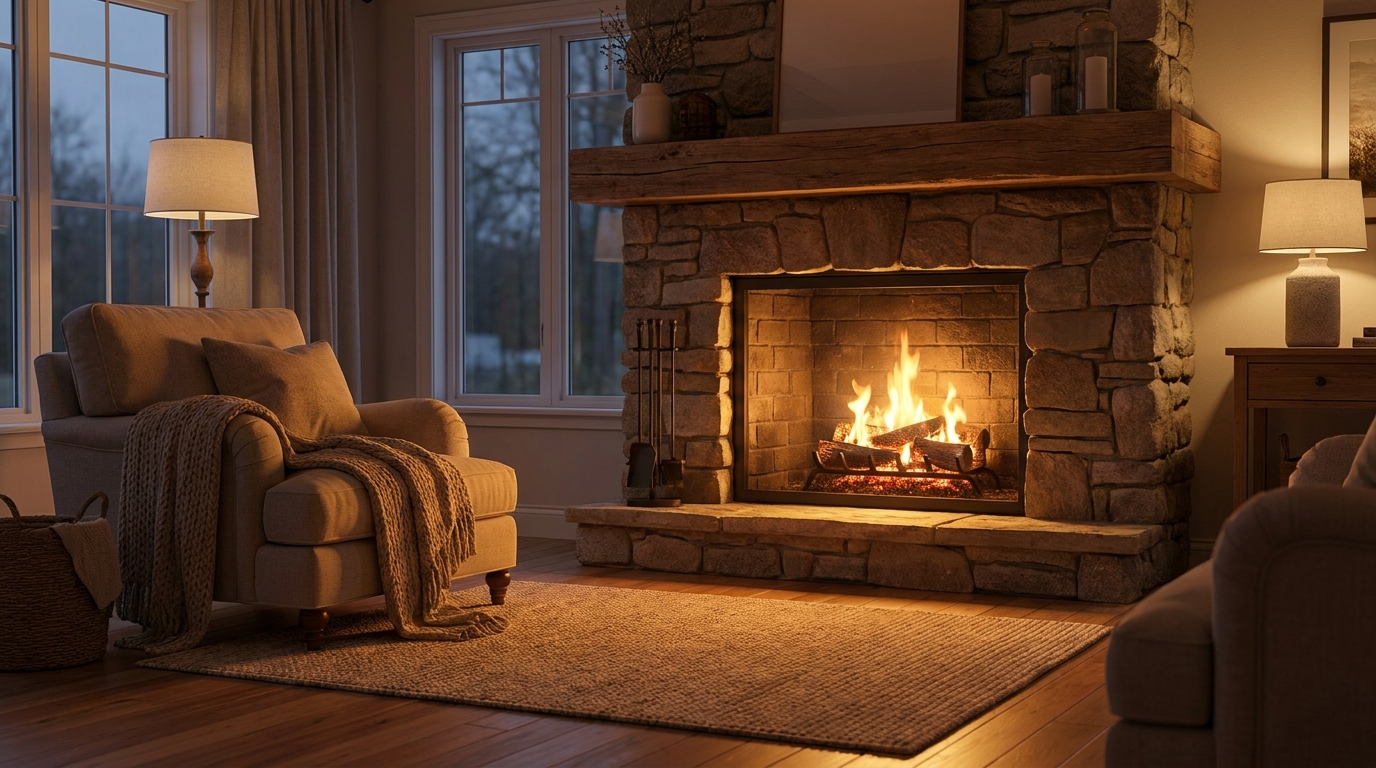
Gentle natural flames for understated warmth that feels believable and calm.
Try This Tool →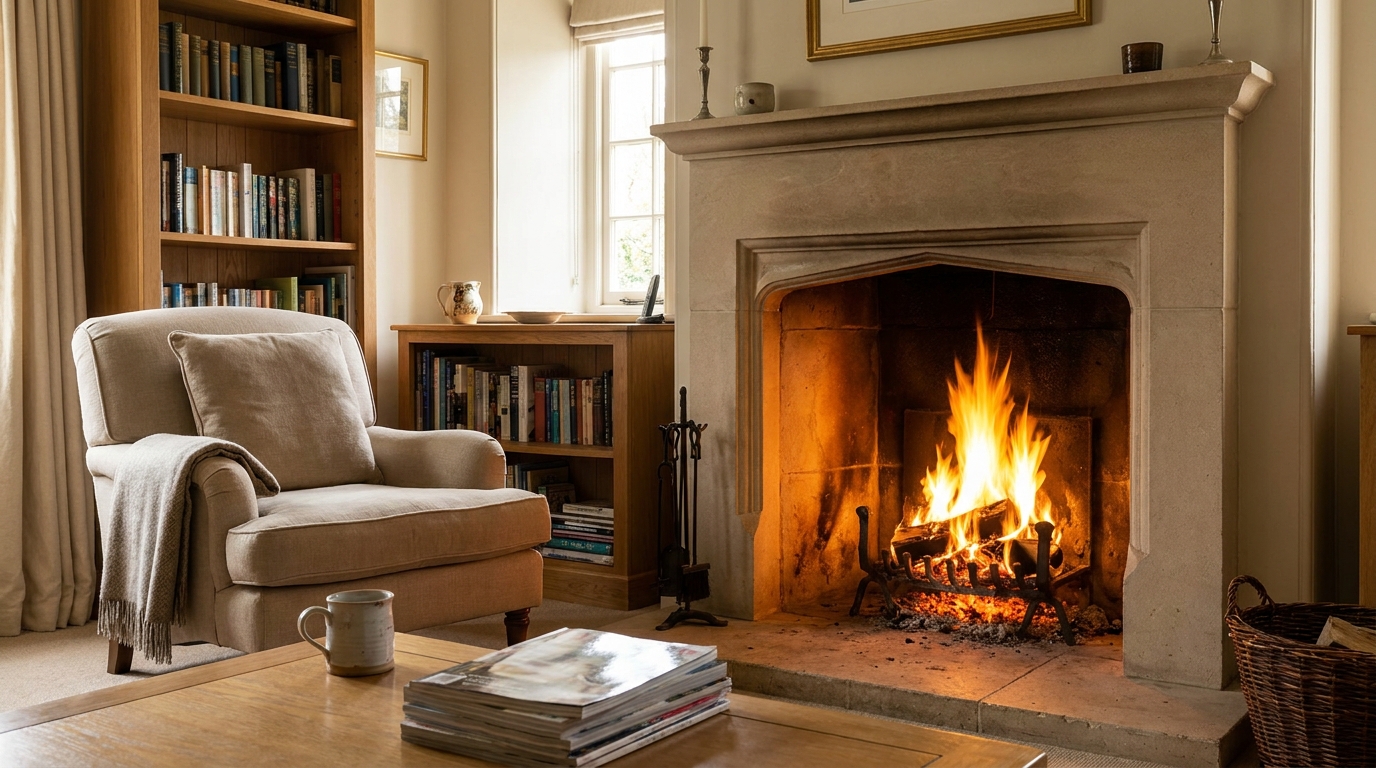
Classic fireplace warmth that makes the room feel comfortable and lived-in.
Try This Tool →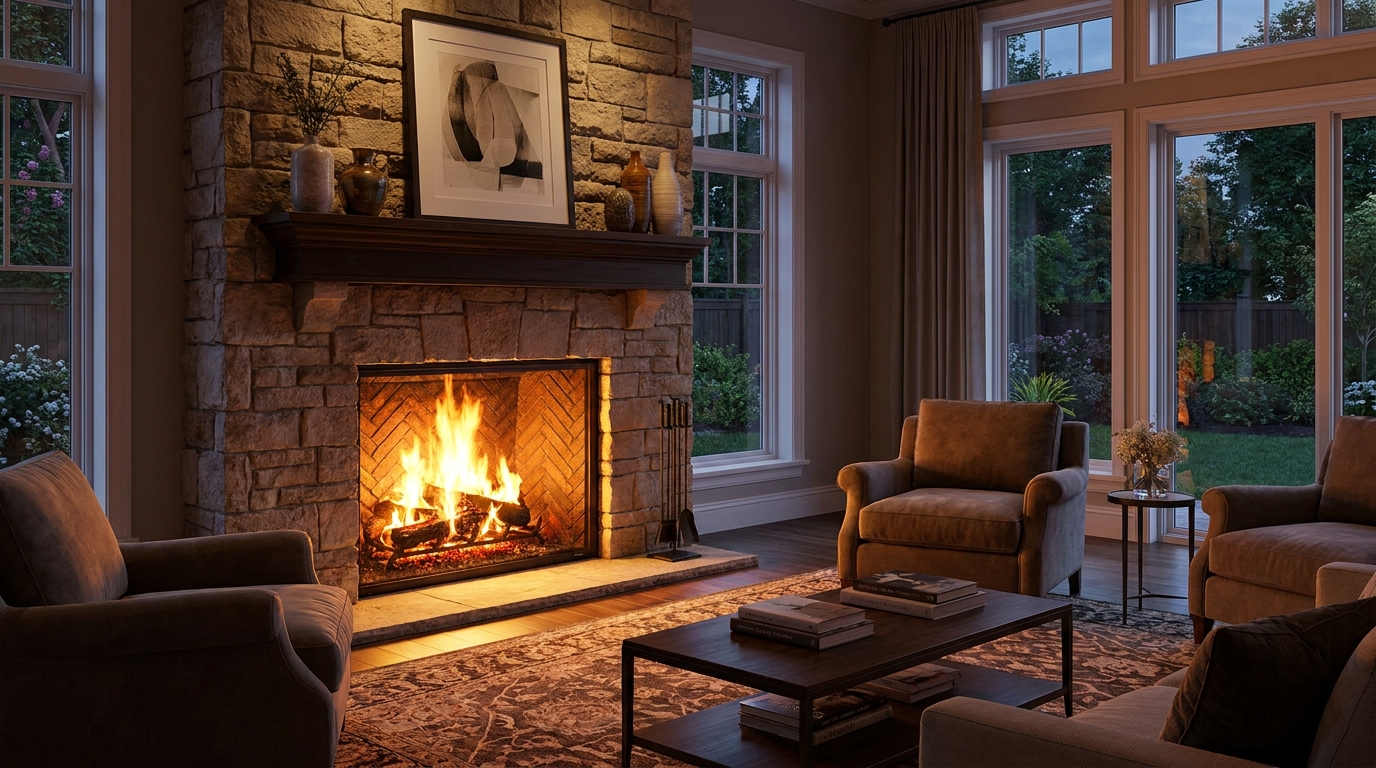
Statement fireplace styling with brighter flames and premium visual warmth.
Try This Tool →Discover additional AI-powered presets to elevate your real estate photography.
AI image-to-video generation for turning home, room, and property photos into more vivid presentation videos.
02AI exterior renovation for visualizing facade updates, curb appeal improvements, and home exterior remodel ideas.
03AI landscaping design for exploring outdoor concepts, curb appeal upgrades, planting ideas, and yard layout directions.
04AI virtual staging for furnishing empty rooms and creating listing-ready interiors for real estate marketing.
05Free AI image generation for turning text prompts into unlimited visual ideas for home design, interiors, landscaping, renovation
06AI object removal for cleaning up distracting items from room, home, and property photos.
Don't let cold, empty fireplaces dull your listing's potential. Use our AI-powered Photo Enhancer to add realistic, inviting flames in seconds.