
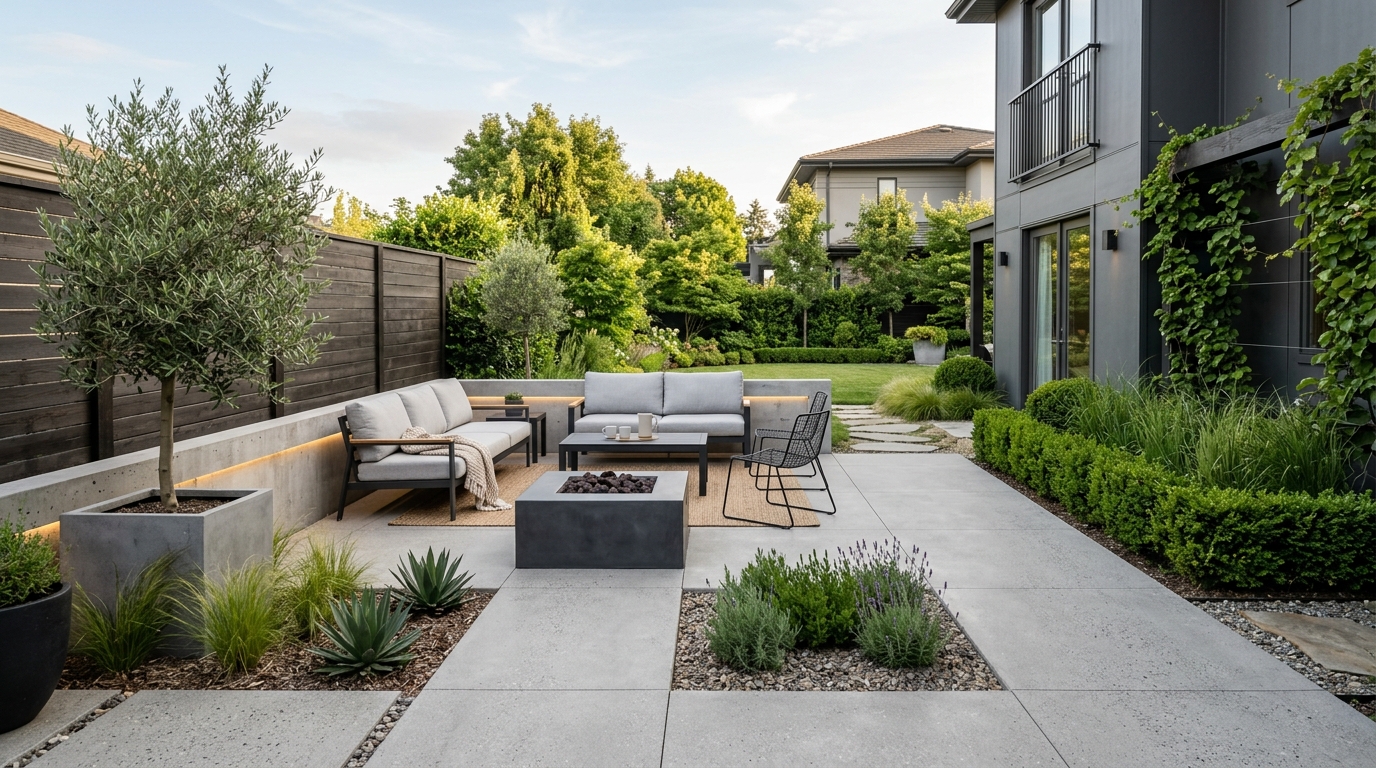
Small Landscape Design
A space-conscious landscape design concept with clear zones, layered planting, and practical circulation.
Explore landscape design ideas with AI, including planting styles, paths, outdoor materials, lighting, and layout concepts in seconds.
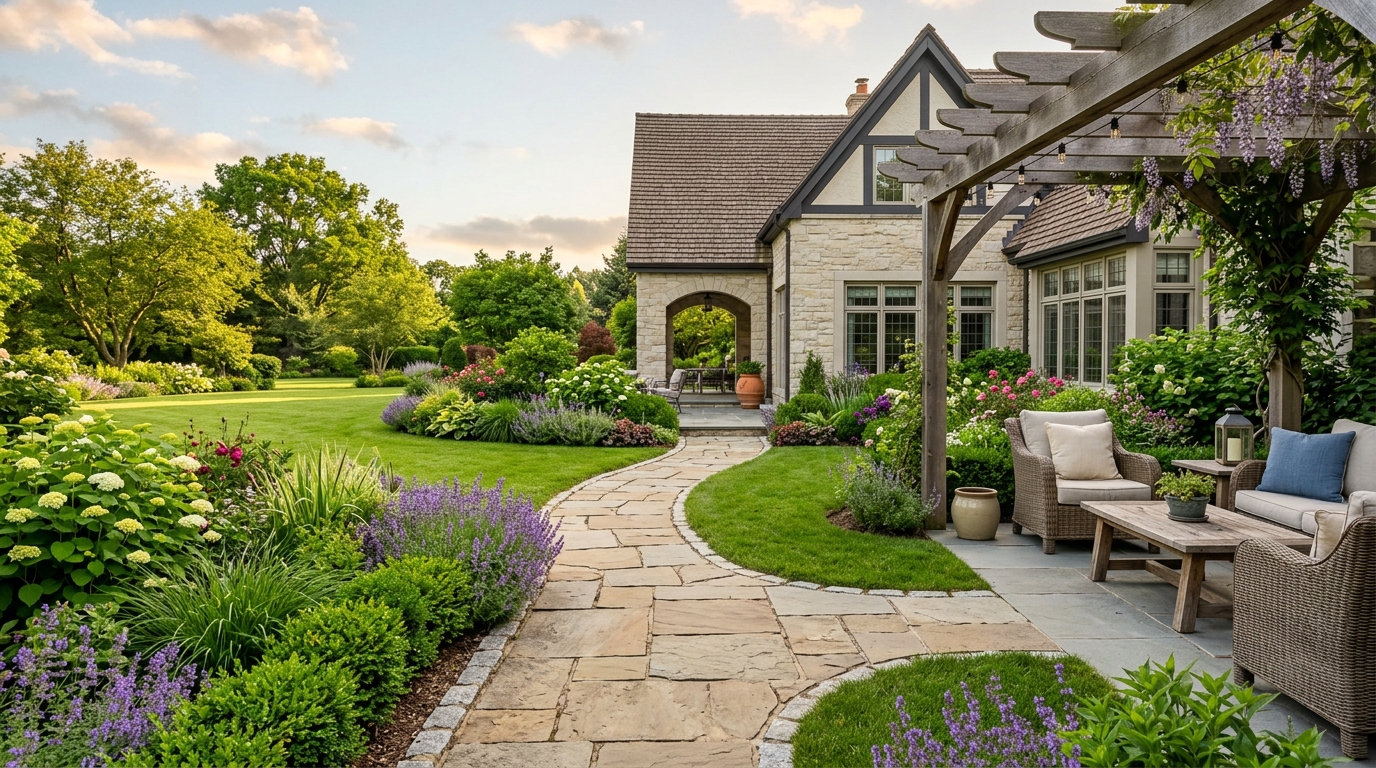
Browse AI-generated examples that stay focused on landscape design inspiration.
A space-conscious landscape design concept with clear zones, layered planting, and practical circulation.
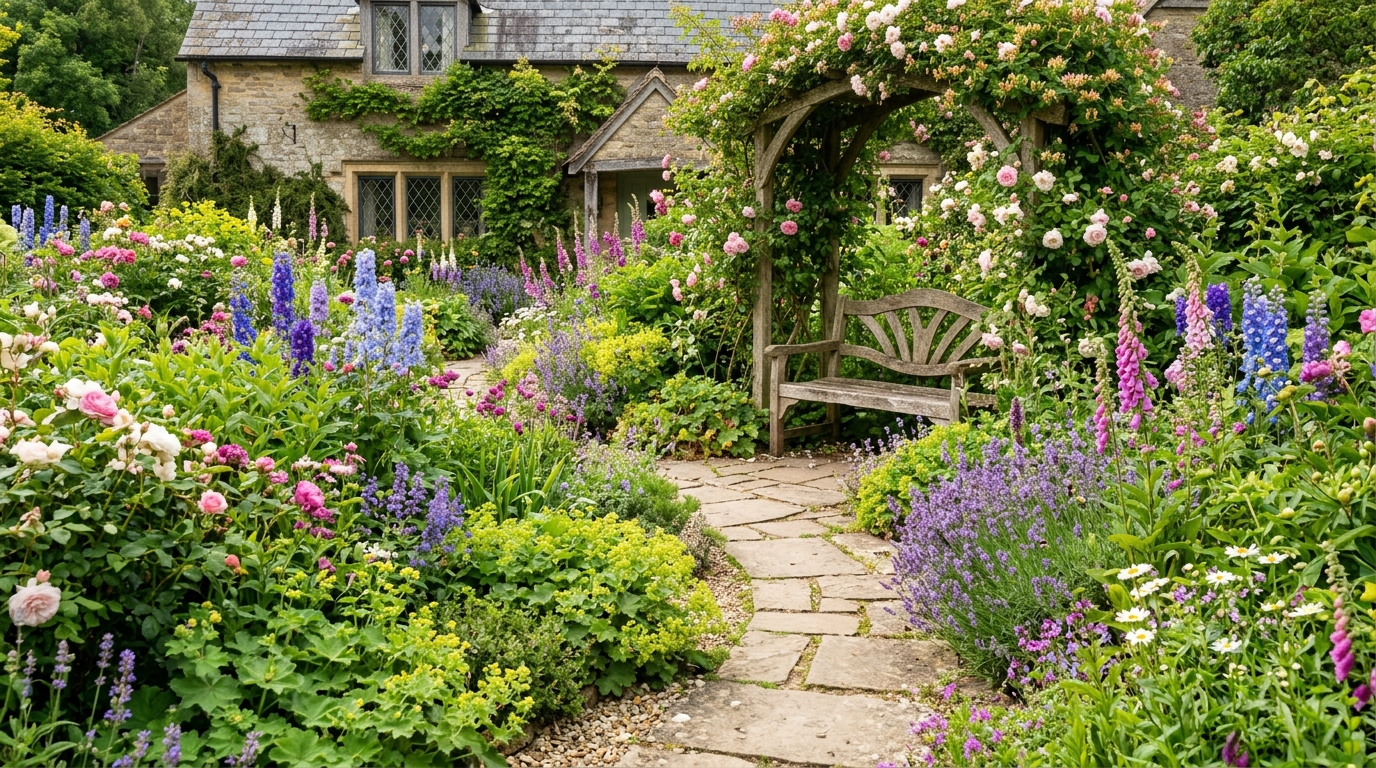
A low-maintenance landscape design with durable materials, simple planting, and a clean everyday layout.
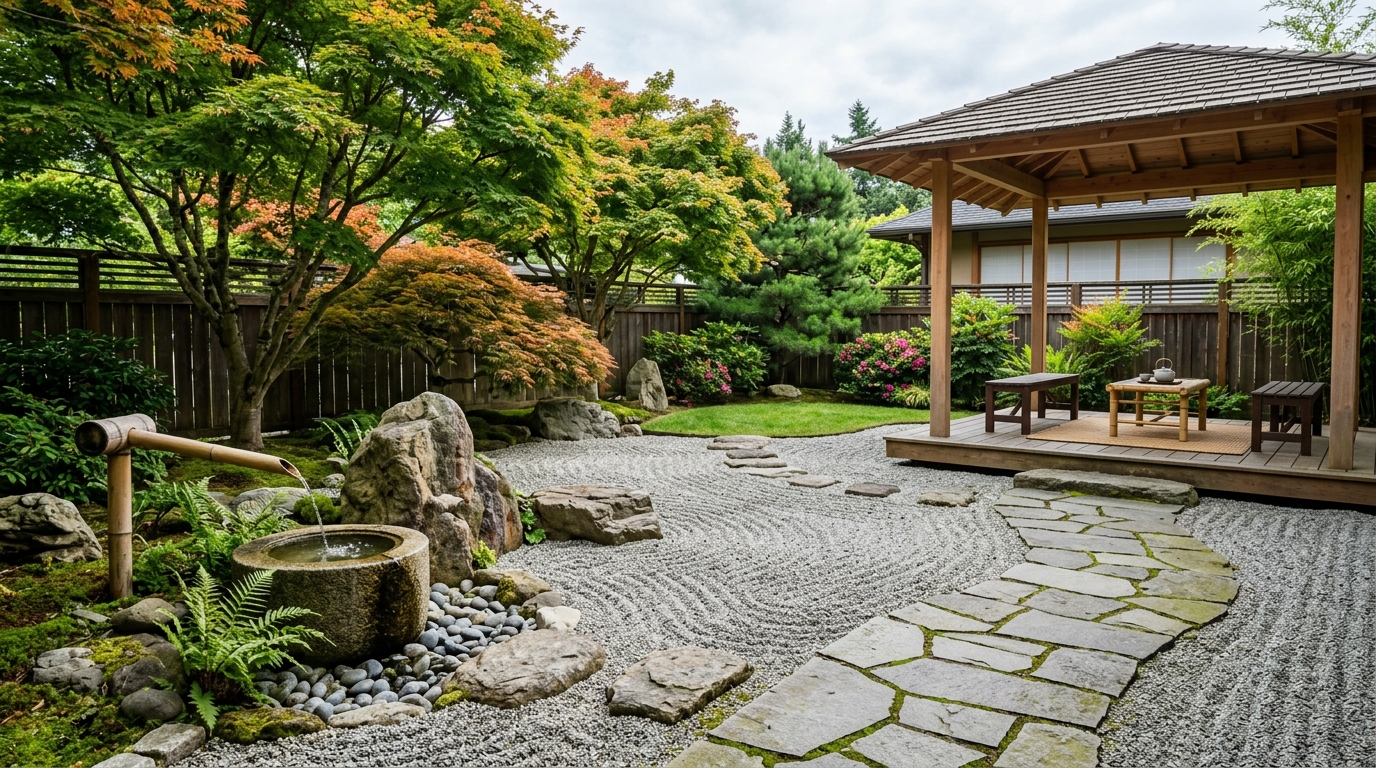
A modern landscape design using structured lines, restrained materials, and balanced greenery.
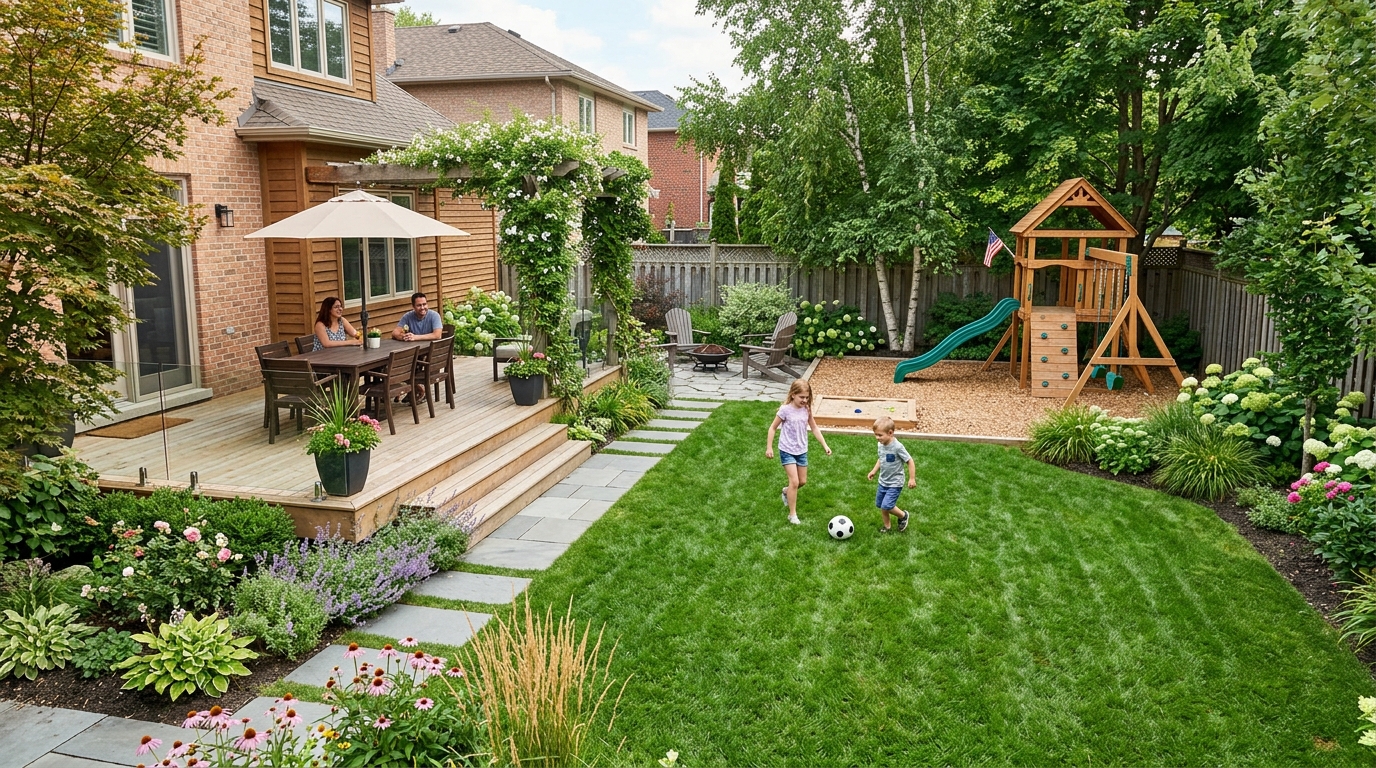
A greener landscape design with dense planting, texture, privacy, and a softer garden atmosphere.
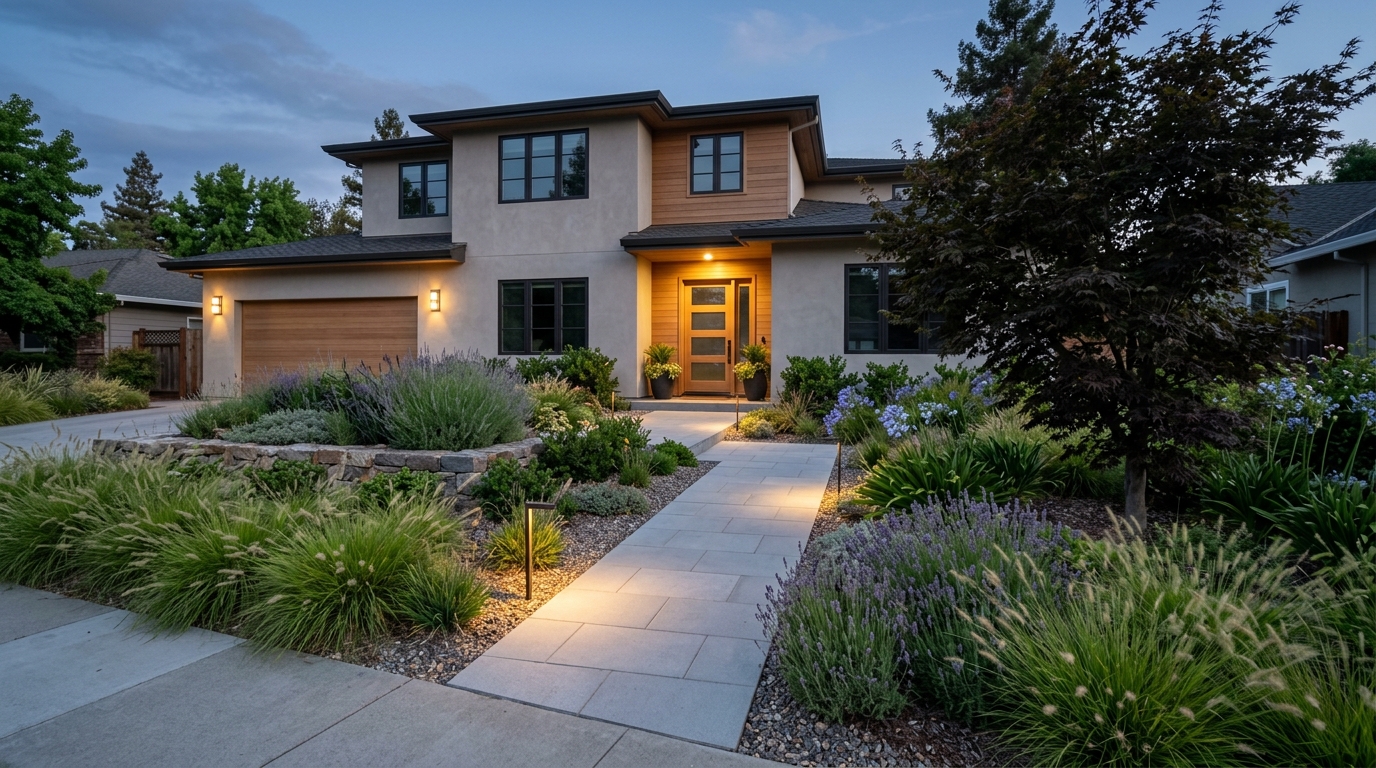
A practical landscape design concept with seating, safe open space, and flexible areas for daily use.
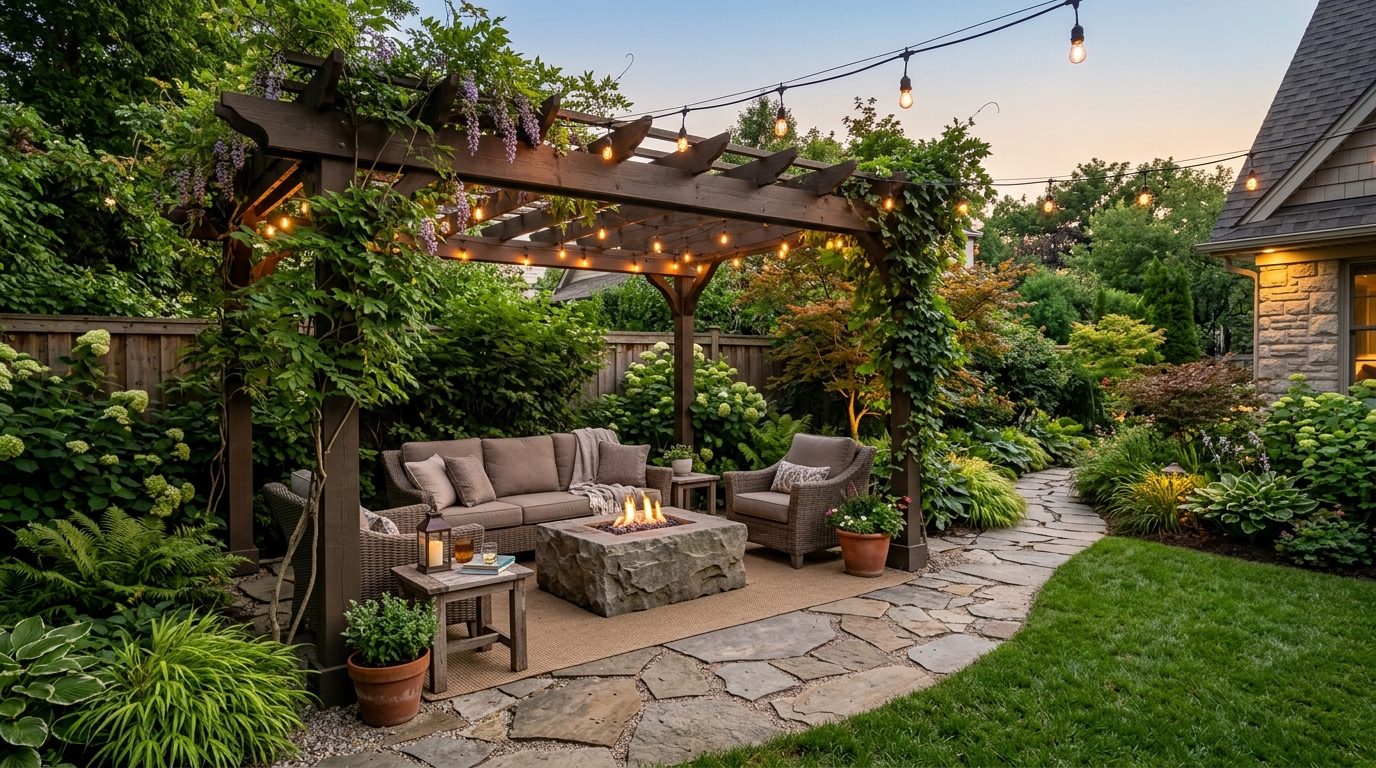
A warm evening landscape design with path lighting, seating, and materials that feel inviting after sunset.
Leverage powerful AI features designed to streamline your exterior planning and design workflow.
Quickly generate realistic concepts for patios, stone paths, retaining walls, and decks to see how they fit your yard.
Visualize lush garden beds, shrubbery, and tree placements to create balanced, aesthetically pleasing green spaces.
Generate front yard concepts that enhance your home's exterior presentation and street-facing visual impact.
Apply diverse design styles, from modern minimalist and Japanese Zen to rustic cottage gardens, with a single prompt.
Simulate different times of day or lighting setups to see how your landscape looks under sunlight or evening ambient lighting.
Download crisp, high-quality images of your designs to share with contractors, family, or design teams for project planning.
Discover how homeowners and professionals use our AI to accelerate their outdoor design projects.
Visualize potential backyard transformations before committing to expensive landscaping services or materials.
PlanningCreate compelling visual concepts for property listings to help potential buyers imagine the outdoor potential of a home.
MarketingUse AI to rapidly prototype multiple design directions for client presentations and initial project brainstorming.
ProfessionalExperiment with different plant arrangements and garden layouts to find the perfect fit for your personal space.
CreativeGenerate quick site concepts to evaluate the feasibility and aesthetic appeal of new residential outdoor layouts.
DevelopmentTest various front yard designs to maximize home value and visual appeal for upcoming sales or personal satisfaction.
ValueFollow these simple steps to create professional-grade outdoor design visualizations.
Enter a detailed prompt specifying the type of area, such as a backyard, front garden, or patio, along with your preferred style.
Include specific details like planting zones, hardscape materials, pathway styles, or outdoor furniture to refine the generated output.
Click generate to view your concept, then adjust your prompt to experiment with different lighting, color palettes, or layout configurations.
Learn how to effectively use AI to bridge the gap between your vision and a professional landscape design plan.
Before generating, identify the primary goal of your outdoor space. Are you looking for a functional area for entertaining, a low-maintenance garden, or a complete curb appeal overhaul? Starting with a clear intent helps you craft prompts that focus on the most important elements, such as hardscape vs. softscape ratios, ensuring the AI output aligns with your practical needs.
To get the best results, combine descriptive adjectives with specific design elements. Instead of just 'backyard design,' try 'modern backyard with a stone fire pit, cedar decking, and drought-tolerant planting beds.' Mentioning specific materials like 'slate tiles,' 'gravel paths,' or 'native grasses' helps the AI generate more realistic and actionable imagery for your specific site conditions.
Rarely is the first generation perfect. Use the initial results as a starting point. If the layout is correct but the style is off, adjust your prompt to specify a different color palette or architectural theme. Iteration allows you to test multiple configurations—such as shifting from a deck to a patio—so you can make informed decisions before breaking ground.
Start from a prompt that stays focused on landscape design, then adjust layout, materials, lighting, and style details.
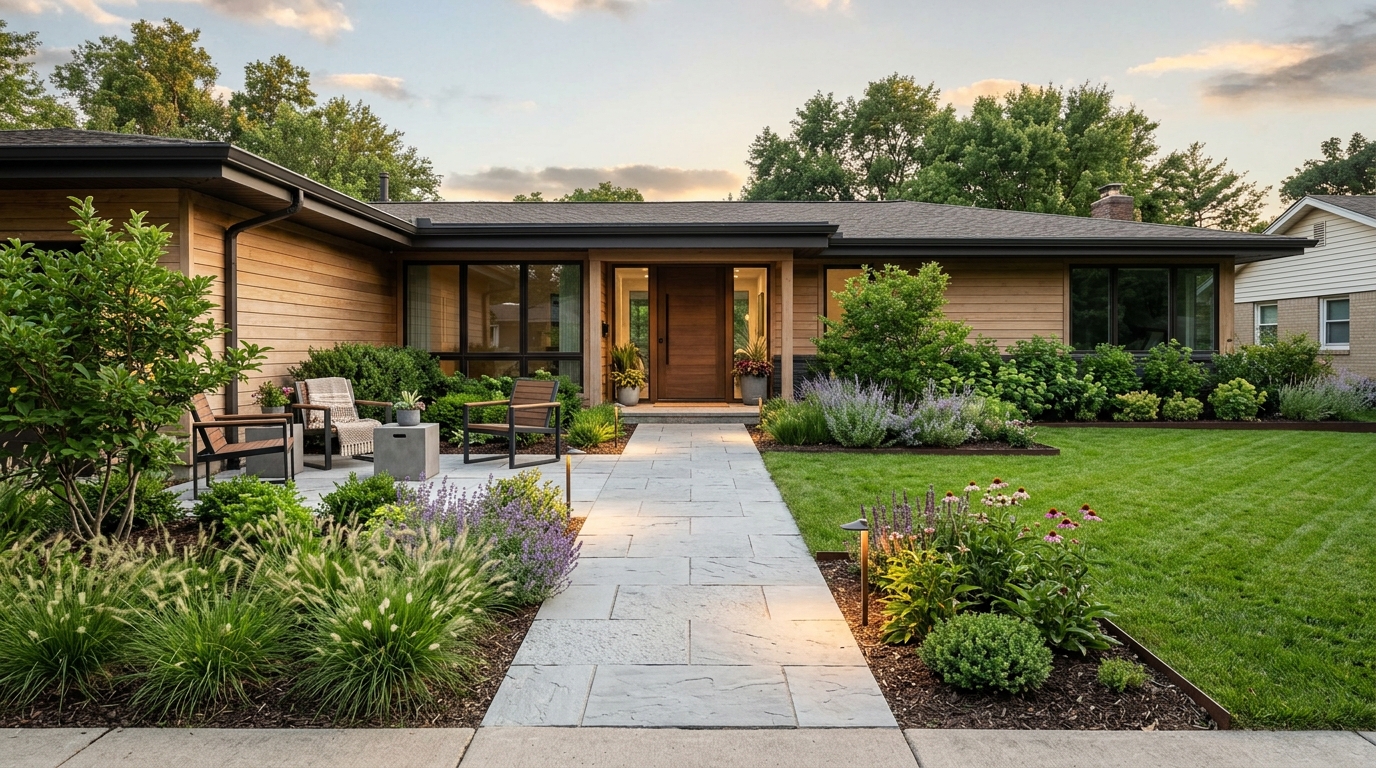
Explore backyard ideas for patios, planting, fire pits, pools, decks, and outdoor living.
Try This Tool →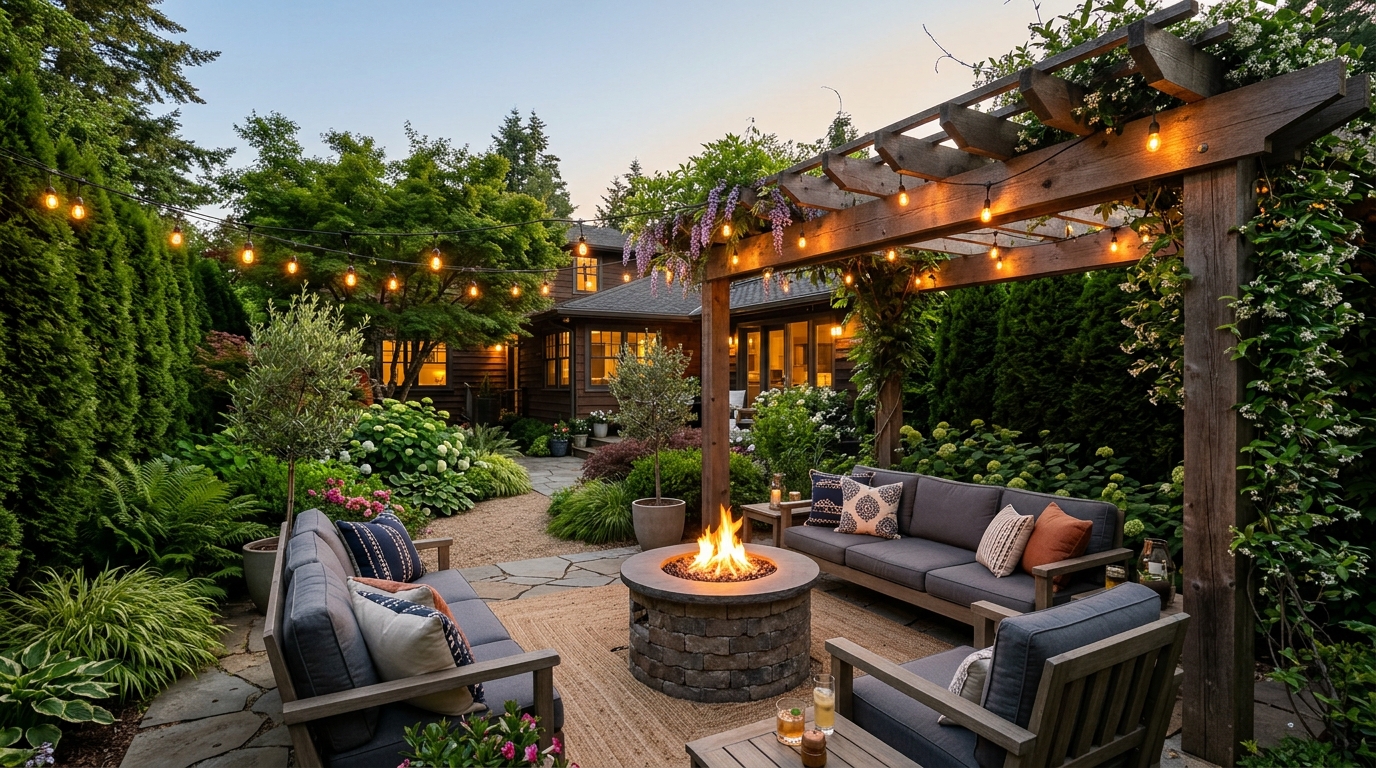
Explore front yard landscaping ideas for curb appeal, planting beds, paths, and lighting.
Try This Tool →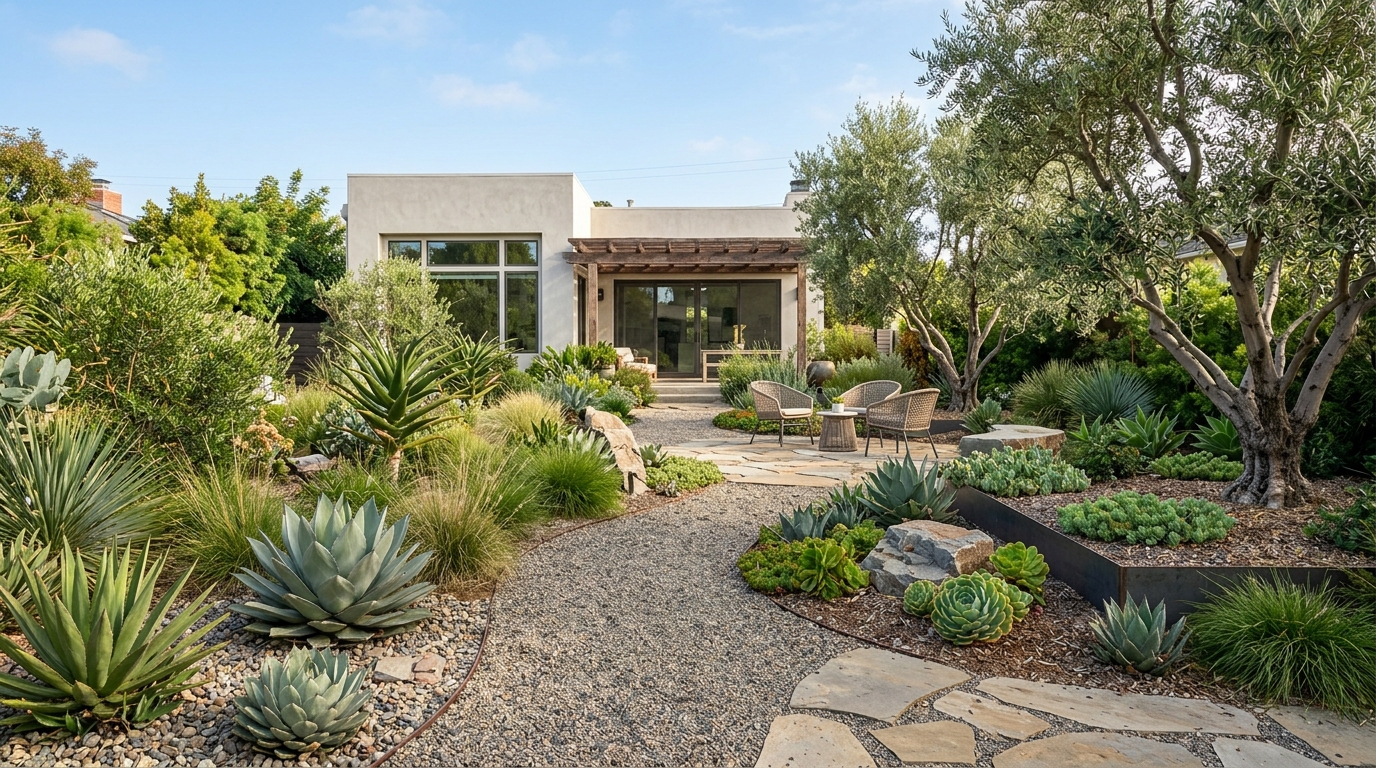
Explore low-maintenance yard ideas with durable materials, simple planting, and clean layouts.
Try This Tool →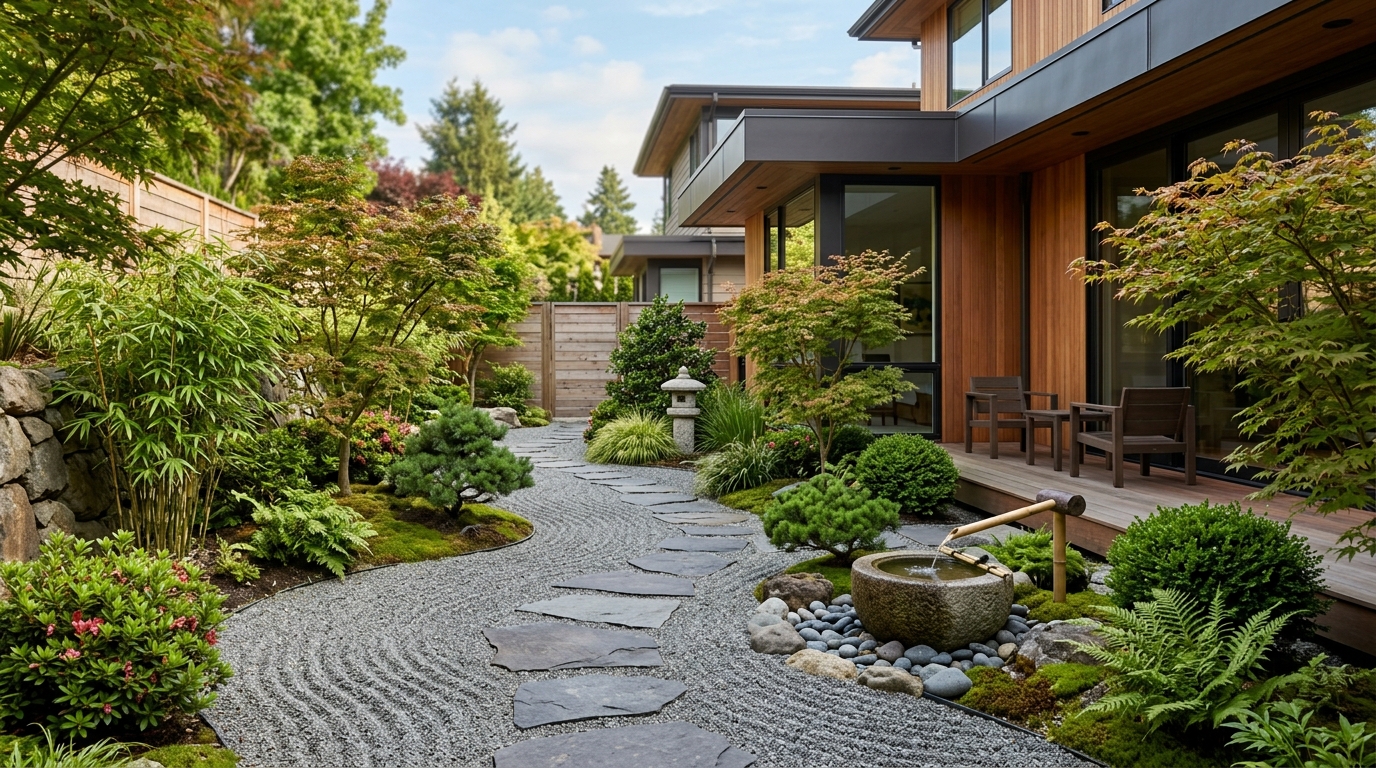
Explore narrow side yard ideas for paths, privacy, vertical planting, and useful passageways.
Try This Tool →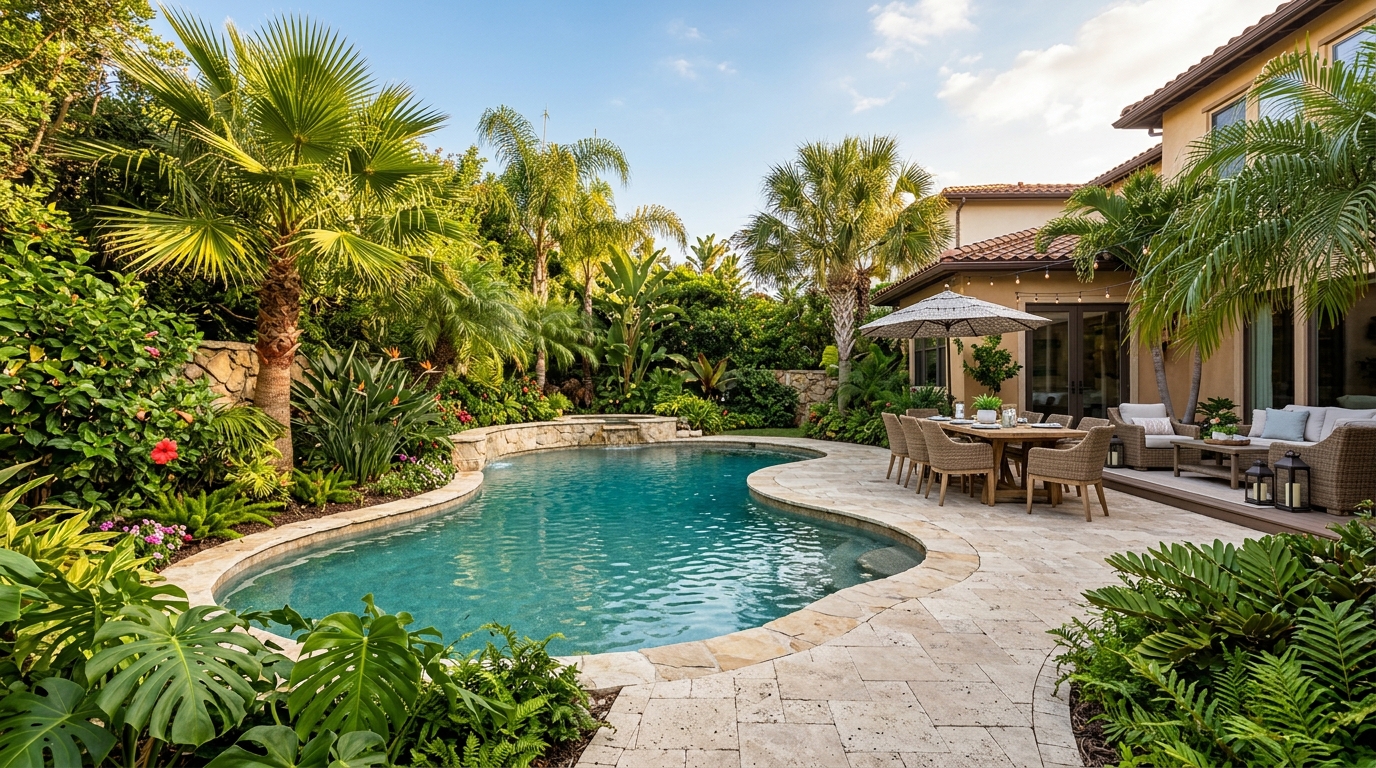
Explore cottage garden ideas with layered flowers, curved paths, climbing plants, and soft borders.
Try This Tool →Choose the next Ideal House tool based on what you want to do after generating inspiration.
Turn outdoor inspiration into yard, garden, and planting concepts using a real exterior photo.
02Try exterior materials, curb appeal updates, and facade changes on a real home photo.
03Select one area of an image and replace it with a specific design detail from your prompt.
04Make broader image edits with text prompts once you know what design changes you want.
05Create more polished render-style visuals from a chosen concept, image, or design direction.
06Clean up lighting, clarity, and overall presentation for property and design images.
Use Idealhouse AI tools to move from idea to visual output faster across design, staging, editing, and presentation workflows.