
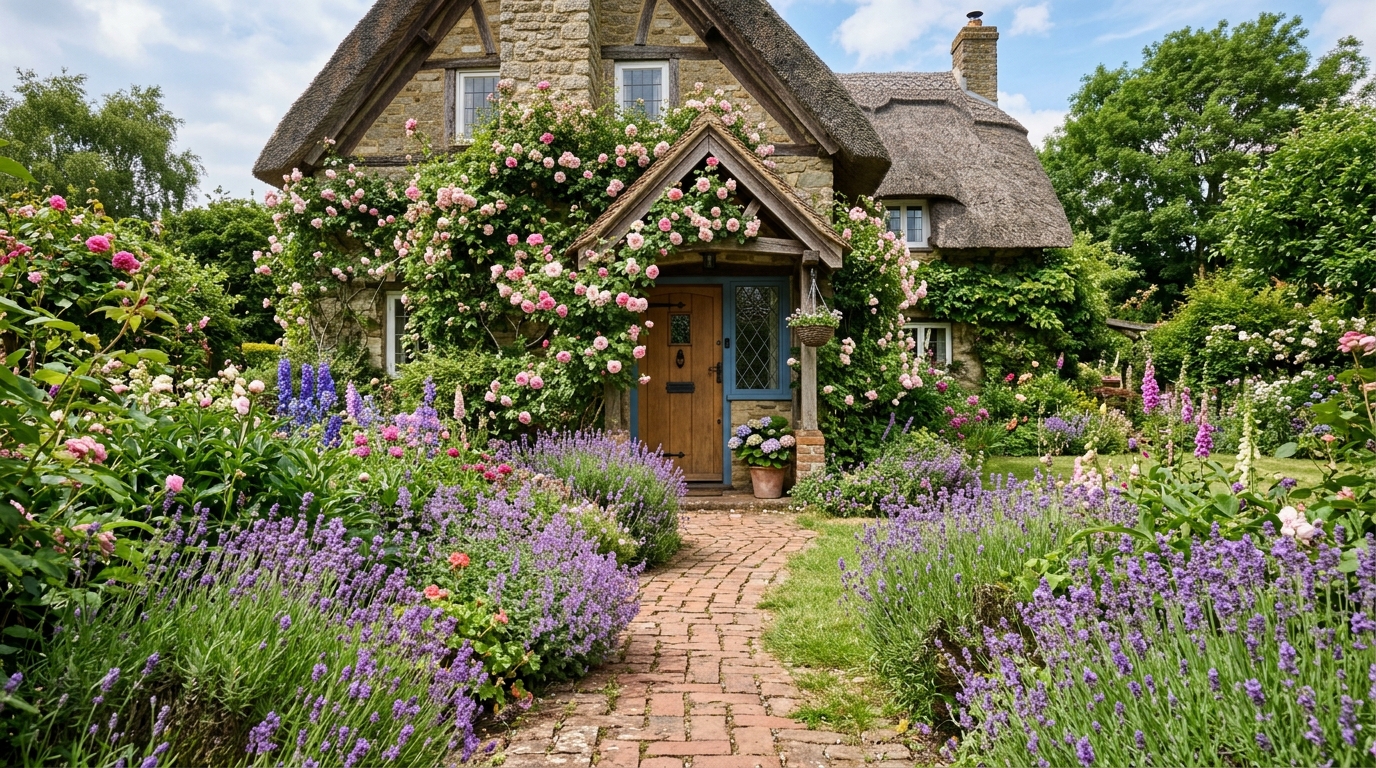
Small Cottage Garden
A compact cottage garden with layered flowers, a curved path, and soft planting around a welcoming entry.
Explore cottage garden ideas with AI, including planting styles, paths, outdoor materials, lighting, and layout concepts in seconds.
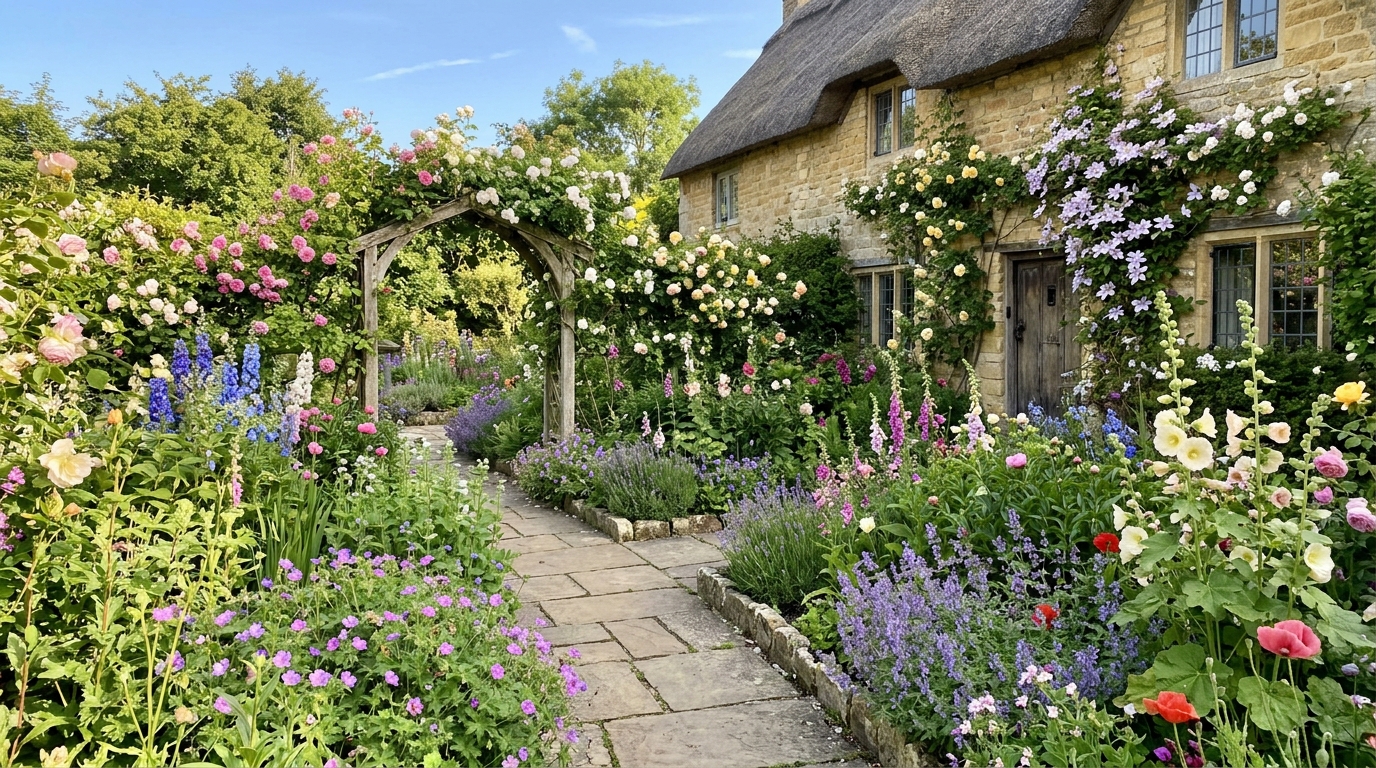
Browse AI-generated examples that stay focused on cottage garden inspiration.
A compact cottage garden with layered flowers, a curved path, and soft planting around a welcoming entry.
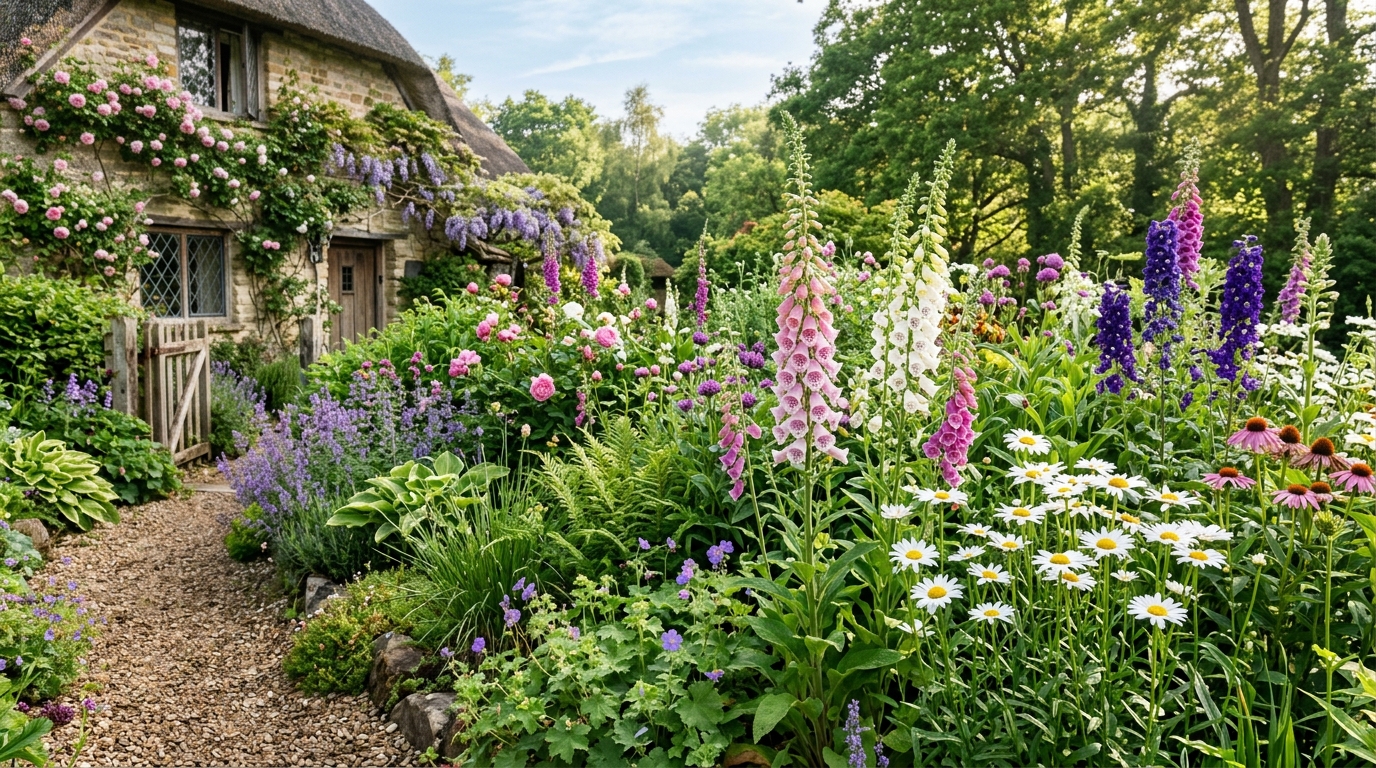
A winding brick path bordered by lavender, foxgloves, daisies, and informal greenery for classic cottage charm.
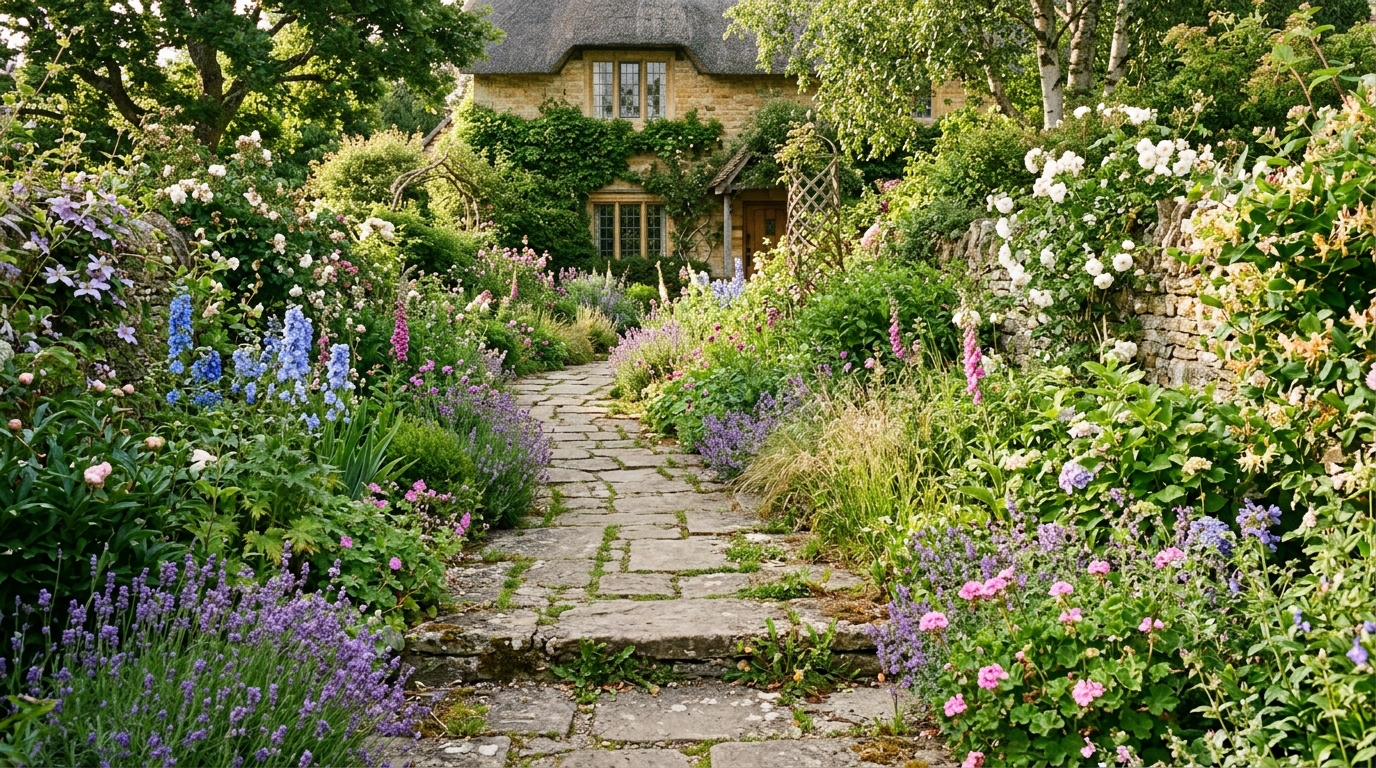
A cottage entry framed by climbing roses, mixed perennials, and a lush front border with natural texture.
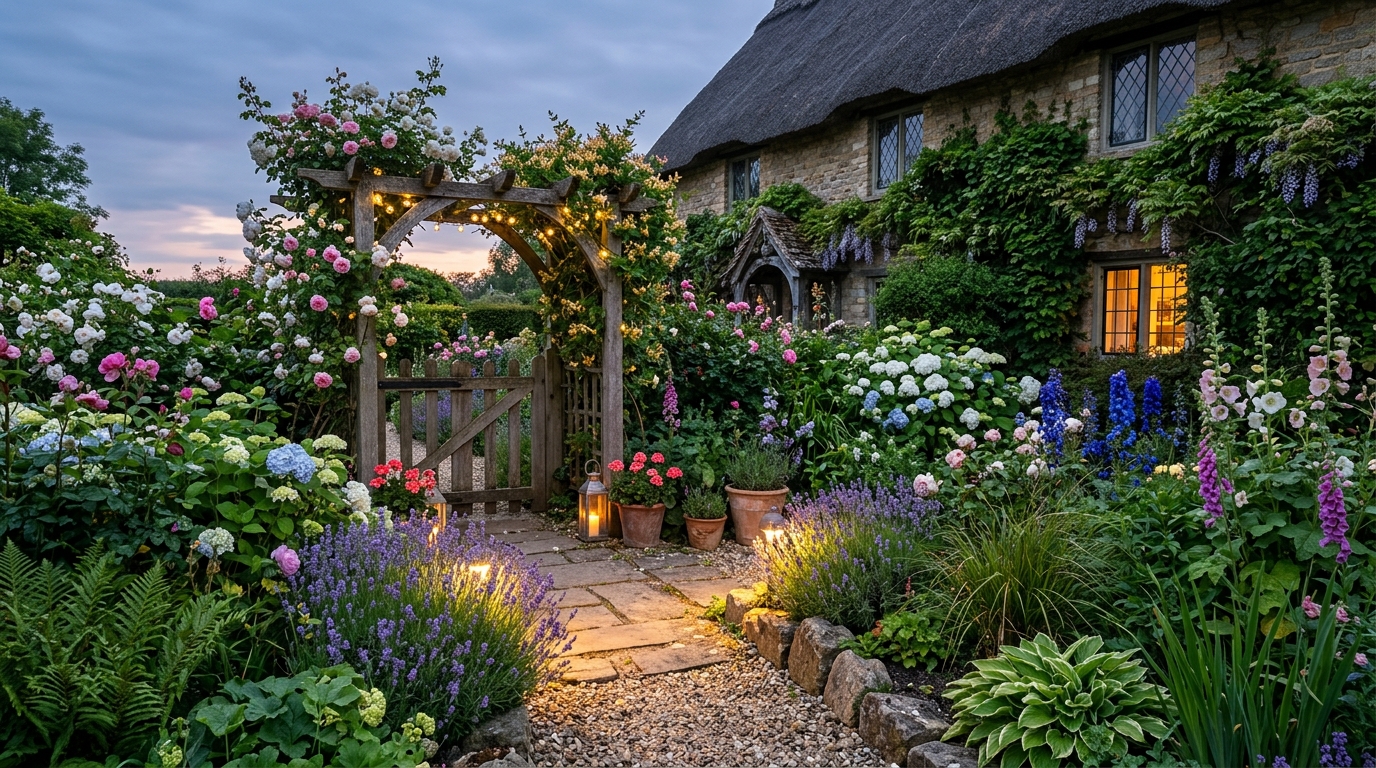
A relaxed border filled with seasonal wildflowers, soft grasses, and colorful cottage-style planting.
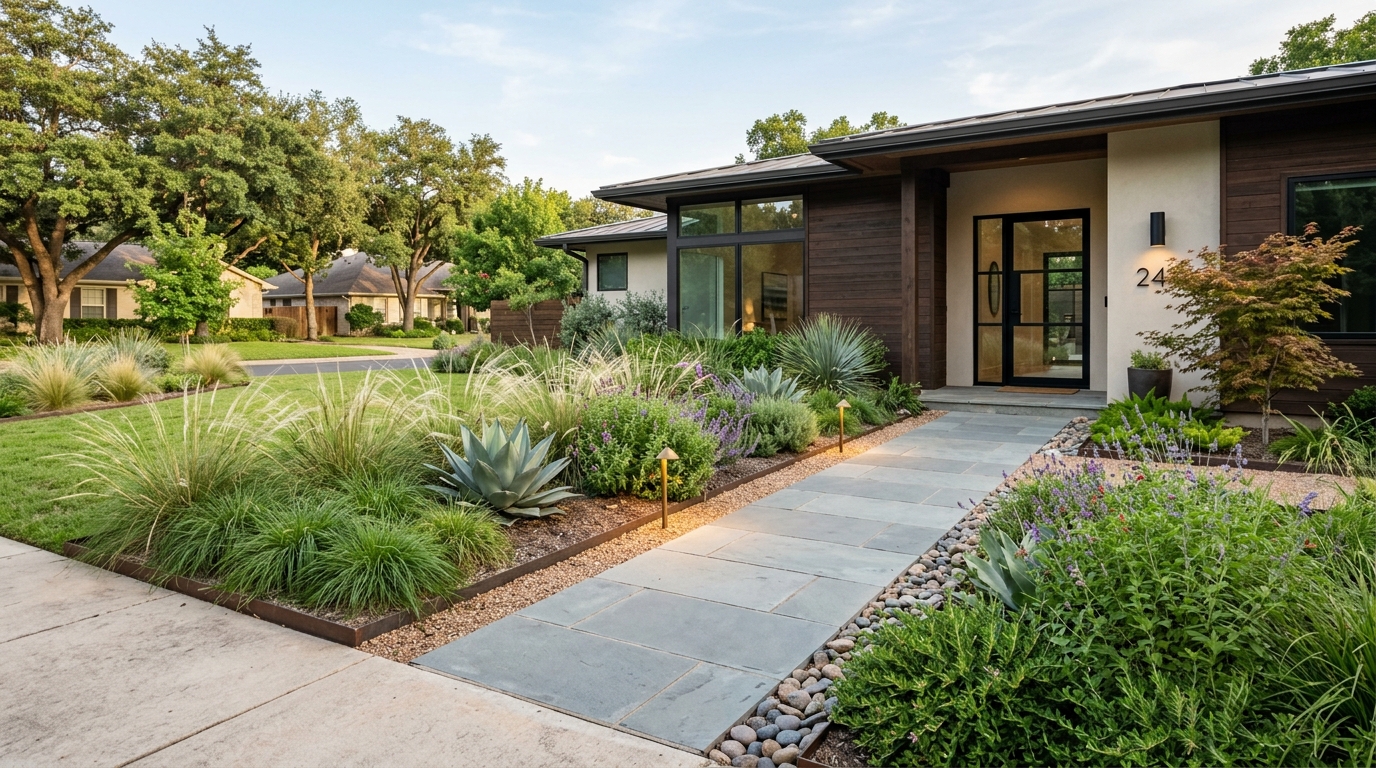
A front yard cottage garden with a picket fence, curved walkway, layered blooms, and warm curb appeal.
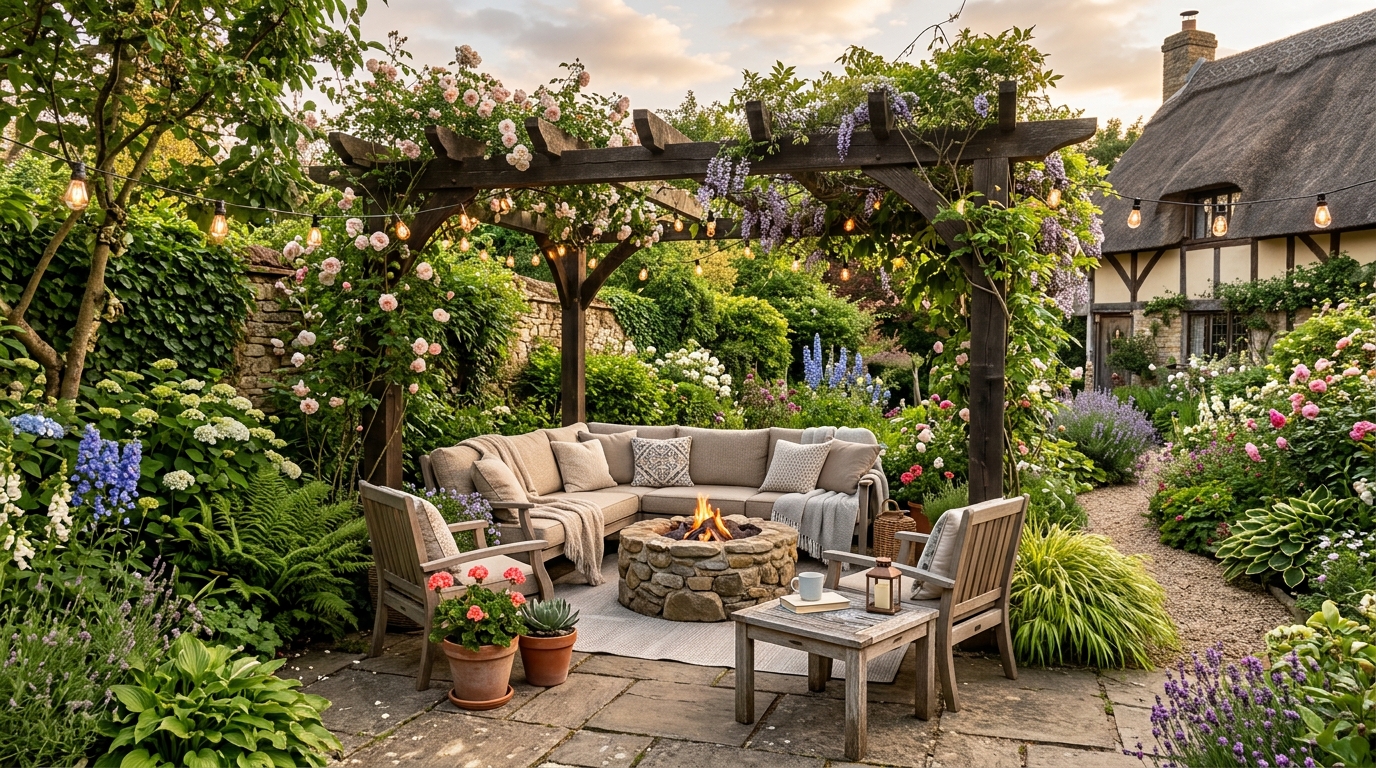
A brick garden path through dense flowers, climbing plants, and cozy seating for a storybook cottage look.
Leverage powerful AI tools designed to capture the essence of a classic cottage garden.
Capture the timeless charm of traditional cottage gardens with curated AI models trained on classic landscape styles.
Visualize complex, multi-layered flower beds that combine perennials, shrubs, and climbing roses for a lush, full look.
Incorporate realistic brick paths, stone walkways, and garden borders that complement the natural greenery.
Simulate various times of day and weather conditions to see how your garden looks in golden hour or soft morning light.
Quickly swap color palettes or plant varieties to compare different garden moods without waiting for physical growth.
Generate crisp, detailed images that help you clearly communicate your vision to contractors or family members.
See how homeowners and professionals use our AI to plan beautiful outdoor spaces.
Homeowners can visualize how a cottage garden transformation will improve their home's front-facing aesthetic.
HomeownersDesigners use the tool to quickly mock up concepts for clients before committing to detailed CAD drawings.
Interior DesignersReal estate agents generate beautiful garden concepts to help buyers visualize the potential of a property's outdoor space.
Real Estate AgentsEnthusiasts use the AI to experiment with plant placement and color schemes before digging into their own soil.
HomeownersTeams can show clients how a new garden design integrates with existing home architecture and exterior finishes.
Design TeamsPhotographers and designers build mood boards for future projects by generating diverse garden styles.
Design TeamsFollow these simple steps to bring your dream garden to life using AI.
Enter specific details about your home's exterior, desired flower colors, and preferred path materials into the prompt box.
Click generate to see your initial design, then adjust your prompt to tweak specific elements like plant density or lighting.
Download your favorite garden concepts to use as a reference for professional landscaping or DIY planning.
Follow these steps to effectively use AI for your landscape planning and visualization needs.
Before generating, identify the core elements of your dream garden. Are you looking for a wild, informal look or a structured, manicured English garden? Defining your preferences for path materials, color palettes, and plant density will help you write more effective prompts that yield the results you want.
Don't settle for the first result. Use the AI to test variations by changing one variable at a time. For example, keep the house and path the same but swap the flower colors or plant heights. This iterative process helps you understand what works best for your specific property layout.
Once you have a generated image you love, use it as a visual reference when talking to local nurseries or landscape contractors. It serves as a powerful communication tool to ensure everyone is aligned on the desired aesthetic, making the transition from digital concept to physical garden much smoother.
Start from a prompt that stays focused on cottage garden, then adjust layout, materials, lighting, and style details.
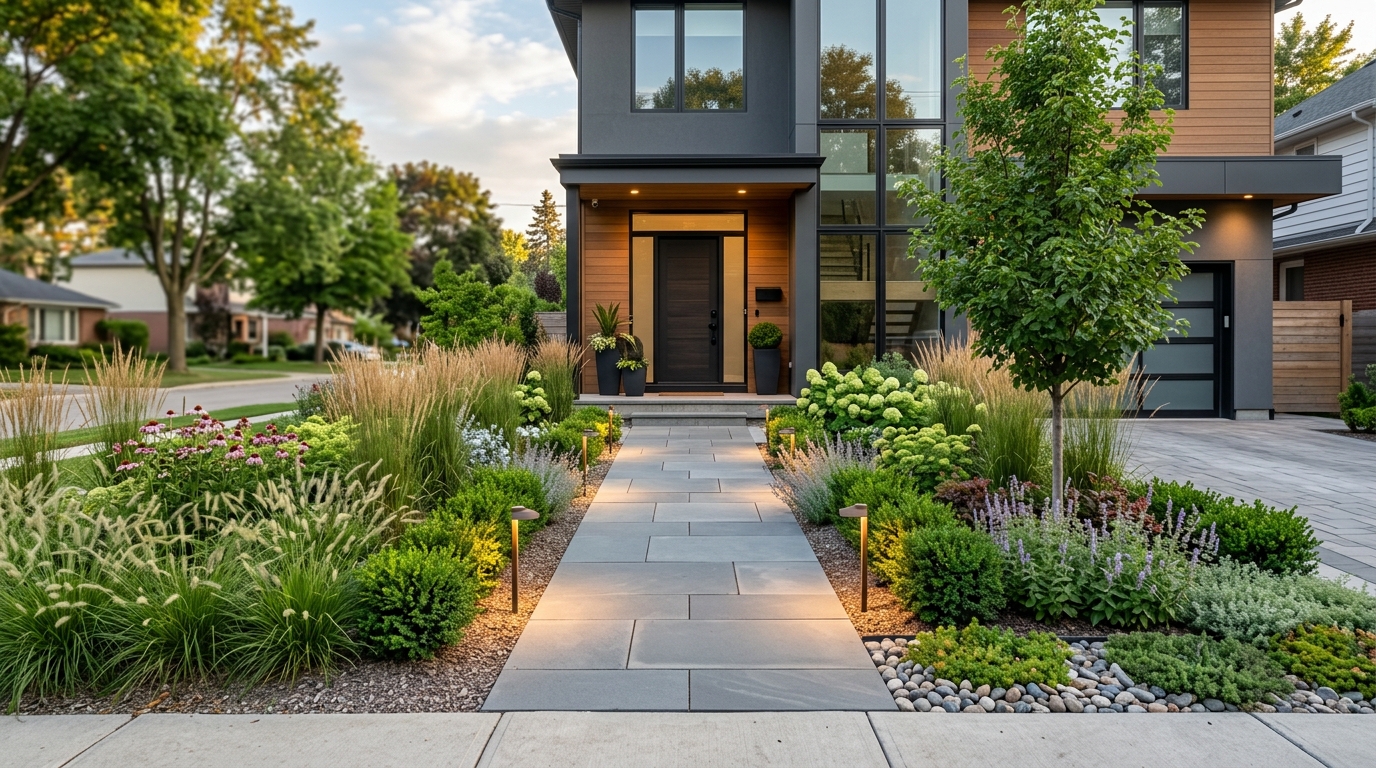
Explore landscape design ideas for yards, planting, paths, patios, and outdoor layouts.
Try This Tool →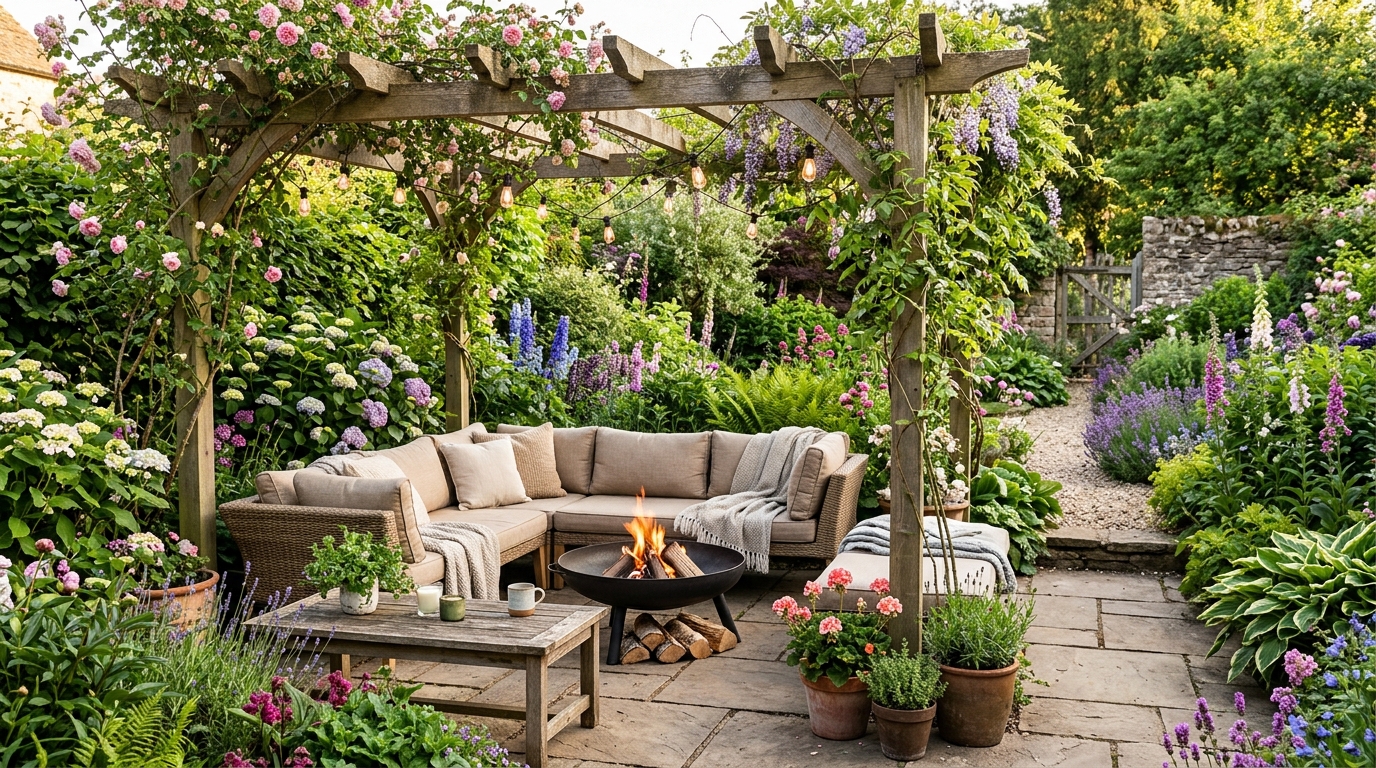
Explore backyard ideas for patios, planting, fire pits, pools, decks, and outdoor living.
Try This Tool →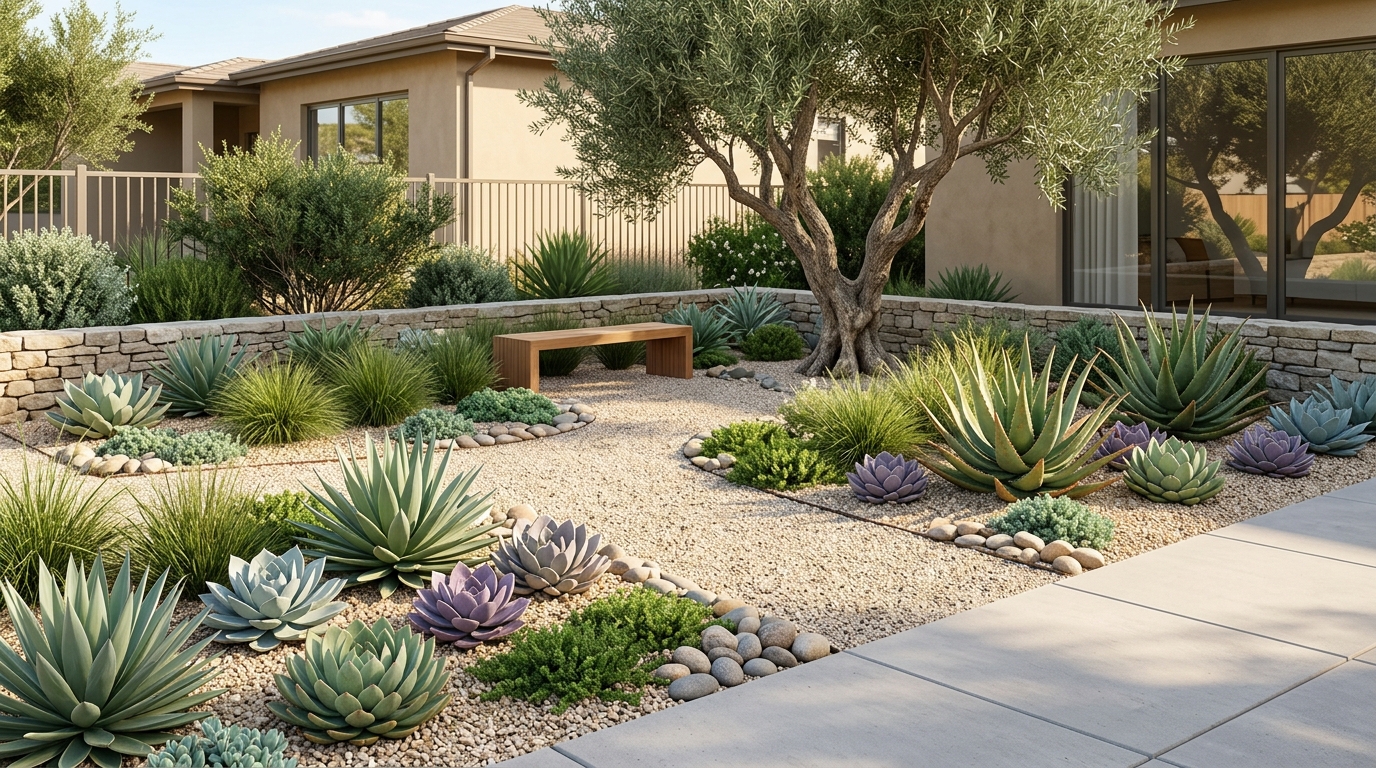
Explore front yard landscaping ideas for curb appeal, planting beds, paths, and lighting.
Try This Tool →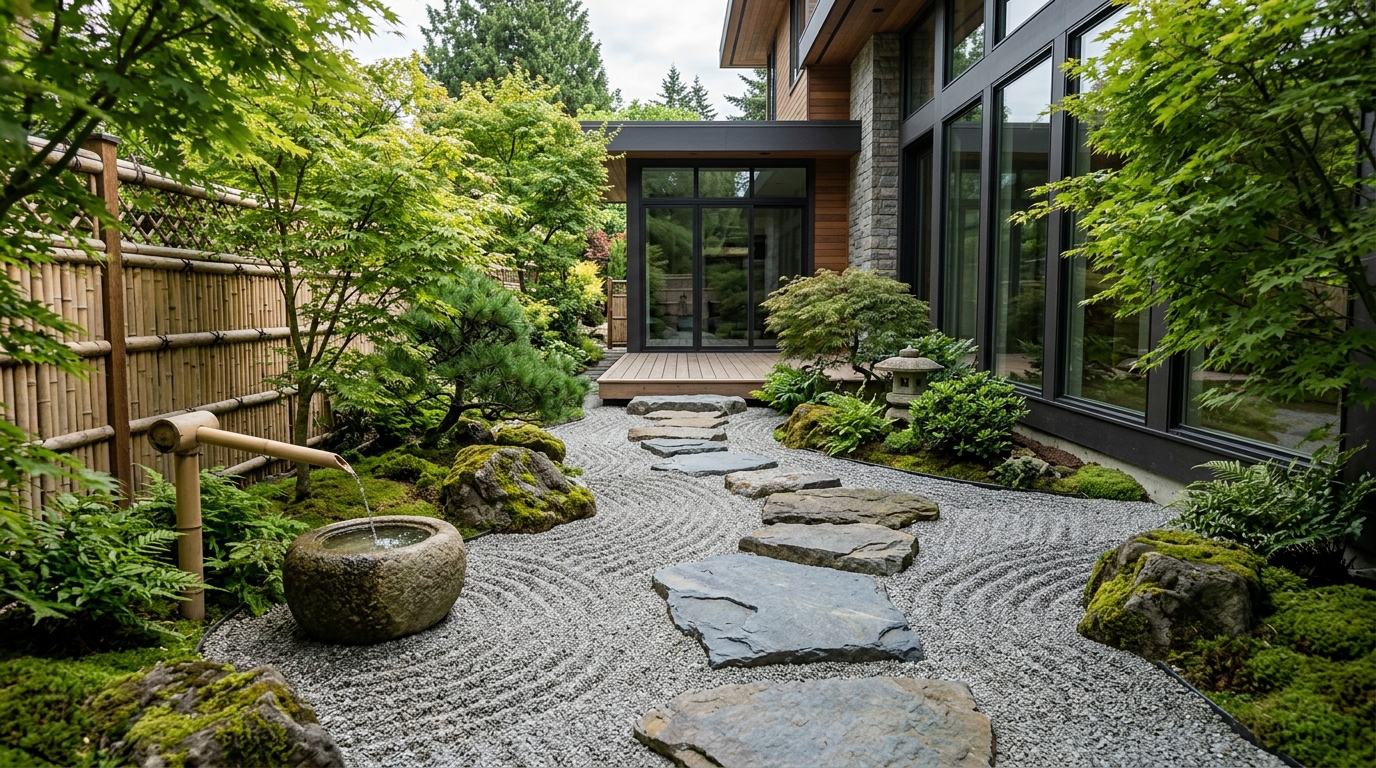
Explore low-maintenance yard ideas with durable materials, simple planting, and clean layouts.
Try This Tool →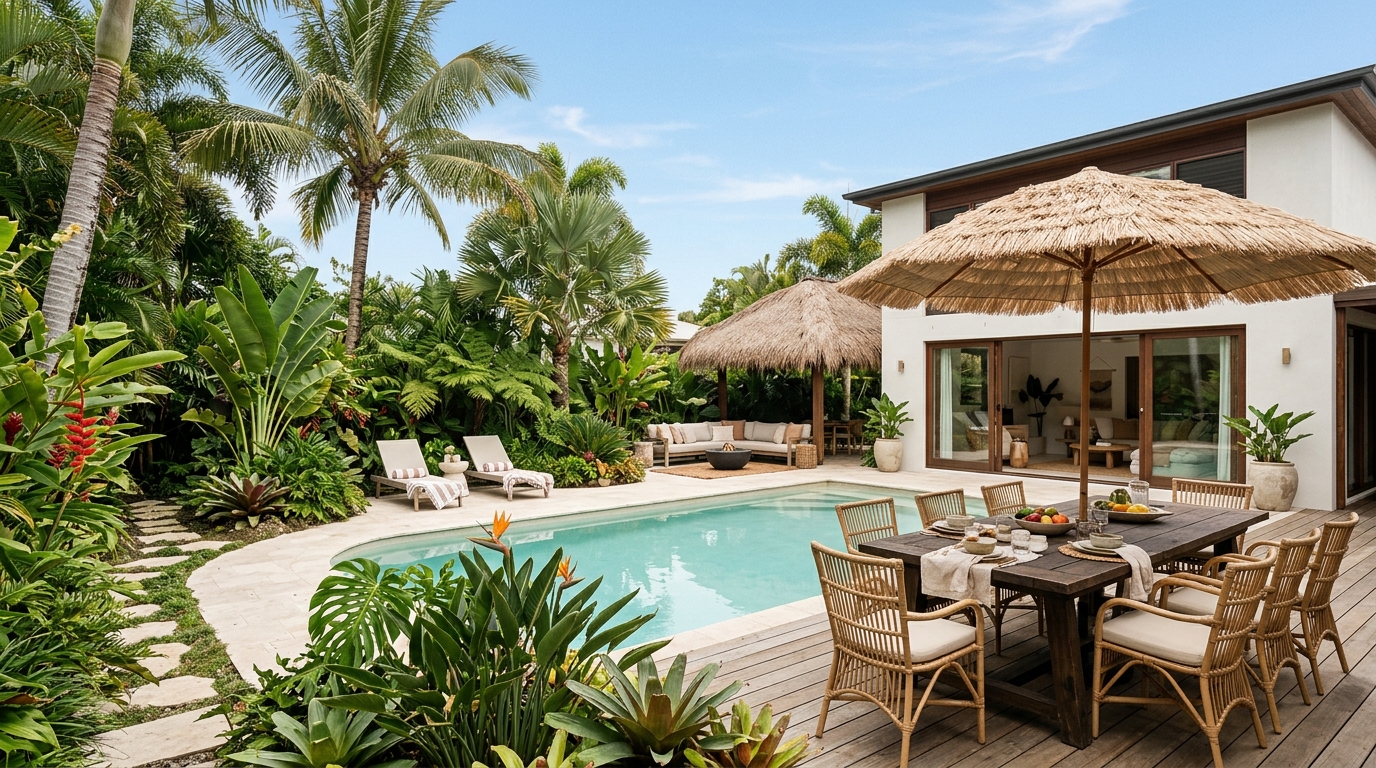
Explore narrow side yard ideas for paths, privacy, vertical planting, and useful passageways.
Try This Tool →Choose the next Ideal House tool based on what you want to do after generating inspiration.
Turn outdoor inspiration into yard, garden, and planting concepts using a real exterior photo.
02Try exterior materials, curb appeal updates, and facade changes on a real home photo.
03Select one area of an image and replace it with a specific design detail from your prompt.
04Make broader image edits with text prompts once you know what design changes you want.
05Create more polished render-style visuals from a chosen concept, image, or design direction.
06Clean up lighting, clarity, and overall presentation for property and design images.
Use Idealhouse AI tools to move from idea to visual output faster across design, staging, editing, and presentation workflows.