
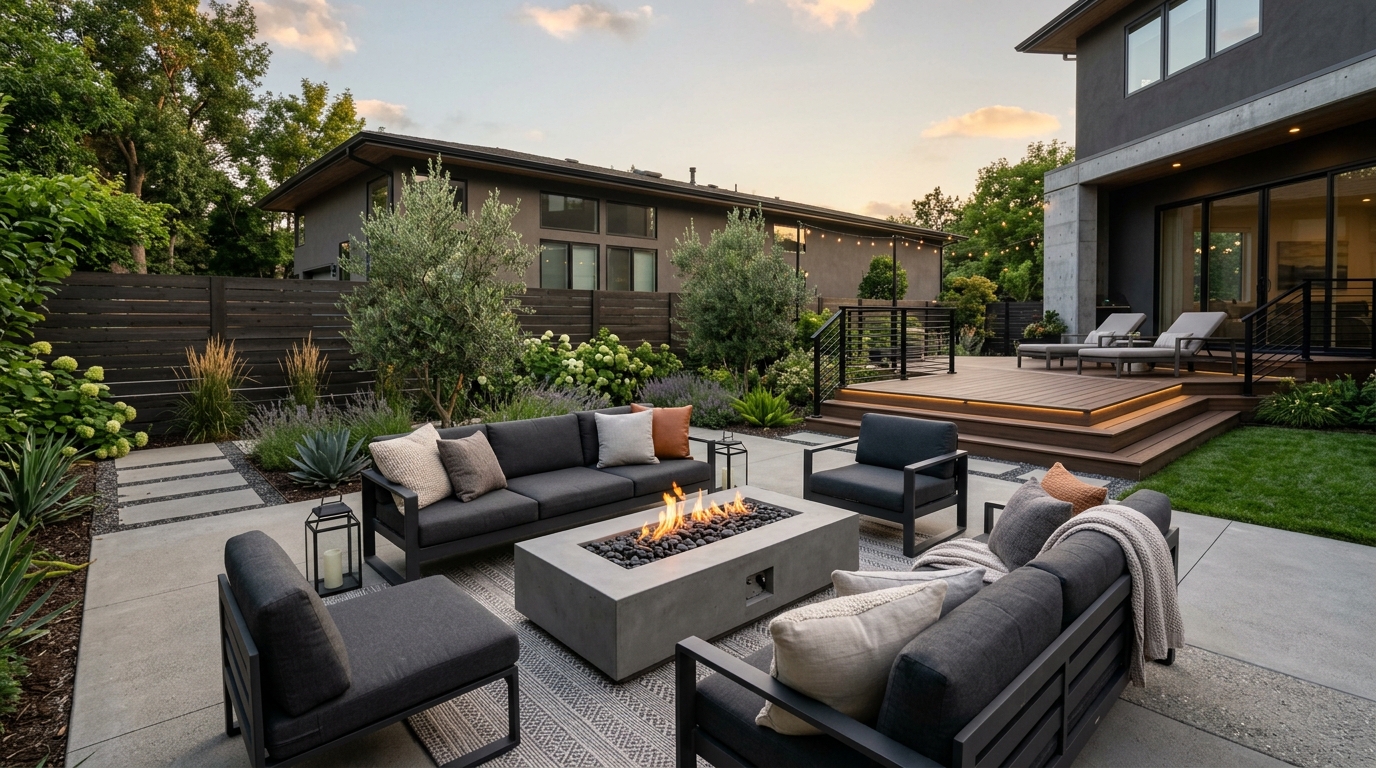
Small Backyard
A space-conscious backyard concept with clear zones, layered planting, and practical circulation.
Explore backyard ideas with AI, including planting styles, paths, outdoor materials, lighting, and layout concepts in seconds.
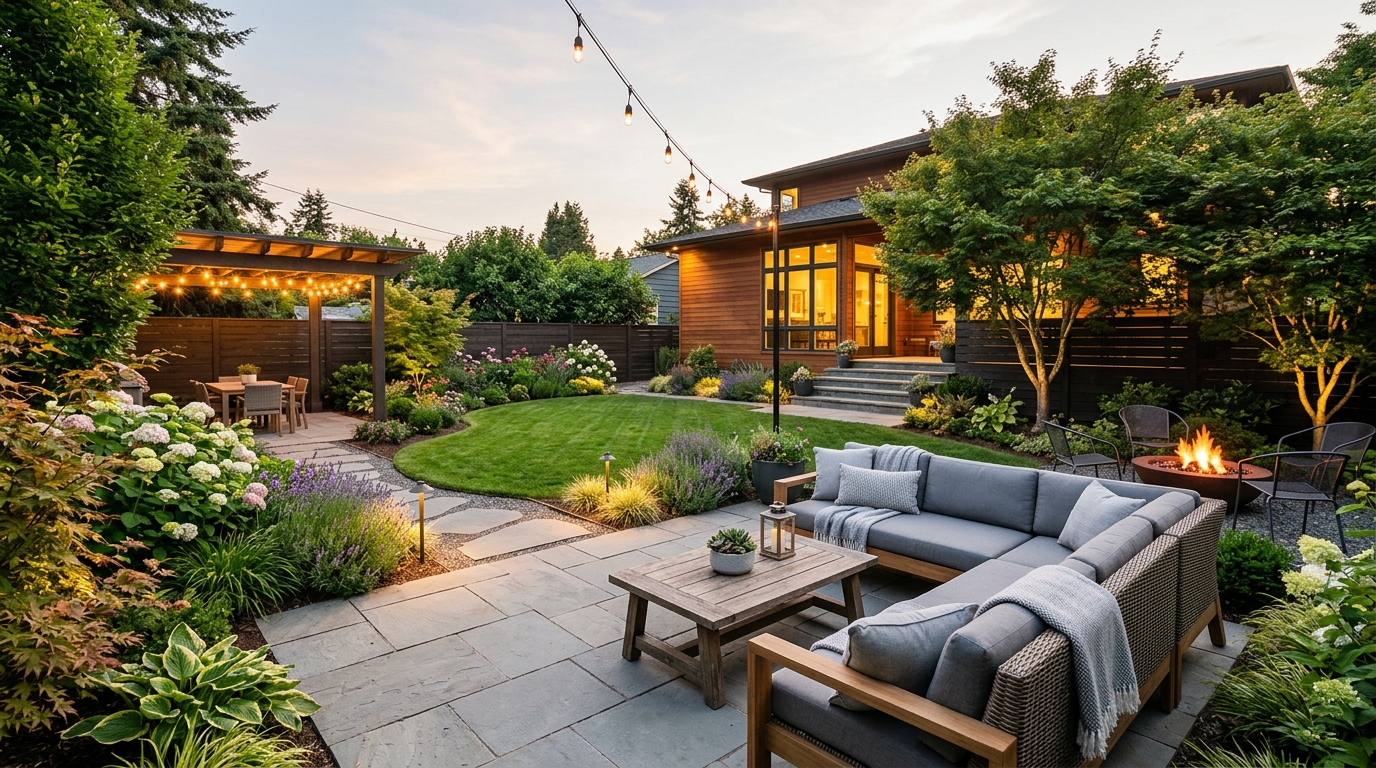
Browse AI-generated examples that stay focused on backyard inspiration.
A space-conscious backyard concept with clear zones, layered planting, and practical circulation.
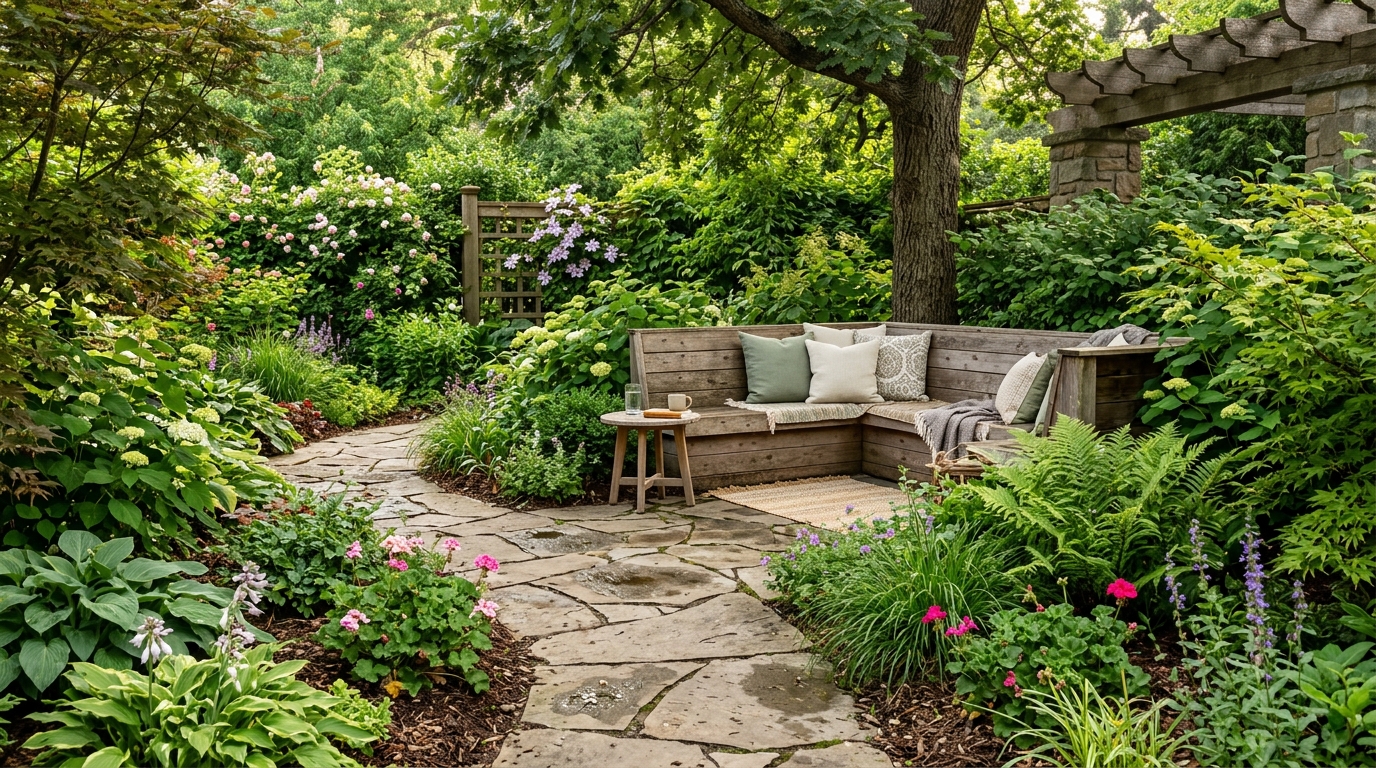
A low-maintenance backyard with durable materials, simple planting, and a clean everyday layout.
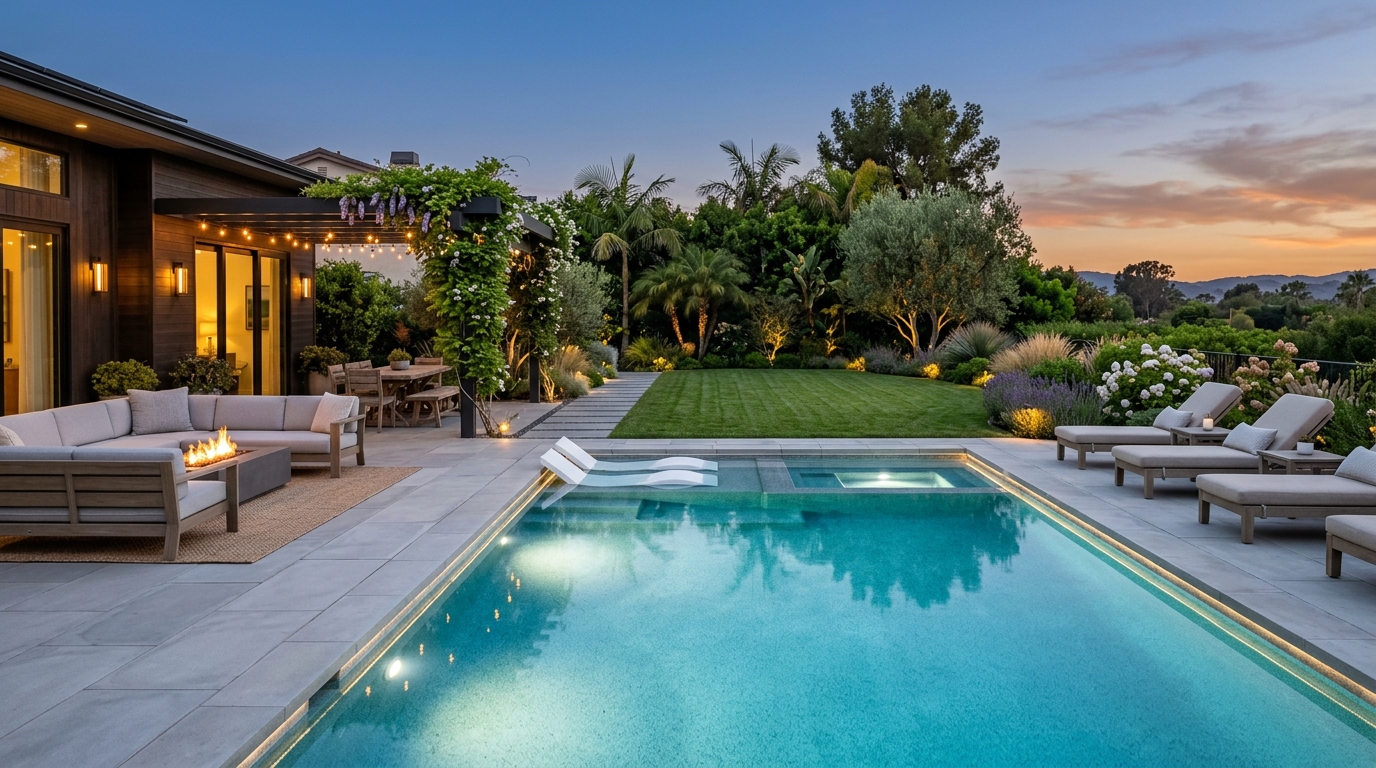
A modern backyard using structured lines, restrained materials, and balanced greenery.
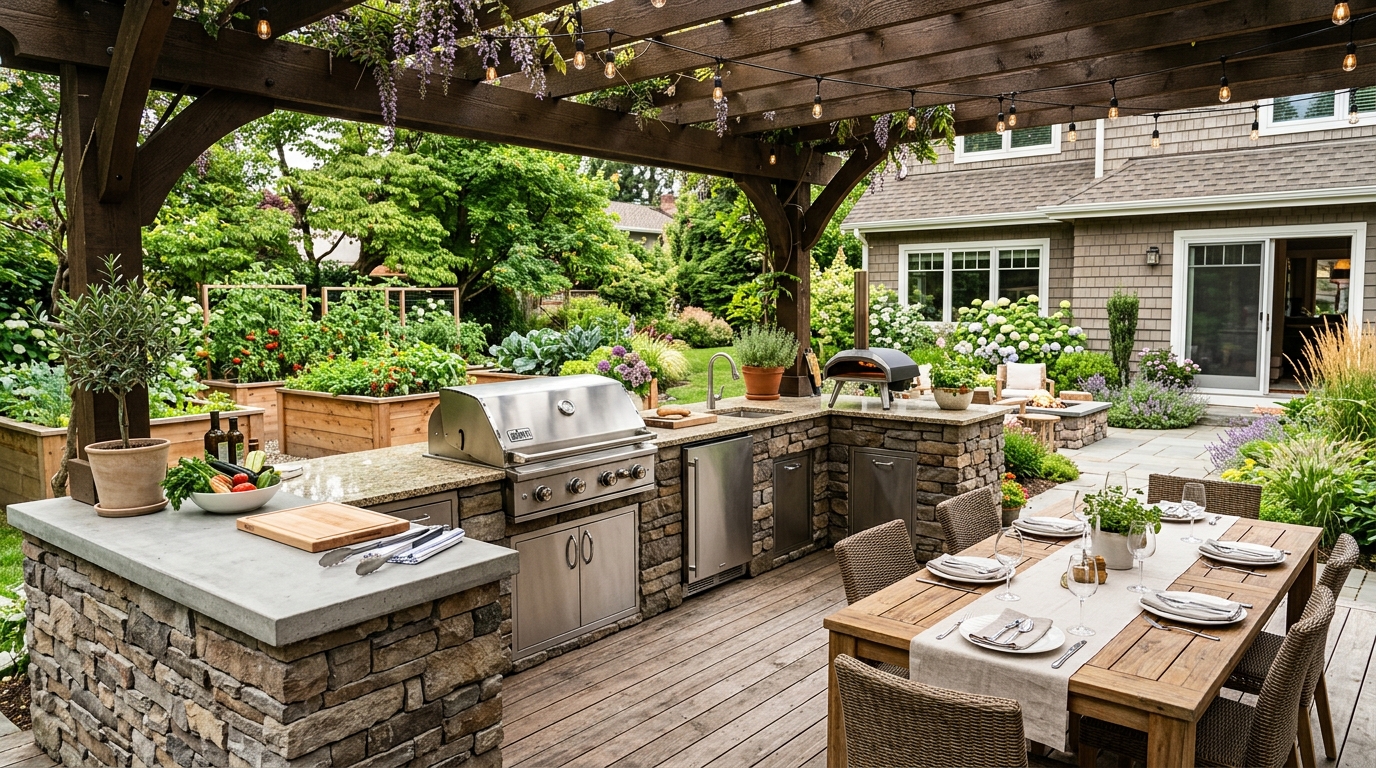
A greener backyard with dense planting, texture, privacy, and a softer garden atmosphere.
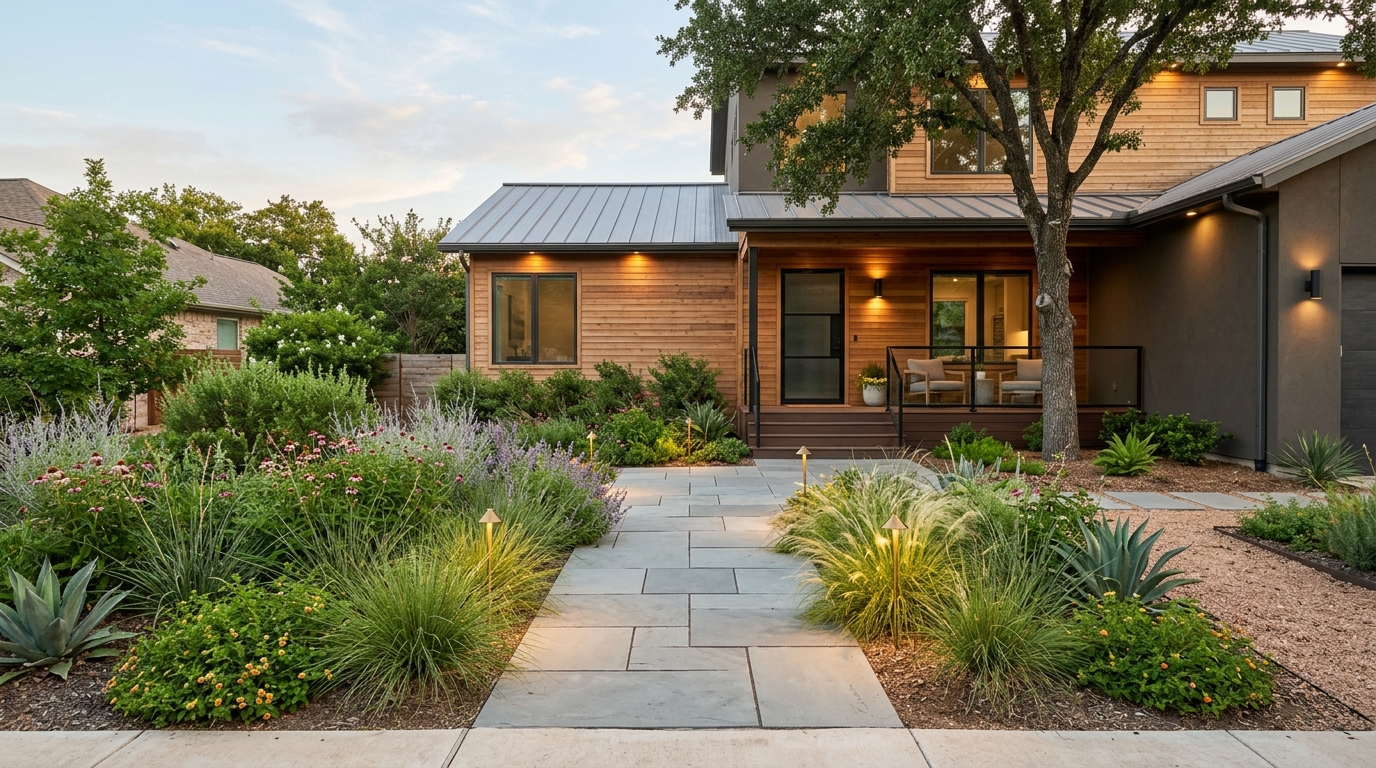
A practical backyard concept with seating, safe open space, and flexible areas for daily use.
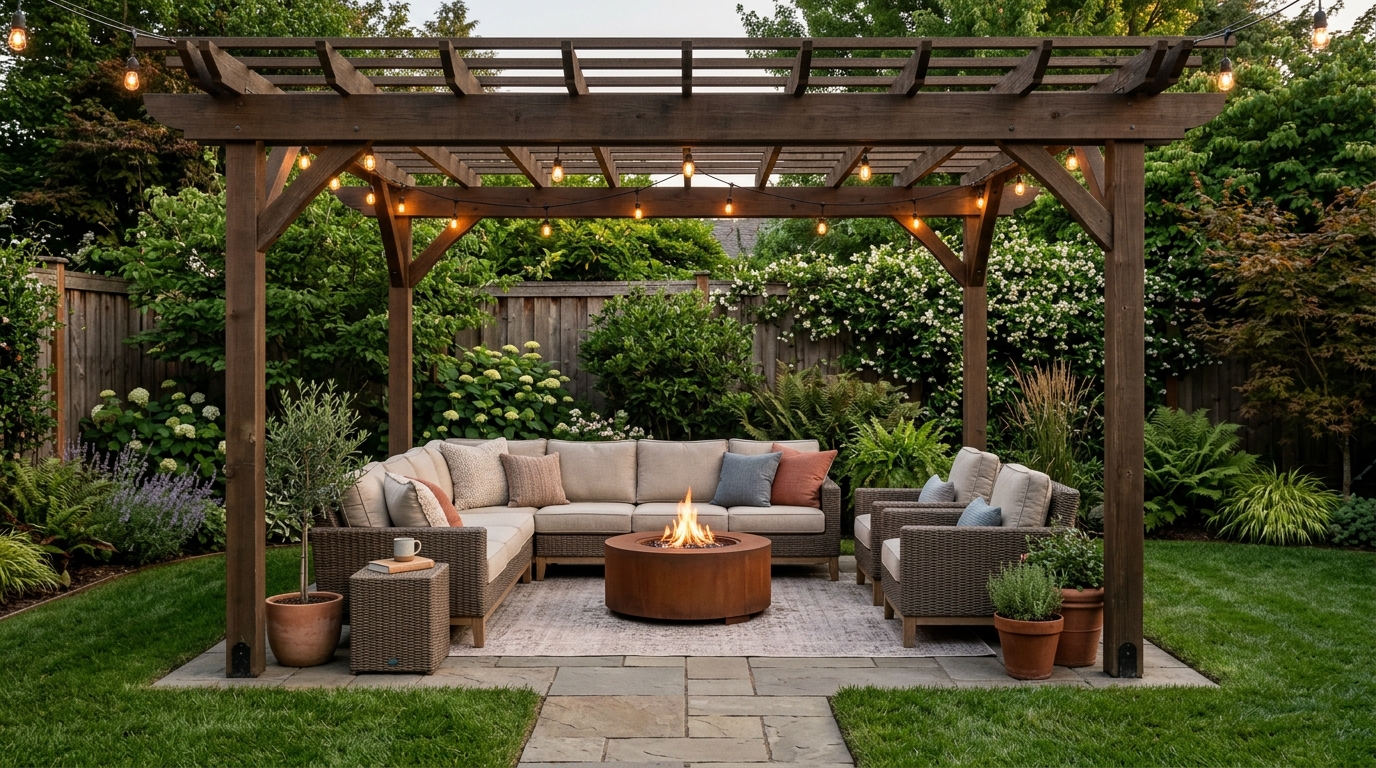
A warm evening backyard with path lighting, seating, and materials that feel inviting after sunset.
Leverage advanced AI to plan every detail of your outdoor environment.
Turn abstract ideas into photorealistic images in seconds, allowing for rapid brainstorming of outdoor layouts.
Specify materials like stone, wood, or concrete to see how different textures impact your patio or deck design.
Visualize how ambient, path, and accent lighting transform your backyard into an evening oasis.
Incorporate diverse planting zones, lawn alternatives, and garden beds to balance hardscape with natural greenery.
Design functional outdoor cooking stations and comfortable seating areas that maximize your property's utility.
Generate crisp, professional-grade images suitable for mood boards, client presentations, or contractor planning.
See how our AI assists homeowners and professionals in various scenarios.
Visualize potential backyard improvements before committing to expensive landscaping or construction projects.
HomeownersCreate compelling visual concepts to help potential buyers see the hidden potential of a property's outdoor space.
Real Estate AgentsQuickly iterate on design concepts during client consultations to align on a shared vision for the project.
Interior DesignersExplore creative layouts for small urban backyards or expansive rural properties to find the perfect balance of function.
HomeownersTest how different paver patterns and deck stains look in a realistic outdoor setting before purchasing materials.
Design TeamsDesign safe, engaging outdoor areas that incorporate play zones alongside adult relaxation spaces.
HomeownersFollow these simple steps to turn your vision into a high-quality visual.
Enter a detailed prompt specifying elements like patio materials, pool shapes, or garden styles to guide the AI.
Choose from various aesthetic preferences such as modern, rustic, or Mediterranean to refine the generated output.
Review the high-quality image results and iterate by adjusting your prompt to perfect the layout and features.
Learn how to effectively use AI to plan your outdoor space, from initial concept to final material selection.
Before generating images, identify the primary purpose of your backyard. Are you looking for a space to entertain, a quiet garden retreat, or a functional area for children? Defining these goals helps you craft prompts that focus on the right elements, such as outdoor kitchens for entertainers or play zones for families. Start with a broad description and narrow down the details as you iterate.
A successful backyard design relies on the harmony between hardscape (patios, decks, paths) and softscape (plants, trees, lawns). When using the AI generator, experiment with different ratios of these elements. For example, request a 'minimalist patio with lush perimeter planting' to see how greenery softens hard surfaces. This helps you understand how much maintenance you are willing to commit to versus how much usable floor space you require.
Don't expect the first result to be perfect. Use the AI as a brainstorming partner. If a result is close but not quite right, adjust your prompt to be more specific about lighting, material colors, or furniture styles. By treating the process as an iterative workflow, you can explore dozens of design directions in minutes, ultimately arriving at a concept that perfectly matches your property's unique constraints and your personal aesthetic.
Start from a prompt that stays focused on backyard, then adjust layout, materials, lighting, and style details.
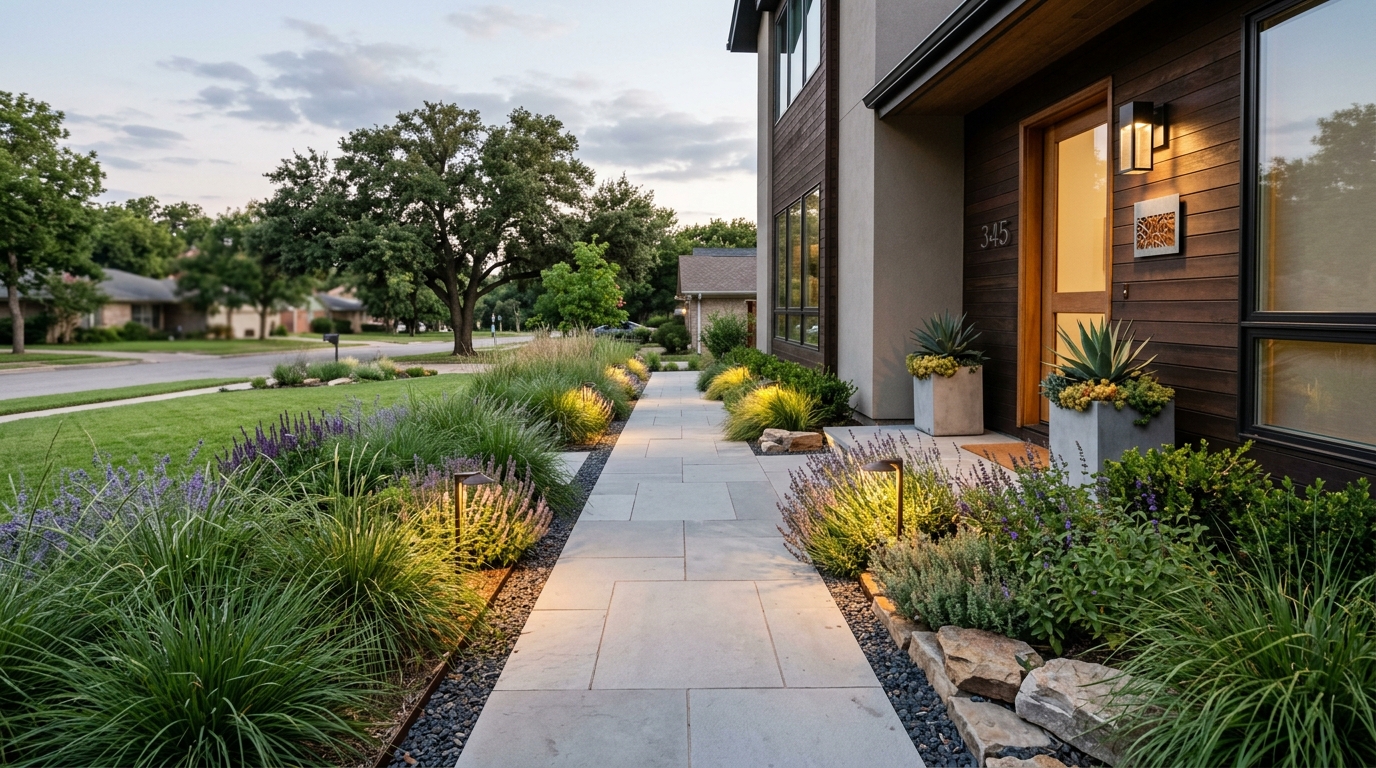
Explore landscape design ideas for yards, planting, paths, patios, and outdoor layouts.
Try This Tool →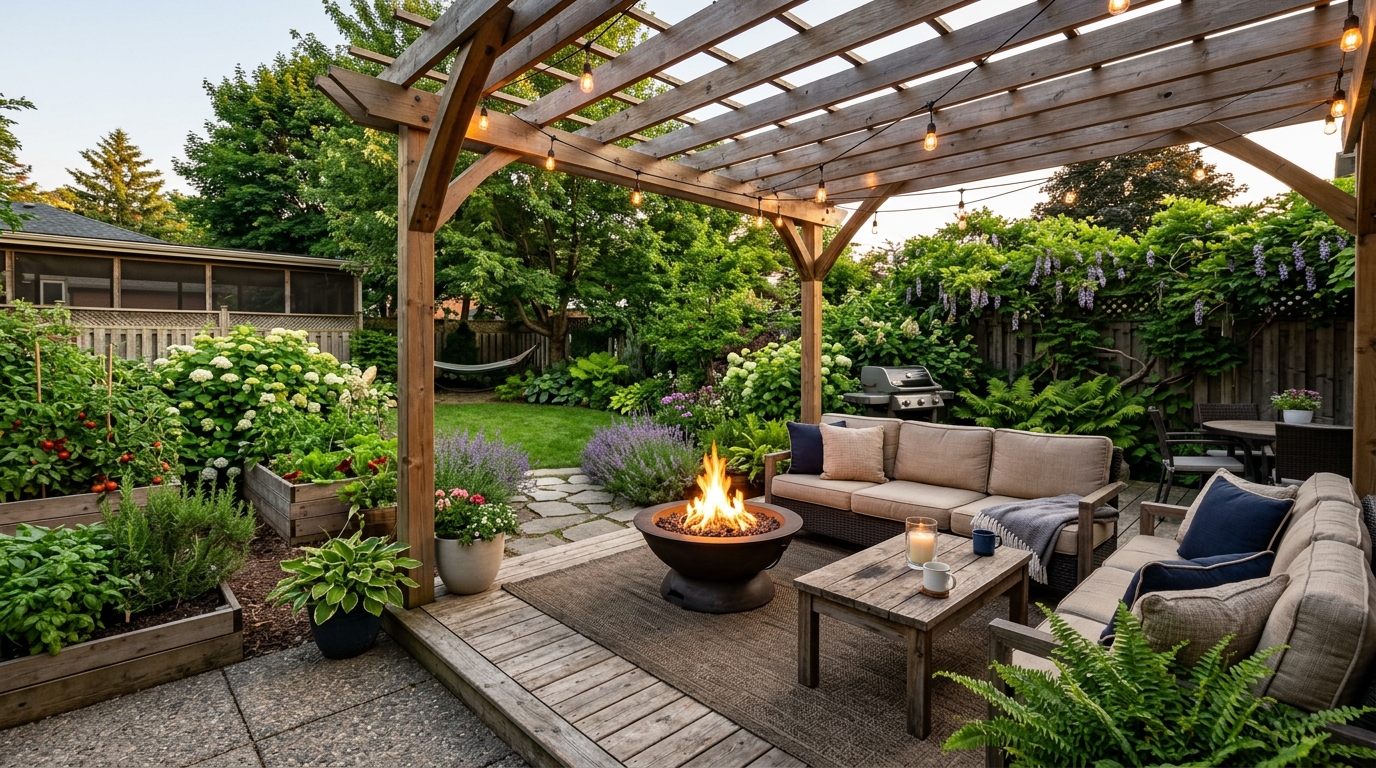
Explore front yard landscaping ideas for curb appeal, planting beds, paths, and lighting.
Try This Tool →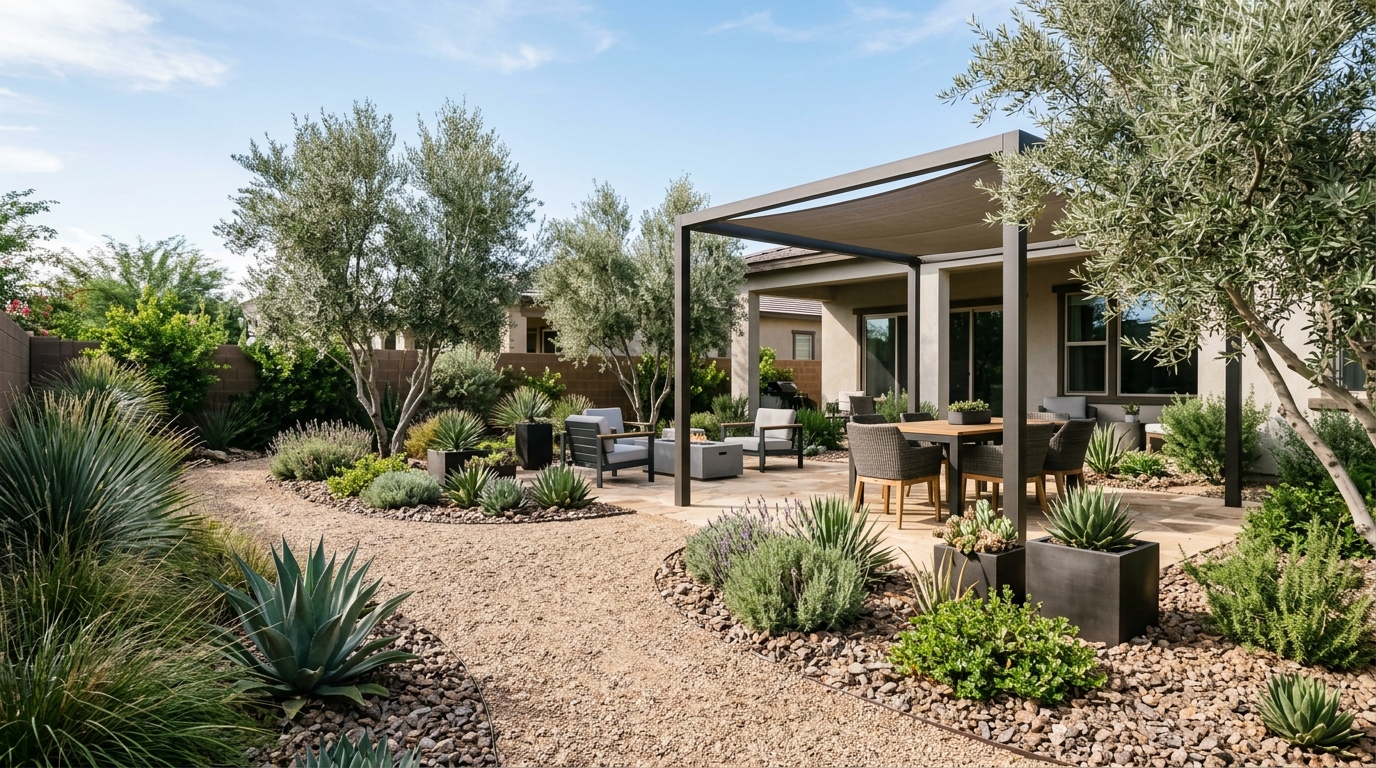
Explore low-maintenance yard ideas with durable materials, simple planting, and clean layouts.
Try This Tool →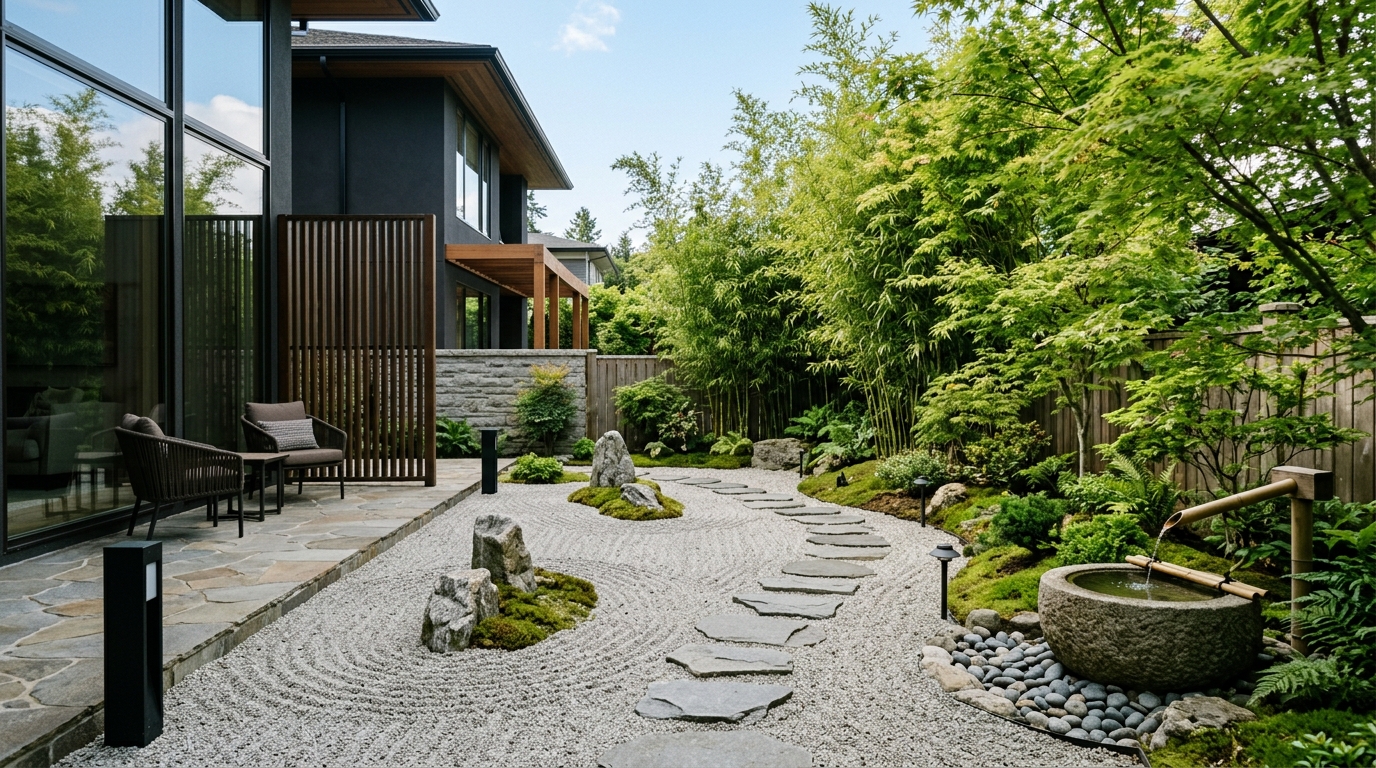
Explore narrow side yard ideas for paths, privacy, vertical planting, and useful passageways.
Try This Tool →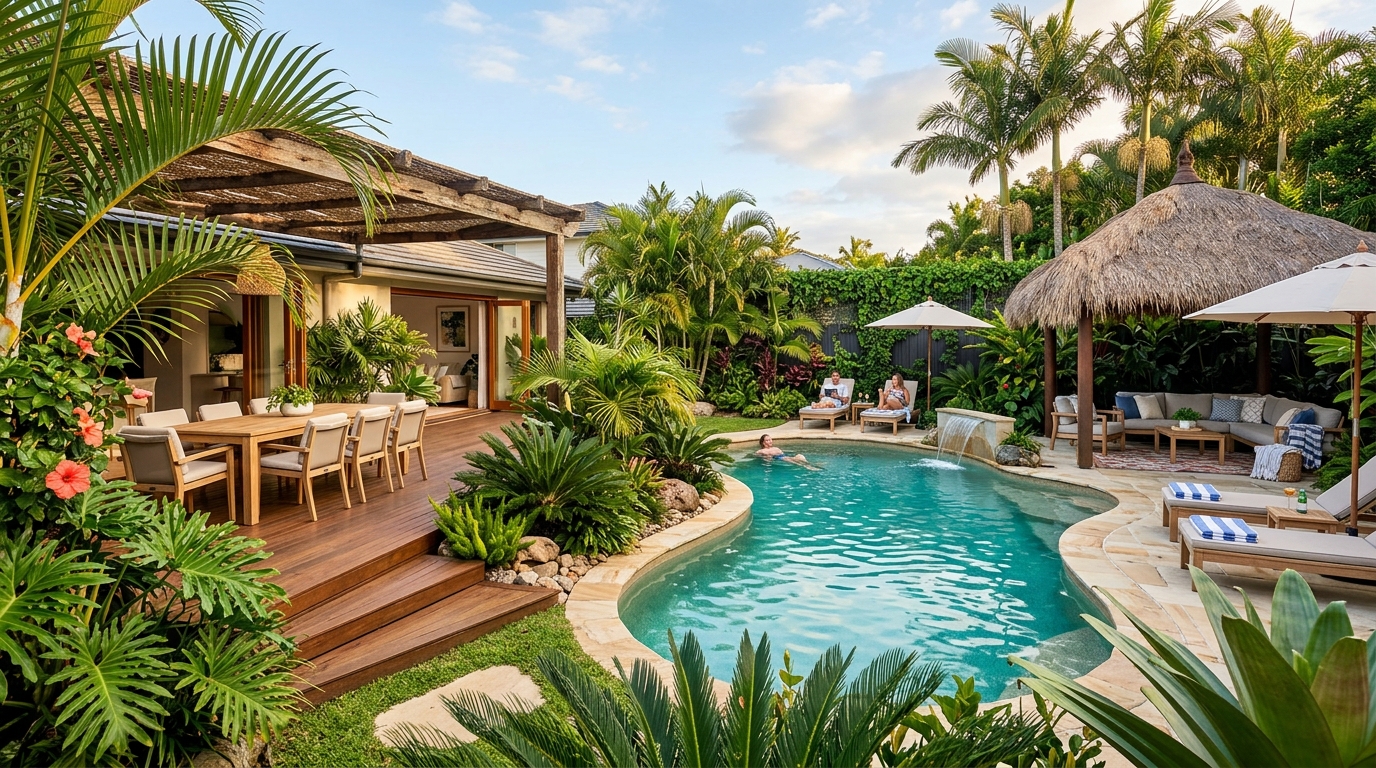
Explore cottage garden ideas with layered flowers, curved paths, climbing plants, and soft borders.
Try This Tool →Choose the next Ideal House tool based on what you want to do after generating inspiration.
Turn outdoor inspiration into yard, garden, and planting concepts using a real exterior photo.
02Try exterior materials, curb appeal updates, and facade changes on a real home photo.
03Select one area of an image and replace it with a specific design detail from your prompt.
04Make broader image edits with text prompts once you know what design changes you want.
05Create more polished render-style visuals from a chosen concept, image, or design direction.
06Clean up lighting, clarity, and overall presentation for property and design images.
Use Idealhouse AI tools to move from idea to visual output faster across design, staging, editing, and presentation workflows.