
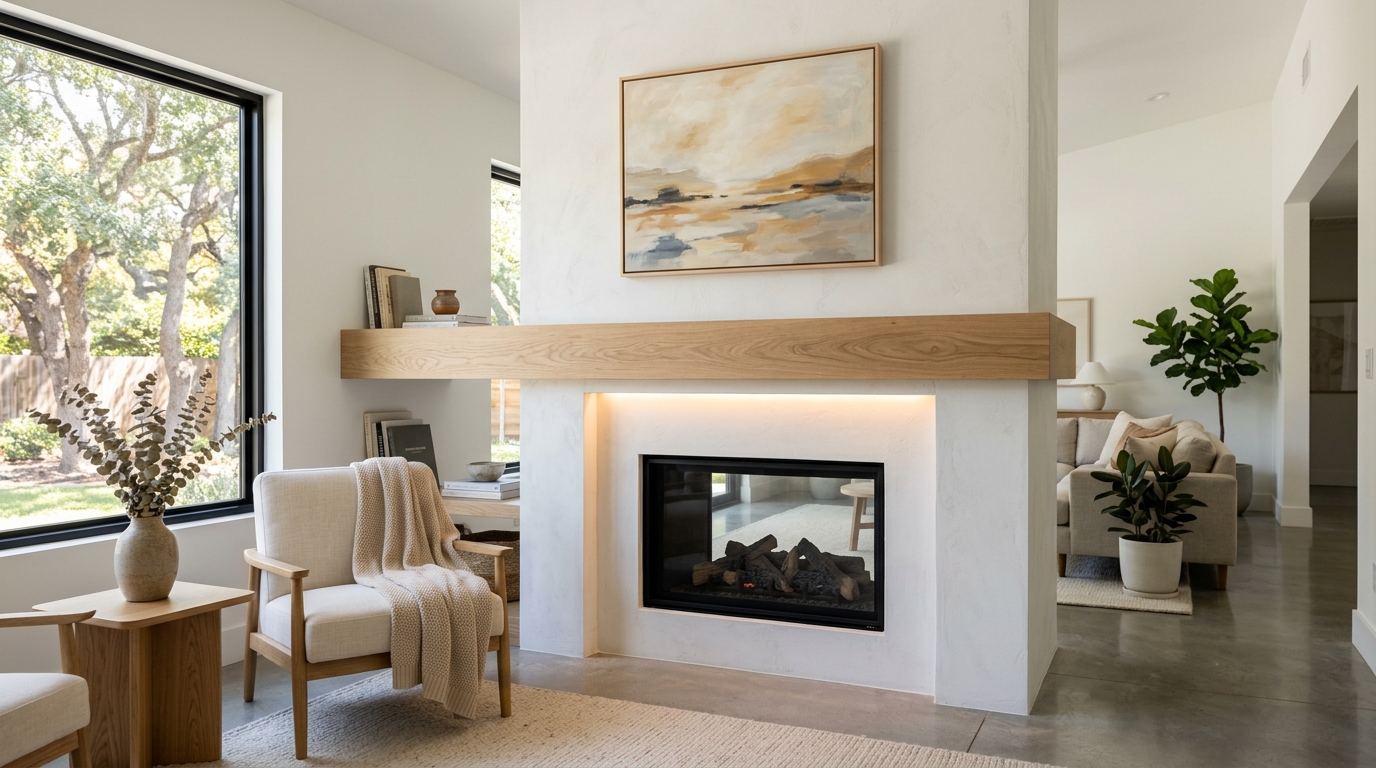
Modern Fireplace Makeover
A modern fireplace makeover with balanced furniture placement, clean finishes, and a cohesive color palette.

Explore fireplace makeover ideas with AI, including furniture direction, colors, materials, lighting, decor, and layout concepts in seconds.
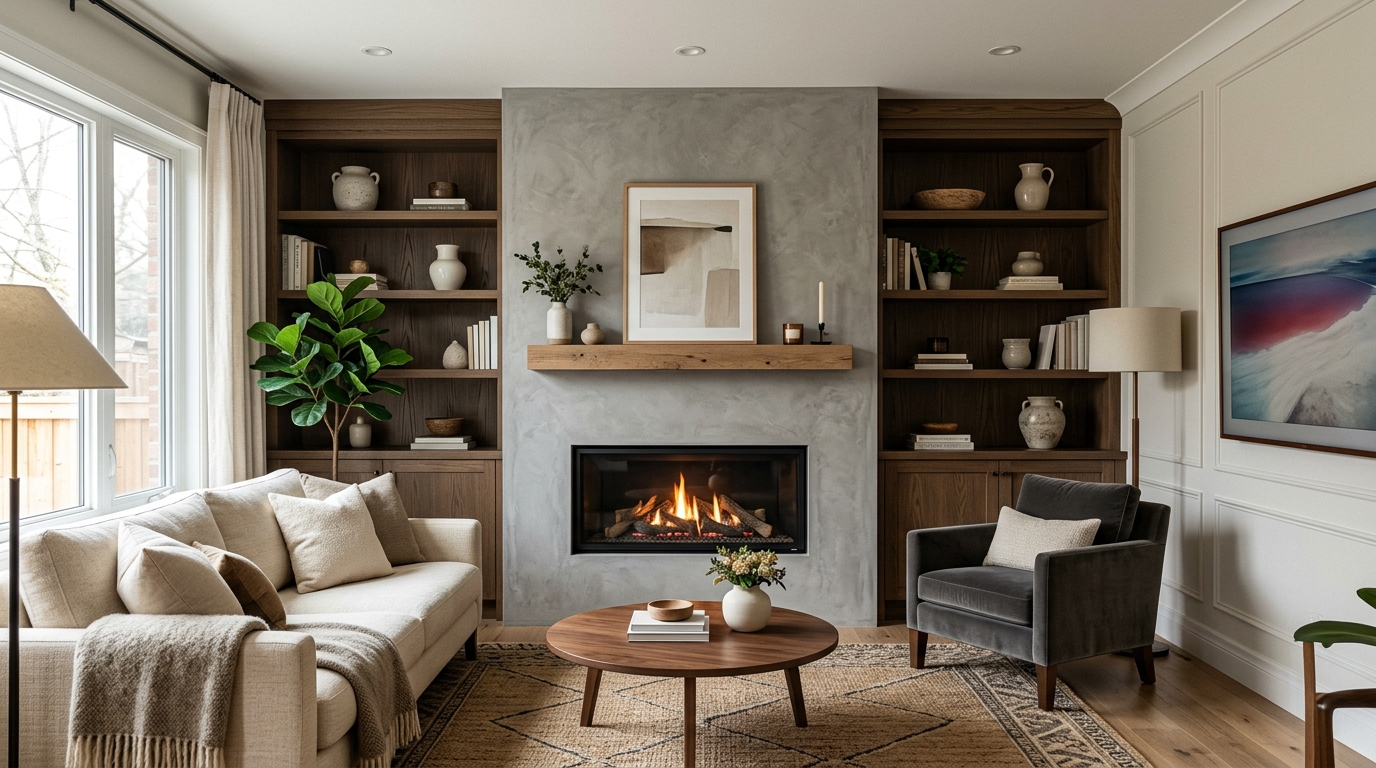
Browse AI-generated examples that stay focused on fireplace makeover inspiration.
A modern fireplace makeover with balanced furniture placement, clean finishes, and a cohesive color palette.
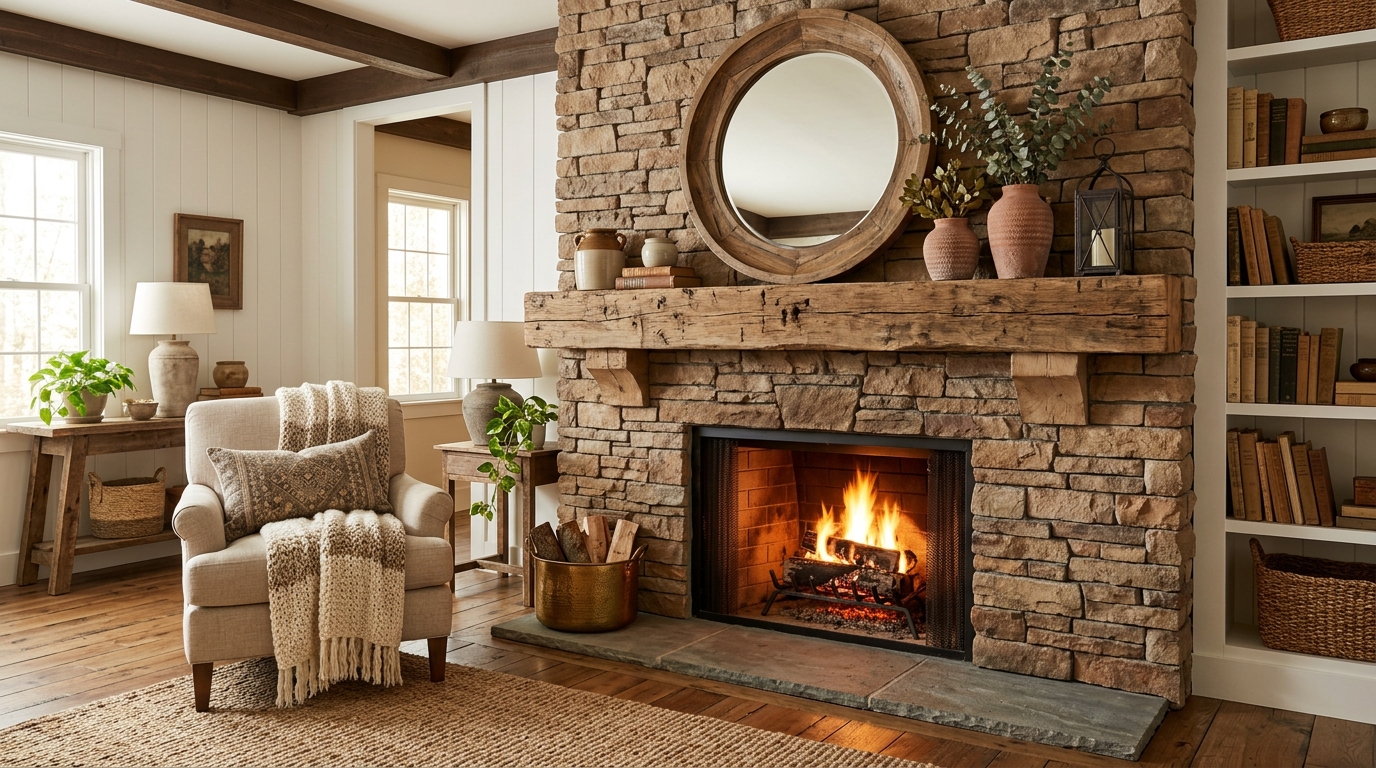
A warmer fireplace makeover with layered textures, comfortable seating, and inviting lighting.
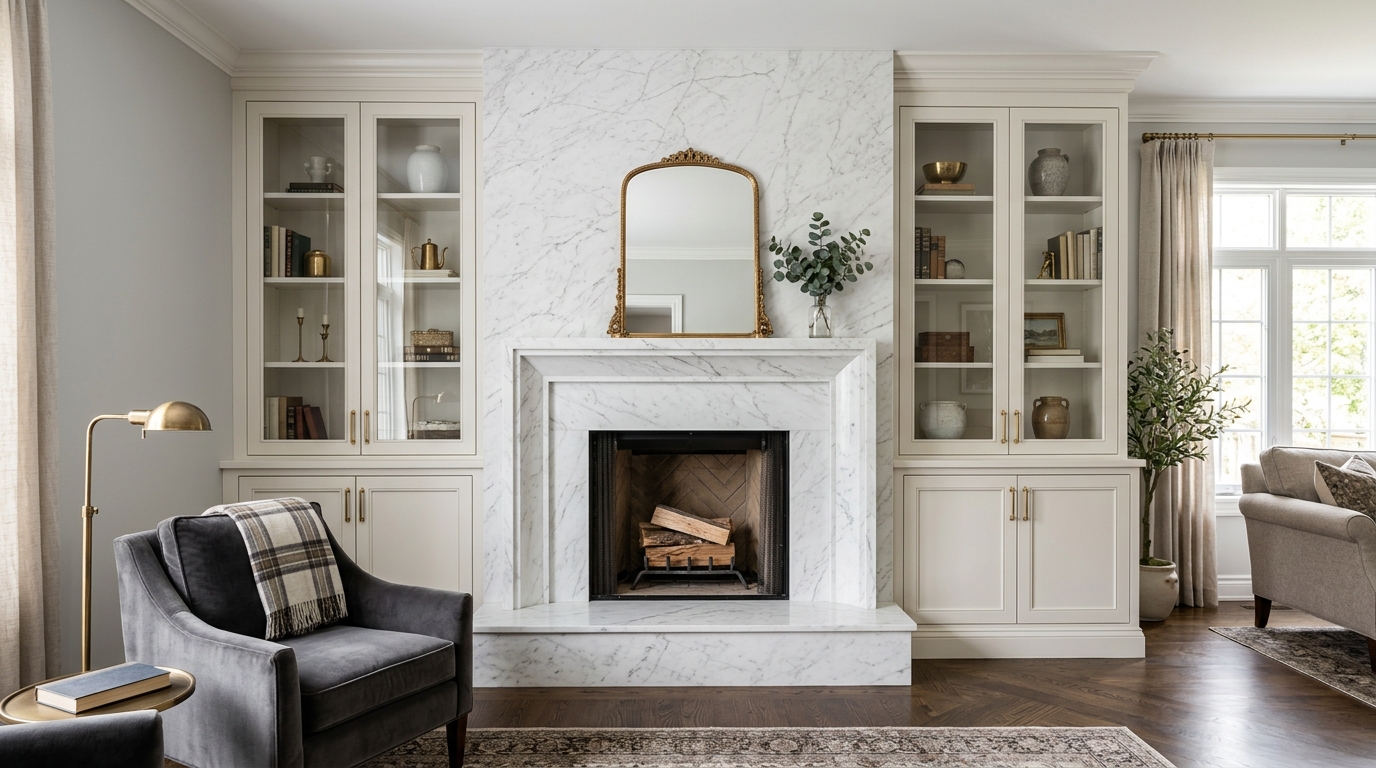
A space-conscious fireplace makeover that improves flow, storage, and visual openness.
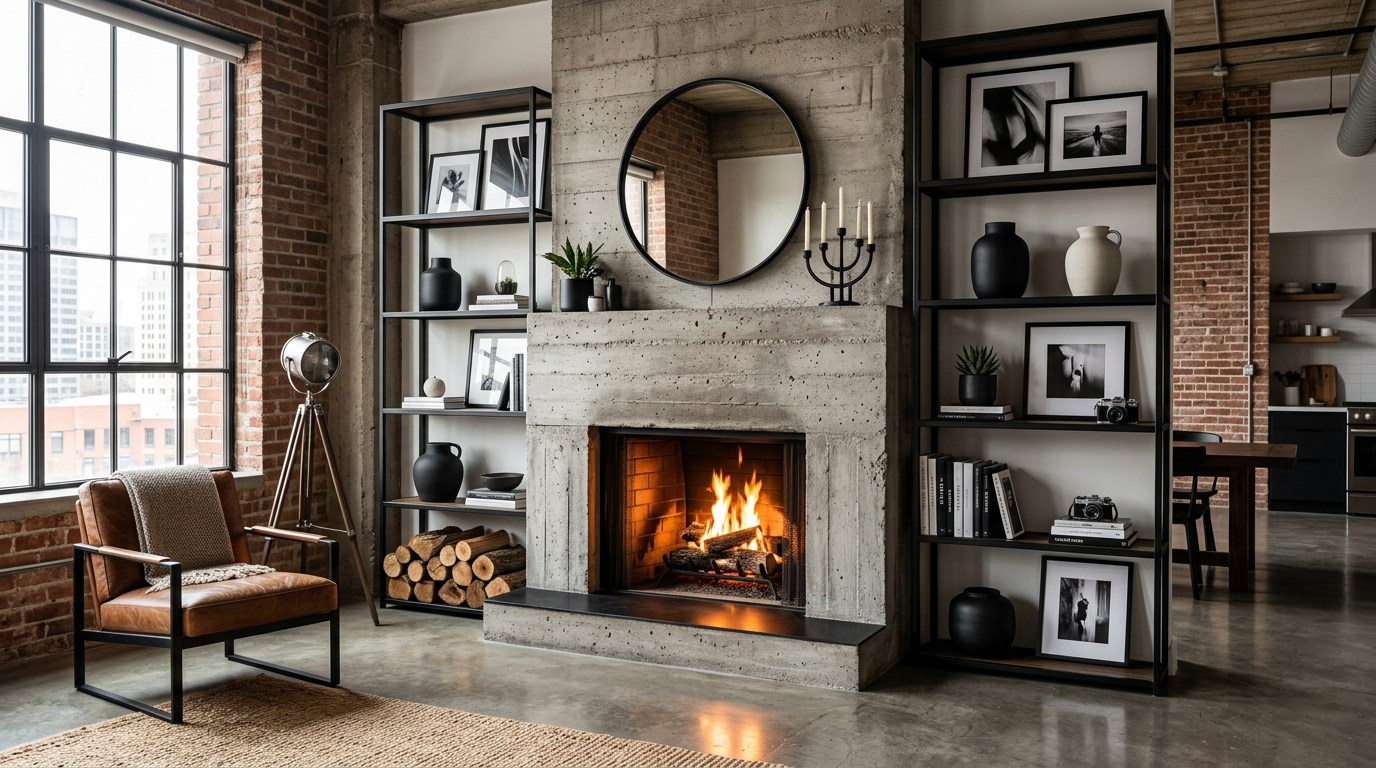
A more elevated fireplace makeover with refined materials, statement lighting, and polished styling.
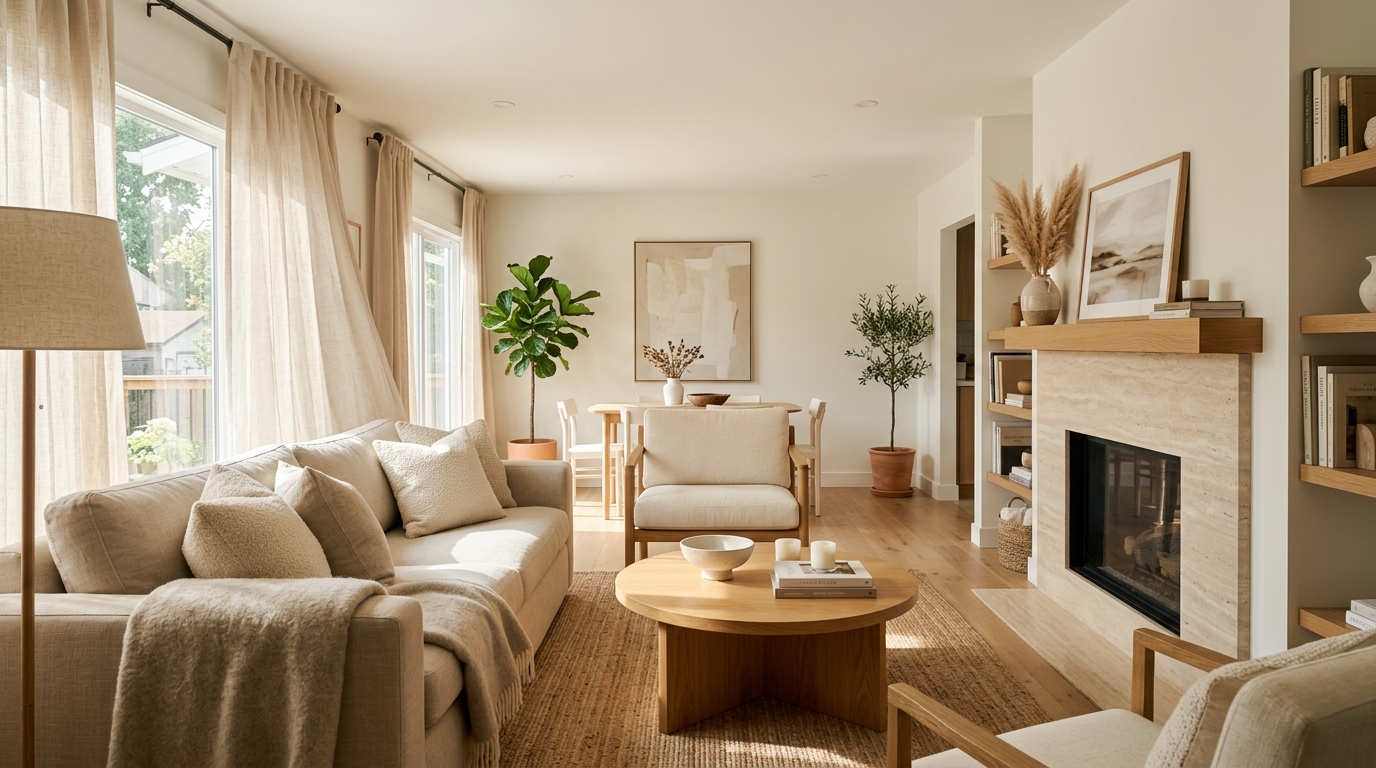
A quieter fireplace makeover with fewer objects, simpler forms, and a calm visual rhythm.
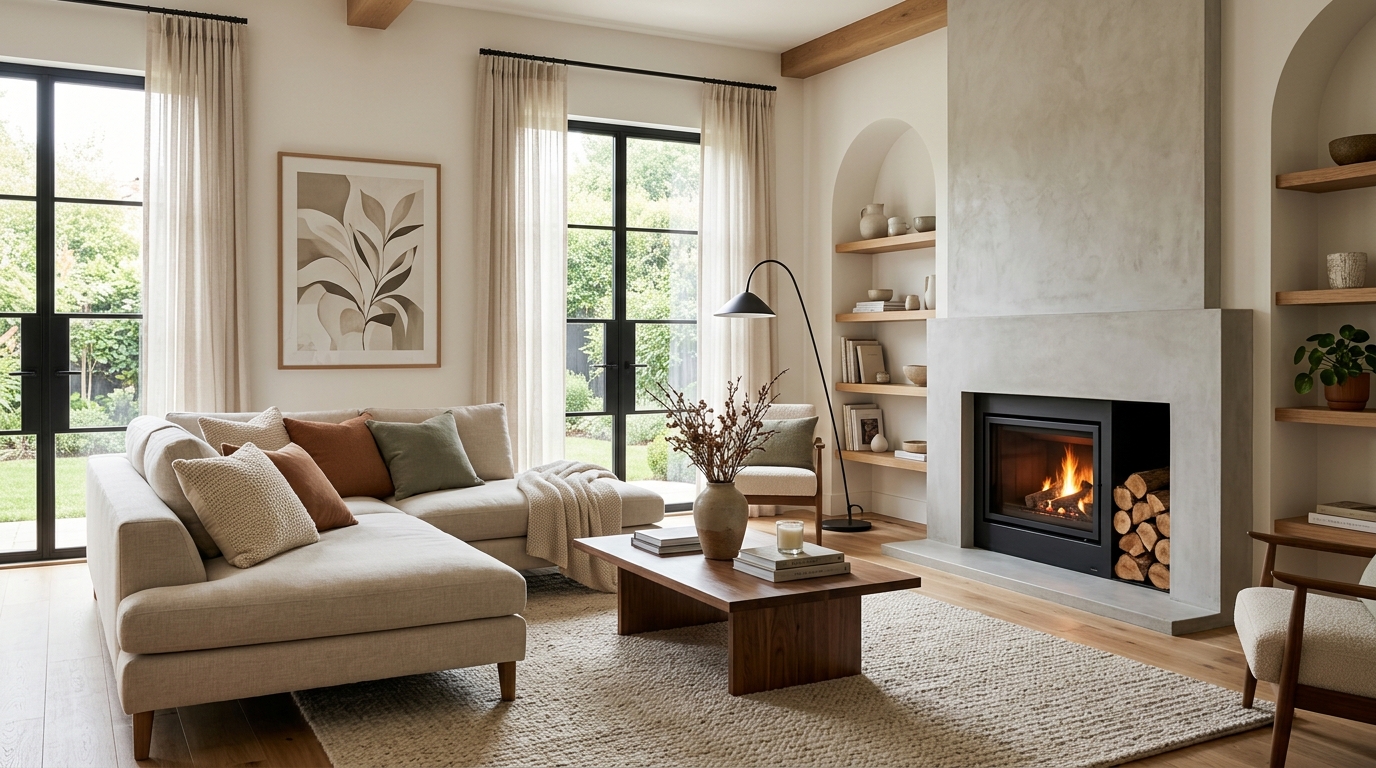
A practical fireplace makeover with durable choices, flexible zones, and everyday comfort.
Leverage advanced AI tools to refine every detail of your fireplace renovation.
Instantly swap out outdated fireplace materials for modern options like sleek tile, natural stone, or polished concrete.
Generate seamless built-in shelving and cabinetry layouts that complement your fireplace and maximize living room storage.
Adjust the lighting settings to see how your fireplace looks with warm, ambient glow or bright, functional task lighting.
Automatically populate your mantel and surrounding area with curated decor items that match your chosen design aesthetic.
Apply realistic textures to your fireplace surround to visualize how different materials interact with your room's natural light.
See how your new fireplace design influences the surrounding furniture arrangement, ensuring a balanced and inviting living space.
Whether you are renovating or staging, find the right fireplace solution for your needs.
Visualize potential structural changes before committing to expensive construction or material purchases.
HomeownersCreate high-quality renderings to show potential buyers the hidden potential of an outdated living room focal point.
Real Estate AgentsQuickly iterate through multiple design concepts to present various options to clients during the early planning phase.
Interior DesignersTest out different paint colors, tile patterns, or mantel styles to ensure your DIY project aligns with your vision.
HomeownersGenerate stunning before-and-after visuals for listing presentations to highlight the value of a renovated home.
Real Estate AgentsUse AI-generated concepts to showcase your design versatility and creative range to prospective clients.
Interior DesignersFollow these simple steps to generate professional-grade fireplace concepts.
Start by uploading a clear photo of your existing fireplace to provide the AI with the correct dimensions and architectural context.
Choose from a variety of design styles, such as modern minimalist, rustic stone, or classic marble, to guide the AI's creative output.
Adjust your prompt to include specific features like built-in shelving, mantel materials, or lighting, then generate high-quality images of your new design.
Transforming a fireplace is one of the most impactful ways to update a living room. Use these strategies to ensure your project is both beautiful and functional.
Before generating images, consider the primary goal of your renovation. Are you looking to increase home value, improve energy efficiency, or simply update the aesthetic? If you want a modern look, focus on clean lines and neutral materials. If you prefer a cozy, traditional feel, look for stone textures and warm wood accents. Using the AI to test these different styles early on saves time and helps you narrow down your preferences before you start buying materials.
A fireplace is often the focal point of a room, but it can also be a functional storage hub. When using the AI generator, experiment with adding built-in shelving or cabinetry on either side of the hearth. This not only frames the fireplace beautifully but also provides practical space for books, decor, and electronics. Pay attention to how the scale of these built-ins affects the overall balance of the room, ensuring they don't overwhelm the fireplace itself.
Once you have a design you love, use the generated image as a reference for your contractor or DIY plan. Pay close attention to the materials shown in the AI output—check if they are heat-resistant and suitable for fireplace surrounds. Always consult with a professional regarding building codes and safety requirements, especially if you are modifying the firebox or adding electrical components for lighting. The AI is a powerful tool for visualization, but professional guidance ensures your project is safe and long-lasting.
Start from a prompt that stays focused on fireplace makeover, then adjust layout, materials, lighting, and style details.
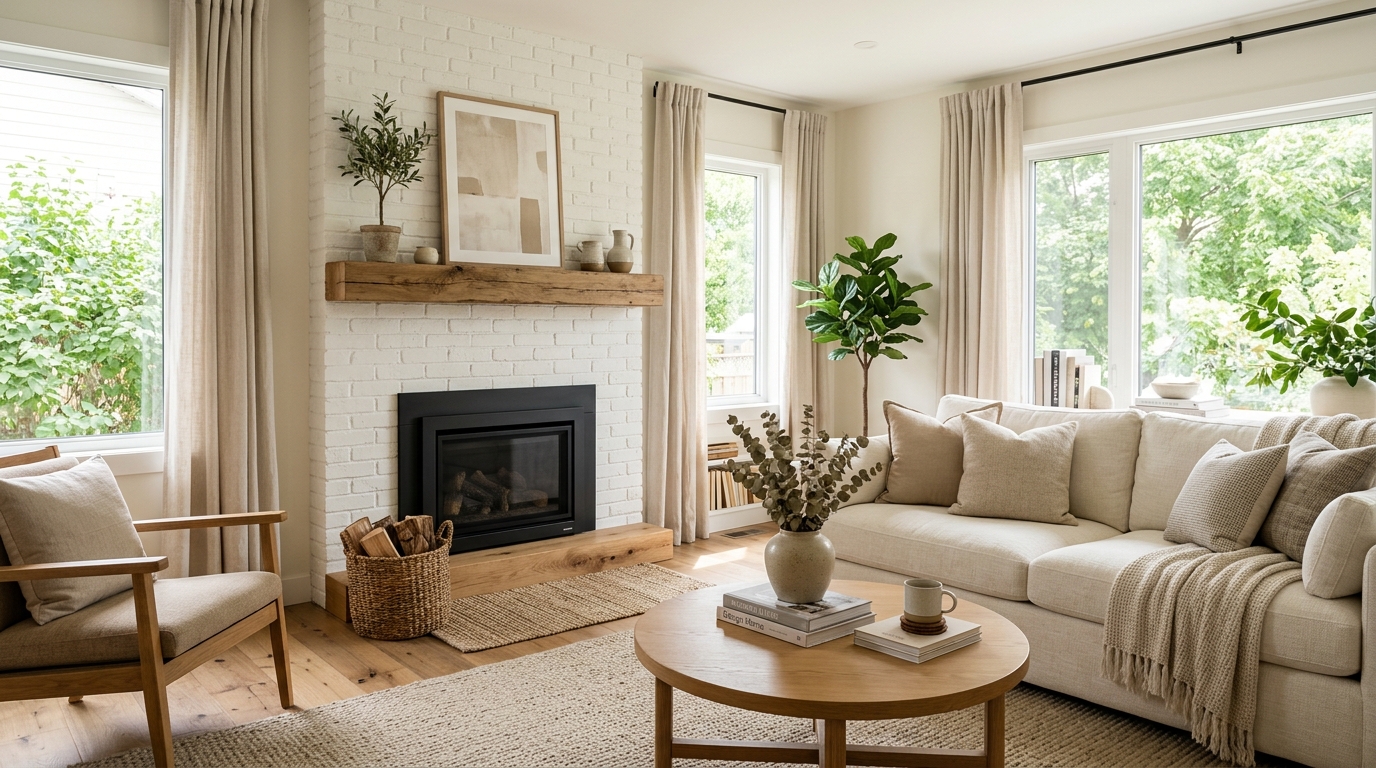
Explore broad interior design ideas for room layouts, furniture, colors, materials, and lighting.
Try This Tool →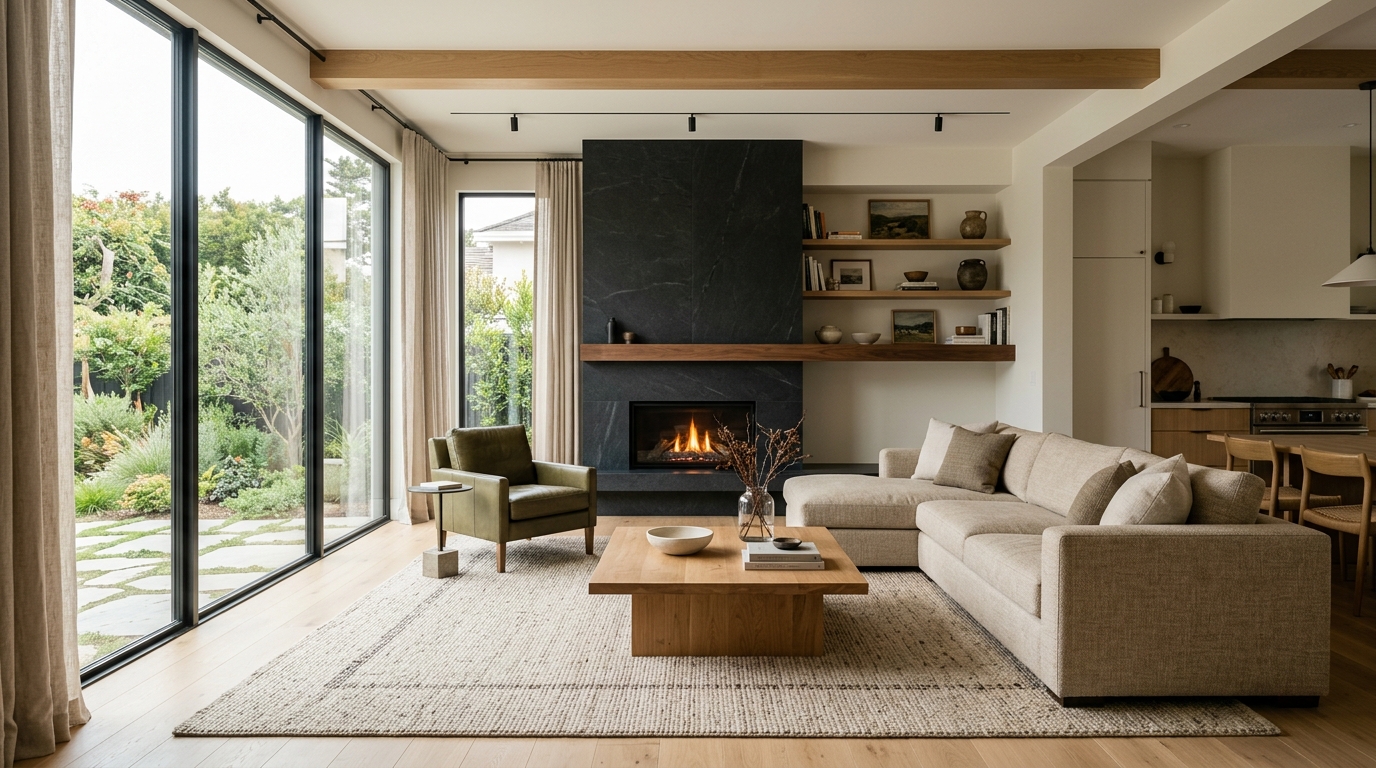
Explore bright living room ideas with AI for layouts, materials, lighting, and visual inspiration.
Try This Tool →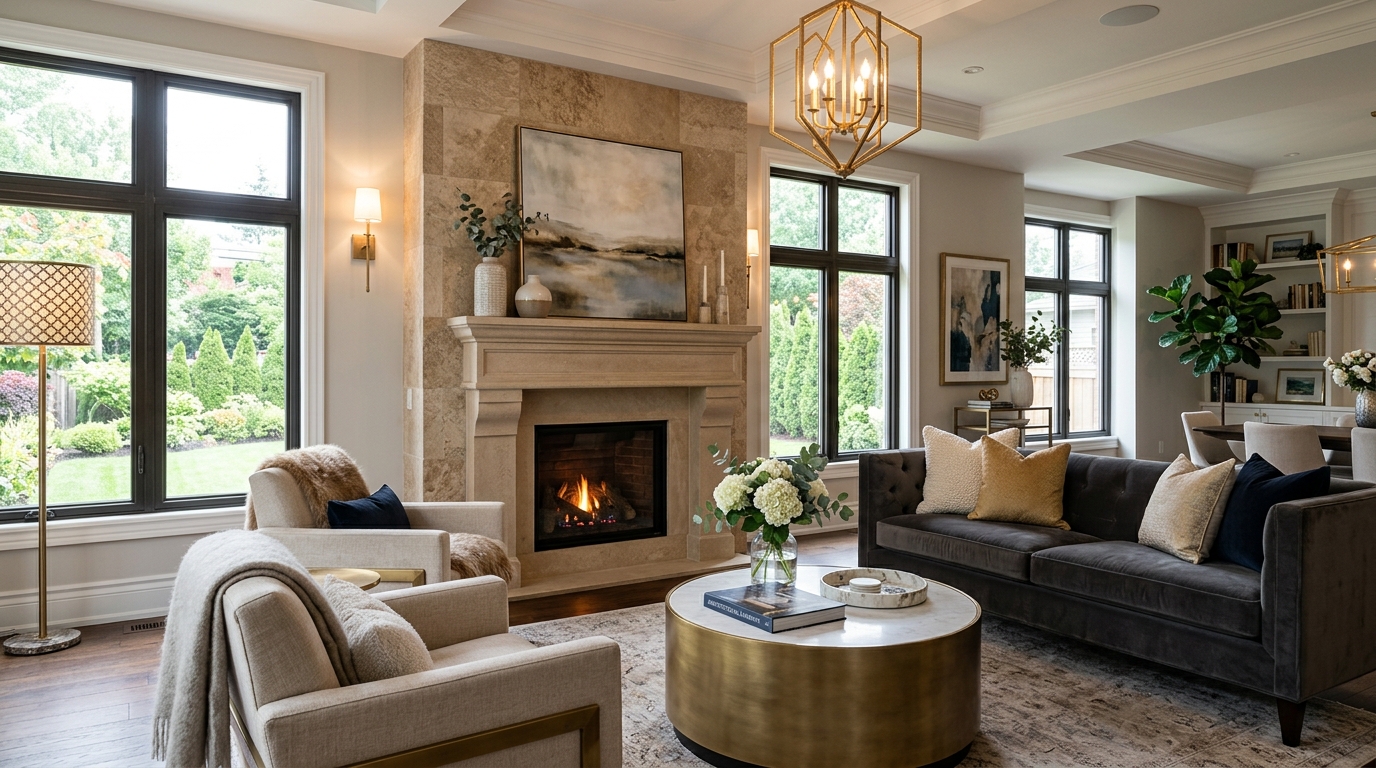
Explore family room ideas with AI for layouts, materials, lighting, and visual inspiration.
Try This Tool →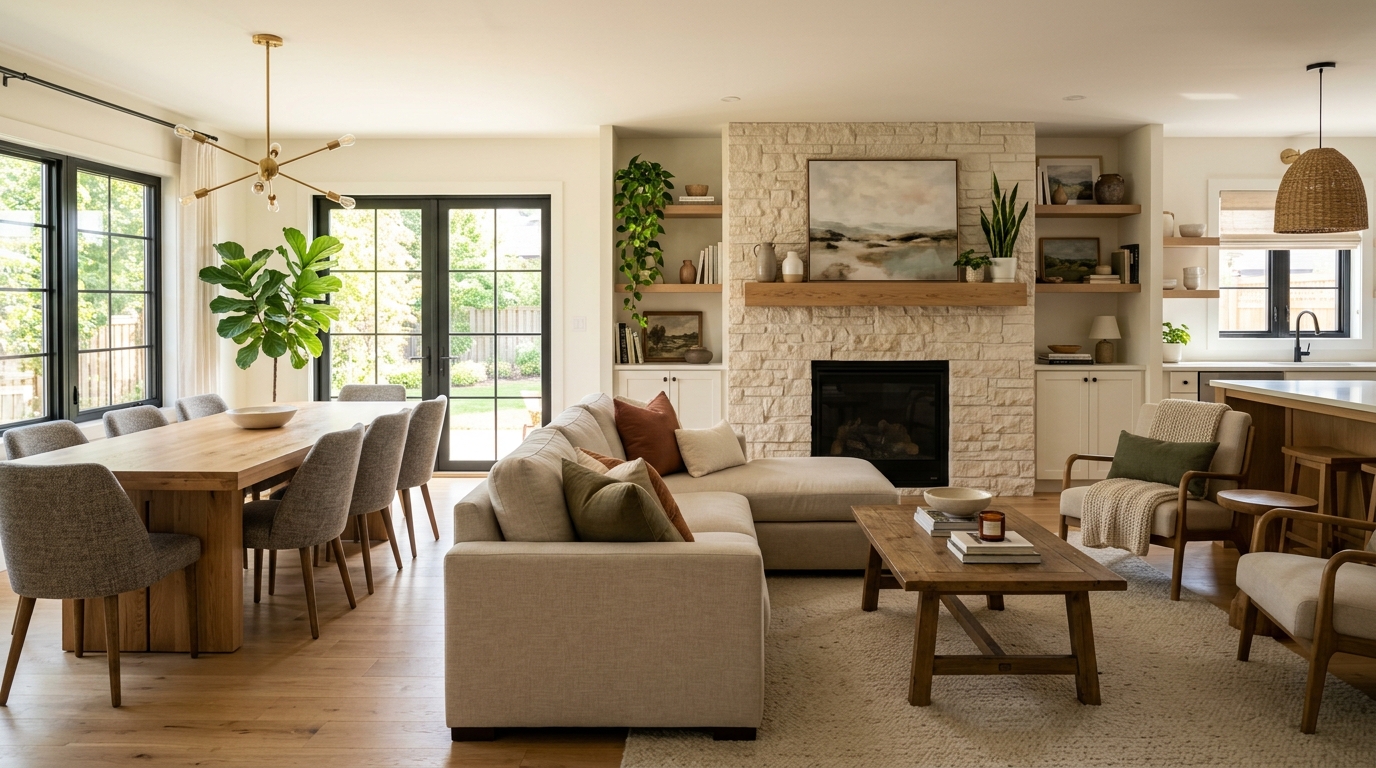
Explore luxury living room ideas with AI for layouts, materials, lighting, and visual inspiration.
Try This Tool →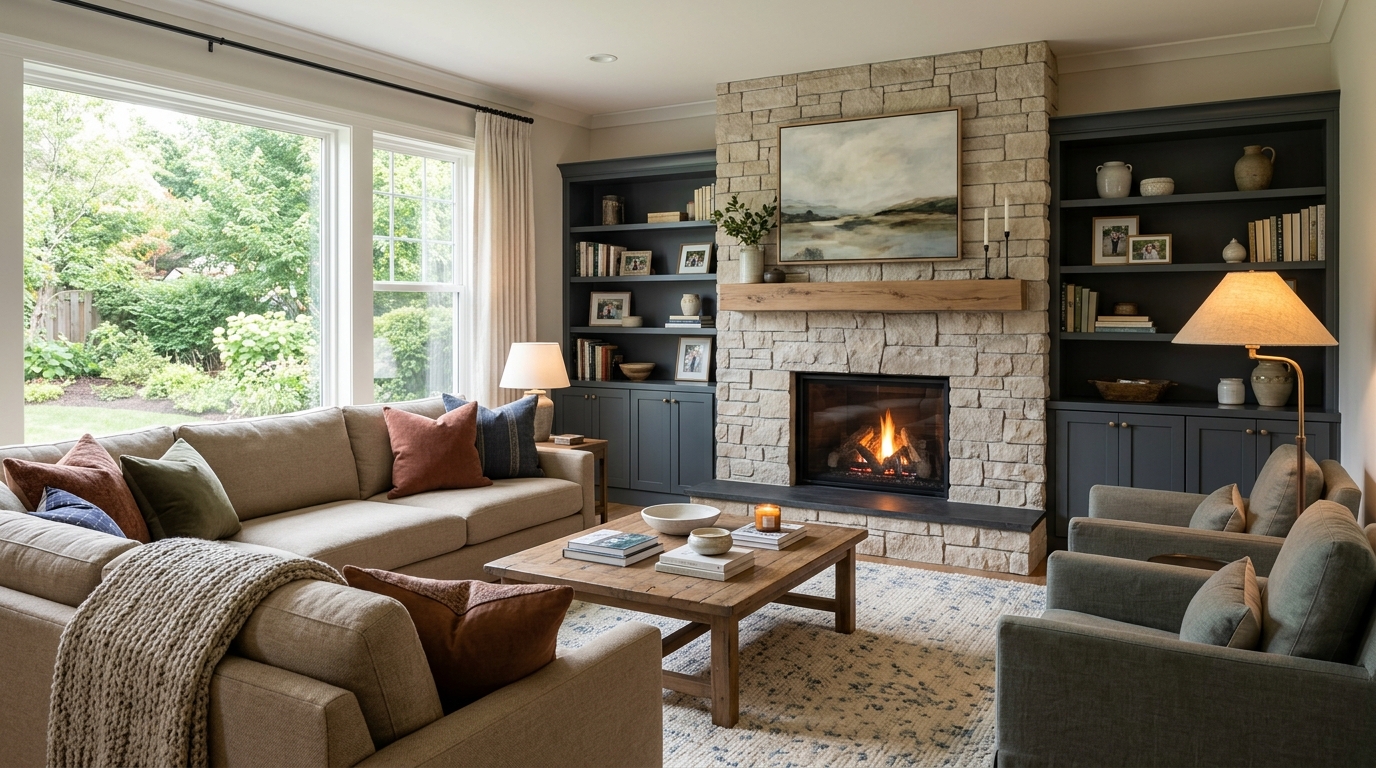
Explore open living space ideas with AI for layouts, materials, lighting, and visual inspiration.
Try This Tool →Choose the next Ideal House tool based on what you want to do after generating inspiration.
Upload a room photo and explore remodel directions once an idea feels ready to test on a real space.
02Apply decor inspiration to real rooms with furniture, colors, finishes, and styling ideas.
03Furnish empty interiors for listing, rental, or presentation visuals after choosing a style direction.
04Preview selected furniture inside your own room photo before buying, staging, or redesigning.
05Change furniture and decor in a real room photo once you know the style direction you want to test.
06Preview new room surfaces, finishes, and style directions on an existing interior photo.
Use Idealhouse AI tools to move from idea to visual output faster across design, staging, editing, and presentation workflows.