
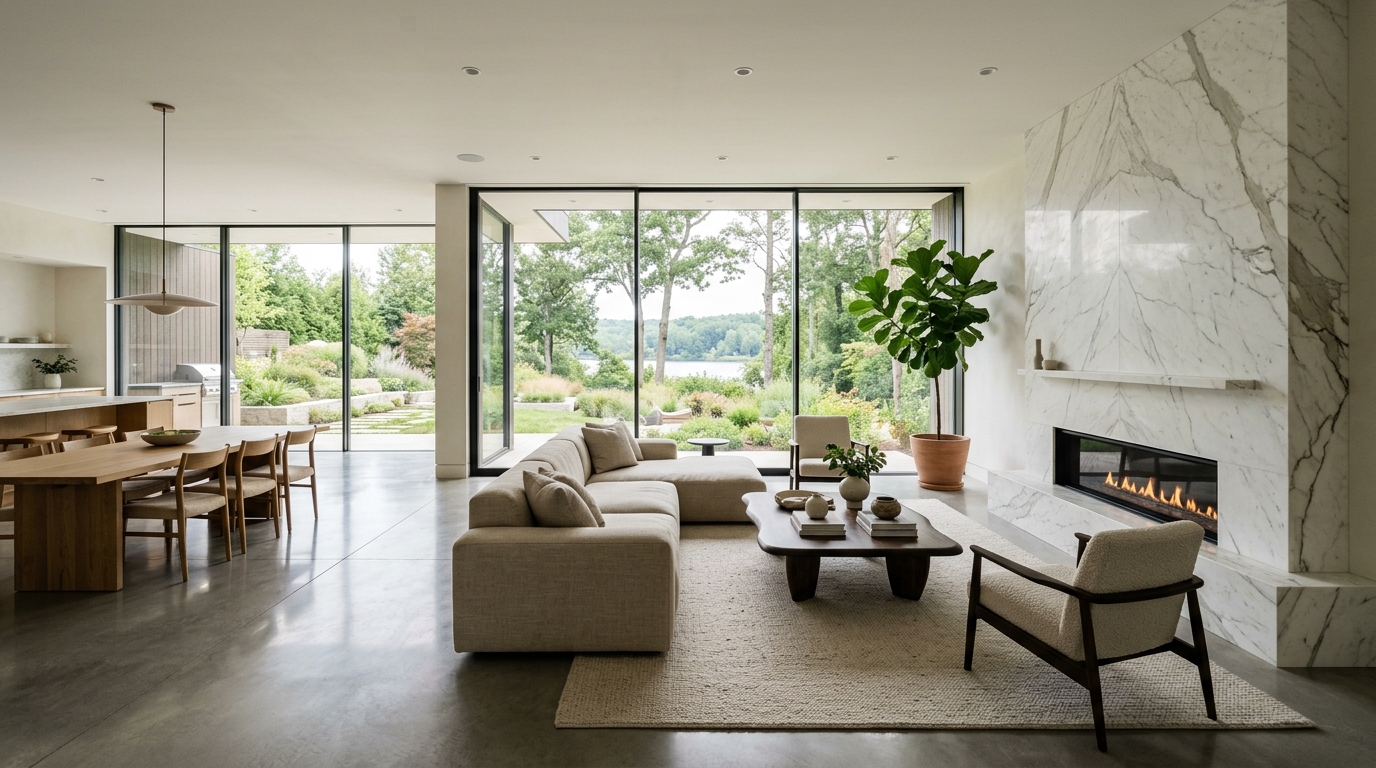
Modern Luxury Living Room
A modern luxury living room with balanced furniture placement, clean finishes, and a cohesive color palette.
Explore luxury living room ideas with AI, including furniture direction, colors, materials, lighting, decor, and layout concepts in seconds.
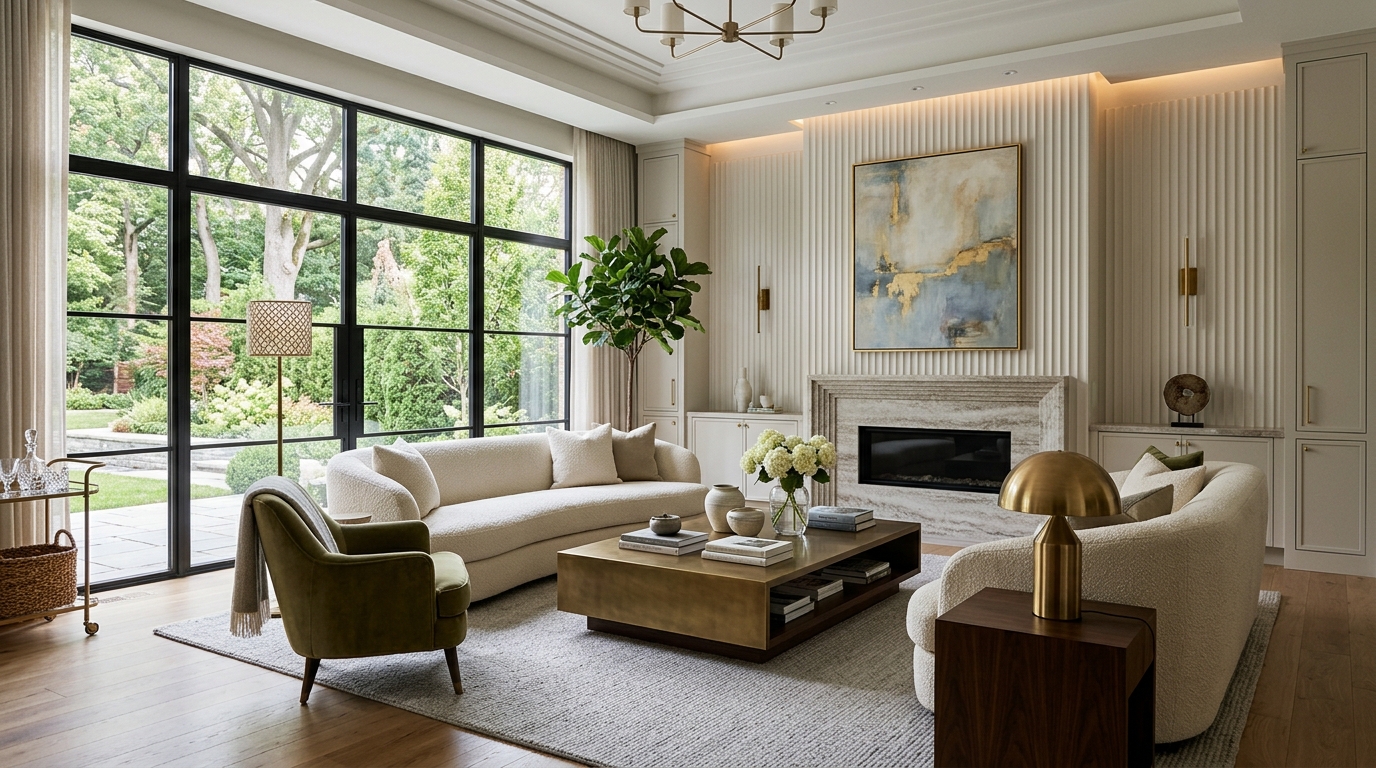
Browse AI-generated examples that stay focused on luxury living room inspiration.
A modern luxury living room with balanced furniture placement, clean finishes, and a cohesive color palette.
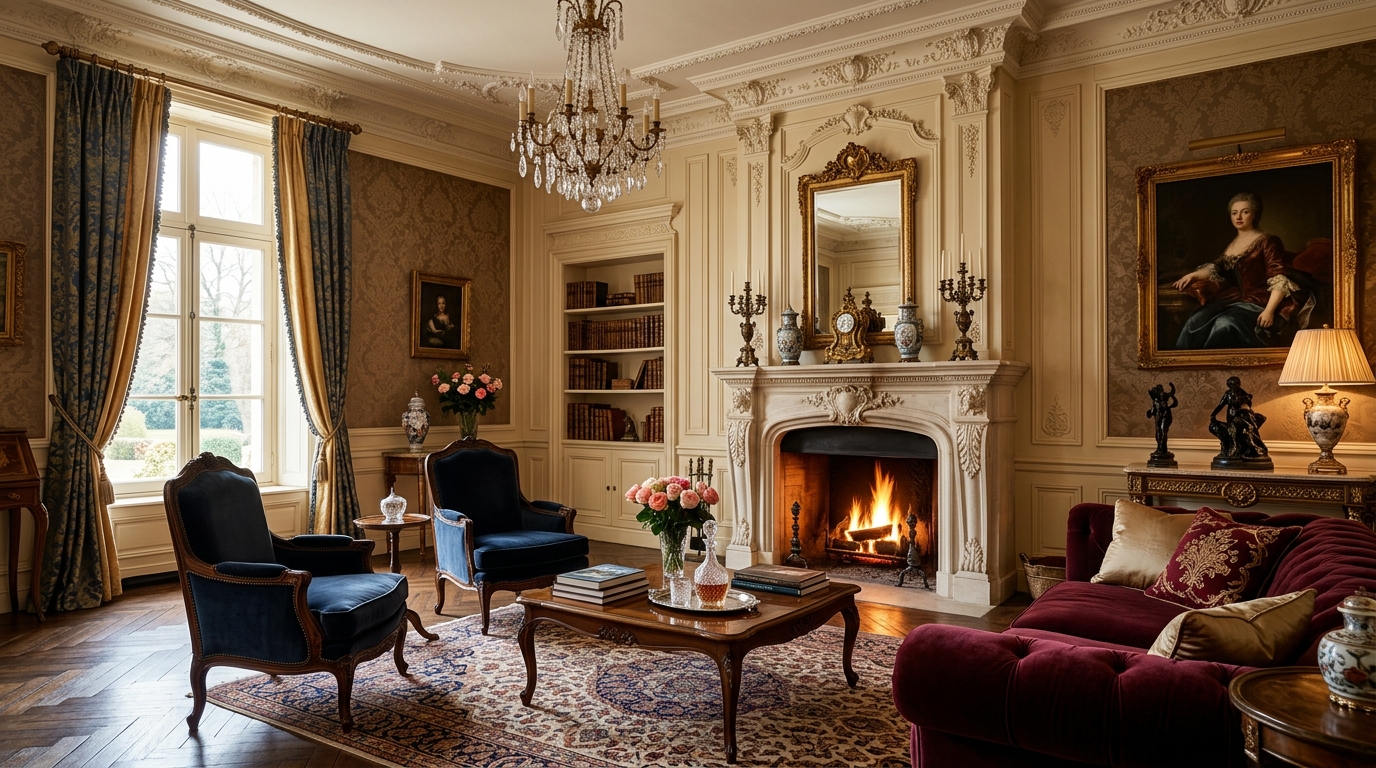
A warmer luxury living room with layered textures, comfortable seating, and inviting lighting.
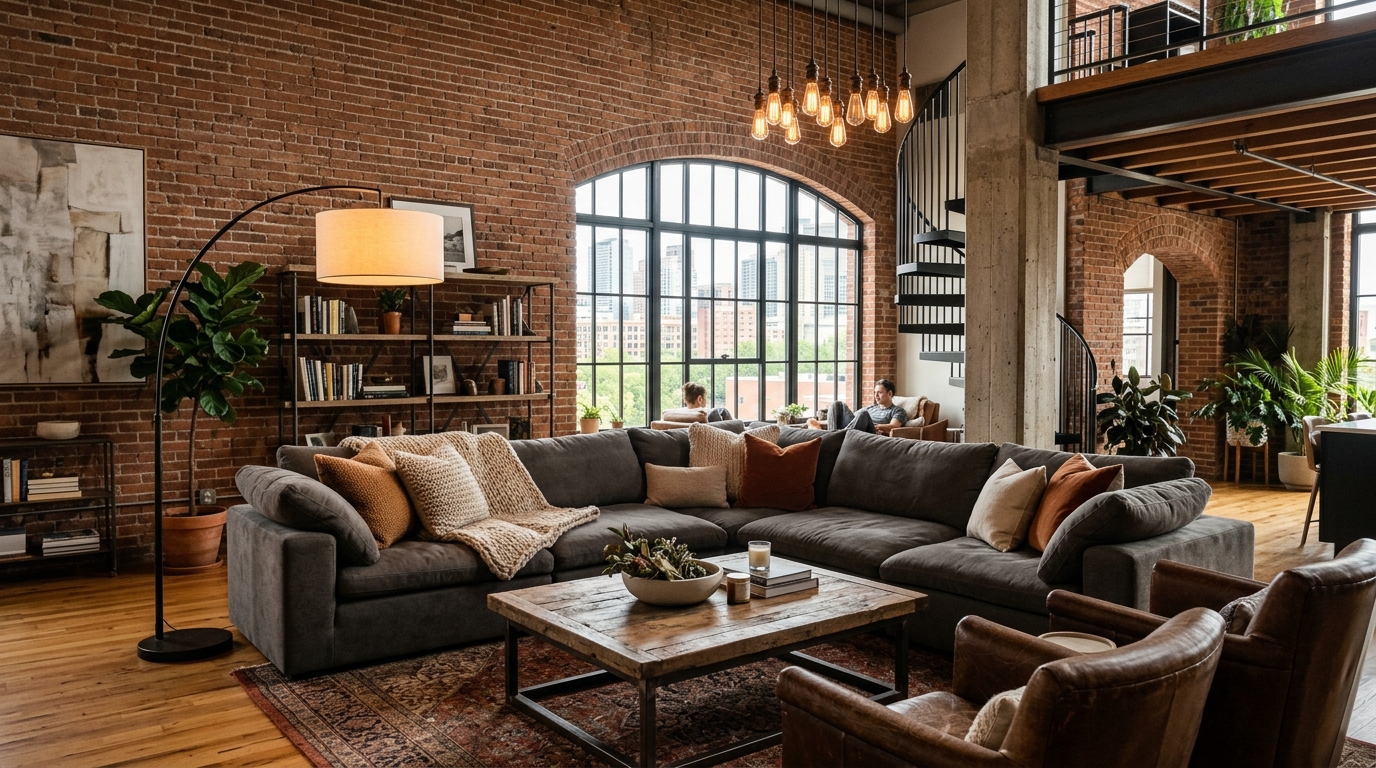
A space-conscious luxury living room that improves flow, storage, and visual openness.
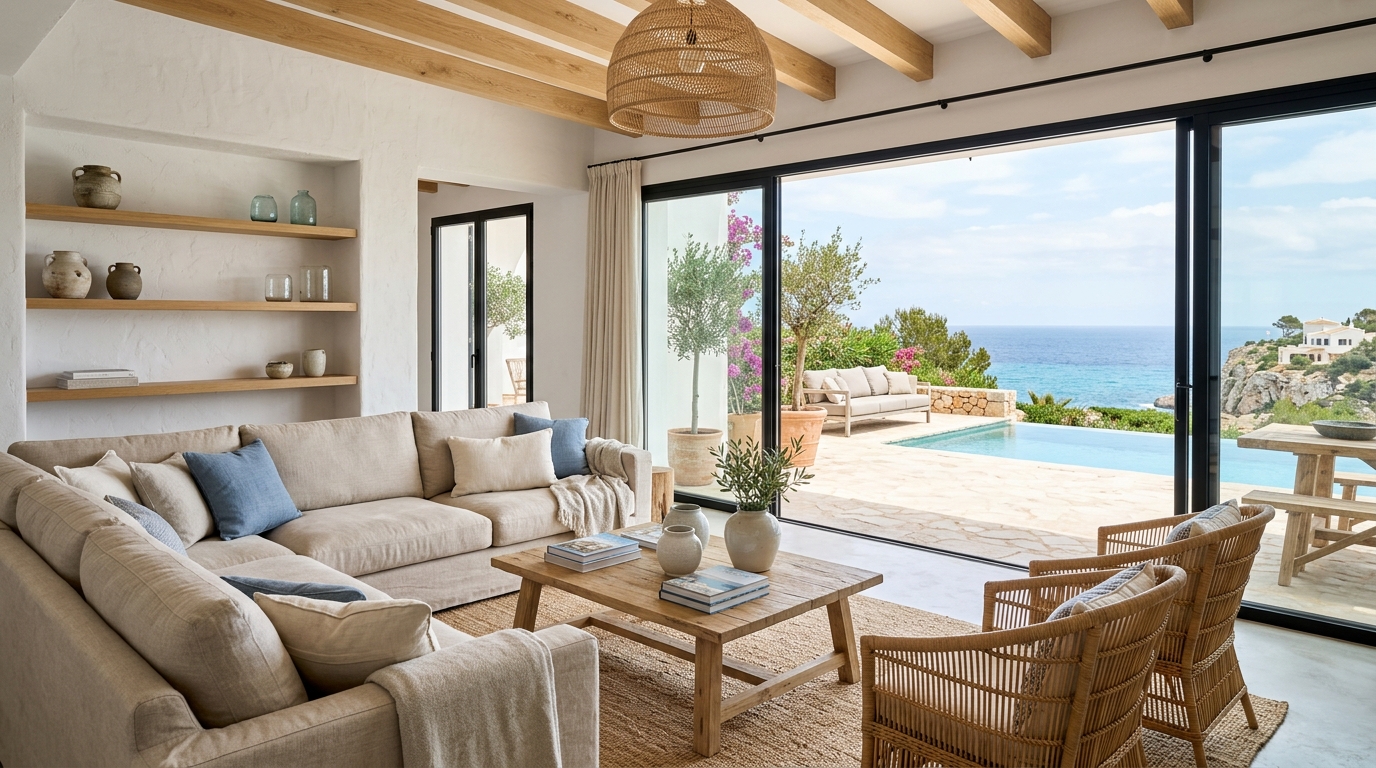
A more elevated luxury living room with refined materials, statement lighting, and polished styling.
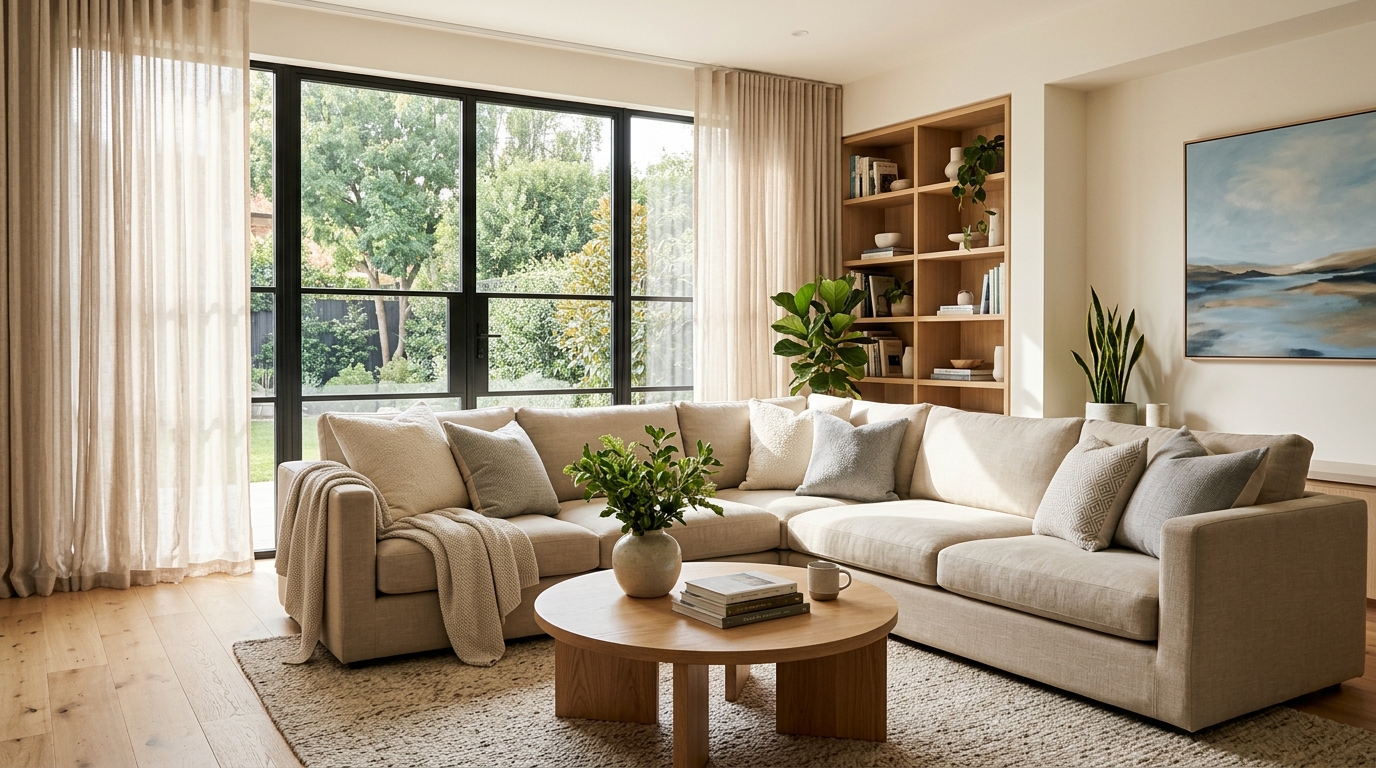
A quieter luxury living room with fewer objects, simpler forms, and a calm visual rhythm.
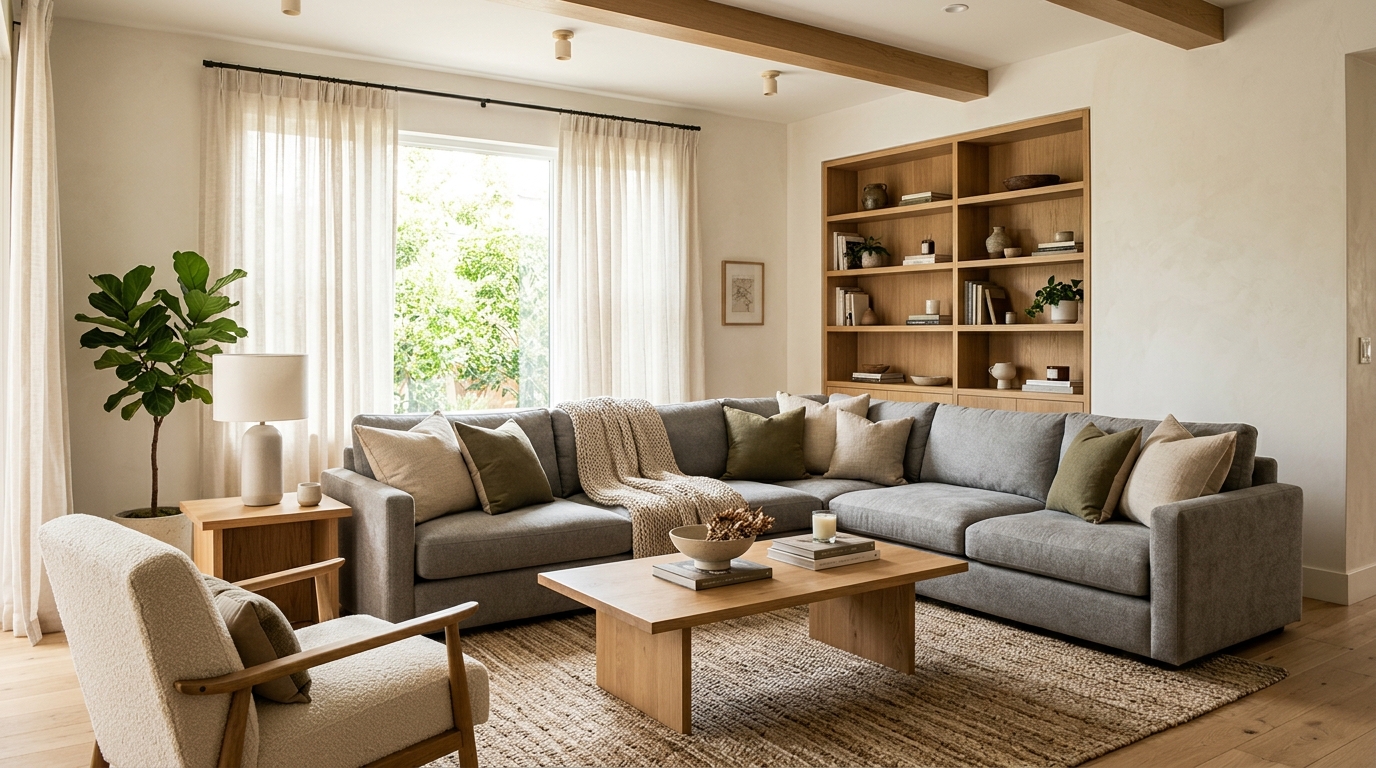
A practical luxury living room with durable choices, flexible zones, and everyday comfort.
Leverage powerful AI tools to refine every detail of your luxury living room.
Generate realistic textures for marble, velvet, polished wood, and natural stone to ensure your luxury concepts look authentic and high-end.
Visualize complex lighting schemes, including ambient, task, and accent lighting, to create the perfect mood for your luxury living room.
Incorporate high-end structural elements like coffered ceilings, custom molding, and expansive glass walls into your generated designs.
Experiment with various high-end furniture arrangements, from symmetrical formal seating to open-concept lounge layouts, to optimize your floor plan.
Apply sophisticated color schemes, from monochromatic neutrals to bold, curated accents, to establish a cohesive and elegant atmosphere.
Produce crisp, professional-grade images that capture the fine details of your design, perfect for presentations or client mood boards.
See how designers and homeowners use our AI to streamline the creative process.
Designers use the tool to quickly generate multiple high-end concepts to present to clients during the initial discovery phase.
Agents can visualize how to stage a luxury property to attract high-net-worth buyers by showcasing potential high-end living room layouts.
Homeowners can experiment with different luxury finishes and layouts before committing to expensive structural or decorative changes.
Professionals use the AI to create stunning, conceptual imagery to enhance their portfolios and showcase their design versatility.
Retailers can generate aspirational room settings to help customers visualize how premium furniture pieces fit into a luxury home environment.
Marketing teams create high-quality, aspirational imagery for brochures and digital listings to highlight the potential of luxury living spaces.
Follow these simple steps to create professional-grade interior design concepts.
Enter a detailed prompt describing your desired luxury style, such as 'modern minimalist luxury' or 'classic European elegance,' including key elements like stone fireplaces or floor-to-ceiling windows.
Add specific descriptors for materials, color palettes, and furniture types to guide the AI toward the exact high-end look you envision for the space.
Click generate to see your concept, then adjust your prompt or add new details to refine the lighting, layout, or decor until the design matches your vision perfectly.
Creating a luxury living room requires a balance of high-end materials, thoughtful lighting, and intentional layout. Use these tips to guide your AI generation process.
Every luxury living room needs a strong focal point. Whether it is a grand stone fireplace, a massive window with a view, or a custom art installation, ensure your prompt emphasizes this element. By anchoring your design around a single, high-impact feature, you create a sense of purpose and sophistication that defines high-end interiors.
The hallmark of a true luxury space is the balance between a polished, curated look and genuine comfort. When generating your images, include descriptors like 'plush velvet seating,' 'layered rugs,' or 'soft ambient lighting' to ensure the room feels inviting rather than sterile. Avoid overly cluttered prompts; focus on quality over quantity to maintain a refined aesthetic.
Lighting is the most critical factor in setting the mood of a luxury room. Use your prompts to specify the type of lighting you want to see. Mentioning 'layered lighting,' 'recessed ceiling lights,' or 'warm floor lamps' helps the AI understand how to illuminate the space, highlighting textures and materials in a way that feels expensive and intentional.
Start from a prompt that stays focused on luxury living room, then adjust layout, materials, lighting, and style details.
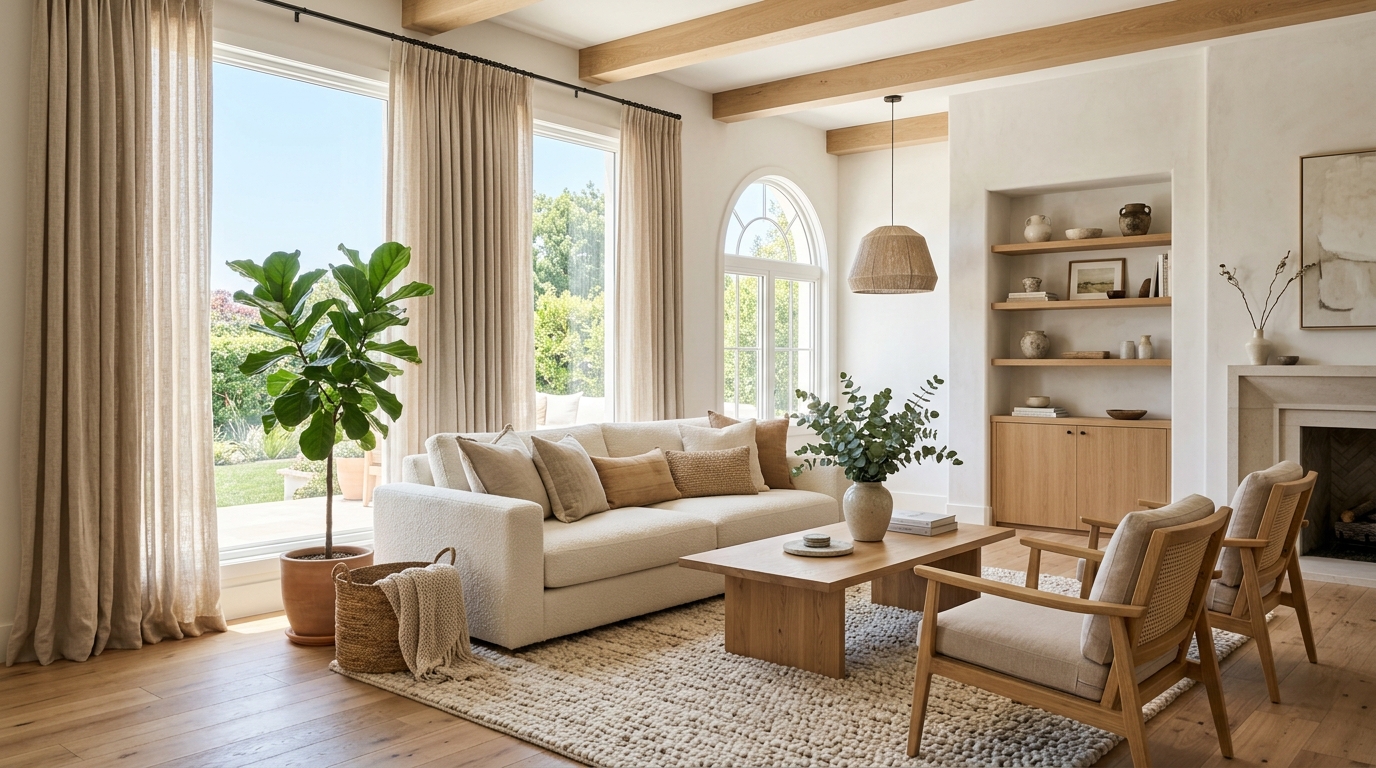
Explore broad interior design ideas for room layouts, furniture, colors, materials, and lighting.
Try This Tool →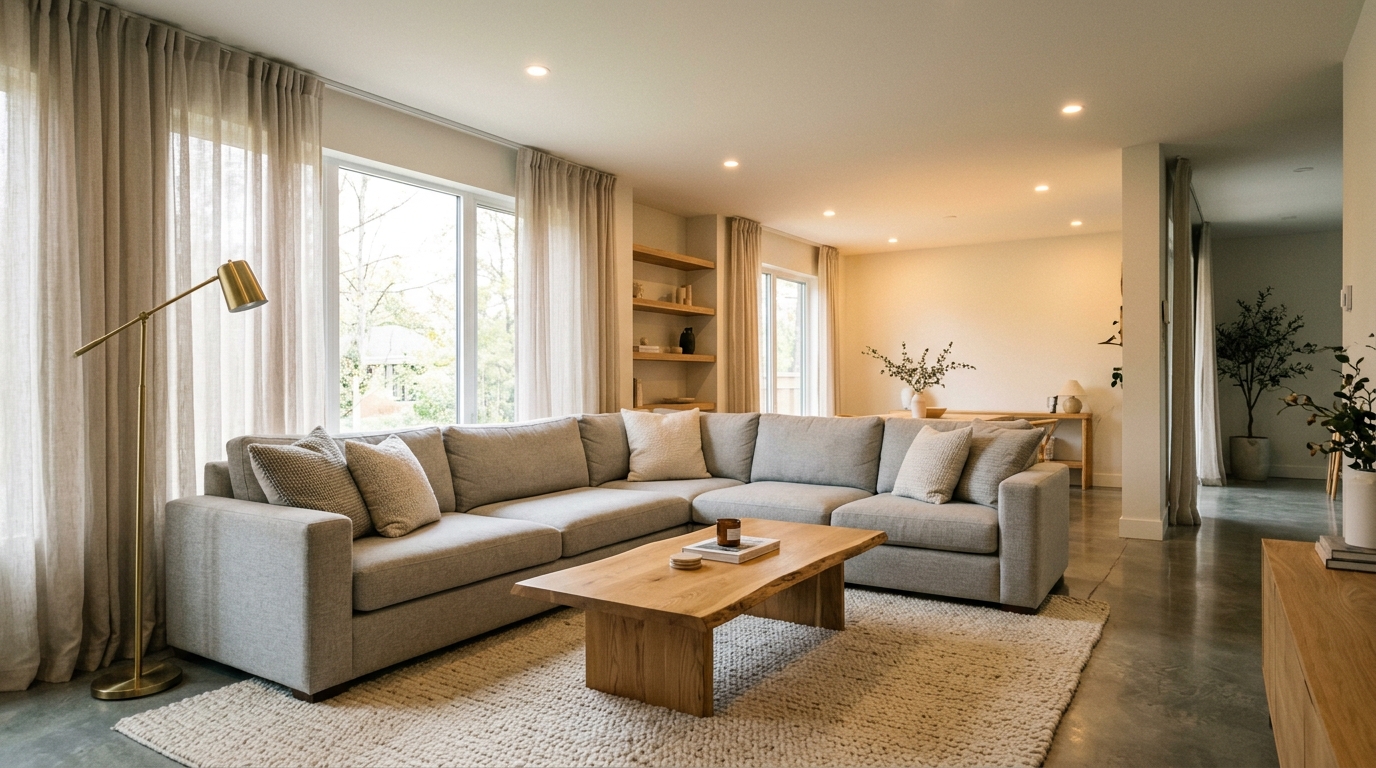
Explore bright living room ideas with AI for layouts, materials, lighting, and visual inspiration.
Try This Tool →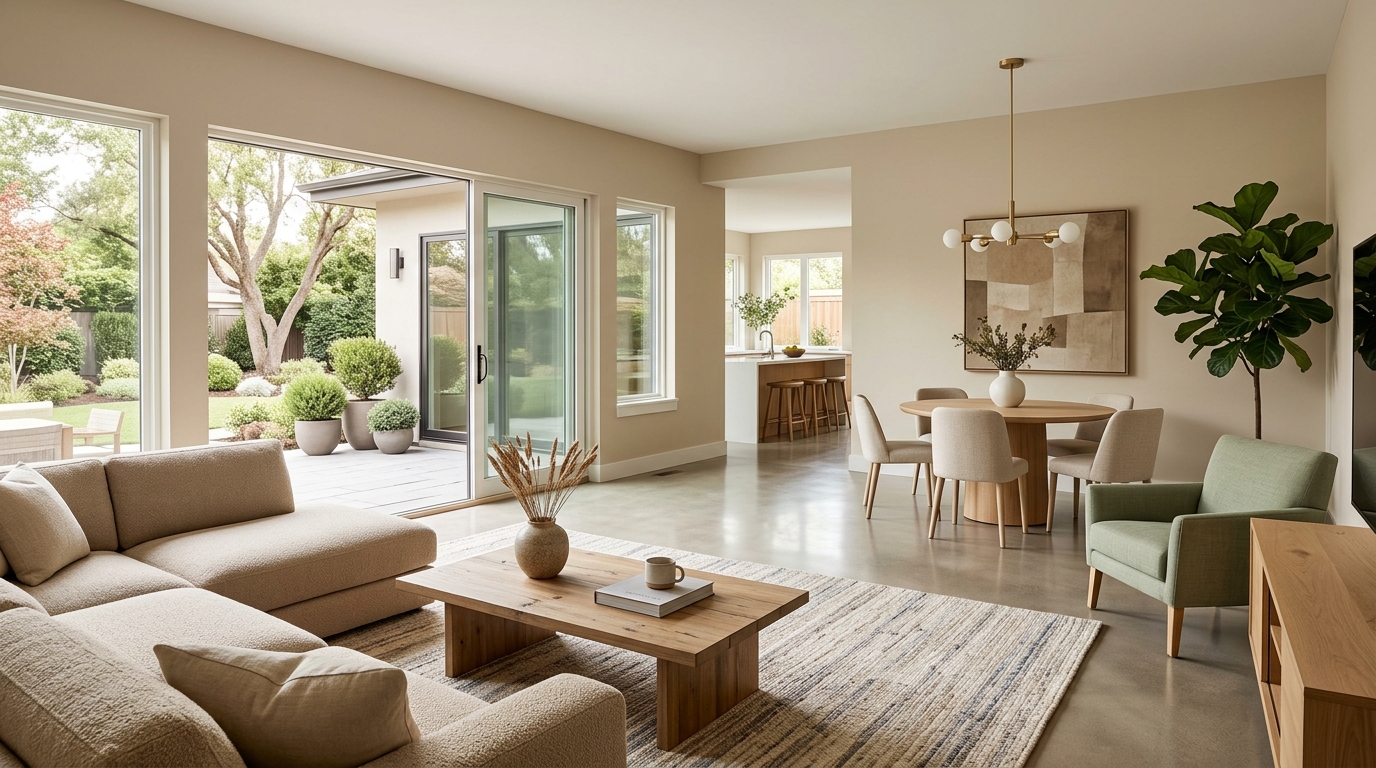
Explore family room ideas with AI for layouts, materials, lighting, and visual inspiration.
Try This Tool →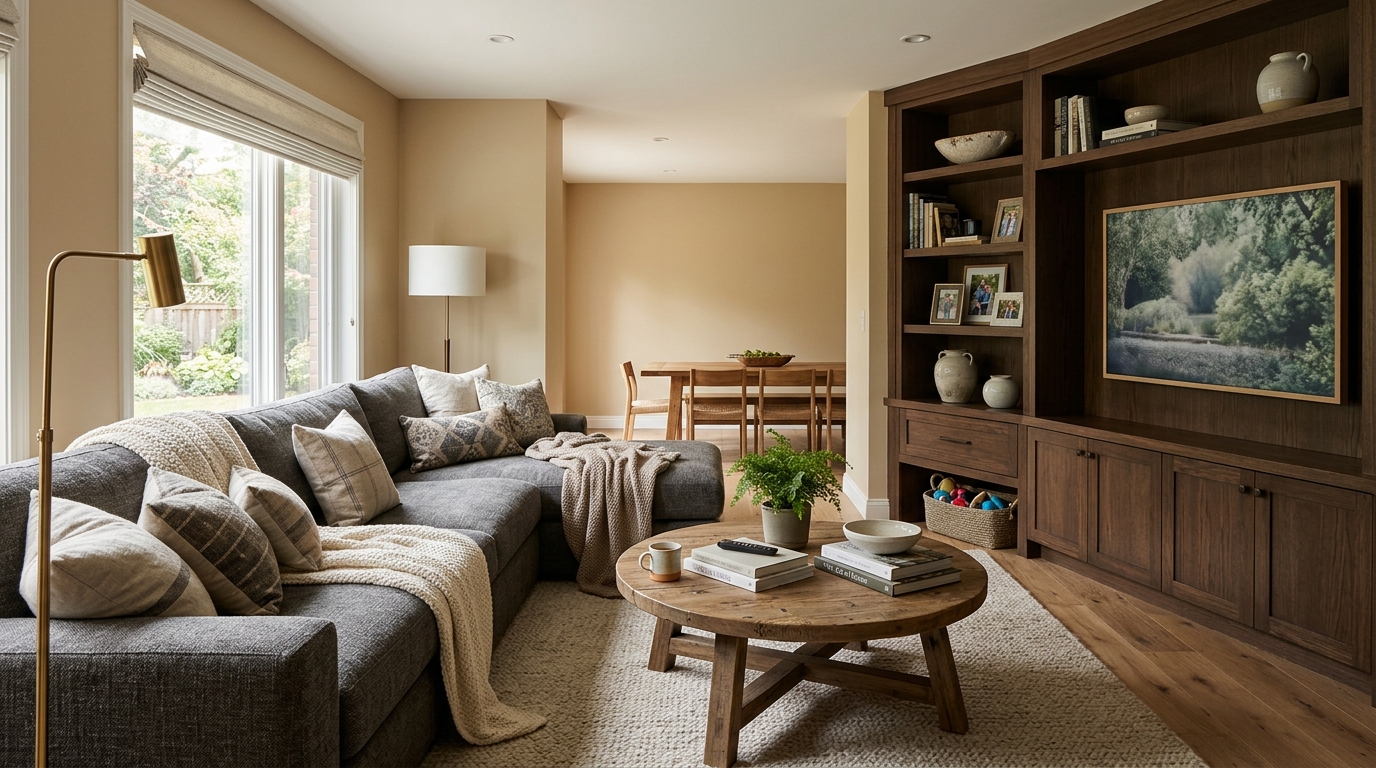
Explore open living space ideas with AI for layouts, materials, lighting, and visual inspiration.
Try This Tool →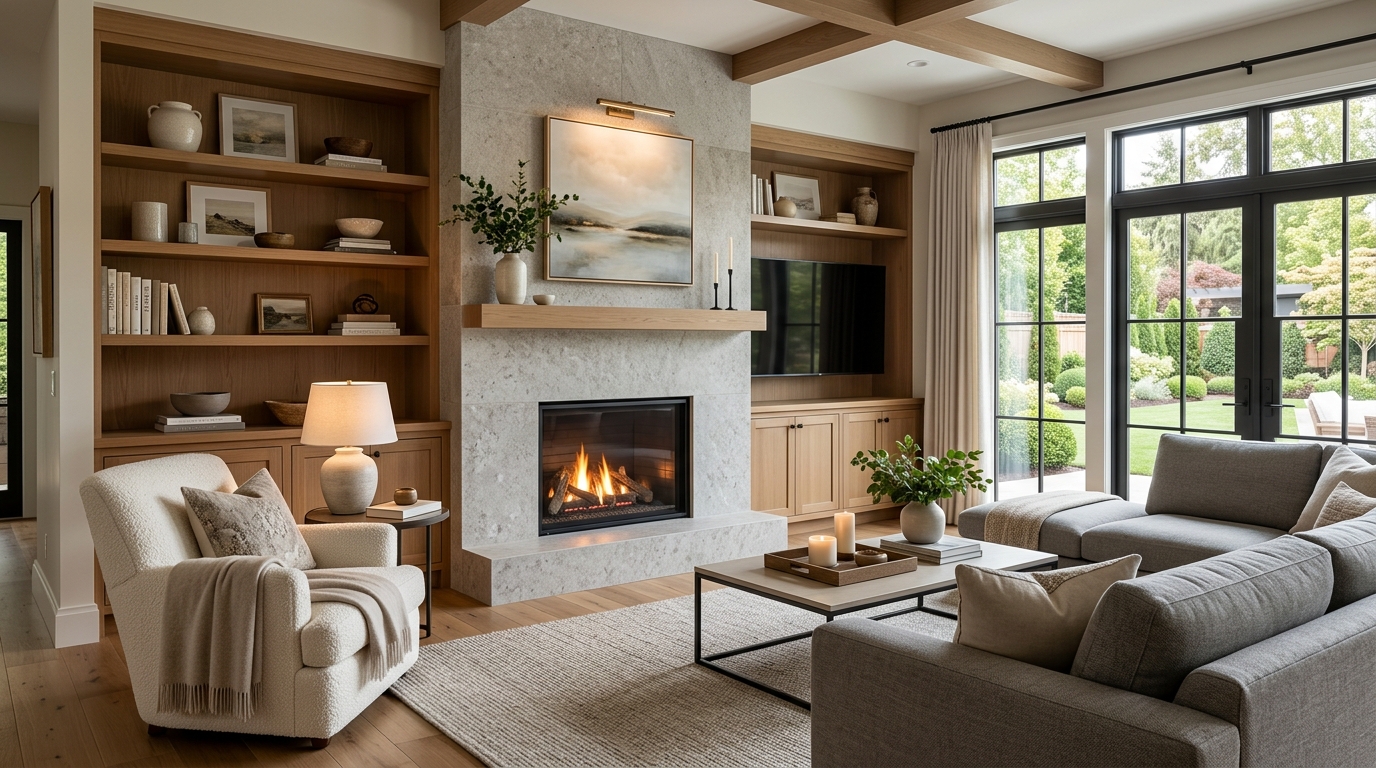
Explore compact condo living ideas with AI for layouts, materials, lighting, and visual inspiration.
Try This Tool →Choose the next Ideal House tool based on what you want to do after generating inspiration.
Upload a room photo and explore remodel directions once an idea feels ready to test on a real space.
02Apply decor inspiration to real rooms with furniture, colors, finishes, and styling ideas.
03Furnish empty interiors for listing, rental, or presentation visuals after choosing a style direction.
04Preview selected furniture inside your own room photo before buying, staging, or redesigning.
05Change furniture and decor in a real room photo once you know the style direction you want to test.
06Preview new room surfaces, finishes, and style directions on an existing interior photo.
Use Idealhouse AI tools to move from idea to visual output faster across design, staging, editing, and presentation workflows.