
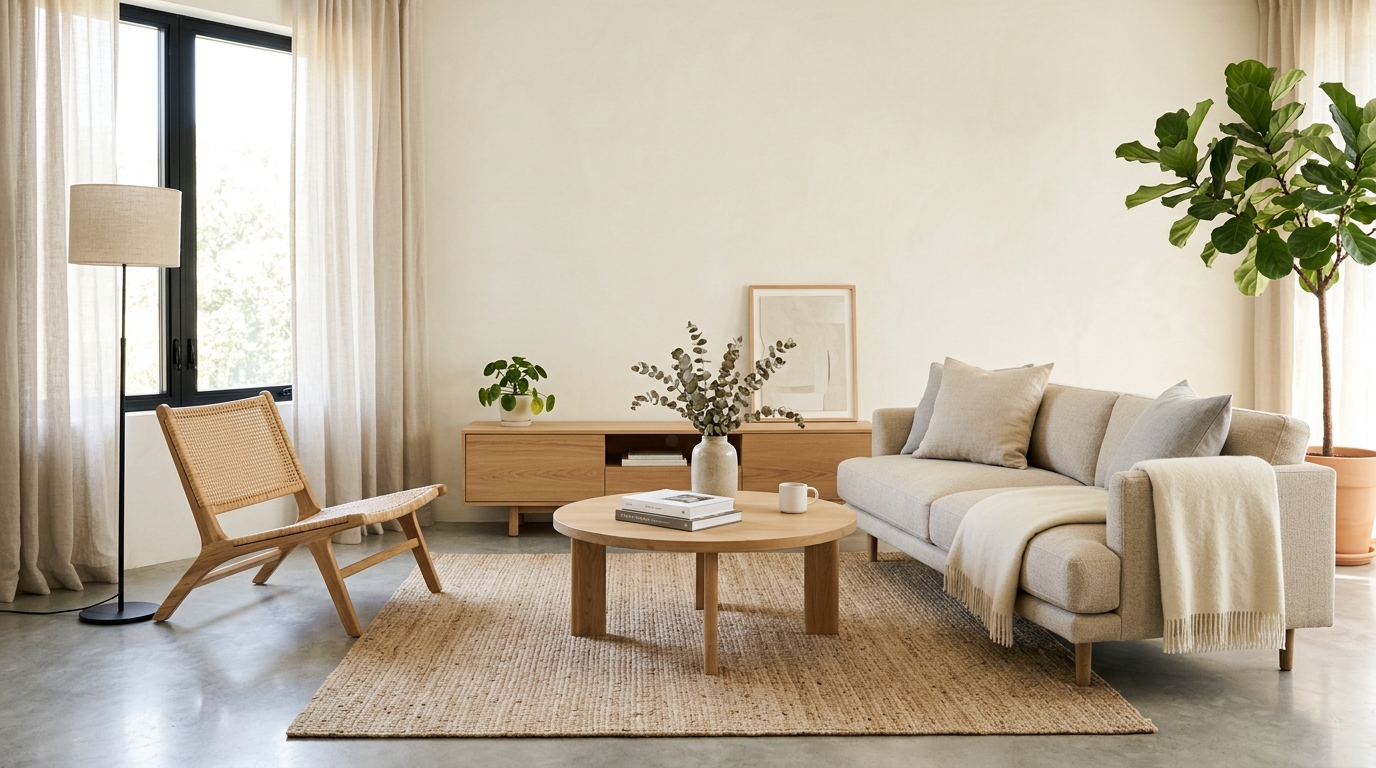
Modern Interior Design
A modern interior design with balanced furniture placement, clean finishes, and a cohesive color palette.
Explore interior design ideas with AI, including furniture direction, colors, materials, lighting, decor, and layout concepts in seconds.
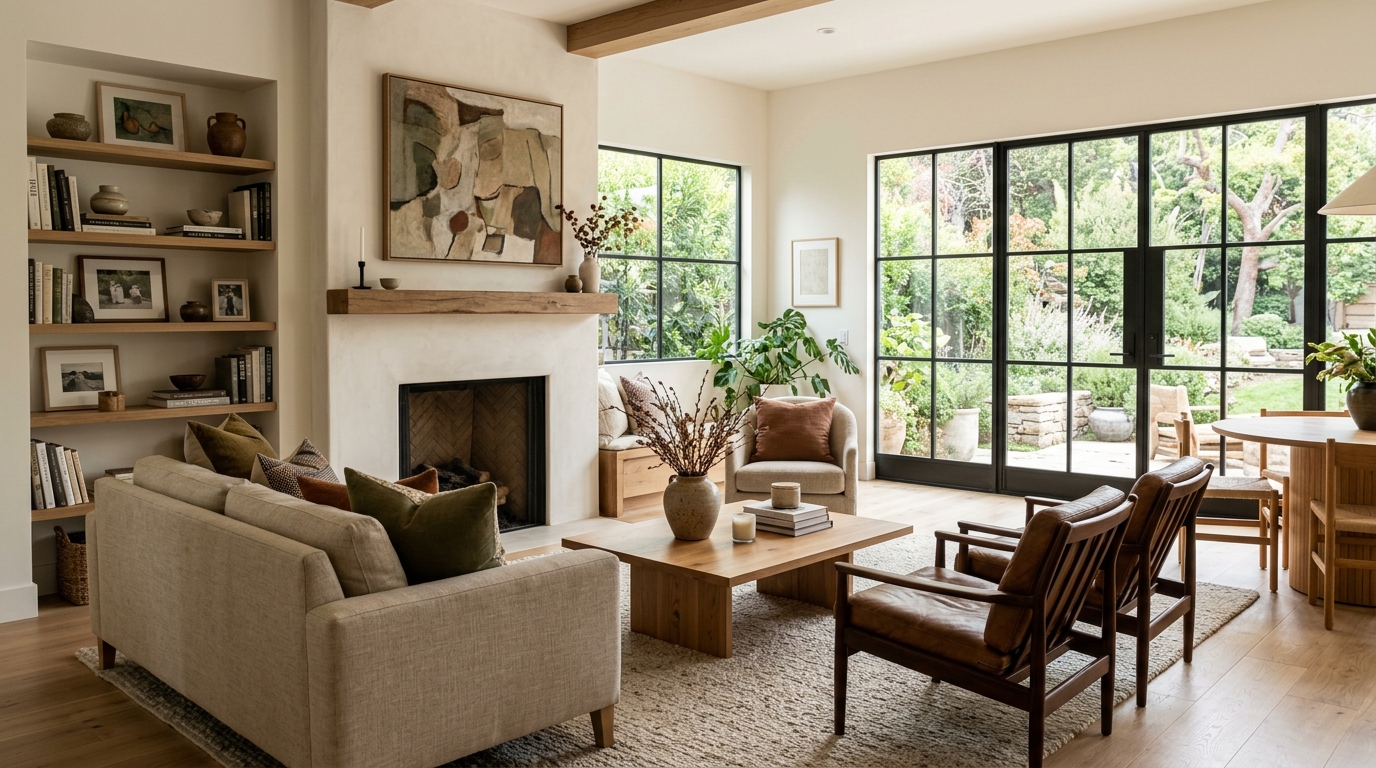
Browse AI-generated examples that stay focused on interior design inspiration.
A modern interior design with balanced furniture placement, clean finishes, and a cohesive color palette.
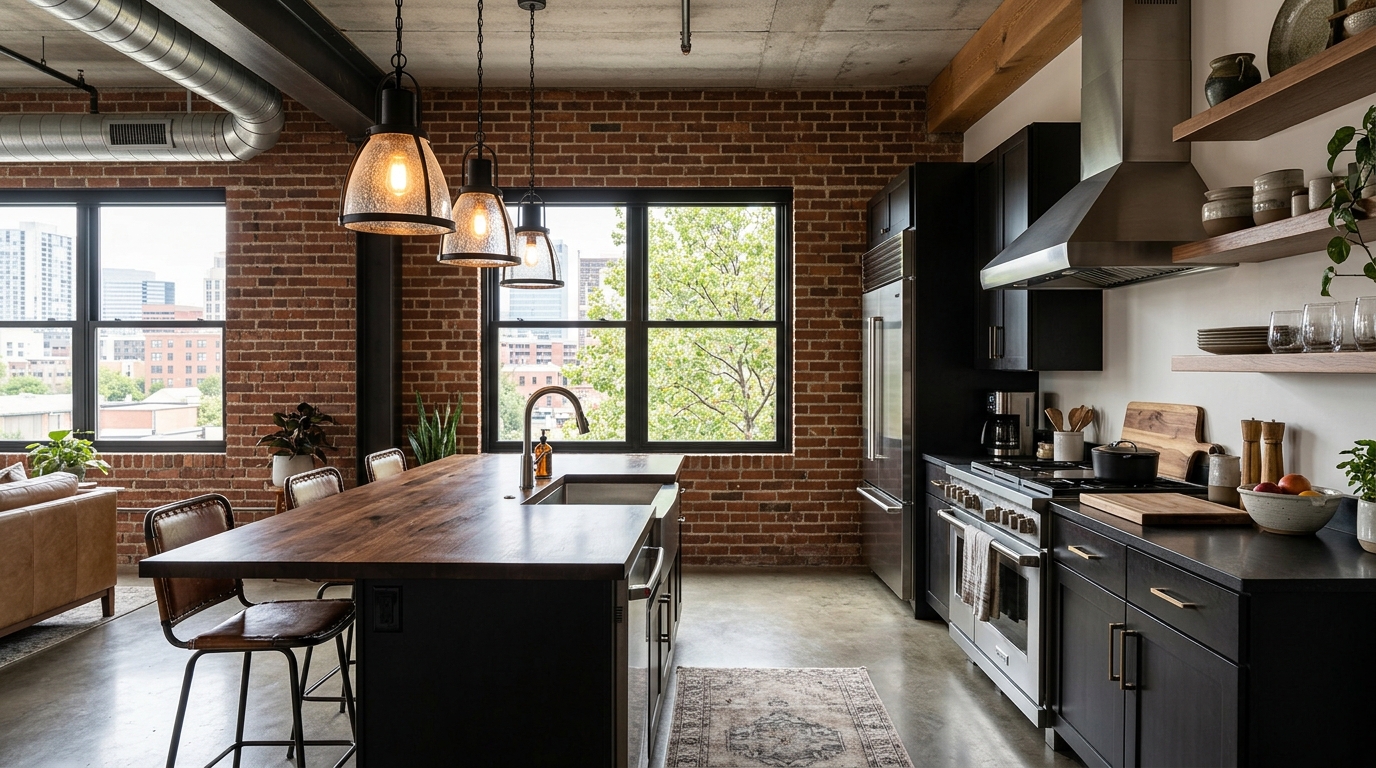
A warmer interior design with layered textures, comfortable seating, and inviting lighting.
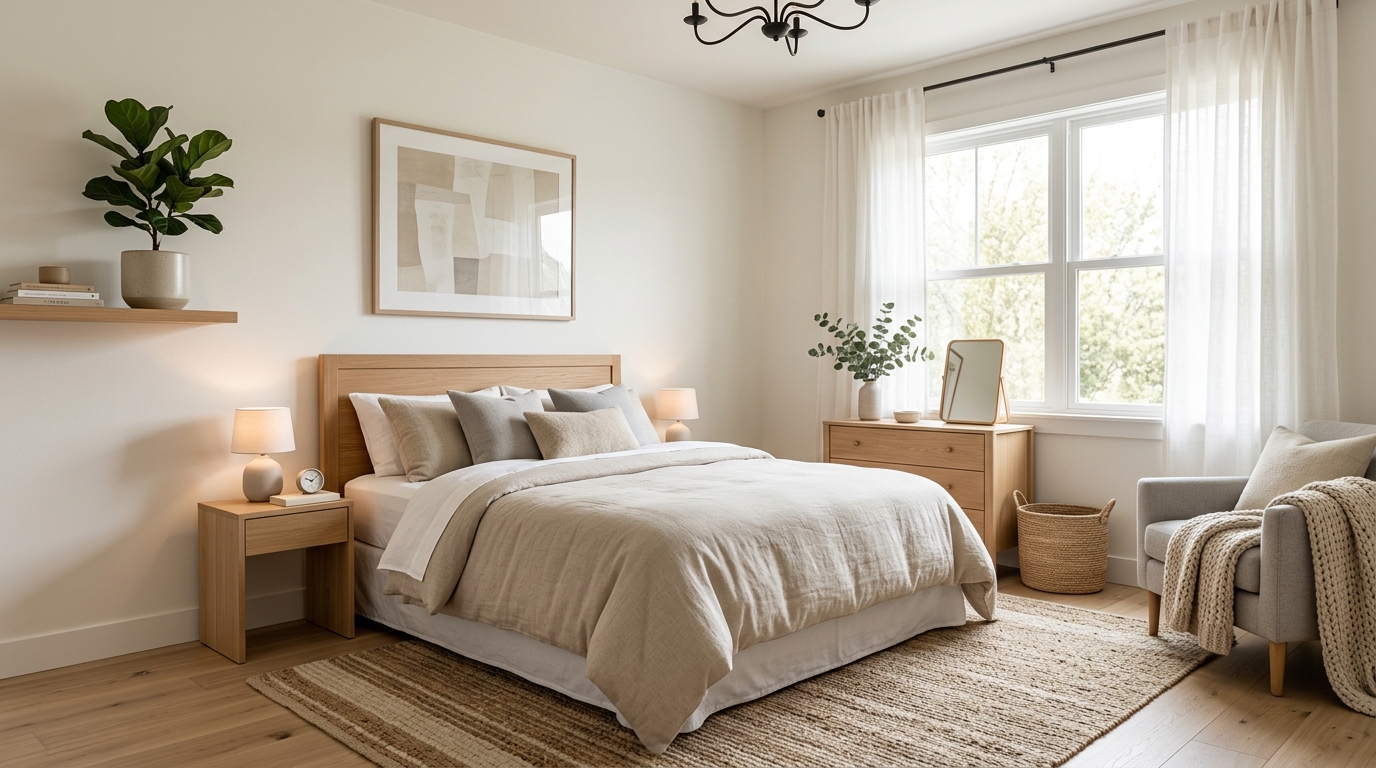
A space-conscious interior design that improves flow, storage, and visual openness.
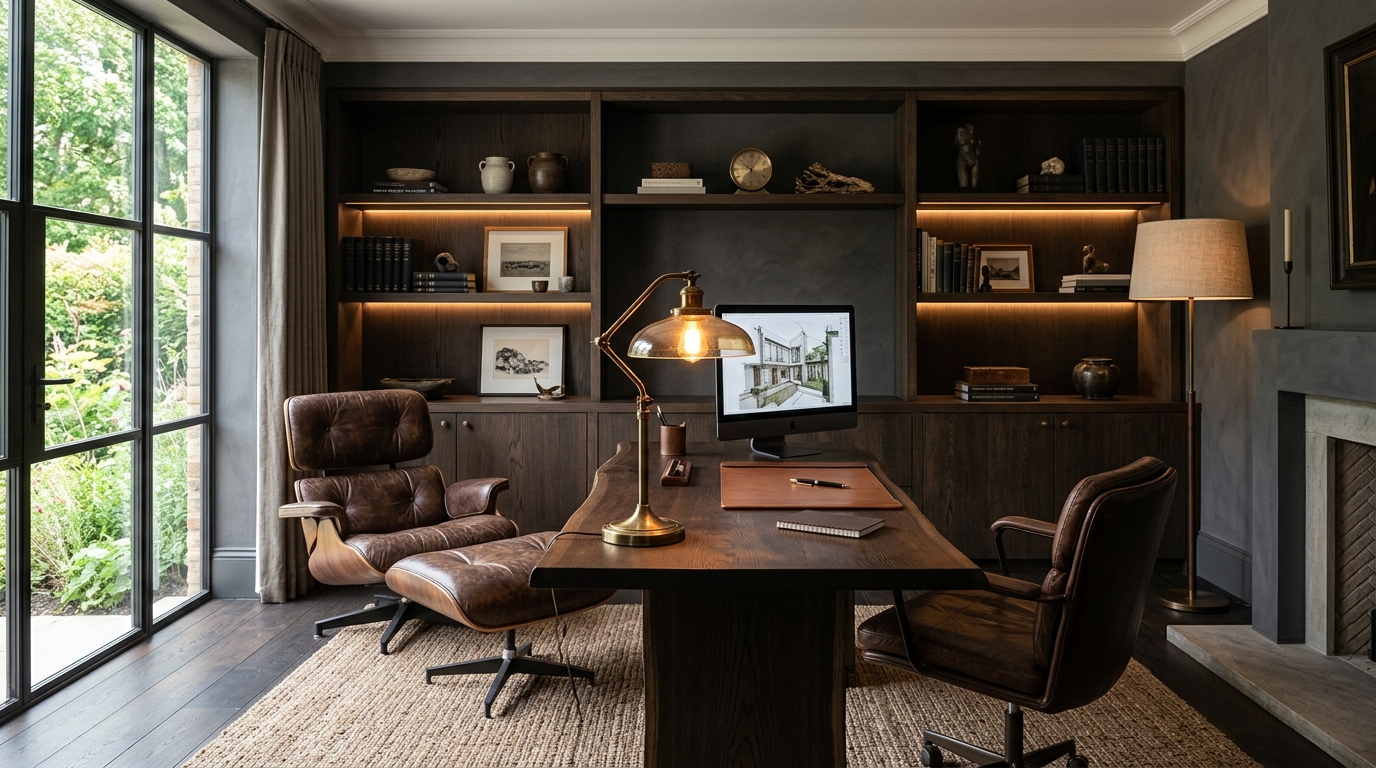
A more elevated interior design with refined materials, statement lighting, and polished styling.
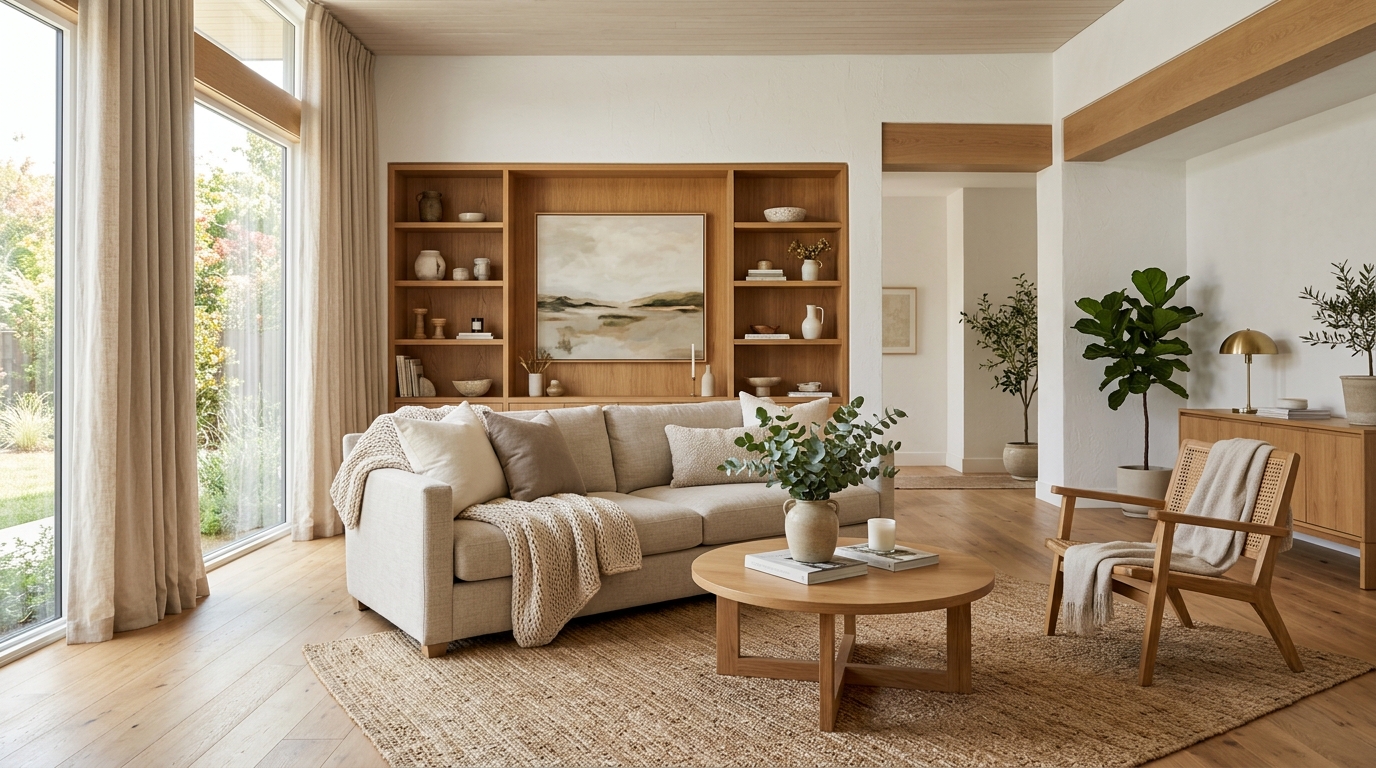
A quieter interior design with fewer objects, simpler forms, and a calm visual rhythm.
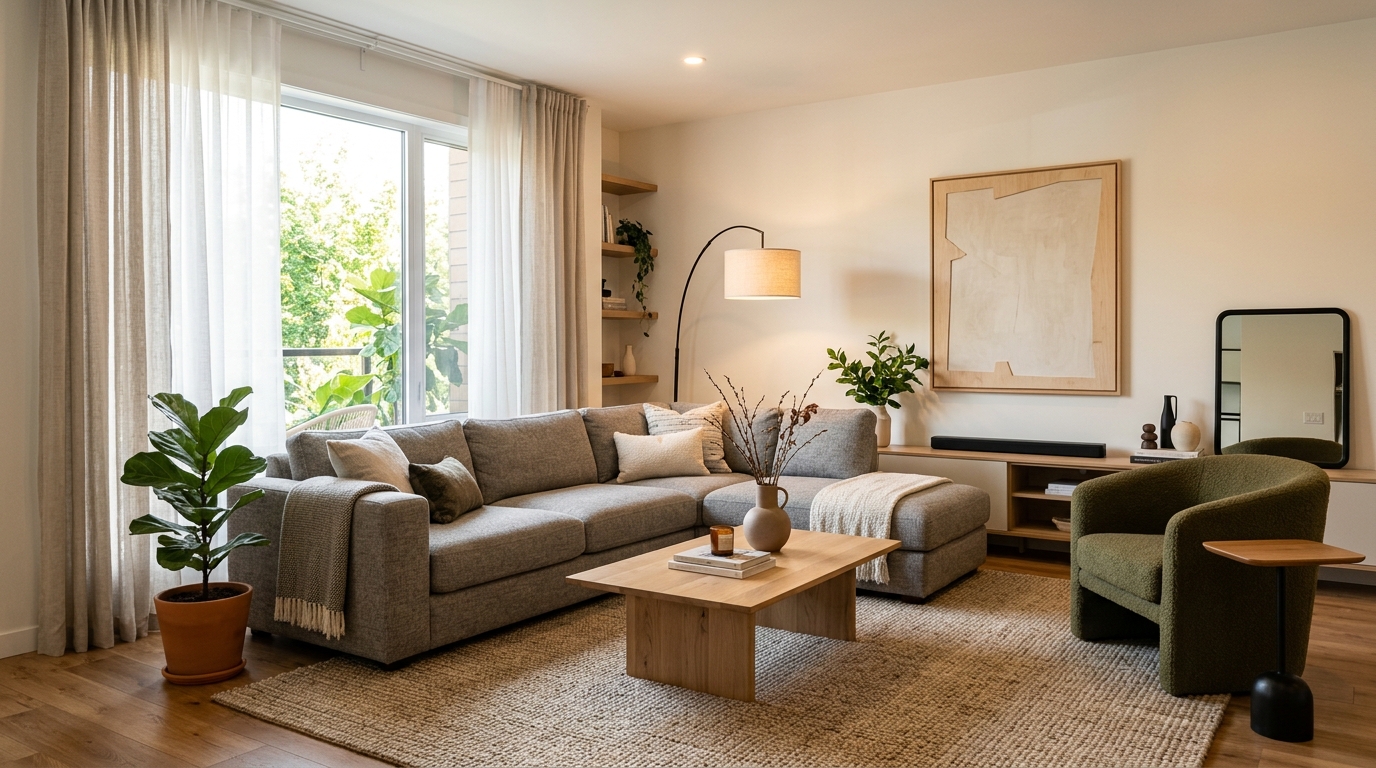
A practical interior design with durable choices, flexible zones, and everyday comfort.
Leverage powerful AI features designed to streamline your creative process and decision-making.
Instantly blend multiple design aesthetics, such as modern farmhouse or industrial chic, into a cohesive room concept.
Generate spatial arrangements that optimize flow and functionality for various room shapes and sizes.
Visualize how specific color schemes, accent walls, and material finishes interact within your chosen space.
Explore the impact of natural light, ambient fixtures, and task lighting on the overall mood of your interior design.
Apply realistic textures like hardwood, marble, or velvet to surfaces to see how materials influence the room's tactile feel.
Quickly generate dozens of design variations to test different decor ideas without the need for manual sketching or 3D modeling.
Discover how our AI generator supports various professional and personal design workflows.
Visualize potential changes before committing to expensive structural or cosmetic renovations.
HomeownersCreate high-quality visual aids to communicate design concepts and mood boards to clients effectively.
Interior DesignersGenerate virtual staging ideas to help potential buyers visualize the potential of an empty or outdated property.
Real Estate AgentsDevelop unique, high-end interior concepts to showcase your creative range and attract new design projects.
Interior DesignersProduce stunning imagery for property listings that highlight the lifestyle potential of a home.
Real Estate MarketingExperiment with different decor styles and DIY projects to find the perfect look for your living space.
HomeownersFollow these simple steps to bring your interior design vision to life using AI.
Enter a detailed prompt specifying the room type, desired style, and key elements like color palette or furniture preferences.
Adjust your prompt to include specific lighting conditions, material textures, or architectural features to narrow down the visual output.
Generate multiple variations to compare different layouts and decor directions, then save your favorite concepts for your project.
Learn how to effectively use AI to bridge the gap between your creative vision and final design execution.
The quality of your output depends on your input. Start by defining the 'who, what, and where' of your space. Include the room type (e.g., 'modern kitchen'), the design style (e.g., 'mid-century modern'), and specific elements you want to see (e.g., 'marble island', 'brass hardware'). Avoid overly vague terms; instead, use descriptive adjectives that define the mood, such as 'warm', 'minimalist', or 'dramatic'.
Don't settle for the first result. Use the generator as a brainstorming partner. If a result is close but not perfect, tweak your prompt to emphasize the missing elements. For example, if the room feels too dark, add 'bright natural light' or 'large windows' to your next prompt. This iterative process helps you narrow down your preferences and discover design combinations you might not have considered.
When deciding between multiple concepts, consider the practical constraints of your actual space. Use the AI to test how different layouts handle traffic flow or how specific color palettes affect the perceived size of a room. By visualizing these factors early, you can make more informed decisions about furniture placement, material selection, and overall renovation strategy before any physical work begins.
Start from a prompt that stays focused on interior design, then adjust layout, materials, lighting, and style details.
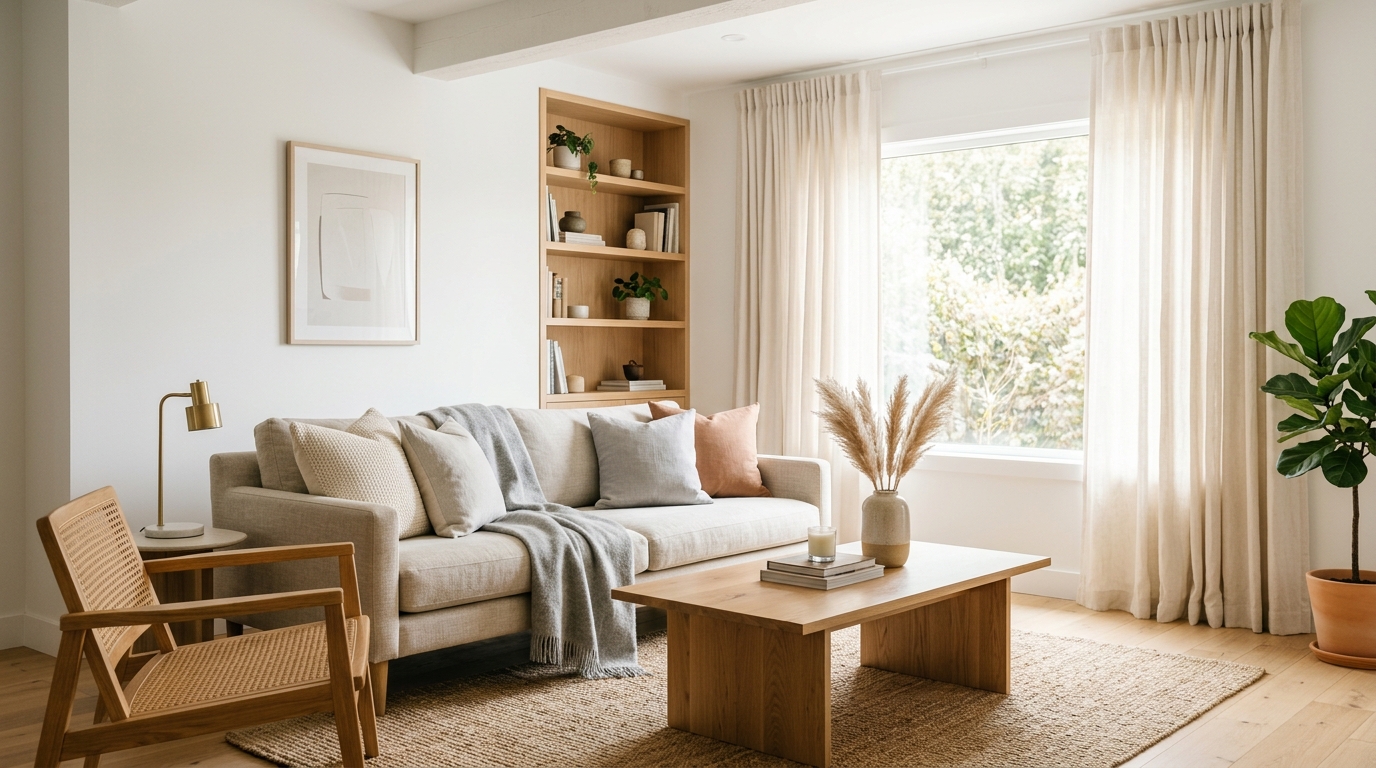
Explore bright living room ideas with AI for layouts, materials, lighting, and visual inspiration.
Try This Tool →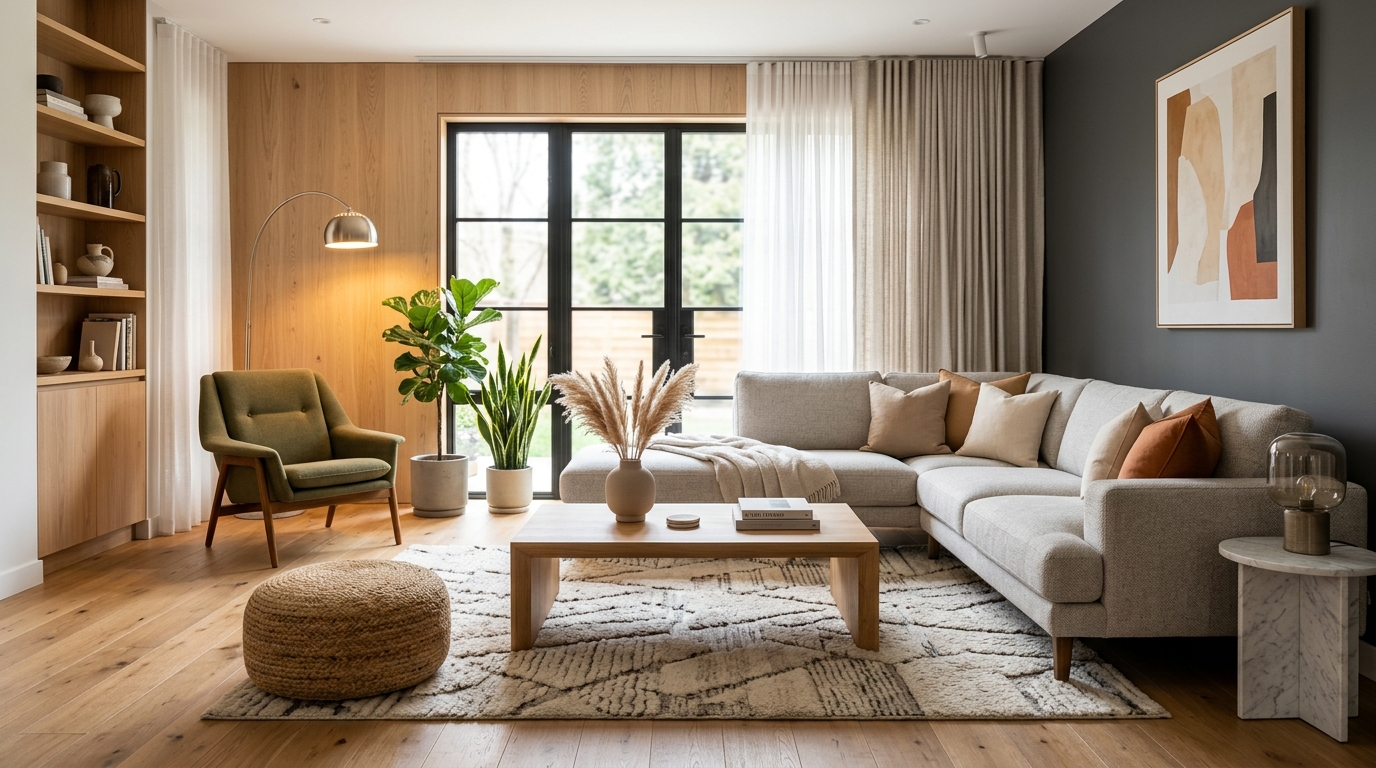
Explore family room ideas with AI for layouts, materials, lighting, and visual inspiration.
Try This Tool →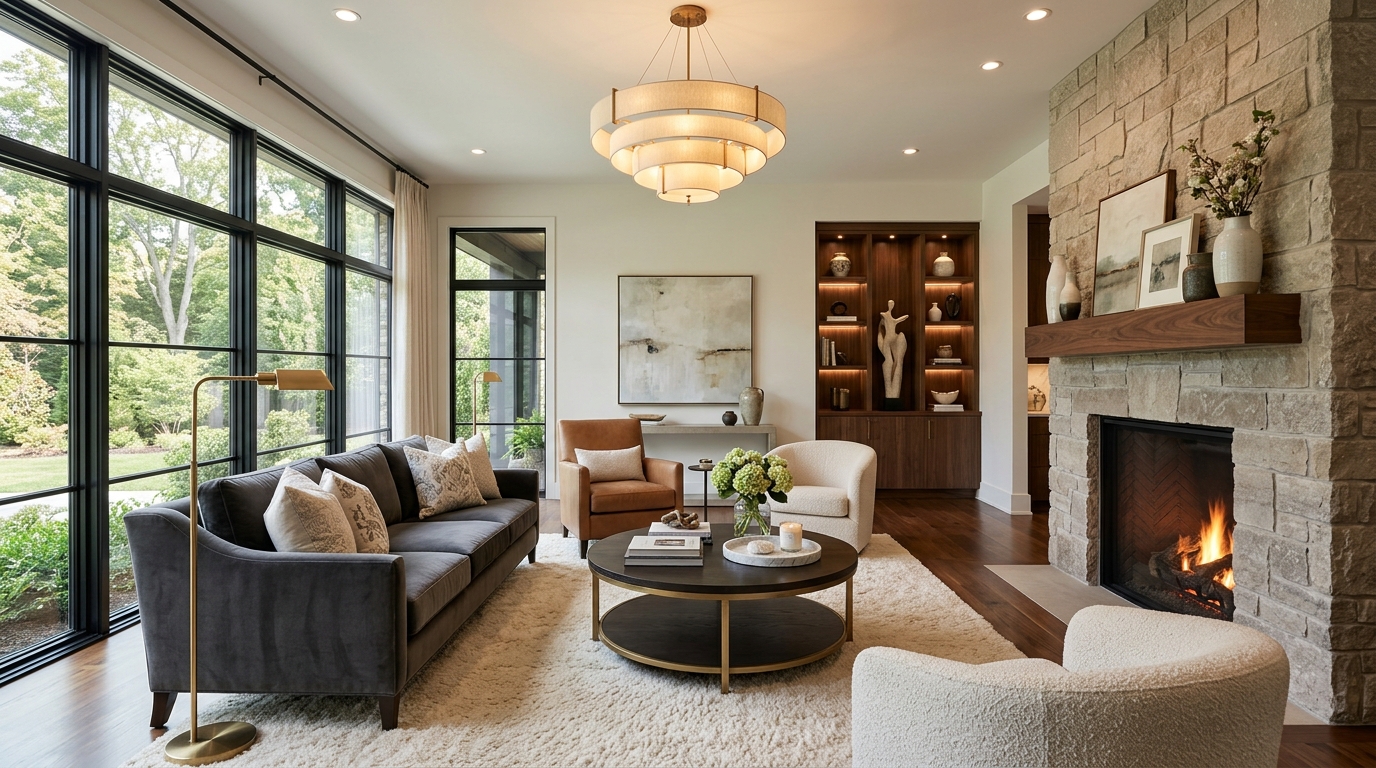
Explore luxury living room ideas with AI for layouts, materials, lighting, and visual inspiration.
Try This Tool →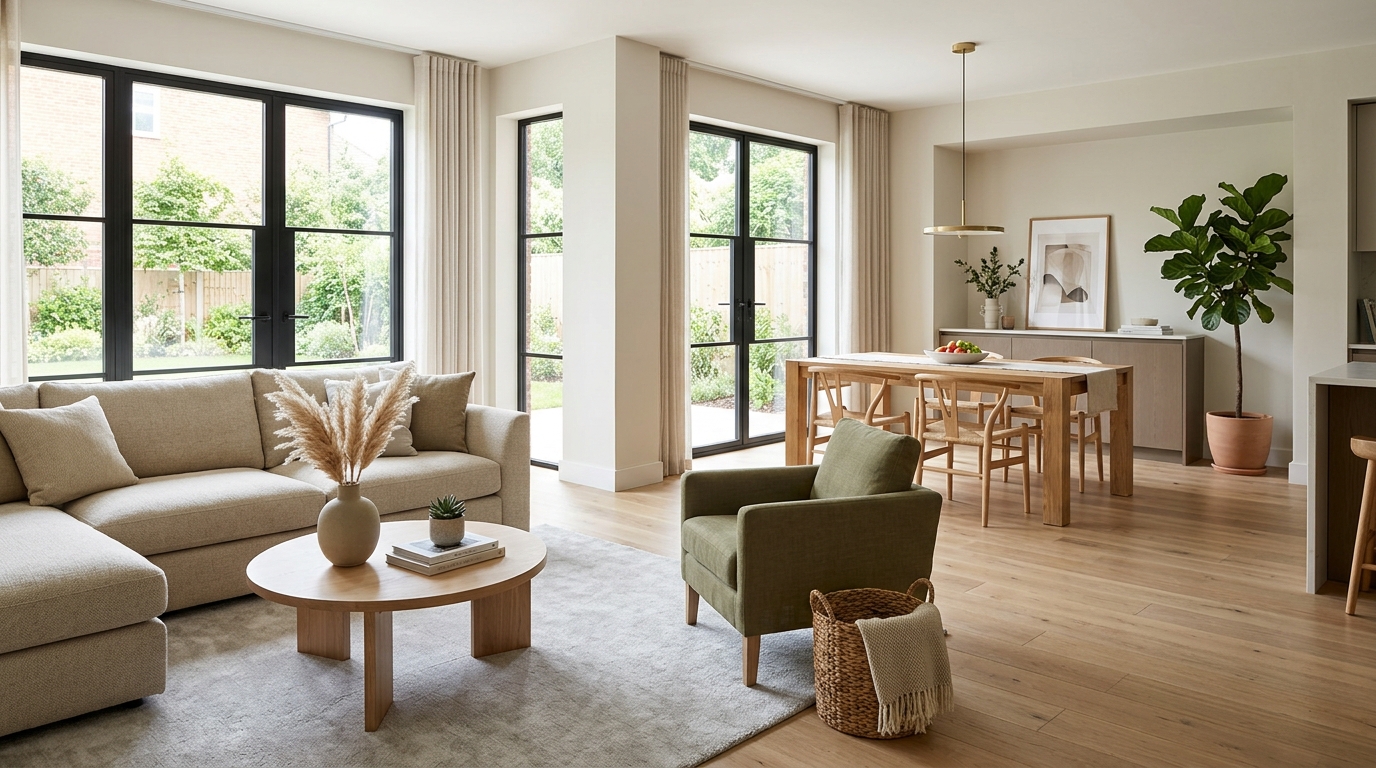
Explore open living space ideas with AI for layouts, materials, lighting, and visual inspiration.
Try This Tool →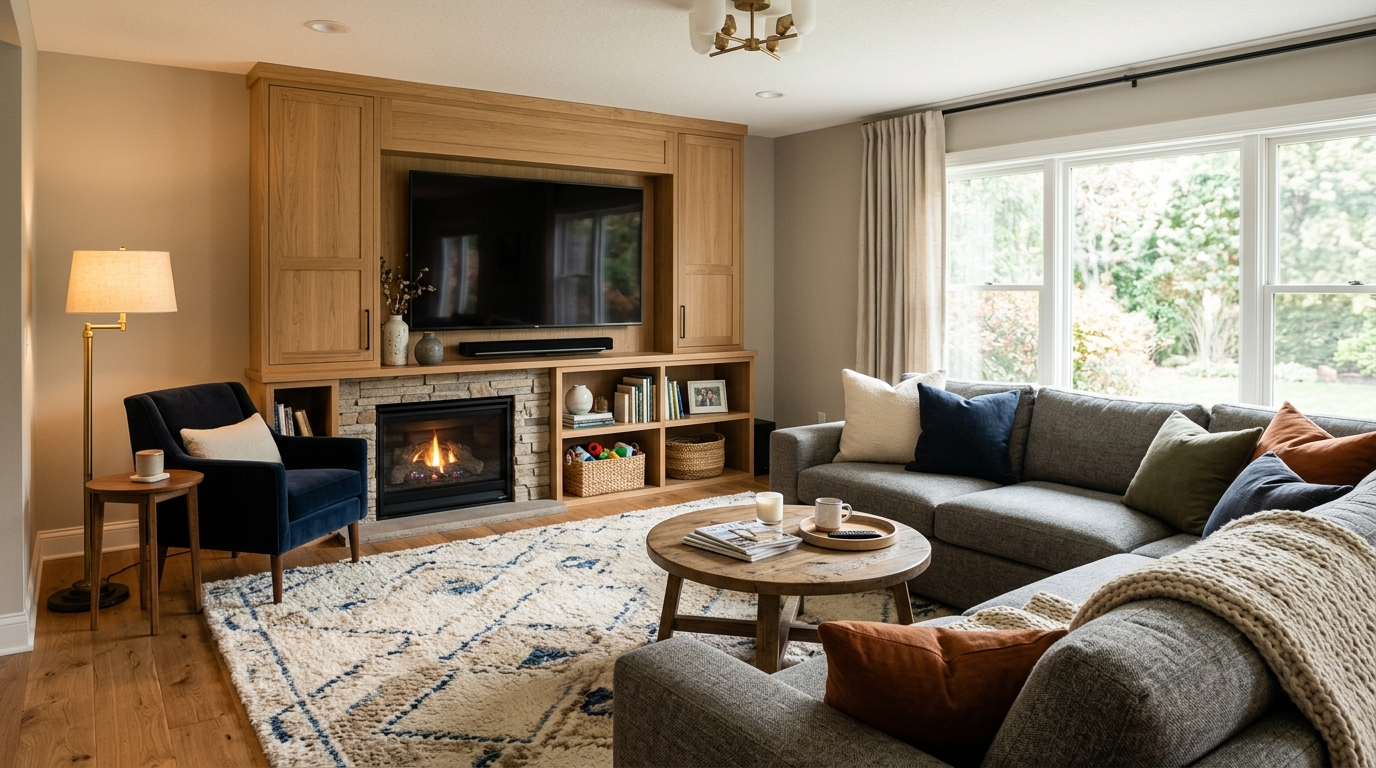
Explore compact condo living ideas with AI for layouts, materials, lighting, and visual inspiration.
Try This Tool →Choose the next Ideal House tool based on what you want to do after generating inspiration.
Upload a room photo and explore remodel directions once an idea feels ready to test on a real space.
02Apply decor inspiration to real rooms with furniture, colors, finishes, and styling ideas.
03Furnish empty interiors for listing, rental, or presentation visuals after choosing a style direction.
04Preview selected furniture inside your own room photo before buying, staging, or redesigning.
05Change furniture and decor in a real room photo once you know the style direction you want to test.
06Preview new room surfaces, finishes, and style directions on an existing interior photo.
Use Idealhouse AI tools to move from idea to visual output faster across design, staging, editing, and presentation workflows.