
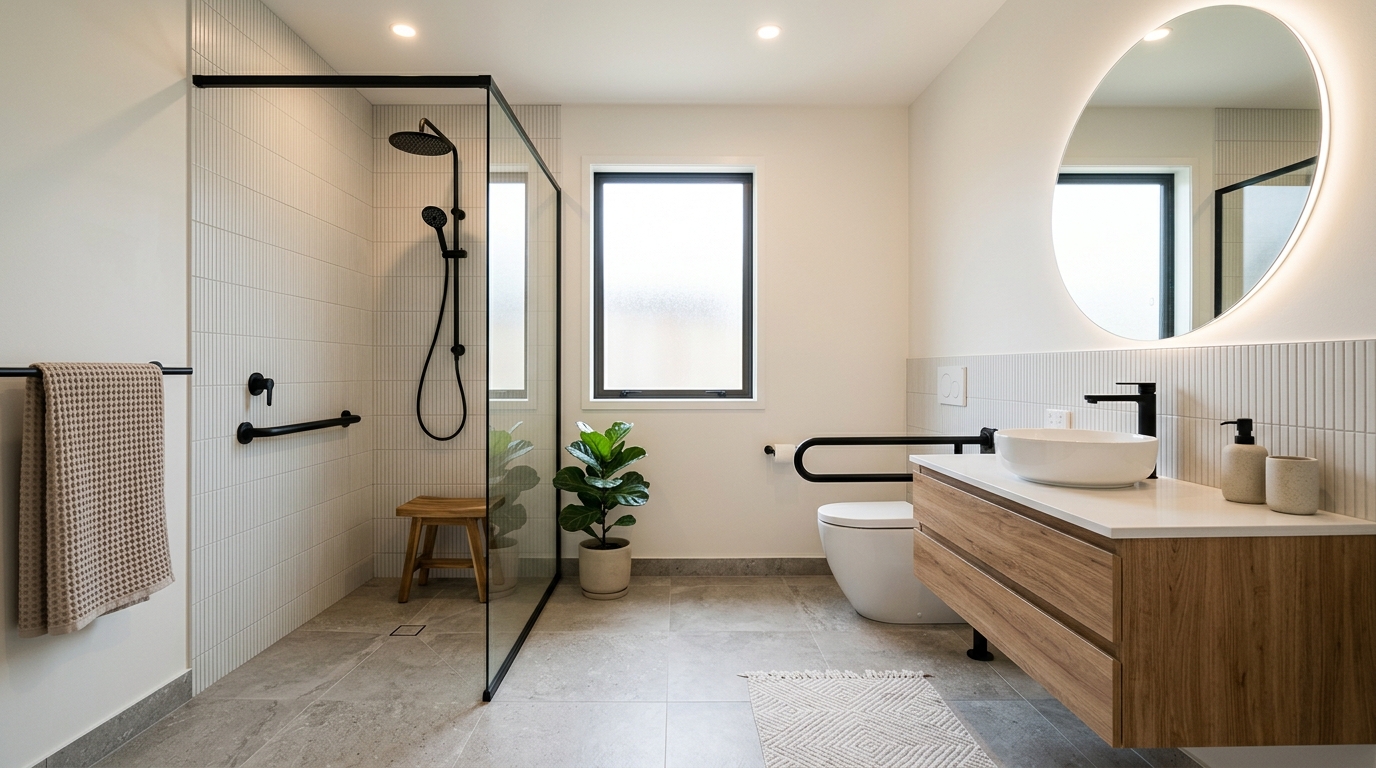
Compact Accessible Bathroom
A compact accessible bathroom with smart storage, a clean vanity area, and better use of tight floor space.

Explore accessible bathroom ideas with AI, including tile, vanities, showers, storage, lighting, and layout concepts in seconds.
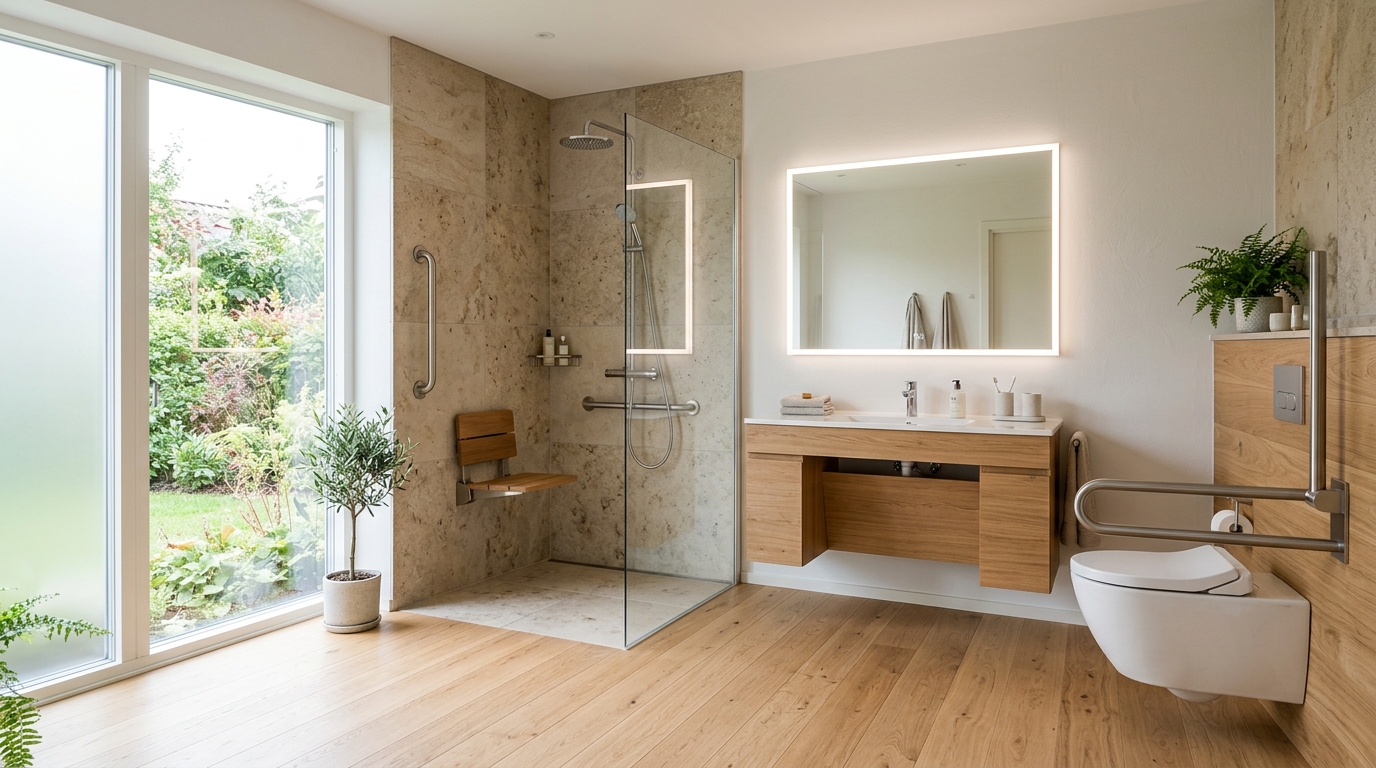
Browse AI-generated examples that stay focused on accessible bathroom inspiration.
A compact accessible bathroom with smart storage, a clean vanity area, and better use of tight floor space.
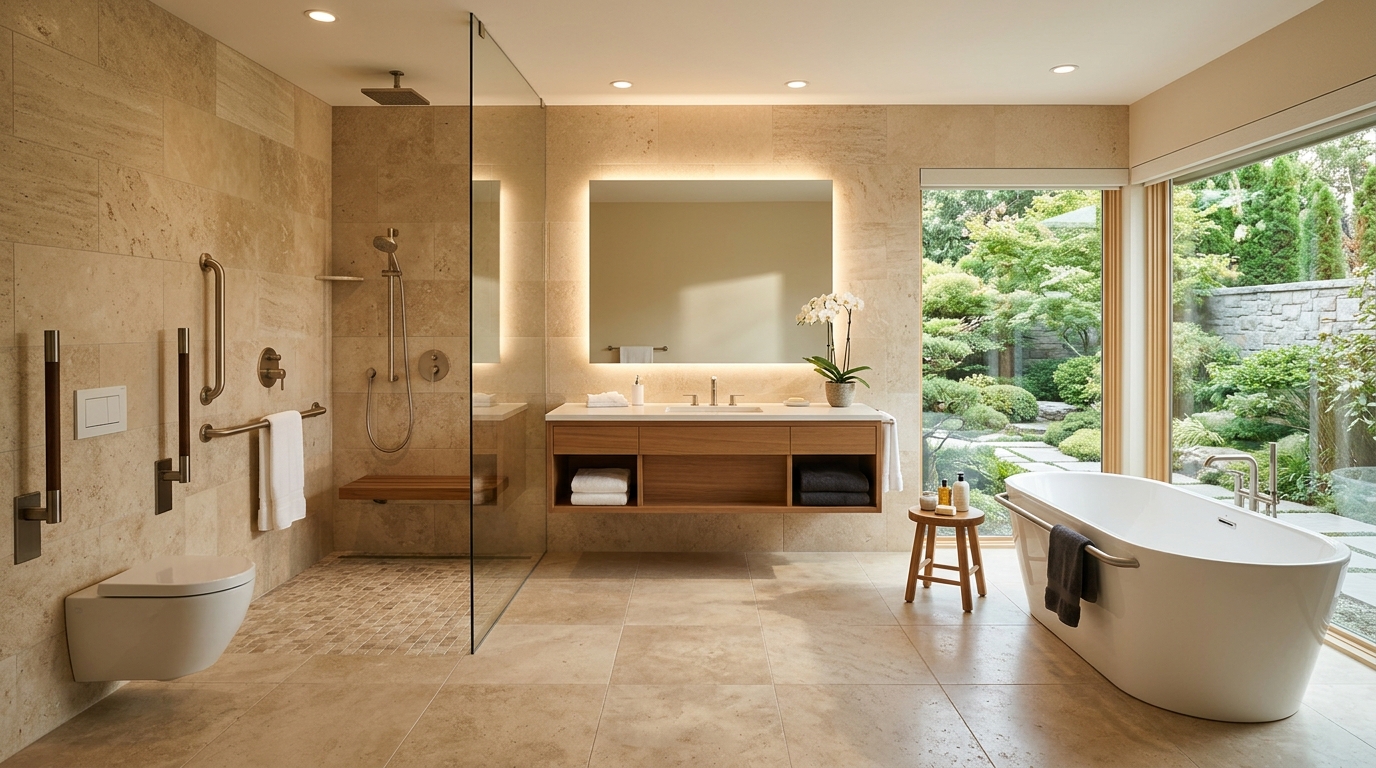
A accessible bathroom focused on a walk-in shower, tile choices, glass, and brighter visual openness.
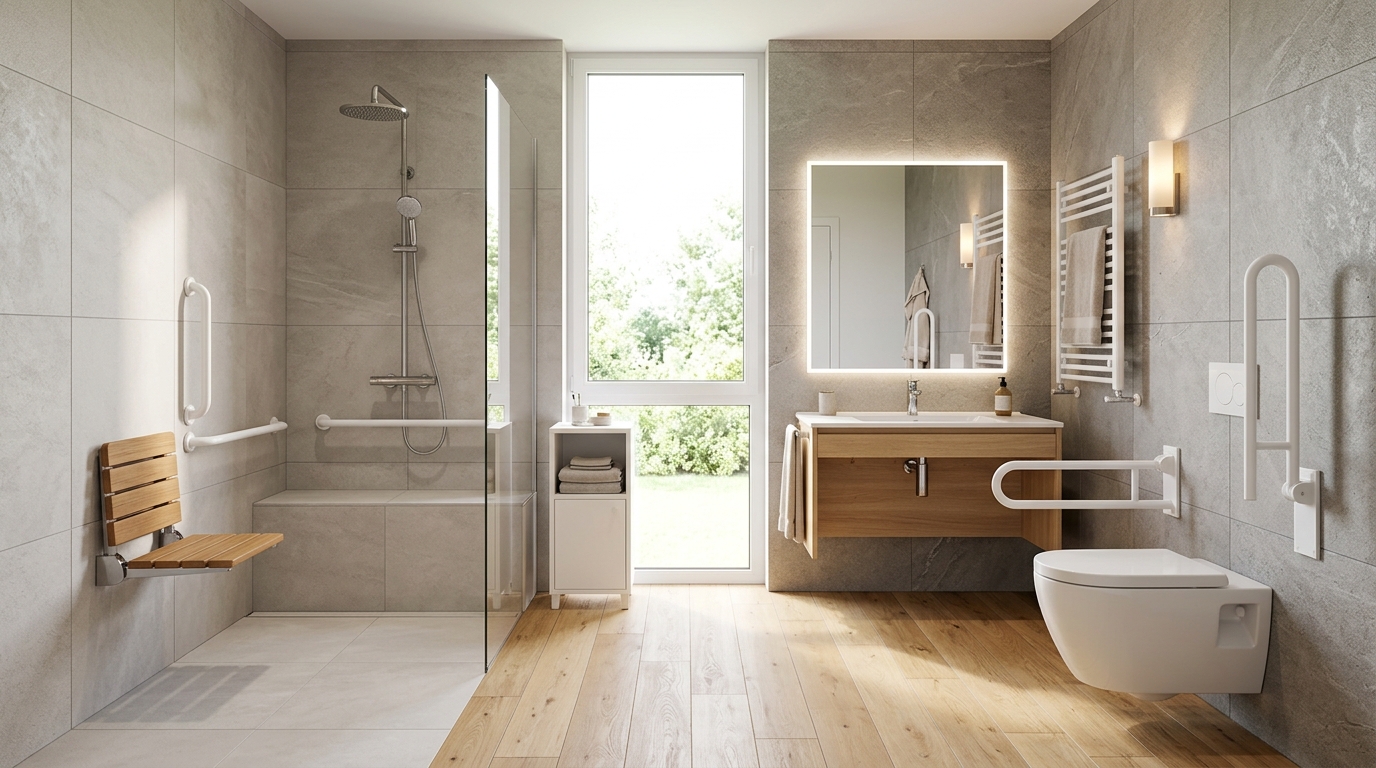
A calmer accessible bathroom with warm lighting, natural textures, and a more relaxing daily routine.
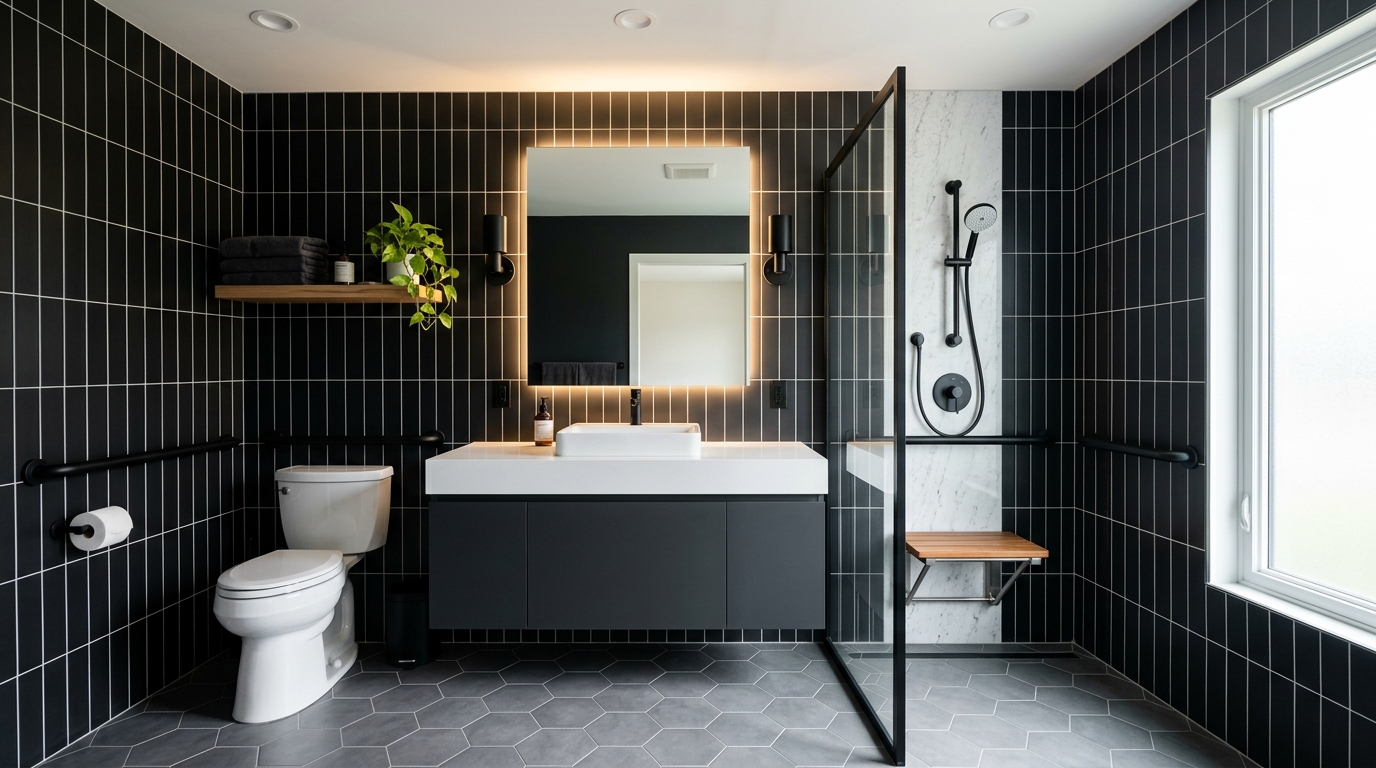
An accessible accessible bathroom concept with safer clearances, barrier-free details, and modern finishes.
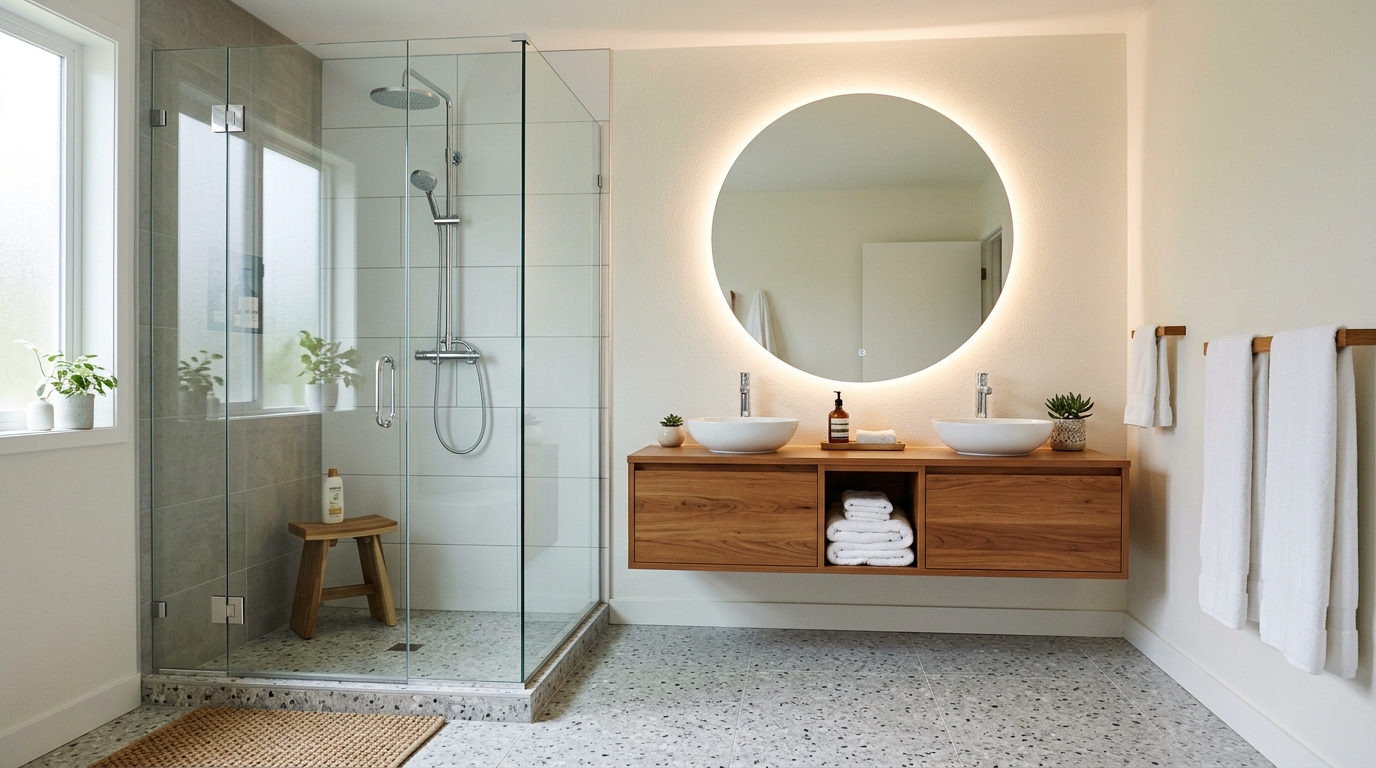
A accessible bathroom exploring wall tile, floor tile, grout contrast, and material combinations.
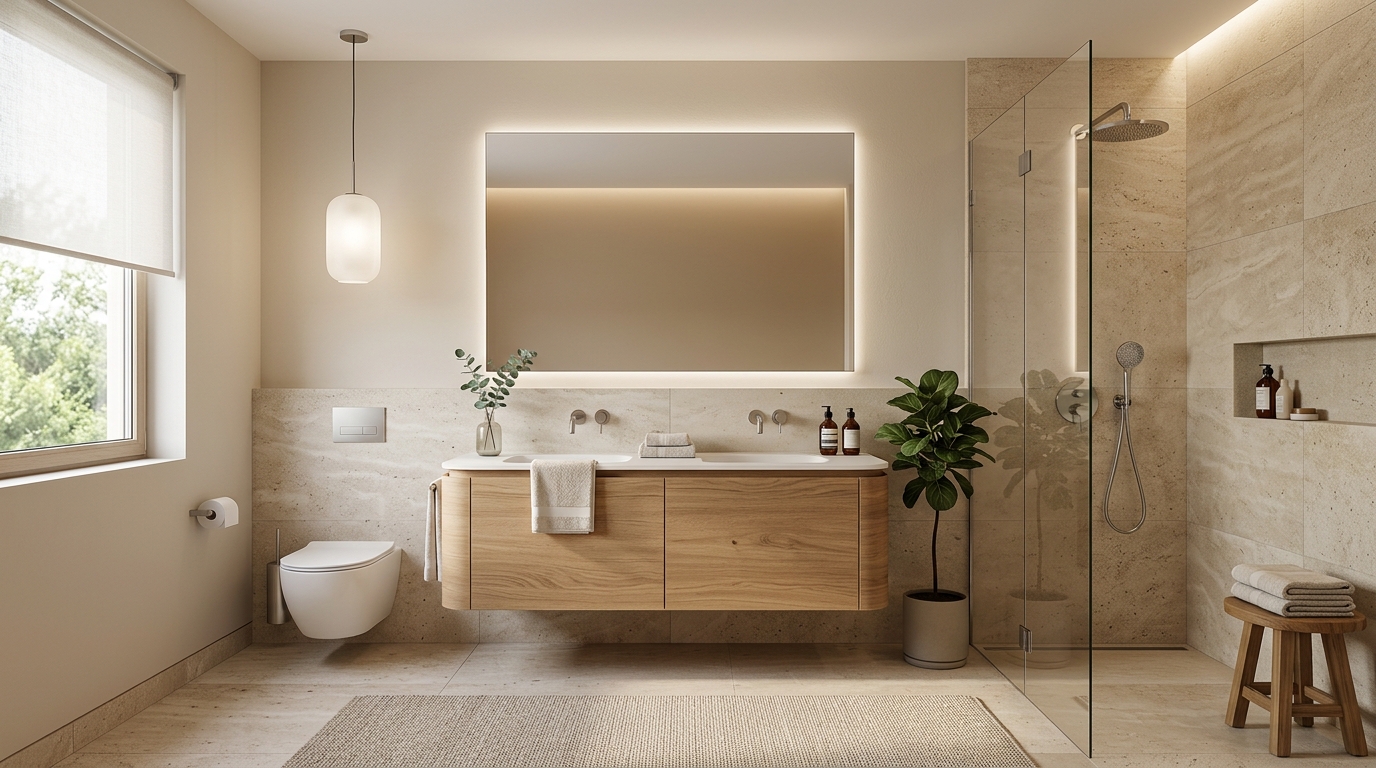
A small-format accessible bathroom with bold wall treatment, lighting, mirror, and vanity ideas.
Our AI generator focuses on essential universal design features for safety and comfort.
Visualize seamless, barrier-free entry points that eliminate tripping hazards while maintaining a sleek, modern bathroom aesthetic.
Incorporate essential safety support structures that are aesthetically integrated into the wall design rather than appearing as an afterthought.
Ensure your floor plans account for necessary turning radii and movement space, essential for wheelchair accessibility and ease of use.
Create open-concept vanity areas that provide necessary knee clearance and floor space for improved accessibility and cleaning.
Explore textures and finishes for flooring and surfaces that prioritize safety without sacrificing style or color coordination.
Balance functional requirements with high-end design trends to create spaces that are inclusive for all ages and abilities.
Discover how our AI tools support various professional and personal design needs.
Visualize how to transform an existing bathroom into a safe, accessible space before committing to expensive construction costs.
RenovationQuickly generate concept boards for clients that demonstrate how accessibility features can be stylishly incorporated into luxury designs.
ProfessionalCreate visual aids to help patients understand how specific modifications can improve their independence and safety at home.
HealthcareShowcase the potential of inclusive, universal design in new residential projects to attract a broader range of buyers.
DevelopmentUse AI-generated visuals to communicate layout changes and safety feature placement to clients during the planning phase.
ConstructionProactively design bathrooms that support long-term comfort and safety for seniors wishing to remain in their own homes.
PlanningFollow these simple steps to visualize your ideal inclusive space.
Enter a prompt describing your bathroom dimensions and specific accessibility requirements, such as a curbless shower or wall-mounted vanity.
Choose from various aesthetic presets to ensure the functional elements blend seamlessly with your preferred modern, minimalist, or traditional decor.
Generate high-quality images to review the layout, lighting, and placement of safety features, then iterate on the design until it meets your exact needs.
Designing for accessibility requires a thoughtful balance between safety and aesthetics. Follow these guidelines to ensure your project meets both functional and visual goals.
Universal design is about creating spaces that are usable by everyone, regardless of age or ability. When using our AI generator, focus on 'barrier-free' concepts. Start by visualizing the flow of the room; ensure there is enough space for a wheelchair to turn, typically a 60-inch diameter circle. By incorporating these elements early in the design phase, you avoid costly structural changes later.
Safety features like grab bars and non-slip surfaces no longer need to look clinical. Modern design trends allow for these elements to be integrated into the room's decor. Use the AI to experiment with different finishes—such as brushed gold or matte black grab bars—that match your faucets and hardware. This creates a cohesive look that feels like a high-end spa rather than a medical facility.
To get the most out of the AI, start with a broad prompt describing the layout, then refine it with specific details. For example, begin with 'modern accessible bathroom with curbless shower' and then add details like 'warm wood vanity, large format non-slip tiles, and soft LED lighting.' Iterating on these details helps the AI narrow down the specific aesthetic you are aiming for while maintaining the necessary accessibility features.
Start from a prompt that stays focused on accessible bathroom, then adjust layout, materials, lighting, and style details.
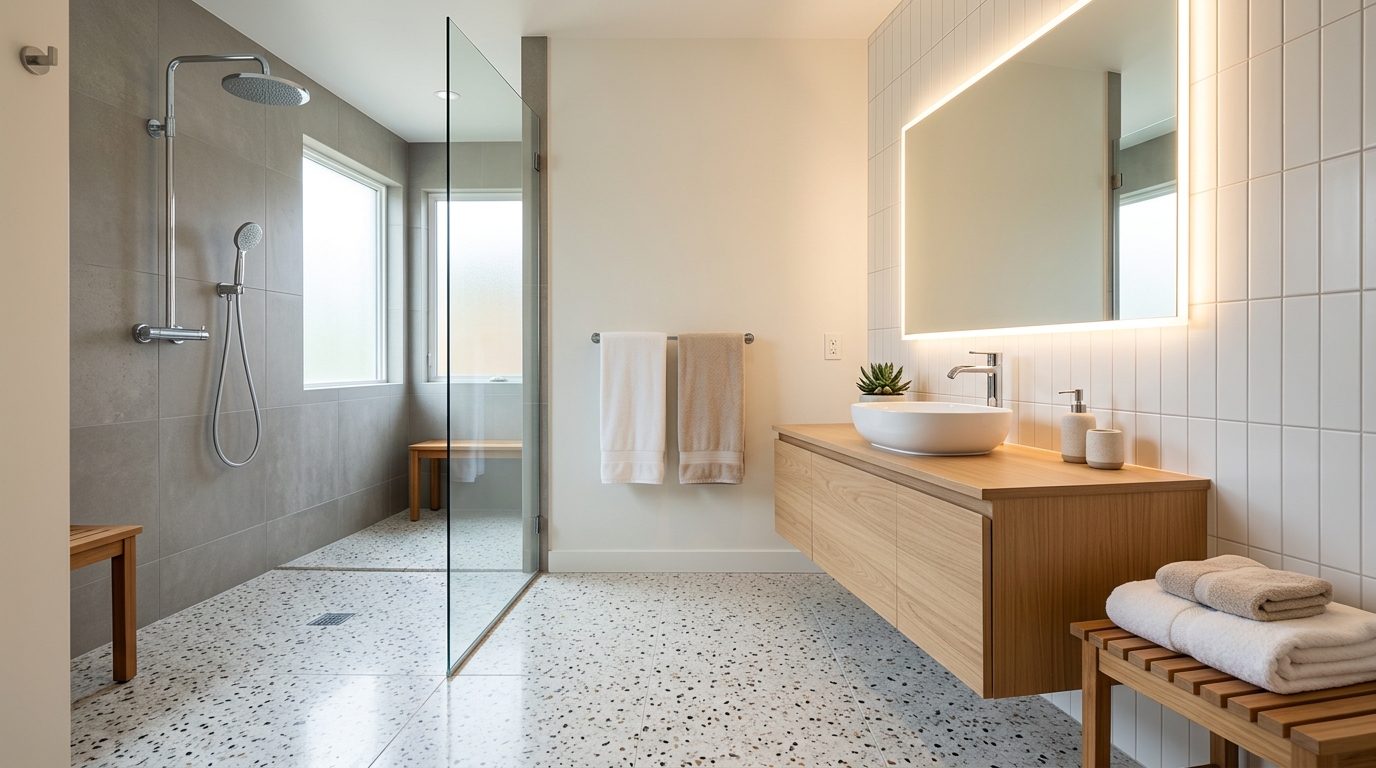
Explore small bathroom ideas for tile, vanities, showers, storage, lighting, and compact layouts.
Try This Tool →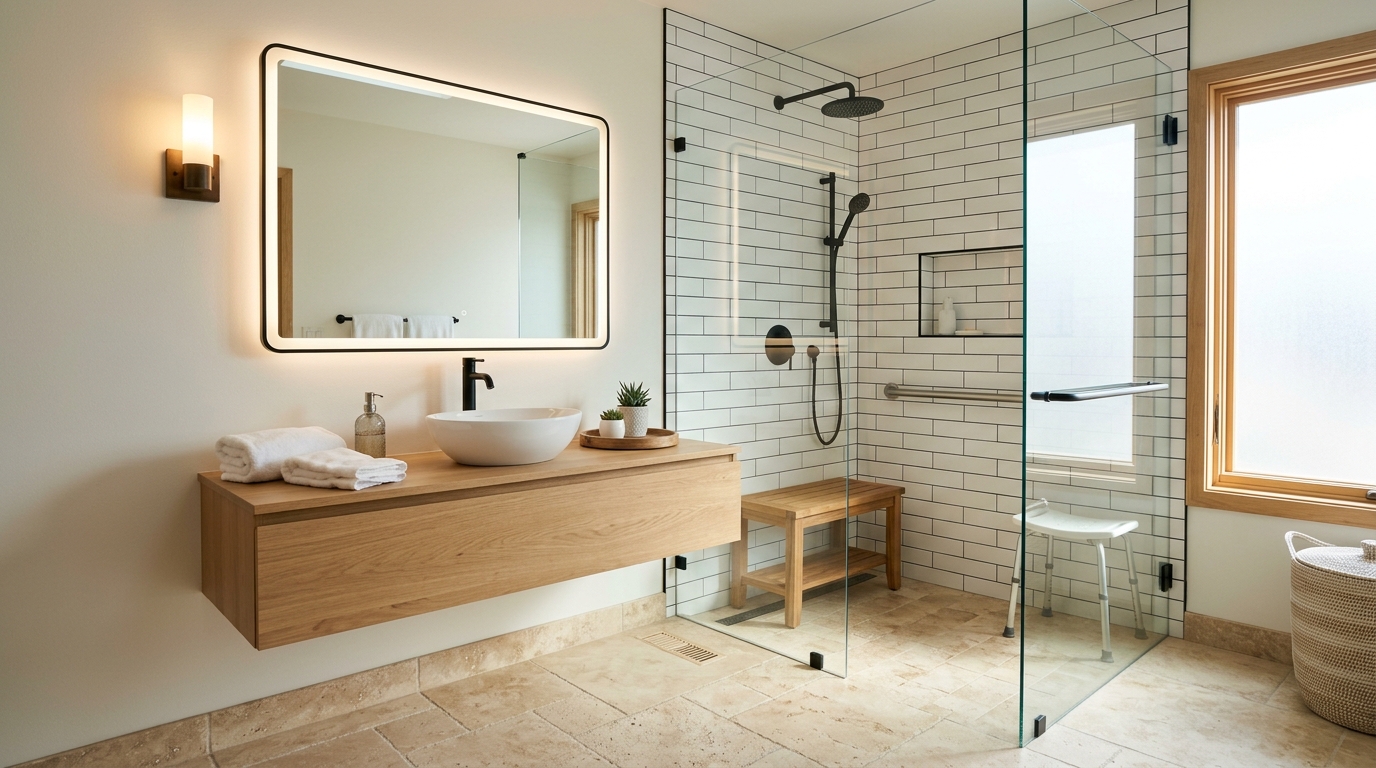
Explore modern bathroom ideas with AI for layouts, materials, lighting, and visual inspiration.
Try This Tool →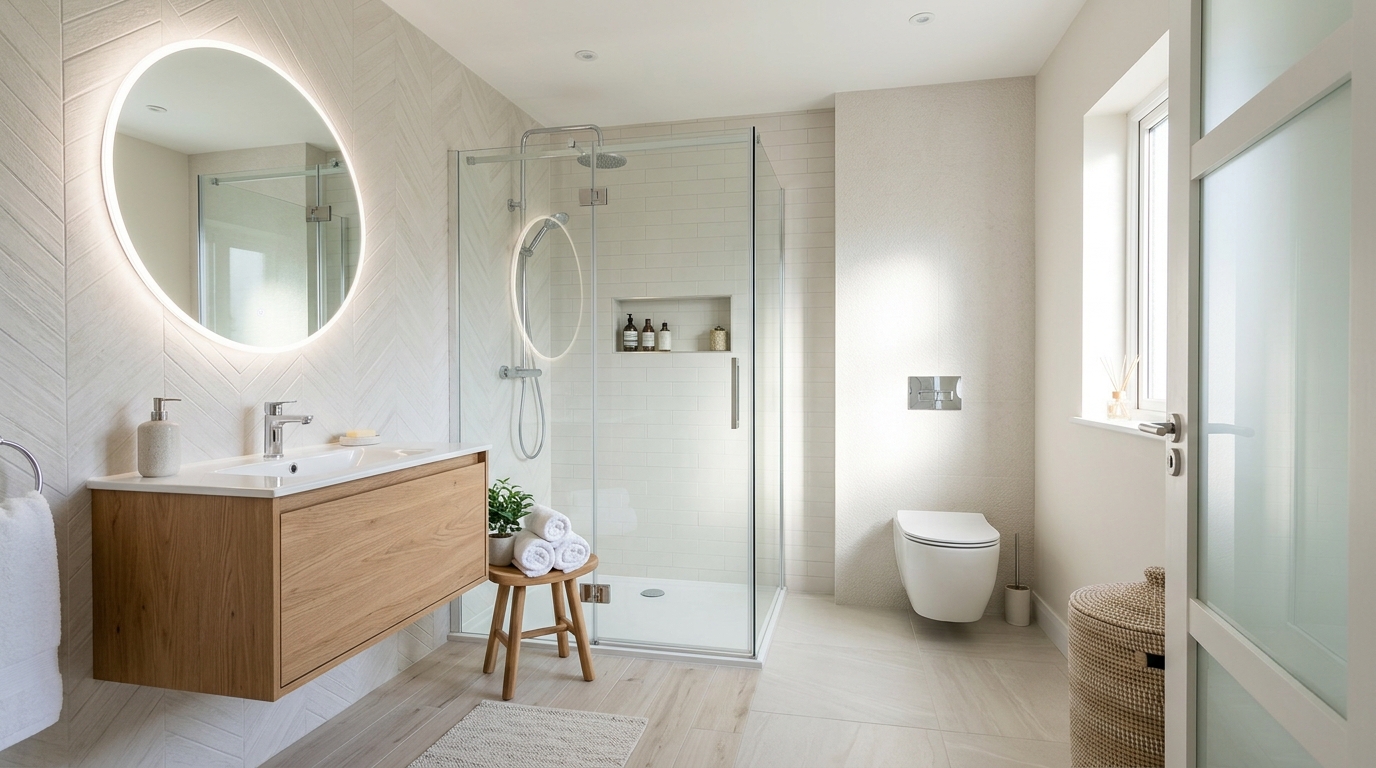
Explore spa bathroom ideas with AI for layouts, materials, lighting, and visual inspiration.
Try This Tool →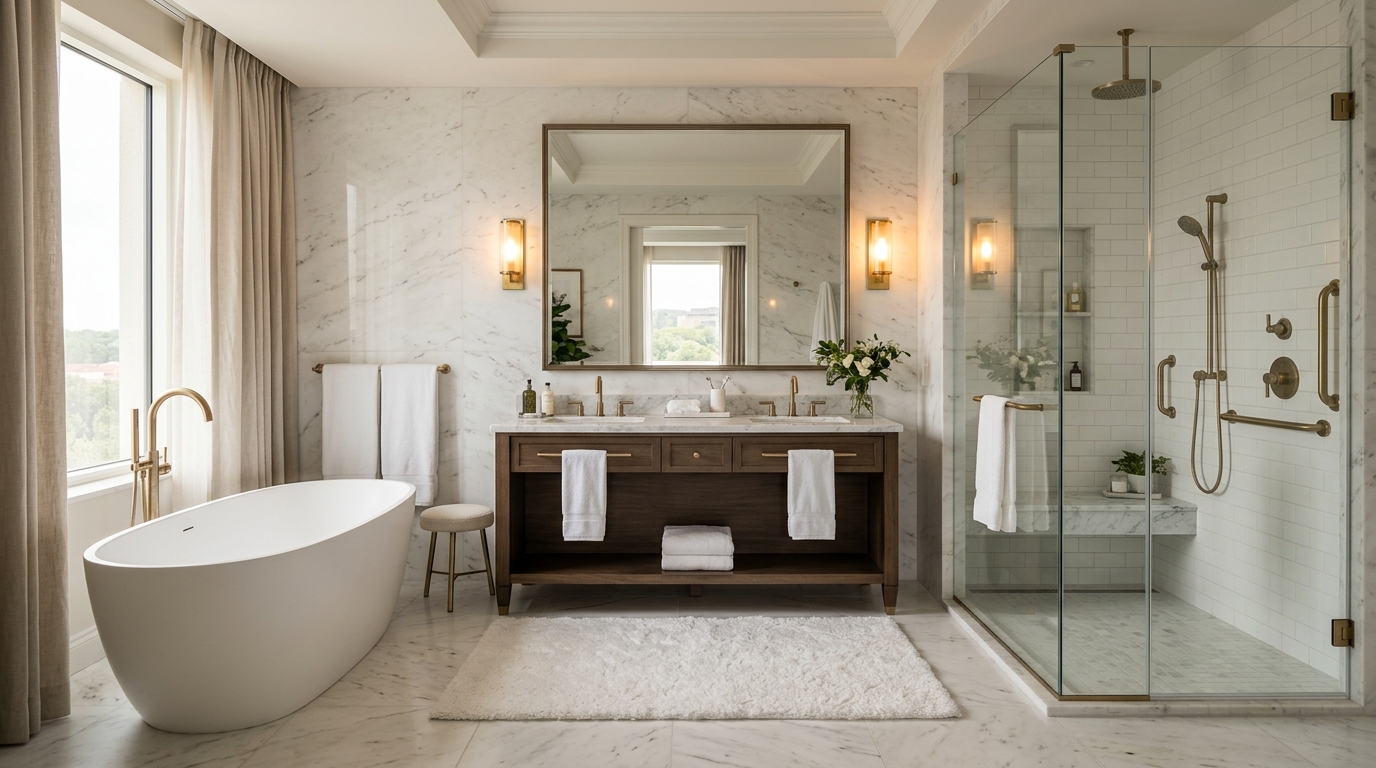
Explore wet room bathroom ideas with AI for layouts, materials, lighting, and visual inspiration.
Try This Tool →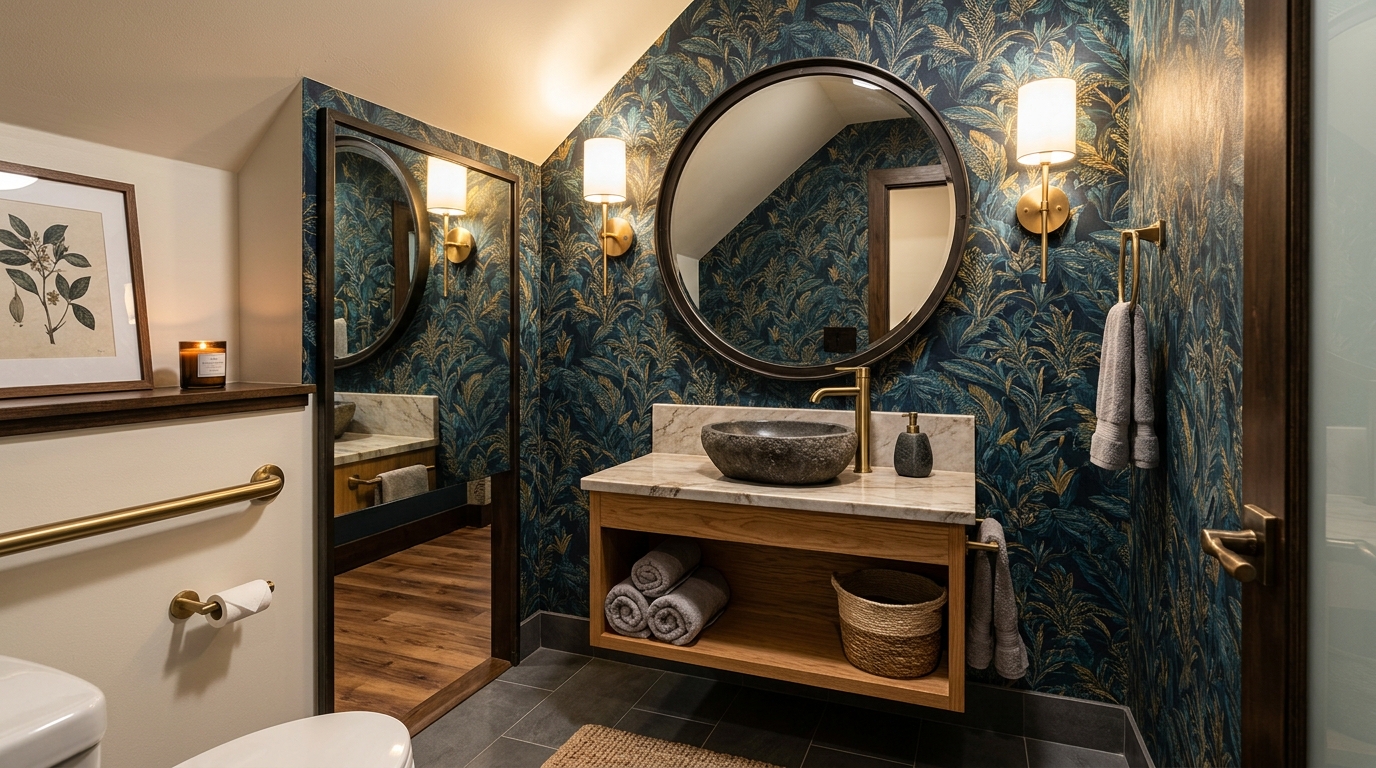
Explore organic bathroom ideas with AI for layouts, materials, lighting, and visual inspiration.
Try This Tool →Choose the next Ideal House tool based on what you want to do after generating inspiration.
Upload a room photo and explore remodel directions once an idea feels ready to test on a real space.
02Apply decor inspiration to real rooms with furniture, colors, finishes, and styling ideas.
03Preview new room surfaces, finishes, and style directions on an existing interior photo.
04Test tile, wood, stone, wall, floor, or countertop materials on an existing image.
05Select one area of an image and replace it with a specific design detail from your prompt.
06Clean up lighting, clarity, and overall presentation for property and design images.
Use Idealhouse AI tools to move from idea to visual output faster across design, staging, editing, and presentation workflows.