
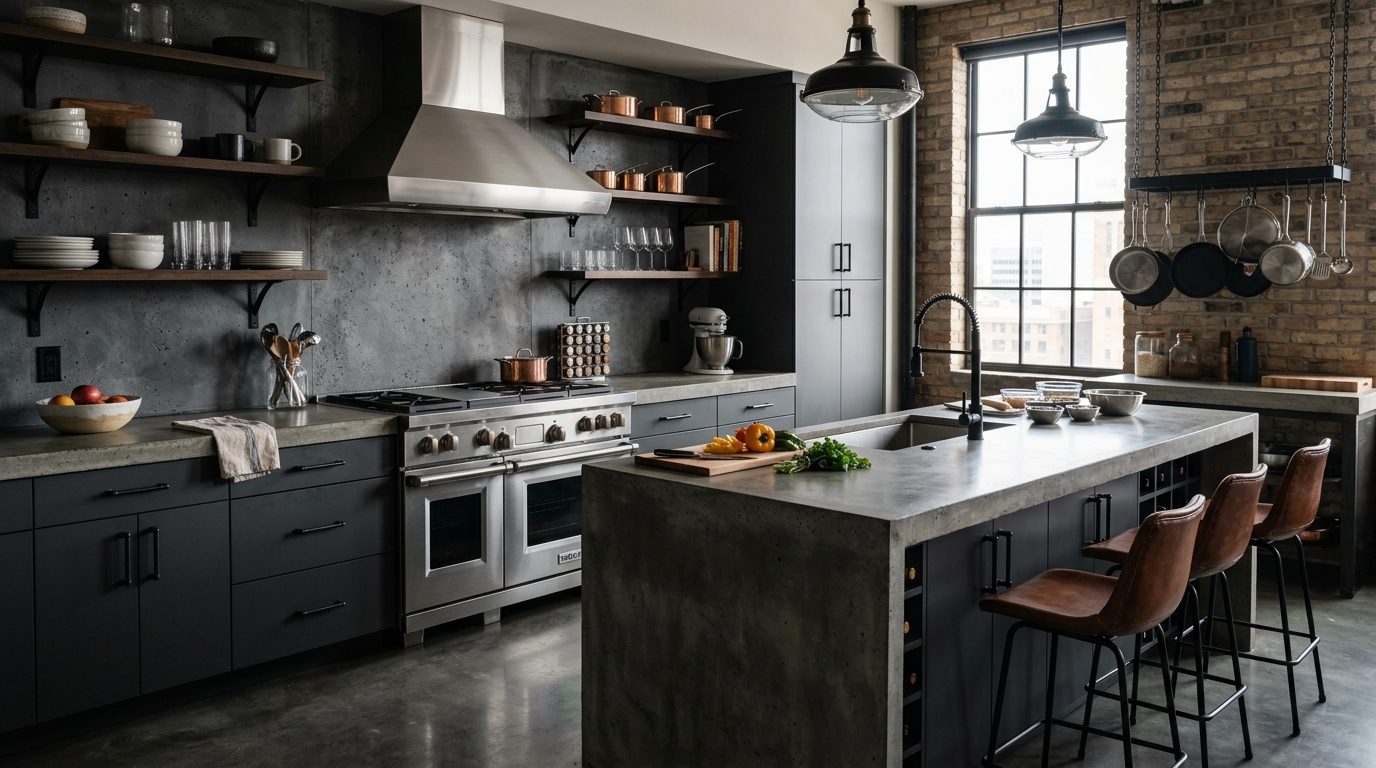
Small-Space Chef's Kitchen
A compact chef's kitchen with efficient storage, bright finishes, and a clearer cooking workflow.

Explore chef's kitchen ideas with AI, including storage, cabinets, materials, lighting, color palettes, and layout concepts in seconds.
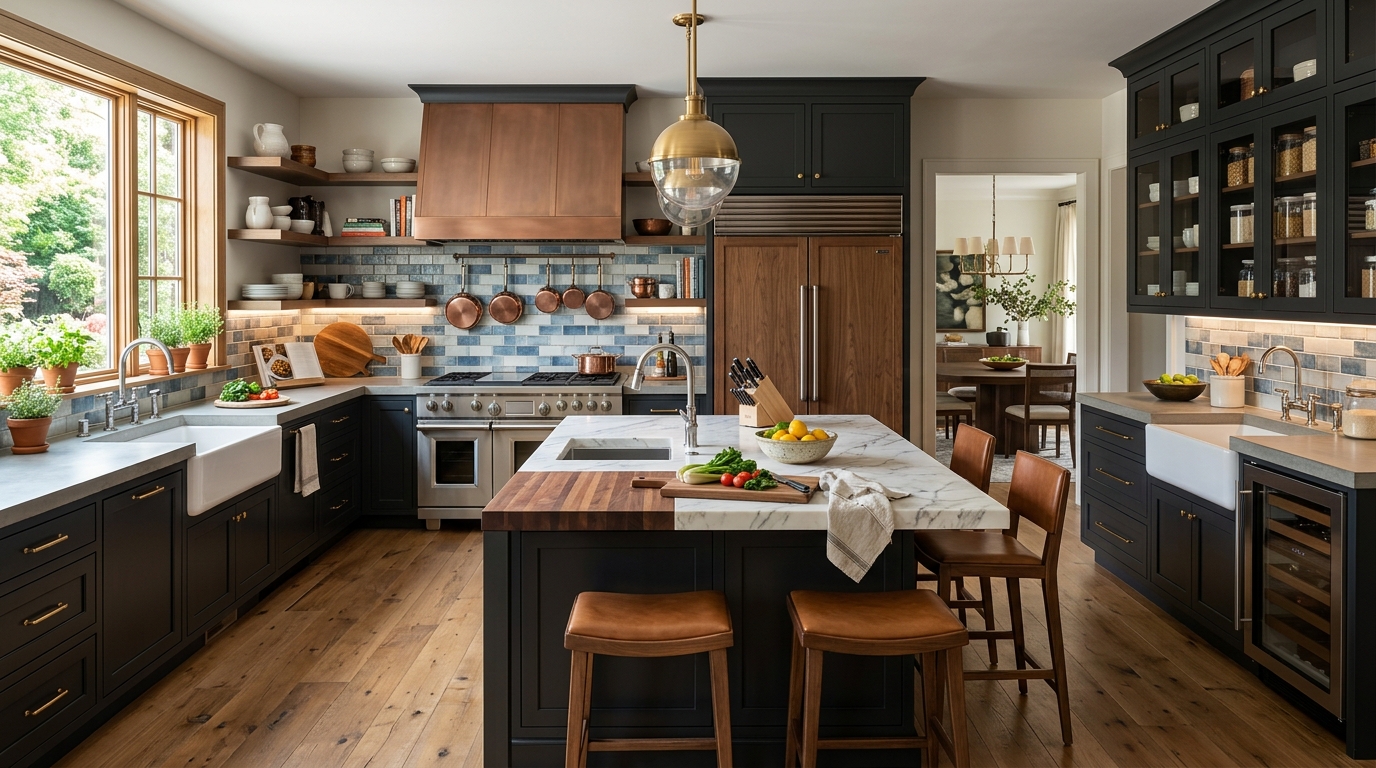
Browse AI-generated examples that stay focused on chef's kitchen inspiration.
A compact chef's kitchen with efficient storage, bright finishes, and a clearer cooking workflow.
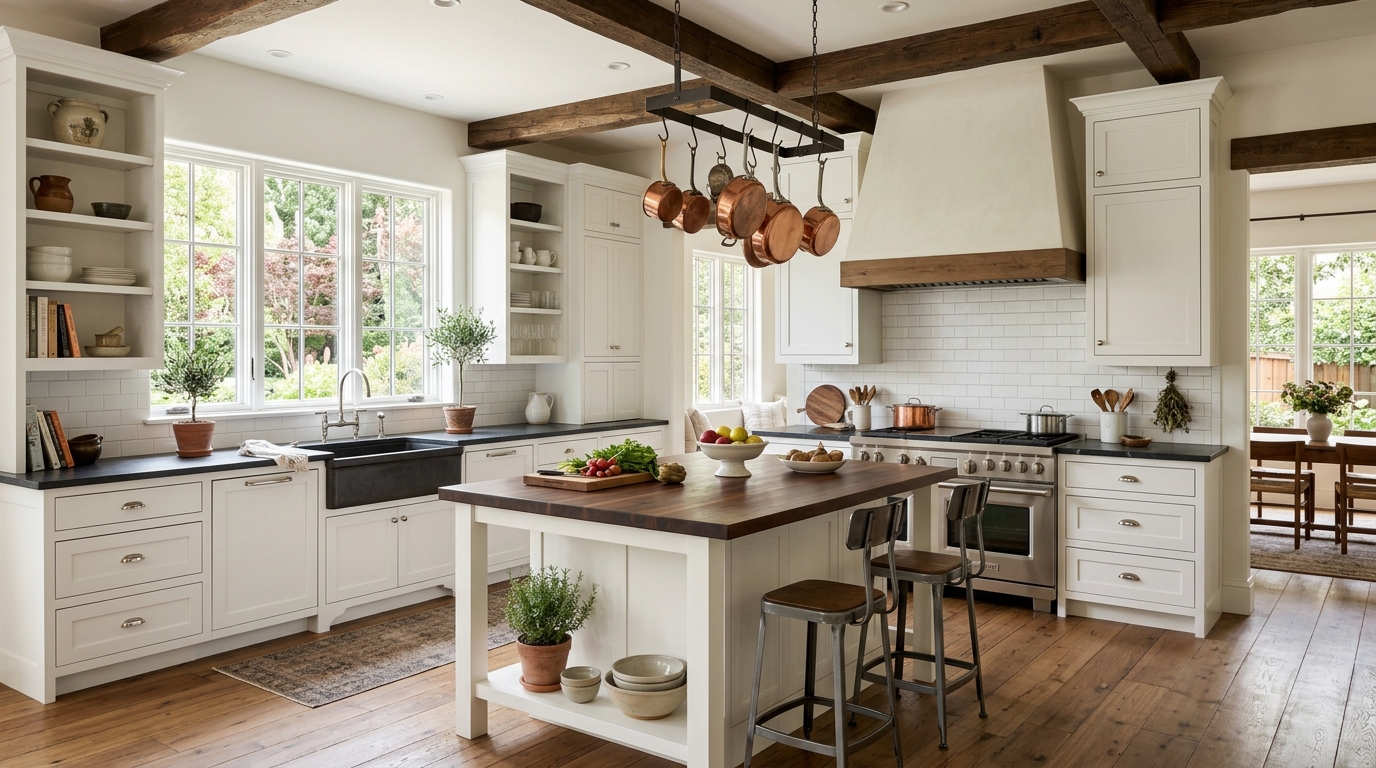
A modern chef's kitchen with streamlined cabinetry, clean counters, and balanced task lighting.
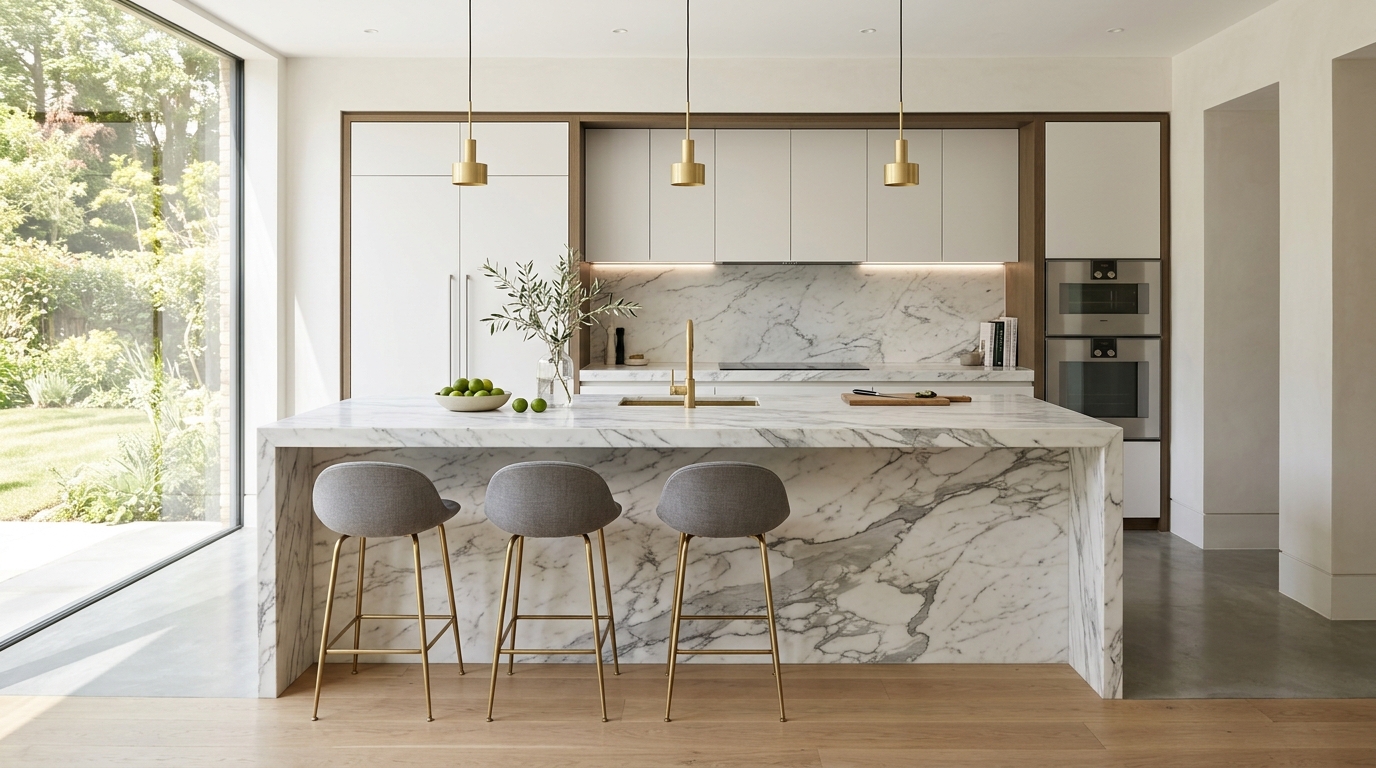
A warm chef's kitchen using wood tones, soft lighting, and practical storage for everyday cooking.
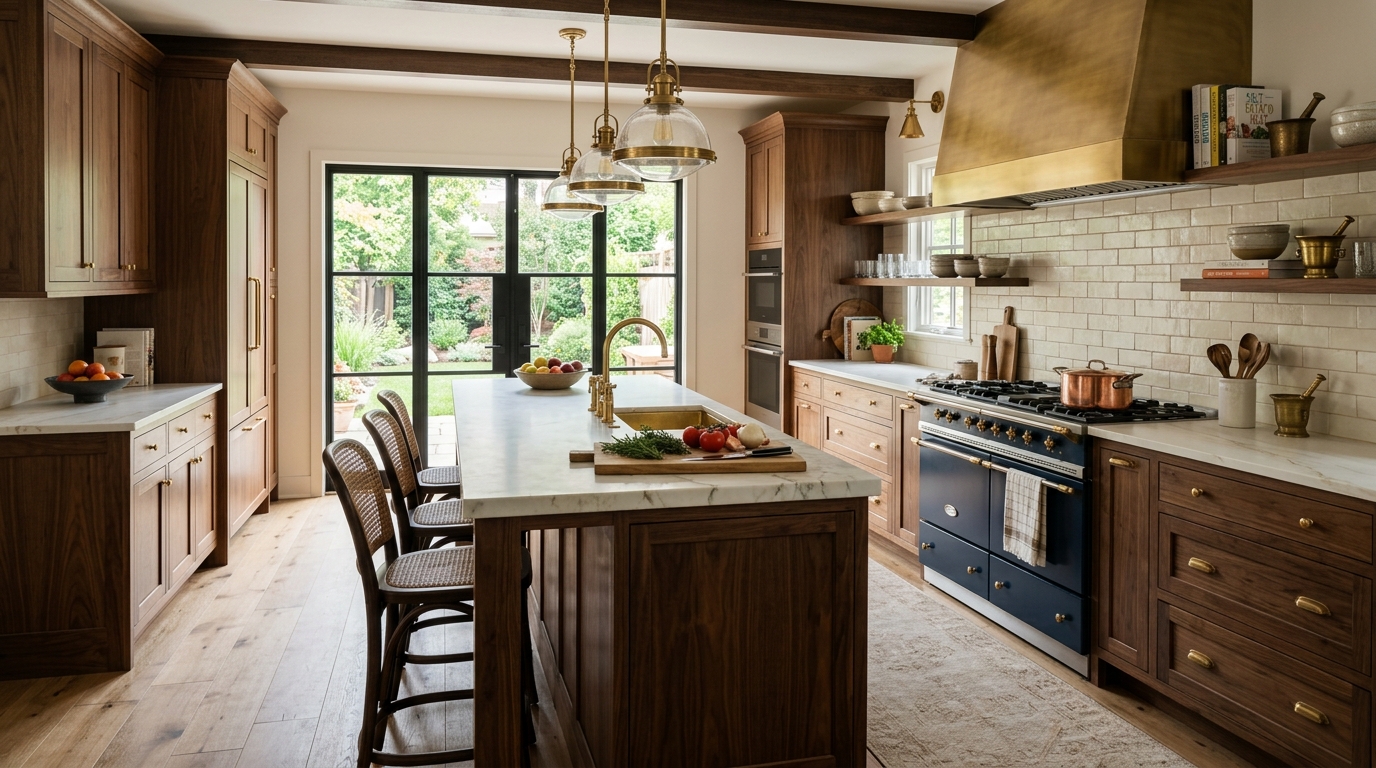
A chef's kitchen concept with open shelving, useful prep space, and carefully styled display areas.
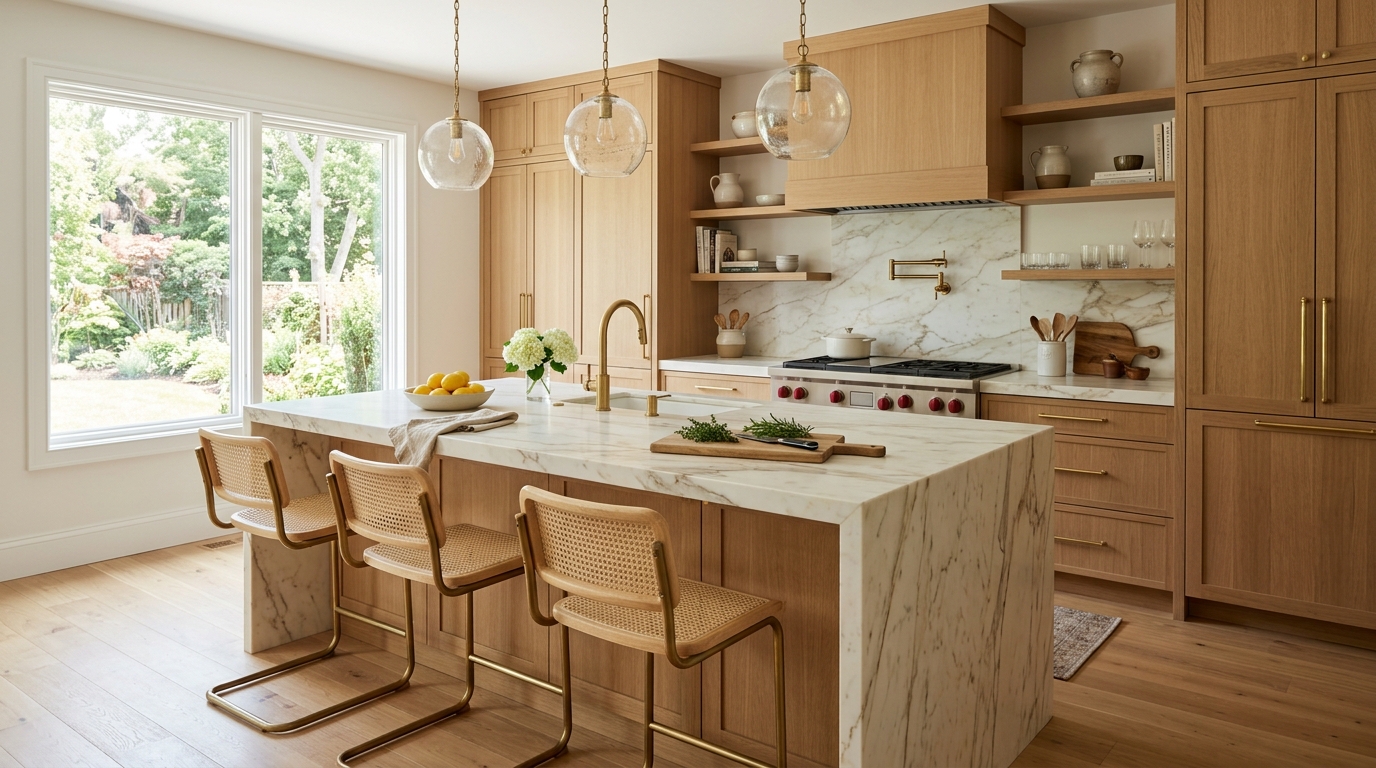
A bright chef's kitchen for apartments or condos with light colors and space-saving details.
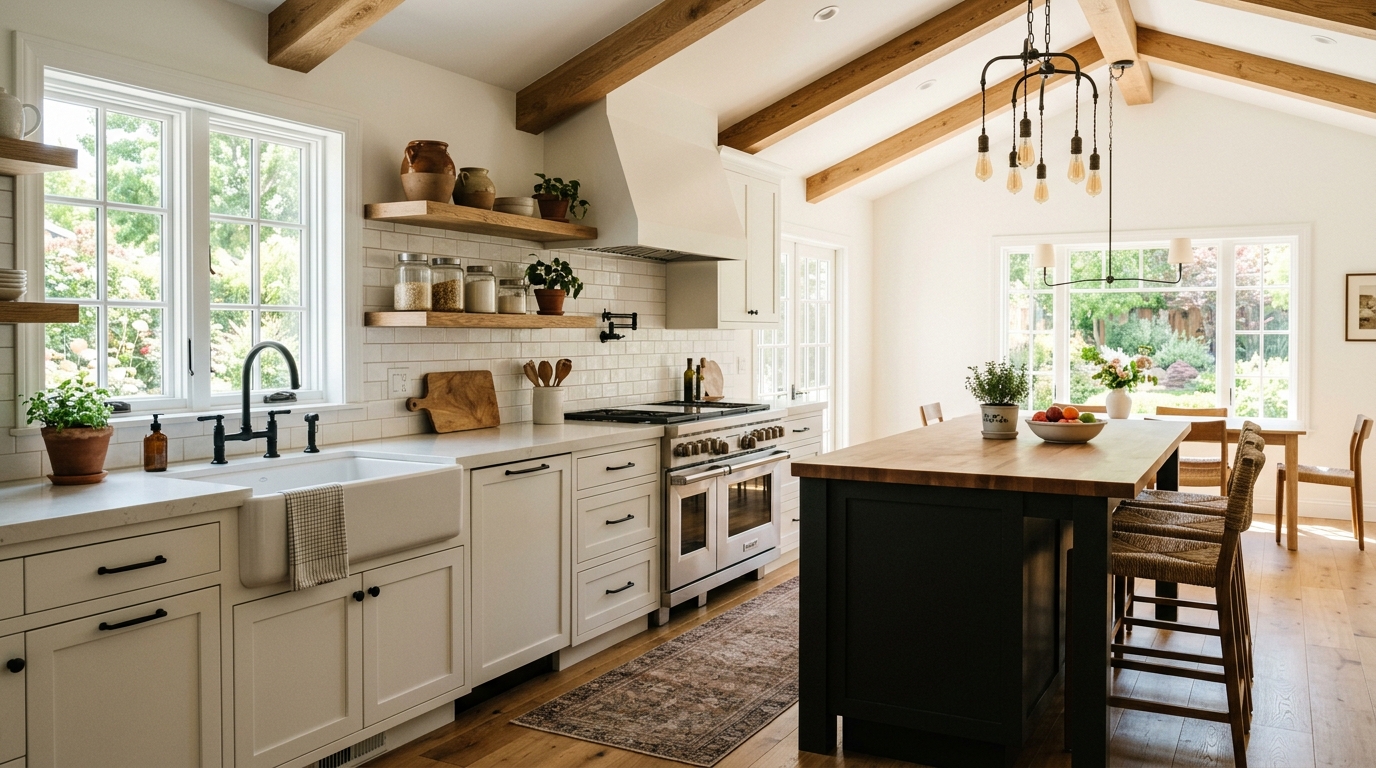
A more functional chef's kitchen with prep zones, durable materials, and appliance-aware visual planning.
Leverage advanced AI features designed to optimize your kitchen layout and aesthetic.
Visualize efficient work triangles and dedicated prep areas that prioritize workflow and accessibility for serious home cooks.
Seamlessly incorporate high-end ranges, double ovens, and professional-grade refrigeration into your kitchen layout.
Explore deep drawers, floor-to-ceiling storage, and specialized pantry solutions designed for maximum organization.
Experiment with luxury finishes like marble, quartz, butcher block, and high-end metals to create a cohesive, professional look.
Generate designs that feature layered lighting, including task-focused under-cabinet lights and statement-making pendants over islands.
Produce crisp, photorealistic images that help you evaluate textures, colors, and spatial relationships before starting a renovation.
See how our AI generator supports various professional and personal kitchen projects.
Visualize your dream kitchen remodel to ensure the layout meets your cooking needs before hiring a contractor.
RenovationQuickly generate multiple design directions for clients to help them visualize high-end kitchen possibilities.
DesignCreate stunning kitchen visuals for property listings to highlight the potential of a home's most important room.
Real EstateUse the tool to demonstrate how specific premium appliances fit into various kitchen styles and layouts.
MarketingExplore different cabinet configurations and hardware styles to find the perfect balance of form and function.
DesignApply professional kitchen principles to compact layouts to maximize efficiency and storage in smaller homes.
PlanningFollow these simple steps to bring your professional kitchen vision to life.
Start by describing your ideal kitchen configuration, such as a large island, galley style, or open-concept layout, and specify the desired professional-grade appliances.
Choose your preferred aesthetic, including color palettes, cabinet finishes, countertop materials, and lighting styles to match your home's overall design.
Submit your prompt to the AI generator to receive high-quality visual concepts, then iterate by adjusting specific details like hardware or backsplash patterns.
Creating a chef's kitchen requires balancing high-end aesthetics with practical, ergonomic design. Use these tips to guide your AI-generated concepts.
The hallmark of a true chef's kitchen is the work triangle—the efficient path between the stove, sink, and refrigerator. When using the AI generator, focus your prompts on layouts that minimize steps between these zones. Consider adding features like a prep sink on the island or dedicated zones for baking and cleaning to ensure your design is as functional as it is beautiful.
A professional kitchen needs surfaces that can withstand heavy use. When visualizing your design, look for materials that offer both beauty and resilience. Quartz and granite are popular for their heat and stain resistance, while professional-grade stainless steel remains the gold standard for appliances. Use the AI to experiment with how these materials interact with your chosen lighting and color scheme.
Storage is critical in a professional kitchen. Aim for a mix of deep drawers for heavy pots, vertical storage for baking sheets, and accessible pantry space. The AI can help you visualize how to integrate these storage solutions without cluttering the room. Try prompts that emphasize 'clean lines' and 'integrated storage' to maintain a sophisticated, high-end look while ensuring every tool has its place.
Start from a prompt that stays focused on chef's kitchen, then adjust layout, materials, lighting, and style details.
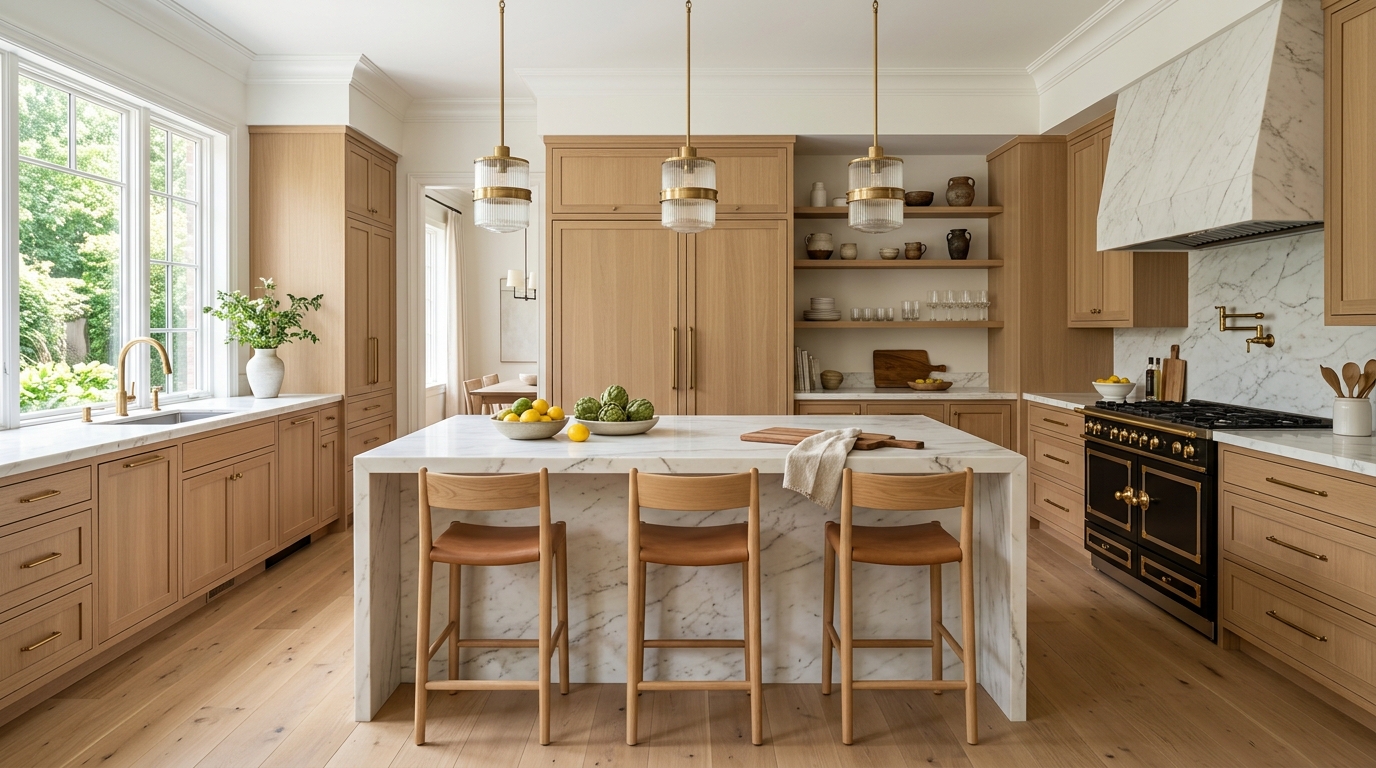
Explore small kitchen ideas for storage, cabinets, materials, lighting, and efficient layouts.
Try This Tool →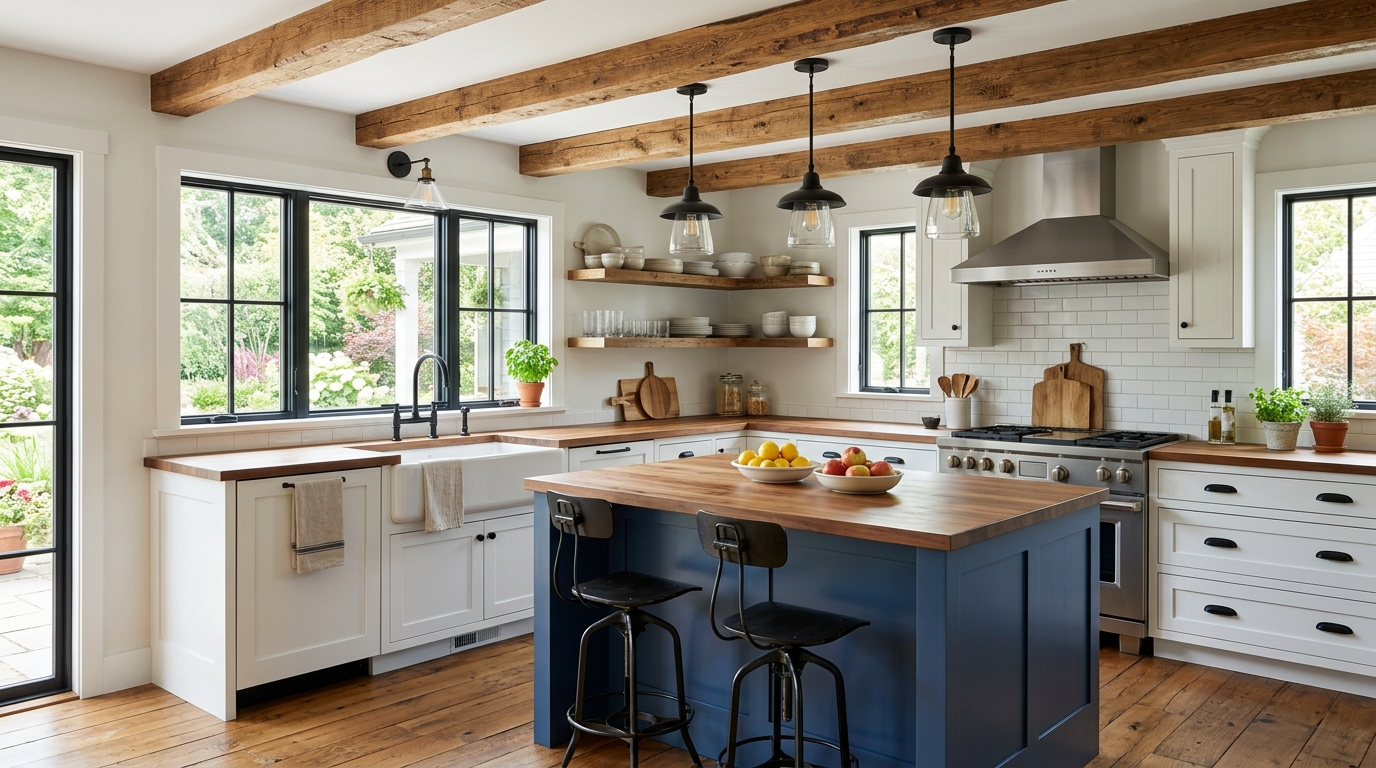
Explore open concept kitchen ideas with AI for layouts, materials, lighting, and visual inspiration.
Try This Tool →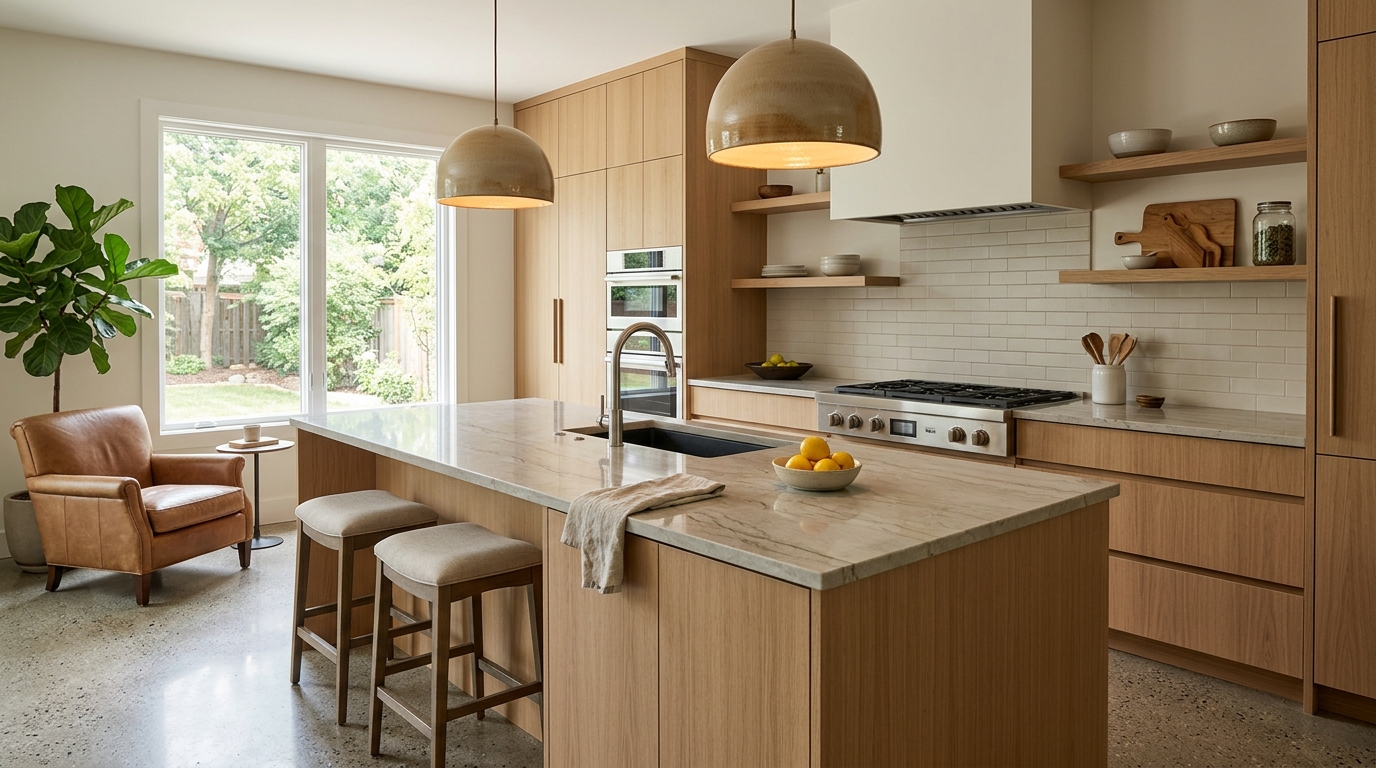
Explore farmhouse kitchen ideas with AI for layouts, materials, lighting, and visual inspiration.
Try This Tool →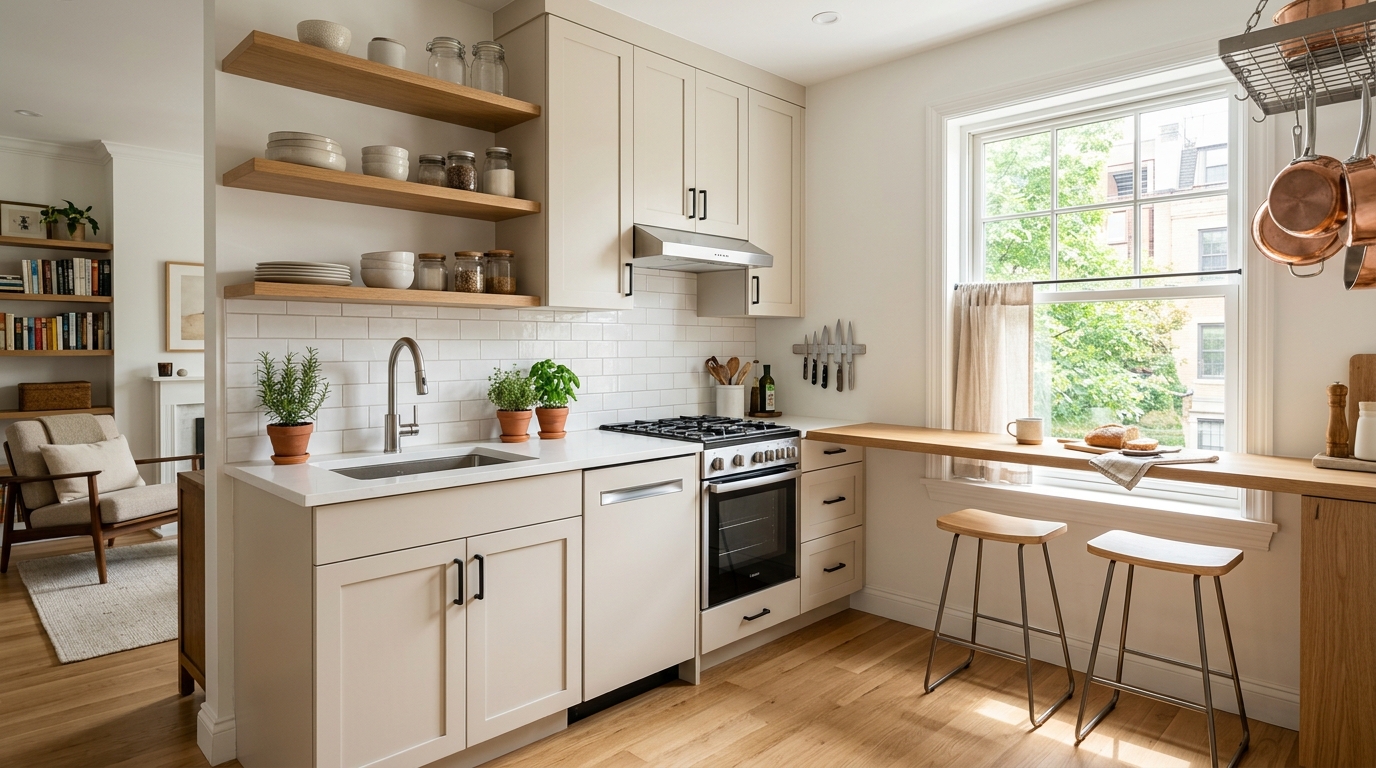
Explore warm modern kitchen ideas with AI for layouts, materials, lighting, and visual inspiration.
Try This Tool →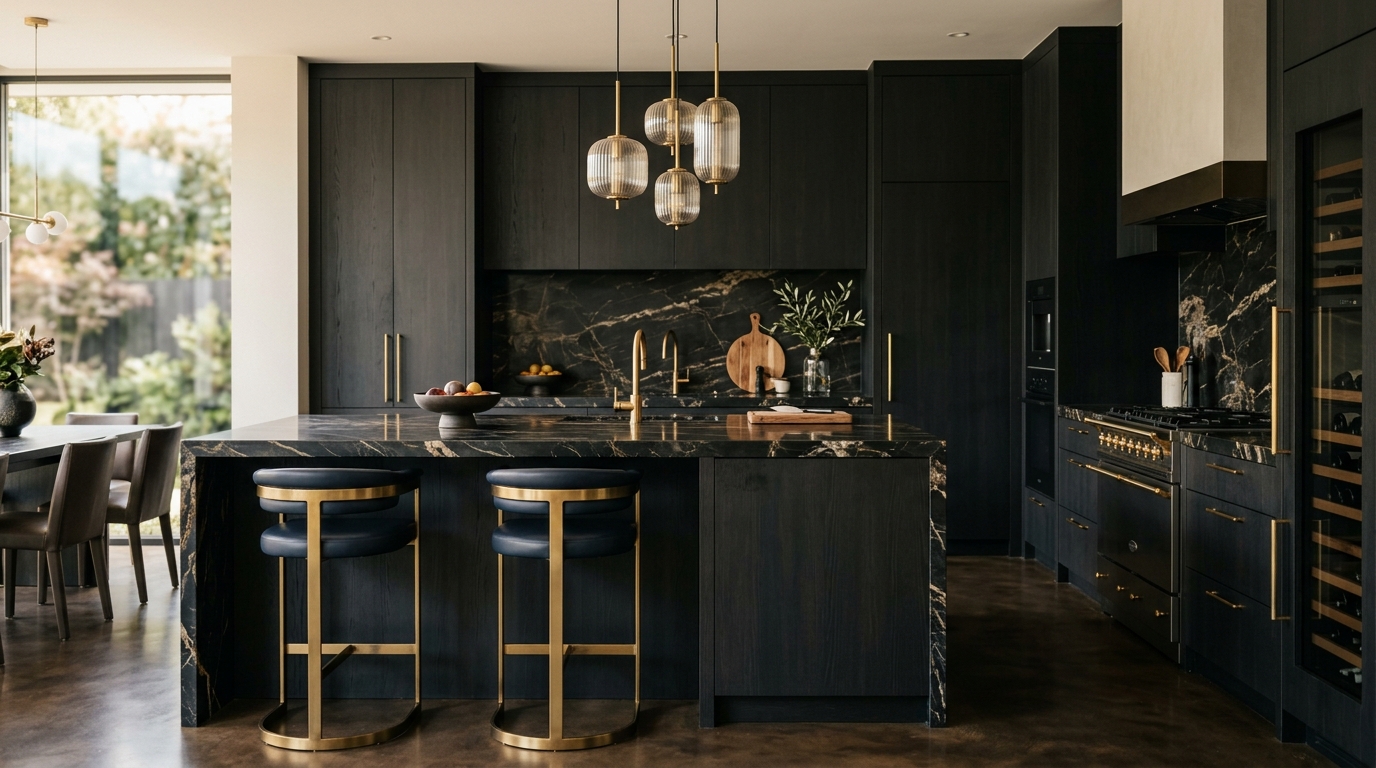
Explore luxury kitchen ideas with AI for layouts, materials, lighting, and visual inspiration.
Try This Tool →Choose the next Ideal House tool based on what you want to do after generating inspiration.
Upload a room photo and explore remodel directions once an idea feels ready to test on a real space.
02Apply decor inspiration to real rooms with furniture, colors, finishes, and styling ideas.
03Preview new room surfaces, finishes, and style directions on an existing interior photo.
04Test tile, wood, stone, wall, floor, or countertop materials on an existing image.
05Select one area of an image and replace it with a specific design detail from your prompt.
06Clean up lighting, clarity, and overall presentation for property and design images.
Use Idealhouse AI tools to move from idea to visual output faster across design, staging, editing, and presentation workflows.