logo

Ideal House APP

Your Go-To Interior Design Hub
Logo
Home
Explore
Log in
getApp
Get App
Download App QR CodeGet the Ideal House App
pricing
HomeHome
ExploreExplore
Logo
Generator
History
Model
Base
Switch
Reference floor plan
Upload
BedRoom
-
2
+
BathRoom
-
1
+
Gross Area
Unit
Metricmetric
Imperial imperial
Area
< 50㎡
50-80㎡
80-100㎡
100-120㎡
120-150㎡
> 150㎡
Extras
Looking for any specific?
e.g. Modern style living room with bright colors, soft lighting and minimalist design.

Design Your Dream Space: AI Floor Plan Builder Free & Fast

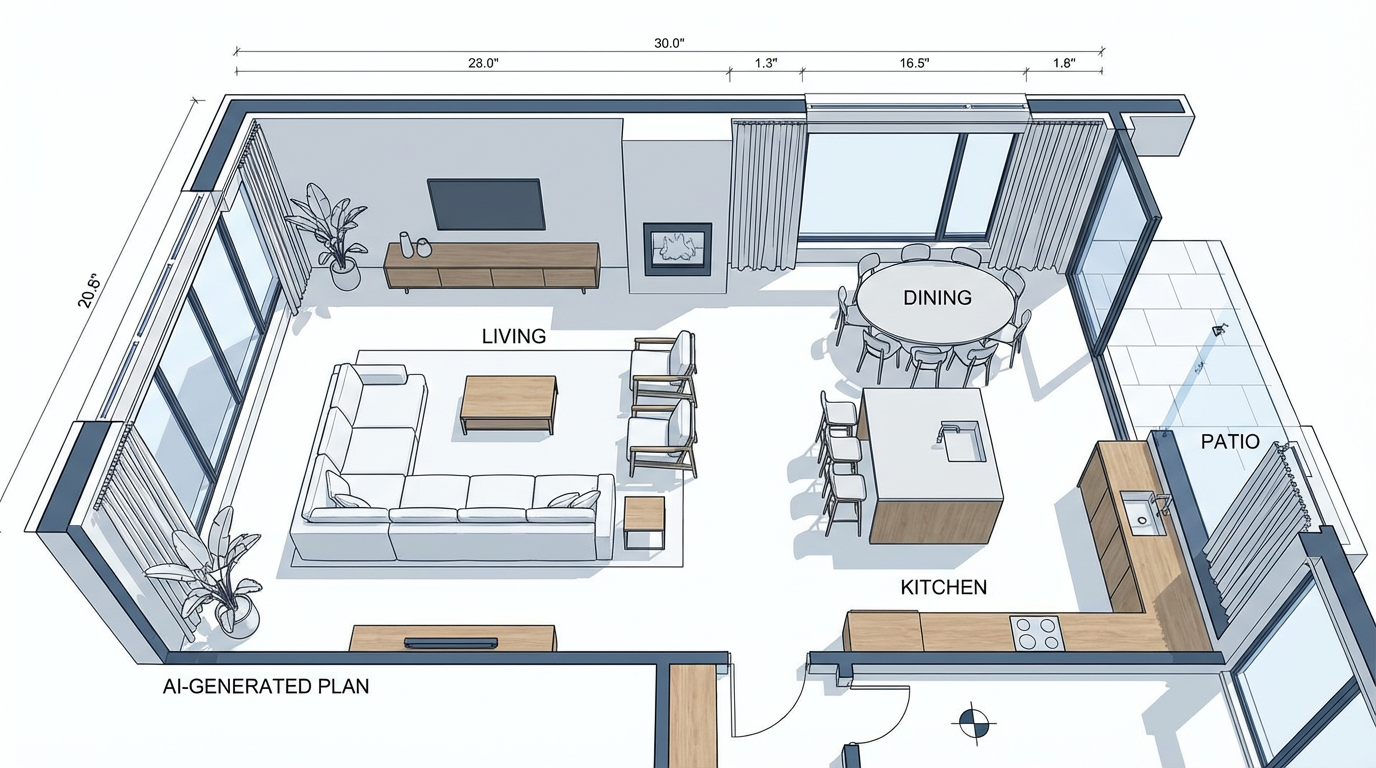
Unleash your creativity with Ideal House's AI Floor Plan Generator. This powerful online floor plan creator lets you visualize layouts, experiment with room configurations, and generate professional 2D floor plans in seconds. Whether you're a homeowner, designer, or real estate professional, our intuitive floor plan builder free tool empowers you to create custom floor plans without design experience or expensive software. Start designing your home for free today!
Generate My Floor Plan
A sleek, modern 2D floor plan generated by AI, showcasing an open concept living area.

Why Choose Ideal House's Free Floor Plan Builder?

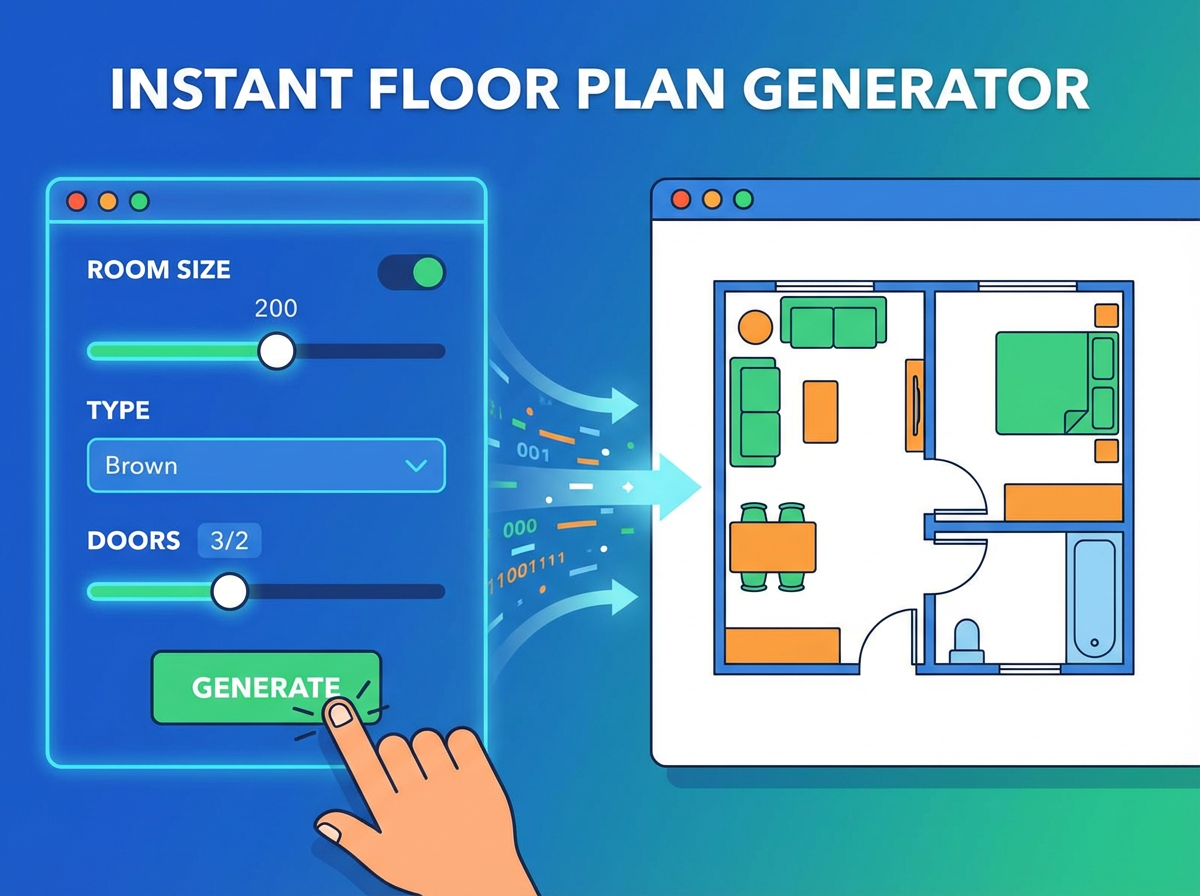
An animated graphic showing a user inputting parameters and a 2D floor plan instantly appearing.
Instant 2D Floor Plan Generation
Say goodbye to complex architectural drawing software. Our AI floor plan maker rapidly transforms your preferences into clean, presentation-ready 2D floor plans. Define bedrooms, bathrooms, kitchen style, and gross area, then watch your design come to life. It’s the quickest way to create a floor plan online free.
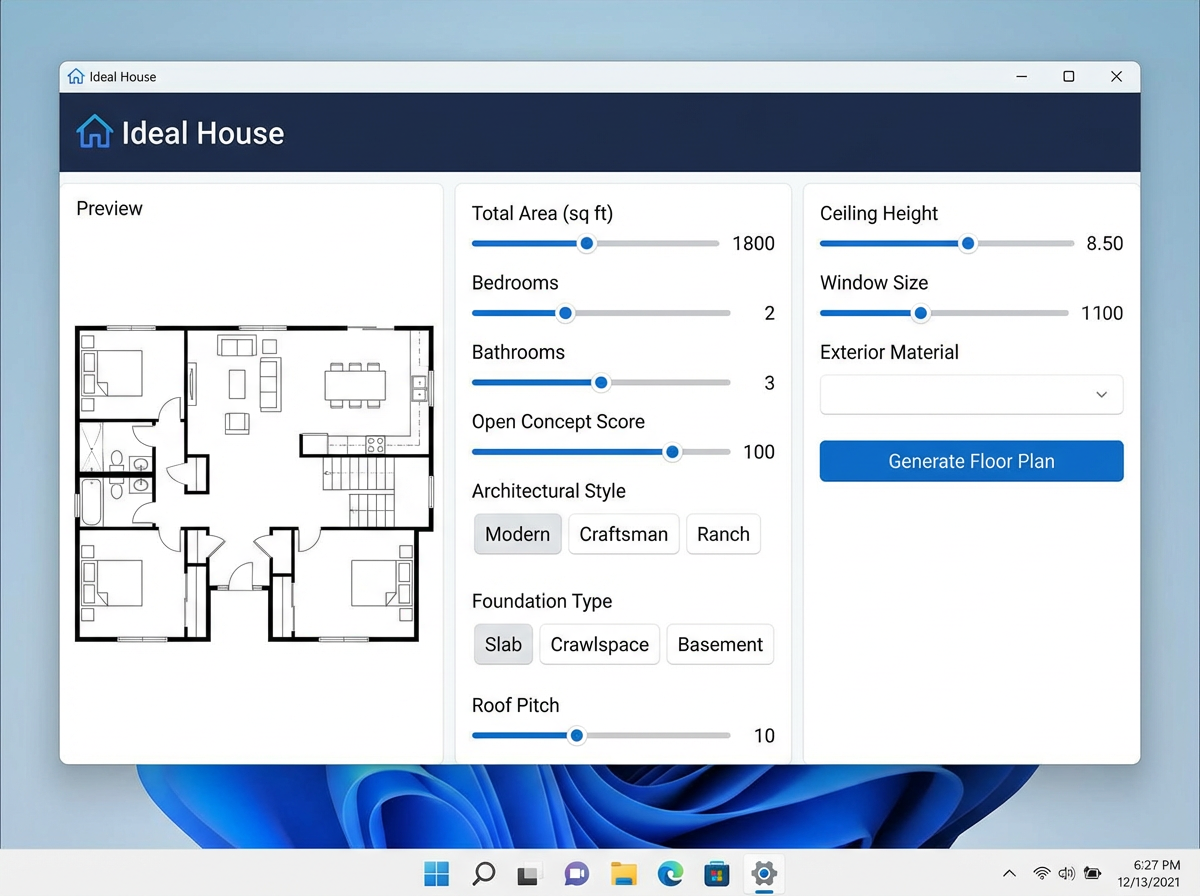
A screenshot of the Ideal House interface with sliders and dropdowns for customizing floor plan parameters.
Parameter-Driven Customization
Gain complete control over your home's layout. With our AI floor plan tool, you can easily adjust parameters like the number of bedrooms (0-4), bathrooms (1-3), and select between open or closed kitchen concepts. This custom floor plan builder ensures every detail reflects your vision, making it the ultimate room layout planner free of charge.
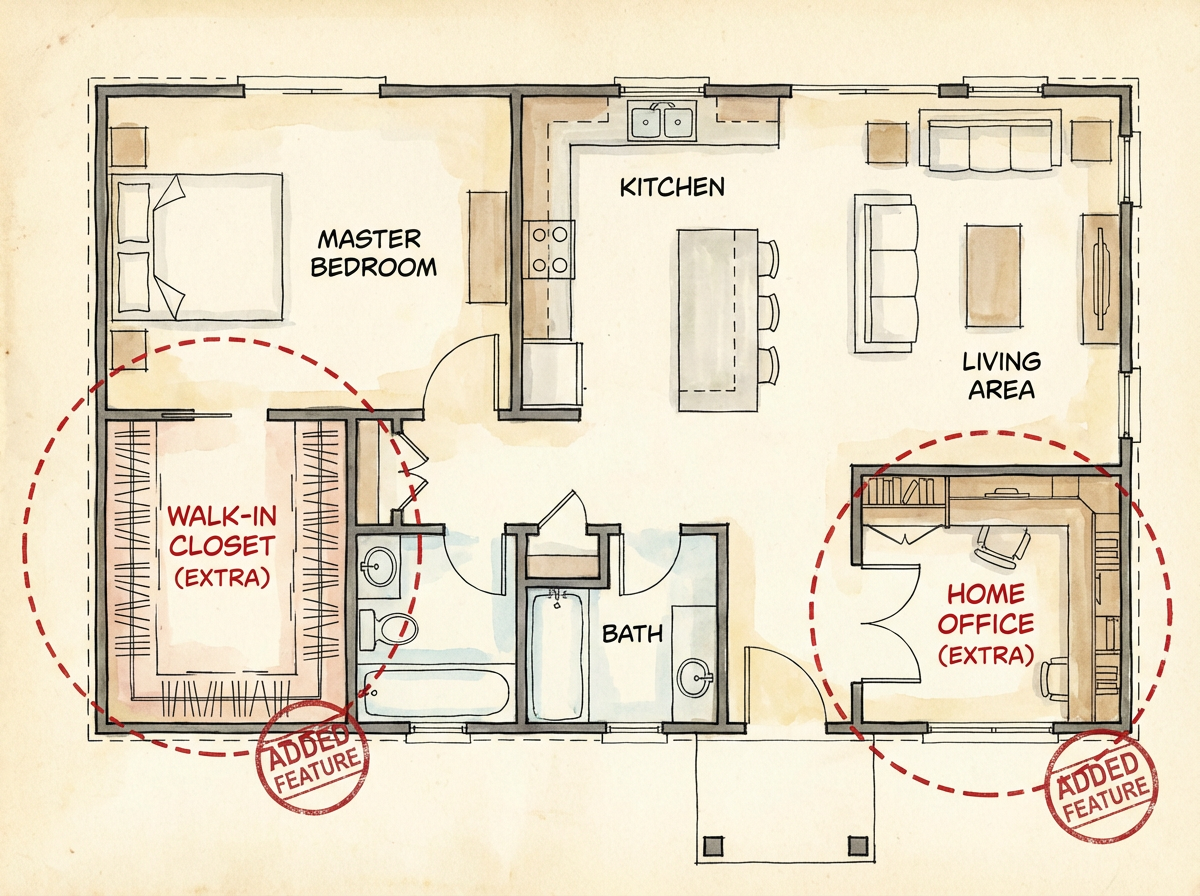
An example 2D floor plan highlighting areas like a walk-in closet and home office, added as 'extras'.
Smart 'Extras' for Enhanced Design
Elevate your design with intelligent 'extras' that shape the plan to your needs. Add a walk-in closet, laundry room, home office, garage, pantry, or a balcony. Our AI understands how these elements integrate, providing realistic and functional arrangements. It’s an advanced free house plan maker that thinks like a designer.
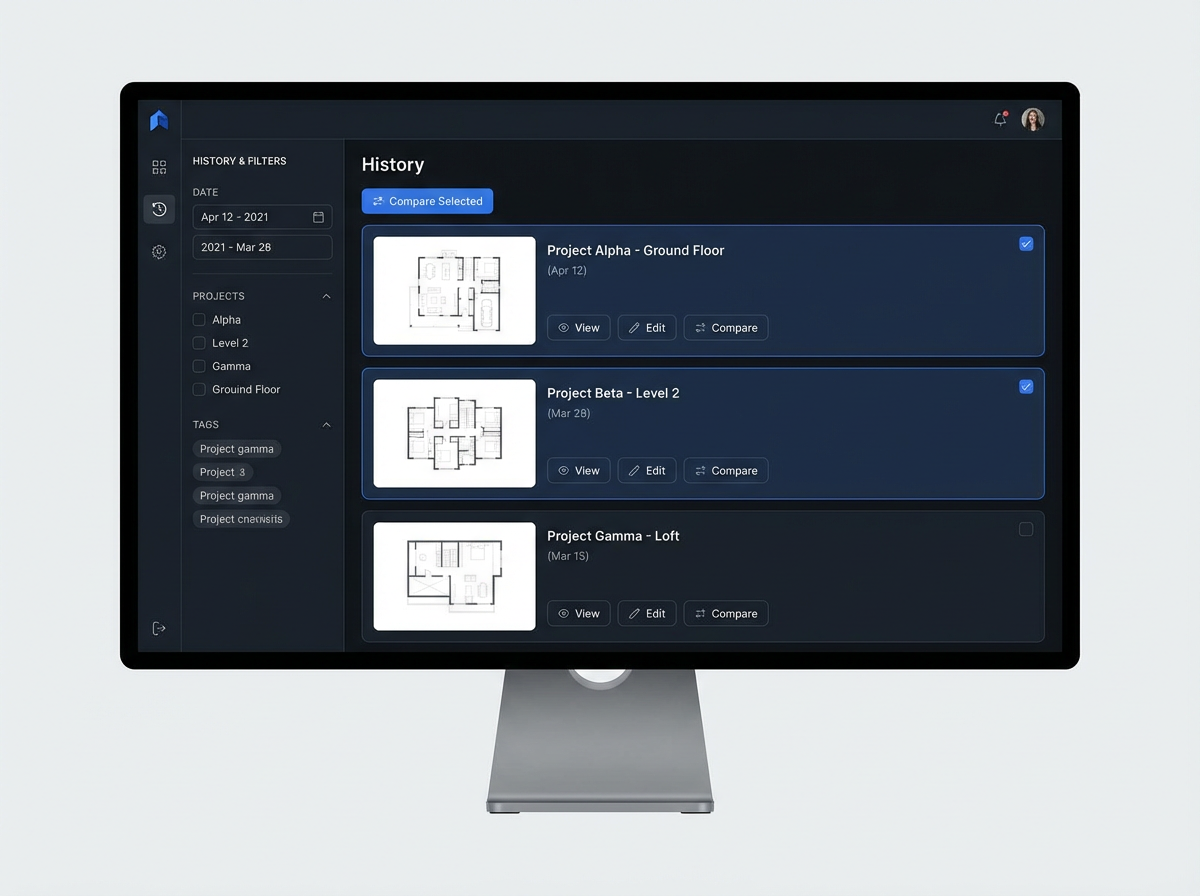
A user interface showing a history of generated floor plans with options to filter and compare.
Seamless Workflow & History
Every design iteration is saved in your 'Generation History.' Compare different versions side-by-side using filters and grid views, making it simple to pick the winning layout. This online floor plan creator streamlines your design process, offering a truly intuitive floor plan tool experience for any project, big or small. Get started with our floor plan builder free today!

Who Benefits from Our AI Floor Plan Builder Free Tool?

Homeowners & DIY Enthusiasts: Easily design your own home free, experiment with room layout , and visualize renovations before they begin.
Interior Designers & Decorators: Quickly generate apartment layout planner concepts for clients, iterate designs in real-time, and create compelling presentations.
Real Estate Agents & Brokers: Produce consistent, high-quality 2D real estate floor plans for listings, helping buyers visualize properties better and faster.
Design for your needs.

How to Use Our Free Floor Plan Maker in 5 Simple Steps

1
Step 1: Set Rooms – Select the desired number of bedrooms (0-4) and bathrooms (1-3) to define your core living spaces.
2
Step 2: Choose Kitchen Style – Decide between an 'open' or 'closed' kitchen concept to influence the flow and separation of your living areas.
3
Step 3: Pick Gross Area – Select a gross area range that best matches your target size, guiding the overall proportions and scale of your quick floor plan.
4
Step 4: Add Extras – Multi-select desirable features like a walk-in closet, laundry room, home office, or balcony to customize your layout.
5
Step 5: Generate & Review – Click 'Generate' to see your personalized 2D floor plan instantly. Review, tweak parameters, and regenerate to compare versions. Your floor plan builder free journey begins now!

FAQs About Ideal House's AI Floor Plan Generator

How does Ideal House turn my selections into a floor plan?
Our AI floor plan generator interprets your input—beds, baths, kitchen type, gross area, and extras—and applies smart architectural principles to draft a clear 2D floor plan. Each generation provides a fresh concept, allowing you to easily create a floor plan online free.
What ranges and defaults are available for customization?
You can select 0-4 bedrooms (default 2), 1-3 bathrooms (default 1), and choose between open or closed kitchen (default open). Gross Area ranges are available to guide proportions, and multiple extras can be selected to create a custom floor plan builder experience.
What's the difference between an open and closed kitchen?
Open kitchens promote a continuous living-dining flow and an expansive feel, ideal for modern living. Closed kitchens offer a distinct, separate cooking zone. Our AI floor plan maker adapts the layout based on your preference.
How do 'Extras' like a walk-in closet or home office affect the design?
Extras inform our AI floor plan tool where to prioritize specific spaces. For example, a walk-in closet will be strategically placed near the primary bedroom, and a home office in a quieter corner, ensuring a functional and thoughtful layout for your free house plan maker project.
Can I compare multiple generated floor plans?
Absolutely! Every floor plan you generate is saved in your 'Generation History.' You can use the 'Created with AI Floorplan' filter and switch between grid and list views to easily compare and select your favorite designs, ensuring you find the perfect layout using our virtual floor plan creator.
Ask more questions.

Ready to Design Your Space? Start with Our Floor Plan Builder Free!

Experience the fastest and easiest way to create professional 2D floor plans. Perfect for homeowners, designers, and real estate professionals. Get started with Ideal House's AI-powered online floor plan creator today!
Generate My Floor Plan