
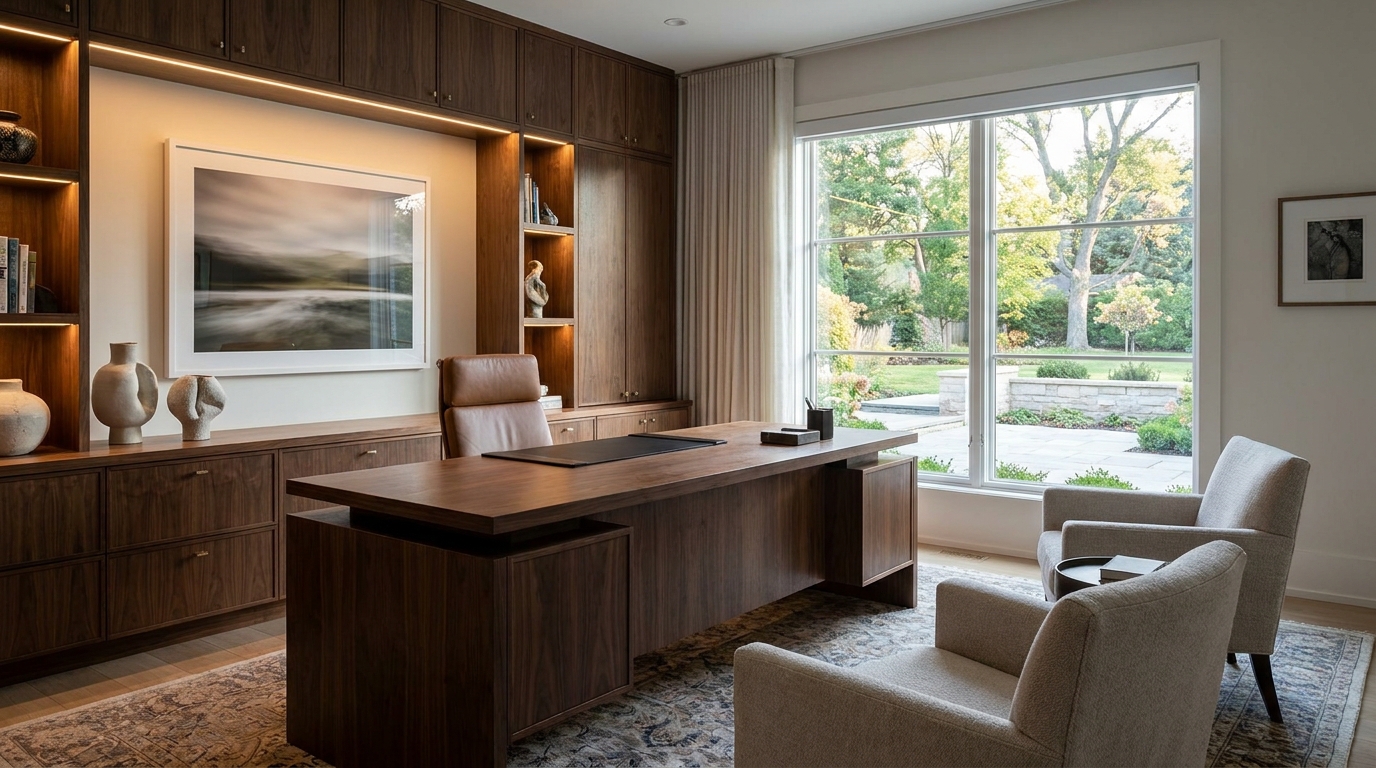
Executive Home Office
An executive home office with a substantial desk, refined wood cabinetry, layered lighting, art, and a confident client-ready backdrop.
Create elevated professional home office concepts for client calls, focused work, executive studies, and polished interiors.
Explore practical professional home office design visual directions for real home workspace planning.
An executive home office with a substantial desk, refined wood cabinetry, layered lighting, art, and a confident client-ready backdrop.
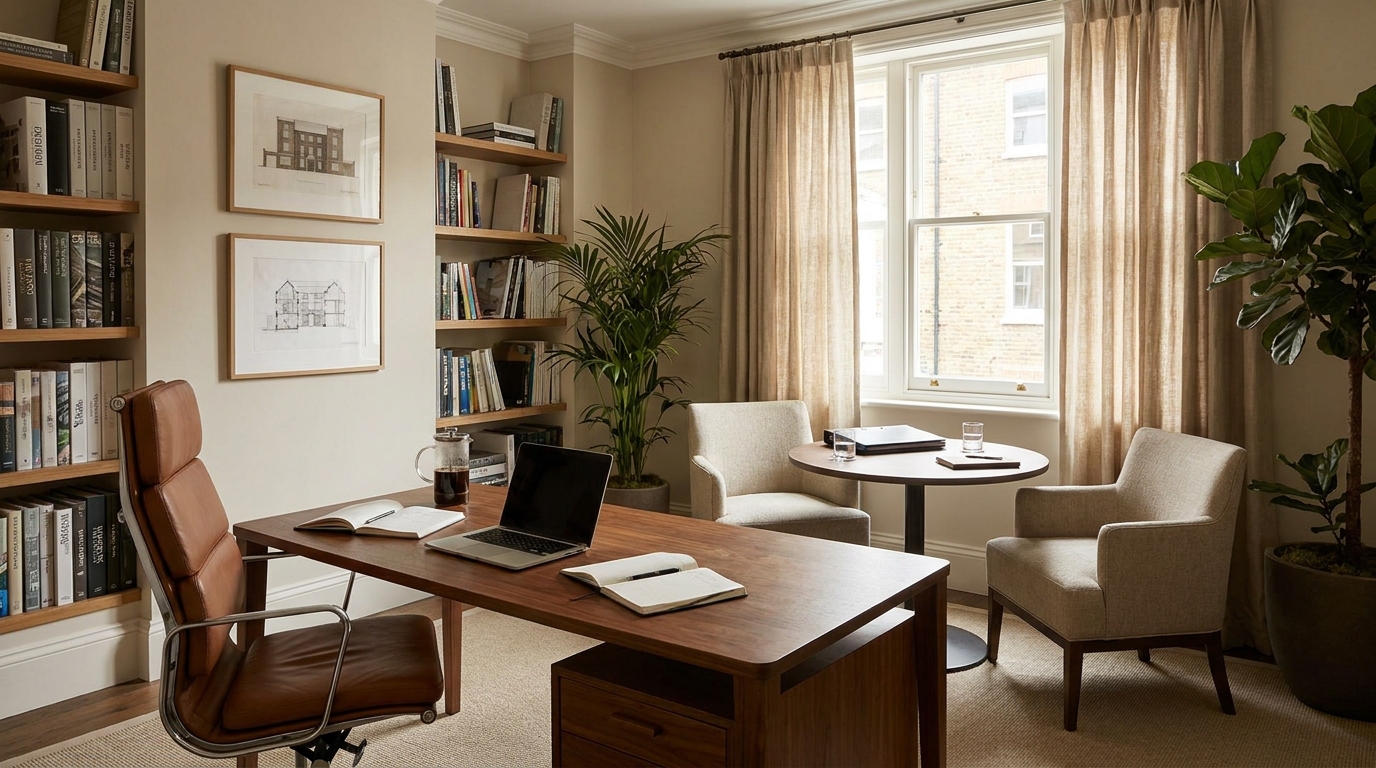
A professional office with a primary desk and a comfortable two-seat meeting area arranged for private client conversations.
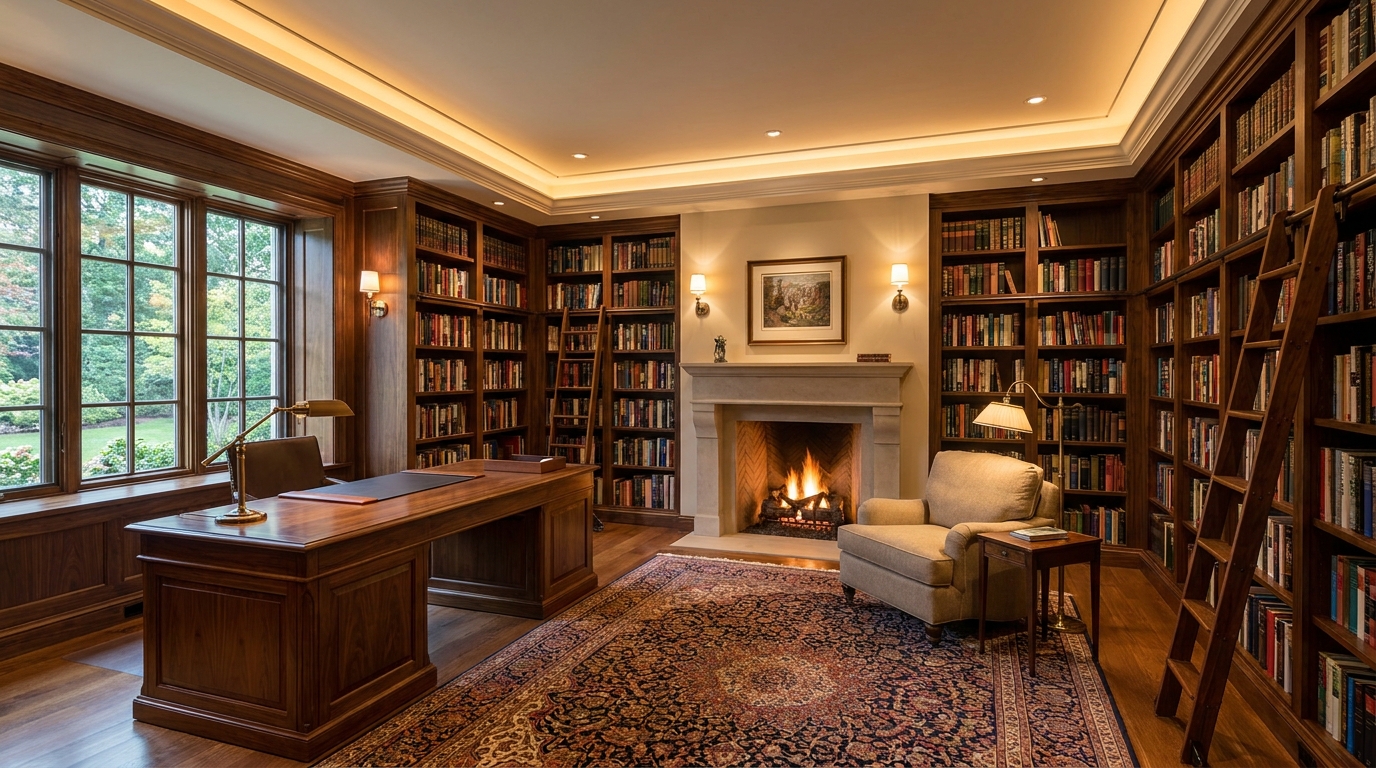
A sophisticated library office with floor-to-ceiling bookshelves, a focused desk, reading chair, and warm architectural lighting.
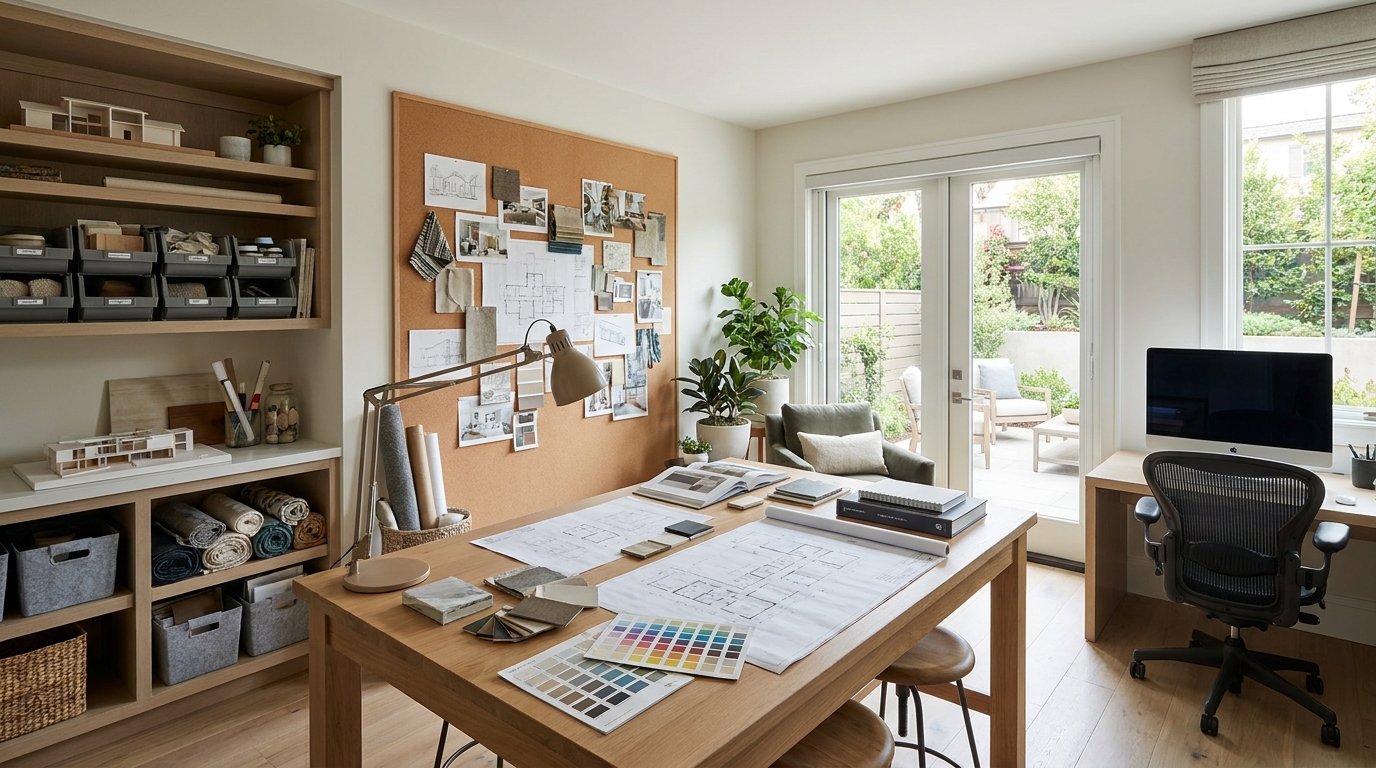
A professional creative studio with a large project table, pin-up wall, material storage, computer station, and even work lighting.
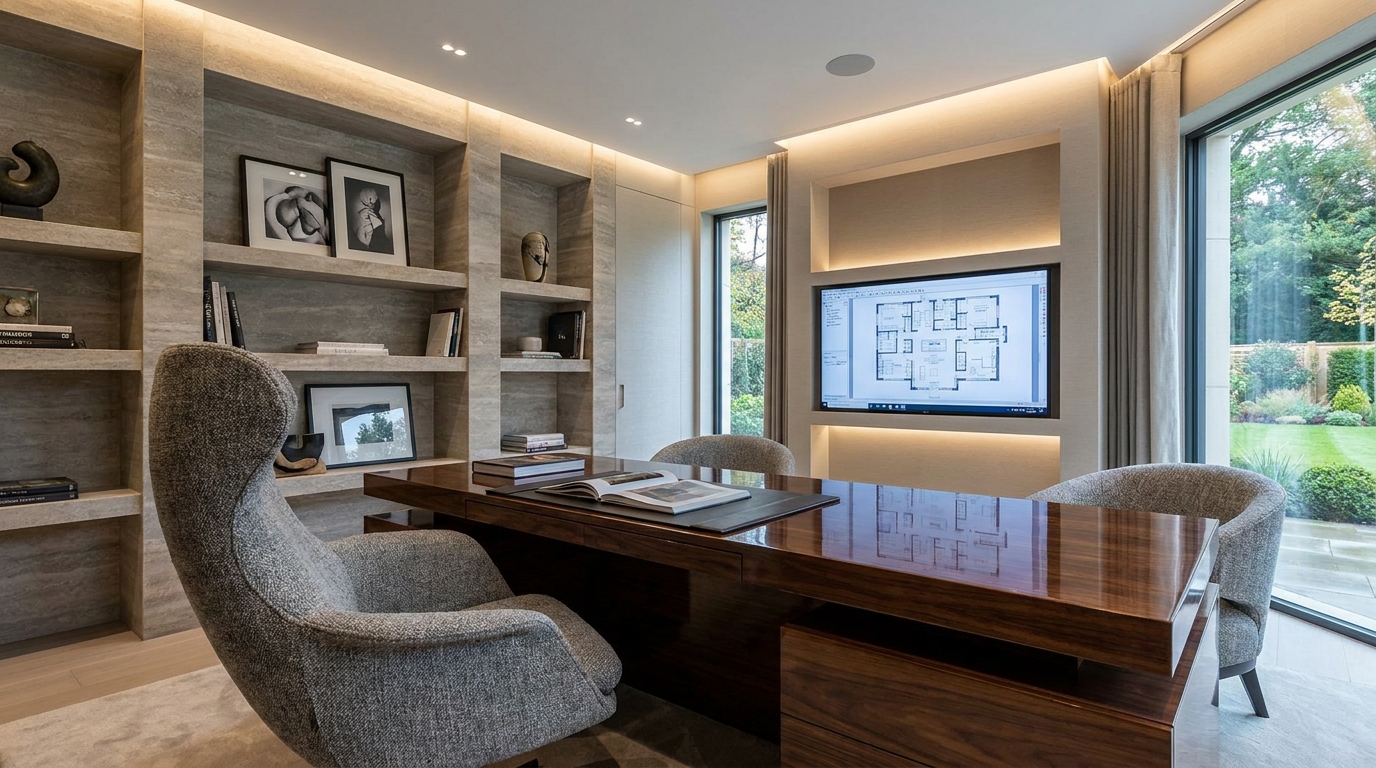
A luxury modern office with tailored stone and wood finishes, sculptural furniture, concealed technology, and polished ambient lighting.
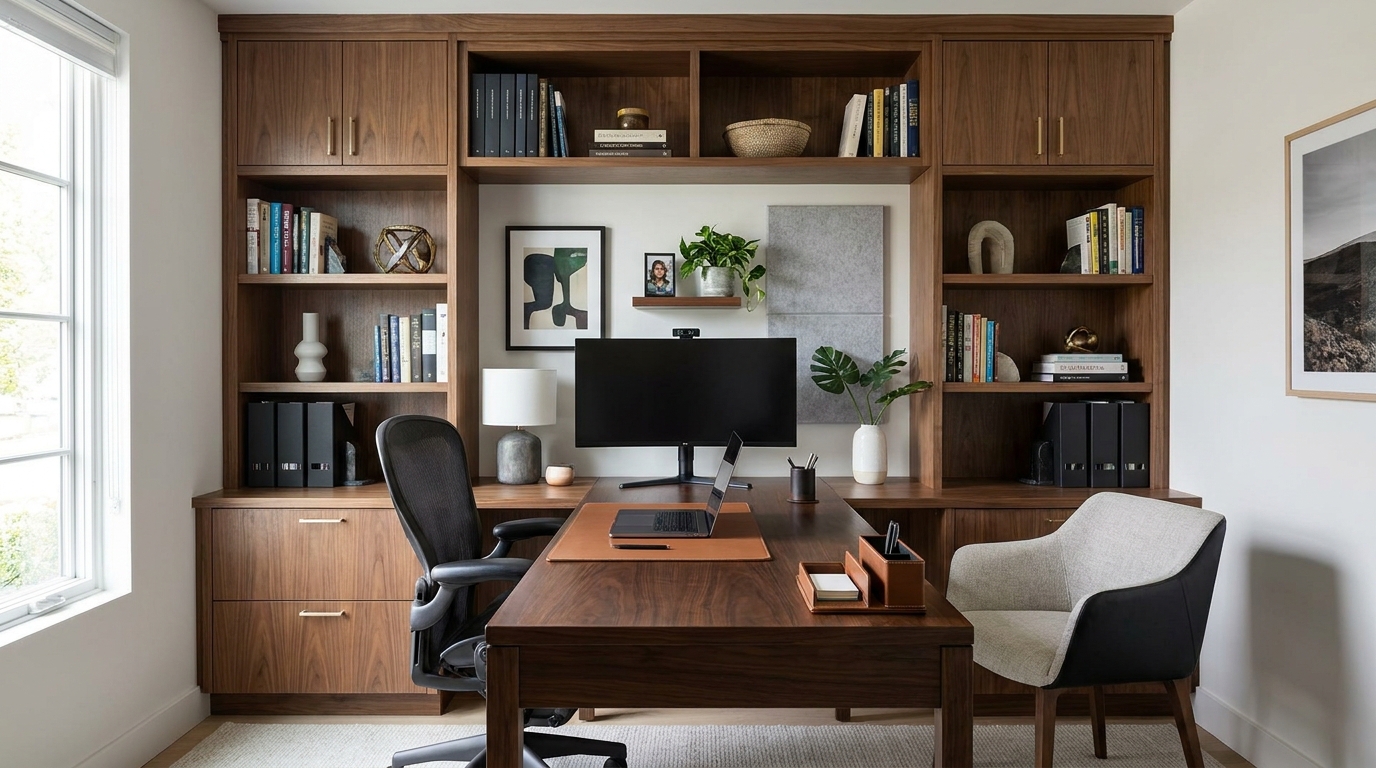
A compact but credible professional office with custom storage, an elegant desk, a visitor chair, and a clean video-call background.
Use targeted prompts to compare layouts, materials, lighting, storage, and workspace styles.
Explore professional home office design concepts with realistic desk placement, storage, lighting, and circulation.
Use focused prompts to test styles, materials, storage walls, seating, and room compositions quickly.
Keep the output tied to real residential rooms instead of generic office, studio, or business background imagery.
Generate focused visual directions for remote work, interior planning, and practical home workspace decisions.
Create professional home office design ideas for daily work, video calls, planning, and focused tasks.
Generate visual directions for moodboards, remodel planning, client review, and furniture layout discussions.
Compare desk placement, storage strategy, lighting, and wall use before committing to a layout.
Create clear visual concepts for sharing with family, clients, contractors, or design collaborators.
Test modern, warm, minimal, built-in, executive, or creative workspace styles from the same room idea.
Use generated images as inspiration for articles, boards, social posts, and home improvement planning.
Start with the room type, then add layout constraints, storage needs, materials, lighting, and style direction.
Start with professional home office design, then describe the room size, window position, desk needs, and storage constraints.
Specify the material palette, lighting mood, chair type, shelf style, and whether the room should feel minimal, warm, or professional.
Create several versions, compare the most usable layout, then refine the prompt around the strongest direction.
Open related home office idea pages to explore adjacent workspace directions.
Return to the main home office ideas hub for more workspace directions.
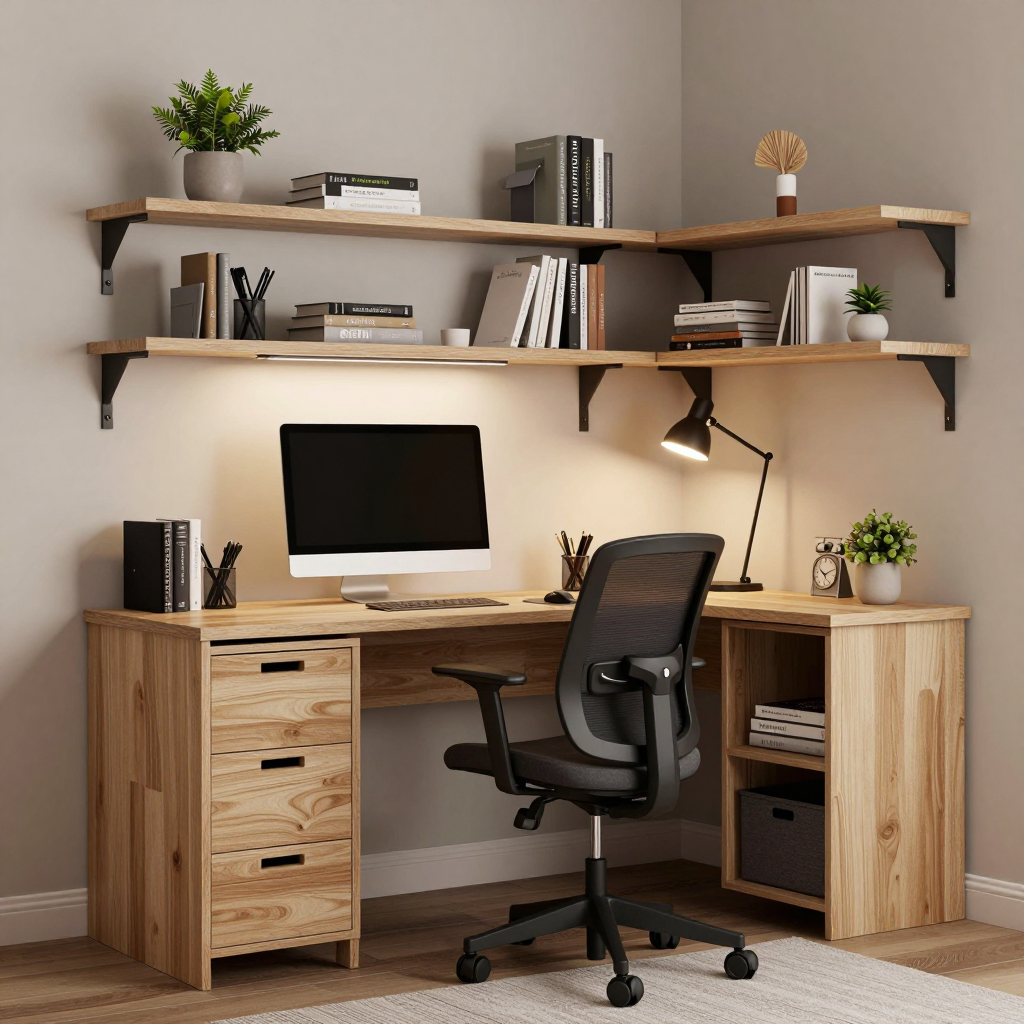
Try This Tool →Generate compact home office ideas with space-saving desks, vertical storage, shelves, task lighting, and practical layouts for apartments and small rooms.
Try This Tool →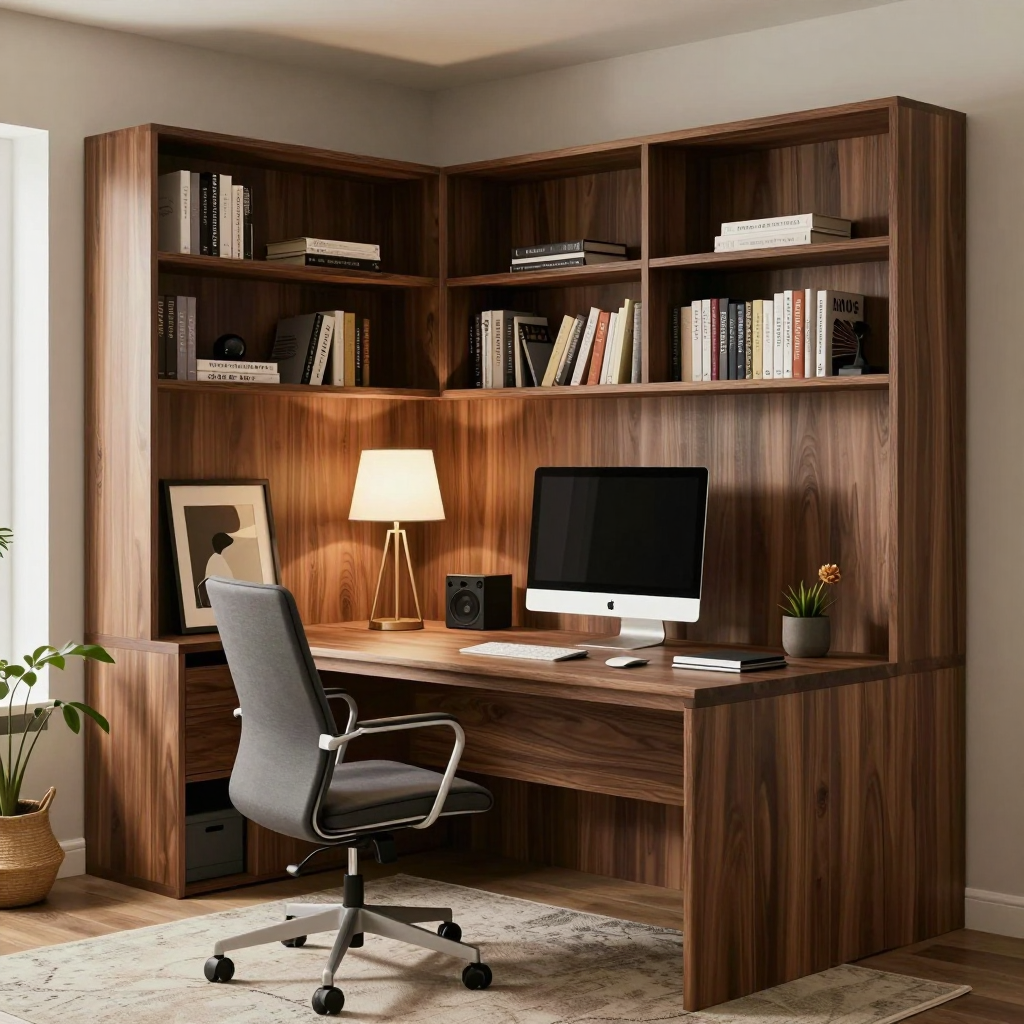
Generate modern home office ideas with clean desks, refined materials, warm lighting, built-in storage, and professional work-ready backgrounds.
Try This Tool →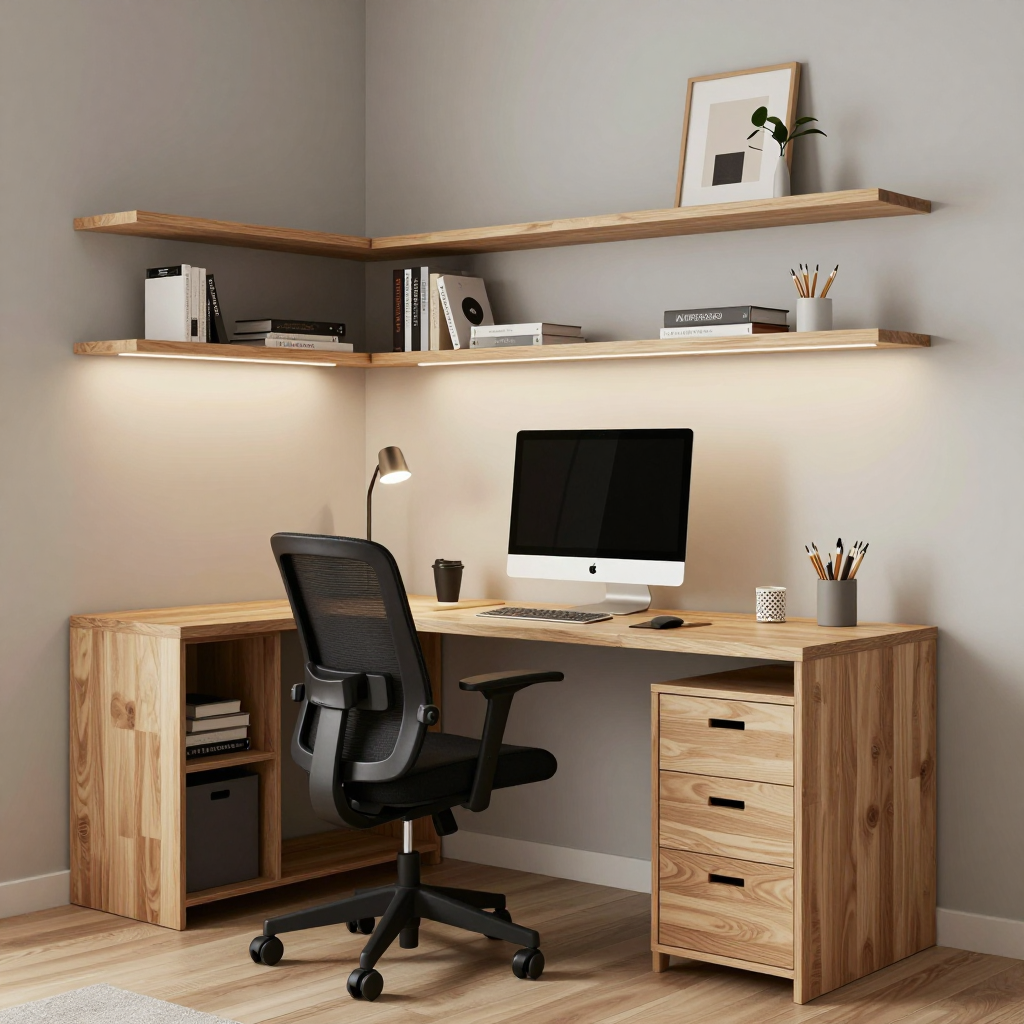
Generate bedroom office ideas that balance a desk, storage, lighting, and sleep-friendly calm for small rooms and shared bedroom workspaces.
Try This Tool →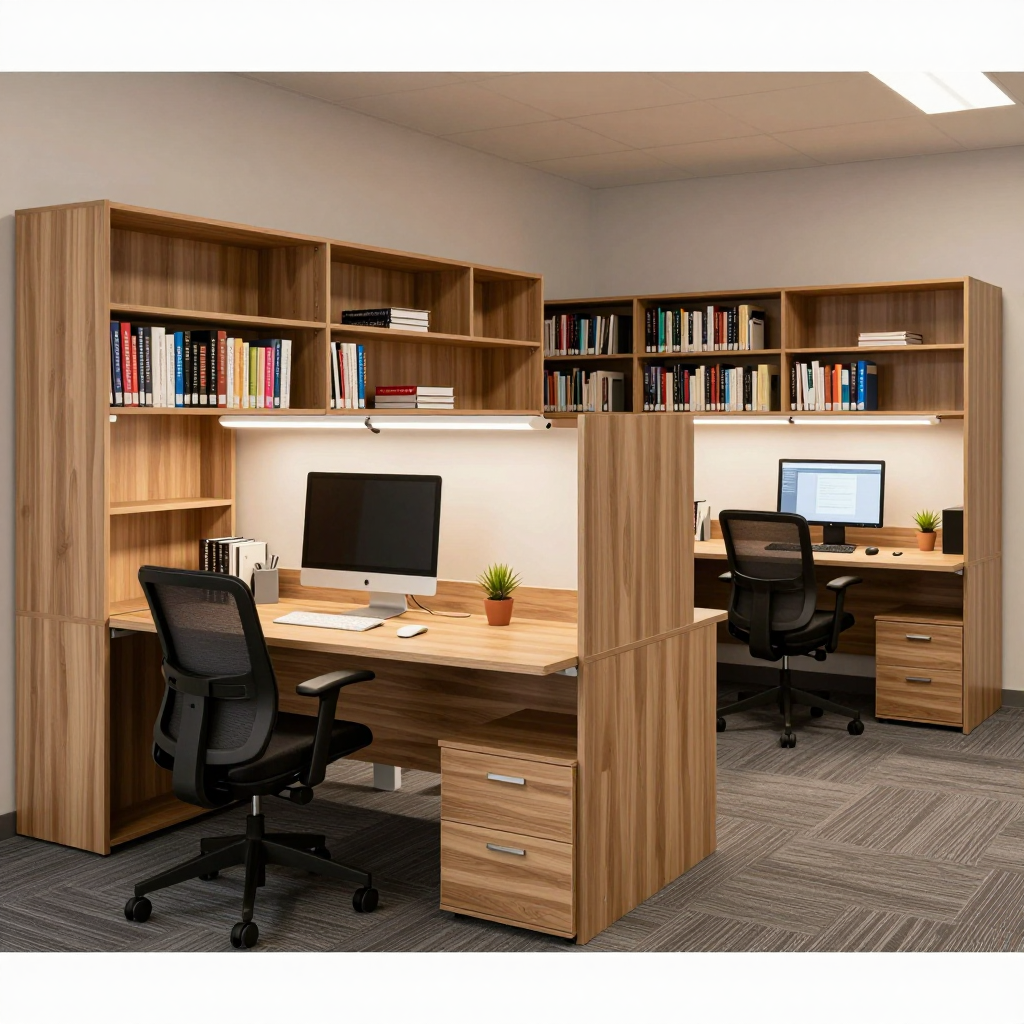
Generate closet office and cloffice ideas with built-in desks, wall shelves, compact lighting, storage, and small-space work zones.
Try This Tool →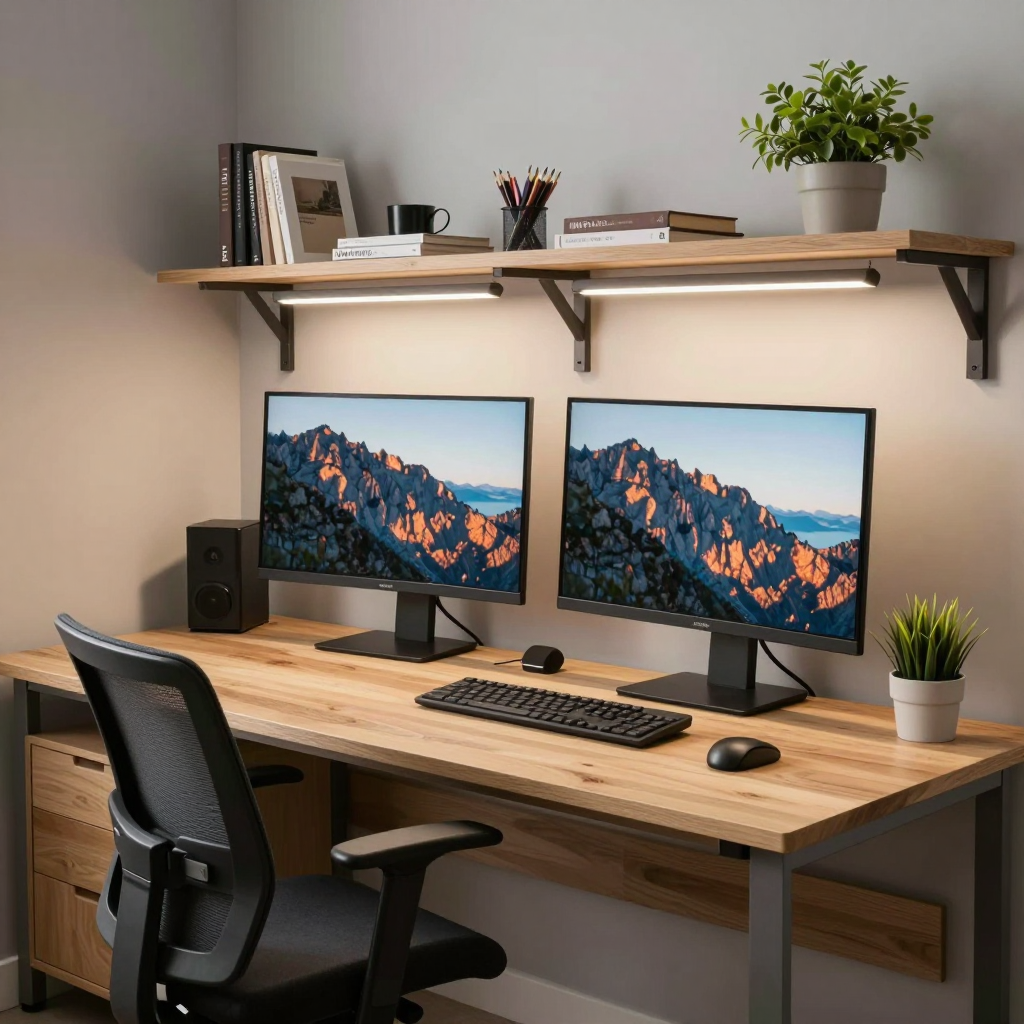
Generate two-person home office ideas with dual desks, shared storage, task lighting, circulation, and balanced work zones for couples or teams.
Try This Tool →Redesign an existing room into a practical home office layout with furniture, storage, and workspace zones.
02Generate more home office concepts from text prompts, styles, and workspace scenarios.
03Improve lighting, clarity, and presentation quality after you have workspace or listing photos.
04Make generated or uploaded workspace images clearer for presentations, boards, and sharing.
05Remove distracting cables, clutter, or unwanted objects from home office images.
06Turn still workspace concepts into short visual presentation clips.