




Generator
History
Model
Base
Switch
Reference floor plan
Upload
BedRoom
-
2
+
BathRoom
-
1
+
Gross Area
Unit metric
 imperial
metric imperialArea
< 50㎡
50-80㎡
80-100㎡
100-120㎡
120-150㎡
> 150㎡
Extras
Looking for any specific?
e.g. Modern style living room with bright colors, soft lighting and minimalist design.
 Count
Count
Design Your Dream Space Instantly with Our AI Floor Plan Generator
Unleash your creativity and visualize your ideal layout with Ideal House's cutting-edge AI floor plan generator. From concept to clear 2D floor plan visuals, create precise designs in seconds. Whether you're planning a new build, renovation, or preparing a real estate listing, our intuitive AI floor plan maker simplifies the process, delivering professional results every time. Get started with your ai floor plan today and transform your vision into reality.
Generate My Floor Plan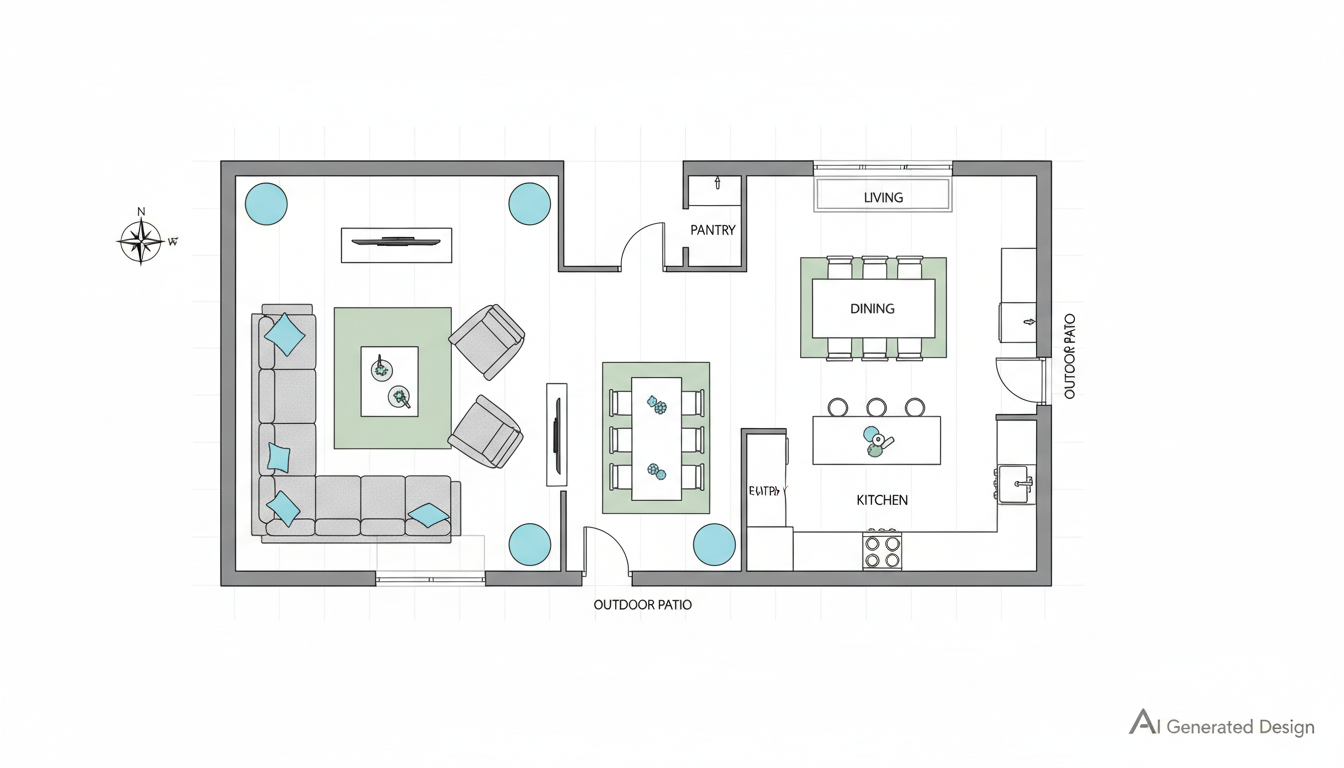


Why Choose Ideal House AI Floor Plan Generator?
Instant 2D Floor Plan Generation
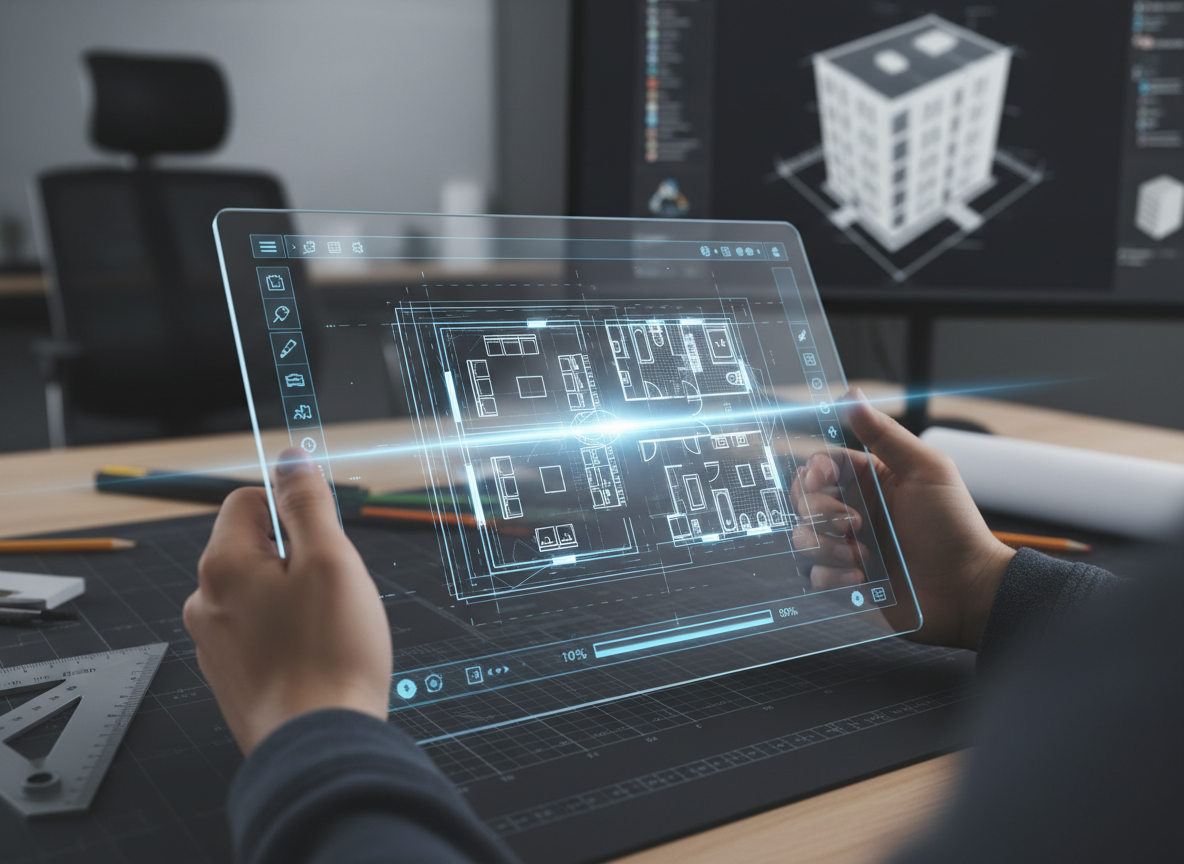
Say goodbye to manual drafting. Our ai floor plan generator instantly converts your requirements into detailed 2D floor plans. Set parameters like bedrooms, bathrooms, and gross area, and watch as our AI floor plan maker crafts a complete layout in moments. It’s the fastest way to get a professional ai floor plan.

Parameter-Driven Customization
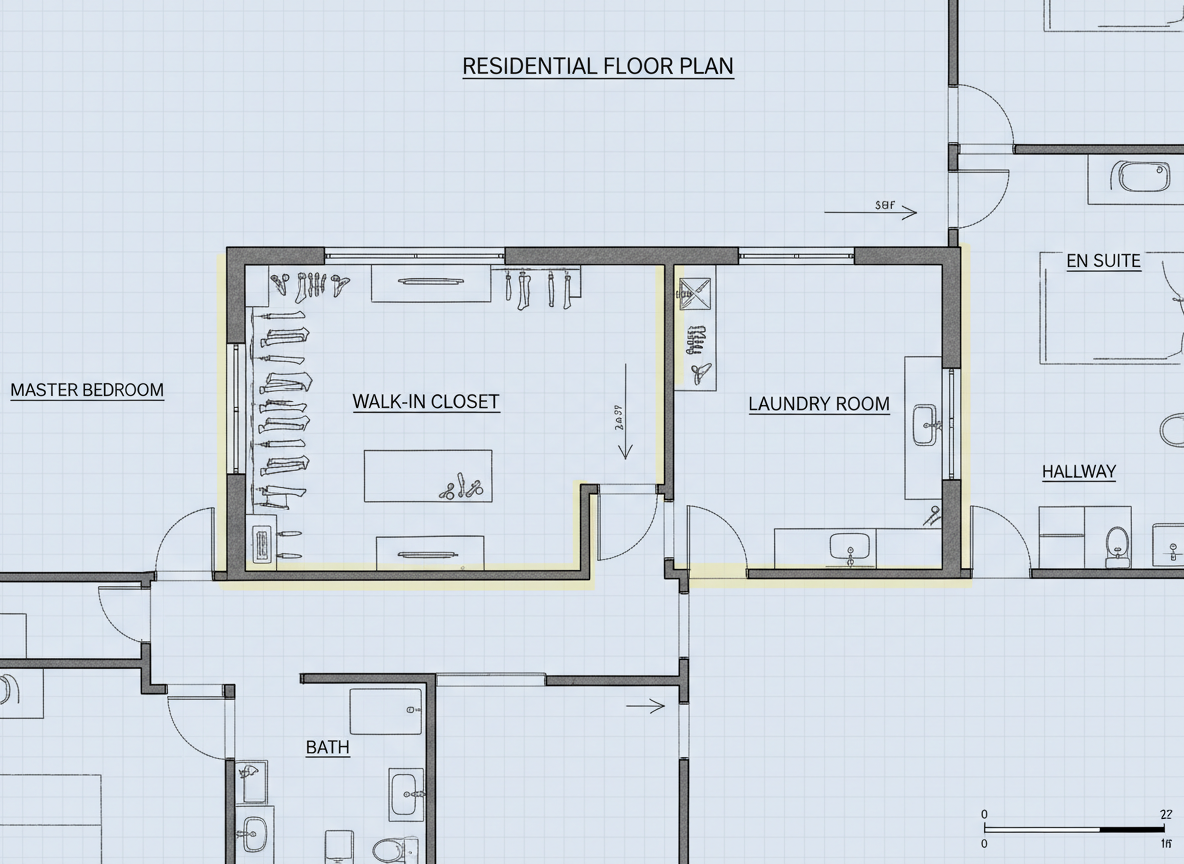
Tailor your ai floor plan with unparalleled precision. Our parameter-driven planning allows you to specify everything from the number of bedrooms (0-4) and bathrooms (1-3) to your preferred kitchen style (open or closed kitchen). Define the gross area range and add specific features like a walk-in closet, laundry room, or home office to create a truly bespoke ai floor plan that meets your exact needs.
Visualize Key Amenities with Ease
Integrate essential amenities effortlessly. Our ai floor plan generator lets you add a garage, pantry, combined living-dining space, or balcony, ensuring every detail is captured. This smart design tool helps you visualize how these elements impact flow and functionality within your 2D floor plan, providing a comprehensive view before any commitment.
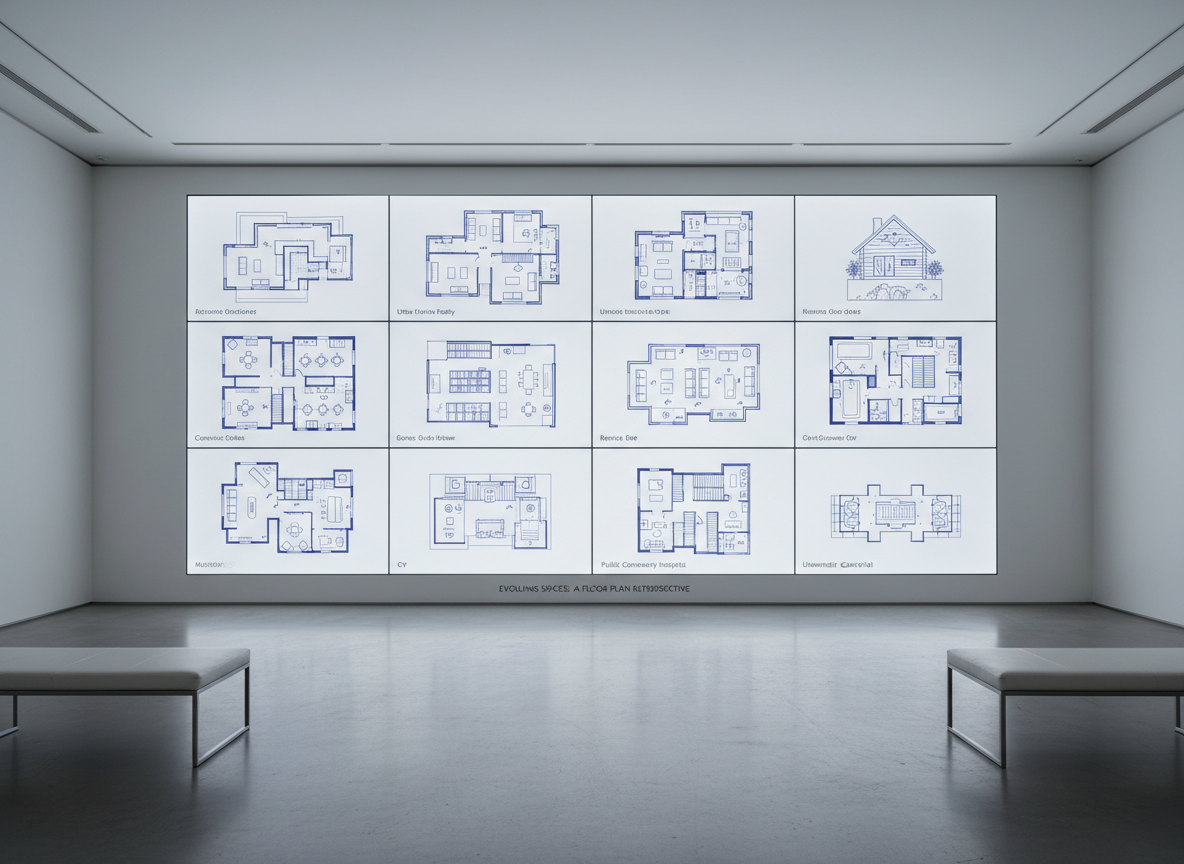
Review and Refine with Generation History
Never lose a good idea. Every ai floor plan you generate is automatically saved in your Generation History. Easily compare different layouts, switch between grid and list views, and use filters to find the perfect 2D floor plan. This feature is invaluable for iteration, allowing you to fine-tune your design until it's just right.

Who Benefits from Our AI Floor Plan Generator?

Homeowners & DIY Planners: Experiment with different bedroom/bathroom counts and add a walk-in closet to see how layouts fit your lifestyle.

Interior Designers & Decorators: Create fast, professional apartment floor plan concepts for clients and iterate designs live.

Real Estate & Rentals: Generate consistent 2D real estate floor plans for listings, helping buyers quickly grasp layout and potential.

Simple Steps to Your Perfect AI Floor Plan
1
Set Rooms: Choose desired bedrooms (0-4) and bathrooms (1-3).
2
Choose Kitchen Style: Select an open or closed kitchen layout.
3
Pick Gross Area: Define the general size of your project for proportional accuracy.
4
Add Extras: Multi-select features like a walk-in closet, home office, or balcony.
5
Generate & Review: Click 'Generate' to create your ai floor plan and review it in your Generation History.
6
Download & Share: Export your 2D floor plan as an image or PDF for easy sharing.
Frequently Asked Questions About Our AI Floor Plan Generator
How does the AI floor plan generator create layouts from my selections?
Our AI floor plan generator interprets your input—bedrooms, bathrooms, kitchen type, gross area, and extras—and applies established architectural principles to draft a clean 2D floor plan. It considers common adjacencies and circulation patterns to produce a functional and aesthetically pleasing layout.
What options can I choose for bedrooms, bathrooms, and kitchen styles?
You can select 0-4 bedrooms (default 2), 1-3 bathrooms (default 1), and choose between an open kitchen or a closed kitchen (default open). These options significantly influence the overall ai floor plan design.
How does 'Gross Area' affect my ai floor plan?
The 'Gross Area' band guides the overall scale of your 2D floor plan, ensuring that rooms and corridors are appropriately sized for the specified footprint. Choosing the closest band helps the AI floor plan maker create the most believable and functional layout.
What impact do 'Extras' like a walk-in closet or home office have on the design?
Extras like a walk-in closet, laundry room, home office, garage, pantry, combined living-dining, or balcony inform the AI floor plan maker about priority spaces. It helps the system intelligently place these features, for example, a walk-in closet near a primary bedroom or a home office in a quieter zone, optimizing the overall layout and flow of your ai floor plan.
Can I compare multiple generated ai floor plans?
Absolutely! Every ai floor plan you generate is saved in your Generation History. You can use the 'Created with AI Floorplan' filter and switch between grid or list views to compare different versions side-by-side, helping you make informed decisions.
Enhance Your Design Workflow with Ideal House Tools

Magic Editor
Fine-tune details in your design, like replacing a modern light fixture with a paper lantern or adding a shoji screen alternative.
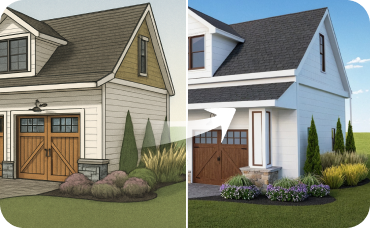
AI 3D Rendering
Transform 2D photos of your dining room into an immersive, fully editable 3D scene.
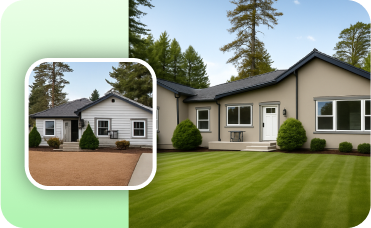
Photo Enhancer
Automatically improve the lighting, color, and clarity of your final design renders.
Ready to Design Your Space?
Experience the future of interior design with Ideal House. Generate your perfect ai floor plan in minutes.
Generate My Floor Plan
Ideal.House is more than a platform—it's your all-in-one home design ecosystem. Dive into powerful AI tools such as Interior Remodel, Exterior Renovator, and Landscaping to craft stunning spaces, and let HouseGPT guide you with tailored suggestions for planning, styling, and furnishing. Connect with a passionate community to swap ideas and advice, then take your designs from concept to completion with handpicked products matched to your taste.
At Ideal.House, we've built a space where technology, creativity, and collaboration come together to redefine home design.
At Ideal.House, we've built a space where technology, creativity, and collaboration come together to redefine home design.
Technical support [email protected]



💰 Earn 10% commission as a Ideal House Affiliate Partner.
Join us