








Generator
History
AI Floor Plan Generator
Change Tool
Model
Base
Switch
Reference floor plan
Upload
BedRoom
-
2
+
BathRoom
-
1
+
Gross Area
Unit metric
 imperial
metric imperialArea
< 50㎡
50-80㎡
80-100㎡
100-120㎡
120-150㎡
> 150㎡
Extras
Looking for any specific?
e.g. Modern style living room with bright colors, soft lighting and minimalist design.
 Count
Count
Generate Simple Home Plans with AI in Seconds
Discover Ideal House's revolutionary AI Floor Plan Generator. Quickly create presentation-ready 2D floor plans from basic inputs, perfect for homeowners, real estate professionals, and designers. Transform your vision into clear, actionable simple home plans with unparalleled speed and ease.
Generate My Floor Plan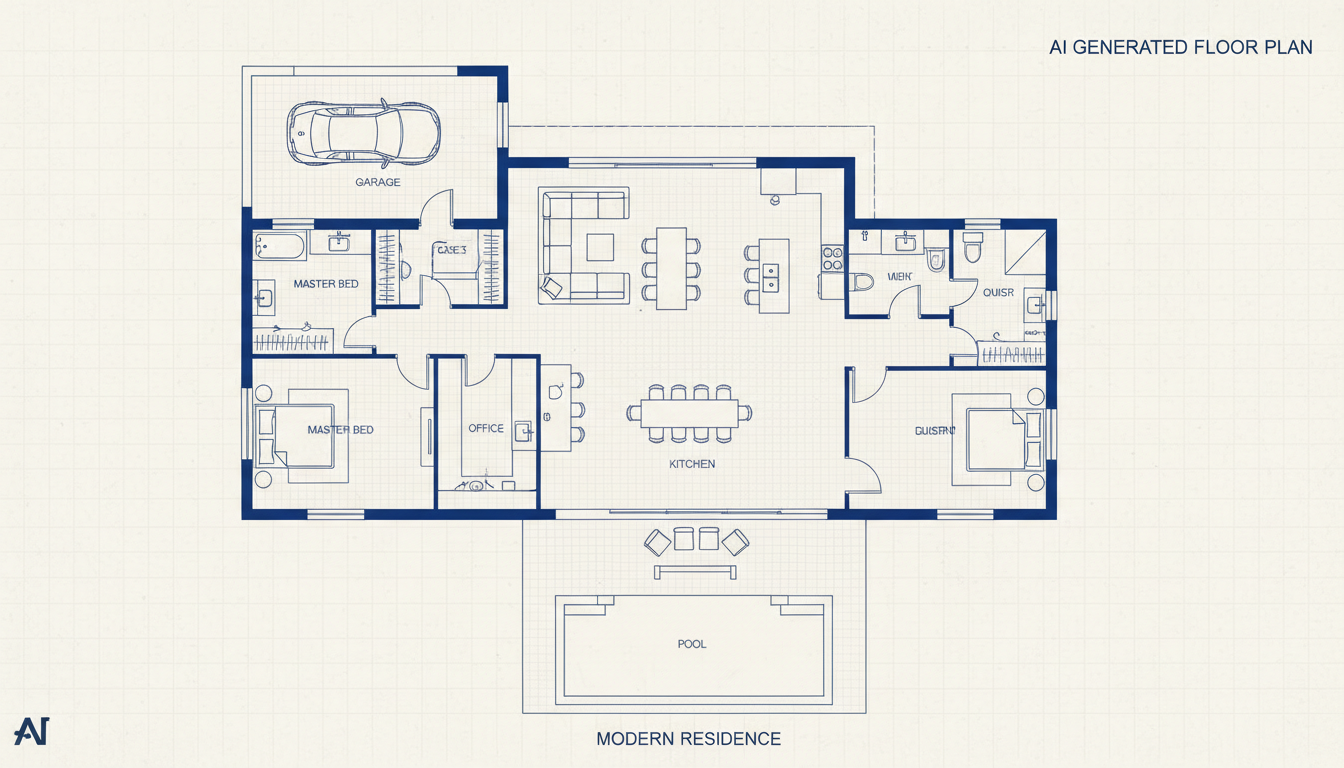


Why Ideal House for Your Simple Home Plans?

Instant Simple Home Plans
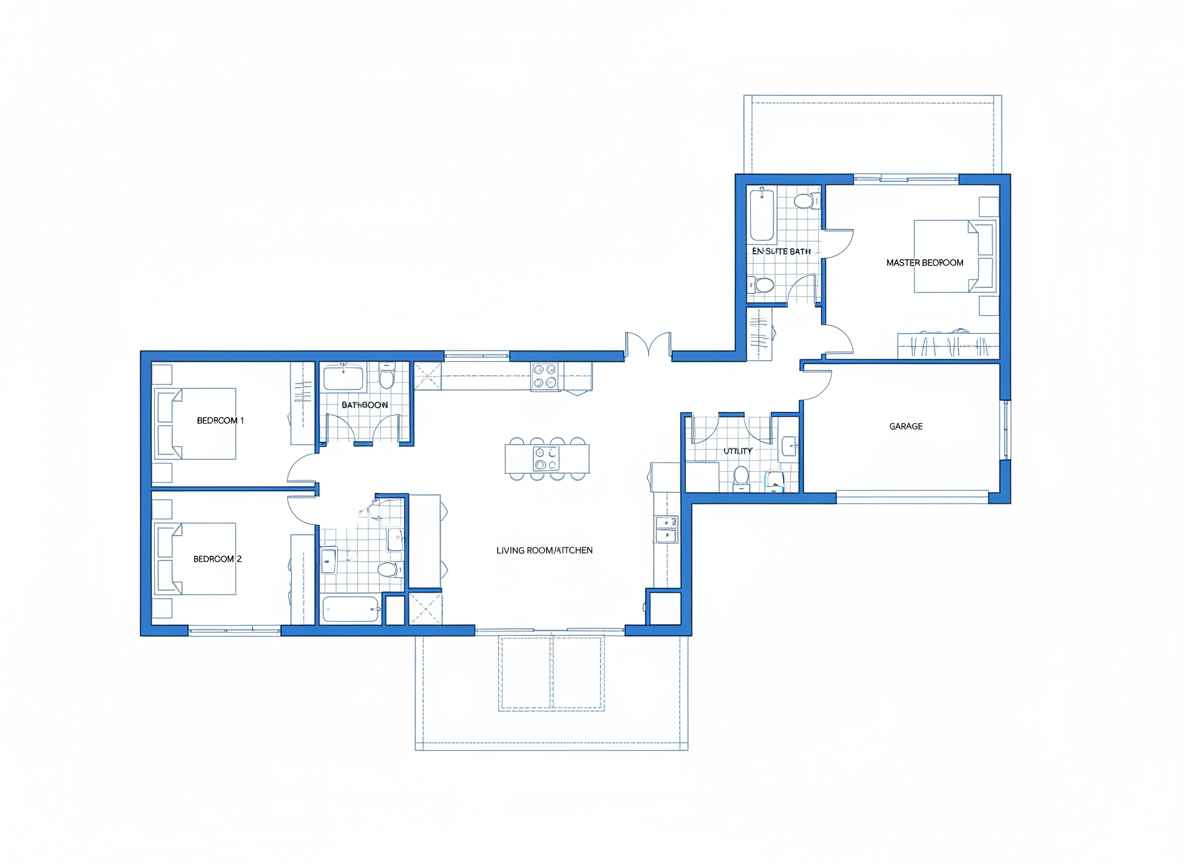
Gone are the days of tedious manual drafting. Our AI Floor Plan Generator turns your basic requirements—like bedrooms, bathrooms, and kitchen style—into clear, simple home plans in a flash. Get immediate visual feedback on your design ideas, accelerating your decision-making process for any dwelling layouts.
Precision with Parameter-Driven Design
Tailor your simple home plans with precise control. Input the number of bedrooms (0-4), bathrooms (1-3), select open or closed kitchen, and define a gross area band. Add desired extras like a walk-in closet or home office to guide the AI, ensuring your custom home plans meet exact specifications.
Boost Your Real Estate Listings
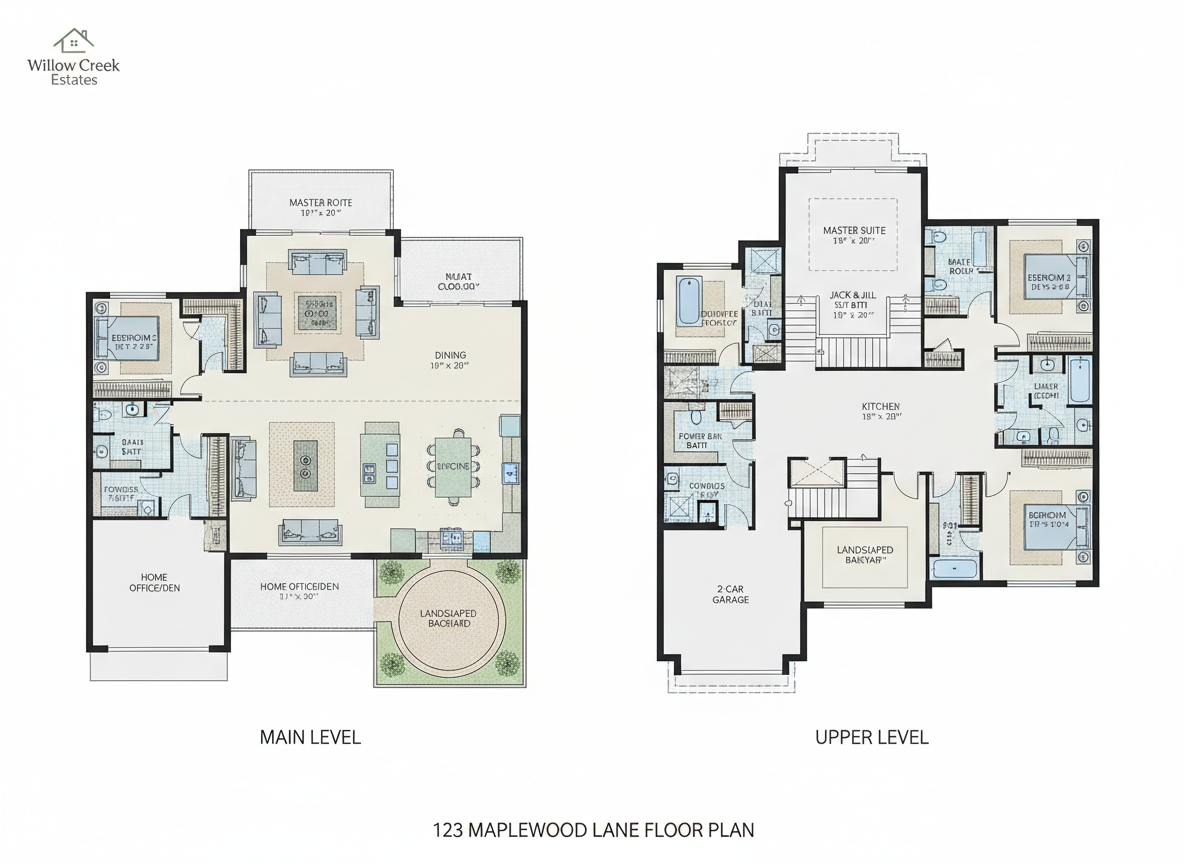
For real estate agents and brokers, professional 2D floor plans are crucial. Our AI tool allows you to generate consistent, high-quality simple home plans for every property, making your listings stand out. Help potential buyers instantly visualize the property layout and flow, leading to faster sales.

Seamless Iteration and Comparison
Experiment with countless design variations effortlessly. Every generated floor plan is saved in your Generation History, allowing you to compare different simple home plans side-by-side. Tweak parameters and regenerate to refine your vision, making the design process collaborative and efficient.

Who Benefits from Ideal House's Simple Home Plans?

Homeowners and DIY Enthusiasts: Visualize your dream home, plan home additions, or explore starter home plans before committing to costly designs.

Real Estate Professionals: Create compelling 2D real estate floor plans and property layout diagrams that attract buyers and communicate value.

Interior Designers & Contractors: Quickly draft architectural drawings and residential floorplans for clients, streamlining initial consultations and project scoping.

Crafting Your Simple Home Plans: A Step-by-Step Guide
1
Set Rooms: Begin by choosing the number of bedrooms (0-4) and bathrooms (1-3) to establish the core of your simple home plans.
2
Choose Kitchen Style: Decide between an 'open' or 'closed' kitchen concept to influence the living space designs.
3
Pick Gross Area: Select a target gross area range to guide the overall scale and proportions of your floor plan creator.
4
Add Extras: Enhance your design with multi-select features like a walk-in closet, home office, garage, or balcony, shaping functional zones.
5
Generate & Review: Click 'Generate' to instantly produce your 2D floor plan. Review and tweak parameters to refine your perfect dwelling layouts.
6
Download & Share: Export your chosen simple home plans as an image or PDF to share with clients, family, or for your listings.
FAQs About Generating Simple Home Plans
How does Ideal House create simple home plans from my selections?
Our AI floor plan generator interprets your inputs—such as beds, baths, kitchen style, gross area, and extras—and applies established architectural rules for adjacency and circulation. Each generation produces a unique 2D floor plan concept, allowing you to explore various living space designs.
What options do I have for customizing my simple home plans?
You can customize bedrooms (0-4), bathrooms (1-3), choose an open or closed kitchen, select a gross area band, and add multiple extras like a laundry room, pantry, or combined living-dining area. These options empower you to create diverse simple home plans and compact house plans.
What role does 'Gross Area' play in the design of my building plans?
The 'Gross Area' band helps our AI floor plan maker understand the desired overall footprint of your property layout. Selecting the closest range ensures the rooms and corridors are appropriately scaled, resulting in more realistic and functional dwelling layouts.
How do 'Extras' influence the layout of my simple home plans?
Extras like a walk-in closet, home office, or garage guide the AI to prioritize specific spaces and their relationships within the architectural drawings. For instance, a pantry will likely be placed near the kitchen, and a home office in a quieter zone, enhancing the functionality of your home schematics.
Can I compare different versions of my generated simple home plans?
Absolutely! Every floor plan you generate is saved in your 'Generation History.' You can use filters and different view options to easily review and compare multiple simple home plans side-by-side, helping you make the best design choice.
Explore More Ideal House Tools for Your Home Design Journey
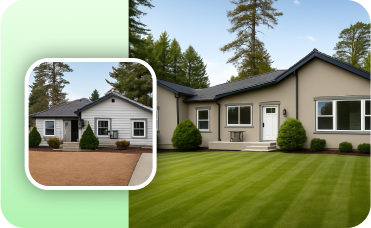
Photo Enhancer
Automatically improve the lighting, color, and clarity of your source photos for more vibrant staging results.
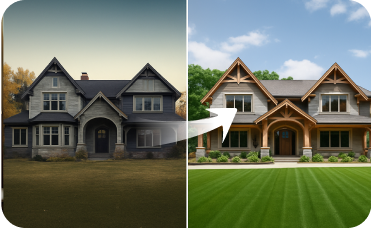
Exterior Renovator
Extend your design vision to the outside of a property, remodeling siding, windows, and landscaping.
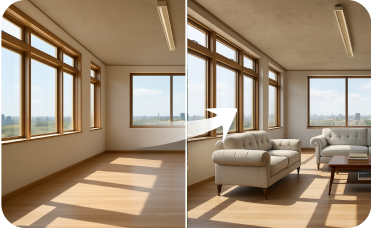
Virtual Staging
Furnish empty rooms with stylish, AI-generated furniture to sell properties faster.
Ready to Design Your Dream Space?
Unlock the power of AI to create professional, simple home plans in minutes. No design experience needed!
Generate My Floor Plan
Ideal.House is more than a platform—it's your all-in-one home design ecosystem. Dive into powerful AI tools such as Interior Remodel, Exterior Renovator, and Landscaping to craft stunning spaces, and let HouseGPT guide you with tailored suggestions for planning, styling, and furnishing. Connect with a passionate community to swap ideas and advice, then take your designs from concept to completion with handpicked products matched to your taste.
At Ideal.House, we've built a space where technology, creativity, and collaboration come together to redefine home design.
At Ideal.House, we've built a space where technology, creativity, and collaboration come together to redefine home design.
Technical support [email protected]



💰 Earn 10% commission as a Ideal House Affiliate Partner.
Join us