








Generator
History
AI Floor Plan Generator
Change Tool
Model
Base
Switch
Reference floor plan
Upload
BedRoom
-
2
+
BathRoom
-
1
+
Gross Area
Unit metric
 imperial
metric imperialArea
< 50㎡
50-80㎡
80-100㎡
100-120㎡
120-150㎡
> 150㎡
Extras
Looking for any specific?
e.g. Modern style living room with bright colors, soft lighting and minimalist design.
 Count
Count
Design Your Dream Home with Our AI Blueprint Maker
Unlock the power of artificial intelligence to effortlessly generate stunning 2D floor plans. Ideal House's AI Blueprint Maker transforms your vision into detailed, realistic layouts in seconds, perfect for homeowners, real estate professionals, and designers across North America. Say goodbye to complex architectural drawing software and hello to intuitive, fast design.
Generate My Floor Plan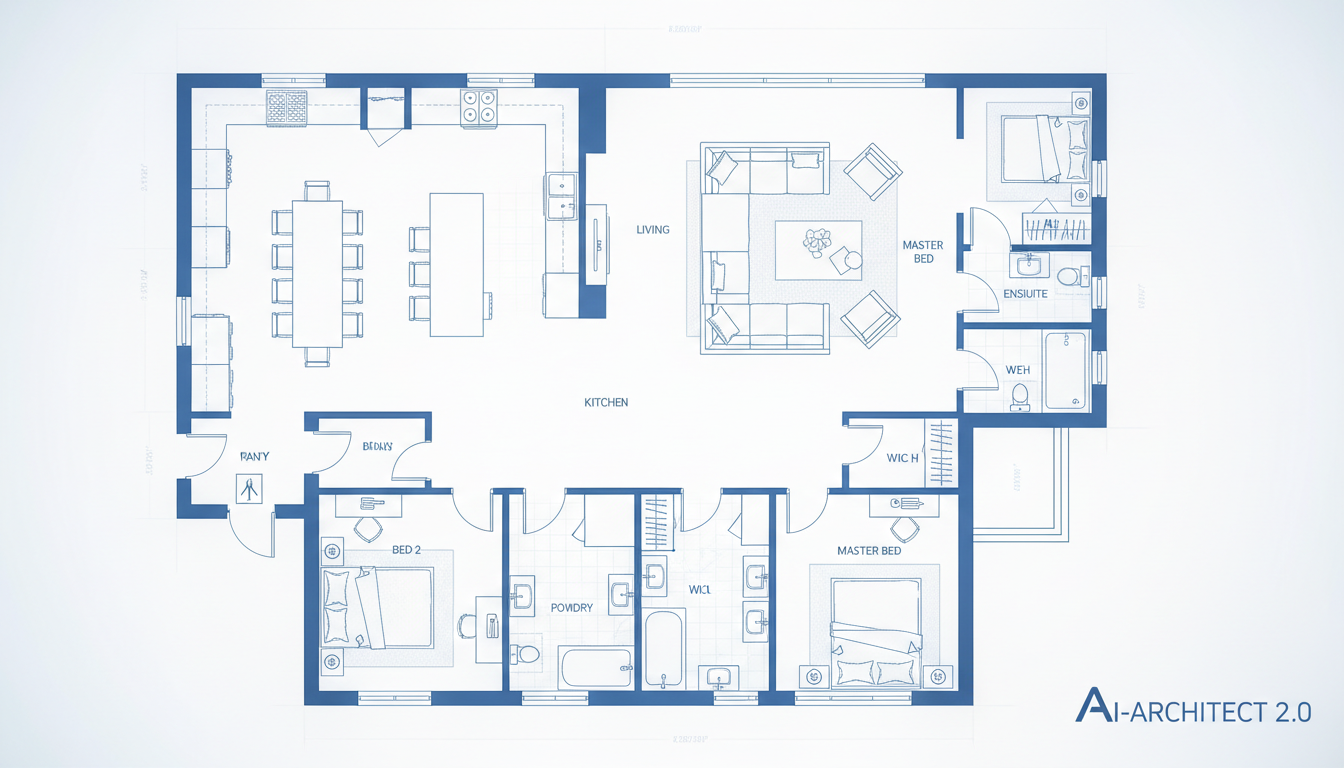


Why Choose Ideal House's AI Floor Plan Generator?
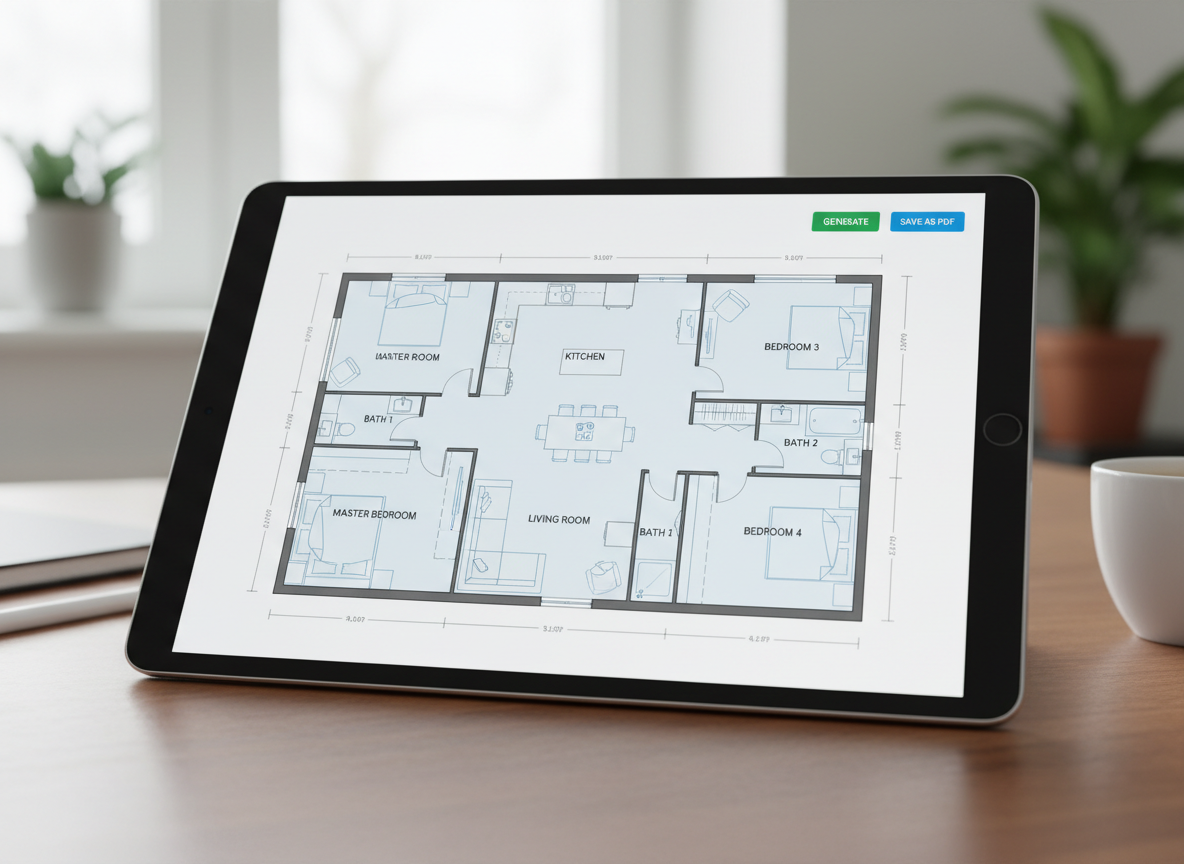
Instant 2D Floor Plans
Gone are the days of tedious manual drafting. Our AI Floor Plan Generator quickly produces high-quality, precise 2D floor plans from your basic inputs. This intelligent blueprint maker instantly visualizes your home's potential, saving you invaluable time and effort in the design process.
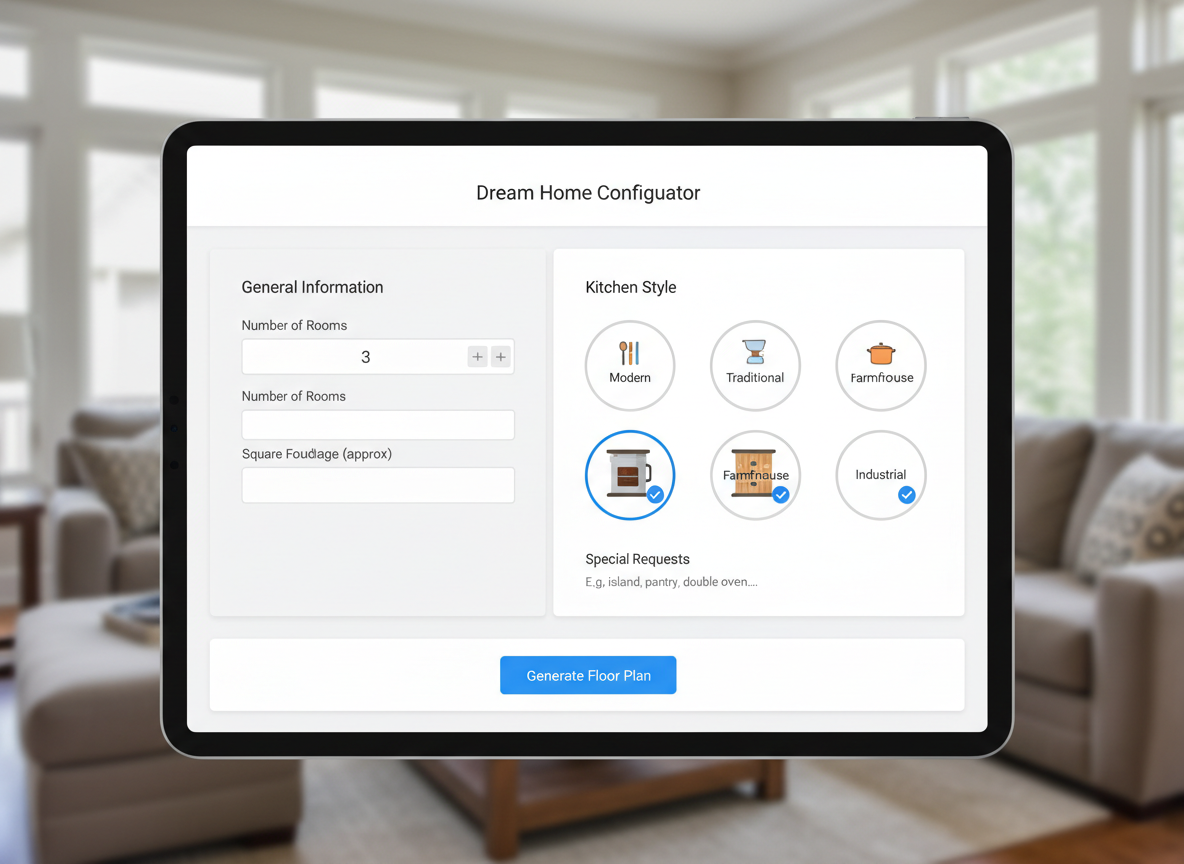
Parametric Design Made Simple
Customize every detail with ease using our intuitive parameter-driven planning. Select the number of bedrooms, bathrooms, kitchen style (open or closed), and gross area. Our smart blueprint maker adapts to your specific needs, creating a personalized layout that truly reflects your vision, perfect for any residential blueprint.

Enhanced Property Visualization
For real estate professionals, a clear home floor plan is crucial. Our AI blueprint maker delivers presentation-ready plans that enhance property listings, helping potential buyers immediately grasp the layout and flow of a space. Improve engagement and accelerate sales with superior visual tools.
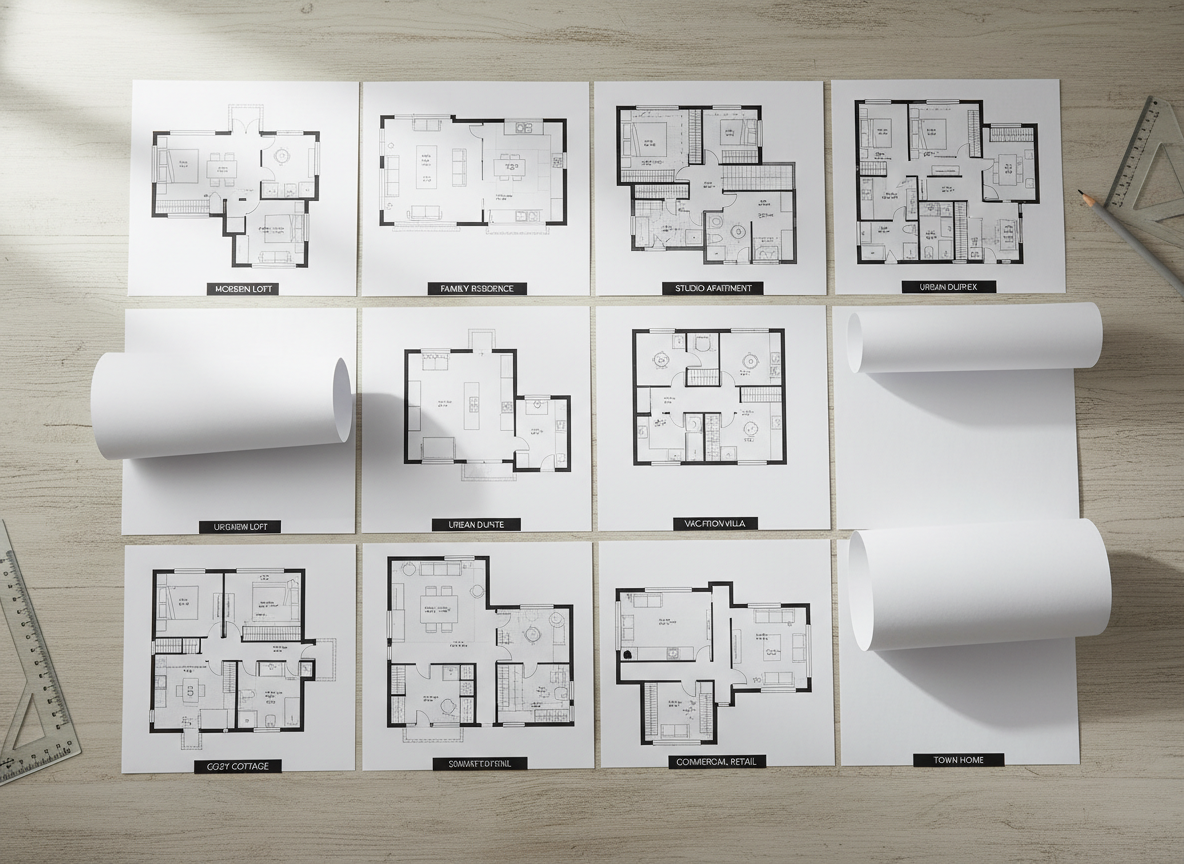
Seamless Iteration and Comparison
Experiment with different designs effortlessly. Our tool saves all your generated floor layouts in a comprehensive history, allowing you to compare multiple versions side-by-side. Tweak parameters and regenerate to find the perfect residential blueprint, making design decisions clearer and more confident.

Who Benefits from Our AI Floor Plan Generator?

Homeowners & DIY Enthusiasts: Easily draft floor plans for renovations, additions, or new home construction without needing architectural drawing software.

Real Estate Professionals & Agents: Create compelling 2D real estate floor plans for listings, helping buyers visualize properties better and faster.

Interior Designers & Decorators: Quickly generate apartment floor plan concepts and iterate with clients, streamlining the initial design phase.

How to Use Ideal House's Blueprint Maker in 5 Easy Steps
1
Define Your Space: Choose your desired number of bedrooms ( 0-4) and bathrooms (1-3) to begin setting up your home floor plan.
2
Select Kitchen Style: Decide between an 'open' or 'closed' kitchen layout to influence the overall dwelling plan and flow.
3
Determine Gross Area: Pick a gross area range that best matches your target size, guiding the AI to create appropriate proportions for your building layout.
4
Add Key Extras: Enhance your design with features like a walk-in closet, laundry room, home office, garage, pantry, combined living-dining area, or a balcony.
5
Generate & Refine: Click 'Generate' to instantly create your digital blueprint. Review the results in your history and make adjustments as needed to perfect your layout planner.
Frequently Asked Questions About Our AI Floor Plan Creator
How does the AI transform my selections into a floor plan?
Our advanced AI floor plan generator interprets your inputs—bedrooms, bathrooms, kitchen type, gross area, and extras—and applies smart spatial logic to draft a clear 2D floor plan. Each generation provides a unique concept that adheres to common architectural principles for a realistic residential blueprint.
What customizable options are available for the floor layout?
You can choose 0-4 bedrooms, 1-3 bathrooms, an open or closed kitchen, various gross area ranges, and a multitude of extras including a walk-in closet, laundry room, home office, garage, pantry, combined living-dining, or a balcony. This powerful layout planner is incredibly flexible.
What is the impact of selecting 'Gross Area' on my design?
The 'Gross Area' range influences the overall scale and proportions of your home floor plan, ensuring that rooms and corridors feel natural and functional for the specified footprint. Choosing the closest band helps the blueprint maker produce the most believable and optimal building layout.
Can I compare multiple generated floor plans?
Absolutely! Every floor layout generated by our AI is automatically saved in your 'Generation History'. You can easily use the 'Created with AI Floorplan' filter and grid/list views to review and compare different versions side-by-side, helping you choose the best digital blueprint.
How fast is the blueprint generation process?
Most floor plans are generated in mere seconds, offering unparalleled speed compared to traditional architectural drawing software. Our efficient process means you can iterate and visualize multiple home floor plan options almost instantly.
Complement Your Design with Our Related Tools
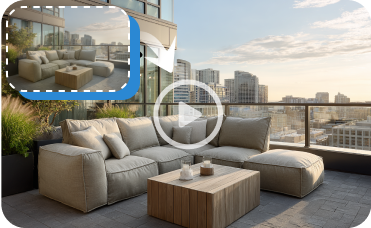
Image to Video
Turn your static exterior render into a dynamic video walkthrough, perfect for creating engaging real estate listings or sharing your vision.
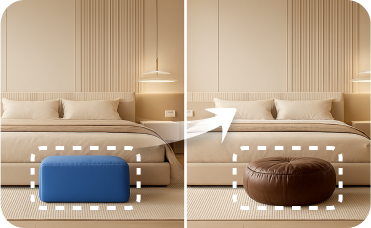
Smart Replacer
Change smaller details like light fixtures, wall art, or decor items with precision.
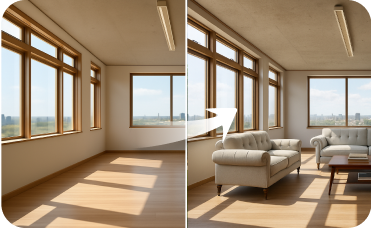
Virtual Staging
Furnish empty rooms with stylish, AI-generated furniture to help buyers fall in love with the space.
Ready to Design Your Space?
Experience the fastest, most intuitive blueprint maker for stunning 2D floor plans. Get started with Ideal House today and bring your design ideas to life.
Generate My Floor Plan
Ideal.House is more than a platform—it's your all-in-one home design ecosystem. Dive into powerful AI tools such as Interior Remodel, Exterior Renovator, and Landscaping to craft stunning spaces, and let HouseGPT guide you with tailored suggestions for planning, styling, and furnishing. Connect with a passionate community to swap ideas and advice, then take your designs from concept to completion with handpicked products matched to your taste.
At Ideal.House, we've built a space where technology, creativity, and collaboration come together to redefine home design.
At Ideal.House, we've built a space where technology, creativity, and collaboration come together to redefine home design.
Technical support [email protected]



💰 Earn 10% commission as a Ideal House Affiliate Partner.
Join us