1/7
Best 3D modeling software of 2025
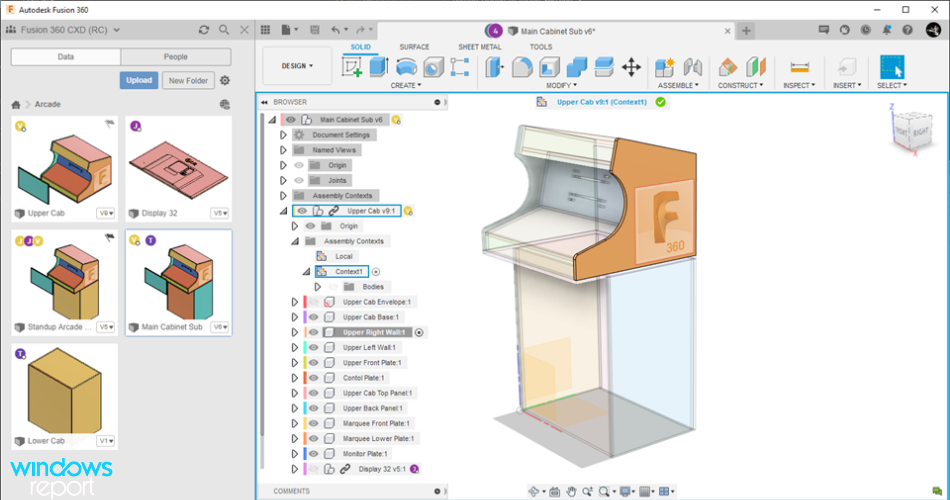
The field of 3D modeling software is dynamic and constantly evolving, catering to a wide range of professional applications including animation, architecture, and 3D printing. The top software options are evaluated based on their feature sets, intuitive workflows, and ability to produce unique and distinctive 3D models. Key recommendations include Autodesk 3ds Max for game development and film production, and Autodesk Maya and Blender for animation, with Blender being a notable free and open-source alternative. This article delves into various software solutions, highlighting their strengths and ideal use cases.
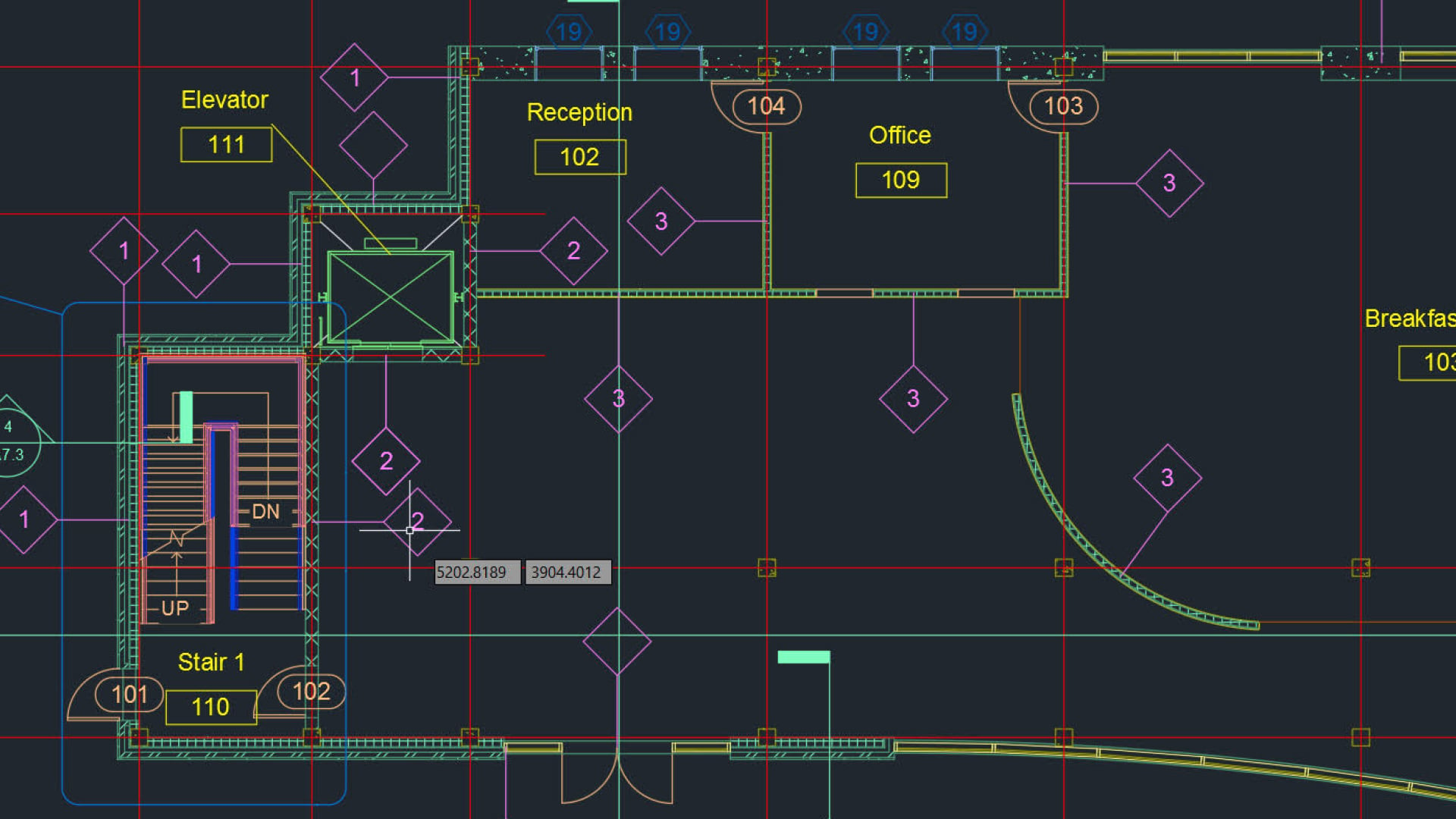
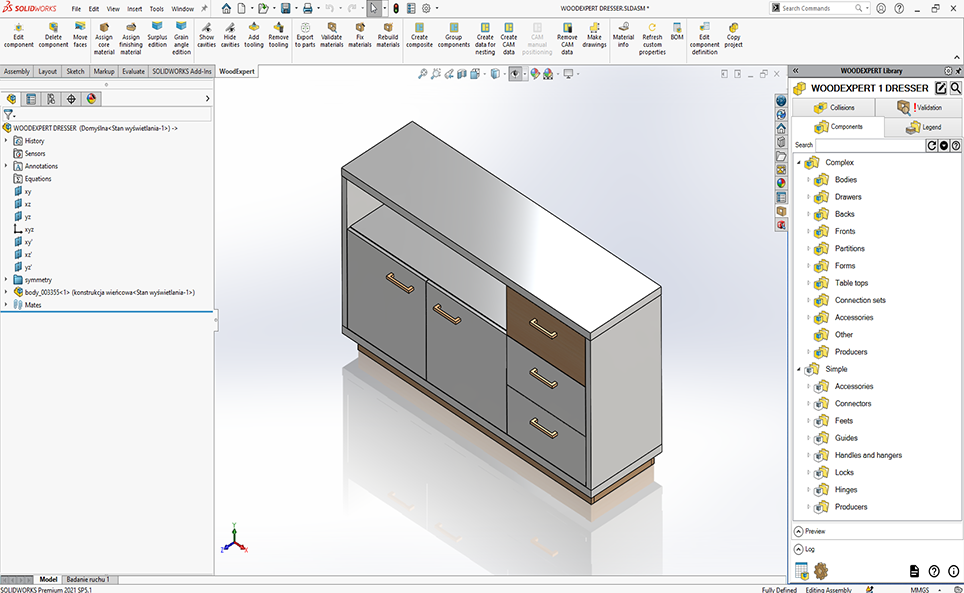
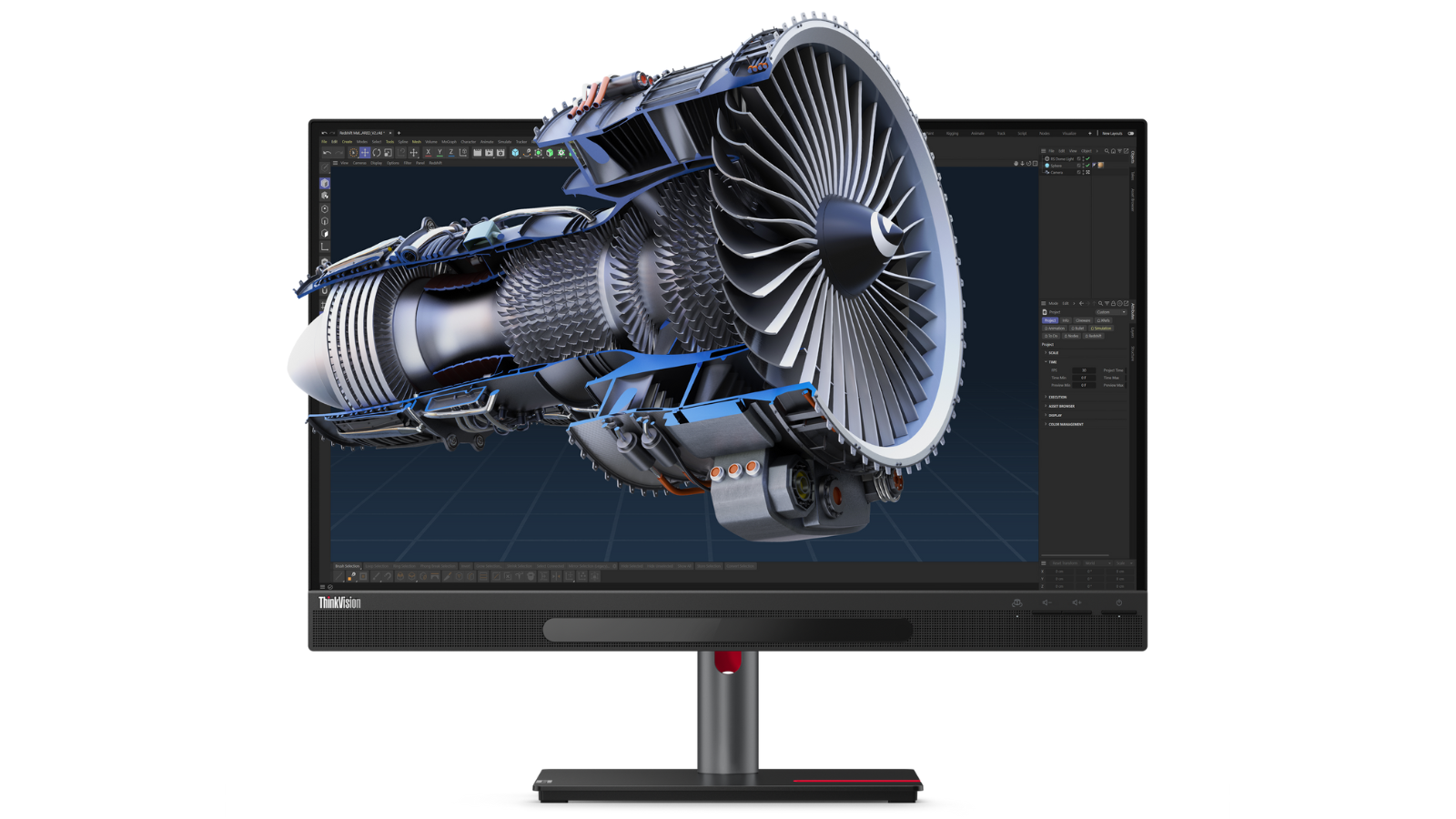
Autodesk 3ds Max is positioned as a leading professional tool, particularly for interior design, architecture, and 3D printing. It offers comprehensive modeling tools, texturing capabilities, and meshing. Despite its high cost (monthly or yearly subscription) and exclusivity to Windows, its robust features justify the investment for professionals. The software includes advanced functionalities such as skeletons, inverse kinematics, cloth simulation, skinning, and character controls for bipedal motion. An extensive plugin system allows for customization and expansion of its features, though complex plugins can sometimes lead to instability. The software supports polygon construction, NURBS, and patch surfaces, and integrates with various rendering systems like Renderman and mental ray. While powerful, it has a steep learning curve and is less versatile for animation-specific tasks compared to Maya.
Blender stands out as the best free 3D modeling software, offering a full pipeline solution for modeling, rigging, animation, simulation, rendering, compositing, and motion tracking, along with video editing and 2D animation features. Its open-source nature fosters a strong community that contributes to its continuous development, ensuring regular updates and bug fixes, such as the recent 4.5 LTS release. Blender's real-time rendering capabilities through the EEVEE engine bridge the gap between real-time and offline processing. It is compatible with Windows, macOS, and Linux, making it an excellent starting point for beginners or those on a budget, despite its complexity.
Autodesk Maya is highly recommended for animators and VFX artists, being an industry standard used in major productions. It provides advanced tools for character creation, movement, and the simulation of natural elements like water, fire, and sandstorms. Recent enhancements include Bifrost procedural effects and the integration of Golaem for crowd simulation, with Arnold RenderView offering photorealistic rendering. Maya's complexity means it is not suitable for beginners, but its comprehensive features make it ideal for high-end animation and visual effects, with a pricing structure similar to 3ds Max.
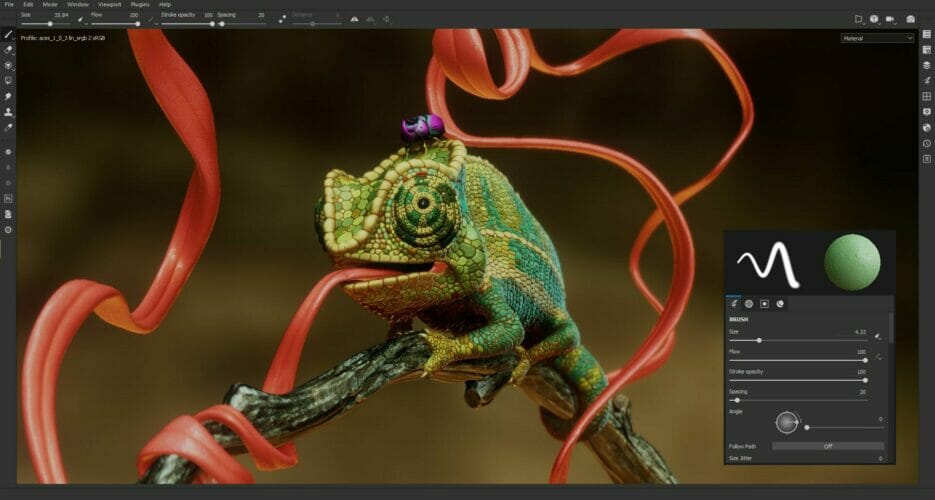
Maxon's ZBrush is highlighted for its unique approach to 3D modeling, utilizing a brush system for digital sculpting. This 'virtual claymation' method makes it particularly effective for 3D printing due to its focus on detailed sculpting and organic structures. ZBrush supports non-linear design, allowing artists to revert to previous iterations and make changes flexibly. It is available for Macs and PCs with a 14-day free trial, followed by an annual subscription, and an iPad version is also offered. Its artist-friendly interface, especially when used with pressure-sensitive pens and graphics tablets, makes it popular among concept artists, filmmakers, and game developers.
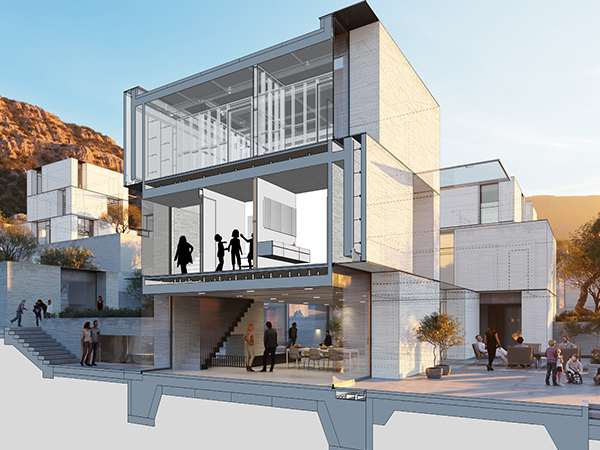
SketchUp is presented as an excellent choice for architects, offering intuitive tools for precision building and design. It allows users to create anything from high-rise buildings to furniture. SketchUp is available through subscription tiers, with special pricing for education, and is compatible across multiple platforms including Mac, PC, iPad, and web browsers. Its user-friendly nature and vast libraries of user-generated objects and pre-constructed elements make it accessible for artists of all skill levels for rapid prototyping and visualizing entire structures. SketchUp Go is designed for mobile and web, while SketchUp Pro offers desktop support, and SketchUp Studio focuses on photorealistic models and animation, although Studio lacks macOS support.
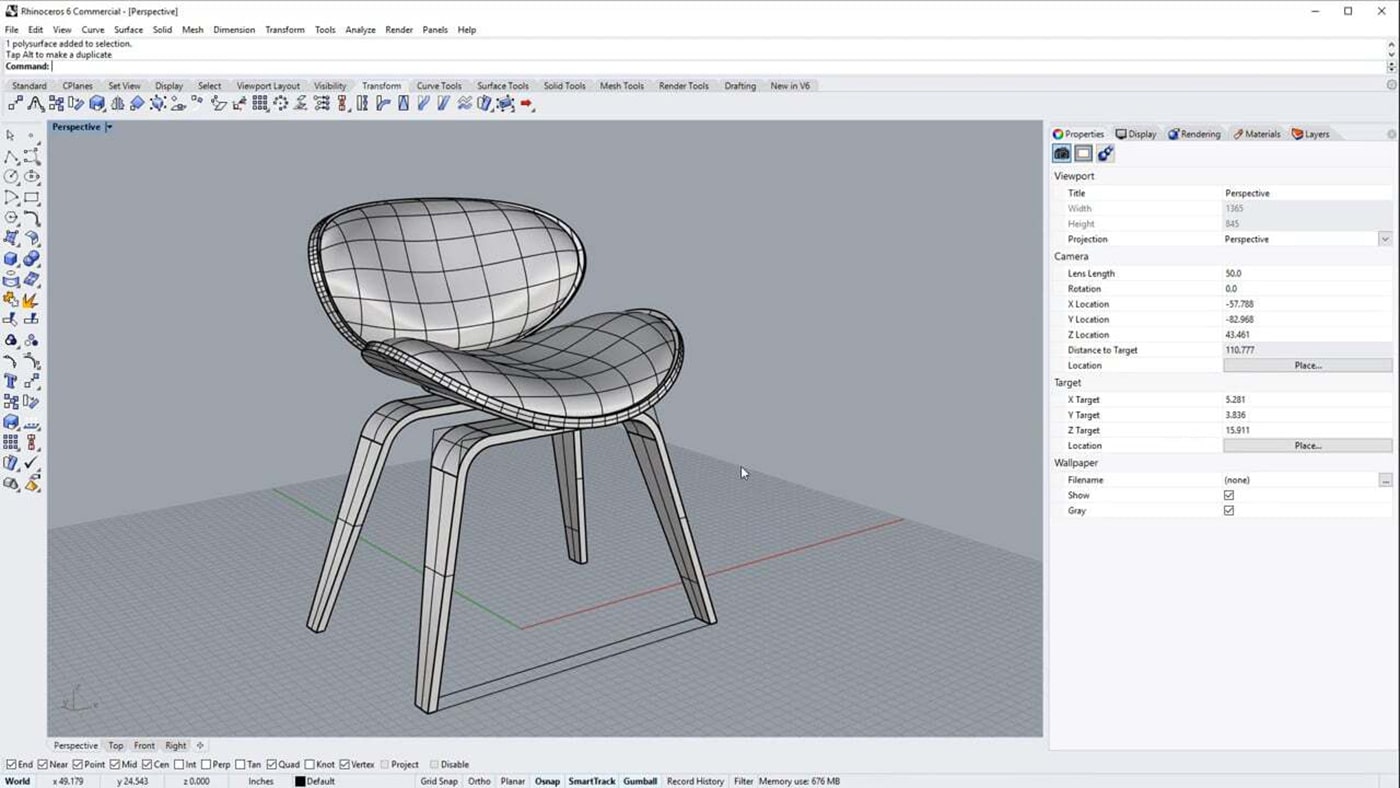
Rhino (Rhinoceros) excels in surface-level modeling, particularly with NURBS technology, which is crucial for accurately modeling complex curvatures seen in vehicles, aircraft, or faces. Unlike many subscription-based software, Rhino offers a perpetual license and a generous 90-day free trial. It is highly versatile, capable of sculpting, adapting LIDAR scans, and working with meshes from other systems, and can render scenes using raytracing. Rhino also features a plugin solution and Grasshopper, a tool for generating algorithms without coding, making it suitable for prototyping mechanical parts and 3D printing concept designs. However, it has a steep learning curve and a less intuitive interface compared to other options.
#3DModeling #3DSMax #AutodeskMaya #Blender #ZBrush #SketchUp #Rhino3D #AnimationSoftware #3DPrintingSoftware #3DModeling #3DSMax #AutodeskMaya #Blender #ZBrush #SketchUp #Rhino3D #AnimationSoftware #3DPrintingSoftware
0 ความคิดเห็นรวม
 ยังไม่มีความคิดเห็น
คุณอาจจะชอบอีกด้วย

Best architecture software of 2025
Furniture Design Software: 10 Best We Tested in 2025

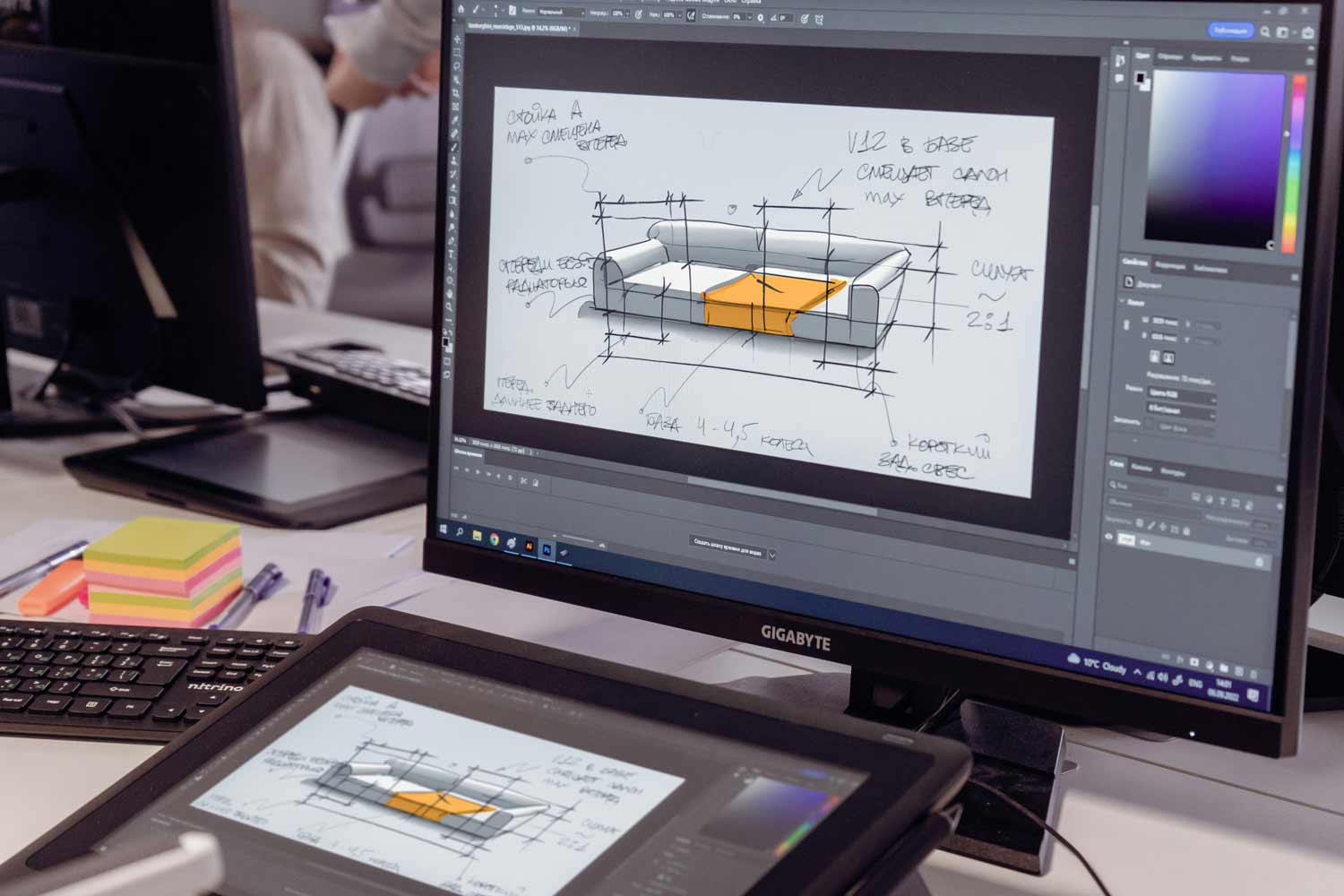
10 useful furniture design software for your personalized design solutions

These Will Be the Biggest Design Trends of 2025

Best landscape design software of 2025

The 3 Best Outdoor Projector Screens of 2025 | Reviews by Wirecutter
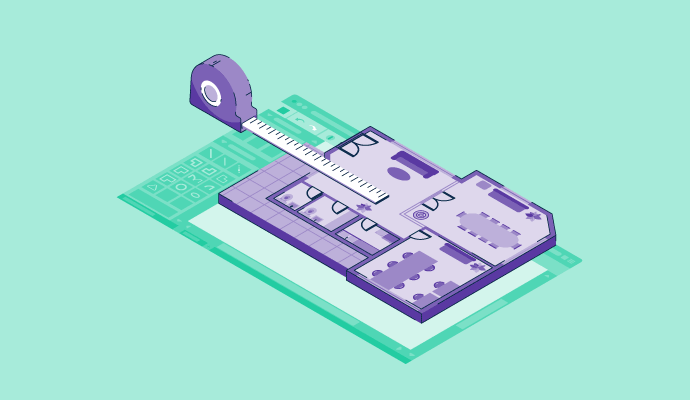
11 Best Free Floor Plan Software for 2024

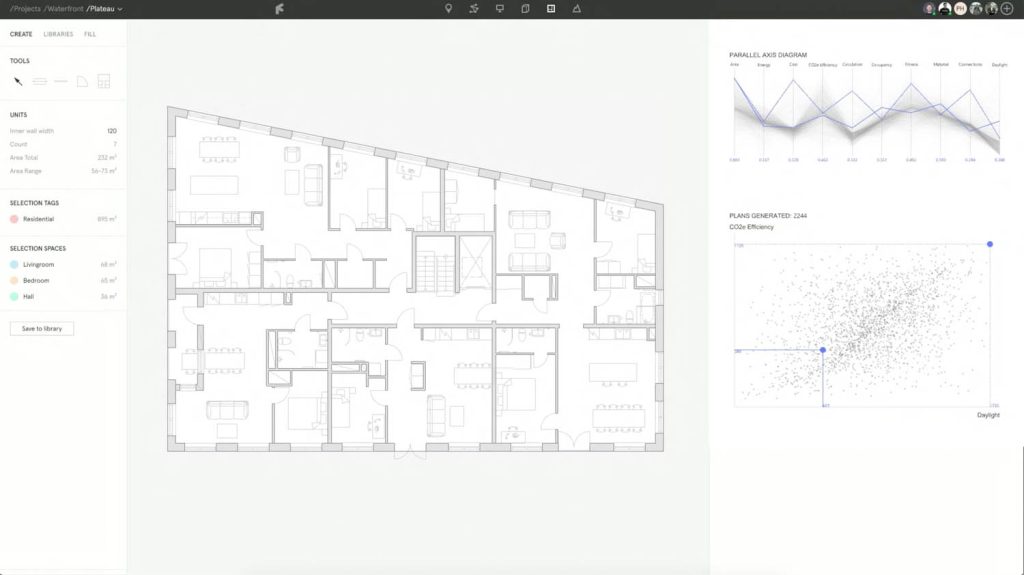
Finch3D: automates the generation of floor plans

Best interior design software of 2025
3D Architectural Rendering Services at Unbeatable Price / Cost


The Best Projectors for 2025 | Reviews by Wirecutter

The Plan and the Prompt: How AI Is Rewiring Design and Practice


Two tech tools to create your own 3D floor plans

Nova Development Virtual Architect Professional Home Design 12 review
3D House Design: 8 Best Three-Dimensional House Plan Apps, Software & Online Tools
5 great furniture reissues from 3 Days of Design 2025


Best interior design software of 2025: Top home design tools fully tested
Chief Architect Home Designer Suite 2025 review

Online 3D Space Planning

7 Examples of How to Show Off Interiors in Your 3D Models, As Selected by Sketchfab