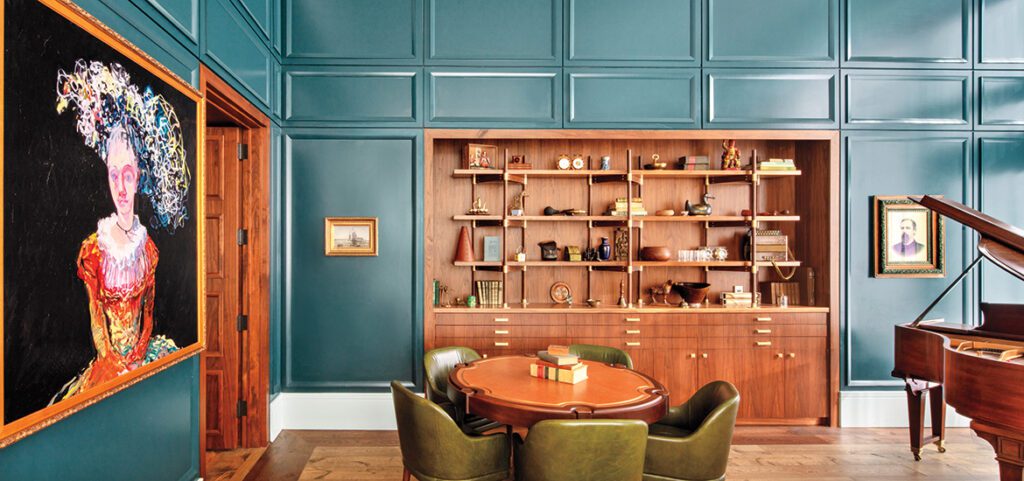

1/59
Best interior design software of 2025
This article provides a comprehensive review of the best interior design software and applications available in 2025, detailing their features, pricing, and suitability for various users from beginners to professionals. The author, Steve Paris, tested multiple tools to identify the most effective for creating 2D and 3D floorplans, rooms, houses, and buildings, emphasizing a seamless design process, extensive asset libraries, and smooth performance.
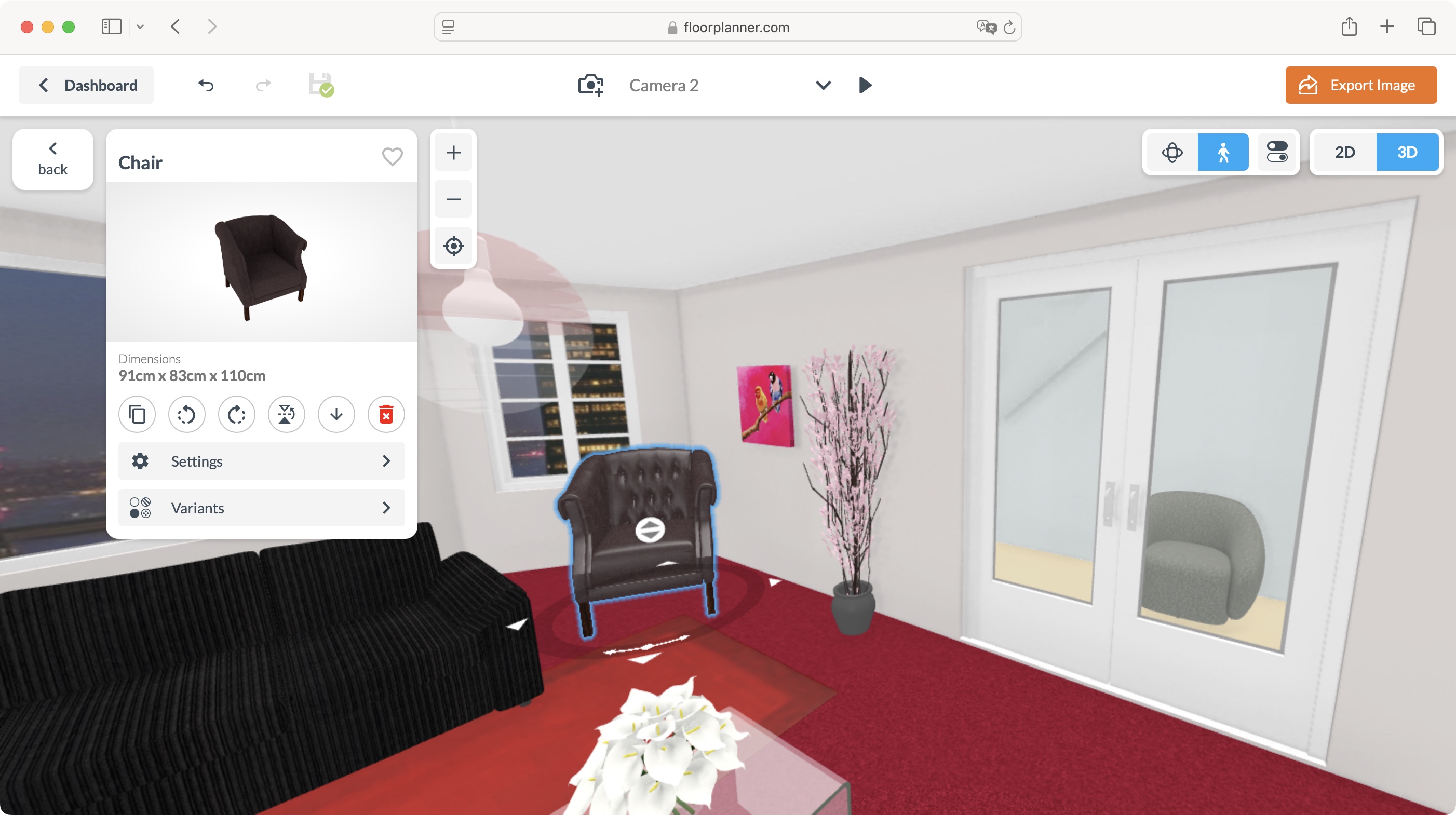
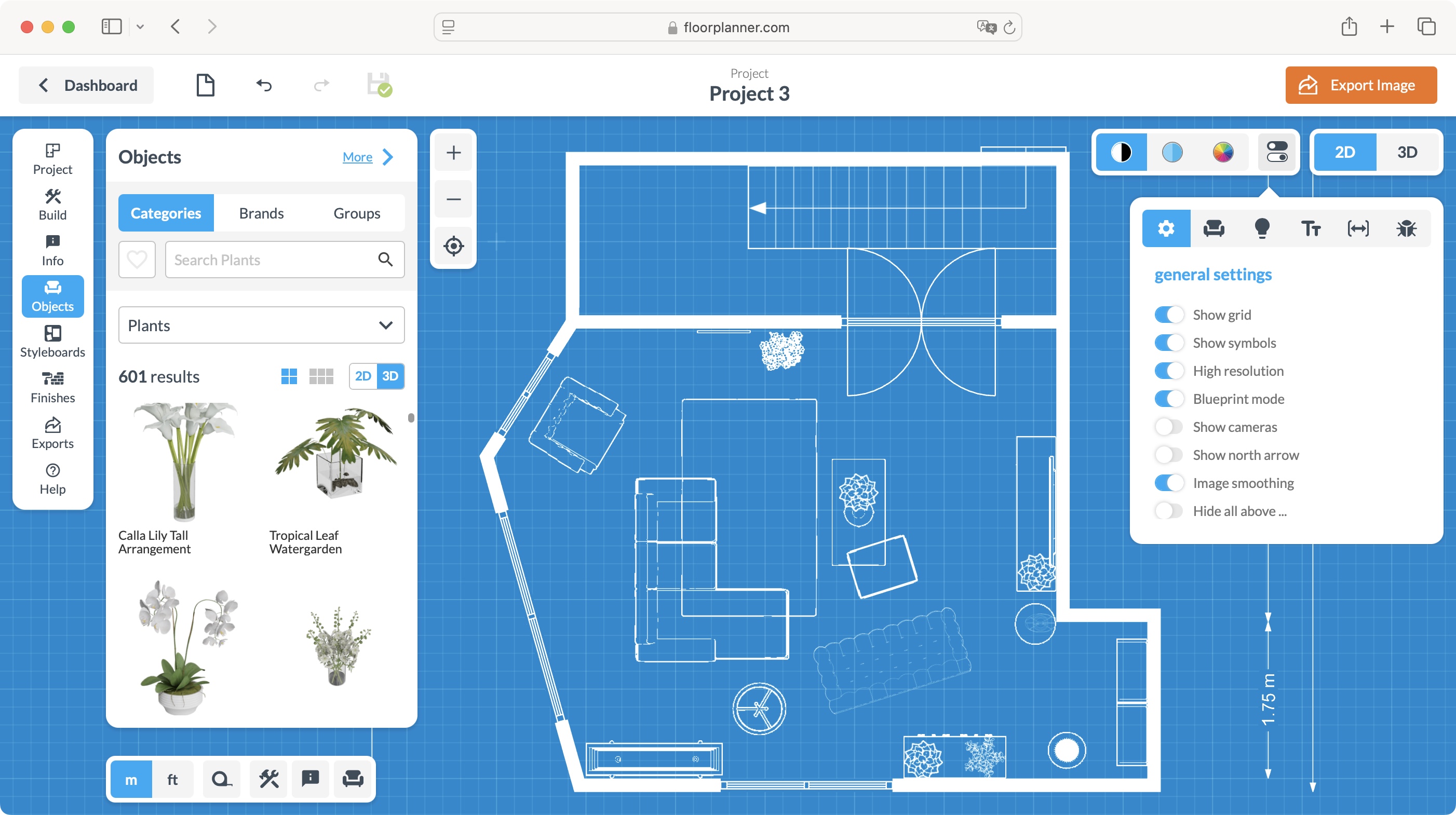
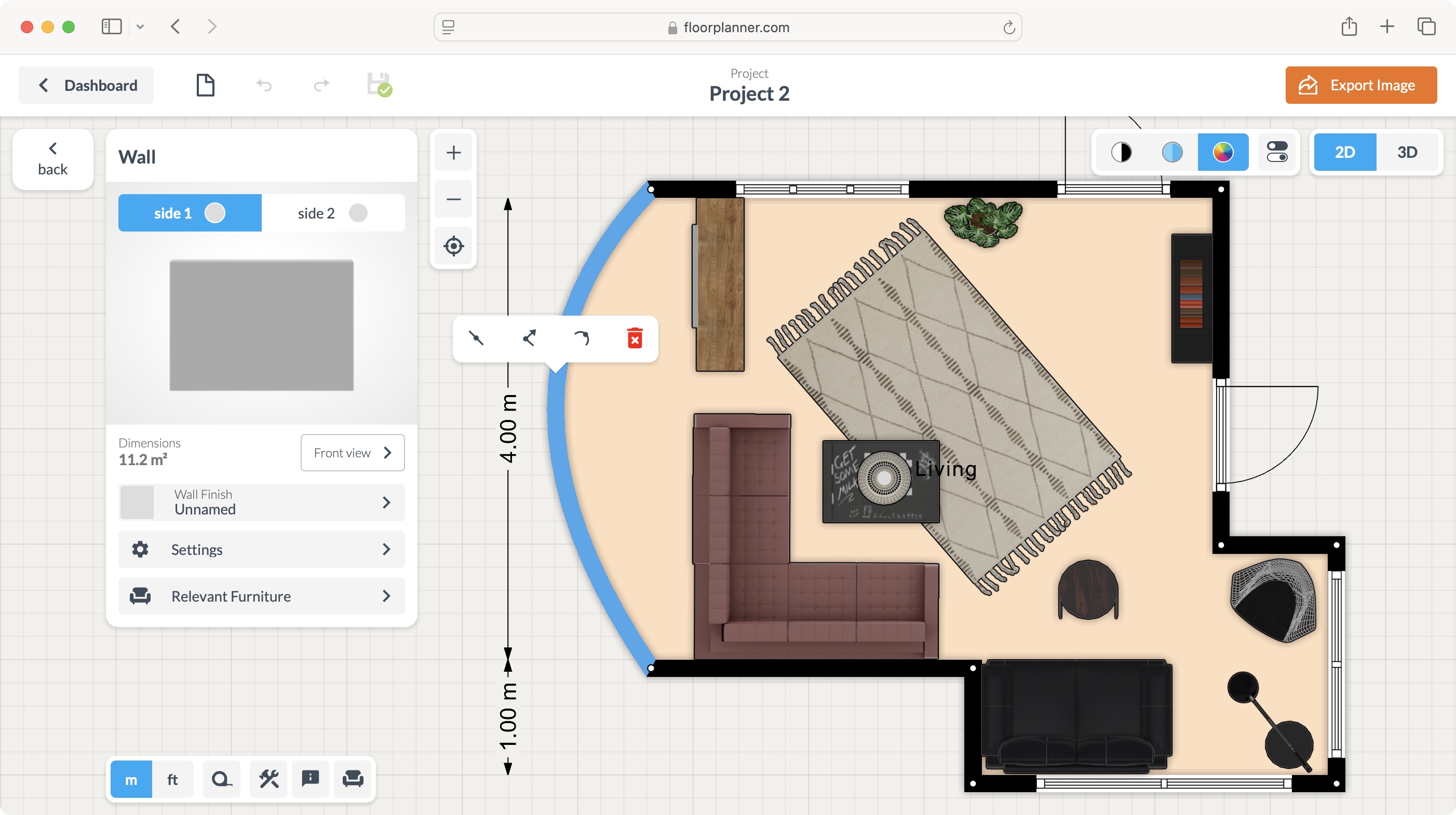
Floorplanner is highlighted as the top overall choice due to its browser-based accessibility, ease of use, and flexible subscription model, including a free tier. It supports intuitive drag-and-drop functionality for elements like walls, windows, and furniture, making it highly effective for diverse interior design projects. While it offers robust indoor design capabilities, it lacks outdoor design options.
For budget-conscious users, NCH Software DreamPlan is recommended. This multi-platform software for Mac and Windows allows for both indoor and outdoor space design. Despite an outdated interface, its powerful features and affordable pricing—including a free version for home use and a commercial license for $3 a month—make it a strong contender. The software provides comprehensive tools for creating complex, multi-level projects with landscaping and a rich inventory of furnishings, supported by video tutorials for new users.
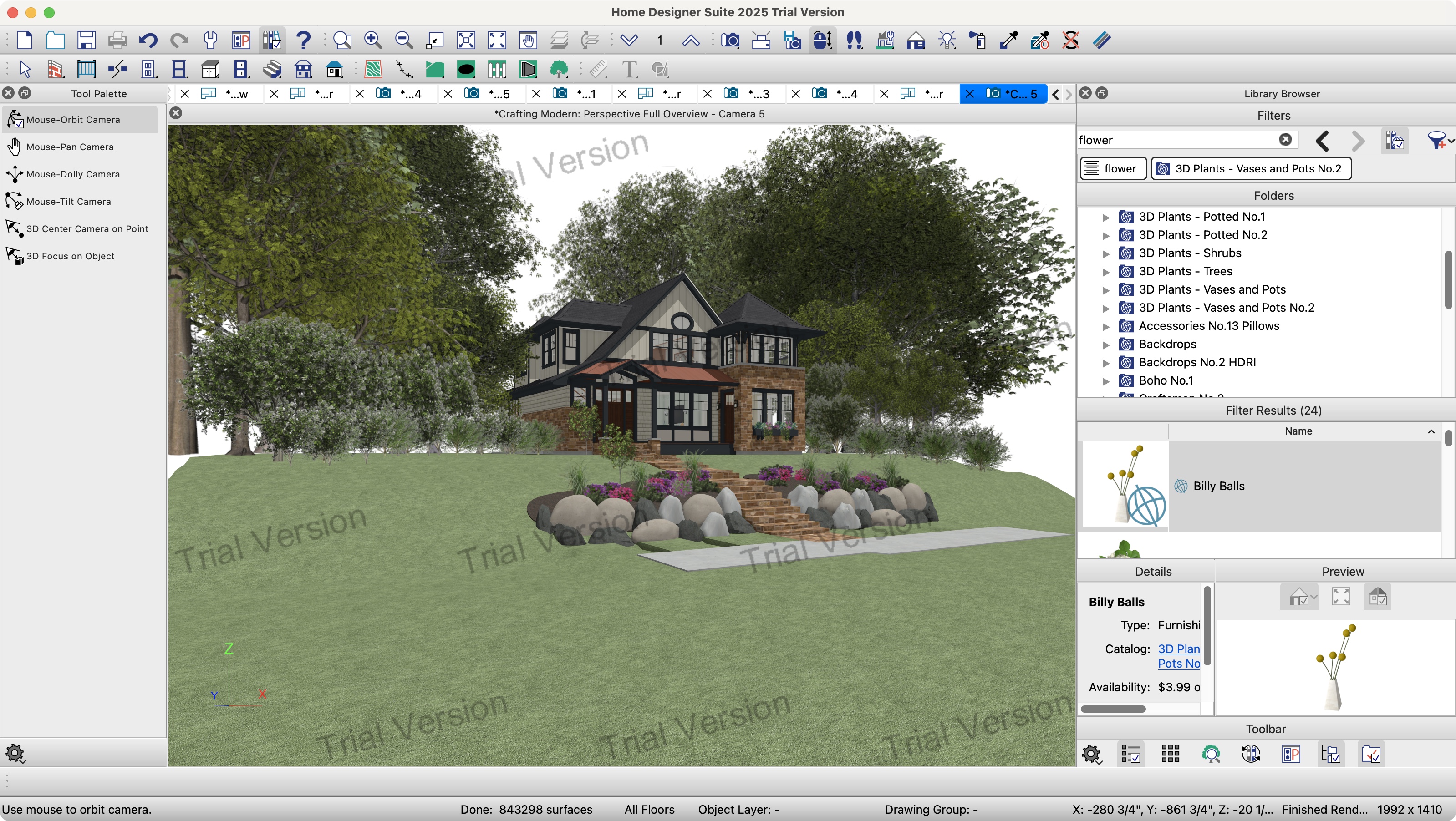
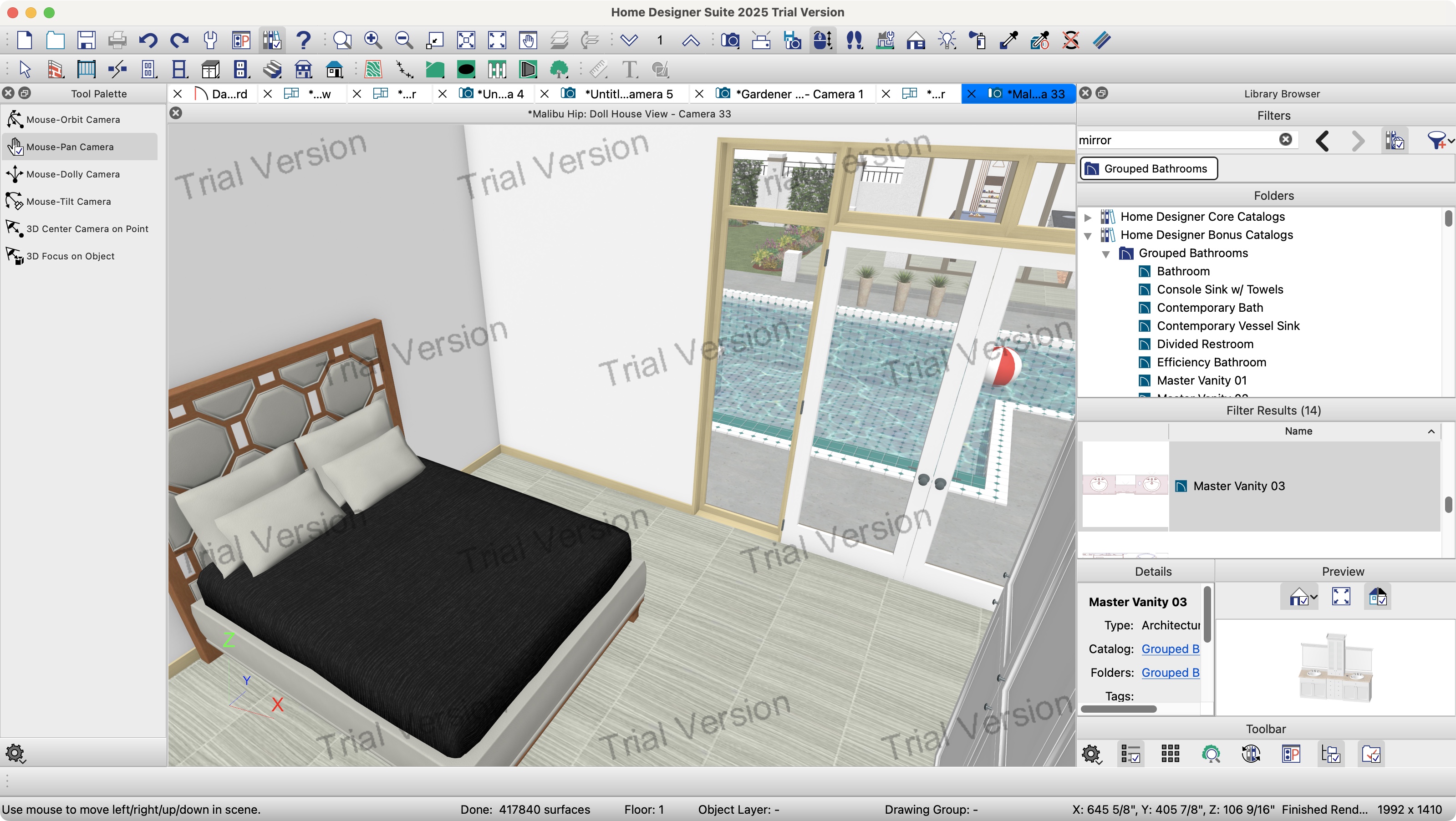
Chief Architect Home Designer Suite is presented as an excellent option for comprehensive indoor and outdoor creations. This high-end software automatically tracks materials needed for projects, simplifying the design-to-reality transition. Although its feature-rich interface can be initially daunting, Chief Architect offers video overviews to guide users. It enables precise customization of various elements, from structural components to decorations, and is available with a free trial.
HomeByMe is noted as the best choice for beginners, offering a simple-to-use online 3D home design service. It provides vast choices for furnishings and realistic photorealistic renders. A free tier allows for five projects, with subscription plans available for more features and higher-quality outputs. The intuitive tools make it easy to add and resize rooms, walls, windows, and doors, enhancing the user experience.
Planner 5D stands out as a top browser-based tool for both 2D and 3D home design, also accessible via desktop apps (Mac, Windows) and mobile devices (iOS, Android, Apple Vision Pro). It offers a free basic plan with limitations, while premium and professional subscriptions unlock more features like unlimited 4K renders and 360-degree panoramas. The service is highly versatile, allowing rapid house building and decoration, but it can be resource-intensive when accessed through a web browser.
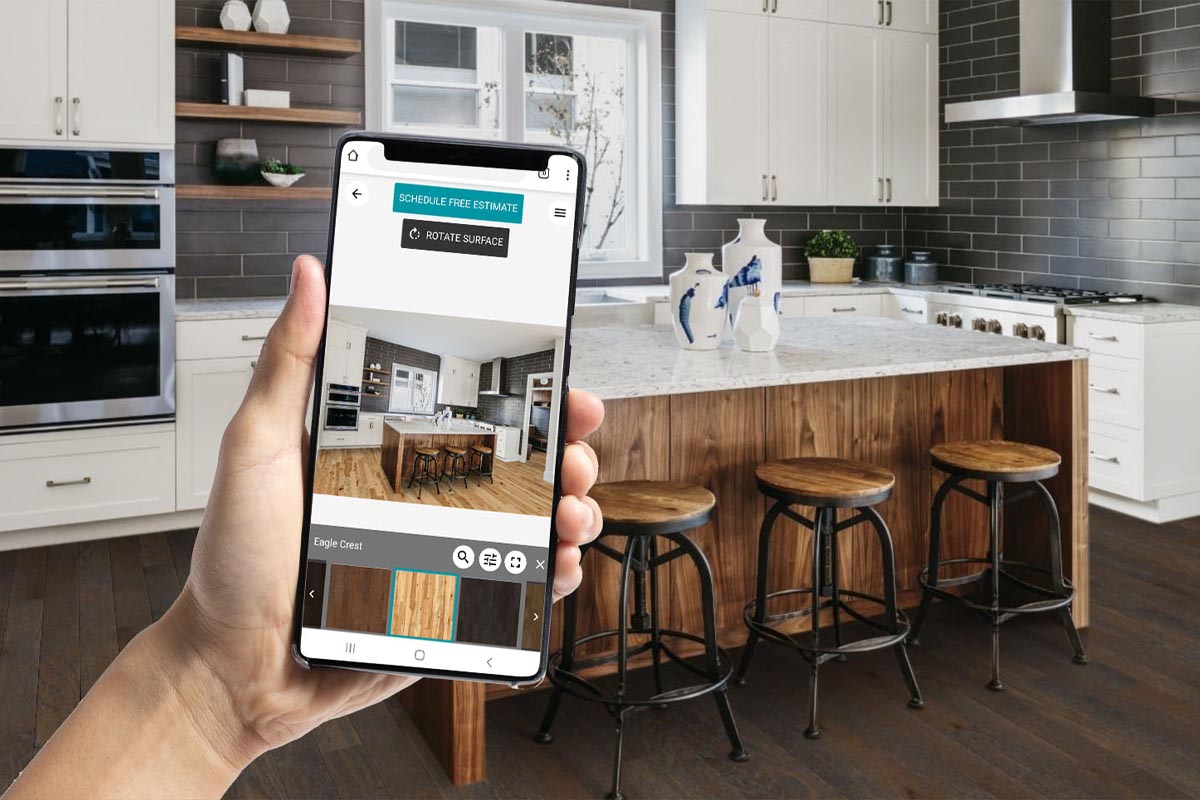
MagicPlan is recommended for mobile users on iOS and Android. This app features AR tools to scan and measure rooms, simplifying the creation of floorplans and work estimates, particularly beneficial for professionals. The free tier includes most tools but is limited to two projects. Professional users can opt for a per-project payment model, which decreases with longer contracts. Its AR functionality is particularly effective in unfurnished spaces.
The article also covers other tested software like Homestyler, an online browser-based tool offering numerous customization options and a decent render engine, with a generous free plan, though many advanced items are premium. Space Designer 3D is another browser-based service praised for its fluid interface and customization, but its free plan is significantly limited. Ashampoo Home Design 9, a Windows-only desktop application, is highlighted for its affordable one-off purchase price and extensive building modification capabilities, despite an antiquated and cumbersome interface. Lastly, Spoak is identified as an online interior design service focused on mood boards and 2D layouts, though it lacks a true 3D studio, has a limited inventory, and restrictive pricing for essential features like background removal or watermark removal.
#InteriorDesignSoftware #HomeDesignTools #Floorplanner #DreamPlan #ChiefArchitect #HomeByMe #Planner5D #MagicPlan #SoftwareReview #3DModeling #InteriorDesignSoftware #HomeDesignTools #Floorplanner #DreamPlan #ChiefArchitect #HomeByMe #Planner5D #MagicPlan #SoftwareReview #3DModeling
0 comment in total
 No comments yet
You may also like

Best interior design software of 2025: Top home design tools fully tested

10 Interior Design Trends to Watch in 2025

2025 Interiors trends according to an expert and the best pieces to shop now

8 Interior Design Trends for 2025

The Best Interior Design Apps, Tools, and Software


Best architecture software of 2025
Top 10 Home Interior Designs for 2025
5 of the finest interior design styles that will define 2024


The Biggest Interior Design Trends for 2025

5 best AI interior design apps in 2024

Interior Designers Predict These Will Be The 15 Hottest Interior Design Trends In 2025


Top Platforms to Find Luxury Interior Design Firms in 2025

5 best AI interior design apps in 2024

Interior Design Trends of 2024


10 interior design trends for 2025 to level up your space


Introducing Interior Design’s 2024 Rising Giants

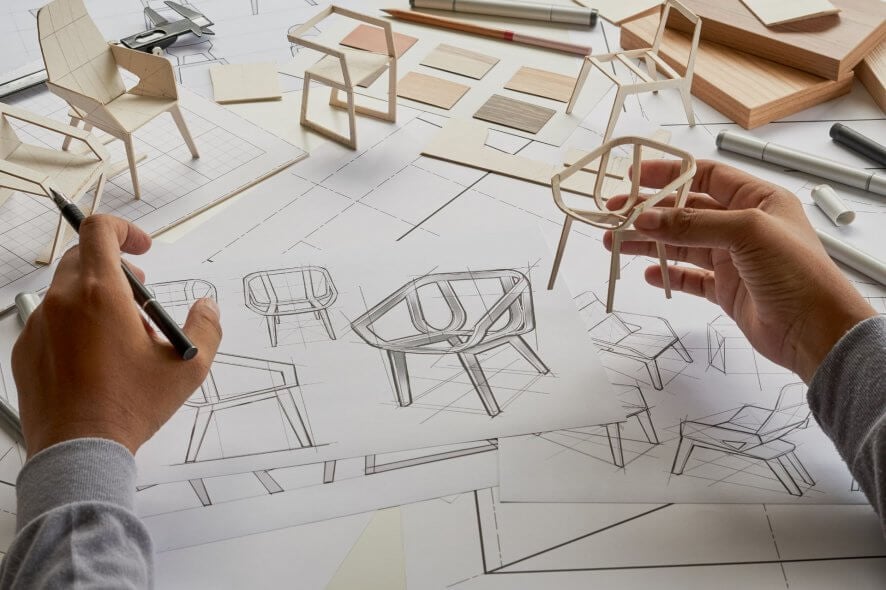
Furniture Design Software: 10 Best We Tested in 2025


The 9 Top Interior Design Trends of 2025 All Have a Dramatic, Immersive Quality


11 Biggest Interior Trends Of 2025, Design Solutions & Reno Tips As Revealed By An Interior Designer


Five Interior Design Trends for 2025