1/17
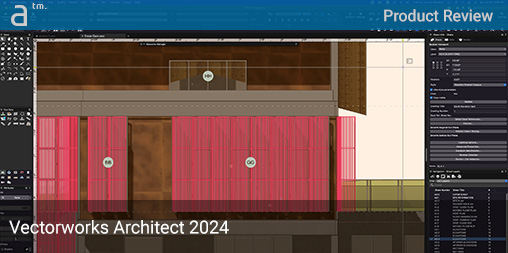
Product Review: Vectorworks Architect 2024
This review delves into the key features and enhancements introduced in Vectorworks Architect 2024, a leading Building Information Modeling (BIM) software. The analysis focuses on several significant updates, including the modern user interface (UI), parametric cabinetry tools, Viewport Styles, and advancements in wall detailing. The article begins by examining the new modern UI, highlighting its intuitive adjustability through a settings icon, which provides options for regular, auto-hide, and compact modes for the View Bar. While the UI offers extensive customization, particularly for palettes via the Window > Palette Options menu, the review notes a minor criticism regarding the less centralized location for auto-hide settings for side palettes, which might not be immediately obvious to users seeking maximum canvas space. Despite this, the UI is praised for its aesthetic appeal, functionality, and customizability, with users encouraged to explore various options to optimize their working environment.
Viewport Styles are presented as a significant improvement, benefiting both 2D CAD and 3D BIM workflows. This feature allows users to save and apply viewport settings, including data visualization and graphic overrides, across multiple viewports, thereby streamlining the process of maintaining consistent graphics in drawings. The review details the three types of Viewport Styles—Standard, Section/Interior Elevation, and Horizontal Section—and notes the ability to include scale and advanced viewport properties within these styles. This capability is particularly useful for standardizing font sizes, line weights, and scales for enlarged drawings and details, with firms able to store these styles in shared libraries for easy access and consistency.
The new parametric cabinet tools are thoroughly explored, emphasizing the extensive range of customization options available within the Cabinet Settings palette. Users can define various cabinet box types, frame types (frameless, framed, overlay, inset), and face items such as drawers, doors, and appliance openings. The intuitive design of the palette, featuring top plan and face elevation views, allows users to visualize changes as they customize elements. While the tools offer detailed control over hardware and dimensions, a limitation is observed in the ability to create highly sophisticated raised panel designs with specific details like beads or ogee curves. The review suggests that while current limitations exist, future updates might introduce more advanced profile customization or the insertion of custom profiles. Additionally, the integration of manufacturers' catalogs, such as IKEA, provides access to industry-standard cabinet styles and sizes, enhancing design flexibility.
Improvements in wall detailing through the new Wall Closure sets technology are also highlighted. This feature automates and customizes how windows and doors interact with wall layers, allowing for diverse shapes in wall openings. Wall Closure sets can be associated with wall definitions and offer control over opening edges (Left, Right, Top, Bottom) and wrapping options for various materials in composite walls. This advancement addresses a long-standing challenge in BIM software, enabling architects to implement a broader array of design conditions, including radiused and splayed openings. The article demonstrates the efficiency of applying varied custom wall closure settings to individual opening elements, showcasing the potential for creative and efficient design.
Beyond these core features, the review briefly touches on other new aspects, such as parametric handrails and guardrails, a new door-handling widget, and significant BIM updates for materials, structural members, and texturing. The bidirectional Excel integration, which allows for automatic updates between Vectorworks and Excel files, is lauded as a groundbreaking feature that achieves the 'Holy Grail' of BIM-to-Excel integration. The article concludes by positioning Vectorworks Architect 2024 as a highly significant update, recommending it as a must-have for existing users and a serious consideration for new users due to its modern code base, cross-platform optimization, and continuous feature delivery. The pros and cons section summarizes the strengths, such as parametric engine deployment, wall closure sets, Viewport Styles, Excel interoperability, and UI refinement, while also noting areas for future development like Grasshopper-style generative tools and enhanced conceptual modeling capabilities. The review emphasizes the value for hybrid workforces with improved Project Sharing+ and highlights the software's robust underlying technologies and future-proofing potential.
#VectorworksArchitect2024 #BIMSoftware #ModernUI #ParametricCabinetry #ViewportStyles #WallClosureSets #AECIndustryTools #ExcelIntegration #ArchitecturalDesign #VectorworksArchitect2024 #BIMSoftware #ModernUI #ParametricCabinetry #ViewportStyles #WallClosureSets #AECIndustryTools #ExcelIntegration #ArchitecturalDesign
0 comment in total
 No comments yet
You may also like
Chief Architect Home Designer Suite 2025 review


9 design details we’re loving from The Block 2024


2025 Atlas Avanti static caravan review

form found design explores robotics + fabric in façade construction
Nova Development Virtual Architect Professional Home Design 12 review
10 Ways Visualization Transforms Projects for Architects and Designers

Confessions of a (Mostly) Analog Architect

8 AI-powered architectural rendering programs you should try


Best architecture software of 2025
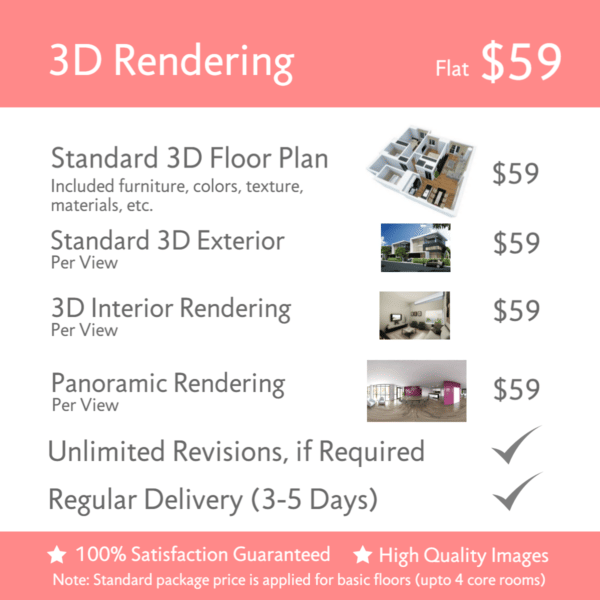
3D Architectural Rendering Services at Unbeatable Price / Cost

Product In-Depth: A Focus on Workflow in ARCHICAD 21
Clarity for Revit Workflows Brings New Space Planning to Automation Software Suite

Chester Inc.'s design/build approach creates a one-stop shop for architectural, design, and construction needs

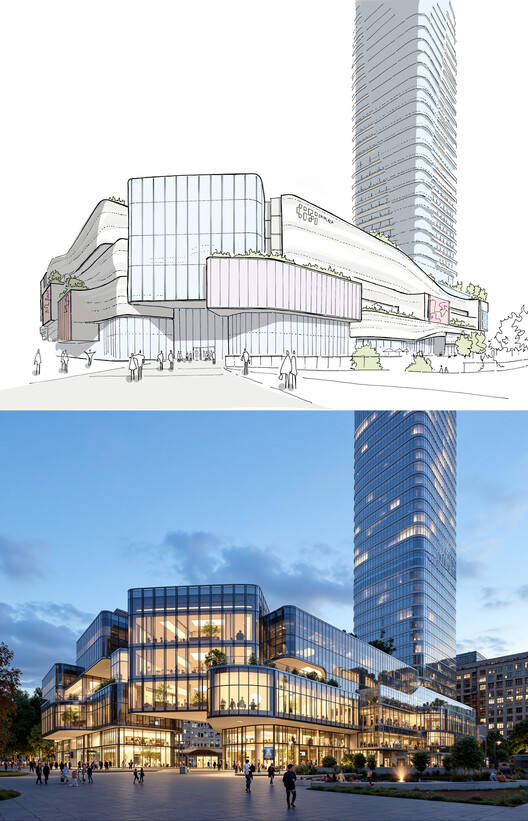
How AI-Powered Rendering Crushes Bottlenecks in Architecture and Interior Design

Laptop Mag’s Ultimate Home Office Awards 2024


The Best Projectors for 2025 | Reviews by Wirecutter

The Block 2024 Rumpus And Office Reveals


Meet Philip Oloo | Architectural Designer, Virtual Reality for Architecture and Licensed General Contractor
Let’s Architect! Tools for developers

Top 10 3D Rendering Companies in India You Should Know About