How to Use Smart Lights Better | Reviews by Wirecutter
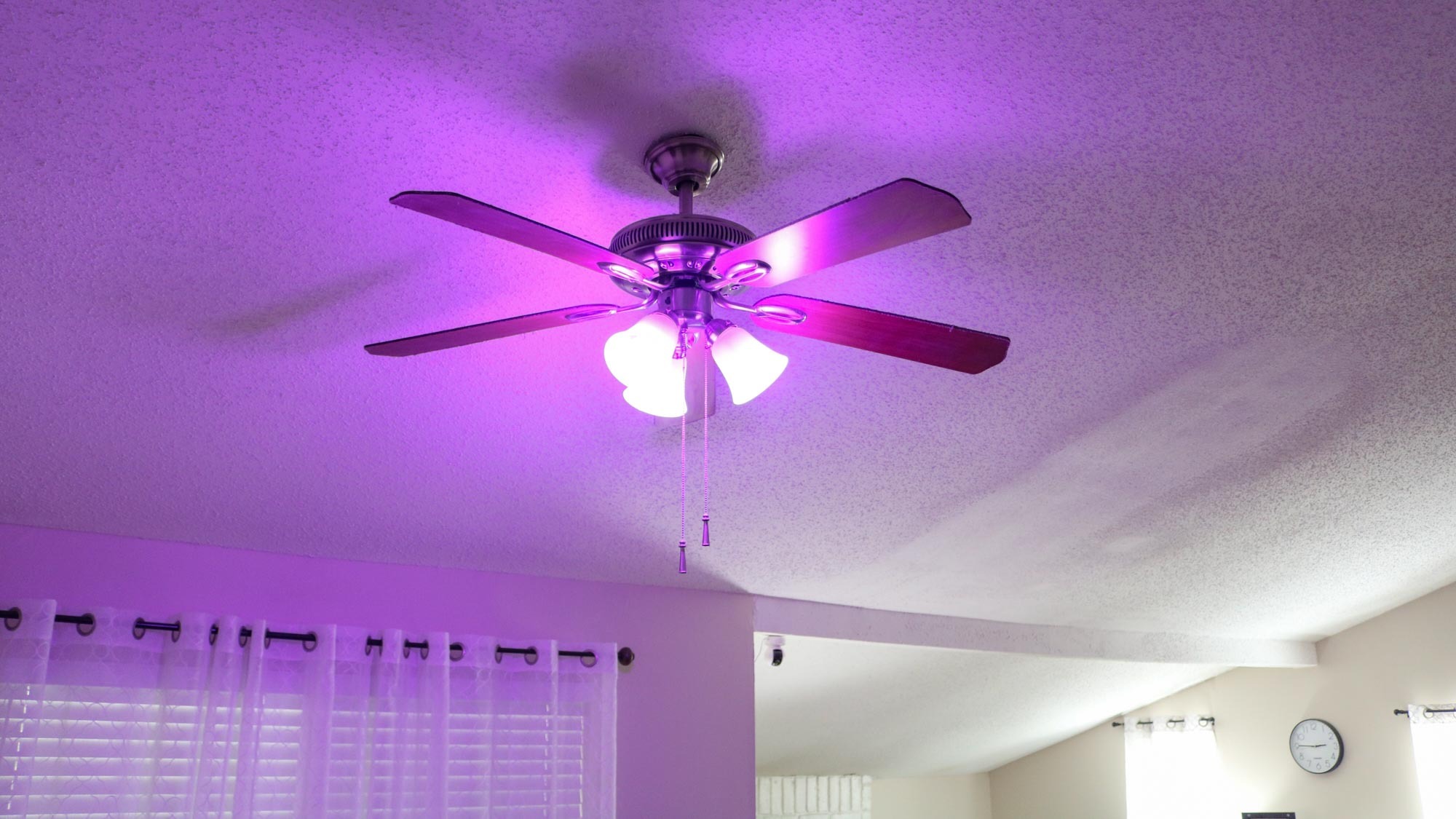
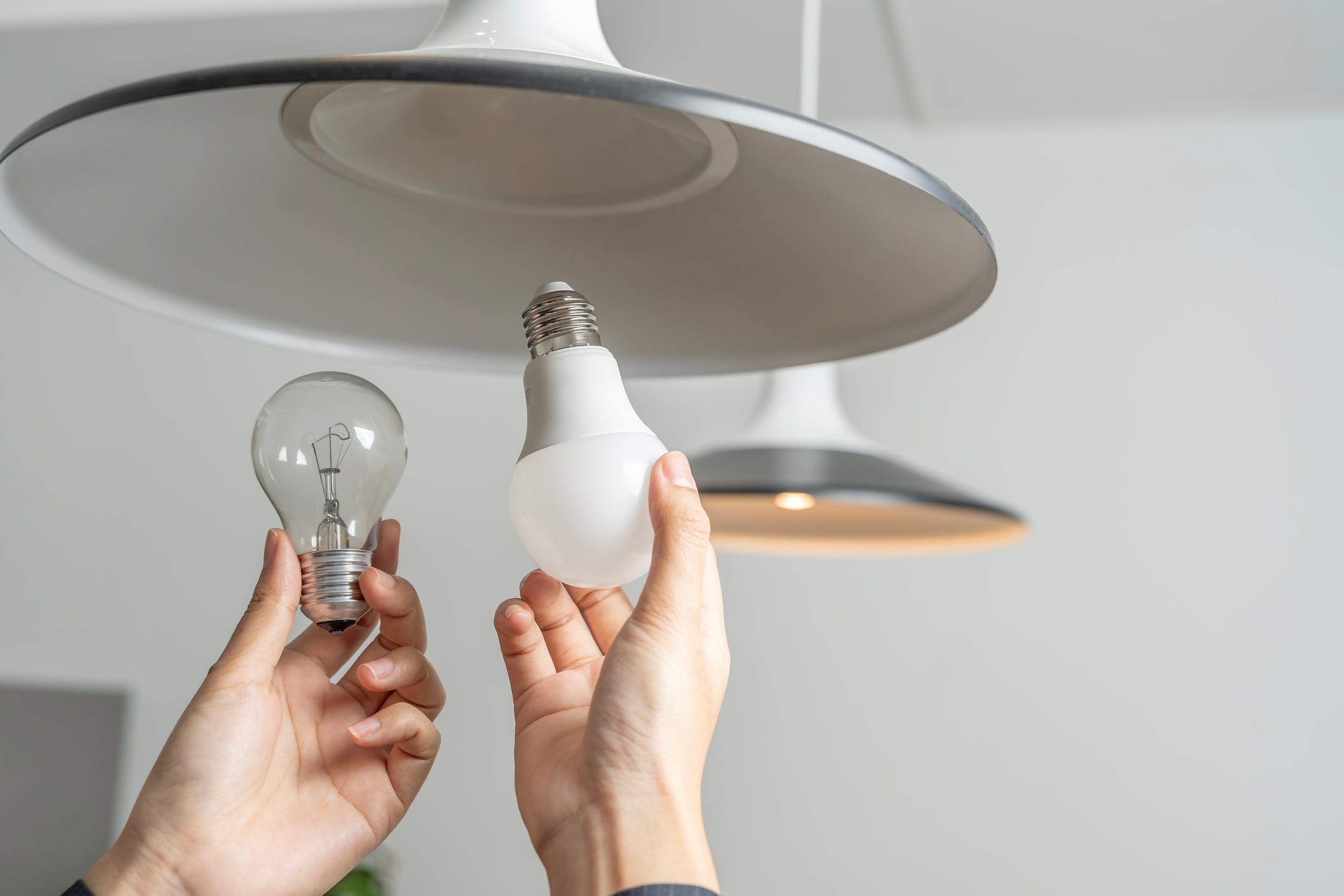
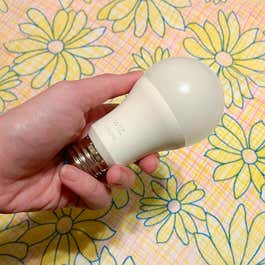
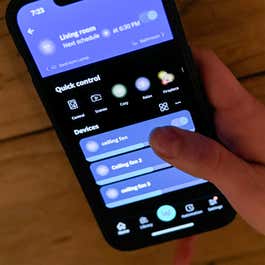
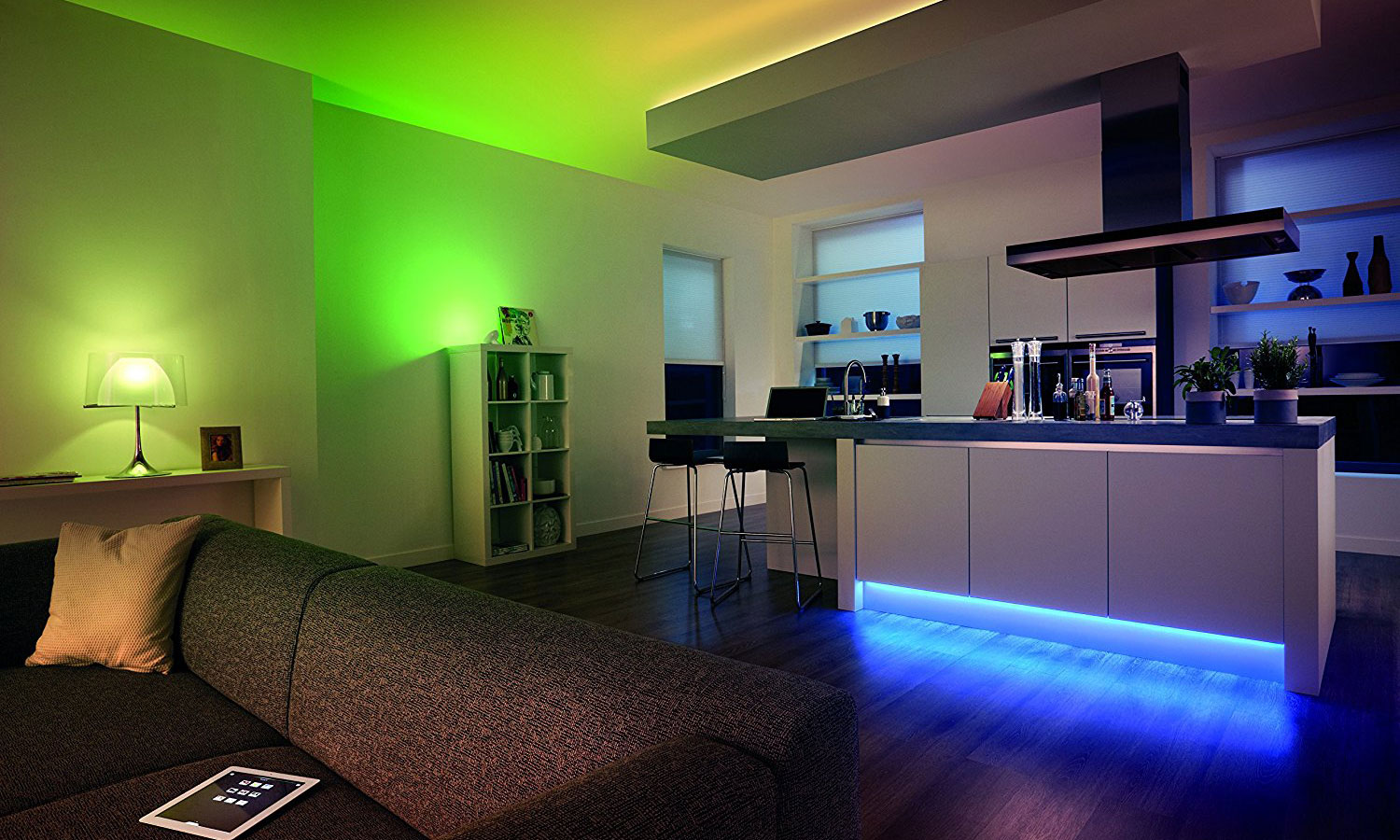
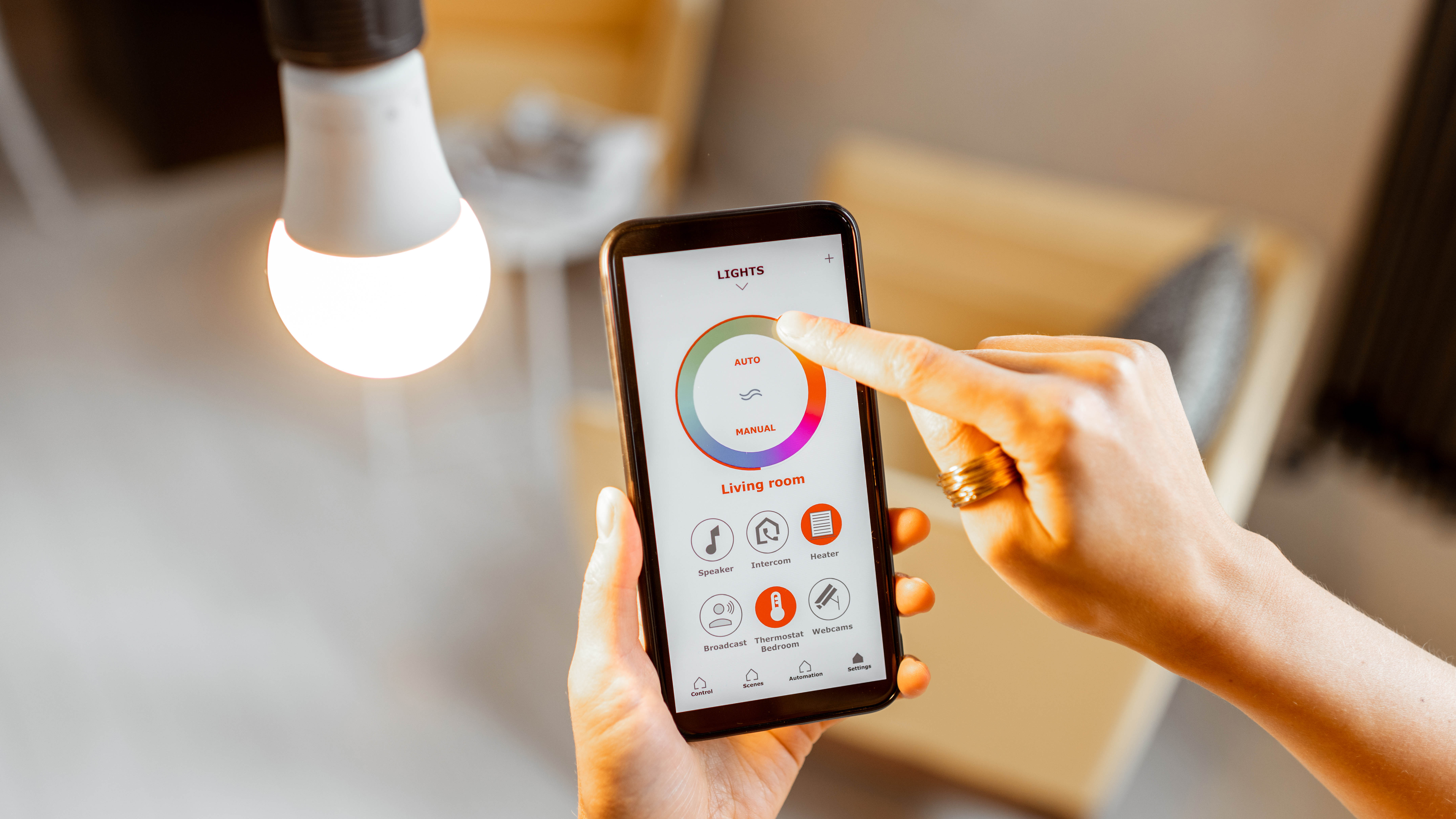
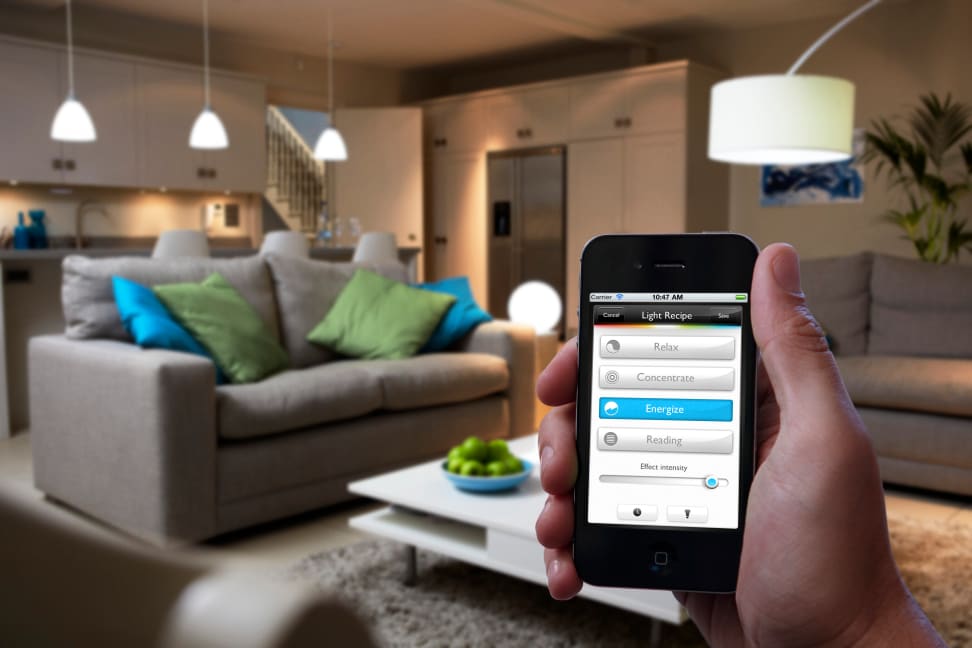
Smart lighting offers a significant upgrade from traditional light switches, which have remained largely unchanged since the 1880s. This technology, encompassing smart bulbs, switches, and plug-in outlets, can profoundly change the ambiance and functionality of a home, especially when users move beyond basic on/off controls via an app. By integrating a few additional accessories and leveraging app-based features, smart lighting can truly enhance the living space.
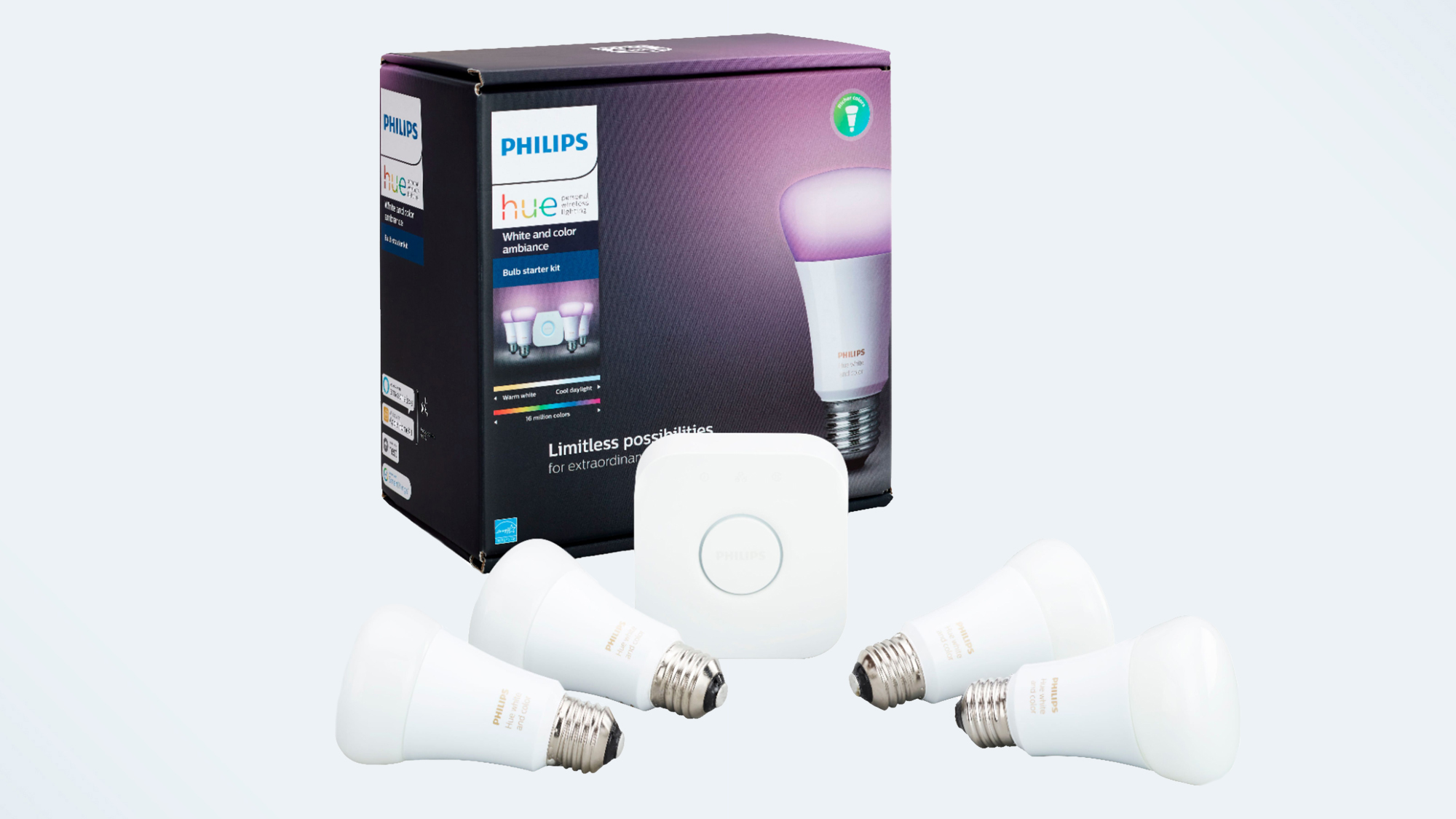
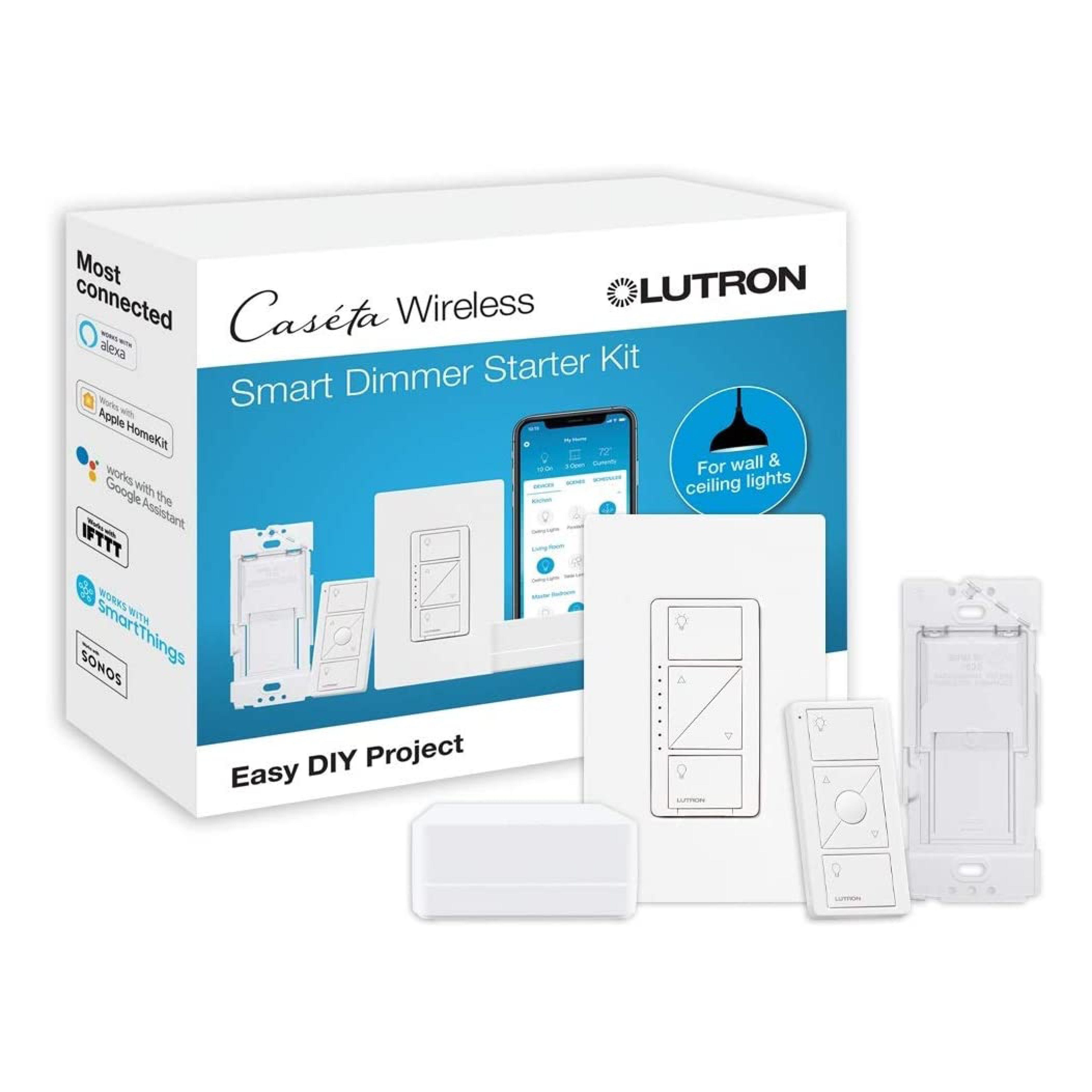
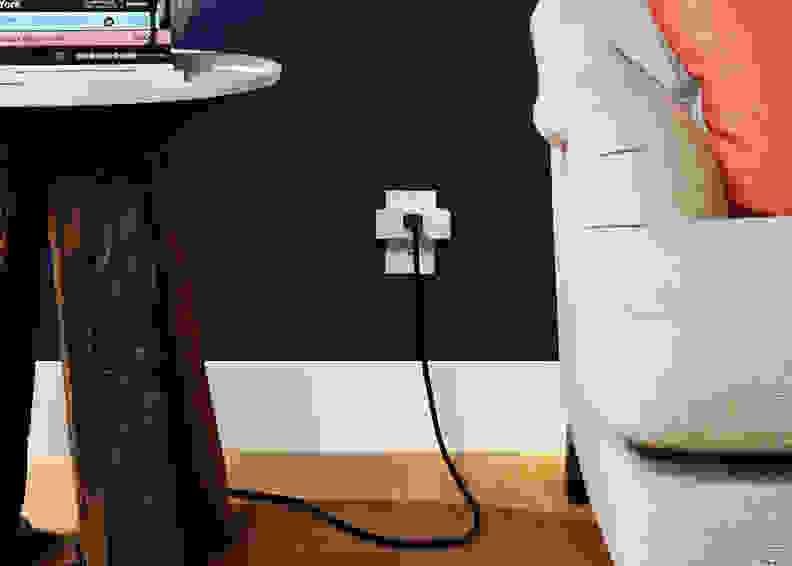
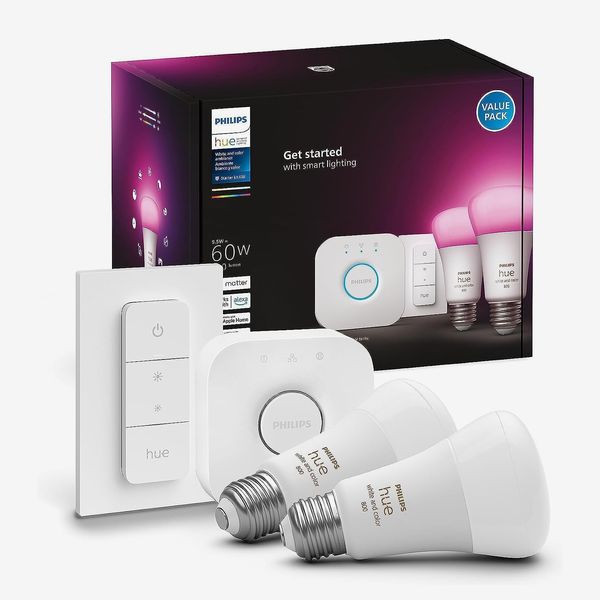
One of the primary challenges with smart bulbs is ensuring they receive continuous power to maintain their smart functionalities. Flipping a traditional light switch off cuts power to the smart bulb, rendering it unresponsive to app or voice commands. To address this, users can integrate smart accessories such as compatible smart remotes or buttons. These devices allow for traditional hardware control without disabling the smart capabilities of the bulbs. For instance, Philips Hue offers a wall-mountable dimmer switch and remote control that provides a familiar interface while keeping the smart bulbs powered. The Lutron Aurora Smart Bulb Dimmer offers an innovative solution by installing directly over an existing toggle switch, locking it into the 'on' position and preventing accidental power cuts. This device allows users to turn lights on/off, set scenes, or dim lights with button presses, and can control up to 50 Hue lights, though it is incompatible with rocker-style switches.
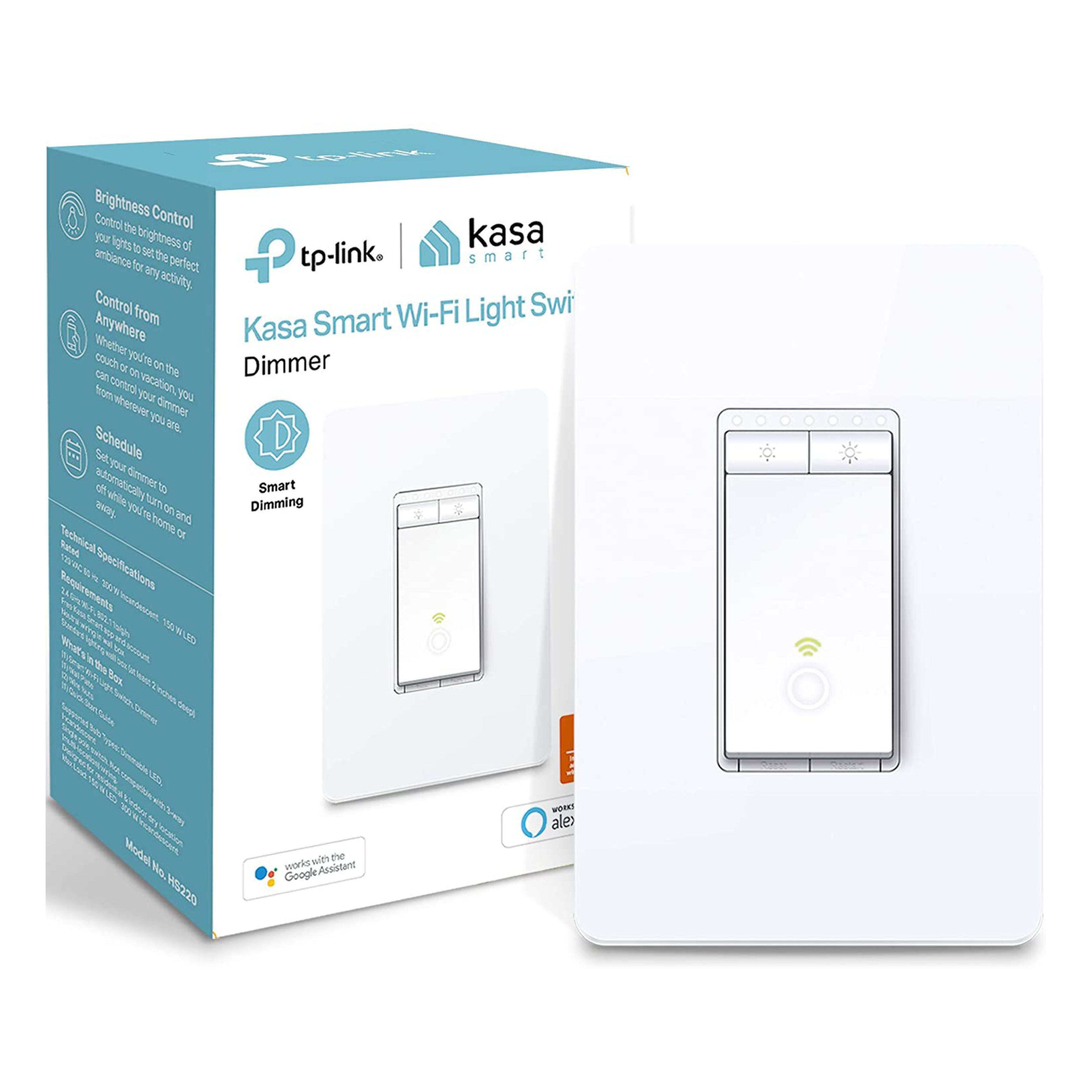
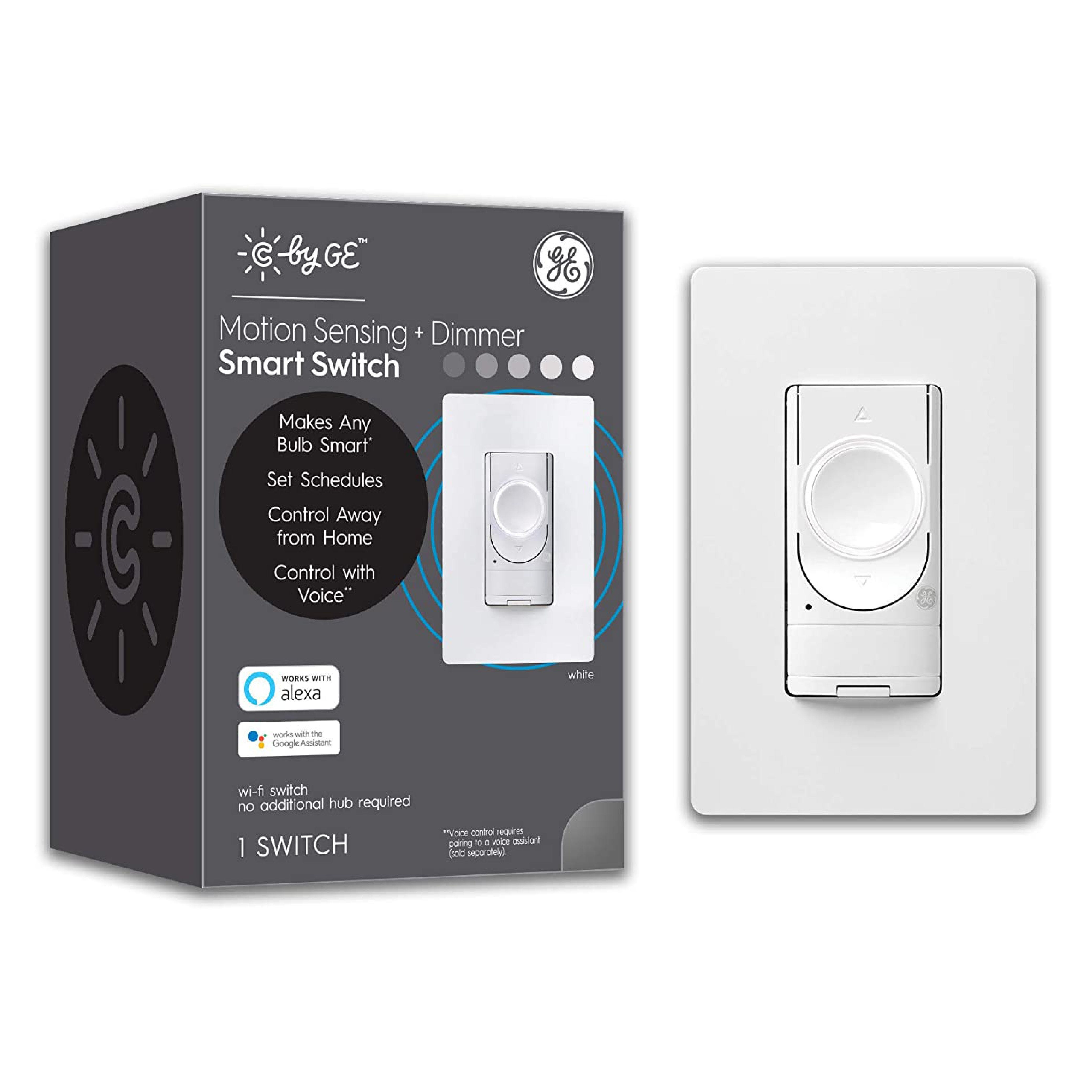
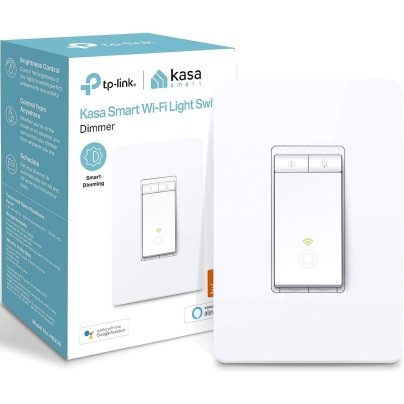
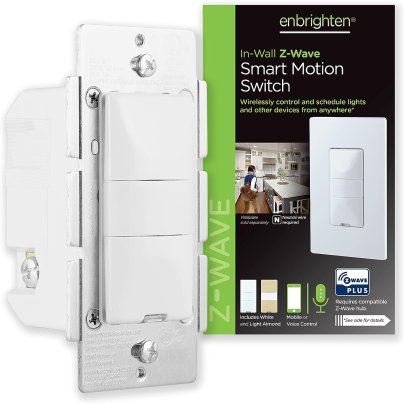
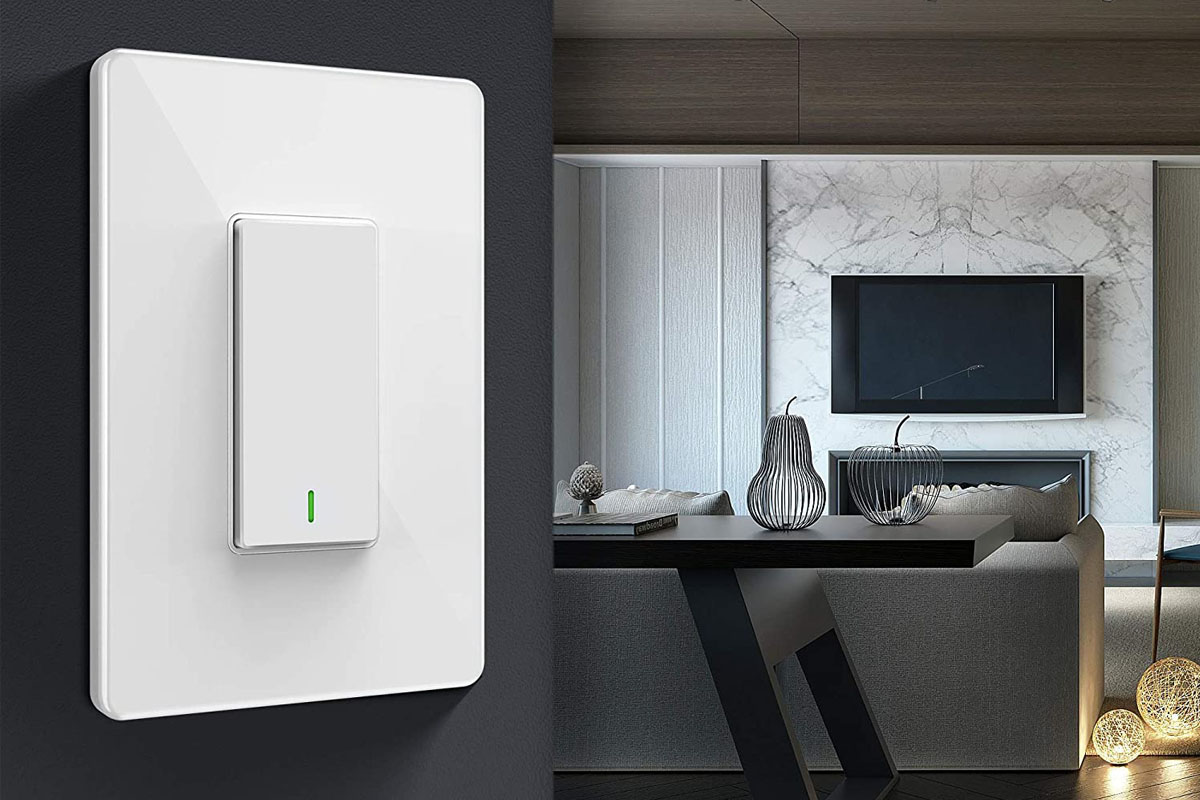
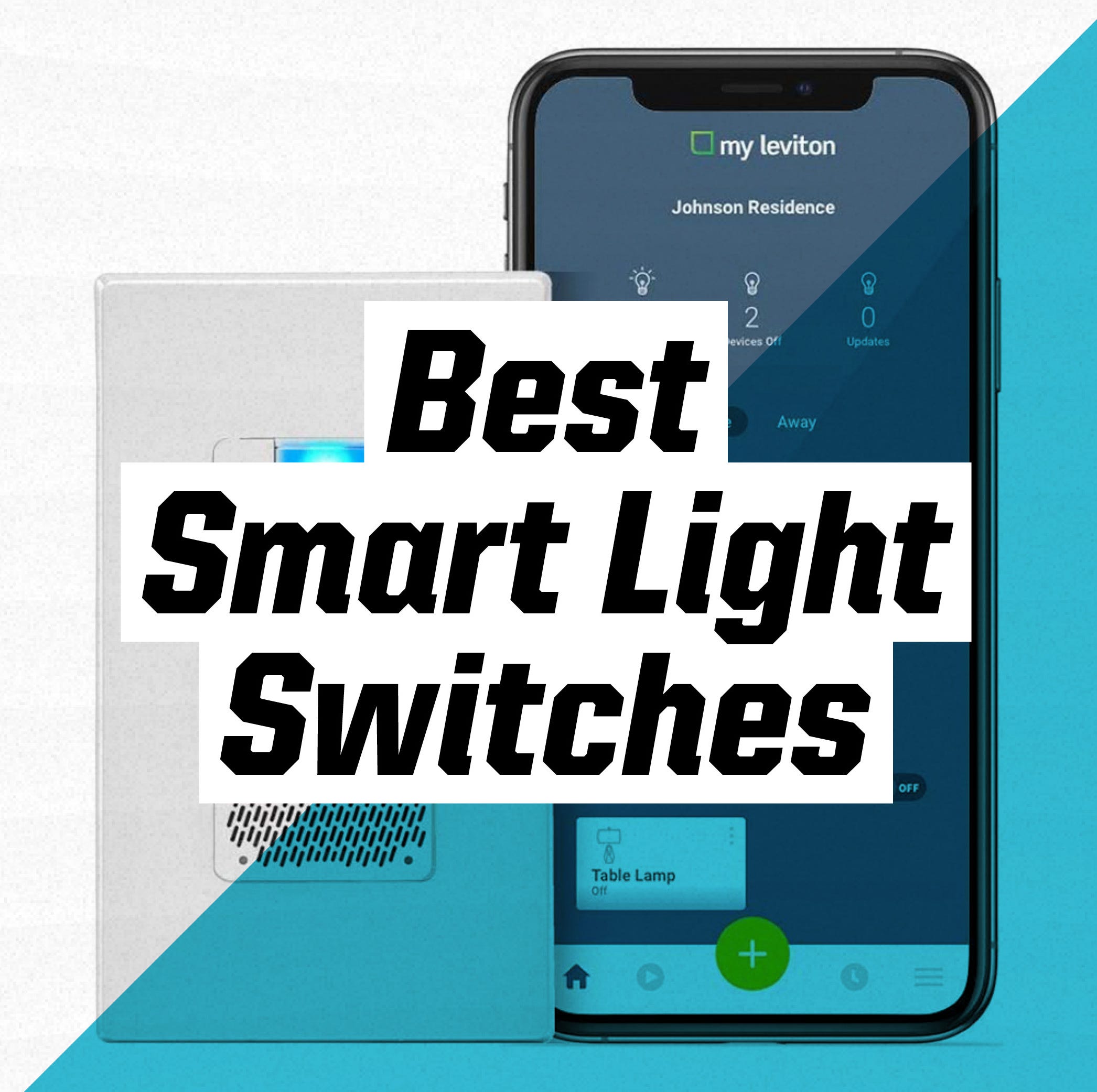
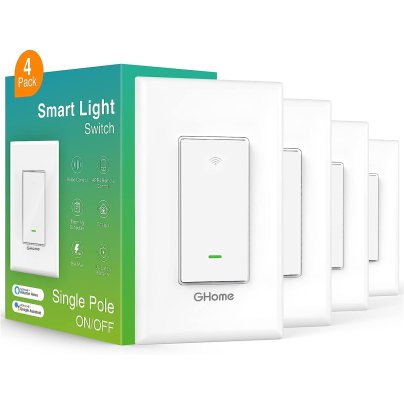
Alternatively, for those who prefer to keep their existing light bulbs and fixtures, smart light switches can be installed. These switches control the fixtures directly and require electrical wiring, potentially necessitating a professional electrician. Once installed, they offer remote control via an app or voice commands, and can be integrated into schedules, routines, scenes, and automations, providing smart control over traditional lighting.
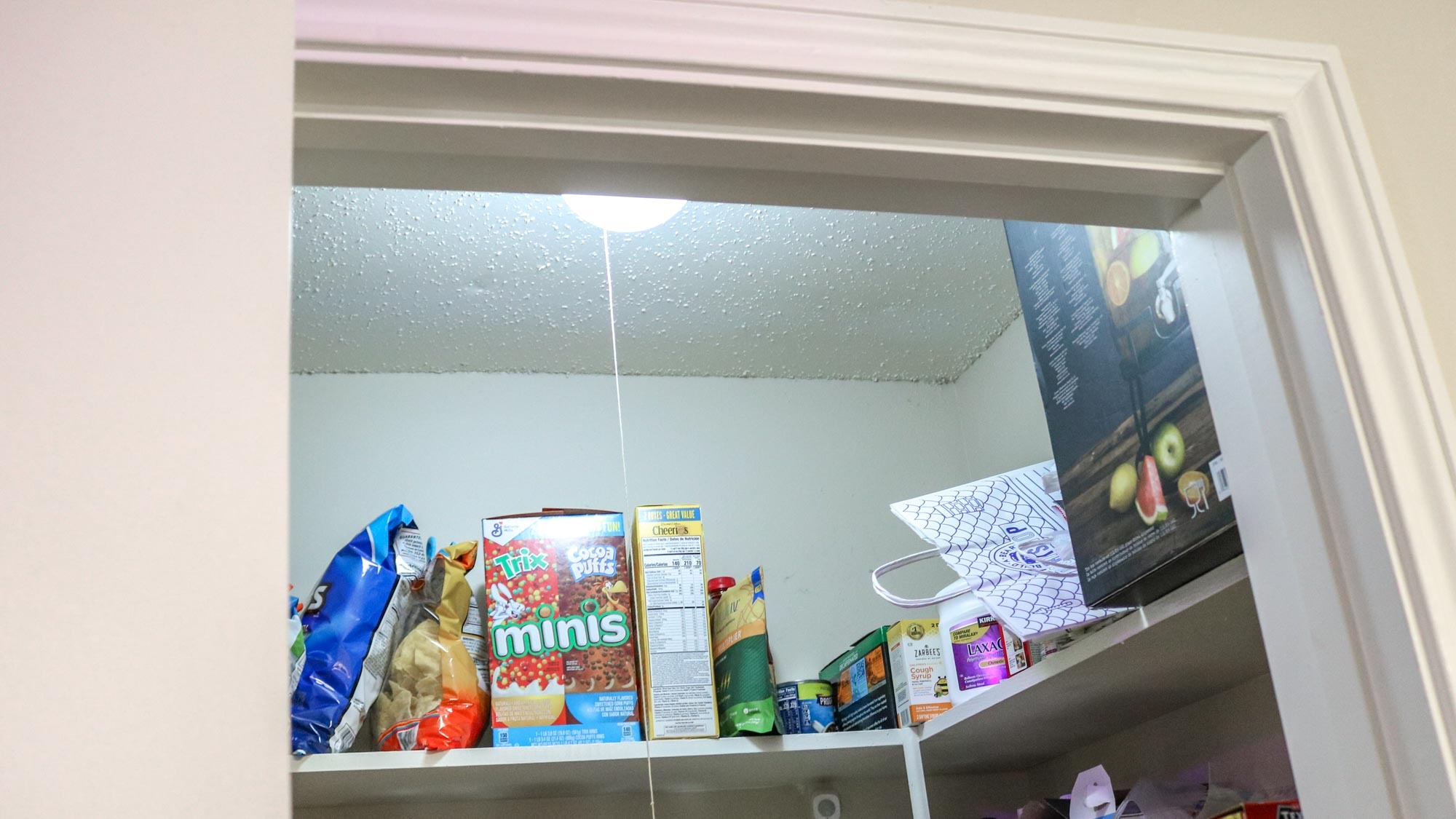
Smart sensors further enhance the automation of smart lighting. Motion or contact sensors can automatically turn lights on when someone enters a room or opens a door, and off when the room is empty or the door closes. This creates a seamless and intuitive lighting experience. The Philips Hue motion sensor, for example, can adjust lighting intensity based on the time of day, providing low light for late-night bathroom visits and full brightness in the morning. For homes with a mix of smart bulb brands, a central smart home hub or speaker can coordinate all lighting through sensor-based automations. These automations can be customized to include brightness levels, color adjustments, and specific times of day, making them ideal for areas like closets, pantries, laundry rooms, kitchens, and living rooms.
Finally, smart lighting systems can be configured to respond to a user's location, known as geofencing. This feature allows lights to automatically turn on when a user arrives home and turn off when they leave, saving energy and providing a welcoming environment. Many smart lighting systems incorporate geofencing into their apps, requiring users to grant location access for their phones and those of household members. It's advisable to restrict these automations to main living areas to avoid inadvertently affecting others in the house. For homes with multiple lighting systems, smart home hubs like Apple HomeKit, Amazon Alexa, Google Assistant, and Samsung SmartThings can orchestrate geofencing. HomeKit even allows for person-specific actions, enabling tailored lighting responses for individual family members upon arrival or departure.
#SmartLighting #HomeAutomation #SmartHomeDevices #LightControl #Geofencing #MotionSensors #PhilipsHue #LutronAurora #SmartLighting #HomeAutomation #SmartHomeDevices #LightControl #Geofencing #MotionSensors #PhilipsHue #LutronAurora
0 Kommentare insgesamt
 Noch keine Kommentare
Das könnte Ihnen auch gefallen
Fall into smarter lighting
Major Smart Lighting Brands Ranked Worst To Best

The Best Smart Lights of 2025

How to Use Ambient Sensing in Smart Lighting for Energy Efficiency

The best smart lights

3 ways I'm using smart bulbs to make my life a bit easier
Light Bulb Moment: 5 Things to Consider When Switching to LED Bulbs

The 4 Very Best Smart Lightbulbs
Upgrade Your Lighting With These Smart Light Switches

Experts Told Us Why Our Home LED Lights Die Out So Fast
10 ways to add 'smart lighting' in your home and never touch a switch again
The Best Smart Switches for Your Smart Home

A really cheap way to get really smart lights

This Smart Bulb Rescued My Rental Apartment From the Horror of ‘The Big Light’ | Reviews by Wirecutter
4 Ways Smart Lights Can Elevate Indoor Holiday Gatherings and Save Up to 90% of Your Usual Energy Usage

An interior designer’s guide to lighting your home

Best smart Christmas lights: control your festive lighting the smart way

I used this smart light strip to transform my living room — and it's been a game changer for my home
5 ways you didn't know smart lighting can improve your living space and wellbeing
The Secrets Of Good Lighting