1/27
Here's How to Make Your Windows Installation More Private
This article outlines a detailed method for installing a privacy-friendly version of Windows, specifically addressing concerns related to Microsoft's increasingly invasive data collection practices and mandatory online account requirements. It highlights that default Windows installations are problematic for privacy because activity is tied directly to a user's identity through their Microsoft account, enabling extensive tracking of app usage, search queries, and browsing history. Even a throwaway account can still lead to a unique profile linked to real identity if financial transactions or account recovery methods are used.
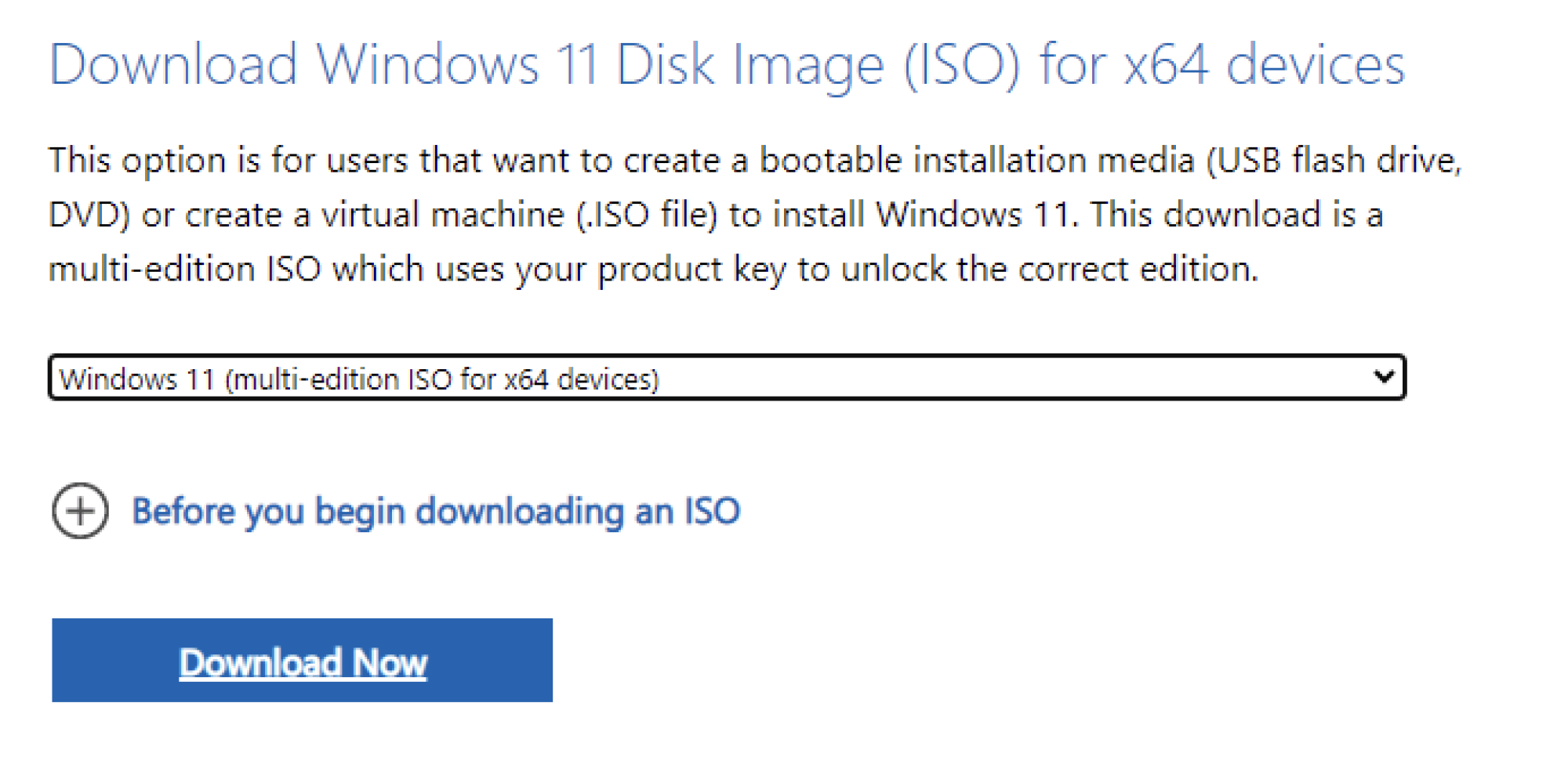
To achieve a more private Windows installation, the process requires three main components: Rufus, the official Windows ISO image, and a USB drive with at least 8GB of storage. Rufus is a free utility used to create bootable USB drives and, crucially, contains features to bypass Microsoft's online account requirements and other privacy-invasive settings. The official Windows installation image should be downloaded directly from Microsoft's website to ensure its integrity and avoid potential malware from third-party sources. The article emphasizes the importance of backing up any data on the USB drive, as Rufus will erase its contents during the process.
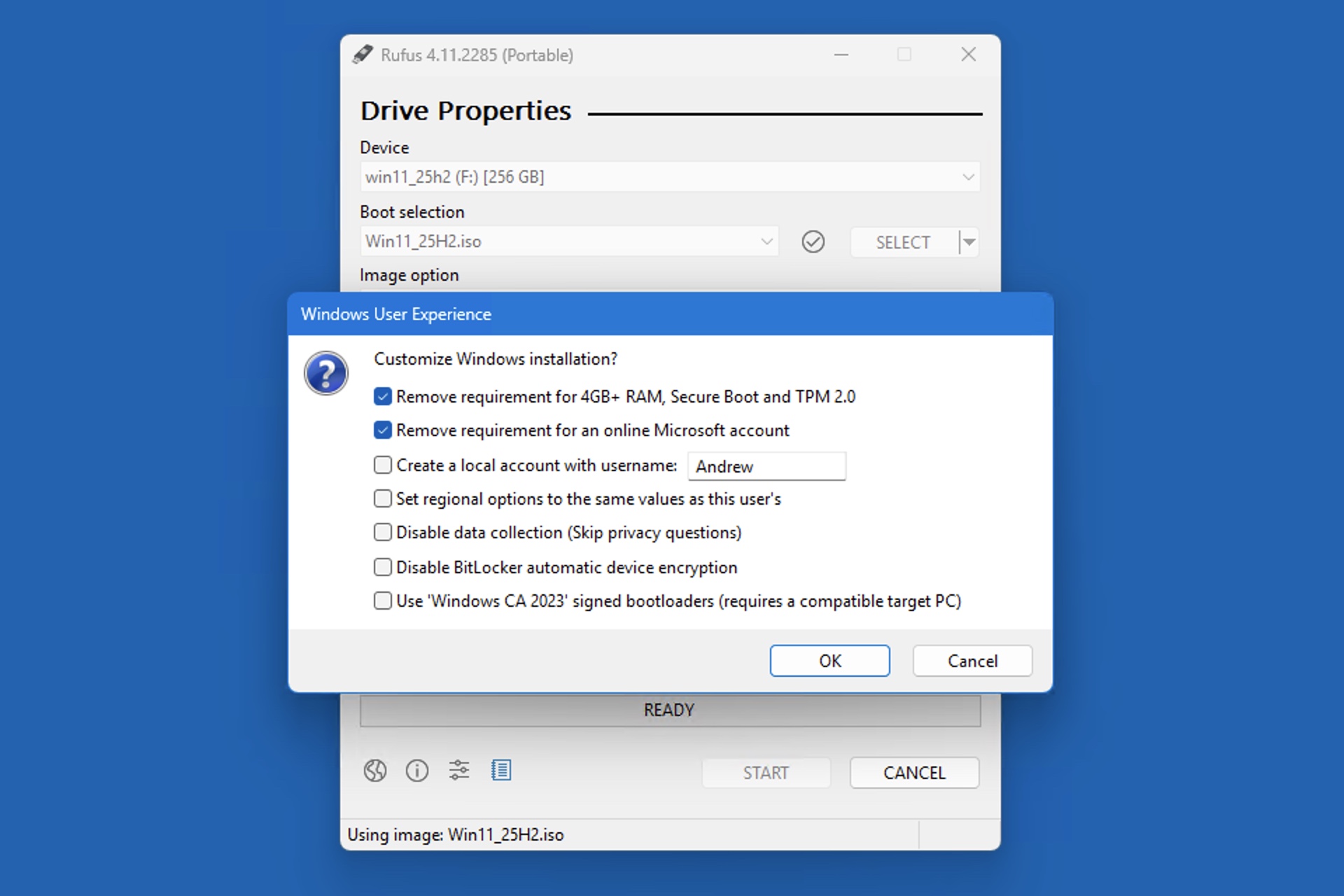
The guide details the steps to create a modified Windows installer. First, users need to download the latest version of Rufus and the appropriate Windows ISO image (e.g., Windows 11 x64 or ARM version, depending on their processor type). Once both are acquired, the USB drive is connected, and Rufus is launched. Rufus automatically detects connected drives. Users then select the downloaded ISO file within Rufus. The key to a private installation lies in the customisation options offered by Rufus. Users are instructed to check specific settings: remove the requirements for 4GB+ RAM, Secure Boot, and TPM 2.0; remove the requirement for an online Microsoft account; create a local account with a specified username; and disable data collection by skipping privacy questions. These modifications prevent Microsoft from enforcing its online account policy and extensive data collection during the installation and initial setup phases.
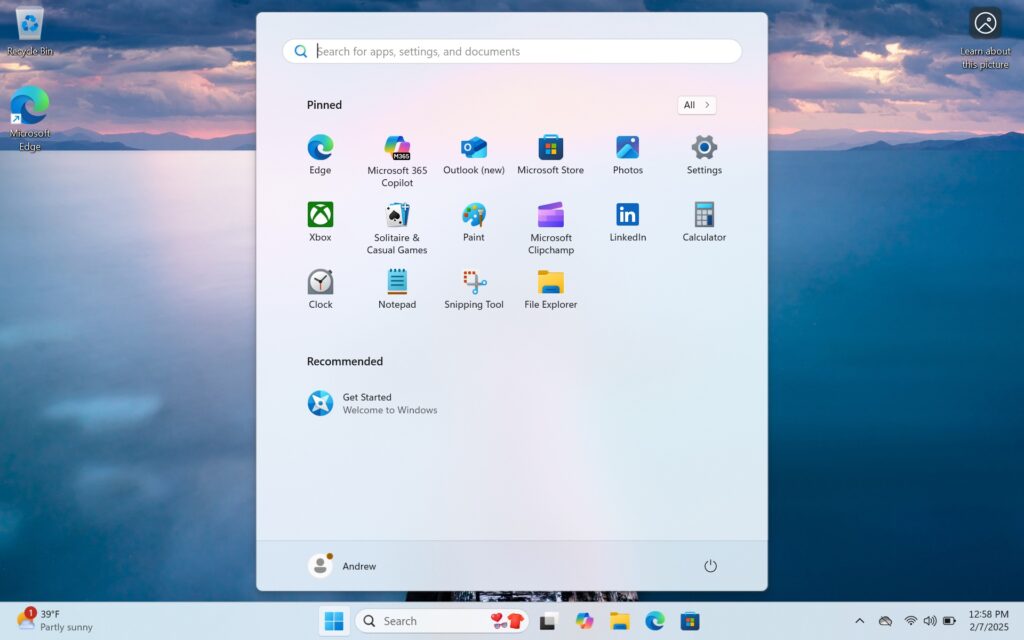
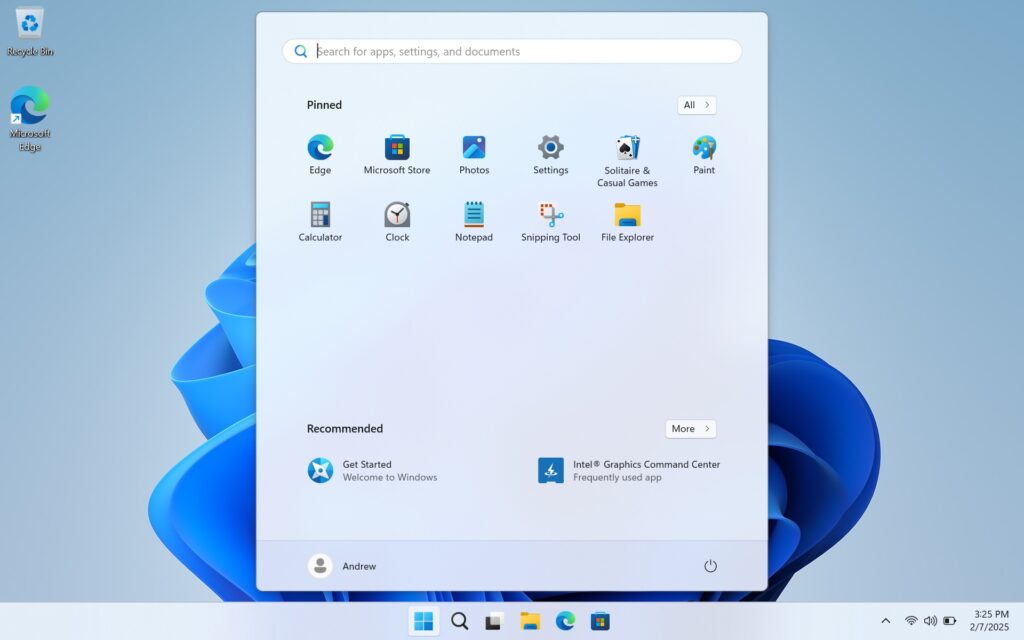
After configuring these settings, Rufus proceeds to write the modified Windows image to the USB drive, a process that typically takes 10–15 minutes. Once the bootable USB is ready, users plug it into the target computer and access the one-time boot menu to initiate the Windows installation. The setup wizard guides users through standard installation steps such as selecting language, Windows edition, and the installation drive. Unlike a default installation, this modified process allows users to boot directly into the desktop after setting up the region and keyboard layout, without encountering any online account or telemetry prompts. The Windows system will automatically create a local account using the username previously specified in Rufus, ensuring that the new Windows environment is set up with enhanced privacy from the outset. This method provides a way for users who prefer the simplicity and privacy of traditional Windows installations to bypass modern, more intrusive setup procedures.
#WindowsInstallation #Privacy #MicrosoftAccount #Rufus #LocalAccount #DataCollection #USBInstaller #Windows11 #OperatingSystem #WindowsInstallation #Privacy #MicrosoftAccount #Rufus #LocalAccount #DataCollection #USBInstaller #Windows11 #OperatingSystem
0 comment in total
 No comments yet
You may also like
How to declutter, quiet down, and take the AI out of Windows 11 25H2
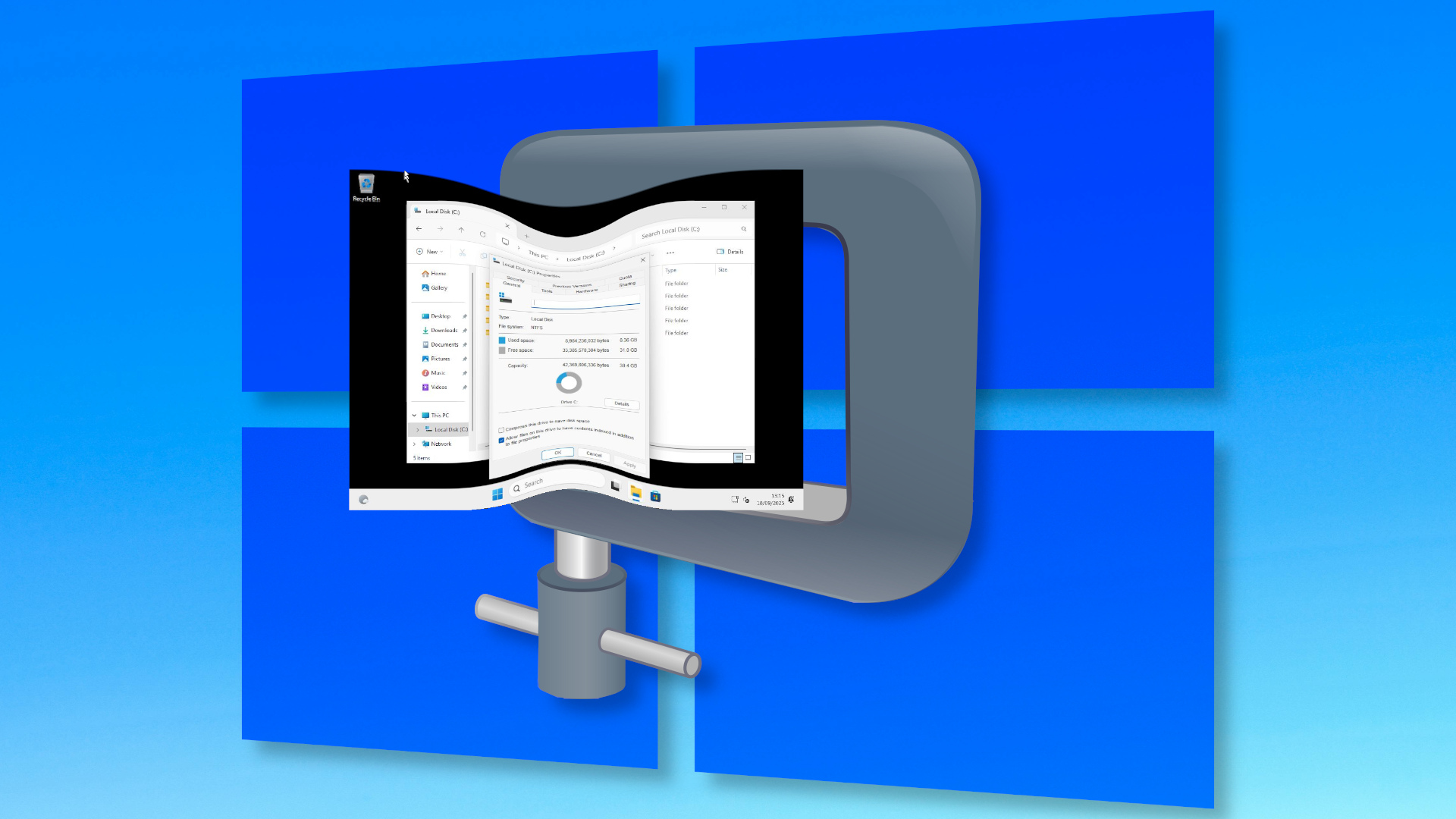
Here's how I installed Windows 11 using a nano-sized 2.4GB ISO — final install weighed in at a mere 8.36GB, two-thirds the size of a normal Windows install, courtesy of Nano11 Builder
8 Ways To Create More Privacy in Your Home, According to Designers
How to Install Windows 11 Without All the Extra Junk


7 ways to add privacy to your home in clever, creative ways that bring quick results

11 Stylish Ways to Create Privacy in an Open Floor Plan


Ask Wirecutter: Privacy Solutions for My Ground-Floor Windows

Hide your outdated home feature with this clever storage hack!

A Profile in Windows

7 Easy Ways to Make Your Home More Private

17 of the best room dividers for minimal effort and maximum privacy
How to Install or Remove Optional Features in Windows 11
10 Best Room Dividers for Creating More Privacy at Home