How To Set Up A Work-From-Home ‘Office’ For The Long Term
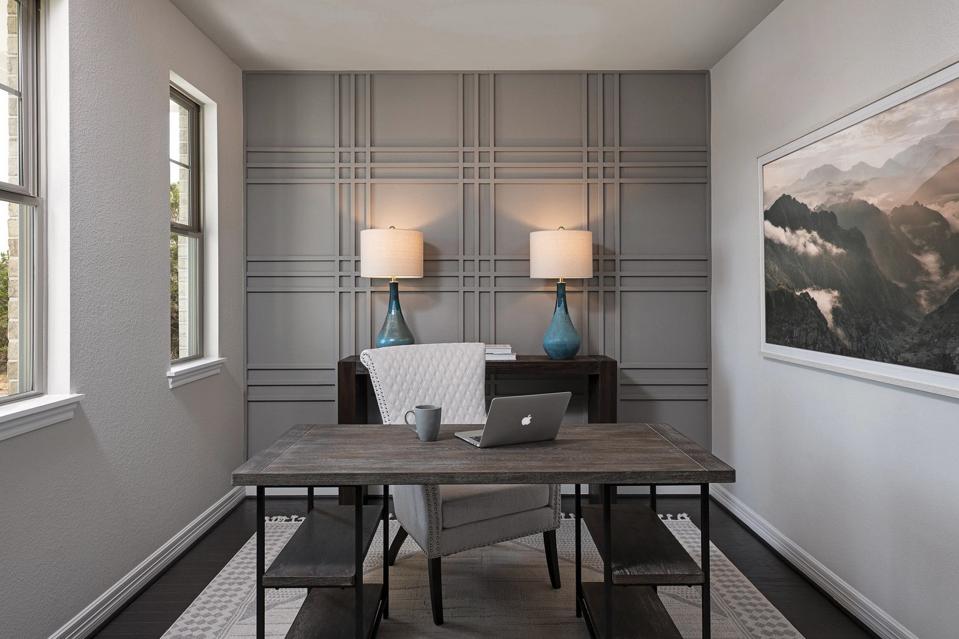
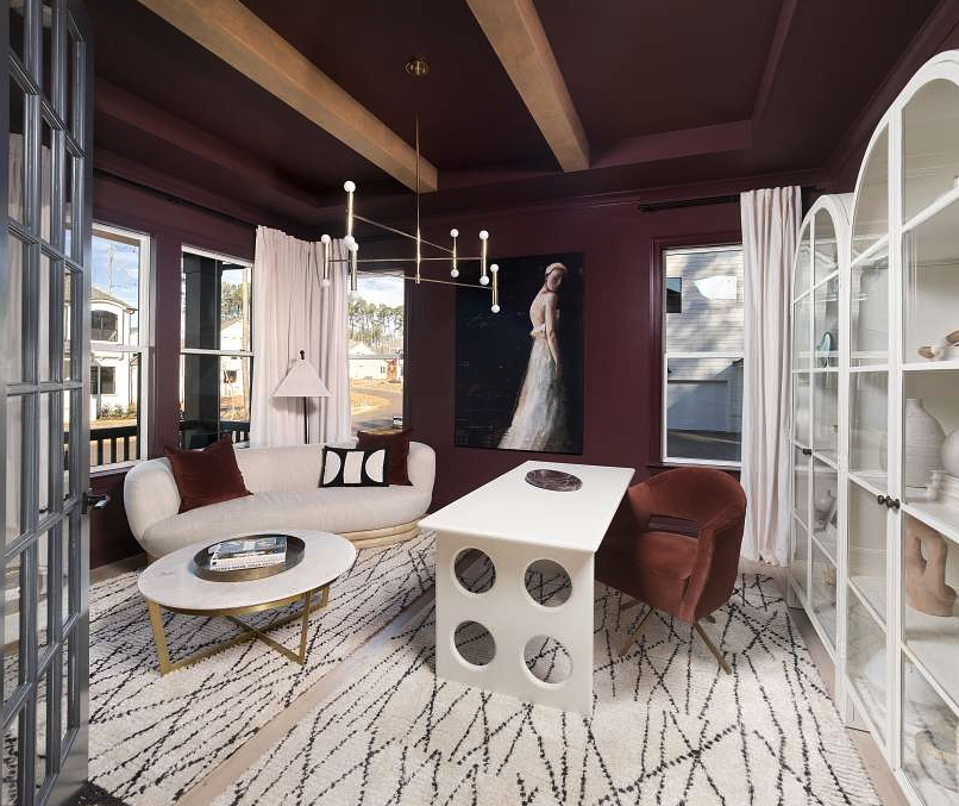
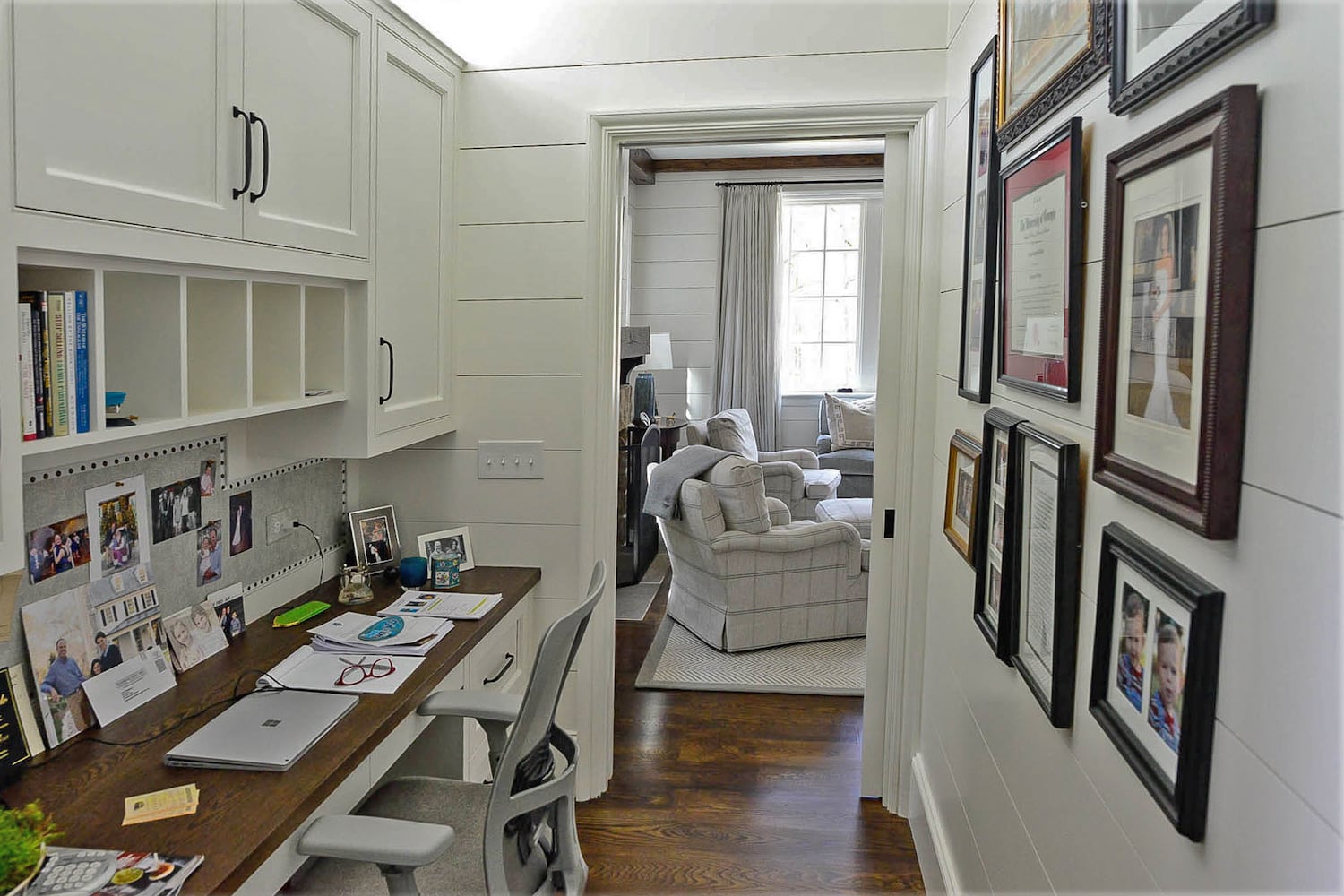
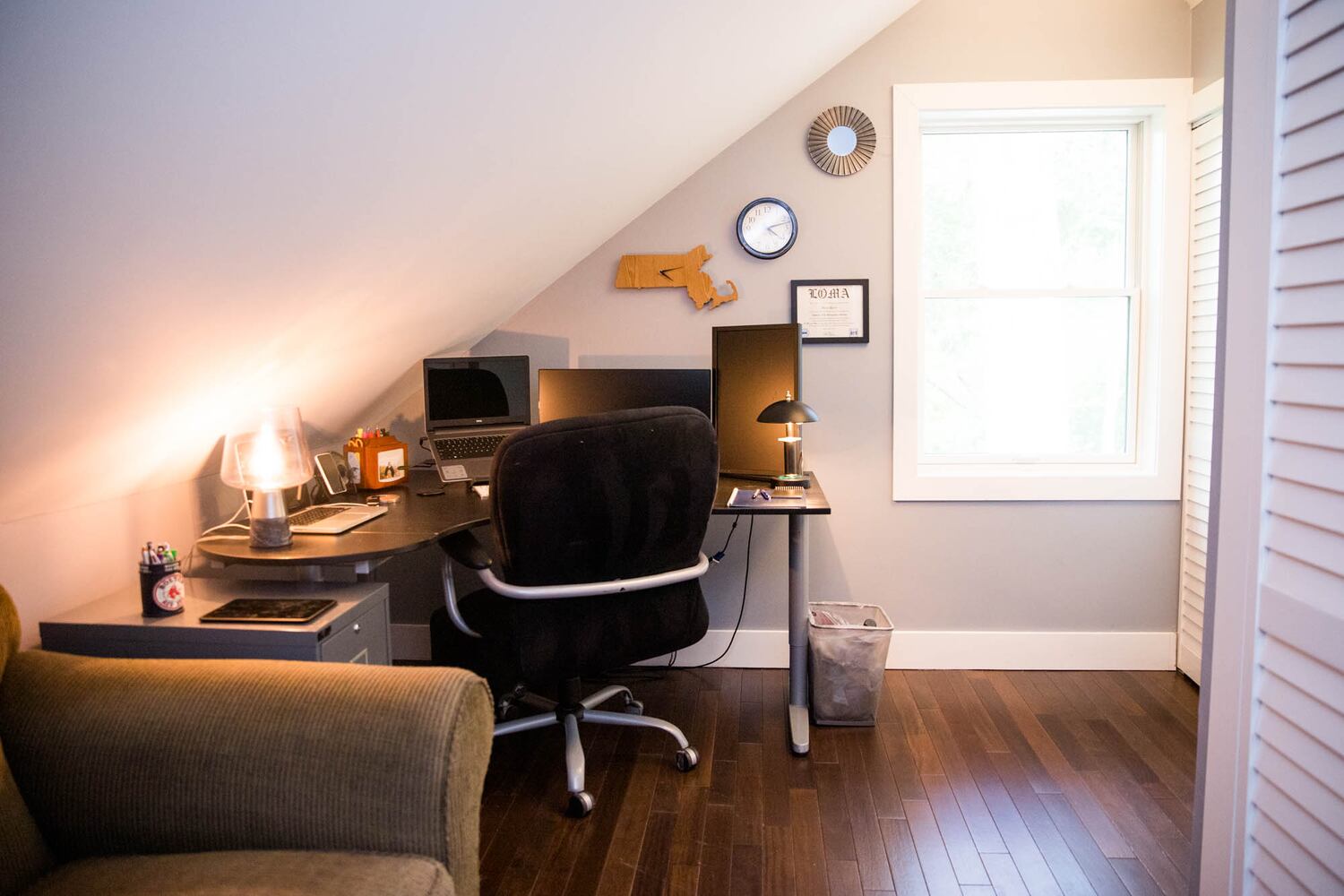
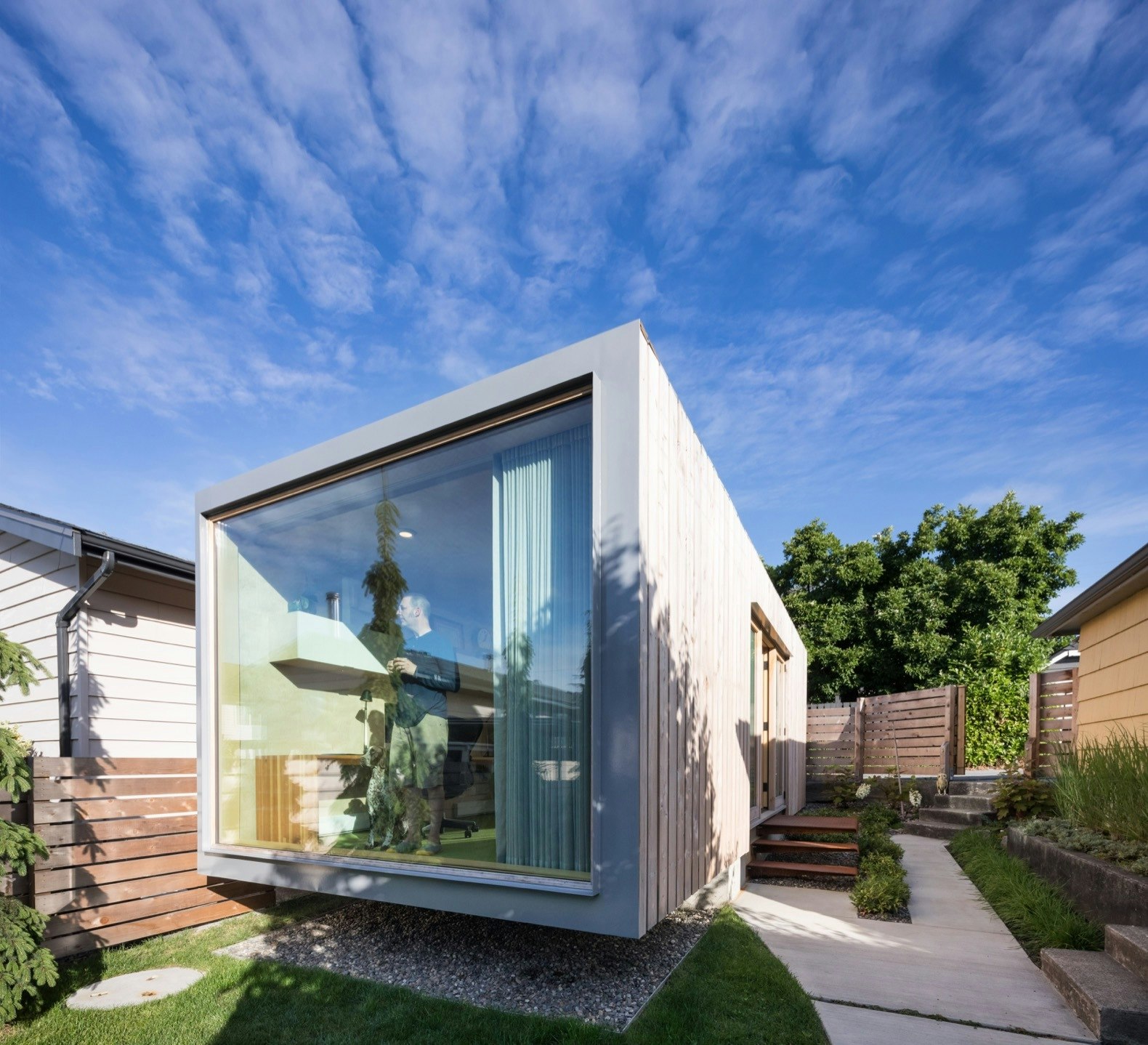
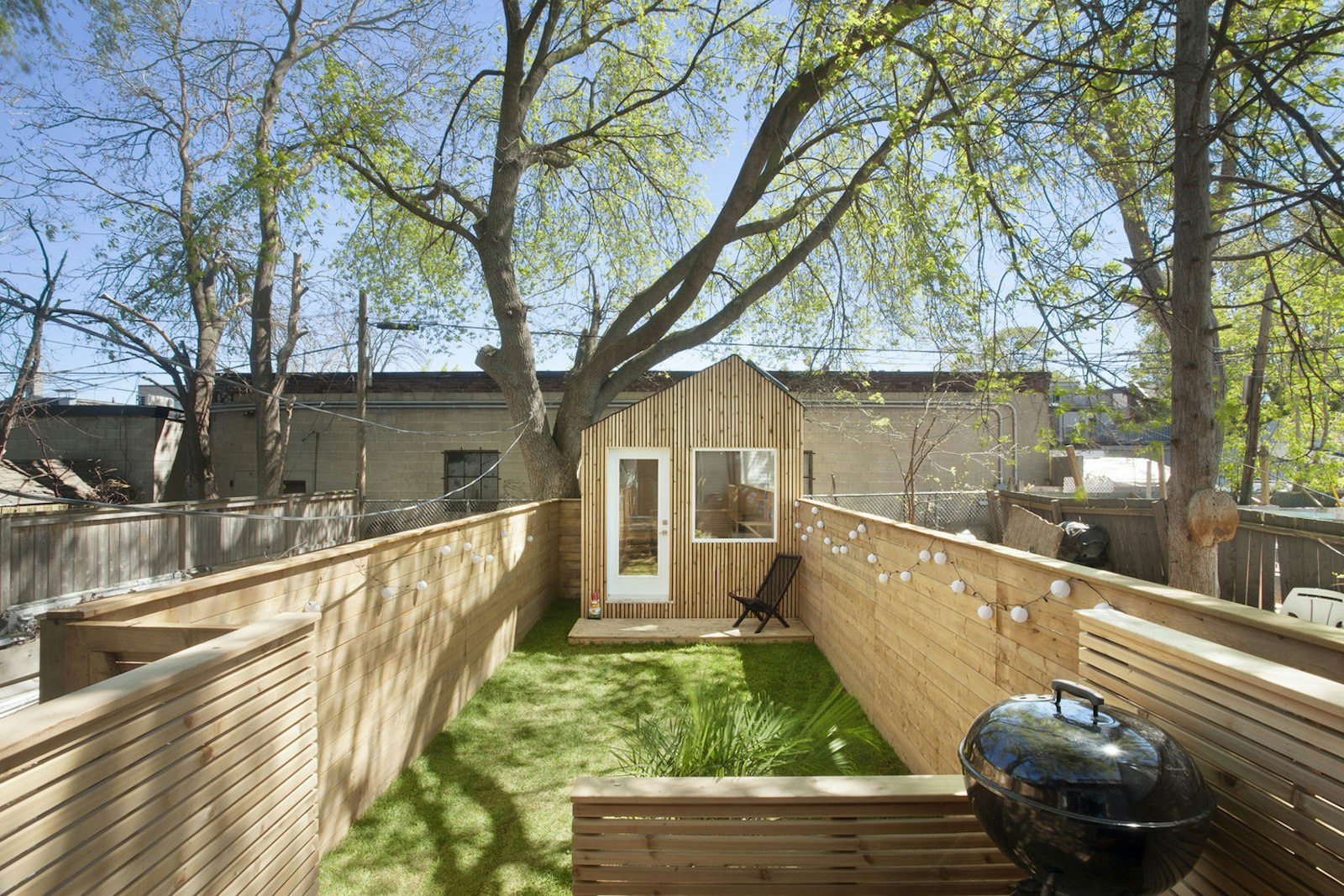
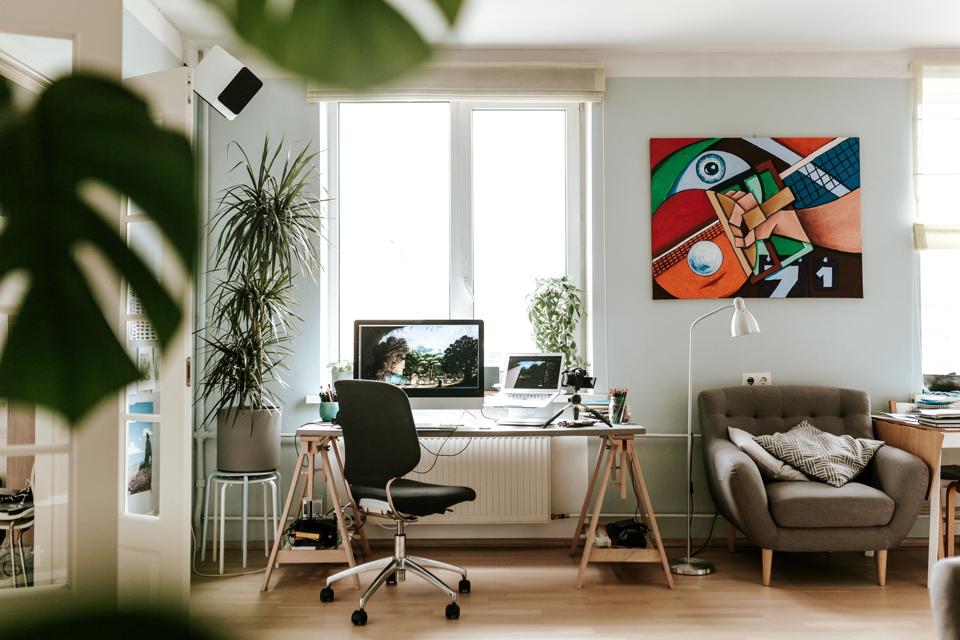
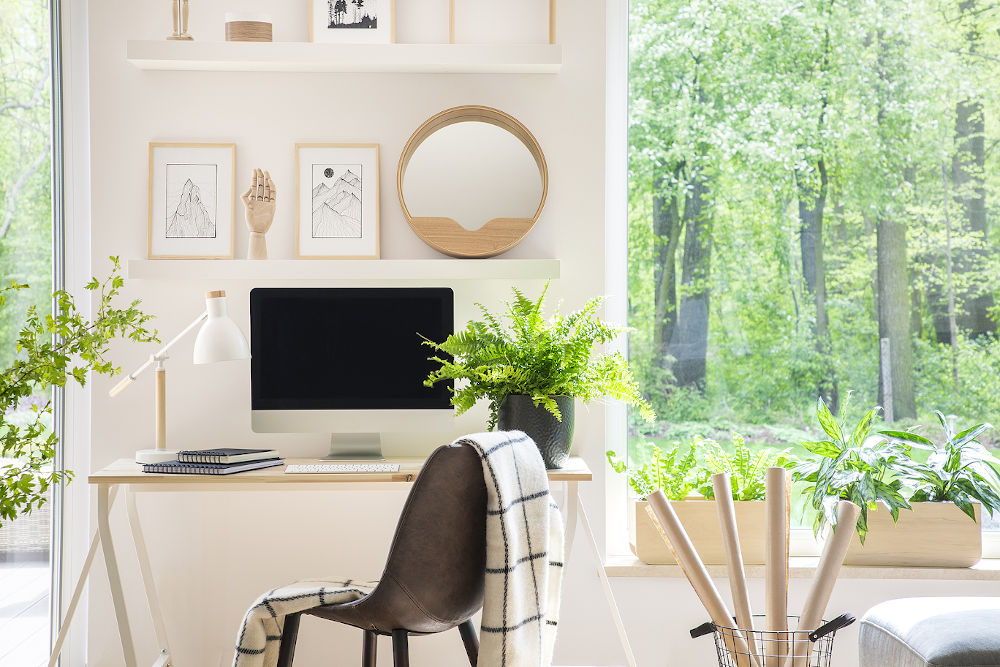
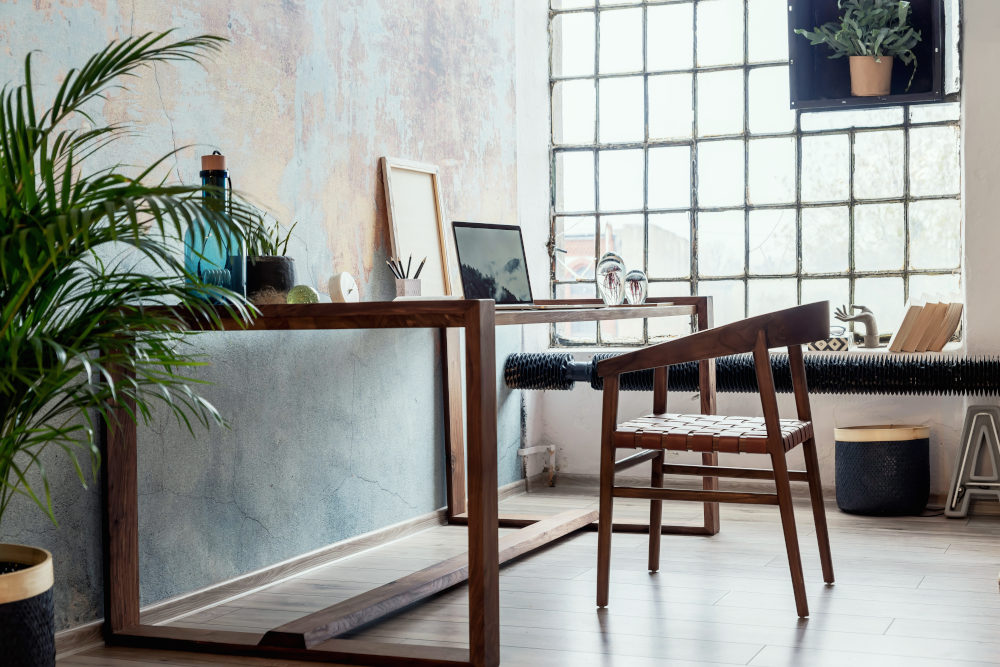
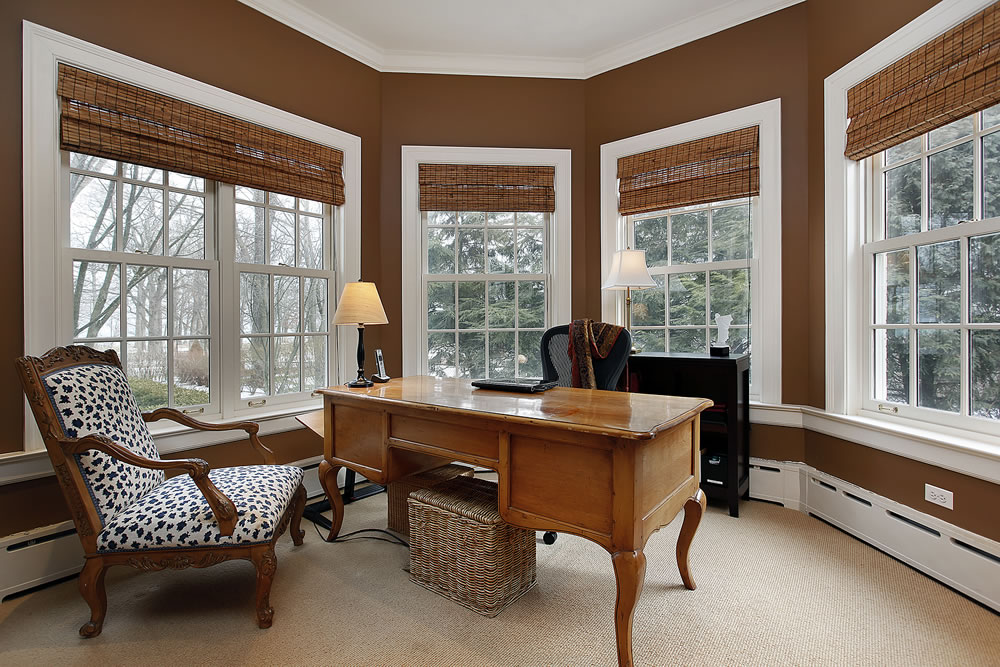
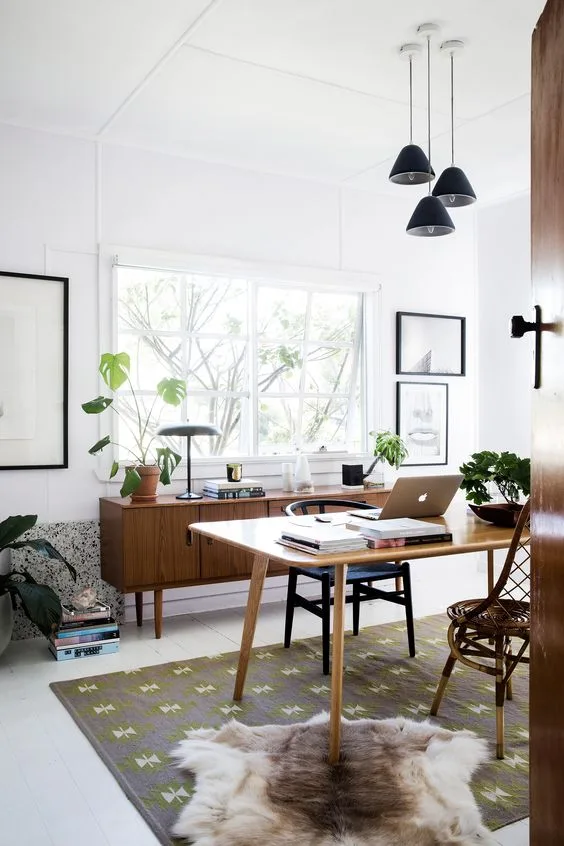
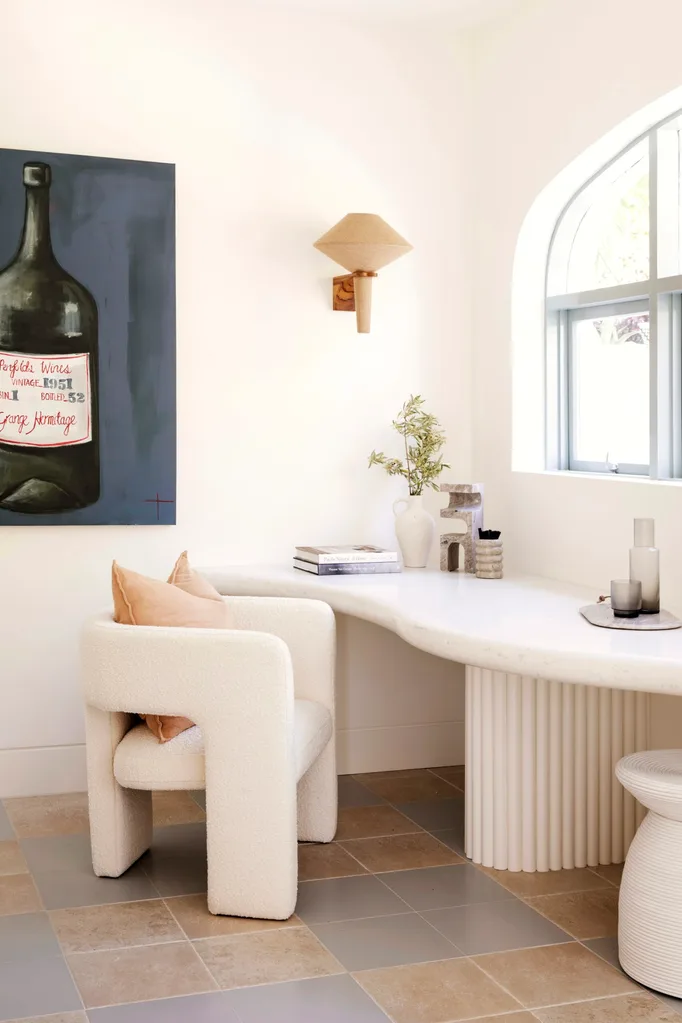
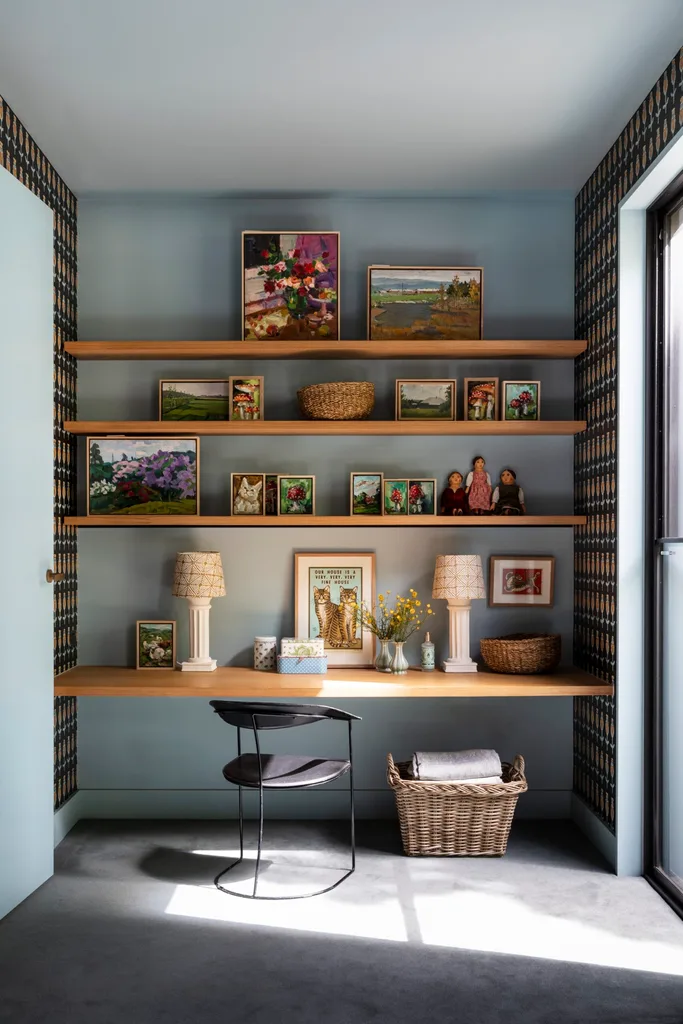
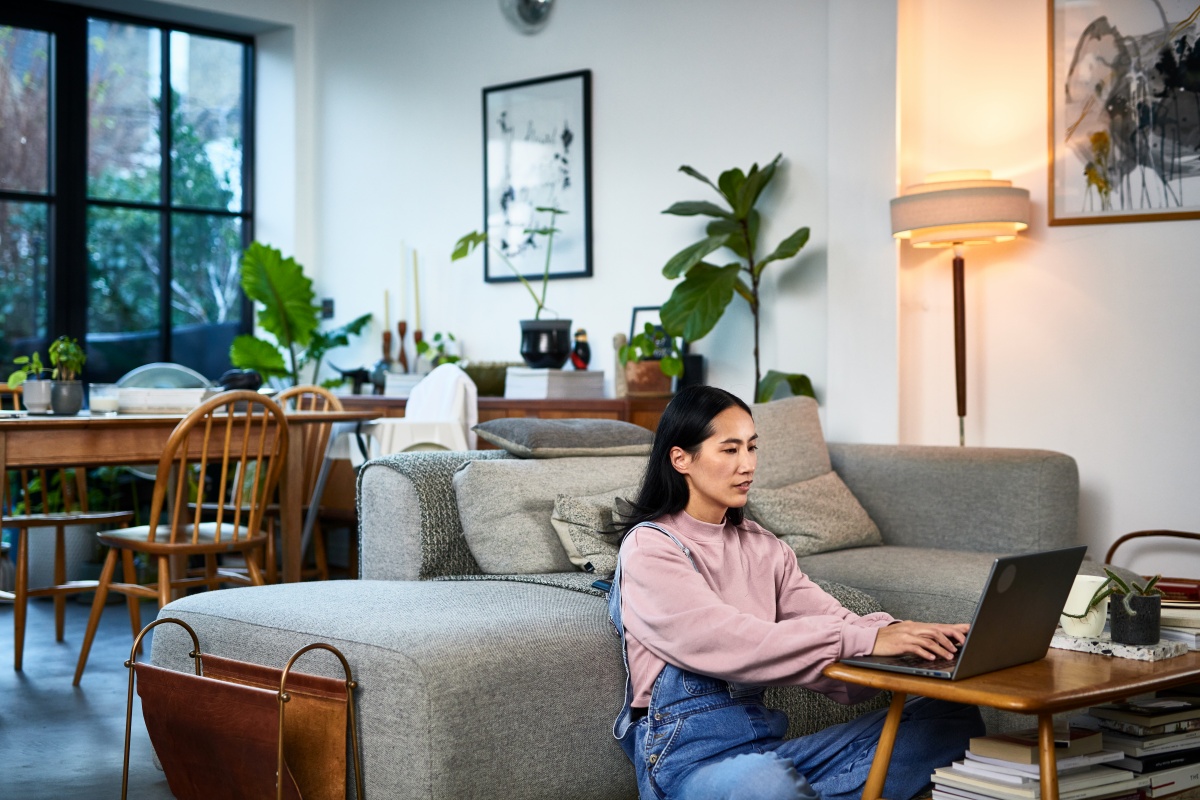
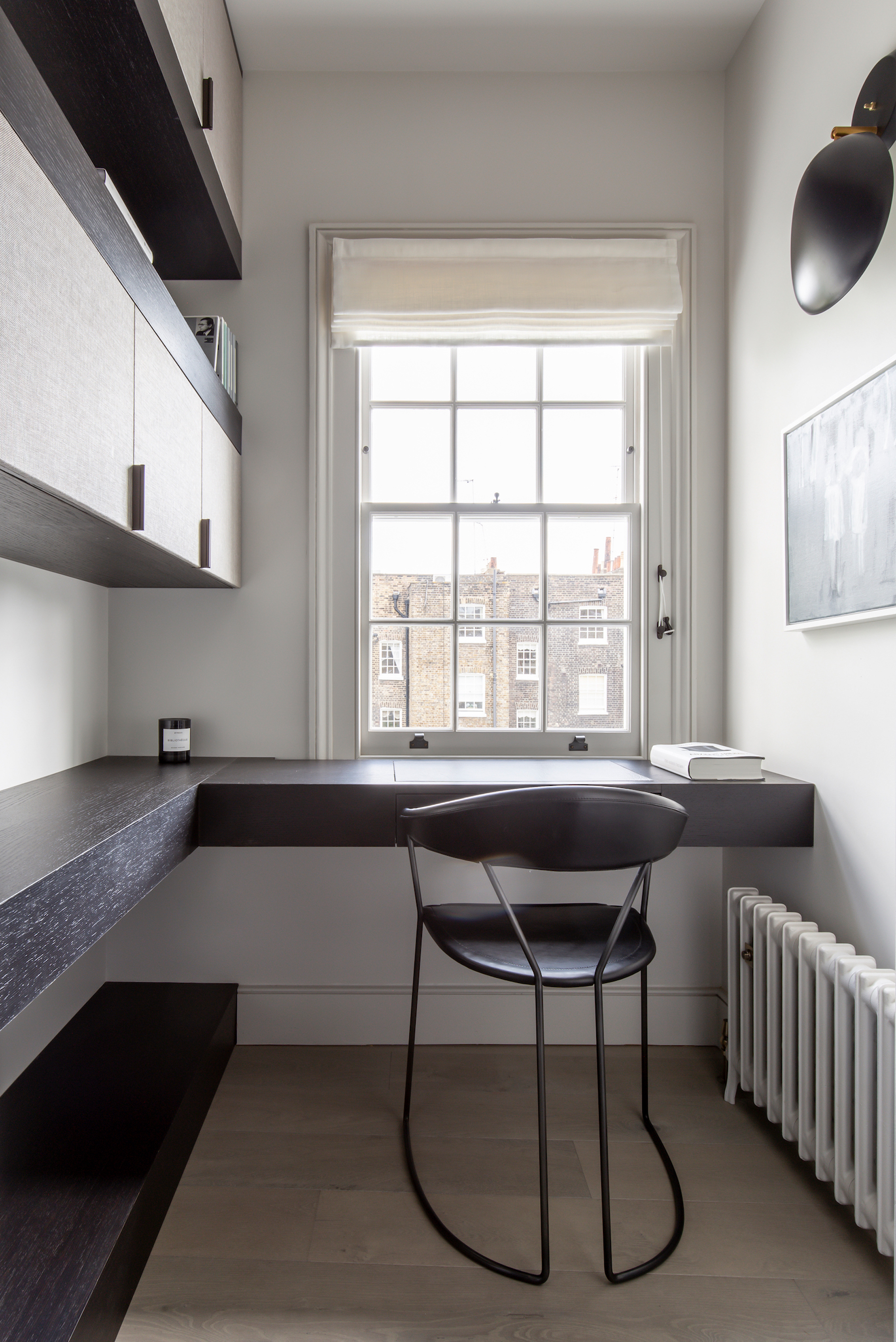
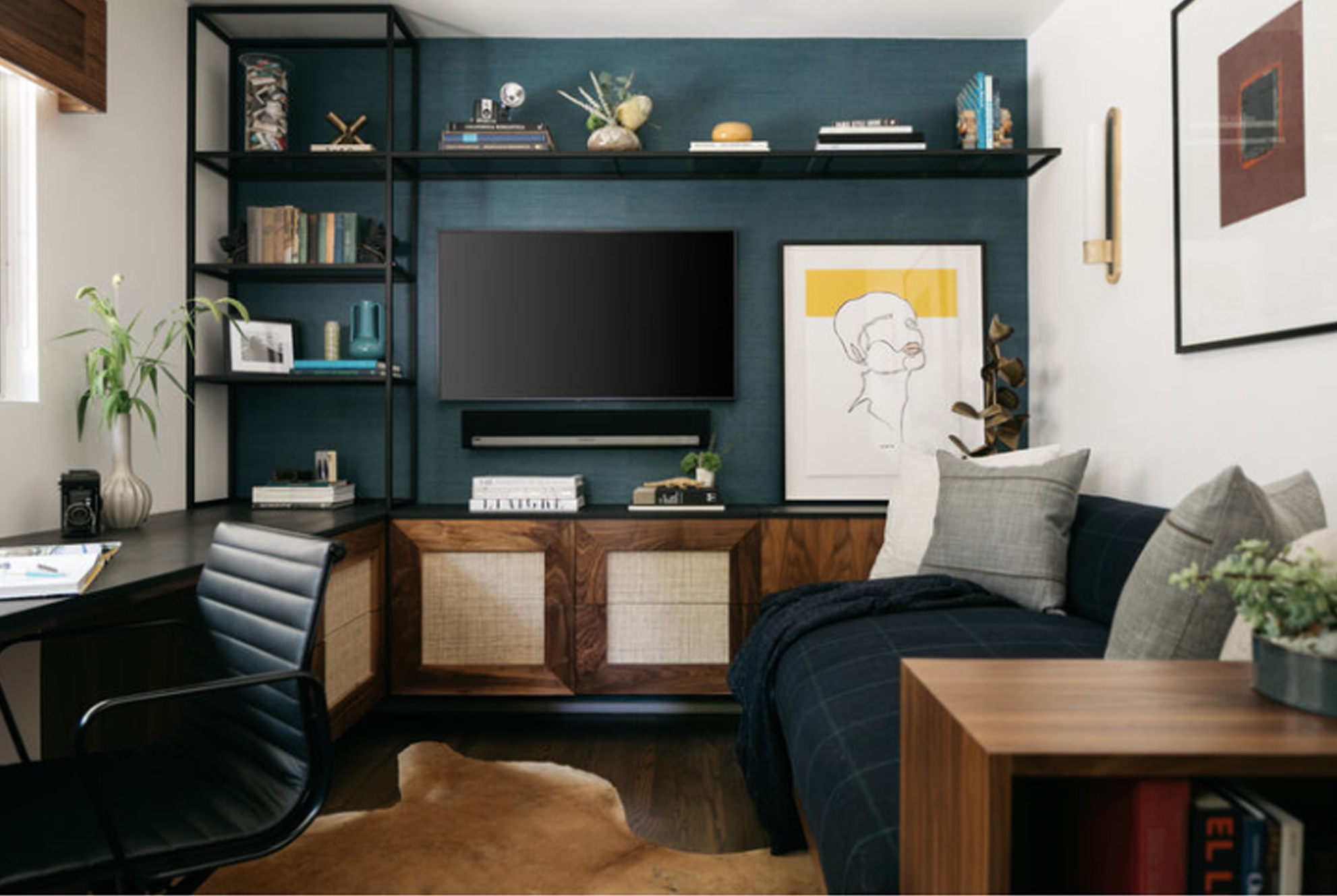
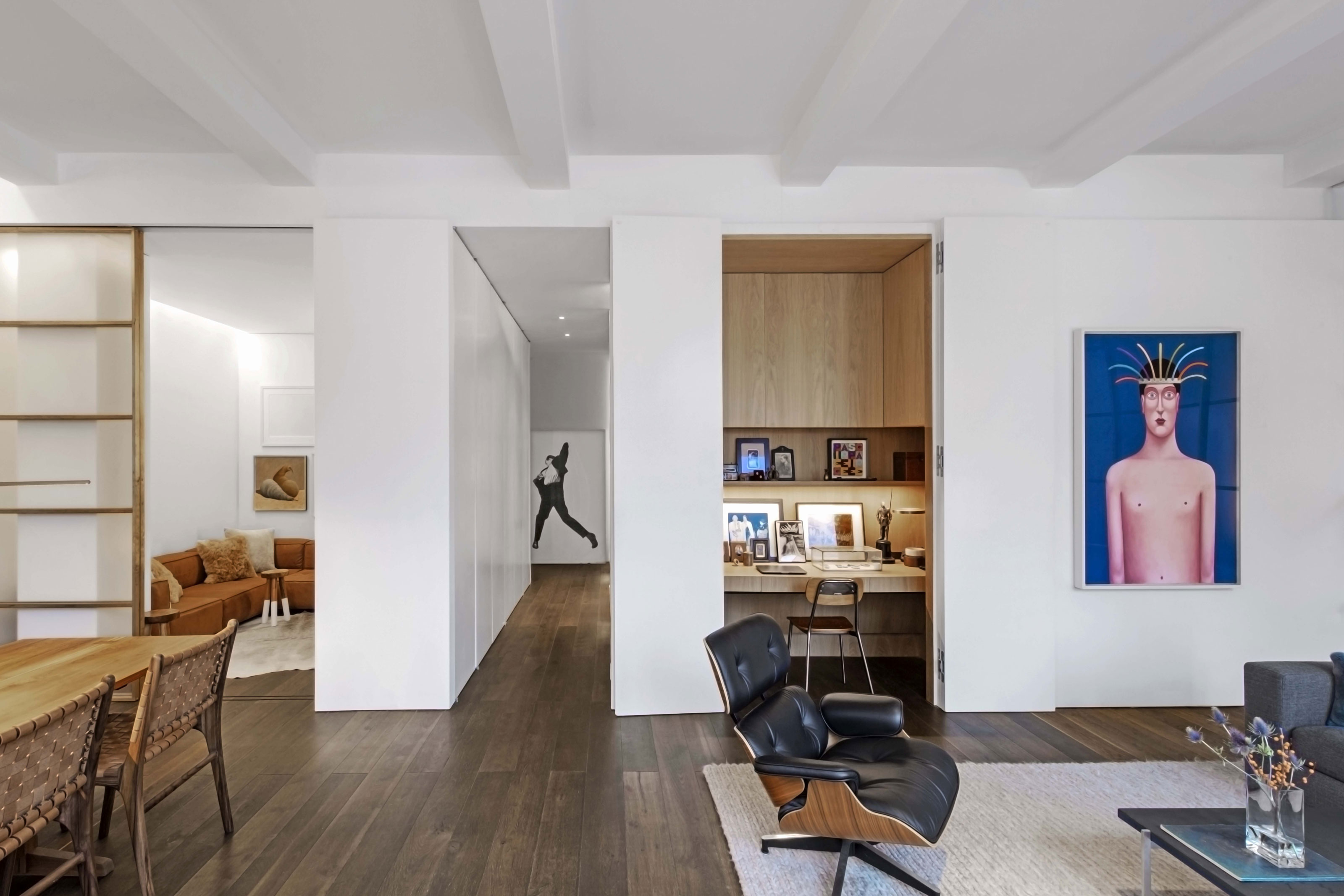
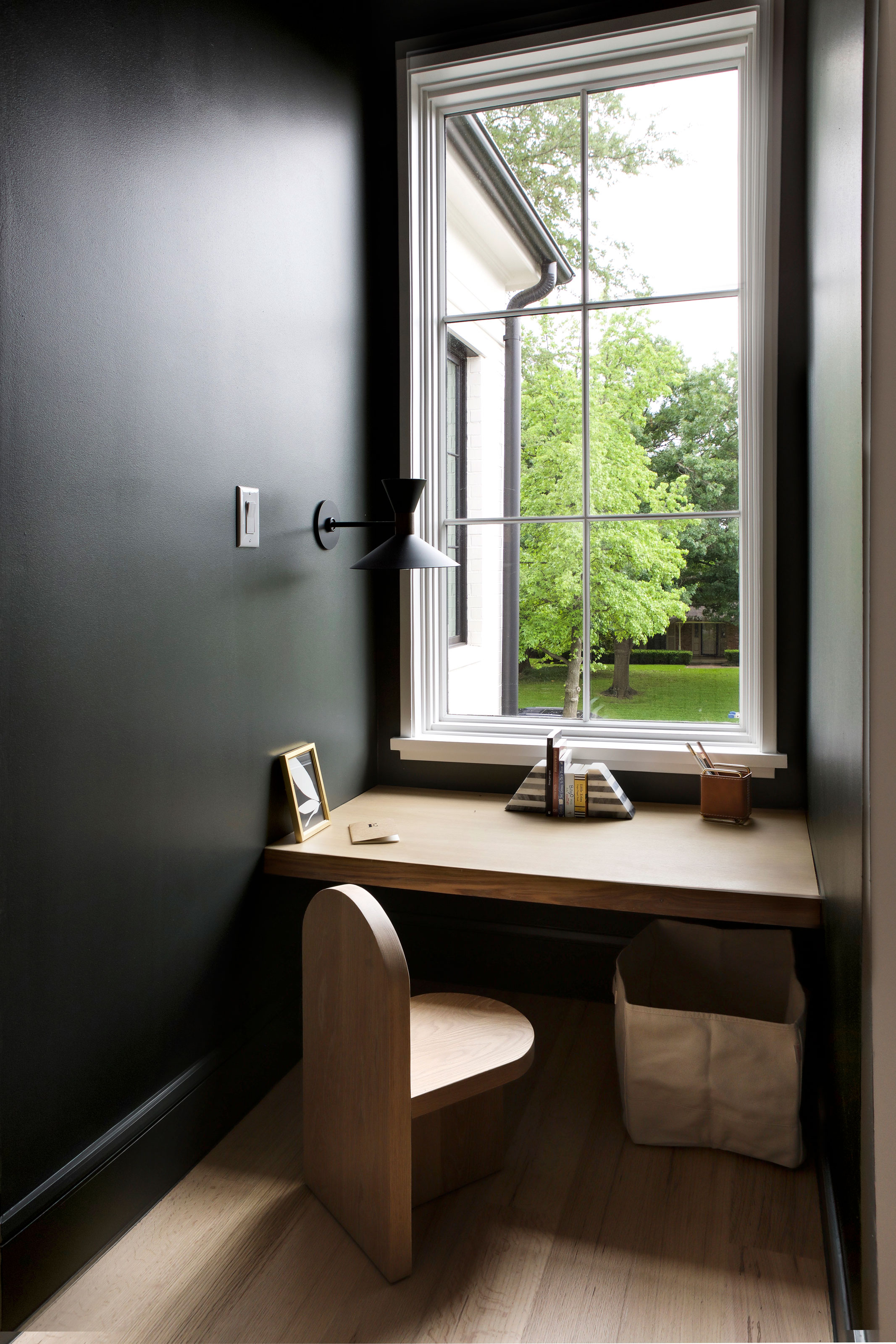
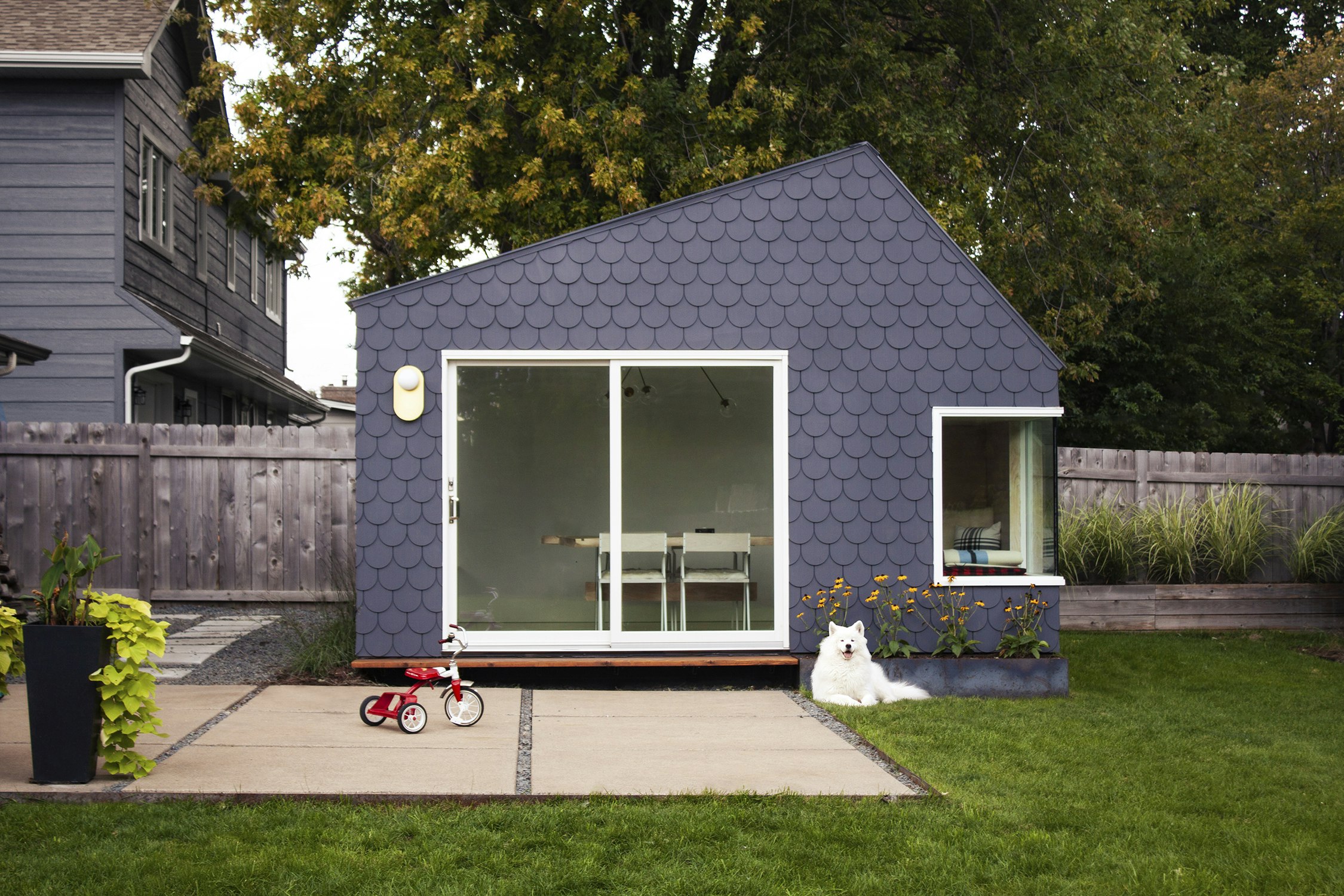
The COVID-19 pandemic necessitated a rapid shift to remote work for many, turning temporary setups into long-term realities. This article emphasizes the importance of establishing a functional and ergonomically sound home office to prevent issues like repetitive strain injuries and maintain productivity. It provides detailed guidance on creating an effective workspace, beginning with the ideal of a dedicated space. A separate room is preferred to clearly delineate work and home life, but suggestions also include converting guest rooms, enclosed porches, large laundry rooms, or garden sheds into dual-purpose areas. If a dedicated room is not feasible, finding a niche space that minimizes distractions and interference from household activities is recommended.
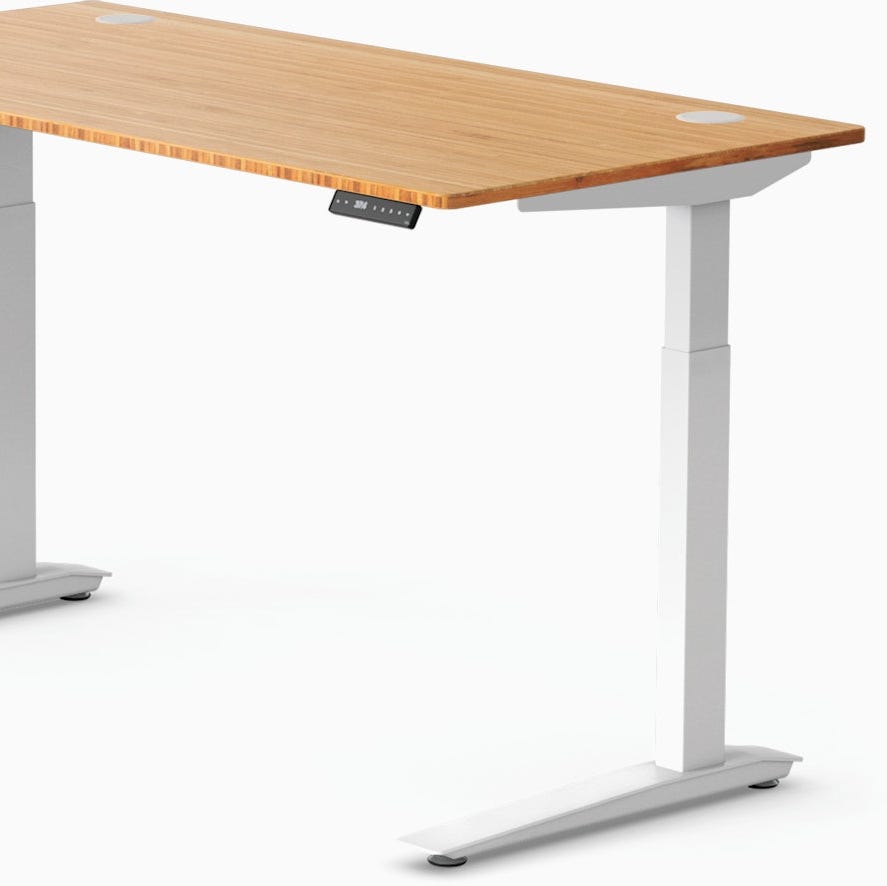
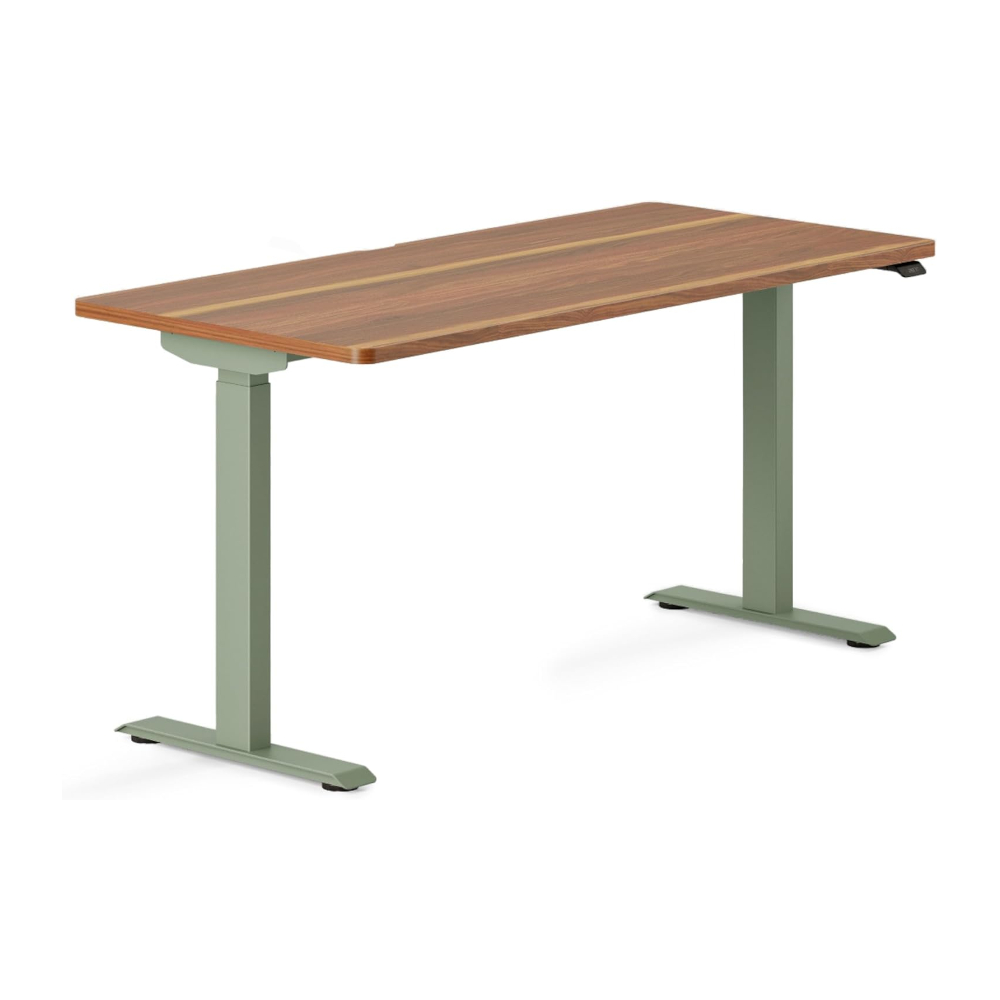
Ergonomics are central to the advice, starting with proper work height. The standard desk height of 29 inches is noted, with adjustments needed for taller or shorter individuals. The article highlights that this standard is based on writing, not keyboard use, advocating for keyboard trays that position the keyboard and mouse lower than the desk surface. If a tray isn't possible, lowering the desk itself and using a raised writing surface is an alternative. The correct work height ensures forearms are parallel to the ground and wrists remain straight, preventing injury.
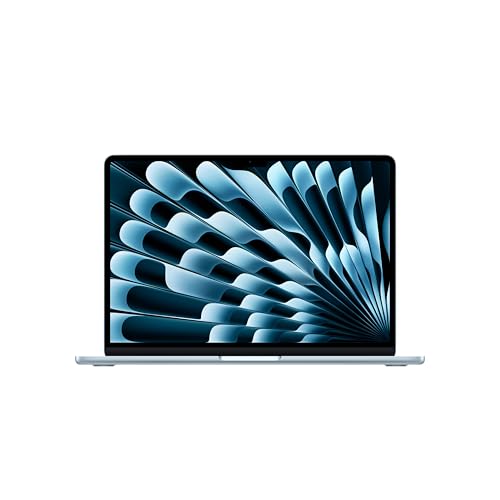
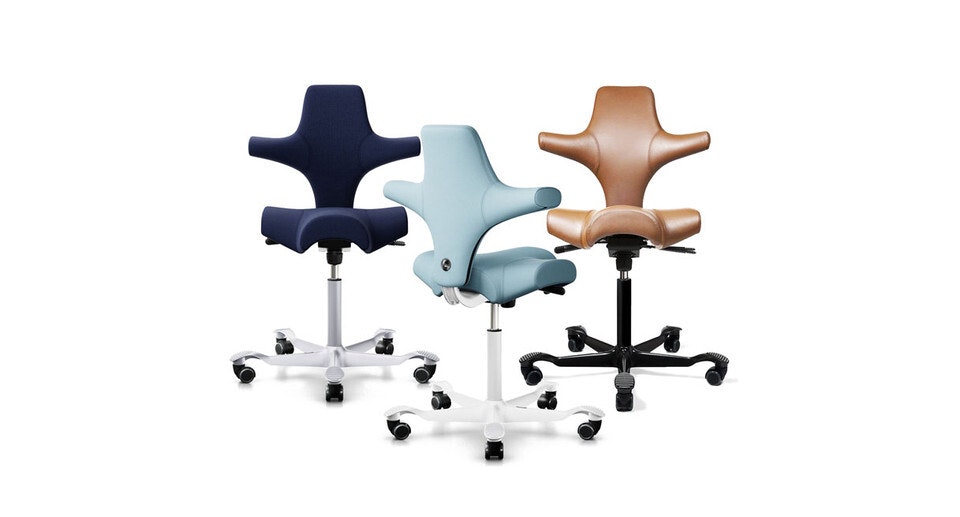
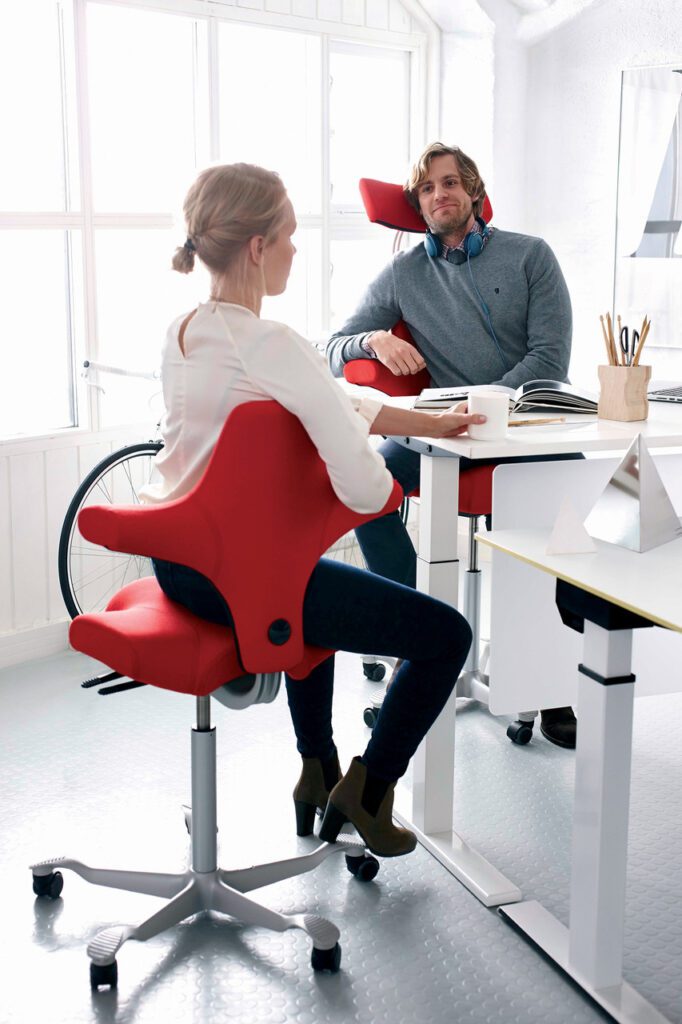
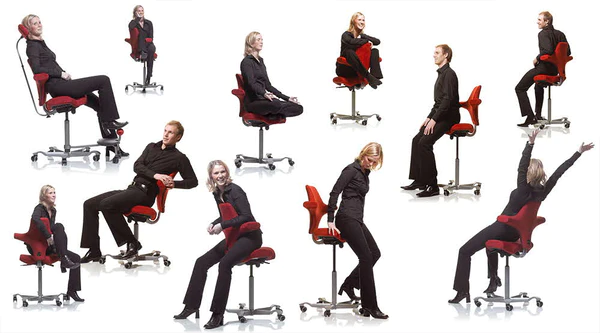
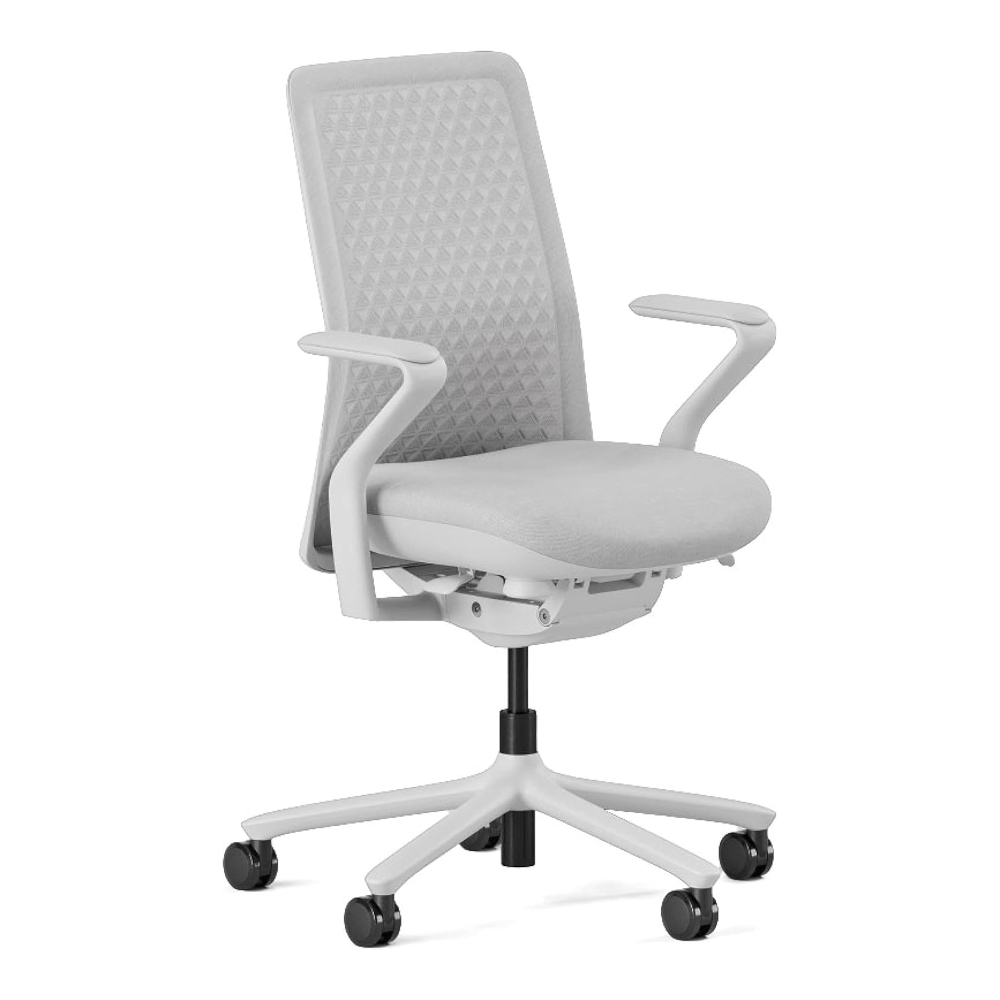
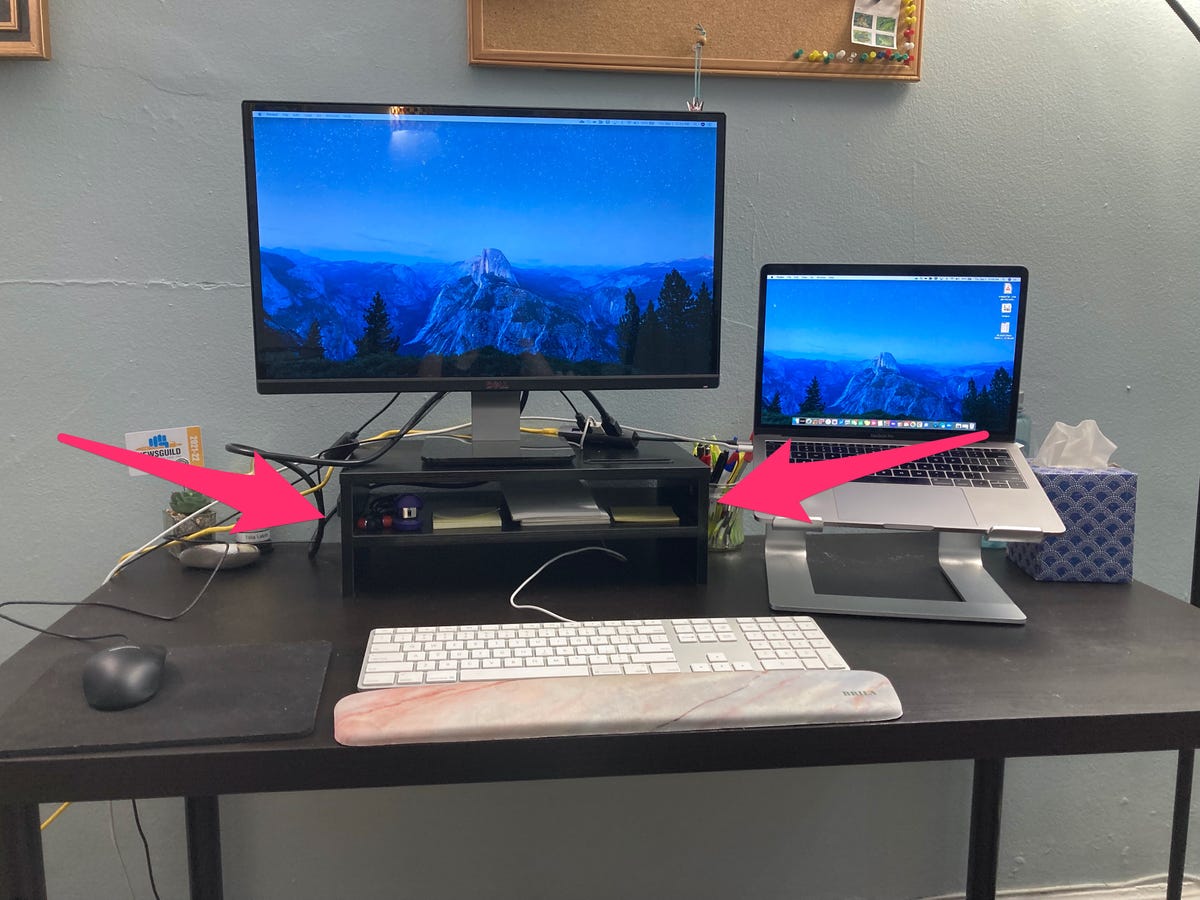
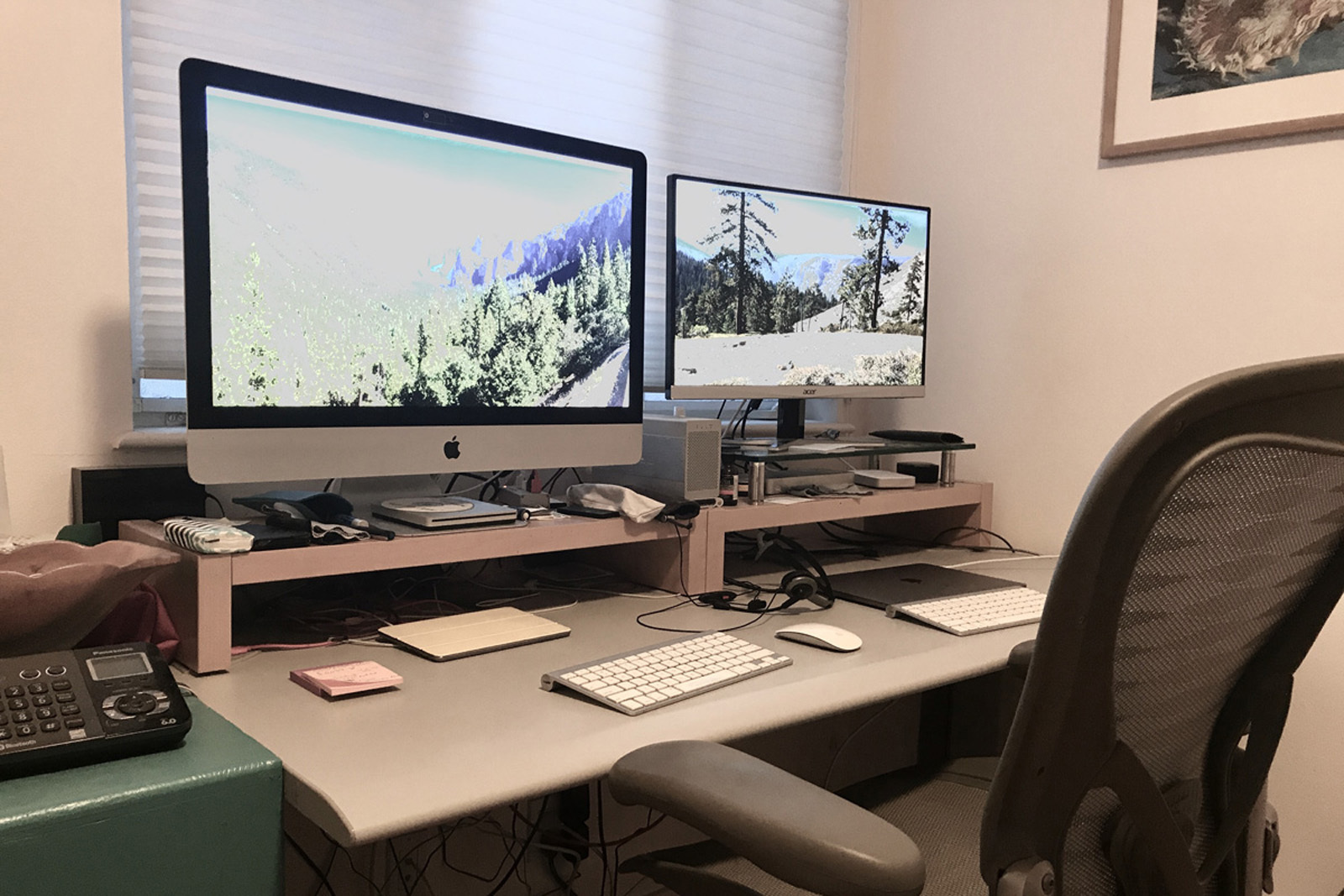
Monitor height is another critical ergonomic factor. Recommendations include using a large monitor, or two, with resolutions like QWXGA, QHD, WQHD, or 4K UHD to reduce eyestrain. The monitor should be positioned so that the eyes are 25-30% below the top of the screen when sitting upright, often requiring a monitor riser. Display connectors, such as HDMI 2.x, DisplayPort, or USB-C, are discussed for optimal video quality. A good, adjustable office chair is essential, with features like adjustable height, lumbar support, and adjustable seat pan tilt, arm height, and lateral arm position. The article stresses the correct use of armrests to support the arm lightly without bearing its full weight.
Lighting is often overlooked but crucial for a comfortable work environment. Indirect overhead lighting is ideal, avoiding glare on the monitor. Natural light is encouraged but should be diffused with shades or curtains. Lamps should be positioned to avoid competing light sources and glare. Monitor brightness should be slightly higher than ambient lighting, with ambient light sufficient for reading paper documents without extra illumination.
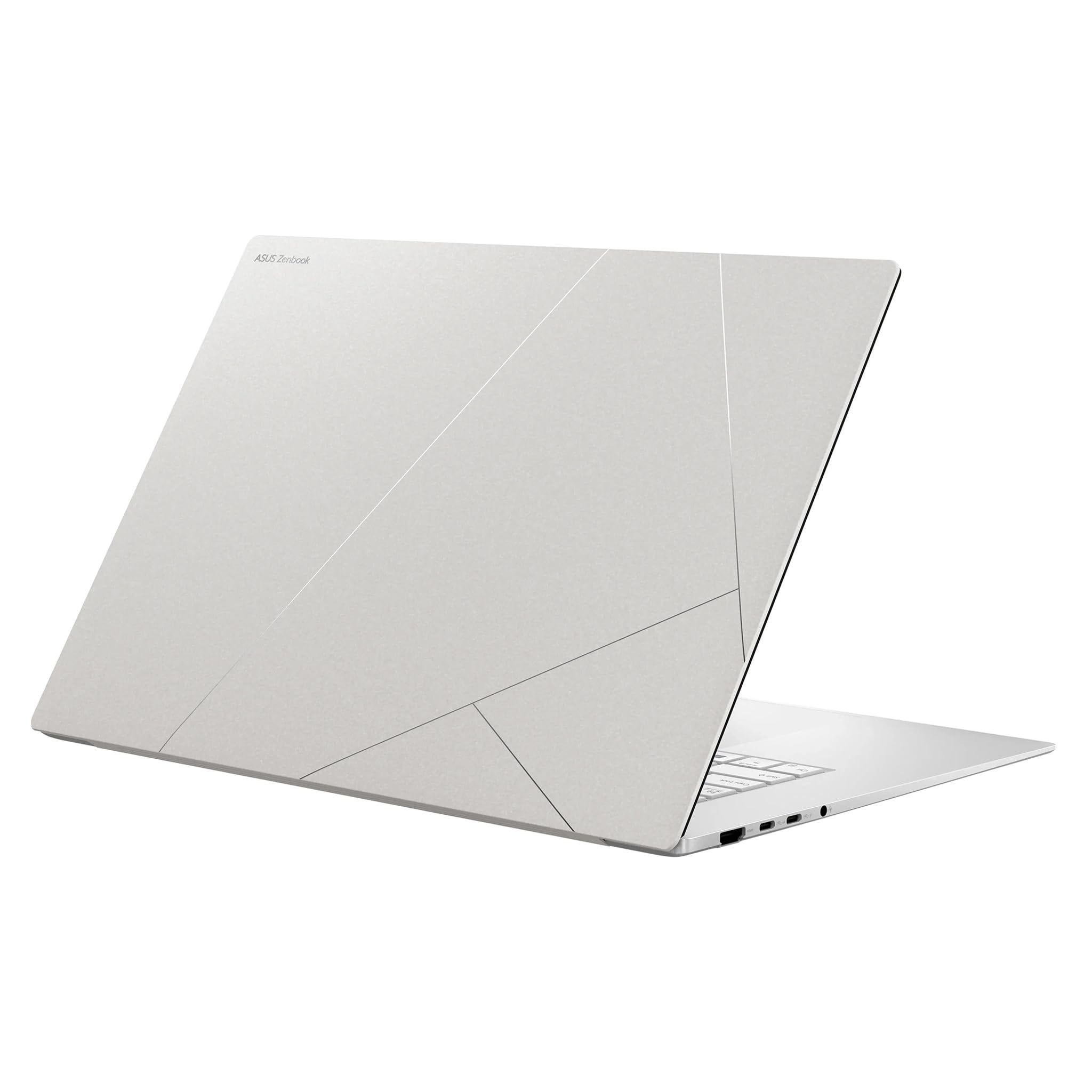
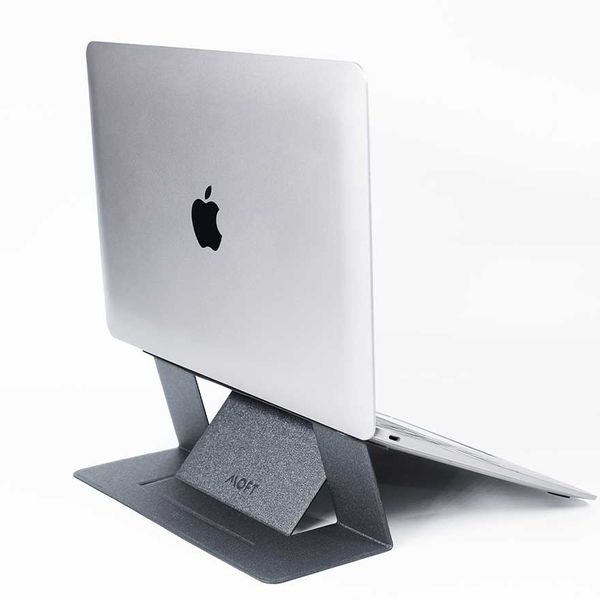
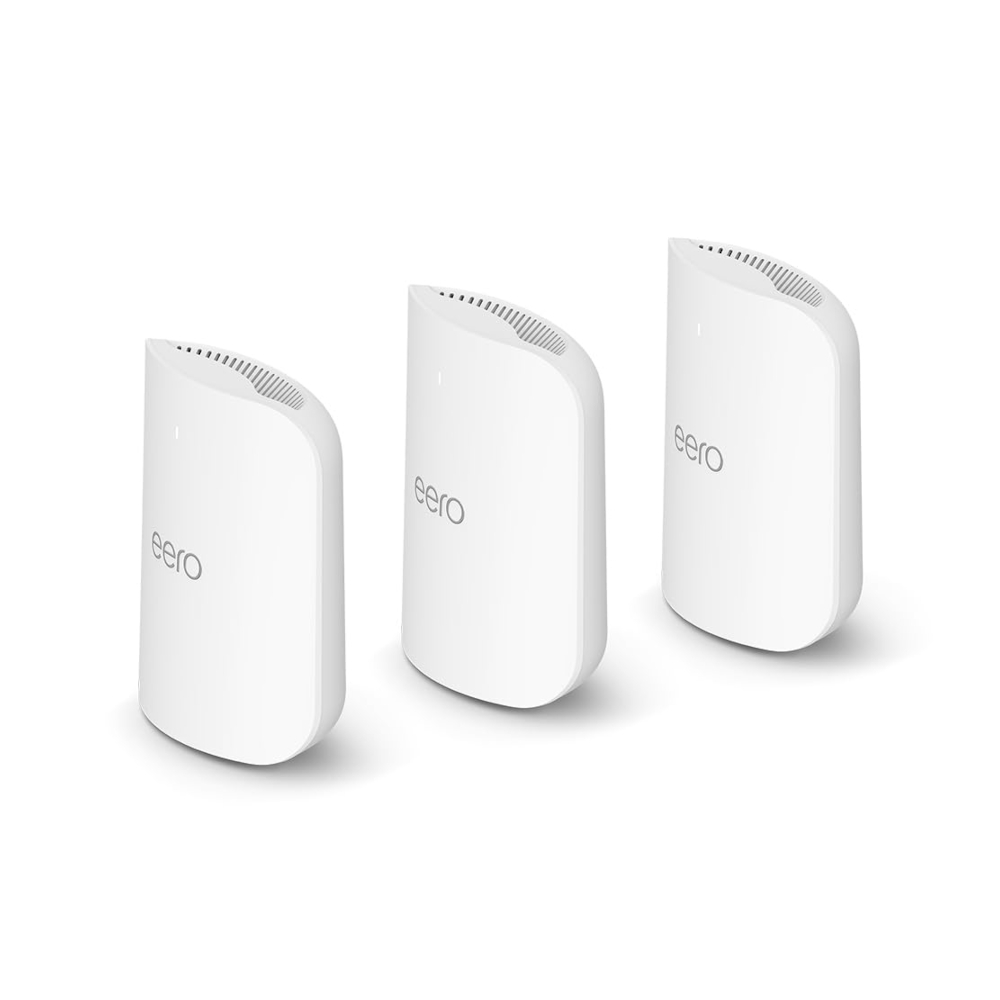
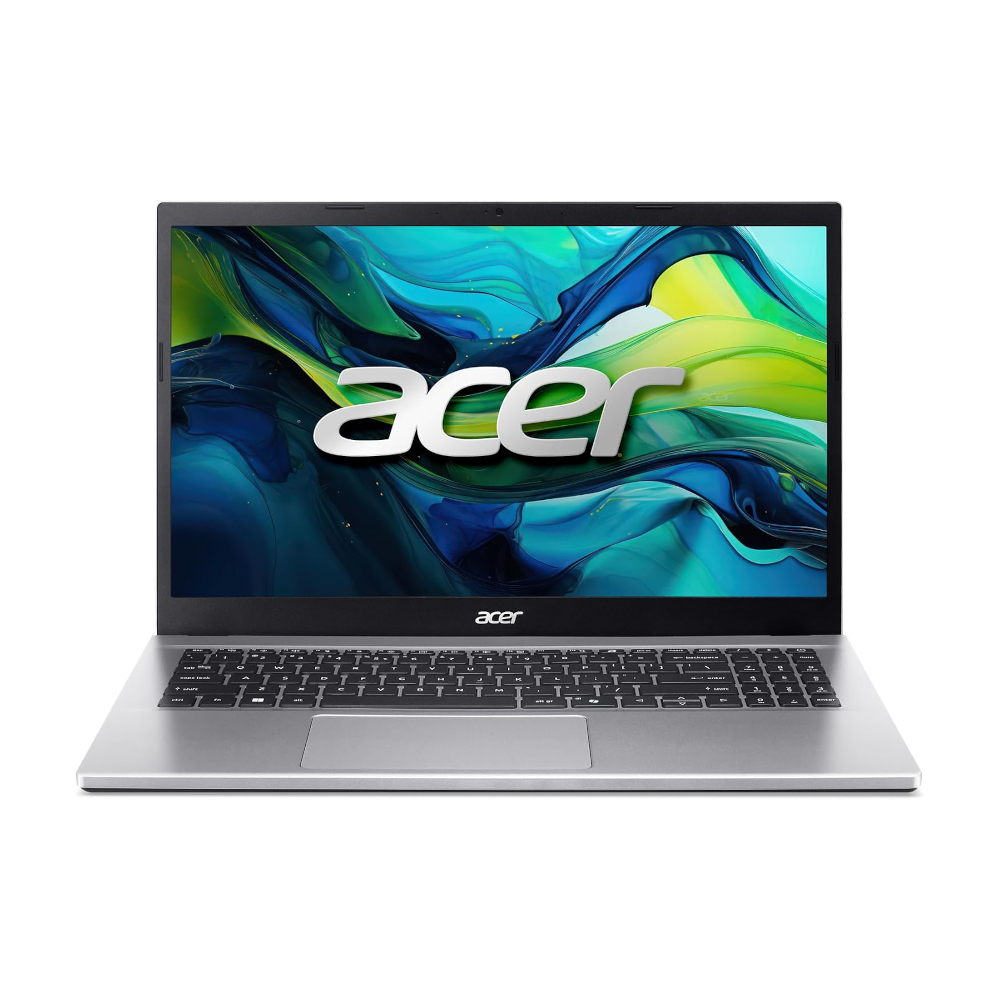
Reliable internet service is foundational for remote work. A minimum speed of 50Mbps is suggested, increasing with the number of users. Wired Ethernet connections are preferred for stability and bandwidth-intensive tasks like video calls, but modern Wi-Fi (802.11ac or 802.11ax) is acceptable for basic office work. Peripheral equipment such as a responsive keyboard and mouse or touchpad are necessary, especially when using an external monitor. A headset is highly recommended for online conference calls in shared living spaces to minimize noise and prevent neck strain. For laptop users, a docking station simplifies connections to peripherals. A multifunction printer/copier/scanner, preferably a laser model, is suggested for occasional document handling. Finally, surge protectors are advised for power protection, and robust data backup solutions, combining external drives with cloud services like OneDrive or iCloud, are crucial for data security and accessibility, emphasizing the importance of keeping local copies of cloud-stored work.
#WorkFromHome #HomeOfficeSetup #Ergonomics #Productivity #RemoteWork #OfficeDesign #DigitalWorkplace #TechTips #WellnessAtWork #WorkFromHome #HomeOfficeSetup #Ergonomics #Productivity #RemoteWork #OfficeDesign #DigitalWorkplace #TechTips #WellnessAtWork
0 comment in total
 No comments yet
You may also like
Everything You Need For the Perfect Work From Home Setup
6 Work From Home Office Essentials You Need In 2024

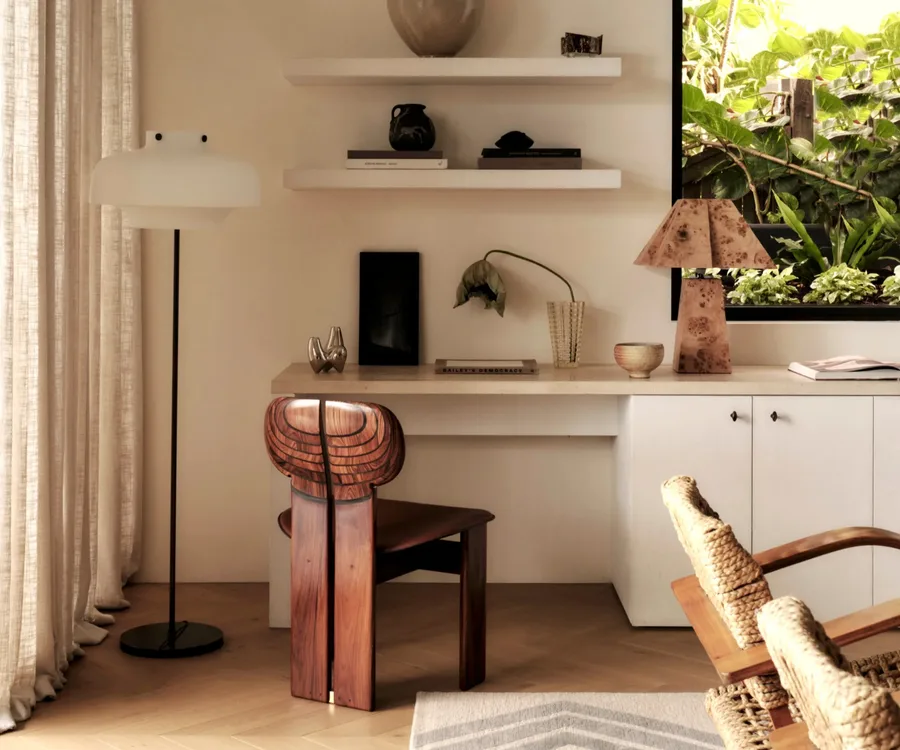
How to design the ultimate home office, according to the experts

Remote Work Setup Hacks for Small Spaces and Apartments
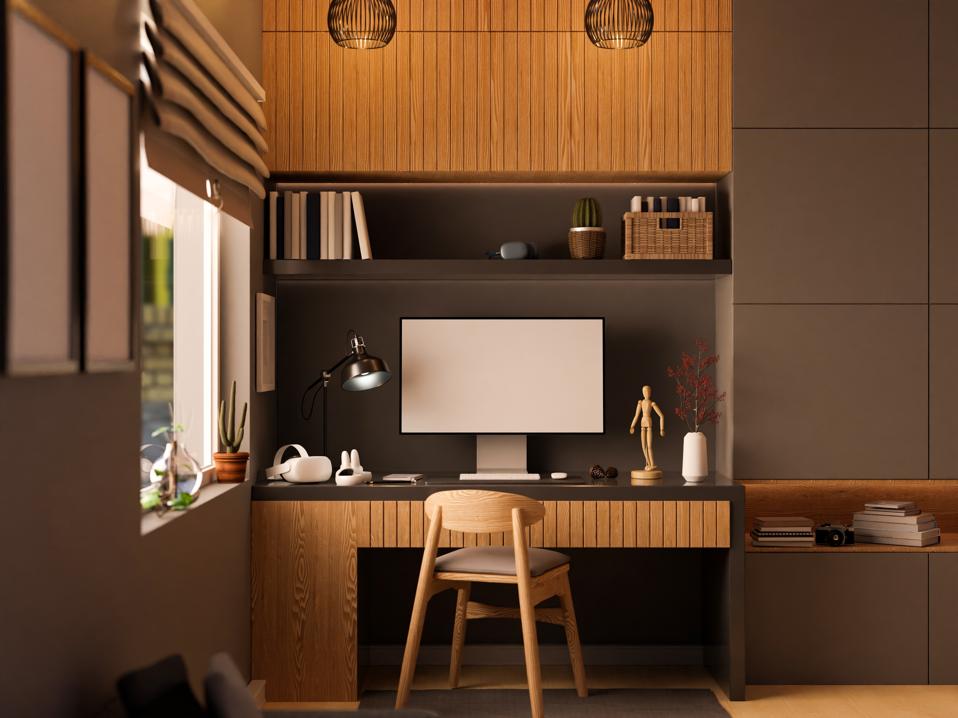
If You Work From Home, Here Are 6 Tips To Create The Perfect WFH Office

Four Years Into WFH Life, Here’s What You Need for an Aesthetically Pleasing Home Office

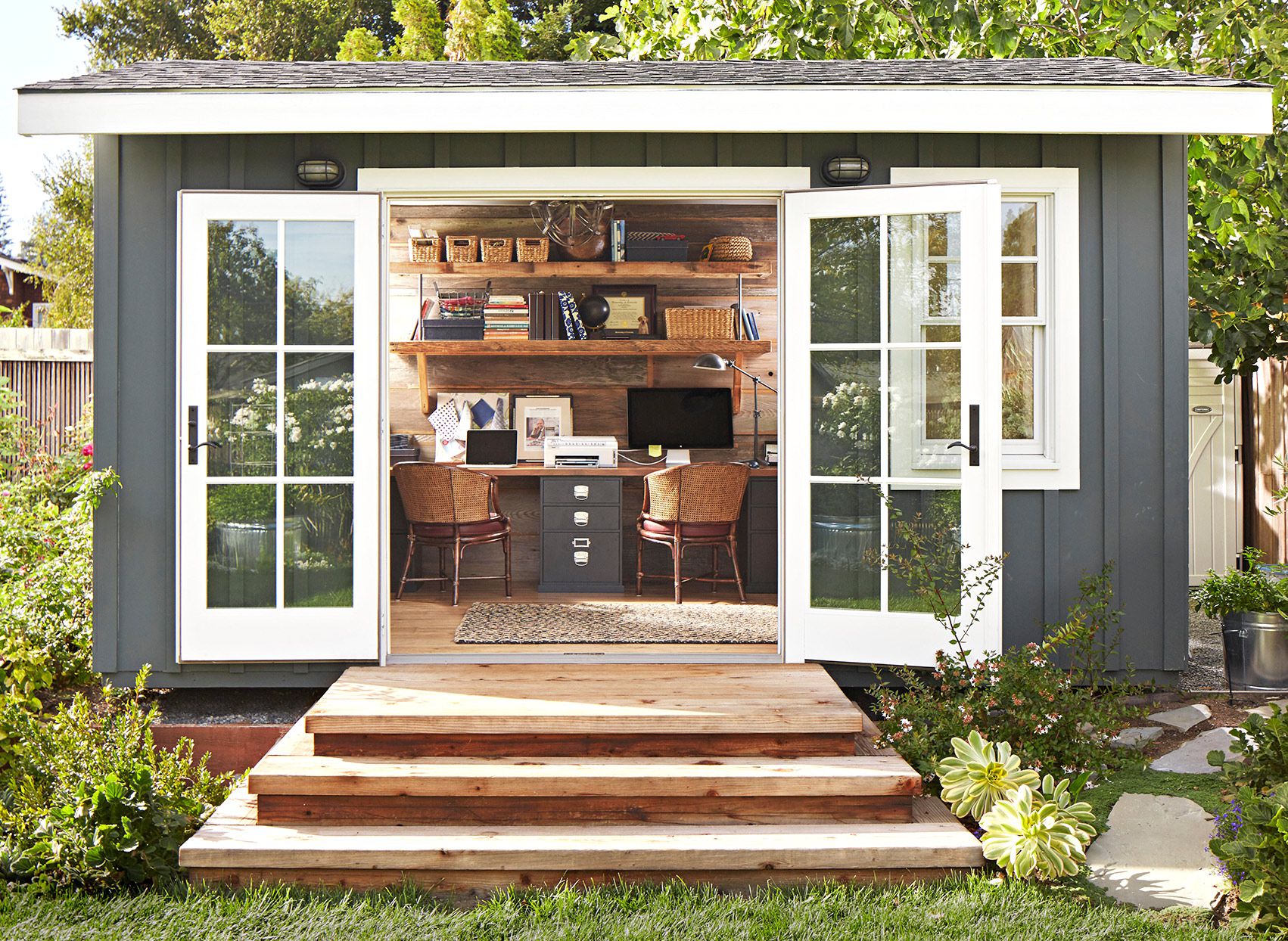
Small Office Ideas for Every Kind of Work-from-Home Setup

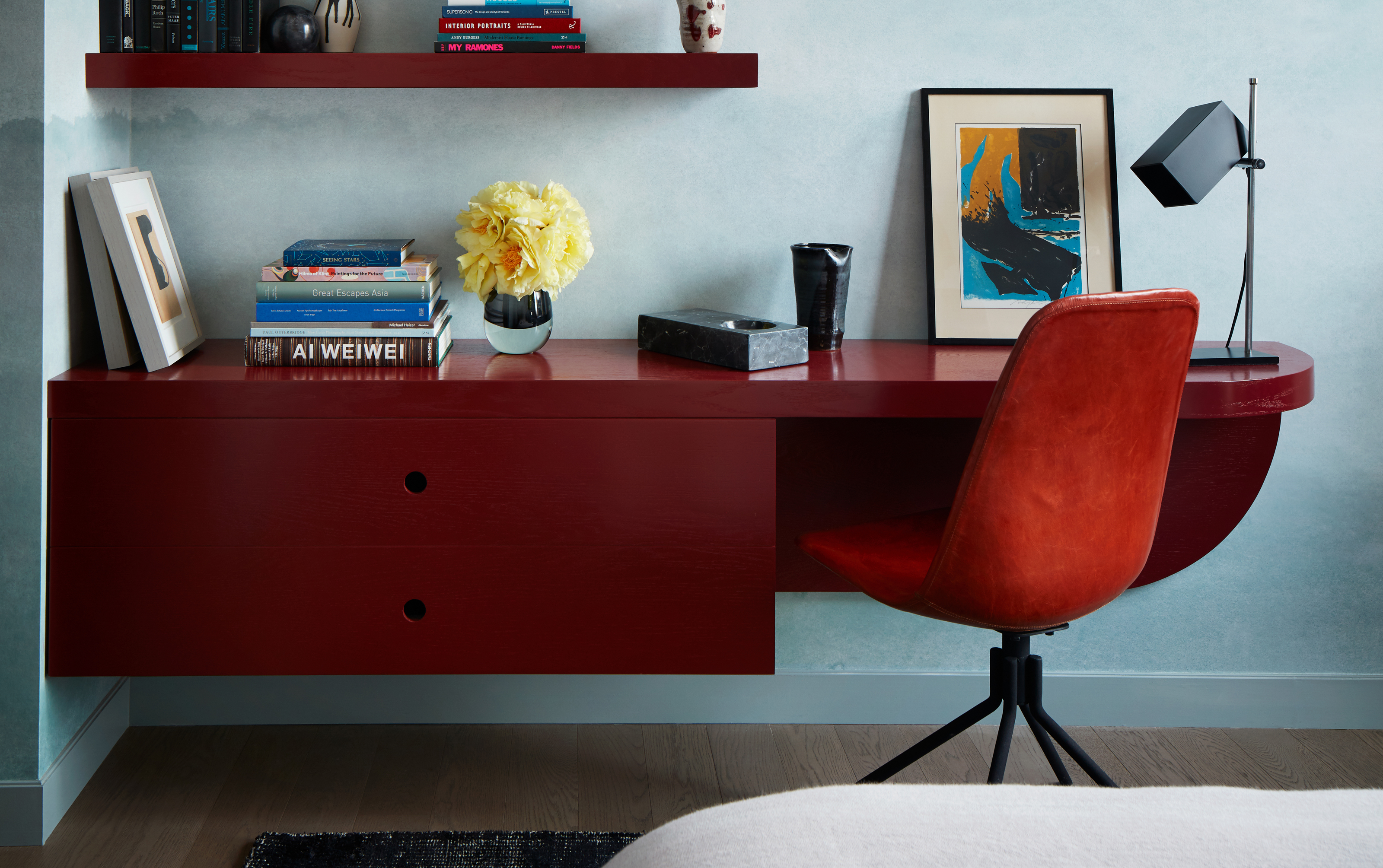
Genius built-in desk ideas that will help you make the most of your work from home space

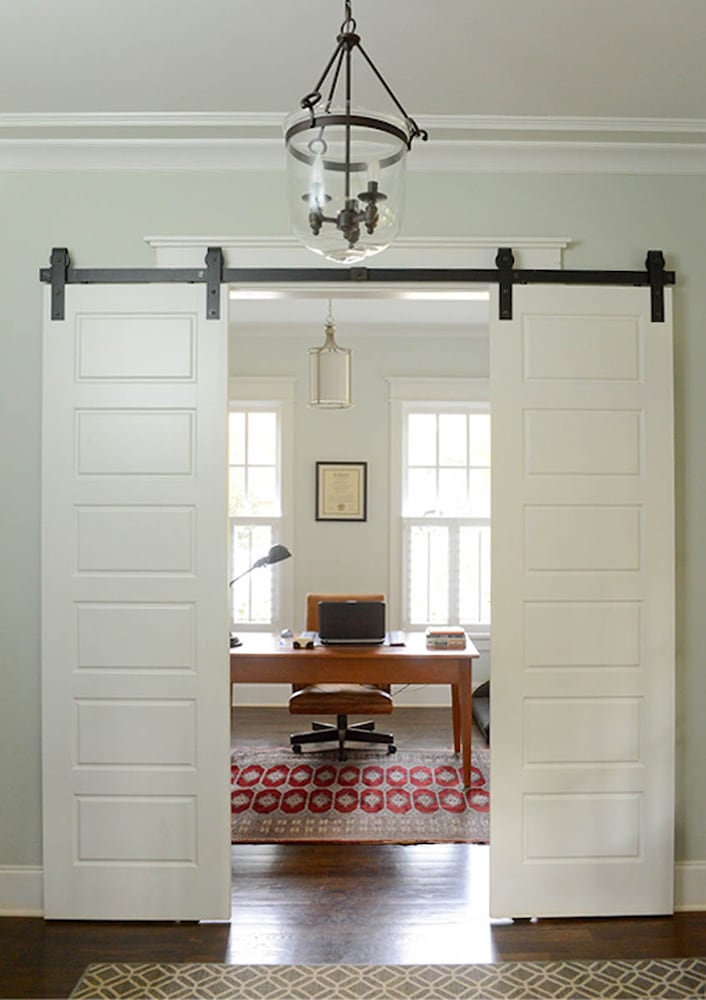
Open floor plans and home offices: How to make it work
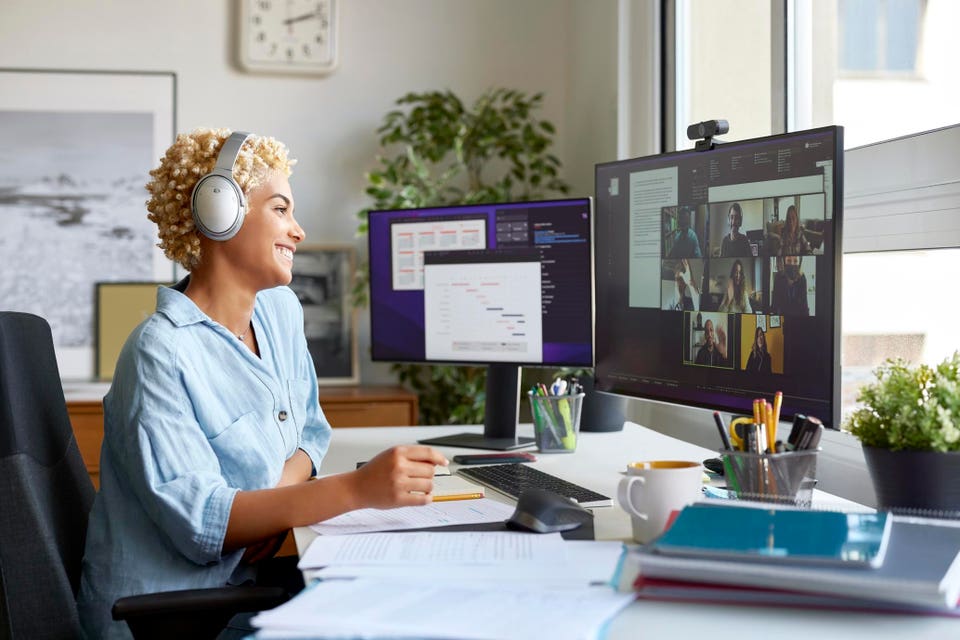
5 Tips For Creating A Remote Work Setup That Rivals Any Office

I'm a reporter who's going to be working from my Brooklyn apartment for at least the next 6 months. Here's exactly how I rearranged my bedroom to make it work as an office.
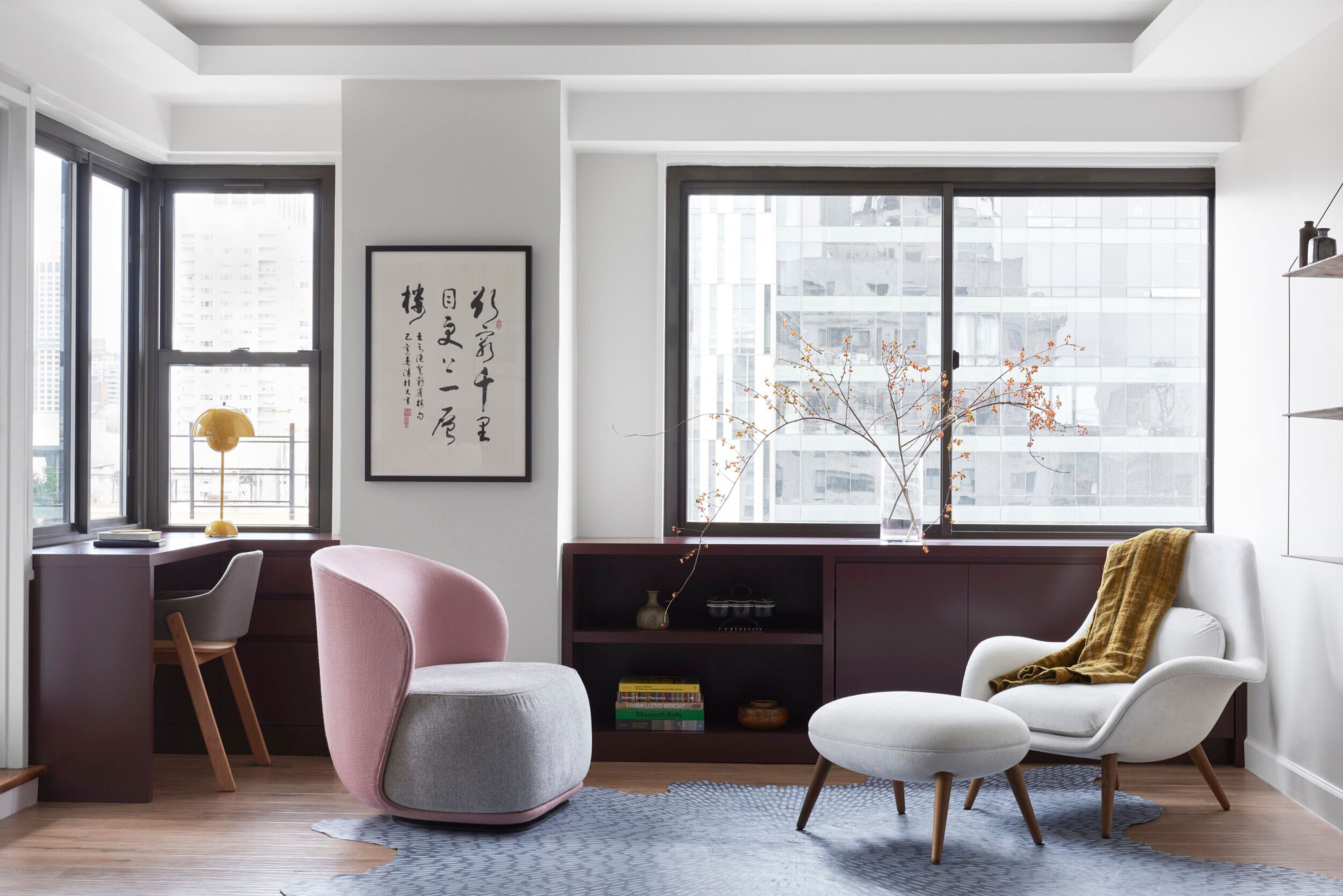
Apartment office ideas – 10 ways to make room for a desk when space is tight
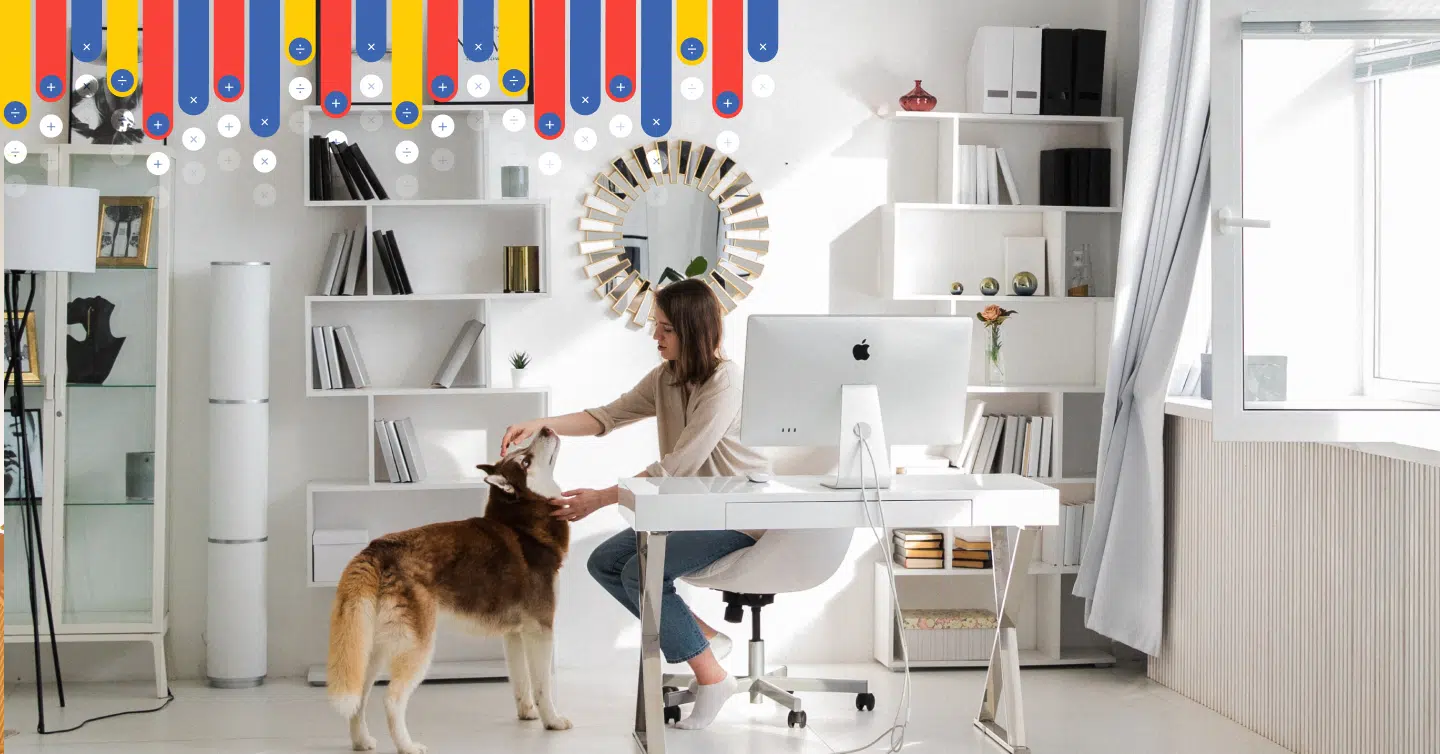
How To Set Up A Dedicated Office Space In Your Home

How to Create the Perfect Home Office for $500 (or $50 or $1,000)
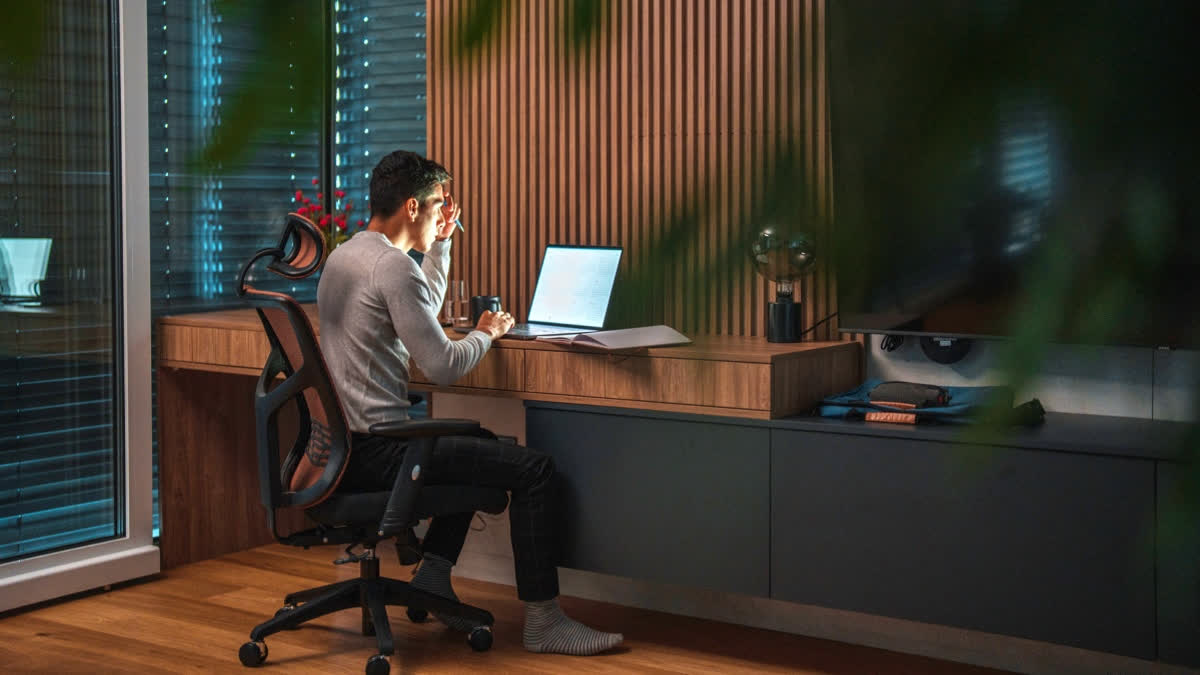
10 Work From Home Hacks For Indian Homes: How To Build A Productive Home Office Without Spending Too Much
5 things I bought that made my working-from-home life better — and 2 items that are in my cart
19 Backyard Offices and Studios to Inspire Your Own Work-From-Home Escape
Creating a comfortable and luxury home office in 2024: From design to maintenance

12 home office essentials on a budget: Here's my top picks for the best desk, chair, laptop and more for less

Corporate Natalie’s Top Tips for a Functional Home Office