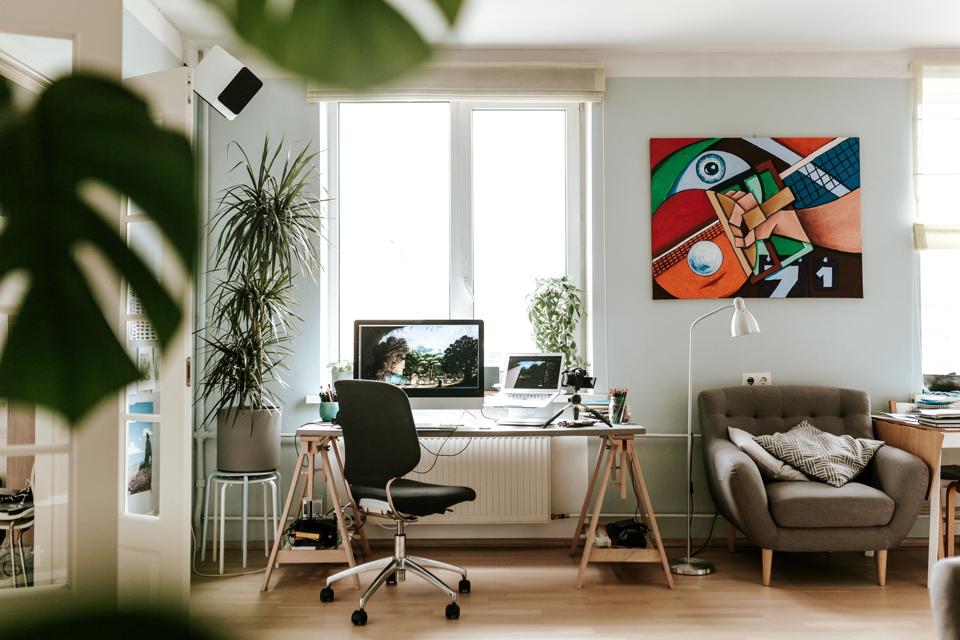
1/26
How to Create the Perfect Home Office for $500 (or $50 or $1,000)
The shift towards remote work has made a well-equipped home office a necessity for many. This article provides a comprehensive guide to setting up an ergonomic and functional home office, catering to various budgets and space constraints. It emphasizes the importance of ergonomic considerations to prevent discomfort and health issues associated with prolonged work from home.
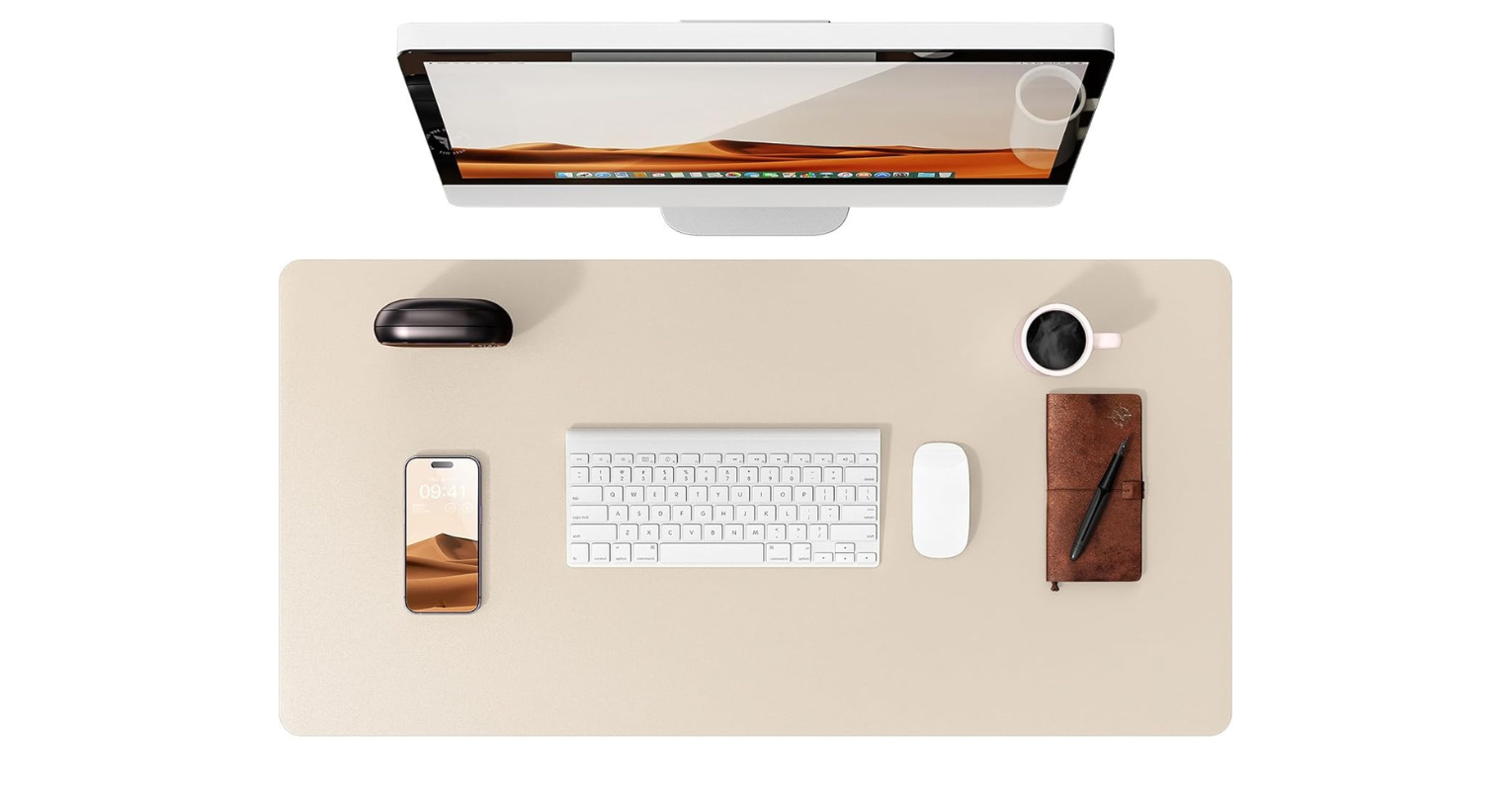
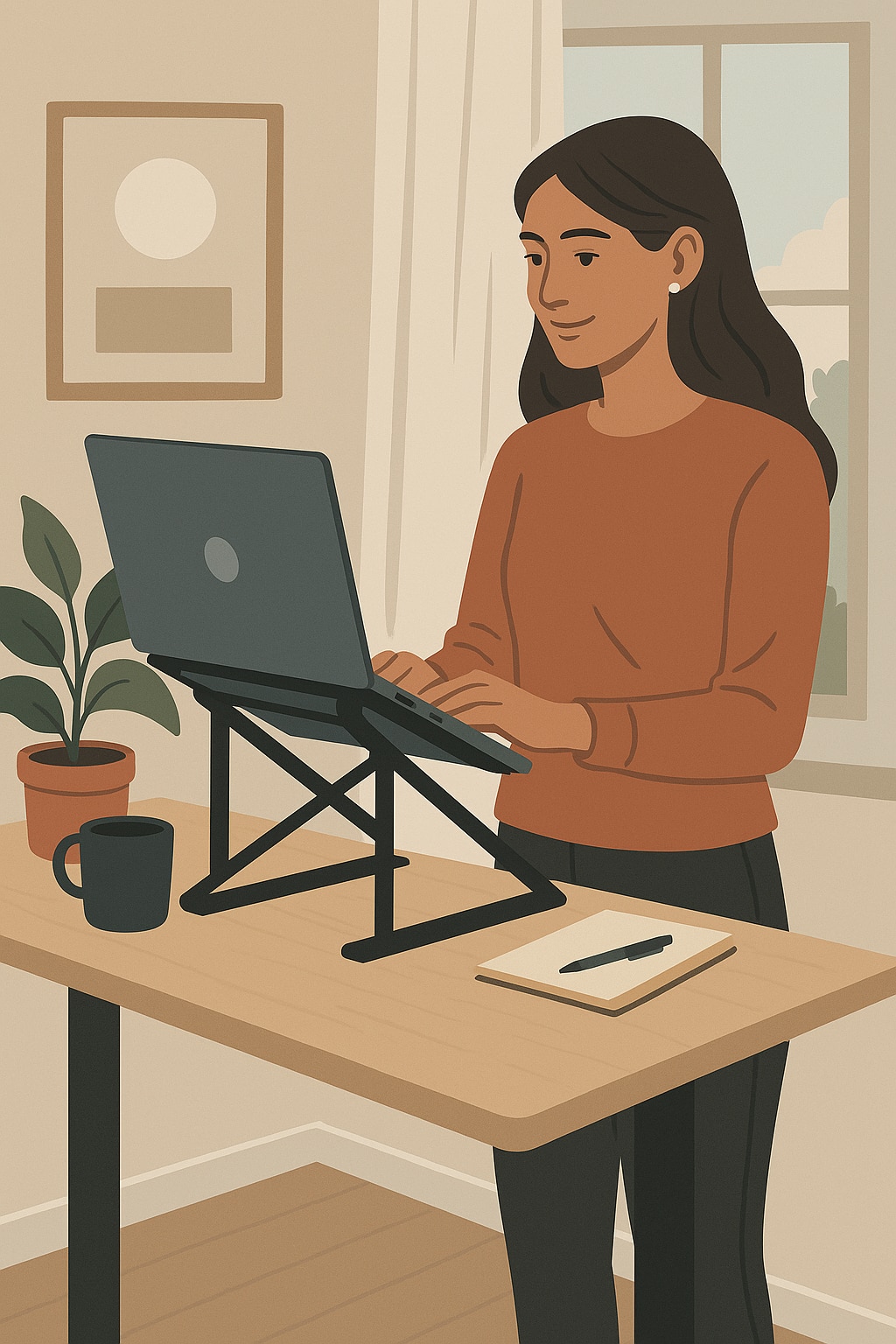
For those with a budget under $50, the primary recommendation is a laptop riser to elevate the screen to eye level, crucial for maintaining good posture and preventing neck pain. A portable and adjustable laptop stand, like the Moft Invisible Laptop Stand, is highlighted for its versatility. Additionally, a desk tray is suggested for organization, and quality fine-line pens for a more pleasant writing experience.
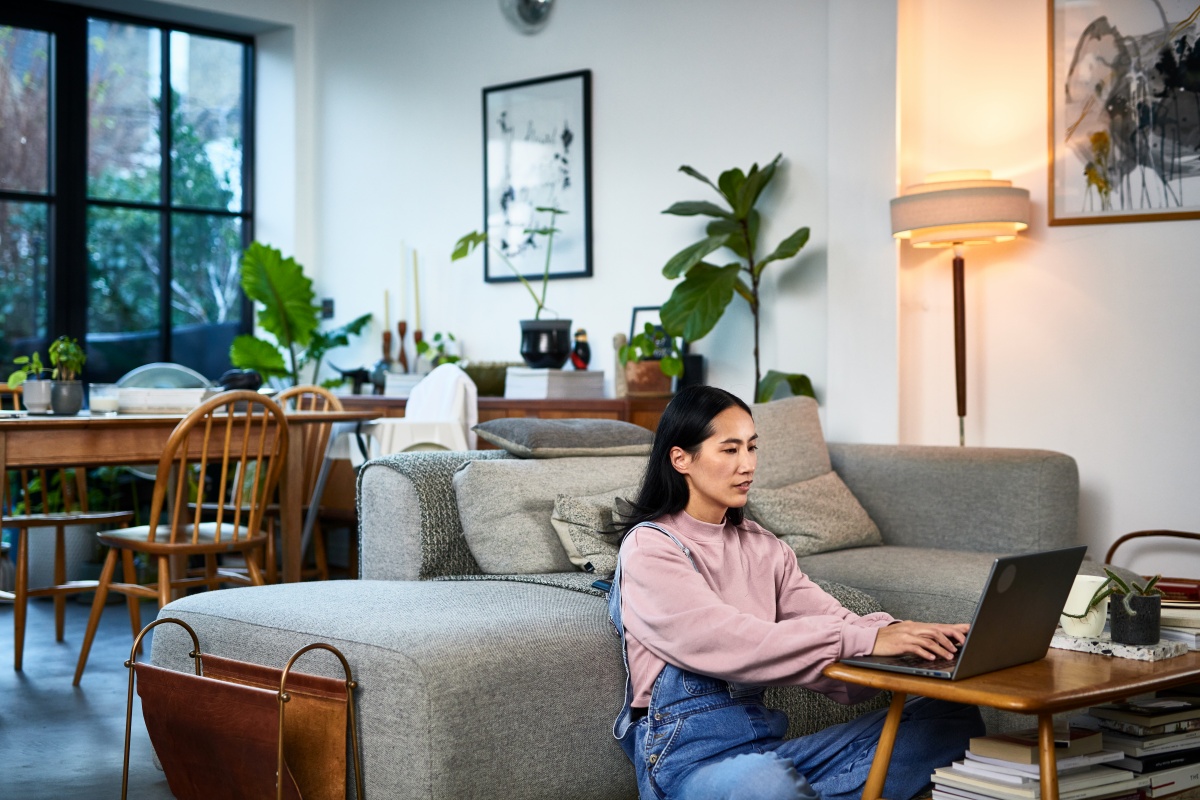
In the $60 range, the article addresses setups for working from a couch or bed. It recommends a laptop stand that allows for proper screen height without needing a traditional desk, such as the Uncaged Ergonomics WorkZ Aluminum Laptop Stand. To keep papers organized in a non-traditional workspace, a stylish desktop file box is advised. Ergonomic principles, like the “rule of 90” for hip, knee, and elbow angles, are consistently stressed.
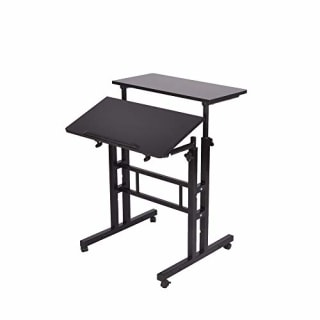
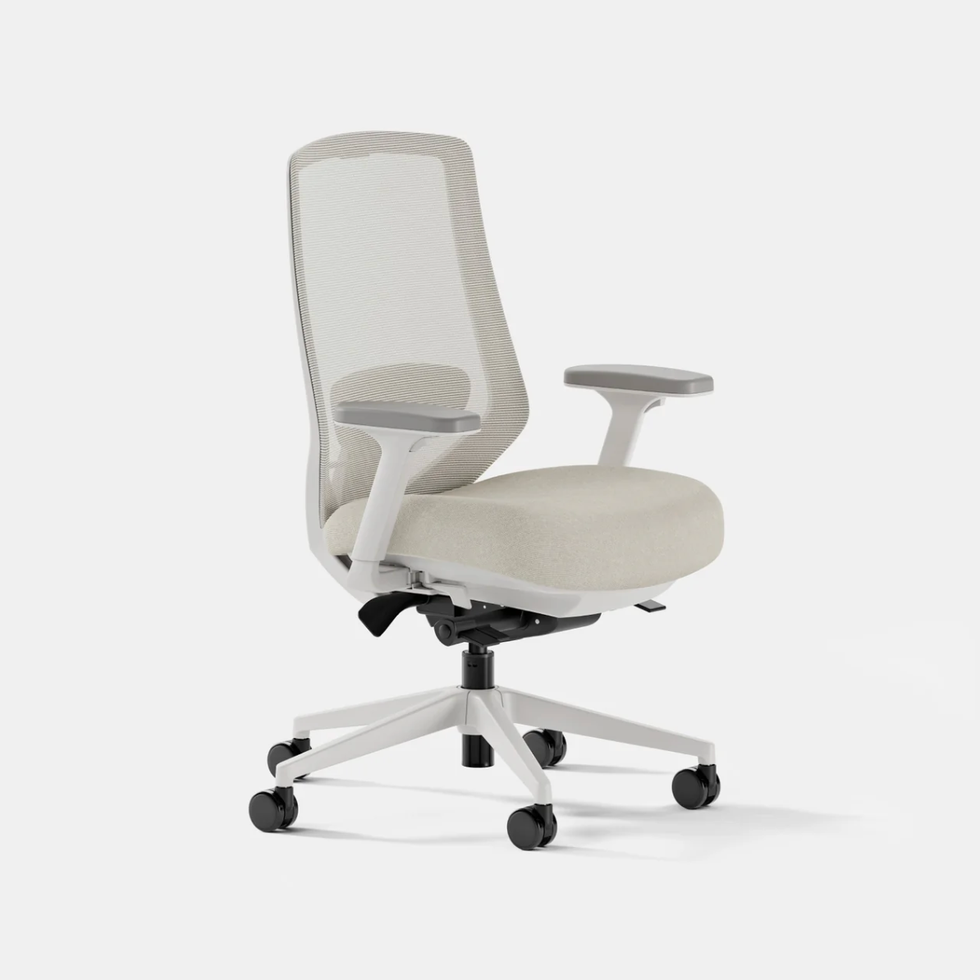
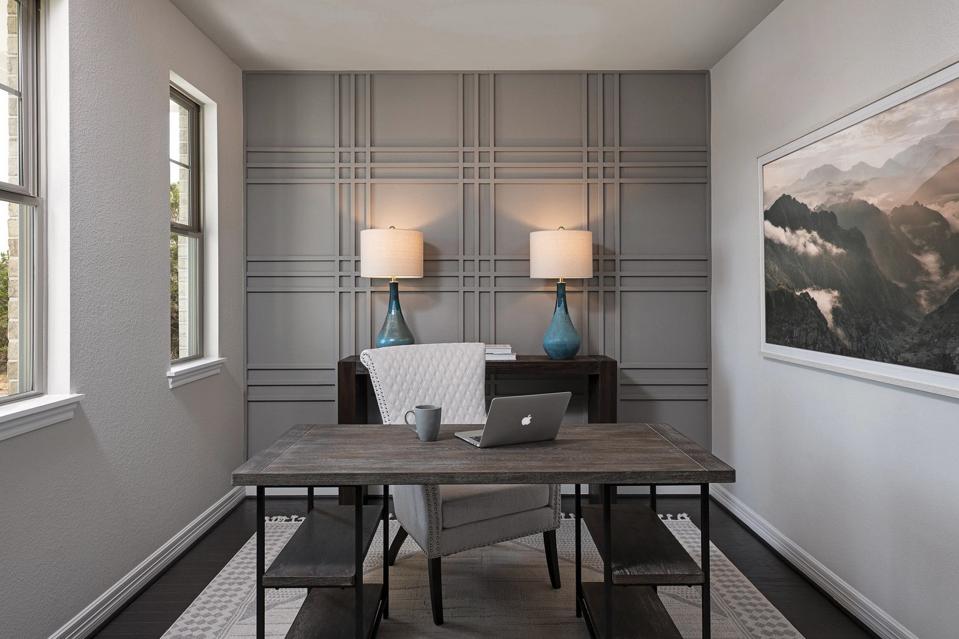
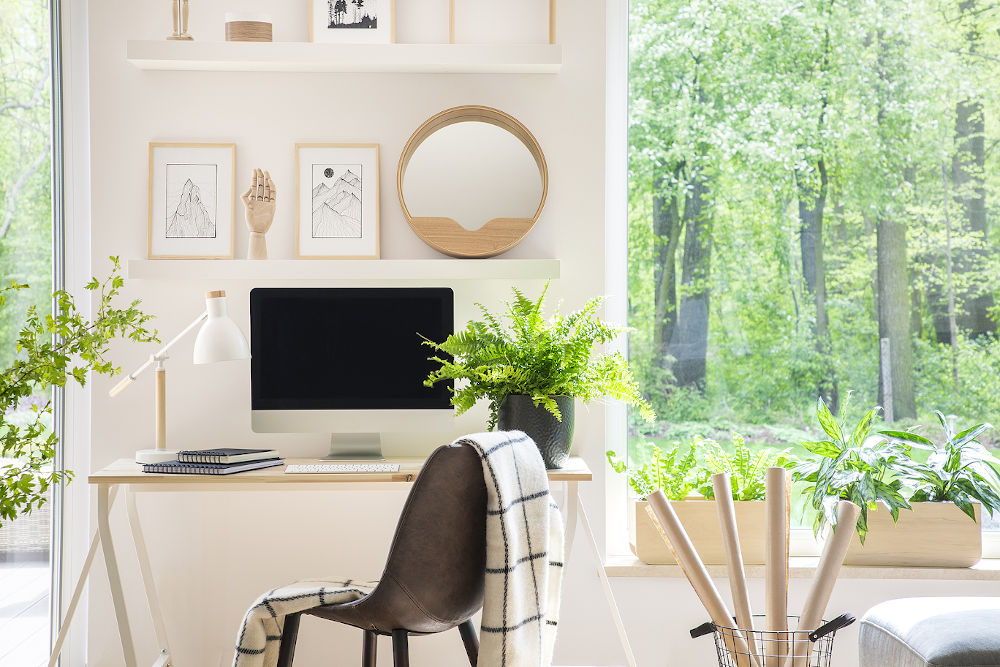
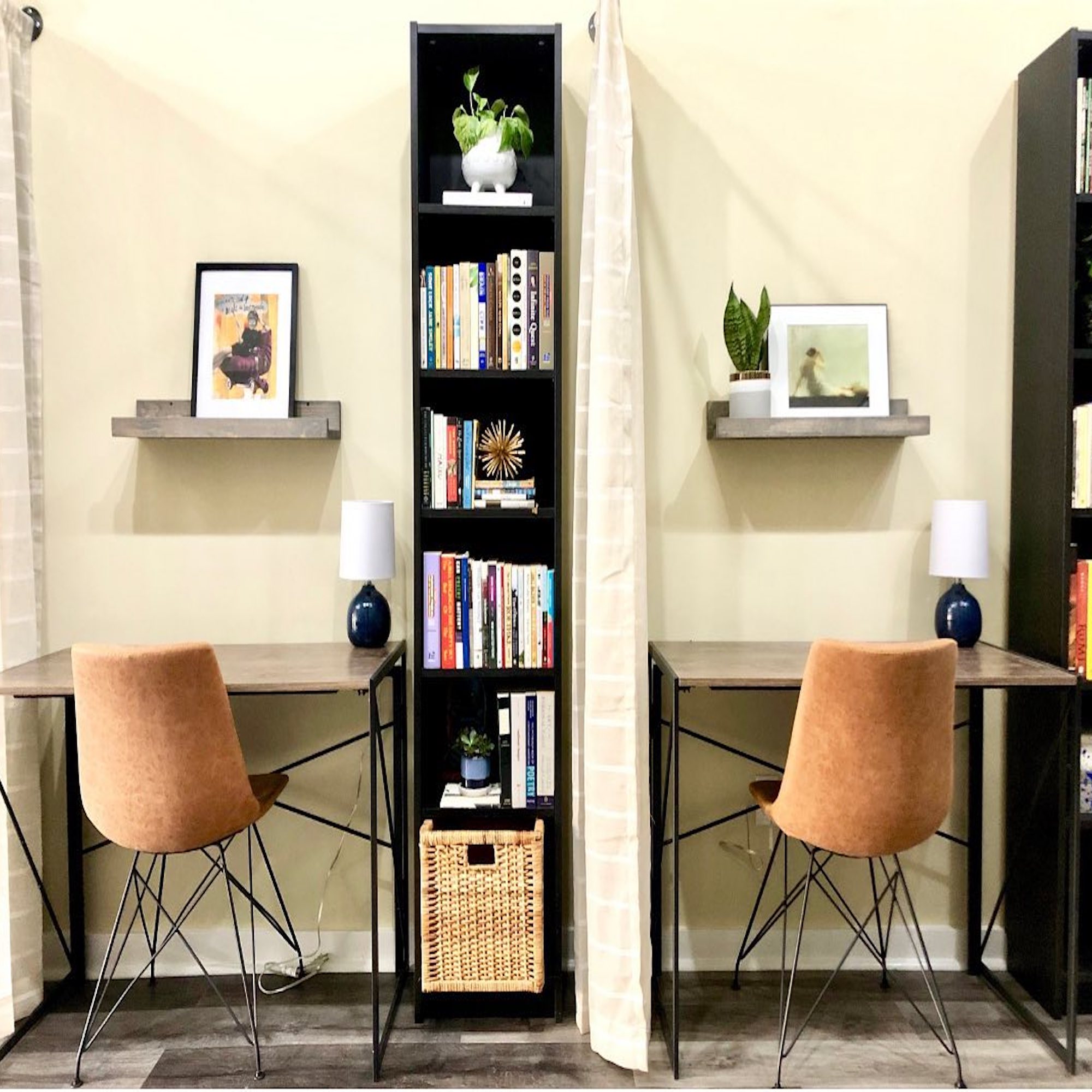
For individuals with a small space and a budget under $250, the focus shifts to creating a dedicated workstation that can blend into living areas. An affordable yet functional desk, like the Ikea Alex Desk, is recommended for its compact size and storage. Choosing a stylish dining chair that can double as an office chair is suggested to maintain aesthetic coherence. A footrest is presented as an essential accessory to ensure proper lower body alignment and alleviate sciatic nerve pressure when using a non-ergonomic chair. Adequate lighting is also covered, with an adjustable task lamp from Ikea mentioned for its practicality and design.
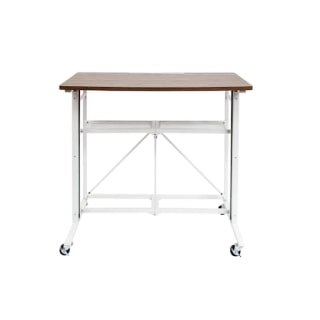
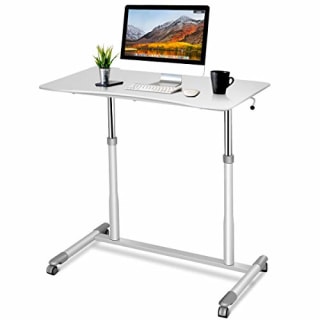
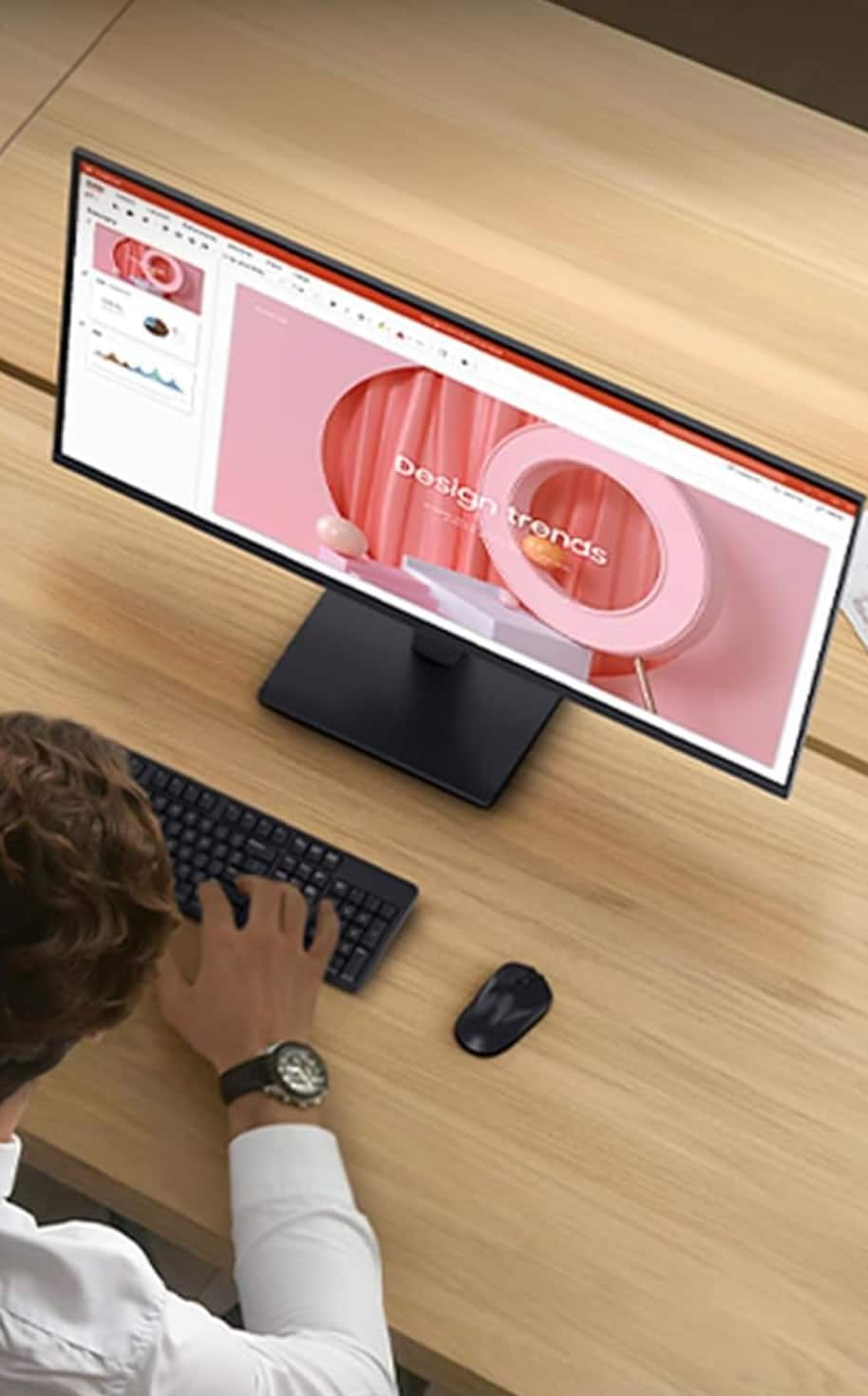
For a more comprehensive home office redesign with a budget under $1,000, the article explores options for integrating a workspace into a dining room or a dedicated small room. A standing desk converter, such as the VariDesk Pro Plus 30, is highly recommended to alternate between sitting and standing, combating the negative effects of prolonged static posture. Accompanying ergonomic accessories include a wireless ergonomic keyboard and a vertical mouse to prevent wrist and shoulder strain. For seating, a posture-correcting seat cushion is suggested to improve comfort and spinal alignment on existing dining chairs. A dedicated desk lamp and desk organizer are also recommended to enhance functionality and reduce clutter.
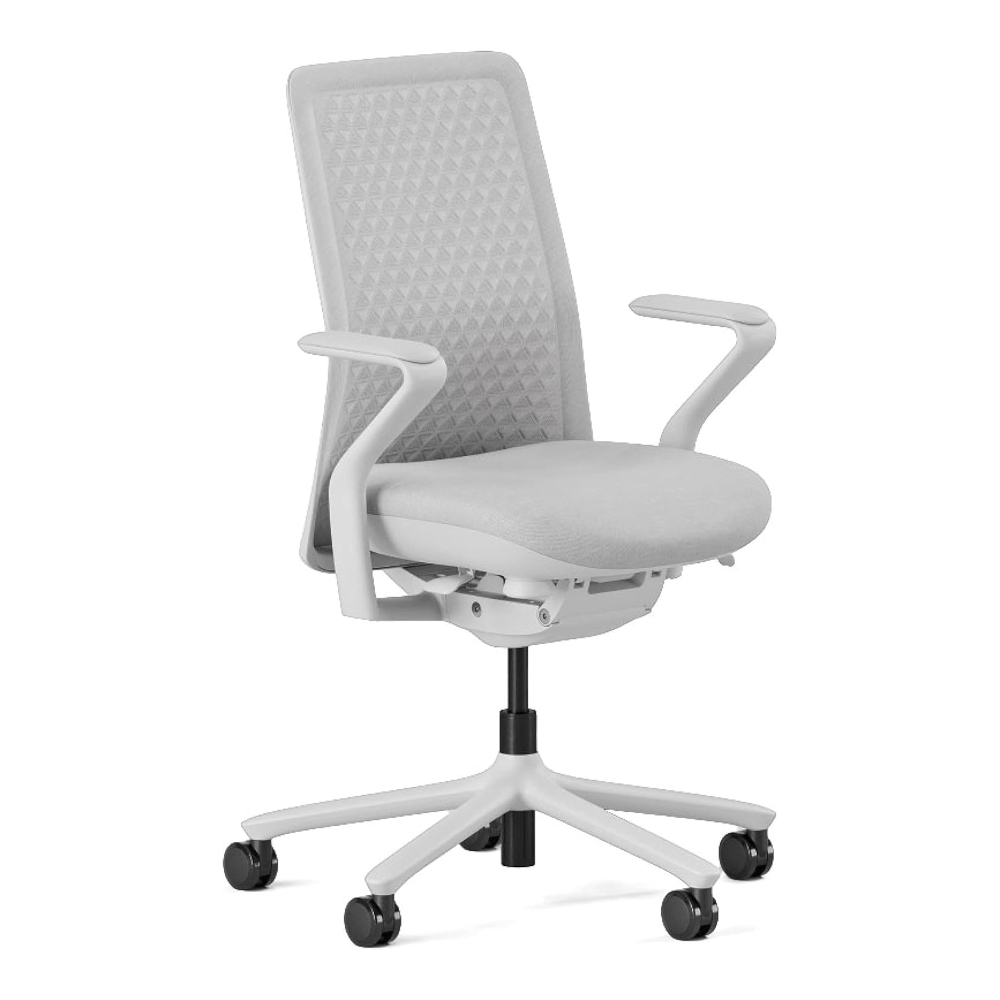
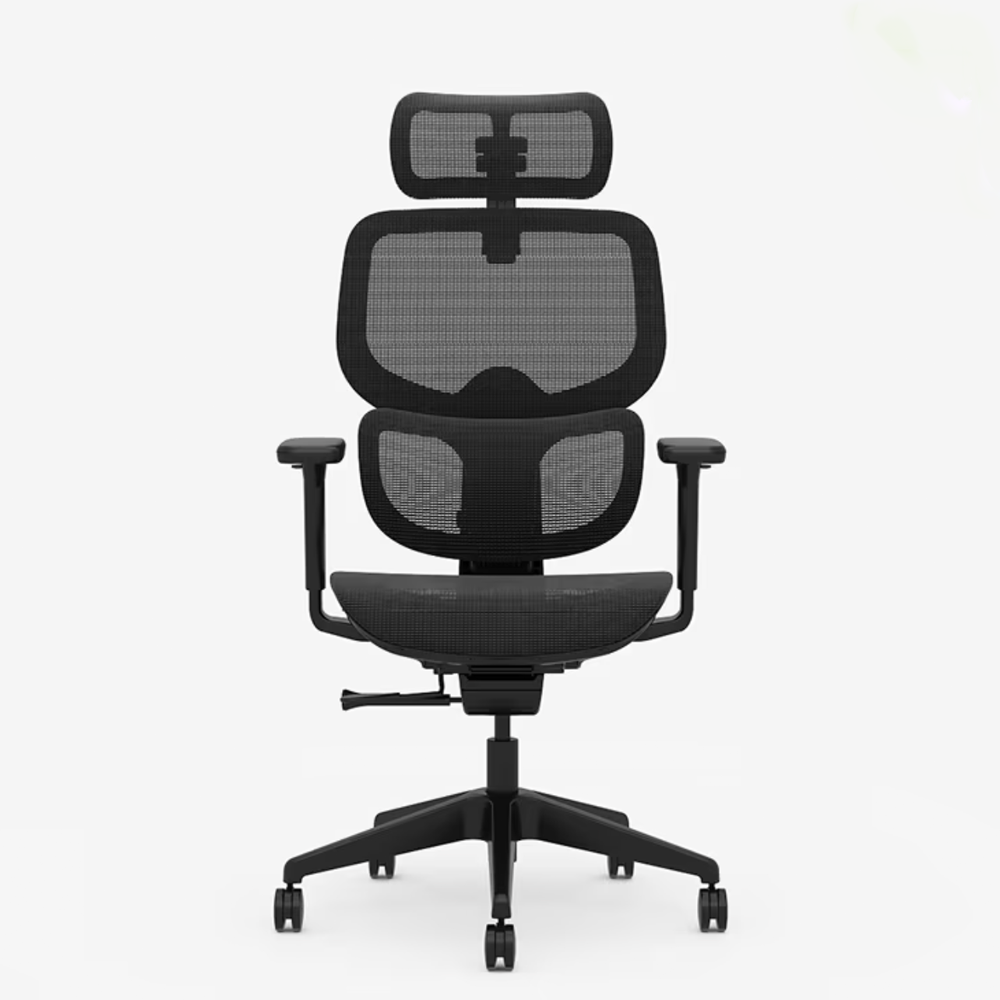
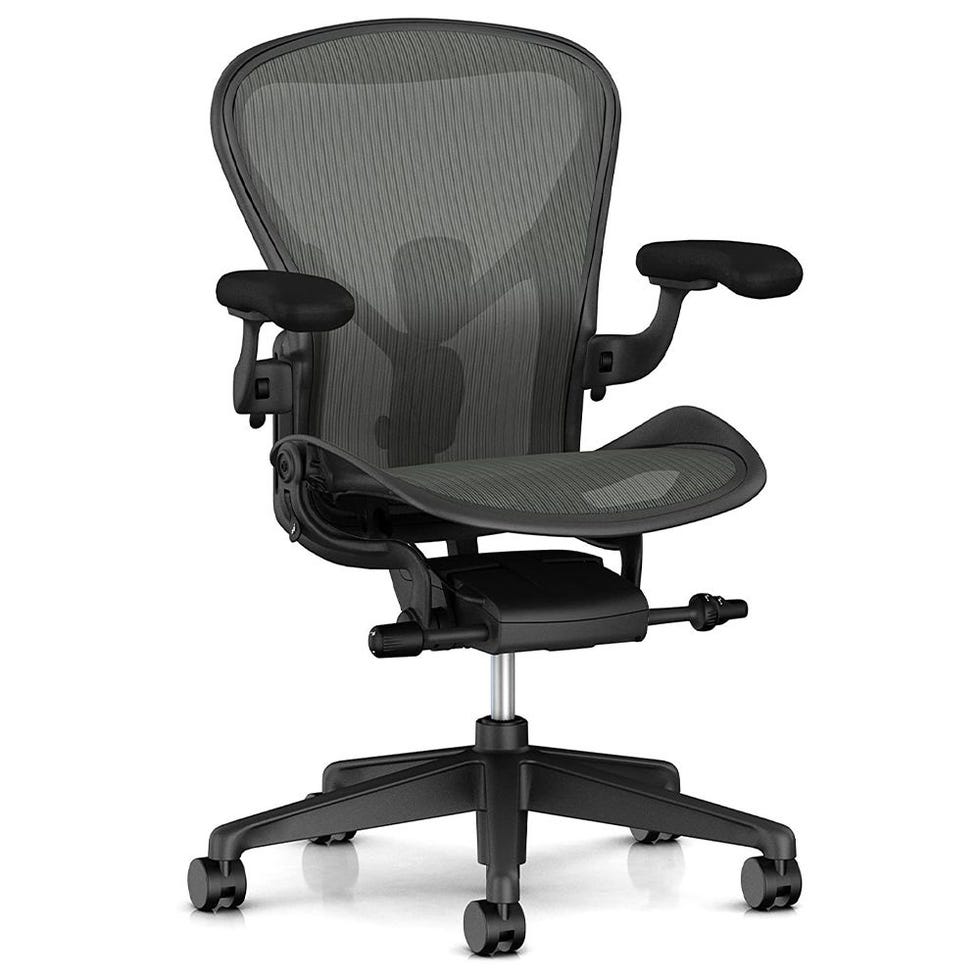
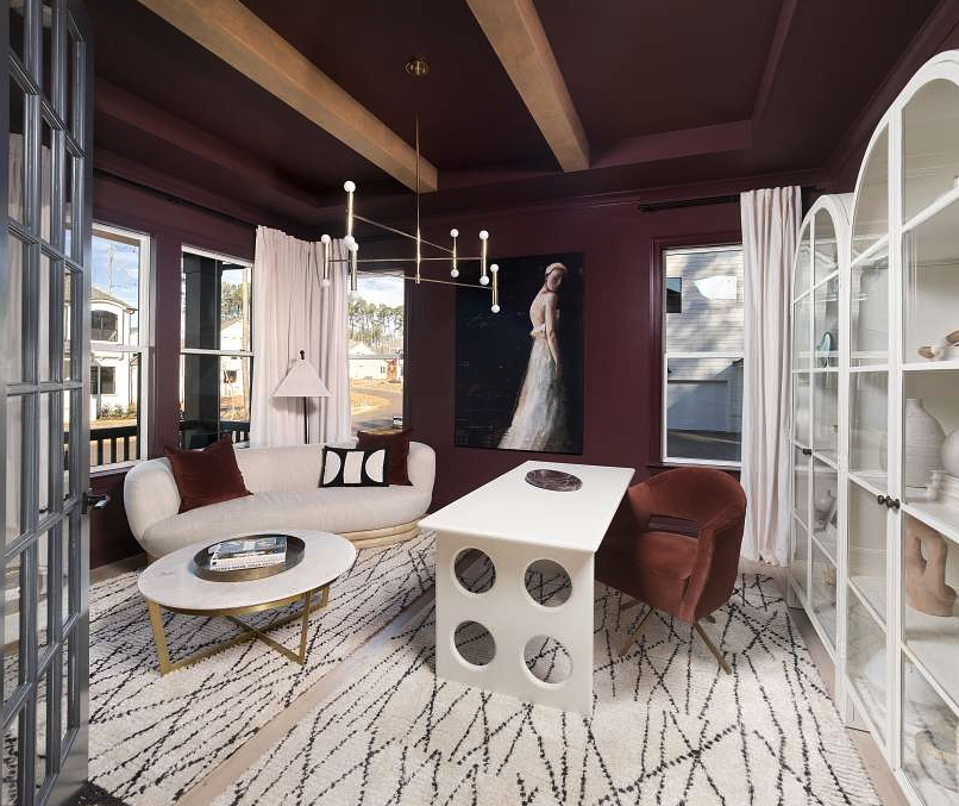
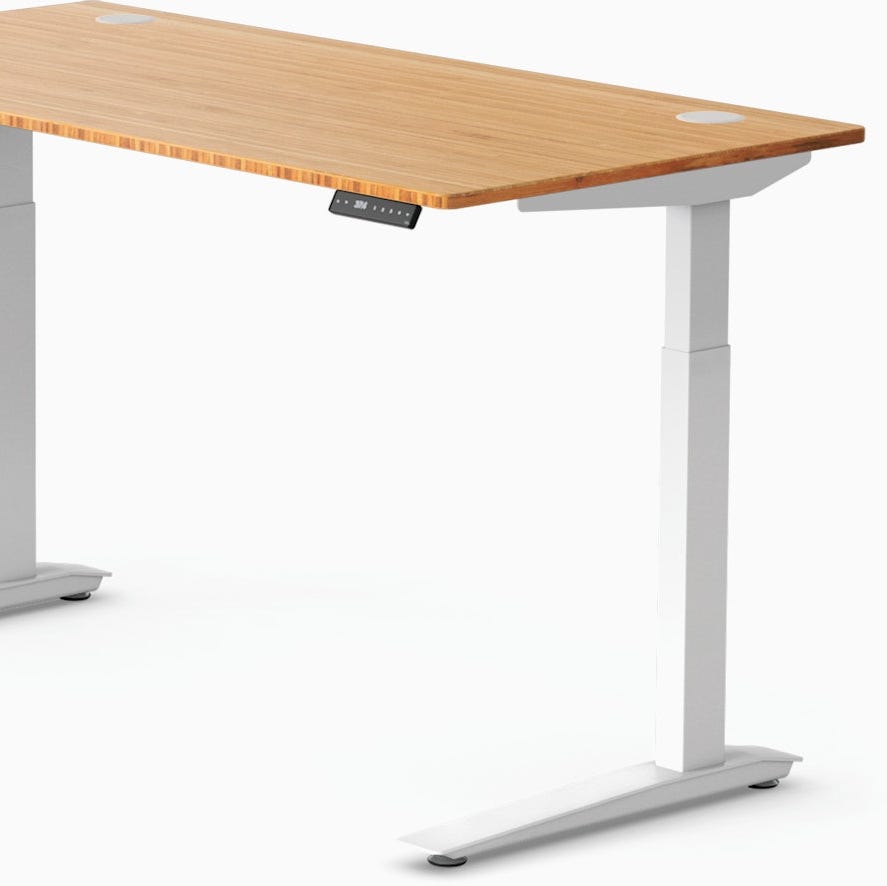
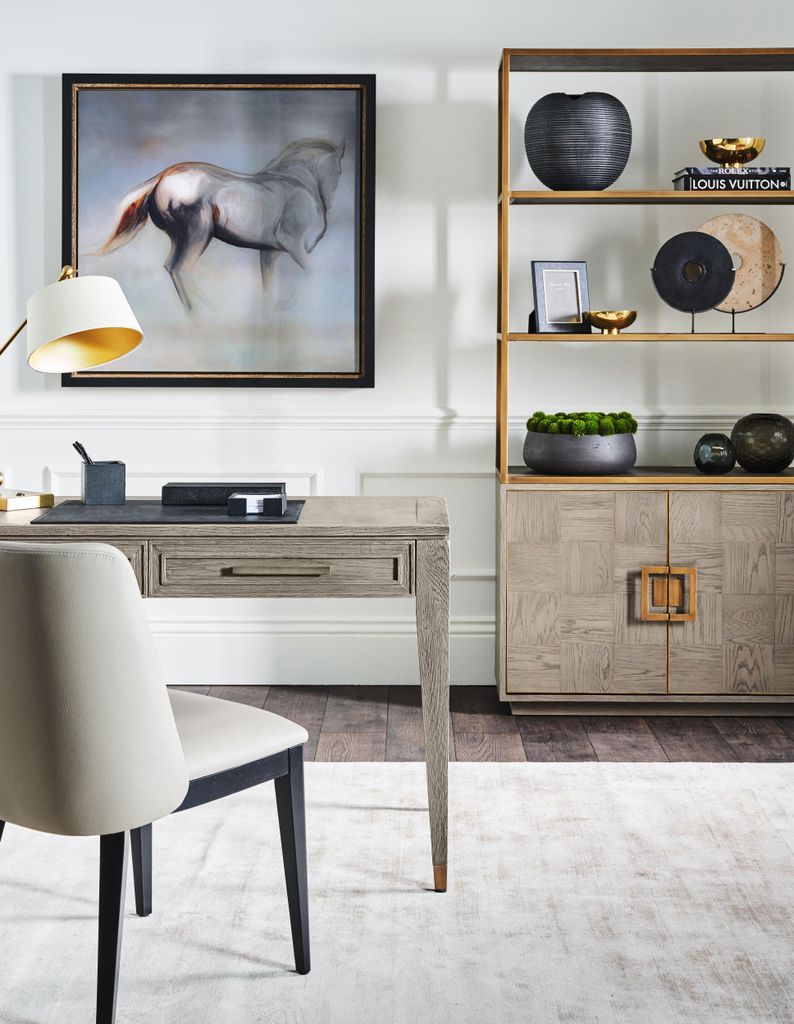
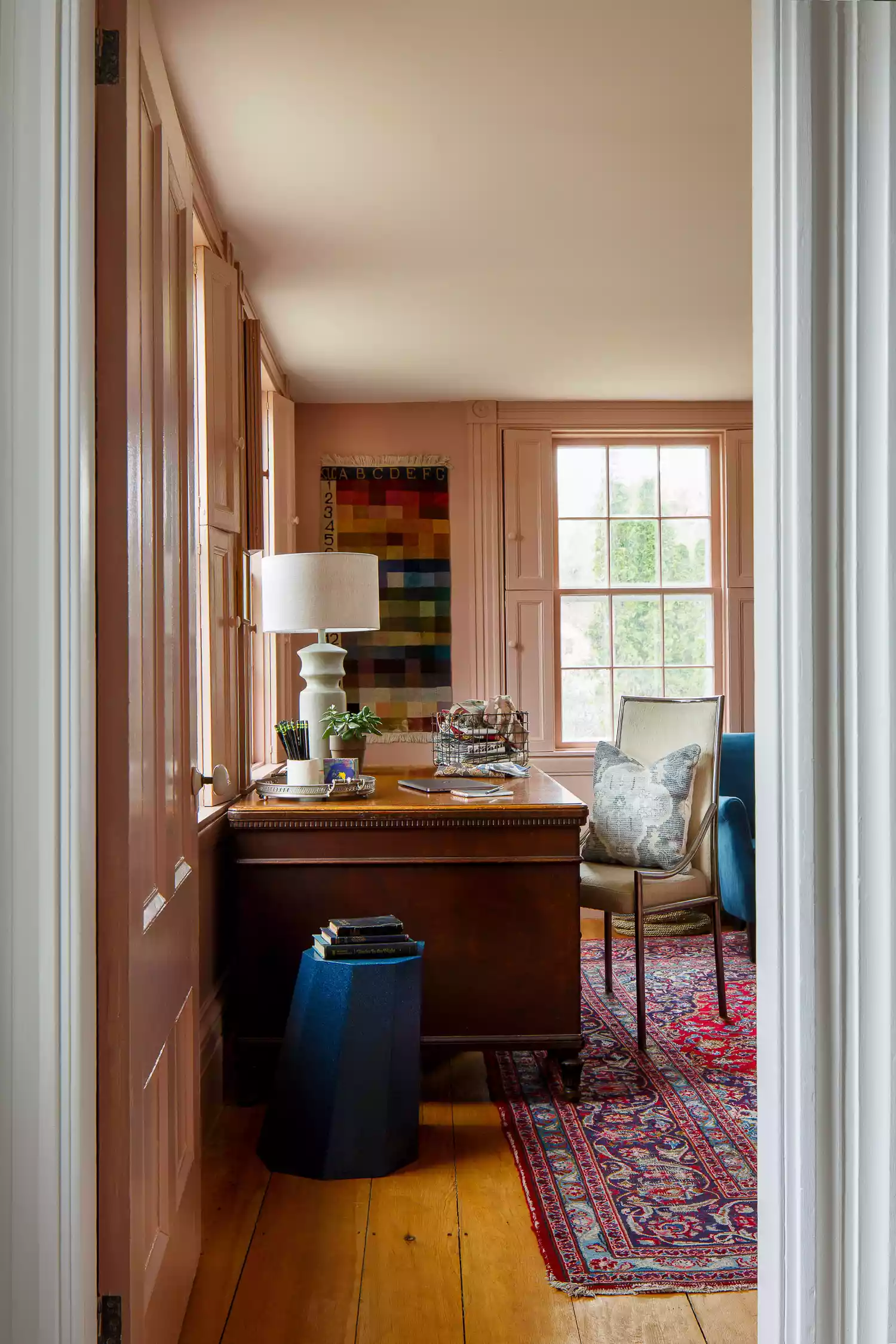
Finally, for those able to invest up to $5,000 in a full room redesign, the article suggests premium ergonomic furniture and stylish organizational solutions. A high-end ergonomic chair, like the Herman Miller Embody Chair, is positioned as a worthwhile investment for long hours of use due to its advanced adjustability and spinal support. A well-designed, durable desk, such as the Croft House Sierra Desk, complements the high-quality chair. Aesthetic considerations are met with a sophisticated task lamp and vintage-style stacking drawers for ample, yet stylish, storage. The article also touches upon wall-mounted pegboards as an alternative to traditional desk organizers, offering customizable storage and a unique design element. Throughout the recommendations, expert advice from chiropractors, interior designers, and remote work professionals is integrated to guide choices that prioritize both health and aesthetics.
#HomeOffice #Ergonomics #WorkFromHome #HomeDesign #OfficeFurniture #DeskSetup #RemoteWork #Productivity #Organization #HomeOffice #Ergonomics #WorkFromHome #HomeDesign #OfficeFurniture #DeskSetup #RemoteWork #Productivity #Organization
0 comment in total
 No comments yet
You may also like
5 home office ideas to create the perfect workspace

At Just $500, Our Top Home Office Chair Is A Perfect WFH Solution For Nearly Everyone

Everything You Need For the Perfect Work From Home Setup
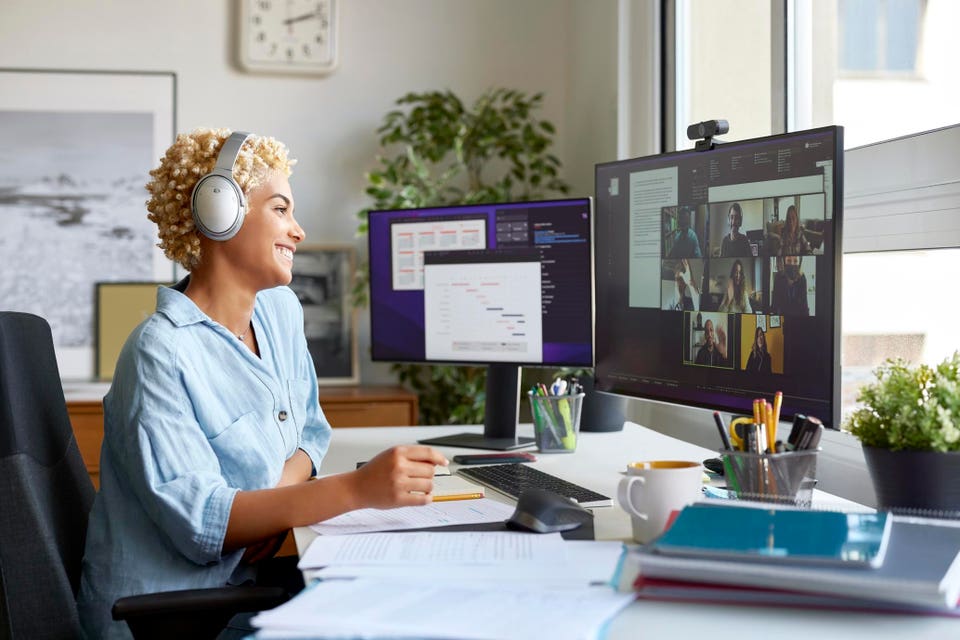
5 Tips For Creating A Remote Work Setup That Rivals Any Office

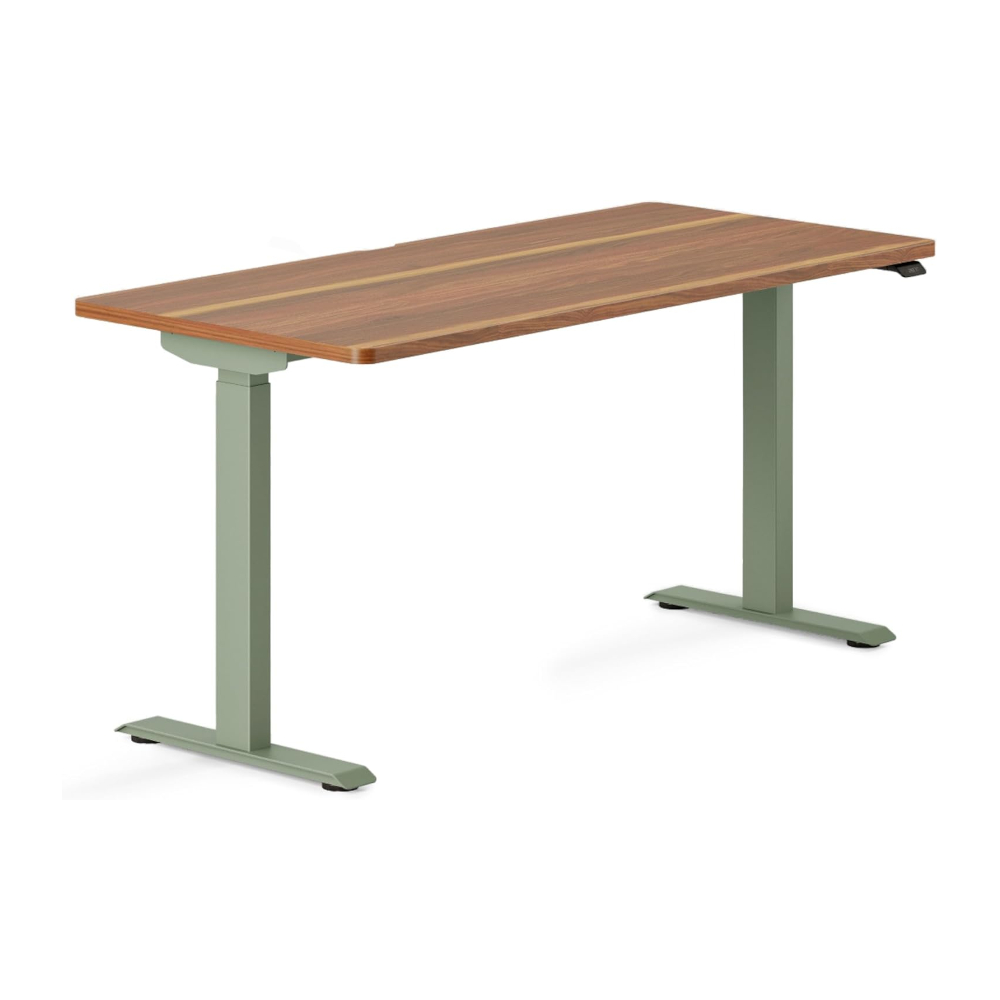
12 home office essentials on a budget: Here's my top picks for the best desk, chair, laptop and more for less

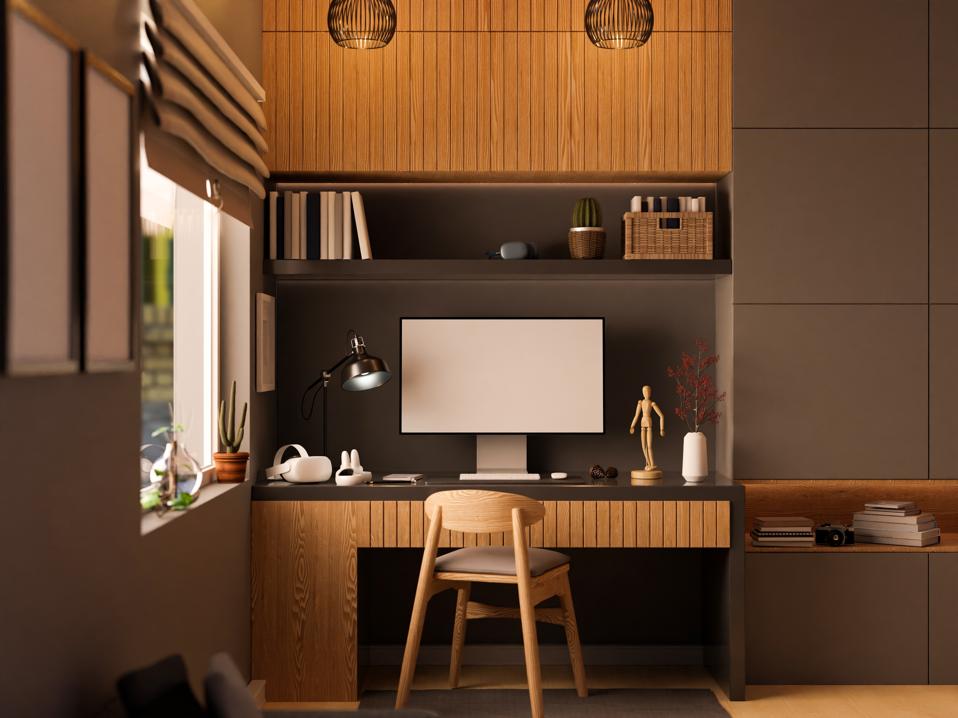
If You Work From Home, Here Are 6 Tips To Create The Perfect WFH Office
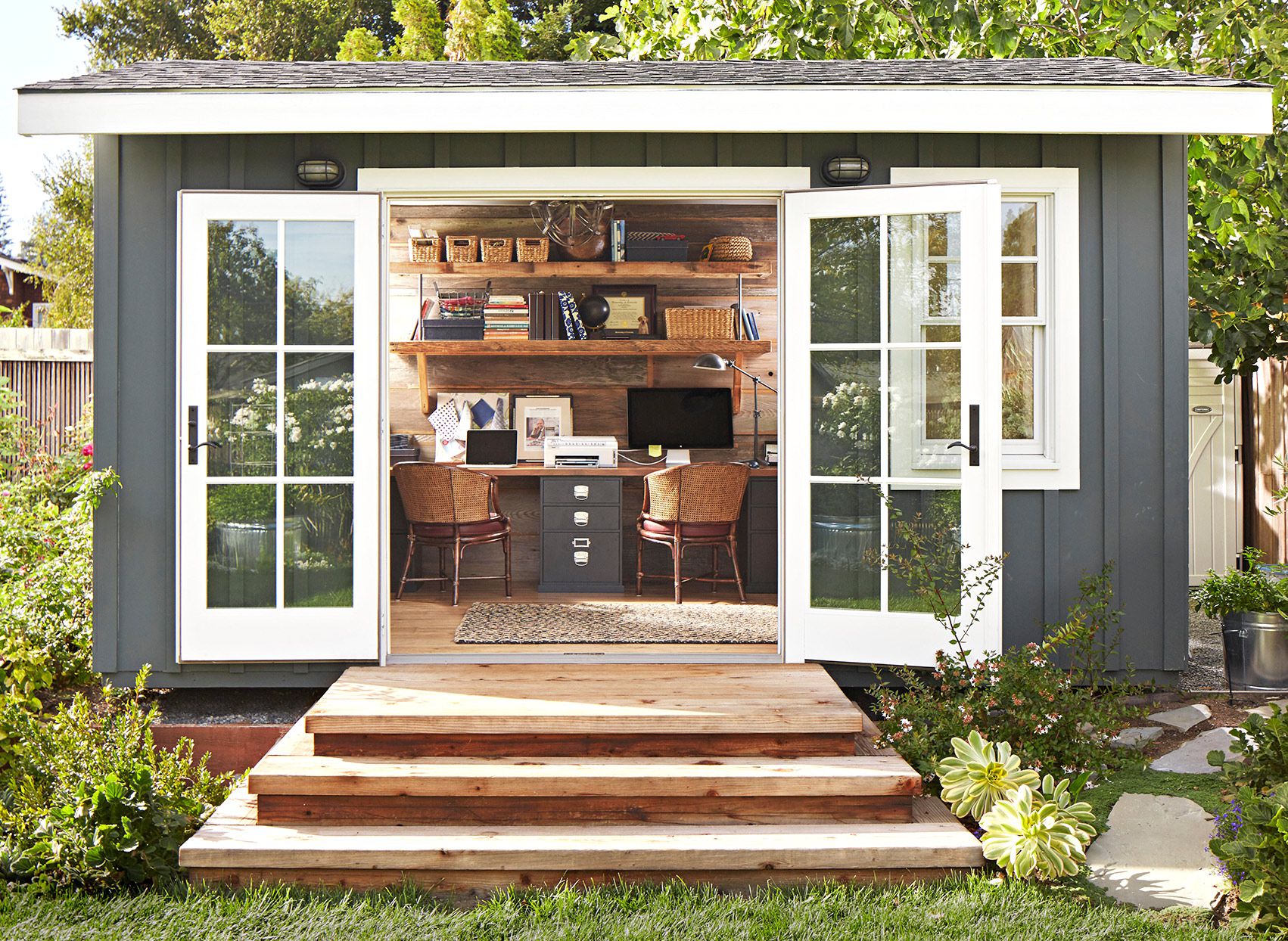
Small Office Ideas for Every Kind of Work-from-Home Setup

4 must have gadgets in your home office

Easy Home Office Upgrades for a Productive Workspace
How To Set Up A Dedicated Office Space In Your Home
Creating a comfortable and luxury home office in 2024: From design to maintenance

15 home office décor ideas for every WFH setup

Emily Henderson Shares 3 Ways to Style Your Home Office—For Around $500, $1,000, or $1,500
10 Work From Home Hacks For Indian Homes: How To Build A Productive Home Office Without Spending Too Much
5 small office layout ideas you've never thought about before

6 Work From Home Office Essentials You Need In 2024
How to design the ultimate home office, according to the experts

I made my dream WFH setup for under £100 – here are my 5 top picks
Home office ideas – 29 WFH spaces that marry practicality and style

67 Small Home Office Ideas to Make Remote Work More Glam