Corporate Natalie’s Top Tips for a Functional Home Office
The increasing prevalence of remote work has underscored the importance of creating a functional and comfortable home office, irrespective of its size. Corporate Natalie, a content creator recognized for her comedic insights into corporate life and work-from-home experiences, offers practical guidance on optimizing a workspace within a home environment. Her advice centers on several key areas, including selecting an appropriate location, prioritizing the background for video calls, ensuring robust connectivity, scheduling regular breaks, and incorporating functional organizational elements.
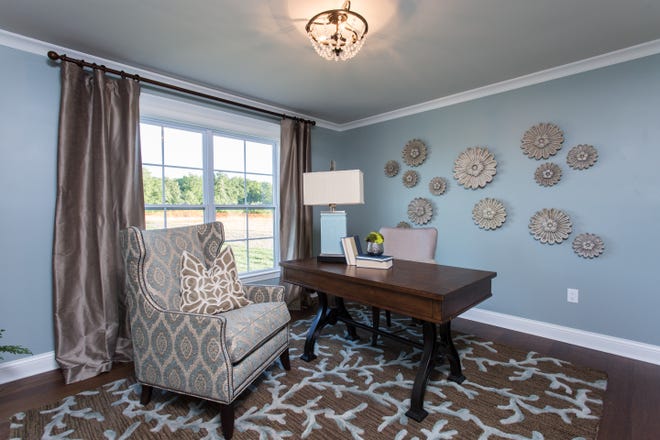
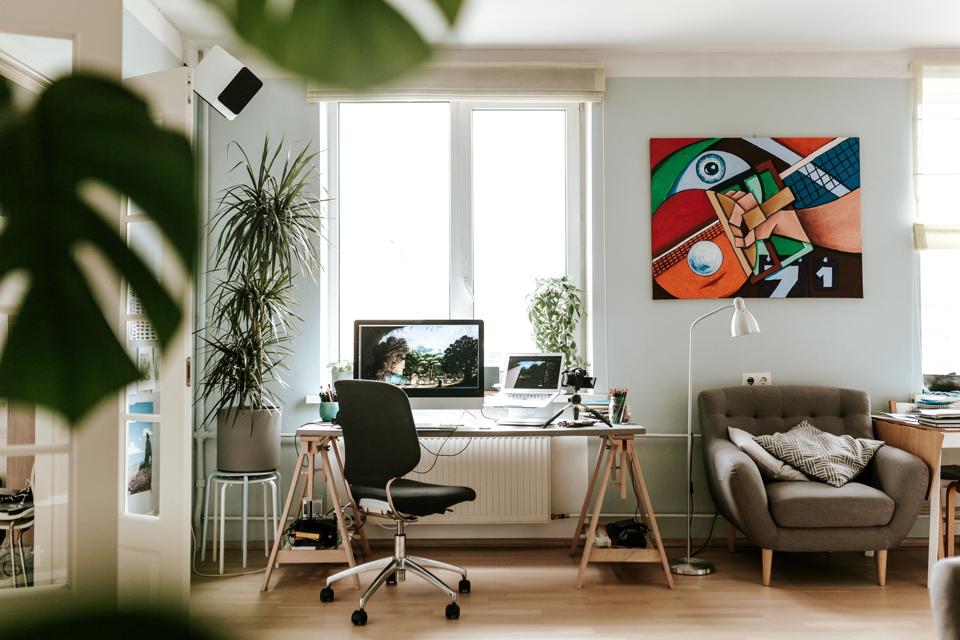
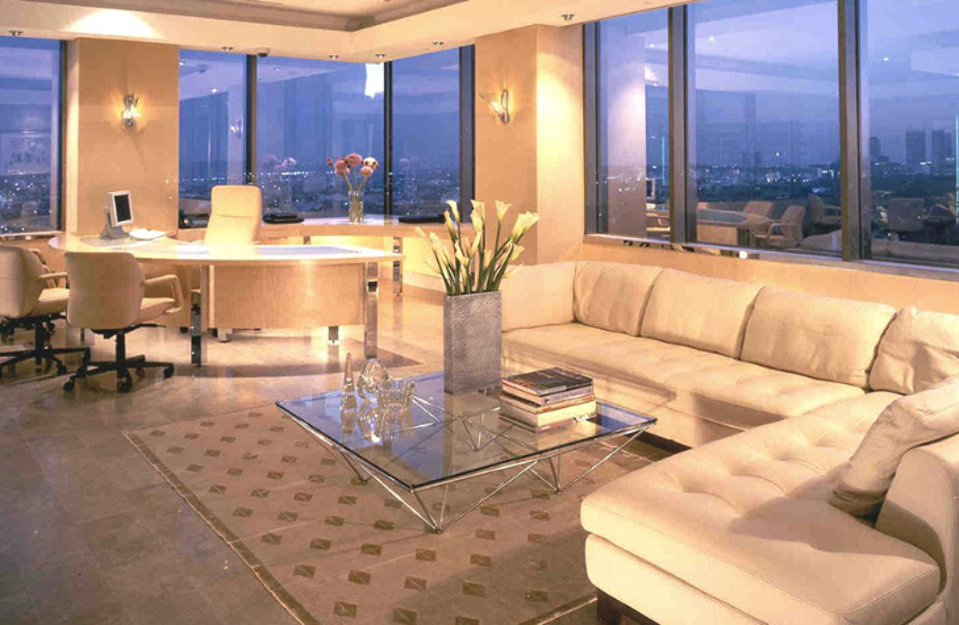
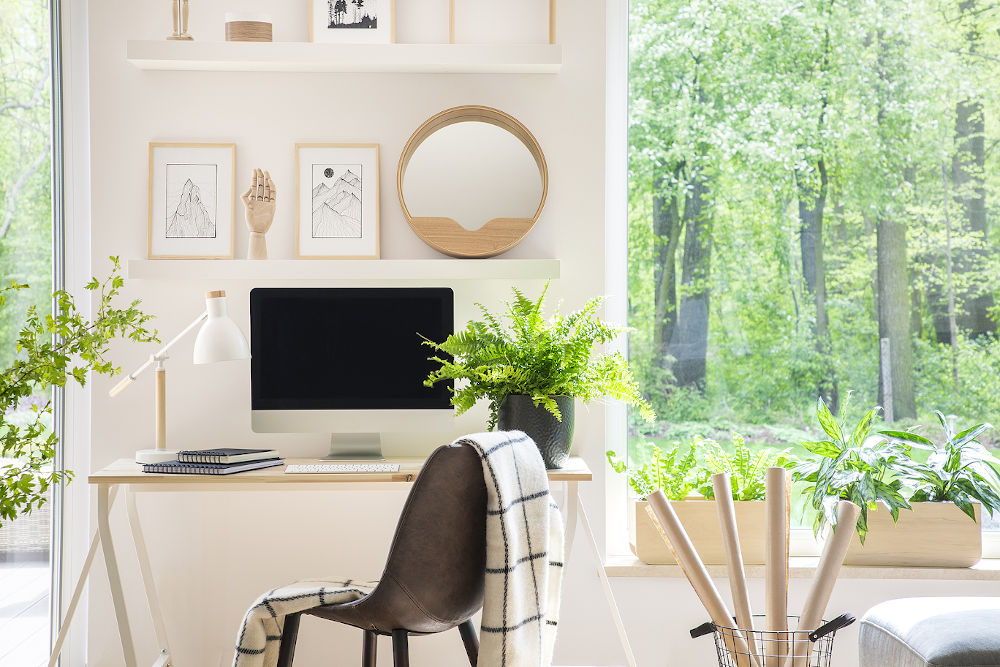
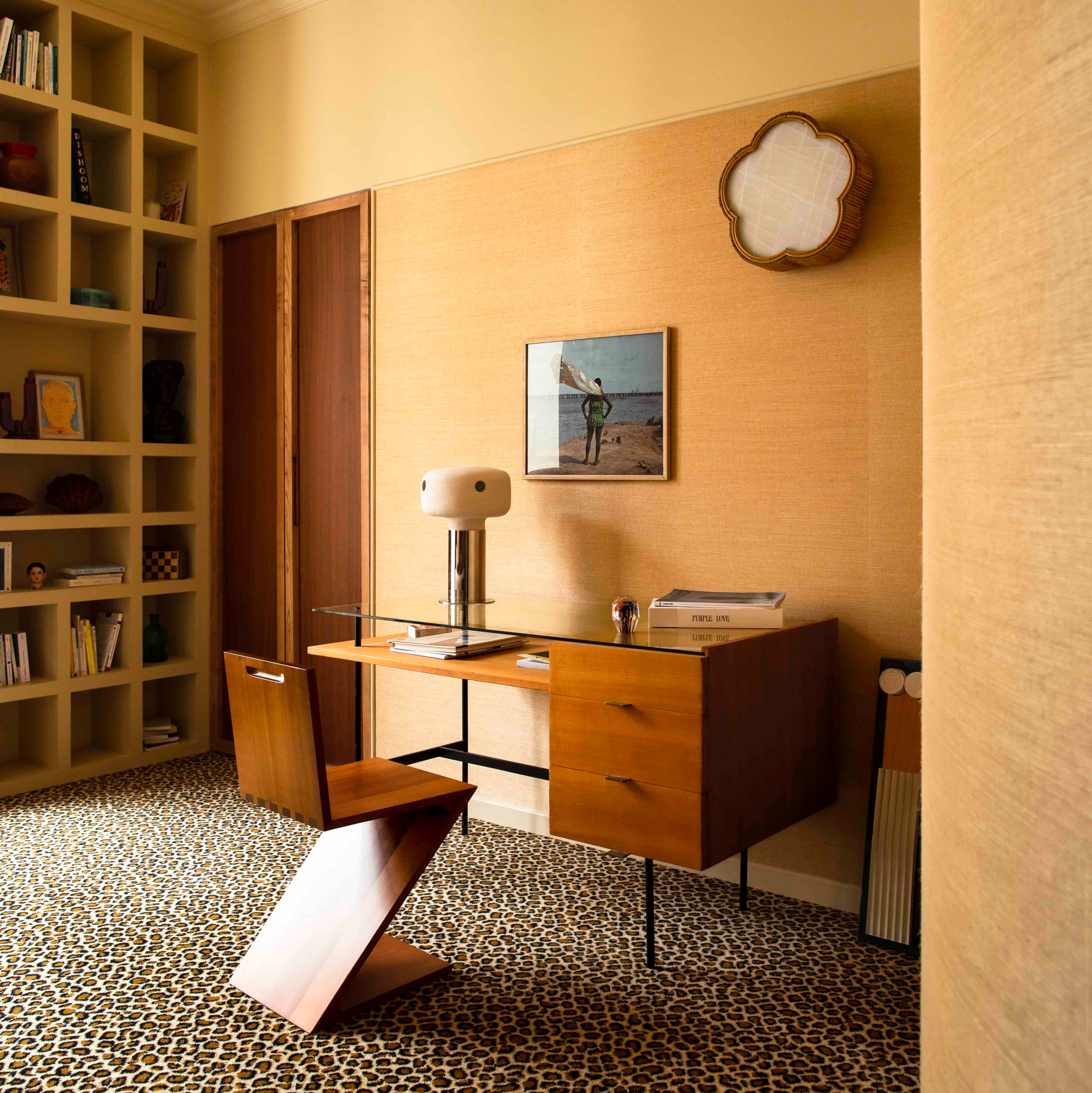
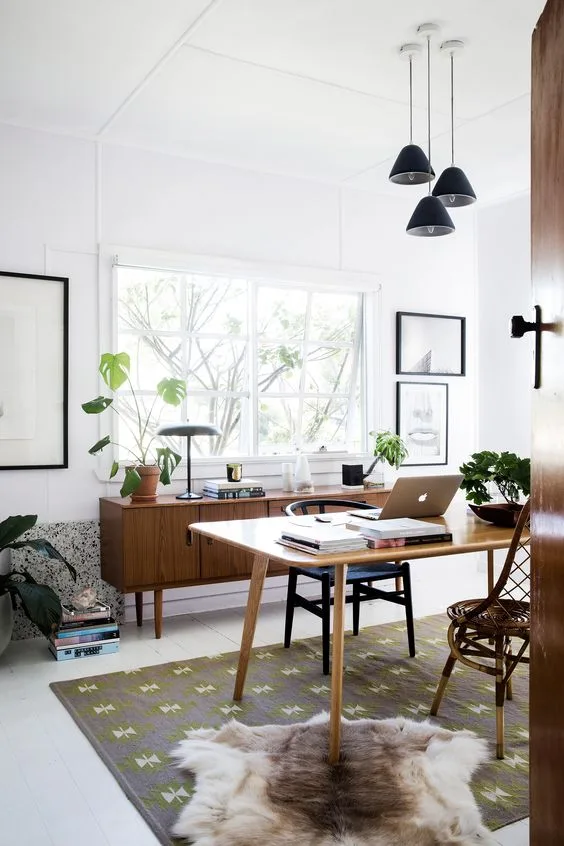
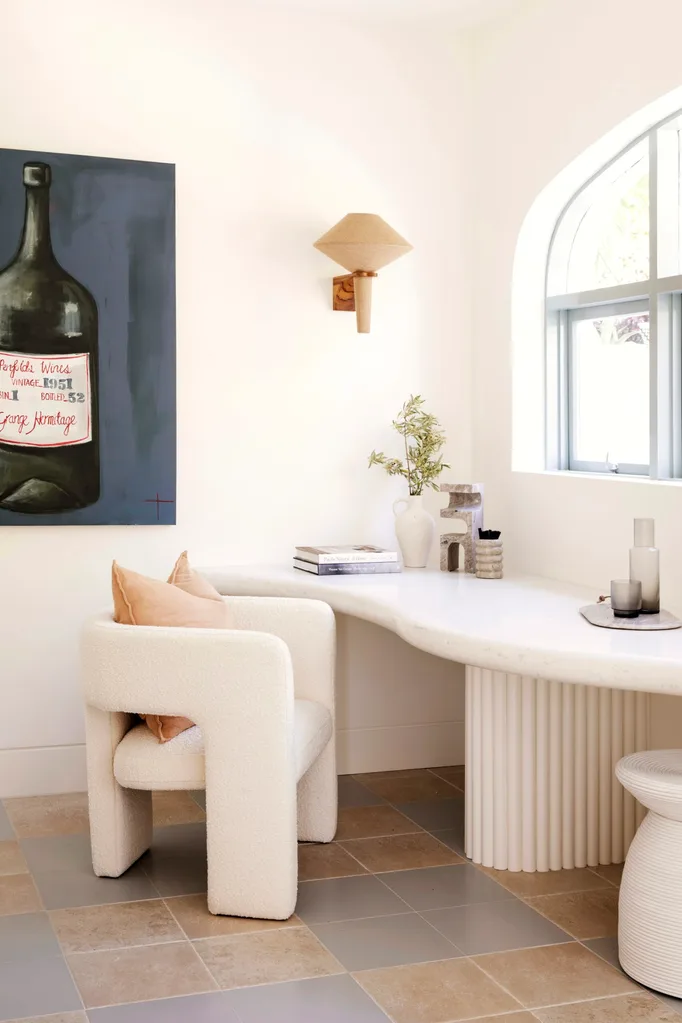
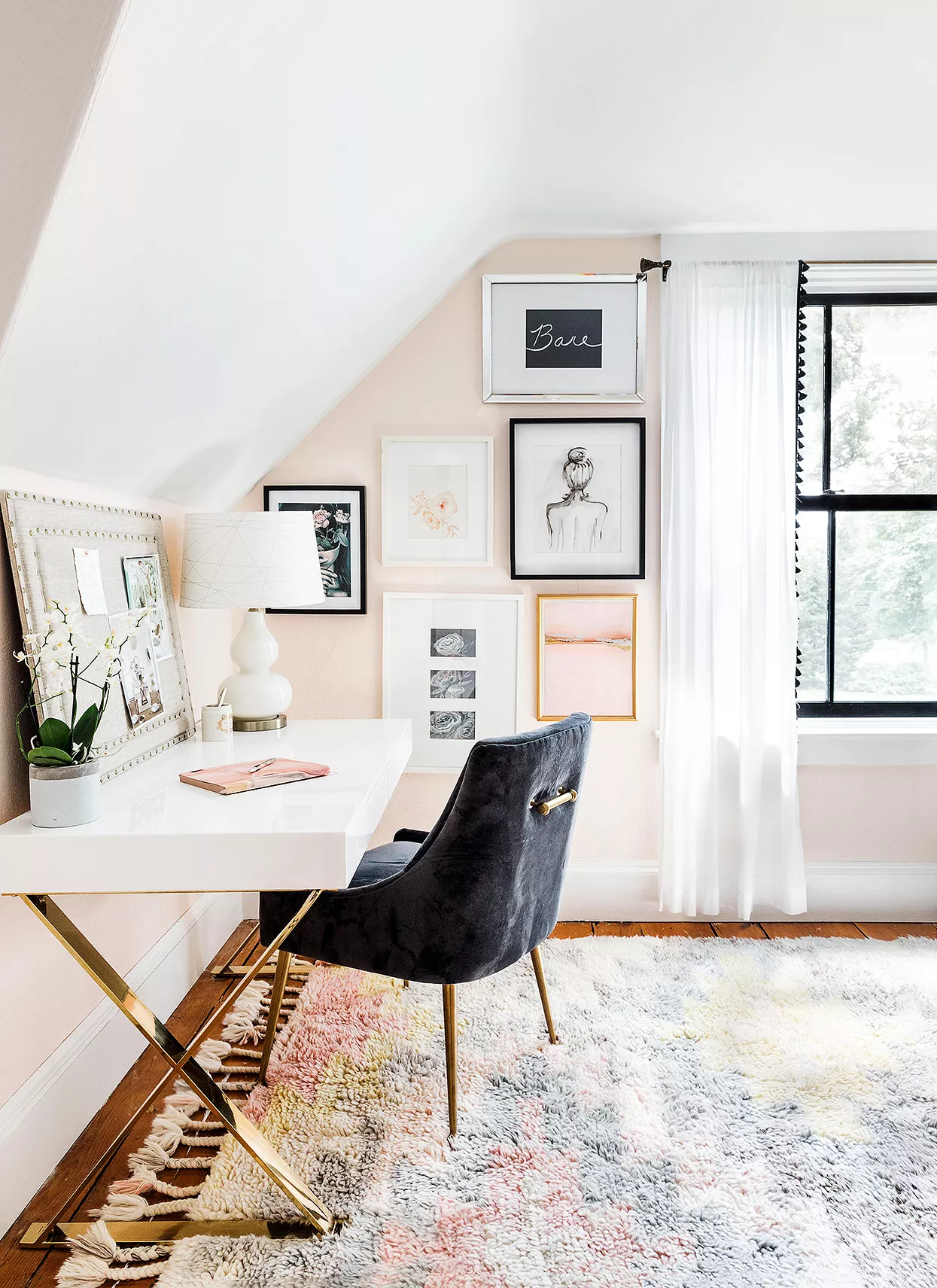
A fundamental aspect of establishing an effective home office is the selection of its location. Natalie suggests that a dedicated, large space is not a prerequisite; even small nooks, corners, closets, or under-stair areas can be transformed into productive workspaces. The primary criterion for an ideal location is its freedom from distractions. This involves choosing a spot away from common household disruptions such as televisions, roommates, children, or spouses. Additionally, natural light is highly recommended to enhance mood and productivity. If direct access to a window is not feasible, artificial lighting solutions like floor or table lamps, or even ring lights, can effectively compensate.
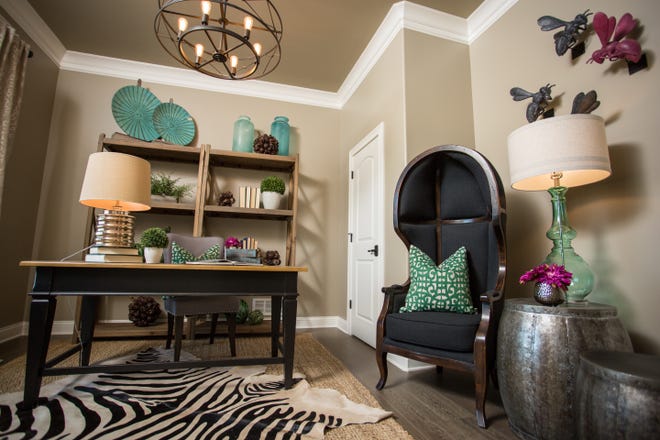
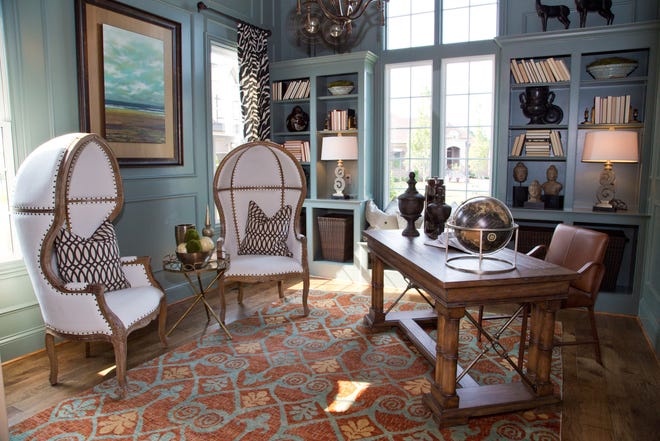
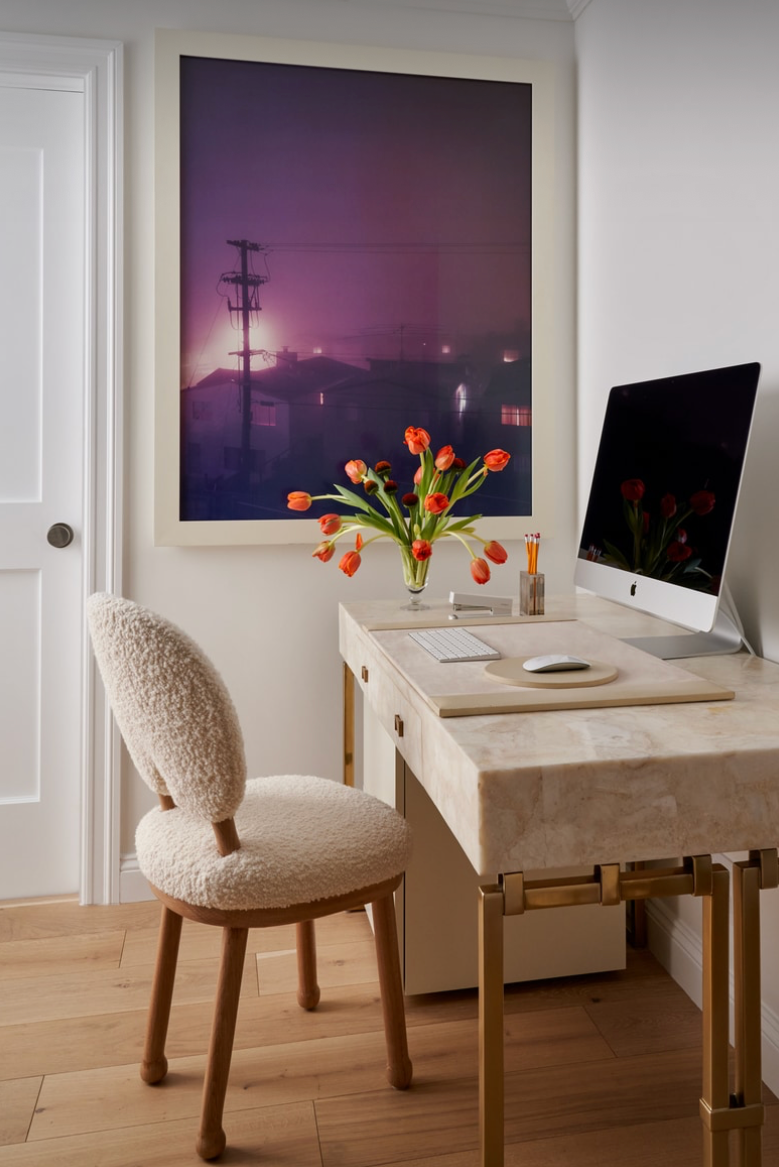
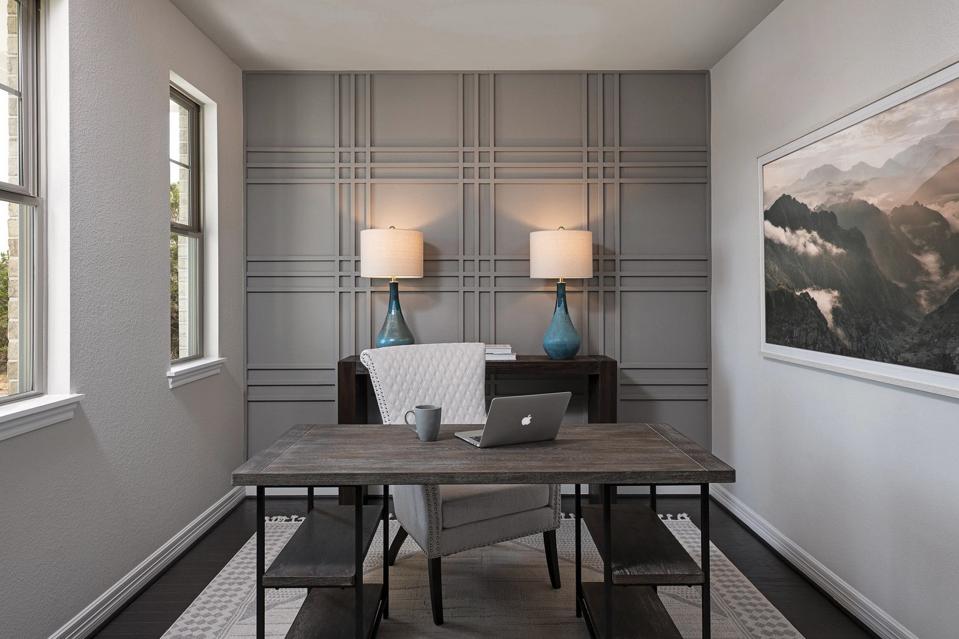
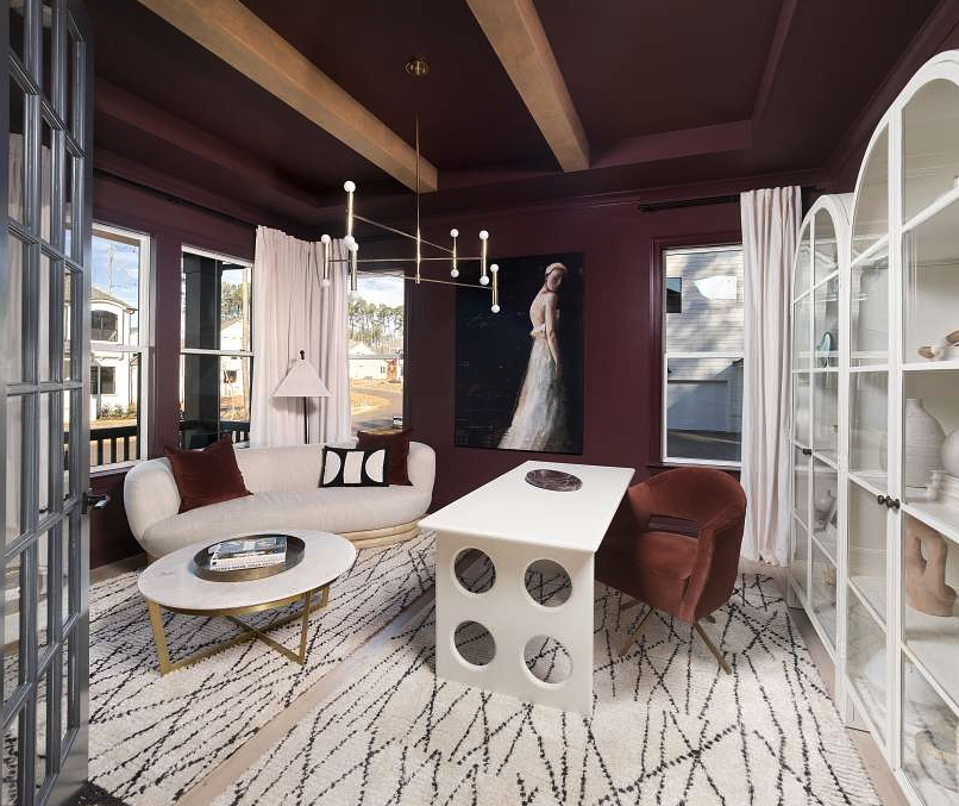
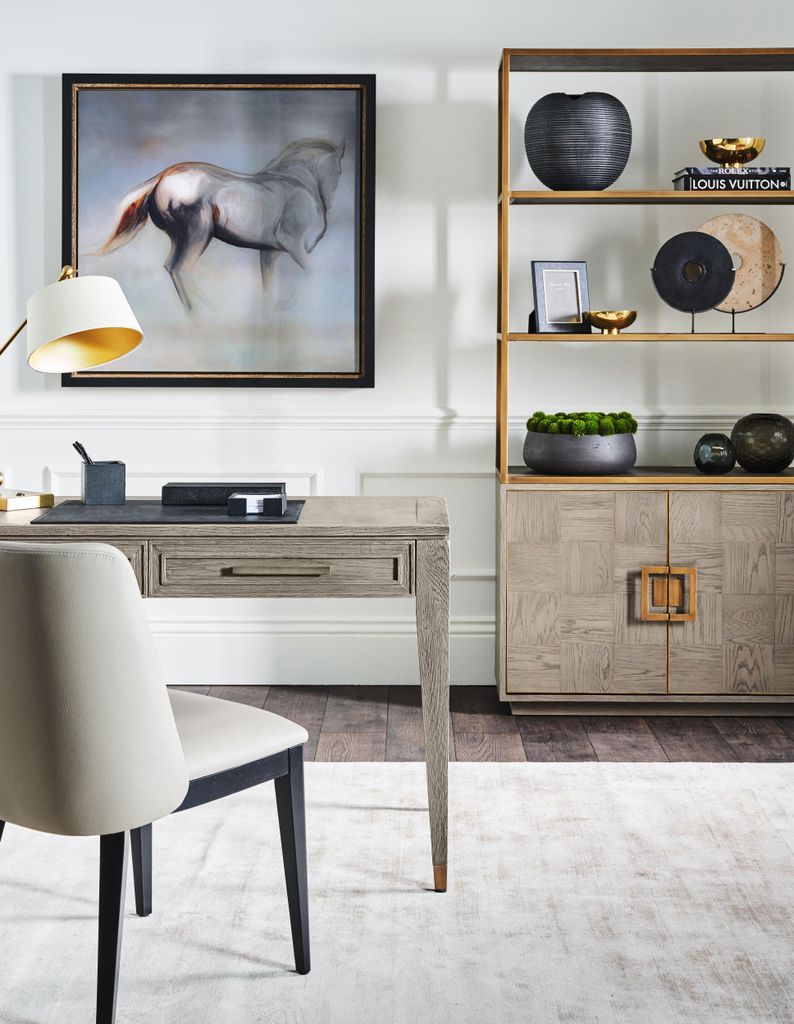
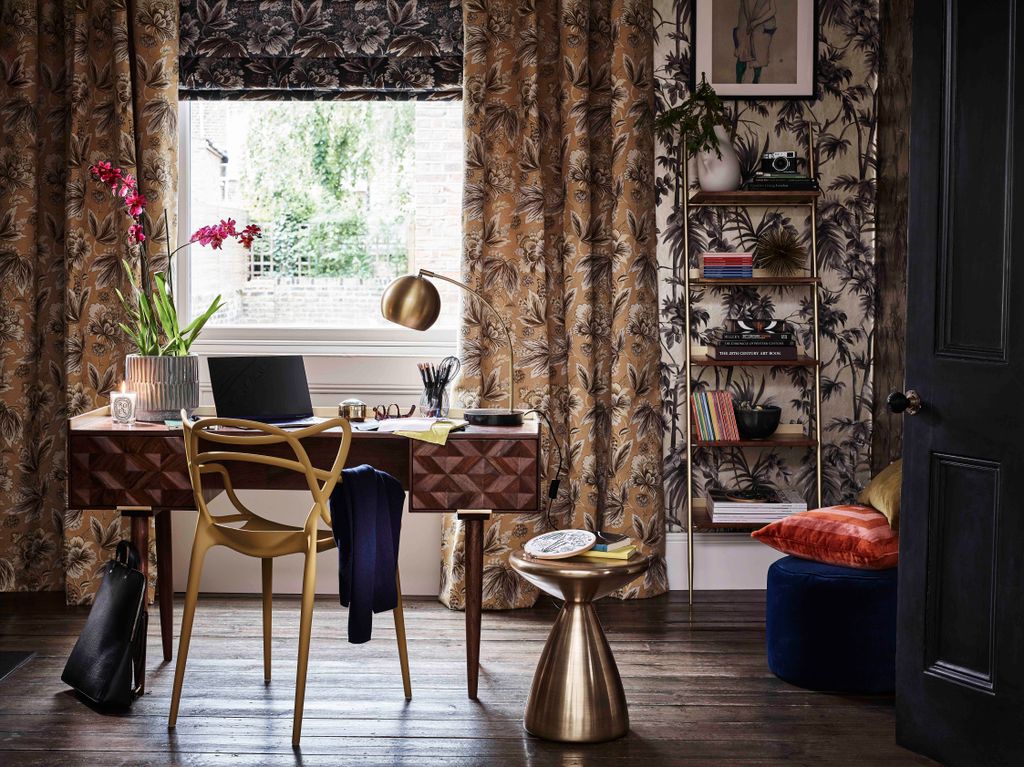
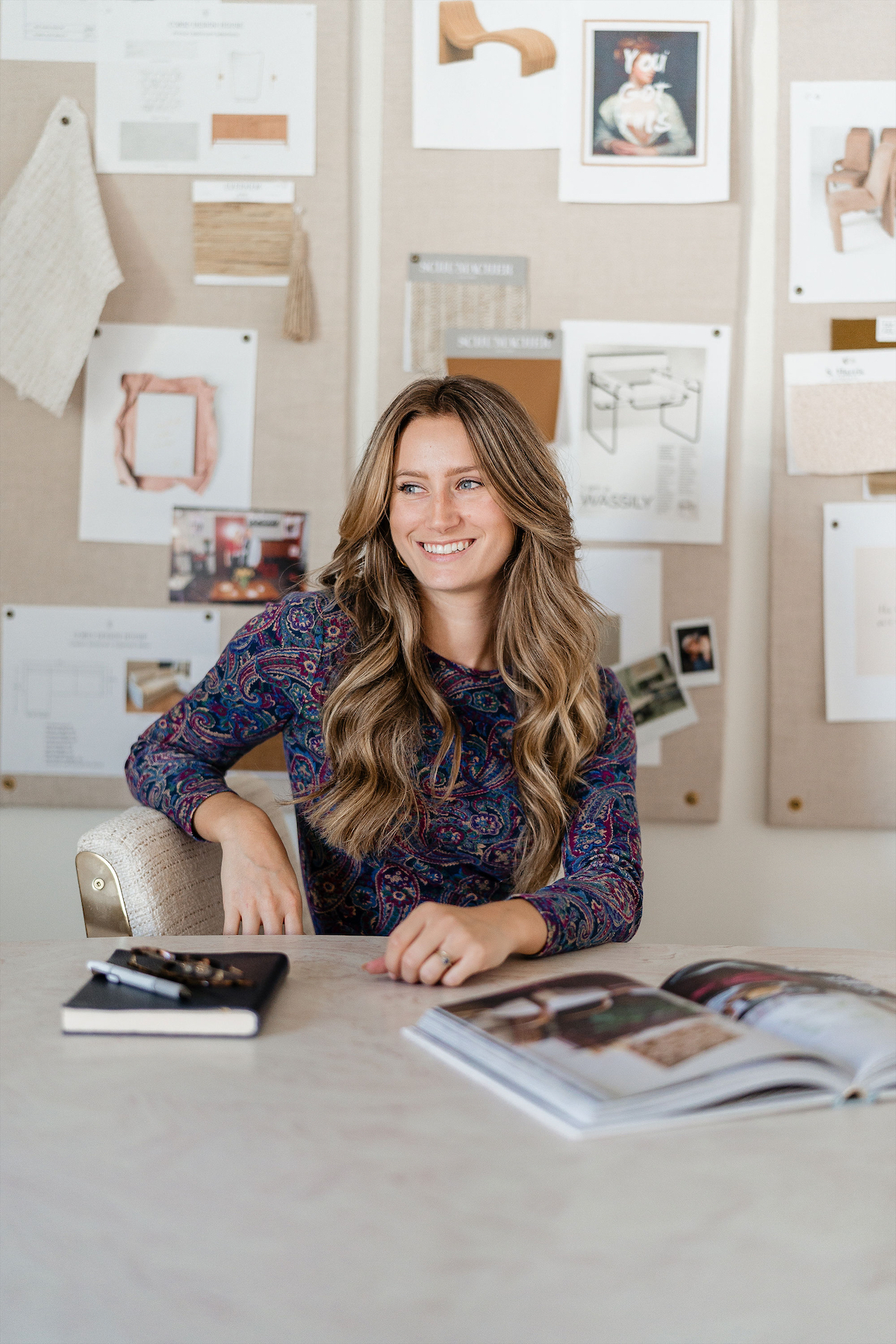
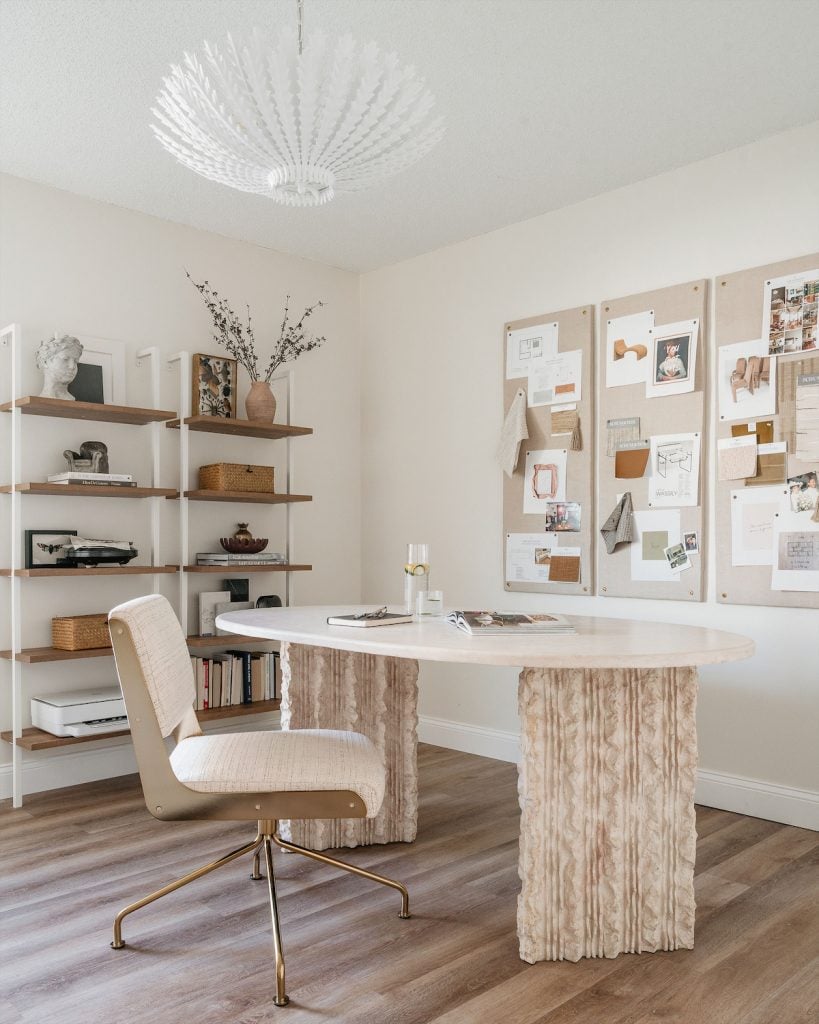
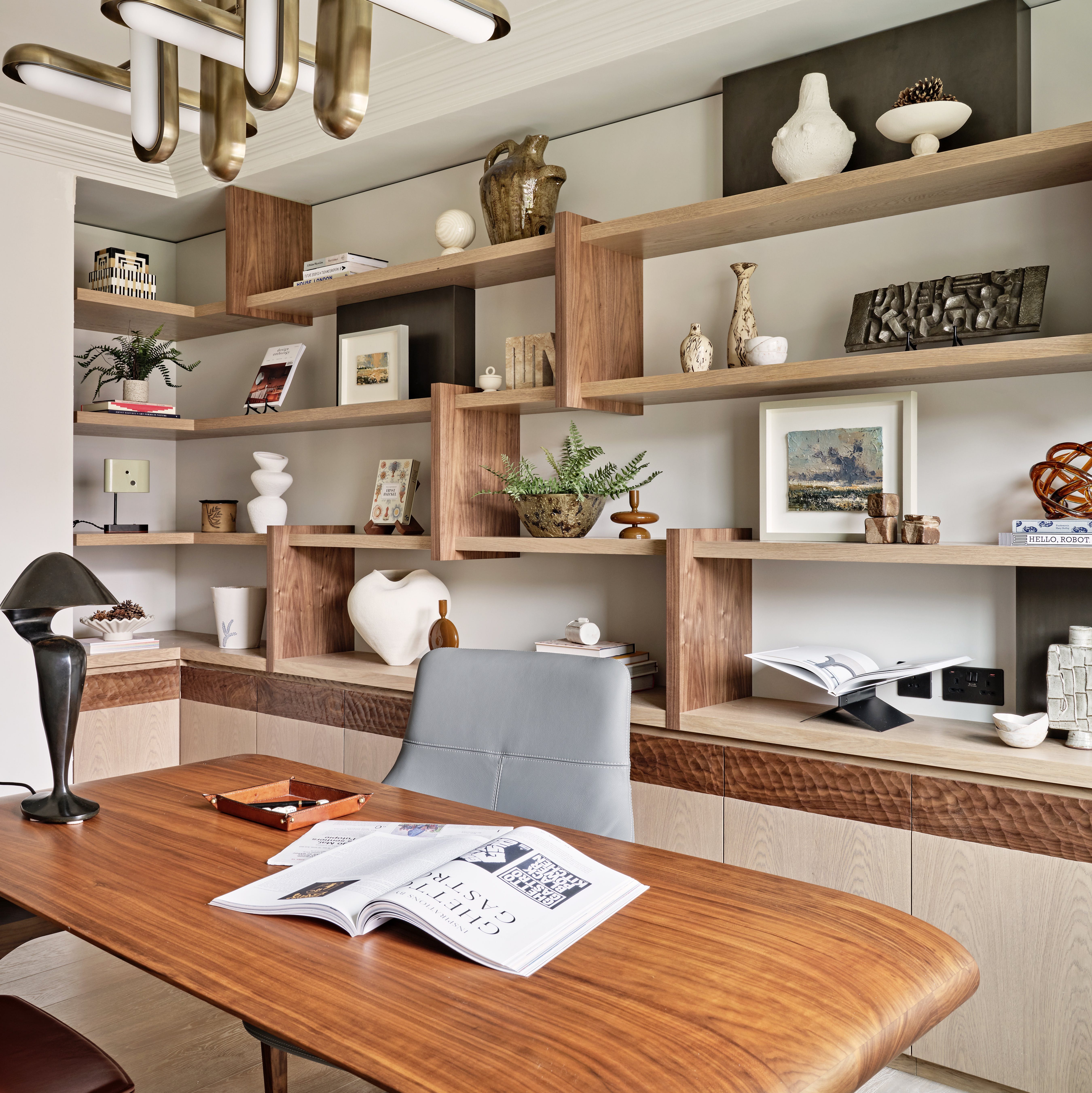
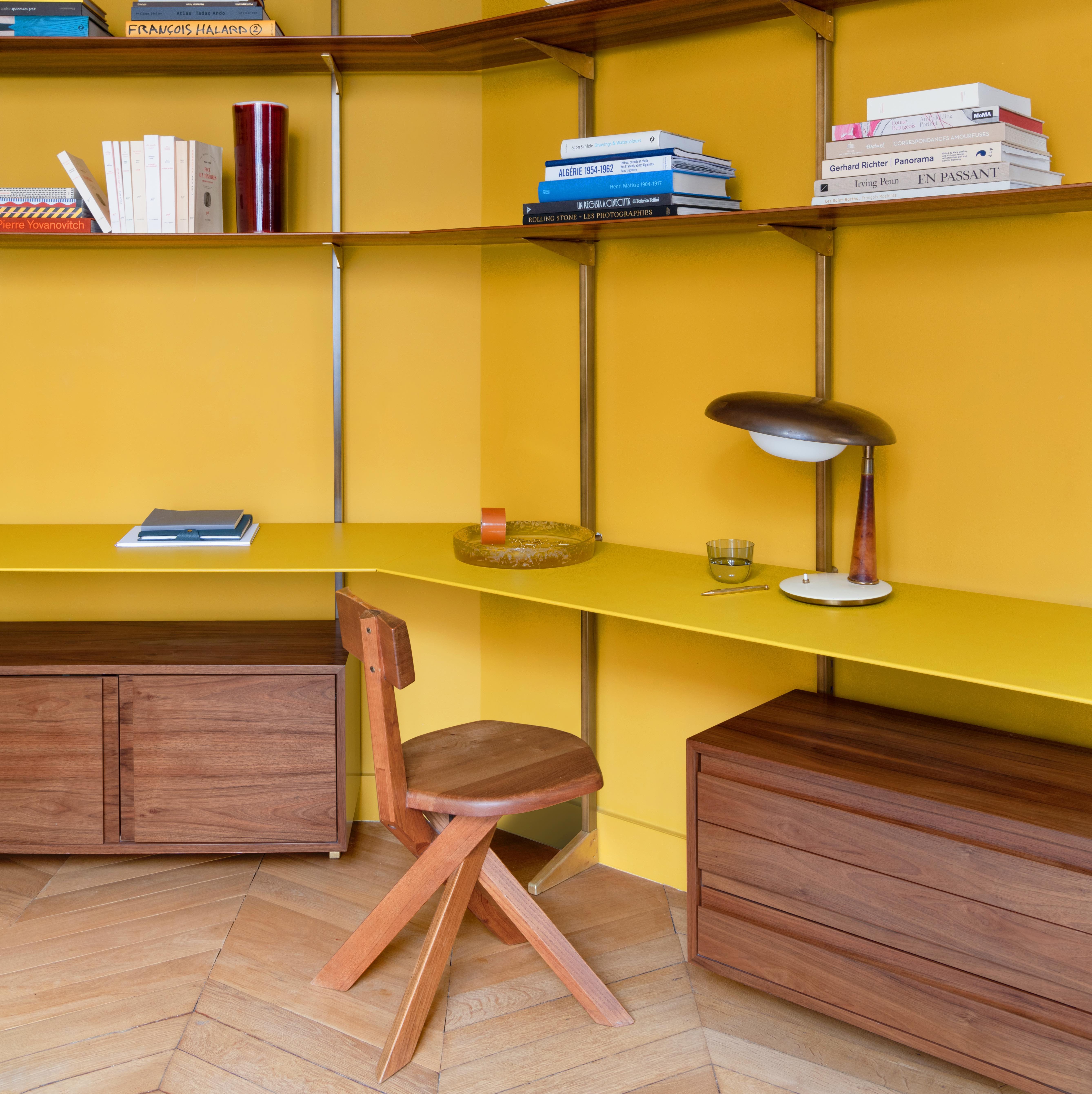
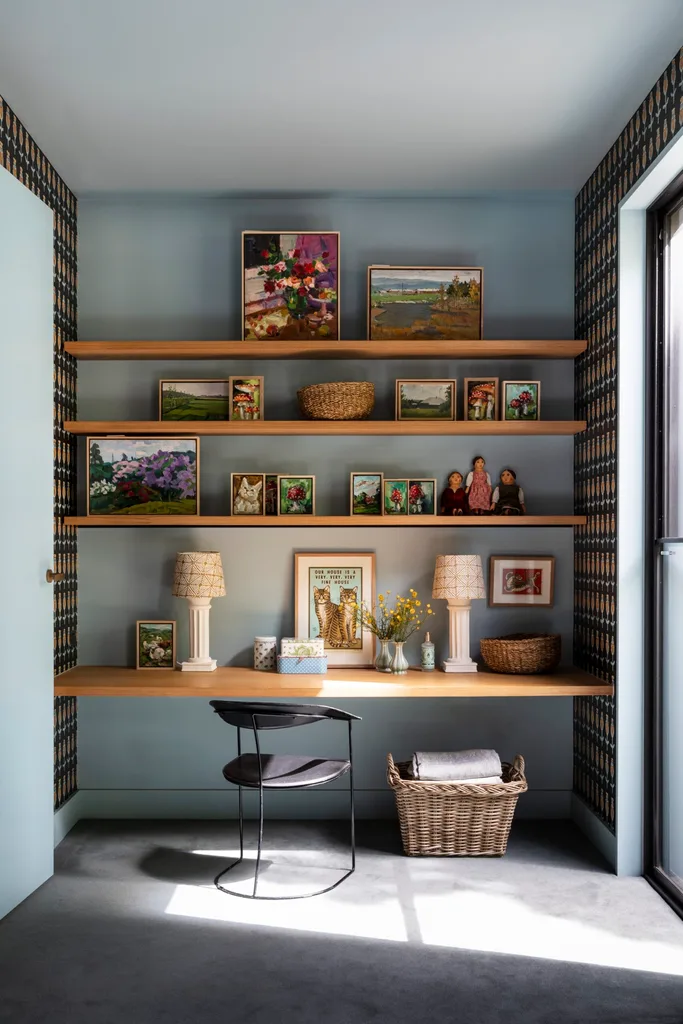
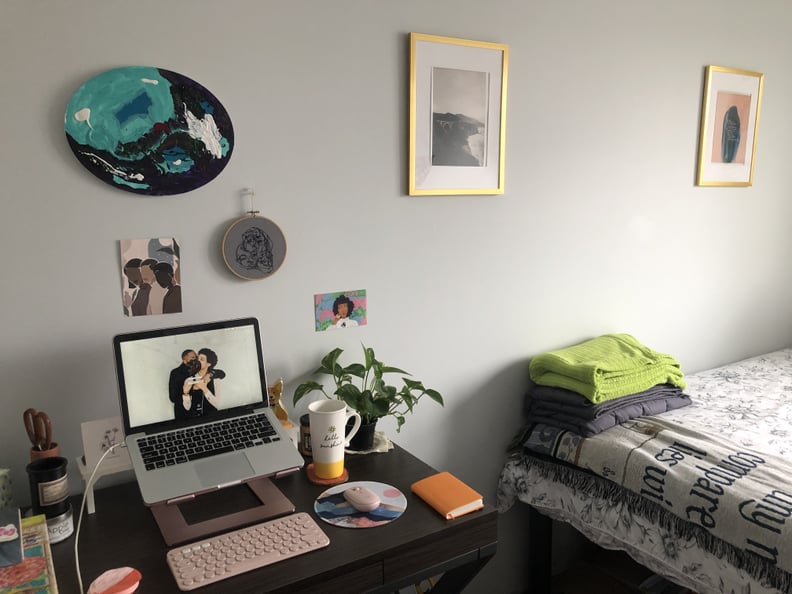
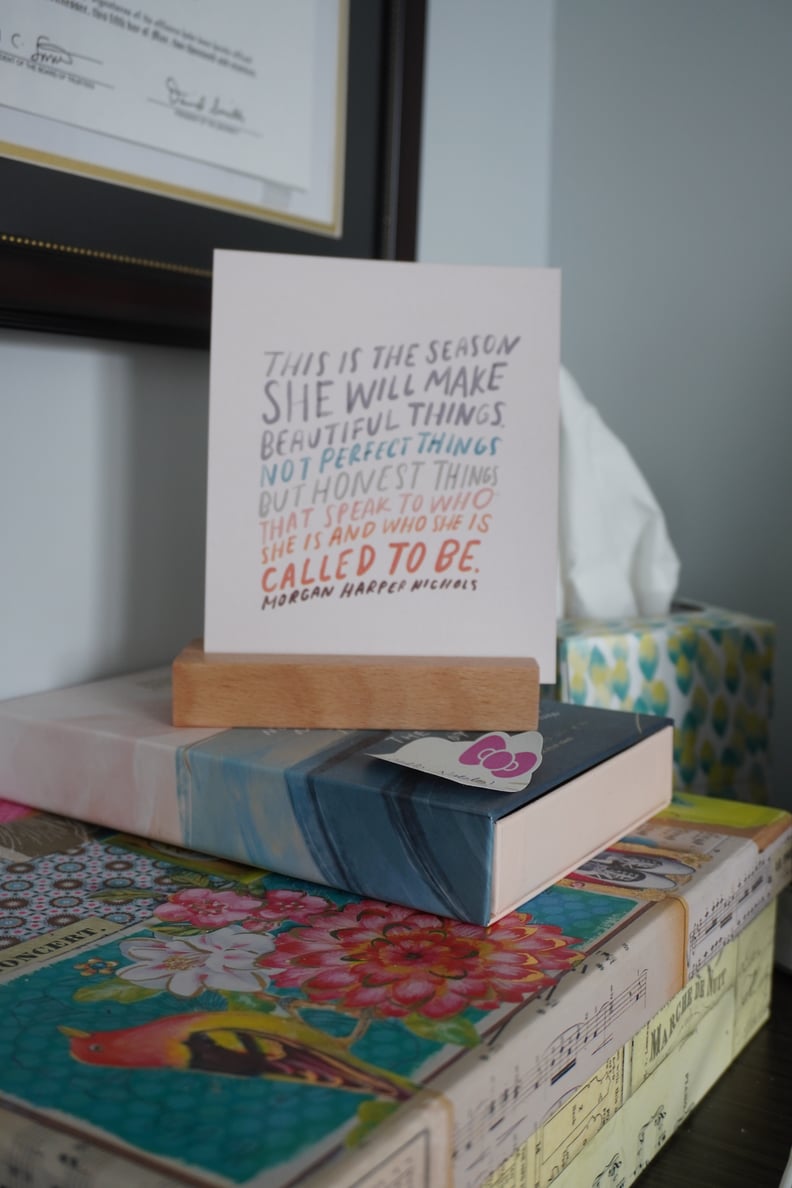
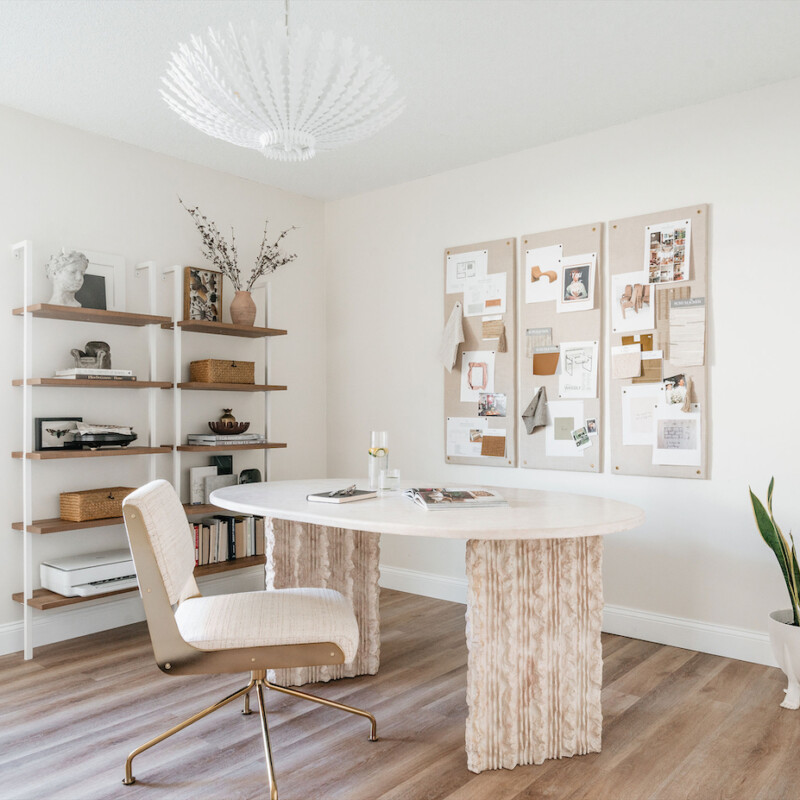
For those who frequently engage in video conferencing, the visual background of the workspace holds significant importance. Natalie advises that a well-designed background can effectively mask the actual location of the office, preventing distractions and projecting a professional image. This can be achieved by incorporating an accent wall, shelving, or tastefully framed photographs. Personalizing the background with books, plants, or artwork can also serve as conversation starters and reflect individual personality, making the virtual interaction more engaging.
Beyond aesthetics, the functionality of a home office is paramount. Reliable internet access and convenient power outlets are crucial. Poor internet connectivity during video calls can be a major impediment to productivity, so testing the connection in the chosen workspace is essential. Similarly, having power outlets nearby ensures that electronic devices remain charged throughout the workday. If direct access to outlets is limited, the strategic use of extension cords can provide necessary power for computers, phone chargers, and lighting.
Maintaining focus and productivity while working from home can be challenging due to the proximity of household tasks. Natalie emphasizes the importance of structuring the workday with scheduled breaks. By planning specific times for snacks or lunch, individuals can step away from their desks, mentally recharge, and avoid being sidetracked by domestic responsibilities. This structured approach helps in segmenting work hours from personal time, thereby enhancing concentration during active work periods.
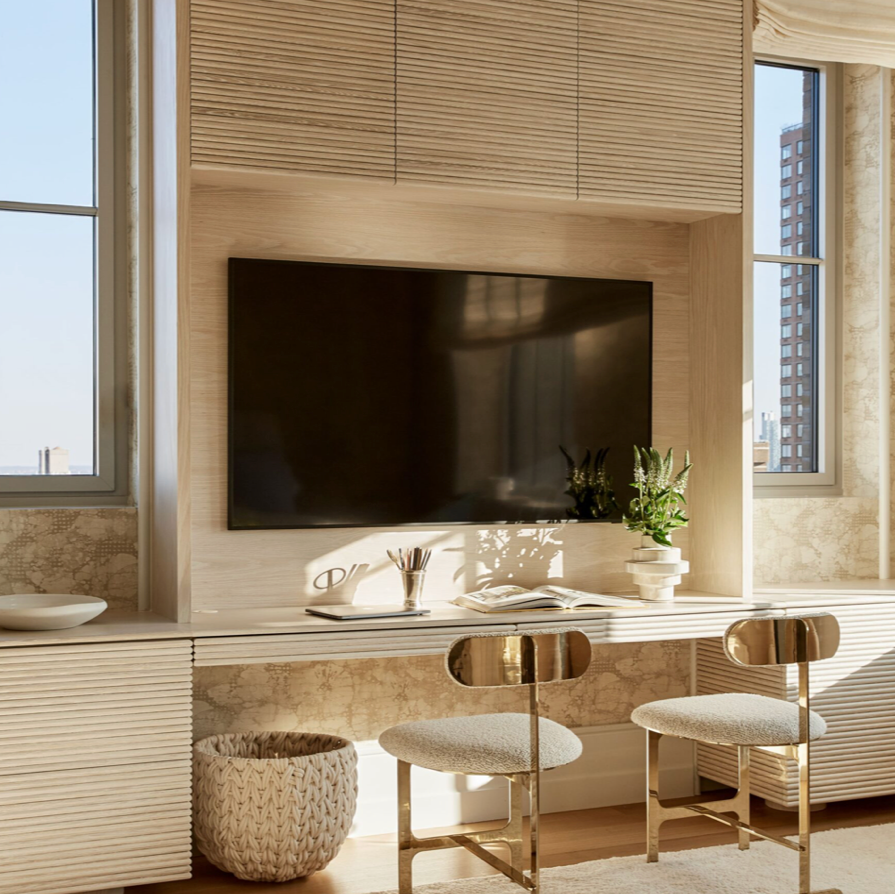
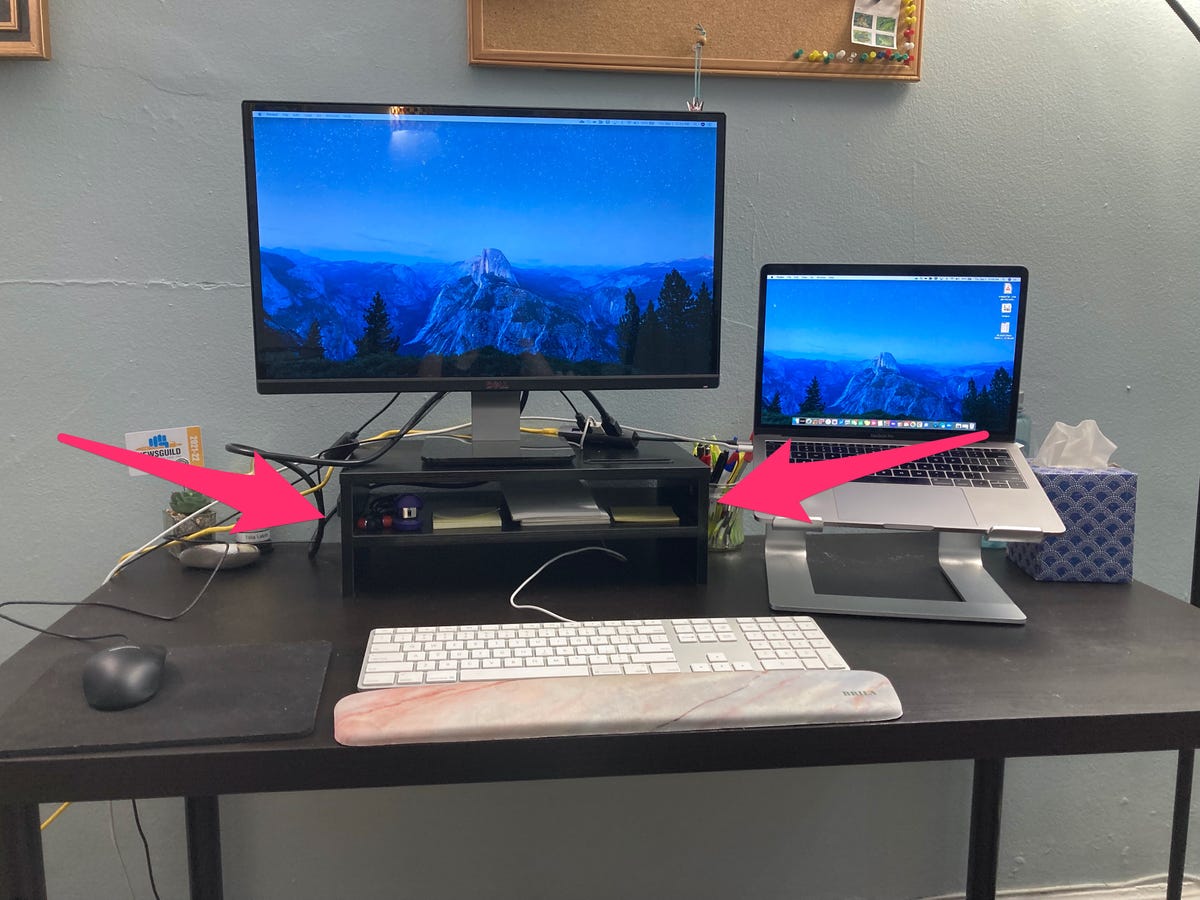
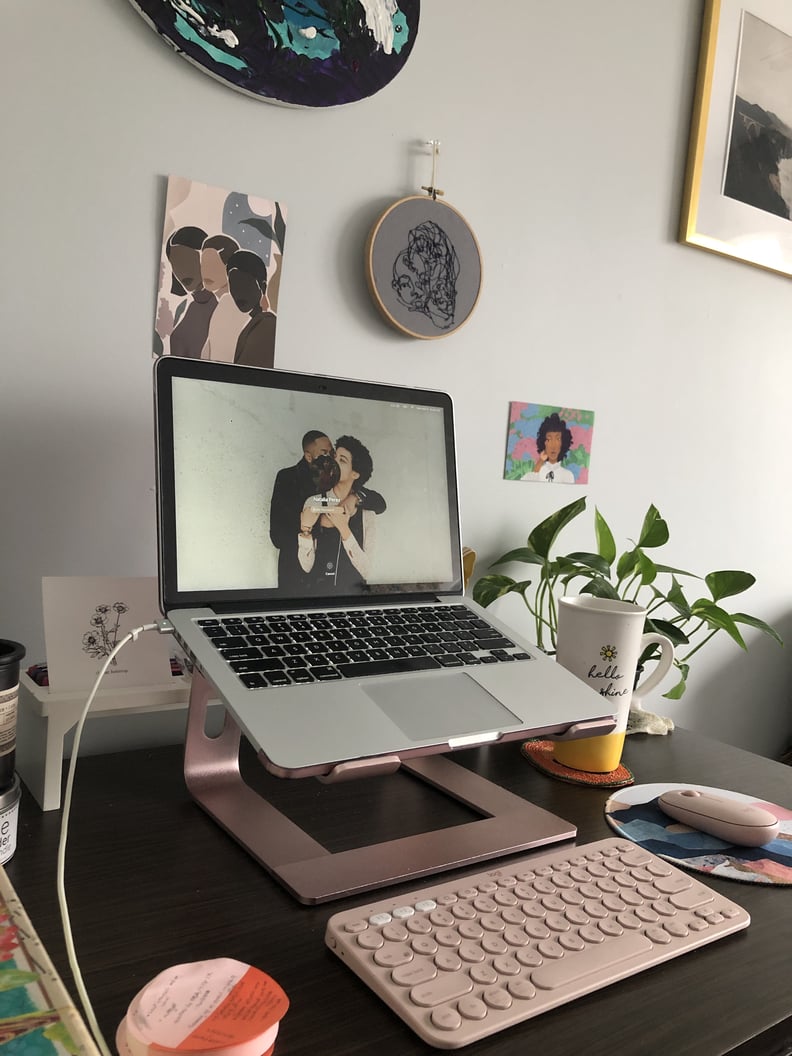
Finally, integrating functional elements and maintaining organization are vital for an efficient workspace. Office supplies, while necessary, can quickly lead to clutter if not properly managed. Natalie recommends utilizing organizers to keep items such as chargers, pens, and notebooks in their designated places, which saves time and reduces chaos. Additionally, incorporating a small speaker or music player for background music can create a conducive environment for concentration. For individuals who opt for desk lunches, ensuring sufficient space on the desk for meals without compromising access to essential work tools like keyboards, monitors, or planners is also a practical consideration.
#HomeOffice #WorkFromHome #ProductivityTips #WorkspaceDesign #OfficeOrganization #RemoteWork #InteriorDesign #FunctionalSpace #HomeOffice #WorkFromHome #ProductivityTips #WorkspaceDesign #OfficeOrganization #RemoteWork #InteriorDesign #FunctionalSpace
0 comment in total
 No comments yet
You may also like
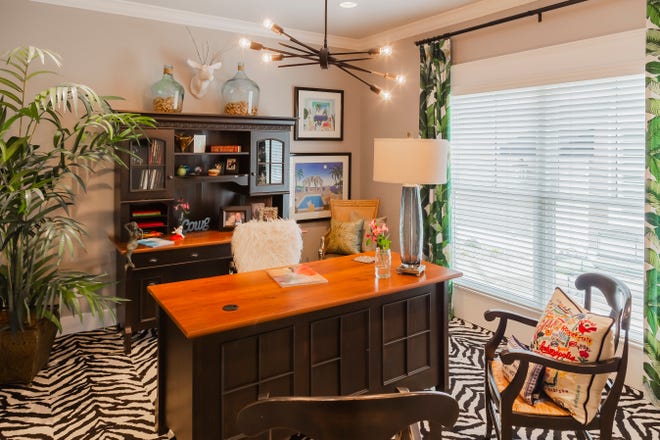
Step up your home office game with these tips from an interior designer
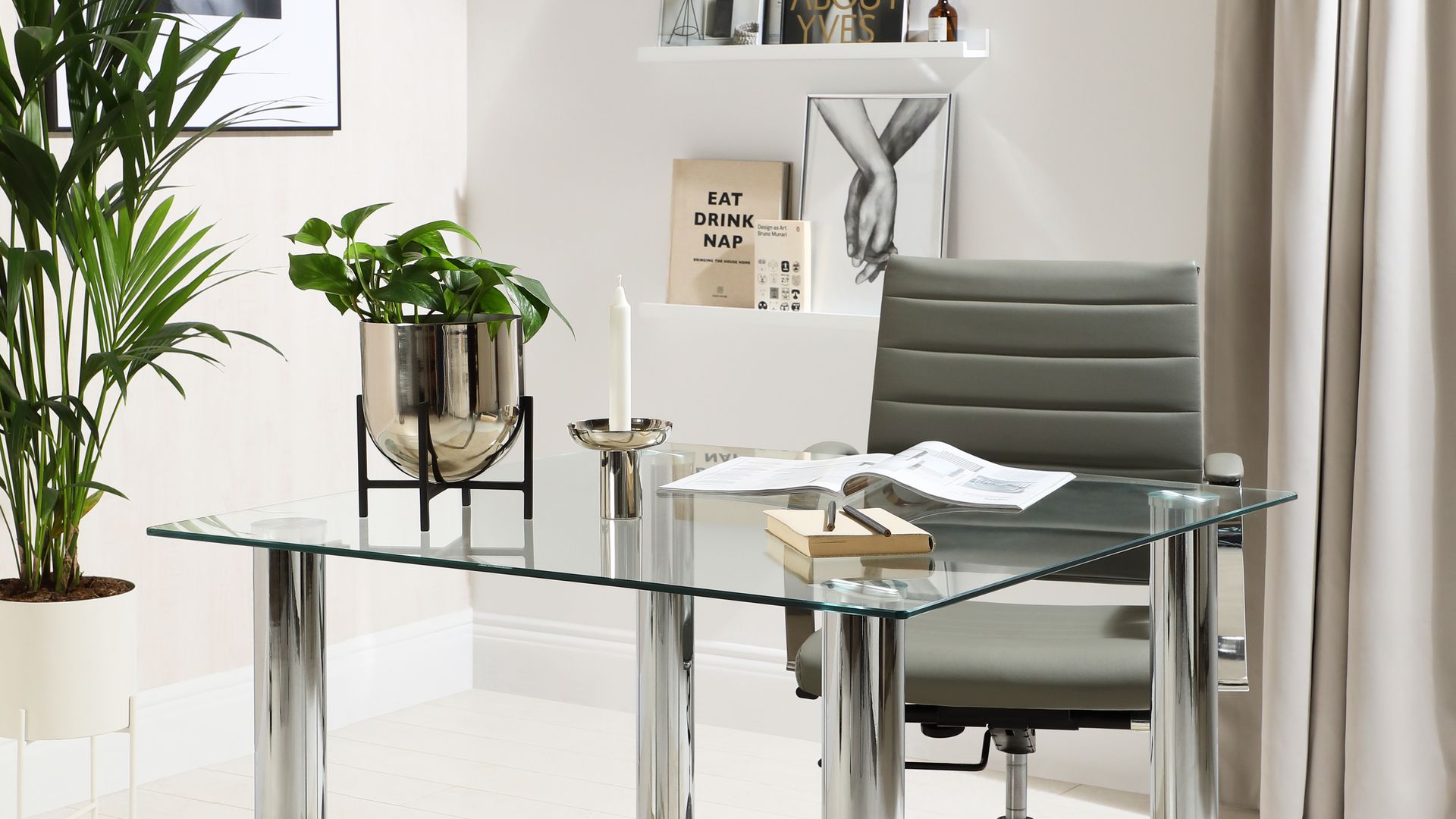
15 home office décor ideas for every WFH setup

5 things I bought that made my working-from-home life better — and 2 items that are in my cart
Creative interior design looks to help you redesign your home office
6 Work From Home Office Essentials You Need In 2024

Creating a comfortable and luxury home office in 2024: From design to maintenance

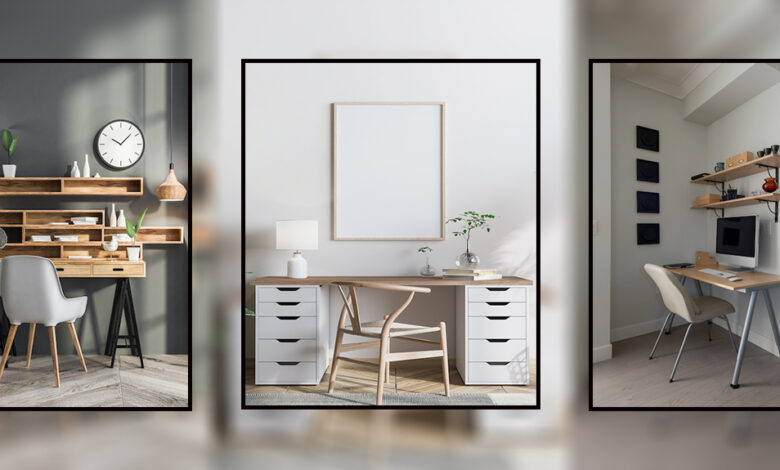
Creating an Office Nook

Four Years Into WFH Life, Here’s What You Need for an Aesthetically Pleasing Home Office

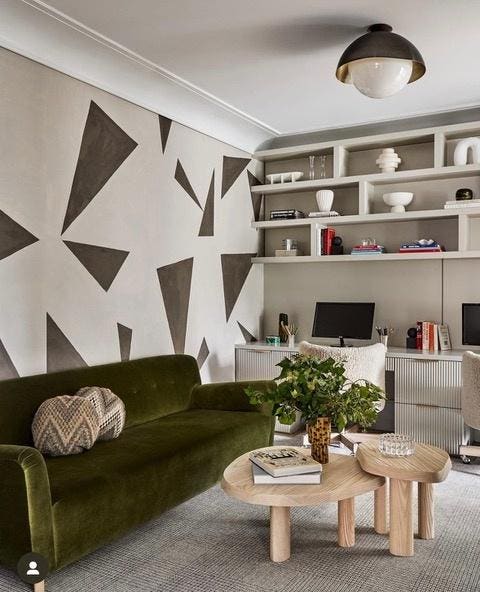
5 Ways To Make Your Home Office Feel Like A Chic NYC Loft
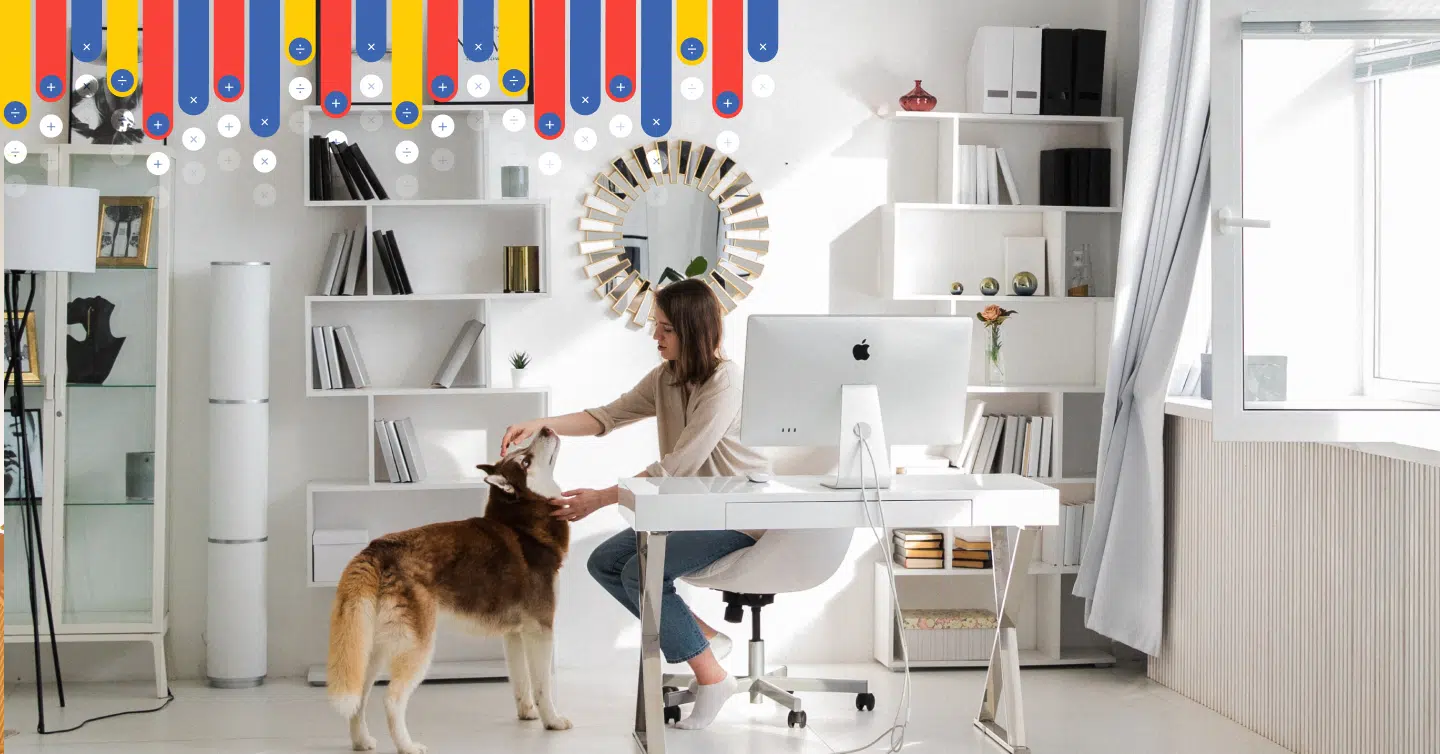
How To Set Up A Dedicated Office Space In Your Home
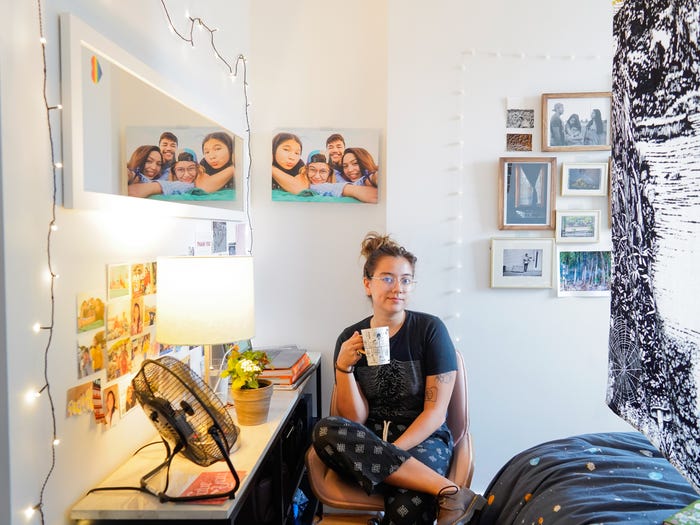
I'm a reporter who's going to be working from my Brooklyn apartment for at least the next 6 months. Here's exactly how I rearranged my bedroom to make it work as an office.
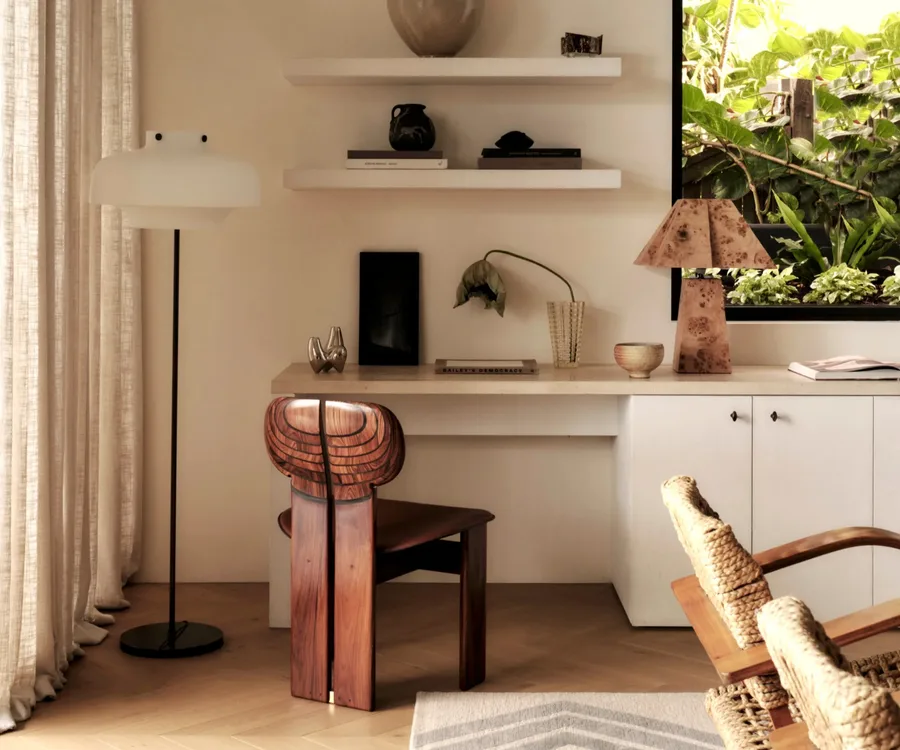
How to design the ultimate home office, according to the experts

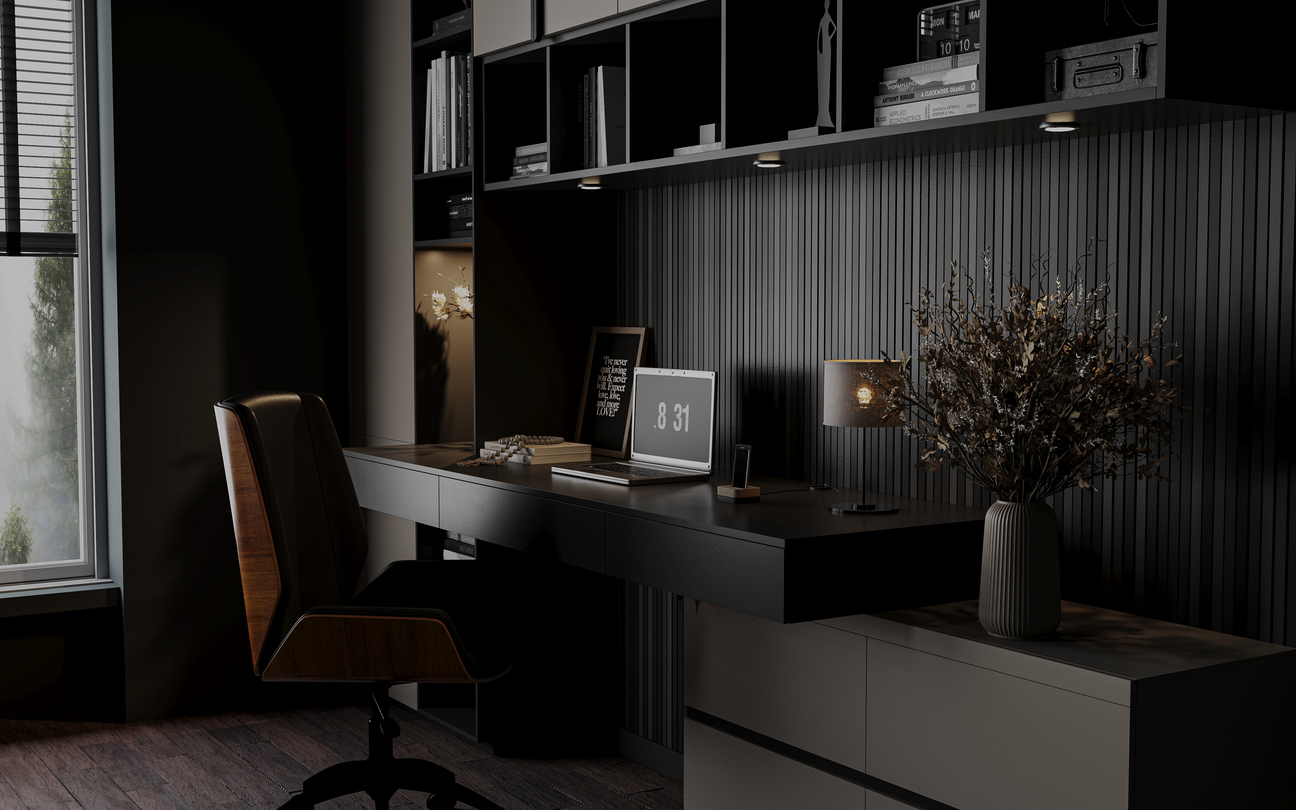
Rethinking your home office setup for a productive season ahead

How to make your home office a more pleasant place to work

How to Create the Perfect Home Office for $500 (or $50 or $1,000)
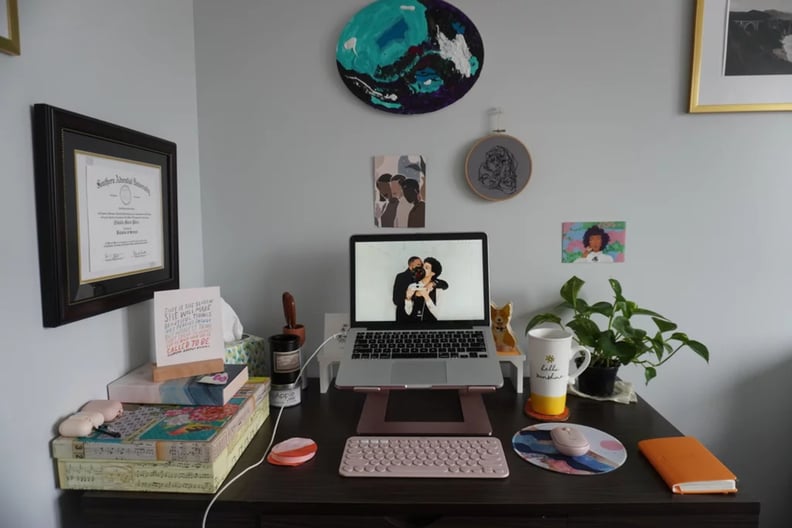
How I Set Up My Dream Desk in My Tiny Bedroom
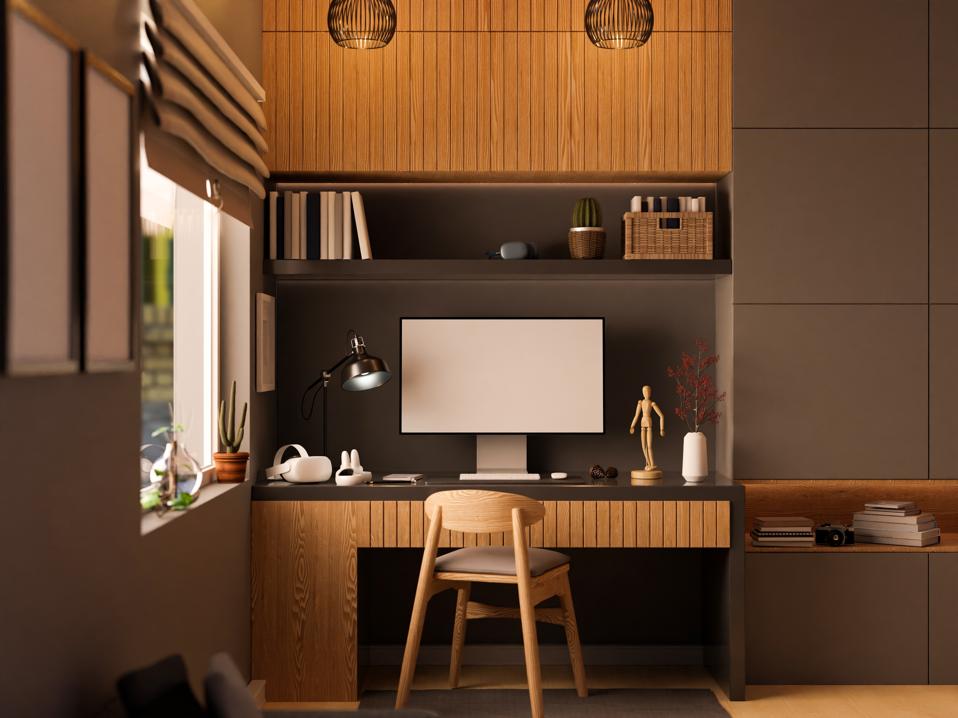
If You Work From Home, Here Are 6 Tips To Create The Perfect WFH Office
6 Home Office Design Ideas to Fuel Productivity and Keeps Spirits Lifted

Who needs a Zoom background when your home office looks this good?

How To Set Up A Work-From-Home ‘Office’ For The Long Term