1/5
I added this monitor light bar to my home office setup and it’s a game changer
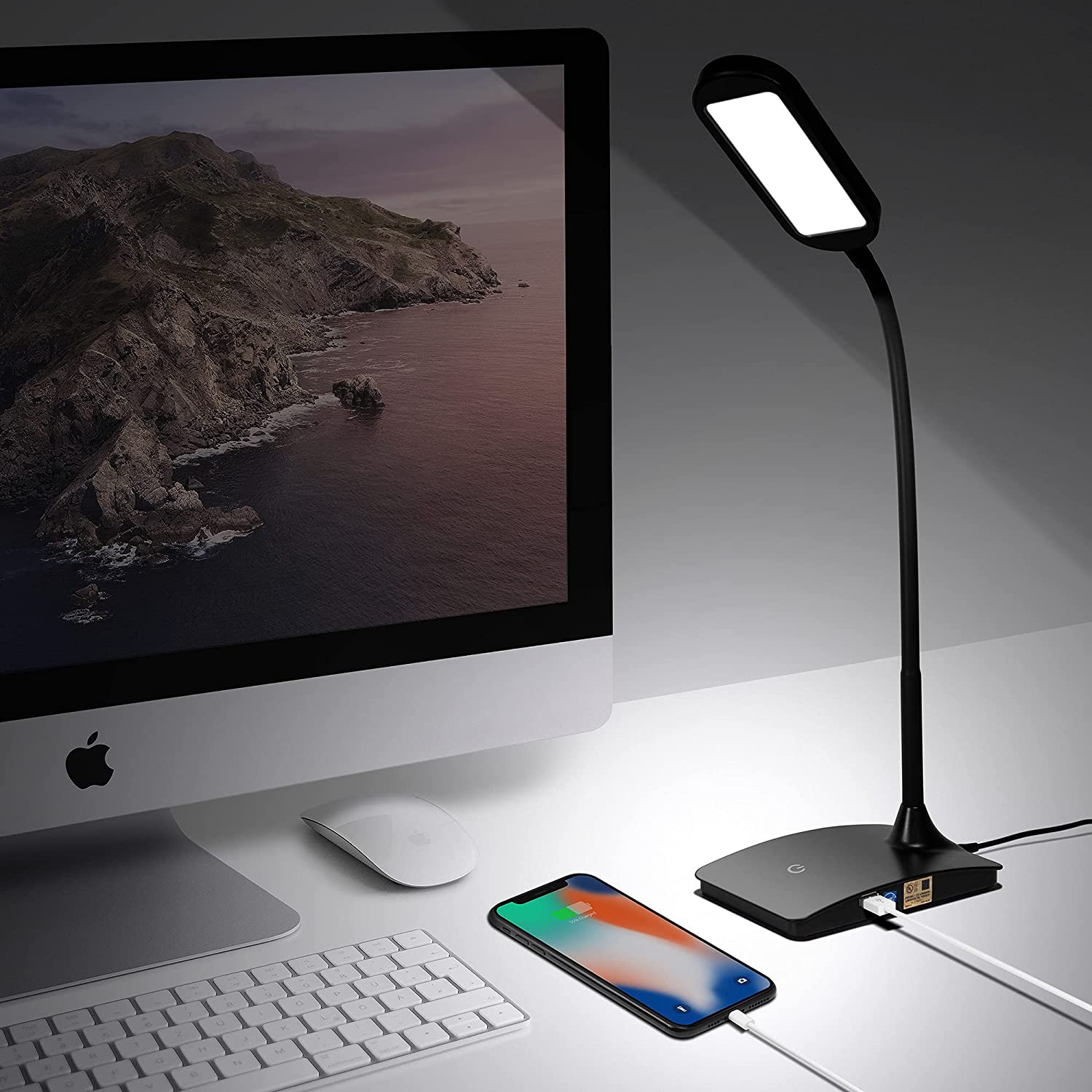
More than half of Americans experience digital eye strain, with inadequate lighting being a significant contributing factor. Screen brightness often surpasses ambient light, forcing eyes to constantly adjust, leading to discomfort. Traditional lighting solutions, such as overhead fixtures and desk lamps, are often ineffective in modern desktop environments, casting glares and shadows that exacerbate the problem rather than alleviating it. These solutions are not designed to illuminate the workspace evenly around a computer monitor.
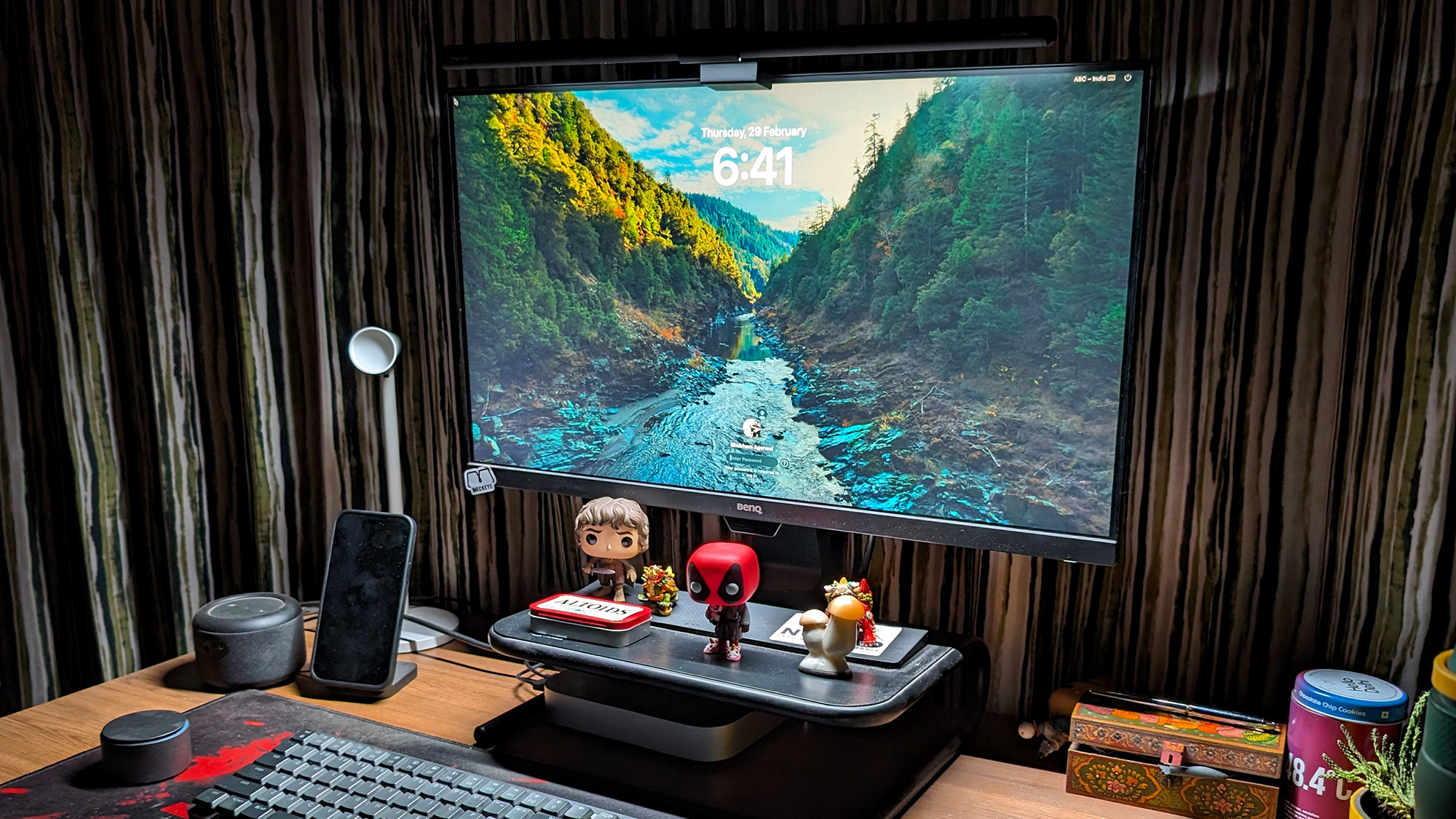
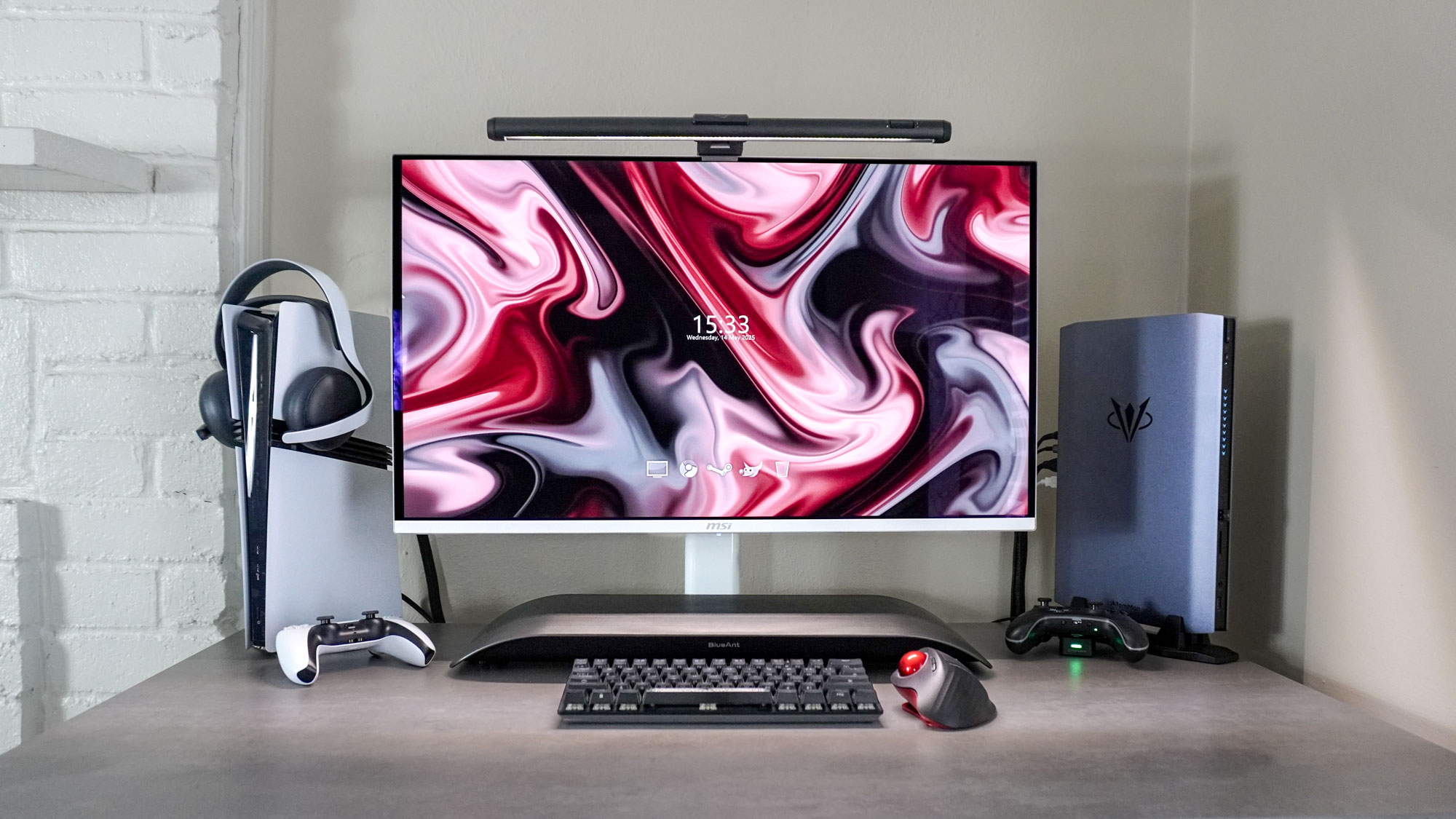
The Quntis Monitor Light Bar PRO+ is presented as a solution to this prevalent issue. This accessory clips onto the top of a monitor, providing uniform illumination across the desktop setup. The author's personal experience indicates a significant reduction in eye strain after incorporating a light bar into their home office. The consistent brightness level across the desk, matching that of the monitor, has proven beneficial for extended computer use.
The Quntis Monitor Light Bar PRO+ is a 20-inch LED panel capable of achieving a maximum illuminance of 1200 lux, which is more than double the American National Standard Practice recommendation for an office environment. It offers 45-degree adjustable rotation and is designed for easy installation; it simply rests on the monitor's top edge and is secured by a counterweight, requiring no adhesives or screws. It is compatible with most flat and curved monitors with a thickness between 0.12 and 2.36 inches and connects via a USB-A port.
While many light bars feature integrated controls, the Quntis PRO+ model includes a wireless remote in the form of a puck. This remote allows users to effortlessly toggle the light bar on and off, adjust color temperature with the upper dial, and control brightness with the lower dial. A double tap activates the built-in ambient sensor for automatic light tuning. The remote enhances the user experience by providing convenient and tactile control, allowing for quick adjustments between warm and cool lighting to suit different times of day or preferences.
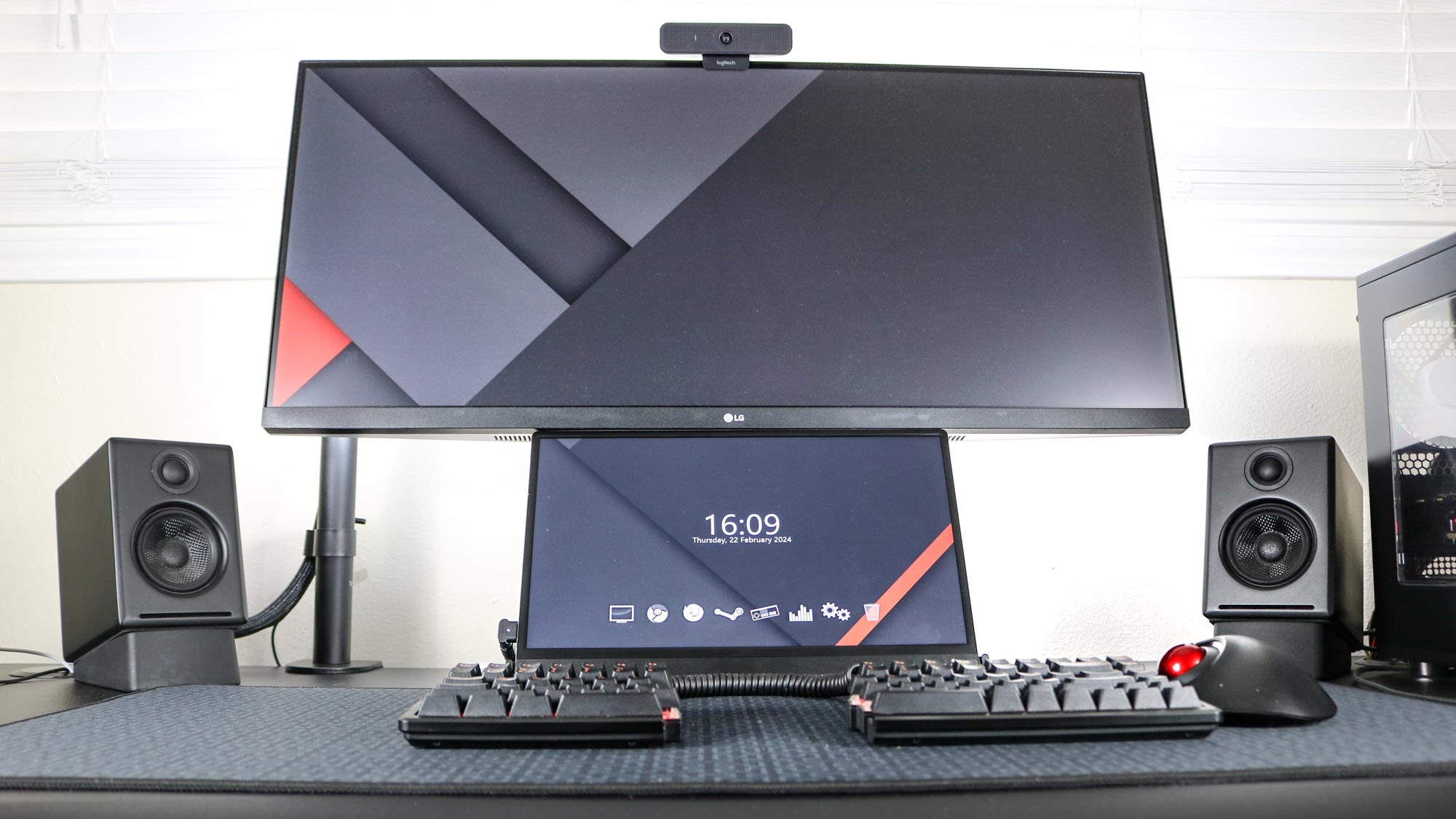
A key advantage of the monitor light bar over conventional desk lamps is its ability to direct light downward and away from the screen. This design brightens the surrounding area without causing glare or shadows on the monitor itself, which are common issues with desk lamps. For individuals who frequently refer to physical documents while working on a computer, this directed lighting can reduce the effort required to focus on text, potentially alleviating eye dryness. Furthermore, the light bar's placement above the monitor conserves valuable desk space, a practical benefit for cluttered workstations.
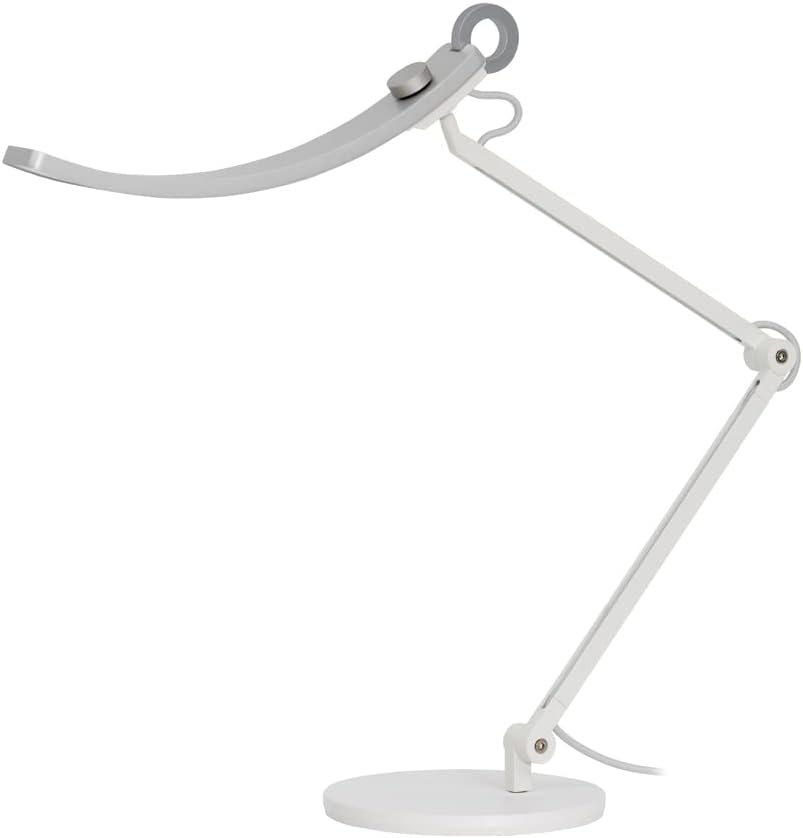
Although various light bars are available, with performance largely depending on quality and price, some brands offer distinct features. Quntis, for instance, also produces a double-sided light bar that incorporates an RGB strip on its back for ambient backlighting, suitable for gaming setups. However, this model sacrifices some length and customization options for weight reduction, offering only three temperature and brightness modes and lacking a remote control. For primary use in reducing eye strain, the PRO+ model or similar products like BenQ’s ScreenBar, despite its higher cost, are recommended due to their superior adjustability and features focused on visual comfort.
#HomeOffice #MonitorLightBar #EyeStrain #LightingSolutions #Ergonomics #Quntis #DeskSetup #ProductReview #HomeOffice #MonitorLightBar #EyeStrain #LightingSolutions #Ergonomics #Quntis #DeskSetup #ProductReview
0 comment in total
 No comments yet
You may also like
I used this smart light strip to transform my living room — and it's been a game changer for my home

I work from my dining table, but this stylish pop-up desk has transformed my WFH situation
Tested: These monitor arms will elevate your office setup to new levels

GE Lighting Cync Reveal HD+ Smart Undercabinet Fixtures: the 200 Best Inventions of 2024

Get More Done on WFH Days With These Home Office Lighting Ideas

I used this smart light to illuminate the most awkward part of my house — and it works for every room
Is Your Home Office Layout Making You Less Productive? 5 Common Mistakes to Avoid

I just found the perfect standing desk for working from home — and it obliterates cable clutter
I added this under-monitor soundbar to my desk setup — and it's the perfect space saver
Bright, adjustable, and easy on the eyes, the desk lamps support better work habits from day to night
The best desk lamps in 2025
Okay, That's Clever — Pull This 'Transforming' Console Table Out From the Wall and It Moonlights as a Swanky Home Bar Set-Up


12 Home Office Lighting Ideas for a More Productive Workspace

This smart display has earned a permanent spot on my desk — and it’s 50% off right now

The Best Desk Lamps

12 Home Office Lighting Ideas

I revamped my desk setup using the world’s most expensive cable management accessory — this changes everything

The One Lighting Trick This Designer Uses in a Home Office
These 10 Task Lights Will Take Your WFH Setup to the Next Level

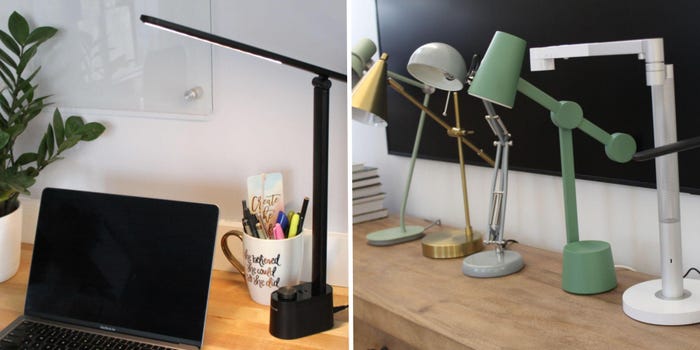
The best desk lamps do more than light up your workspace — our top task lights reduce eye strain and improve focus