1/9
I revamped my desk setup using the world’s most expensive cable management accessory — this changes everything
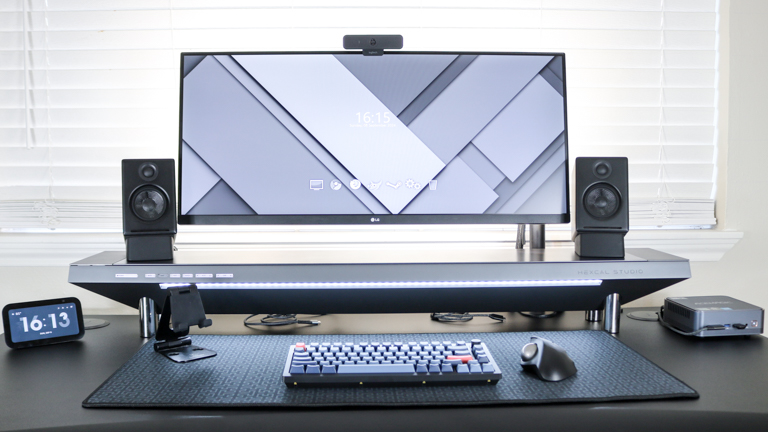
This article details the author's experience revamping their desk setup using the Hexcal Studio, an advanced workstation designed for cable management, integrated power, and lighting. The author, a reviewer of standing desks and home office accessories, typically avoids major changes to their main desk but was compelled to reorganize their workspace after unboxing the Hexcal Studio.
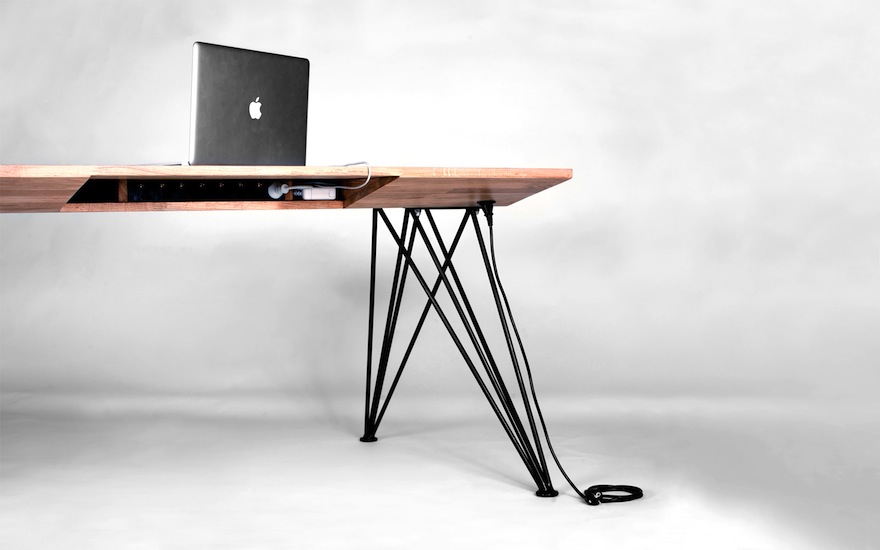
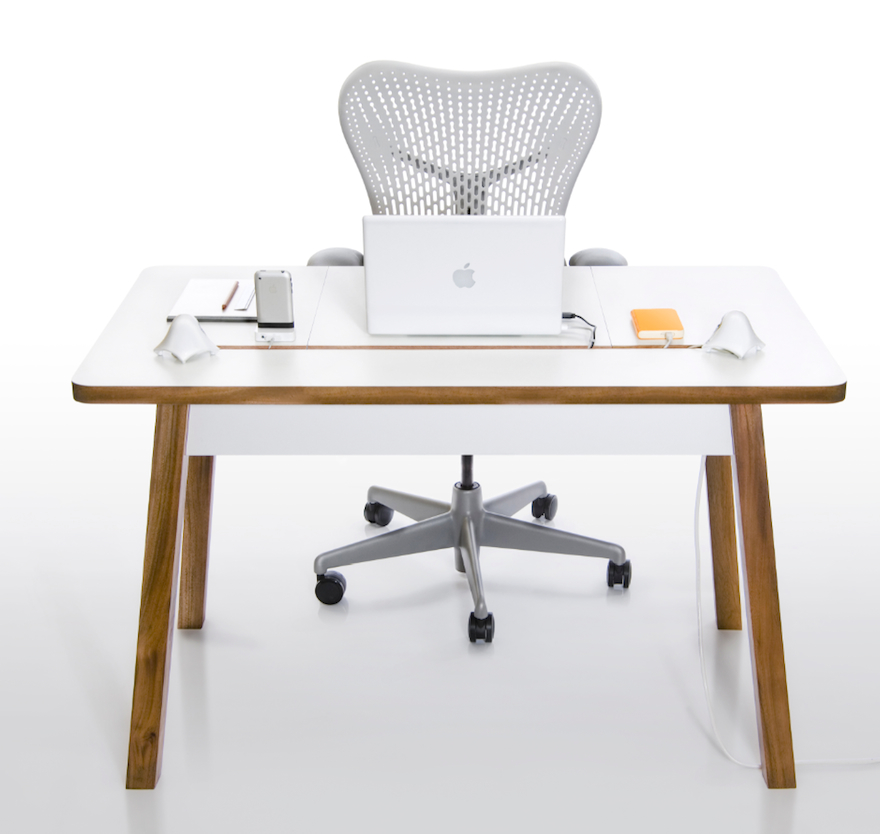
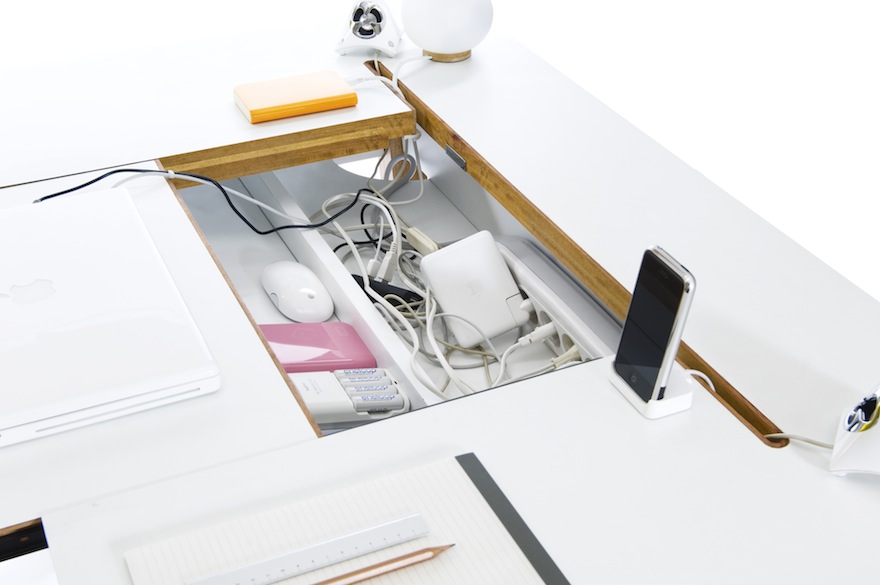
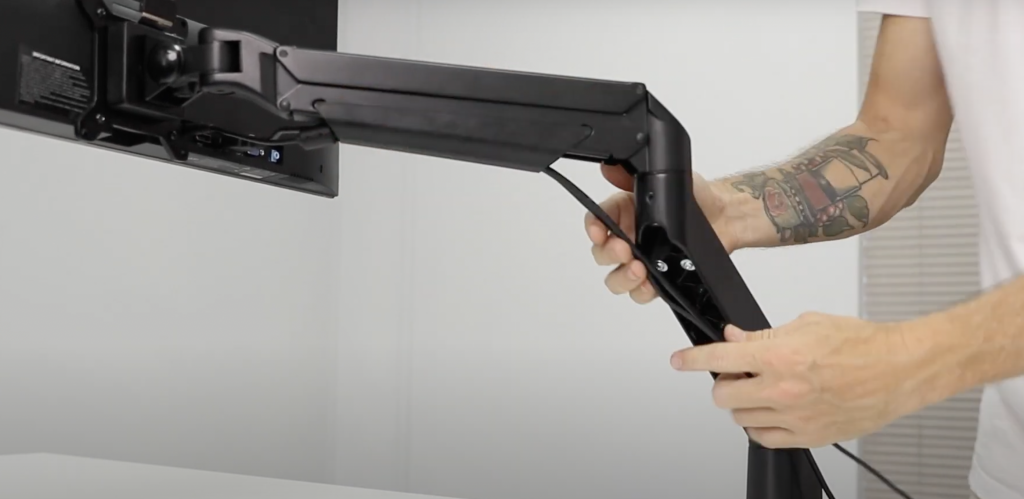
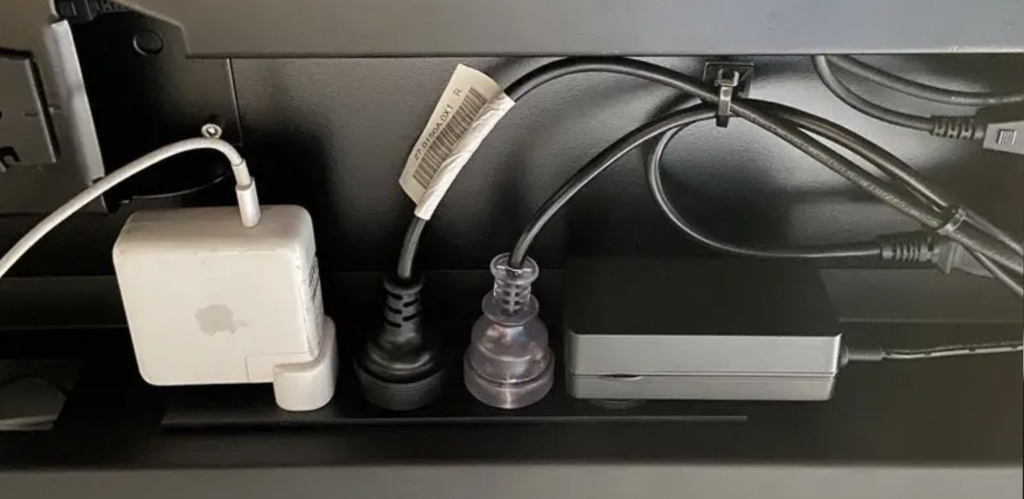
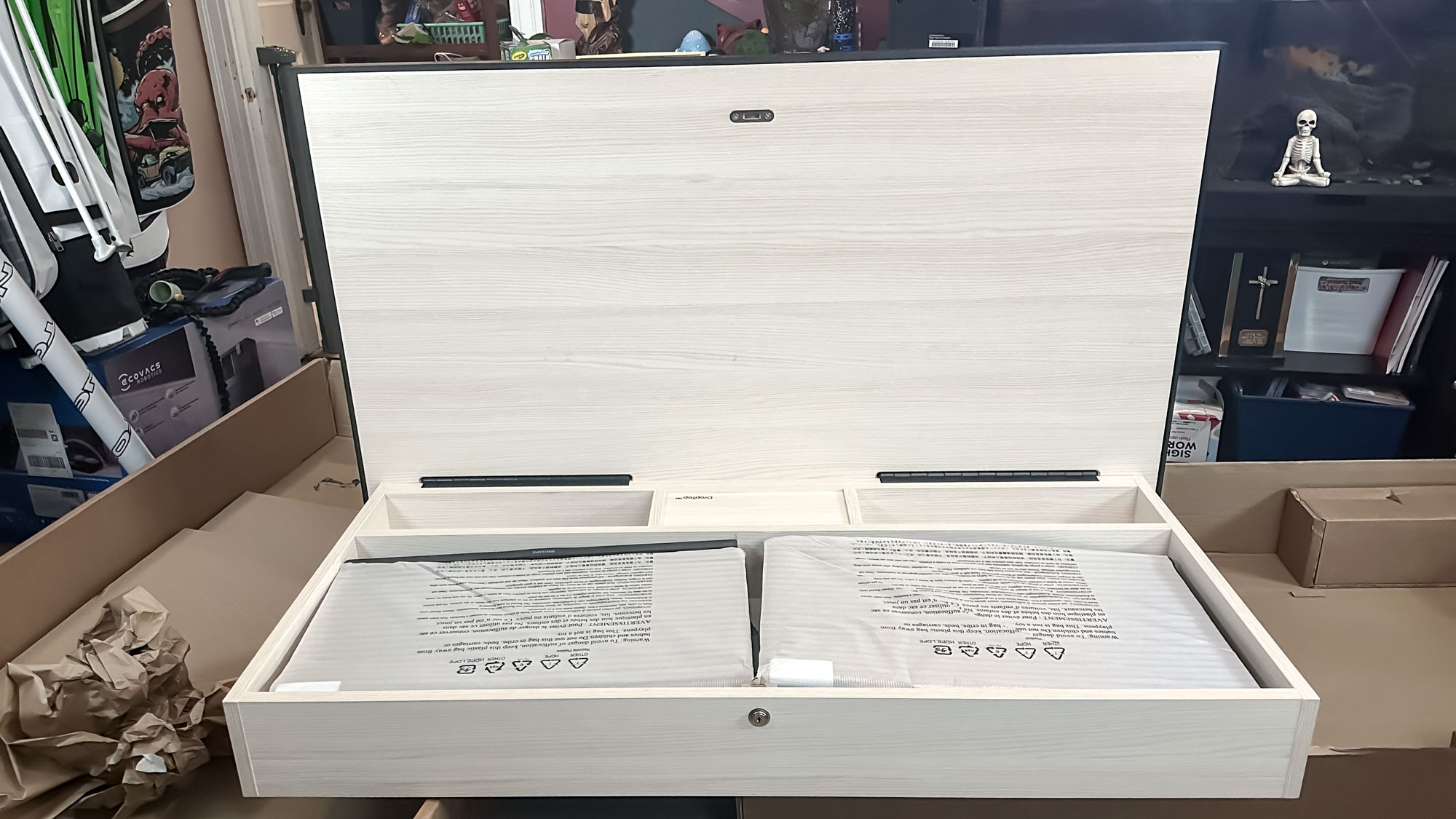
The Hexcal Studio is introduced as more than just a desk shelf or monitor stand; it functions as a discreet cable management system. It features a built-in LED light strip with 16 levels of temperature and intensity control, a mode button, and a favorite button for saving preferred lighting configurations. A key feature is the sliding panel in the middle, which reveals a 40-inch long, 6-inch wide, and 1.6-inch deep cord storage chamber. This compartment is designed to house power bricks and route cables, offering a solution for cluttered desks, especially those where traditional cable management trays are impractical. The device comes with standard legs that provide 1.4 inches of space underneath, with optional extenders that increase the height to 7.1 inches and offer 2.5 inches of space. Additionally, two USB ports are located on the interior left side of the cord storage chamber.
The rear of the Hexcal Studio includes eight AC outlets: four for standard plugs and two on either side for bulkier power adapters. Grooves with rubber inserts along the top and locks on the sides secure the removable center panel. The author explains that this design significantly reduces cable clutter by allowing power bricks and excess cables to be stored within the unit itself, providing a much cleaner aesthetic compared to typical under-desk cable trays.
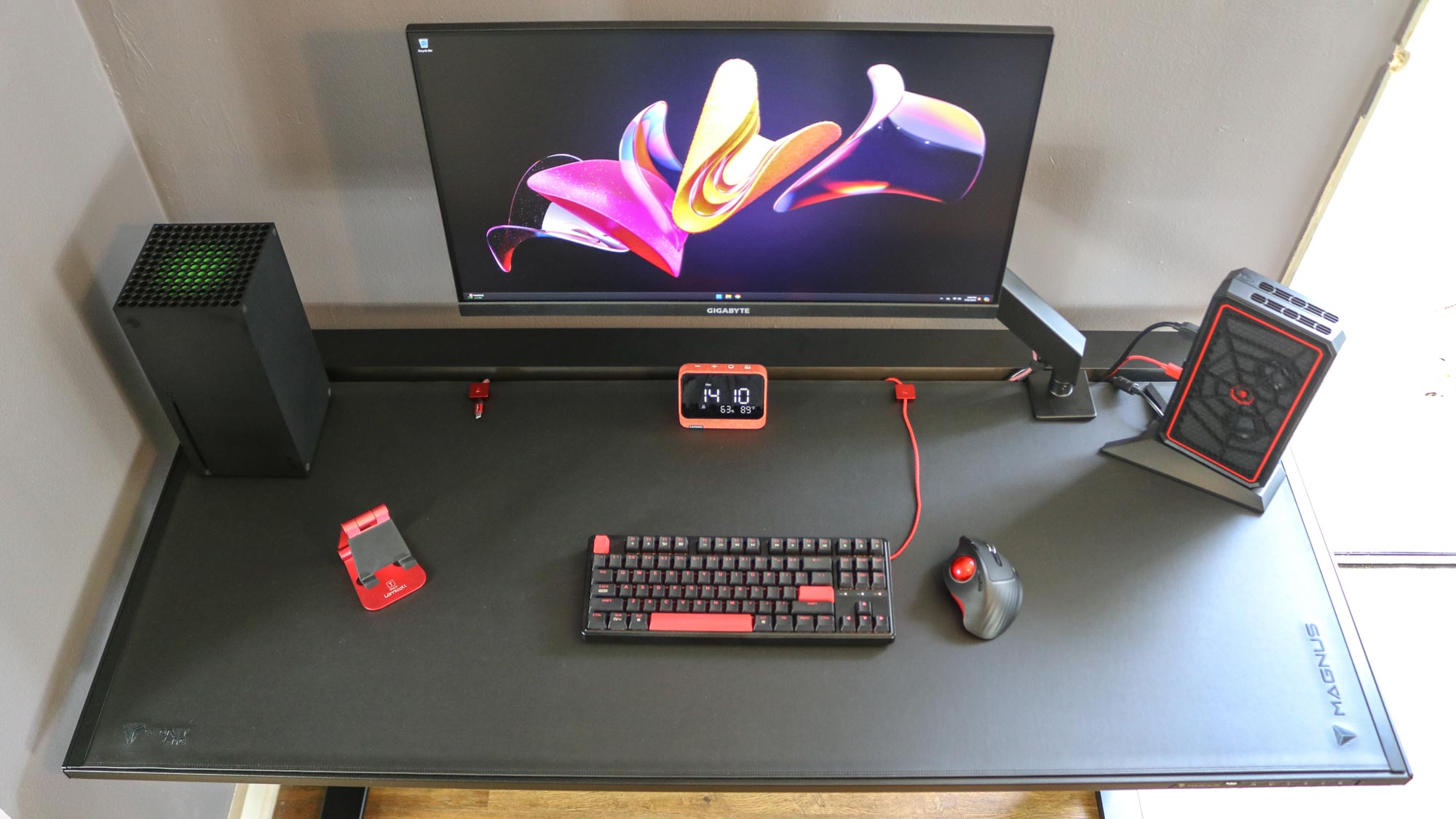
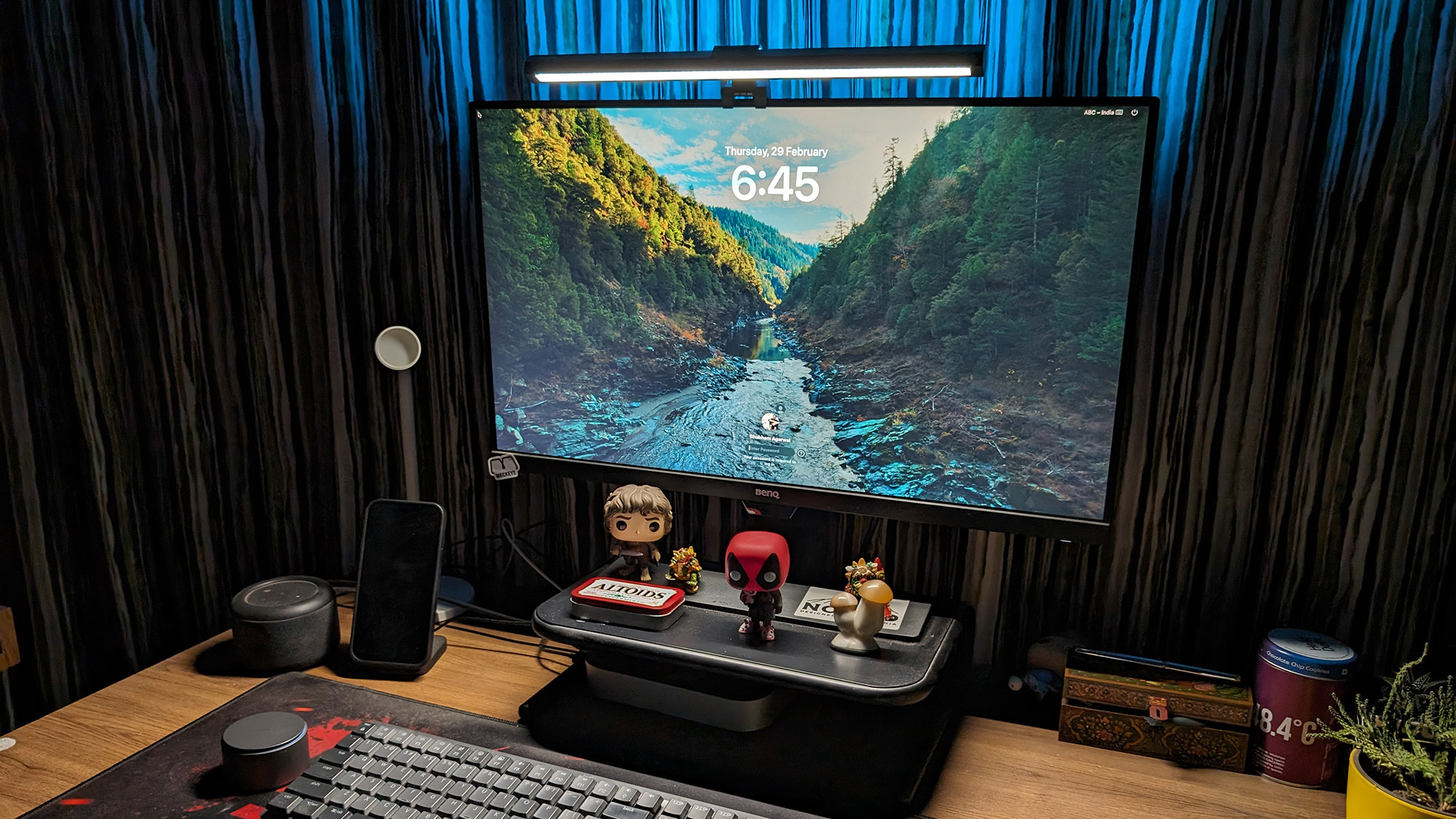
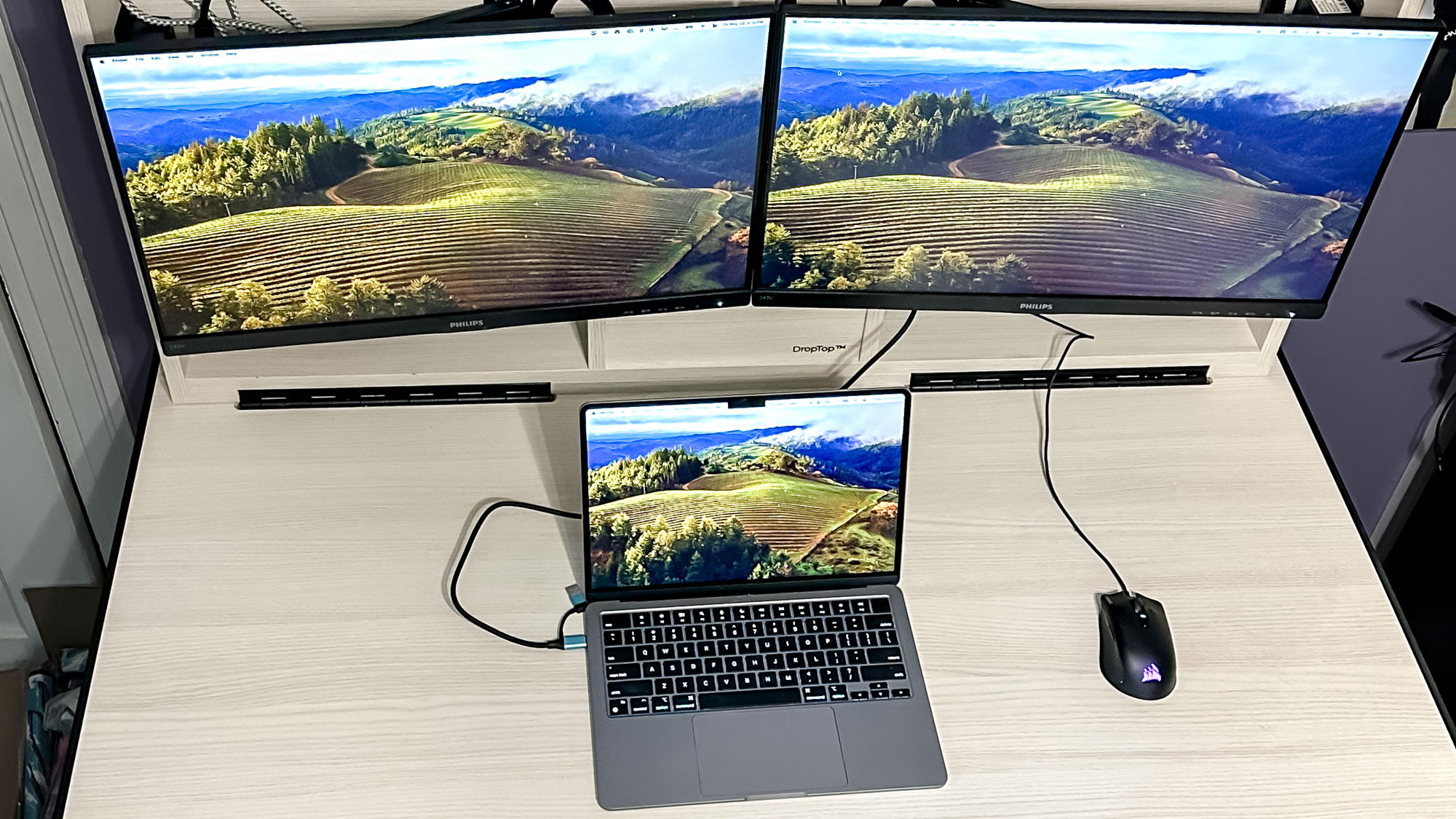
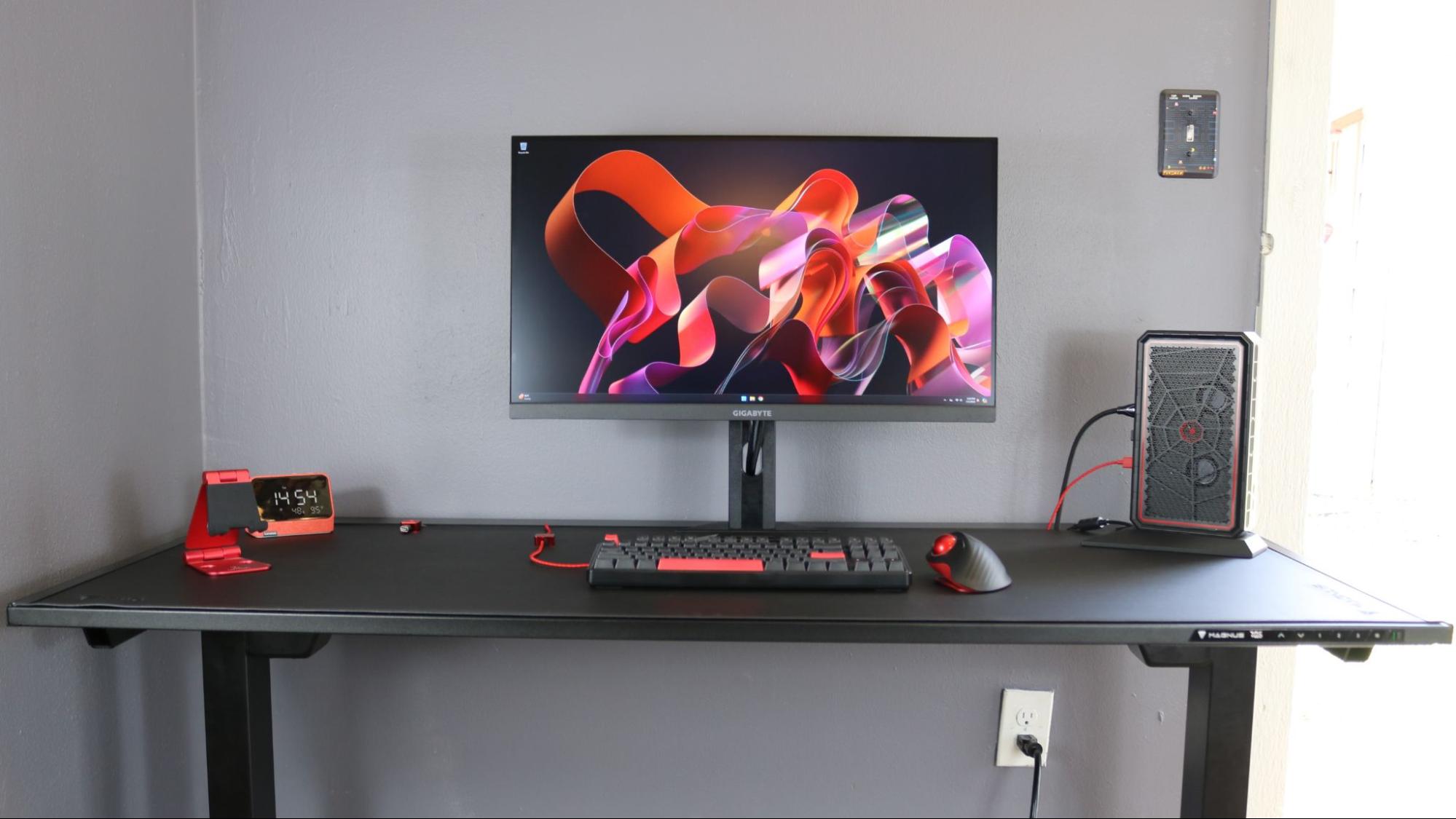
The process of revamping the desk involved significant changes. The author replaced an aging gaming PC with a mini PC to conserve space, aligning with the Hexcal Studio's compact design. Audioengine A2+ speakers were placed on either side of the unit, positioned for optimal ear-level sound. The author notes that the initial setup took about seven hours, partly due to an attempt to switch to a fixed monitor arm which proved too short, leading to a return to the original adjustable arm. The article emphasizes the meticulous organization of power bricks and cables within the Hexcal Studio's storage chamber, highlighting how the rubber gripping keeps items secure. It also mentions the utility of the USB bridging ports, which allow external hard drives or card readers to be connected and discreetly managed.
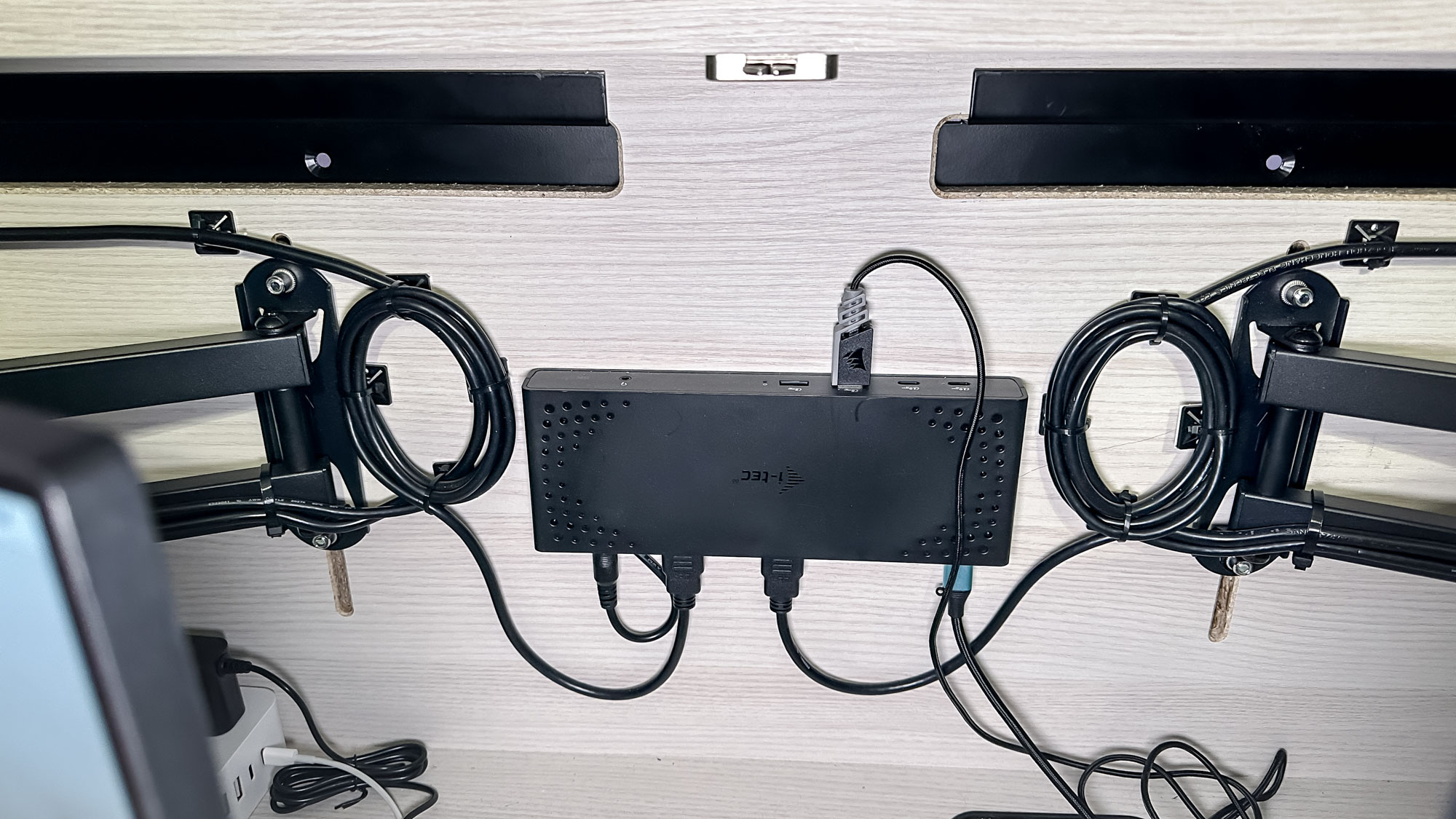
Further enhancements to the desk setup included replacing a wired, split keyboard with a wireless Keychron V1 Max and using an Elecom IST Trackball mouse. An Echo Show 5 (3rd Gen) was added for time management and monitoring home security cameras. A desk mat was used for aesthetic appeal and surface protection. The Hexcal Studio also features two wireless chargers, one for a smartphone and another for earbuds, and external USB-C and USB-A ports for charging devices. The author also implemented a portable monitor setup, connecting it to the mini PC via a USB-C cable kept under the Hexcal Studio for easy access when additional screen space is needed.
While praising the Hexcal Studio for its aesthetic and functional improvements, the author acknowledges its significant cost of $900, positioning it as a premium accessory primarily for professional desk spaces or specific high-end users. The product is deemed ideal for individuals like music producers, graphic designers, or executives who require a highly organized workspace without extensive DIY cable management. A suggested improvement for future versions or add-ons is a built-in laptop docking station. For those with a more constrained budget, the Anker 675 USB-C Docking Station is suggested as an alternative that offers similar functionality at a lower price point.
#DeskSetup #CableManagement #HomeOffice #TechAccessories #HexcalStudio #Workstation #SmartHome #Productivity #MonitorStand #DeskSetup #CableManagement #HomeOffice #TechAccessories #HexcalStudio #Workstation #SmartHome #Productivity #MonitorStand
0 comment in total
 No comments yet
You may also like
The best cable management for desks in 2024
The 9 Very Best Cable Organizers
Designing for Cutting Cable Clutter, Part 2: Desks with Built-In Solutions

How To Deal With All The Wires And Cords In Your Home
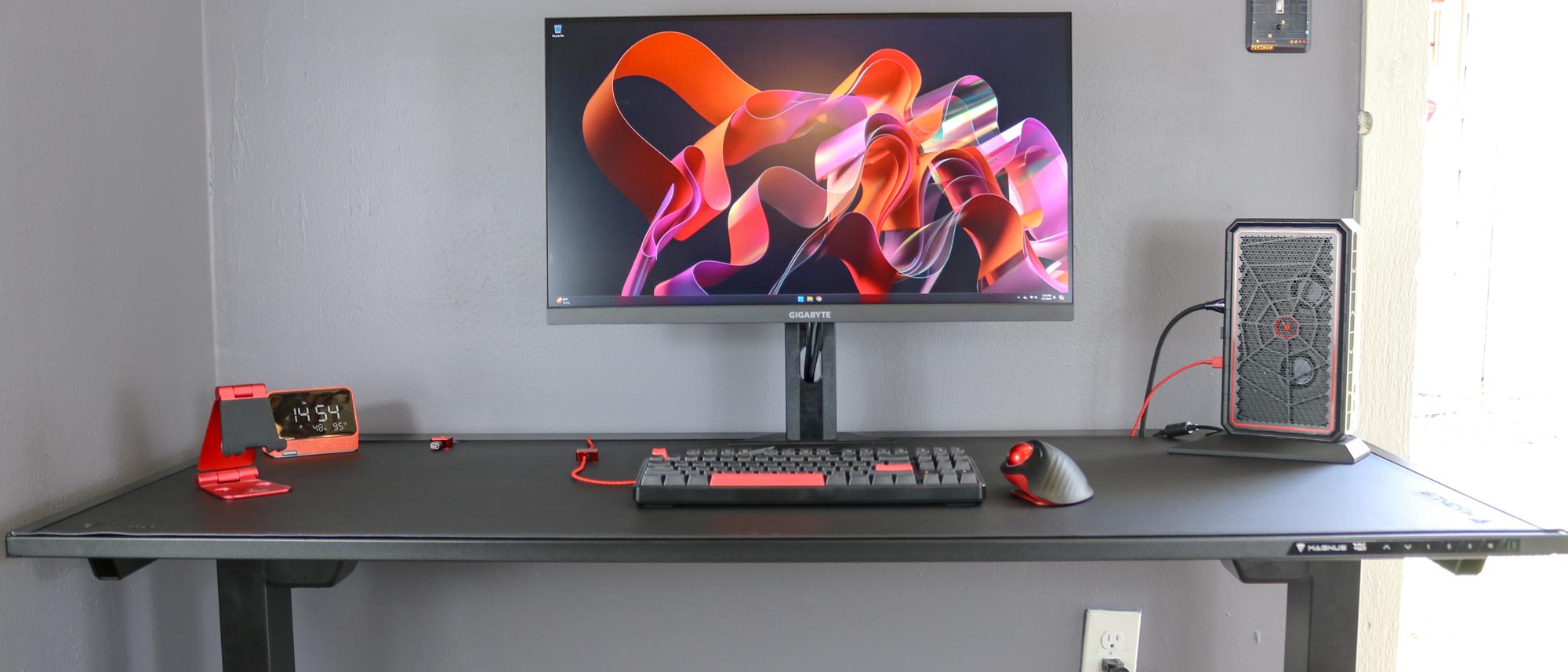
I just found the perfect standing desk for working from home — and it obliterates cable clutter

Transforming a messy pile of cables into an illuminating everyday product

This $70 foldable desk from Amazon revolutionized my WFH routine

This $13 space-saving organizer totally transformed my closet

I love cable management but I found the perfect standing desk for people that hate it
Home Office Upgrade: Cord Control

5 Standing Desk Cable Management Tips For WFH Productivity

How to hide wires – 16 ways to organise wires in your home office and declutter your workspace
These 7 Cable Organizers Will Let Your Game Room Go From Chaos to Control

10 products to help you with cable management at home and in the office
I tried this wall-mounted folding desk — and it's a game changer for cramped spaces
What a Wirecutter Home-Office Expert Uses to Organize Her Desk

You need these cable management buys for your desk to avoid an "entanglement"

I added this monitor light bar to my home office setup and it’s a game changer

20 Home Office Essentials You Didn’t Know You Needed

How to organise and hide charging cords