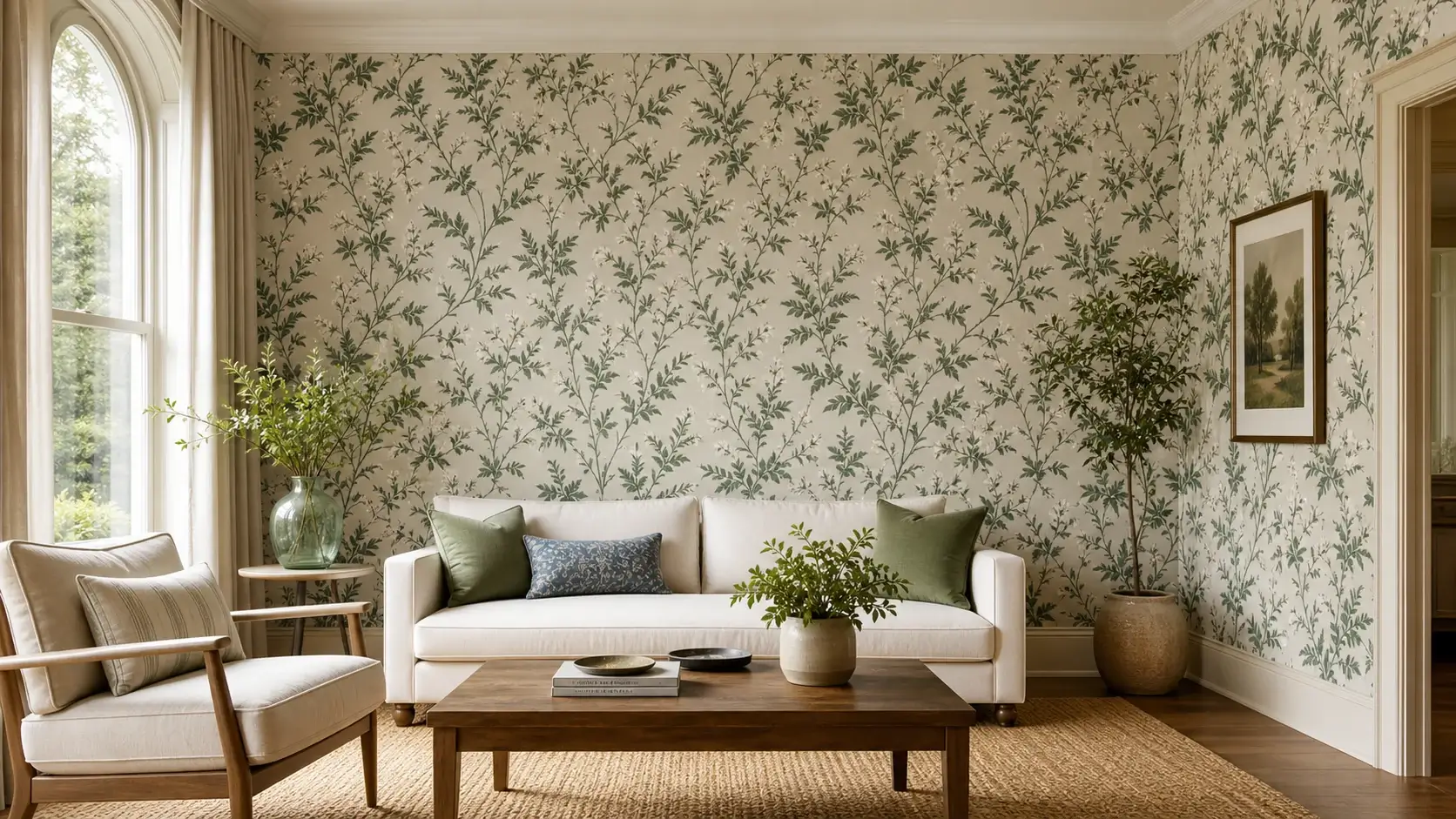
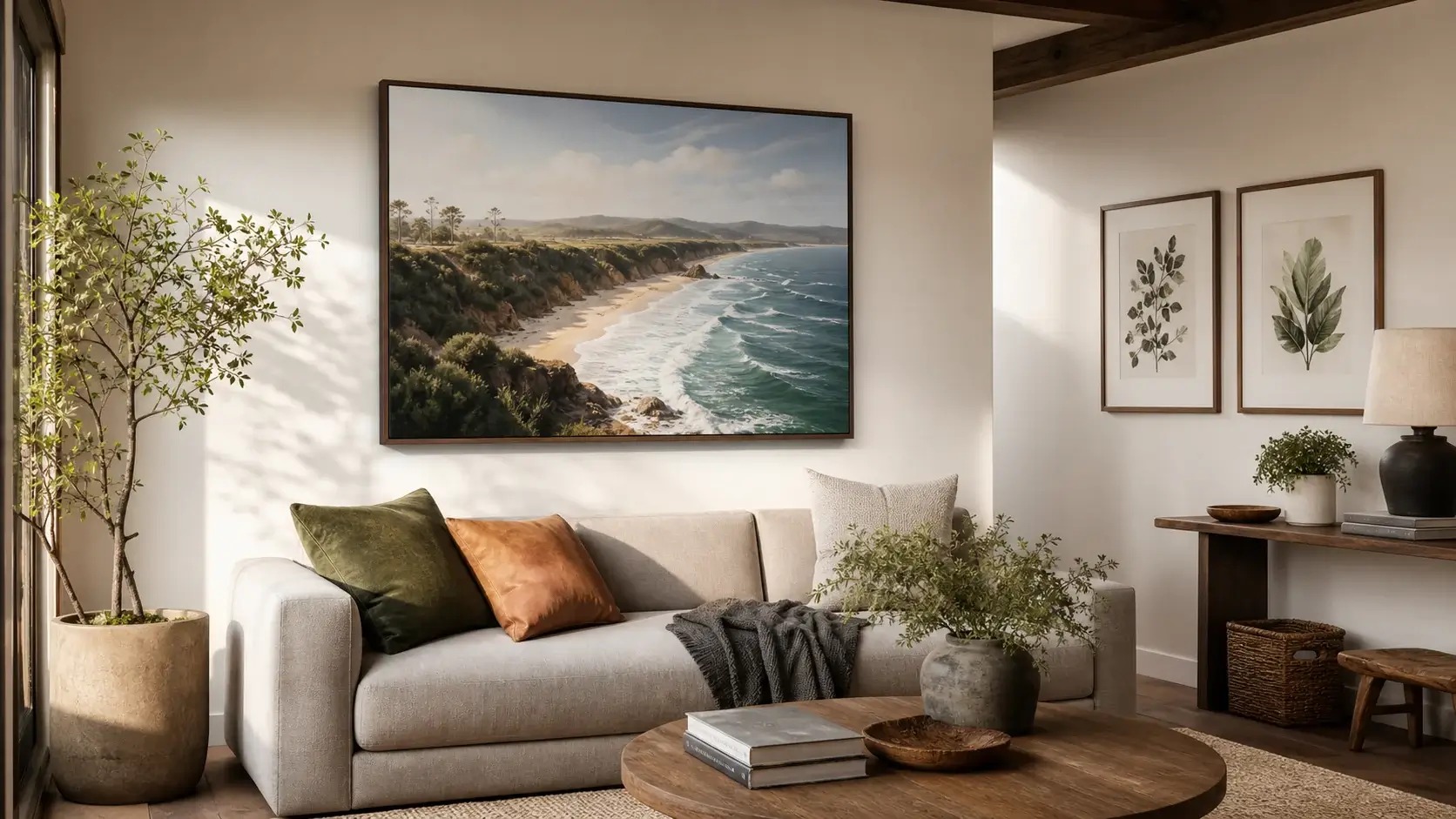
Show size and proportion
Help shoppers compare how available dimensions relate to sofas, tables, and open floor area.

Help shoppers preview rug sizes, proportions, and floor placement in realistic room scenes before they return to the product page.
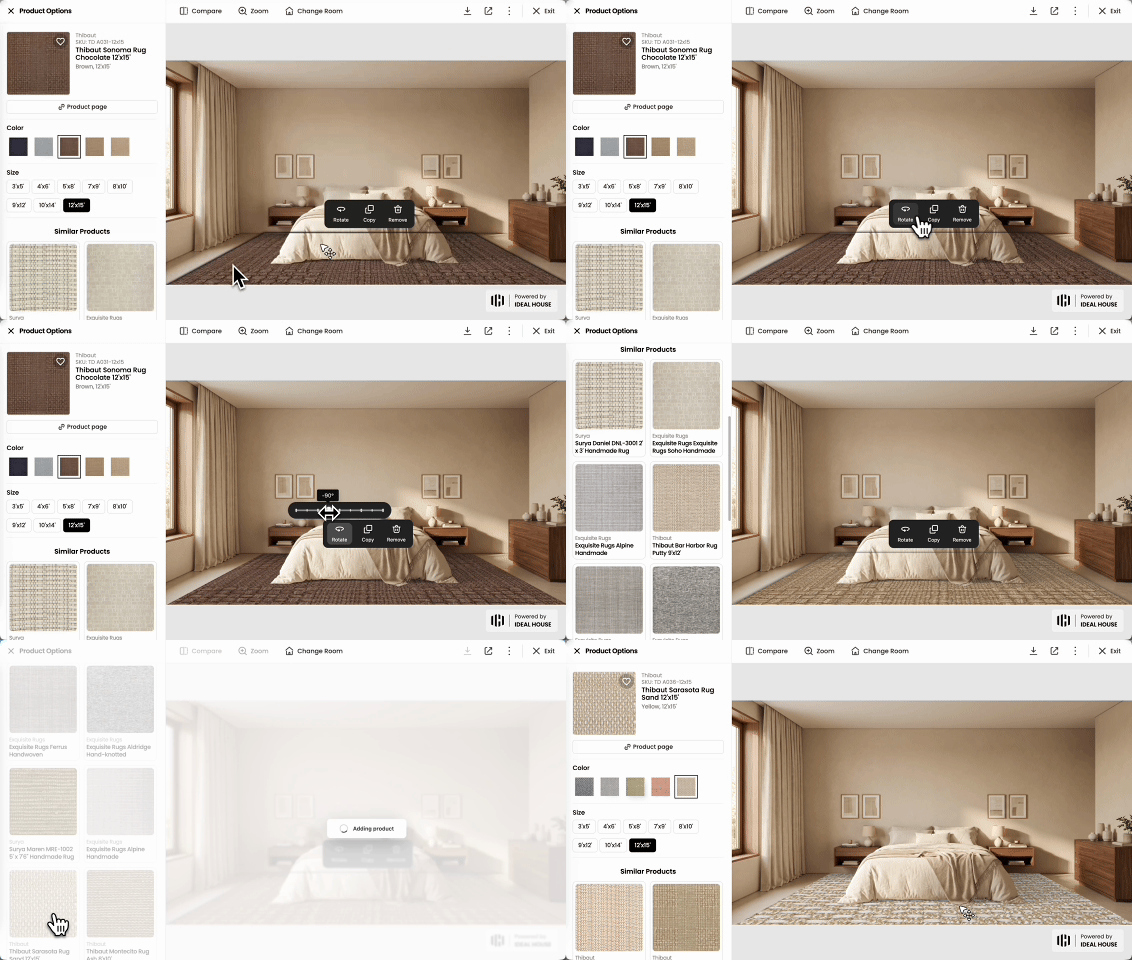
Merchant workflow
Connect rug collections to a size-aware room preview, then keep a clear path back to the selected product and size variant.
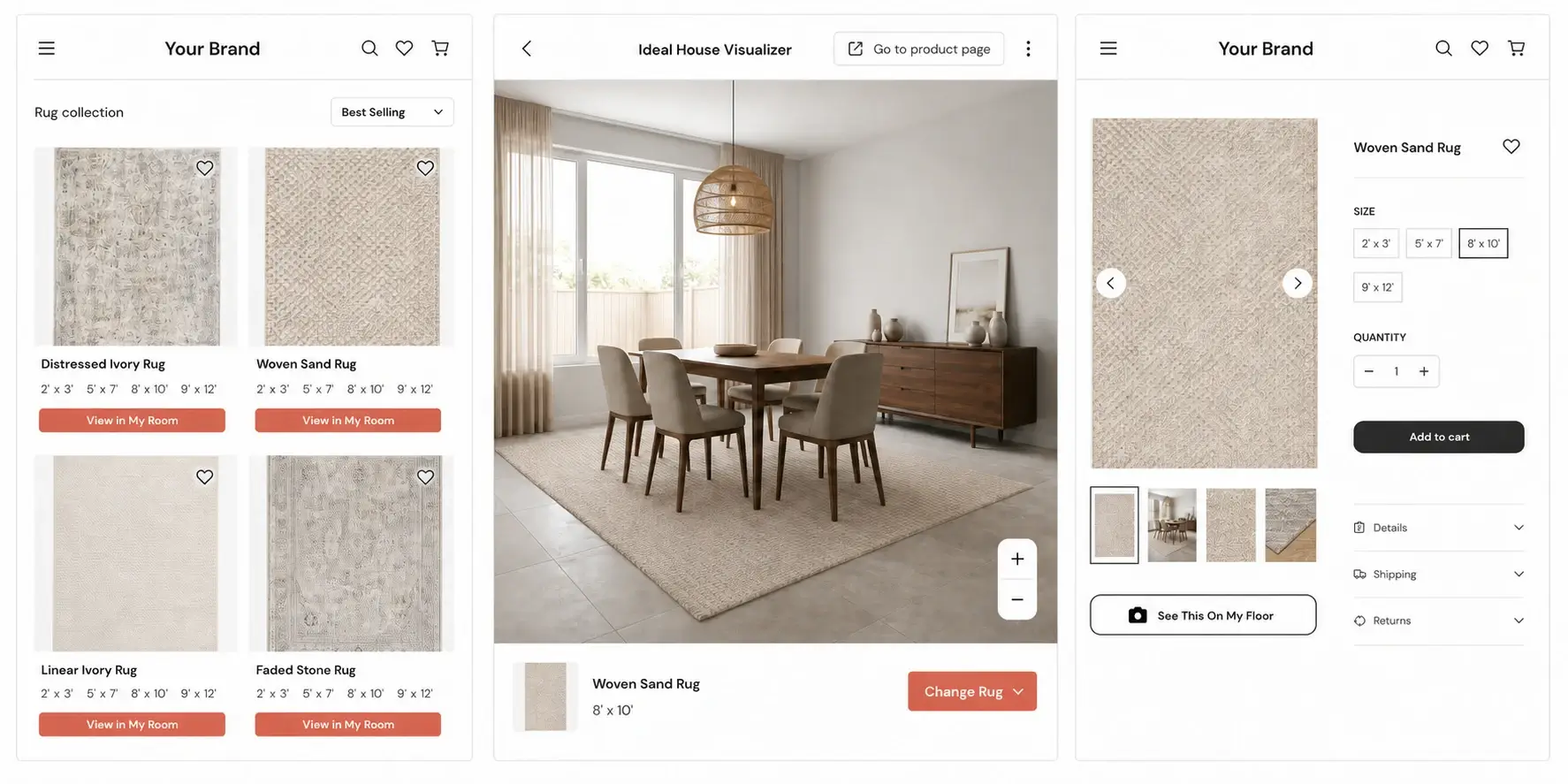
Let shoppers open a preview from preview-ready products while browsing a collection.
Carry the selected design and dimensions into the visualizer so shoppers can judge floor coverage.
Keep the selected product in context and provide a clear way back to its product page.
Size-aware workflow
Preserve the selected design and size from collection browsing through room preview, then return shoppers to the same product and variant with context intact.
Why merchants use it
A product photo cannot show whether a rug feels too small, too dominant, or correctly placed in a furnished room. A room-context preview makes those tradeoffs easier to understand.
Help shoppers compare how available dimensions relate to sofas, tables, and open floor area.
Preview rug position, orientation, and floor coverage before shoppers return to the PDP.
Start with preview-ready SKUs and expand after product readiness and interaction patterns are clear.
Rollout path
Rug previews need reliable product images, exact dimensions, and correct size-variant relationships. A focused launch proves those inputs before more collections and storefront entry points are added.
Connect product handles, SKUs, product URLs, designs, and available size variants.
Confirm each preview image, aspect ratio, physical size, product status, and variant relationship.
Start with a branded portal or selected collection-page entry points.
See which designs, dimensions, and room scenes shoppers use before returning to a product.
Add more collections and PDP entry points after size mappings and preview quality are stable.
Merchant fit
The strongest first fit is a merchant with a real rug catalog, product URLs, and shoppers who need to understand physical size, proportion, and placement in a room context.
Help shoppers compare designs and sizes across collection pages before they return to a PDP.
Collection-led previewPresent selected collections at realistic scale without starting from a full storefront rollout.
Catalog readiness firstReview product imagery and size data across sellers before expanding preview coverage.
Selected collection pilotAdd rug previews to a broader catalog while keeping rollout focused on ready products.
Category expansion pathEvaluation
The first decision is whether rug images, dimensions, and variant relationships can produce a useful room-scale preview. Ideal House supports a focused catalog path before wider storefront coverage. For broader platform evaluation, see our Roomvo alternative and Wizart alternative guides.
Related visualizers
FAQ
It is a room preview experience that lets shoppers see how a selected rug size and proportion fit within a furnished space before returning to the product page.
Yes. A focused pilot can start from product names, product URLs, product handles, front-facing product images, size variants, and stable SKU groups.
Yes. Collection-led preview flows help shoppers open a rug in room context while they compare designs and available sizes across a catalog.
Yes. The storefront experience can return shoppers to the same rug product and selected size after the room preview.
Yes. Related size variants can be grouped when the catalog data maps each option to the correct dimensions and product relationship.
Start with one focused rug collection, validate front-facing images, physical dimensions, size relationships, and product status, then launch a pilot before expanding coverage.
Review front-facing images, exact dimensions, size families, and product mappings before adding more collections or storefront entry points.
Get a catalog readiness check