
1/14
Best architecture software of 2025
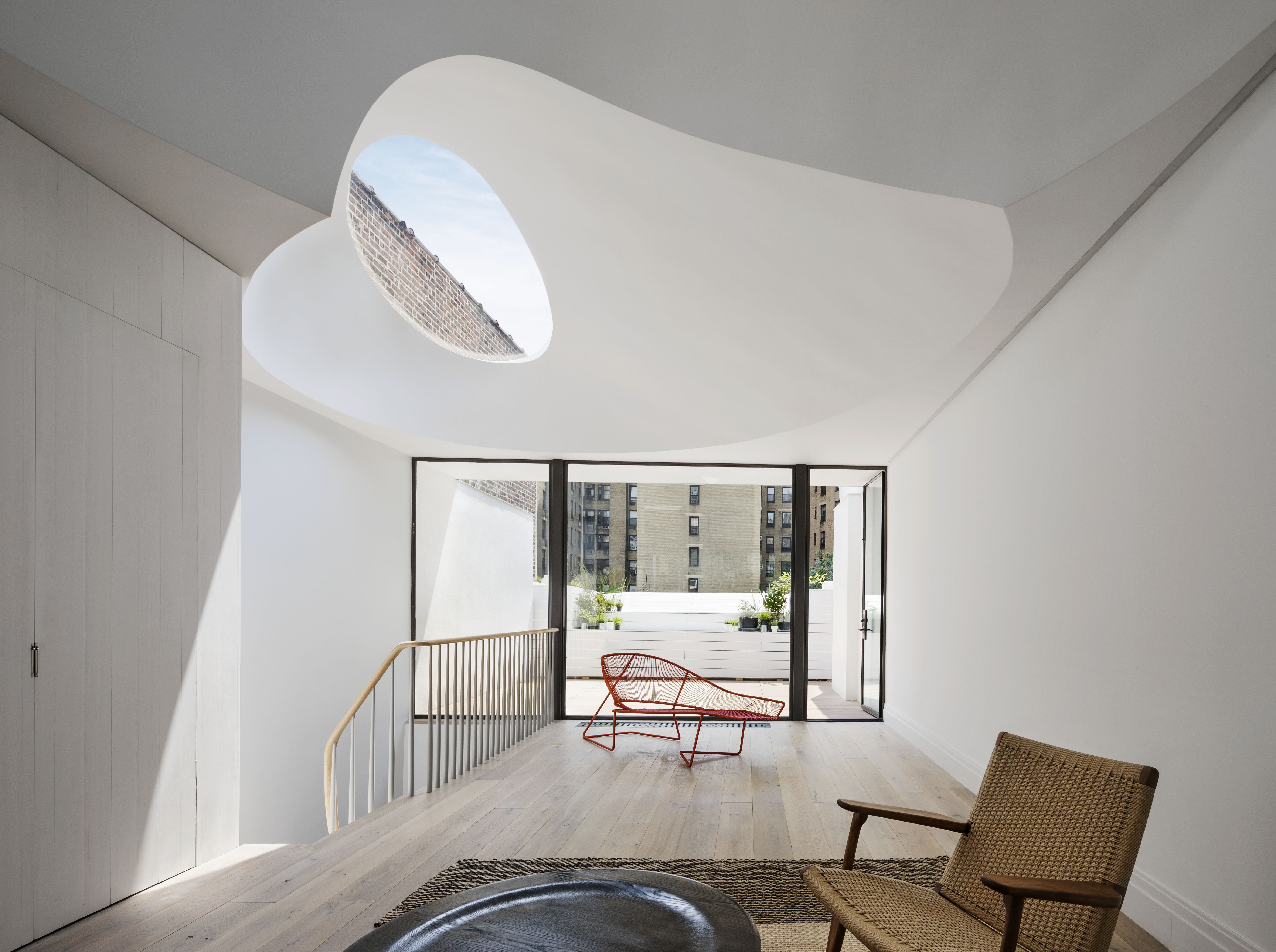
This comprehensive guide explores the top architecture software solutions available in 2025, catering to a diverse range of users from professional architects and civil engineers to homeowners and beginners. The article evaluates various applications based on their features, ease of use, design process, and suitability for specific audiences.
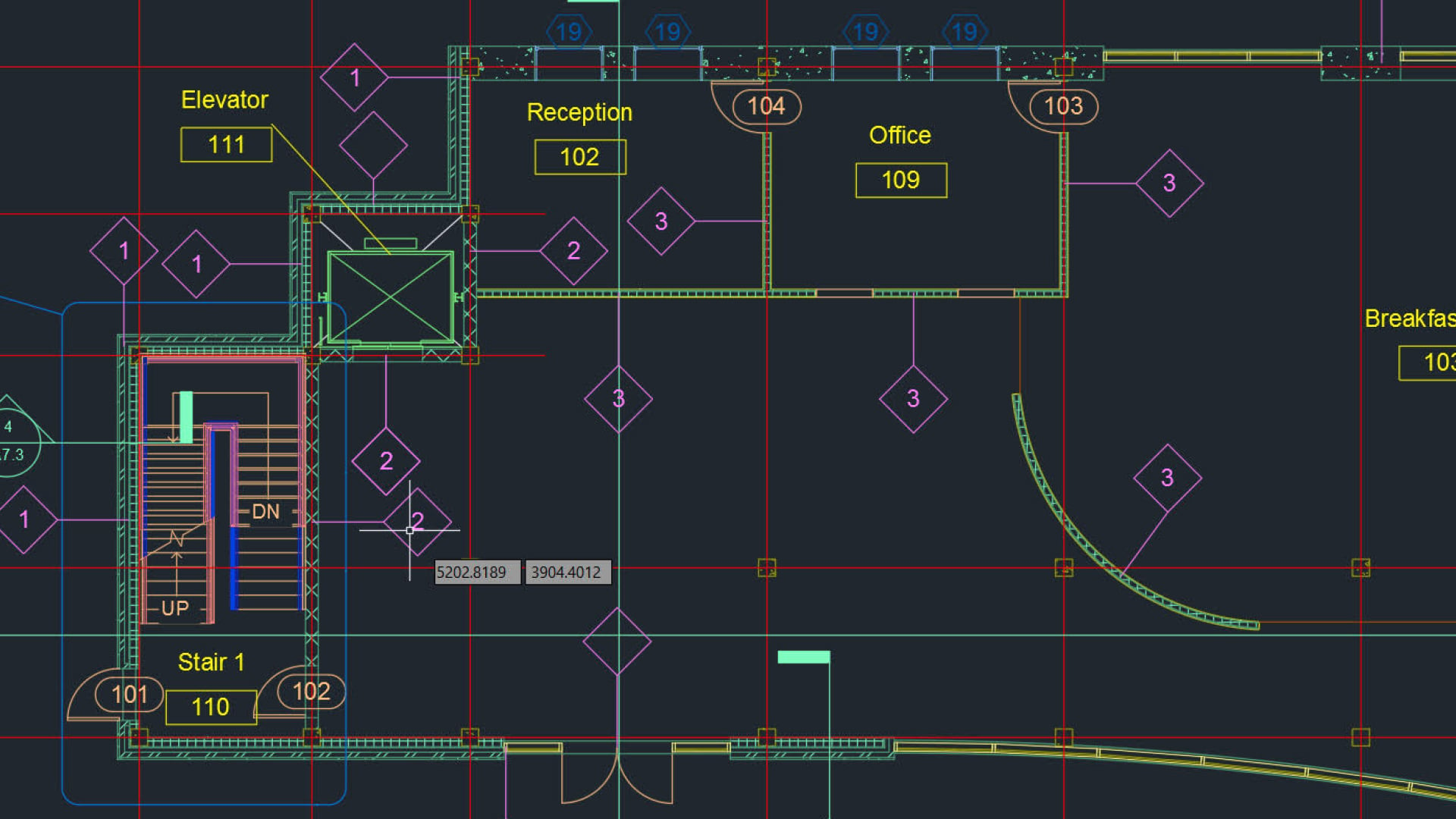
For professionals seeking an all-encompassing toolkit, Autodesk AutoCAD is identified as the leading choice. It offers extensive features for architectural design, including automated object generation and pre-built components for walls, doors, and windows, significantly accelerating the design process. AutoCAD also supports the creation of elevations, sections, and plans directly from model geometry, and its files are compatible with many other architectural programs. However, it is primarily a 2D tool, with Autodesk's Revit being the preferred option for BIM-oriented (Building Information Modeling) workflows.
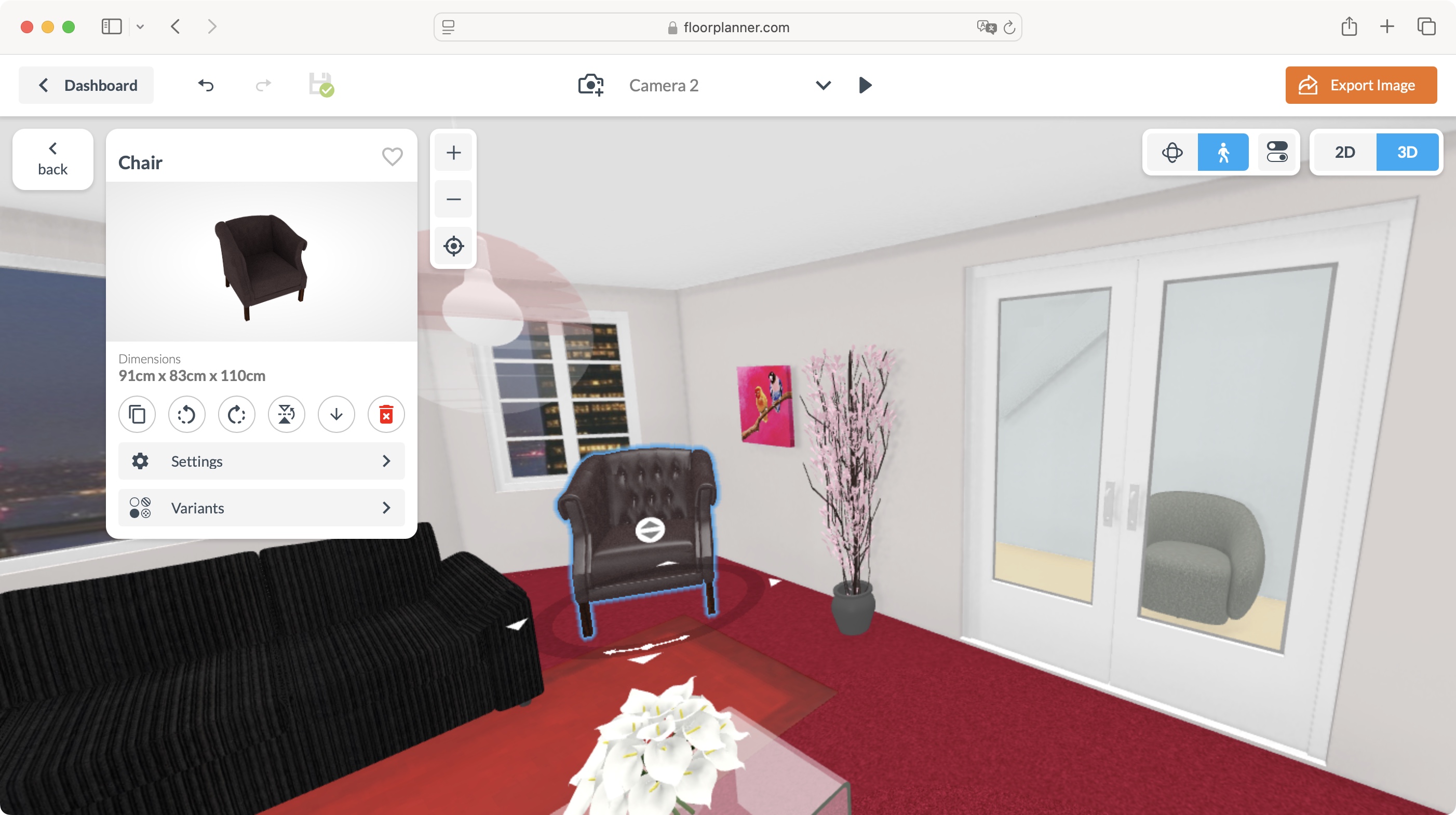
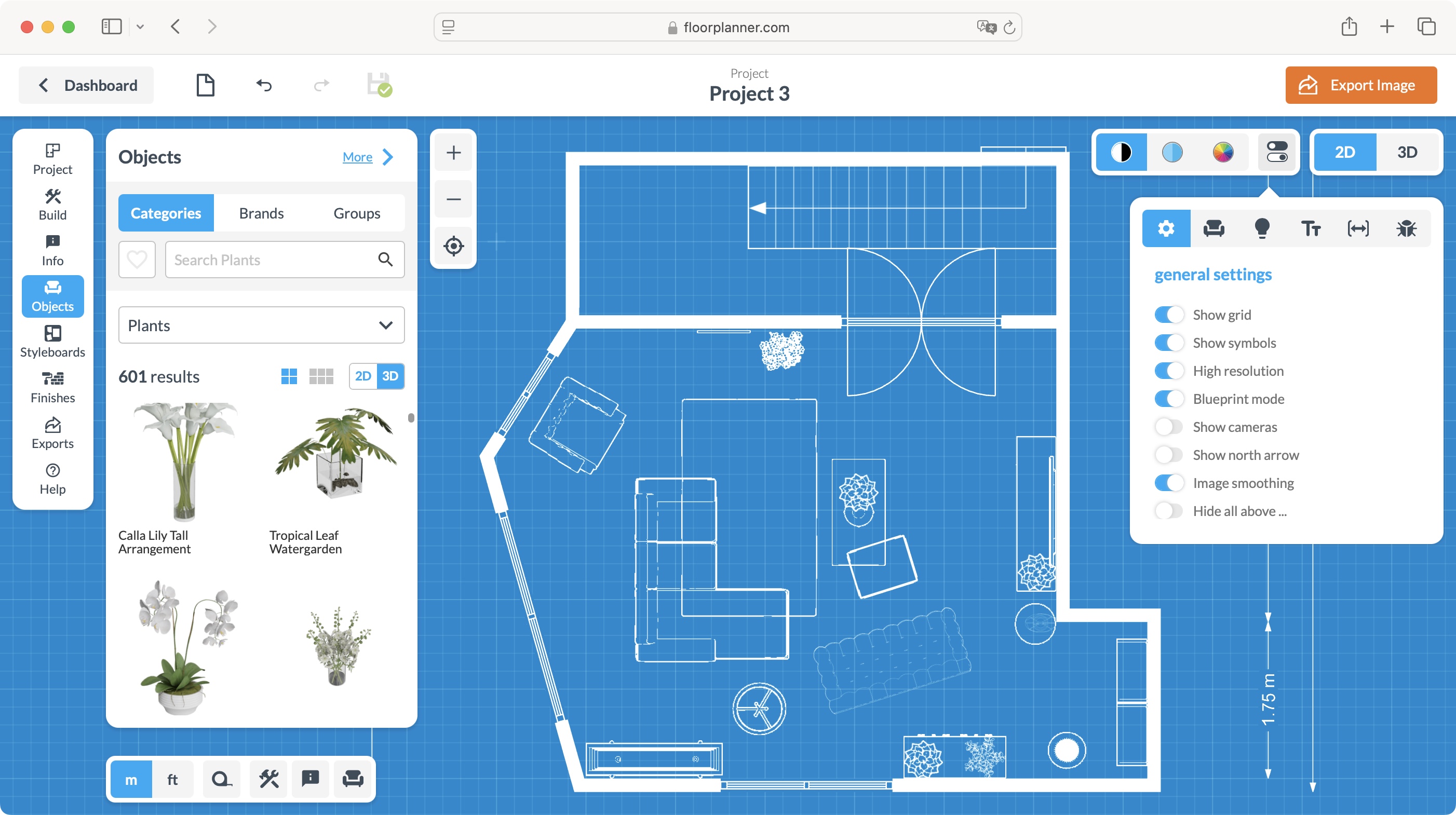
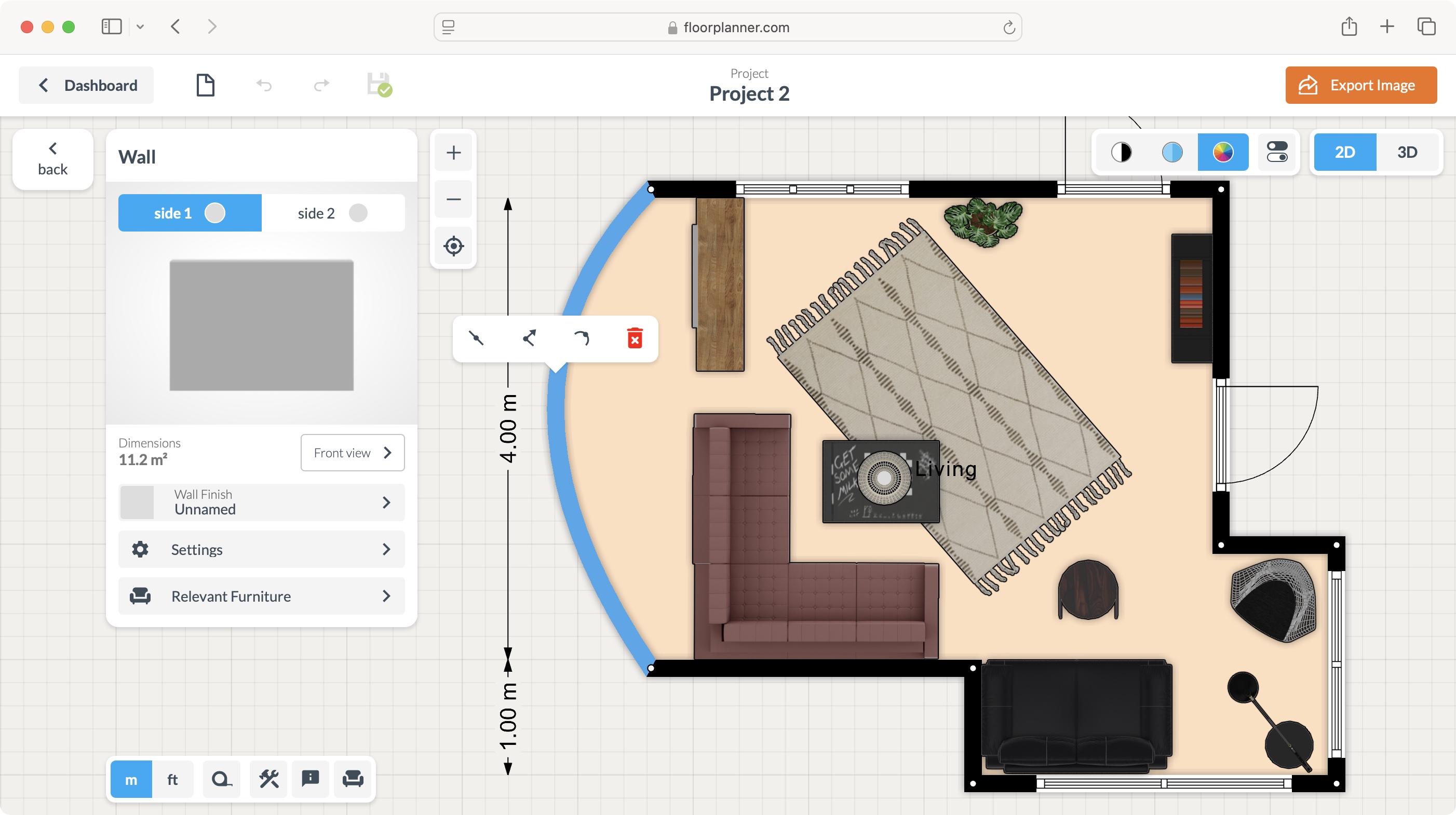
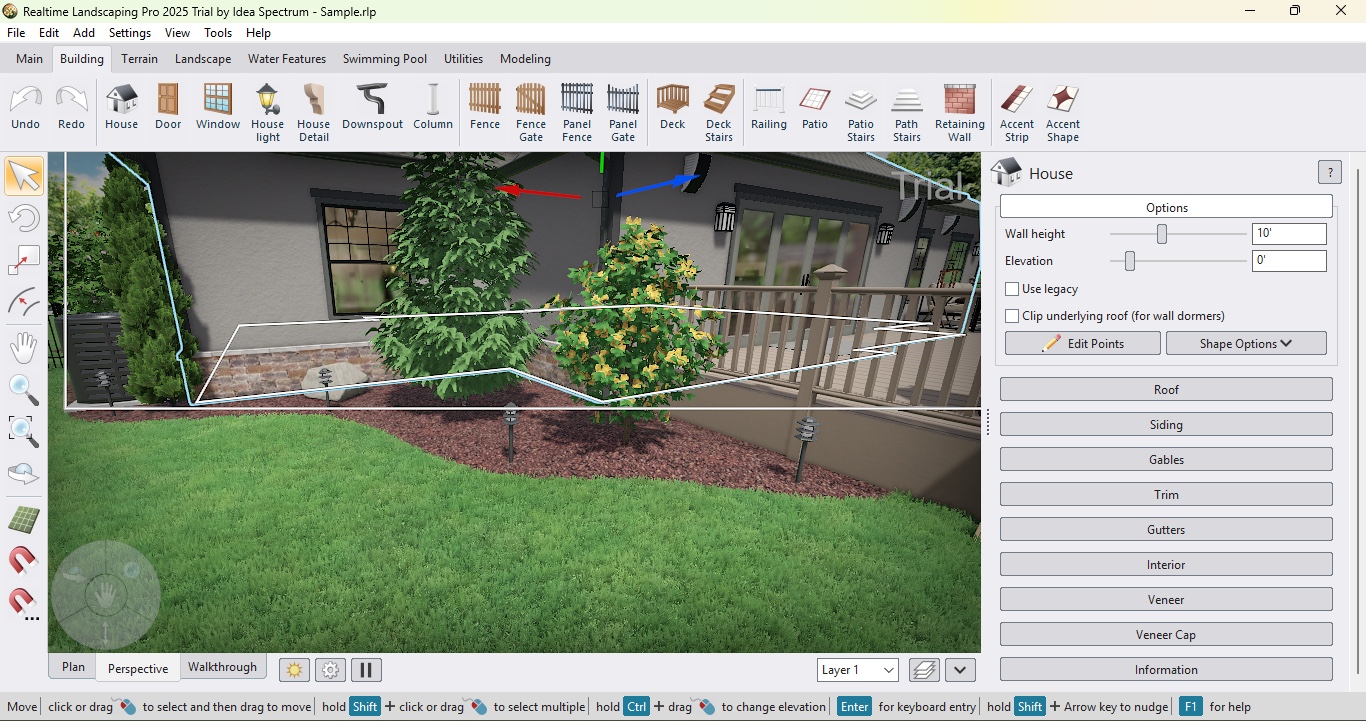
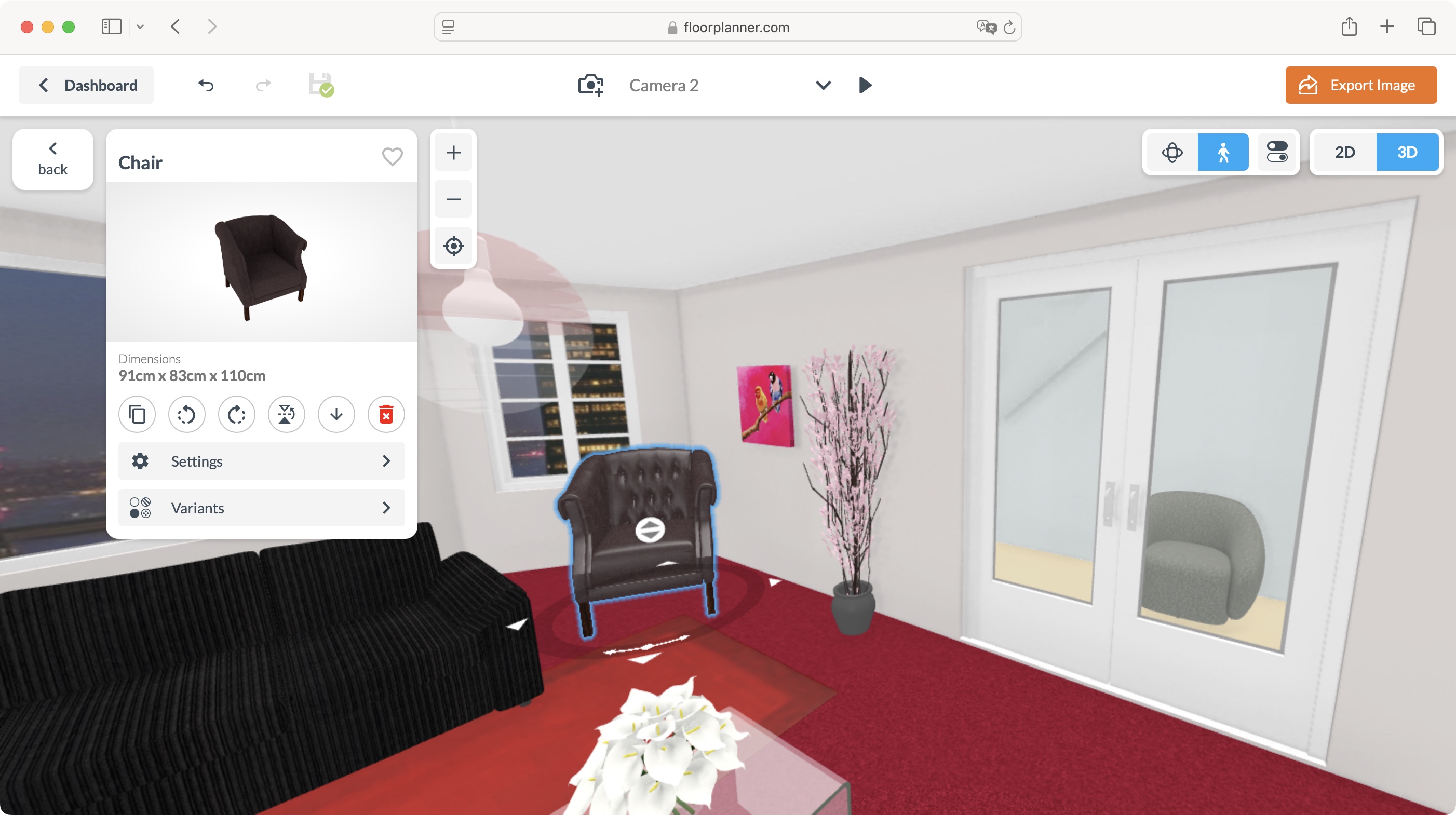
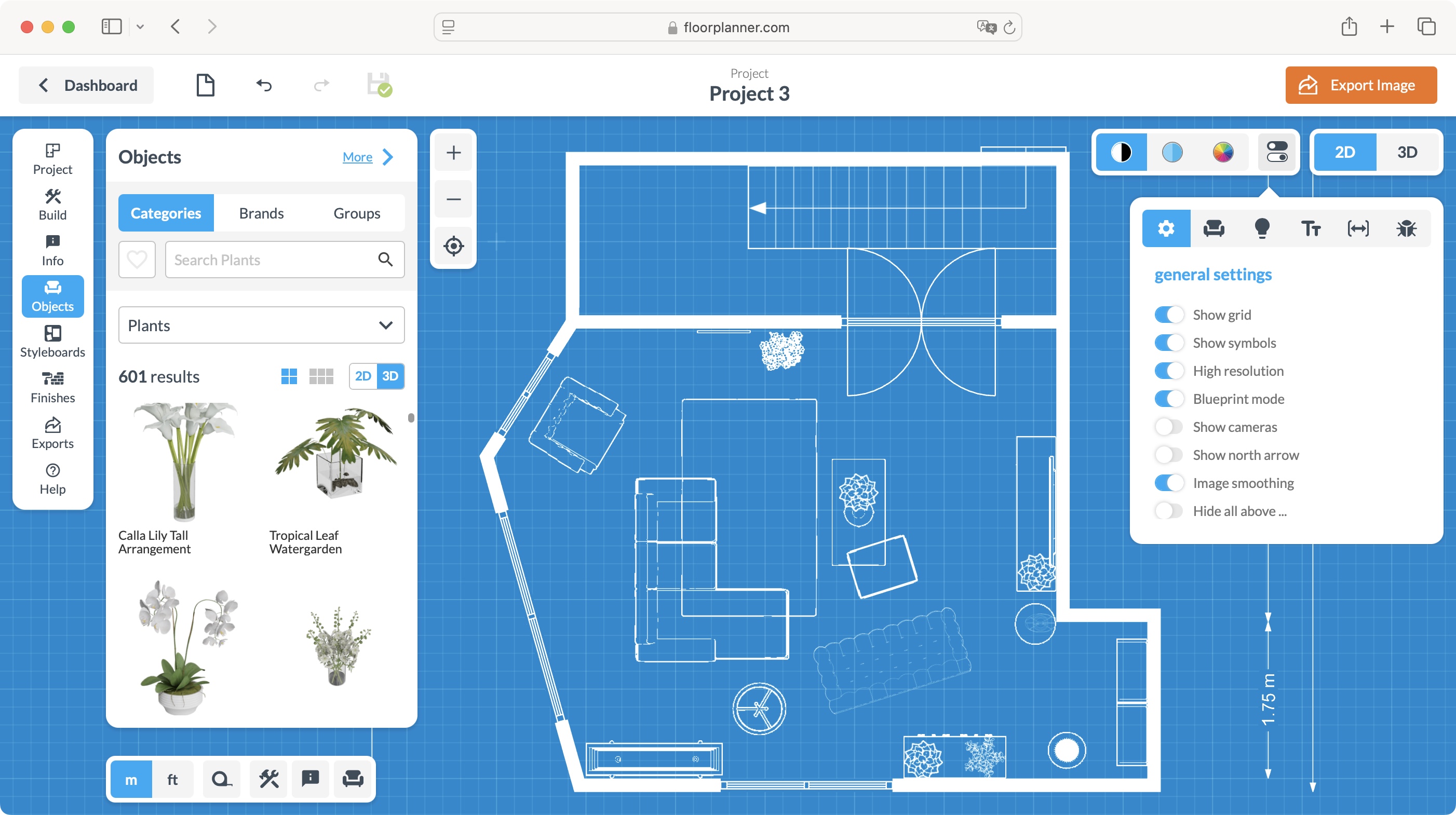
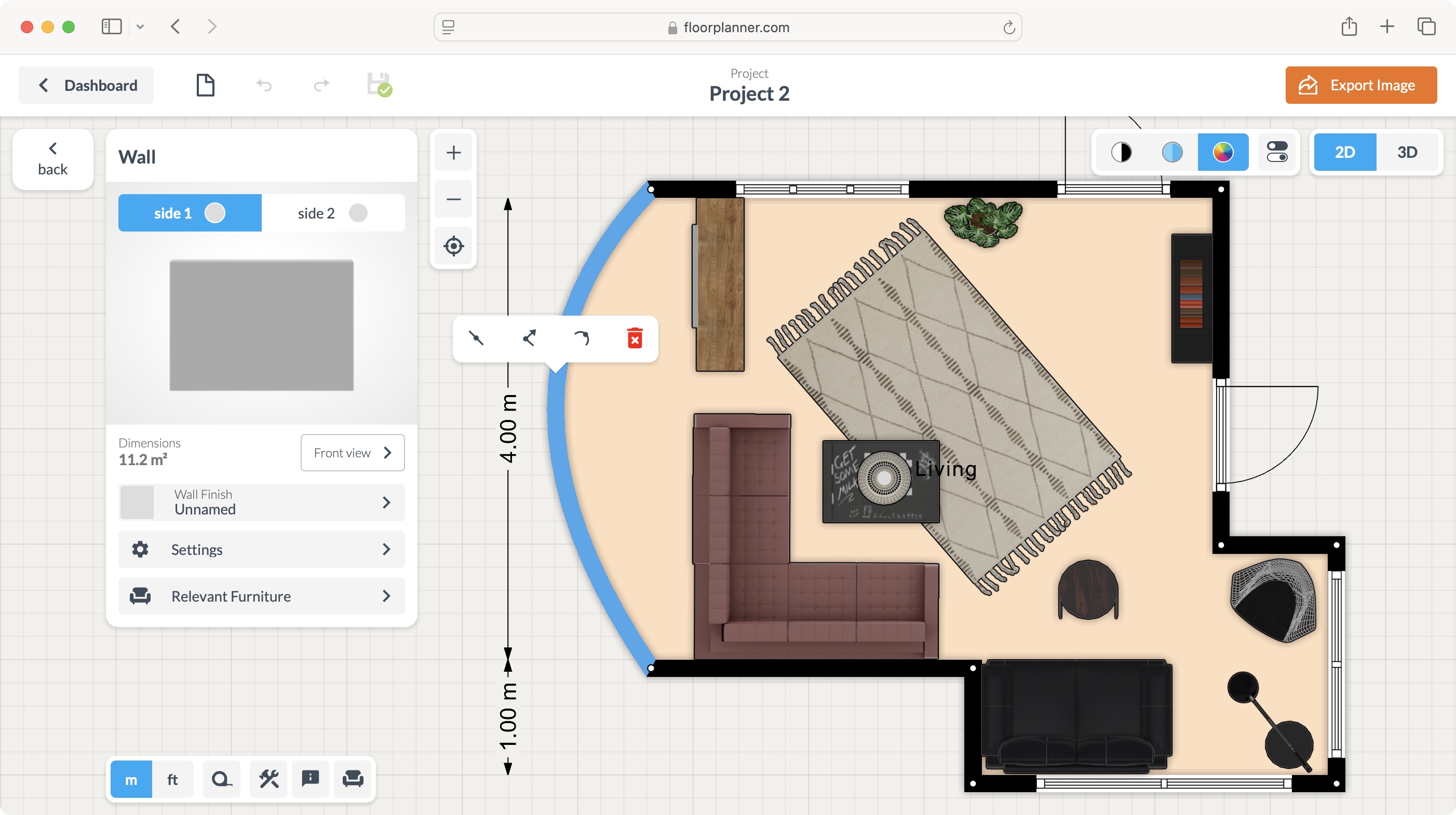
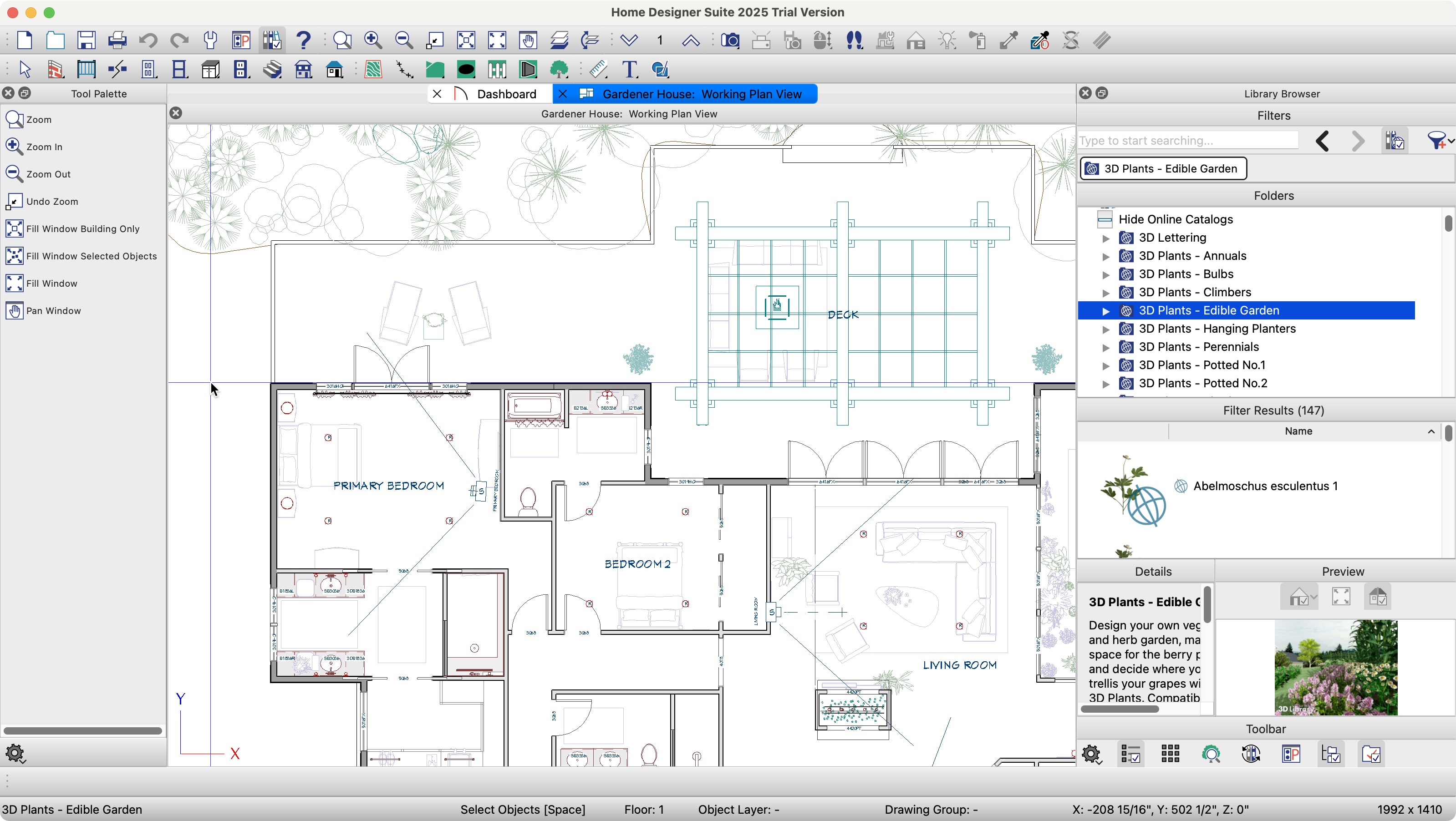
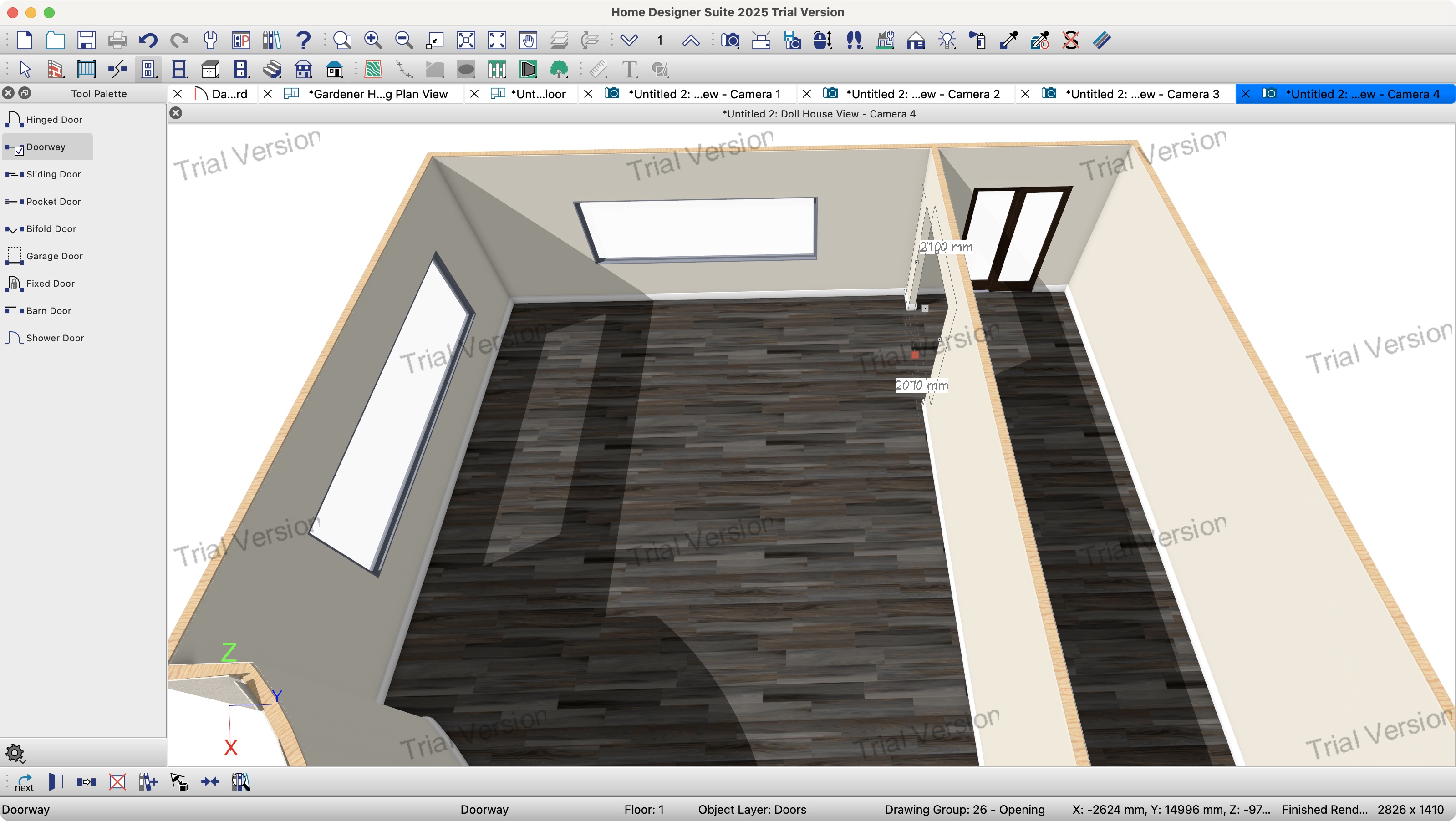
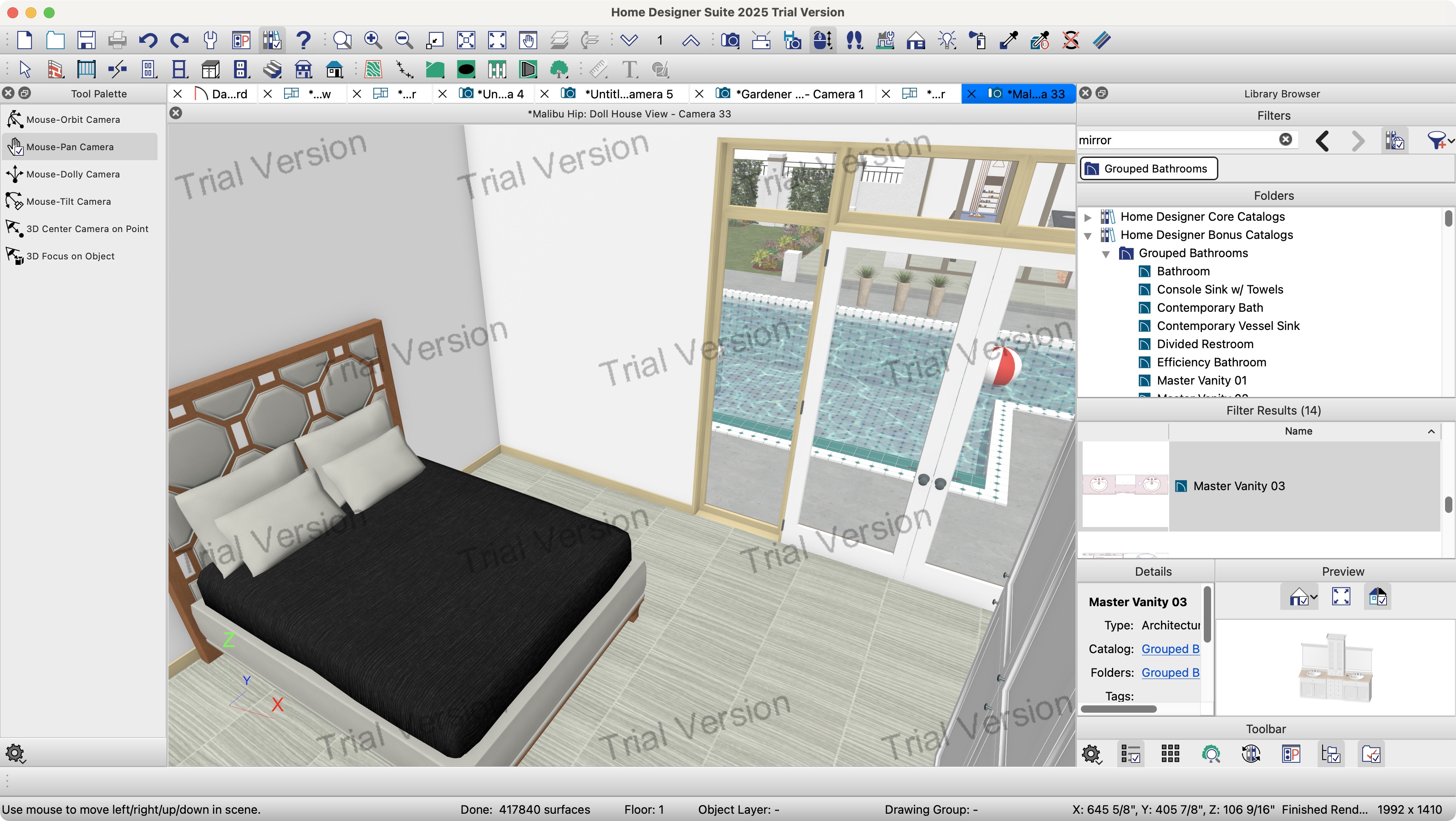
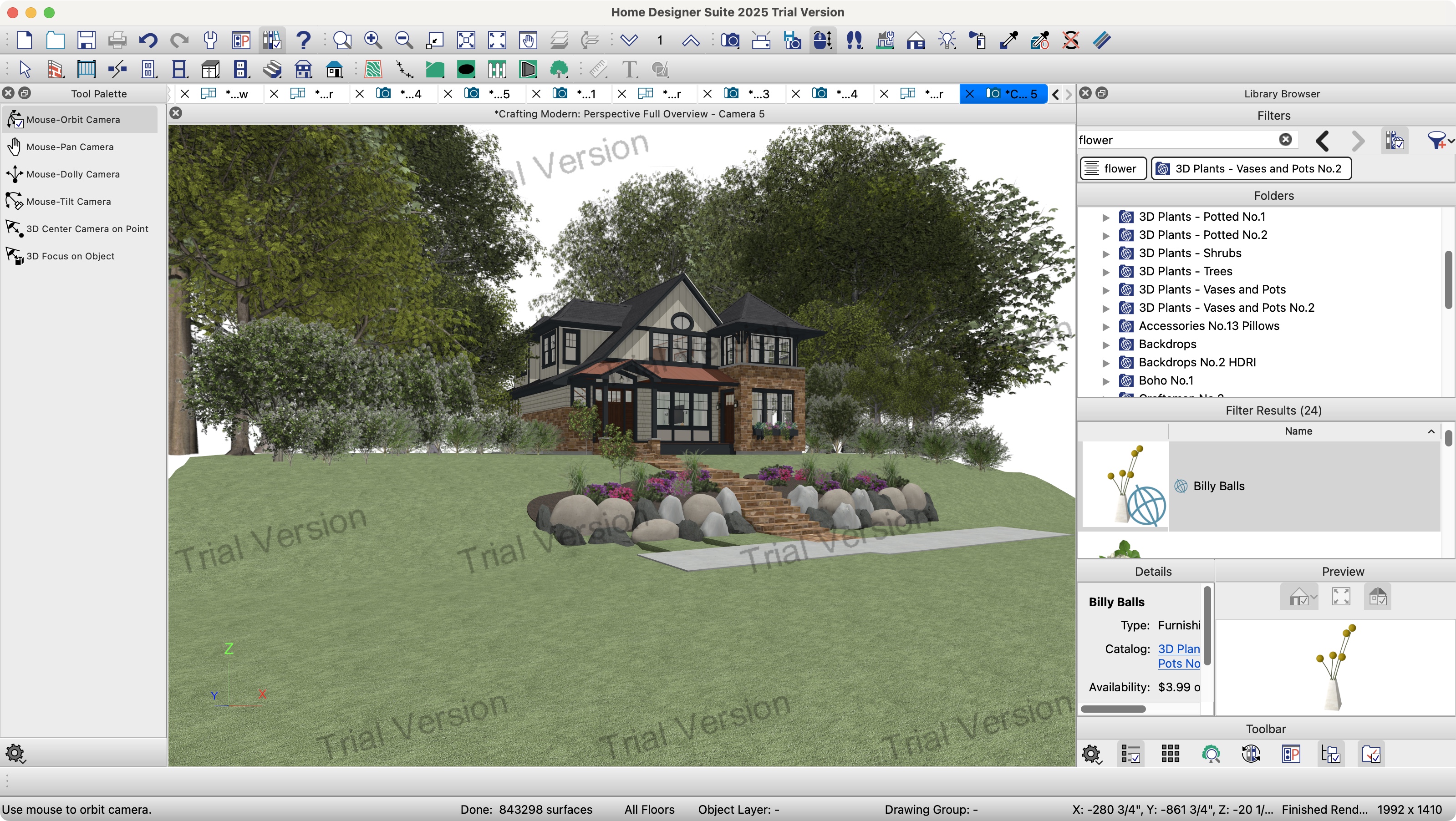
For home design enthusiasts and those focusing on interior and exterior spaces, Chief Architect Home Designer Suite is highlighted as an excellent option. Despite an initial learning curve, its intuitive interface and comprehensive tutorials make it accessible for creating detailed 2D and 3D plans. The software provides extensive customization for fittings, furnishings, and landscaping, and includes a valuable feature for tracking material usage, aiding in project planning and budgeting. A free trial is available, with purchase options including both subscription and perpetual licenses.
Beginners in computer-aided design (CAD) are recommended to start with SketchUp Pro. Originating from a Google-backed project, SketchUp offers a user-friendly experience for rapidly prototyping designs and constructing complex solid geometry. A free version is available for personal use, allowing new users to familiarize themselves with the software before committing to a commercial license. The platform also benefits from a large, active community and an extensive library of user-generated 3D models.
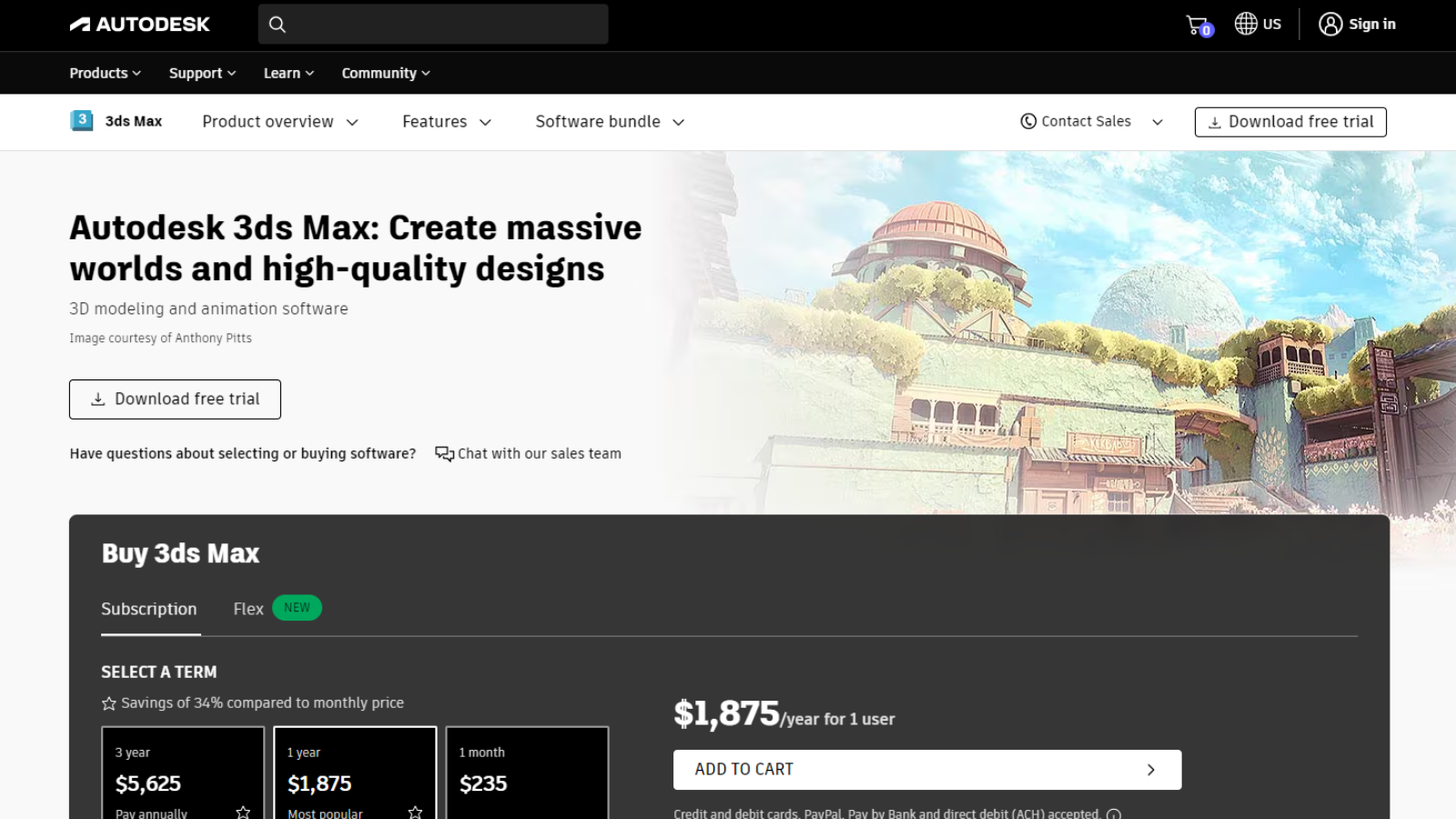
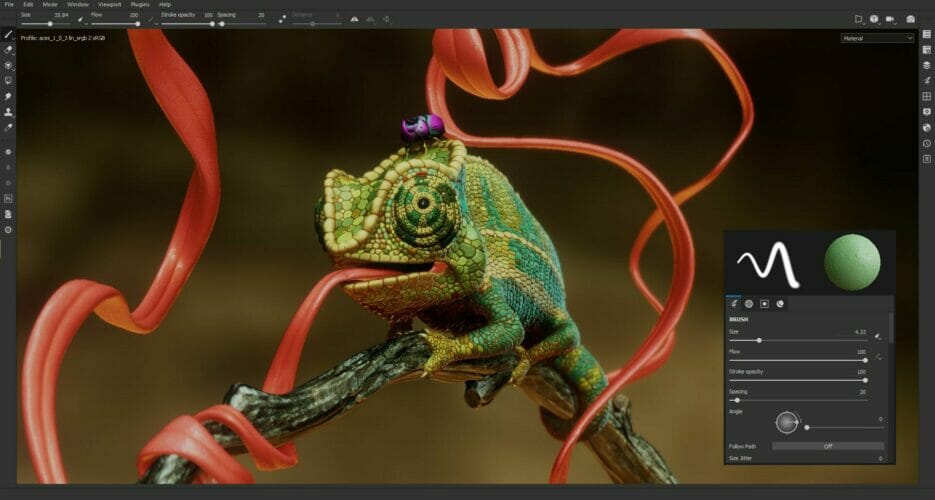
Autodesk 3ds Max is presented as the top choice for professional-grade 3D modeling and photorealistic rendering, particularly for architectural visualizations and fly-through animations. It excels in creating rich 3D environments and includes automation features to streamline the design process. The software supports AutoCAD files and offers specialized Industry Collections, such as the Architecture, Engineering, and Construction collection, which bundles tools like AutoCAD, Civil 3D, and Revit, alongside functionalities for structural analysis and building performance. A significant limitation is its lack of Mac support and a steep learning curve.
For civil engineering requirements, Autodesk Civil 3D is a highly recommended architecture program. It extends beyond basic CAD to enable 3D model-based designs and environments, integrating seamlessly with BIM workflows. Civil 3D facilitates streamlined documentation and offers capabilities such as integrating survey images with terrain modeling, roads, and service schematics, allowing engineers to manage design changes and their broader impact. This software is also Windows-exclusive and is best utilized within the broader Autodesk ecosystem.
CATIA stands out for precision modeling, especially for complex architectural needs and finely detailed models. Originally developed for military hardware, it offers robust collaboration and security-controlled distribution features. Its clean interface, despite a steep learning curve, provides advanced control for crafting intricate designs, particularly for non-rectilinear shapes. CATIA's pricing is bespoke, reflecting its high-end capabilities.
Autodesk Revit is positioned as the go-to BIM-oriented solution, particularly for users already familiar with AutoCAD who need advanced Building Information Modeling capabilities. It caters to structural and MEP engineers, and construction professionals, providing tools for building design, modeling, coordination, and collaboration. While it has a steeper learning curve than AutoCAD, mastering Revit offers a significant competitive advantage in modern architectural practices.
Finally, Rhino is recommended for architects working with curved surfaces and complex geometries, excelling where most CAD programs fall short. It handles curved lines, meshes, and NURBS surfaces with high precision. Rhino is highly flexible, supporting add-ons for BIM functionality and visual programming, allowing users to tailor the software to specific tasks. It is available as a one-off purchase with permanent licenses and reasonable upgrade options. The article also touches upon free alternatives like FreeCAD, an open-source 3D modeler for reverse engineering, and Tinkercad, a beginner-friendly tool for developing basic 3D design skills.
#ArchitectureSoftware #CADSoftware #BIM #3DModeling #ArchitecturalDesign #CivilEngineering #HomeDesign #Autodesk #SketchUp #Rhino #ArchitectureSoftware #CADSoftware #BIM #3DModeling #ArchitecturalDesign #CivilEngineering #HomeDesign #Autodesk #SketchUp #Rhino
0 commenti in totale
 Nessun commento ancora
Potresti anche gradire
Best interior design software of 2025
Furniture Design Software: 10 Best We Tested in 2025

Chief Architect Home Designer Suite 2025 review

These Will Be the Biggest Design Trends of 2025

Best landscape design software of 2025

Top 10 Examples of Most Sustainable Architecture in 2025


2025 Design Trends We're Loving

These Are the Home Design Trends You Need to Know About in 2025
Best interior design software of 2025: Top home design tools fully tested
5 best AI interior design apps in 2024

Product Review: Vectorworks Architect 2024

8 AI-powered architectural rendering programs you should try
5 best AI interior design apps in 2024

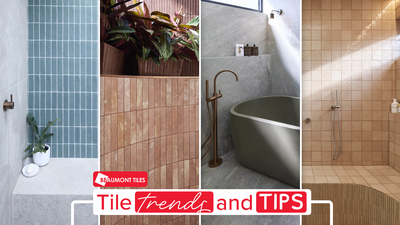
Need inspo? The biggest tile and design trends taking over The Block 2025

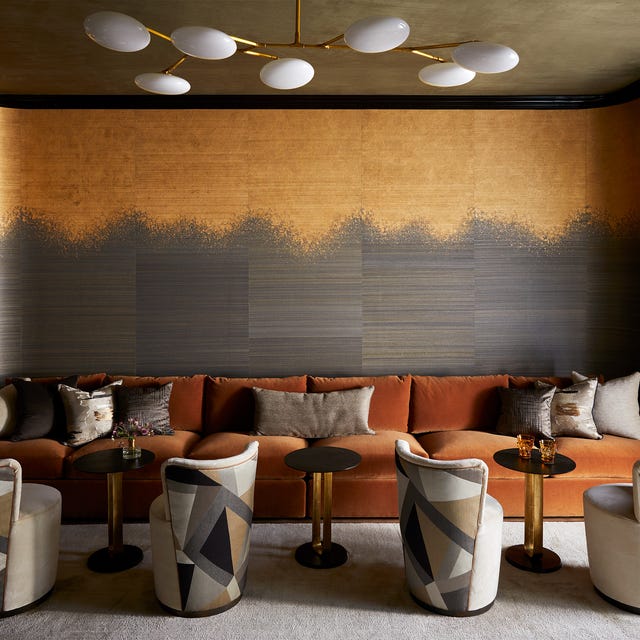
9 Design Trends From 2024 You’ll Still See Everywhere in 2025, According to Experts

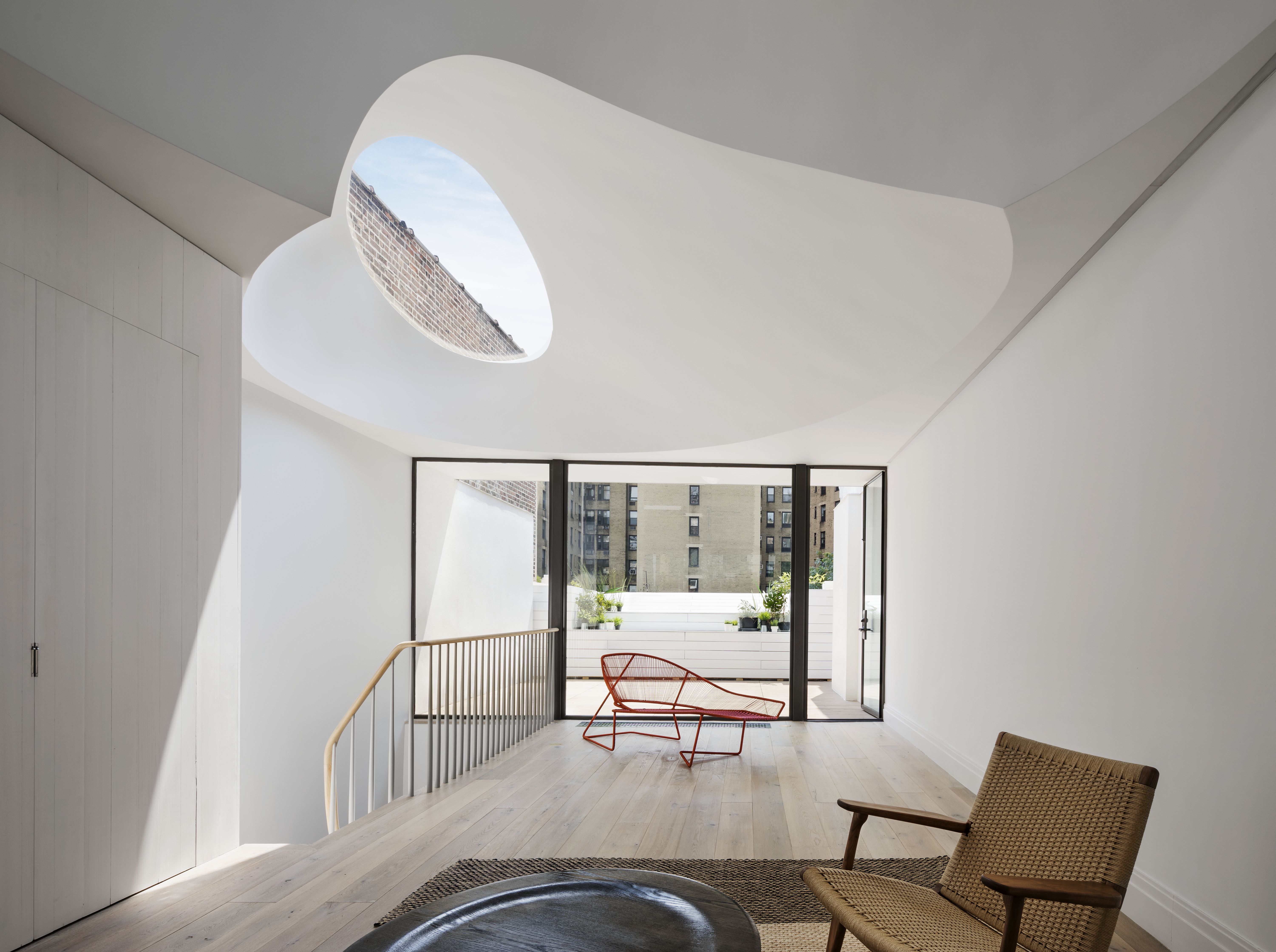
These amazing architectural ideas for homes set the bar for design in 2023

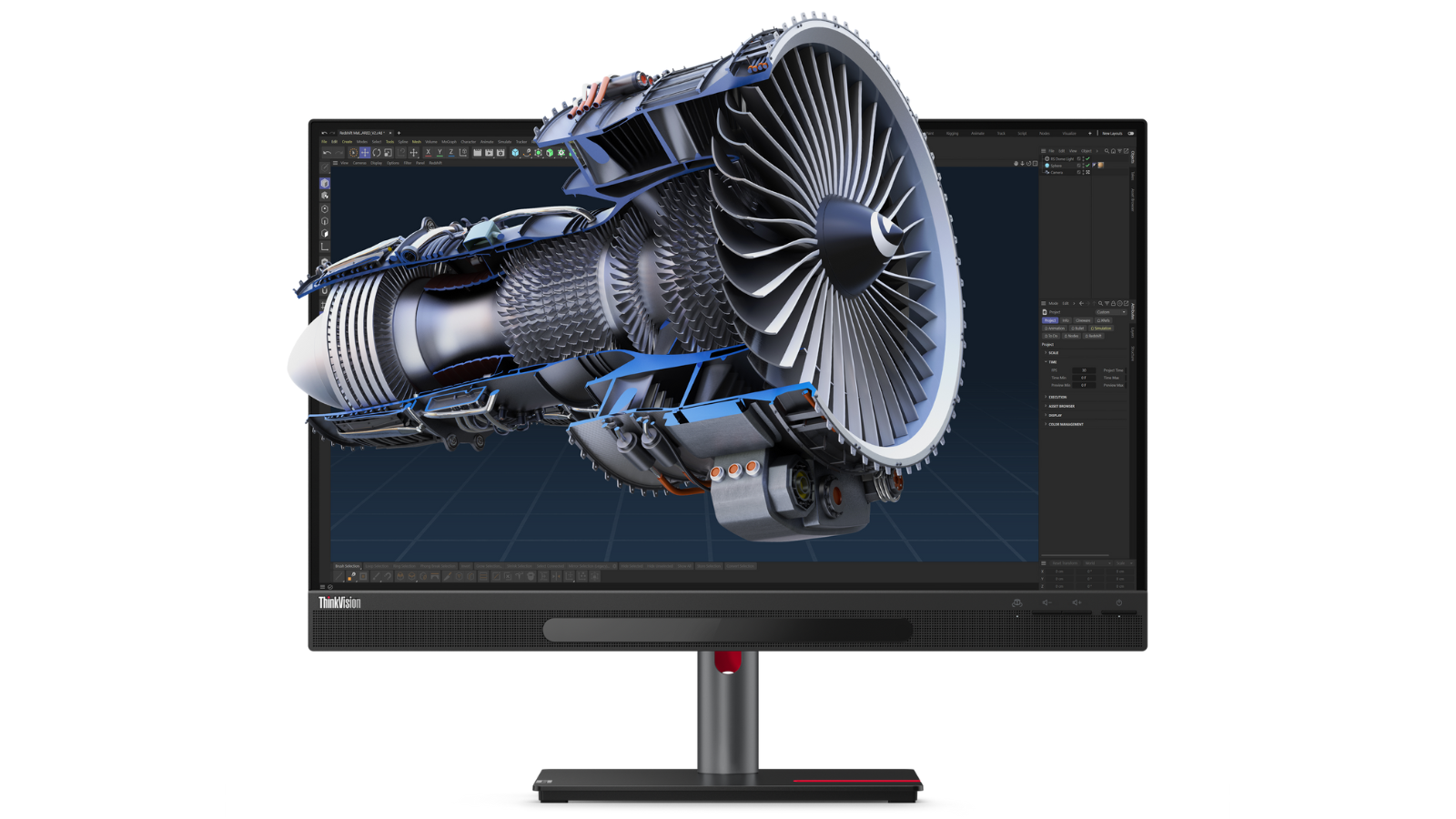
Best 3D modeling software of 2025

20 Architecture Tips from 2021


The Biggest Interior Design Trends for 2025


12 Best Free Landscape Design Software for Architects in 2024