1/10
How I Turned My Android Phone Into an All-In-One Measuring Tool
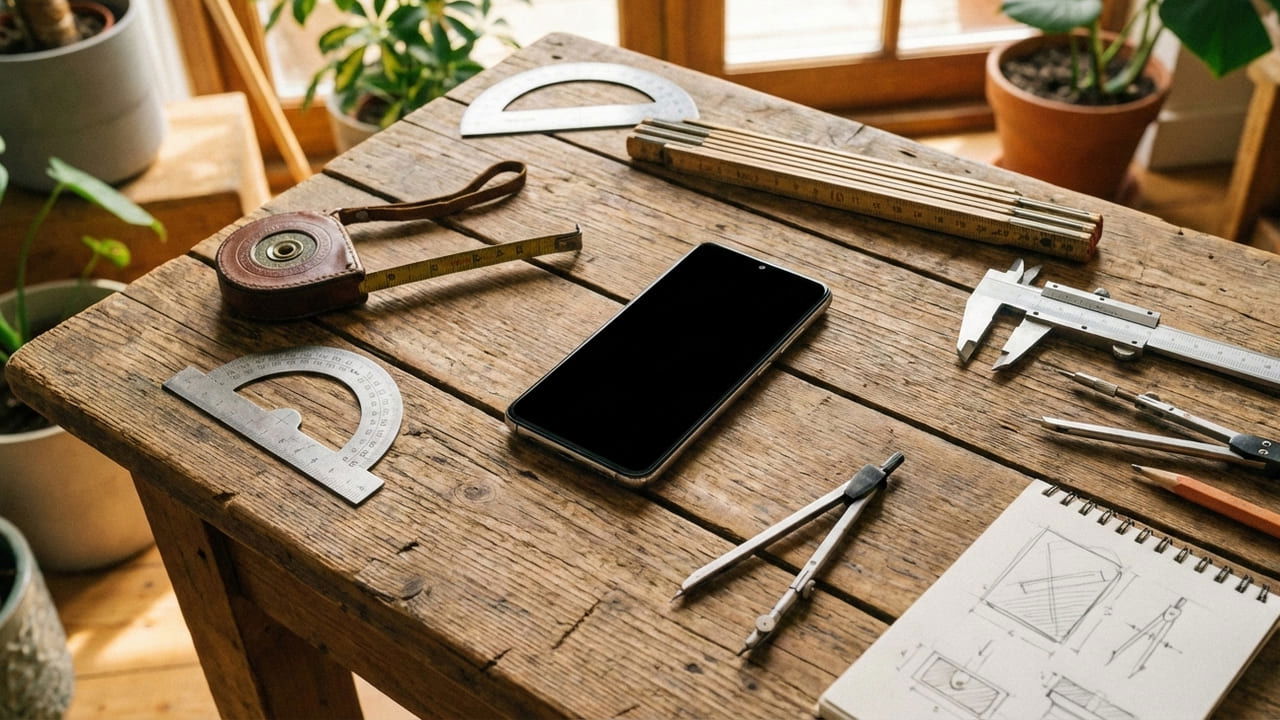
Carrying a full toolkit for quick measurements can be impractical, but a smartphone can be transformed into a versatile measuring device using various applications. This approach leverages the phone's built-in sensors and camera to perform a range of measurements, from physical dimensions to environmental conditions like light and sound levels.
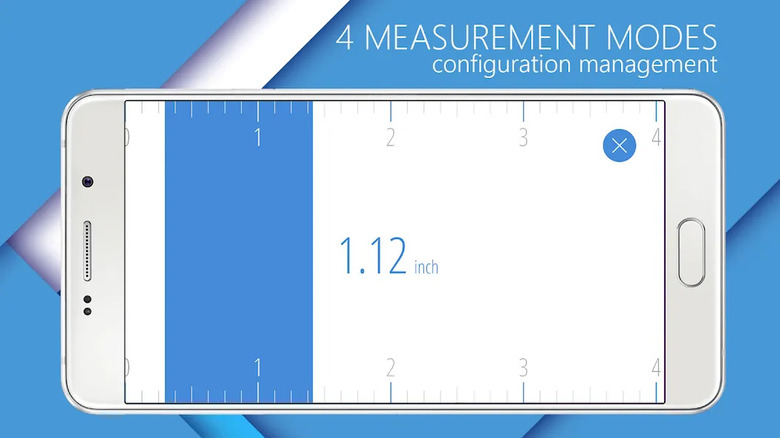
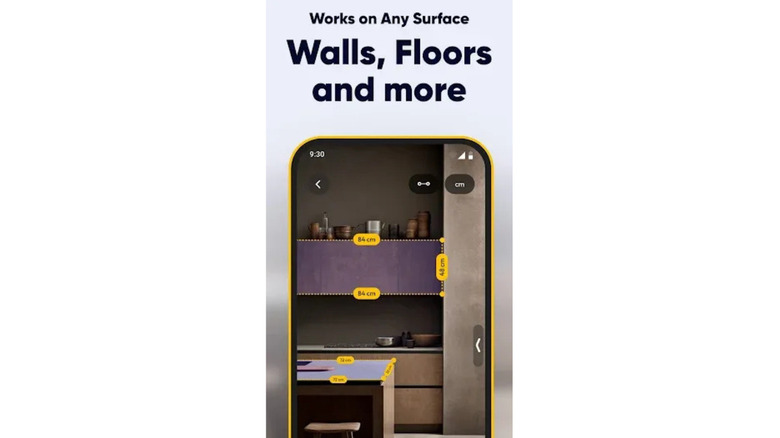
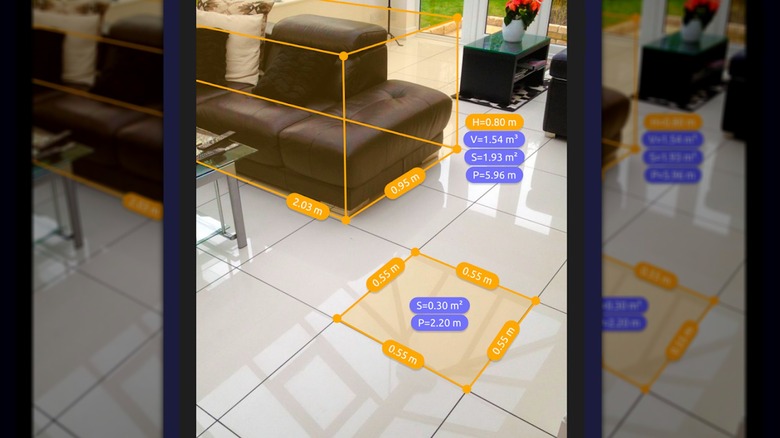
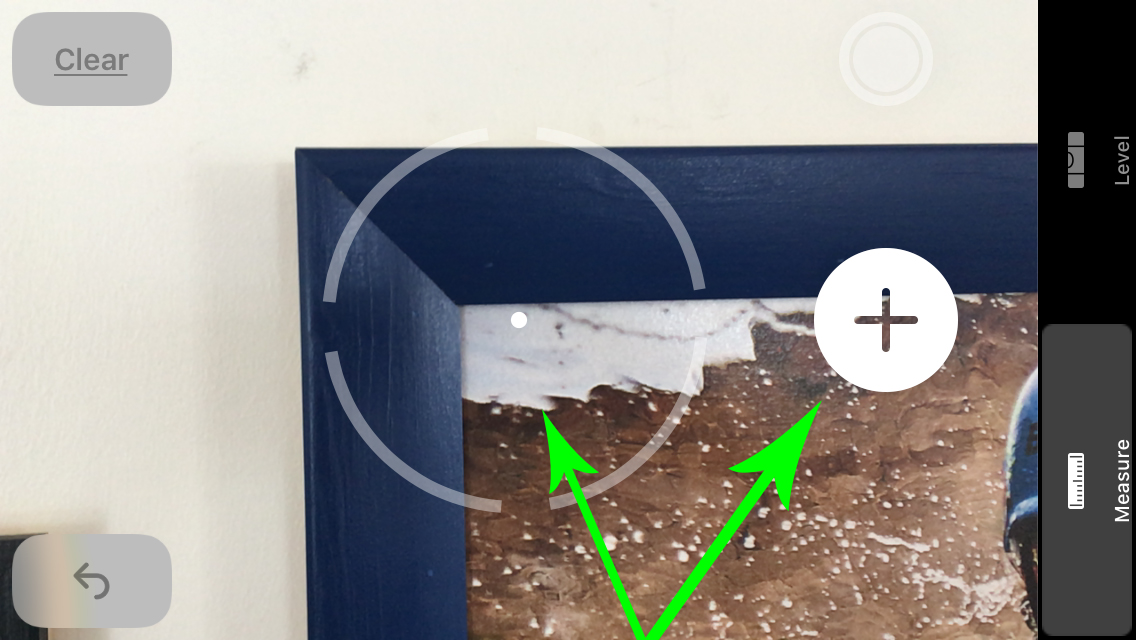
For measuring object sizes, the AR Ruler App utilizes the phone's camera to provide real-time measurements with accuracy. Users initiate a measurement by pointing the camera at one end of an object and pressing a button, then moving to the other end and pressing the button again. The app then displays the total measurement, with selectable units. This tool is particularly effective for flat objects and surfaces. While basic size measurement is free, advanced features like diameter measurement require a premium upgrade.
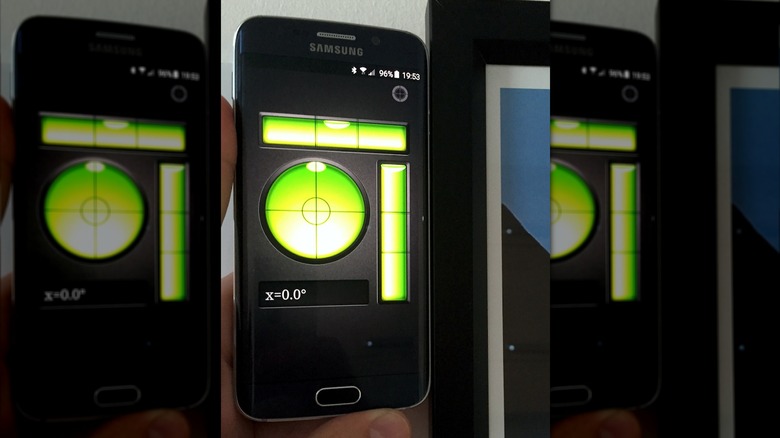
Angles can be measured using the phone as a digital protractor through apps like Clinometer. This application employs the phone's accelerometer and gyroscope to display angles in degrees. By holding the phone vertically and tilting it, users can determine precise angles relative to gravity. The flat sides of most smartphones facilitate direct measurement against objects. Additionally, the app includes a bubble level function activated by placing the phone horizontally, which is useful for checking the levelness of surfaces, such as a cooktop. Both angle and level measurements are available in the free version, with in-app purchases unlocking relative angle tools and camera view integration.
To measure distances, the Smart Measure app uses trigonometry, factoring in the user's height and the phone's angle, to calculate how far an object is. It offers reliable measurements up to 30 meters, making it suitable for indoor or garden use. The accuracy depends on correctly setting the phone's height in the app. For longer distances, up to 1 kilometer, a dedicated app called Smart Distance is offered by the same developer.
Photography enthusiasts can use a light meter app, such as Lux Light Meter, to assess illuminance in a given area. This app utilizes the phone's light sensor to measure lux levels, crucial for achieving optimal lighting conditions in photos and avoiding high ISO settings that introduce noise. The app provides current illumination readings along with a history graph. For indoor photography, a target illuminance of at least 500lx, ideally 1000lx, is recommended.
For those concerned with sound levels, the Sound Decibel Meter app measures sound in decibels using the phone's microphone. This is particularly useful for individuals needing to avoid noisy environments or for various day-to-day tasks, such as balancing speaker outputs or evaluating appliance noise. The app can reliably detect sound levels up to 100 dB and displays a history chart. It can also assist in identifying quiet zones for concentration. While these smartphone tools offer convenience and surprising accuracy, they are not intended to replace the precision of professional-grade measuring instruments.
#AndroidApps #MeasuringTools #SmartphoneUtilities #ARMeasurement #AngleMeasurement #DistanceMeasurement #LightMeter #SoundMeter #MobileProductivity #AndroidApps #MeasuringTools #SmartphoneUtilities #ARMeasurement #AngleMeasurement #DistanceMeasurement #LightMeter #SoundMeter #MobileProductivity
 No comments yet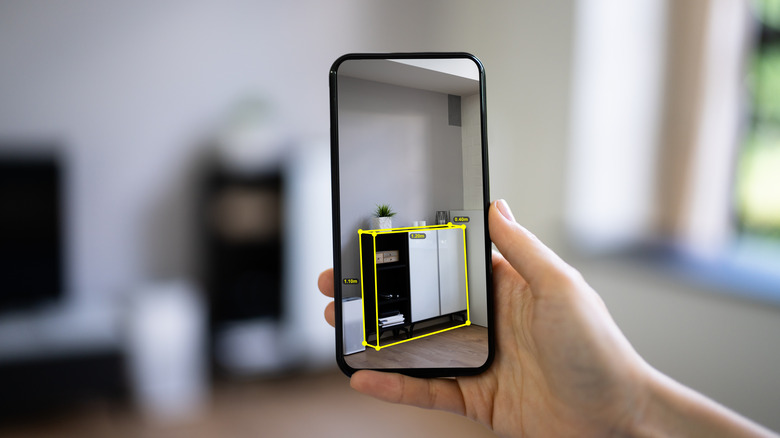
5 Of The Best Free Measurement Apps On Android

How to find studs in your walls using just your phone

5 Of The Best Measurement Apps On Android

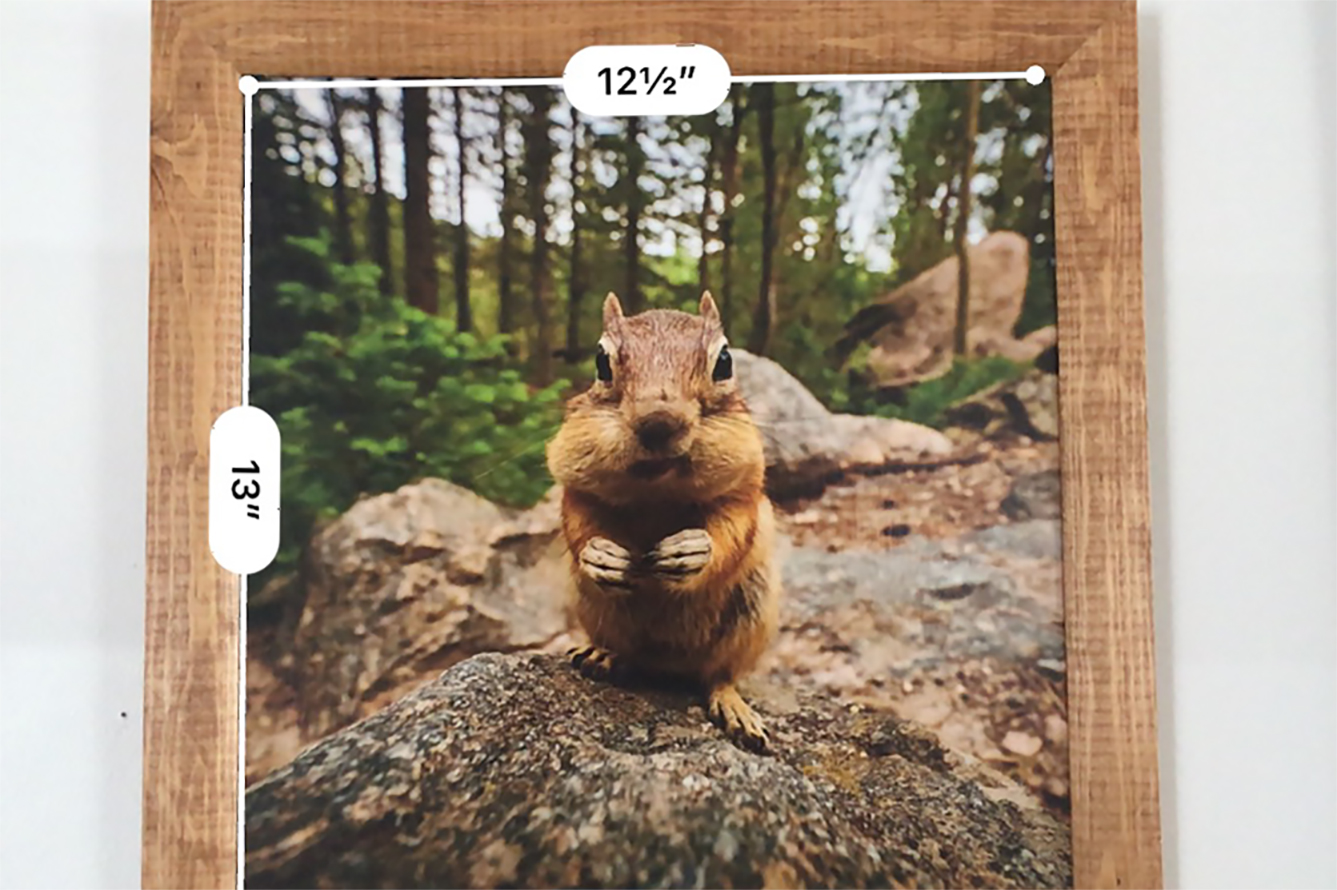
Using Apple’s Measure App

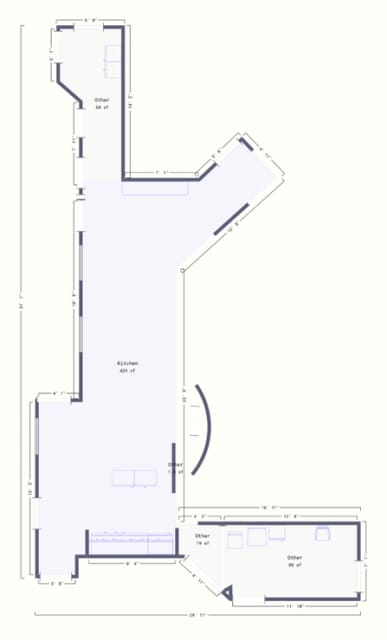
What’s the fastest way to create a floor plan?
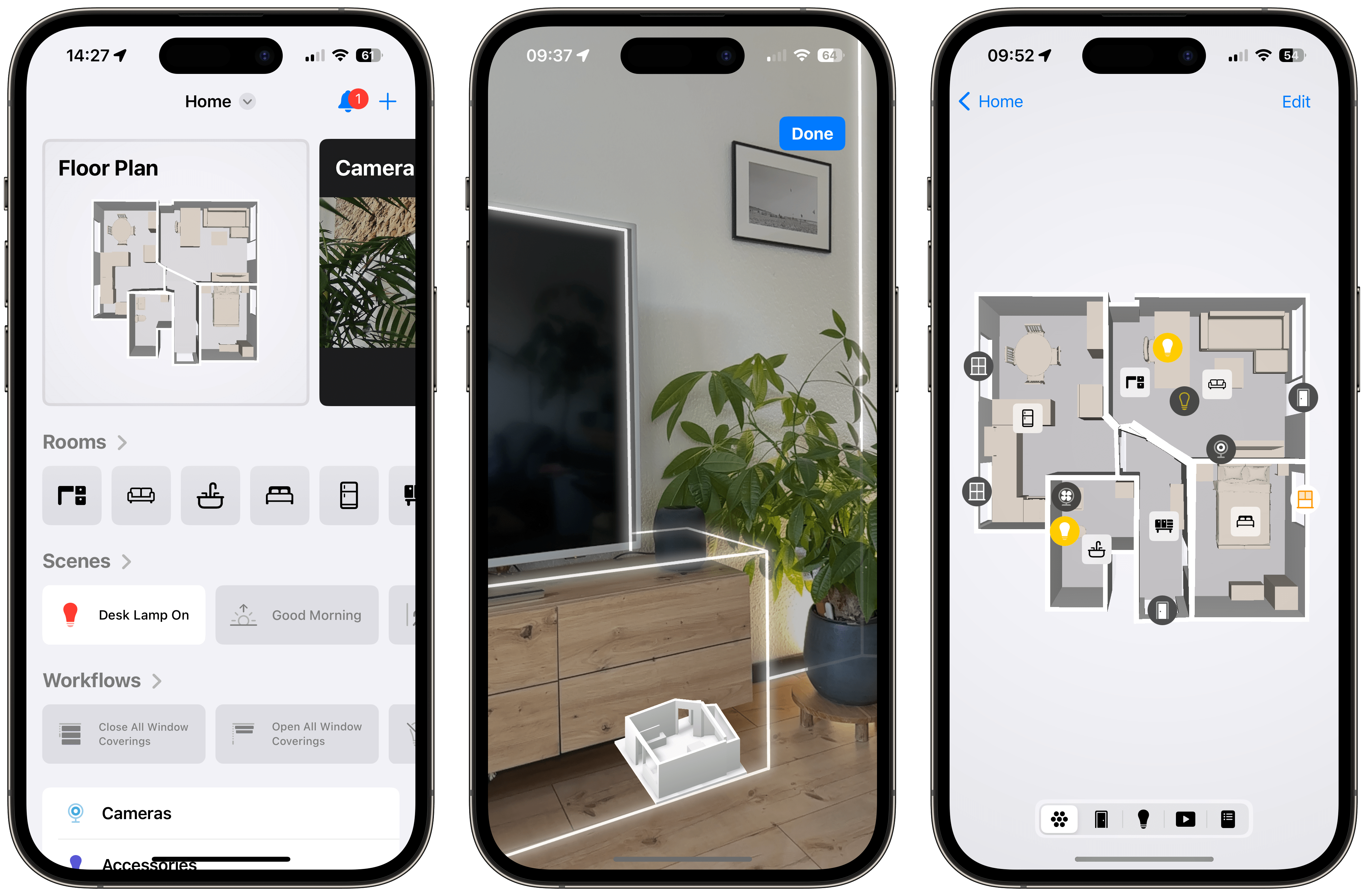
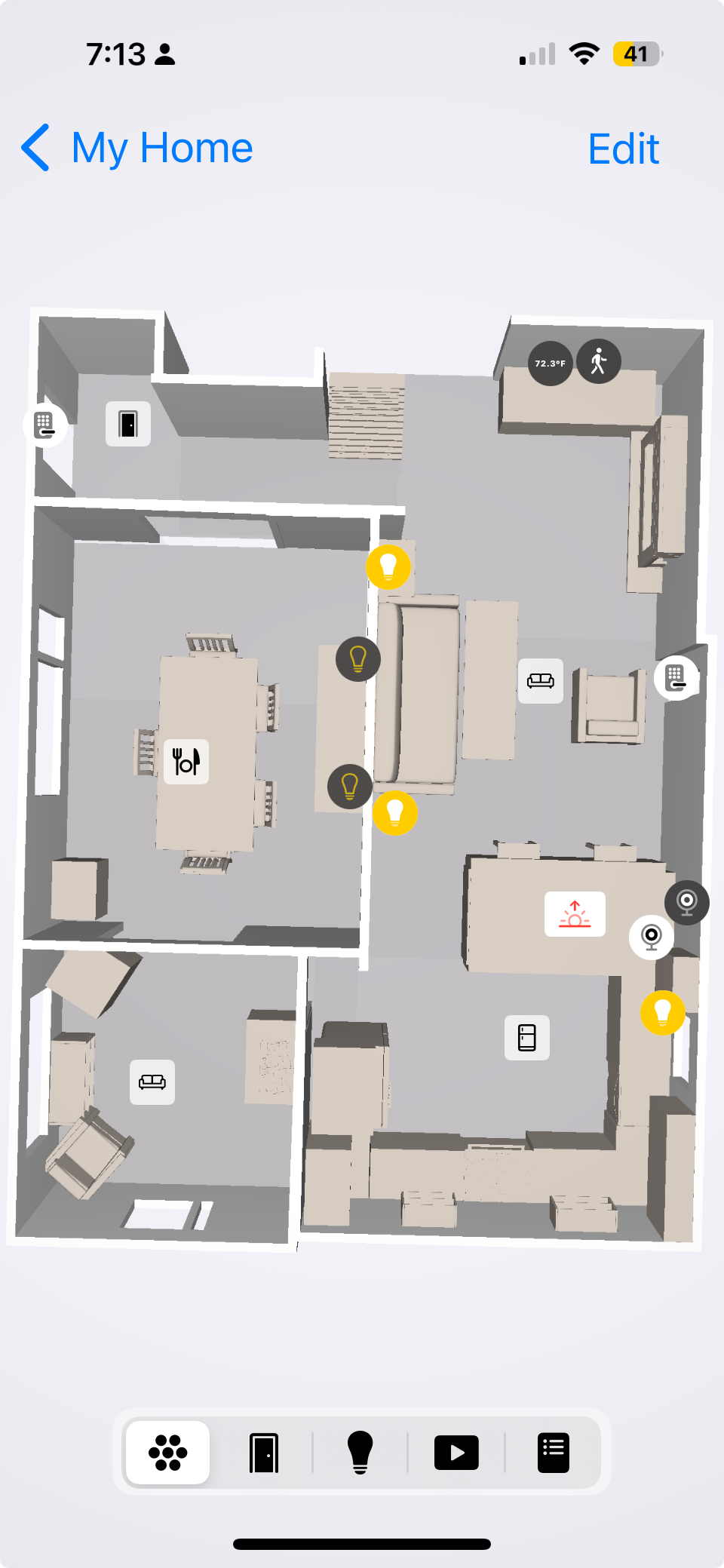
This app put my Apple Home smart devices into an interactive map