
1/6
5 Of The Best Measurement Apps On Android
This article highlights five of the best measurement apps available for Android devices, catering to a range of users from DIY enthusiasts to seasoned professionals. The apps offer solutions for accurate measurements without the need for physical tools or assistance, often leveraging augmented reality (AR) and other smartphone technologies.
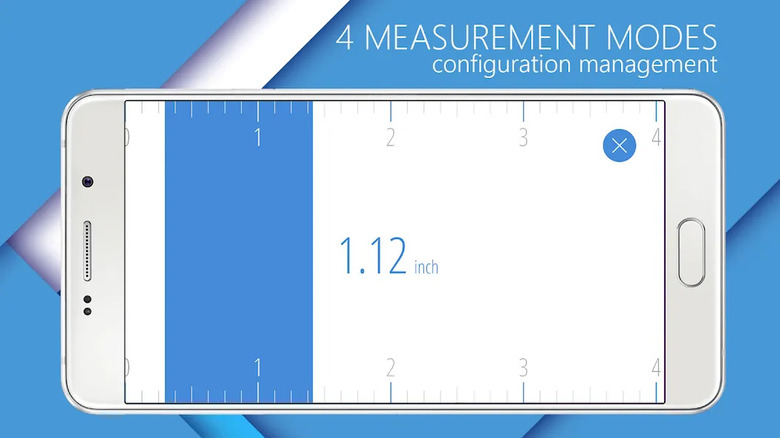
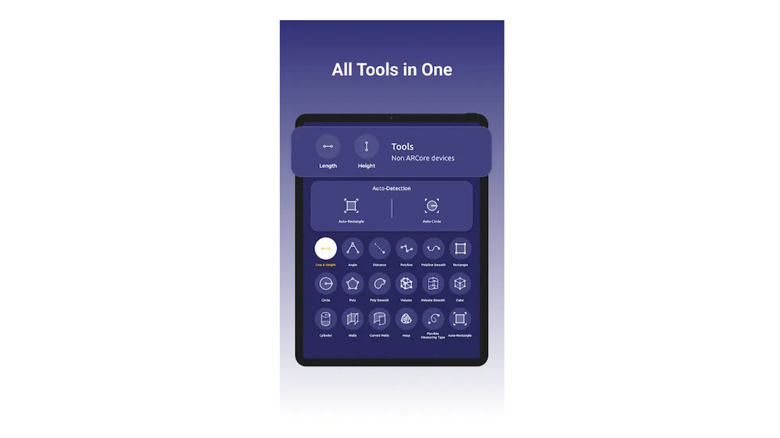
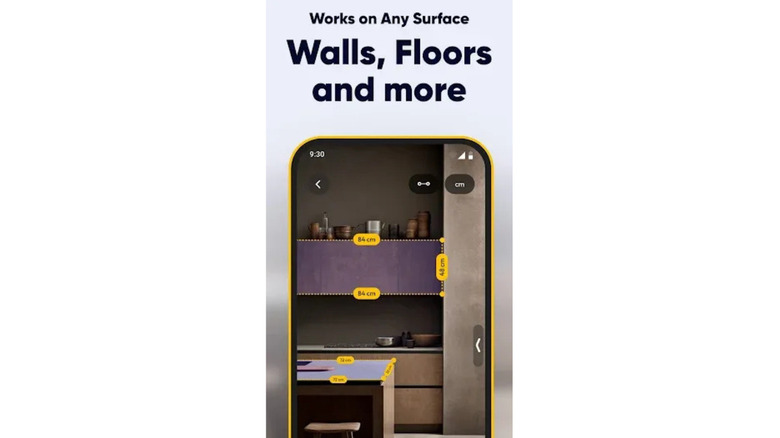
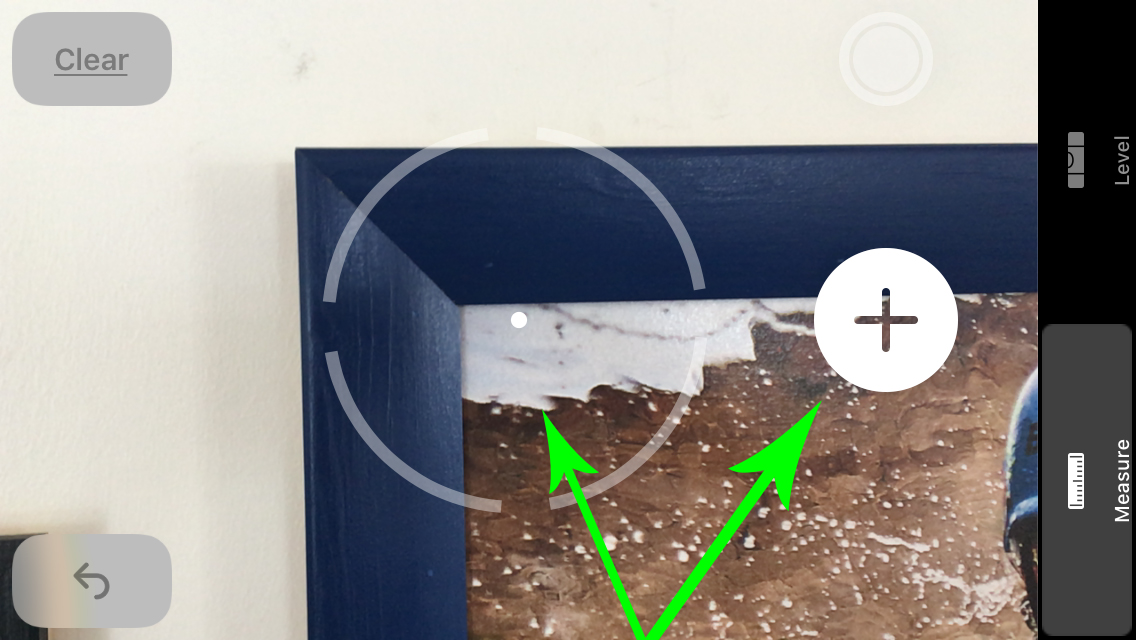
The first app discussed is the AR Ruler App, which transforms a smartphone's camera into a precision ruler. It measures lengths in various units, including centimeters, meters, millimeters, inches, feet, and yards. Beyond simple lengths, it excels in 3D measurements, including distances between objects and their corners, making it suitable for room measurements and home renovations. The app also features a volume scanner for irregular shapes and allows tracing paths in photos for length assessment. It can gauge the height of objects relative to recognized surfaces, useful for door frames and ceiling heights. While free to download, premium subscriptions offer advanced tools, unlimited projects, and an ad-free experience, requiring Google Play Services for AR for optimal performance.
Next is GPS Fields Area Measure, designed for accurately measuring land areas, distances, and perimeters. Its intuitive interface allows users to mark areas and distances on maps, a feature useful for evaluating plots of land or fields. The Smart Marker Mode ensures precise placement of measurement pins. Users can name, save, group, and edit measurements, and the app automatically measures distances using GPS data while walking or driving. It also facilitates sharing pinned areas or routes via auto-generated links, beneficial for collaborative projects, and includes a Point of Interest (POI) Feature to avoid obstacles. Various versions are available, including a PRO version for expanded functionality and an Ad-Free version, with compatibility for GARMIN GLO external GPS antennas.
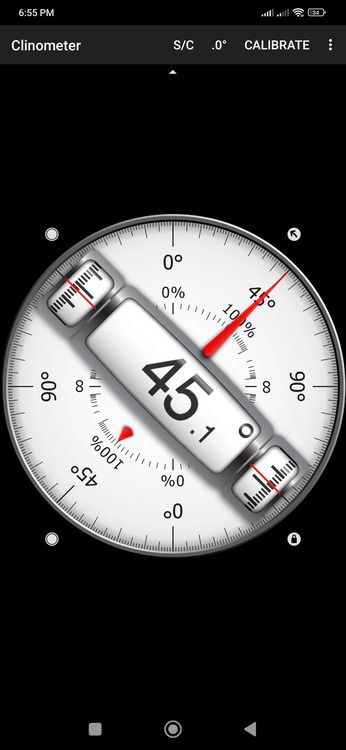
The Bubble Level app replicates traditional level meters, utilizing the smartphone's built-in sensors. It features a virtual tube to indicate surface angles and a bull's-eye level meter for aligning surfaces across a plane. This tool is versatile for tasks ranging from straightening home decor to setting up professional equipment, benefiting construction workers, carpenters, photographers, and campers. Calibration is simple, requiring the device to be placed on a level surface. The app is free with ads, and a Pro version is available for a fee. For best results, a phone cover that evens out the back or sides is recommended due to camera bumps.
AR Plan 3D is a specialized measurement app for Android, employing augmented reality and LiDAR scanner technology for precise room measurements. It allows users to virtually place a tape measure on real-world surfaces, measuring perimeters and heights in both metric and imperial units. The app can measure doors, windows, and flooring, automatically calculating values like perimeter, floor square footage, and wall square footage using LiDAR and camera sensors. It generates 2D side view floor plan sketches and allows saving and viewing floor plan measurements. AR Plan 3D is free to use with core features available without in-app purchases, despite some ads and interface limitations.
Finally, Quick Measure, developed by Samsung, leverages AR and camera technology for efficient measurement experiences. It has over 10 million downloads and integrates the DepthVision Camera for 3D measurement, human height measurement, and length measurement between specified points. Even without a specialized camera, it offers distance, area, and length measurement, utilizing trigonometry to calculate distances. The app boasts a user-friendly interface and is available for free on the Google Play Store, making it a practical and accessible choice for reliable measurements.
#AndroidApps #MeasurementTools #AugmentedReality #DIYProjects #HomeRenovation #LandMeasurement #LevelingTools #RoomPlanning #SmartphoneUtilities #AndroidApps #MeasurementTools #AugmentedReality #DIYProjects #HomeRenovation #LandMeasurement #LevelingTools #RoomPlanning #SmartphoneUtilities
 No comments yet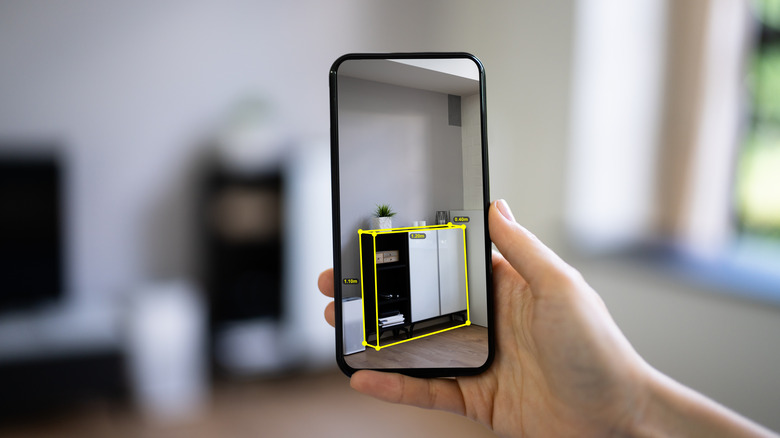
5 Of The Best Free Measurement Apps On Android

How I Turned My Android Phone Into an All-In-One Measuring Tool

Using Apple’s Measure App

8 Most Useful Android Apps for Architects

Best Paint-Matching Apps and Tools for iOS and Android Phones