1/6
5 Of The Best Free Measurement Apps On Android
Mobile measurement applications have become invaluable tools for various tasks, offering convenience when traditional measuring instruments are unavailable. These apps leverage smartphone cameras and sensors to provide measurements ranging from simple object dimensions to complex environmental analyses. While some smartphones, like iPhones and certain Android devices, include basic measurement features, dedicated apps often provide enhanced functionality and accuracy, making them suitable for diverse applications from home decoration to technical tasks.
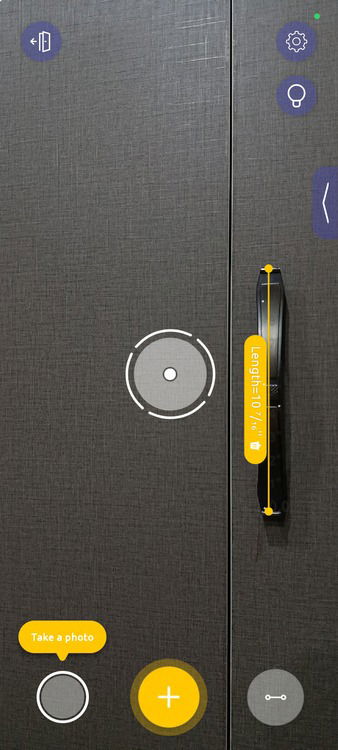
The article highlights five top free measurement apps available on Android, each serving a unique purpose. The 'Ruler' app by NixGame transforms a smartphone into a virtual ruler, ideal for measuring small objects directly on the screen. Its simplicity, user-friendliness, and high user ratings underscore its effectiveness for quick measurements. This app supports both metric and imperial units and includes a unit converter and a protractor for angle measurements, though the free version contains ads that can be removed with a paid upgrade.
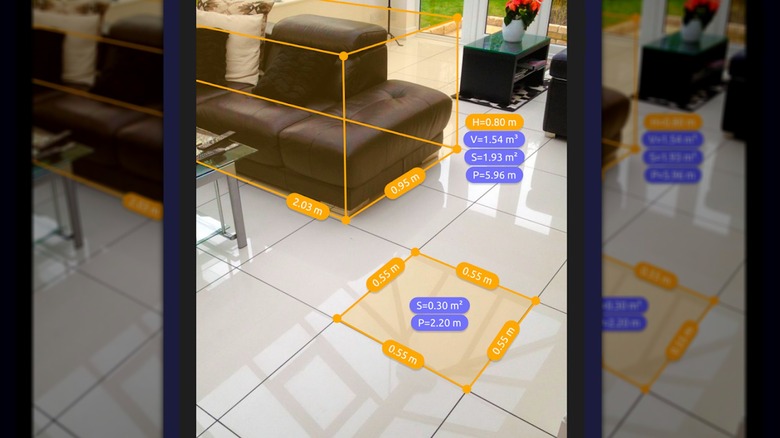
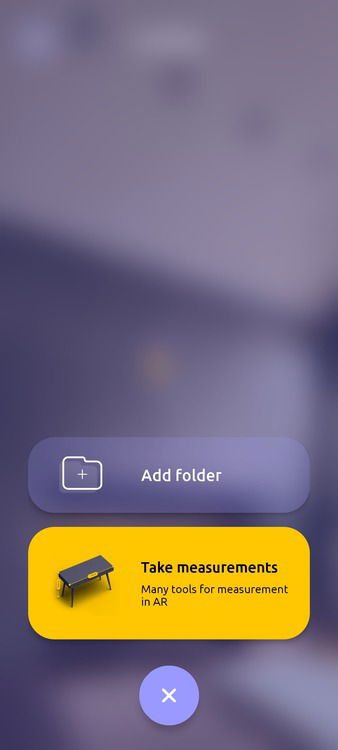
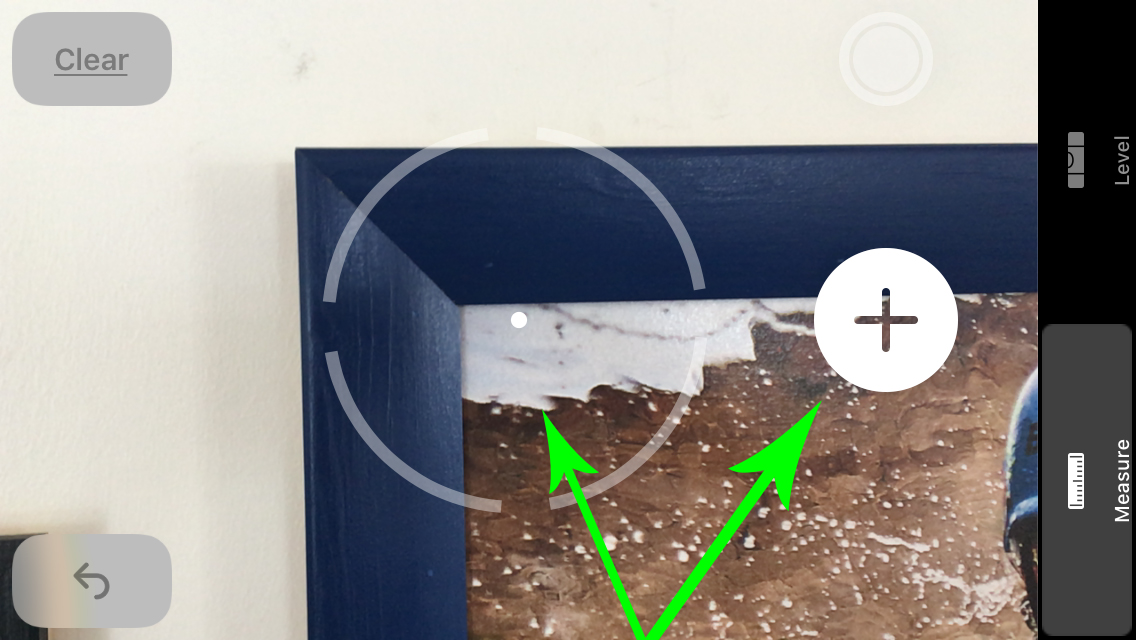
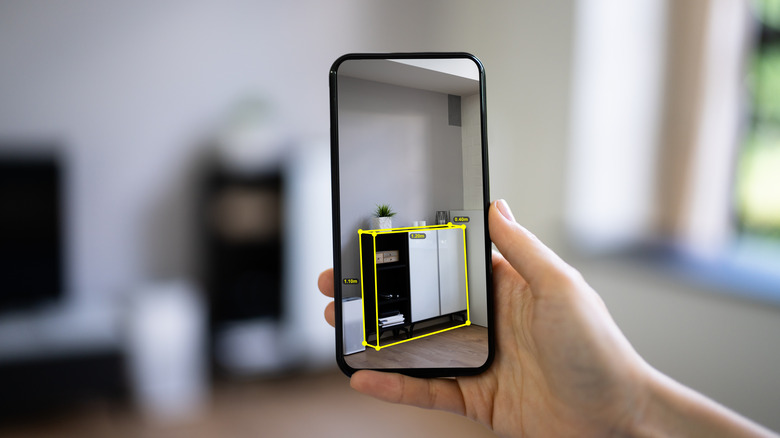
For more advanced augmented reality (AR) measurements, 'AR Ruler: Tape Measure Camera' utilizes Google's ARCore to measure distances, angles, areas, and volumes in real-world environments. Users can interact with the physical space by pointing their camera, tapping points for length, tracing surfaces for area, or even generating basic floor plans. While it offers practical accuracy for casual use and furniture arrangement, its full potential, including saving measurements and exporting floor plans, is unlocked via a subscription.
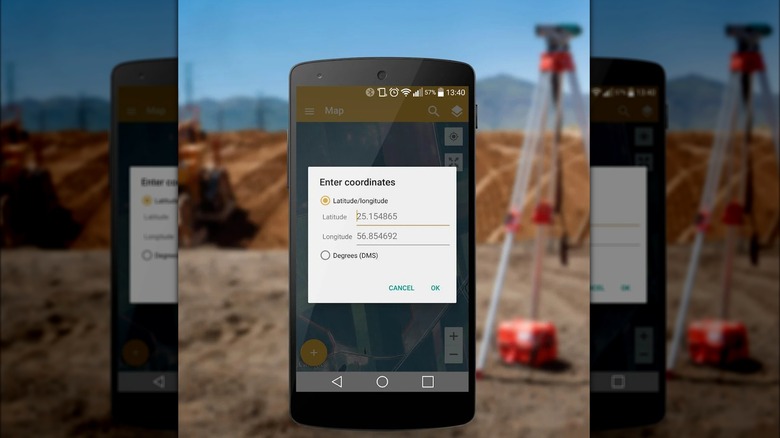
Another AR-based option, 'AR Measure Tape: SmartRuler' by Lascade, also employs the phone's camera for digital measurements. This app stands out with its versatility, allowing users to measure object heights, angles, and create floor plans by scanning rooms. It also includes a built-in compass, a virtual ruler, and a ring/finger size finder. Praised for its ease of use and reliability on well-lit, flat surfaces, it offers a robust set of features without ads in its free version, despite occasional measurement inconsistencies inherent to app-based tools.
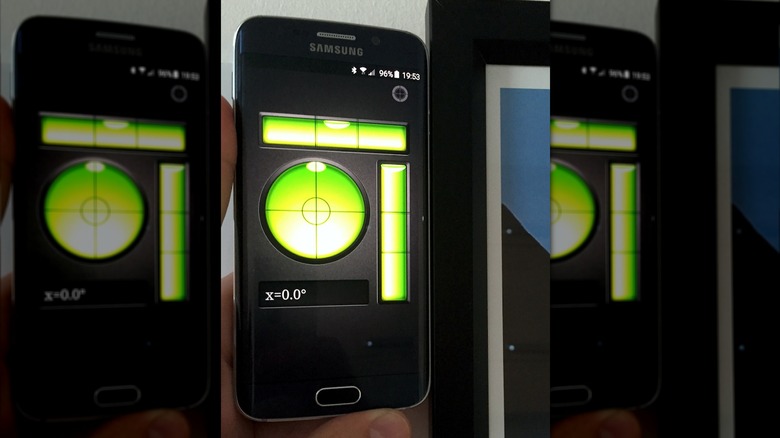
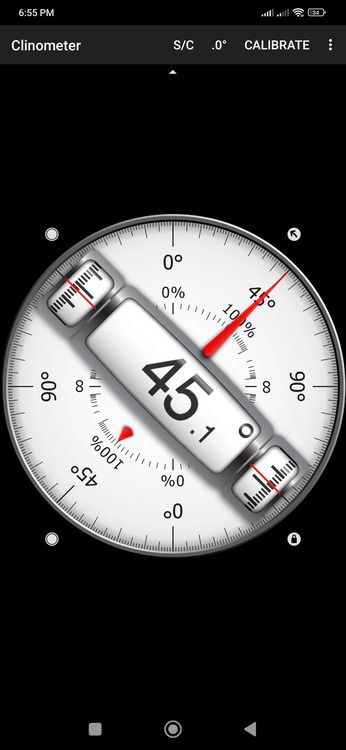
Moving beyond linear measurements, the 'Bubble level' app by PixelProse SARL provides a digital spirit level for measuring angles, slopes, and inclines. It is highly practical for tasks such as hanging pictures, setting up tripods, or leveling furniture. With extensive downloads and positive reviews, it allows users to calibrate all four sides of their phone for precise results and displays angles in various units, including degrees, inclination percentages, and roof pitch, making it adaptable for different projects.
Finally, the 'Sound meter: SPL & dB meter' app by KTWapps measures ambient noise levels in decibels (dB). This app uses the phone's microphone to provide real-time readings, including minimum, maximum, and average levels. While not a professional-grade SPL meter, it offers sufficient accuracy for everyday monitoring of sound environments. It presents live charts, tracks measurements over time, and includes reference values for common sounds, making it a valuable tool for monitoring noise exposure, especially given the rising concerns about hearing loss from environmental noise. These apps collectively demonstrate the broad utility of smartphones as versatile measurement devices, catering to various needs from basic DIY tasks to environmental monitoring.
#AndroidApps #MeasurementTools #AugmentedReality #SmartRuler #BubbleLevel #SoundMeter #HomeImprovement #DIYProjects #TechGadgets #AndroidApps #MeasurementTools #AugmentedReality #SmartRuler #BubbleLevel #SoundMeter #HomeImprovement #DIYProjects #TechGadgets
 No comments yet
5 Of The Best Measurement Apps On Android

How I Turned My Android Phone Into an All-In-One Measuring Tool

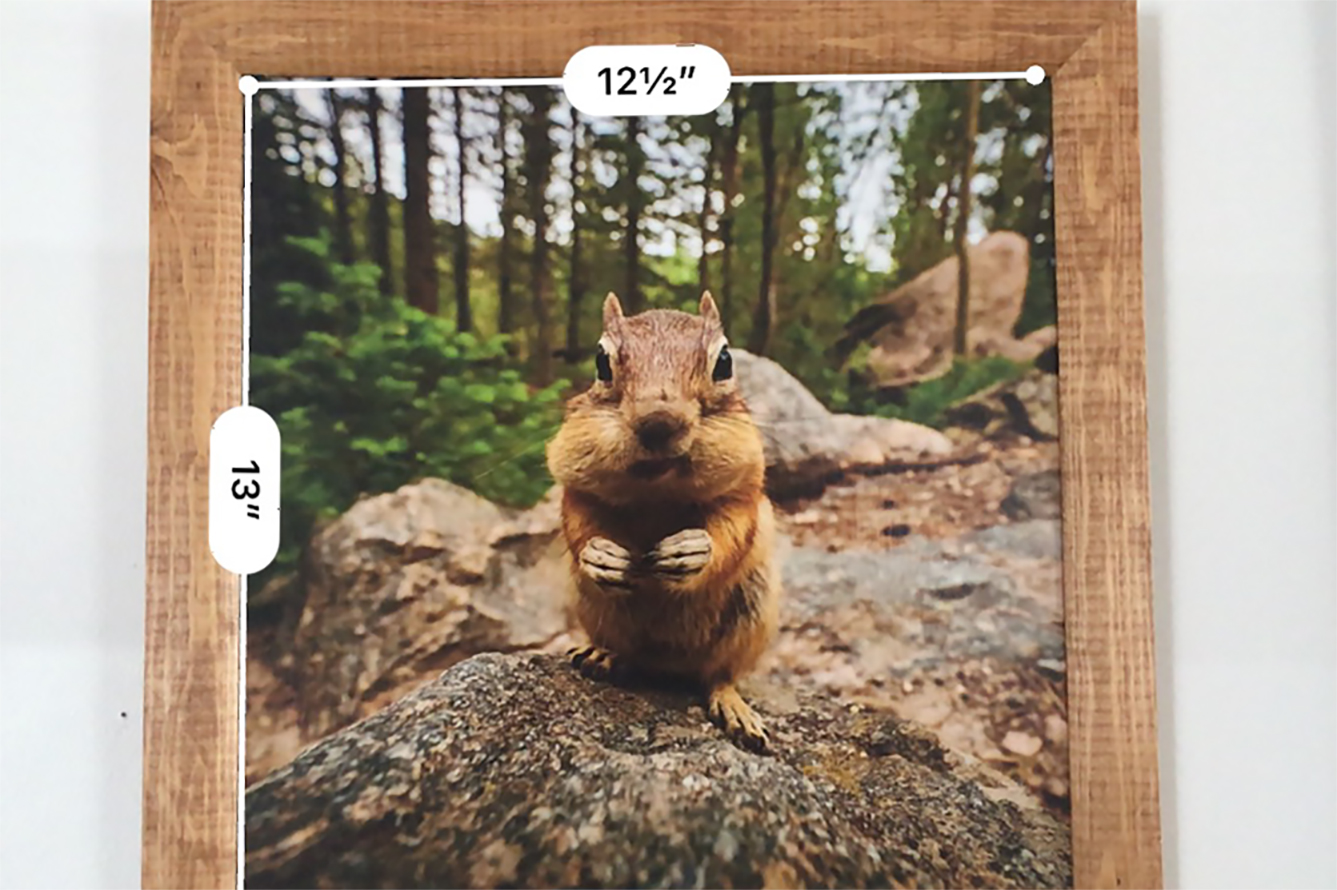
Using Apple’s Measure App