1/5
This app put my Apple Home smart devices into an interactive map
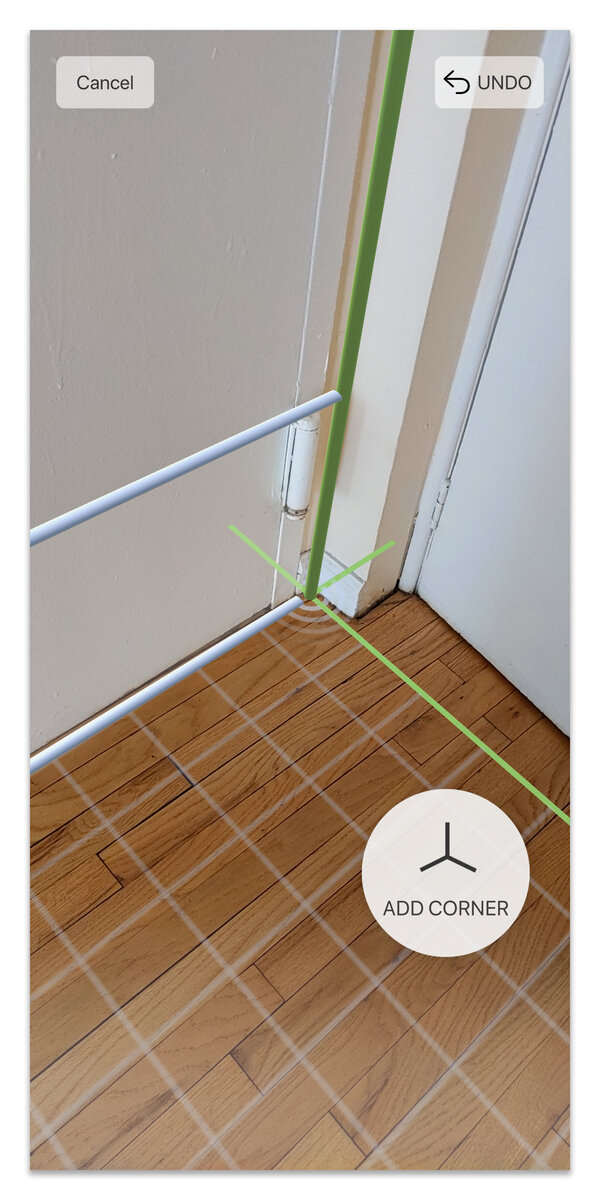
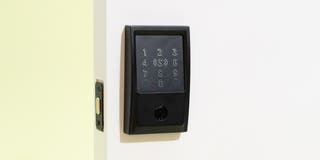
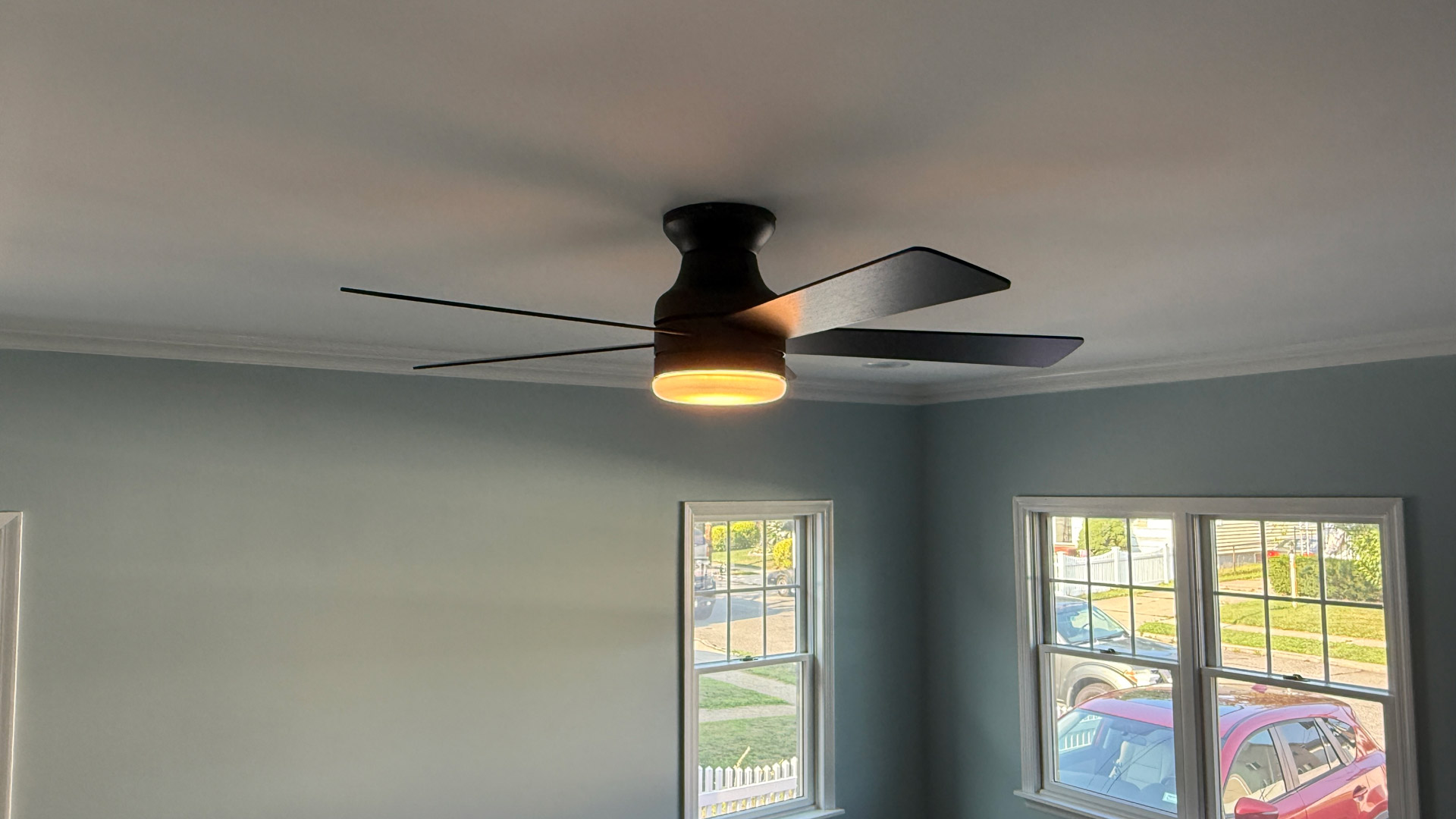
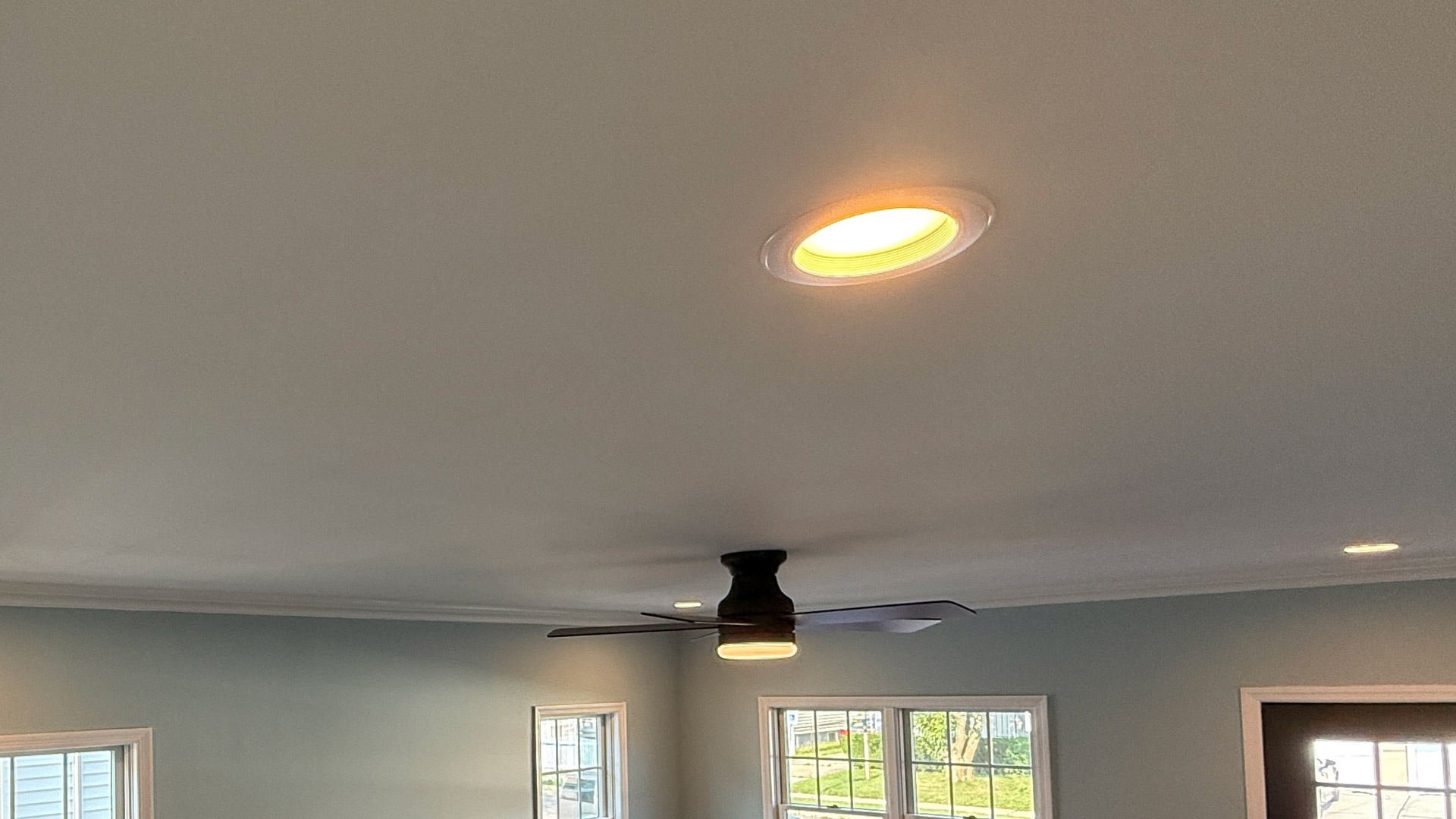
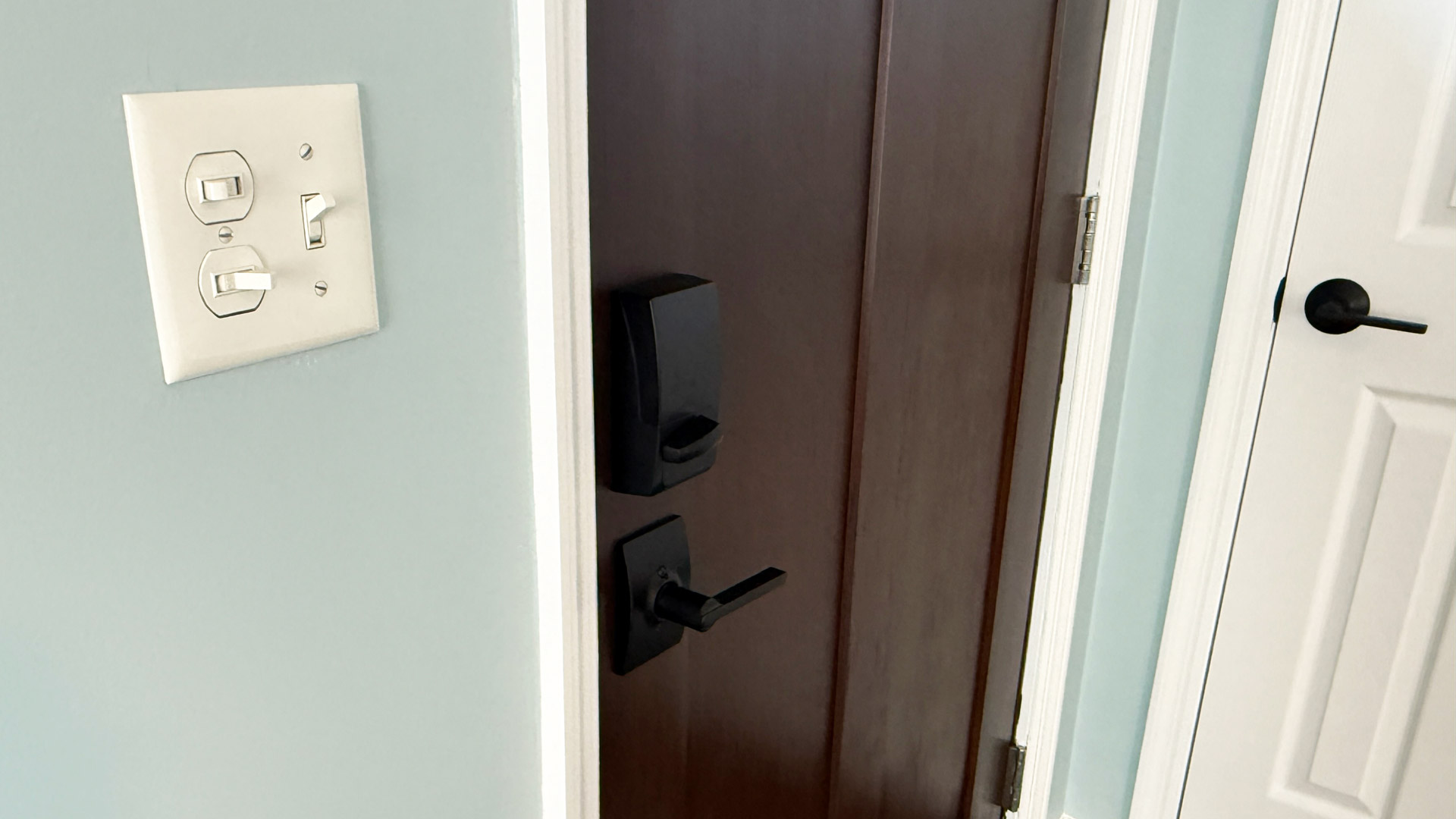
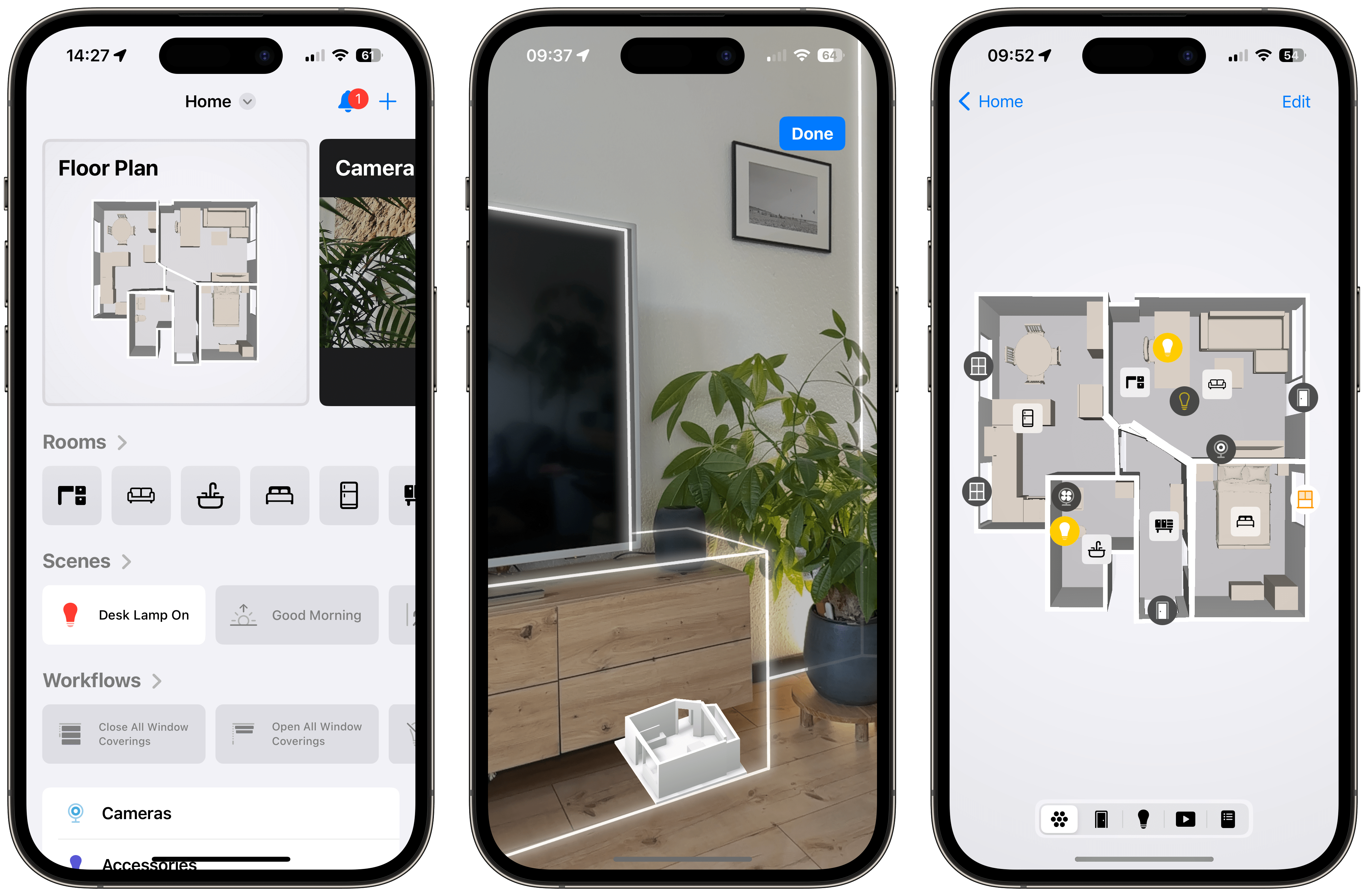
The third-party app Controller for HomeKit has launched a new Floor Plan feature, which provides an interactive, map-based interface for managing and controlling Apple Home smart devices. This feature, part of Controller for HomeKit version 7.0, allows users to visualize and control lights, locks, shades, cameras, sensors, and other compatible devices directly from a 3D floor plan of their home. The app uses Apple's RoomPlan, a Swift API that leverages the camera and LIDAR scanner on compatible iPhones and iPads (iPhone 12 Pro, iPad Pro 11 third-gen or newer, or iPad Pro 12.9 fifth-gen or newer) to create a detailed 3D scan of a user's home, including furniture, windows, doors, and dimensions.
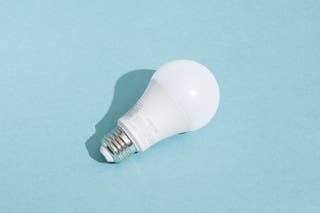
Setting up the Floor Plan involves scanning each room individually, a process that takes approximately 15 to 30 seconds per room, with larger areas like a downstairs taking about five minutes. The app then stitches these scans together to form a comprehensive floor plan. A key aspect of the feature is that all data processing for creating the floor plan occurs locally on the device, ensuring that photos and spatial data are not uploaded to the cloud, addressing privacy concerns. Once the floor plan is generated, users can easily drag and drop icons representing their HomeKit accessories onto the map, positioning them to reflect their real-world locations. This visual representation allows for intuitive control; for example, tapping a lamp icon on the map will turn the corresponding light on or off. Users can also integrate HomeKit scenes, enabling the control of multiple devices with a single tap from the map interface.
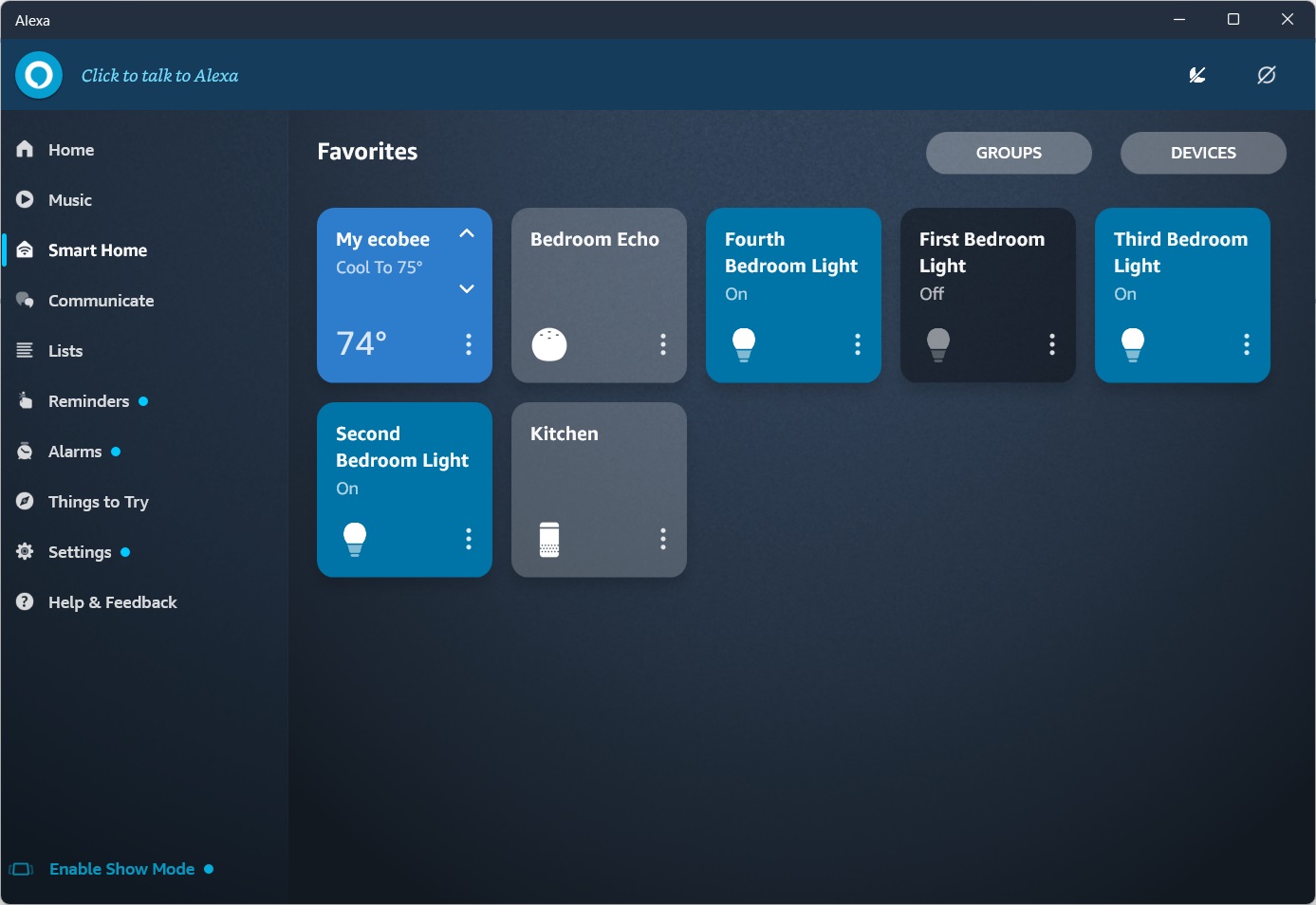
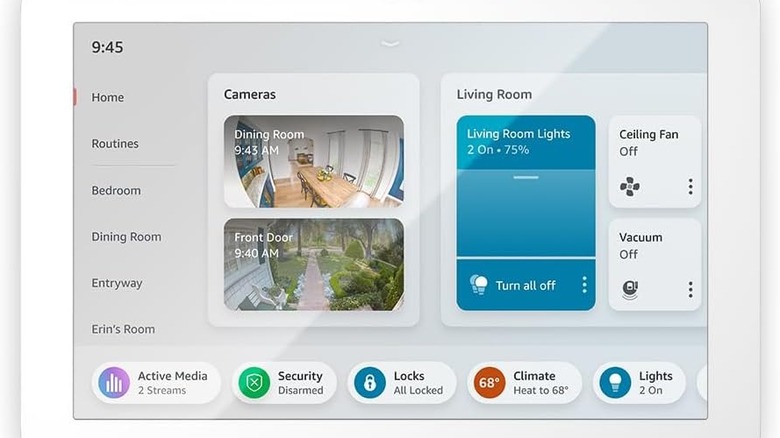
Controller for HomeKit is a well-established app that offers more advanced automation capabilities and notification options compared to Apple's native Home app. The Floor Plan feature is included in the paid Pro version of the app, which costs $29.99 for an annual subscription or $99.99 for a lifetime license, though a 7-day free trial is available. For users without a LIDAR-enabled device, an AppClip allows them to create a floor plan on a friend's compatible device and import it to their own. The adoption of map-based interfaces for smart home control is a growing trend, with Amazon Alexa and Samsung SmartThings having introduced similar features. This visual control method is seen as more intuitive than traditional voice commands or list-based app controls, making smart home management more accessible to all household members.
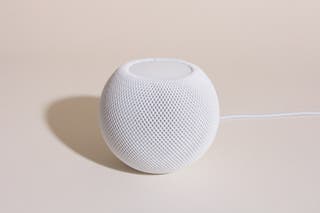
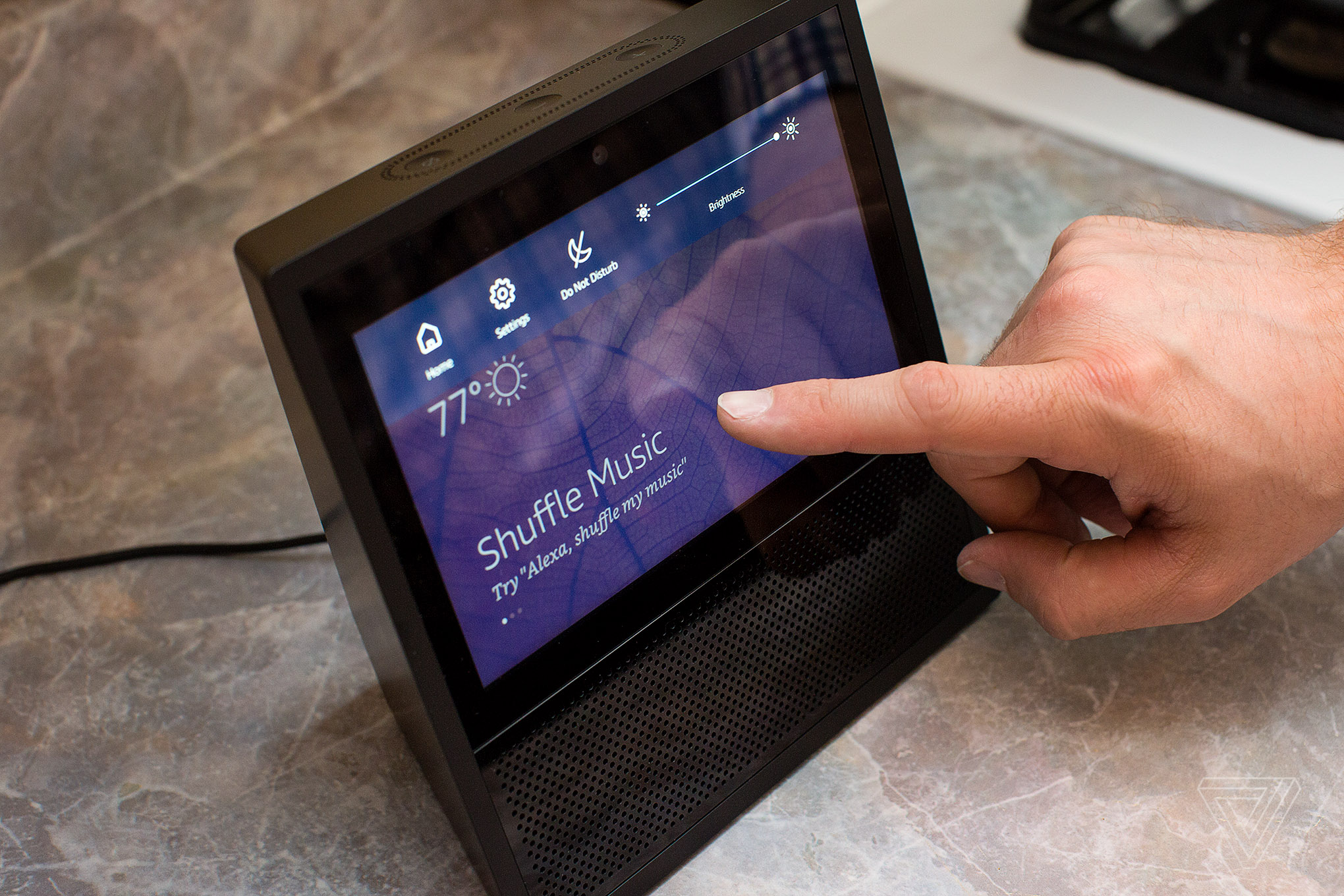
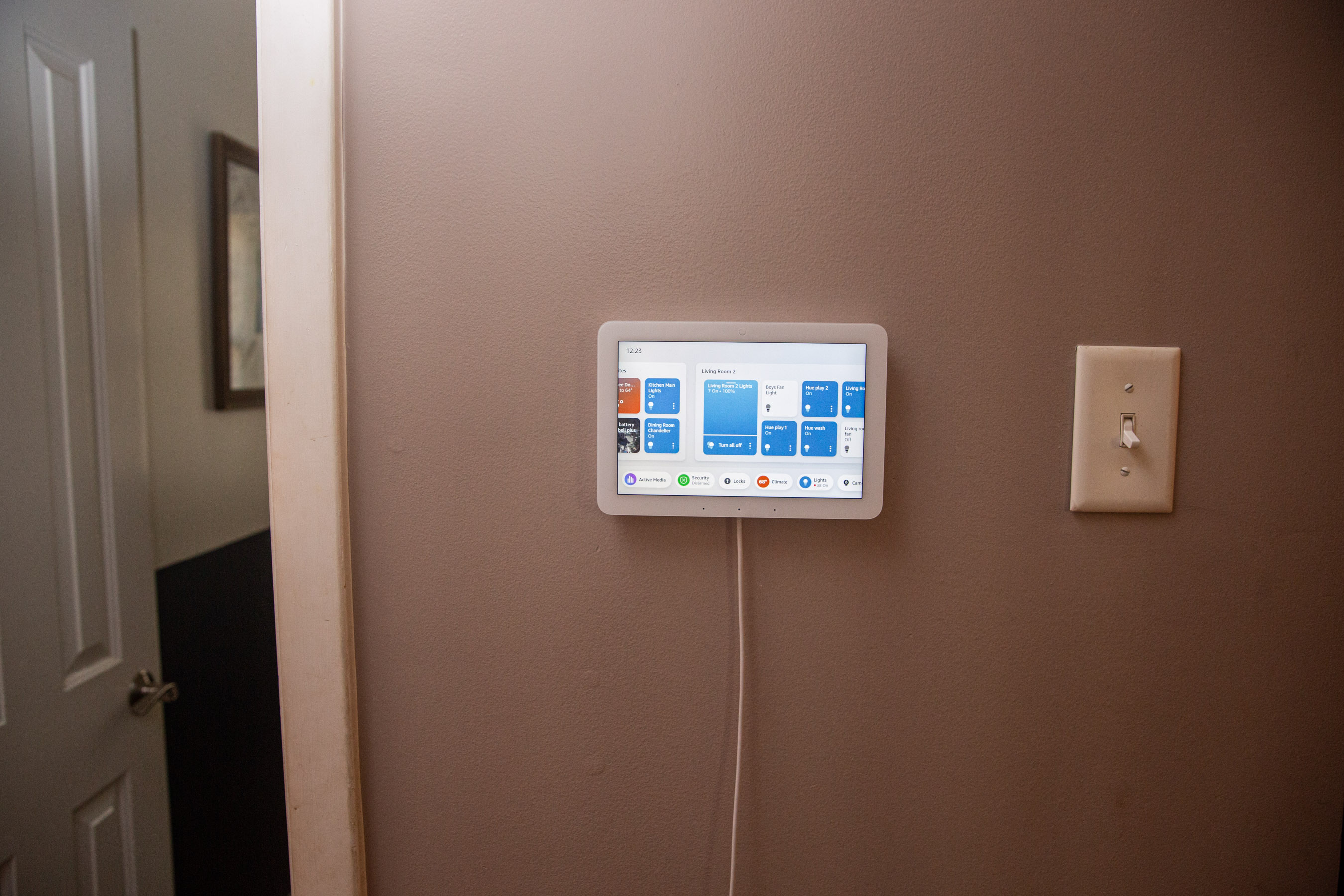
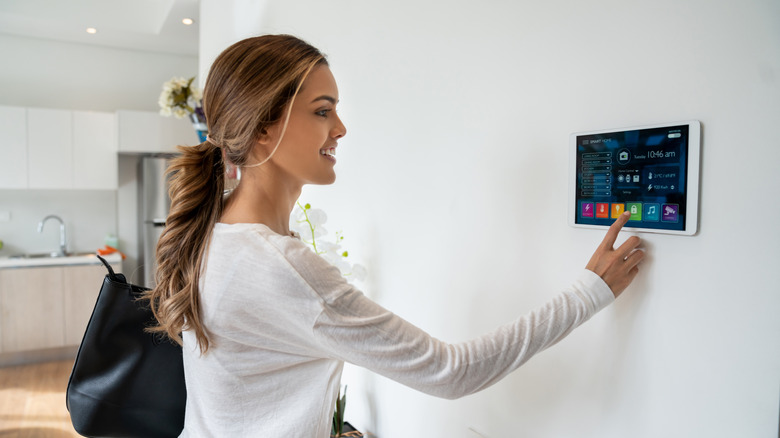
While the Floor Plan feature offers a streamlined way to interact with various devices, it currently has some limitations, such as not allowing the integration of HomePods directly into the map view for volume and playback control, unlike Amazon's Echo speakers in Alexa's map view. The article suggests that such map-based interfaces are ideally suited for communal large-screen devices, like wall-mounted iPads or smart displays. The author expresses a desire for Apple to integrate a similar floor plan or map view directly into its Home app and extend it to platforms like Apple TV, enhancing user experience through remote-based point-and-click control. This development marks a step towards more intuitive and visually engaging smart home management, moving beyond fragmented app controls and often clunky voice commands.
#AppleHome #SmartHome #HomeKit #FloorPlan #LIDARSensor #AppReviews #HomeAutomation #TechInnovation #iOSApp #AppleHome #SmartHome #HomeKit #FloorPlan #LIDARSensor #AppReviews #HomeAutomation #TechInnovation #iOSApp
0 comment in total
 No comments yet
You may also like

17 Best Smart Home Devices for Apple HomeKit and Siri in 2026 | Reviews by Wirecutter

Using Apple’s Measure App


The Best Smart Home Devices to Help Aging in Place
5 best AI interior design apps in 2024


17 Best Smart Home Devices for Apple HomeKit and Siri in 2025 | Reviews by Wirecutter

Is Lowe’s Style Studio for Apple Vision Pro the Future of Home Renovation?

The Best Google Home–Compatible Smart-Home Devices in 2026 | Reviews by Wirecutter
10 Storage and Organization Ideas For All of Your Devices

Apple’s first smart display needs to make the smart home just work


Next-Level Kitchen Design At Lowe’s With Free Apple Vision Pro Experience
Smart home technology still isn't good enough for my latest home upgrade project and this is a huge problem

Review: The Hearth Display Changed How I Manage My Family

How to add a new smart home device to the Apple Home app

If You’ve Turned Your Home Into an Airbnb, You Need Smart Devices
9 Of The Best Smart Screens & Smart Displays You Can Buy


Smart home hubs: what they are and why you need one
How to Decorate Your New Home Before You Move (Published 2021)

6 ways to control your smart home from your PC

Best Smart Home Devices of 2026: Home Upgrades for Anyone

5 best AI interior design apps in 2024