Review: C by GE Wire-Free Dimmer and Color Control Smart Switch
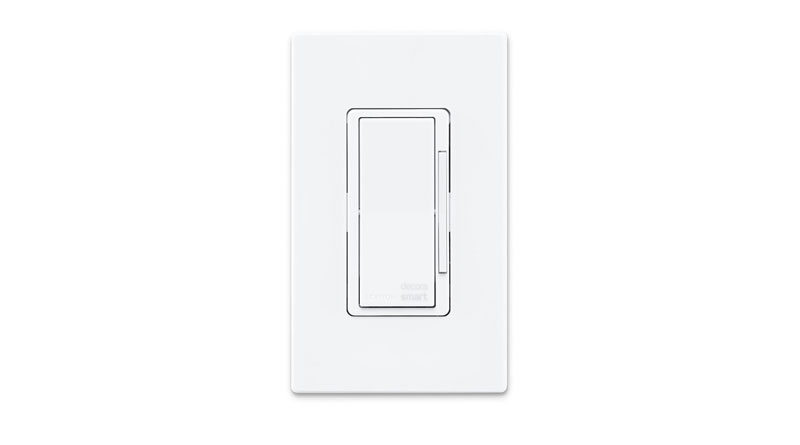
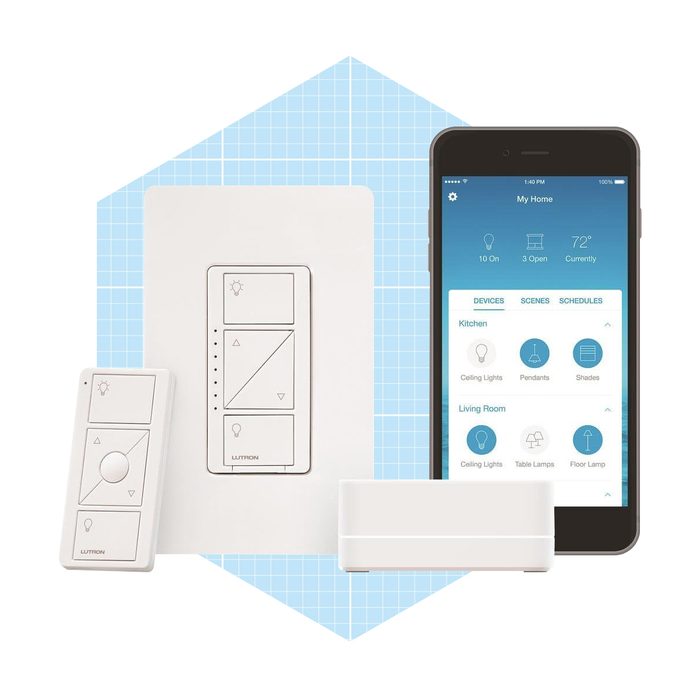
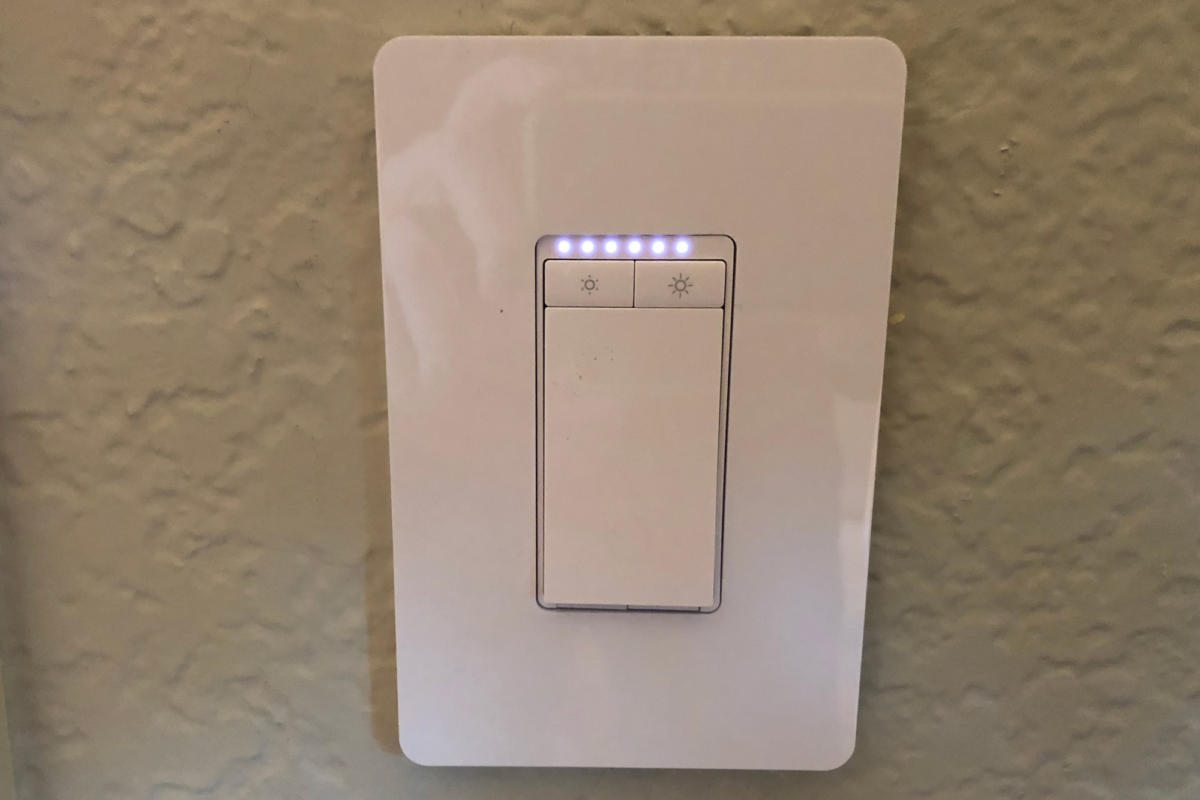
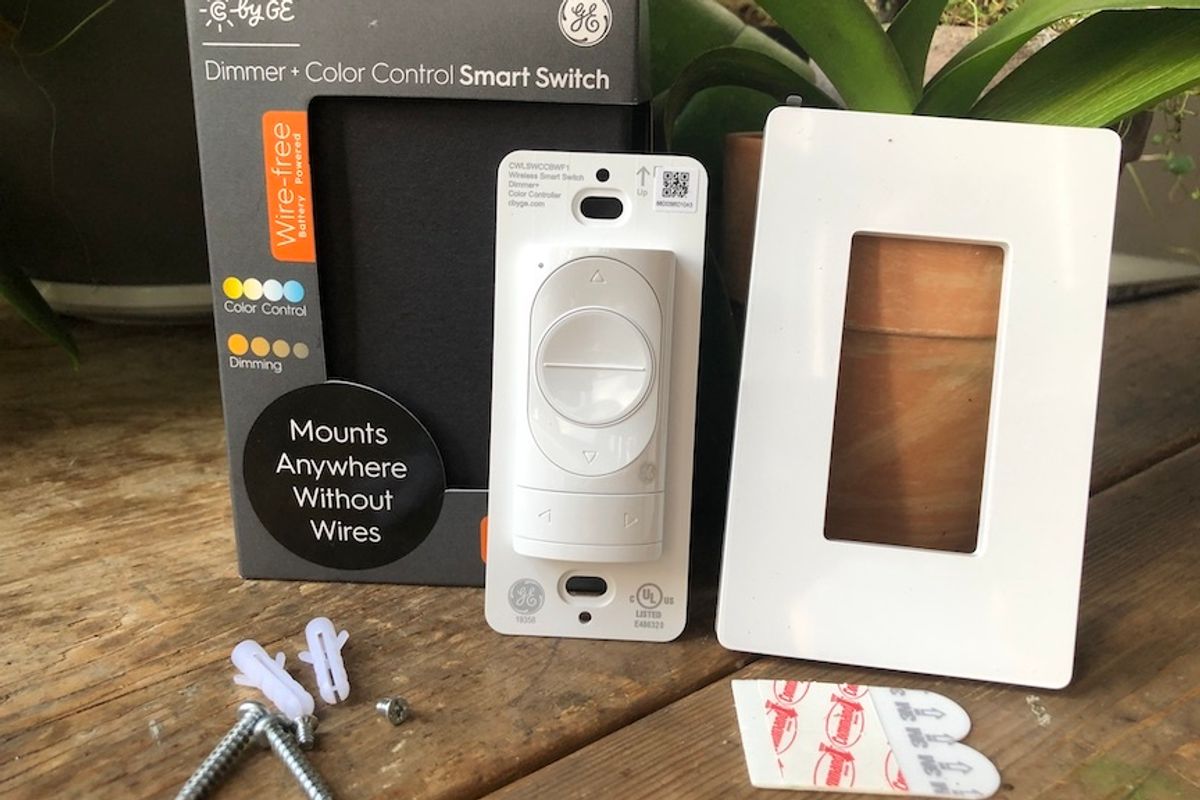
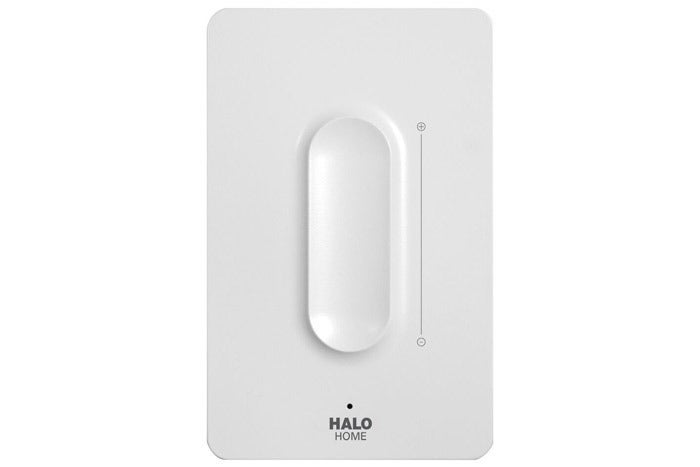
The C by GE Wire-Free Dimmer + Color Control Smart Switch offers a solution for integrating smart lighting control without the need for complex electrical wiring, a significant advantage for both homeowners and renters. This wireless smart switch is designed to work exclusively with C by GE smart bulbs, enabling users to turn lights on and off, dim and brighten them, and adjust color temperatures from warm to cool directly from the switch or its accompanying mobile application. The product, first introduced at CES 2020, comes with an instruction manual, two screws, two anchors, two 3M strips, and the switch itself, which consists of three parts: the switch, a plate, and a cover.
Installation of the C by GE Wire-Free Dimmer + Color Control Smart Switch is designed to be straightforward. For those who prefer not to drill into walls, the switch can be mounted using the included 3M strips, requiring a clean surface and firm pressure for proper adhesion. The device is battery-powered, with a pre-installed coin battery that typically lasts about two years, after which it can be easily replaced. To set up the switch, users must download the C by GE app, available on both iOS and Android platforms. Both the switch and the C by GE smart bulbs need to be added to the app and assigned to the same room for them to communicate effectively via Bluetooth. The switch itself does not require a Wi-Fi connection, relying on its Bluetooth capability to interact with the bulbs.
Key features of this smart switch include its ability to control light intensity (dimming and brightening) and adjust the white color temperature of compatible bulbs. A notable benefit is the elimination of re-wiring, which simplifies smart switch adoption for many users and makes it particularly appealing for renters or individuals in living situations where wall modifications are restricted. Unlike many smart devices, the C by GE switch does not require an additional hub, as it communicates directly with other C by GE devices through its dedicated app. Its wireless nature also allows for flexible placement anywhere in a room.
However, the C by GE Wire-Free Dimmer + Color Control Smart Switch has certain limitations. It is only compatible with C by GE smart bulbs, restricting its use within a broader smart home ecosystem. A significant drawback is its lack of integration with popular digital assistants like Alexa and Google Home. This means users cannot control the switch via voice commands, and, in some cases, may need to uninstall existing C by GE bulb integrations from these assistant platforms to ensure proper functioning within the C by GE app. The dimming mechanism, while functional, was noted to be somewhat slow, which is attributed to its Bluetooth connection. Additionally, changing color temperatures is a sequential process, and the switch does not support changing to a full spectrum of colors, only different shades of white. Despite these constraints, the product's affordability, priced at $23.36, and its drill-free installation method make it an attractive option for those seeking an accessible entry point into smart home lighting control without permanent alterations.
In conclusion, the C by GE Wire-Free Dimmer + Color Control Smart Switch addresses the common hurdle of complex installation associated with traditional smart switches, offering an easy-to-install, battery-powered solution. While its exclusive compatibility with C by GE bulbs and lack of voice assistant integration may limit its versatility in some smart home setups, its ability to provide basic smart lighting controls—on/off, dimming, and white temperature adjustments—without requiring electrical work makes it a viable option for users looking for a simple and non-invasive way to enhance their home's lighting experience.
#SmartHome #CbyGE #SmartSwitch #SmartLights #InteriorDesign #DigitalAssistants #WirelessSwitch #HomeAutomation #SmartHome #CbyGE #SmartSwitch #SmartLights #InteriorDesign #DigitalAssistants #WirelessSwitch #HomeAutomation
0 comment in total
 No comments yet
You may also like
Switchmate Smart Light Switch review

Jasco Enbrighten Z-Wave No-Neutral Smart Dimmer review: Way too quirky

These migraine-inducing GIFs will show you which LEDs to avoid

Our Favorite Smart Switches Add Convenient Hands-Free Controls to Any Light

Wemo Wi-Fi Smart Dimmer Light Switch review
Leviton Decora Smart Switch and Smart Dimmer (review)

Dimmer Switch and Smart Button get Natural Light Scene

RS Recommends: The Best Dimmer Switches for Studios and Every Room

Brilliant Smart Dimmer Switch review: A simple addition to a luxe smart home system
Enbrighten Plug-in Zigbee Smart Dimmer Review
The 8 Best Smart Light Switches and Dimmers of 2025

TP-Link Smart Wi-Fi Light Switch, Dimmer HS220 review: A solid competitor in the in-wall dimmer space
TreatLife Smart Light and Dimmer Switch Review
Review: Insteon Dimmer Switch is no ordinary light switch
ORVIBO Smart Dimmer Switch with Touchscreen review
Philips Hue Dimmer Switch (review)
iDevices Dimmer Switch and Wall Outlet review: Smart home control—no hub required
GE Smart Lighting review: ZigBee or Z-Wave? In-wall or plug-in?
The Best Smart Switches for Your Smart Home

Halo Home Anyplace Bluetooth Dimmer Switch review: It's not as good as the lights it's designed to control